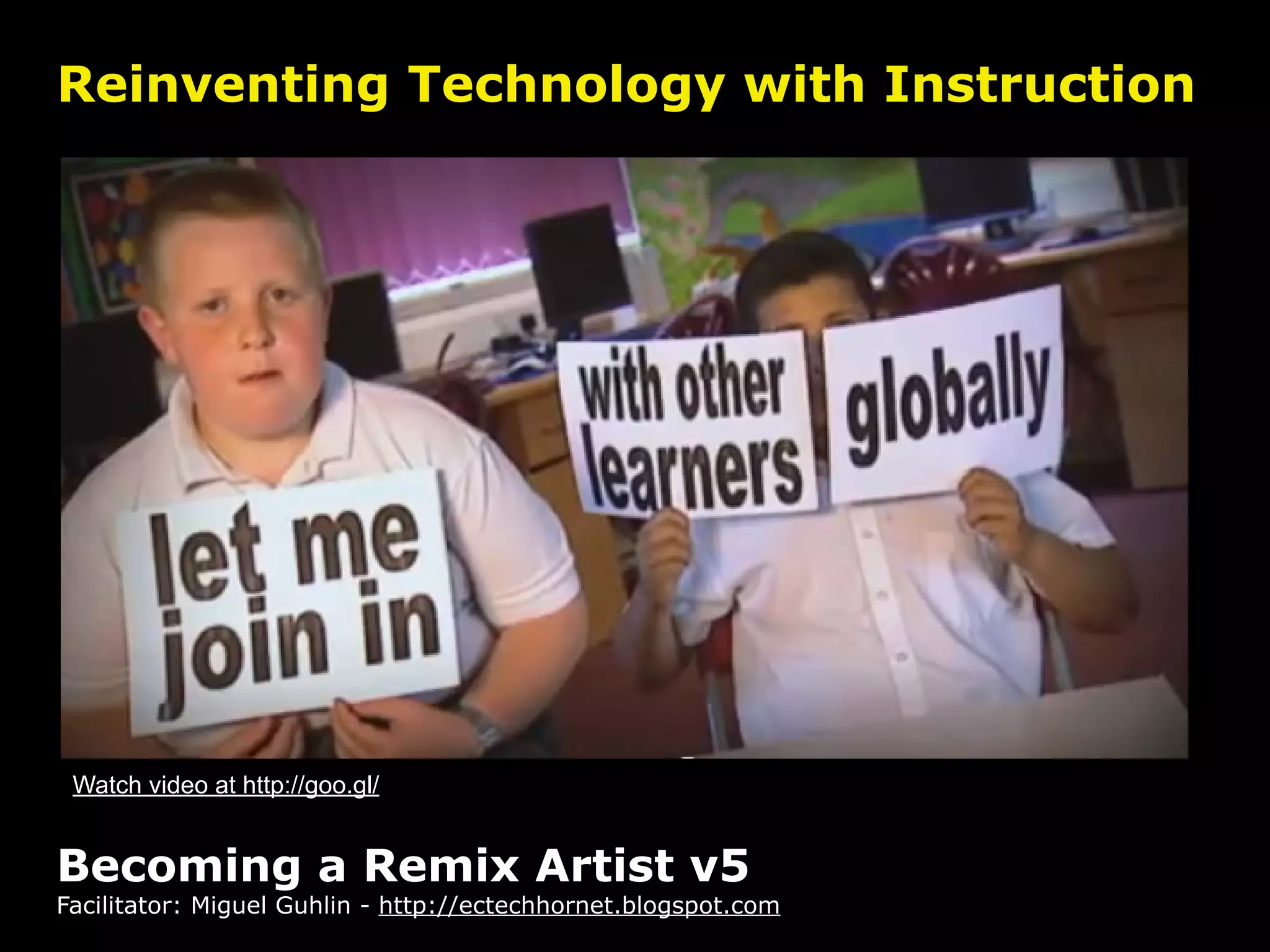
Reinventing Technology with Instruction


 Watch video at http://goo.gl/


Becoming a Remix Artist v5
Facilitator: Miguel Guhlin - http://ectechhornet.blogspot.com
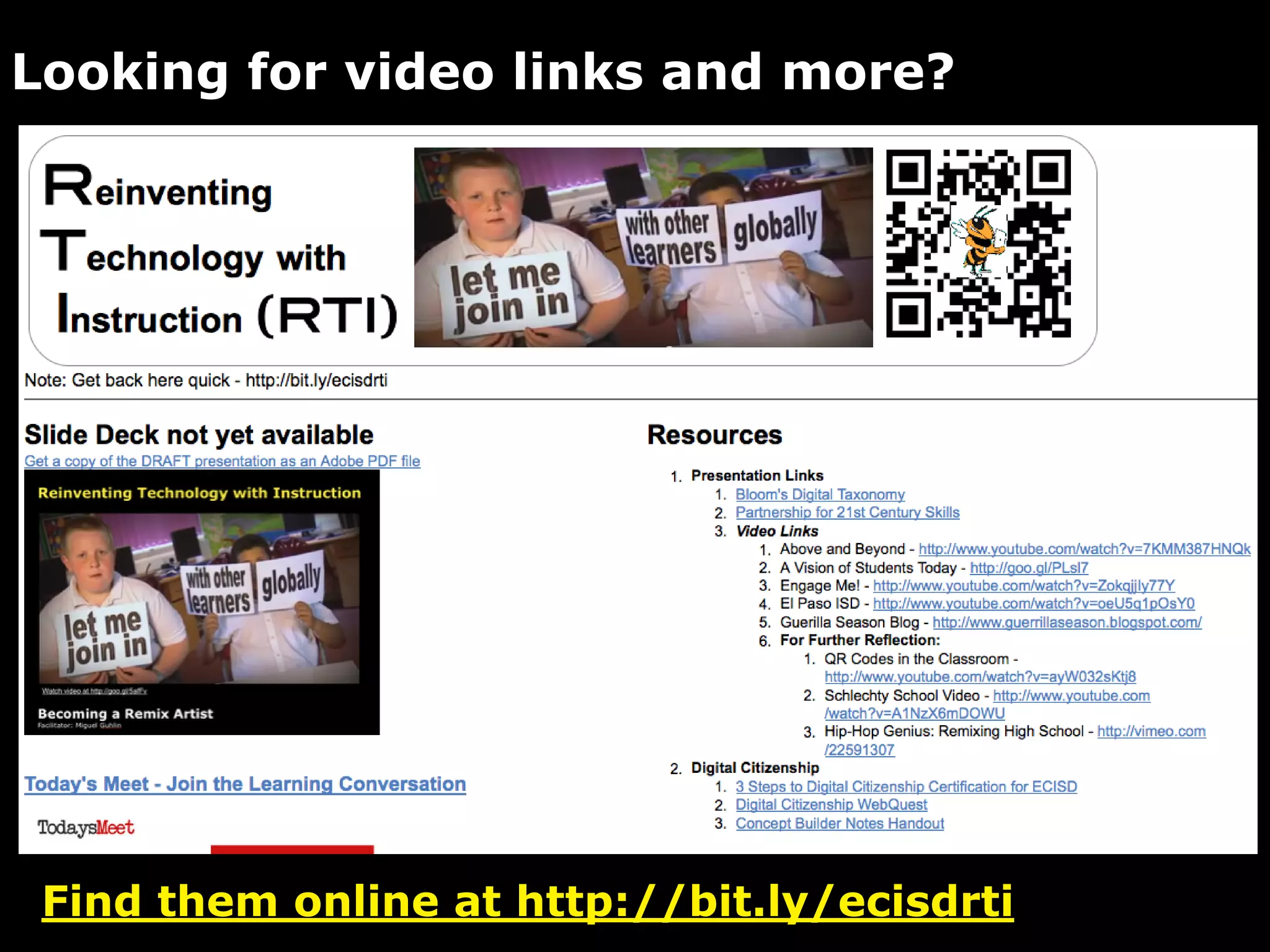
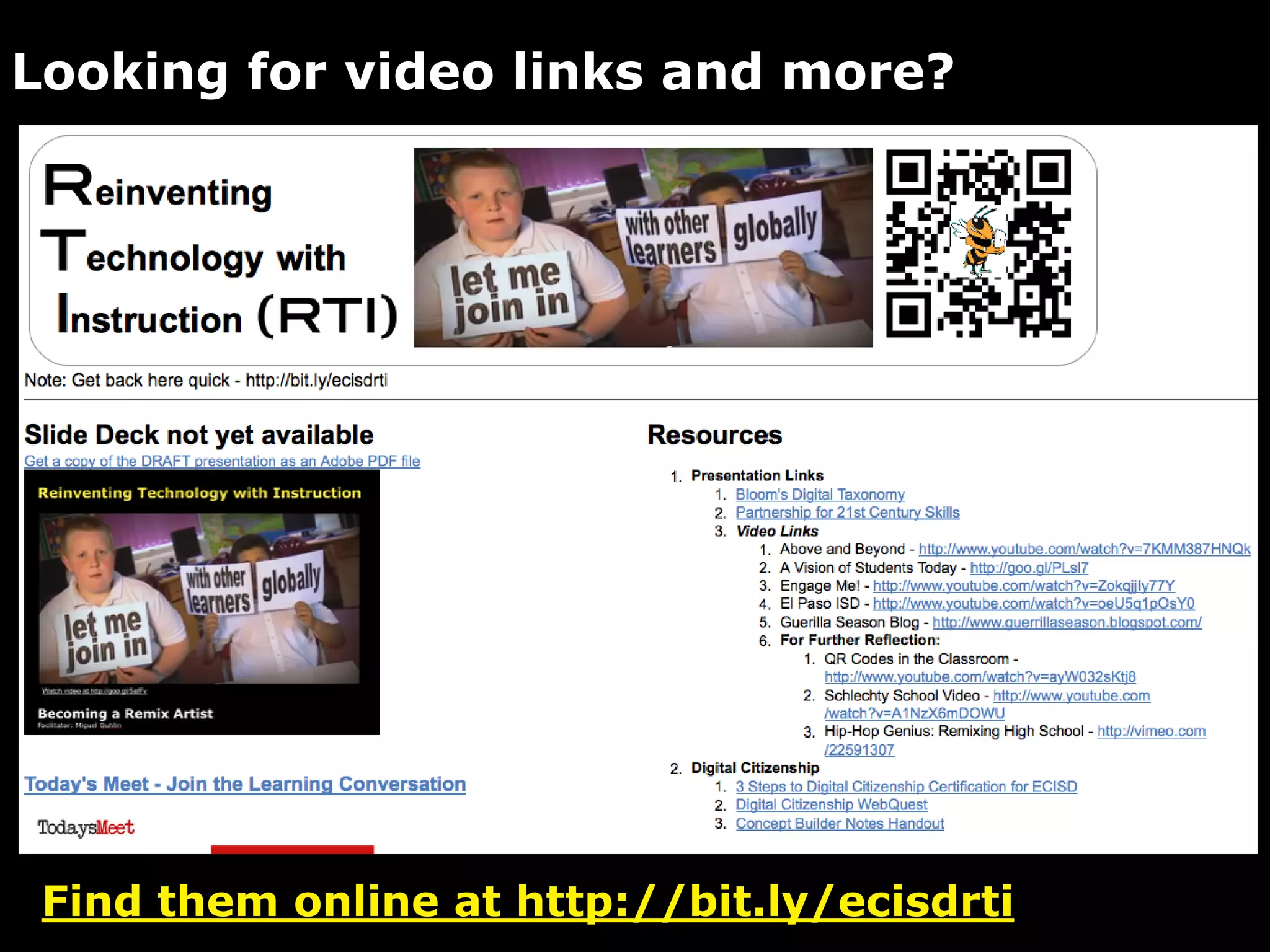
Looking for video links and more?


 Find them online at http://bit.ly/ecisdrti
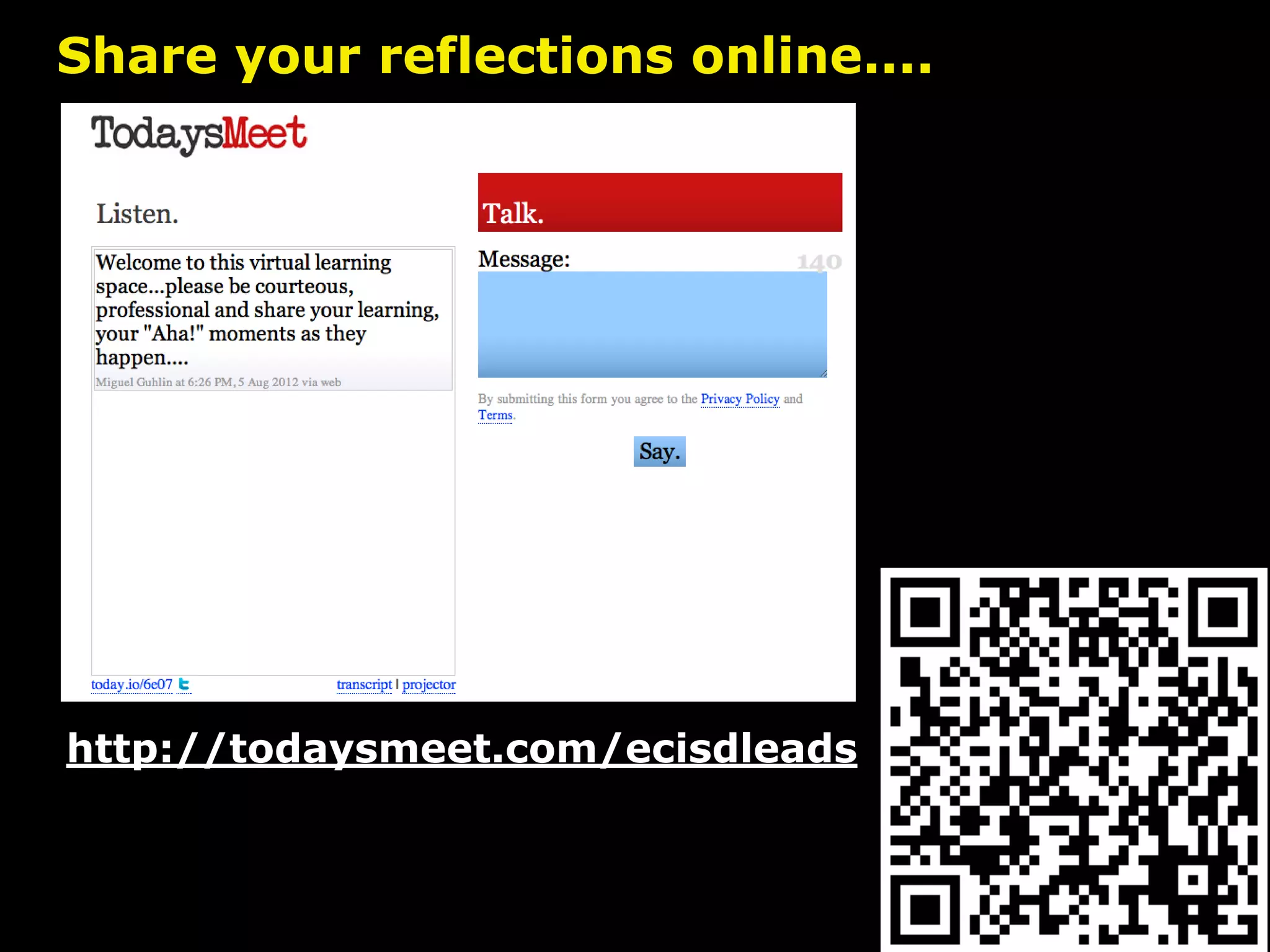
Share your reflections online....


http://todaysmeet.com/ecisdleads
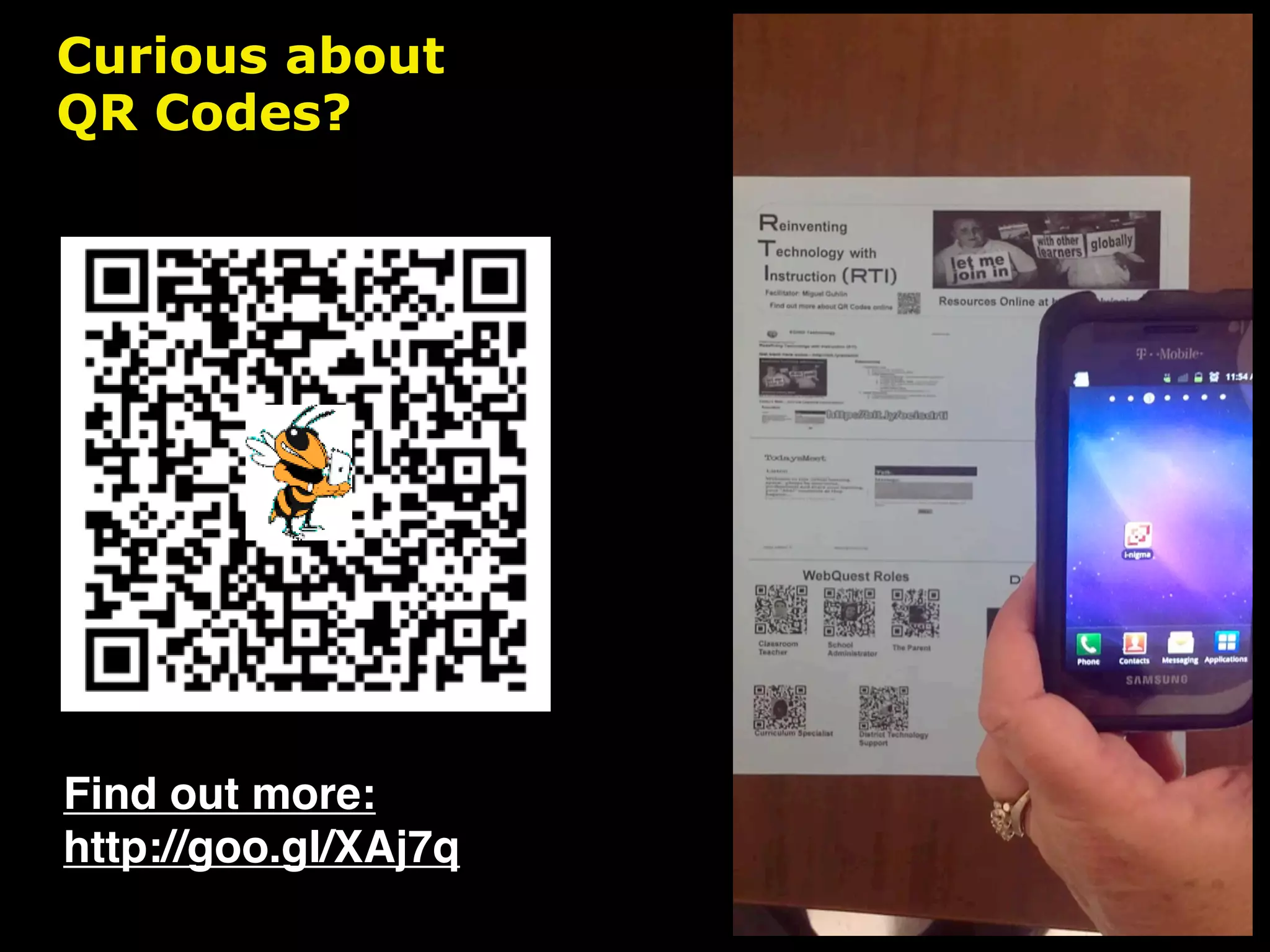
Curious about
QR Codes?


Find out more:
http://goo.gl/XAj7q
Image Source: http://goo.gl/


        ???s
to ponder...what’s ahead
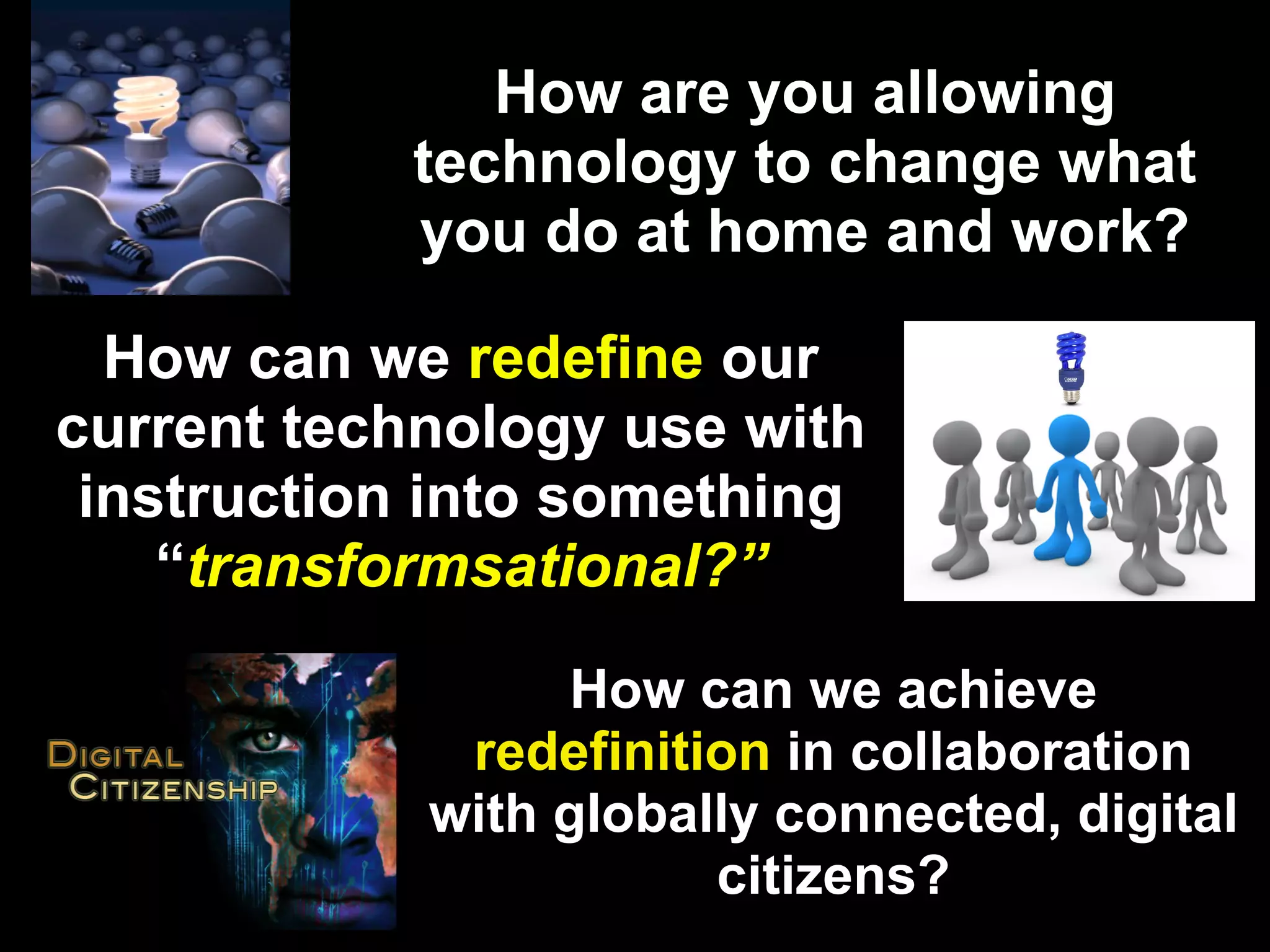
How are you allowing
           technology to change what
           you do at home and work?

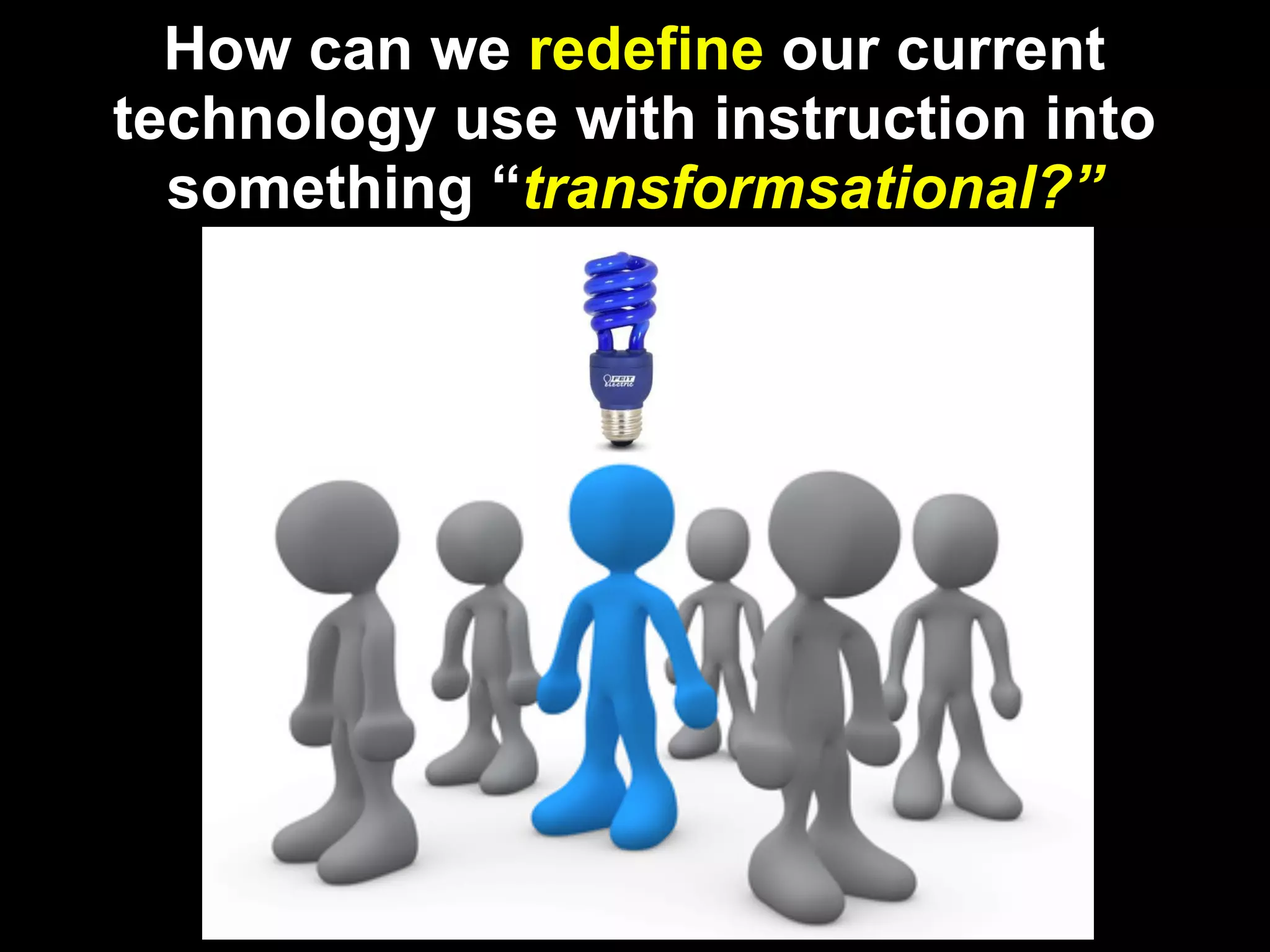
  How can we redefine our
current technology use with
 instruction into something
    “transformsational?”

                 How can we achieve
             redefinition in collaboration
            with globally connected, digital
                       citizens?
simple
questions, right?
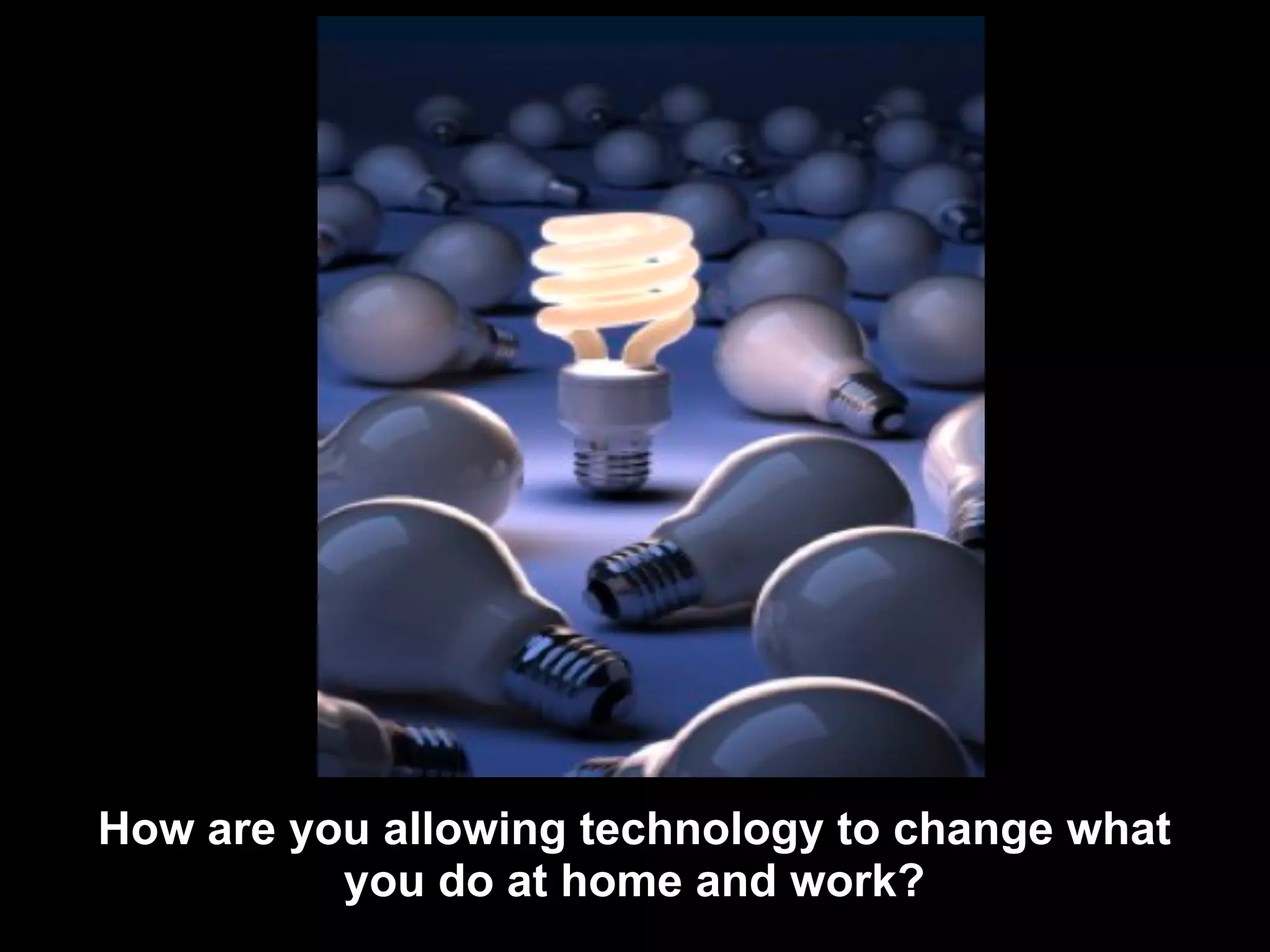
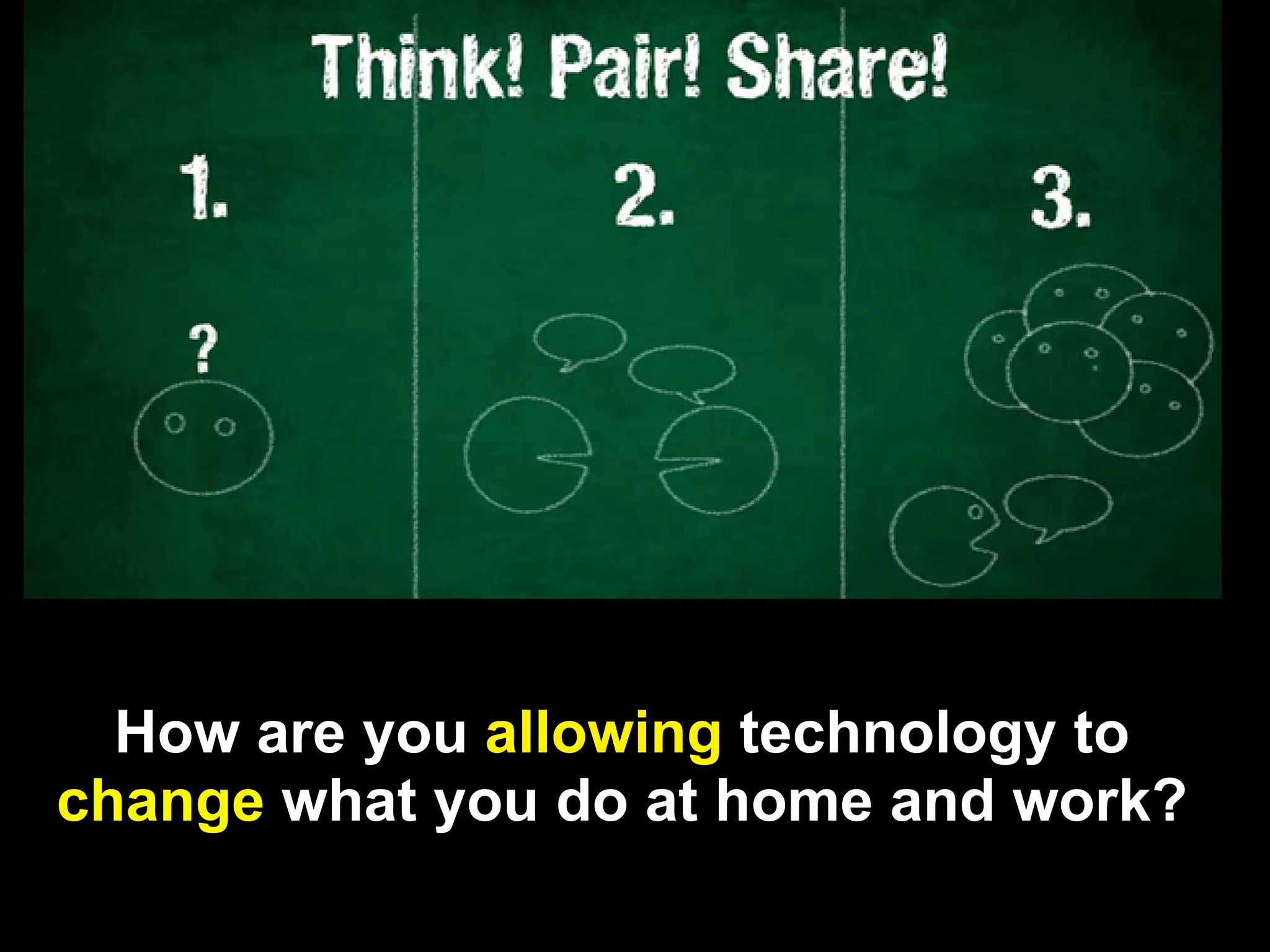
How are you allowing technology to change what
          you do at home and work?
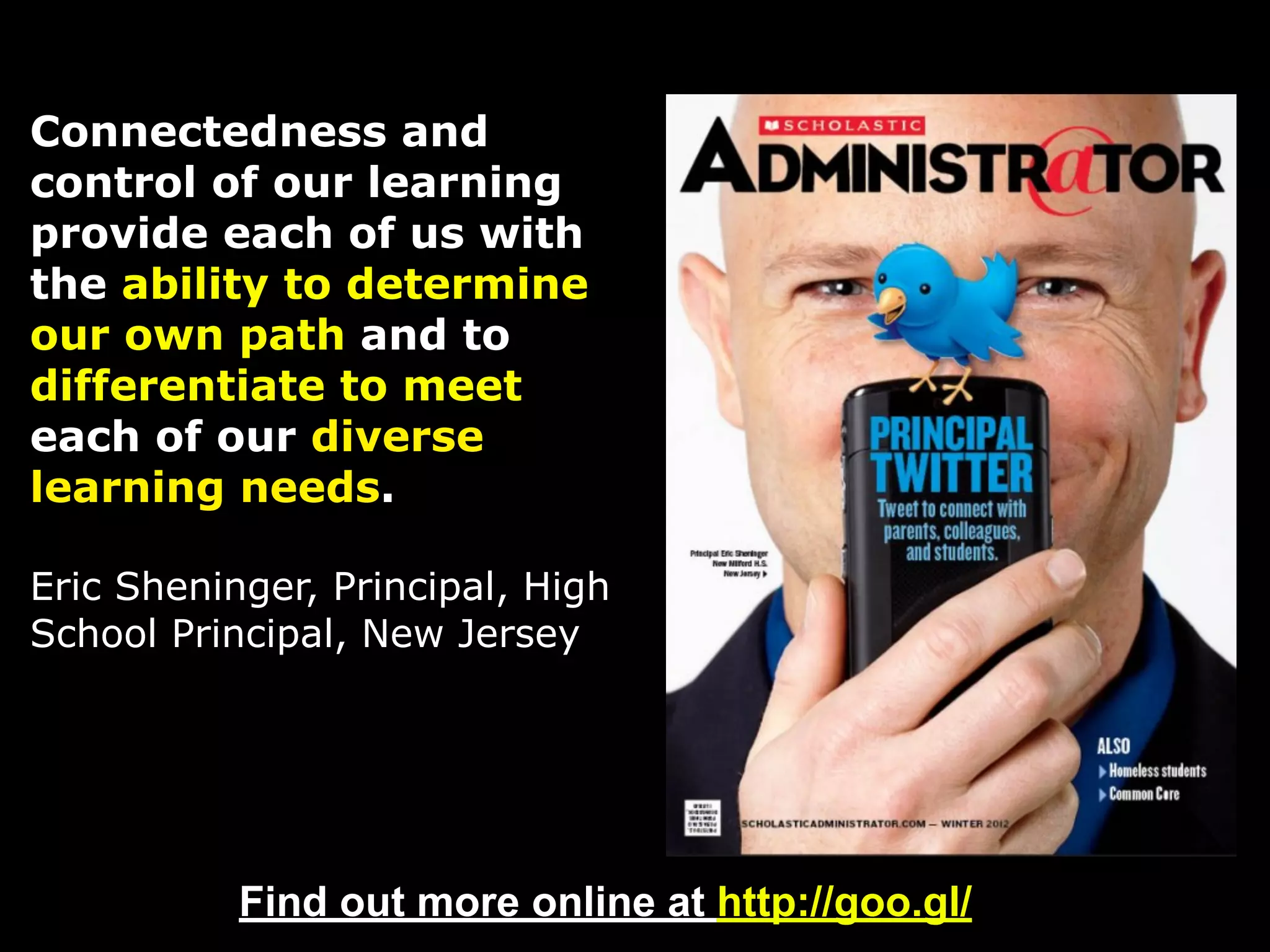
Connectedness and
control of our learning
provide each of us with
the ability to determine
our own path and to
differentiate to meet
each of our diverse
learning needs.

Eric Sheninger, Principal, High
School Principal, New Jersey


           Find out more online at http://goo.gl/
                                           Source: http://goo.gl/
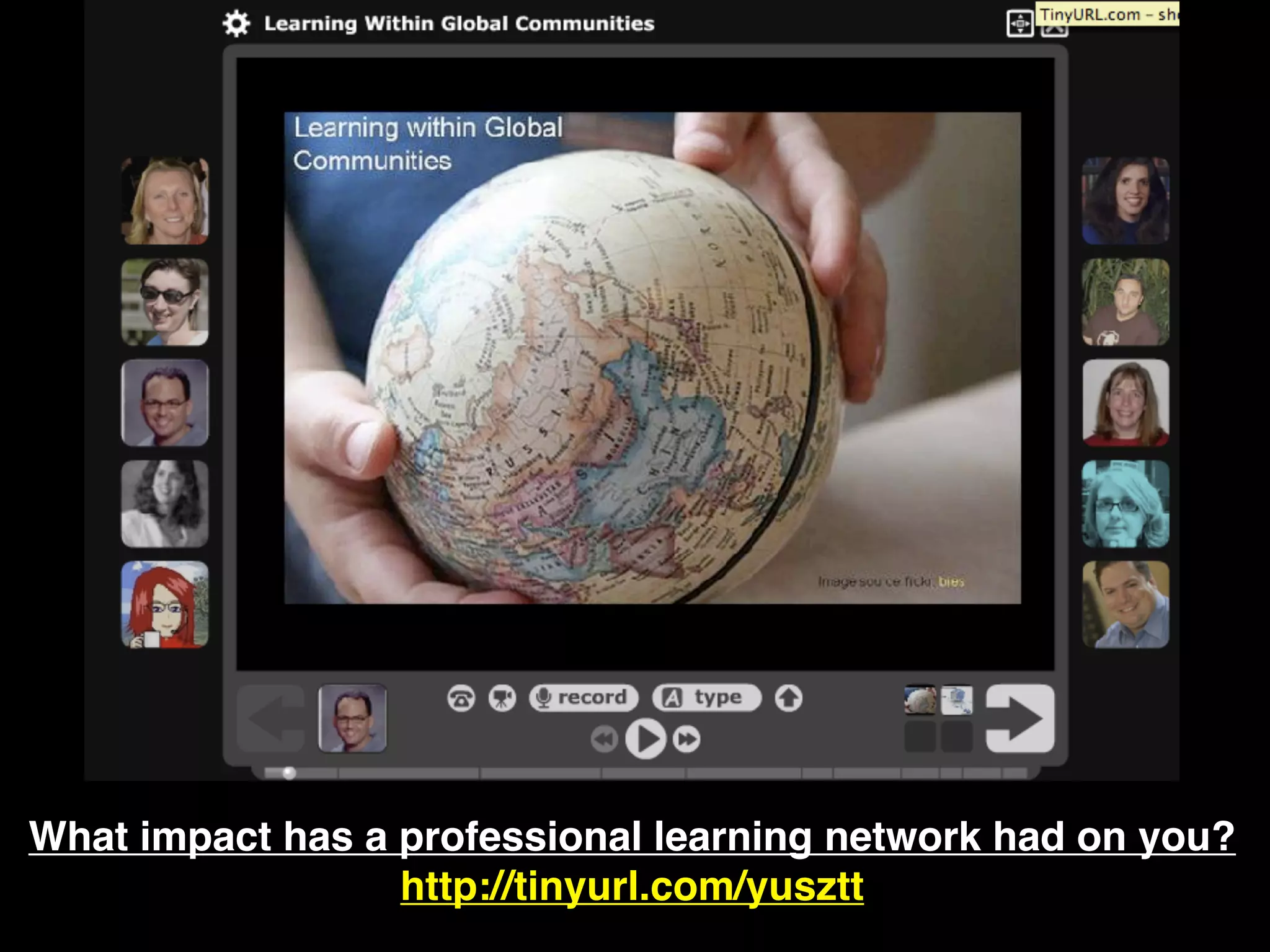
What impact has a professional learning network had on you?
                  http://tinyurl.com/yusztt
How are you allowing technology to
change what you do at home and work?
How are you allowing technology to
change what you do at home and work?
How can we redefine our current
technology use with instruction into
  something “transformsational?”


        http://www.globallyconnectedlearning.com/?
Another way to ask that question....

How do we go above and beyond what
 we’ve been doing in the classroom
              today?
Share Your Reaction to this


http://todaysmeet.com/ecisdleads
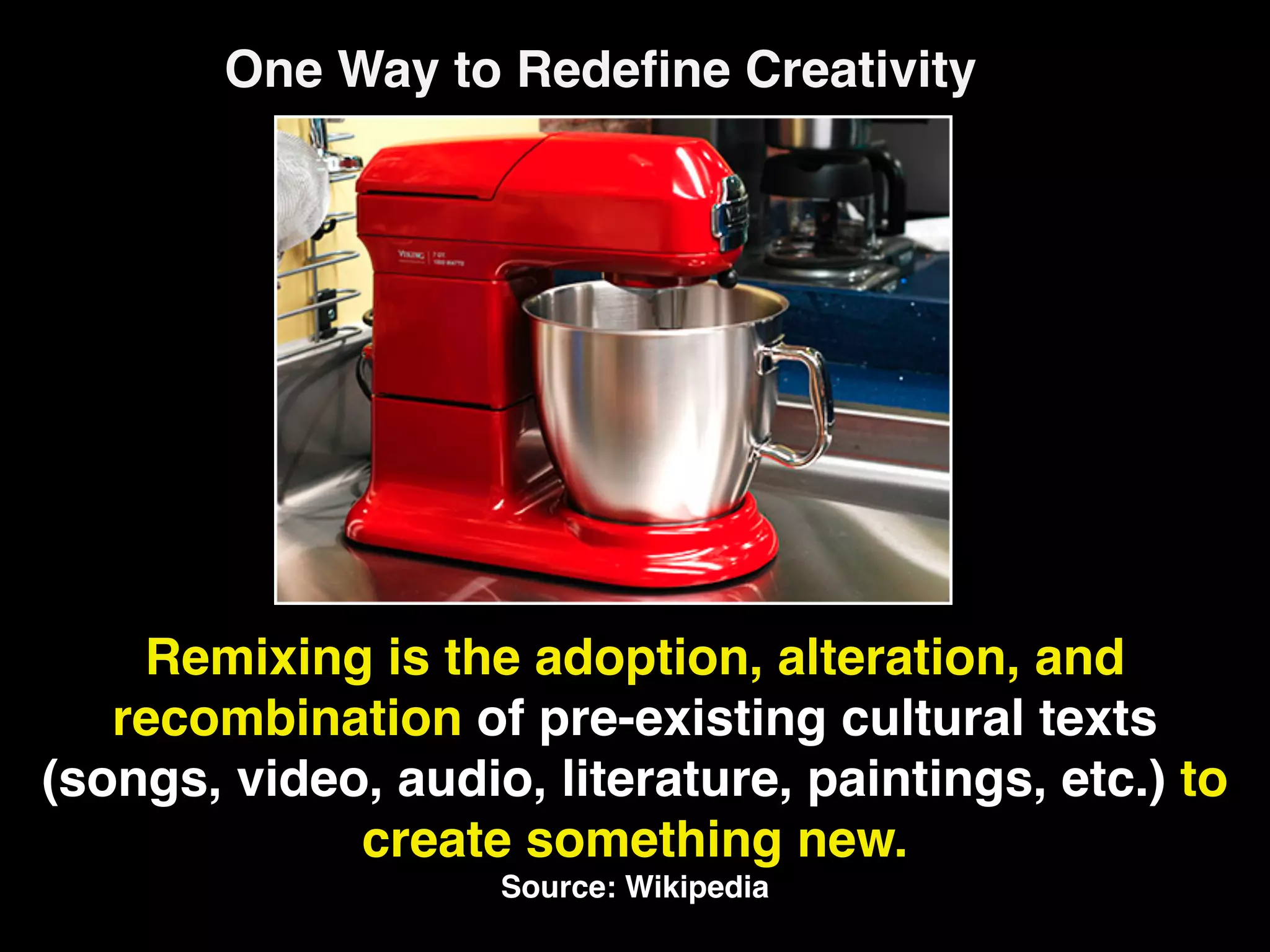
One Way to Redefine Creativity


    Remixing is the adoption, alteration, and
   recombination of pre-existing cultural texts
(songs, video, audio, literature, paintings, etc.) to
             create something new.
                    Source: Wikipedia
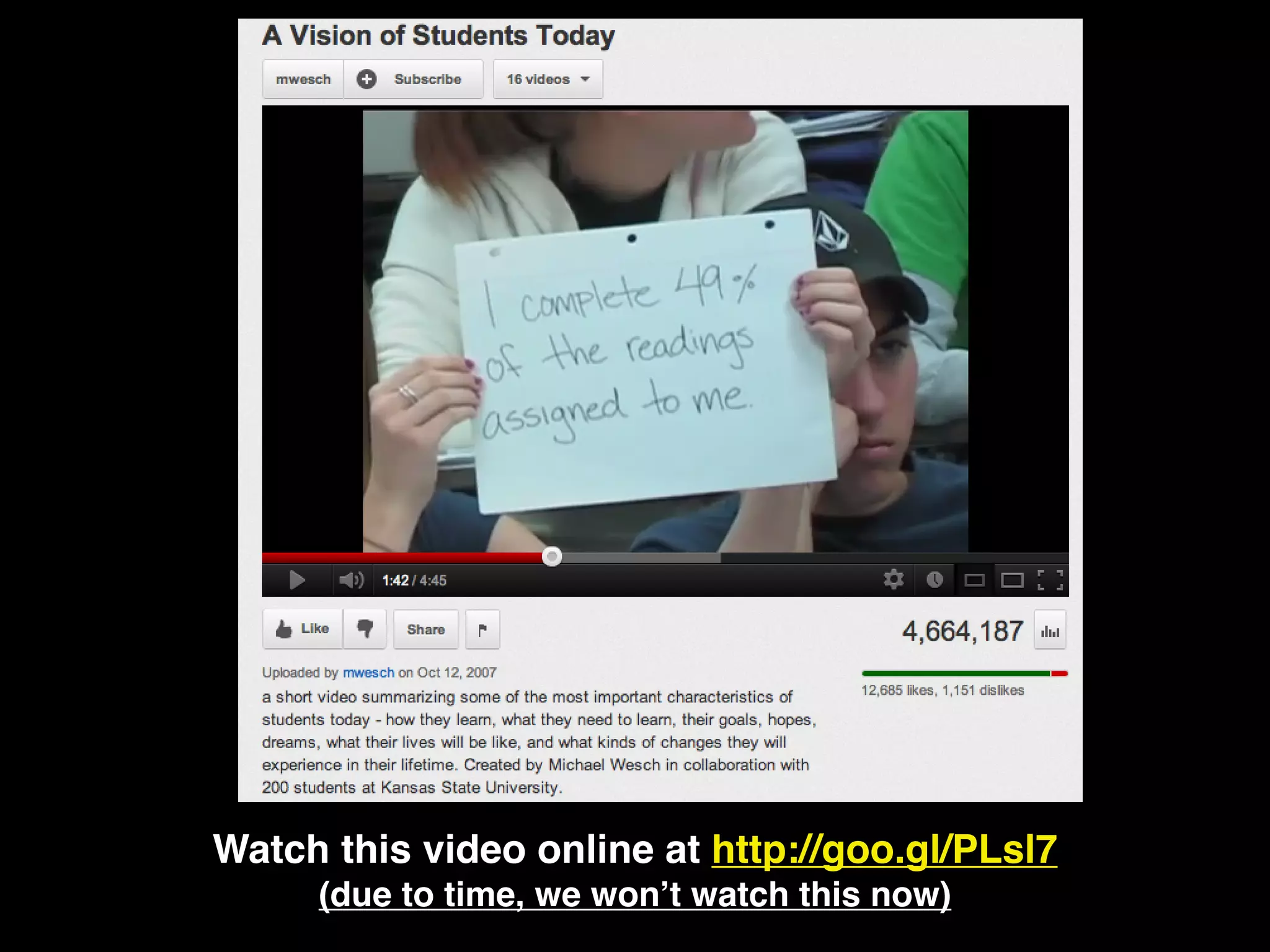
Watch this video online at http://goo.gl/PLsl7
     (due to time, we won’t watch this now)
Are you a remix artist? We’ll find out soon....


Creativity = Remixing = Redefinition
How do we go above and beyond what
 we’ve been doing in the classroom
              today?
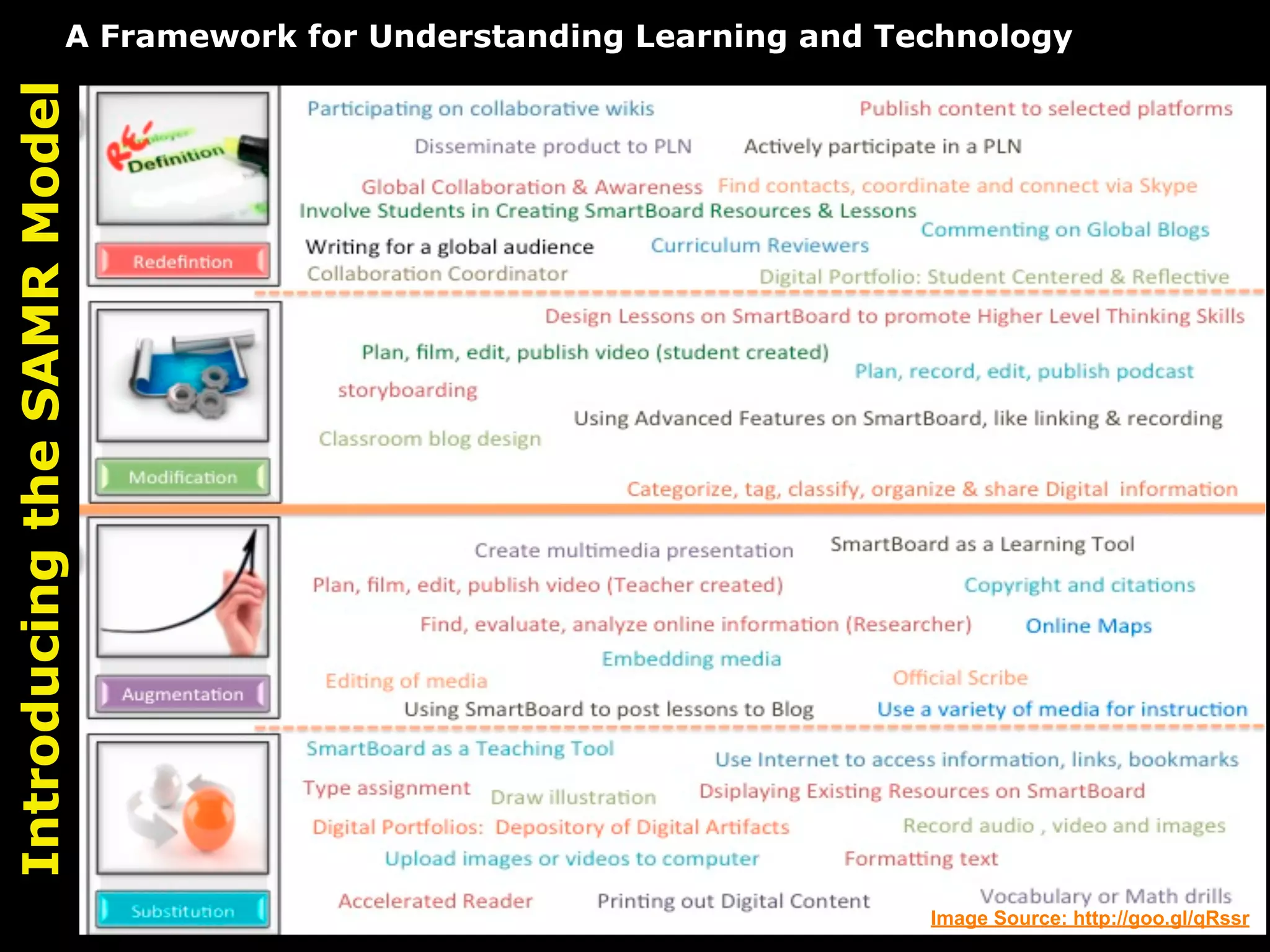
A Framework for Understanding Learning and Technology
Introducing the SAMR Model


                                                                     Image Source: http://goo.gl/qRssr
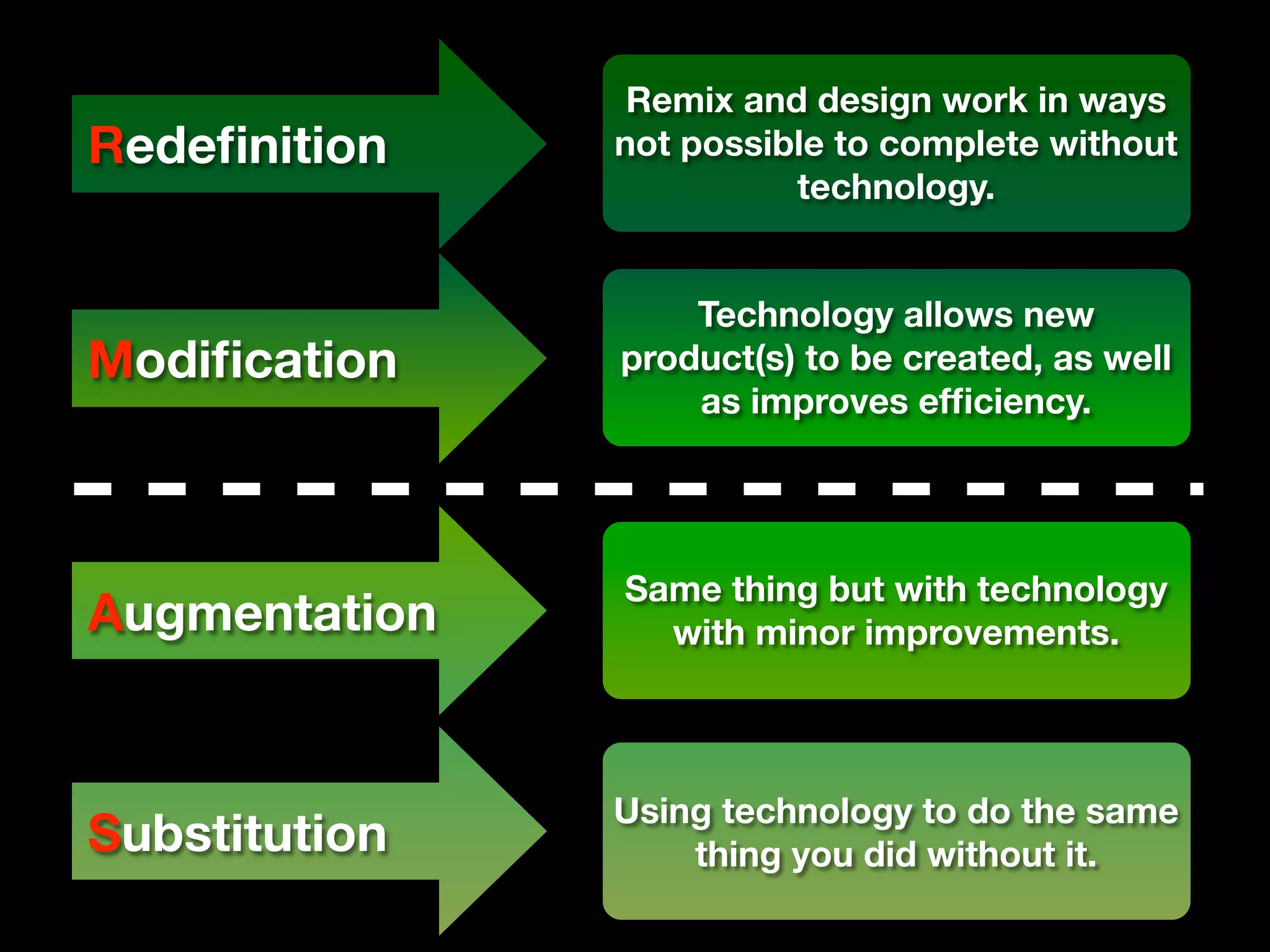
Remix and design work in ways
Redefinition    not possible to complete without
                         technology.


                   Technology allows new
Modification    product(s) to be created, as well
                   as improves efficiency.


               Same thing but with technology
Augmentation     with minor improvements.


               Using technology to do the same
Substitution       thing you did without it.
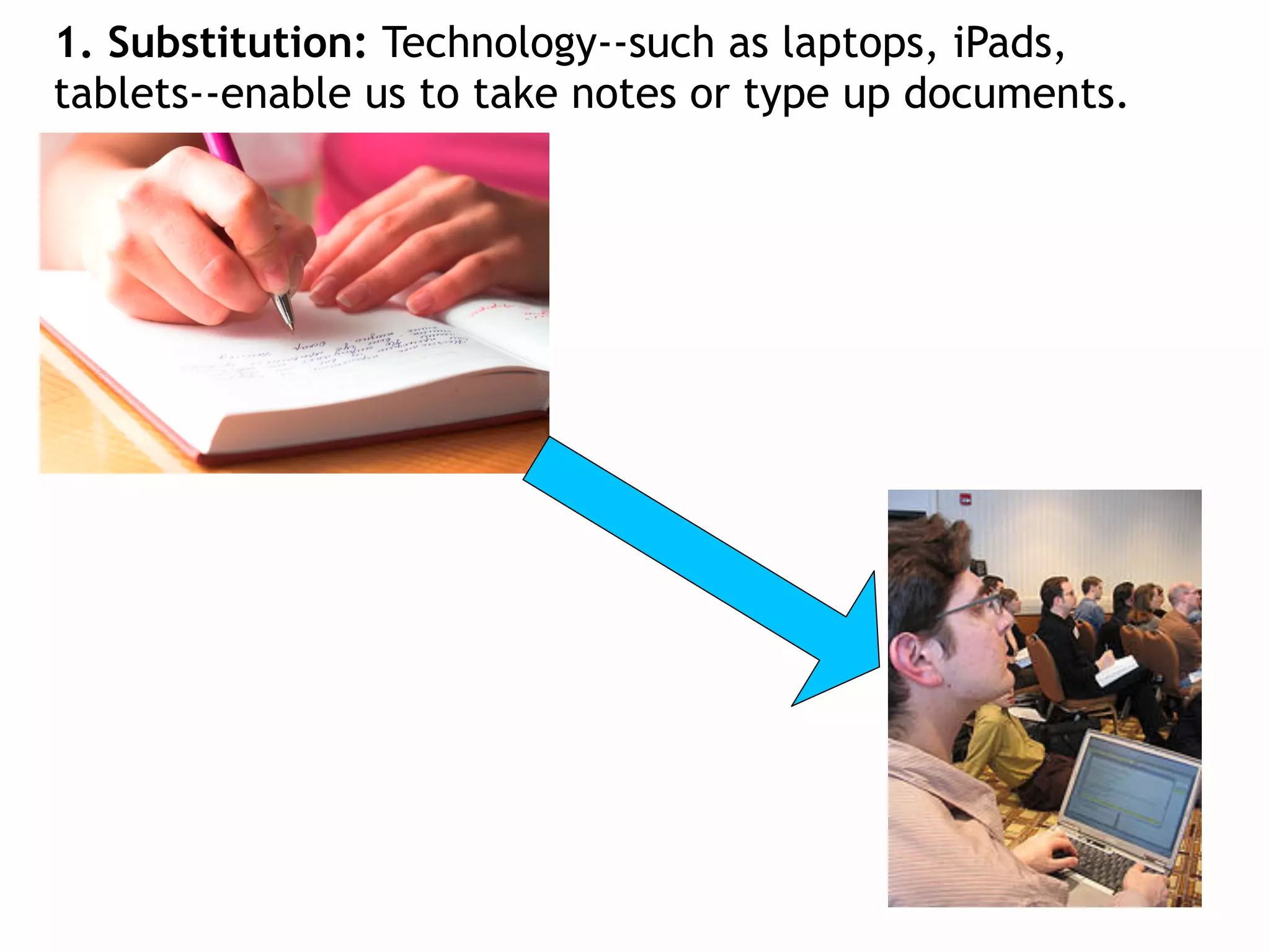
1. Substitution: Technology--such as laptops, iPads,
tablets--enable us to take notes or type up documents.
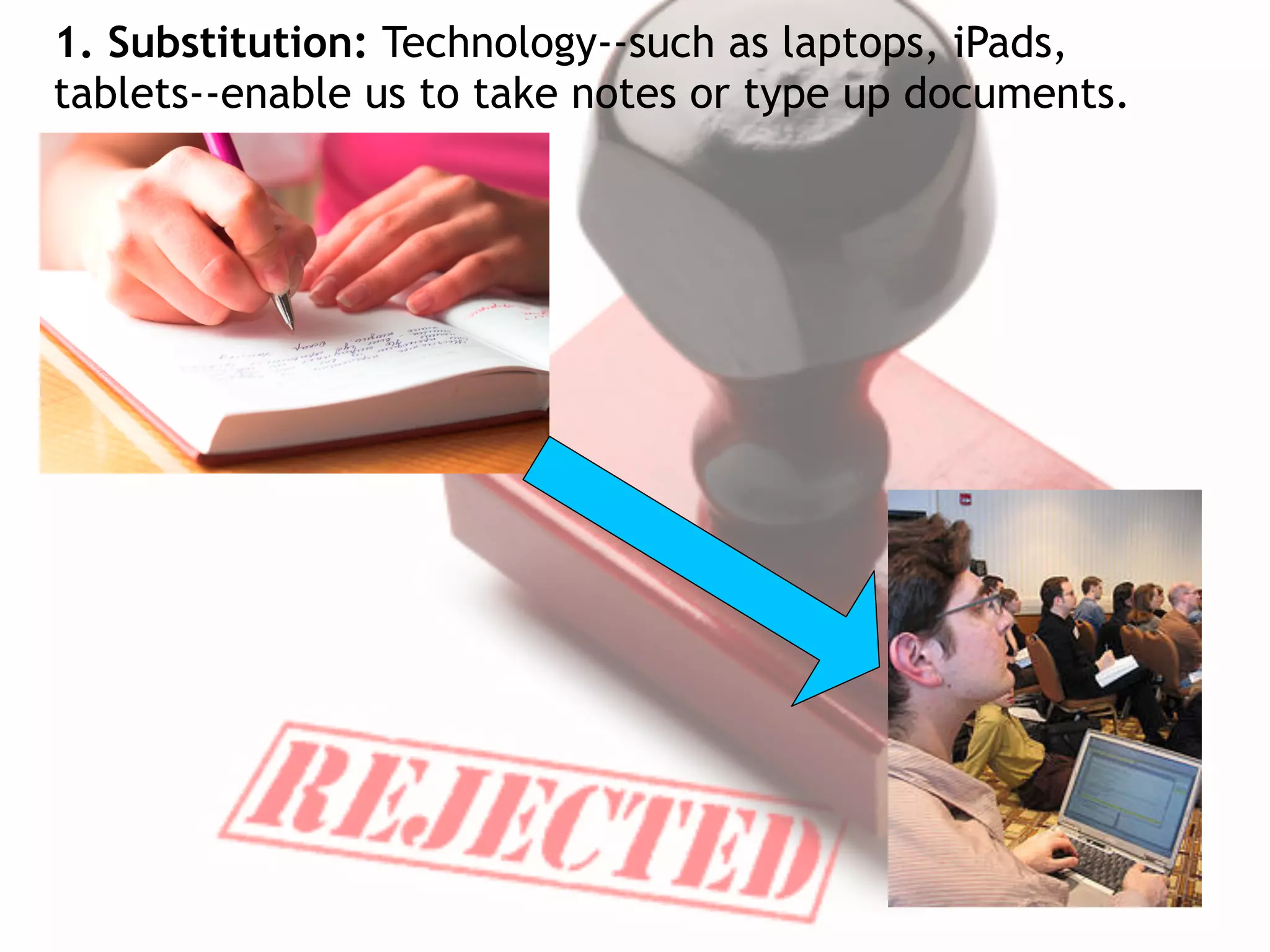
1. Substitution: Technology--such as laptops, iPads,
tablets--enable us to take notes or type up documents.
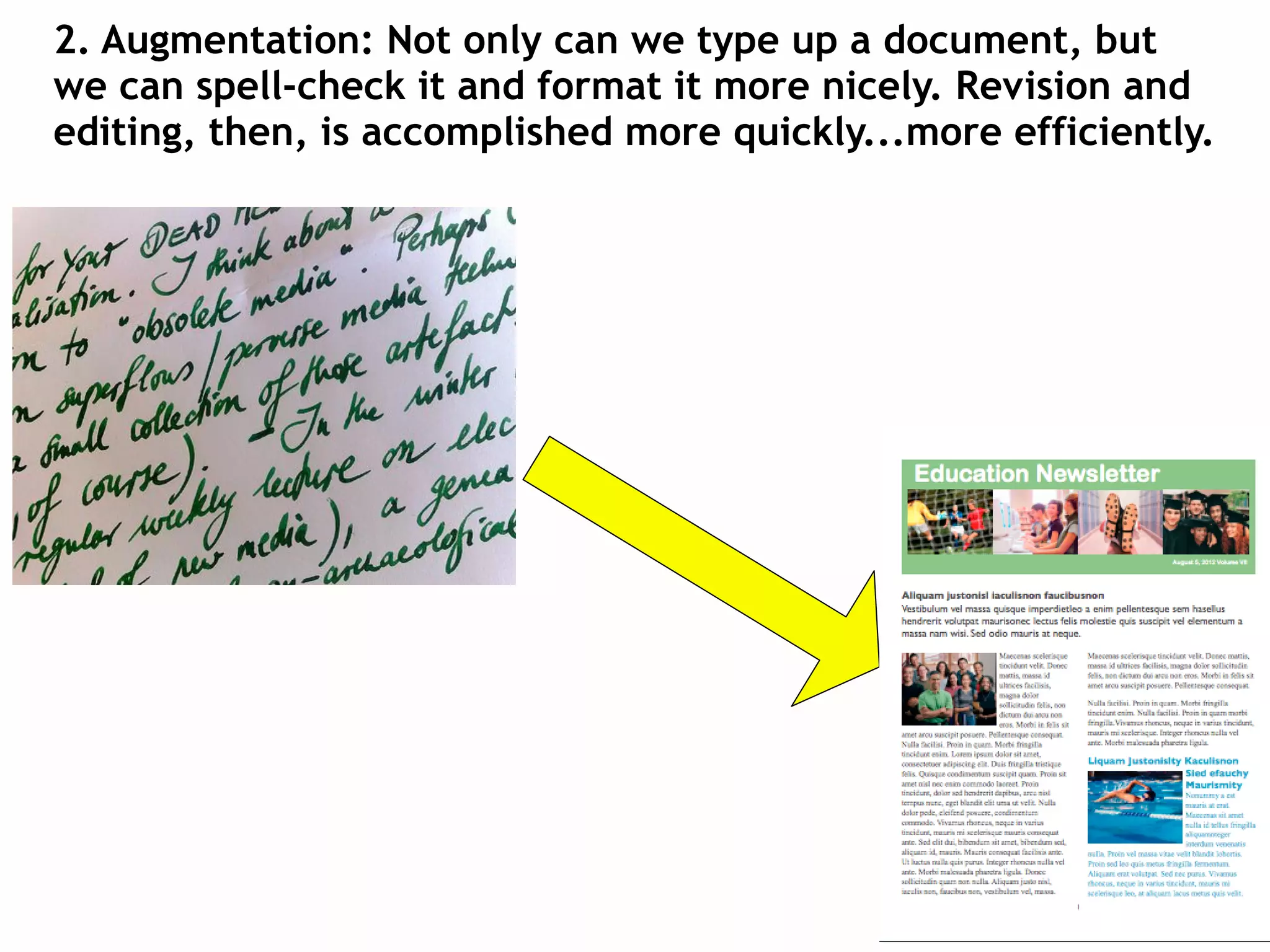
2. Augmentation: Not only can we type up a document, but
we can spell-check it and format it more nicely. Revision and
editing, then, is accomplished more quickly...more efficiently.
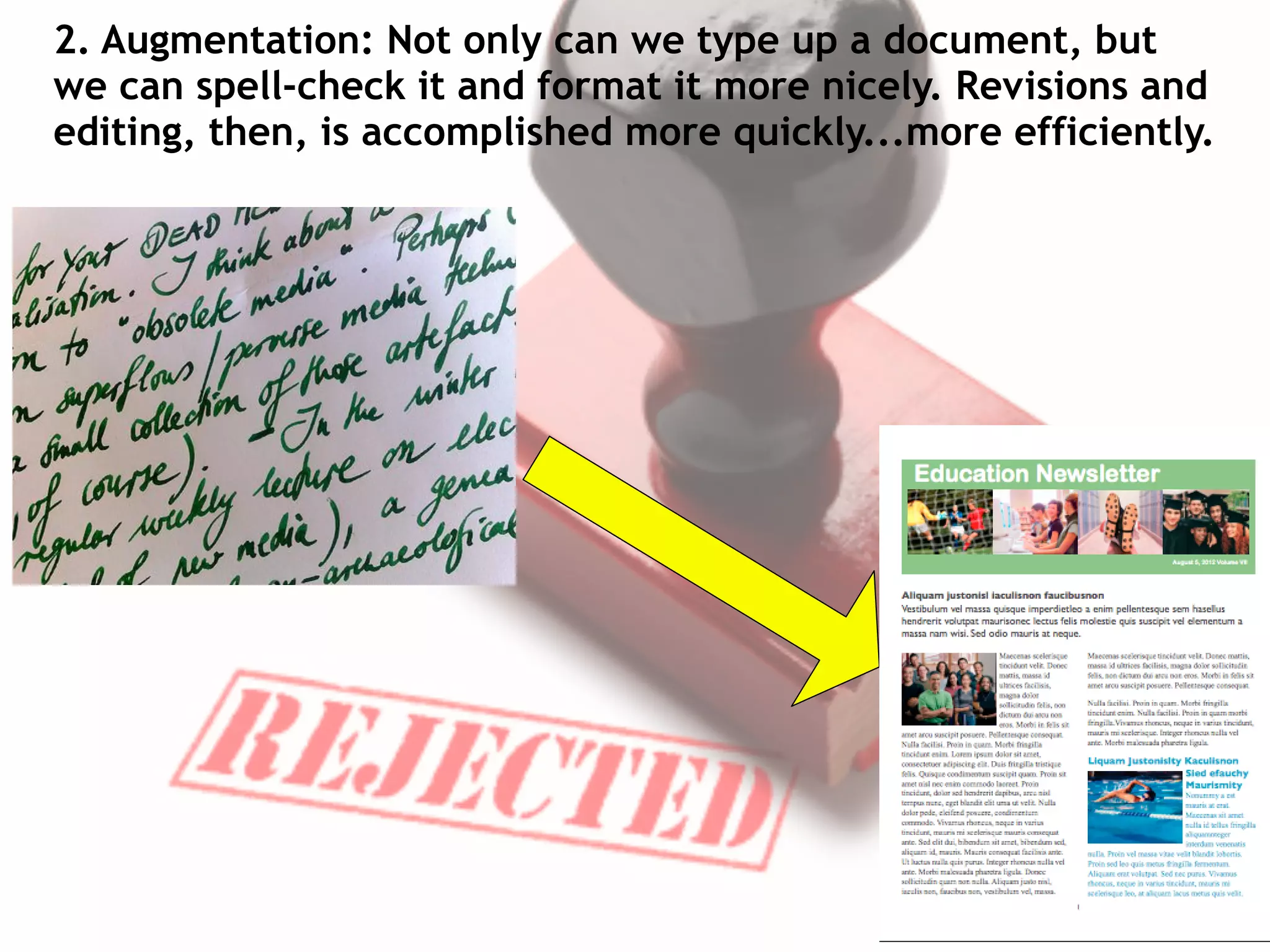
2. Augmentation: Not only can we type up a document, but
we can spell-check it and format it more nicely. Revisions and
editing, then, is accomplished more quickly...more efficiently.
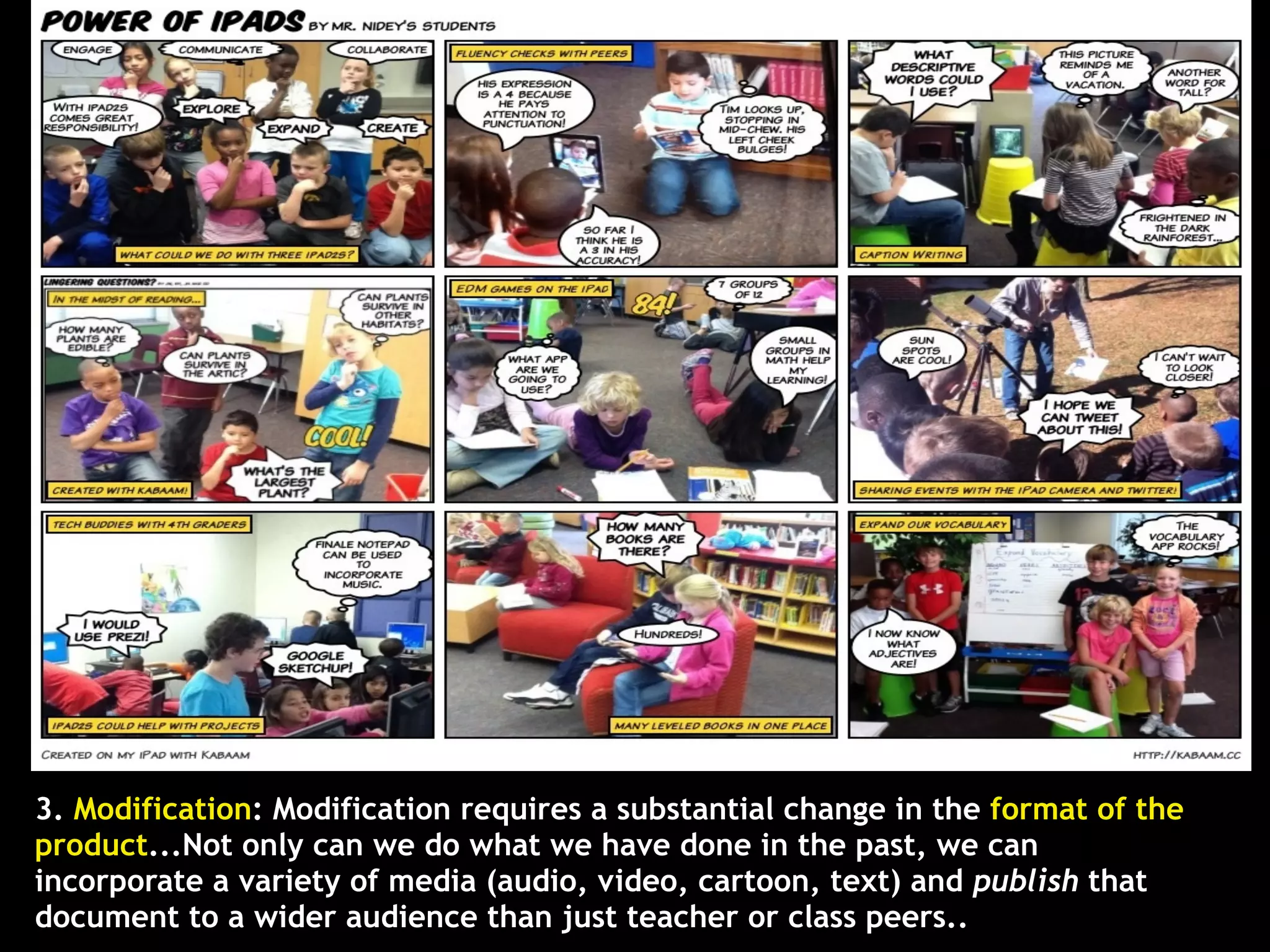
3. Modification: Modification requires a substantial change in the format of the
product...Not only can we do what we have done in the past, we can
incorporate a variety of media (audio, video, cartoon, text) and publish that
document to a wider audience than just teacher or class peers..
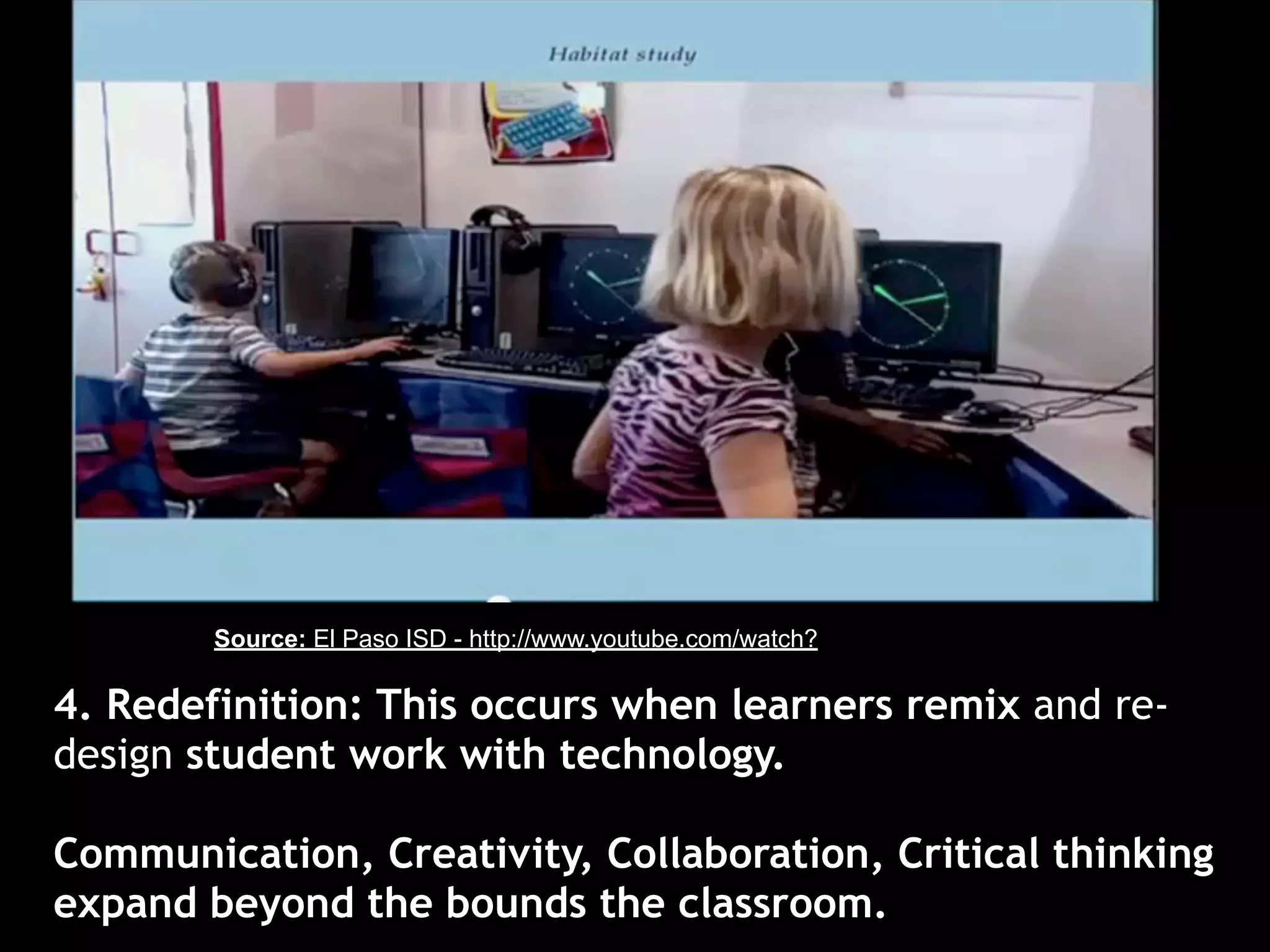
4. Redefinition: This occurs when learners remix and re-
design student work with technology.

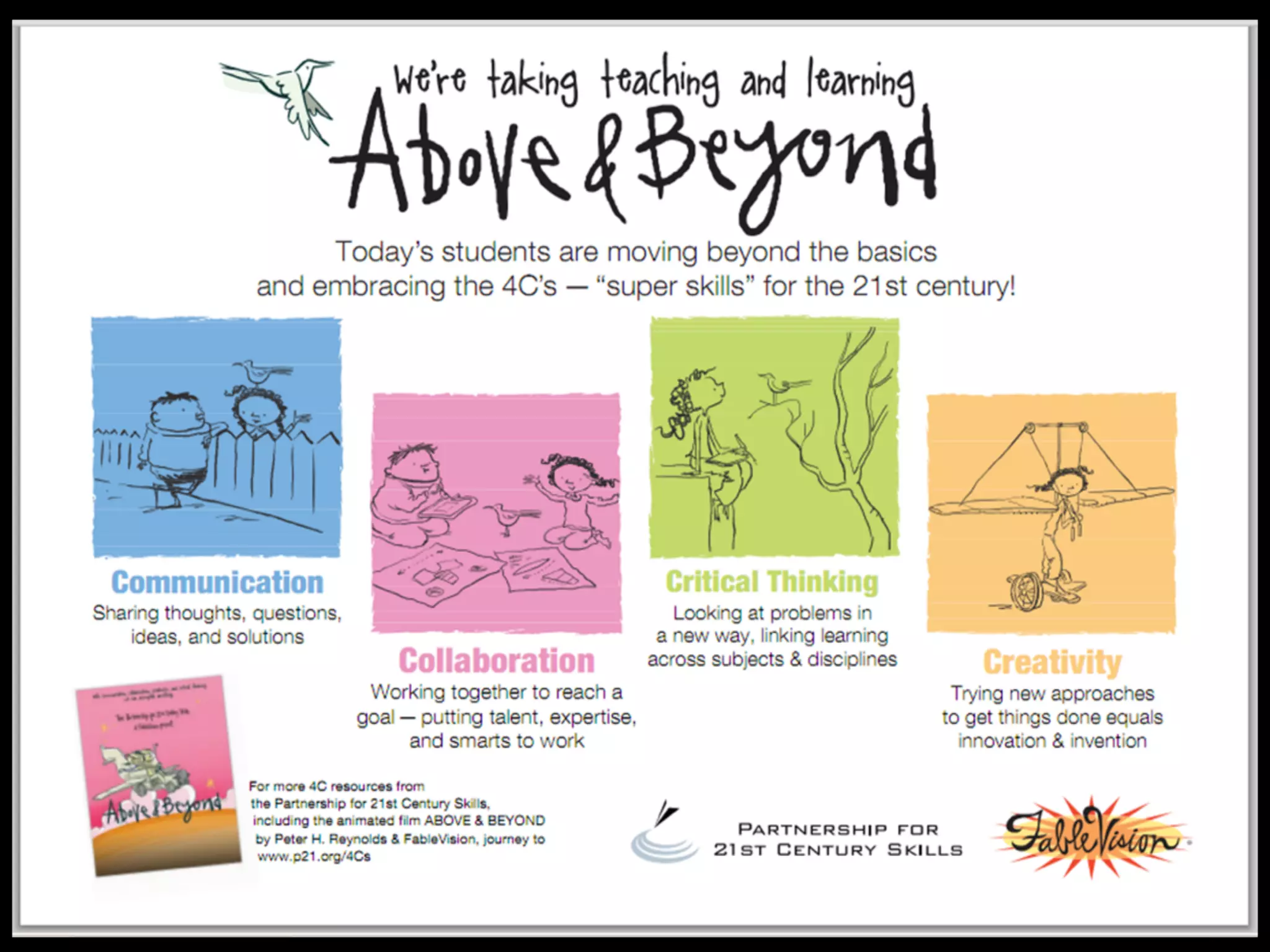
Communication, Creativity, Collaboration, Critical thinking
expand beyond the bounds the classroom.
Source: El Paso ISD - http://www.youtube.com/watch?

4. Redefinition: This occurs when learners remix and re-
design student work with technology.

Communication, Creativity, Collaboration, Critical thinking
expand beyond the bounds the classroom.
Redefining knowledge work simply cannot
       happen without technology.
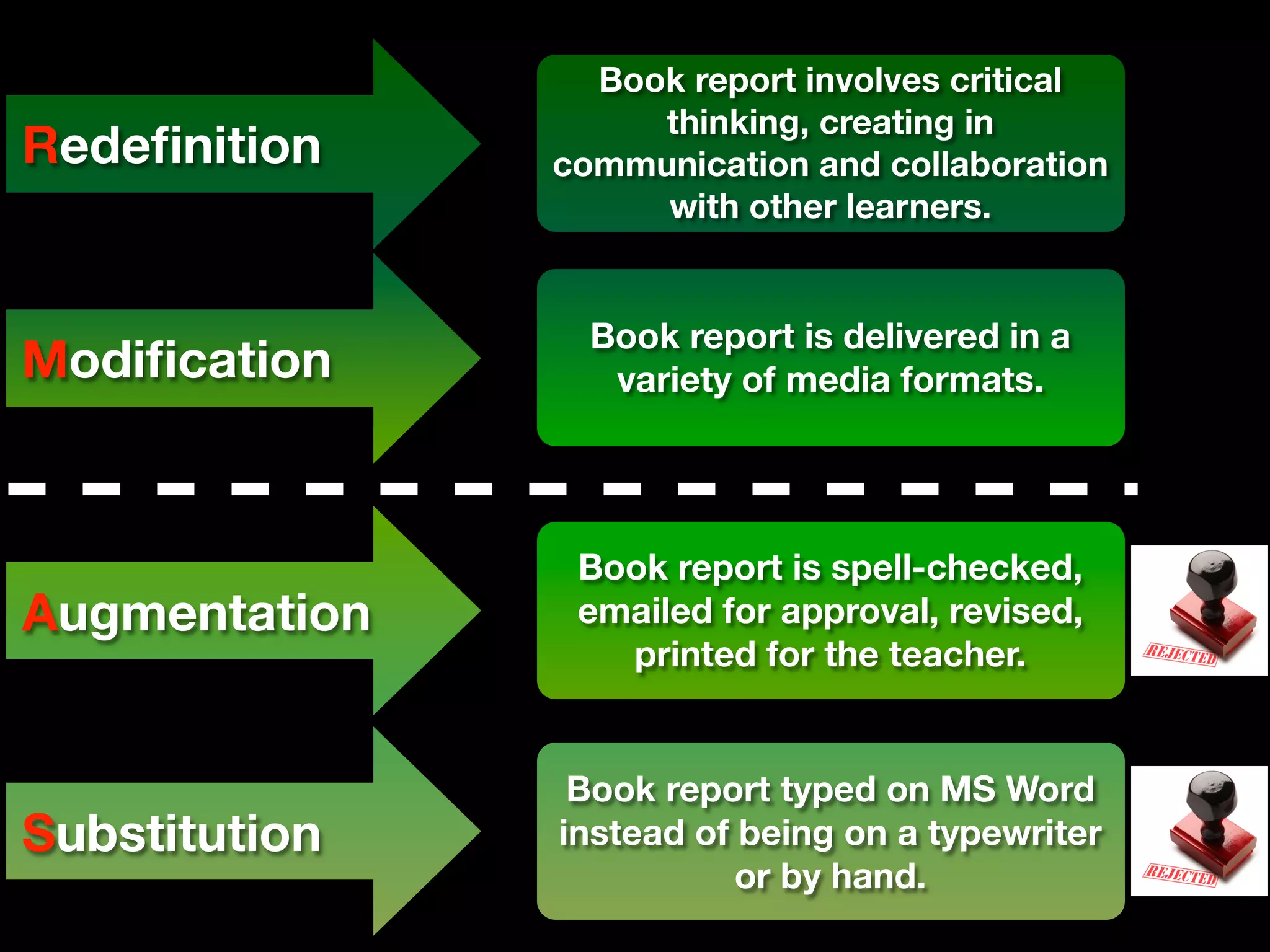
Book report involves critical
                    thinking, creating in
Redefinition    communication and collaboration
                    with other learners.


                 Book report is delivered in a
Modification       variety of media formats.


                Book report is spell-checked,
Augmentation    emailed for approval, revised,
                  printed for the teacher.


                Book report typed on MS Word
Substitution   instead of being on a typewriter
                          or by hand.
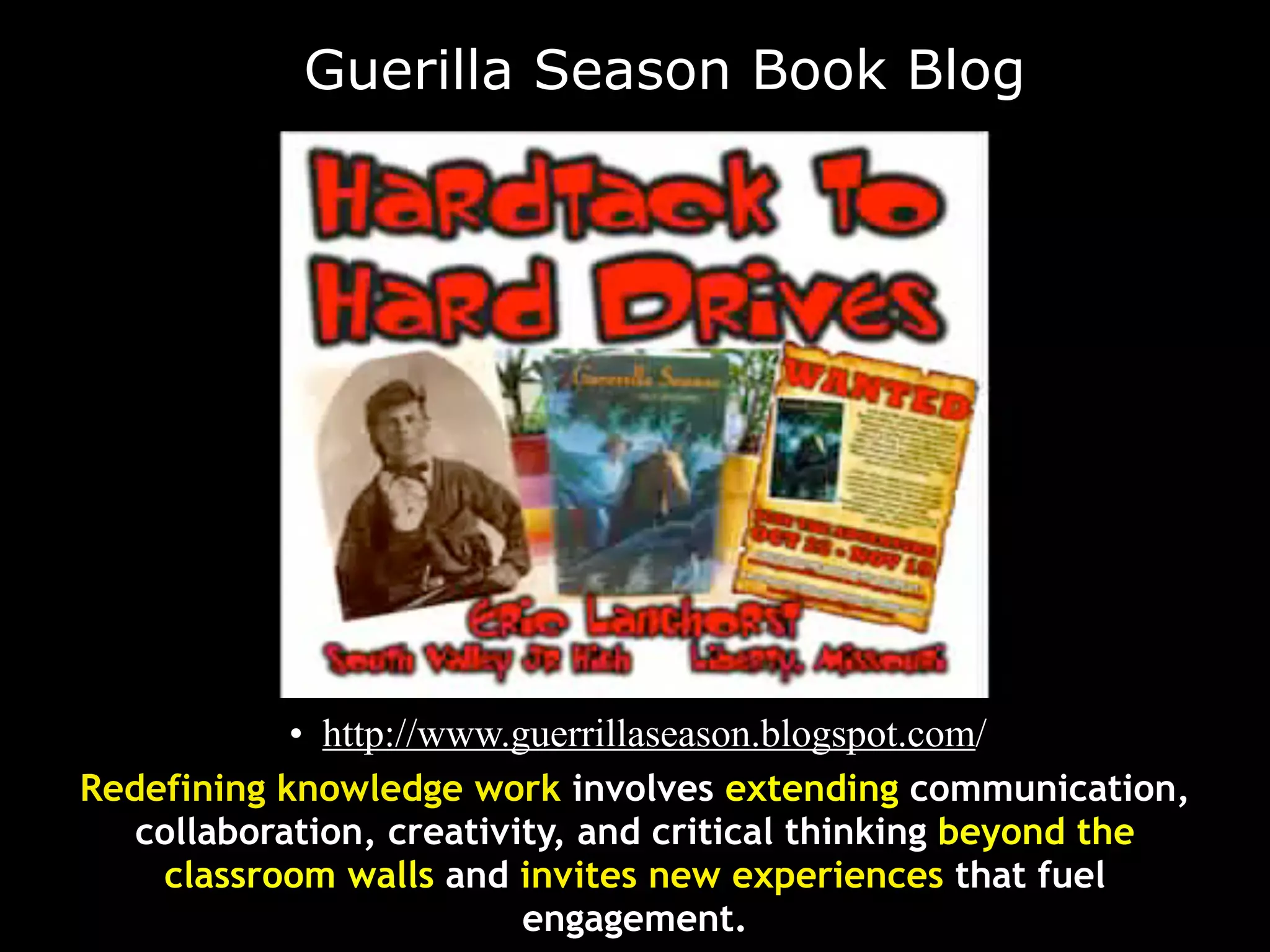
Guerilla Season Book Blog


           • http://www.guerrillaseason.blogspot.com/
Redefining knowledge work involves extending communication,
   collaboration, creativity, and critical thinking beyond the
    classroom walls and invites new experiences that fuel
                          engagement.
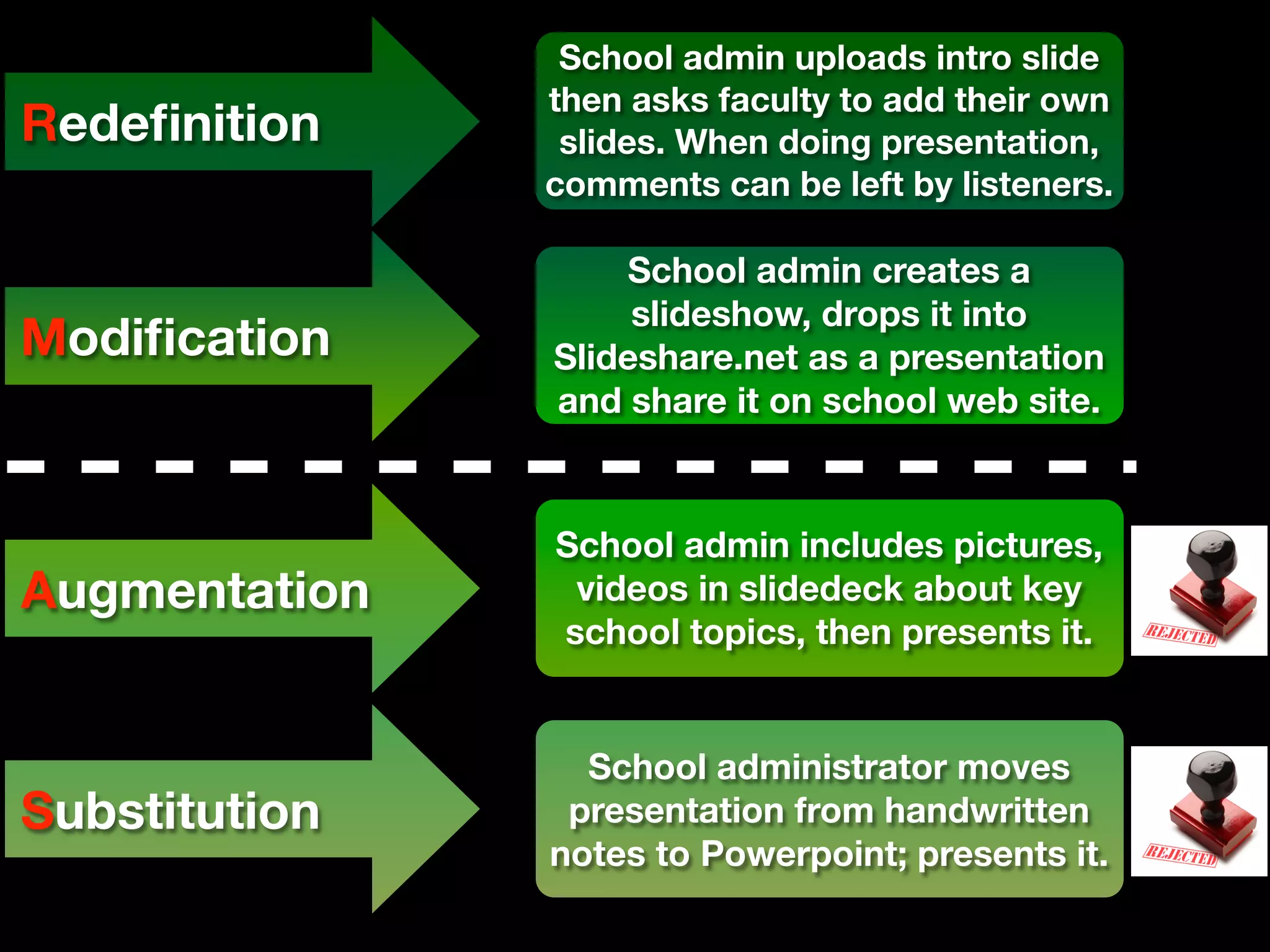
School admin uploads intro slide
               then asks faculty to add their own
Redefinition     slides. When doing presentation,
               comments can be left by listeners.

                   School admin creates a
                    slideshow, drops it into
Modification    Slideshare.net as a presentation
               and share it on school web site.


               School admin includes pictures,
Augmentation    videos in slidedeck about key
               school topics, then presents it.


                 School administrator moves
Substitution    presentation from handwritten
               notes to Powerpoint; presents it.
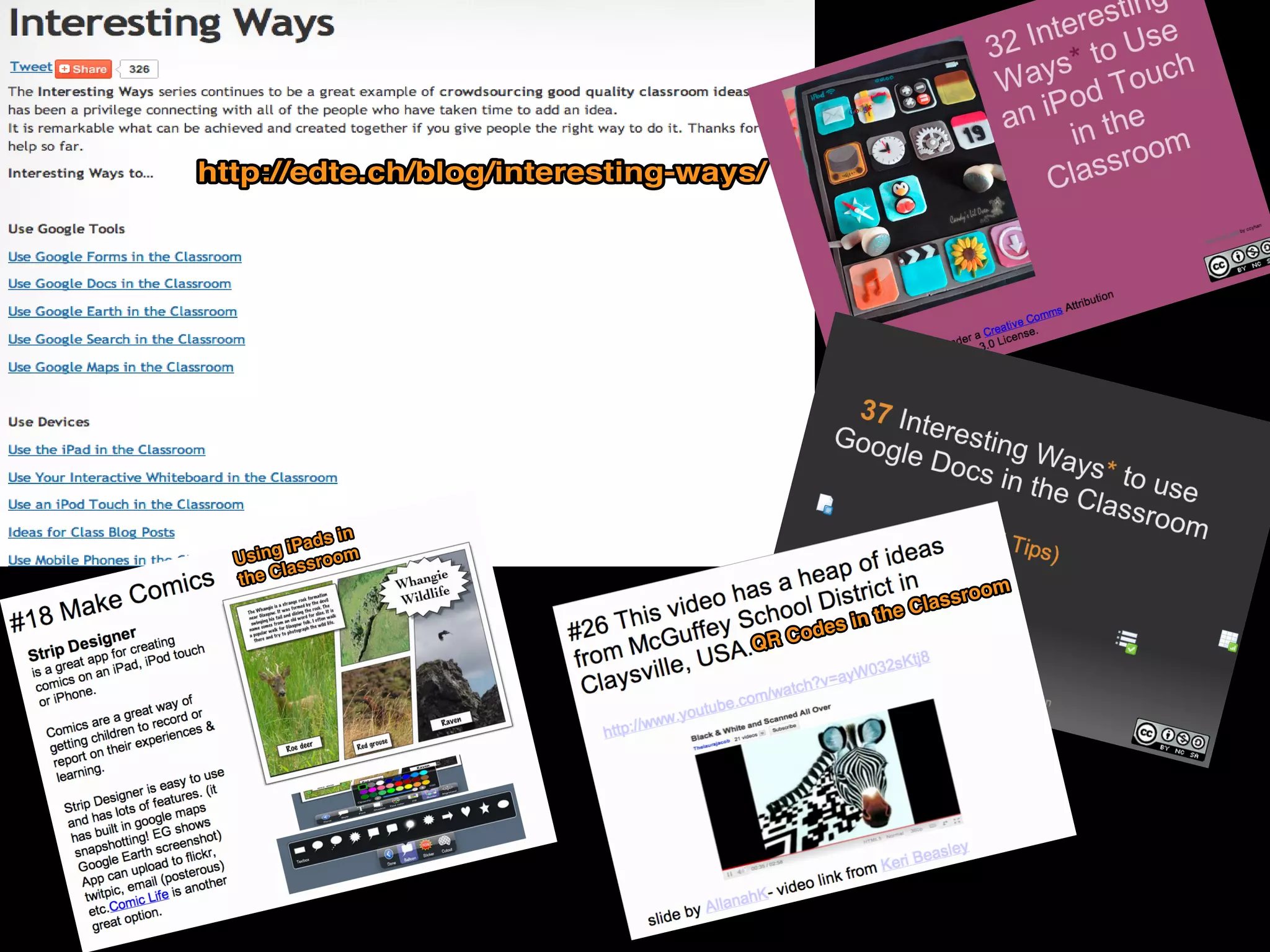
http://edte.ch/blog/interesting-ways/


              in
         iPads m
  Using ssroo
        la
  the C
                                                              om
                                                         assro
                                                   the Cl
                                            s in
                                    QR Code
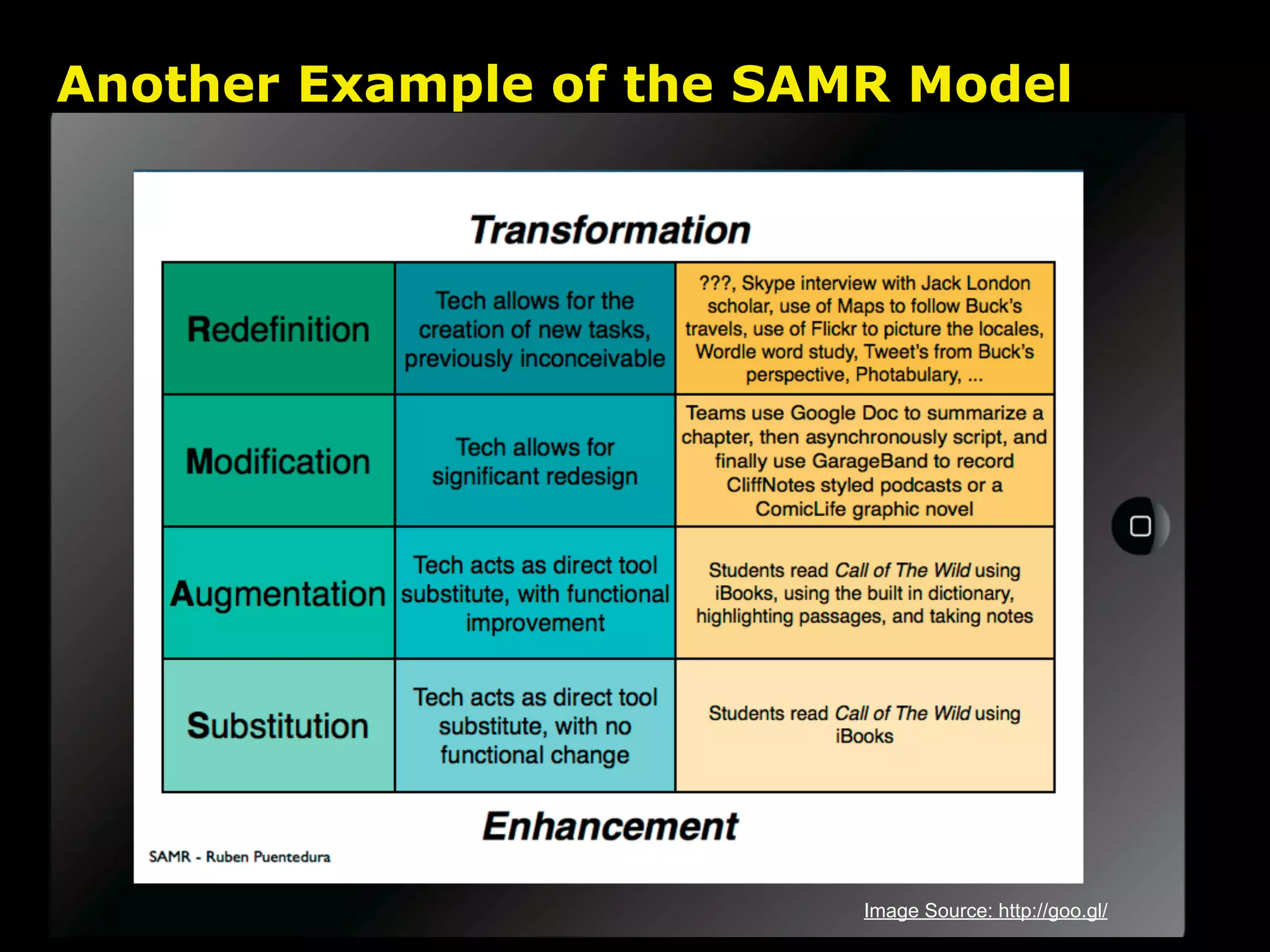
Another Example of the SAMR Model


                          Image Source: http://goo.gl/
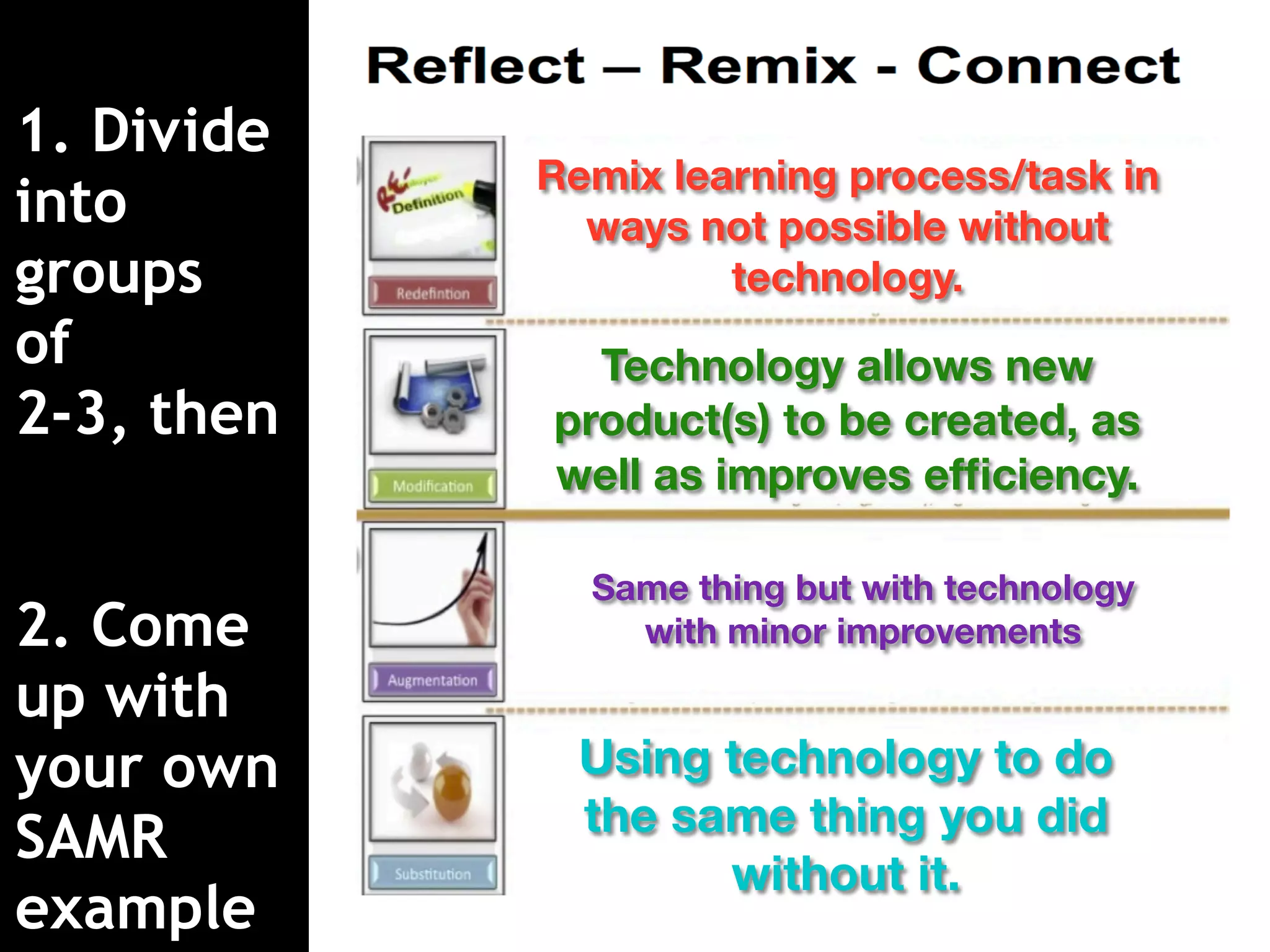
1. Divide
            Remix learning process/task in
into          ways not possible without
groups               technology.
of            Technology allows new
2-3, then   product(s) to be created, as
            well as improves efficiency.

              Same thing but with technology
2. Come         with minor improvements

up with
your own      Using technology to do
              the same thing you did
SAMR
                    without it.
example
How can we achieve redefinition in
collaboration with globally connected,
           digital citizens?
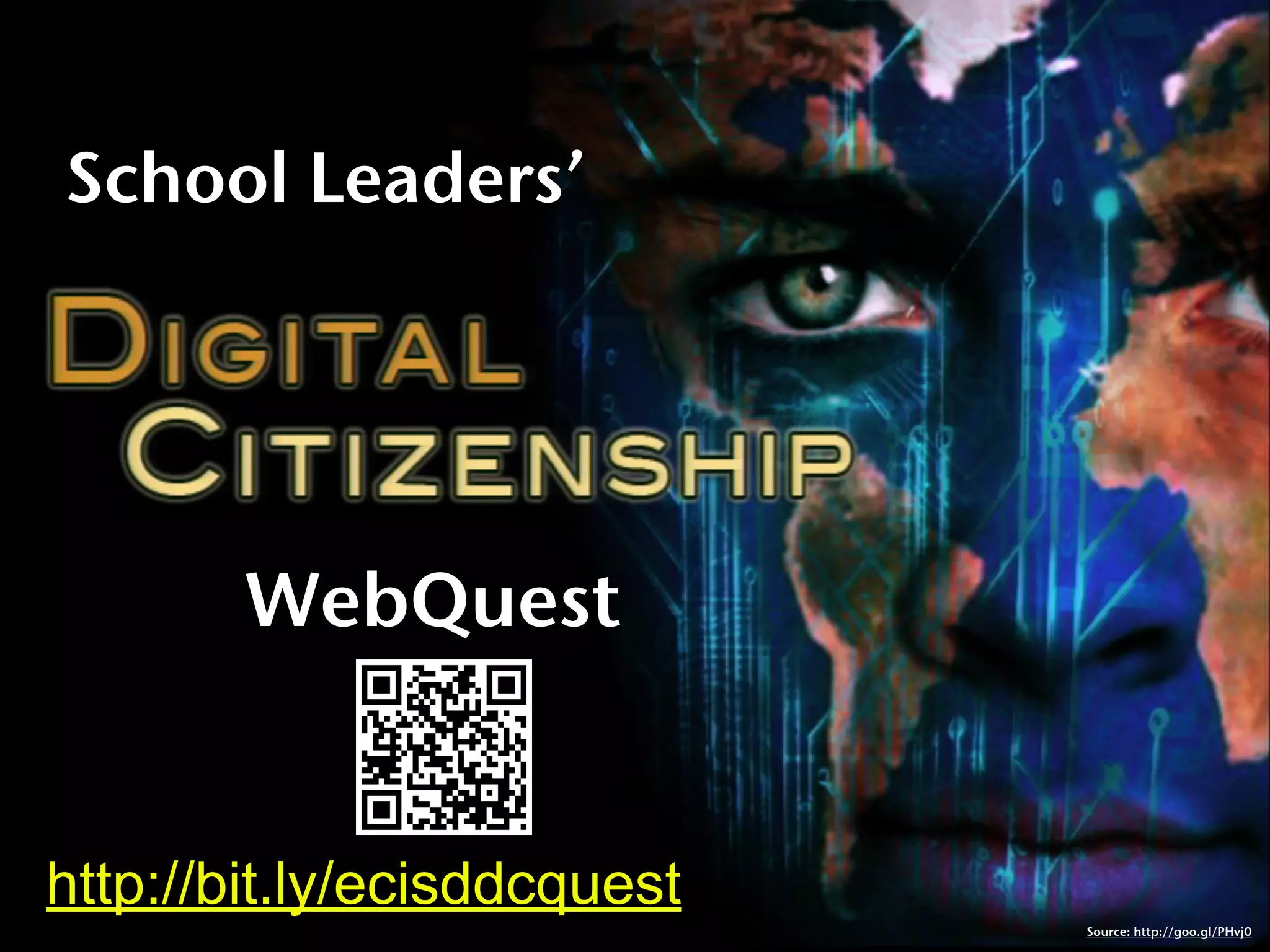
School Leaders’


        WebQuest


http://bit.ly/ecisddcquest
                             Source: http://goo.gl/PHvj0
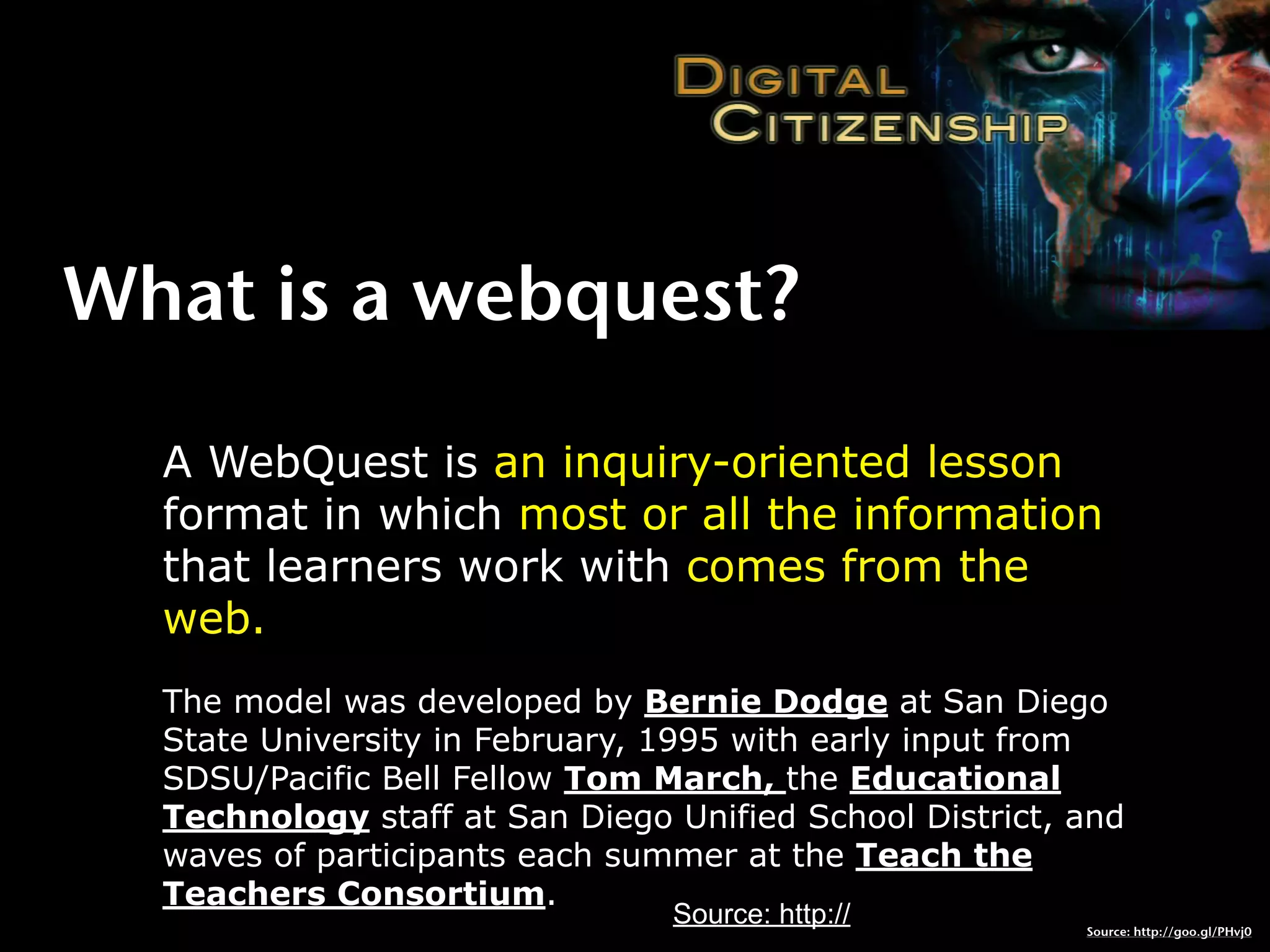
What is a webquest?

  A WebQuest is an inquiry-oriented lesson
  format in which most or all the information
  that learners work with comes from the
  web.
  The model was developed by Bernie Dodge at San Diego
  State University in February, 1995 with early input from
  SDSU/Pacific Bell Fellow Tom March, the Educational
  Technology staff at San Diego Unified School District, and
  waves of participants each summer at the Teach the
  Teachers Consortium.
                                Source: http://          Source: http://goo.gl/PHvj0
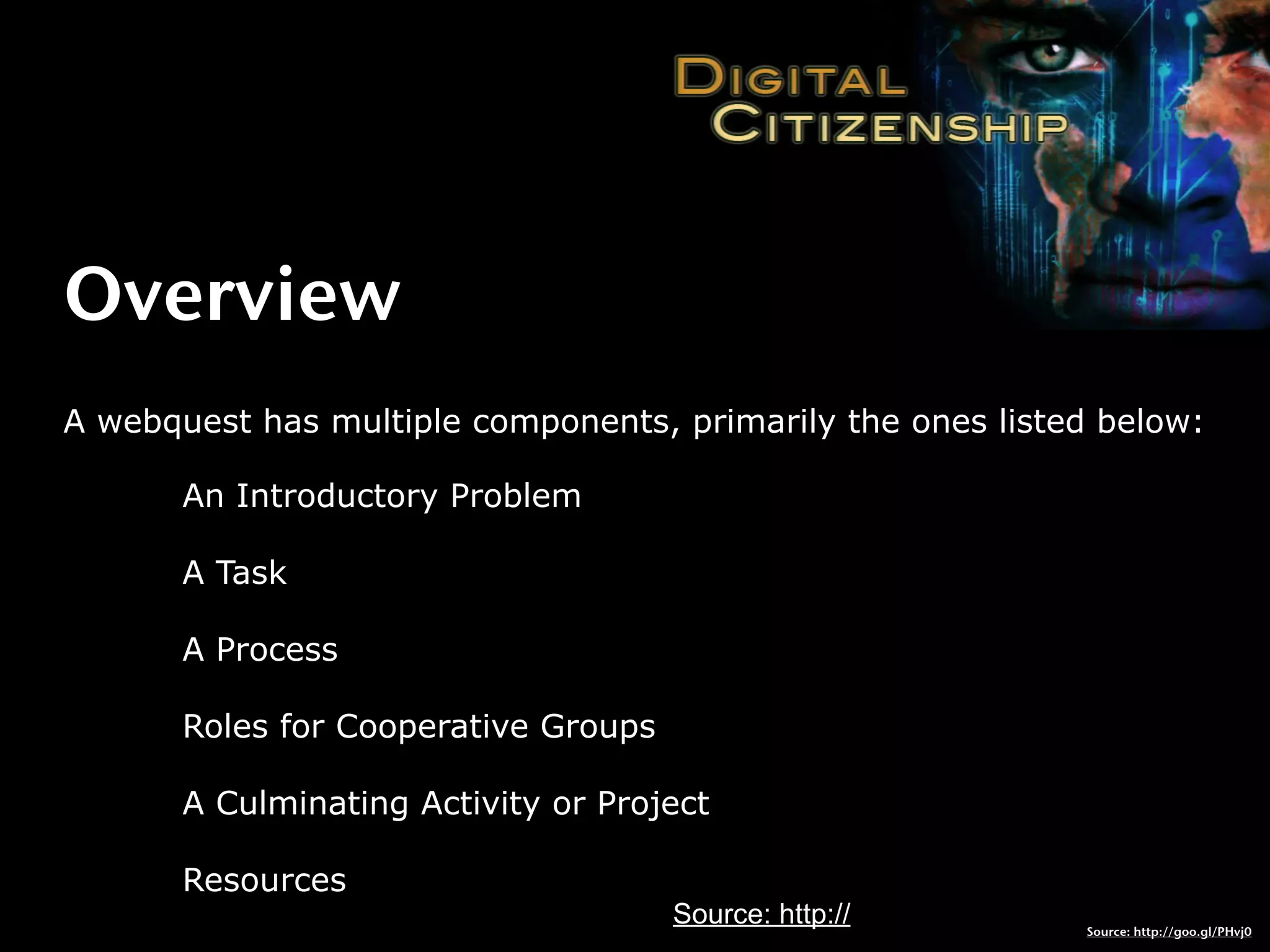
Overview
A webquest has multiple components, primarily the ones listed below:

       An Introductory Problem

       A Task

       A Process

       Roles for Cooperative Groups

       A Culminating Activity or Project

       Resources
                                      Source: http://       Source: http://goo.gl/PHvj0
Introduction
Introduction

  Often, it's one thing to develop policy, quite
  another to implement it in a way that makes
  sense. How can we, as leaders in a learning
  organization, model responsible use of
  technology with students and staff?


  Over the next 30-40 minutes, you will explore
  this question and learn how the East Central
  ISD plans to introduce students and staff to
  digital citizenship, cybersafety and responsible
  use.
Task

  To develop an understanding of digital
  citizenship, cybersafety, and how it applies to
  you, you need to develop a thorough
  understanding of what digital citizenship means
  in K-12 schools.


  One way for you to get there is to critically
  analyze a number of digital citizenship scenarios
  and discuss them from multiple perspectives.


  That's your task in this exercise.
Process
 1. Select a role (we’ll go over those in a
 moment).
 2. Take 15-20 minutes to go over information
 available as video/text/pictures. Use the
 Concept Builder Notes handout to gather
 information that build towards “one truth.”
 3. Pool your infobits, truths, and perspectives
 and develop an Action Plan statement (keep it
 simple, this isn’t a dissertation) that captures
 your truths, information, and ideas.
 4. Work with the session facilitator to video-
 record your statement (let me know when
 you’re ready!)
Choose Your Role


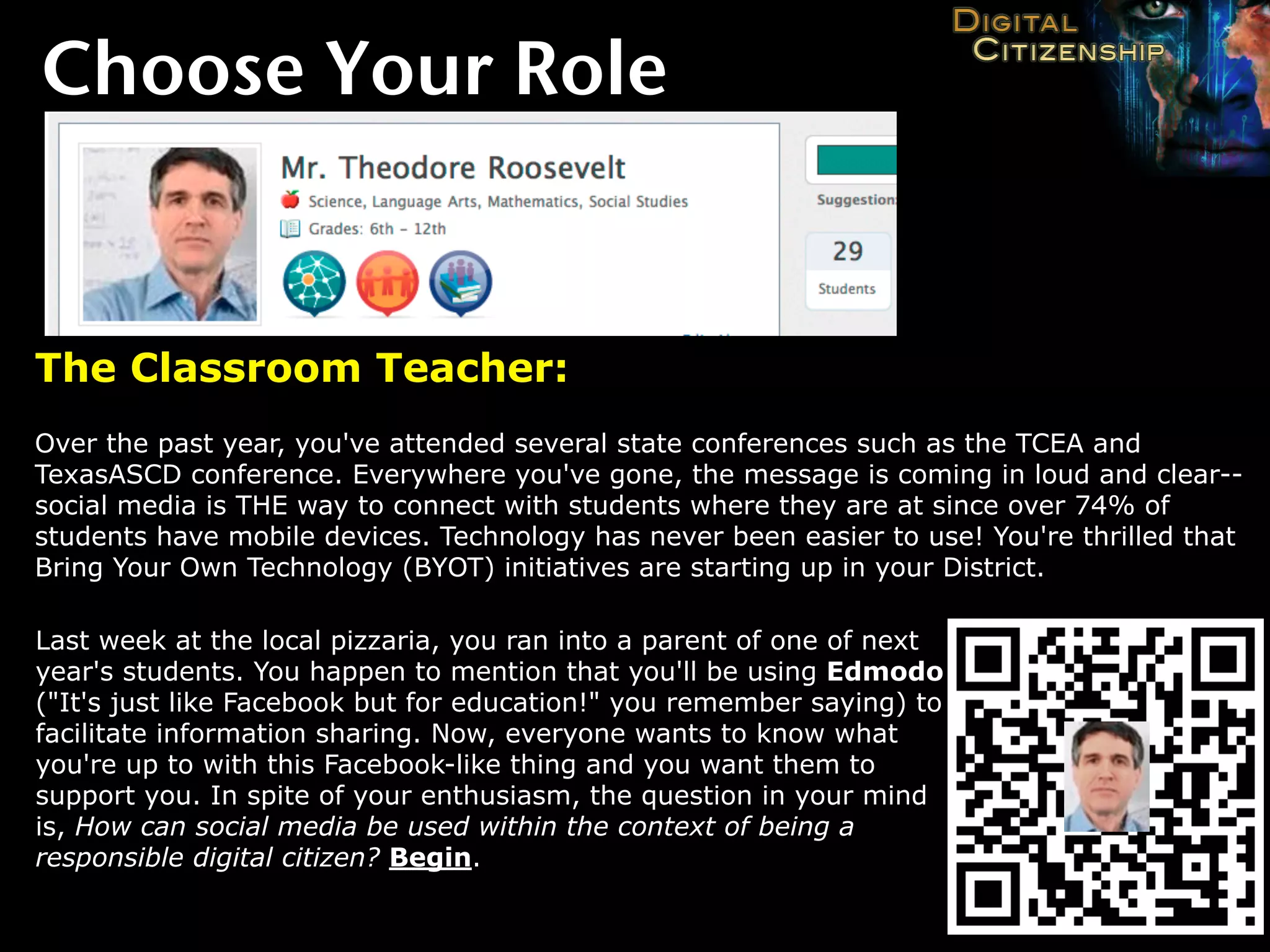
The Classroom Teacher:
Over the past year, you've attended several state conferences such as the TCEA and
TexasASCD conference. Everywhere you've gone, the message is coming in loud and clear--
social media is THE way to connect with students where they are at since over 74% of
students have mobile devices. Technology has never been easier to use! You're thrilled that
Bring Your Own Technology (BYOT) initiatives are starting up in your District.

Last week at the local pizzaria, you ran into a parent of one of next
year's students. You happen to mention that you'll be using Edmodo
("It's just like Facebook but for education!" you remember saying) to
facilitate information sharing. Now, everyone wants to know what
you're up to with this Facebook-like thing and you want them to
support you. In spite of your enthusiasm, the question in your mind
is, How can social media be used within the context of being a
responsible digital citizen? Begin.
Choose Your Role

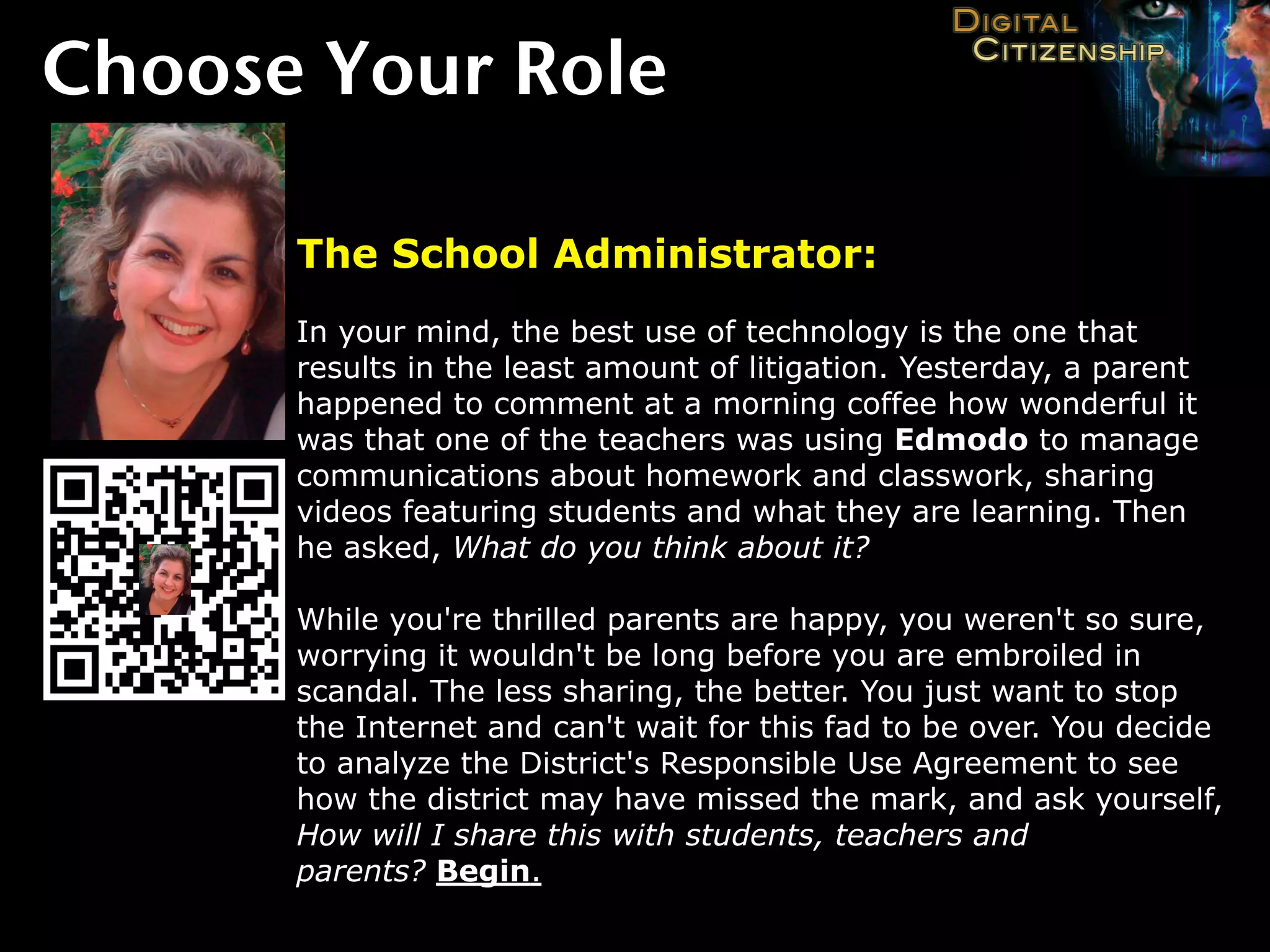
      The School Administrator:
      In your mind, the best use of technology is the one that
      results in the least amount of litigation. Yesterday, a parent
      happened to comment at a morning coffee how wonderful it
      was that one of the teachers was using Edmodo to manage
      communications about homework and classwork, sharing
      videos featuring students and what they are learning. Then
      he asked, What do you think about it?

      While you're thrilled parents are happy, you weren't so sure,
      worrying it wouldn't be long before you are embroiled in
      scandal. The less sharing, the better. You just want to stop
      the Internet and can't wait for this fad to be over. You decide
      to analyze the District's Responsible Use Agreement to see
      how the district may have missed the mark, and ask yourself,
      How will I share this with students, teachers and
      parents? Begin.
Choose Your Role
http://goo.gl/
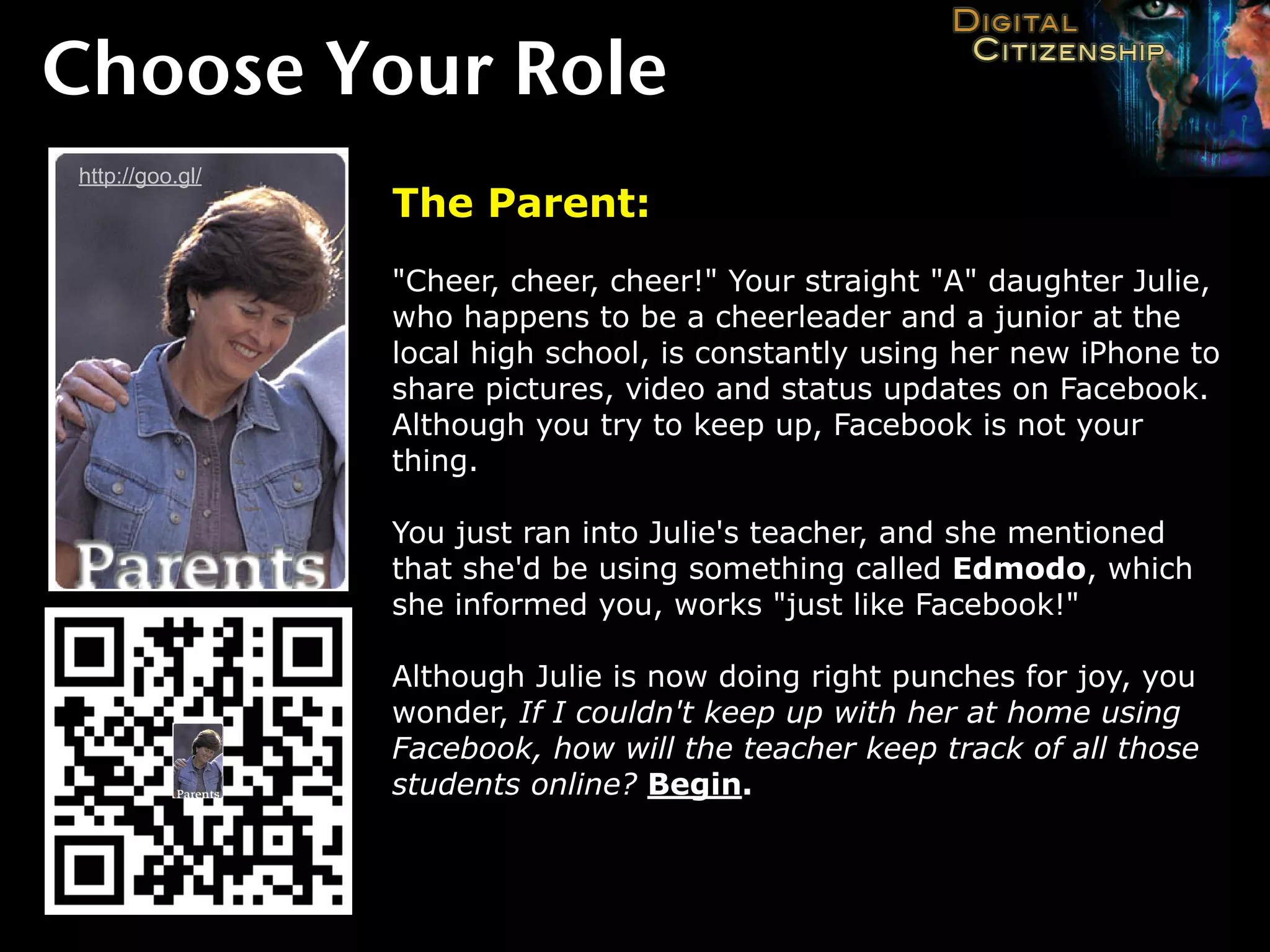
                 The Parent:
                 "Cheer, cheer, cheer!" Your straight "A" daughter Julie,
                 who happens to be a cheerleader and a junior at the
                 local high school, is constantly using her new iPhone to
                 share pictures, video and status updates on Facebook.
                 Although you try to keep up, Facebook is not your
                 thing.

                 You just ran into Julie's teacher, and she mentioned
                 that she'd be using something called Edmodo, which
                 she informed you, works "just like Facebook!"

                 Although Julie is now doing right punches for joy, you
                 wonder, If I couldn't keep up with her at home using
                 Facebook, how will the teacher keep track of all those
                 students online? Begin.
Choose Your Role
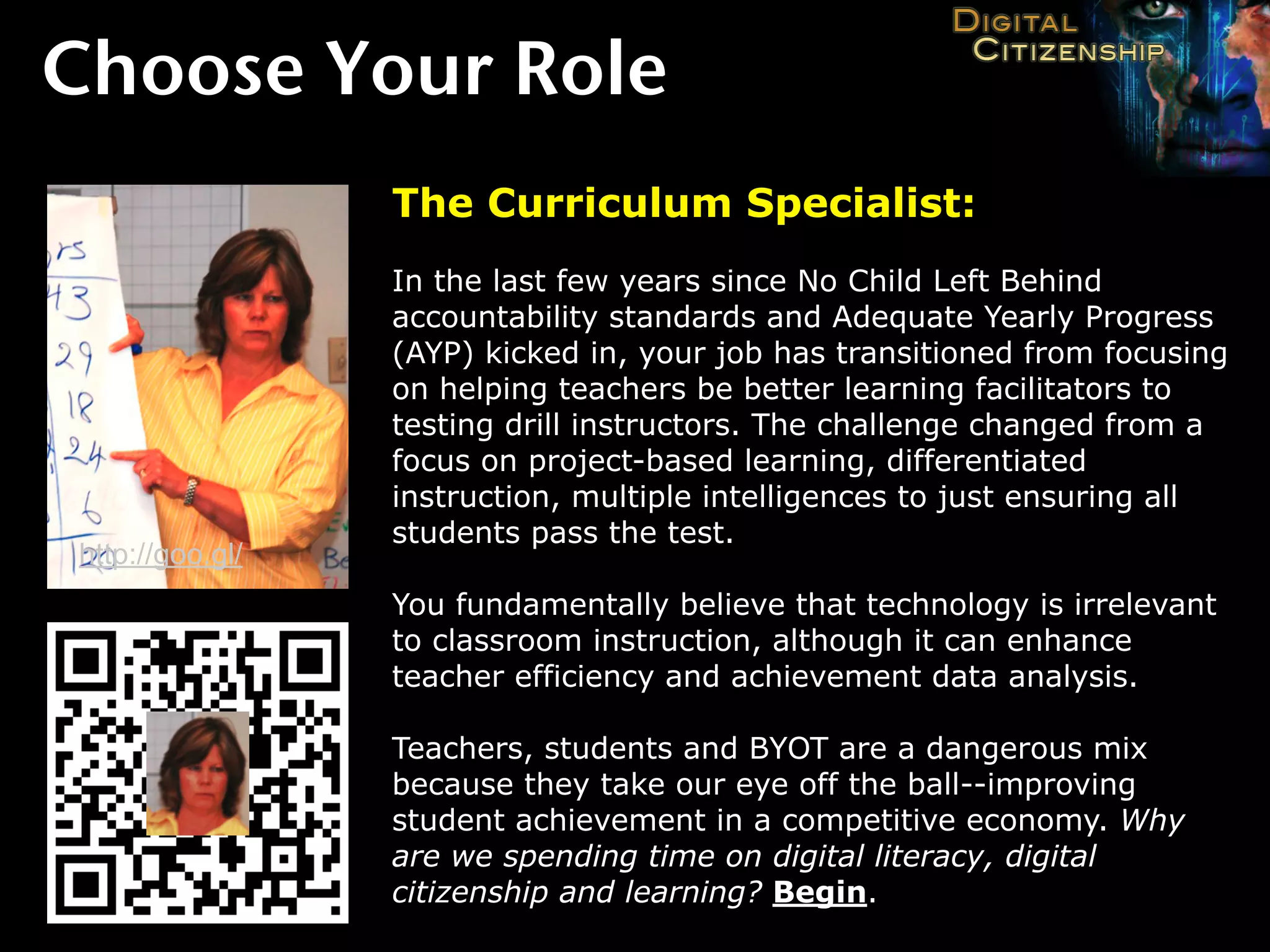
                 The Curriculum Specialist:
                 In the last few years since No Child Left Behind
                 accountability standards and Adequate Yearly Progress
                 (AYP) kicked in, your job has transitioned from focusing
                 on helping teachers be better learning facilitators to
                 testing drill instructors. The challenge changed from a
                 focus on project-based learning, differentiated
                 instruction, multiple intelligences to just ensuring all
                 students pass the test.
http://goo.gl/
                 You fundamentally believe that technology is irrelevant
                 to classroom instruction, although it can enhance
                 teacher efficiency and achievement data analysis.

                 Teachers, students and BYOT are a dangerous mix
                 because they take our eye off the ball--improving
                 student achievement in a competitive economy. Why
                 are we spending time on digital literacy, digital
                 citizenship and learning? Begin.
Choose Your Role
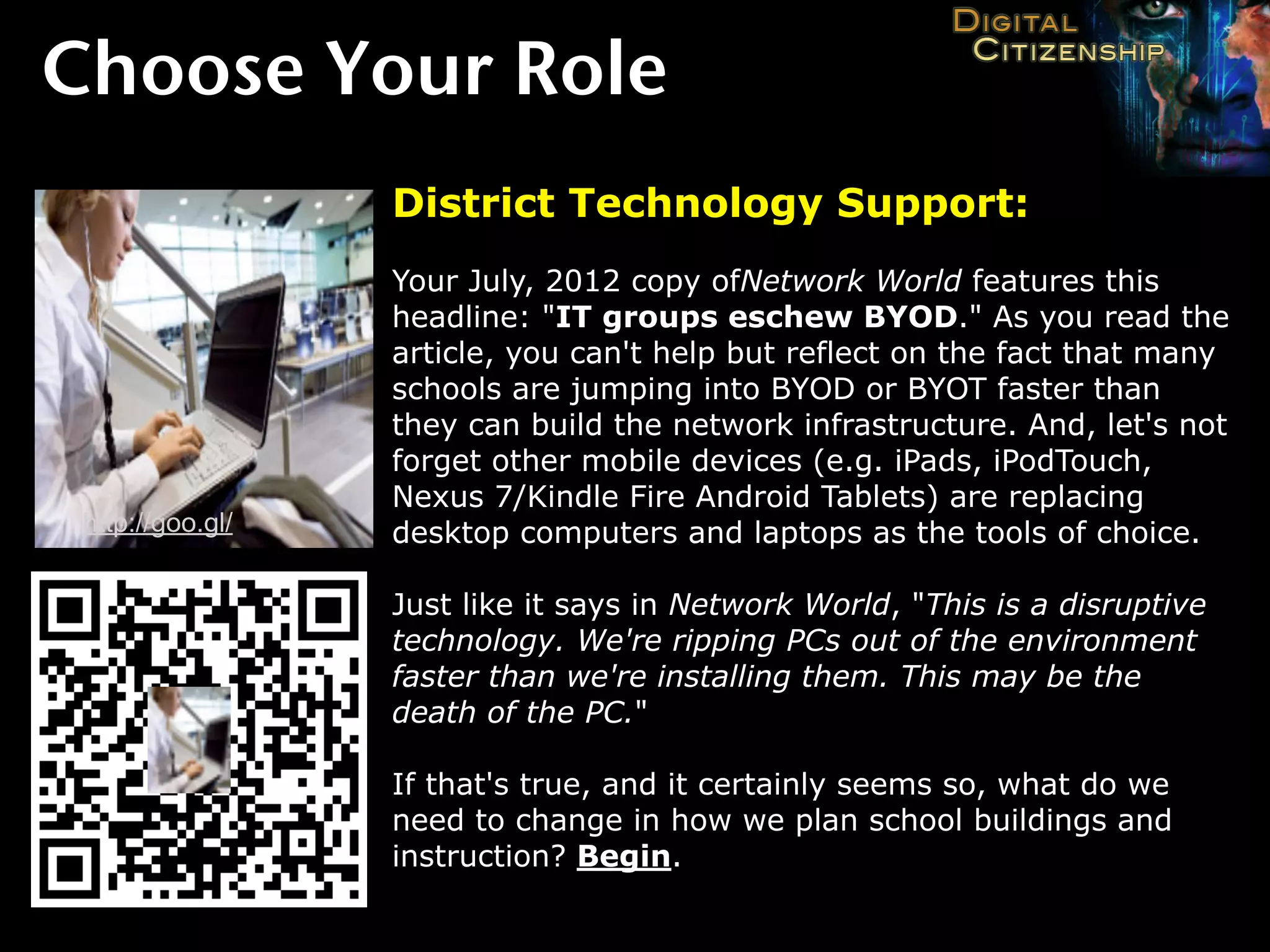
                  District Technology Support:
                  Your July, 2012 copy ofNetwork World features this
                  headline: "IT groups eschew BYOD." As you read the
                  article, you can't help but reflect on the fact that many
                  schools are jumping into BYOD or BYOT faster than
                  they can build the network infrastructure. And, let's not
                  forget other mobile devices (e.g. iPads, iPodTouch,
                  Nexus 7/Kindle Fire Android Tablets) are replacing
 http://goo.gl/   desktop computers and laptops as the tools of choice.

                  Just like it says in Network World, "This is a disruptive
                  technology. We're ripping PCs out of the environment
                  faster than we're installing them. This may be the
                  death of the PC."

                  If that's true, and it certainly seems so, what do we
                  need to change in how we plan school buildings and
                  instruction? Begin.
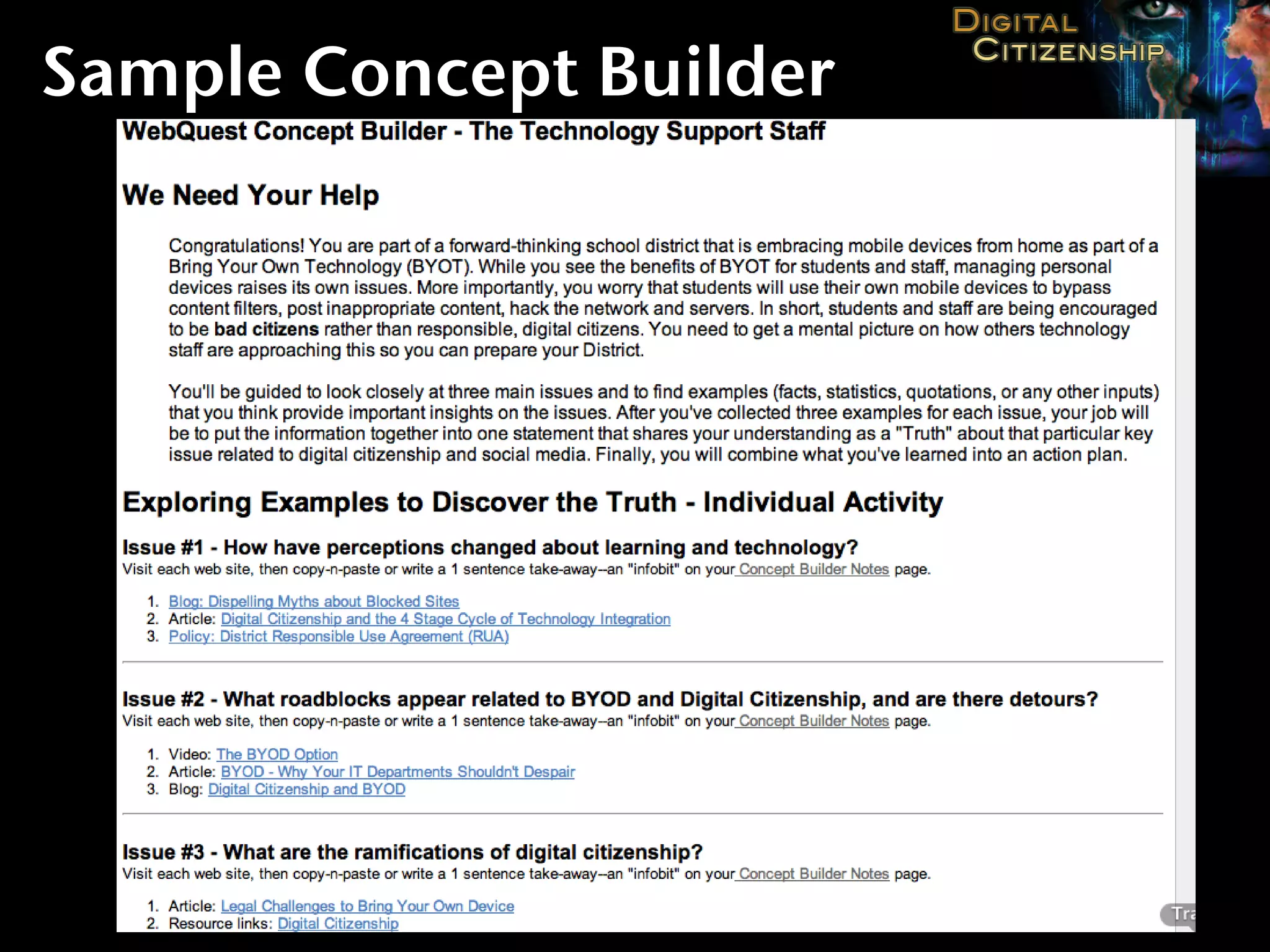
Sample Concept Builder
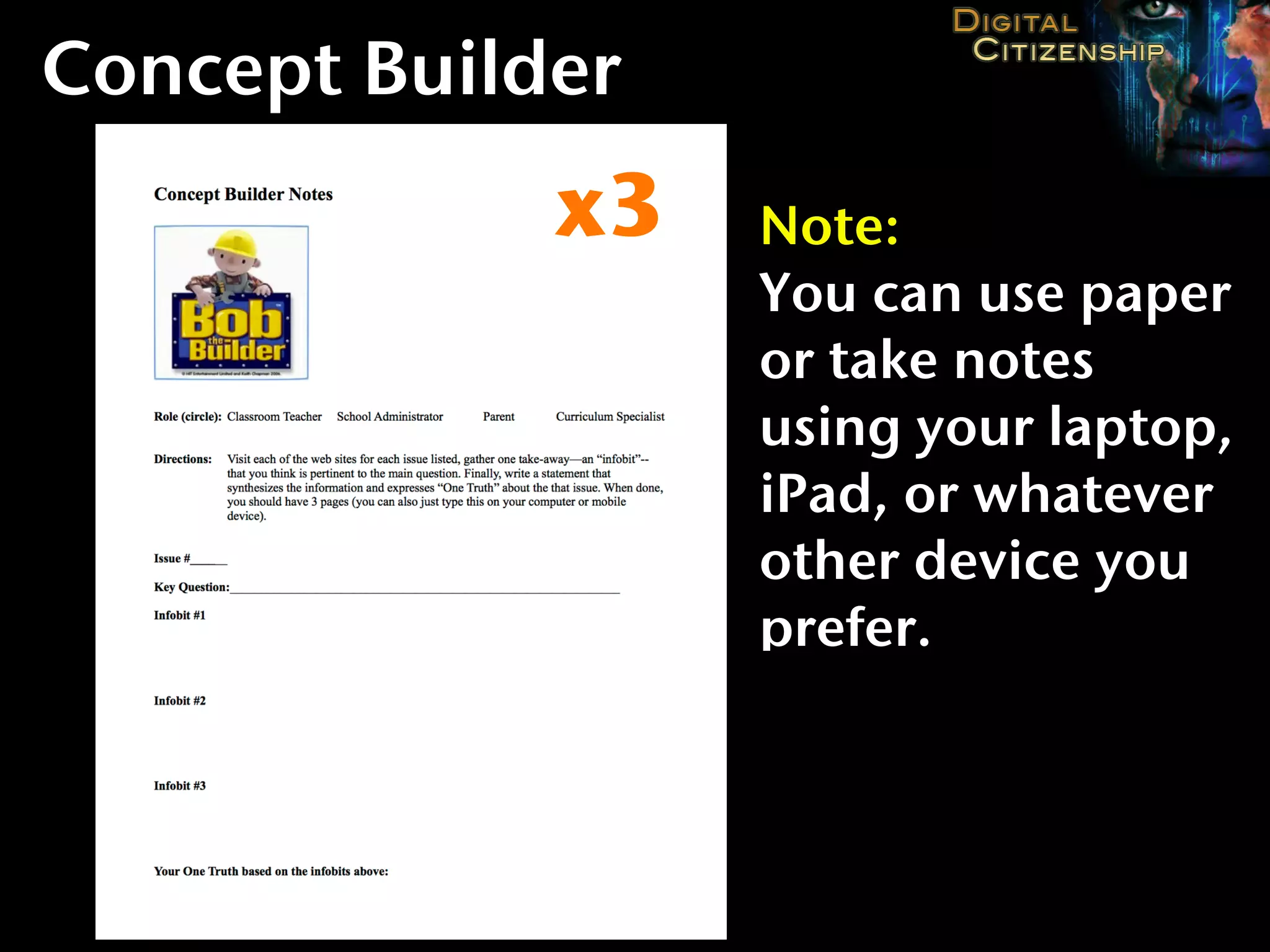
Concept Builder
             x3   Note:
                  You can use paper
                  or take notes
                  using your laptop,
                  iPad, or whatever
                  other device you
                  prefer.
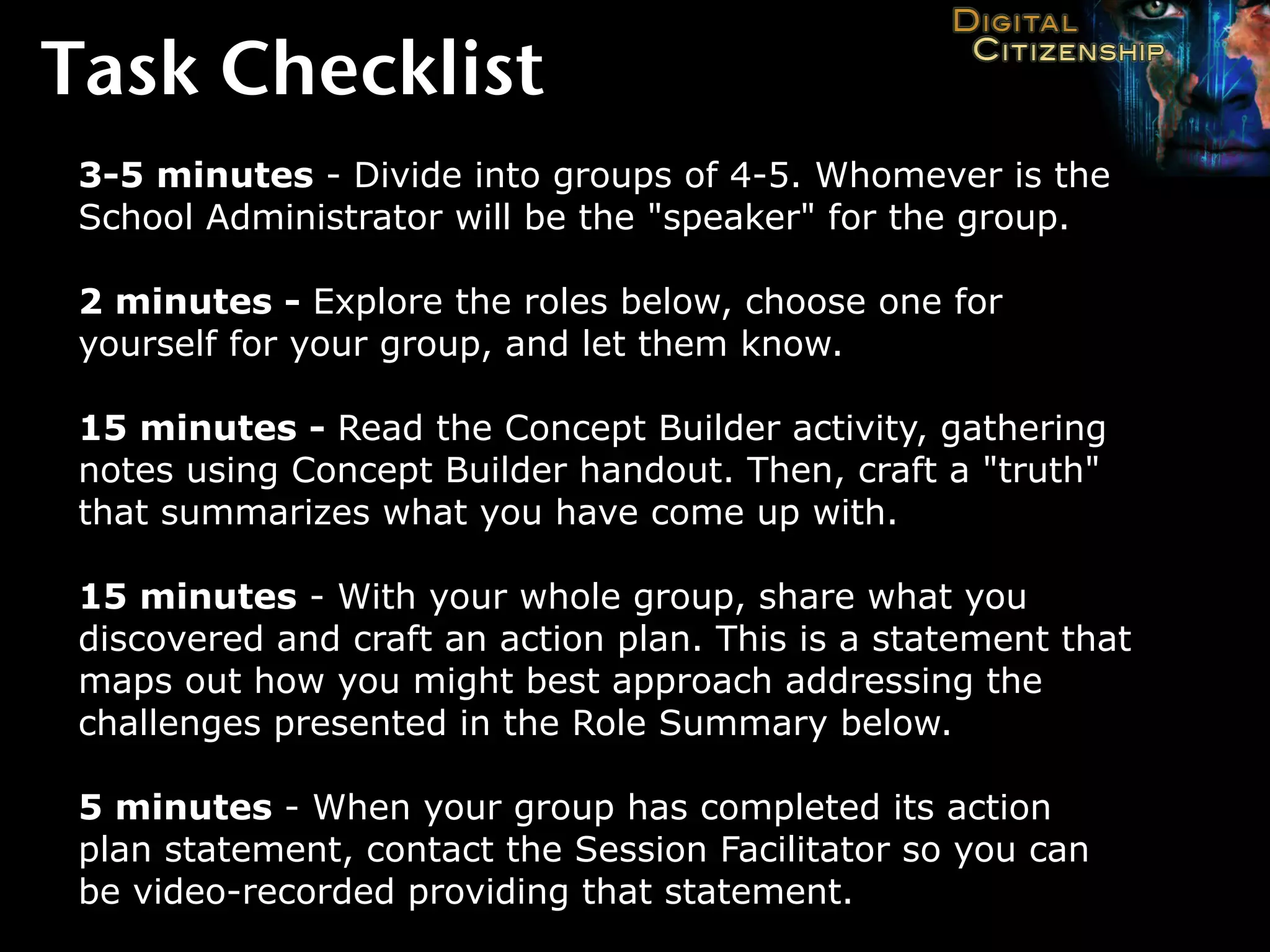
Task Checklist
 3-5 minutes - Divide into groups of 4-5. Whomever is the
 School Administrator will be the "speaker" for the group.

 2 minutes - Explore the roles below, choose one for
 yourself for your group, and let them know.

 15 minutes - Read the Concept Builder activity, gathering
 notes using Concept Builder handout. Then, craft a "truth"
 that summarizes what you have come up with.

 15 minutes - With your whole group, share what you
 discovered and craft an action plan. This is a statement that
 maps out how you might best approach addressing the
 challenges presented in the Role Summary below.

 5 minutes - When your group has completed its action
 plan statement, contact the Session Facilitator so you can
 be video-recorded providing that statement.
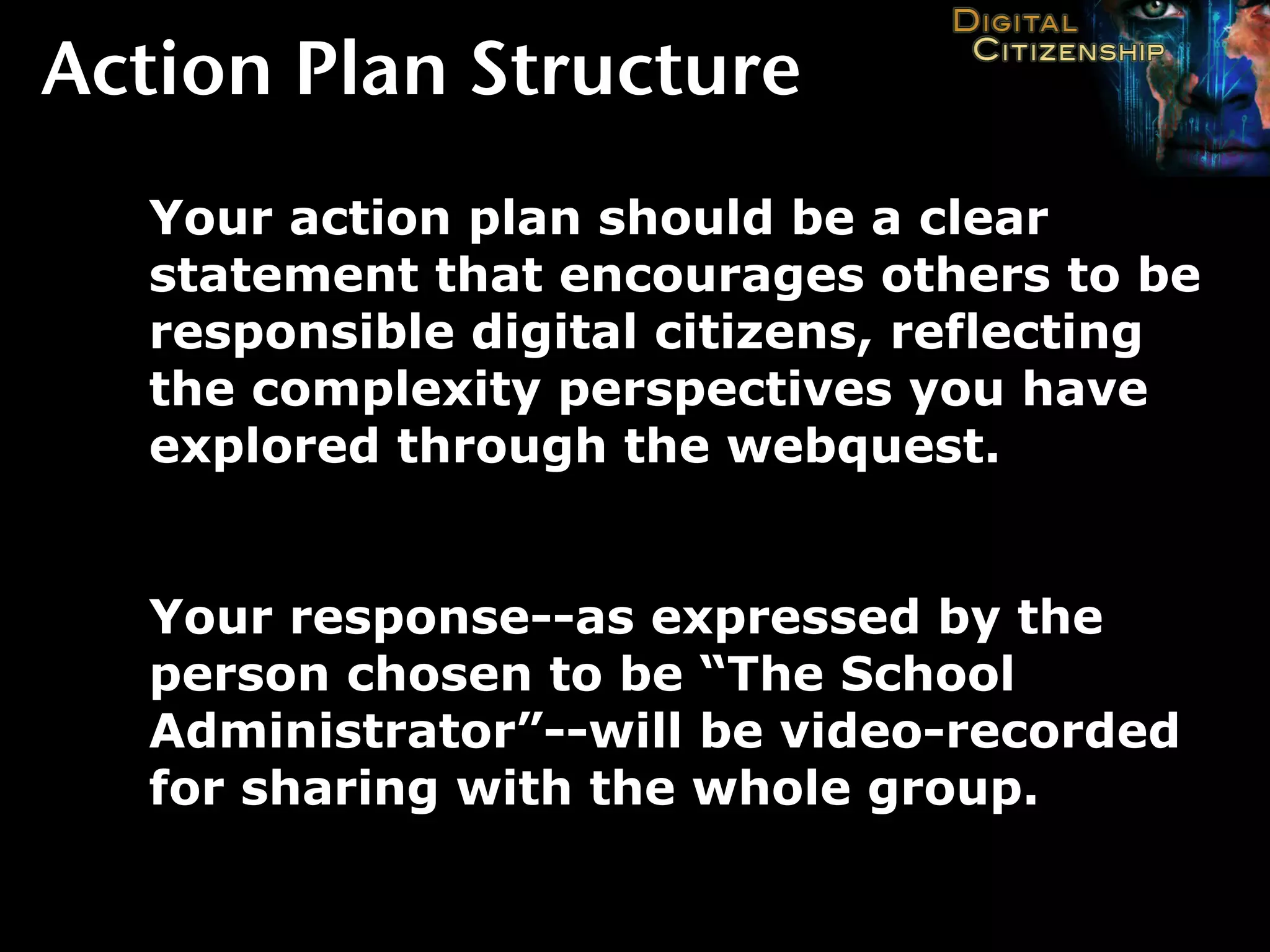
Action Plan Structure
  Your action plan should be a clear
  statement that encourages others to be
  responsible digital citizens, reflecting
  the complexity perspectives you have
  explored through the webquest.


  Your response--as expressed by the
  person chosen to be “The School
  Administrator”--will be video-recorded
  for sharing with the whole group.
3 Steps to


    Certification

                    Source: http://goo.gl/PHvj0
3 Steps to Digital Citizenship
        Certification

          http://bit.ly/ecisddc
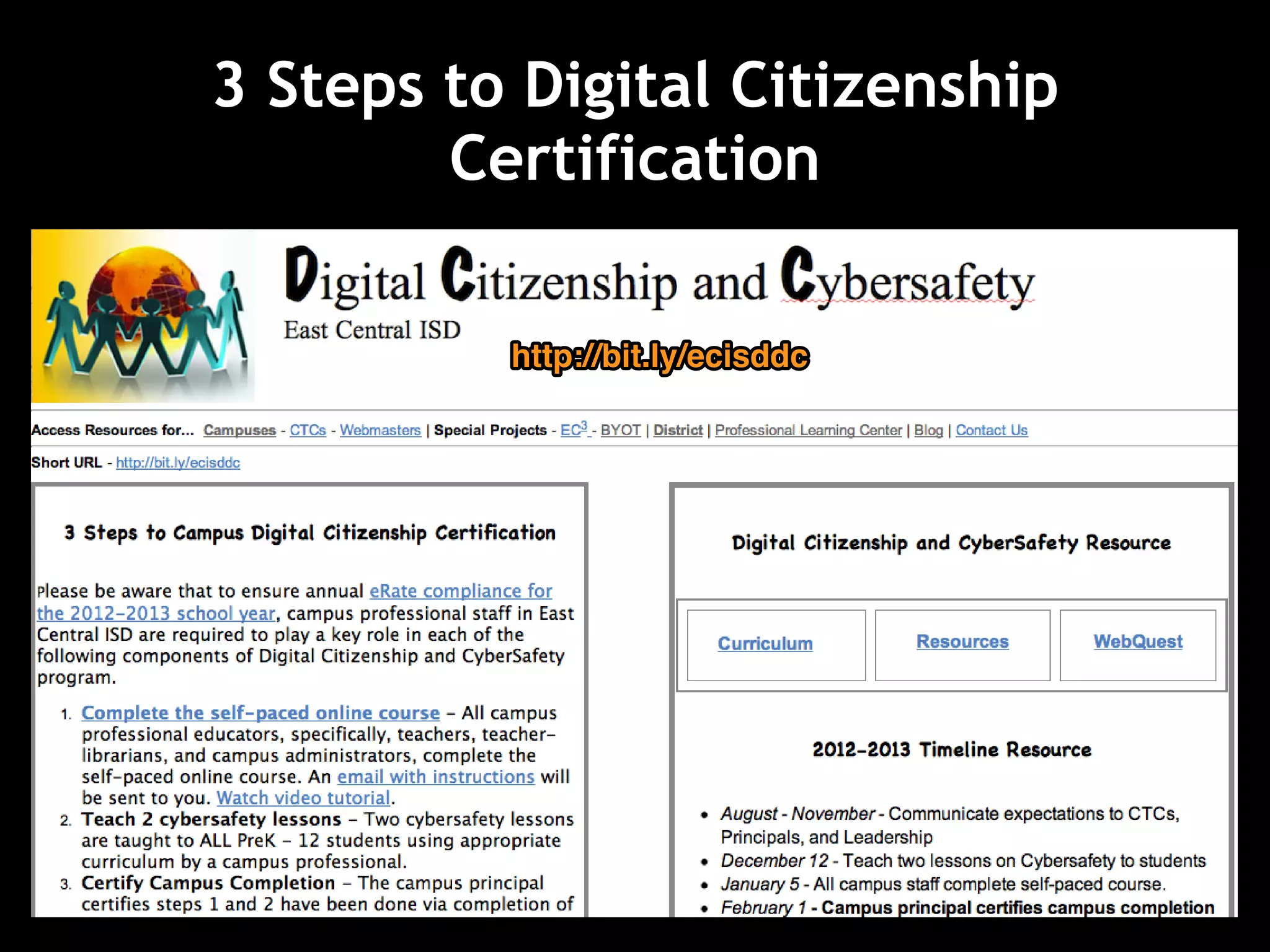
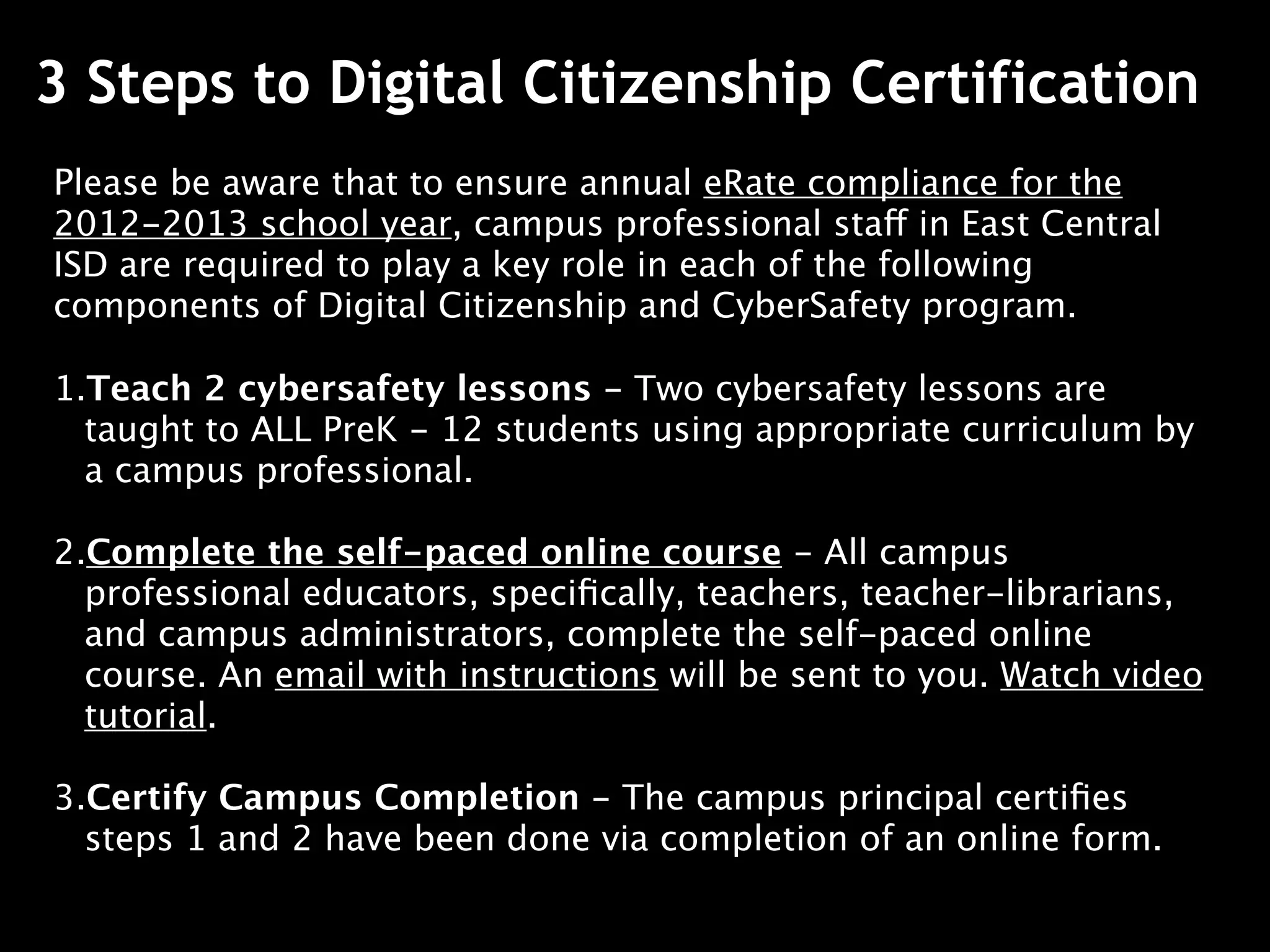
3 Steps to Digital Citizenship Certification
Please be aware that to ensure annual eRate compliance for the
2012-2013 school year, campus professional staff in East Central
ISD are required to play a key role in each of the following
components of Digital Citizenship and CyberSafety program.

1.Teach 2 cybersafety lessons - Two cybersafety lessons are
  taught to ALL PreK - 12 students using appropriate curriculum by
  a campus professional.

2.Complete the self-paced online course - All campus
  professional educators, specifically, teachers, teacher-librarians,
  and campus administrators, complete the self-paced online
  course. An email with instructions will be sent to you. Watch video
  tutorial.

3.Certify Campus Completion - The campus principal certifies
  steps 1 and 2 have been done via completion of an online form.
http://bit.ly/ecisddc


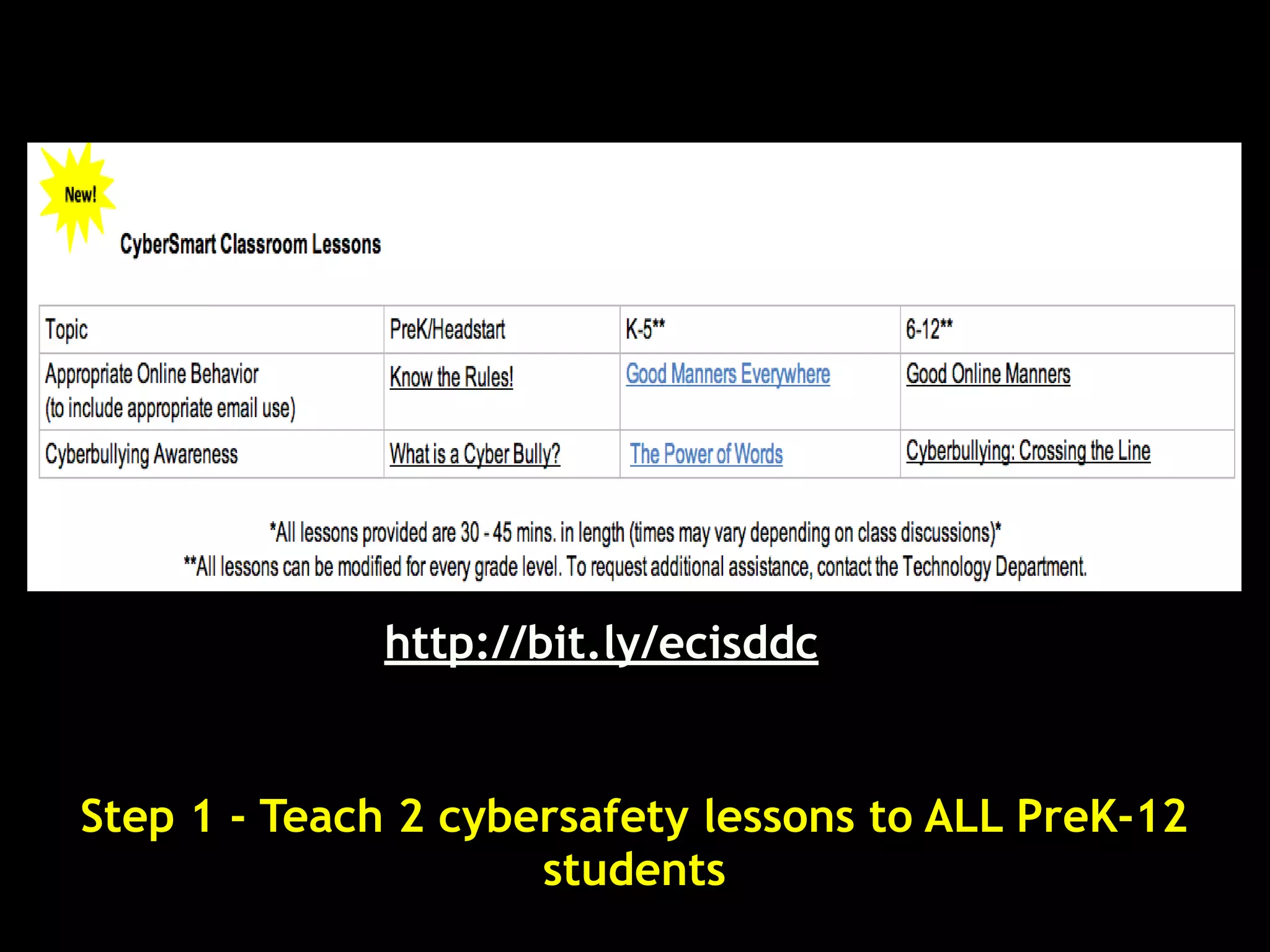
Step 1 - Teach 2 cybersafety lessons to ALL PreK-12
                     students
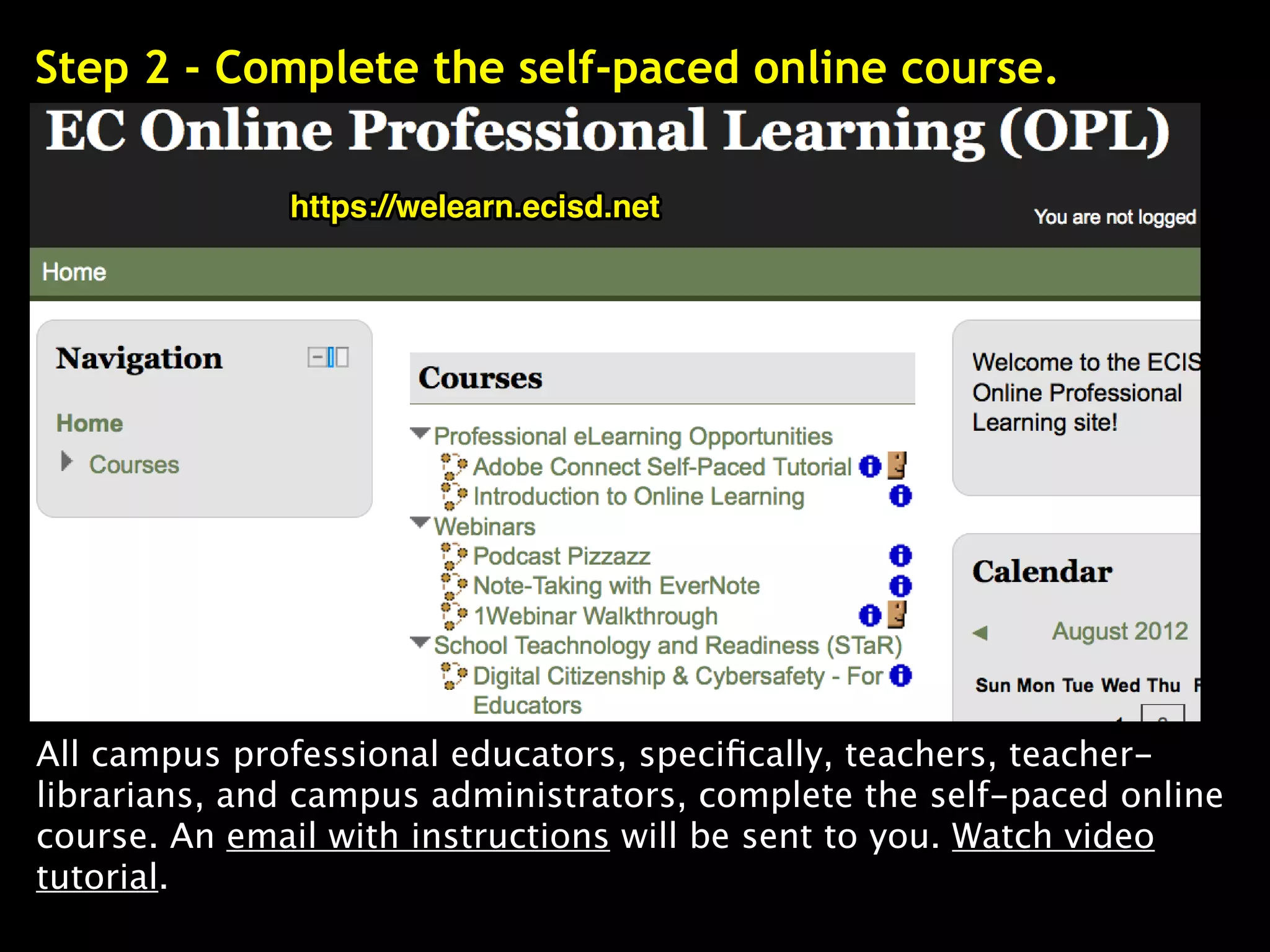
Step 2 - Complete the self-paced online course.

              https://welearn.ecisd.net


All campus professional educators, specifically, teachers, teacher-
librarians, and campus administrators, complete the self-paced online
course. An email with instructions will be sent to you. Watch video
tutorial.
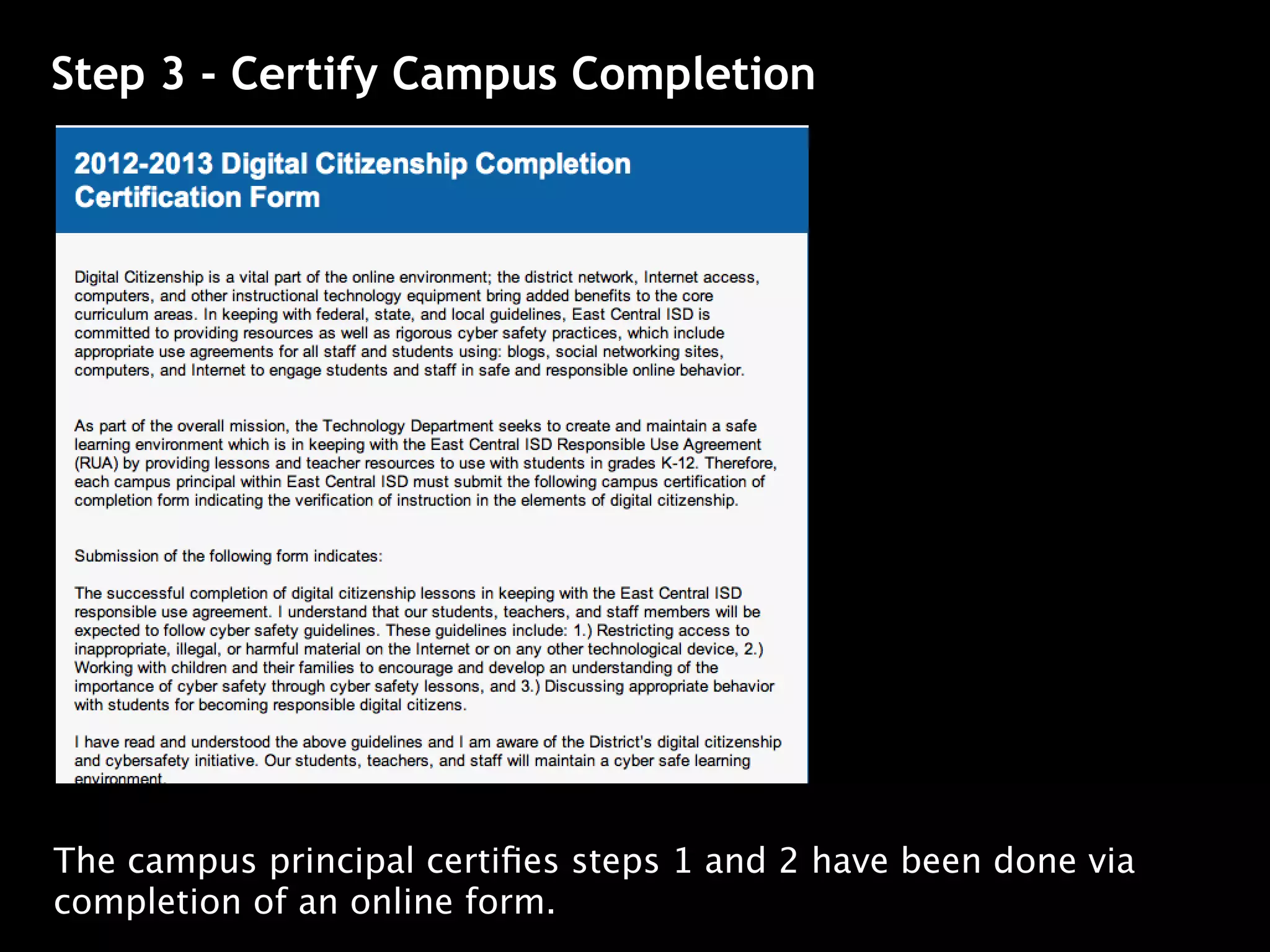
Step 3 - Certify Campus Completion


The campus principal certifies steps 1 and 2 have been done via
completion of an online form.
Looking for video links and more?


 Find them online at http://bit.ly/ecisdrti

Redefining Technology with Instruction

  • 1.
    Reinventing Technology withInstruction Watch video at http://goo.gl/ Becoming a Remix Artist v5 Facilitator: Miguel Guhlin - http://ectechhornet.blogspot.com
  • 2.
    Looking for videolinks and more? Find them online at http://bit.ly/ecisdrti
  • 3.
    Share your reflectionsonline.... http://todaysmeet.com/ecisdleads
  • 4.
    Curious about QR Codes? Findout more: http://goo.gl/XAj7q
  • 5.
    Image Source: http://goo.gl/ ???s to ponder...what’s ahead
  • 6.
    How are youallowing technology to change what you do at home and work? How can we redefine our current technology use with instruction into something “transformsational?” How can we achieve redefinition in collaboration with globally connected, digital citizens?
  • 7.
  • 8.
    How are youallowing technology to change what you do at home and work?
  • 9.
    Connectedness and control ofour learning provide each of us with the ability to determine our own path and to differentiate to meet each of our diverse learning needs. Eric Sheninger, Principal, High School Principal, New Jersey Find out more online at http://goo.gl/ Source: http://goo.gl/
  • 10.
    What impact hasa professional learning network had on you? http://tinyurl.com/yusztt
  • 11.
    How are youallowing technology to change what you do at home and work?
  • 12.
    How are youallowing technology to change what you do at home and work?
  • 13.
    How can weredefine our current technology use with instruction into something “transformsational?” http://www.globallyconnectedlearning.com/?
  • 14.
    Another way toask that question.... How do we go above and beyond what we’ve been doing in the classroom today?
  • 15.
    Share Your Reactionto this http://todaysmeet.com/ecisdleads
  • 18.
    One Way toRedefine Creativity Remixing is the adoption, alteration, and recombination of pre-existing cultural texts (songs, video, audio, literature, paintings, etc.) to create something new. Source: Wikipedia
  • 19.
    Watch this videoonline at http://goo.gl/PLsl7 (due to time, we won’t watch this now)
  • 20.
    Are you aremix artist? We’ll find out soon.... Creativity = Remixing = Redefinition
  • 21.
    How do wego above and beyond what we’ve been doing in the classroom today?
  • 22.
    A Framework forUnderstanding Learning and Technology Introducing the SAMR Model Image Source: http://goo.gl/qRssr
  • 23.
    Remix and designwork in ways Redefinition not possible to complete without technology. Technology allows new Modification product(s) to be created, as well as improves efficiency. Same thing but with technology Augmentation with minor improvements. Using technology to do the same Substitution thing you did without it.
  • 24.
    1. Substitution: Technology--suchas laptops, iPads, tablets--enable us to take notes or type up documents.
  • 25.
    1. Substitution: Technology--suchas laptops, iPads, tablets--enable us to take notes or type up documents.
  • 27.
    2. Augmentation: Notonly can we type up a document, but we can spell-check it and format it more nicely. Revision and editing, then, is accomplished more quickly...more efficiently.
  • 28.
    2. Augmentation: Notonly can we type up a document, but we can spell-check it and format it more nicely. Revisions and editing, then, is accomplished more quickly...more efficiently.
  • 29.
    3. Modification: Modificationrequires a substantial change in the format of the product...Not only can we do what we have done in the past, we can incorporate a variety of media (audio, video, cartoon, text) and publish that document to a wider audience than just teacher or class peers..
  • 30.
    4. Redefinition: Thisoccurs when learners remix and re- design student work with technology. Communication, Creativity, Collaboration, Critical thinking expand beyond the bounds the classroom.
  • 31.
    Source: El PasoISD - http://www.youtube.com/watch? 4. Redefinition: This occurs when learners remix and re- design student work with technology. Communication, Creativity, Collaboration, Critical thinking expand beyond the bounds the classroom.
  • 32.
    Redefining knowledge worksimply cannot happen without technology.
  • 33.
    Book report involvescritical thinking, creating in Redefinition communication and collaboration with other learners. Book report is delivered in a Modification variety of media formats. Book report is spell-checked, Augmentation emailed for approval, revised, printed for the teacher. Book report typed on MS Word Substitution instead of being on a typewriter or by hand.
  • 34.
    Guerilla Season BookBlog • http://www.guerrillaseason.blogspot.com/ Redefining knowledge work involves extending communication, collaboration, creativity, and critical thinking beyond the classroom walls and invites new experiences that fuel engagement.
  • 35.
    School admin uploadsintro slide then asks faculty to add their own Redefinition slides. When doing presentation, comments can be left by listeners. School admin creates a slideshow, drops it into Modification Slideshare.net as a presentation and share it on school web site. School admin includes pictures, Augmentation videos in slidedeck about key school topics, then presents it. School administrator moves Substitution presentation from handwritten notes to Powerpoint; presents it.
  • 36.
    http://edte.ch/blog/interesting-ways/ in iPads m Using ssroo la the C om assro the Cl s in QR Code
  • 37.
    Another Example ofthe SAMR Model Image Source: http://goo.gl/
  • 38.
    1. Divide Remix learning process/task in into ways not possible without groups technology. of Technology allows new 2-3, then product(s) to be created, as well as improves efficiency. Same thing but with technology 2. Come with minor improvements up with your own Using technology to do the same thing you did SAMR without it. example
  • 39.
    How can weachieve redefinition in collaboration with globally connected, digital citizens?
  • 40.
    School Leaders’ WebQuest http://bit.ly/ecisddcquest Source: http://goo.gl/PHvj0
  • 41.
    What is awebquest? A WebQuest is an inquiry-oriented lesson format in which most or all the information that learners work with comes from the web. The model was developed by Bernie Dodge at San Diego State University in February, 1995 with early input from SDSU/Pacific Bell Fellow Tom March, the Educational Technology staff at San Diego Unified School District, and waves of participants each summer at the Teach the Teachers Consortium. Source: http:// Source: http://goo.gl/PHvj0
  • 42.
    Overview A webquest hasmultiple components, primarily the ones listed below: An Introductory Problem A Task A Process Roles for Cooperative Groups A Culminating Activity or Project Resources Source: http:// Source: http://goo.gl/PHvj0
  • 43.
  • 44.
    Introduction Often,it's one thing to develop policy, quite another to implement it in a way that makes sense. How can we, as leaders in a learning organization, model responsible use of technology with students and staff? Over the next 30-40 minutes, you will explore this question and learn how the East Central ISD plans to introduce students and staff to digital citizenship, cybersafety and responsible use.
  • 45.
    Task Todevelop an understanding of digital citizenship, cybersafety, and how it applies to you, you need to develop a thorough understanding of what digital citizenship means in K-12 schools. One way for you to get there is to critically analyze a number of digital citizenship scenarios and discuss them from multiple perspectives. That's your task in this exercise.
  • 46.
    Process 1. Selecta role (we’ll go over those in a moment). 2. Take 15-20 minutes to go over information available as video/text/pictures. Use the Concept Builder Notes handout to gather information that build towards “one truth.” 3. Pool your infobits, truths, and perspectives and develop an Action Plan statement (keep it simple, this isn’t a dissertation) that captures your truths, information, and ideas. 4. Work with the session facilitator to video- record your statement (let me know when you’re ready!)
  • 47.
    Choose Your Role TheClassroom Teacher: Over the past year, you've attended several state conferences such as the TCEA and TexasASCD conference. Everywhere you've gone, the message is coming in loud and clear-- social media is THE way to connect with students where they are at since over 74% of students have mobile devices. Technology has never been easier to use! You're thrilled that Bring Your Own Technology (BYOT) initiatives are starting up in your District. Last week at the local pizzaria, you ran into a parent of one of next year's students. You happen to mention that you'll be using Edmodo ("It's just like Facebook but for education!" you remember saying) to facilitate information sharing. Now, everyone wants to know what you're up to with this Facebook-like thing and you want them to support you. In spite of your enthusiasm, the question in your mind is, How can social media be used within the context of being a responsible digital citizen? Begin.
  • 48.
    Choose Your Role The School Administrator: In your mind, the best use of technology is the one that results in the least amount of litigation. Yesterday, a parent happened to comment at a morning coffee how wonderful it was that one of the teachers was using Edmodo to manage communications about homework and classwork, sharing videos featuring students and what they are learning. Then he asked, What do you think about it? While you're thrilled parents are happy, you weren't so sure, worrying it wouldn't be long before you are embroiled in scandal. The less sharing, the better. You just want to stop the Internet and can't wait for this fad to be over. You decide to analyze the District's Responsible Use Agreement to see how the district may have missed the mark, and ask yourself, How will I share this with students, teachers and parents? Begin.
  • 49.
    Choose Your Role http://goo.gl/ The Parent: "Cheer, cheer, cheer!" Your straight "A" daughter Julie, who happens to be a cheerleader and a junior at the local high school, is constantly using her new iPhone to share pictures, video and status updates on Facebook. Although you try to keep up, Facebook is not your thing. You just ran into Julie's teacher, and she mentioned that she'd be using something called Edmodo, which she informed you, works "just like Facebook!" Although Julie is now doing right punches for joy, you wonder, If I couldn't keep up with her at home using Facebook, how will the teacher keep track of all those students online? Begin.
  • 50.
    Choose Your Role The Curriculum Specialist: In the last few years since No Child Left Behind accountability standards and Adequate Yearly Progress (AYP) kicked in, your job has transitioned from focusing on helping teachers be better learning facilitators to testing drill instructors. The challenge changed from a focus on project-based learning, differentiated instruction, multiple intelligences to just ensuring all students pass the test. http://goo.gl/ You fundamentally believe that technology is irrelevant to classroom instruction, although it can enhance teacher efficiency and achievement data analysis. Teachers, students and BYOT are a dangerous mix because they take our eye off the ball--improving student achievement in a competitive economy. Why are we spending time on digital literacy, digital citizenship and learning? Begin.
  • 51.
    Choose Your Role District Technology Support: Your July, 2012 copy ofNetwork World features this headline: "IT groups eschew BYOD." As you read the article, you can't help but reflect on the fact that many schools are jumping into BYOD or BYOT faster than they can build the network infrastructure. And, let's not forget other mobile devices (e.g. iPads, iPodTouch, Nexus 7/Kindle Fire Android Tablets) are replacing http://goo.gl/ desktop computers and laptops as the tools of choice. Just like it says in Network World, "This is a disruptive technology. We're ripping PCs out of the environment faster than we're installing them. This may be the death of the PC." If that's true, and it certainly seems so, what do we need to change in how we plan school buildings and instruction? Begin.
  • 52.
  • 53.
    Concept Builder x3 Note: You can use paper or take notes using your laptop, iPad, or whatever other device you prefer.
  • 54.
    Task Checklist 3-5minutes - Divide into groups of 4-5. Whomever is the School Administrator will be the "speaker" for the group. 2 minutes - Explore the roles below, choose one for yourself for your group, and let them know. 15 minutes - Read the Concept Builder activity, gathering notes using Concept Builder handout. Then, craft a "truth" that summarizes what you have come up with. 15 minutes - With your whole group, share what you discovered and craft an action plan. This is a statement that maps out how you might best approach addressing the challenges presented in the Role Summary below. 5 minutes - When your group has completed its action plan statement, contact the Session Facilitator so you can be video-recorded providing that statement.
  • 55.
    Action Plan Structure Your action plan should be a clear statement that encourages others to be responsible digital citizens, reflecting the complexity perspectives you have explored through the webquest. Your response--as expressed by the person chosen to be “The School Administrator”--will be video-recorded for sharing with the whole group.
  • 56.
    3 Steps to Certification Source: http://goo.gl/PHvj0
  • 57.
    3 Steps toDigital Citizenship Certification http://bit.ly/ecisddc
  • 58.
    3 Steps toDigital Citizenship Certification Please be aware that to ensure annual eRate compliance for the 2012-2013 school year, campus professional staff in East Central ISD are required to play a key role in each of the following components of Digital Citizenship and CyberSafety program. 1.Teach 2 cybersafety lessons - Two cybersafety lessons are taught to ALL PreK - 12 students using appropriate curriculum by a campus professional. 2.Complete the self-paced online course - All campus professional educators, specifically, teachers, teacher-librarians, and campus administrators, complete the self-paced online course. An email with instructions will be sent to you. Watch video tutorial. 3.Certify Campus Completion - The campus principal certifies steps 1 and 2 have been done via completion of an online form.
  • 59.
    http://bit.ly/ecisddc Step 1 -Teach 2 cybersafety lessons to ALL PreK-12 students
  • 60.
    Step 2 -Complete the self-paced online course. https://welearn.ecisd.net All campus professional educators, specifically, teachers, teacher- librarians, and campus administrators, complete the self-paced online course. An email with instructions will be sent to you. Watch video tutorial.
  • 61.
    Step 3 -Certify Campus Completion The campus principal certifies steps 1 and 2 have been done via completion of an online form.
  • 62.
    Looking for videolinks and more? Find them online at http://bit.ly/ecisdrti