by  Colleen Carroll Tracy Ford Darlene Westinghouse
CHANGE?
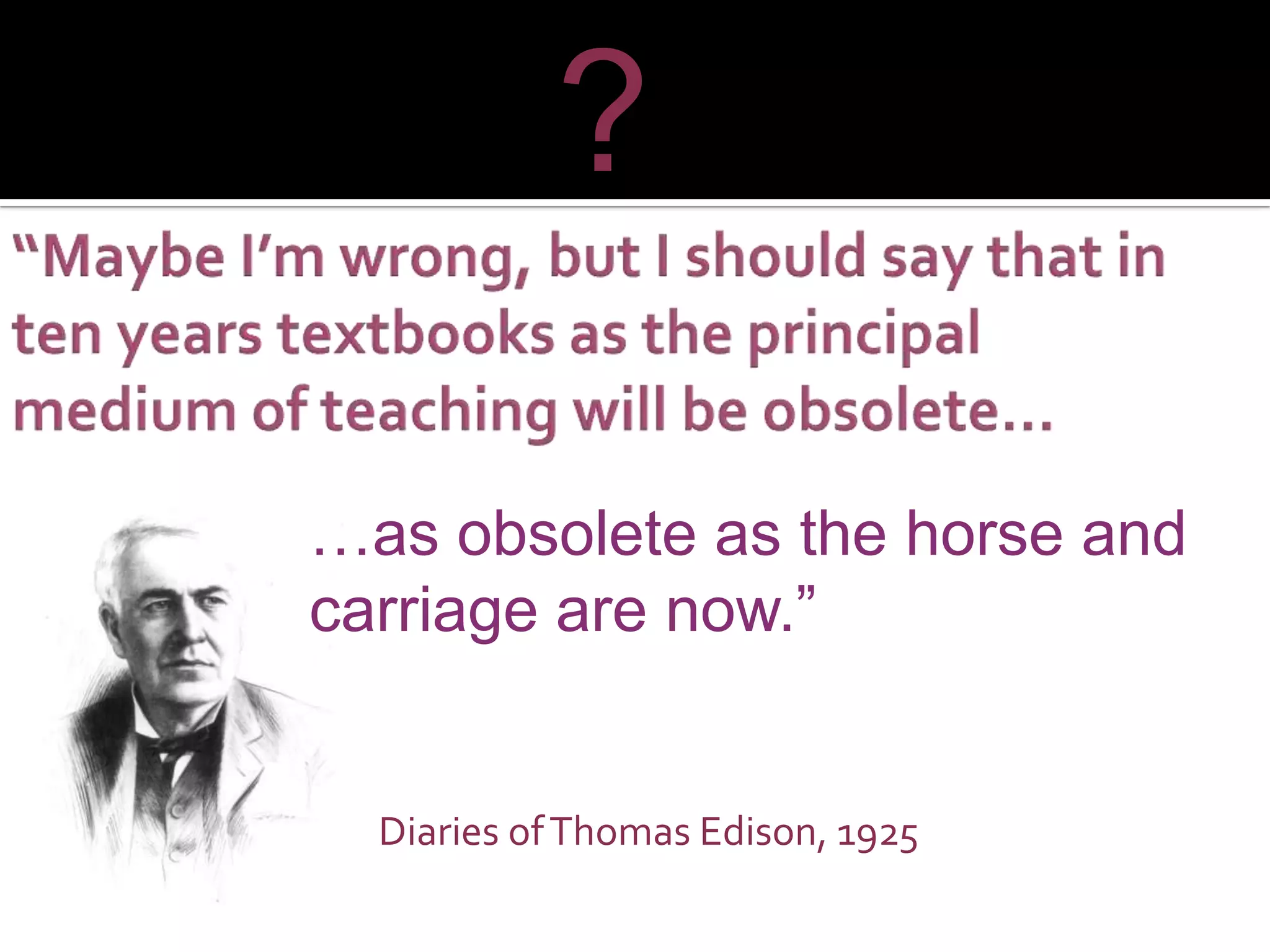
Diaries of Thomas Edison, 1925 … as obsolete as the horse and carriage are now.” ?
 
CHANGE… Did You Know?
 
The United States Department of Commerce ranked 55 industrial sectors by their level of Information Technology (IT). Education came in at 55  The lowest of all including coal mining (U.S. Department of Commerce, 2002).
We are preparing students for an era that no longer exists and for a job market that no longer offers the same positions  (Partnership for 21st Century Skills, 2006).
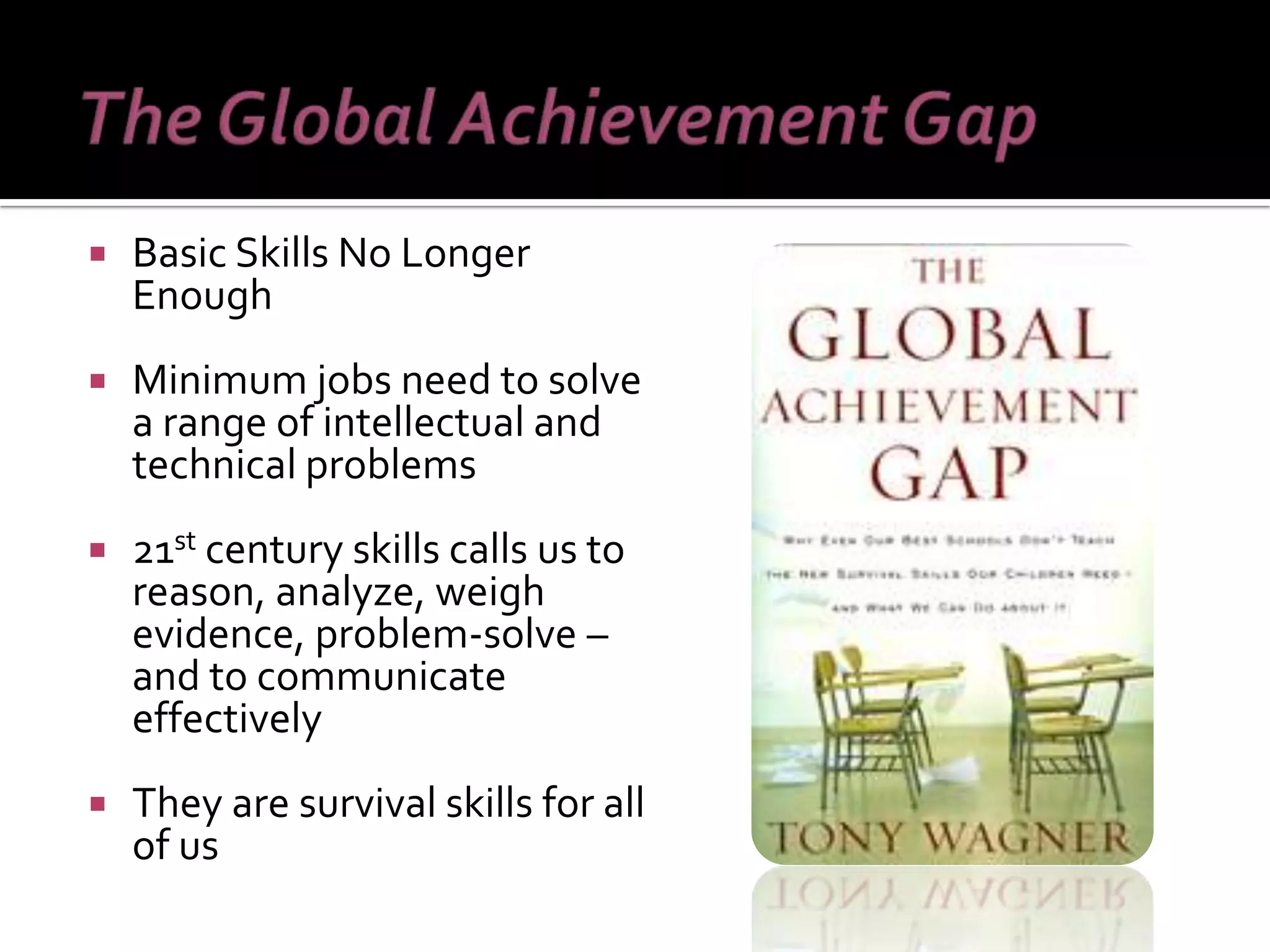
Basic Skills No Longer Enough Minimum jobs need to solve a range of intellectual and technical problems 21 st  century skills calls us to reason, analyze, weigh evidence, problem-solve – and to communicate effectively They are survival skills for all of us
“ The future U.S. workforce  is here – and it is woefully  ill-prepared for the demands  of today’s (and tomorrow’s) workplace”  (The Conference Board, Partnership for 21st century Skills, Corporate Voices for Working Families, HR Society for Human Resource Management, 2006, p.  9).
Nearly a decade into the 21 st  Century, there are indications that American society – including businesses, industry, education, and communities -- have not kept pace with the rapid transformation into a knowledge-based society.  Building the technological capacity of the education system in the U.S.  is critical to the global leadership of the state of New York and the nation.
In international competition in mathematics and science, American students are not competitive, with less than one-third of 4 th  and 8 th  grade students performing at or above a level of proficiency in mathematics.  National Center for Education Statistics.  (2006).The Nation’s Report Card: Mathematics (2005).
In the U.S., 34% of doctoral degrees in natural sciences, and 56% of engineering PhDs are awarded to foreign-born students.
Approximately 1/3 of students in the U.S.  do not graduate after 4 years of HS. In the nation’s most recent study of HS dropouts: 47% said that a major reason for dropping out was that  classes were not interesting   70% said they were  not motivated or inspired to work hard 81% said there should be  more opportunities for real world learning.
Transforming American Education: Learning Powered by Technology
“ By 2020, America will once again have the highest proportion of college graduates in the world.” — President Barack Obama, Address to Congress, February 24, 2009 “ We are now, however, at an inflection point for a much bolder transformation of education powered by technology. This revolutionary opportunity for change is driven by the continuing push of emerging technology and the pull of the critical national need to radically improve our education system” (p. ix). http:// www.ed.gov/technology/netp-2010
Bio -Technology
Move away from lecture driven instruction Move towards constructivist, inquiry-oriented classrooms  Technology is a catalyst for a more flexible, engaging and challenging learning experience for students  KABOOM! k
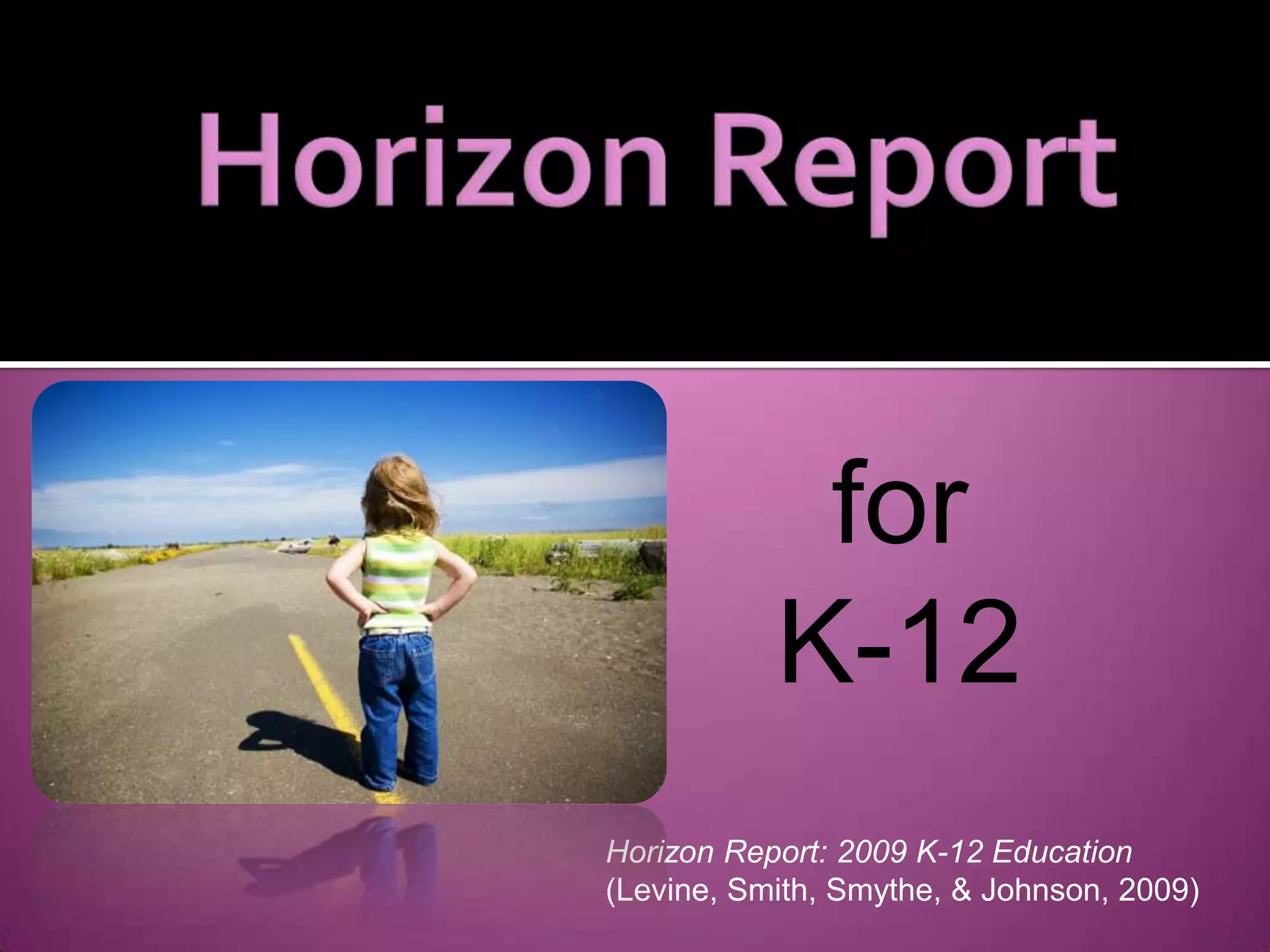
for  K-12 Horizon Report: 2009 K-12 Education  (Levine, Smith, Smythe, & Johnson, 2009)
The  Horizon Report: 2009 K-12 Education,  identifies technological tools and trends to be adopted in the coming years. More than 275 national and international leaders assembled online and face-to-face to become members of an Advisory Board to research and identify emerging technologies that will have the greatest impact on teaching, learning, and creativity around the world, to finalize the  Horizon Report: 2009 K-12 Education  (Levine, Smith, Smythe, & Johnson, 2009)   Identifies technological tools and trends to be adopted in the coming years.   More than 275 national and international leaders assembled online and face-to-face  Research and identify emerging technologies that will have the greatest impact on teaching, learning, and creativity around the world  Horizon Report: 2009 K-12 Education  (Levine, Smith, Smythe, & Johnson, 2009)
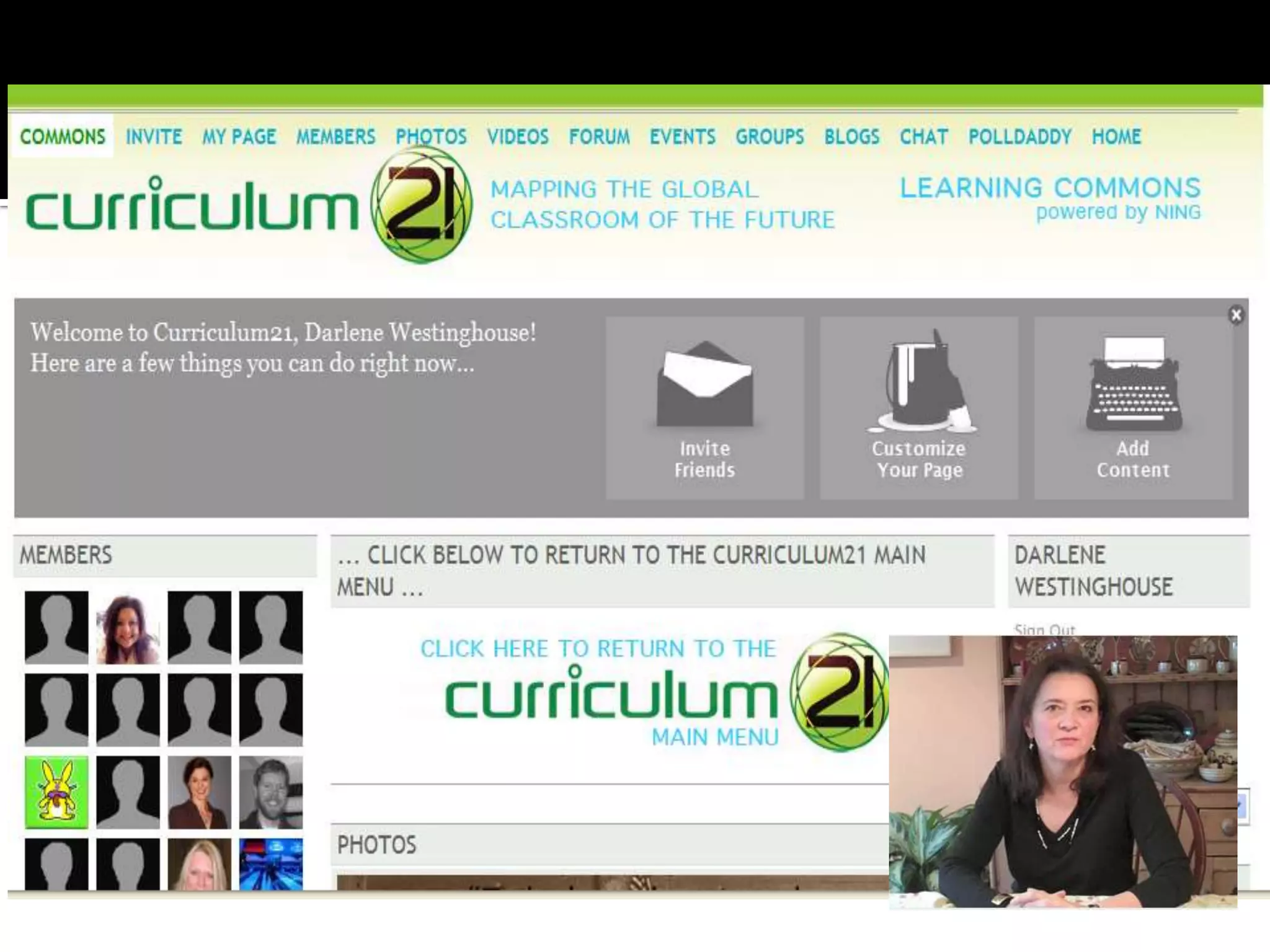
Virtual Workplaces: Integrated media  - 2D and 3D LMS: Moodle , Blackboard, Sakai Social Networking Platforms: Ning ,  Facebook ,  Diigo ,  Glogster 3D Virtual Worlds: Active Worlds , Second Life
 
Desktop Videoconferencing –  Skype ,  Oovoo (Webconferncing  Adobe Connect , DimDim, Eluminate)  Instant Messaging Services –  Meebo Microblogging Platforms –  Twitter , Facebook,  Edmodo
 
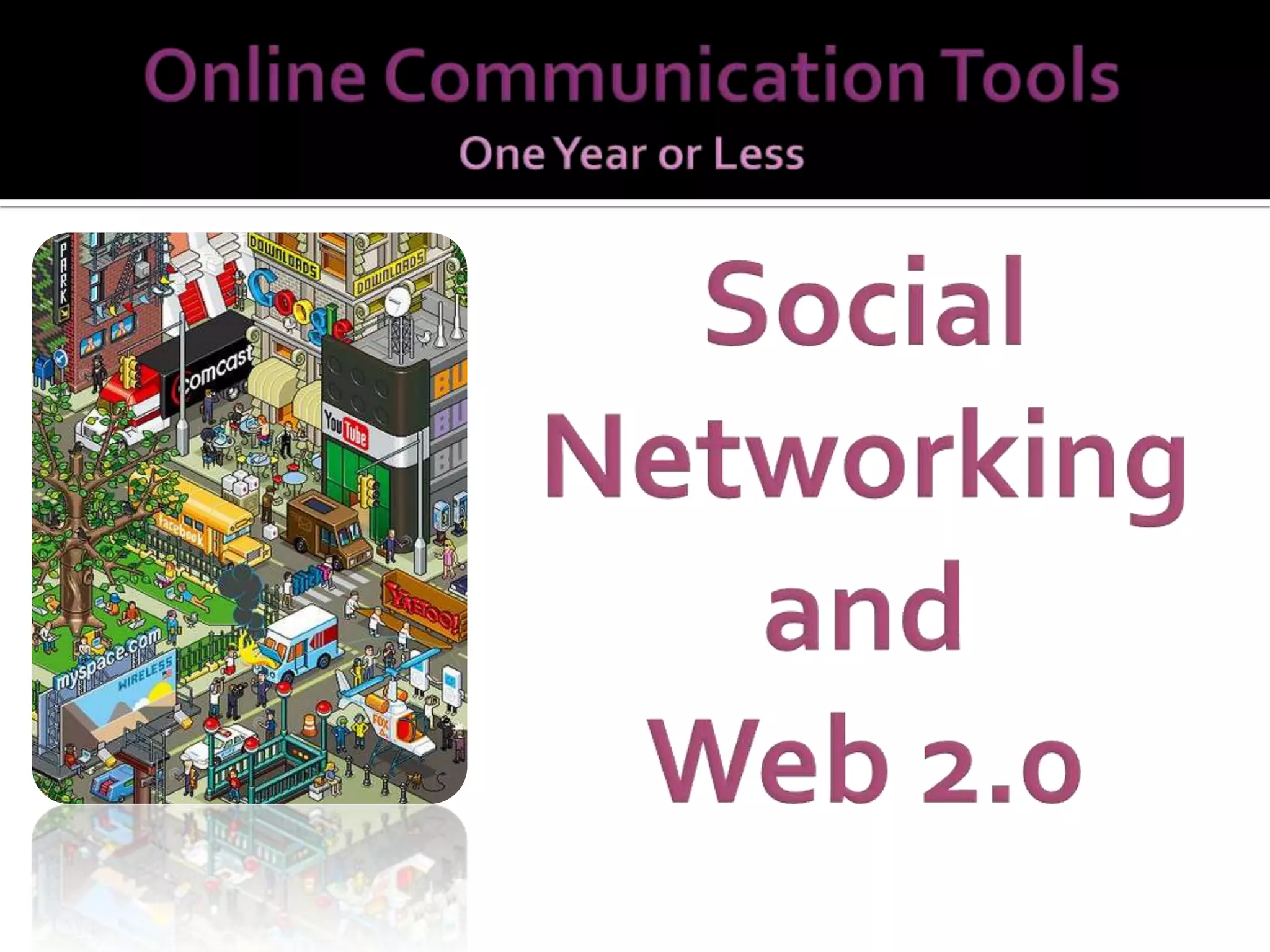
Simply put: Web 1.0 – get information from the Internet Web 2.0 – contribute and interact on the Web http://dembe01.edu.glogster.com/web20intheclassroom/ ?
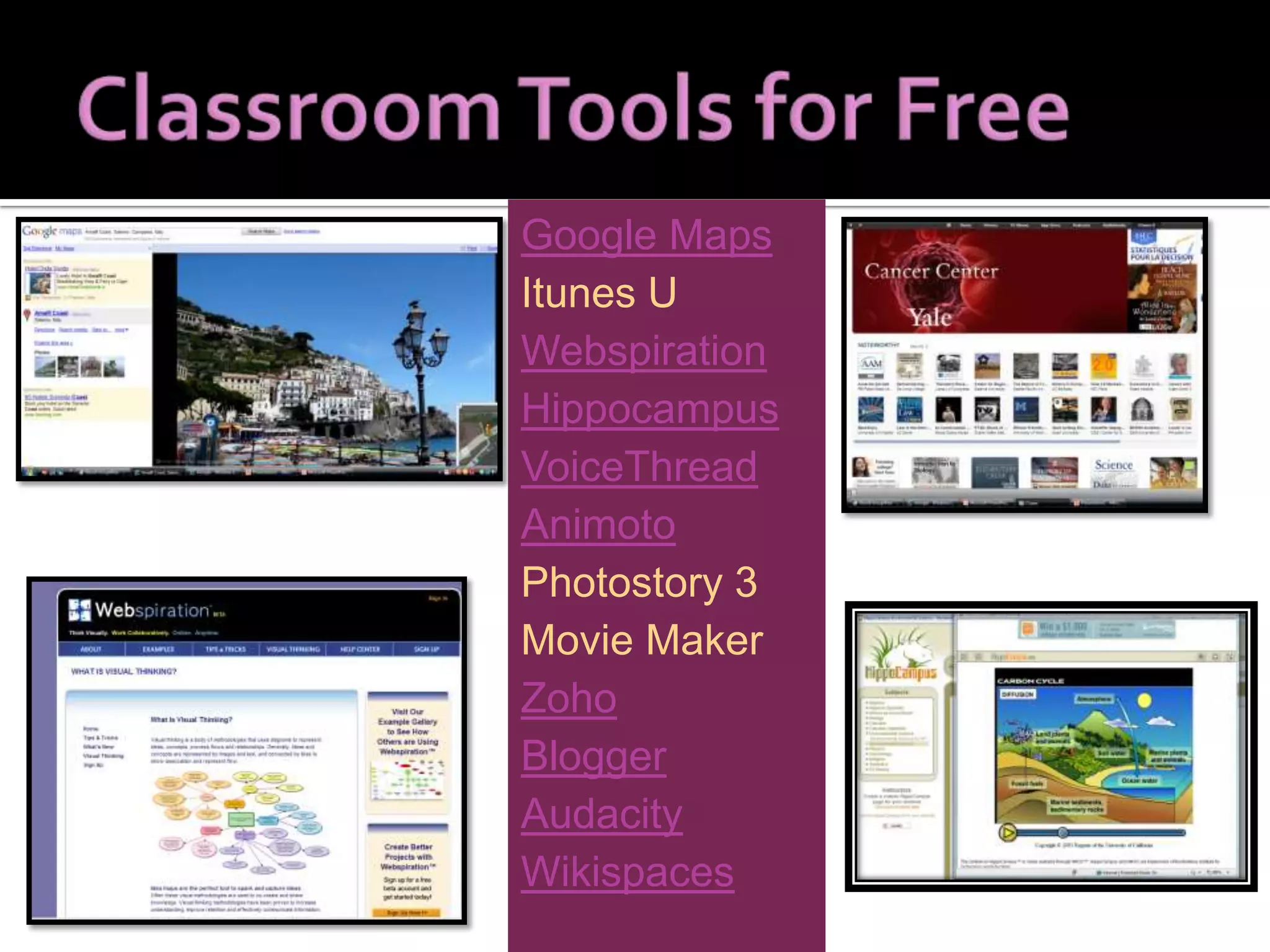
Google Maps Itunes U Webspiration Hippocampus VoiceThread Animoto Photostory 3 Movie Maker Zoho Blogger Audacity Wikispaces
CREATIVE COMMONS OCW MIT MoOM
Blogs Podcasting RSS Feeds Twitter Facebook Wikis The 21 st  Century Networked Student
Networked computers Distributed Processing Power Hosting and Sharing -  Flickr,  Google ,  Zoho , YouTube Applications -  Splashup ,  JayCut ,  Visual Thesaurus ,  photoshop.com  Creating & Presenting -  Prezi , Vuvox,  SlideShare ,  Wordle , SlideRocket,  ManyEyes
 
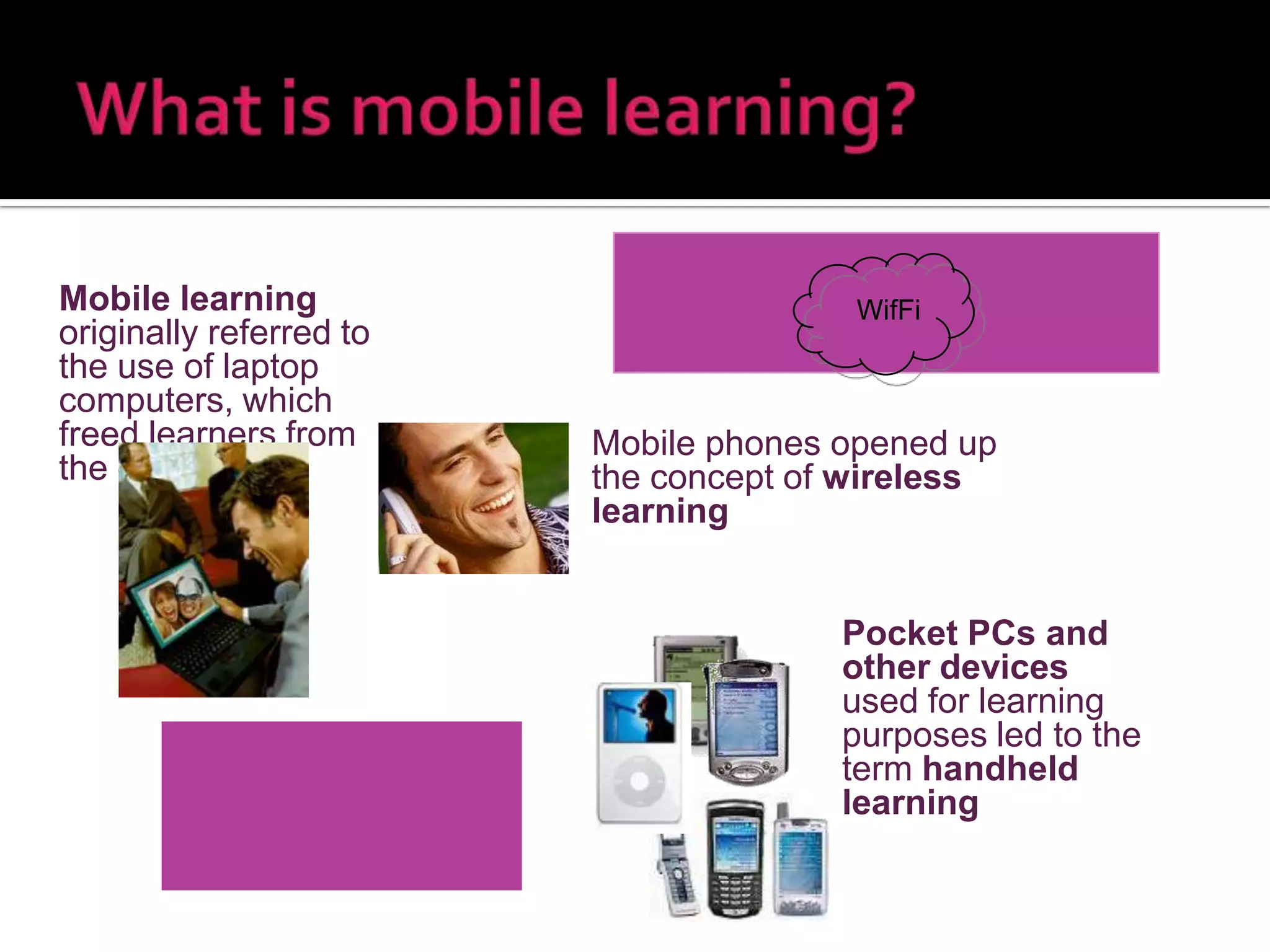
Mobile phones opened up the concept of  wireless learning “ Learning has moved from the classroom onto your desktop  and into your pocket” Always on Always on you Independent of time and   space WifFi Mobile learning  originally referred to the use of laptop computers, which freed learners from the desktop Pocket PCs and other devices  used for   learning purposes led to the term  handheld learning
 
Mobile Learning is taking on board and complementing the concepts of Web 2.0 which have led to the emergence of E-Learning 2.0 and … Mobile Learning 2.0 Web 1.0 Web 2.0 content content content sharing (content) collaboration syndication tagging
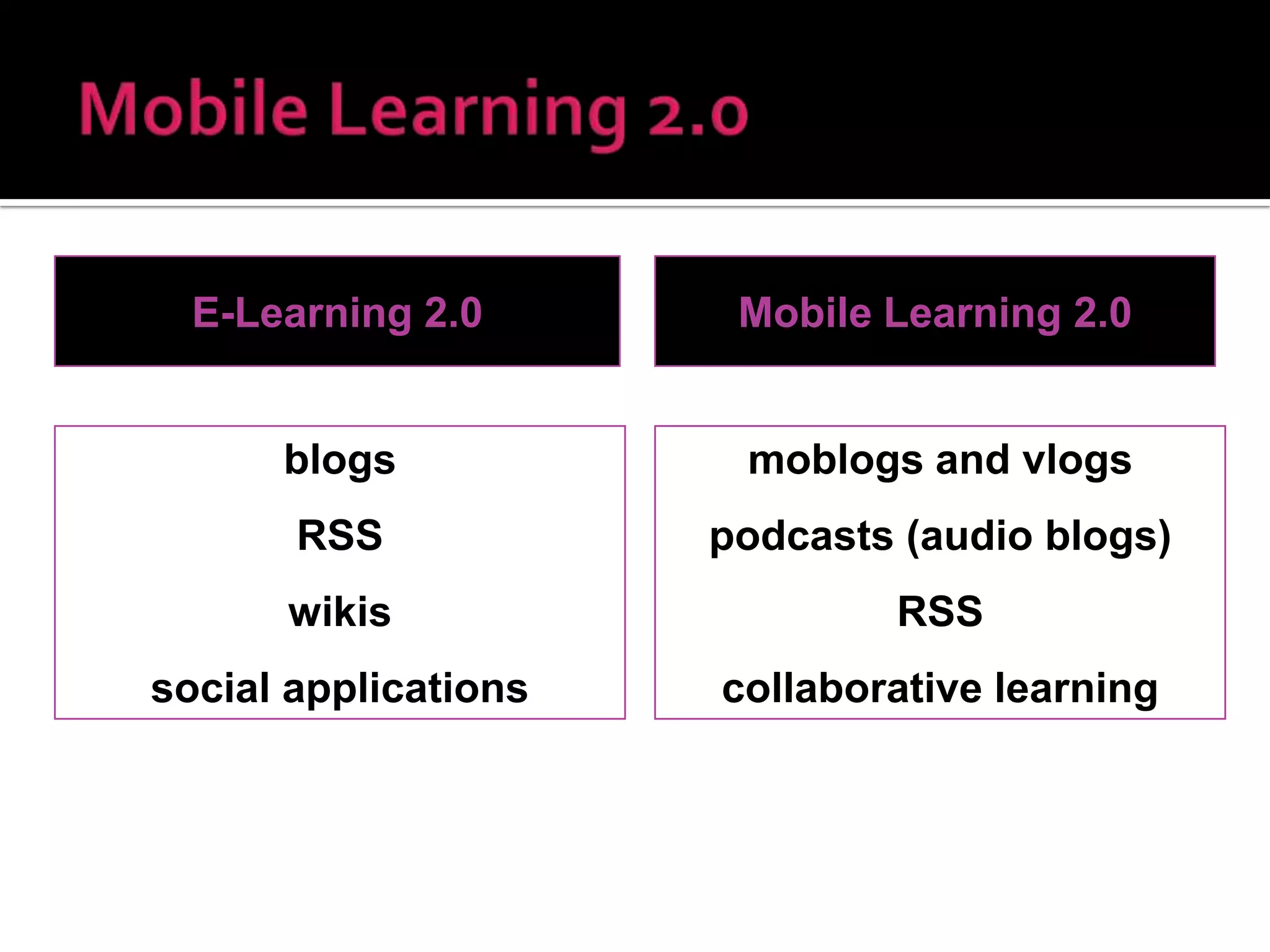
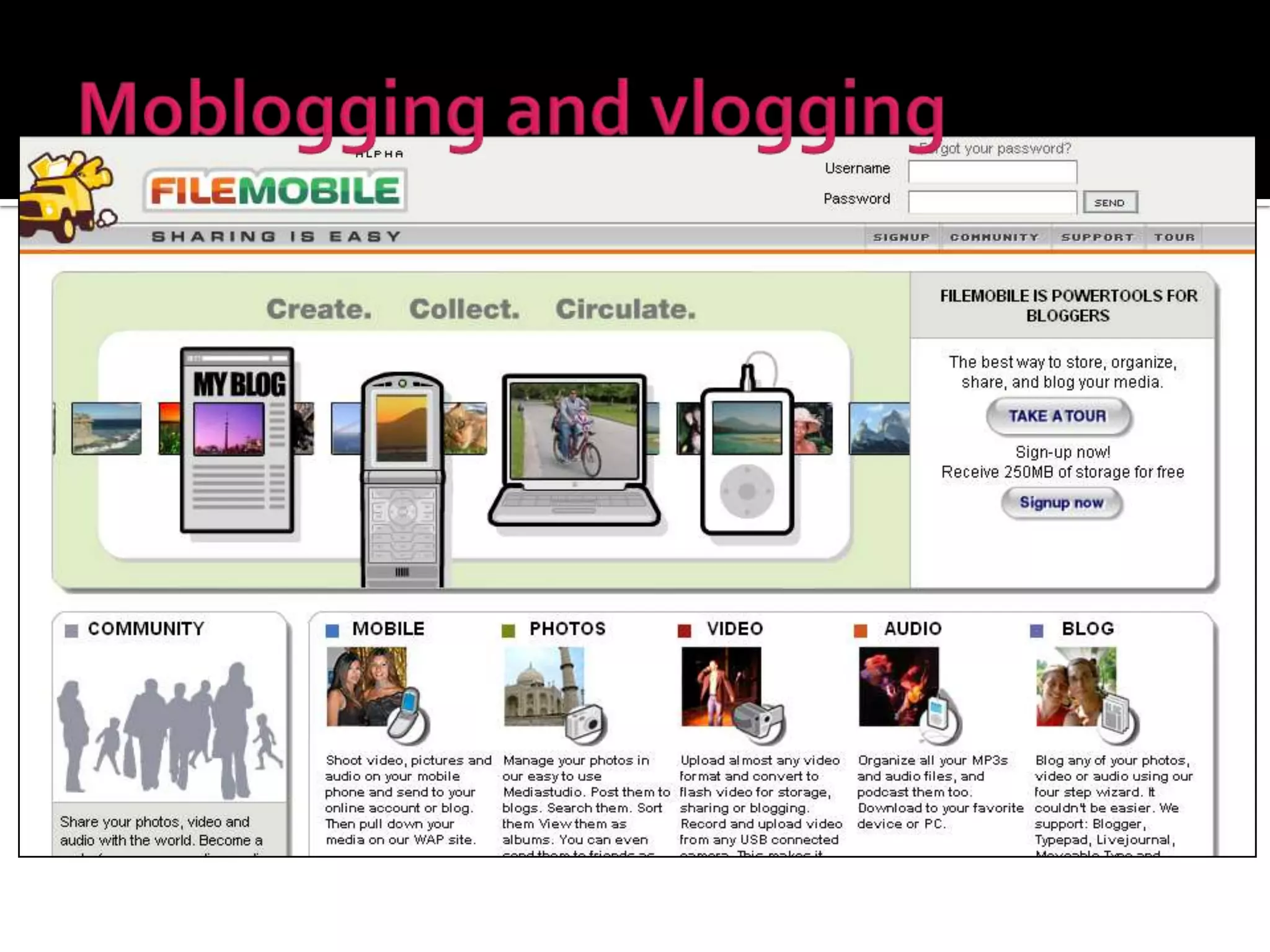
E-Learning 2.0 Mobile Learning 2.0 blogs RSS wikis social applications moblogs and vlogs podcasts (audio blogs) RSS collaborative learning
 
Do you instant message? Do you blog?  Do you subscribe to RSS feeds? Have you contributed to a wiki? Do you use Digg, Furl or Delicious?
6 .  Do you text message on your cell? 7.  Have you created an avatar in Second Life? 8.  Do you watch videos on YouTube or other sites? 9.  Have you subscribed to a vod/podcast? 10.  Do you use search engines other than Google?
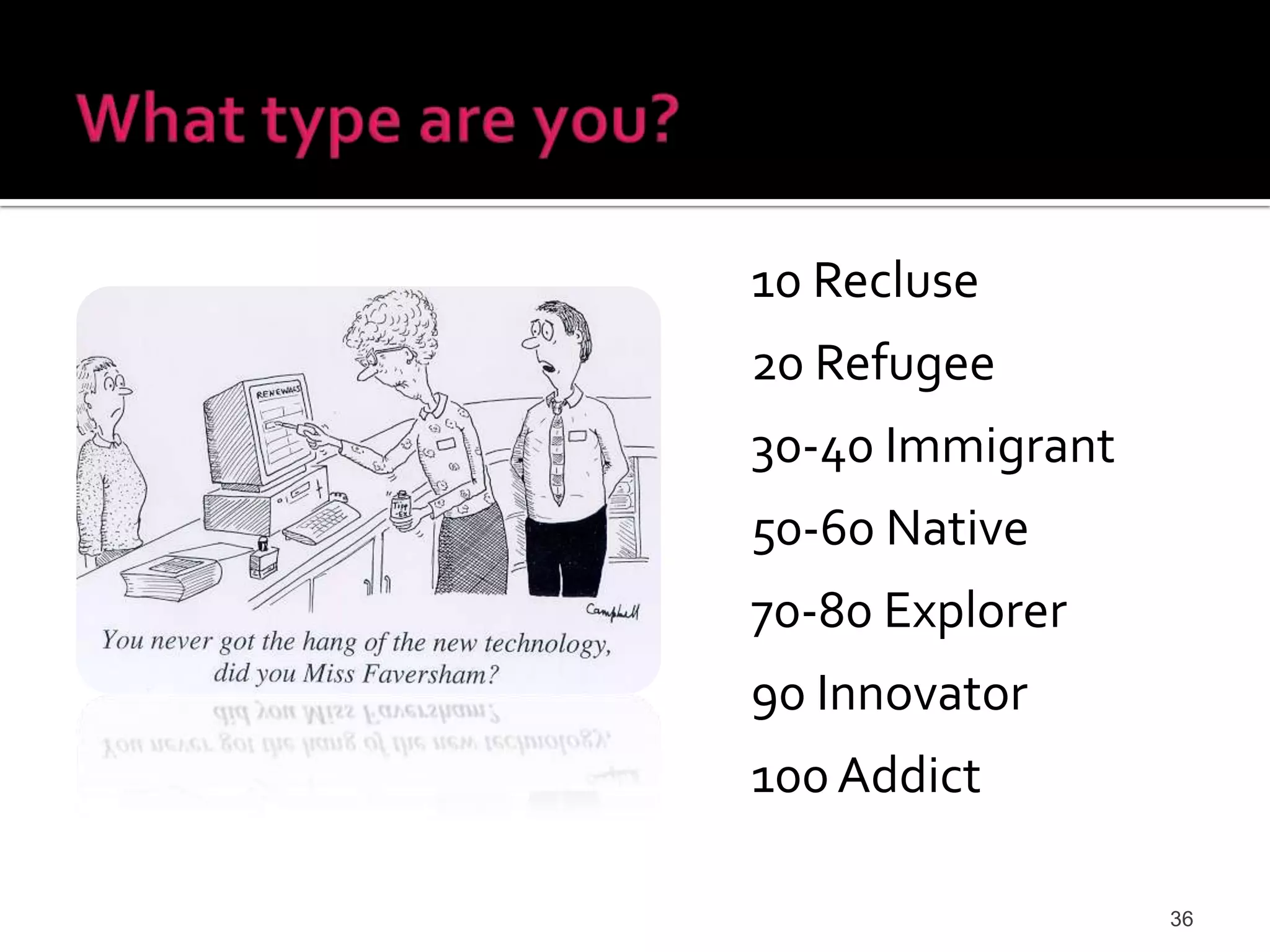
10 Recluse 20 Refugee 30-40 Immigrant 50-60 Native 70-80 Explorer 90 Innovator 100 Addict
Link the virtual world and the real world Everyday life –  point-of-sale purchases , passport tracking, inventory management, identification Objects relate to their environment and to each other –  Violet’s Mirror ,  Siftables ,  Sixth Sense
Technology affects how we work, collaborate, communicate and succeed. Technology provides with the means for empowering students. The web is an increasingly personal experience. Learning environments are changing .  The value of innovation and creativity is increasing.
From the Agricultural World To the Industrial World Into World of Information,   Knowledge & Communication And onward toward the    World of Creativity and Innovation!
 
 
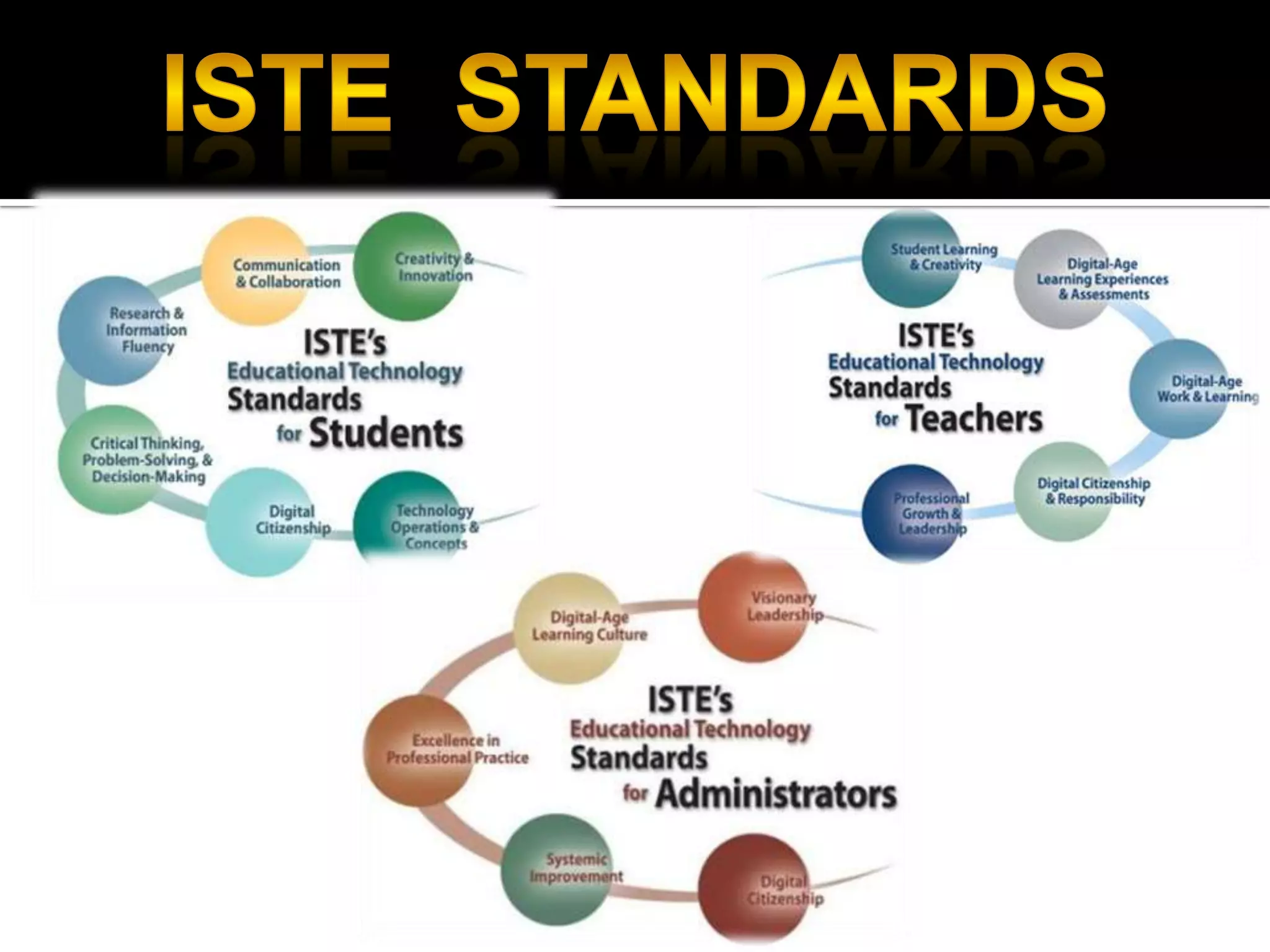
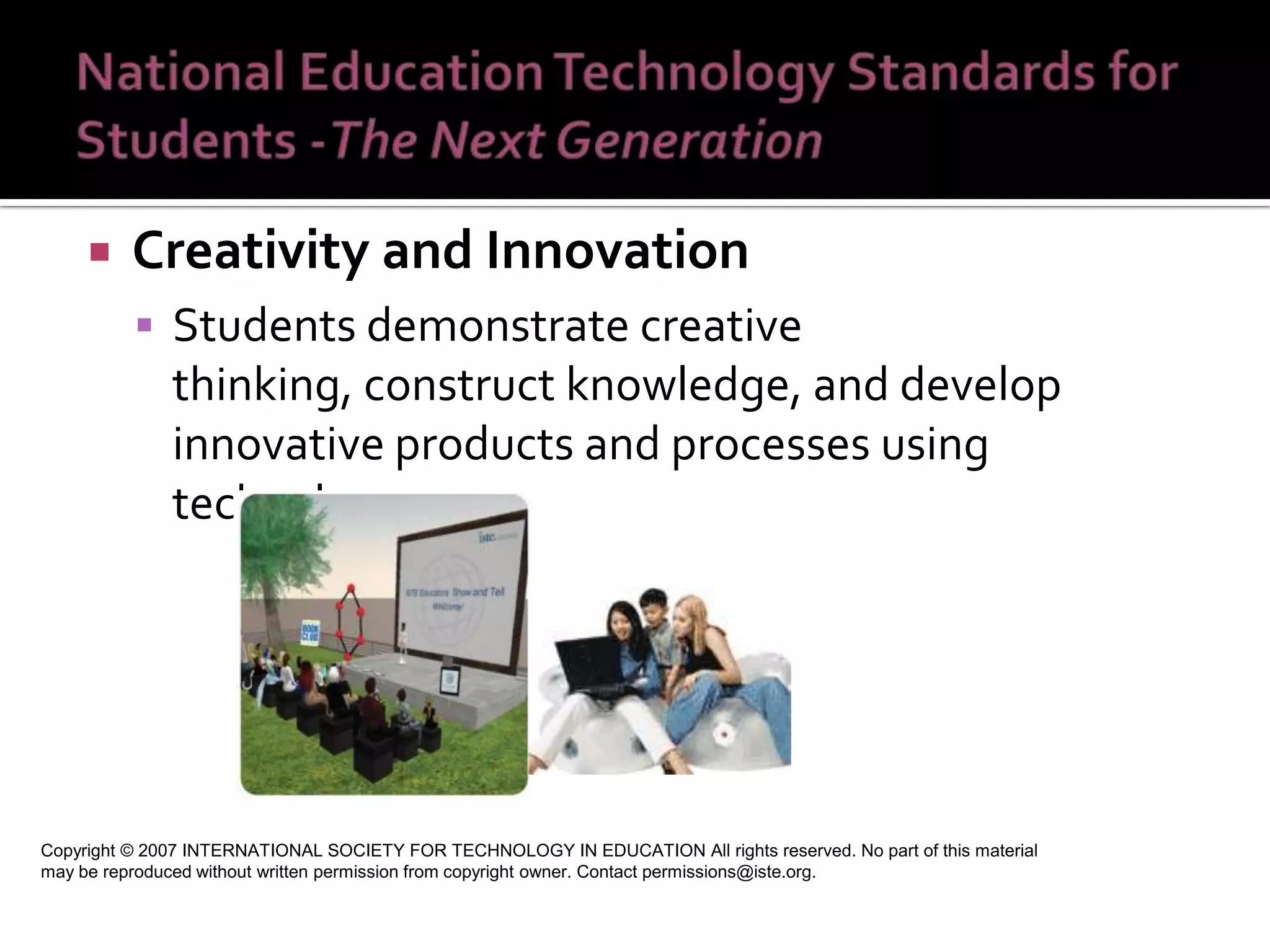
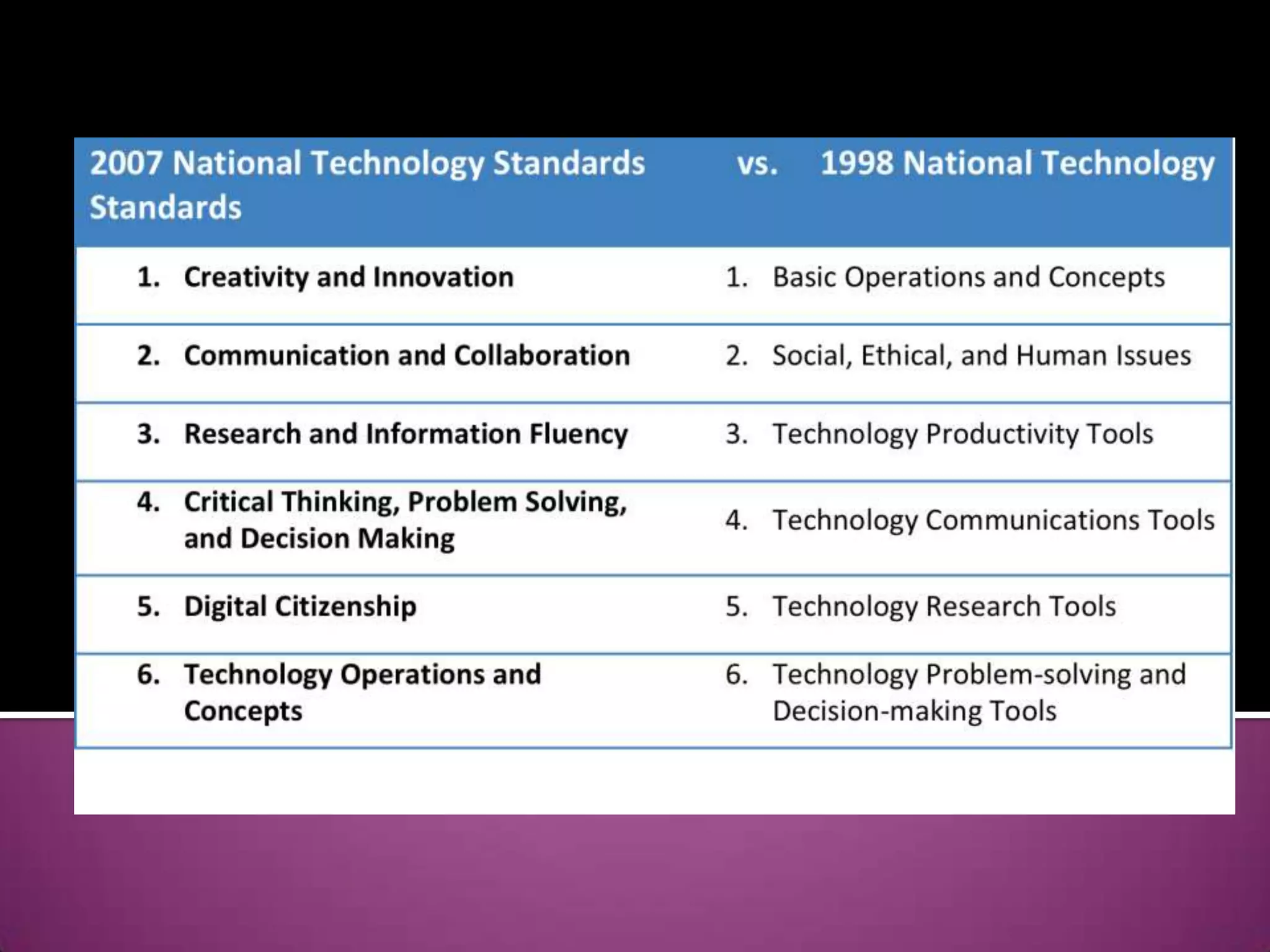
Creativity and Innovation  Students demonstrate creative thinking, construct knowledge, and develop innovative products and processes using technology.  Copyright © 2007 INTERNATIONAL SOCIETY FOR TECHNOLOGY IN EDUCATION All rights reserved. No part of this material may be reproduced without written permission from copyright owner. Contact permissions@iste.org.
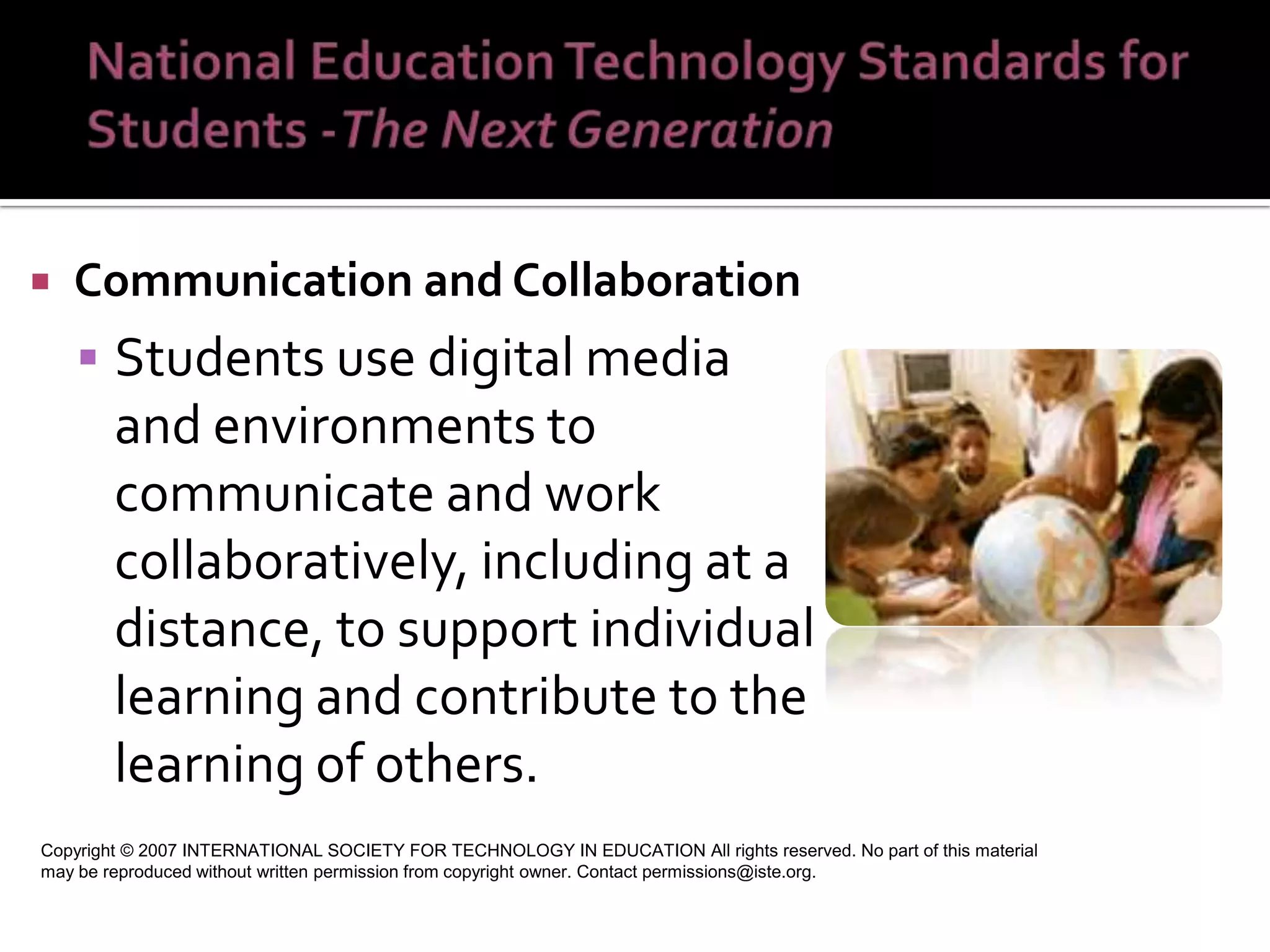
Communication and Collaboration Students use digital media and environments to communicate and work collaboratively, including at a distance, to support individual learning and contribute to the learning of others.  Copyright © 2007 INTERNATIONAL SOCIETY FOR TECHNOLOGY IN EDUCATION All rights reserved. No part of this material may be reproduced without written permission from copyright owner. Contact permissions@iste.org.
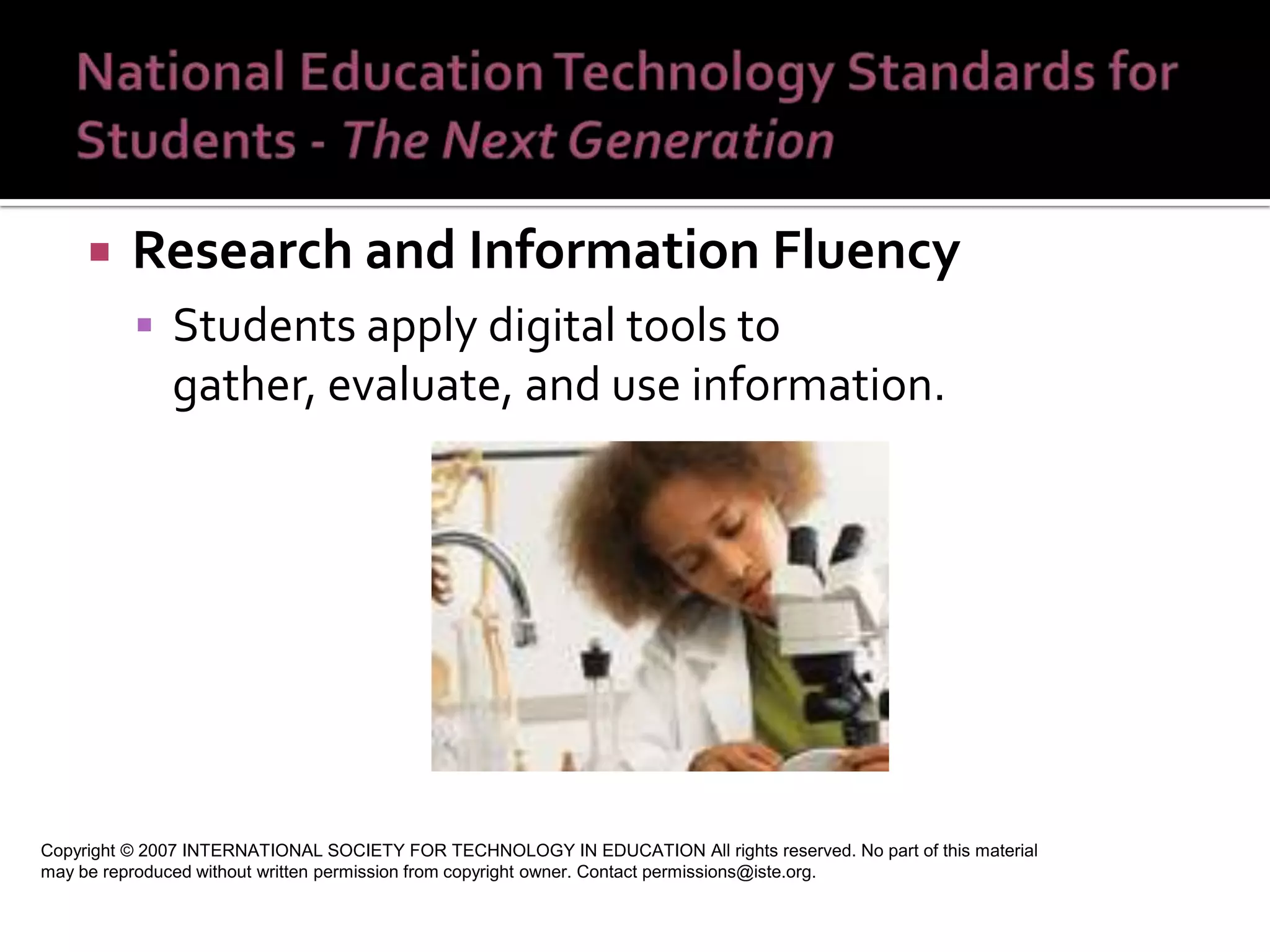
Research and Information Fluency Students apply digital tools to gather, evaluate, and use information.  Copyright © 2007 INTERNATIONAL SOCIETY FOR TECHNOLOGY IN EDUCATION All rights reserved. No part of this material may be reproduced without written permission from copyright owner. Contact permissions@iste.org.
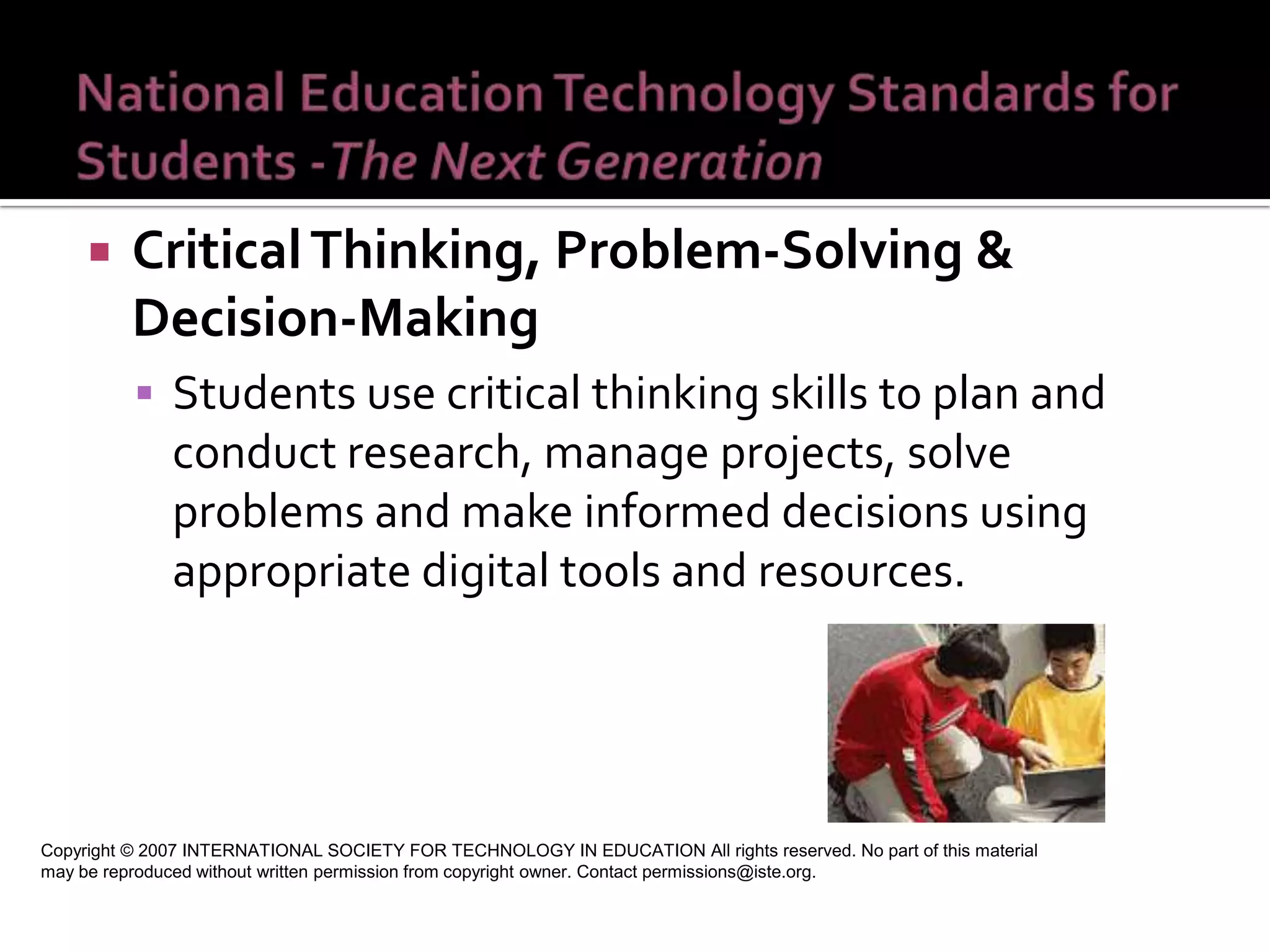
Critical Thinking, Problem-Solving & Decision-Making  Students use critical thinking skills to plan and conduct research, manage projects, solve problems and make informed decisions using appropriate digital tools and resources.  Copyright © 2007 INTERNATIONAL SOCIETY FOR TECHNOLOGY IN EDUCATION All rights reserved. No part of this material may be reproduced without written permission from copyright owner. Contact permissions@iste.org.
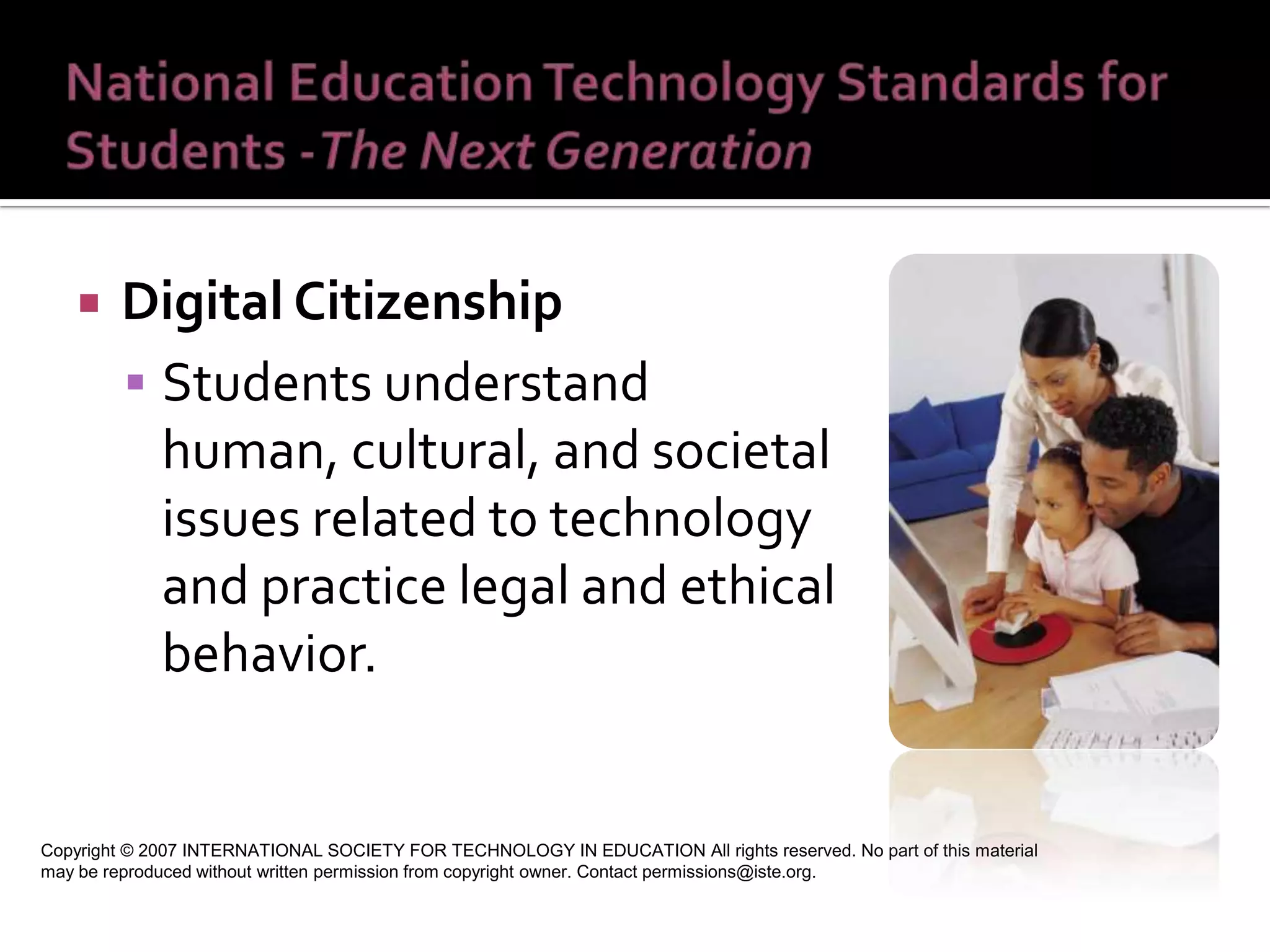
Digital Citizenship  Students understand human, cultural, and societal issues related to technology and practice legal and ethical behavior.  Copyright © 2007 INTERNATIONAL SOCIETY FOR TECHNOLOGY IN EDUCATION All rights reserved. No part of this material may be reproduced without written permission from copyright owner. Contact permissions@iste.org.
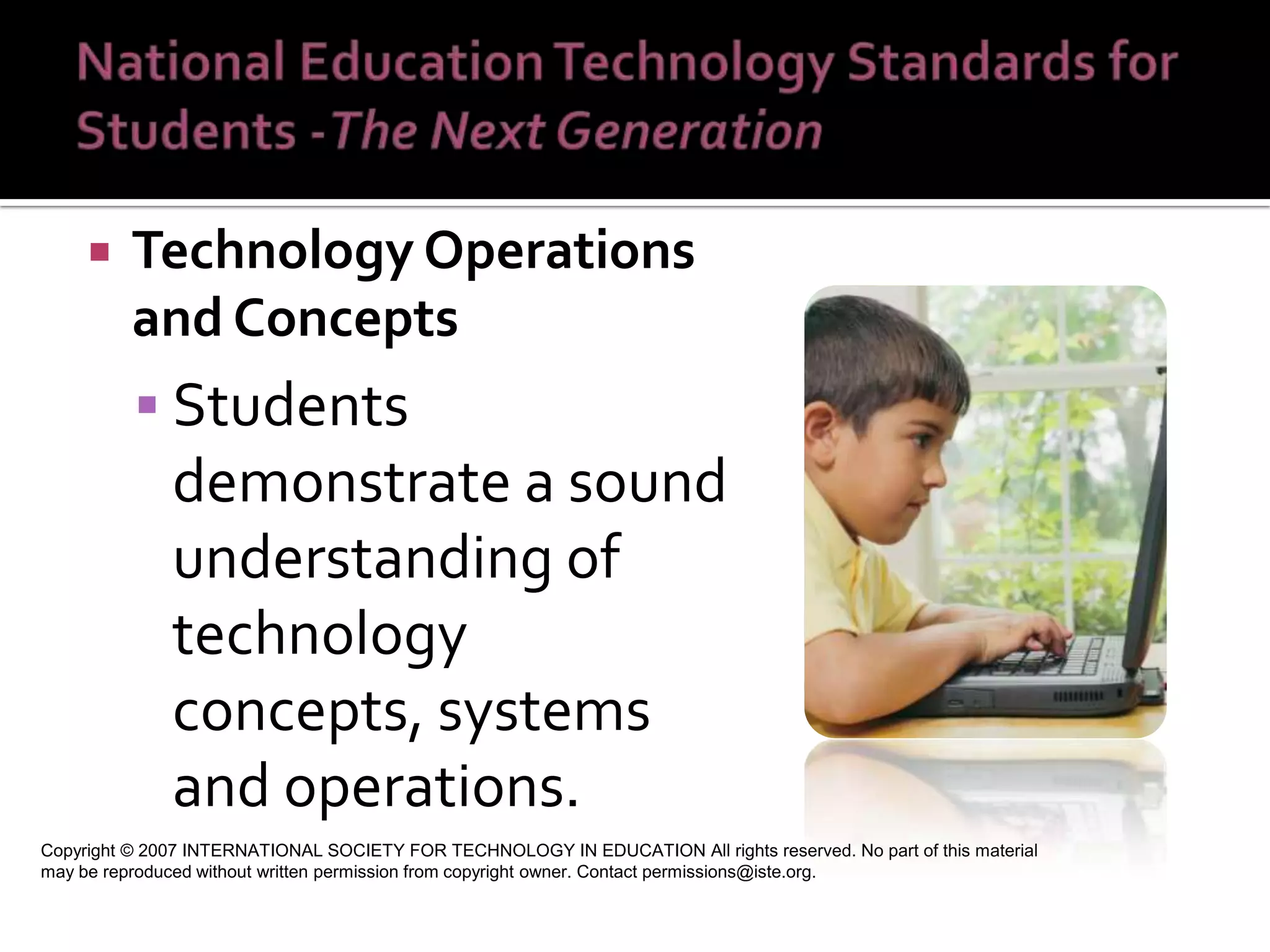
Technology Operations and Concepts Students demonstrate a sound understanding of technology concepts, systems and operations.  Copyright © 2007 INTERNATIONAL SOCIETY FOR TECHNOLOGY IN EDUCATION All rights reserved. No part of this material may be reproduced without written permission from copyright owner. Contact permissions@iste.org.
 
http://edorigami.wikispaces.com/
http://edorigami.wikispaces.com/21st+Century+Teacher
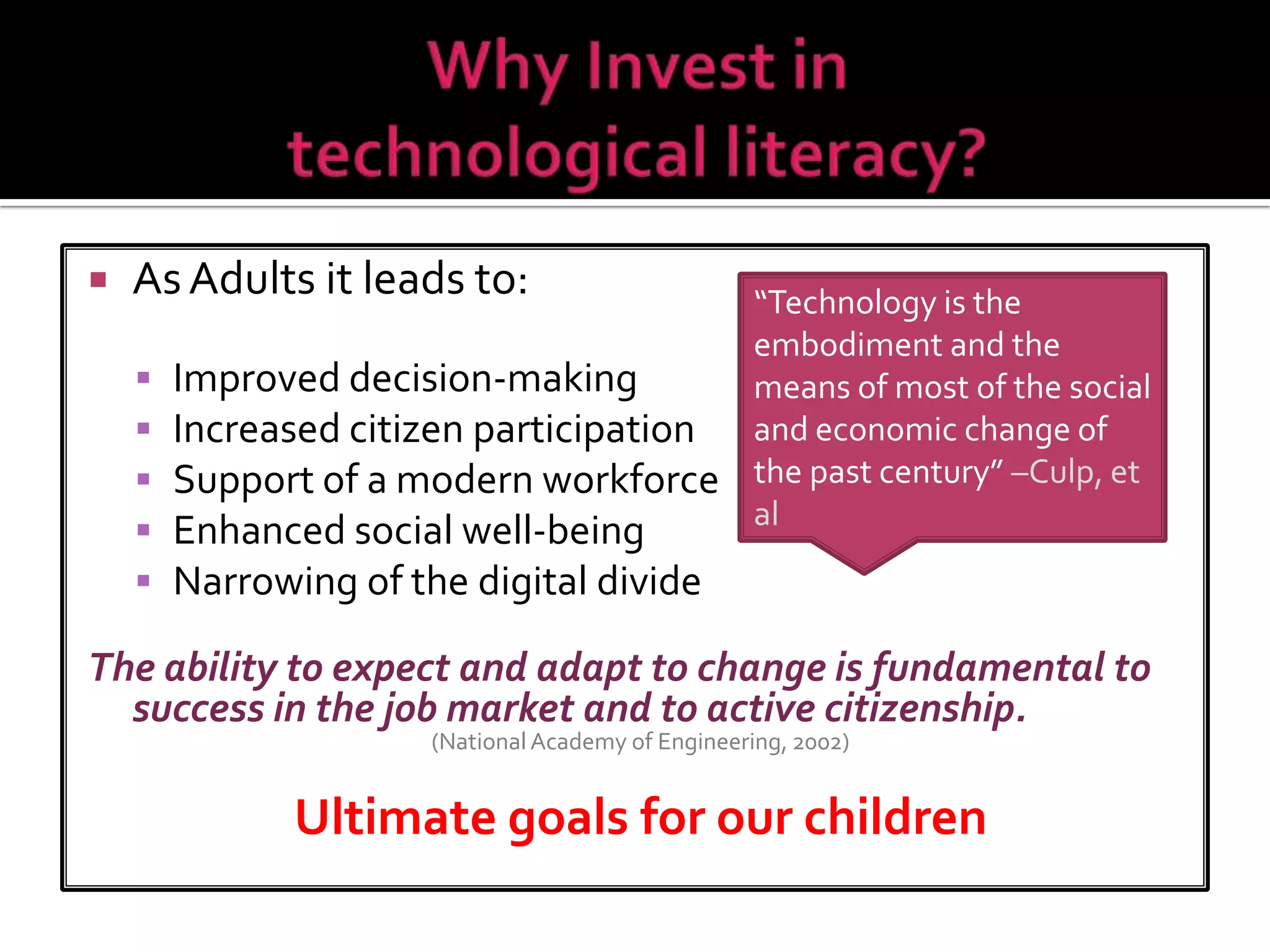
As Adults it leads to: Improved decision-making Increased citizen participation Support of a modern workforce Enhanced social well-being Narrowing of the digital divide The ability to expect and adapt to change is fundamental to success in the job market and to active citizenship.  (National Academy of Engineering, 2002) Ultimate goals for our children “ Technology is the embodiment and the  means of most of the social and economic change of the past century”  –Culp, et al


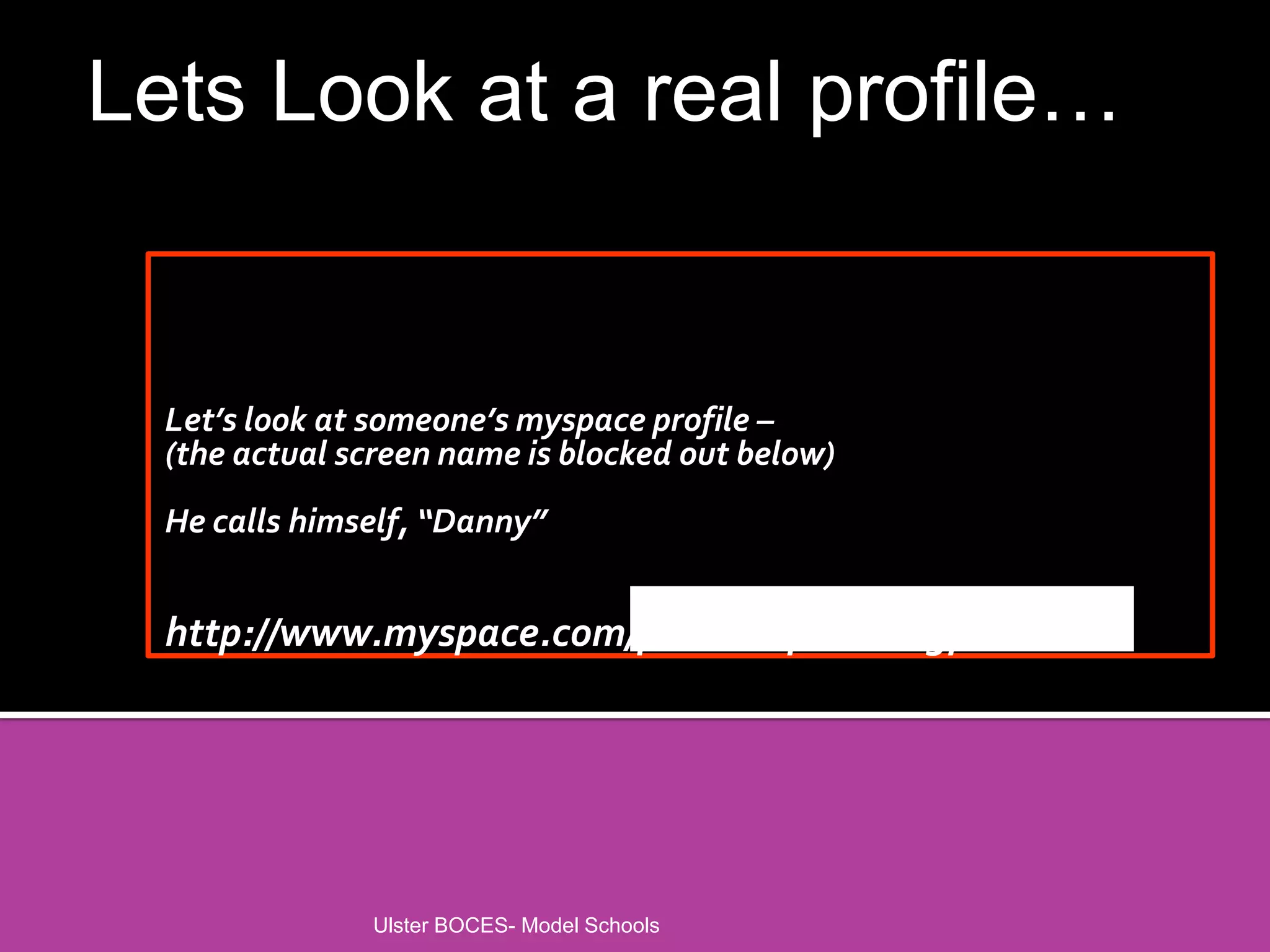
Let’s look at someone’s myspace profile – (the actual screen name is blocked out below) He calls himself, “Danny” http://www.myspace.com/phuckuuphuckingphuck    Ulster BOCES- Model Schools Lets Look at a real profile…
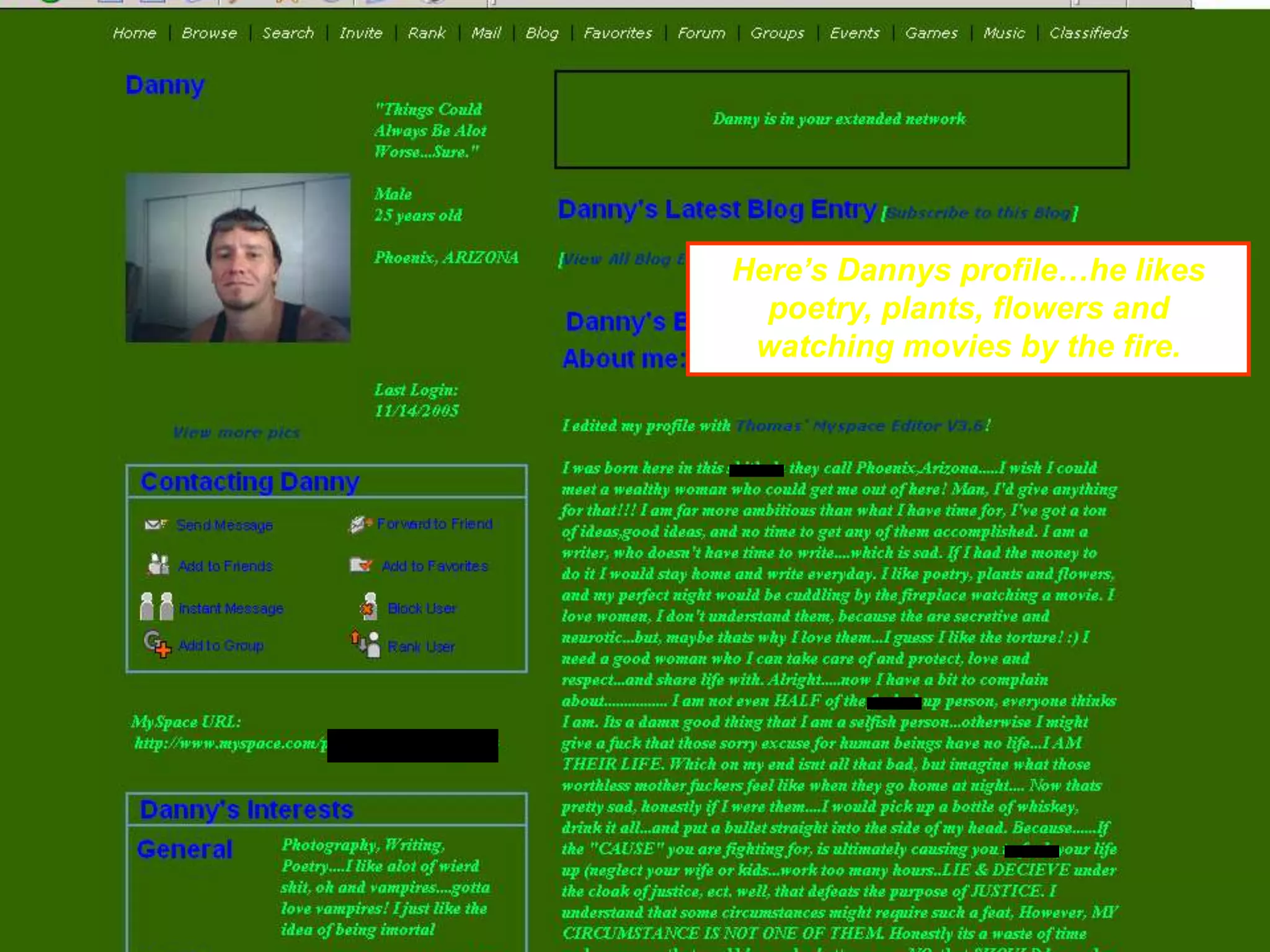
Ulster BOCES- Model Schools Here’s Dannys profile…he likes poetry, plants, flowers and watching movies by the fire.
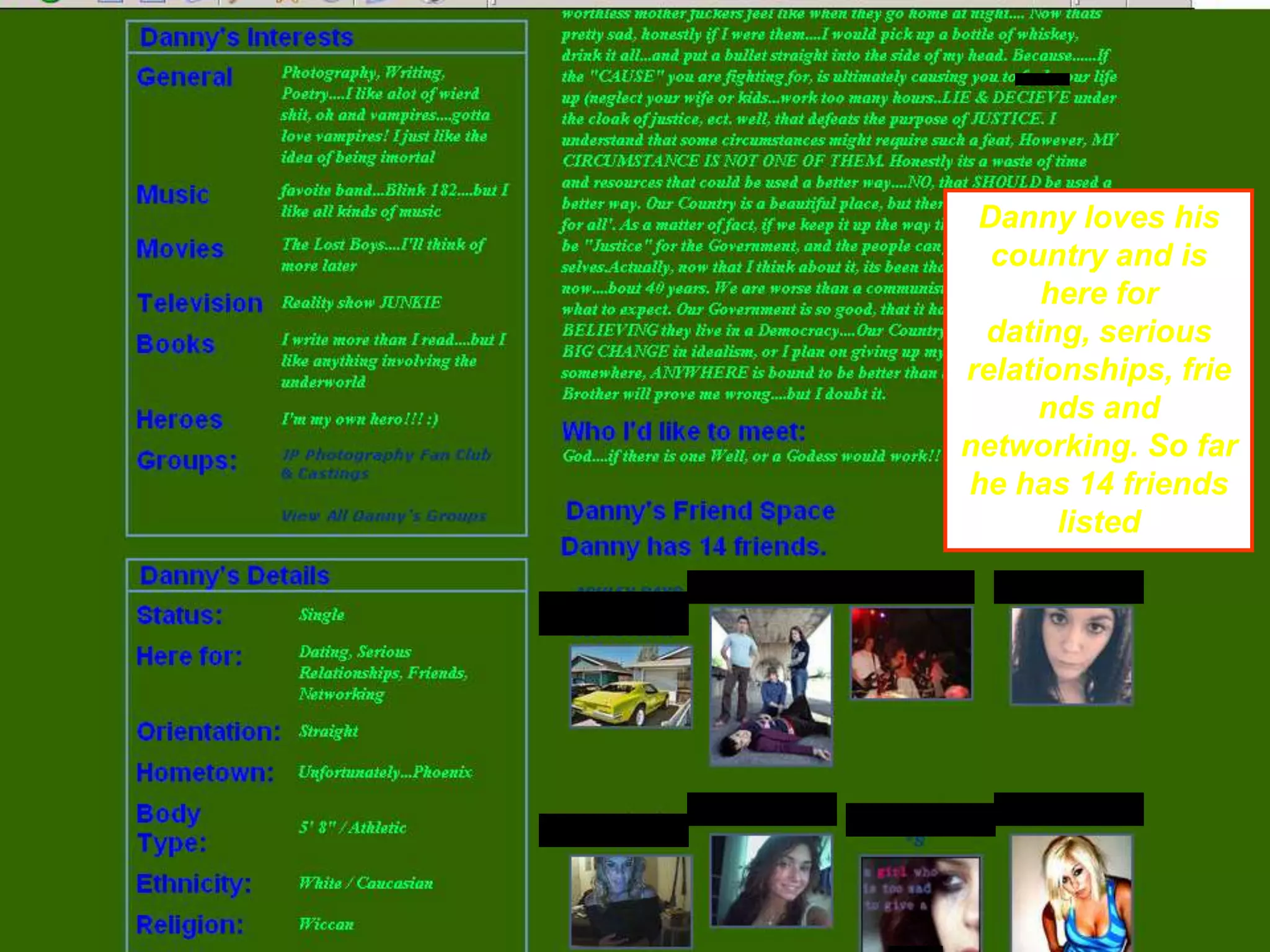
Ulster BOCES- Model Schools Danny loves his country and is here for dating, serious relationships, friends and networking. So far he has 14 friends listed
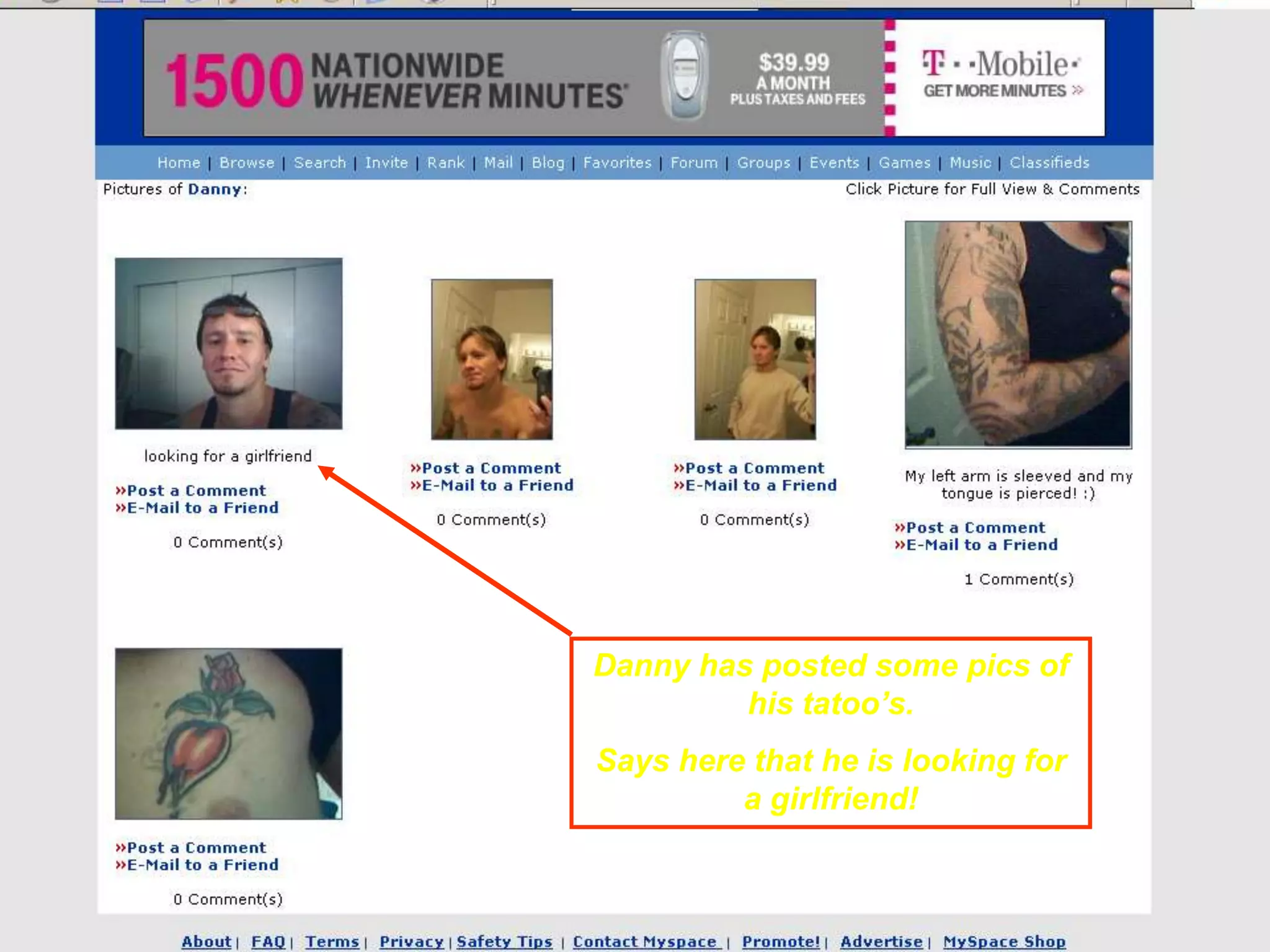
Ulster BOCES- Model Schools Danny has posted some pics of his tatoo’s. Says here that he is looking for a girlfriend!
 
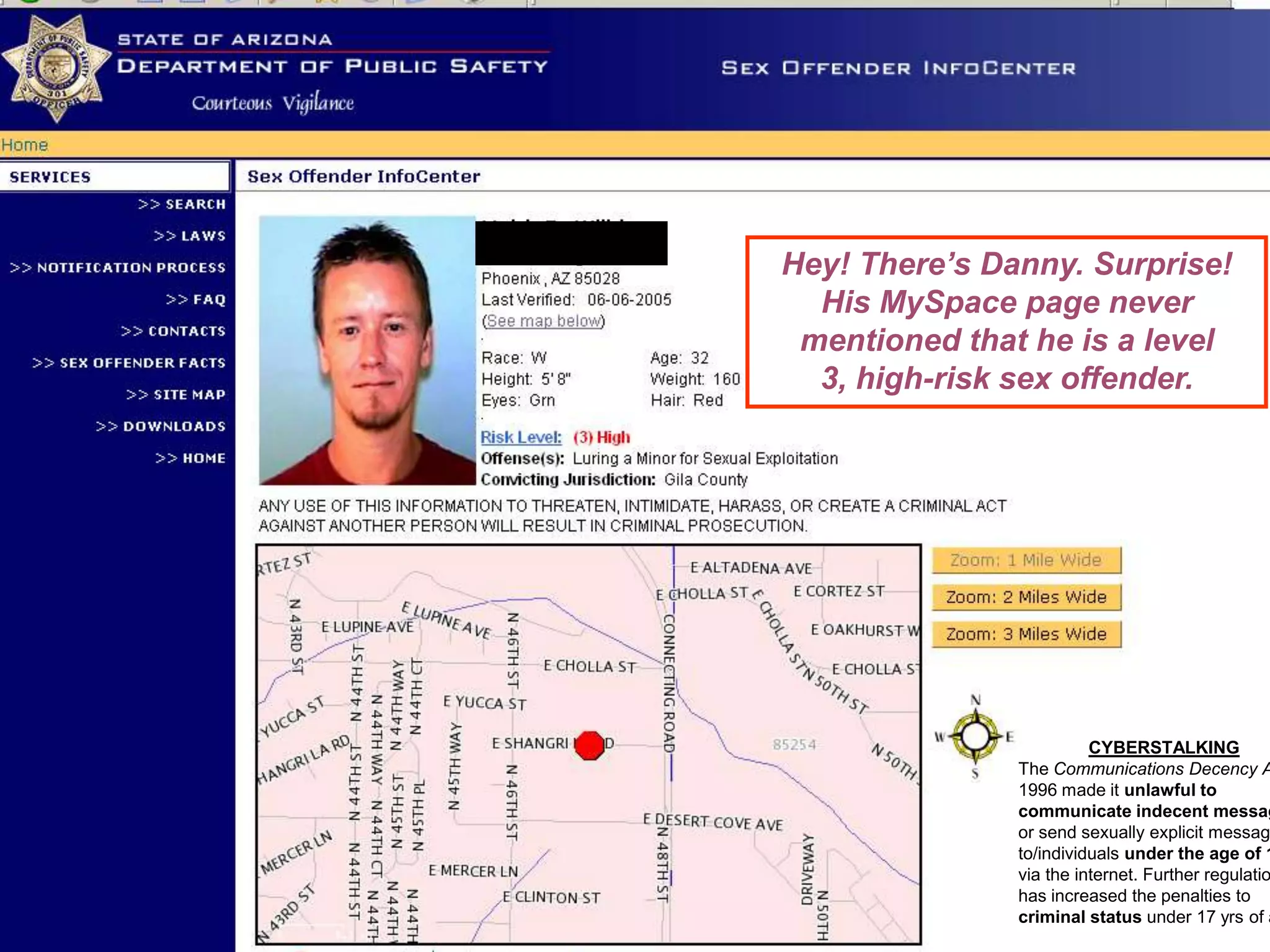
Ulster BOCES- Model Schools Hey! There’s Danny. Surprise! His MySpace page never mentioned that he is a level 3, high-risk sex offender. CYBERSTALKING The  Communications Decency Act  of 1996 made it  unlawful to communicate indecent messages  or send sexually explicit messages to/individuals  under the age of 18  via the internet. Further regulation has increased the penalties to  criminal status  under 17 yrs of age
 
 
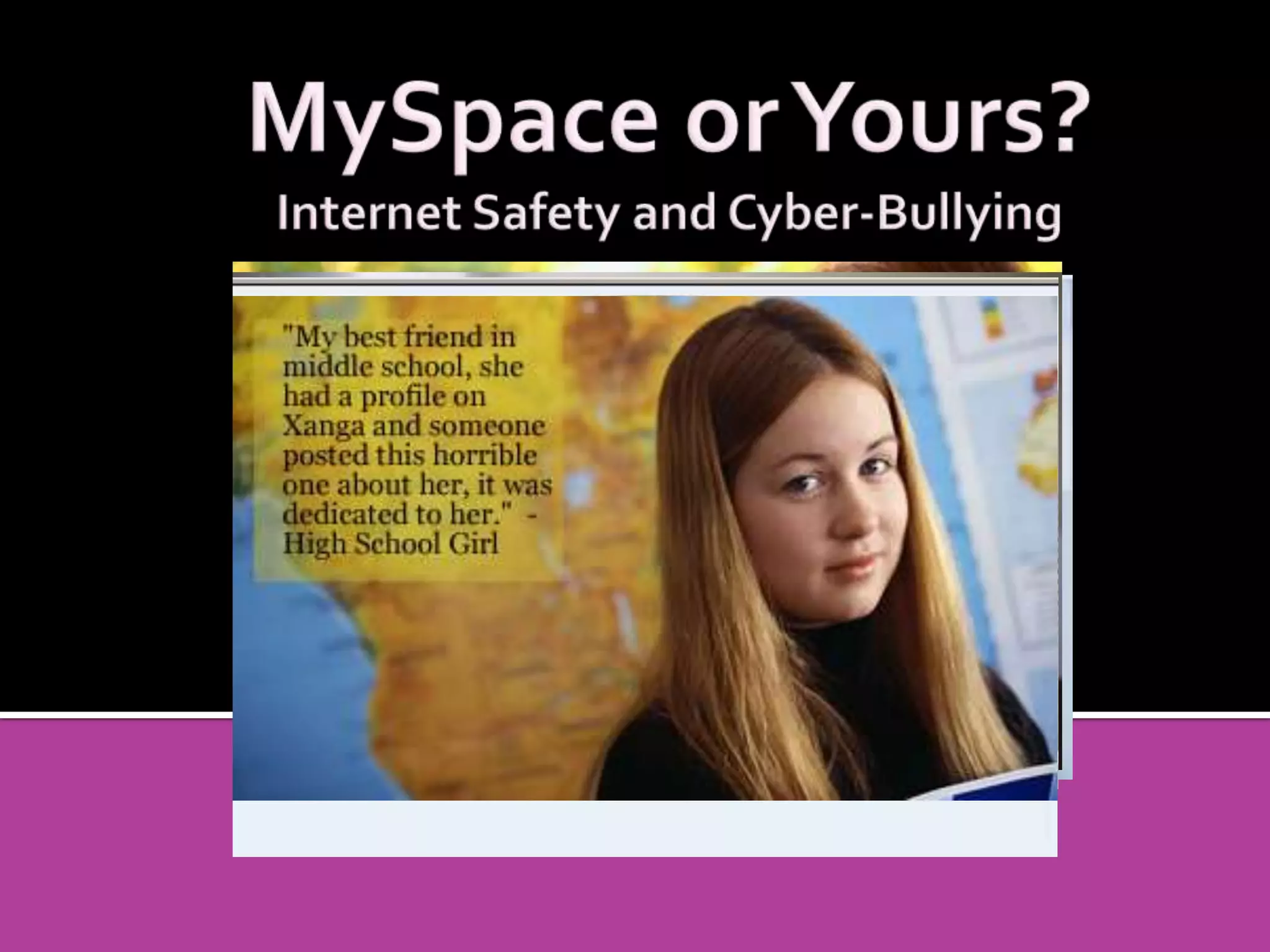
Using communication technologies such as email, cell phones, chat rooms, instant messaging, blogs, or defamatory personal websites to send or post repeated, deliberate, cruel and harmful text or images  (Shek, 2004; Belsey, www.cyberbullying.ca)
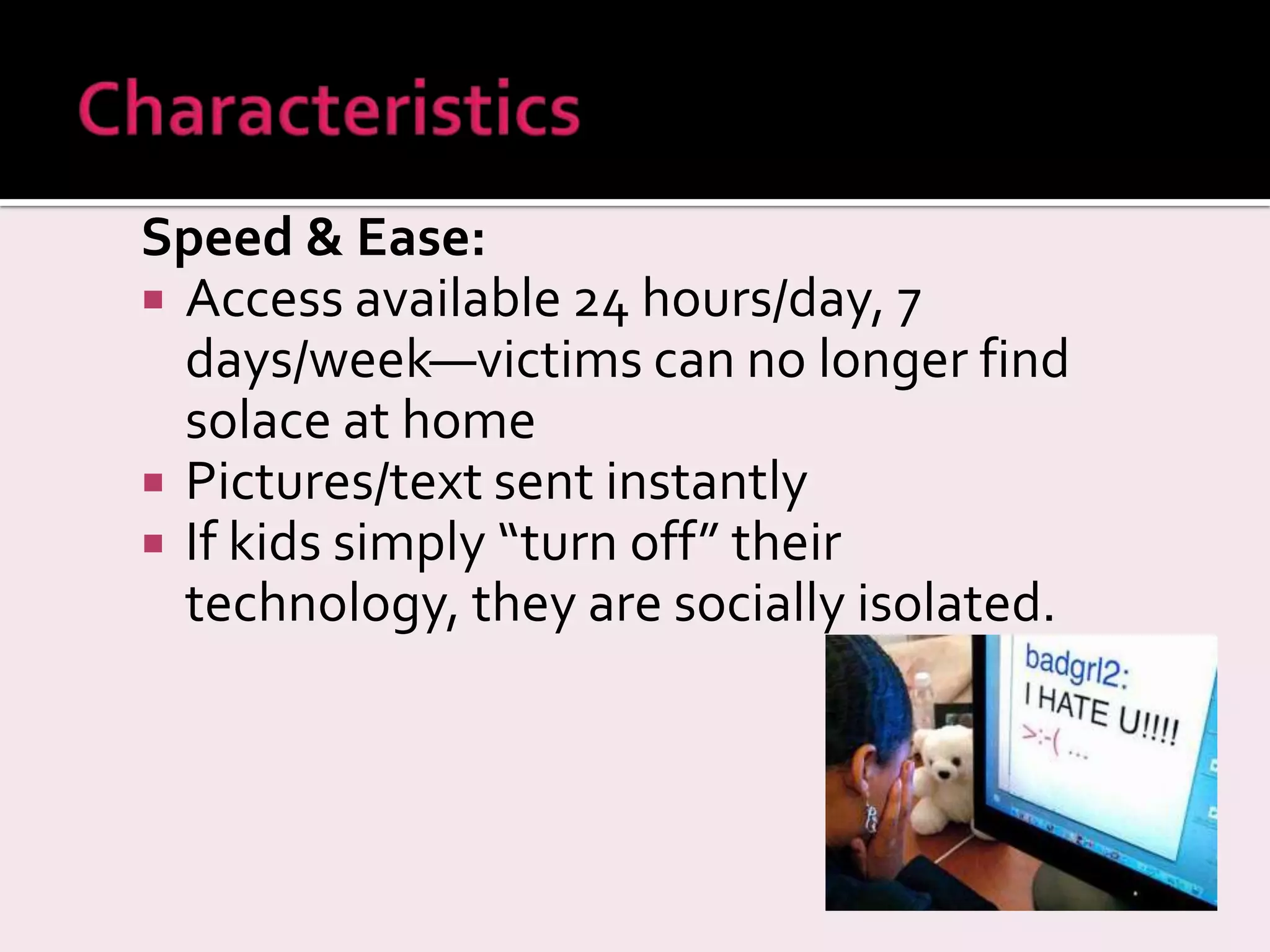
Speed & Ease: Access available 24 hours/day, 7 days/week—victims can no longer find solace at home Pictures/text sent instantly If kids simply “turn off” their technology, they are socially isolated.
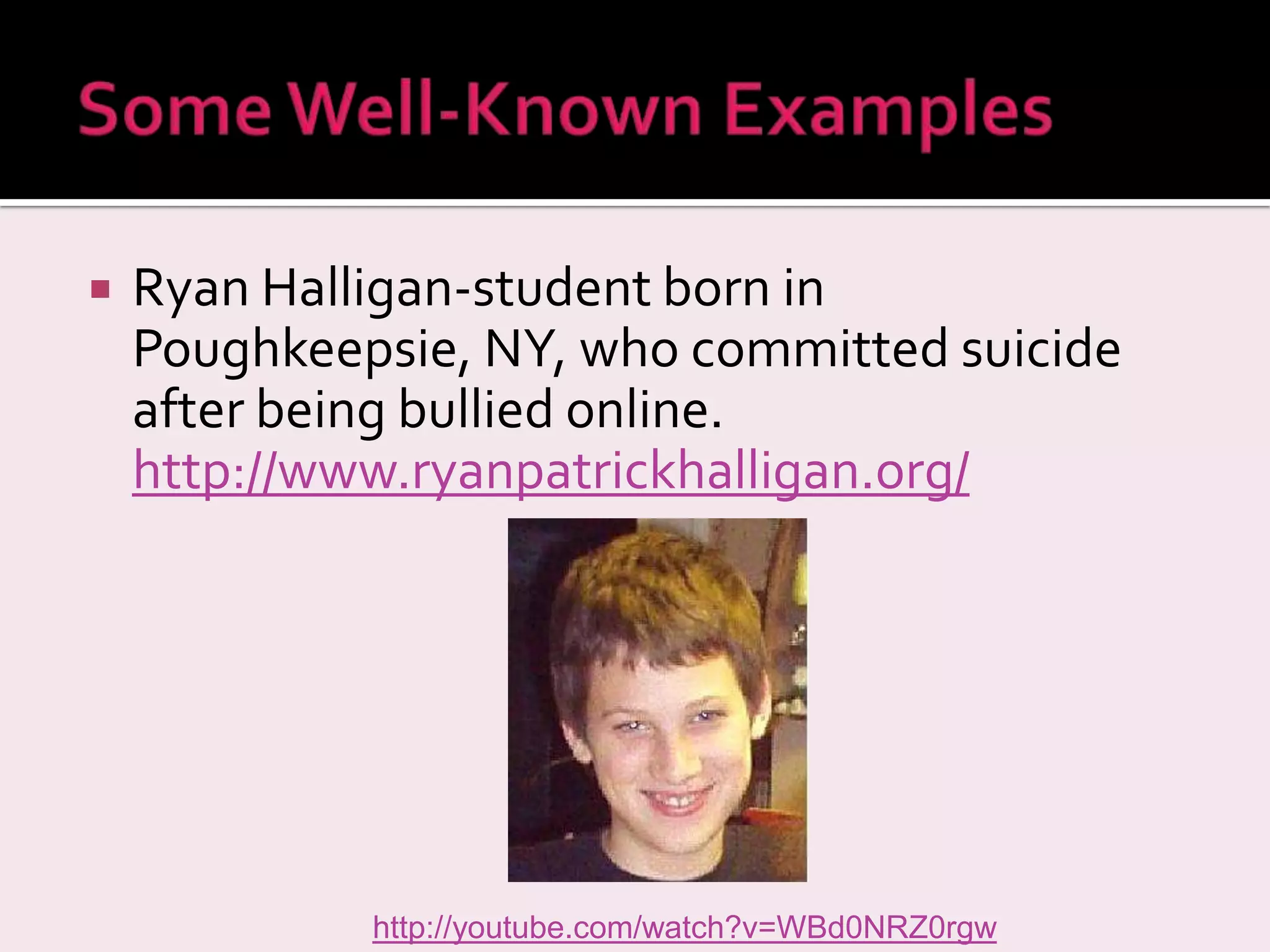
Ryan Halligan-student born in Poughkeepsie, NY, who committed suicide after being bullied online.  http://www.ryanpatrickhalligan.org/   http://youtube.com/watch?v=WBd0NRZ0rgw
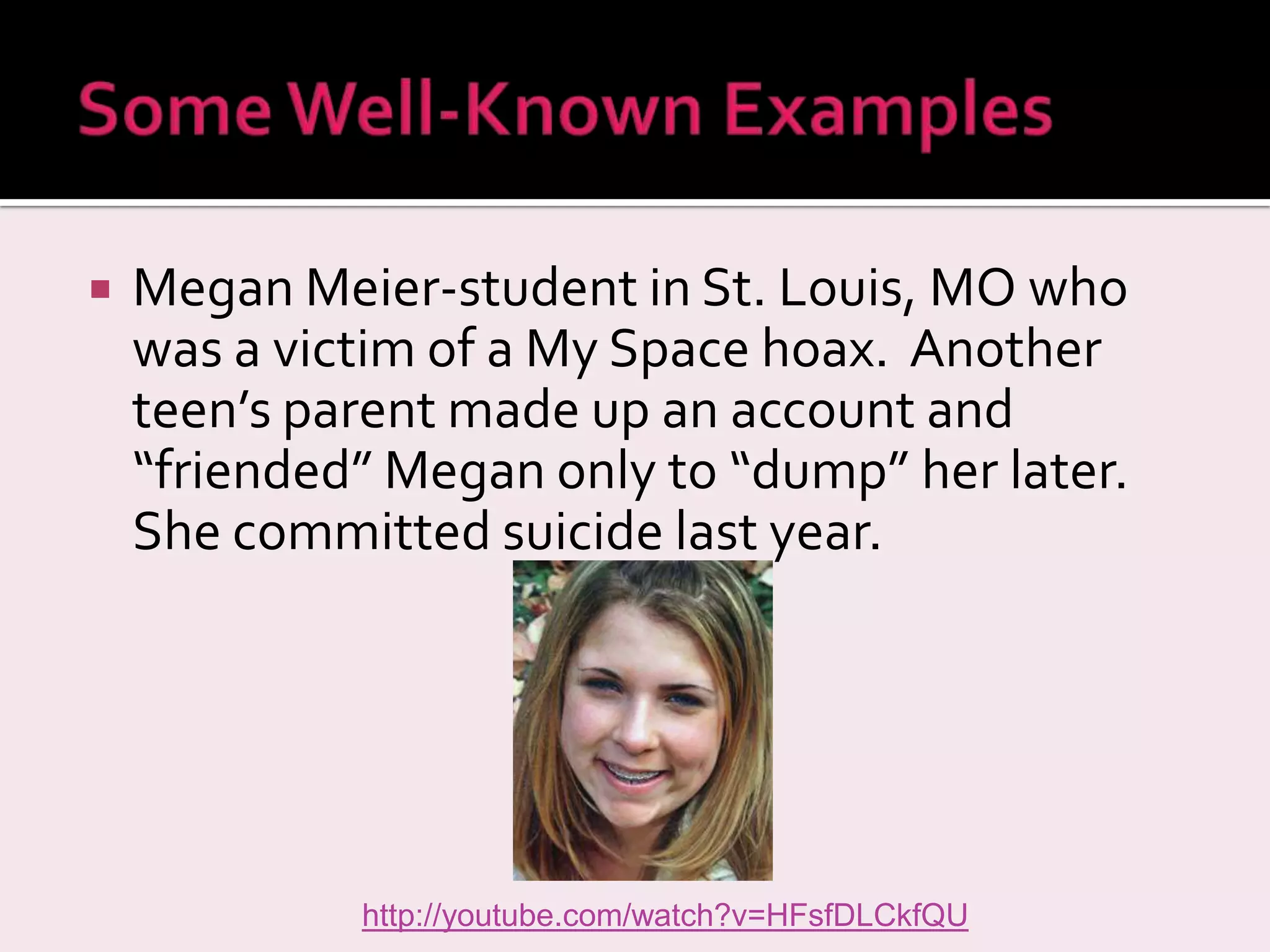
Megan Meier-student in St. Louis, MO who was a victim of a My Space hoax.  Another teen’s parent made up an account and “friended” Megan only to “dump” her later.  She committed suicide last year. http://youtube.com/watch?v=HFsfDLCkfQU
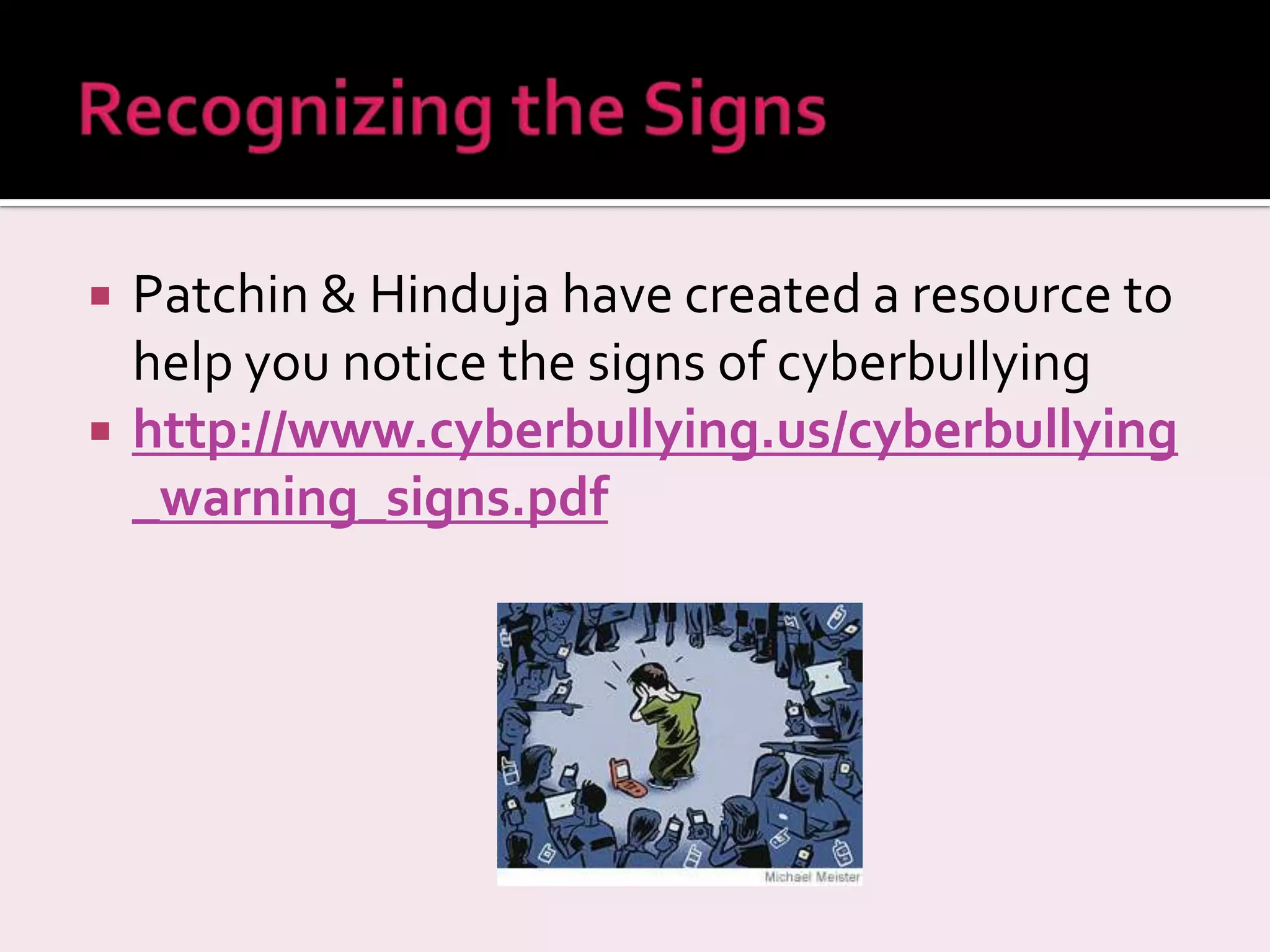
Patchin & Hinduja have created a resource to help you notice the signs of cyberbullying http://www.cyberbullying.us/cyberbullying_warning_signs.pdf
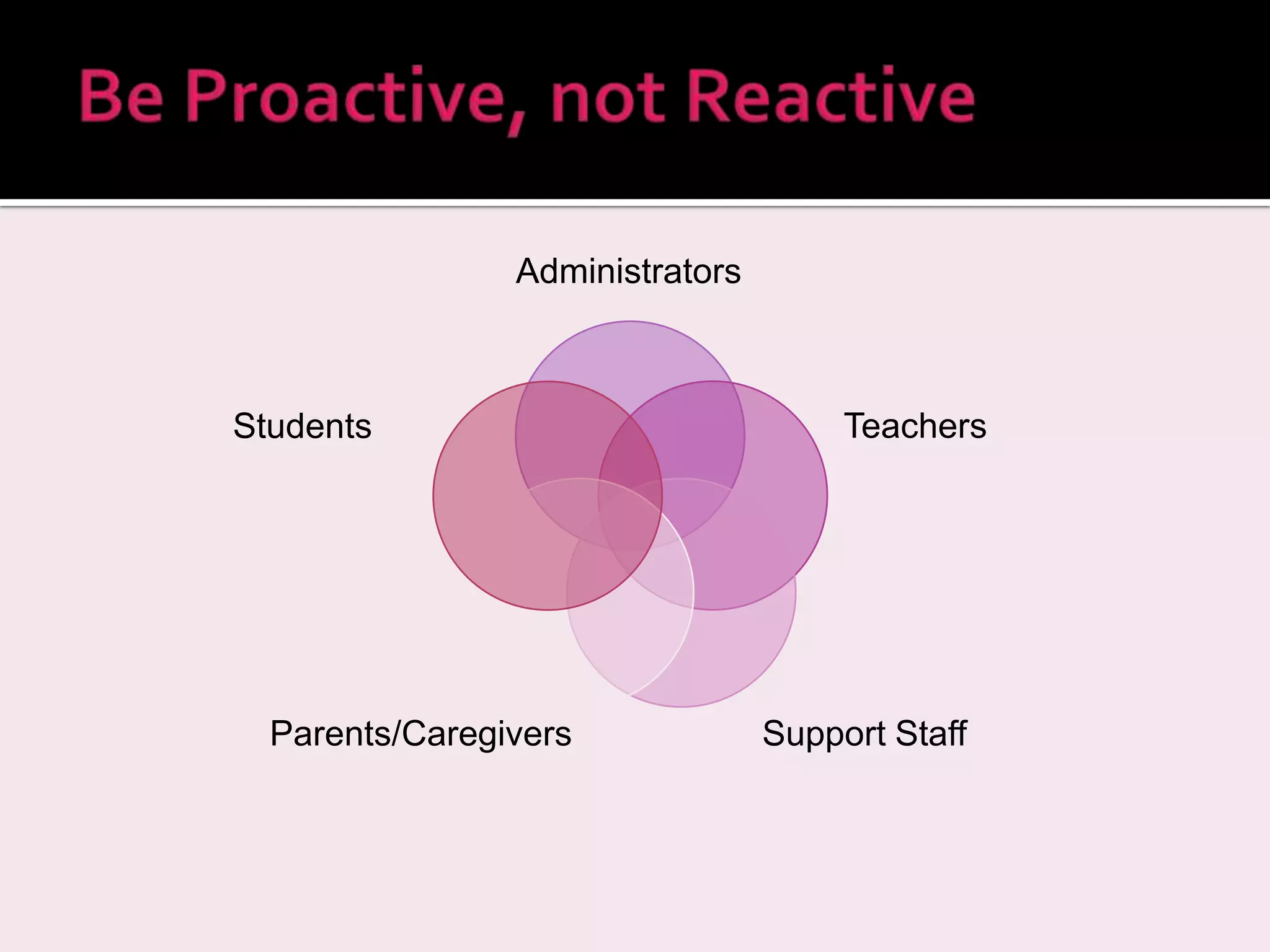
Administrators Teachers Support Staff Parents/Caregivers Students
Gain  digital safety awareness Use  participatory planning  to integrate digital safety awareness into existing school-based policies—consult with students, teachers, support staff, parents, community groups, and police  Review the  Acceptable Use Policy  regularly Constantly review and revise your strategic plan and its outcomes.  Keep policies up-to-date  with technology .    Source:  Media Awareness Network, 2007
Educate the Community Conduct  Professional Development  for Staff Provide  Parent Education  (parent education nights, workshops) Provide  Student Education  integrated into existing curriculum
Recommendations Stay on top of cyber law Create vision that recognizes potential misuse Make a proactive plan to address such abuse  Acceptable Use Policy establishes clear standards  Involve all stakeholders in plan (staff, older students, parents) Engage in: open and consistent communication with families show interest in parent concerns  develop home/school partnership to gain parent support Quinn, D. M. (2003). Legal issues in educational technology. Educational administration quarterly. V39 No 2.
To document cyberbullying incidents Take a Screenshot  Copy the Full Email Header
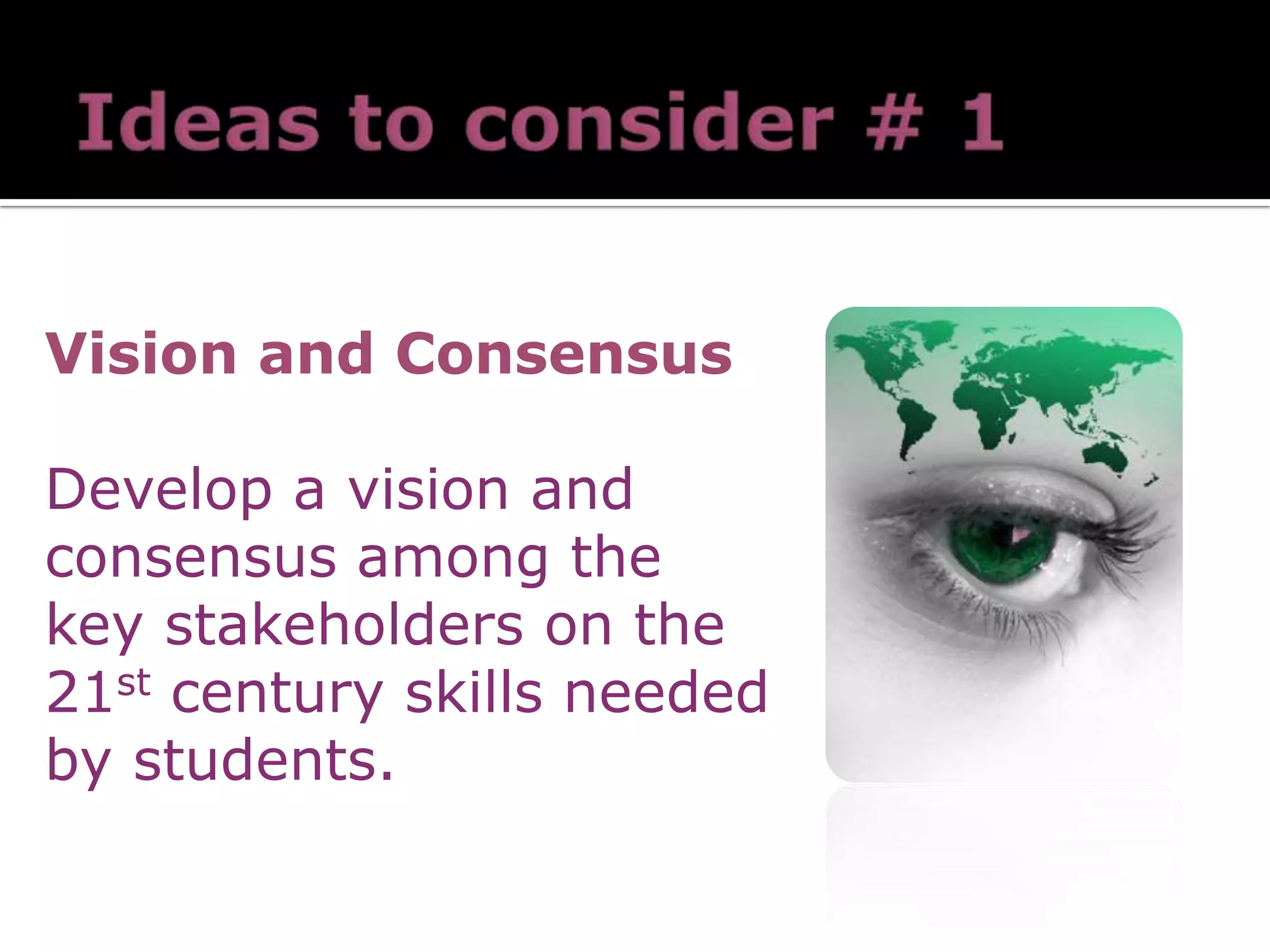
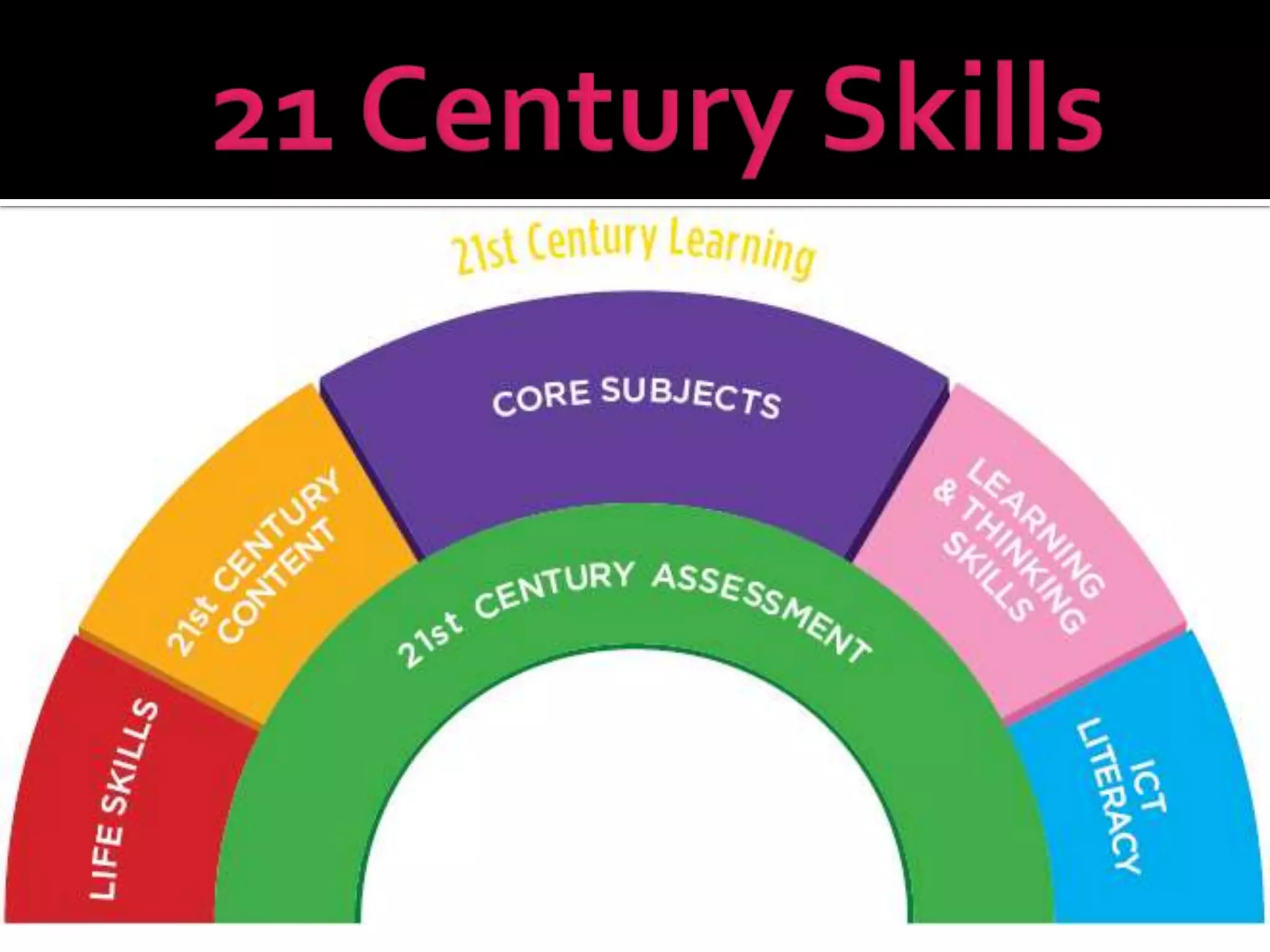
Vision and Consensus Develop a vision and consensus among the key stakeholders on the 21 st  century skills needed by students.
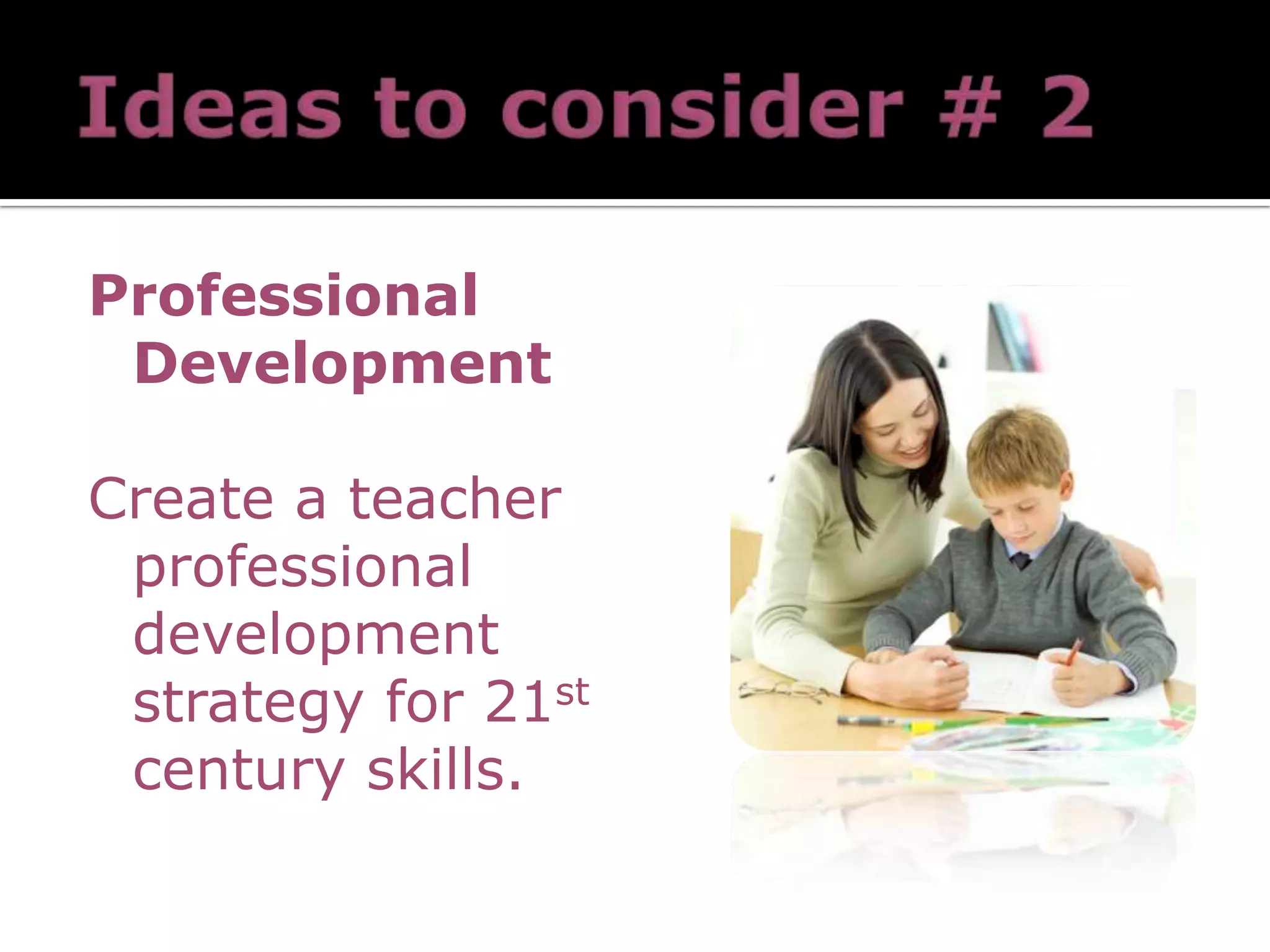
Professional Development Create a teacher professional development strategy for 21 st  century skills.
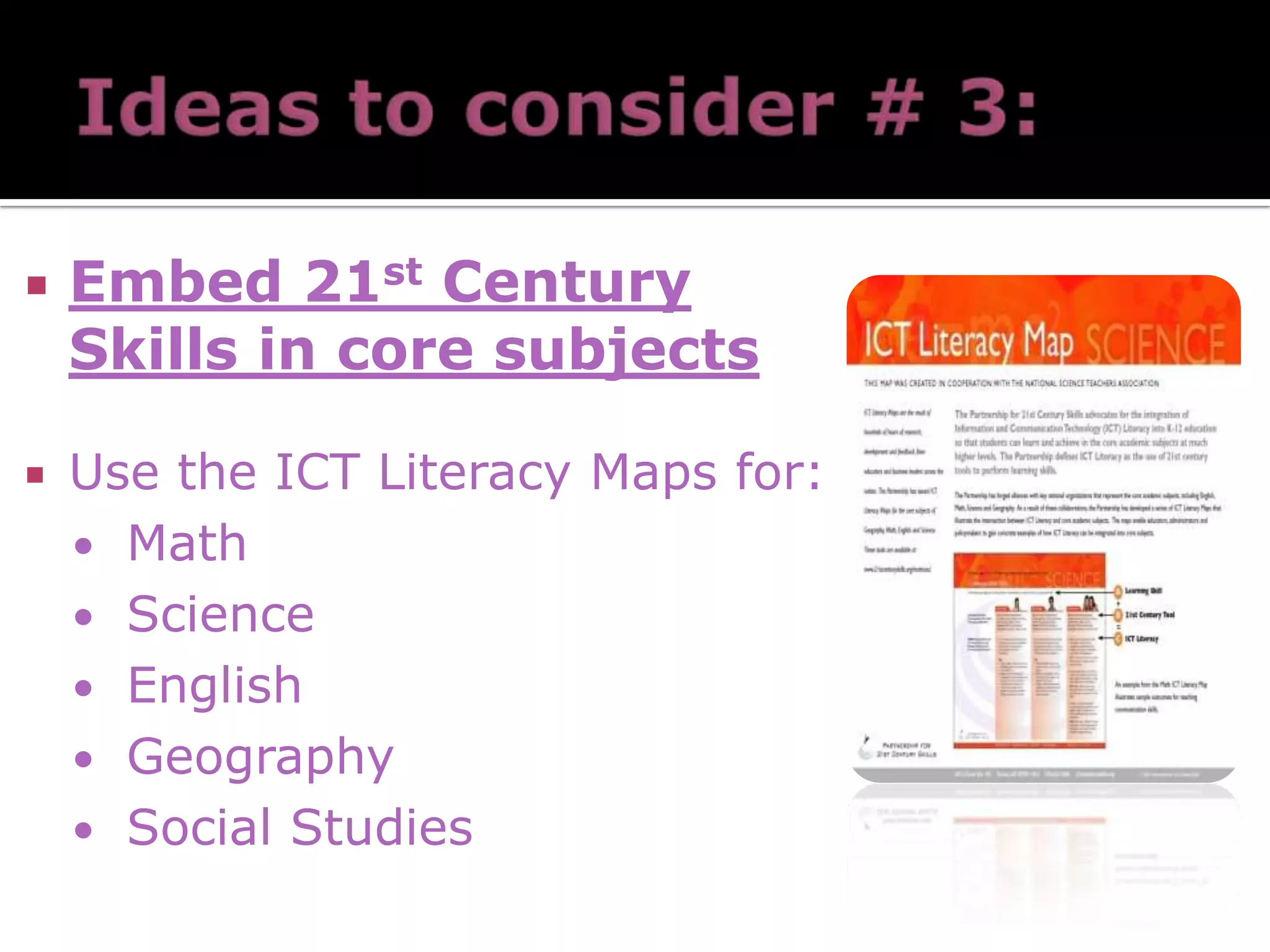
Embed 21 st  Century Skills in core subjects Use the ICT Literacy Maps for: Math Science English Geography Social Studies
Assessments Use a full range of assessments, including formative and summative assessments, to measure  21 st  century skills. e-Portfolios
http://edorigami.wikispaces.com/21st+Century+Teacher Vision + Skills + Incentives + Resources + Action Plans = CHANGE Skills + Incentives + Resources + Action Plans = Confusion Vision + Incentives + Resources + Action Plans = Anxiety Vision + Skills + Resources+ Action Plans = Resistance Vision + Skills + Incentives + Action Plans = Frustration Vision + Skills + Incentives + Resources + = Treadmill
Administrator Online Resources New York State Guide for Administrators Professional Resources for School Admins. ISTE Standards for School Administrators NYS Crosswalk NYS Standards w/ISTE standards Louisianna LEADS (2006) Site for Administrators Mile Guide Bloom’s New Digital Taxonomy Technology Matrix

Technology Leadership

  • 1.
    by ColleenCarroll Tracy Ford Darlene Westinghouse
  • 2.
  • 3.
    Diaries of ThomasEdison, 1925 … as obsolete as the horse and carriage are now.” ?
  • 4.
  • 5.
  • 6.
  • 7.
    The United StatesDepartment of Commerce ranked 55 industrial sectors by their level of Information Technology (IT). Education came in at 55 The lowest of all including coal mining (U.S. Department of Commerce, 2002).
  • 8.
    We are preparingstudents for an era that no longer exists and for a job market that no longer offers the same positions (Partnership for 21st Century Skills, 2006).
  • 9.
    Basic Skills NoLonger Enough Minimum jobs need to solve a range of intellectual and technical problems 21 st century skills calls us to reason, analyze, weigh evidence, problem-solve – and to communicate effectively They are survival skills for all of us
  • 10.
    “ The futureU.S. workforce is here – and it is woefully ill-prepared for the demands of today’s (and tomorrow’s) workplace” (The Conference Board, Partnership for 21st century Skills, Corporate Voices for Working Families, HR Society for Human Resource Management, 2006, p. 9).
  • 11.
    Nearly a decadeinto the 21 st Century, there are indications that American society – including businesses, industry, education, and communities -- have not kept pace with the rapid transformation into a knowledge-based society. Building the technological capacity of the education system in the U.S. is critical to the global leadership of the state of New York and the nation.
  • 12.
    In international competitionin mathematics and science, American students are not competitive, with less than one-third of 4 th and 8 th grade students performing at or above a level of proficiency in mathematics. National Center for Education Statistics. (2006).The Nation’s Report Card: Mathematics (2005).
  • 13.
    In the U.S.,34% of doctoral degrees in natural sciences, and 56% of engineering PhDs are awarded to foreign-born students.
  • 14.
    Approximately 1/3 ofstudents in the U.S. do not graduate after 4 years of HS. In the nation’s most recent study of HS dropouts: 47% said that a major reason for dropping out was that classes were not interesting 70% said they were not motivated or inspired to work hard 81% said there should be more opportunities for real world learning.
  • 15.
    Transforming American Education:Learning Powered by Technology
  • 16.
    “ By 2020,America will once again have the highest proportion of college graduates in the world.” — President Barack Obama, Address to Congress, February 24, 2009 “ We are now, however, at an inflection point for a much bolder transformation of education powered by technology. This revolutionary opportunity for change is driven by the continuing push of emerging technology and the pull of the critical national need to radically improve our education system” (p. ix). http:// www.ed.gov/technology/netp-2010
  • 17.
  • 18.
    Move away fromlecture driven instruction Move towards constructivist, inquiry-oriented classrooms Technology is a catalyst for a more flexible, engaging and challenging learning experience for students KABOOM! k
  • 19.
    for K-12Horizon Report: 2009 K-12 Education (Levine, Smith, Smythe, & Johnson, 2009)
  • 20.
    The HorizonReport: 2009 K-12 Education, identifies technological tools and trends to be adopted in the coming years. More than 275 national and international leaders assembled online and face-to-face to become members of an Advisory Board to research and identify emerging technologies that will have the greatest impact on teaching, learning, and creativity around the world, to finalize the Horizon Report: 2009 K-12 Education (Levine, Smith, Smythe, & Johnson, 2009) Identifies technological tools and trends to be adopted in the coming years. More than 275 national and international leaders assembled online and face-to-face Research and identify emerging technologies that will have the greatest impact on teaching, learning, and creativity around the world Horizon Report: 2009 K-12 Education (Levine, Smith, Smythe, & Johnson, 2009)
  • 21.
    Virtual Workplaces: Integratedmedia - 2D and 3D LMS: Moodle , Blackboard, Sakai Social Networking Platforms: Ning , Facebook , Diigo , Glogster 3D Virtual Worlds: Active Worlds , Second Life
  • 22.
  • 23.
    Desktop Videoconferencing – Skype , Oovoo (Webconferncing Adobe Connect , DimDim, Eluminate) Instant Messaging Services – Meebo Microblogging Platforms – Twitter , Facebook, Edmodo
  • 24.
  • 25.
    Simply put: Web1.0 – get information from the Internet Web 2.0 – contribute and interact on the Web http://dembe01.edu.glogster.com/web20intheclassroom/ ?
  • 26.
    Google Maps ItunesU Webspiration Hippocampus VoiceThread Animoto Photostory 3 Movie Maker Zoho Blogger Audacity Wikispaces
  • 27.
  • 28.
    Blogs Podcasting RSSFeeds Twitter Facebook Wikis The 21 st Century Networked Student
  • 29.
    Networked computers DistributedProcessing Power Hosting and Sharing - Flickr, Google , Zoho , YouTube Applications - Splashup , JayCut , Visual Thesaurus , photoshop.com Creating & Presenting - Prezi , Vuvox, SlideShare , Wordle , SlideRocket, ManyEyes
  • 30.
  • 31.
    Mobile phones openedup the concept of wireless learning “ Learning has moved from the classroom onto your desktop and into your pocket” Always on Always on you Independent of time and space WifFi Mobile learning originally referred to the use of laptop computers, which freed learners from the desktop Pocket PCs and other devices used for learning purposes led to the term handheld learning
  • 32.
  • 33.
    Mobile Learning istaking on board and complementing the concepts of Web 2.0 which have led to the emergence of E-Learning 2.0 and … Mobile Learning 2.0 Web 1.0 Web 2.0 content content content sharing (content) collaboration syndication tagging
  • 34.
    E-Learning 2.0 MobileLearning 2.0 blogs RSS wikis social applications moblogs and vlogs podcasts (audio blogs) RSS collaborative learning
  • 35.
  • 36.
    Do you instantmessage? Do you blog? Do you subscribe to RSS feeds? Have you contributed to a wiki? Do you use Digg, Furl or Delicious?
  • 37.
    6 . Do you text message on your cell? 7. Have you created an avatar in Second Life? 8. Do you watch videos on YouTube or other sites? 9. Have you subscribed to a vod/podcast? 10. Do you use search engines other than Google?
  • 38.
    10 Recluse 20Refugee 30-40 Immigrant 50-60 Native 70-80 Explorer 90 Innovator 100 Addict
  • 39.
    Link the virtualworld and the real world Everyday life – point-of-sale purchases , passport tracking, inventory management, identification Objects relate to their environment and to each other – Violet’s Mirror , Siftables , Sixth Sense
  • 40.
    Technology affects howwe work, collaborate, communicate and succeed. Technology provides with the means for empowering students. The web is an increasingly personal experience. Learning environments are changing . The value of innovation and creativity is increasing.
  • 41.
    From the AgriculturalWorld To the Industrial World Into World of Information, Knowledge & Communication And onward toward the World of Creativity and Innovation!
  • 42.
  • 43.
  • 44.
    Creativity and Innovation Students demonstrate creative thinking, construct knowledge, and develop innovative products and processes using technology. Copyright © 2007 INTERNATIONAL SOCIETY FOR TECHNOLOGY IN EDUCATION All rights reserved. No part of this material may be reproduced without written permission from copyright owner. Contact permissions@iste.org.
  • 45.
    Communication and CollaborationStudents use digital media and environments to communicate and work collaboratively, including at a distance, to support individual learning and contribute to the learning of others. Copyright © 2007 INTERNATIONAL SOCIETY FOR TECHNOLOGY IN EDUCATION All rights reserved. No part of this material may be reproduced without written permission from copyright owner. Contact permissions@iste.org.
  • 46.
    Research and InformationFluency Students apply digital tools to gather, evaluate, and use information. Copyright © 2007 INTERNATIONAL SOCIETY FOR TECHNOLOGY IN EDUCATION All rights reserved. No part of this material may be reproduced without written permission from copyright owner. Contact permissions@iste.org.
  • 47.
    Critical Thinking, Problem-Solving& Decision-Making Students use critical thinking skills to plan and conduct research, manage projects, solve problems and make informed decisions using appropriate digital tools and resources. Copyright © 2007 INTERNATIONAL SOCIETY FOR TECHNOLOGY IN EDUCATION All rights reserved. No part of this material may be reproduced without written permission from copyright owner. Contact permissions@iste.org.
  • 48.
    Digital Citizenship Students understand human, cultural, and societal issues related to technology and practice legal and ethical behavior. Copyright © 2007 INTERNATIONAL SOCIETY FOR TECHNOLOGY IN EDUCATION All rights reserved. No part of this material may be reproduced without written permission from copyright owner. Contact permissions@iste.org.
  • 49.
    Technology Operations andConcepts Students demonstrate a sound understanding of technology concepts, systems and operations. Copyright © 2007 INTERNATIONAL SOCIETY FOR TECHNOLOGY IN EDUCATION All rights reserved. No part of this material may be reproduced without written permission from copyright owner. Contact permissions@iste.org.
  • 50.
  • 51.
  • 52.
  • 53.
    As Adults itleads to: Improved decision-making Increased citizen participation Support of a modern workforce Enhanced social well-being Narrowing of the digital divide The ability to expect and adapt to change is fundamental to success in the job market and to active citizenship. (National Academy of Engineering, 2002) Ultimate goals for our children “ Technology is the embodiment and the means of most of the social and economic change of the past century” –Culp, et al
  • 54.
  • 55.
  • 56.
  • 57.
  • 58.
    Let’s look atsomeone’s myspace profile – (the actual screen name is blocked out below) He calls himself, “Danny” http://www.myspace.com/phuckuuphuckingphuck   Ulster BOCES- Model Schools Lets Look at a real profile…
  • 59.
    Ulster BOCES- ModelSchools Here’s Dannys profile…he likes poetry, plants, flowers and watching movies by the fire.
  • 60.
    Ulster BOCES- ModelSchools Danny loves his country and is here for dating, serious relationships, friends and networking. So far he has 14 friends listed
  • 61.
    Ulster BOCES- ModelSchools Danny has posted some pics of his tatoo’s. Says here that he is looking for a girlfriend!
  • 62.
  • 63.
    Ulster BOCES- ModelSchools Hey! There’s Danny. Surprise! His MySpace page never mentioned that he is a level 3, high-risk sex offender. CYBERSTALKING The Communications Decency Act of 1996 made it unlawful to communicate indecent messages or send sexually explicit messages to/individuals under the age of 18 via the internet. Further regulation has increased the penalties to criminal status under 17 yrs of age
  • 64.
  • 65.
  • 66.
    Using communication technologiessuch as email, cell phones, chat rooms, instant messaging, blogs, or defamatory personal websites to send or post repeated, deliberate, cruel and harmful text or images (Shek, 2004; Belsey, www.cyberbullying.ca)
  • 67.
    Speed & Ease:Access available 24 hours/day, 7 days/week—victims can no longer find solace at home Pictures/text sent instantly If kids simply “turn off” their technology, they are socially isolated.
  • 68.
    Ryan Halligan-student bornin Poughkeepsie, NY, who committed suicide after being bullied online. http://www.ryanpatrickhalligan.org/ http://youtube.com/watch?v=WBd0NRZ0rgw
  • 69.
    Megan Meier-student inSt. Louis, MO who was a victim of a My Space hoax. Another teen’s parent made up an account and “friended” Megan only to “dump” her later. She committed suicide last year. http://youtube.com/watch?v=HFsfDLCkfQU
  • 70.
    Patchin & Hindujahave created a resource to help you notice the signs of cyberbullying http://www.cyberbullying.us/cyberbullying_warning_signs.pdf
  • 71.
    Administrators Teachers SupportStaff Parents/Caregivers Students
  • 72.
    Gain digitalsafety awareness Use participatory planning to integrate digital safety awareness into existing school-based policies—consult with students, teachers, support staff, parents, community groups, and police Review the Acceptable Use Policy regularly Constantly review and revise your strategic plan and its outcomes. Keep policies up-to-date with technology . Source: Media Awareness Network, 2007
  • 73.
    Educate the CommunityConduct Professional Development for Staff Provide Parent Education (parent education nights, workshops) Provide Student Education integrated into existing curriculum
  • 74.
    Recommendations Stay ontop of cyber law Create vision that recognizes potential misuse Make a proactive plan to address such abuse Acceptable Use Policy establishes clear standards Involve all stakeholders in plan (staff, older students, parents) Engage in: open and consistent communication with families show interest in parent concerns develop home/school partnership to gain parent support Quinn, D. M. (2003). Legal issues in educational technology. Educational administration quarterly. V39 No 2.
  • 75.
    To document cyberbullyingincidents Take a Screenshot Copy the Full Email Header
  • 76.
    Vision and ConsensusDevelop a vision and consensus among the key stakeholders on the 21 st century skills needed by students.
  • 77.
    Professional Development Createa teacher professional development strategy for 21 st century skills.
  • 78.
    Embed 21 st Century Skills in core subjects Use the ICT Literacy Maps for: Math Science English Geography Social Studies
  • 79.
    Assessments Use afull range of assessments, including formative and summative assessments, to measure 21 st century skills. e-Portfolios
  • 80.
    http://edorigami.wikispaces.com/21st+Century+Teacher Vision +Skills + Incentives + Resources + Action Plans = CHANGE Skills + Incentives + Resources + Action Plans = Confusion Vision + Incentives + Resources + Action Plans = Anxiety Vision + Skills + Resources+ Action Plans = Resistance Vision + Skills + Incentives + Action Plans = Frustration Vision + Skills + Incentives + Resources + = Treadmill
  • 81.
    Administrator Online ResourcesNew York State Guide for Administrators Professional Resources for School Admins. ISTE Standards for School Administrators NYS Crosswalk NYS Standards w/ISTE standards Louisianna LEADS (2006) Site for Administrators Mile Guide Bloom’s New Digital Taxonomy Technology Matrix

Editor's Notes

  • #6 5.16
  • #18 Start at 7:45 11 minutes
  • #28 plosPLoS is a nonprofit organization of scientists and physicians committed to making the world's scientific and medical literature a freely available public resource. All our activities are guided by our core principles .free info on genetics, biology, medicine, pathogens etc.
  • #39 Digital recluse – A person in this category absolutely refuses to knowingly use electronic technology. Computers are forbidden in his/her household. Digital refugee – A person in this category uses technology unwillingly. It has been thrust upon him/her by his/her environment. Although using technology is a chore, not using it is even more of a challenge.. S/he prefers hard copy and distrusts electronic resources. S/he may regularly enlist other for assistance in the use of technology, particularly reducing technology to a non-electronic form (e.g., printing e-mail before reading it). Digital immigrant – A person in this category has willingly traveled to the land of technology. Although unfamiliar with the full potential of various electronic tools, s/he holds an underlying belief that technology can be a useful tool, especially for repetitive tasks. S/he may have grown up with technology or may have adopted technology as an adult. Digital native – A person in this category uses technology in executing a wide variety of tasks and readily adapts to changes in the tools that s/he uses. S/he may have grown up with technology or may have adopted technology as an adult. Digital explorer – A person in this category pushes electronic tools to the limit and is always on the lookout for new tools that do more, work faster, and work more easily. Digital innovator – A person in this category doesn’t just look for new technology tools, s/he builds new tools and/or adapts old tools to new purposes. Digital addict – A person in this category is highly dependent upon technology tools. S/he may become quite distressed when access to technology tools is disrupted.