Download as PPSX, PPTX

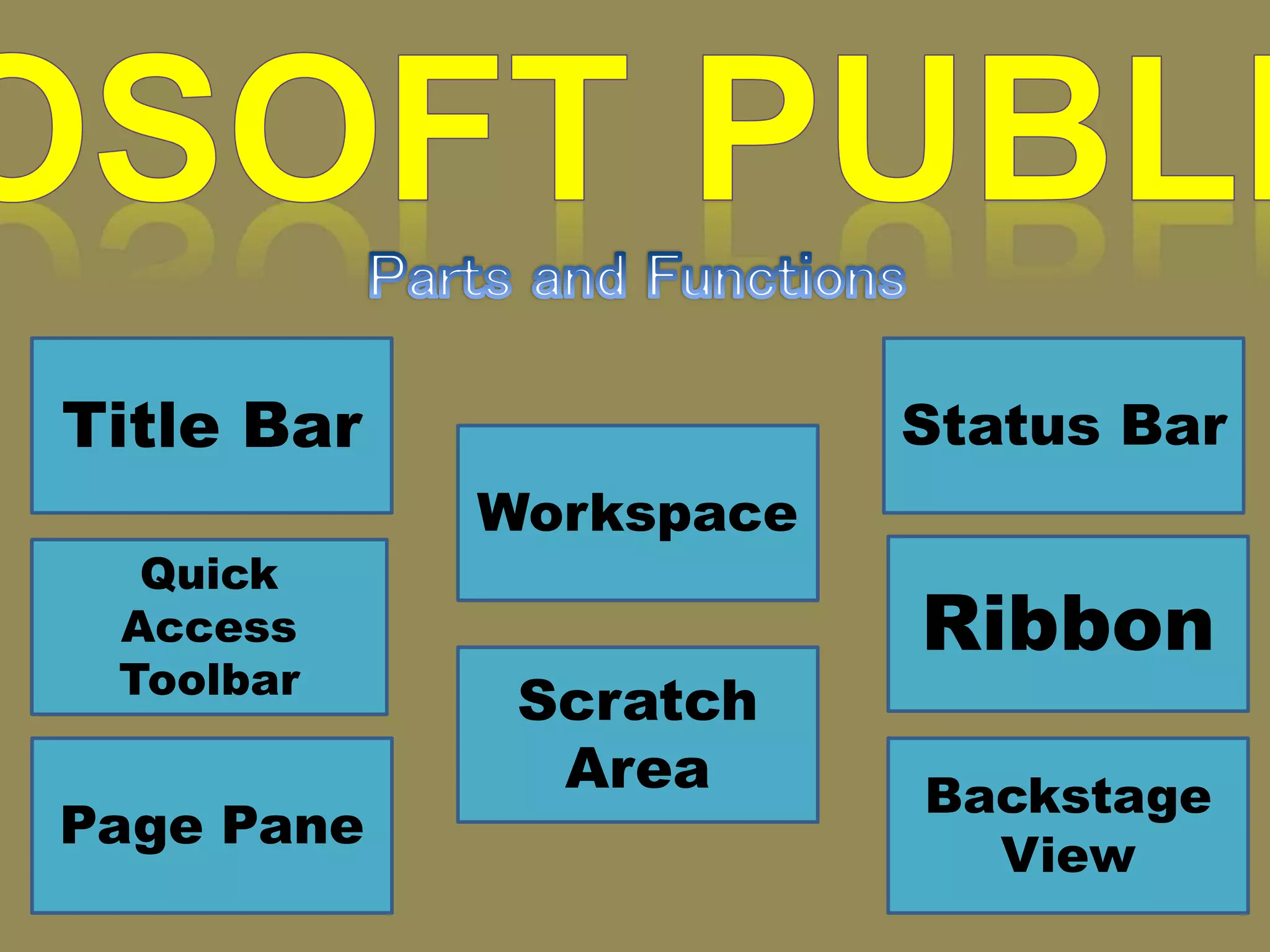


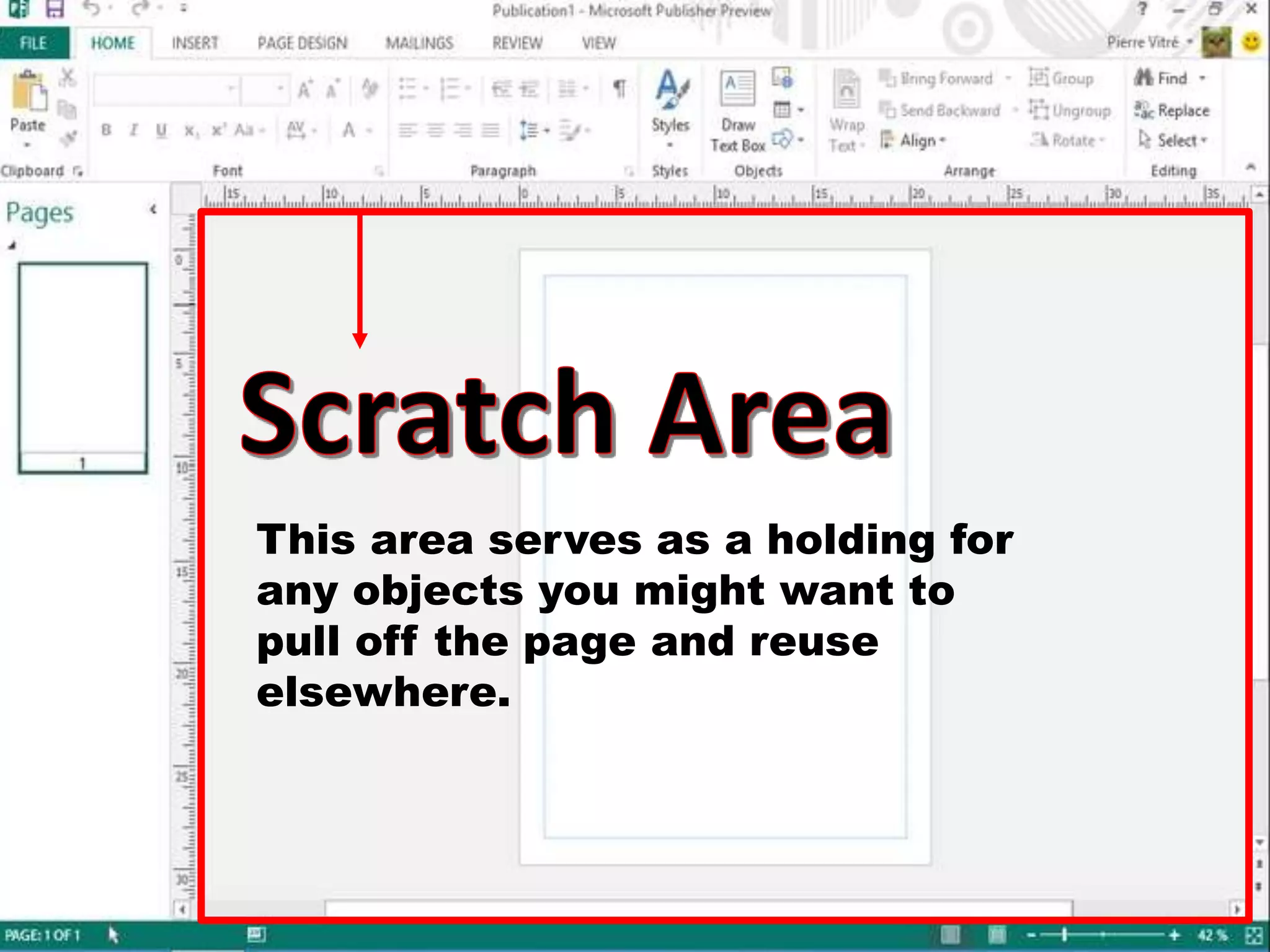


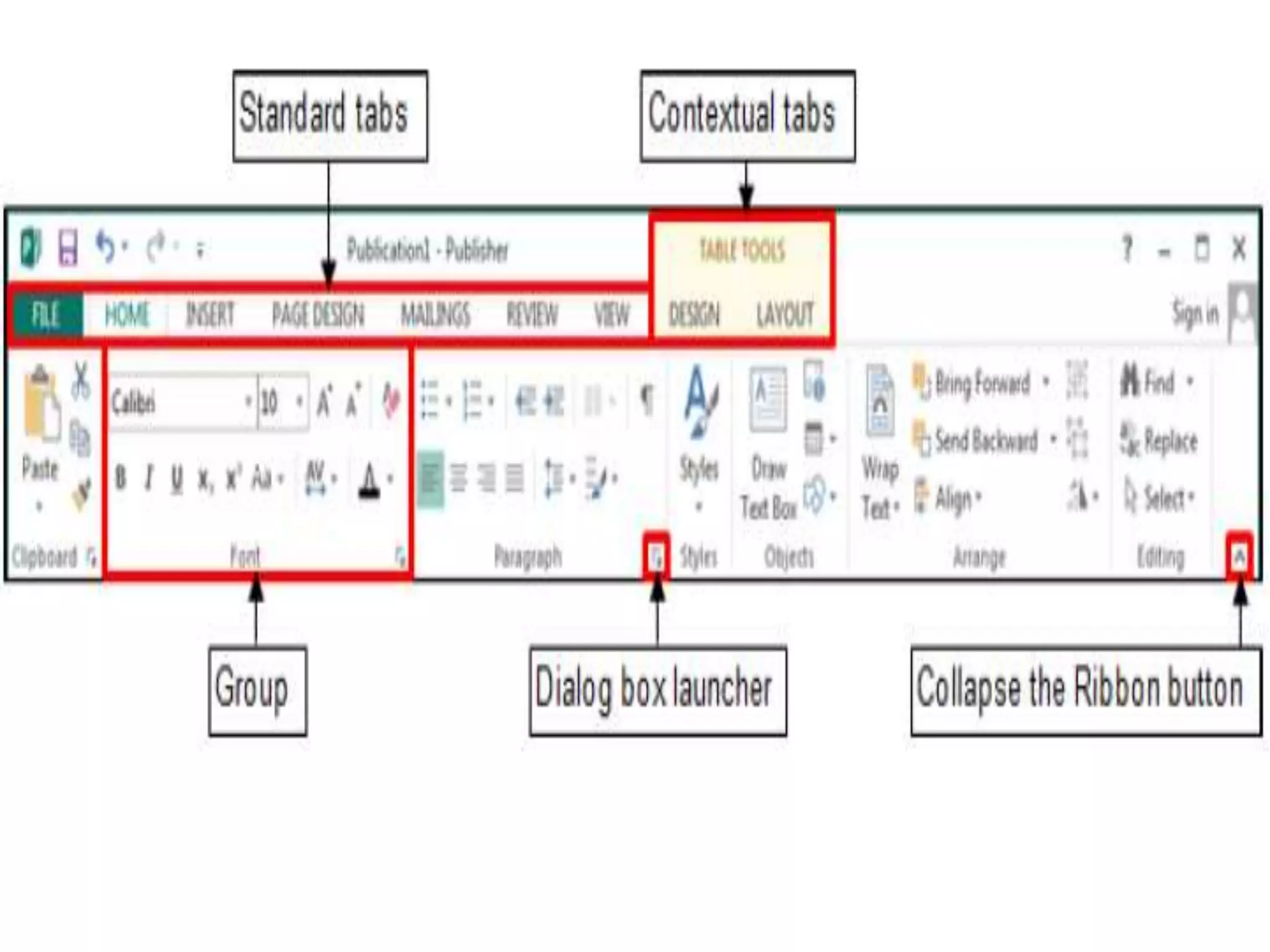


This document describes the main interface elements of a desktop publishing program. The title bar displays the program and file names. The ribbon provides one-click access to common commands like save. The page pane displays the current page content while the scratch area acts as a holding space for reusable objects. The status bar, view tabs, and quick access toolbar help navigate and find commands to complete tasks.


