How to Create and Optimize PowerPoint Presentation?
Table of Contents Objective :  2 How to Create & Optimize PowerPoint Presentation Overview :  3 What is PowerPoint? What is PowerPoint Presentation? How to create an effective PPT?:  5 How to start? Do’s and Don’ts while PPT Creation Use or Importance:  9 General Use of PPT Presentation Role of PPT in SEO  How to Optimize :  15  Tips or Tricks Why it is required?
Overview What is PowerPoint? PowerPoint is a complete presentation software program that is part of the Microsoft Office package. Origin The original version of this program was created by  Dennis Austin  and  Thomas Rudkin  of Forethought, Inc. Originally it was designed for the Macintosh computer, the initial release was called "Presenter". In 1987, it was renamed to "PowerPoint" due to some problems with trademarks. The current versions are Microsoft PowerPoint 2010 for Windows and Microsoft Office PowerPoint 2008 for Mac.
PowerPoint File Extensions PowerPoint files are saved with various extensions like: .PPT for PowerPoint Presentation .PPS for PowerPoint Slide Show .POT for PowerPoint Template.  .PPTX file format is a newer version of the original PowerPoint format for Microsoft's PowerPoint (2007+) application. Pptx files use XML (extensible markup language) and zip compression technology to make the files more portable and small. The "x" in pptx stands for XML.  What is PowerPoint Presentation? PowerPoint presentations consist of a number of individual pages or "slides". Slides may contain text, graphics, movies, and other objects, which may be arranged freely on the slide. Overview
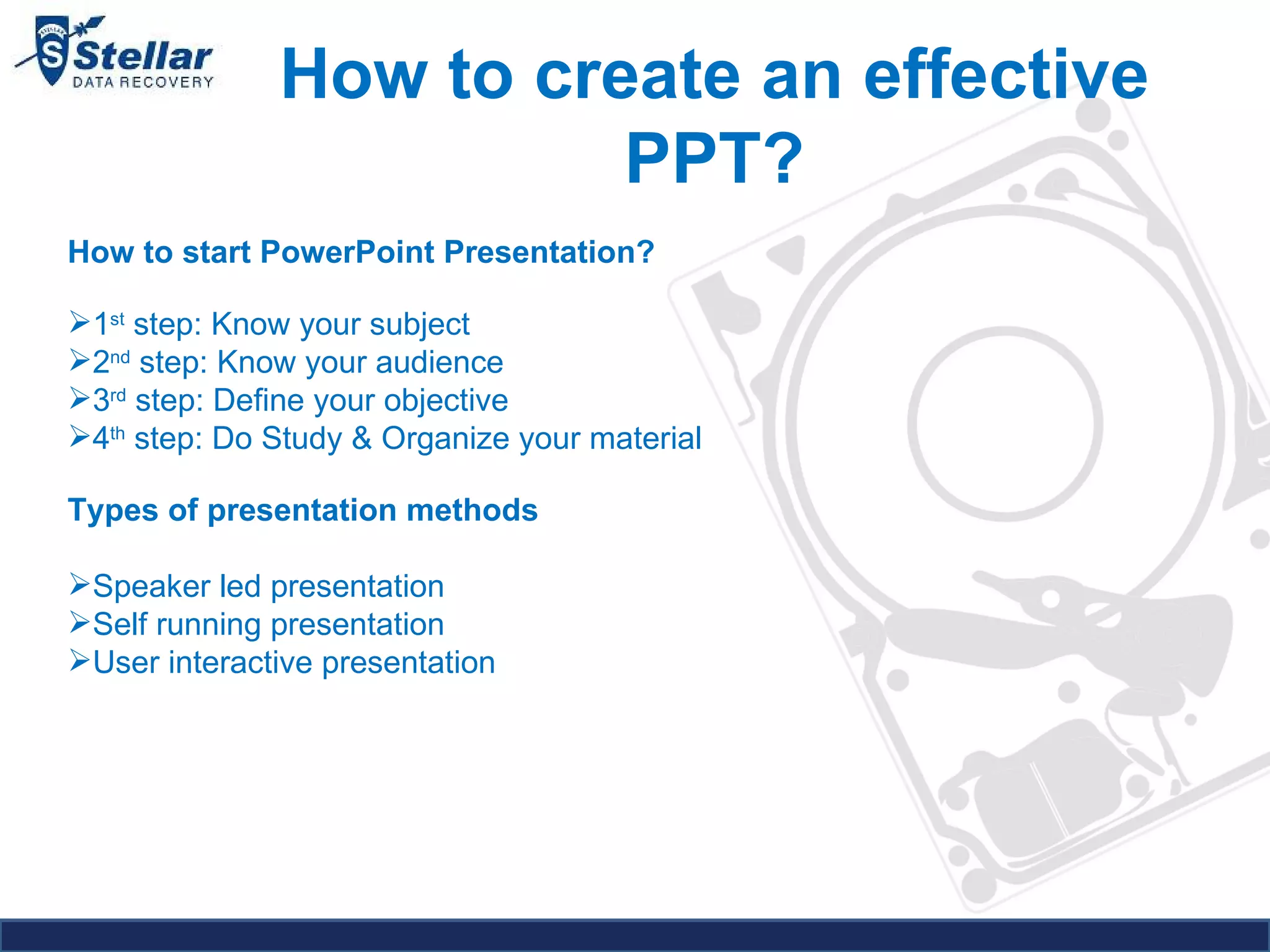
How to create an effective PPT? How to start PowerPoint Presentation?  1 st  step: Know your subject 2 nd  step: Know your audience 3 rd  step: Define your objective 4 th  step: Do Study & Organize your material Types of presentation methods   Speaker led presentation  Self running presentation  User interactive presentation
How to create an effective PPT? Types of presentation methods   Speaker led presentation Your slides need not tell the whole story  Slides are no more than support materials for the speaker  Primary message will have to come from the speaker  Slides should not contain lot of information. You should be the only Hero.  Let the audience listen to you  Self running presentation •  Slides should carry the entire show  •  All information should be there in the slides  •  Voice commentary is a must  •  Ideal for individual / small group teaching  •  Timing should be precise – User should get to see the next slide as soon as he completes reading the previous one
How to create an effective PPT? Types of presentation methods   User interactive presentation  •  User input is needed for this presentation  •  You need to place arrows for easy user interaction  •  This presentation is ideal for mass distribution
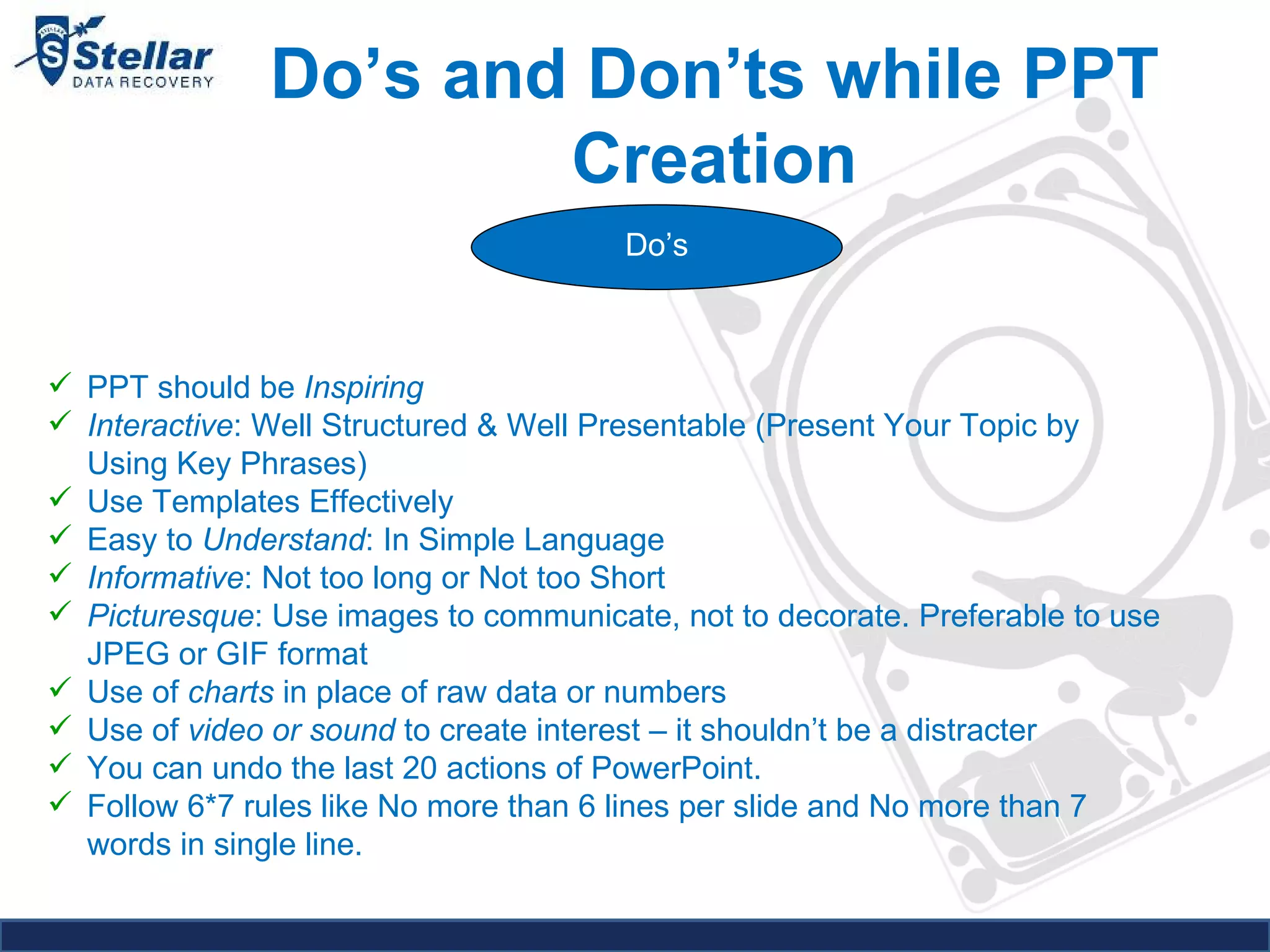
Do’s and Don’ts while PPT Creation Do’s PPT should be  Inspiring Interactive : Well Structured & Well Presentable (Present Your Topic by Using Key Phrases) Use Templates Effectively Easy to  Understand : In Simple Language Informative : Not too long or Not too Short Picturesque : Use images to communicate, not to decorate. Preferable to use JPEG or GIF format Use of  charts  in place of raw data or numbers Use of  video or sound  to create interest – it shouldn’t be a distracter You can undo the last 20 actions of PowerPoint. Follow 6*7 rules like No more than 6 lines per slide and No more than 7 words in single line.
Do’s and Don’ts while PPT Creation Don'ts Bored: Too Detailed or Too Long. Obsession with bullets. Inadequate font size. Ideal font size – 28 to 34  Bad selection of colors. No Audience Benefit. Drag and Drop images. Don’t use too many colors, too many fonts styles Don’t use unnecessary art work in PPT it may be distract your audience.  Don’t use sound effect if it is not necessary it may distract too. Don’t use transitions if it is not necessary.
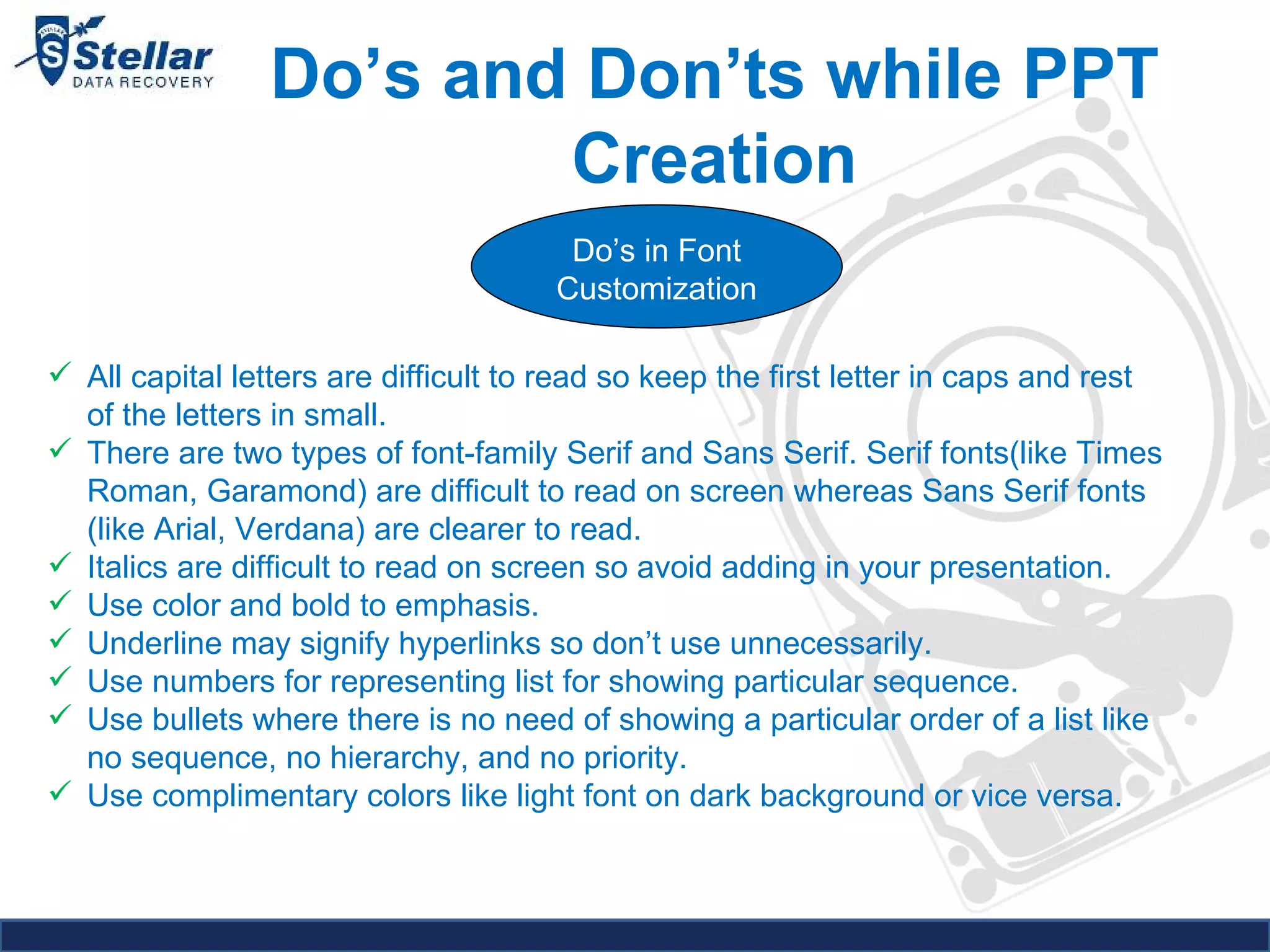
Do’s and Don’ts while PPT Creation Do’s in Font Customization All capital letters are difficult to read so keep the first letter in caps and rest of the letters in small. There are two types of font-family Serif and Sans Serif. Serif fonts(like Times Roman, Garamond) are difficult to read on screen whereas Sans Serif fonts (like Arial, Verdana) are clearer to read. Italics are difficult to read on screen so avoid adding in your presentation. Use color and bold to emphasis. Underline may signify hyperlinks so don’t use unnecessarily. Use numbers for representing list for showing particular sequence. Use bullets where there is no need of showing a particular order of a list like no sequence, no hierarchy, and no priority. Use complimentary colors like light font on dark background or vice versa.
General Use of PPT Presentation
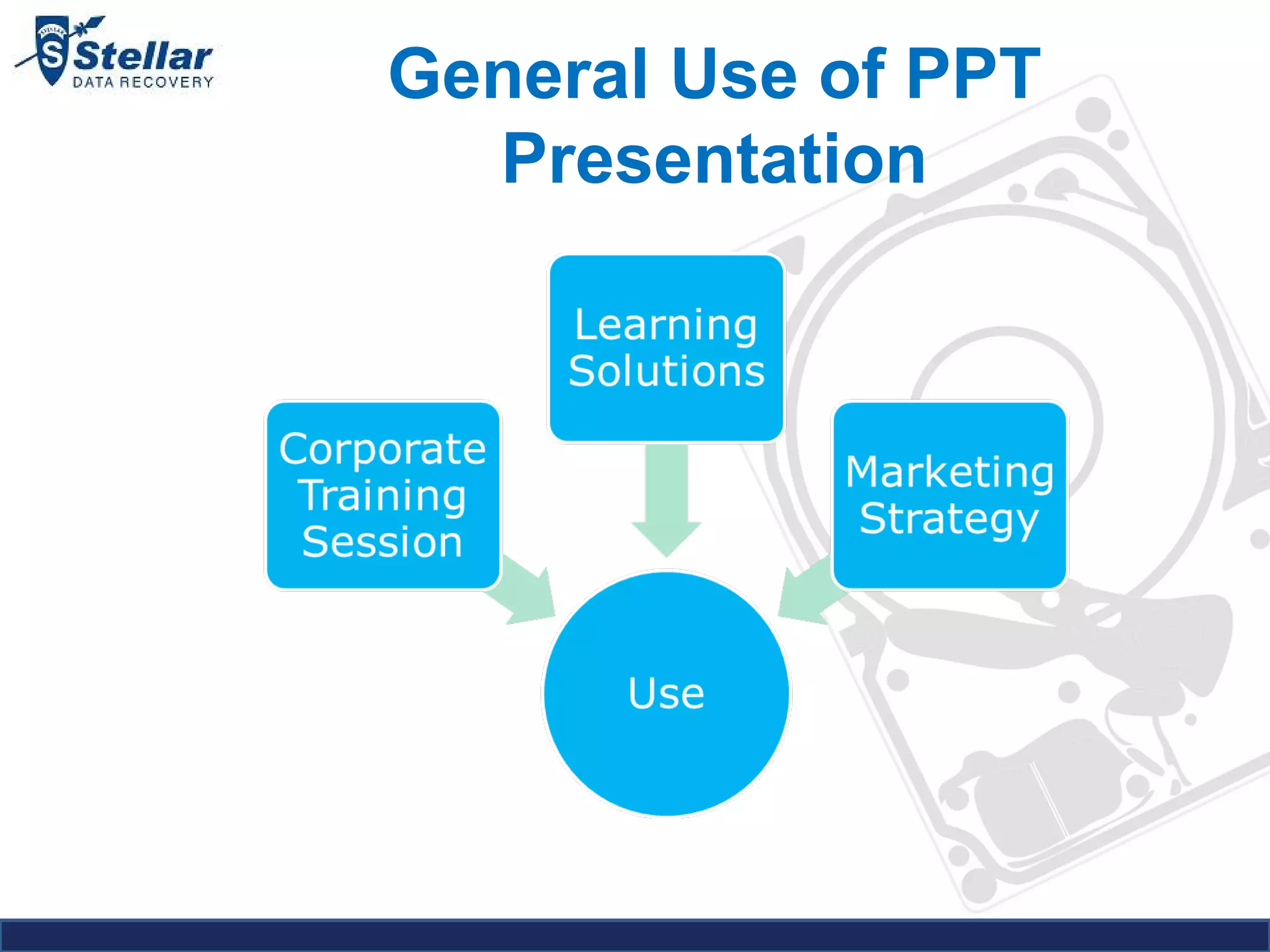
General Use of PPT Presentation Learning Solutions  PowerPoint presentation combines audio and visual both aspects, making it easier to understand for audience. Corporate Training Session PowerPoint presentation is an essential ingredient of every corporate training session. It results in interactive and more effective training. It's always beneficial and less time consuming for corporate trainers.  Marketing Strategy Increase your company sales  Sell your products 24x7 worldwide  Create a bigger customer database
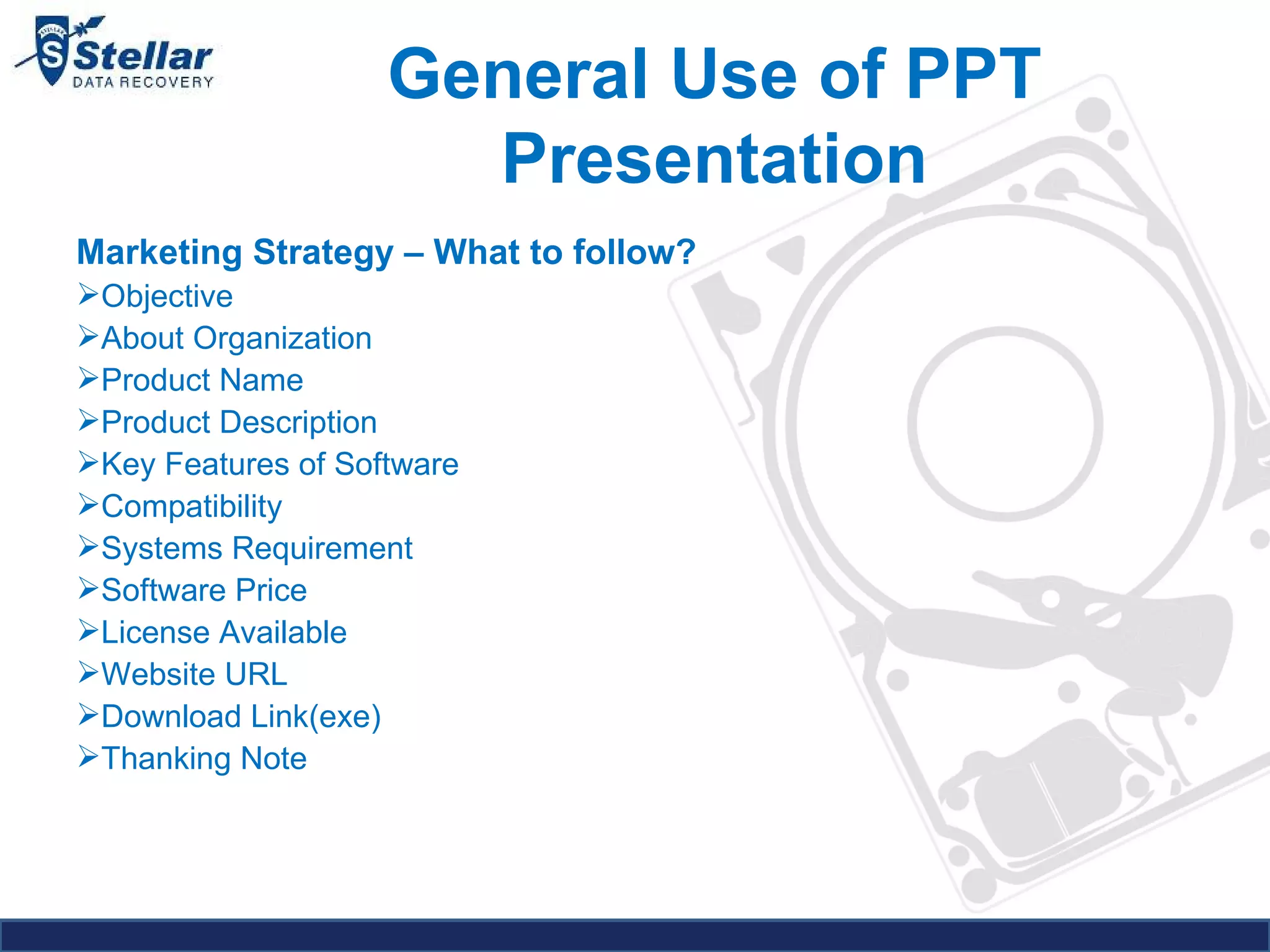
General Use of PPT Presentation Marketing Strategy – What to follow? Objective About Organization Product Name Product Description Key Features of Software Compatibility  Systems Requirement Software Price License Available Website URL Download Link(exe) Thanking Note
Role of PPT in SEO Effective PowerPoint will get lots of views or hits after submitting it in PPT-sharing websites such as slideshare.net, slideboom.com, myplick.com, authorstream.com and many more. PPT easily gets indexed if you do it in effective manner. Use relevant images in your slide, matching with your content, for example as our slide is relating to about data recovery products, then use an image reflecting that particular product, company logo etc…it generates the user’s interest and more informative. A concise PowerPoint presentation, done well, it will often lead to a winning situation for a business with greater ease.
Role of PPT in SEO
The technique also facilities the option of using chart, pictures, logs, clip-arts, images, photos etc. to make a presentation more attention-grabbing. Added additional effects such as sound and animation add more emphasis to the PPT presentations making them look more interactive. They are quick to produce, easy to update and effective to inject visual interest into the presentation. Highly interactive way that can efficiently convey our message, promote our brand and develop our business online. Role of PPT in SEO
Role of PPT in SEO
How to optimize a PPT presentation? Reduce file size for attaching to email Drag & Drop - Choose insert image option over dragging and pasting  Avoid using TIFF images  Pre-size your bitmap images to the dimensions you wish to display in your .ppt file. Avoid using excessive embedded sounds.  Reduce the total number of fonts embedded within your ppt. Inserting graphics vs. copy and paste. Use available third-party compression technologies. Like; nxpowerlite.com, powershrink.com, pptminimizer.com, pptools.com/optimizer/index.html.
How to optimize a PPT presentation? Why it is Required? Optimized files will open more quickly and run more smoothly.  They can make significant cost savings on storage, email and backup.  Optimizing can also help cut mobile data costs when sending files to mobile devices.  Saves time, effort and frustration.  Removes the need to manually tweak or resize large images.  Reduces the time it takes to open large files and helps them run more smoothly.  Decreases the chance of oversized emails being returned.  Immediately improves network efficiency and performance.
Q&A Round Queries
 

PowerPoint Presentation Tips & Tricks

  • 1.
    How to Createand Optimize PowerPoint Presentation?
  • 2.
    Table of ContentsObjective : 2 How to Create & Optimize PowerPoint Presentation Overview : 3 What is PowerPoint? What is PowerPoint Presentation? How to create an effective PPT?: 5 How to start? Do’s and Don’ts while PPT Creation Use or Importance: 9 General Use of PPT Presentation Role of PPT in SEO How to Optimize : 15 Tips or Tricks Why it is required?
  • 3.
    Overview What isPowerPoint? PowerPoint is a complete presentation software program that is part of the Microsoft Office package. Origin The original version of this program was created by Dennis Austin and Thomas Rudkin of Forethought, Inc. Originally it was designed for the Macintosh computer, the initial release was called "Presenter". In 1987, it was renamed to "PowerPoint" due to some problems with trademarks. The current versions are Microsoft PowerPoint 2010 for Windows and Microsoft Office PowerPoint 2008 for Mac.
  • 4.
    PowerPoint File ExtensionsPowerPoint files are saved with various extensions like: .PPT for PowerPoint Presentation .PPS for PowerPoint Slide Show .POT for PowerPoint Template. .PPTX file format is a newer version of the original PowerPoint format for Microsoft's PowerPoint (2007+) application. Pptx files use XML (extensible markup language) and zip compression technology to make the files more portable and small. The "x" in pptx stands for XML. What is PowerPoint Presentation? PowerPoint presentations consist of a number of individual pages or "slides". Slides may contain text, graphics, movies, and other objects, which may be arranged freely on the slide. Overview
  • 5.
    How to createan effective PPT? How to start PowerPoint Presentation? 1 st step: Know your subject 2 nd step: Know your audience 3 rd step: Define your objective 4 th step: Do Study & Organize your material Types of presentation methods   Speaker led presentation Self running presentation User interactive presentation
  • 6.
    How to createan effective PPT? Types of presentation methods   Speaker led presentation Your slides need not tell the whole story Slides are no more than support materials for the speaker Primary message will have to come from the speaker Slides should not contain lot of information. You should be the only Hero. Let the audience listen to you Self running presentation • Slides should carry the entire show • All information should be there in the slides • Voice commentary is a must • Ideal for individual / small group teaching • Timing should be precise – User should get to see the next slide as soon as he completes reading the previous one
  • 7.
    How to createan effective PPT? Types of presentation methods   User interactive presentation • User input is needed for this presentation • You need to place arrows for easy user interaction • This presentation is ideal for mass distribution
  • 8.
    Do’s and Don’tswhile PPT Creation Do’s PPT should be Inspiring Interactive : Well Structured & Well Presentable (Present Your Topic by Using Key Phrases) Use Templates Effectively Easy to Understand : In Simple Language Informative : Not too long or Not too Short Picturesque : Use images to communicate, not to decorate. Preferable to use JPEG or GIF format Use of charts in place of raw data or numbers Use of video or sound to create interest – it shouldn’t be a distracter You can undo the last 20 actions of PowerPoint. Follow 6*7 rules like No more than 6 lines per slide and No more than 7 words in single line.
  • 9.
    Do’s and Don’tswhile PPT Creation Don'ts Bored: Too Detailed or Too Long. Obsession with bullets. Inadequate font size. Ideal font size – 28 to 34 Bad selection of colors. No Audience Benefit. Drag and Drop images. Don’t use too many colors, too many fonts styles Don’t use unnecessary art work in PPT it may be distract your audience. Don’t use sound effect if it is not necessary it may distract too. Don’t use transitions if it is not necessary.
  • 10.
    Do’s and Don’tswhile PPT Creation Do’s in Font Customization All capital letters are difficult to read so keep the first letter in caps and rest of the letters in small. There are two types of font-family Serif and Sans Serif. Serif fonts(like Times Roman, Garamond) are difficult to read on screen whereas Sans Serif fonts (like Arial, Verdana) are clearer to read. Italics are difficult to read on screen so avoid adding in your presentation. Use color and bold to emphasis. Underline may signify hyperlinks so don’t use unnecessarily. Use numbers for representing list for showing particular sequence. Use bullets where there is no need of showing a particular order of a list like no sequence, no hierarchy, and no priority. Use complimentary colors like light font on dark background or vice versa.
  • 11.
    General Use ofPPT Presentation
  • 12.
    General Use ofPPT Presentation Learning Solutions PowerPoint presentation combines audio and visual both aspects, making it easier to understand for audience. Corporate Training Session PowerPoint presentation is an essential ingredient of every corporate training session. It results in interactive and more effective training. It's always beneficial and less time consuming for corporate trainers. Marketing Strategy Increase your company sales Sell your products 24x7 worldwide Create a bigger customer database
  • 13.
    General Use ofPPT Presentation Marketing Strategy – What to follow? Objective About Organization Product Name Product Description Key Features of Software Compatibility Systems Requirement Software Price License Available Website URL Download Link(exe) Thanking Note
  • 14.
    Role of PPTin SEO Effective PowerPoint will get lots of views or hits after submitting it in PPT-sharing websites such as slideshare.net, slideboom.com, myplick.com, authorstream.com and many more. PPT easily gets indexed if you do it in effective manner. Use relevant images in your slide, matching with your content, for example as our slide is relating to about data recovery products, then use an image reflecting that particular product, company logo etc…it generates the user’s interest and more informative. A concise PowerPoint presentation, done well, it will often lead to a winning situation for a business with greater ease.
  • 15.
  • 16.
    The technique alsofacilities the option of using chart, pictures, logs, clip-arts, images, photos etc. to make a presentation more attention-grabbing. Added additional effects such as sound and animation add more emphasis to the PPT presentations making them look more interactive. They are quick to produce, easy to update and effective to inject visual interest into the presentation. Highly interactive way that can efficiently convey our message, promote our brand and develop our business online. Role of PPT in SEO
  • 17.
  • 18.
    How to optimizea PPT presentation? Reduce file size for attaching to email Drag & Drop - Choose insert image option over dragging and pasting Avoid using TIFF images Pre-size your bitmap images to the dimensions you wish to display in your .ppt file. Avoid using excessive embedded sounds. Reduce the total number of fonts embedded within your ppt. Inserting graphics vs. copy and paste. Use available third-party compression technologies. Like; nxpowerlite.com, powershrink.com, pptminimizer.com, pptools.com/optimizer/index.html.
  • 19.
    How to optimizea PPT presentation? Why it is Required? Optimized files will open more quickly and run more smoothly. They can make significant cost savings on storage, email and backup. Optimizing can also help cut mobile data costs when sending files to mobile devices. Saves time, effort and frustration. Removes the need to manually tweak or resize large images. Reduces the time it takes to open large files and helps them run more smoothly. Decreases the chance of oversized emails being returned. Immediately improves network efficiency and performance.
  • 20.
  • 21.