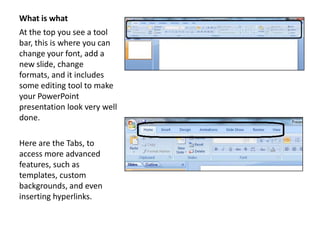
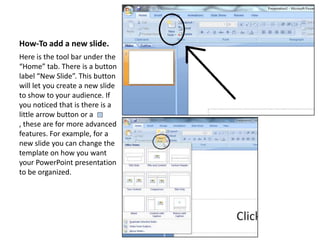
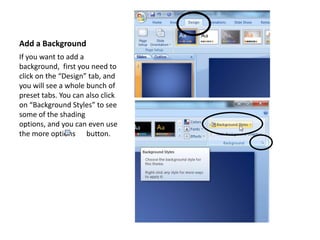
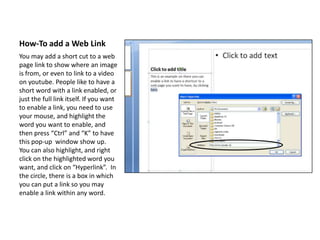
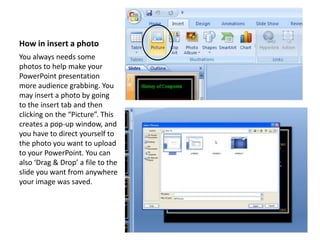
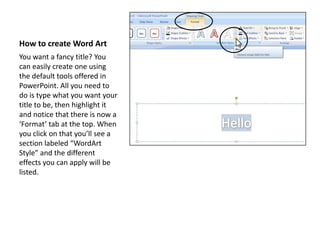
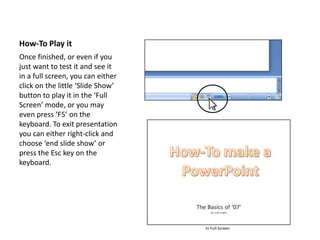
This document provides instructions for basic features in PowerPoint 2007, including how to add slides, backgrounds, web links, photos, and word art. It also explains how to play a PowerPoint presentation in full screen mode. Key steps include using the toolbar and tabs to access formatting and insertion tools, selecting options from preset styles and templates, and using keyboard shortcuts like Ctrl+K to insert hyperlinks or F5 to start a slideshow. The full document walks through each feature at a high level with screenshots to illustrate the interface and steps.