Creating Effective PowerPoint
Presentations: 5 Keys for Success
                           Samantha J. Blevins
                                July 25, 2012
Overview
 Why are effective presentations important?

 Discussion
  5 key points
  Examples and non-examples

 Activity: 8 slide presentation on your favorite
  hobby

 Conclusion
Why are effective
presentations important?
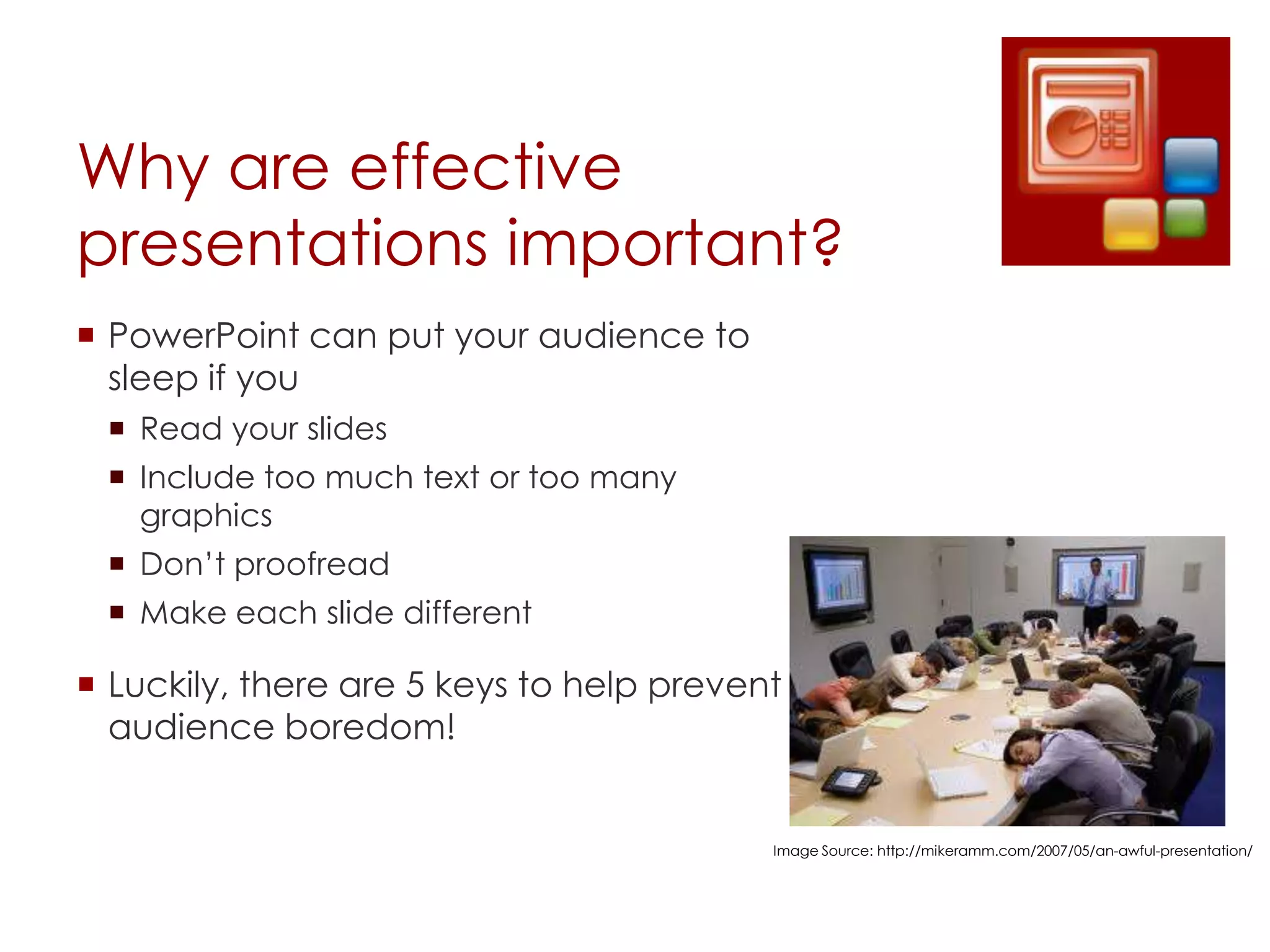
 PowerPoint can put your audience to
  sleep if you
  Read your slides
  Include too much text or too many
   graphics
  Don’t proofread
  Make each slide different

 Luckily, there are 5 keys to help prevent
  audience boredom!


                                          Image Source: http://mikeramm.com/2007/05/an-awful-presentation/
5 Keys to Creating Great
Presentations
 Choose a theme

 Be consistent

 Color is important

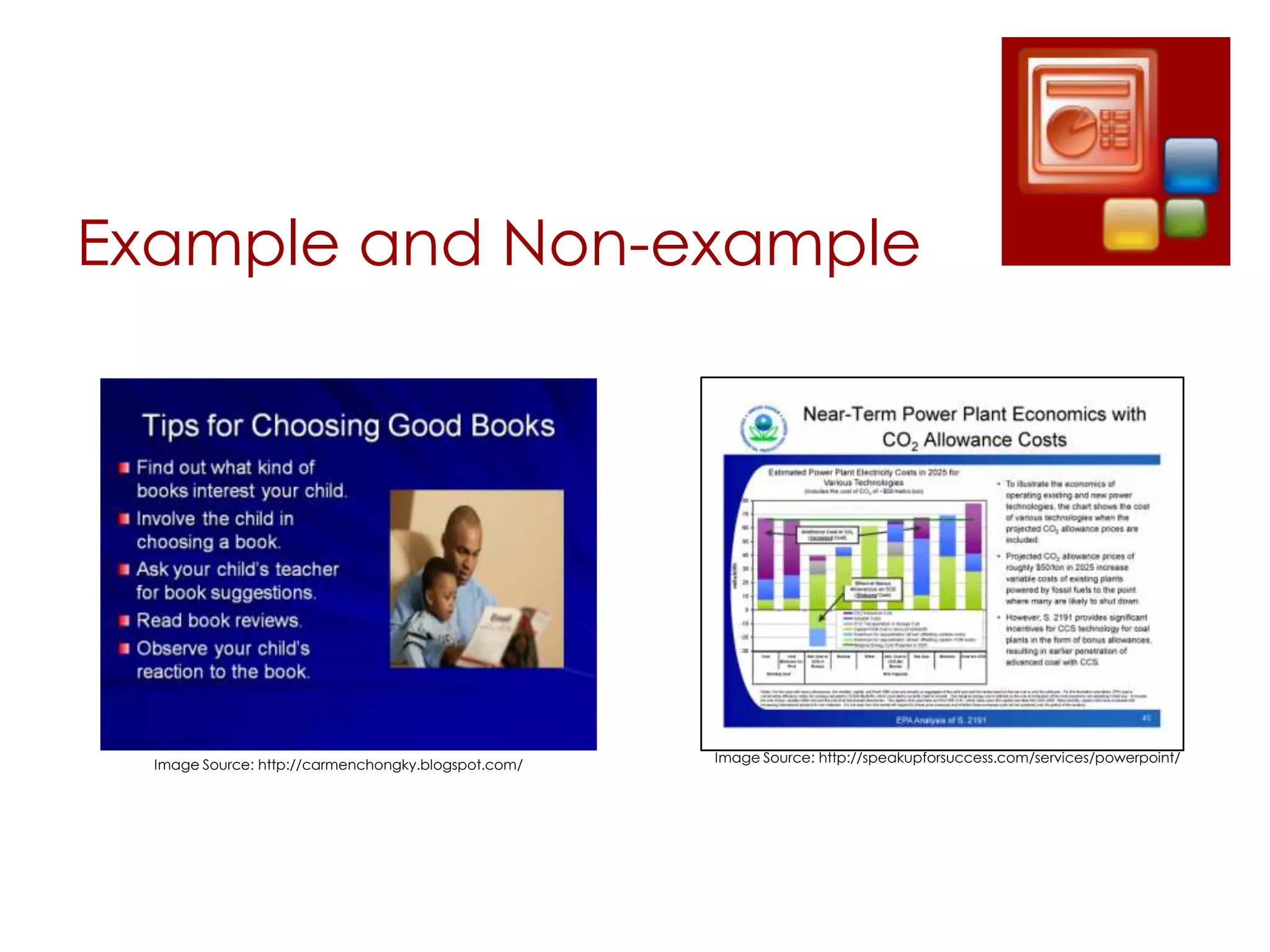
 Less is more

 Whitespace is your ally
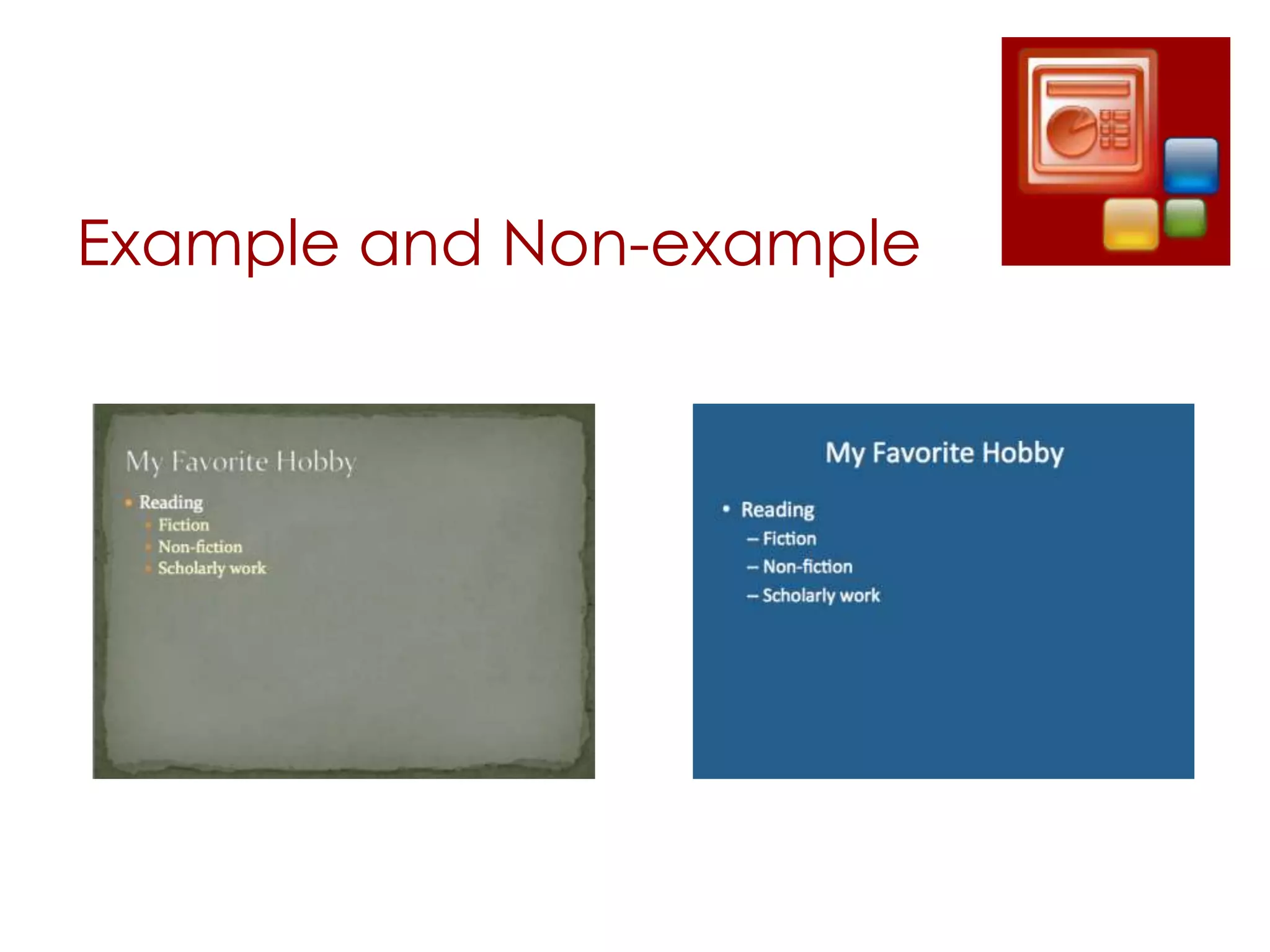
Choose a Theme
 Gives a professional feel

 Can provide structure
  Fonts and color are preselected and coordinated

 Can be tweaked to meet your needs
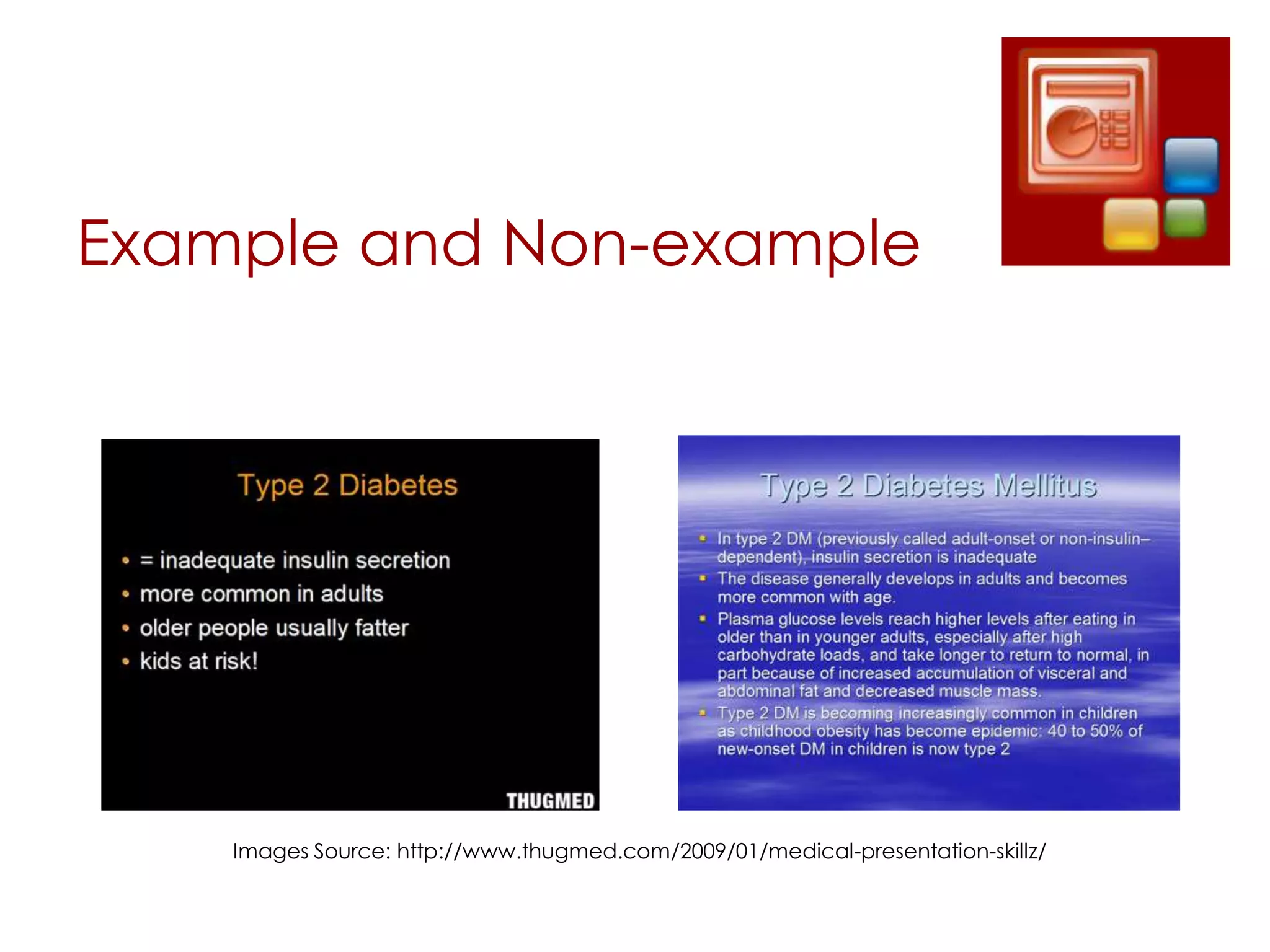
Example and Non-example
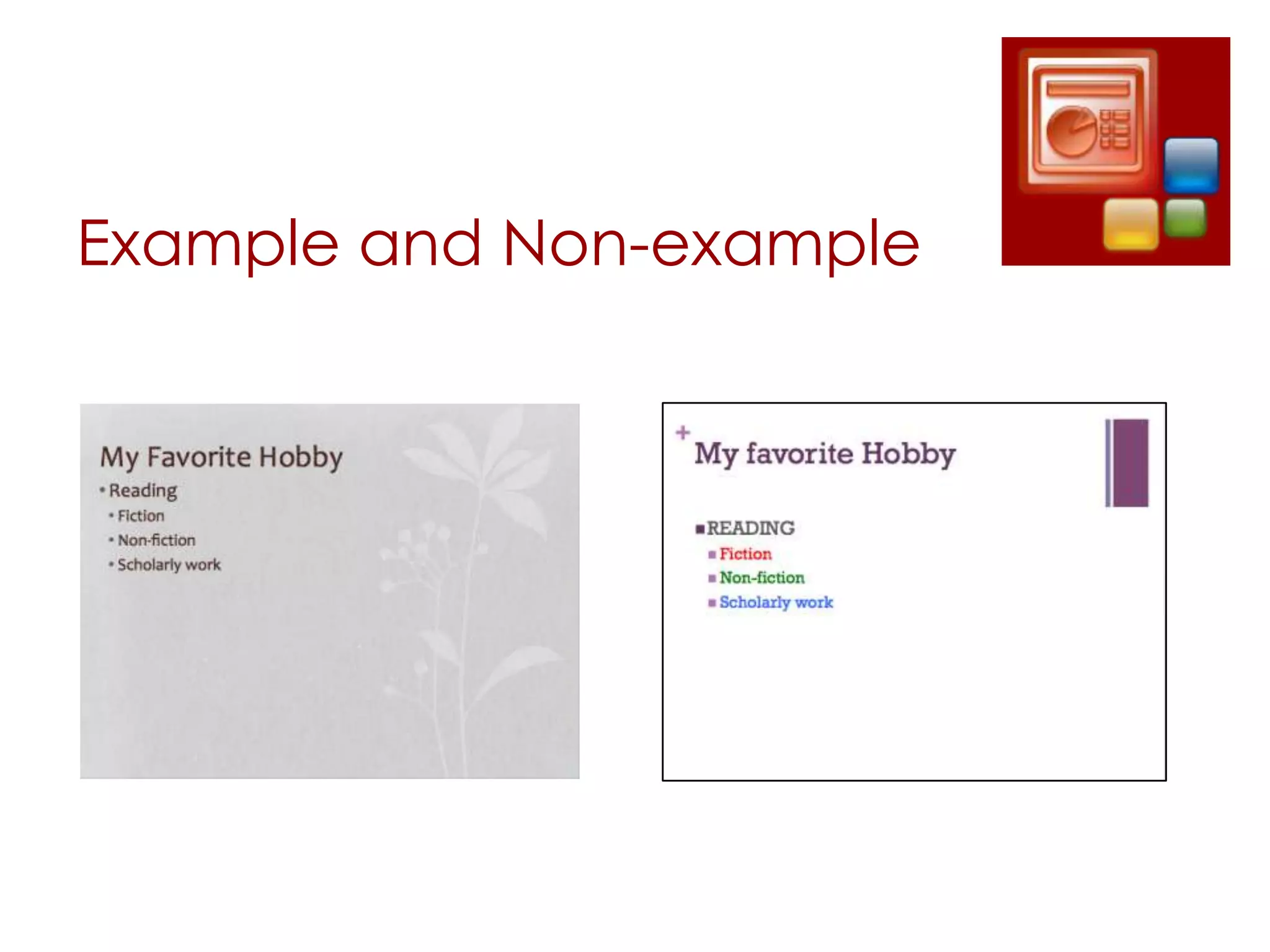
Be Consistent
 Font should be the same throughout your
  presentation
  Color
  Size
  Placement

 Punctuation
  Differences can be distracting

 Slide transitions should be complimentary
  A different transition for each slide can be
   distracting
Example and Non-example
Color is Important
 Mood for presentation
   i.e. Use school or company colors when appropriate

 Legibility
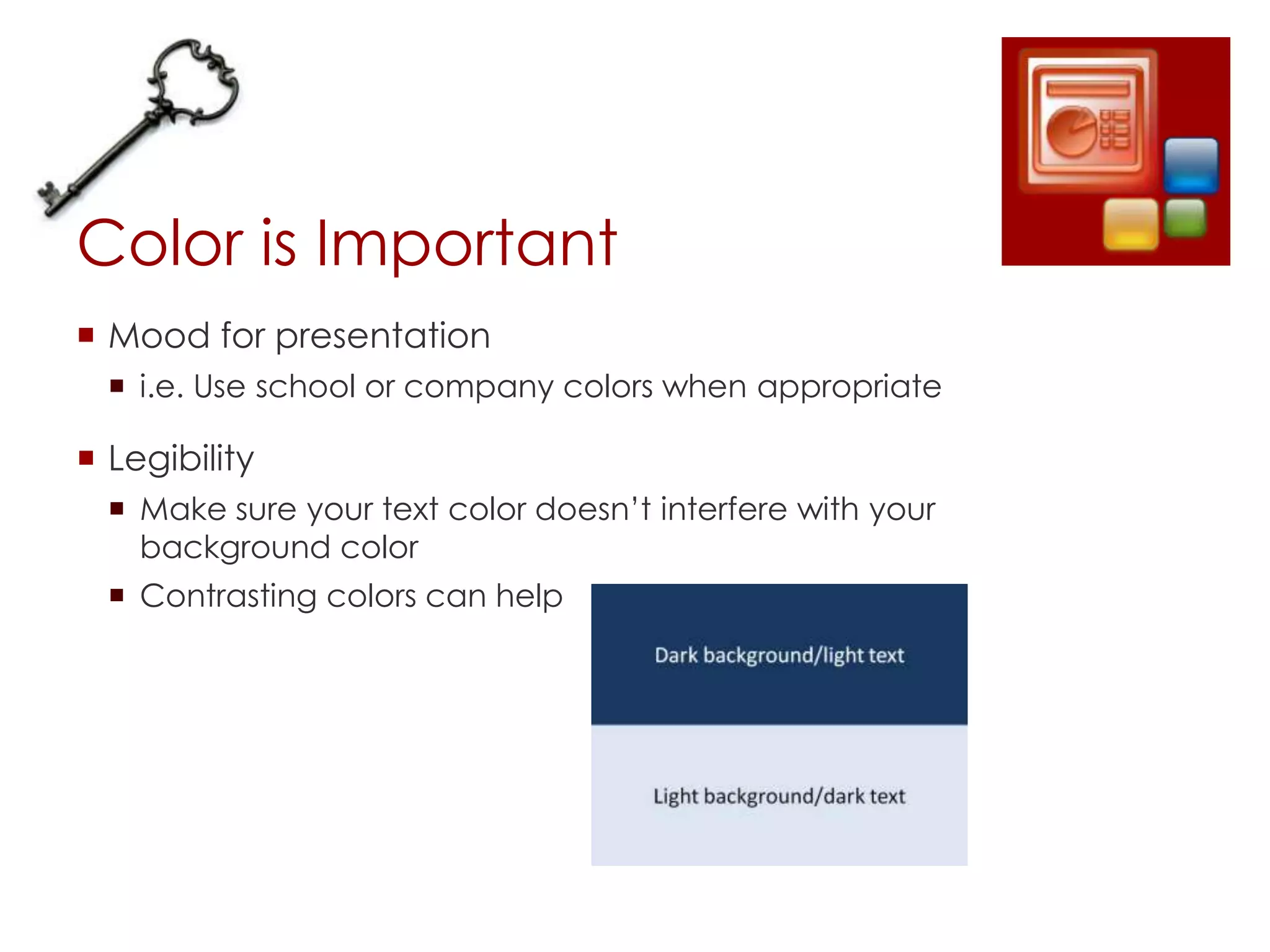
   Make sure your text color doesn’t interfere with your
    background color
   Contrasting colors can help
Example and Non-example


    Images Source: http://www.thugmed.com/2009/01/medical-presentation-skillz/
Less is More
 Don’t fill up every square-inch of your slide

 Watch out for distracting slide or text effects
  Too many can overwhelm
Example and Non-example


  Image Source: http://carmenchongky.blogspot.com/   Image Source: http://speakupforsuccess.com/services/powerpoint/
Whitespace is Your Ally
 Images
  Effective when appropriate
  Don’t need to take up the whole slide
  Golden rule: 2 per page

 Text
  Keep it brief
Example and Non-example


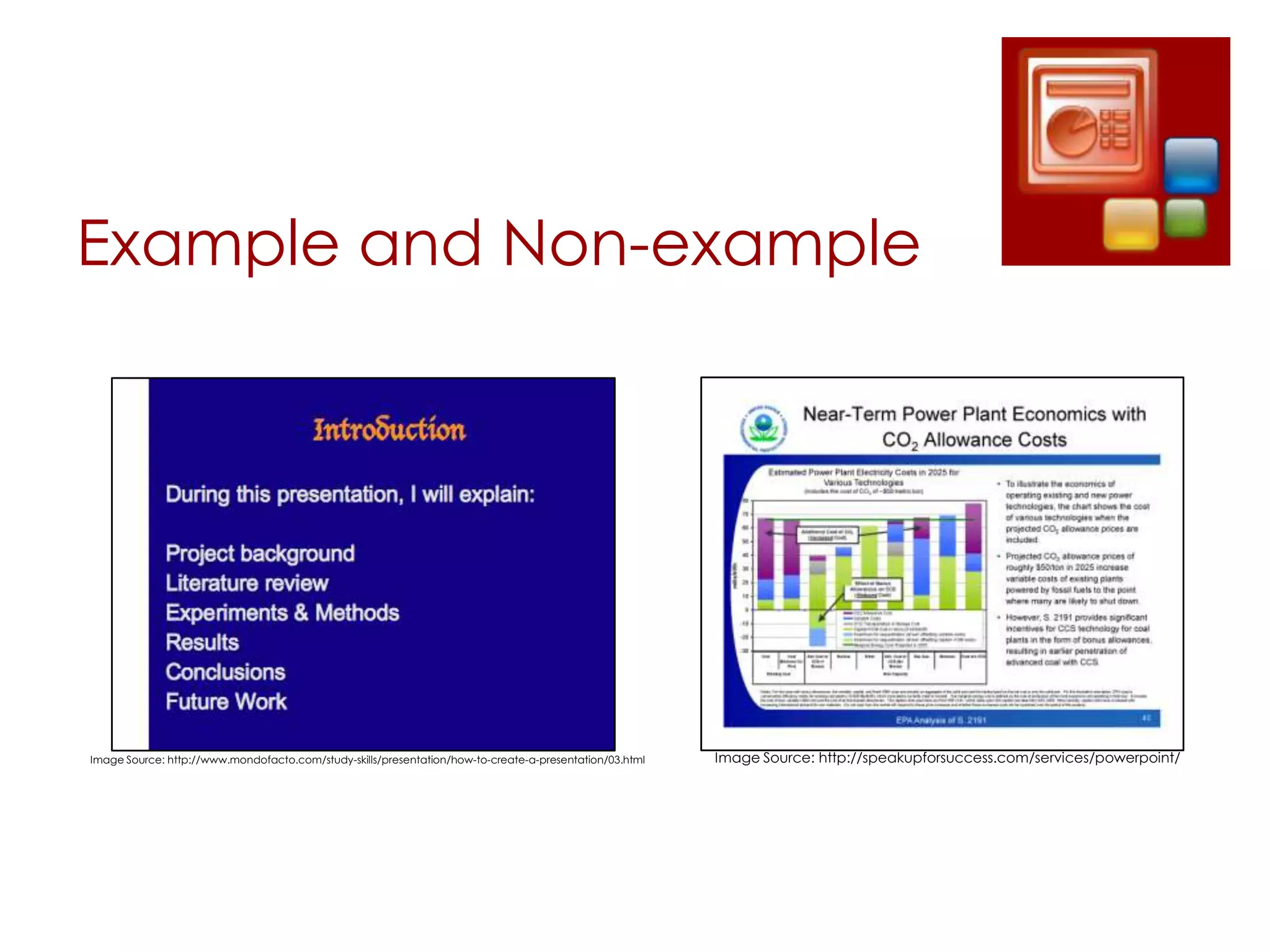
Image Source: http://www.mondofacto.com/study-skills/presentation/how-to-create-a-presentation/03.html   Image Source: http://speakupforsuccess.com/services/powerpoint/
Summary of the 5 Keys
 Choose a theme

 Be consistent

 Color is important

 Less is more

 Whitespace is your ally
Practice Activity
 Let’s practice using the key points of our discussion
  Create an 8-10 slide PowerPoint Presentation
  Topic Ideas
    Favorite hobby
    Favorite vacation
    Place you want to visit
  Expectations:
    Present your topic in an open discussion
    Credit will be given for completion
    Let’s learn from each others triumphs and mistakes

Effective PowerPoint Presentations

  • 1.
    Creating Effective PowerPoint Presentations:5 Keys for Success Samantha J. Blevins July 25, 2012
  • 2.
    Overview  Why areeffective presentations important?  Discussion  5 key points  Examples and non-examples  Activity: 8 slide presentation on your favorite hobby  Conclusion
  • 3.
    Why are effective presentationsimportant?  PowerPoint can put your audience to sleep if you  Read your slides  Include too much text or too many graphics  Don’t proofread  Make each slide different  Luckily, there are 5 keys to help prevent audience boredom! Image Source: http://mikeramm.com/2007/05/an-awful-presentation/
  • 4.
    5 Keys toCreating Great Presentations  Choose a theme  Be consistent  Color is important  Less is more  Whitespace is your ally
  • 5.
    Choose a Theme Gives a professional feel  Can provide structure  Fonts and color are preselected and coordinated  Can be tweaked to meet your needs
  • 6.
  • 7.
    Be Consistent  Fontshould be the same throughout your presentation  Color  Size  Placement  Punctuation  Differences can be distracting  Slide transitions should be complimentary  A different transition for each slide can be distracting
  • 8.
  • 9.
    Color is Important Mood for presentation  i.e. Use school or company colors when appropriate  Legibility  Make sure your text color doesn’t interfere with your background color  Contrasting colors can help
  • 10.
    Example and Non-example Images Source: http://www.thugmed.com/2009/01/medical-presentation-skillz/
  • 11.
    Less is More Don’t fill up every square-inch of your slide  Watch out for distracting slide or text effects  Too many can overwhelm
  • 12.
    Example and Non-example Image Source: http://carmenchongky.blogspot.com/ Image Source: http://speakupforsuccess.com/services/powerpoint/
  • 13.
    Whitespace is YourAlly  Images  Effective when appropriate  Don’t need to take up the whole slide  Golden rule: 2 per page  Text  Keep it brief
  • 14.
    Example and Non-example ImageSource: http://www.mondofacto.com/study-skills/presentation/how-to-create-a-presentation/03.html Image Source: http://speakupforsuccess.com/services/powerpoint/
  • 15.
    Summary of the5 Keys  Choose a theme  Be consistent  Color is important  Less is more  Whitespace is your ally
  • 16.
    Practice Activity  Let’spractice using the key points of our discussion  Create an 8-10 slide PowerPoint Presentation  Topic Ideas  Favorite hobby  Favorite vacation  Place you want to visit  Expectations:  Present your topic in an open discussion  Credit will be given for completion  Let’s learn from each others triumphs and mistakes