NFRs
The Lovecraftian Requirements
that lurk beneath your user stories.
What is an NFR
• ‘A functional requirement’ is that it essentially specifies something
the system should do.
• ‘A non-functional requirement (NFR)’ is something that specifies how
the system should behave - it is a constraint upon the systems
behaviour.
For Example:
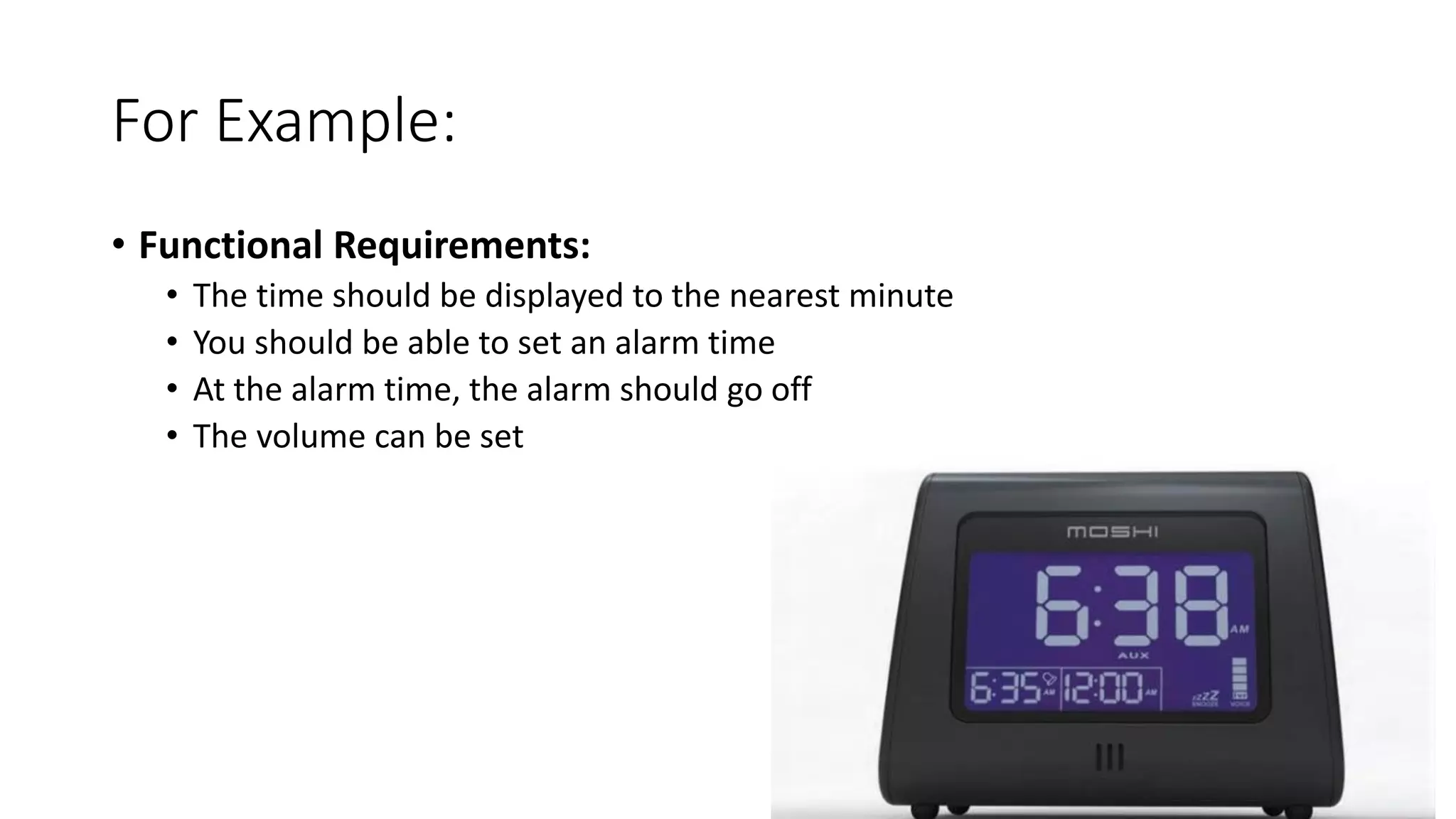
• Functional Requirements:
• The time should be displayed to the nearest minute
• You should be able to set an alarm time
• At the alarm time, the alarm should go off
• The volume can be set
For Example:
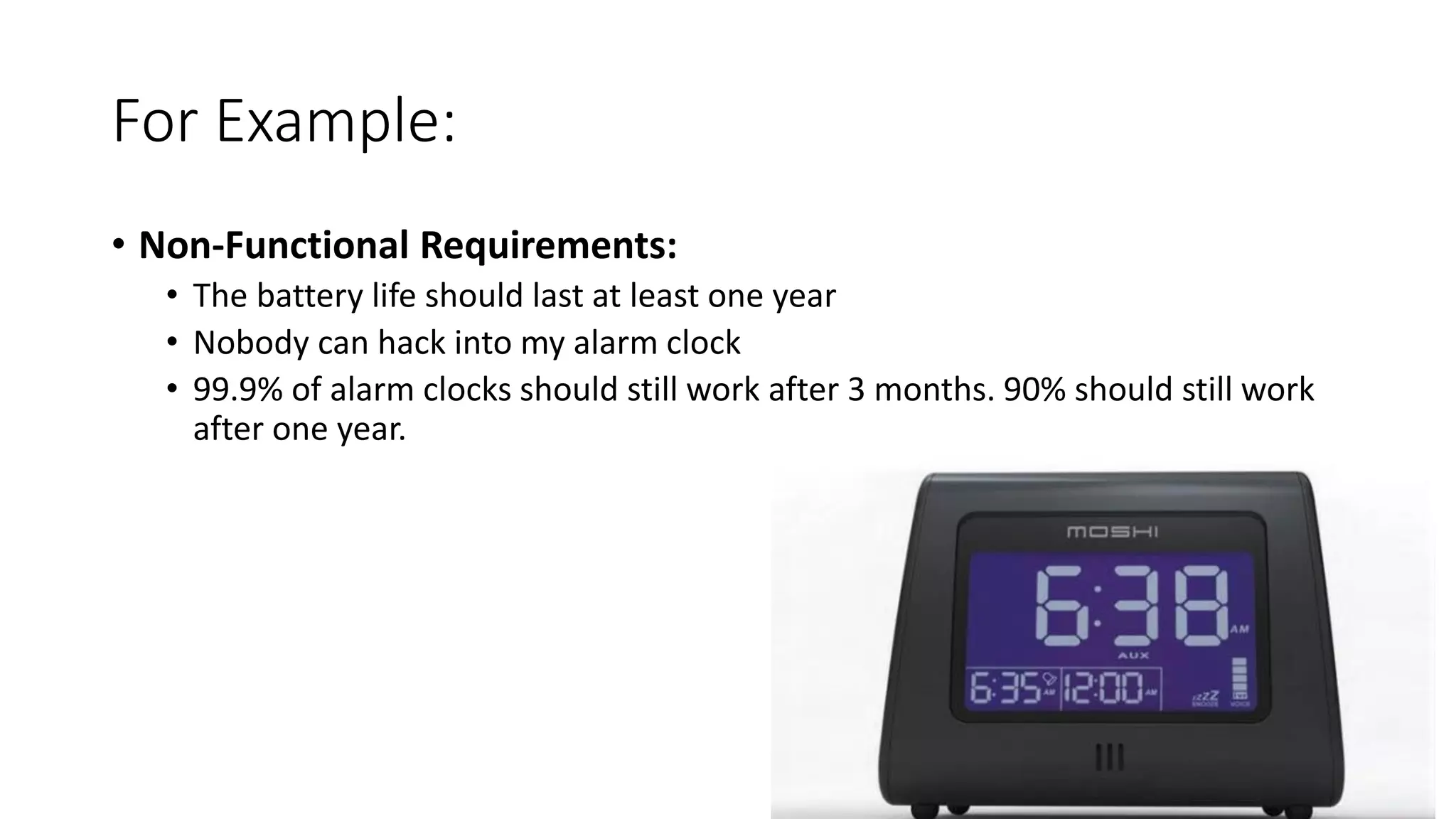
• Non-Functional Requirements:
• The battery life should last at least one year
• Nobody can hack into my alarm clock
• 99.9% of alarm clocks should still work after 3 months. 90% should still work
after one year.
For Example:
Your
Project?
What happens if things go wrong?
• If we’re lucky:
• Things are slow
• If we’re only slightly lucky:
• Things stop working
• If we’re unlucky:
• E.g. Data corruption
Aim of this talk
• Touch on some of the most common NFRs and briefly examine:
• Why are they important?
• What can we do about them?
• And more!
Performance
• Performance is the degree to which a software system or component
meets its objectives for timeliness.
What makes performance hard?
• Hard or complicated things do take time.
Common Performance Bottlenecks
• Bad algorithms (e.g. lots of iterating – think big O notation)
• Rendering – i.e. printing on a page, changing what’s displayed on a
website
• Common issues listed here:
https://developer.yahoo.com/performance/rules.html
• Latency in communication between servers/different bits of hardware
• HTTP requests, IO operations
• Badly written database queries
• Common issues listed here: http://technet.microsoft.com/en-
us/library/ms177500(v=sql.105).aspx
Potential Solutions
• Scale your system out bigger/faster hardware; more computers
• Get a better algorithm, or use technologies that are more appropriate
• Batch Requests
• Accept the slowness, and deal with it asynchronously
• Accept slight hits to accuracy and use approximation algorithms
Capacity
• Capacity is the space, computer hardware, software and connection
infrastructure resources that will be needed over some future period
of time.
What sort of things get too big
• Amount of content that we’re storing
• Bandwidth
• Simultaneous Transactions (e.g. number of users)
• Memory
What to do?
• Where possible, plan up front to be sure you’re using sensible “sizes”
of each thing in your software plan
• Be afraid at each step of the way – flag early when something is
putting additional load on part of your system
• Depending on what is under strain:
• Scaling out
• More efficient (i.e. less memory) algorithms
• Bigger pieces of hardware
Deployability
• Deployment is about getting your application out into the big wide
world.
Problems with hard deployment
Manual
Intervention
Hard
Deployment
Do it Less
Often
Causes
Problems
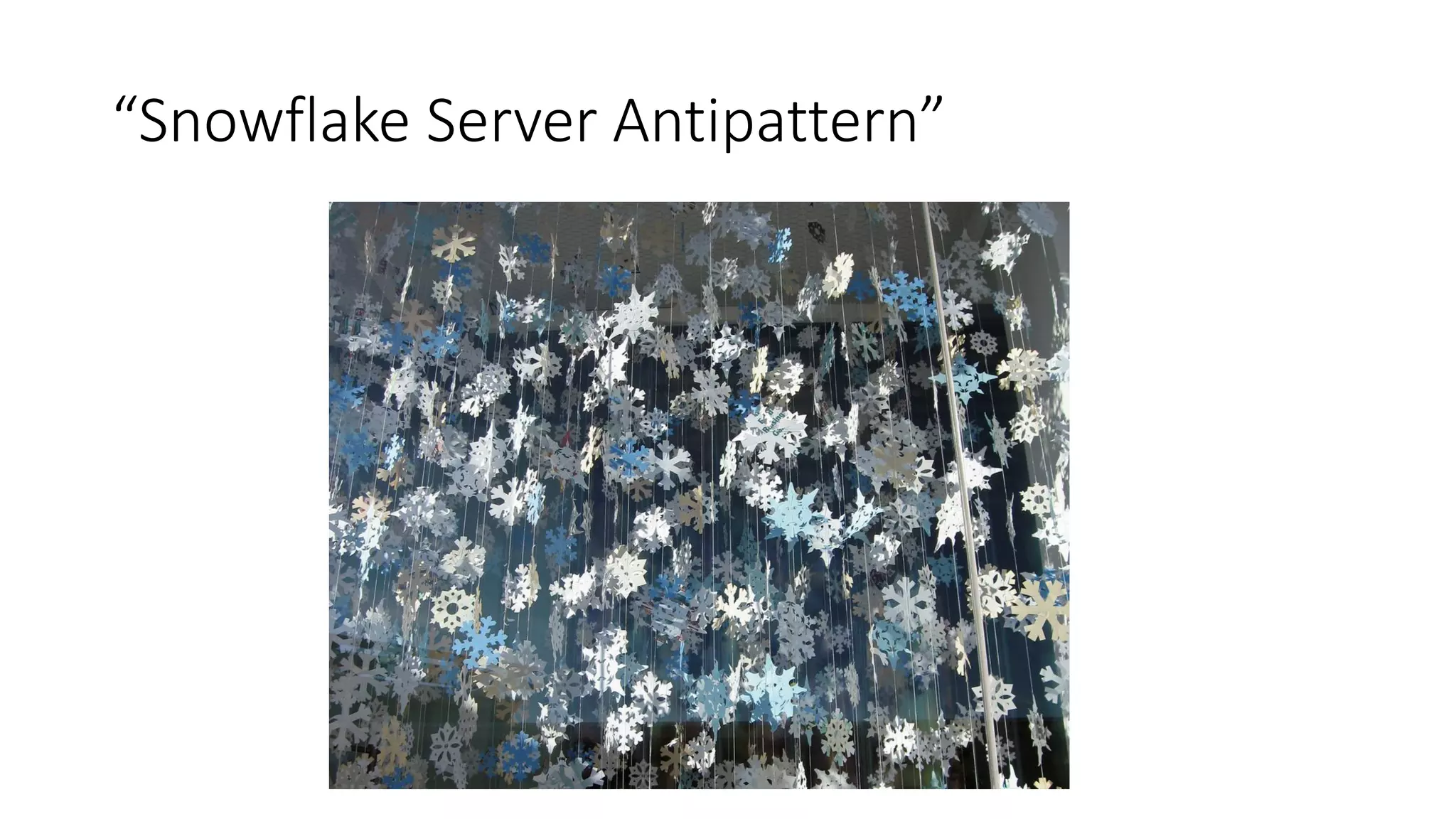
“Snowflake Server Antipattern”
Solutions
• “If something’s hard, do it early and do it often”
• Automate as much as possible
• Tools such as Hudson, TeamCity etc. which automate your build process
Scalability
• Scalability, simply, is about doing what you do in a bigger way.
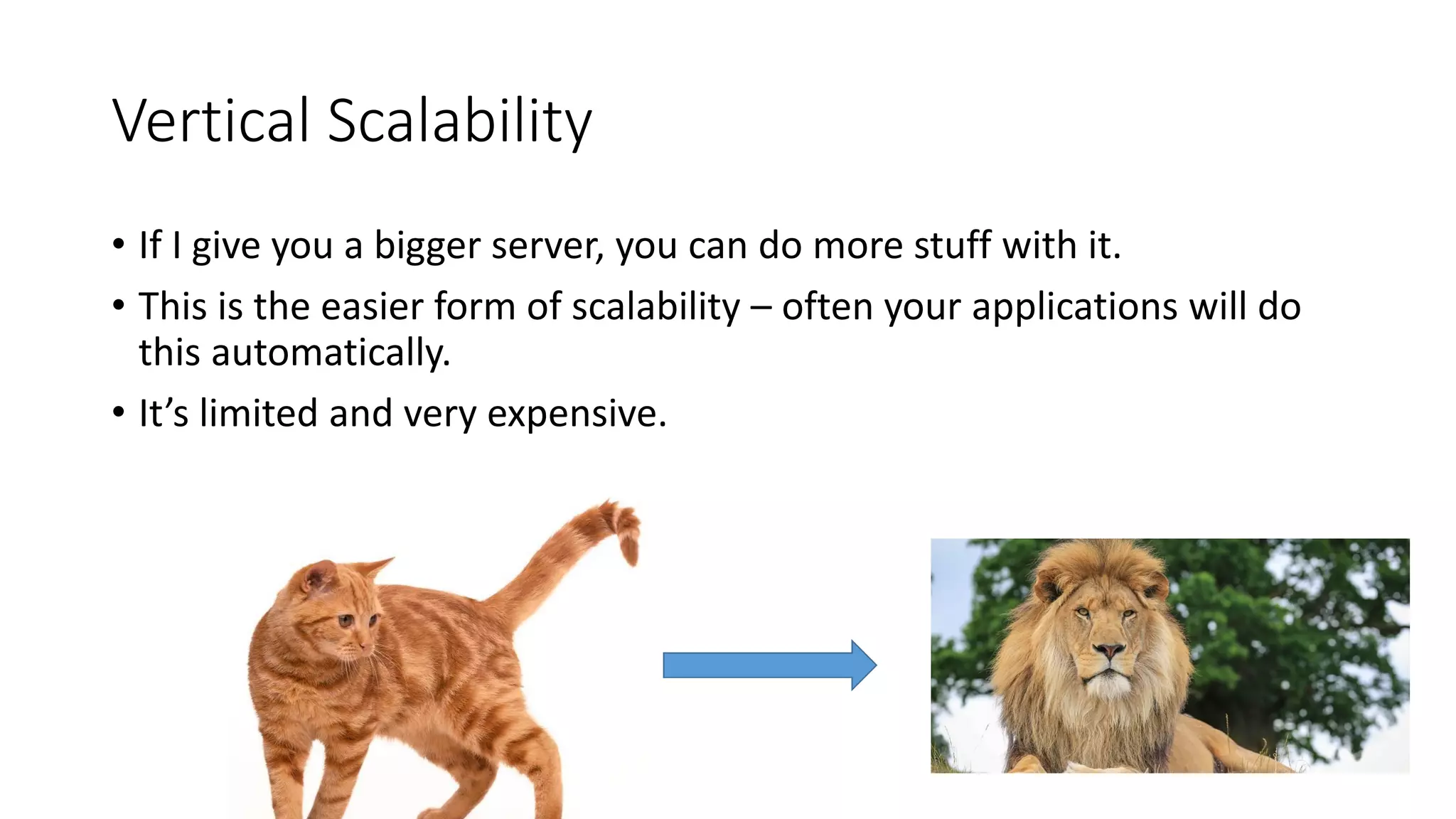
Vertical Scalability
• If I give you a bigger server, you can do more stuff with it.
• This is the easier form of scalability – often your applications will do
this automatically.
• It’s limited and very expensive.
Horizontal Scalability
• If I give you more computers, then you can use them.
• Often you don’t get this for free, so have to rework your systems to
be “horizontally scalable”
How to measure scalability
What makes Scalability Hard
• Getting too big
• Licenses are expensive
• Concurrent programming is hard
• Large amounts of “state” makes distributing processes hard.
• Bottlenecks (often databases)
Reliability
• Reliability, or 'resilience' is about making software that fails rarely, and
can react well to other parts of your system failing.
What causes systems to go down?
• “Hosting” hardware or software failure
• Malicious users
• Things your software is dependent on going down/being malicious
• Mistakes in the code you’ve written (e.g. memory leaks)
Nobody’s Perfect
Build for Failure
• Case Study: Netflix – Chaos Monkey etc.
• Have no single point of failure in your application – always build some
redundancy into your system.
Postel’s Law
• Be conservative in what you do, be liberal in what you accept from
others
• Deal with unexpected behaviour from a dependency in a sensible
manner.
• Corollary: If anything else goes down, we should deal with it gracefully
• Incidentally, this is also a good life philosophy
Maintainability
• Maintainabibility covers a lot of things - from the low level code; to
working in environments which make maintaining code easier; to
making your environments themselves maintainable
Cost of Software
What makes software unmaintainable?
• Software project is hard to get a working copy of
• Code is hard to understand
• Architecture is tightly coupled – can’t make one change without fear
of others
• Changes are hard to deploy
Maintainability at Each Level
• Line-by-Line Code Level
• Clean Code (e.g. good naming)
• Tests
• Architecture Level
• Clean Code (e.g. decoupling)
• Project Level
• Easy to check out and get working
• Fast “Feedback Loop”
• Server Level
• Easy to deploy and undeploy changes

Non-Functional Requirements

  • 1.
    NFRs The Lovecraftian Requirements thatlurk beneath your user stories.
  • 2.
    What is anNFR • ‘A functional requirement’ is that it essentially specifies something the system should do. • ‘A non-functional requirement (NFR)’ is something that specifies how the system should behave - it is a constraint upon the systems behaviour.
  • 3.
    For Example: • FunctionalRequirements: • The time should be displayed to the nearest minute • You should be able to set an alarm time • At the alarm time, the alarm should go off • The volume can be set
  • 4.
    For Example: • Non-FunctionalRequirements: • The battery life should last at least one year • Nobody can hack into my alarm clock • 99.9% of alarm clocks should still work after 3 months. 90% should still work after one year.
  • 5.
  • 6.
    What happens ifthings go wrong? • If we’re lucky: • Things are slow • If we’re only slightly lucky: • Things stop working • If we’re unlucky: • E.g. Data corruption
  • 7.
    Aim of thistalk • Touch on some of the most common NFRs and briefly examine: • Why are they important? • What can we do about them? • And more!
  • 8.
    Performance • Performance isthe degree to which a software system or component meets its objectives for timeliness.
  • 9.
    What makes performancehard? • Hard or complicated things do take time.
  • 10.
    Common Performance Bottlenecks •Bad algorithms (e.g. lots of iterating – think big O notation) • Rendering – i.e. printing on a page, changing what’s displayed on a website • Common issues listed here: https://developer.yahoo.com/performance/rules.html • Latency in communication between servers/different bits of hardware • HTTP requests, IO operations • Badly written database queries • Common issues listed here: http://technet.microsoft.com/en- us/library/ms177500(v=sql.105).aspx
  • 11.
    Potential Solutions • Scaleyour system out bigger/faster hardware; more computers • Get a better algorithm, or use technologies that are more appropriate • Batch Requests • Accept the slowness, and deal with it asynchronously • Accept slight hits to accuracy and use approximation algorithms
  • 12.
    Capacity • Capacity isthe space, computer hardware, software and connection infrastructure resources that will be needed over some future period of time.
  • 13.
    What sort ofthings get too big • Amount of content that we’re storing • Bandwidth • Simultaneous Transactions (e.g. number of users) • Memory
  • 14.
    What to do? •Where possible, plan up front to be sure you’re using sensible “sizes” of each thing in your software plan • Be afraid at each step of the way – flag early when something is putting additional load on part of your system • Depending on what is under strain: • Scaling out • More efficient (i.e. less memory) algorithms • Bigger pieces of hardware
  • 15.
    Deployability • Deployment isabout getting your application out into the big wide world.
  • 16.
    Problems with harddeployment Manual Intervention Hard Deployment Do it Less Often Causes Problems
  • 17.
  • 18.
    Solutions • “If something’shard, do it early and do it often” • Automate as much as possible • Tools such as Hudson, TeamCity etc. which automate your build process
  • 19.
    Scalability • Scalability, simply,is about doing what you do in a bigger way.
  • 20.
    Vertical Scalability • IfI give you a bigger server, you can do more stuff with it. • This is the easier form of scalability – often your applications will do this automatically. • It’s limited and very expensive.
  • 21.
    Horizontal Scalability • IfI give you more computers, then you can use them. • Often you don’t get this for free, so have to rework your systems to be “horizontally scalable”
  • 22.
    How to measurescalability
  • 23.
    What makes ScalabilityHard • Getting too big • Licenses are expensive • Concurrent programming is hard • Large amounts of “state” makes distributing processes hard. • Bottlenecks (often databases)
  • 24.
    Reliability • Reliability, or'resilience' is about making software that fails rarely, and can react well to other parts of your system failing.
  • 25.
    What causes systemsto go down? • “Hosting” hardware or software failure • Malicious users • Things your software is dependent on going down/being malicious • Mistakes in the code you’ve written (e.g. memory leaks)
  • 26.
  • 27.
    Build for Failure •Case Study: Netflix – Chaos Monkey etc. • Have no single point of failure in your application – always build some redundancy into your system.
  • 28.
    Postel’s Law • Beconservative in what you do, be liberal in what you accept from others • Deal with unexpected behaviour from a dependency in a sensible manner. • Corollary: If anything else goes down, we should deal with it gracefully • Incidentally, this is also a good life philosophy
  • 29.
    Maintainability • Maintainabibility coversa lot of things - from the low level code; to working in environments which make maintaining code easier; to making your environments themselves maintainable
  • 30.
  • 31.
    What makes softwareunmaintainable? • Software project is hard to get a working copy of • Code is hard to understand • Architecture is tightly coupled – can’t make one change without fear of others • Changes are hard to deploy
  • 32.
    Maintainability at EachLevel • Line-by-Line Code Level • Clean Code (e.g. good naming) • Tests • Architecture Level • Clean Code (e.g. decoupling) • Project Level • Easy to check out and get working • Fast “Feedback Loop” • Server Level • Easy to deploy and undeploy changes