Mr. Khalid Mohammed Al-Fajrani

Advanced IT Skills ITAD1100
At the end of this module, the students will be able to:
• Understand what desktop publishing is
•Software used for desktop publishing
•Popular publication type
•Use MS Publisher 2010

•Explain the different components, elements and principles of
design
•Design Calendars, Business Cards, Brochures and Flyers
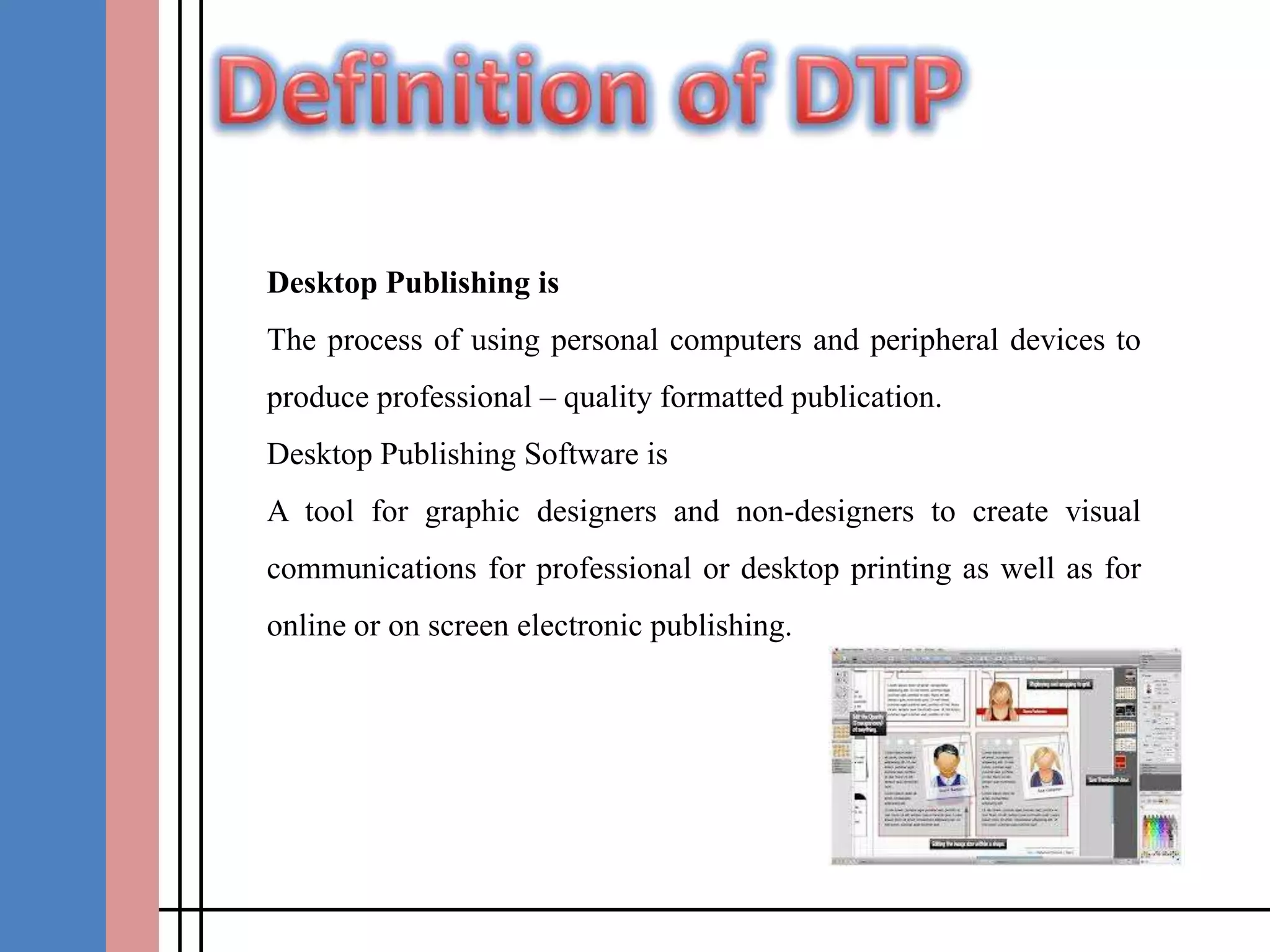
Desktop Publishing is

The process of using personal computers and peripheral devices to
produce professional – quality formatted publication.
Desktop Publishing Software is
A tool for graphic designers and non-designers to create visual
communications for professional or desktop printing as well as for
online or on screen electronic publishing.
A list for common software in desktop publishing

• page plus
•Print Artist
•The print Shop Professional
•MS Publisher
•Print Master Platinum
•Design & Print
publication Types

• Business Cards
•Brochure
•Calendars
•Flyers
•Poster Card
•Greeting Card
MS Publisher is a desktop publishing application
which allows you to create artistic documents such as
brochures, newsletter, flyers and etc.
Accessing
Start >> All Programs > MS office >> MS Publisher 2007
During This Chapter, We will design the following

o Business Cards
oBrochure
oCalendars
oFlyers
1.

Visit Microsoft.com for more information about MS
Publisher 2010

2.

http://office.microsoft.com/en-us/publisher-help/celebrate-the-holidays-byusing-publisher-greeting-cards-HA010244946.aspx#top

3.

http://www.wikihow.com/Make-a-Monthly-Calendar-with-Microsoft-

Publisher
4.

http://office.microsoft.com/en-001/publisher-help/create-brochures-that-help-you-sell-inpublisher-HA001056316.aspx

5.

http://www.youtube.com/watch?v=Sh4GfcgBMpk

Ms publisher

  • 1.
    Mr. Khalid MohammedAl-Fajrani Advanced IT Skills ITAD1100
  • 2.
    At the endof this module, the students will be able to: • Understand what desktop publishing is •Software used for desktop publishing •Popular publication type •Use MS Publisher 2010 •Explain the different components, elements and principles of design •Design Calendars, Business Cards, Brochures and Flyers
  • 3.
    Desktop Publishing is Theprocess of using personal computers and peripheral devices to produce professional – quality formatted publication. Desktop Publishing Software is A tool for graphic designers and non-designers to create visual communications for professional or desktop printing as well as for online or on screen electronic publishing.
  • 4.
    A list forcommon software in desktop publishing • page plus •Print Artist •The print Shop Professional •MS Publisher •Print Master Platinum •Design & Print
  • 5.
    publication Types • BusinessCards •Brochure •Calendars •Flyers •Poster Card •Greeting Card
  • 6.
    MS Publisher isa desktop publishing application which allows you to create artistic documents such as brochures, newsletter, flyers and etc. Accessing Start >> All Programs > MS office >> MS Publisher 2007
  • 7.
    During This Chapter,We will design the following o Business Cards oBrochure oCalendars oFlyers
  • 8.
    1. Visit Microsoft.com formore information about MS Publisher 2010 2. http://office.microsoft.com/en-us/publisher-help/celebrate-the-holidays-byusing-publisher-greeting-cards-HA010244946.aspx#top 3. http://www.wikihow.com/Make-a-Monthly-Calendar-with-Microsoft- Publisher 4. http://office.microsoft.com/en-001/publisher-help/create-brochures-that-help-you-sell-inpublisher-HA001056316.aspx 5. http://www.youtube.com/watch?v=Sh4GfcgBMpk