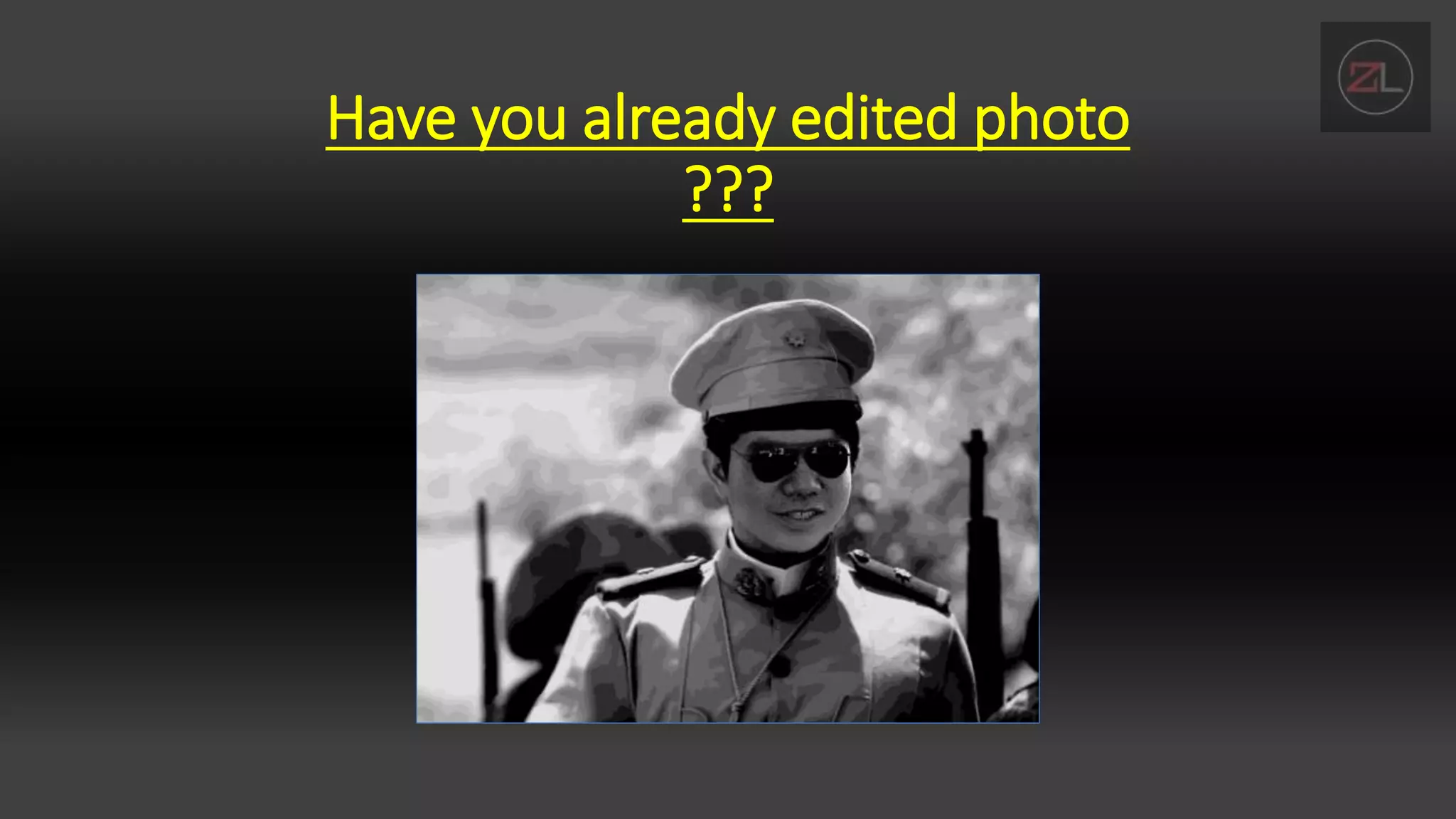
Have you already edited photo
???
• If yes, what app did you use?
• Why did you edit that photo?
• How do you feel after seeing the result of your edited picture?
INTRODUCTION TO ADOBE PHOTOSHOP
INTERFACE
By: Lloyd Christopher M. Esteban
OBJECTIVES
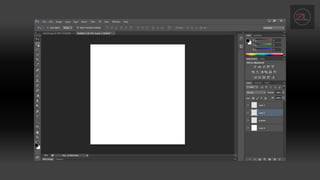
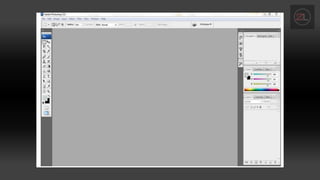
• Identify the parts of adobe photoshop interface
• Familiarize yourself to the adobe photoshop interface
• Compare abode PS to other photo editing application
• Explore features of adobe photoshop interface.
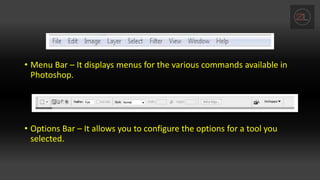
• Menu Bar – It displays menus for the various commands available in
Photoshop.
• Options Bar – It allows you to configure the options for a tool you
selected.
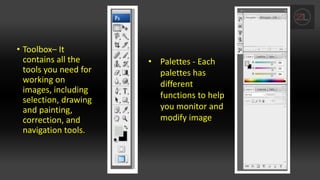
• Toolbox– It
contains all the
tools you need for
working on
images, including
selection, drawing
and painting,
correction, and
navigation tools.
• Palettes - Each
palettes has
different
functions to help
you monitor and
modify image
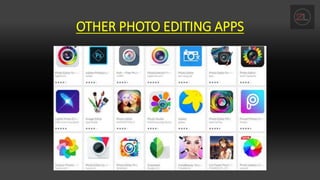
OTHER PHOTO EDITING APPS
CHECK UP
• How Photoshop differs from other photo editing
applications?
• Compare and contrast Adobe PS features to the said
applications earlier.

Adobe Photoshop intro to interface

  • 1.
    Have you alreadyedited photo ???
  • 2.
    • If yes,what app did you use? • Why did you edit that photo? • How do you feel after seeing the result of your edited picture?
  • 3.
    INTRODUCTION TO ADOBEPHOTOSHOP INTERFACE By: Lloyd Christopher M. Esteban
  • 4.
    OBJECTIVES • Identify theparts of adobe photoshop interface • Familiarize yourself to the adobe photoshop interface • Compare abode PS to other photo editing application • Explore features of adobe photoshop interface.
  • 7.
    • Menu Bar– It displays menus for the various commands available in Photoshop. • Options Bar – It allows you to configure the options for a tool you selected.
  • 8.
    • Toolbox– It containsall the tools you need for working on images, including selection, drawing and painting, correction, and navigation tools. • Palettes - Each palettes has different functions to help you monitor and modify image
  • 9.
  • 10.
    CHECK UP • HowPhotoshop differs from other photo editing applications? • Compare and contrast Adobe PS features to the said applications earlier.