Downloaded 66 times

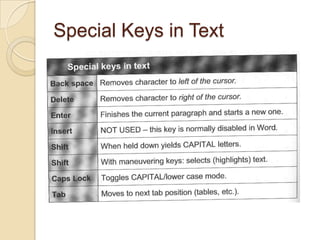
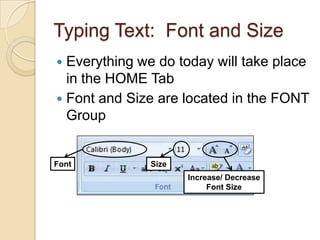


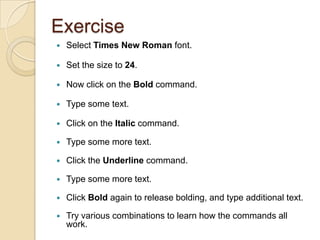


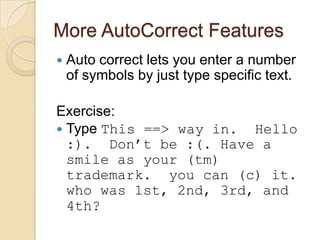
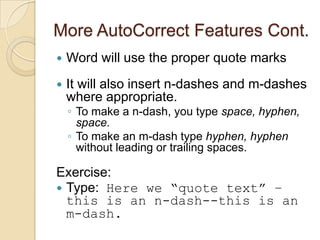
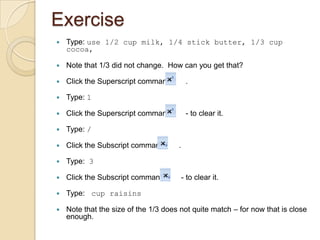
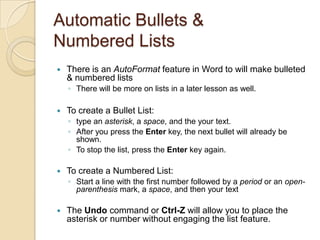



This document provides an overview and exercises for lesson 2 of a Microsoft Word 2007 tutorial. It covers entering and formatting text, including specifying fonts and sizes, as well as bold, italic, and underline formatting. It also discusses typing text, correcting errors, using auto-correct features, and creating bulleted and numbered lists. The lesson instructs students to practice these skills by following the provided exercises for each topic.


