Making my dps
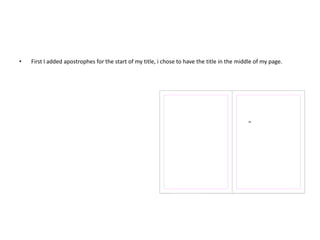
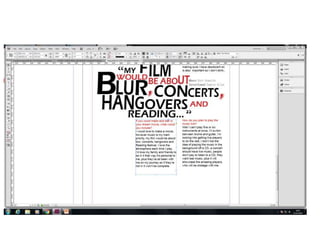
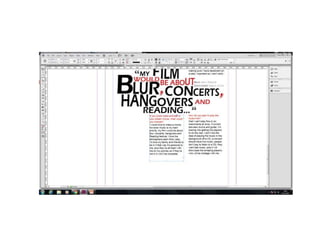
• First I added apostrophes for the start of my title, i chose to have the title in the middle of my page.
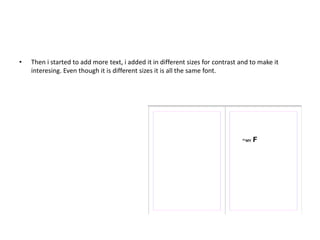
• Then i started to add more text, i added it in different sizes for contrast and to make it
interesing. Even though it is different sizes it is all the same font.
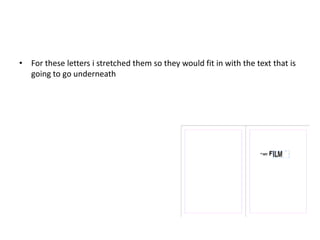
• For these letters i stretched them so they would fit in with the text that is
going to go underneath
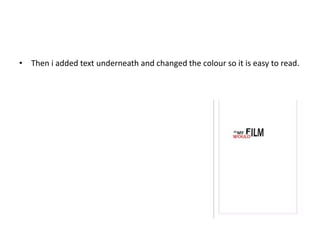
• Then i added text underneath and changed the colour so it is easy to read.
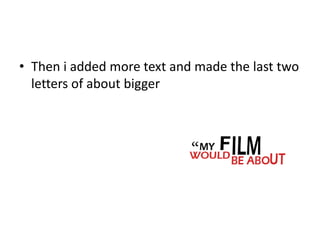
• Then i added more text and made the last two
letters of about bigger
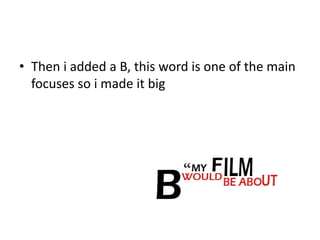
• Then i added a B, this word is one of the main
focuses so i made it big
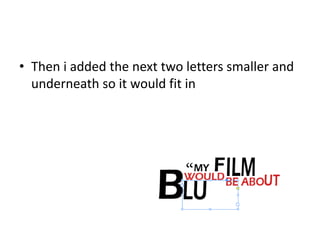
• Then i added the next two letters smaller and
underneath so it would fit in
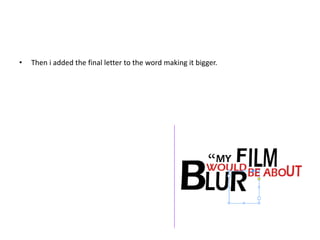
• Then i added the final letter to the word making it bigger.
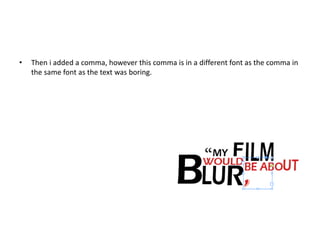
• Then i added a comma, however this comma is in a different font as the comma in
the same font as the text was boring.
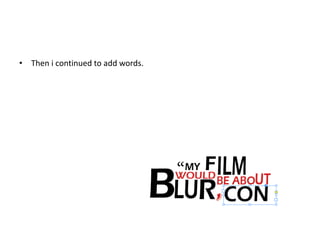
• Then i continued to add words.
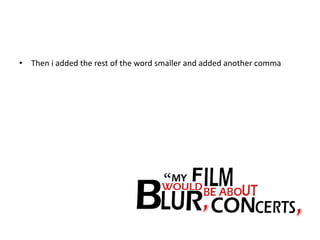
• Then i added the rest of the word smaller and added another comma
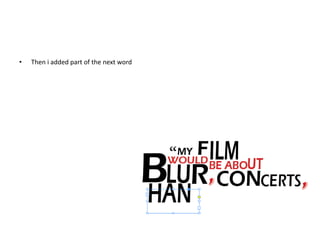
• Then i added part of the next word
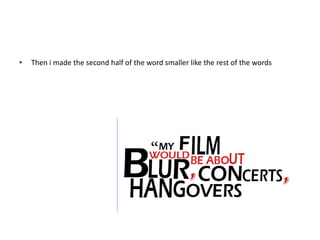
• Then i made the second half of the word smaller like the rest of the words
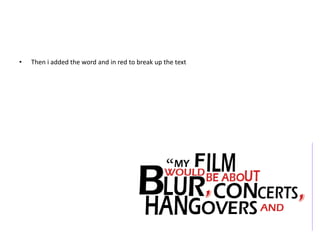
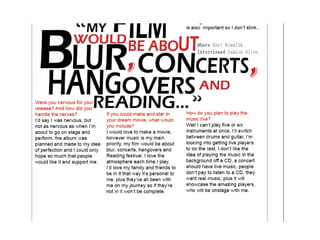
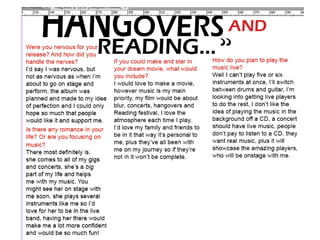
• Then i added the word and in red to break up the text
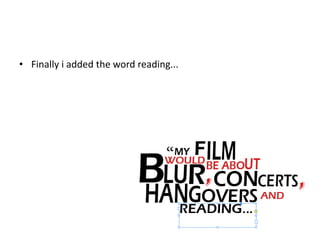
• Finally i added the word reading...
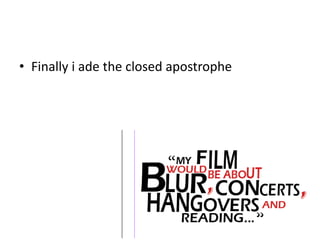
• Finally i ade the closed apostrophe
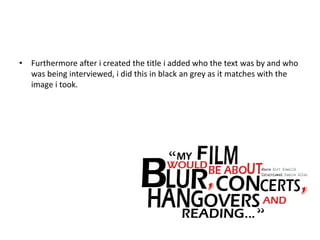
• Furthermore after i created the title i added who the text was by and who
was being interviewed, i did this in black an grey as it matches with the
image i took.
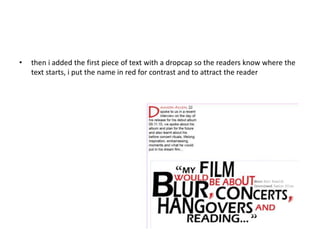
• then i added the first piece of text with a dropcap so the readers know where the
text starts, i put the name in red for contrast and to attract the reader
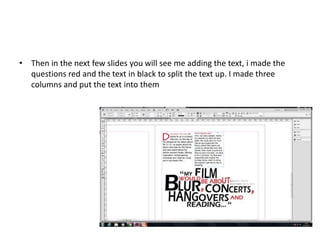
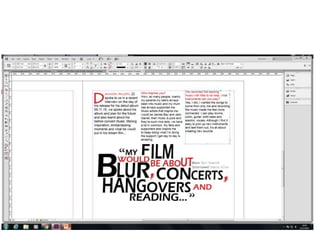
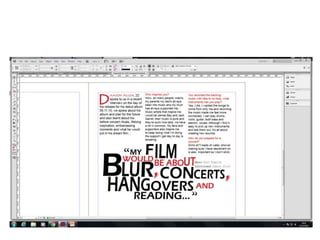
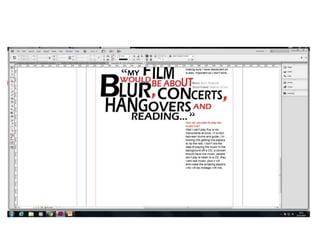
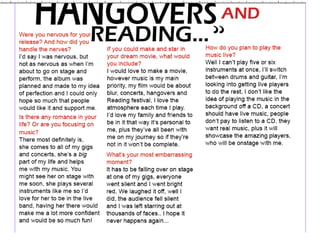
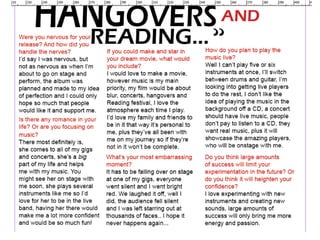
• Then in the next few slides you will see me adding the text, i made the
questions red and the text in black to split the text up. I made three
columns and put the text into them
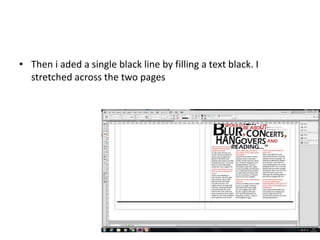
• Then i aded a single black line by filling a text black. I
stretched across the two pages
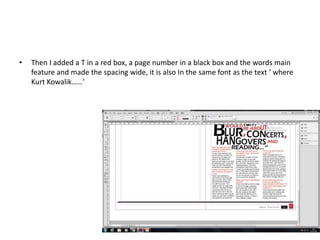
• Then I added a T in a red box, a page number in a black box and the words main
feature and made the spacing wide, it is also In the same font as the text ‘ where
Kurt Kowalik……’
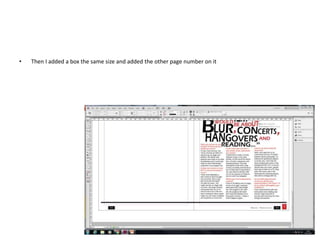
• Then I added a box the same size and added the other page number on it
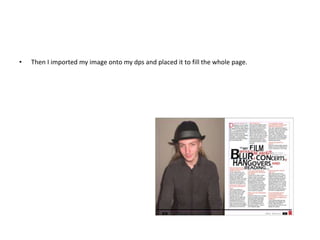
• Then I imported my image onto my dps and placed it to fill the whole page.
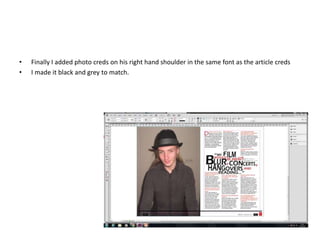
• Finally I added photo creds on his right hand shoulder in the same font as the article creds
• I made it black and grey to match.
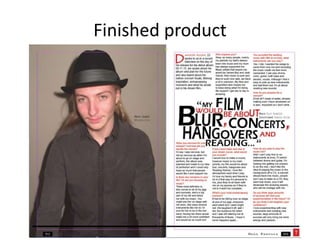
Finished product

Making my dps

  • 1.
  • 2.
    • First Iadded apostrophes for the start of my title, i chose to have the title in the middle of my page.
  • 3.
    • Then istarted to add more text, i added it in different sizes for contrast and to make it interesing. Even though it is different sizes it is all the same font.
  • 4.
    • For theseletters i stretched them so they would fit in with the text that is going to go underneath
  • 5.
    • Then iadded text underneath and changed the colour so it is easy to read.
  • 6.
    • Then iadded more text and made the last two letters of about bigger
  • 7.
    • Then iadded a B, this word is one of the main focuses so i made it big
  • 8.
    • Then iadded the next two letters smaller and underneath so it would fit in
  • 9.
    • Then iadded the final letter to the word making it bigger.
  • 10.
    • Then iadded a comma, however this comma is in a different font as the comma in the same font as the text was boring.
  • 11.
    • Then icontinued to add words.
  • 12.
    • Then iadded the rest of the word smaller and added another comma
  • 13.
    • Then iadded part of the next word
  • 14.
    • Then imade the second half of the word smaller like the rest of the words
  • 15.
    • Then iadded the word and in red to break up the text
  • 16.
    • Finally iadded the word reading...
  • 17.
    • Finally iade the closed apostrophe
  • 18.
    • Furthermore afteri created the title i added who the text was by and who was being interviewed, i did this in black an grey as it matches with the image i took.
  • 19.
    • then iadded the first piece of text with a dropcap so the readers know where the text starts, i put the name in red for contrast and to attract the reader
  • 20.
    • Then inthe next few slides you will see me adding the text, i made the questions red and the text in black to split the text up. I made three columns and put the text into them
  • 30.
    • Then iaded a single black line by filling a text black. I stretched across the two pages
  • 31.
    • Then Iadded a T in a red box, a page number in a black box and the words main feature and made the spacing wide, it is also In the same font as the text ‘ where Kurt Kowalik……’
  • 32.
    • Then Iadded a box the same size and added the other page number on it
  • 33.
    • Then Iimported my image onto my dps and placed it to fill the whole page.
  • 34.
    • Finally Iadded photo creds on his right hand shoulder in the same font as the article creds • I made it black and grey to match.
  • 35.