Put the Interactive into your
Interactive White Board
Strategies for Teaching with your Interactive Whiteboard


Gail Lovely    Gail@GailLovely.com
Goal

• Get your students engaged and
  interacting by using your interactive
  whiteboard with excellent free websites,
  software you already may have, and
  more!
Challenges!
There ARE a few…
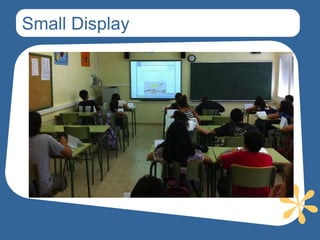
Small Display
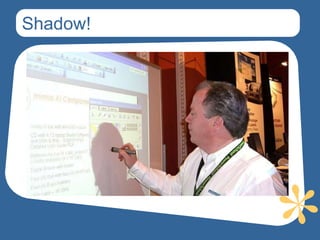
Shadow!
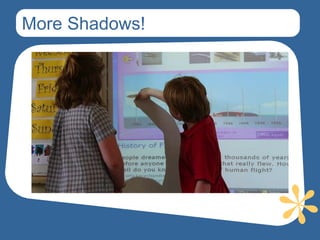
More Shadows!
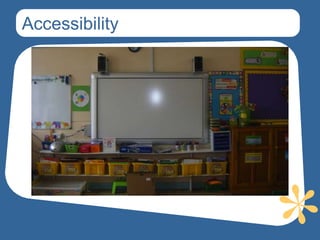
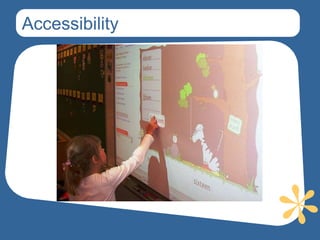
Accessibility
Accessibility
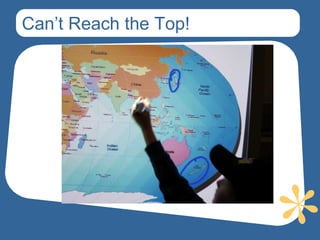
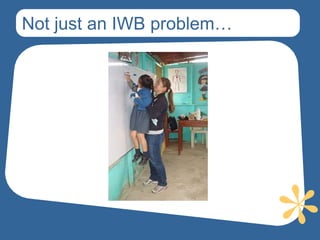
Can’t Reach the Top!
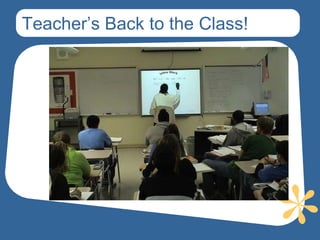
Teacher’s Back to the Class!
No more excuses…

       Let’s get to solving!
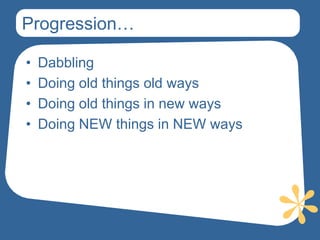
Progression…

•   Dabbling
•   Doing old things old ways
•   Doing old things in new ways
•   Doing NEW things in NEW ways
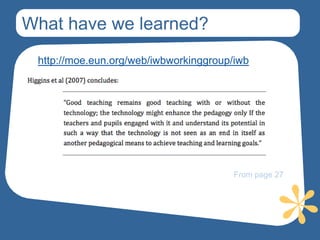
What have we learned?
• http://moe.eun.org/web/iwbworkinggroup/iwb


                                         From page 27
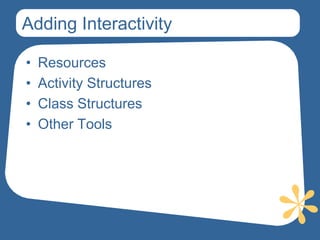
Adding Interactivity

•   Resources
•   Activity Structures
•   Class Structures
•   Other Tools
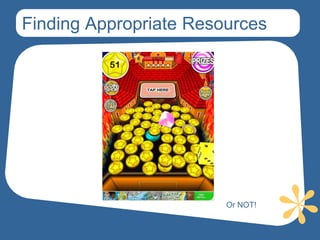
Finding Appropriate Resources


                        Or NOT!
Resources

• Manufacturers’ Resources
• Smart: http://exchange.smarttech.com
• Promethean:
  http://www.prometheanplanet.com
• Polyvision: http://bringlearningtolife.ning.com
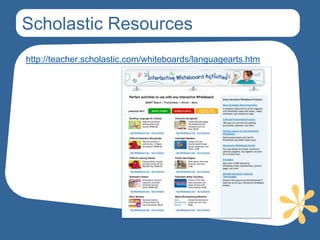
Scholastic Resources
http://teacher.scholastic.com/whiteboards/languagearts.htm
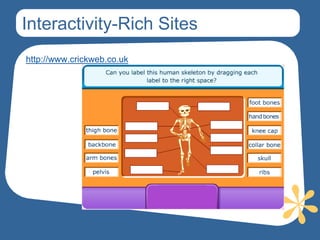
Interactivity-Rich Sites
http://www.crickweb.co.uk
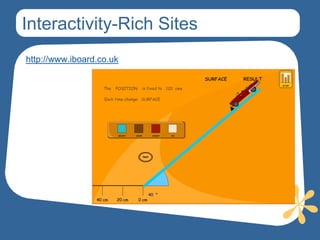
Interactivity-Rich Sites
http://www.iboard.co.uk
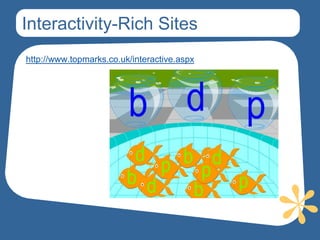
Interactivity-Rich Sites
http://www.topmarks.co.uk/interactive.aspx
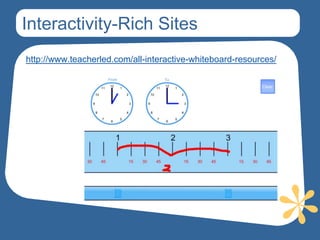
Interactivity-Rich Sites
http://www.teacherled.com/all-interactive-whiteboard-resources/
Virtual Math Manipulatives

• http://www.everydaymath.com/EM_eTo
  olkit_Demo/eTools_v1.html

• http://nlvm.usu.edu/en/nav/vlibrary.html

• http://www.eduplace.com/kids/mthexp/
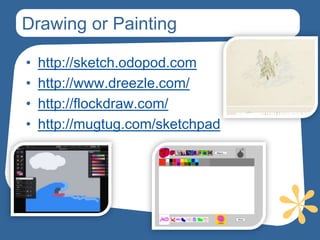
Drawing or Painting

•   http://sketch.odopod.com
•   http://www.dreezle.com/
•   http://flockdraw.com/
•   http://mugtug.com/sketchpad
Adding Interactivity

•   Resources
•   Activity Structures
•   Class Structures
•   Other Tools
Signs of Interactivity

• Teacher uses an IWB version of a
  game or puzzle
• The teacher uses the IWB to add
  multimedia to a discussion (starting and
  stopping the media for discussion
  purposes).
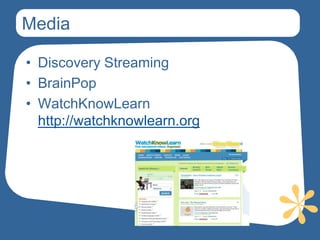
Media

• Discovery Streaming
• BrainPop
• WatchKnowLearn
  http://watchknowlearn.org
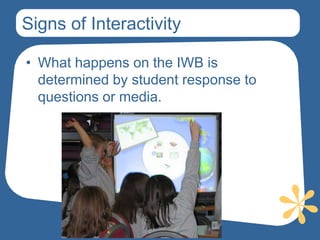
Signs of Interactivity

• What happens on the IWB is
  determined by student response to
  questions or media.
Signs of Interactivity

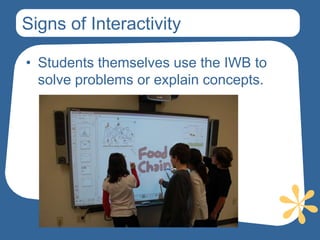
• Students themselves use the IWB to
  solve problems or explain concepts.
Tools

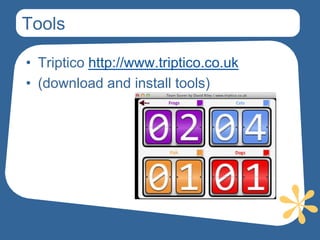
• Triptico http://www.triptico.co.uk
• (download and install tools)
Tools

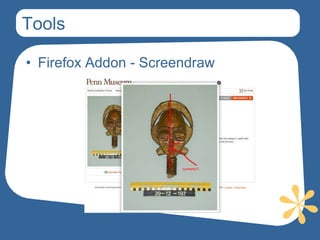
• Firefox Addon - Screendraw
Tools

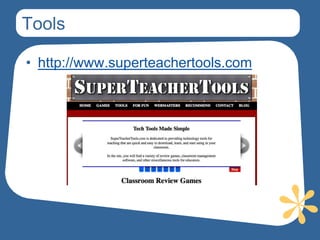
• http://www.superteachertools.com
Tools

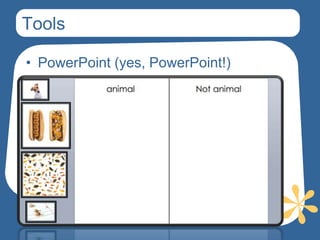
• PowerPoint (yes, PowerPoint!)
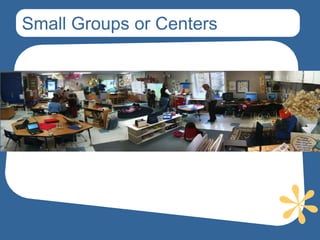
Small Groups or Centers
Other Tidbits…

  Let students lead..
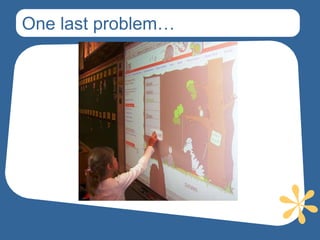
One last problem…
Not just an IWB problem…
Out of reach?

•   a step or platform
•   a longer “handle”
•   a specialty mount which adjusts
•   A different method of interacting
    – Use a tablet or other device
    – Use a mouse at the computer
    – Use words to direct someone else
Learn more…

• More ways to use:
• http://goo.gl/M7xYv
And more…

• http://www.ncef.org/rl/interactive_whiteb
  oards.cfm

• And a great blog:
• http://chrisbetcher.com/
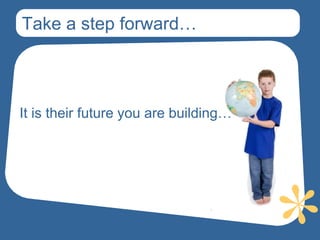
Take a step forward…


It is their future you are building…
Thank you!

Gail Lovely
Gail@GailLovely.com

Make Interactive Whiteboards Interactive