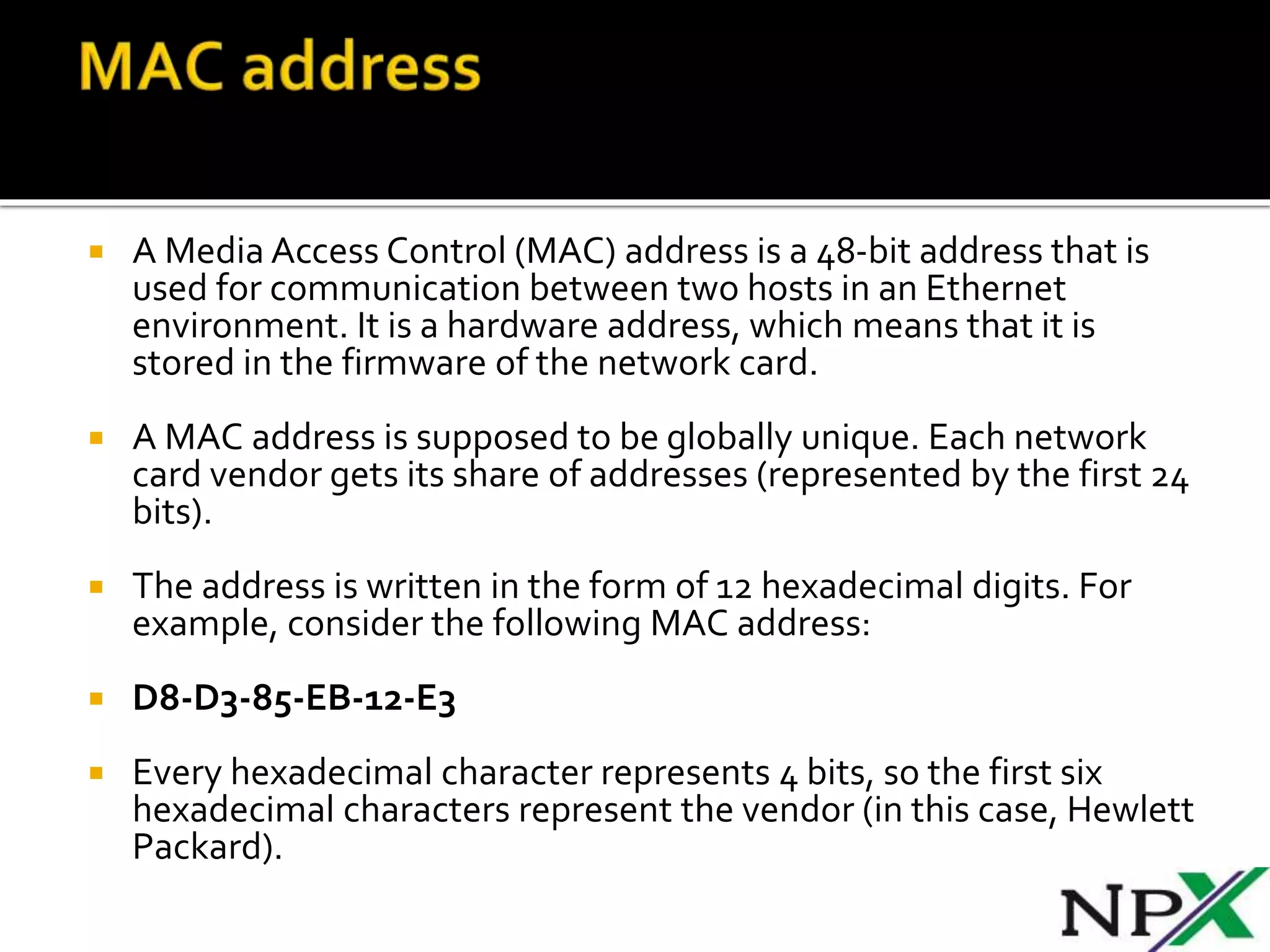
 A Media Access Control (MAC) address is a 48-bit address that is
used for communication between two hosts in an Ethernet
environment. It is a hardware address, which means that it is
stored in the firmware of the network card.
 A MAC address is supposed to be globally unique. Each network
card vendor gets its share of addresses (represented by the first 24
bits).
 The address is written in the form of 12 hexadecimal digits. For
example, consider the following MAC address:
 D8-D3-85-EB-12-E3
 Every hexadecimal character represents 4 bits, so the first six
hexadecimal characters represent the vendor (in this case, Hewlett
Packard).
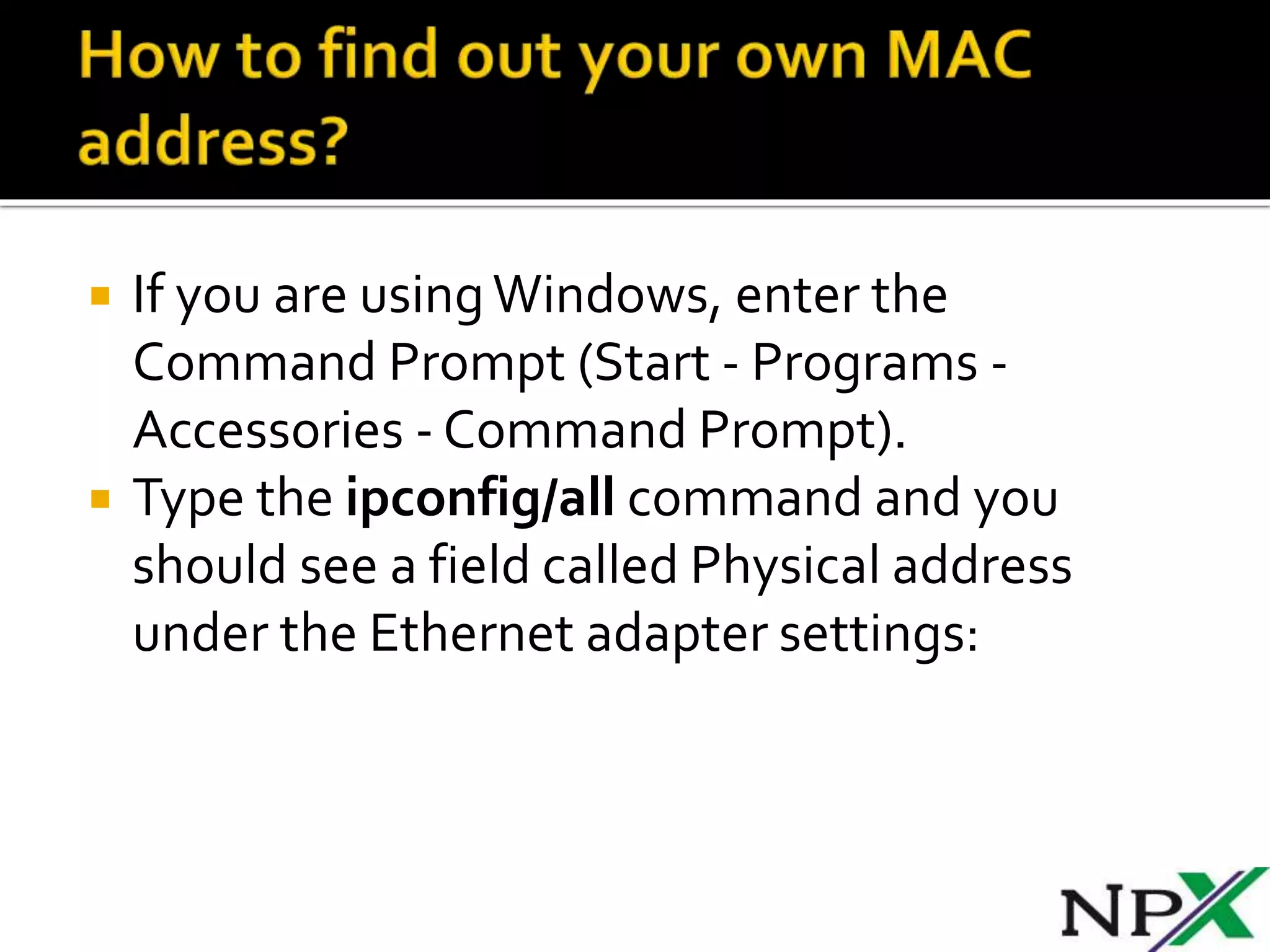
 If you are usingWindows, enter the
Command Prompt (Start - Programs -
Accessories - Command Prompt).
 Type the ipconfig/all command and you
should see a field called Physical address
under the Ethernet adapter settings:
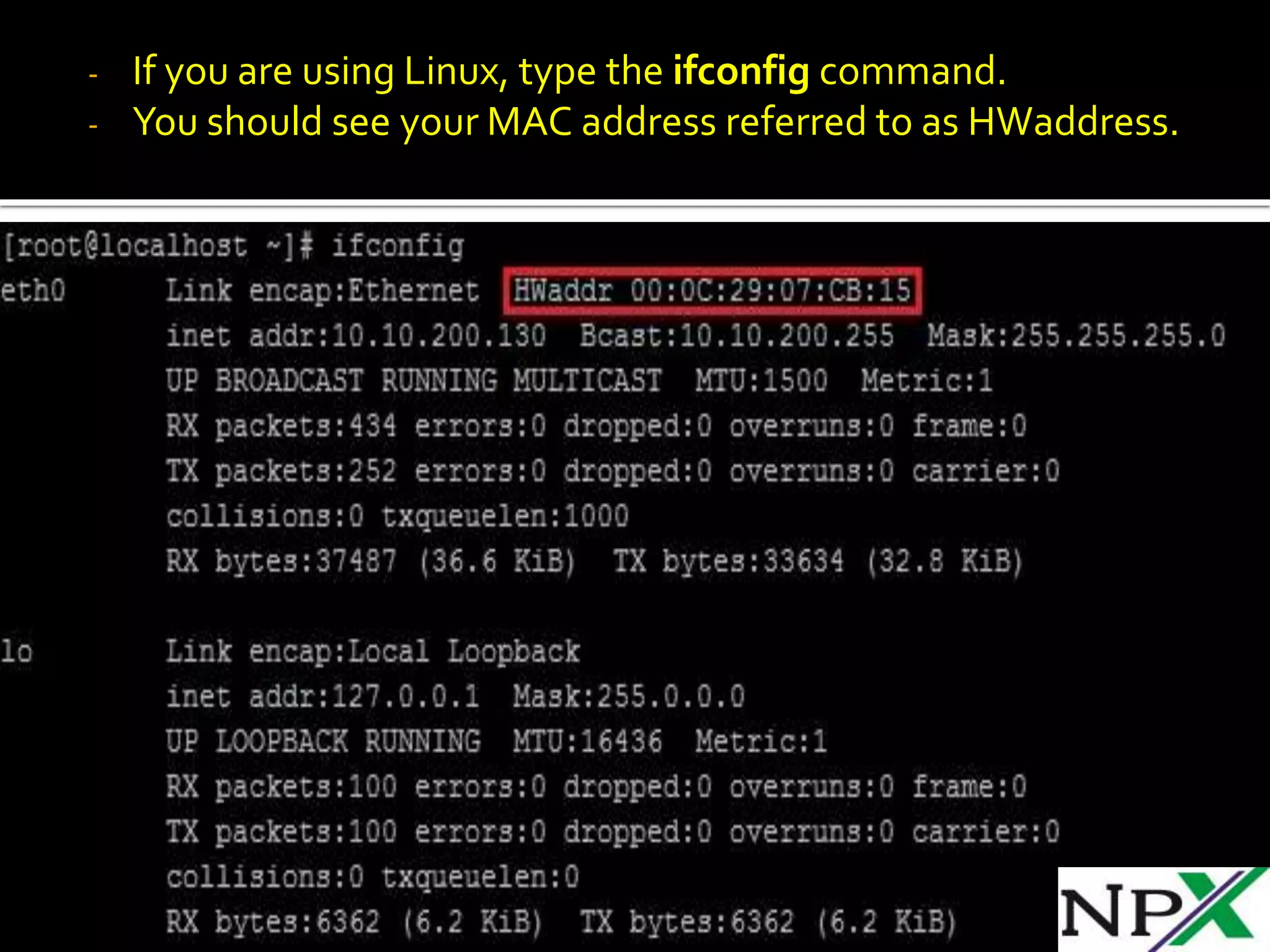
- If you are using Linux, type the ifconfig command.
- You should see your MAC address referred to as HWaddress.
 An IP address is a 32-bit number that identifies a host on a
network. It is usually written in the form of four decimal
numbers separated by periods (e.g. 10.0.50.1).
 In contrast to MAC address, an IP address is a logical
address. Any device that wants to communicate with
other device usingTCP/IP needs to have an IP address. It
can be configured manually or it can be obtained from a
DHCP server.
 The term "IP address" is usually used for IPv4, which is the
fourth version of the IP protocol. A newer version exists,
IPv6, and uses 128-bit addressing.
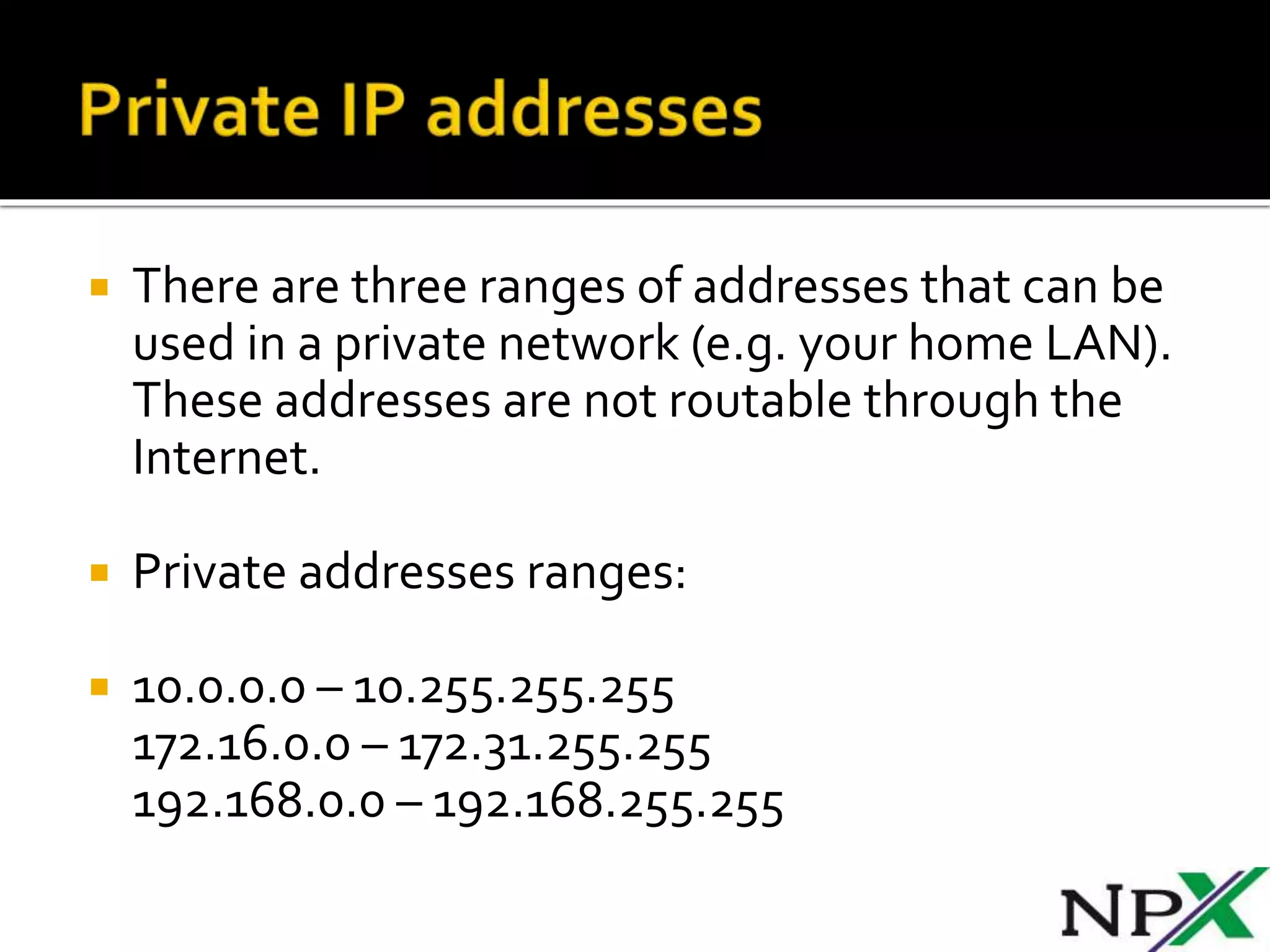
 There are three ranges of addresses that can be
used in a private network (e.g. your home LAN).
These addresses are not routable through the
Internet.
 Private addresses ranges:
 10.0.0.0 – 10.255.255.255
172.16.0.0 – 172.31.255.255
192.168.0.0 – 192.168.255.255
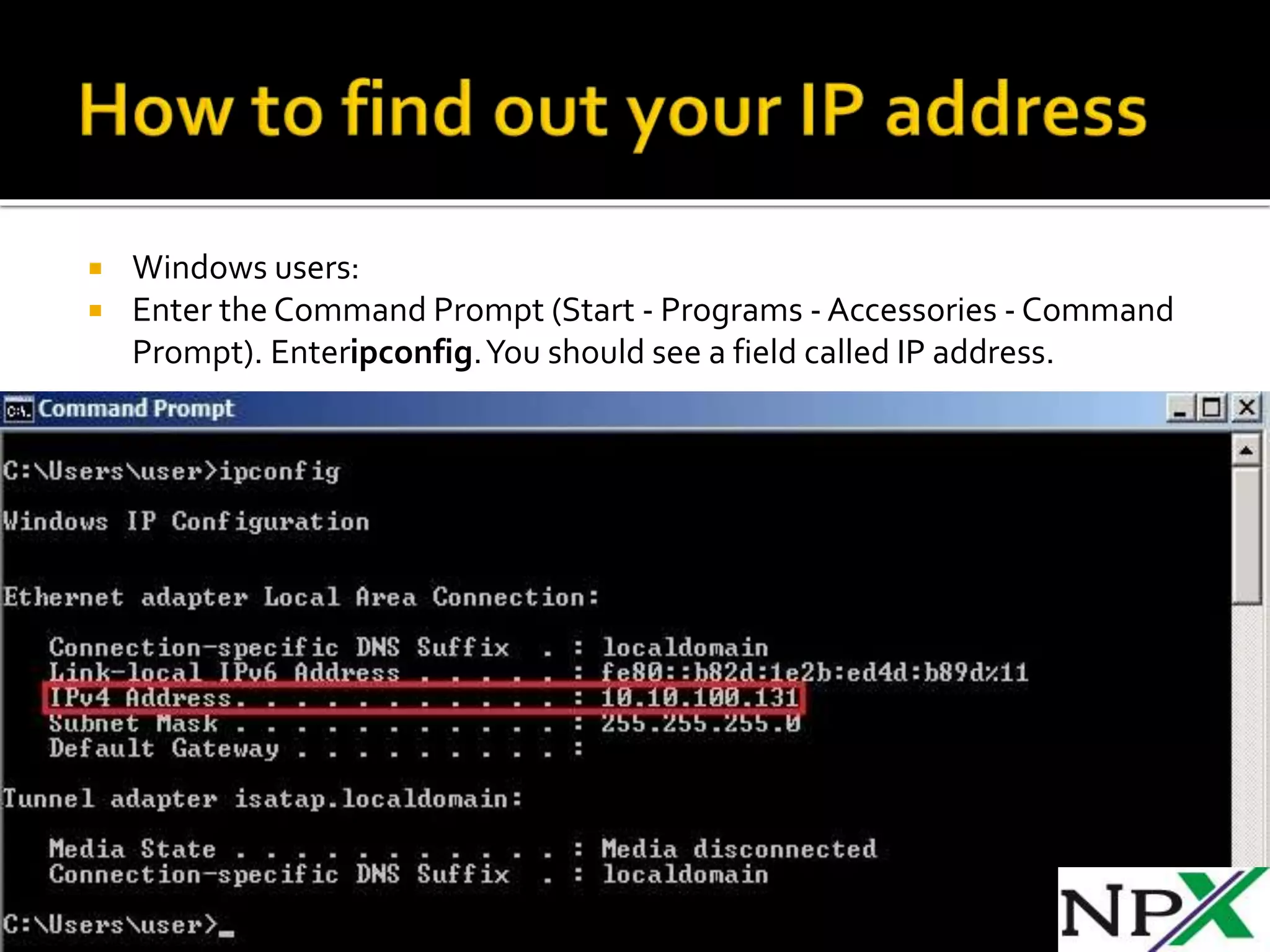
 Windows users:
 Enter the Command Prompt (Start - Programs - Accessories - Command
Prompt). Enteripconfig.You should see a field called IP address.
 Enter ifconfig.You should see a field called inet add:

MAC & IP addresses

  • 2.
     A MediaAccess Control (MAC) address is a 48-bit address that is used for communication between two hosts in an Ethernet environment. It is a hardware address, which means that it is stored in the firmware of the network card.  A MAC address is supposed to be globally unique. Each network card vendor gets its share of addresses (represented by the first 24 bits).  The address is written in the form of 12 hexadecimal digits. For example, consider the following MAC address:  D8-D3-85-EB-12-E3  Every hexadecimal character represents 4 bits, so the first six hexadecimal characters represent the vendor (in this case, Hewlett Packard).
  • 3.
     If youare usingWindows, enter the Command Prompt (Start - Programs - Accessories - Command Prompt).  Type the ipconfig/all command and you should see a field called Physical address under the Ethernet adapter settings:
  • 5.
    - If youare using Linux, type the ifconfig command. - You should see your MAC address referred to as HWaddress.
  • 6.
     An IPaddress is a 32-bit number that identifies a host on a network. It is usually written in the form of four decimal numbers separated by periods (e.g. 10.0.50.1).  In contrast to MAC address, an IP address is a logical address. Any device that wants to communicate with other device usingTCP/IP needs to have an IP address. It can be configured manually or it can be obtained from a DHCP server.  The term "IP address" is usually used for IPv4, which is the fourth version of the IP protocol. A newer version exists, IPv6, and uses 128-bit addressing.
  • 7.
     There arethree ranges of addresses that can be used in a private network (e.g. your home LAN). These addresses are not routable through the Internet.  Private addresses ranges:  10.0.0.0 – 10.255.255.255 172.16.0.0 – 172.31.255.255 192.168.0.0 – 192.168.255.255
  • 8.
     Windows users: Enter the Command Prompt (Start - Programs - Accessories - Command Prompt). Enteripconfig.You should see a field called IP address.
  • 9.
     Enter ifconfig.Youshould see a field called inet add: