Linux Hardening
Locking Down Linux To Increase Security
‘s-Hertogenbosch, 1 March 2016
Meetup: Den Bosch Linux User Group
Michael Boelen
michael.boelen@cisofy.com
Goals
1. Learn what to protect
2. Know some strategies
3. Learn tooling
Focus: Linux
2
Agenda
Today
1. System Hardening
2. Security Auditing
3. Guides and Tools
Bonus: Lynis demo
3
Michael Boelen
● Open Source Security
○ rkhunter (malware scan)
○ Lynis (security audit)
● 150+ blog posts at Linux-Audit.com
● Founder of CISOfy
4
System Hardening
Q: What is Hardening?
7
Q: Why Hardening?
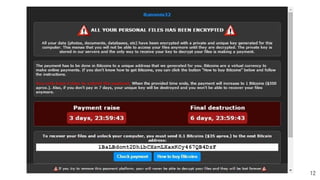
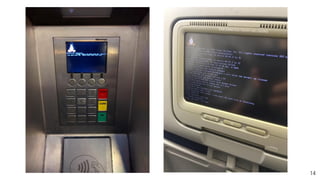
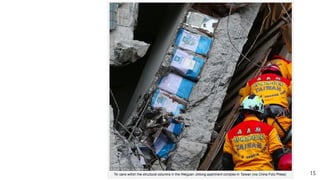
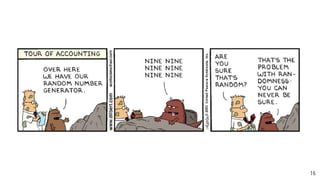
Q: What if we don’t?
11
12
13
14
15
16
Hardening Basics
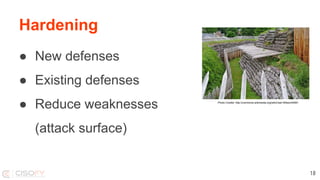
Hardening
● New defenses
● Existing defenses
● Reduce weaknesses
(attack surface)
18
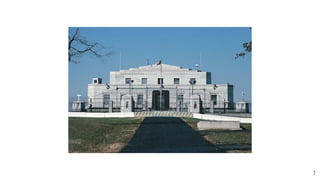
Photo Credits: http://commons.wikimedia.org/wiki/User:Wilson44691
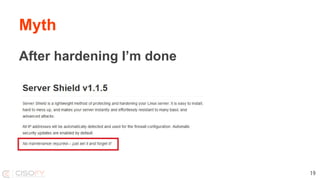
Myth
After hardening I’m done
19
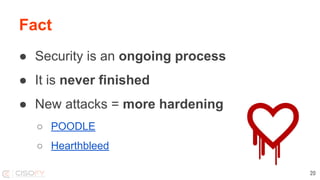
Fact
● Security is an ongoing process
● It is never finished
● New attacks = more hardening
○ POODLE
○ Hearthbleed
20
Hardening
What to harden?
● Operating System
● Software + Configuration
● Access controls
21
Hardening
Operating System
● Packages
● Services
● Configuration
22
Hardening
Software
● Minimal installation
● Configuration
● Permissions
23
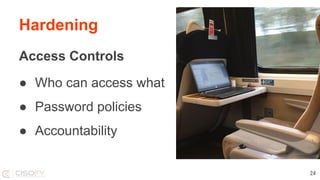
Hardening
Access Controls
● Who can access what
● Password policies
● Accountability
24
Hardening
Encryption
● Good: Encryption solves a lot
● Bad: Knowledge required
● Ugly: Easy to forget, or do it incorrectly
25
Technical Auditing
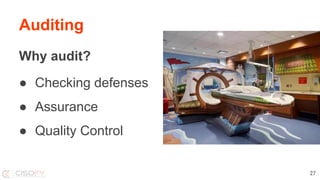
Auditing
Why audit?
● Checking defenses
● Assurance
● Quality Control
27
Common Strategy
1. Audit
2. Get a lot of findings
3. Start hardening
4. …….
5. Quit
28
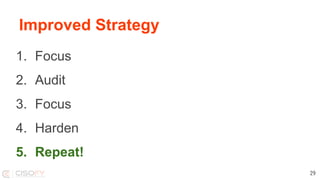
Improved Strategy
1. Focus
2. Audit
3. Focus
4. Harden
5. Repeat!
29
Hardening Resources
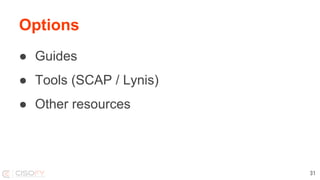
Options
● Guides
● Tools (SCAP / Lynis)
● Other resources
31
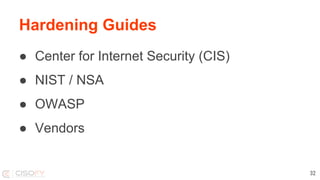
Hardening Guides
● Center for Internet Security (CIS)
● NIST / NSA
● OWASP
● Vendors
32
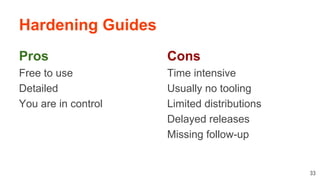
Hardening Guides
Pros
Free to use
Detailed
You are in control
33
Cons
Time intensive
Usually no tooling
Limited distributions
Delayed releases
Missing follow-up
Tooling
Tools
Tools make life easier, right?
Not always...
35
Tools
Problem:
There aren’t many good tools
36
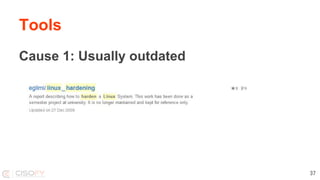
Tools
Cause 1: Usually outdated
37
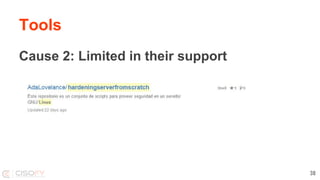
Tools
Cause 2: Limited in their support
38
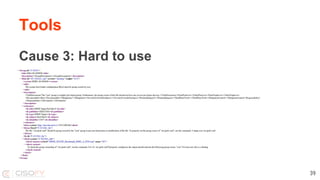
Tools
Cause 3: Hard to use
39
Tool 1: SCAP
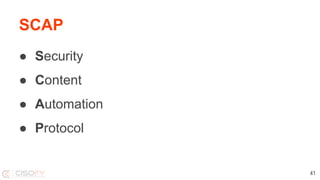
SCAP
● Security
● Content
● Automation
● Protocol
41
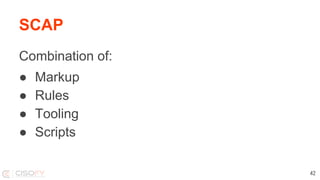
SCAP
Combination of:
● Markup
● Rules
● Tooling
● Scripts
42
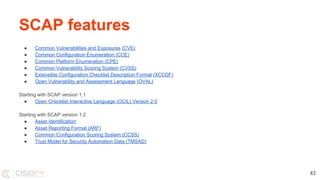
SCAP features
● Common Vulnerabilities and Exposures (CVE)
● Common Configuration Enumeration (CCE)
● Common Platform Enumeration (CPE)
● Common Vulnerability Scoring System (CVSS)
● Extensible Configuration Checklist Description Format (XCCDF)
● Open Vulnerability and Assessment Language (OVAL)
Starting with SCAP version 1.1
● Open Checklist Interactive Language (OCIL) Version 2.0
Starting with SCAP version 1.2
● Asset Identification
● Asset Reporting Format (ARF)
● Common Configuration Scoring System (CCSS)
● Trust Model for Security Automation Data (TMSAD)
43
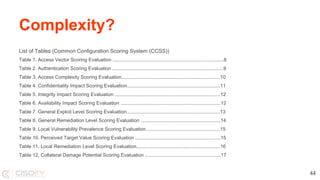
Complexity?
List of Tables (Common Configuration Scoring System (CCSS))
Table 1. Access Vector Scoring Evaluation ..................................................................................8
Table 2. Authentication Scoring Evaluation ..................................................................................9
Table 3. Access Complexity Scoring Evaluation.........................................................................10
Table 4. Confidentiality Impact Scoring Evaluation.....................................................................11
Table 5. Integrity Impact Scoring Evaluation ..............................................................................12
Table 6. Availability Impact Scoring Evaluation ..........................................................................12
Table 7. General Exploit Level Scoring Evaluation.....................................................................13
Table 8. General Remediation Level Scoring Evaluation ...........................................................14
Table 9. Local Vulnerability Prevalence Scoring Evaluation.......................................................15
Table 10. Perceived Target Value Scoring Evaluation ...............................................................15
Table 11. Local Remediation Level Scoring Evaluation..............................................................16
Table 12. Collateral Damage Potential Scoring Evaluation ........................................................17
44
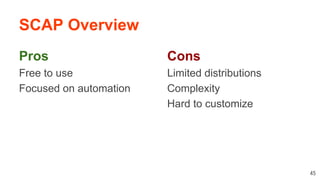
SCAP Overview
Pros
Free to use
Focused on automation
45
Cons
Limited distributions
Complexity
Hard to customize
Tool 2: Lynis
Lynis
47
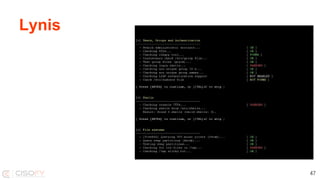
Lynis
Goals
● In-depth security scan
● Quick and easy to use
● Define next hardening steps
48
Lynis
Background
● Since 2007
● Goals
○ Flexible
○ Portable
49
Lynis
Open Source Software
● GPLv3
● Shell
● Community
50
Lynis
Simple
● No installation needed
● Run with just one parameter
● No configuration needed
51
Lynis
Flexibility
● No dependencies*
● Can be easily extended
● Custom tests
* Besides common tools like awk, grep, ps
52
Lynis
Portability
● Run on all Unix platforms
● Detect and use “on the go”
● Usable after OS version upgrade
53
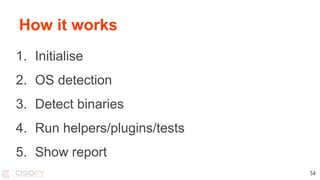
How it works
1. Initialise
2. OS detection
3. Detect binaries
4. Run helpers/plugins/tests
5. Show report
54
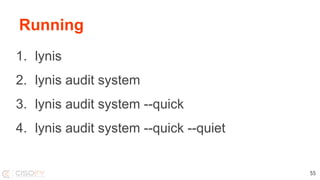
Running
1. lynis
2. lynis audit system
3. lynis audit system --quick
4. lynis audit system --quick --quiet
55
Demo?
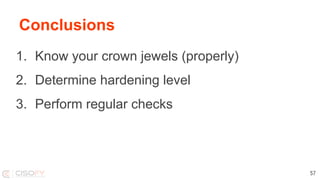
Conclusions
1. Know your crown jewels (properly)
2. Determine hardening level
3. Perform regular checks
57
You finished this presentation
Success!
Learn more?
Follow
● Blog Linux Audit (linux-audit.com)
● Twitter @mboelen
This presentation can be found on michaelboelen.com
59
Linux Hardening

Linux Hardening