Linux Security Scanning
Learn your weaknesses with Lynis
Nijmegen, 2016-05-10
Meetup: Linux Usergroup Nijmegen
Michael Boelen
michael.boelen@cisofy.com
Goals
1. Perform a security audit
2. Learn what to protect
3. Determine why
2
Agenda
Today
1. System Hardening
2. Security Auditing
3. Lynis
3
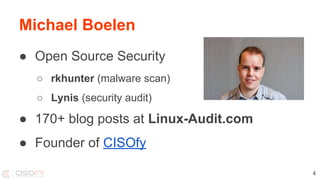
Michael Boelen
● Open Source Security
○ rkhunter (malware scan)
○ Lynis (security audit)
● 170+ blog posts at Linux-Audit.com
● Founder of CISOfy
4
System Hardening
6
8
9
10
Hardening Basics
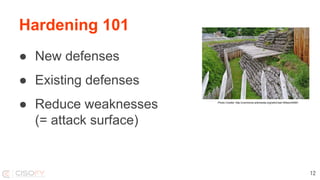
Hardening 101
● New defenses
● Existing defenses
● Reduce weaknesses
(= attack surface)
12
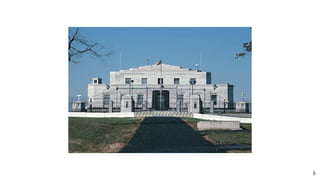
Photo Credits: http://commons.wikimedia.org/wiki/User:Wilson44691
Hardening 101
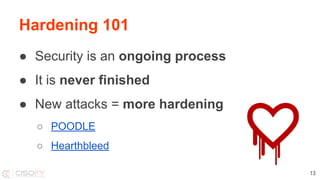
● Security is an ongoing process
● It is never finished
● New attacks = more hardening
○ POODLE
○ Hearthbleed
13
Hardening 101
Operating System
● Packages
● Processes
● Configuration
14
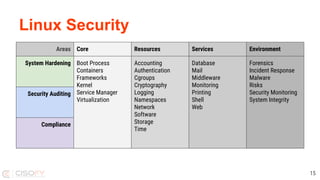
Linux Security
15
Areas Core Resources Services Environment
System Hardening Boot Process
Containers
Frameworks
Kernel
Service Manager
Virtualization
Accounting
Authentication
Cgroups
Cryptography
Logging
Namespaces
Network
Software
Storage
Time
Database
Mail
Middleware
Monitoring
Printing
Shell
Web
Forensics
Incident Response
Malware
Risks
Security Monitoring
System Integrity
Security Auditing
Compliance
Technical Auditing
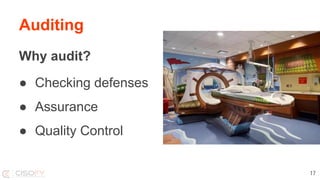
Auditing
Why audit?
● Checking defenses
● Assurance
● Quality Control
17
Auditing
Who?
● Auditors
● Security Professionals
● System Engineers
18
Auditing
How?
1. Focus
2. Audit
3. Focus
4. Harden
5. Repeat!
19
Resources
Guides
● Center for Internet Security (CIS)
● NIST / NSA
● OWASP
● Vendors
20
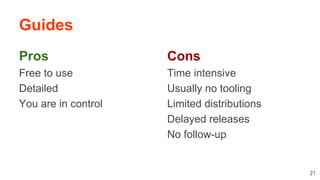
Guides
Pros
Free to use
Detailed
You are in control
21
Cons
Time intensive
Usually no tooling
Limited distributions
Delayed releases
No follow-up
Audit Tool: Lynis
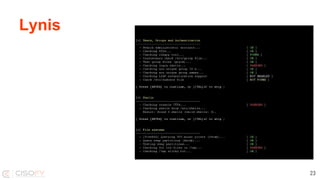
Lynis
23
Lynis
2007
24
Lynis
GPL v3
25
Lynis
Shell script
26
Lynis
Goal 1
In-depth security scan
27
Lynis
Goal 2
Quick and easy to use
28
Lynis
Goal 3
Define the next (hardening) step
29
Differences with other tools
Lynis
Simple
● No installation needed
● Run with simple commands
● No configuration needed
31
Lynis
Flexibility
● No dependencies*
● Can be easily extended
● Custom tests
* Besides common tools like awk, grep, ps
32
Lynis
Portability
● Run on all UNIX platforms
● Detect and use “on the go”
● Usable after OS version upgrade
33
Running Lynis
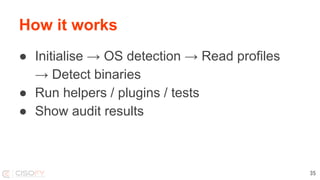
How it works
● Initialise → OS detection → Read profiles
→ Detect binaries
● Run helpers / plugins / tests
● Show audit results
35
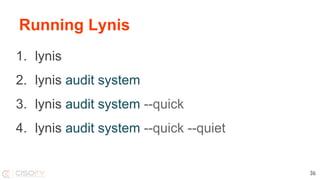
Running Lynis
1. lynis
2. lynis audit system
3. lynis audit system --quick
4. lynis audit system --quick --quiet
36
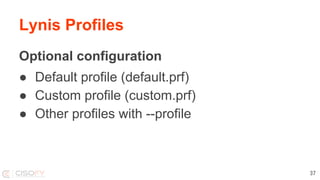
Lynis Profiles
Optional configuration
● Default profile (default.prf)
● Custom profile (custom.prf)
● Other profiles with --profile
37
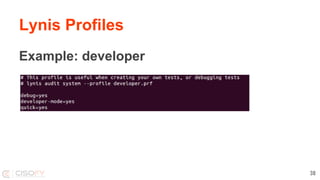
Lynis Profiles
Example: developer
38
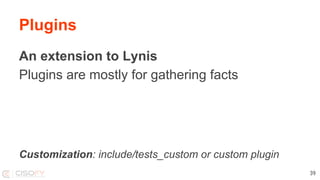
Plugins
An extension to Lynis
Plugins are mostly for gathering facts
Customization: include/tests_custom or custom plugin
39
Demo?
Lessons Learned
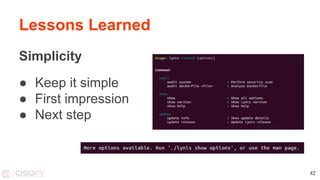
Lessons Learned
Simplicity
● Keep it simple
● First impression
● Next step
42
Lessons Learned
Less is better
● Dependencies
● Program arguments
● Screen output
43
Lessons Learned
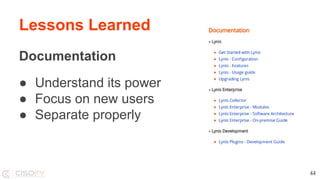
Documentation
● Understand its power
● Focus on new users
● Separate properly
44
Lessons Learned
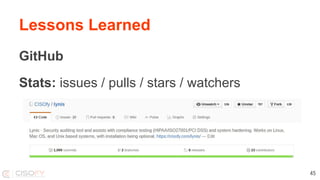
GitHub
Stats: issues / pulls / stars / watchers
45
Lessons Learned
Open Source = Business
It needs PR, blog posts, attention
(like a business)
46
Future
Future
● Packages
● More tests
● Quality control
● Linting
● Unit tests
● Software Development Kit
48
Future
Want to help?
● Submit patches
● Provide feedback
● Deploy Lynis
49
You finished this presentation
Success!
Learn more?
Follow
● Blog Linux Audit (linux-audit.com)
● Twitter @mboelen
This presentation can be found on michaelboelen.com
51
Linux Security Scanning with Lynis

Linux Security Scanning with Lynis