










Linux Security
for Developers
Insights for building a (more) secure world
Michael Boelen
michael.boelen@cisofy.com
14 January 2016
We Love Construction
Image source unknown
2
And Magic!
Turning data into:
- Useful output
- Stable software
- Nice services
Image source: renoairport.com 3
● Spying
● Internet of Things
● Law
○ 2016 Dutch Data Protection Act
○ 2017-2018 European data protection law
Why Invest in Security Now?
5
Agenda
● What can go wrong?
● What can we do?
● Strategies and Tools
6
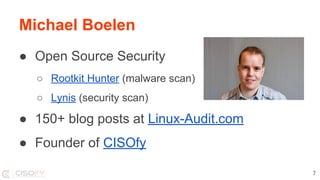
Michael Boelen
● Open Source Security
○ Rootkit Hunter (malware scan)
○ Lynis (security scan)
● 150+ blog posts at Linux-Audit.com
● Founder of CISOfy
7
What can go wrong?
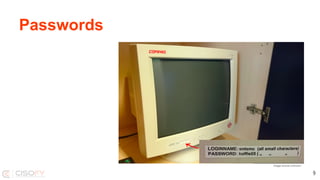
Passwords
Image source unknown
9
Case: Phone House
http://sijmen.ruwhof.
net/weblog/608-personal-data-of-
dutch-telecom-providers-
extremely-poorly-protected-how-i-
could-access-12-million-records
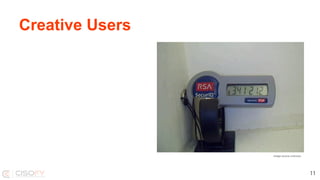
Creative Users
Image source unknown
11
What can we do?
Solution
“Developers should become auditors of
their creative work, and that of others.”
Michael Boelen, 14 January 2016
14
Improve in steps
● Level 1: Basics
● Level 2: Take ownership
● Level 3: Perform auditing
What can we do?
15
Level 1: The Basics
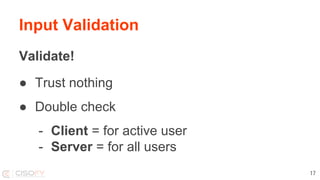
Input Validation
Validate!
● Trust nothing
● Double check
- Client = for active user
- Server = for all users
17
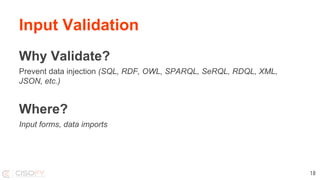
Input Validation
Why Validate?
Prevent data injection (SQL, RDF, OWL, SPARQL, SeRQL, RDQL, XML,
JSON, etc.)
Where?
Input forms, data imports
18
Data Protection
Encryption:
● Good Encryption solves a lot
● Bad Knowledge required
● Ugly Easy to implement incorrectly
19
Secure Programming
Using universally unique identifier?
UUID1 = Host (MAC) + sequence + time
UUID4 = Random
20
Two-factor Authentication
Use
● GitHub
Implement
● Your apps?
21
Level 2: Take Ownership
What?
● The code
● Development systems
● Deployment
● Production
Ownership
23
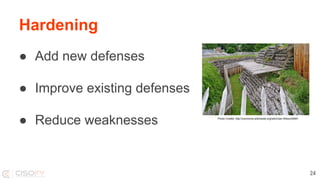
Hardening
Photo Credits: http://commons.wikimedia.org/wiki/User:Wilson44691
● Add new defenses
● Improve existing defenses
● Reduce weaknesses
24
Hardening
What to harden?
● Operating System
● Software + Configuration
● Access controls
25
OS Hardening
Operating System:
● Services
● Users
● Permissions
26
Software Hardening
Software:
● Minimal installation
● Configuration
● Tuning
27
Access Hardening
Users and Access Controls:
● Who can access what
● Password policies
● Accountability
28
Data Hardening
Focus on data streams
● Network (data in transit)
● Storage (data at rest)
● Access
29
Network Hardening
Traffic flows
● Is all incoming traffic needed?
● What about outgoing?
● IPv6?
30
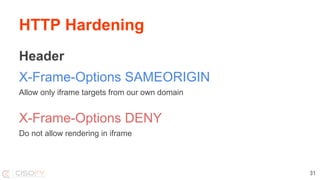
HTTP Hardening
Header
X-Frame-Options SAMEORIGIN
Allow only iframe targets from our own domain
X-Frame-Options DENY
Do not allow rendering in iframe
31
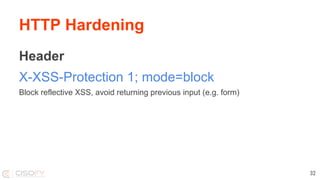
HTTP Hardening
Header
X-XSS-Protection 1; mode=block
Block reflective XSS, avoid returning previous input (e.g. form)
32
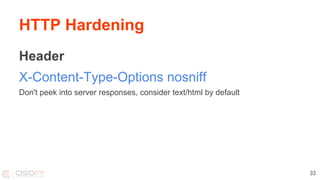
HTTP Hardening
Header
X-Content-Type-Options nosniff
Don't peek into server responses, consider text/html by default
33
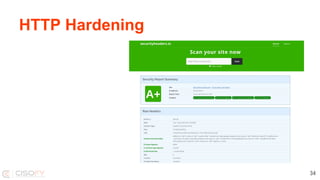
HTTP Hardening
34
Hardening
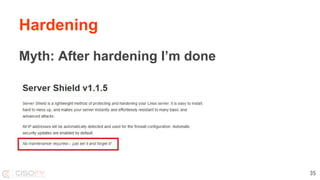
Myth: After hardening I’m done
35
Hardening
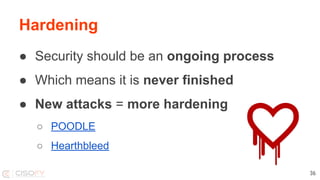
● Security should be an ongoing process
● Which means it is never finished
● New attacks = more hardening
○ POODLE
○ Hearthbleed
36
Level 3: Perform Auditing
Myth
Auditing =
● A lot of work!
● Booooooring!
● And.. prone to errors...
38
Fact
Well, it can be.
39
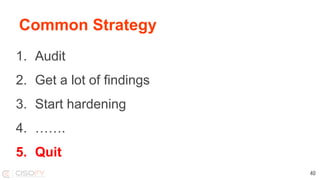
Common Strategy
1. Audit
2. Get a lot of findings
3. Start hardening
4. …….
5. Quit
40
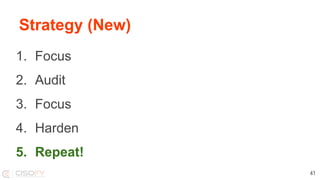
Strategy (New)
1. Focus
2. Audit
3. Focus
4. Harden
5. Repeat!
41
1. Focus
● Determine what to scan
● Limit scope of systems / applications
42
2. Audit
● Start small
● Collect data
43
3. Focus
Determine hardening focus
● Impact
● Number
● Area (e.g. crypto)
44
4. Harden
● Create implementation plan
● Perform lock down
● Document
○ What, Why, How
○ Exceptions
45
5. Repeat
● Keep measuring your actions
● Again:
○ Ongoing process
○ Never finishes
○ New attacks
46
Questions?
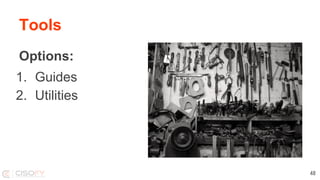
Tools
Options:
1. Guides
2. Utilities
48
Benchmarks / Guides
● Center for Internet Security (CIS)
● NIST / NSA
● OWASP
● Vendors
49
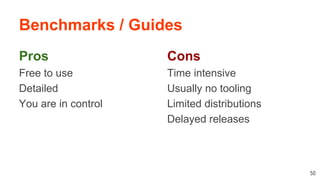
Benchmarks / Guides
Pros
Free to use
Detailed
You are in control
50
Cons
Time intensive
Usually no tooling
Limited distributions
Delayed releases
OWASP
Open Web Application Security Project
51
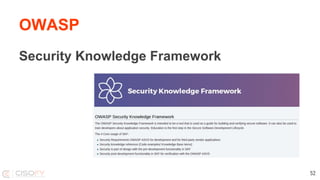
OWASP
Security Knowledge Framework
52
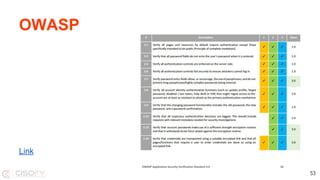
OWASP
Link
53
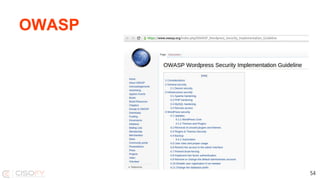
OWASP
54
Tools
Tools
Tools make life easier, right?
Not always...
56
Tools
Problem 1: There aren’t many
57
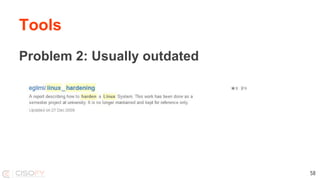
Tools
Problem 2: Usually outdated
58
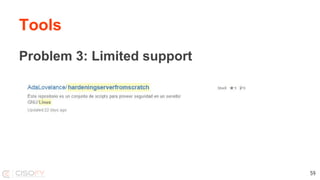
Tools
Problem 3: Limited support
59
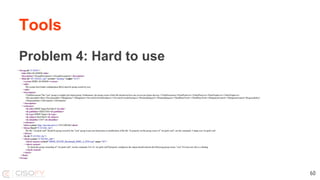
Tools
Problem 4: Hard to use
60
Introducing Lynis
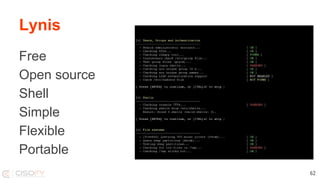
Lynis
Free
Open source
Shell
Simple
Flexible
Portable
62
Lynis
Background
● Since 2007
● GPLv3
● Requirements
○ Flexible
○ Portable
63
Lynis
Goals
● Perform a quick security scan
● Collect data
● Define next hardening steps
64
Lynis
Simple
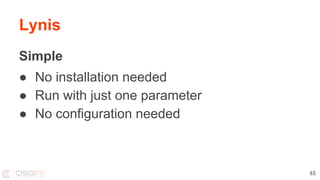
● No installation needed
● Run with just one parameter
● No configuration needed
65
Lynis
Flexibility
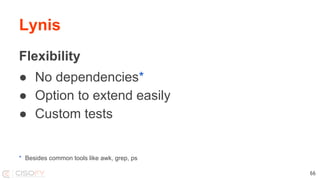
● No dependencies*
● Option to extend easily
● Custom tests
* Besides common tools like awk, grep, ps
66
How it works
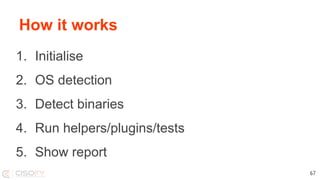
1. Initialise
2. OS detection
3. Detect binaries
4. Run helpers/plugins/tests
5. Show report
67
Bonus: Integration
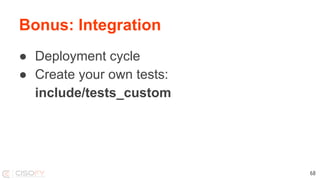
● Deployment cycle
● Create your own tests:
include/tests_custom
68
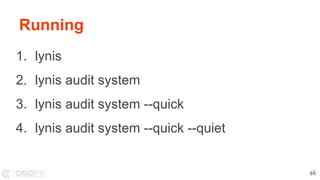
Running
1. lynis
2. lynis audit system
3. lynis audit system --quick
4. lynis audit system --quick --quiet
69
Auditing Code
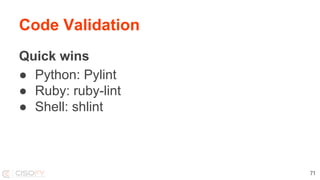
Code Validation
Quick wins
● Python: Pylint
● Ruby: ruby-lint
● Shell: shlint
71
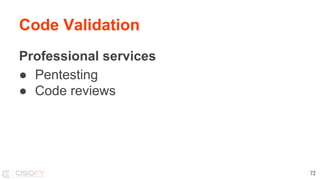
Code Validation
Professional services
● Pentesting
● Code reviews
72
Auditing Repositories
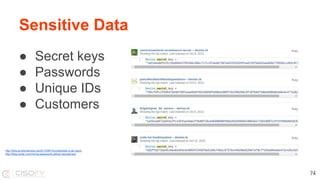
● Secret keys
● Passwords
● Unique IDs
● Customers
Sensitive Data
74
http://blog.arvidandersson.se/2013/06/10/credentials-in-git-repos
http://blog.nortal.com/mining-passwords-github-repositories/
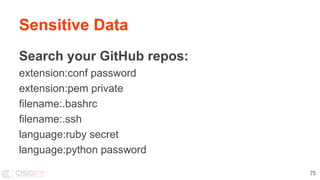
Search your GitHub repos:
extension:conf password
extension:pem private
filename:.bashrc
filename:.ssh
language:ruby secret
language:python password
Sensitive Data
75
Hardening
Harden:
● Your systems
● Your code
● Your sensitive data
76
Latest Developments
Developments
● Data protection laws
● OWASP
● New Rails security HTTP headers
● Internet of Things
● DevOps→SecDevOps / DevOpsSec
78
Conclusions
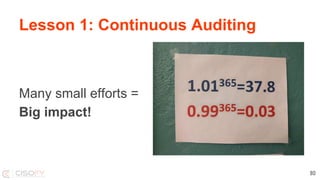
Lesson 1: Continuous Auditing
Many small efforts =
Big impact!
80
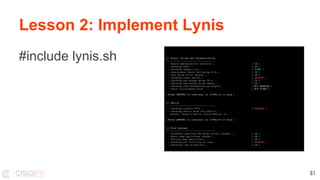
Lesson 2: Implement Lynis
#include lynis.sh
81
Lesson 3: Leverage Security
Security
● Less: Crisis and Leaks
● More: Development Time
82
You Finished This Presentation
Success!
Follow Me
● Twitter: @mboelen
● Personal website: michaelboelen.com
● Blog: linux-audit.com
84
Want More?
85

Linux Security for Developers