Linux Security
Concept → Tooling
Utrecht, 16 January 2016
Michael Boelen
michael.boelen@cisofy.com
2
Goals
1. Learn what to protect
2. Know some strategies
3. Learn about tooling
Focus: Linux
3
Agenda
Today
1. Hardening
2. Auditing
3. Guides and Tools
Bonus: Lynis demo
4
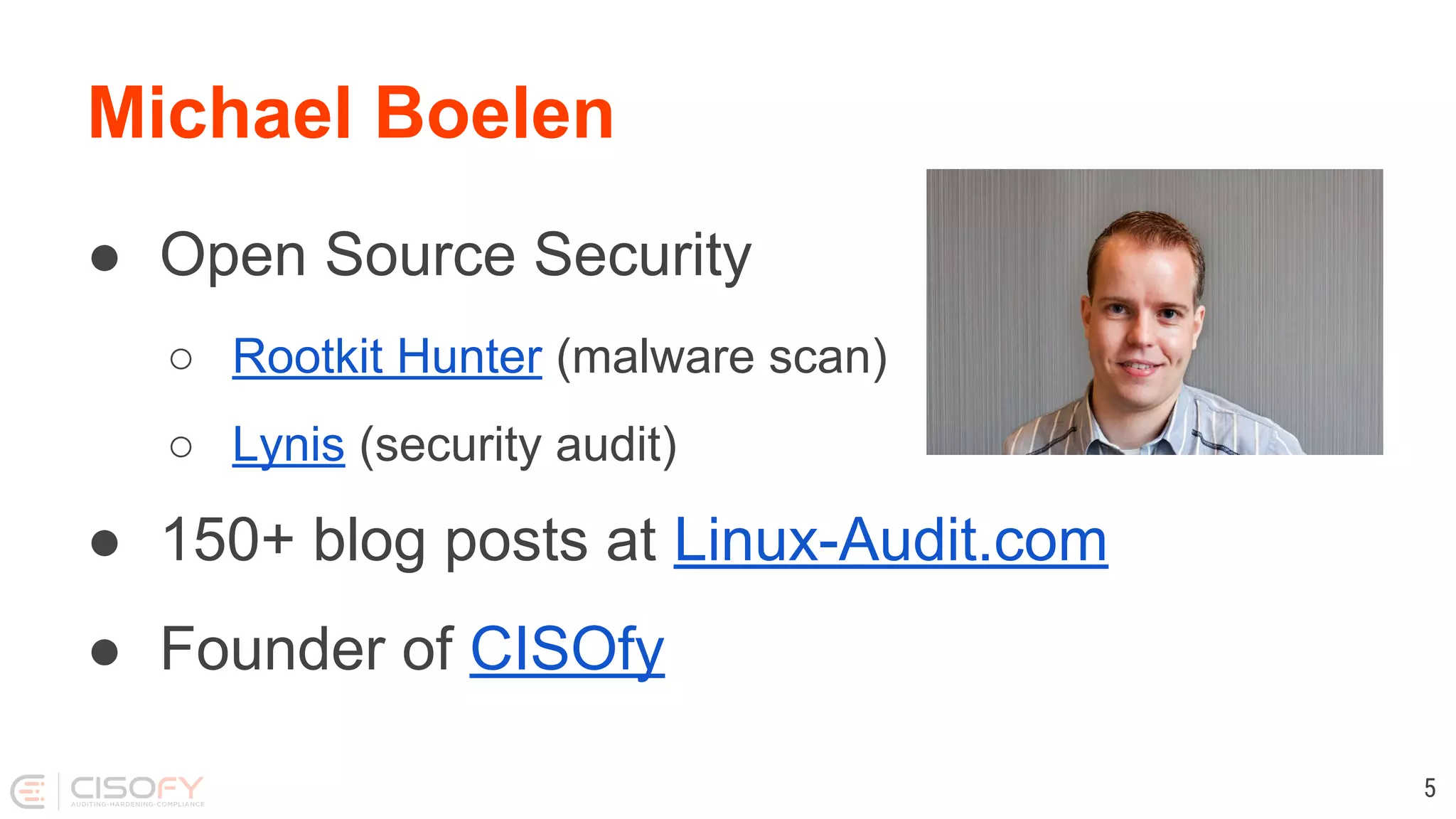
Michael Boelen
● Open Source Security
○ Rootkit Hunter (malware scan)
○ Lynis (security audit)
● 150+ blog posts at Linux-Audit.com
● Founder of CISOfy
5
Hardening
Q: What is Hardening?
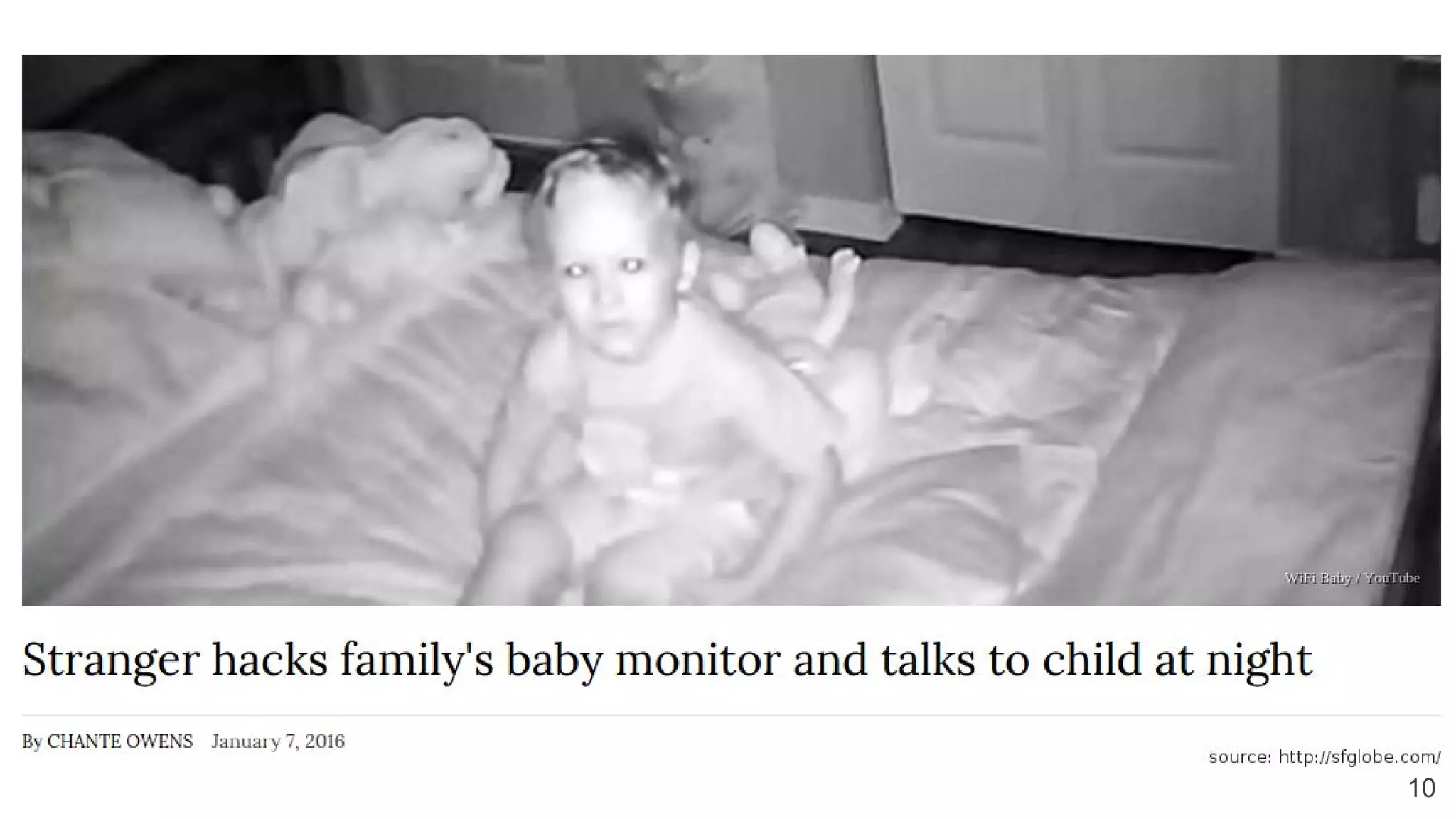
Q: Why Hardening?
10
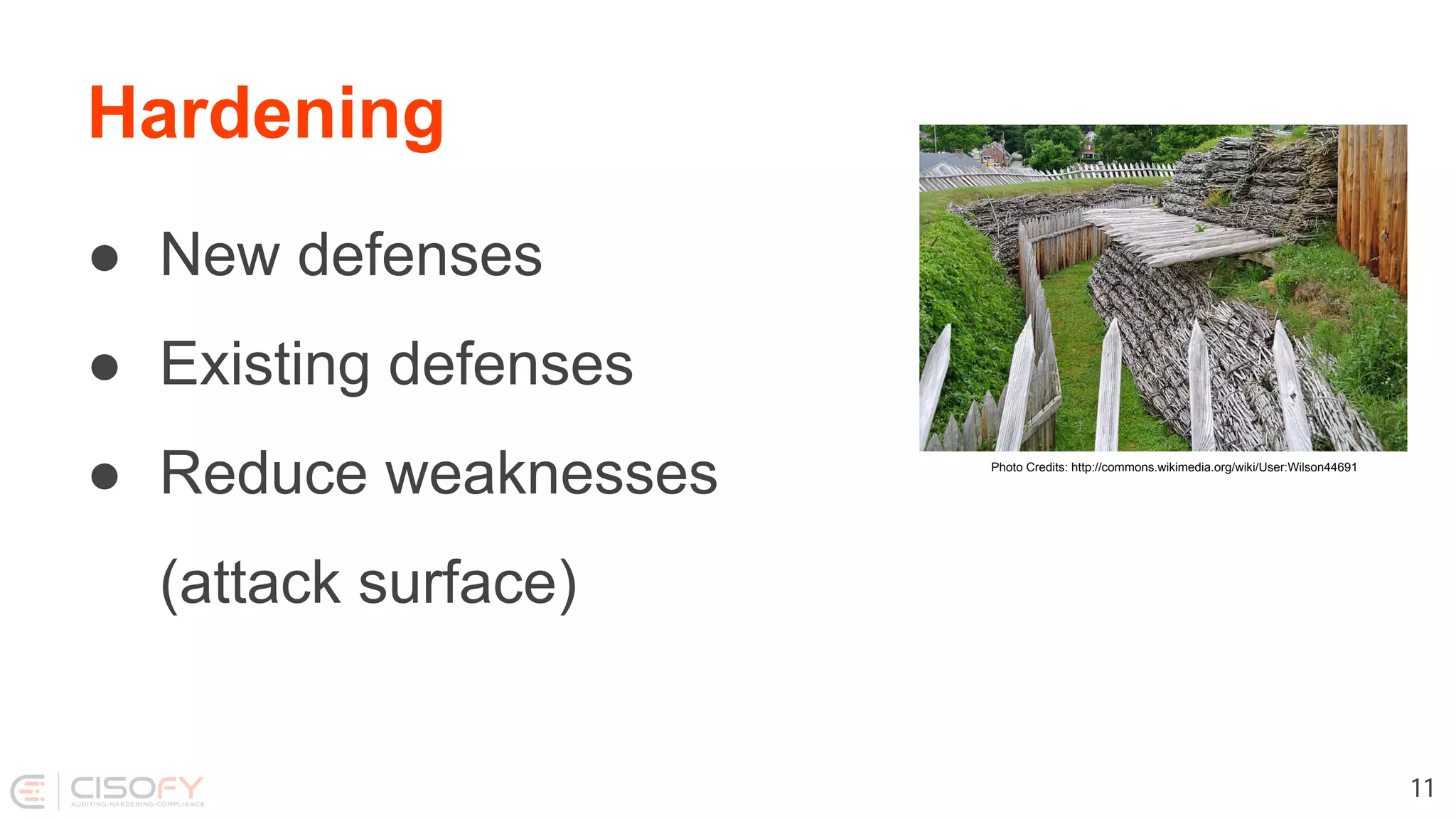
Hardening
● New defenses
● Existing defenses
● Reduce weaknesses
(attack surface)
11
Photo Credits: http://commons.wikimedia.org/wiki/User:Wilson44691
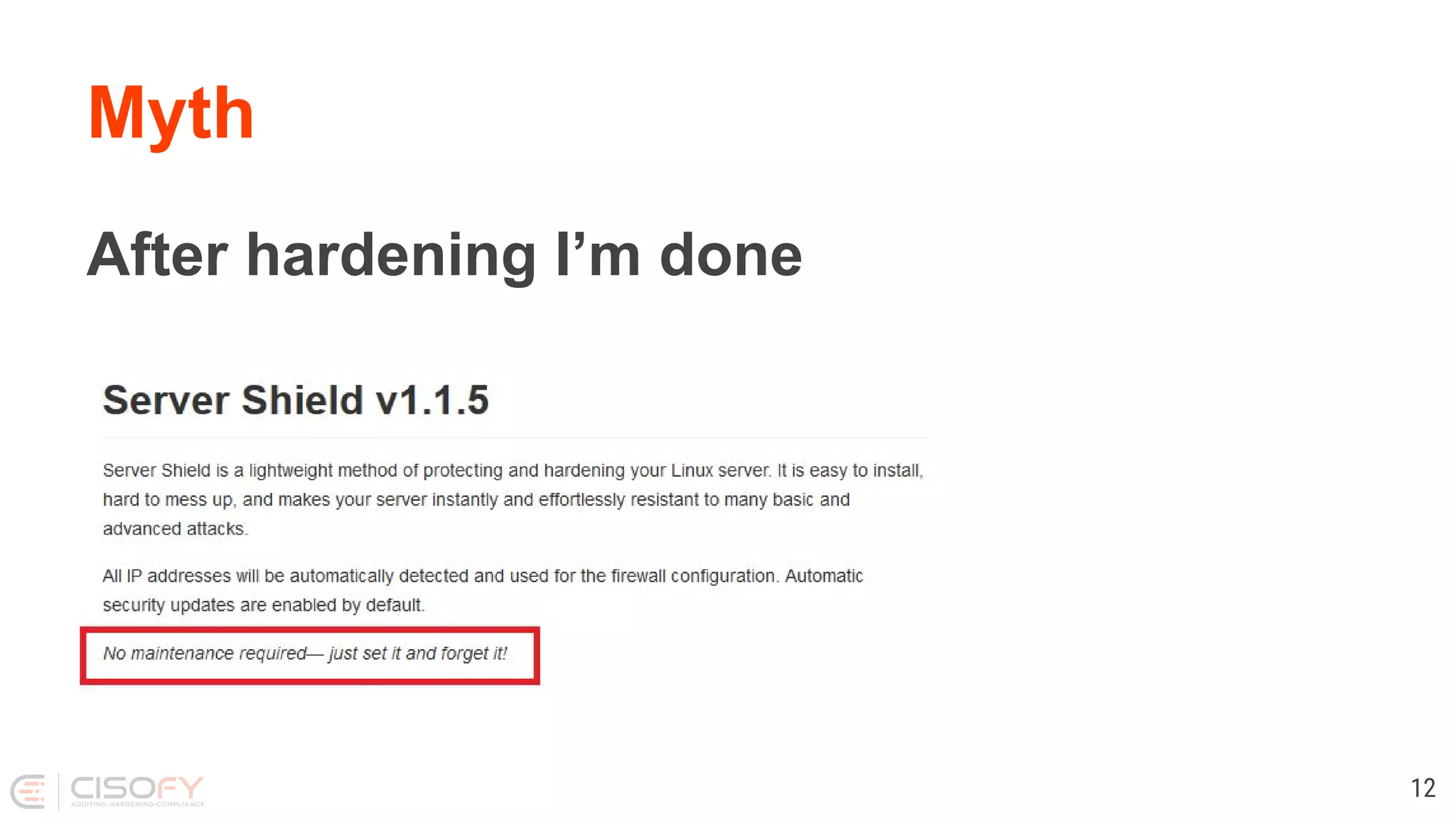
Myth
After hardening I’m done
12
Fact
● Security should be an ongoing process
● Which means it is never finished
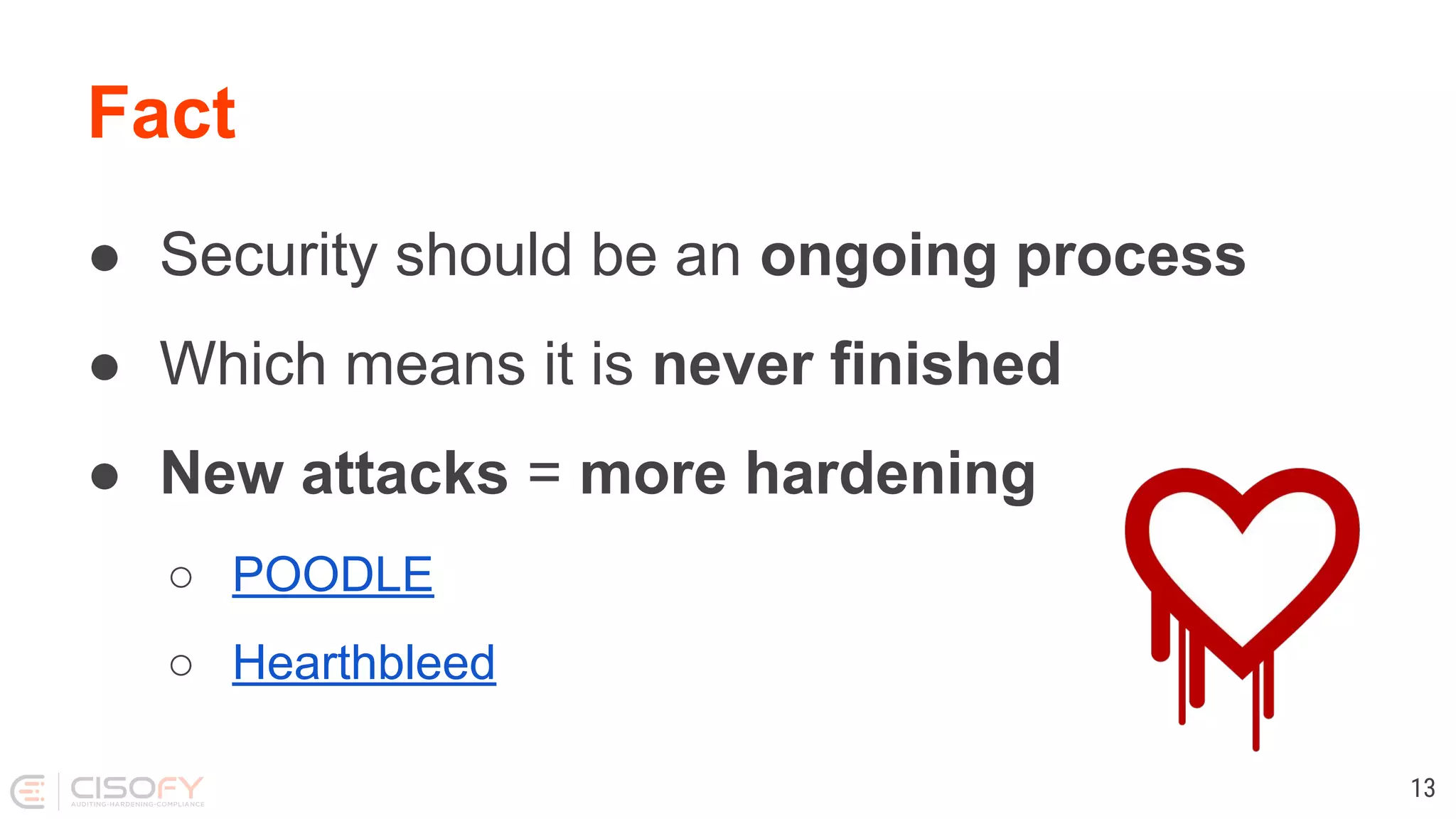
● New attacks = more hardening
○ POODLE
○ Hearthbleed
13
Hardening
What to harden?
● Operating System
● Software + Configuration
● Access controls
14
Hardening
Operating System
● Services
● Users
● Permissions
15
Hardening
Software
● Minimal installation
● Configuration
● Tuning
16
Hardening
Users and Access Controls
● Who can access what
● Password policies
● Accountability
17
Hardening
Encryption
● Good: Encryption solves a lot
● Bad: Knowledge required
● Ugly: Easy to forget
18
Technical Auditing
Auditing
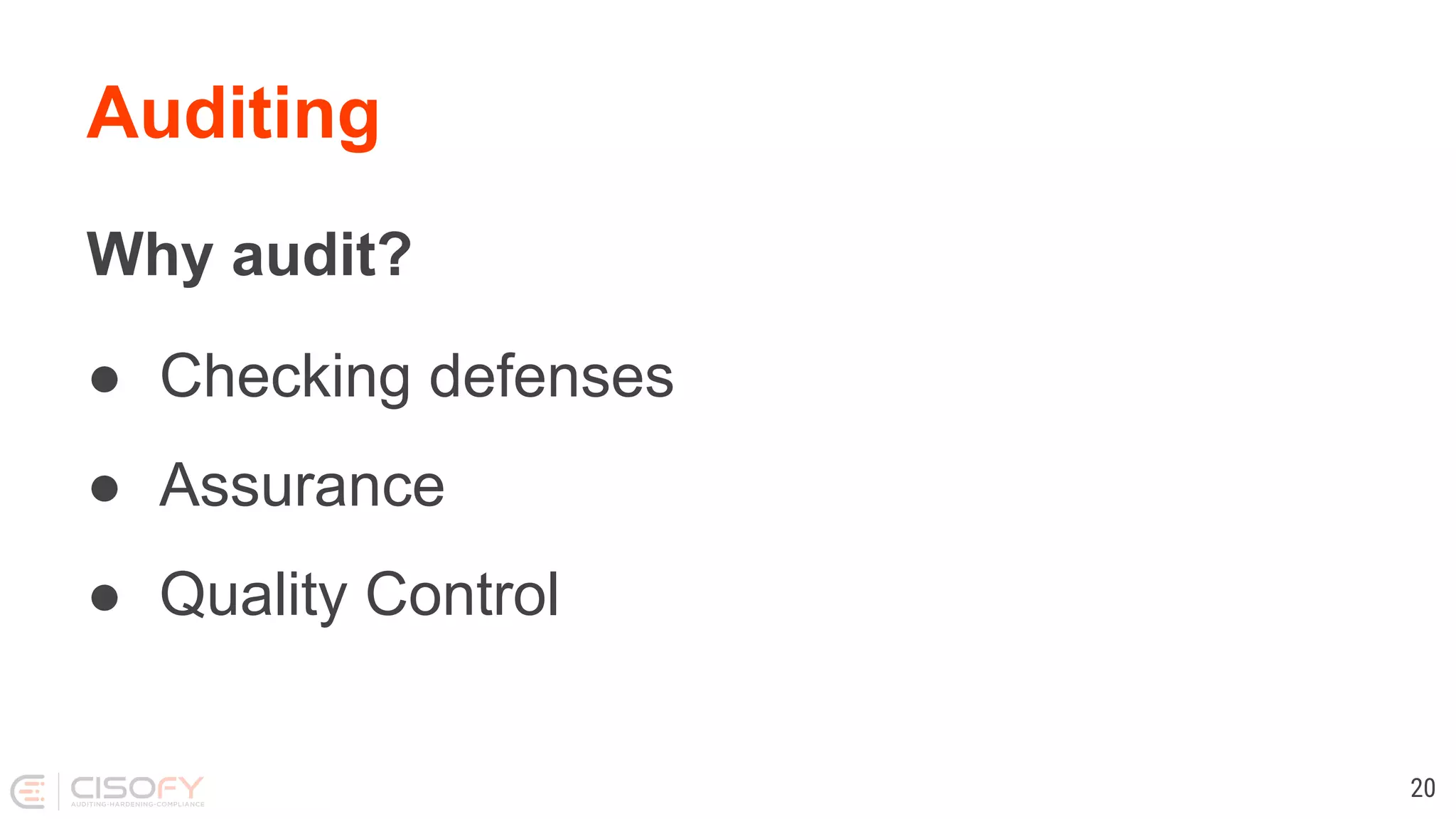
Why audit?
● Checking defenses
● Assurance
● Quality Control
20
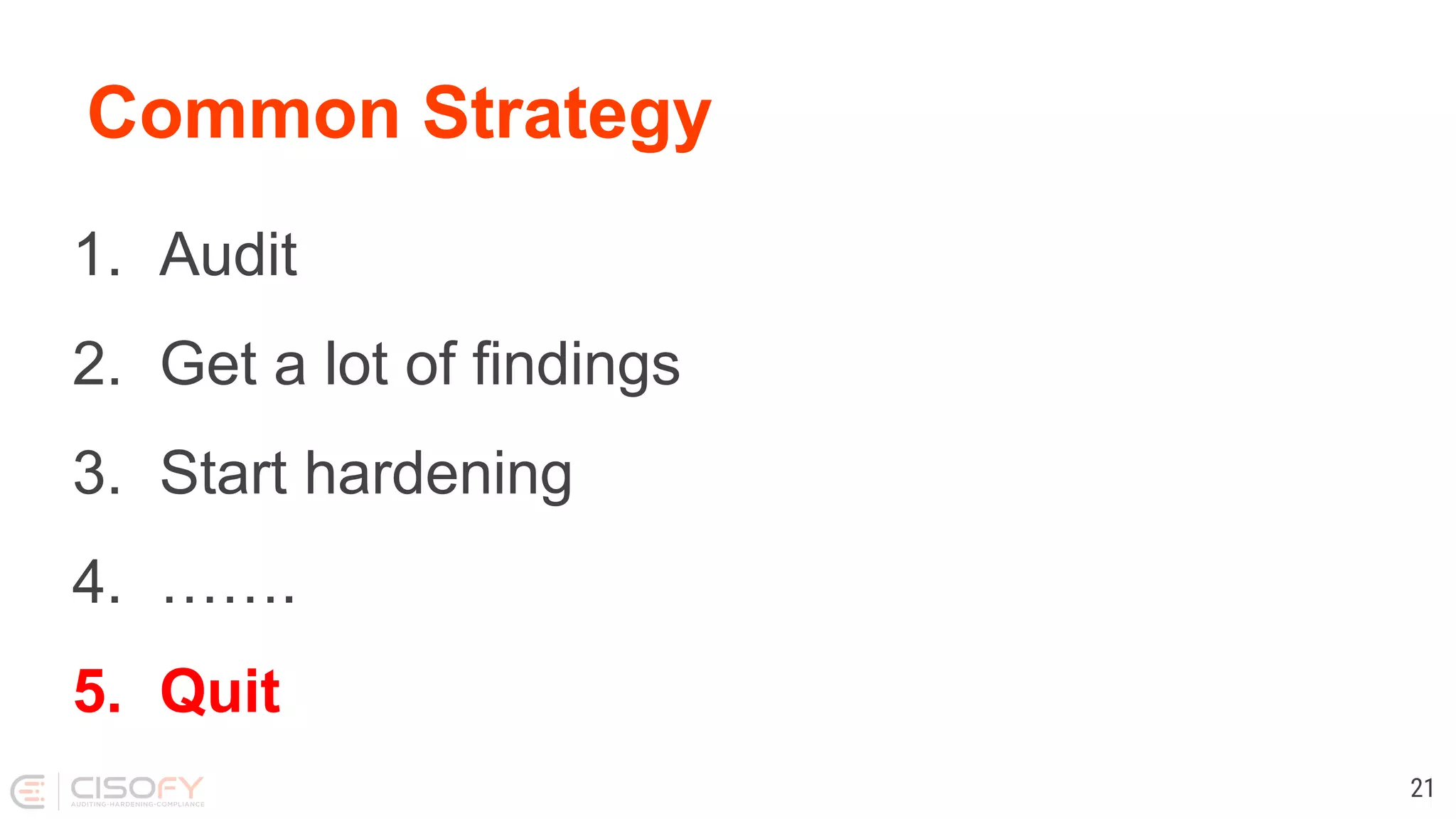
Common Strategy
1. Audit
2. Get a lot of findings
3. Start hardening
4. …….
5. Quit
21
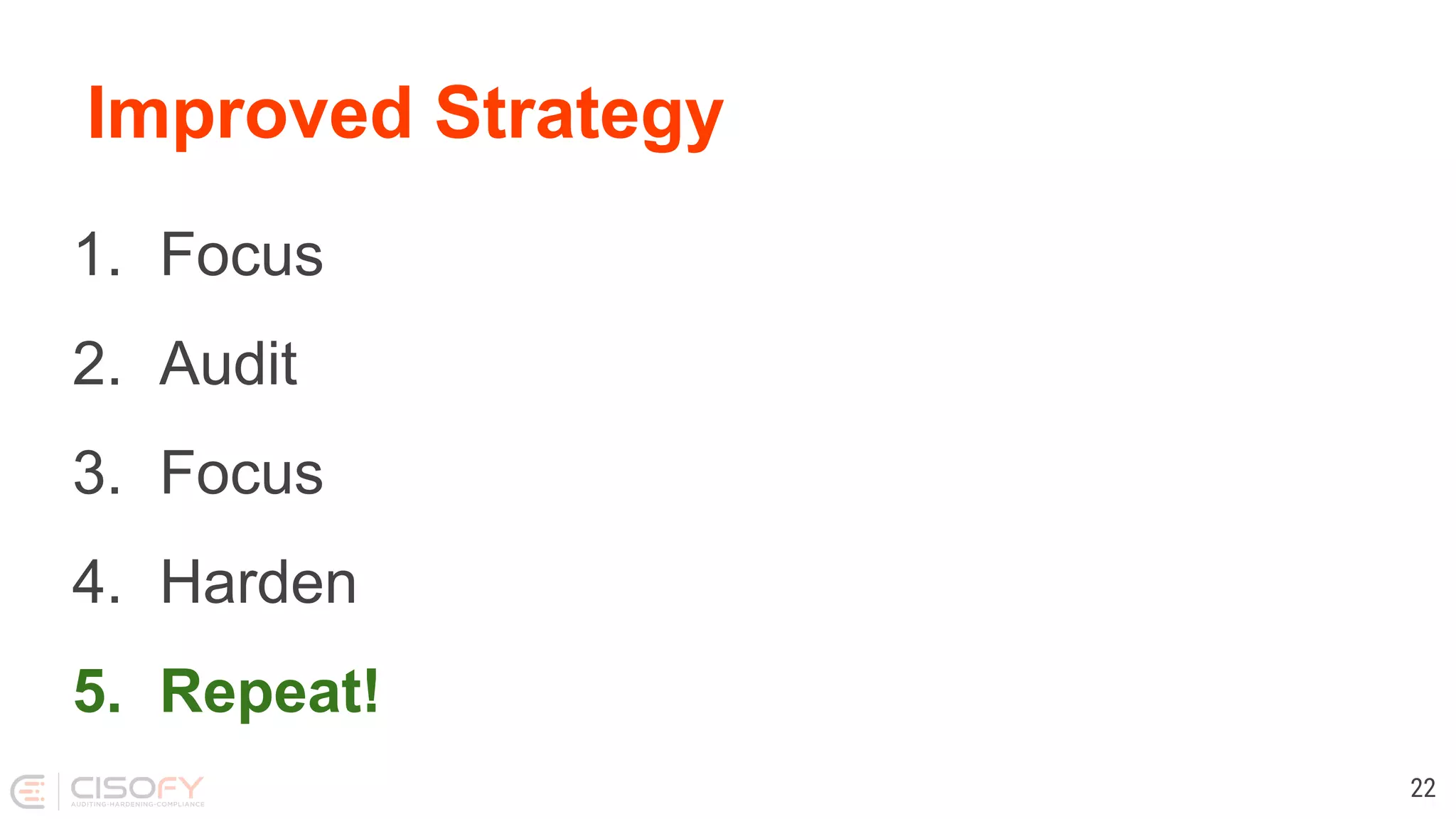
Improved Strategy
1. Focus
2. Audit
3. Focus
4. Harden
5. Repeat!
22
Guides and Tools
Options
● Benchmarks and Guides
● SCAP
● Other resources
● Tools
24
Benchmarks / Guides
● Center for Internet Security (CIS)
● NIST / NSA
● OWASP
● Vendors
25
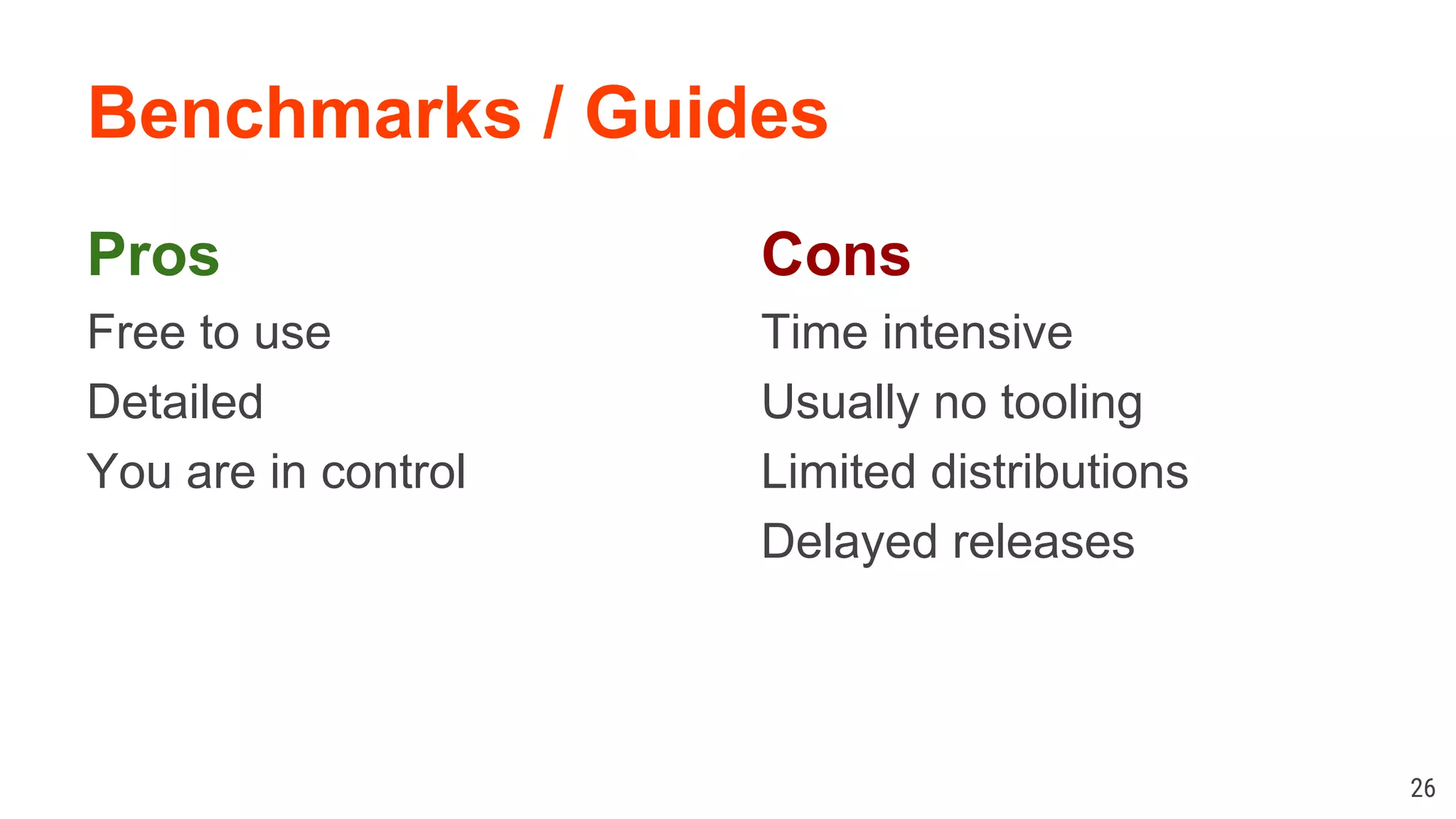
Benchmarks / Guides
Pros
Free to use
Detailed
You are in control
26
Cons
Time intensive
Usually no tooling
Limited distributions
Delayed releases
Tooling
Tools
Tools make life easier, right?
Not always...
28
Tools
Problem 1: There aren’t many
29
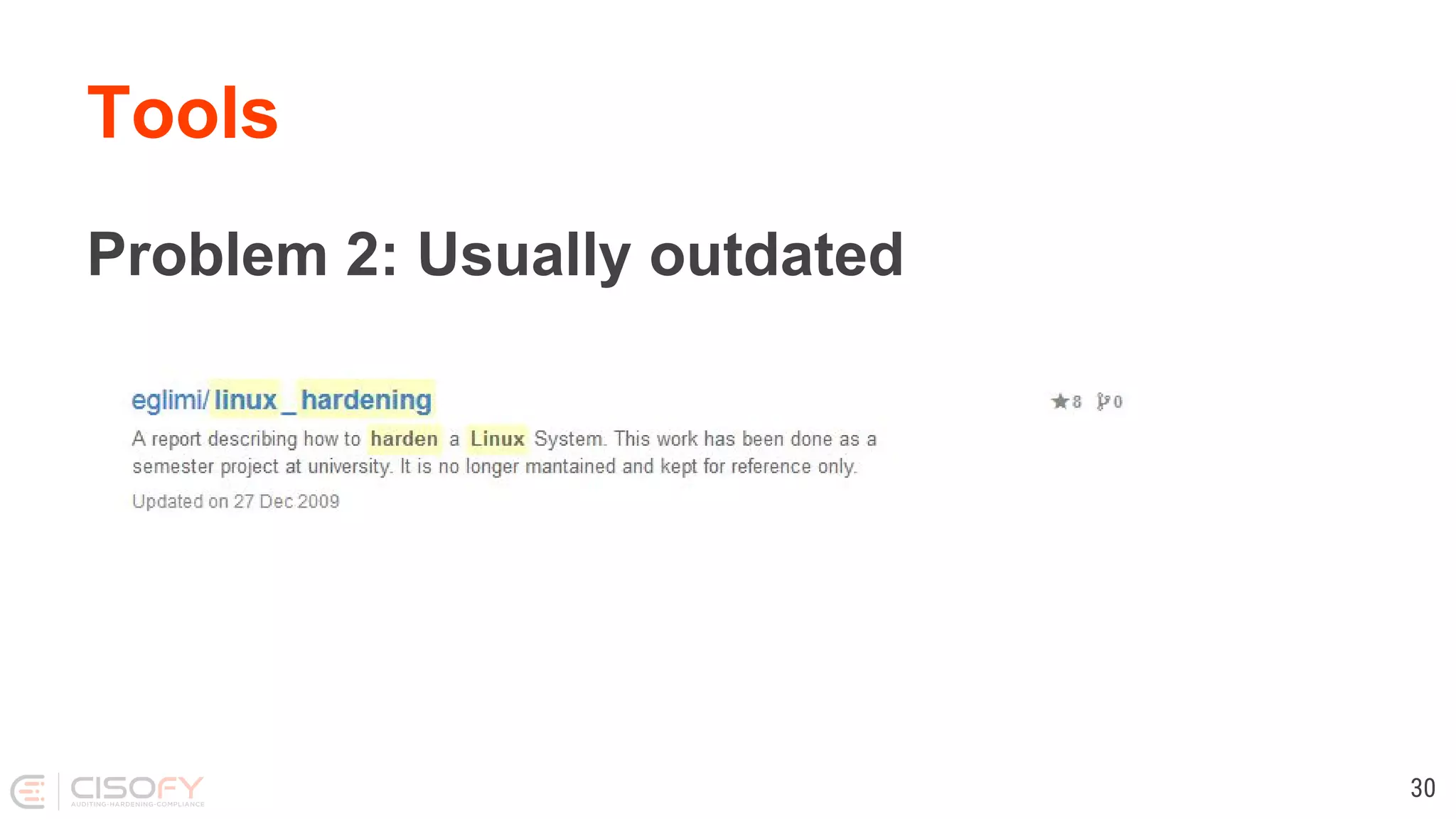
Tools
Problem 2: Usually outdated
30
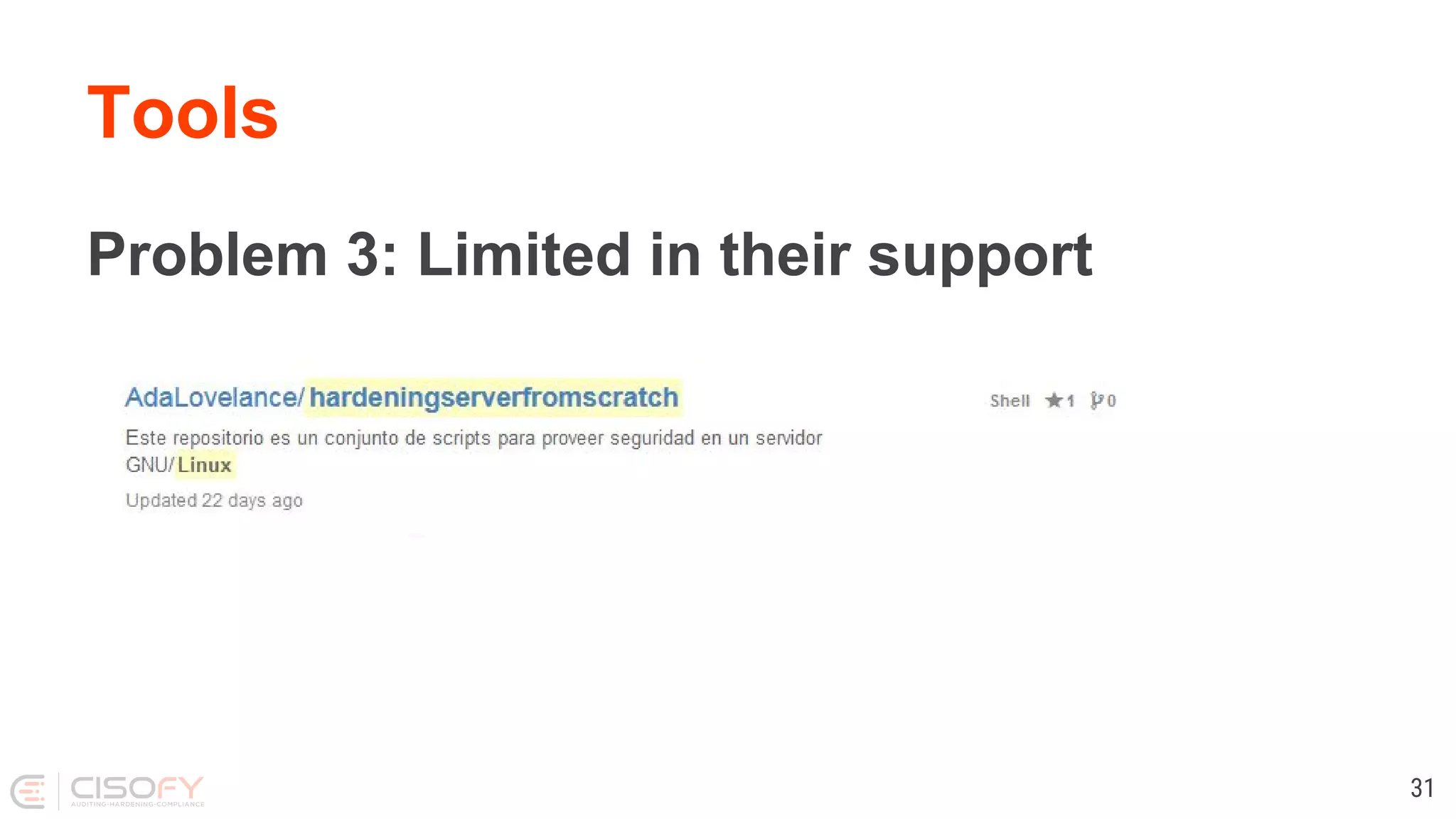
Tools
Problem 3: Limited in their support
31
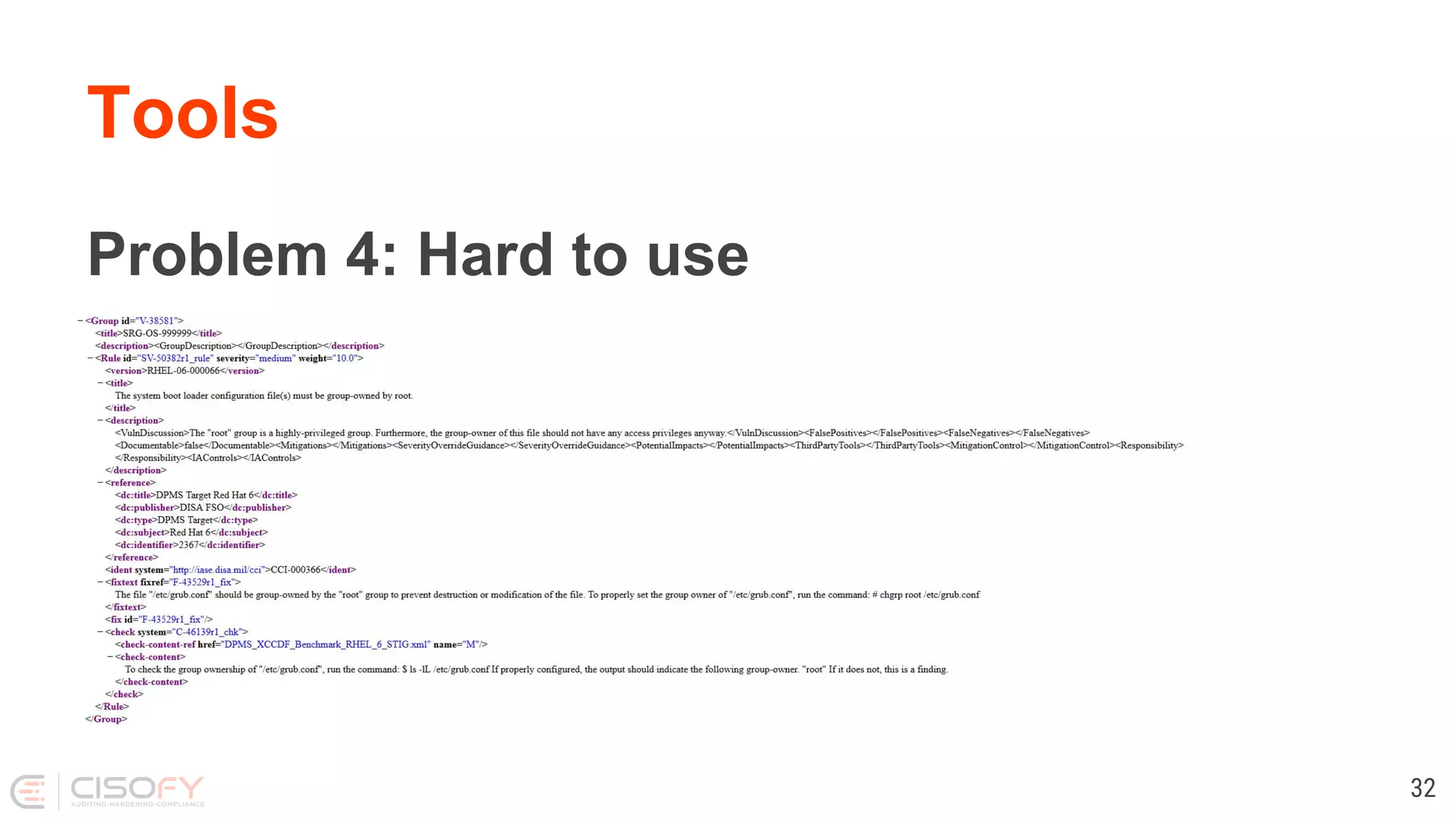
Tools
Problem 4: Hard to use
32
Tool 1: SCAP
SCAP
● Security
● Content
● Automation
● Protocol
34
SCAP
Combination of:
● Markup
● Rules
● Tooling
● Scripts
35
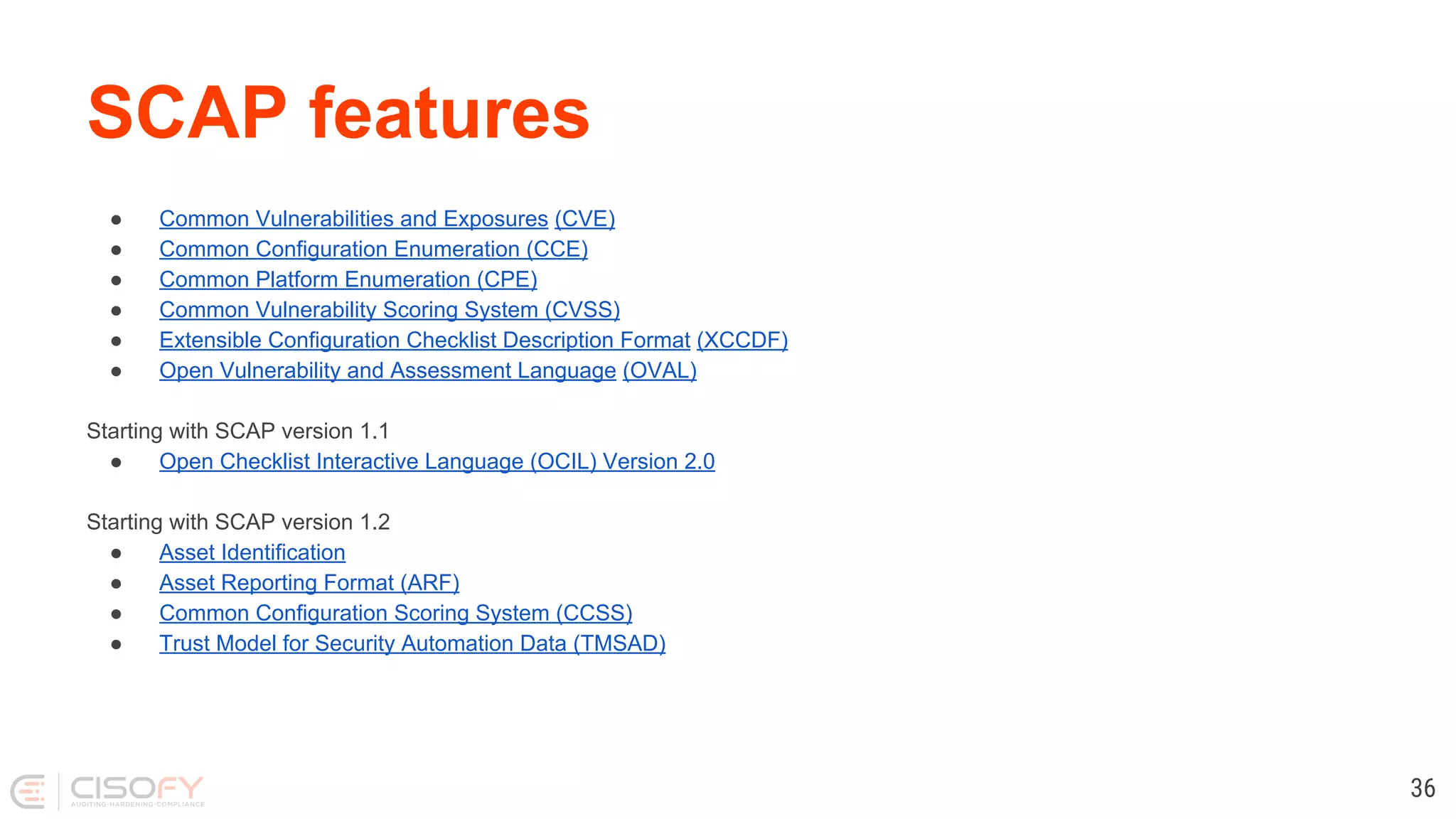
SCAP features
● Common Vulnerabilities and Exposures (CVE)
● Common Configuration Enumeration (CCE)
● Common Platform Enumeration (CPE)
● Common Vulnerability Scoring System (CVSS)
● Extensible Configuration Checklist Description Format (XCCDF)
● Open Vulnerability and Assessment Language (OVAL)
Starting with SCAP version 1.1
● Open Checklist Interactive Language (OCIL) Version 2.0
Starting with SCAP version 1.2
● Asset Identification
● Asset Reporting Format (ARF)
● Common Configuration Scoring System (CCSS)
● Trust Model for Security Automation Data (TMSAD)
36
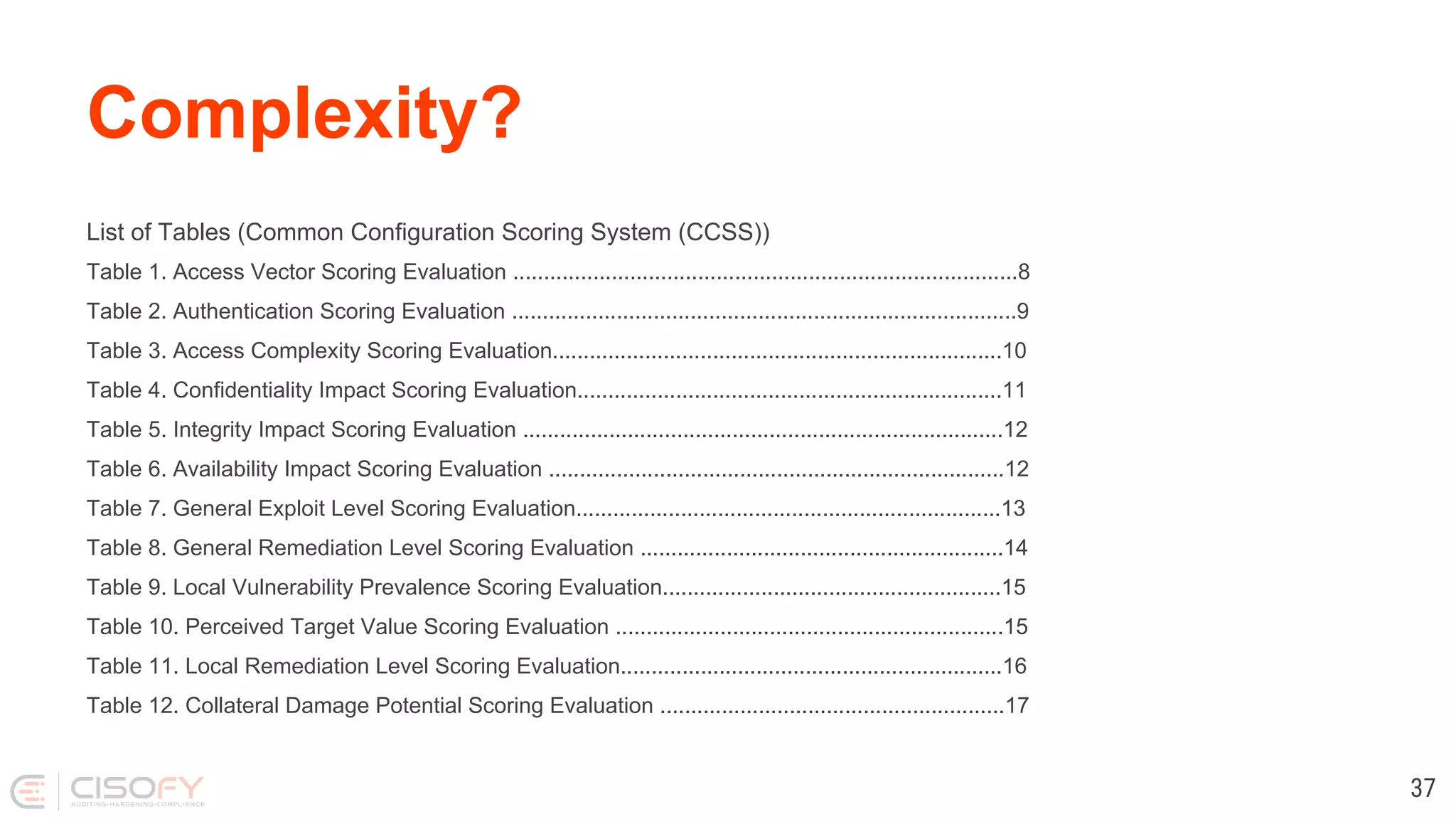
Complexity?
List of Tables (Common Configuration Scoring System (CCSS))
Table 1. Access Vector Scoring Evaluation ..................................................................................8
Table 2. Authentication Scoring Evaluation ..................................................................................9
Table 3. Access Complexity Scoring Evaluation.........................................................................10
Table 4. Confidentiality Impact Scoring Evaluation.....................................................................11
Table 5. Integrity Impact Scoring Evaluation ..............................................................................12
Table 6. Availability Impact Scoring Evaluation ..........................................................................12
Table 7. General Exploit Level Scoring Evaluation.....................................................................13
Table 8. General Remediation Level Scoring Evaluation ...........................................................14
Table 9. Local Vulnerability Prevalence Scoring Evaluation.......................................................15
Table 10. Perceived Target Value Scoring Evaluation ...............................................................15
Table 11. Local Remediation Level Scoring Evaluation..............................................................16
Table 12. Collateral Damage Potential Scoring Evaluation ........................................................17
37
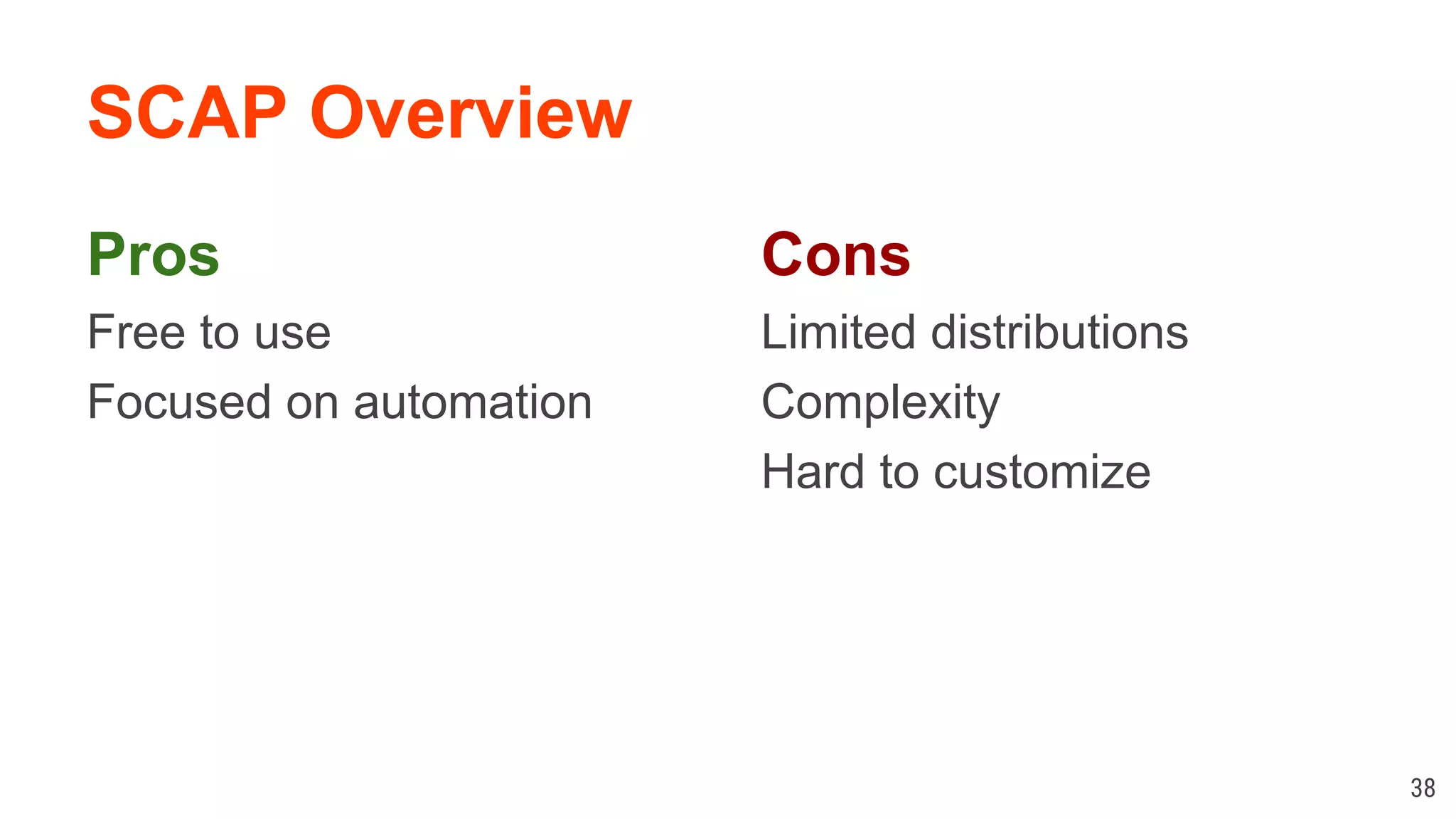
SCAP Overview
Pros
Free to use
Focused on automation
38
Cons
Limited distributions
Complexity
Hard to customize
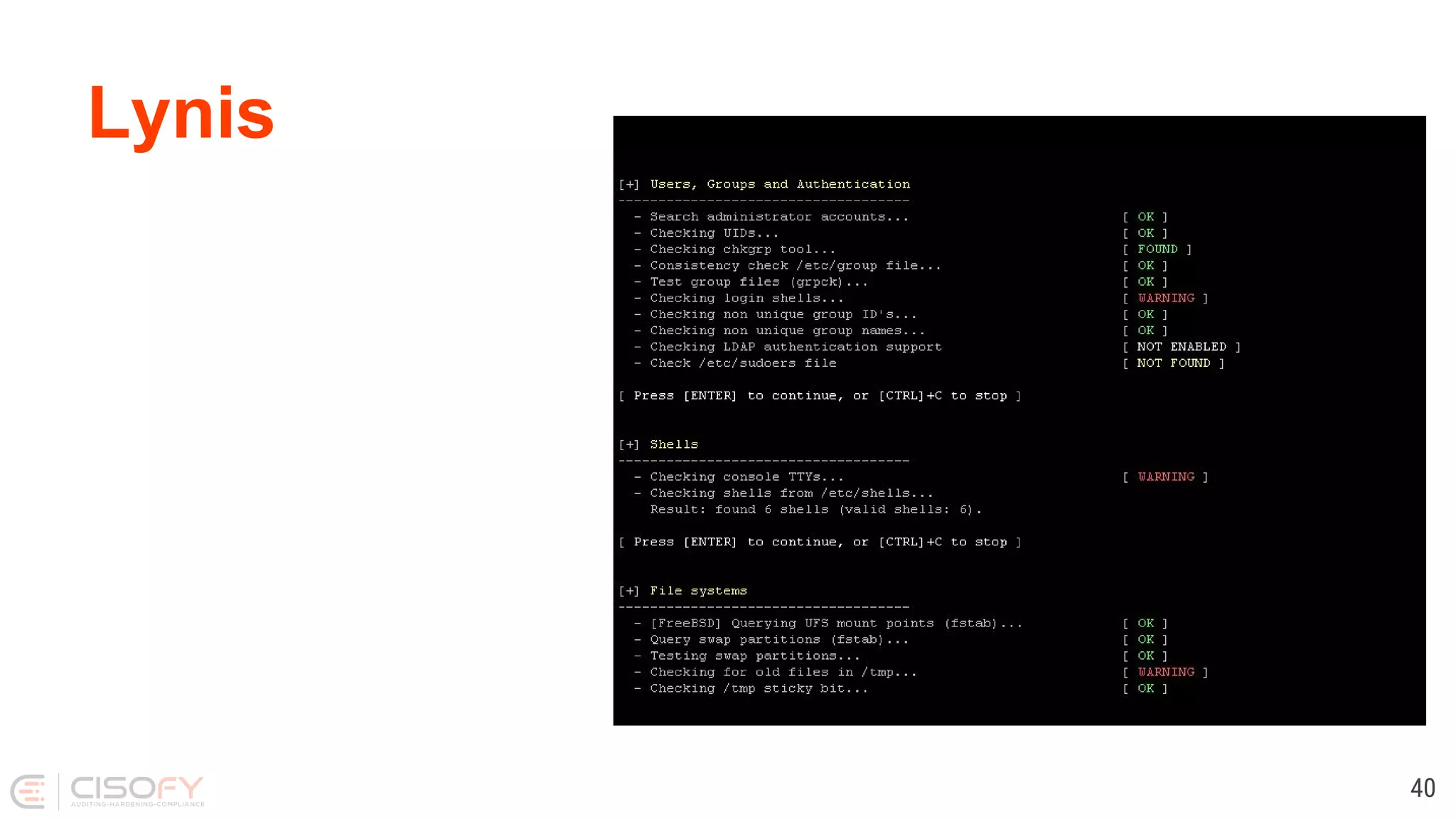
Tool 2: Lynis
Lynis
40
Lynis
Goals
● Perform a quick security scan
● Collect data
● Define next hardening steps
41
Lynis
Background
● Since 2007
● Goals
○ Flexible
○ Portable
42
Lynis
Open Source Software
● GPLv3
● Shell
● Community
43
Lynis
Simple
● No installation needed
● Run with just one parameter
● No configuration needed
44
Lynis
Flexibility
● No dependencies*
● Option to extend easily
● Custom tests
* Besides common tools like awk, grep, ps
45
Lynis
Portability
● Run on all Unix platforms
● Detect and use “on the go”
● Usable after OS version upgrade
46
How it works
1. Initialise
2. OS detection
3. Detect binaries
4. Run helpers/plugins/tests
5. Show report
47
Running
1. lynis
2. lynis audit system
3. lynis audit system --quick
4. lynis audit system --quick --quiet
48
Demo?
Conclusions
● Protect your precious
● Hardening
● Do regular checks
50
You finished this presentation
Success!
Learn more?
Follow
● Blog Linux Audit (linux-audit.com)
● Twitter @mboelen
52

Linux Security, from Concept to Tooling