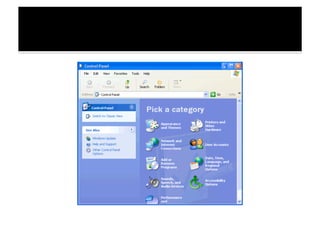
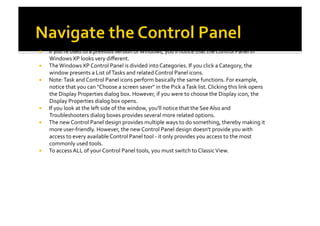
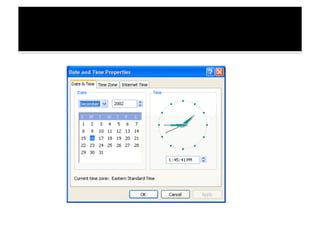
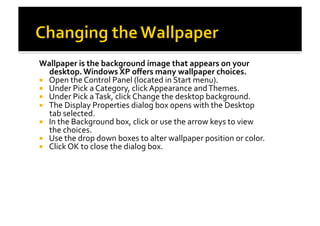
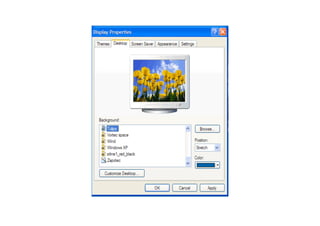
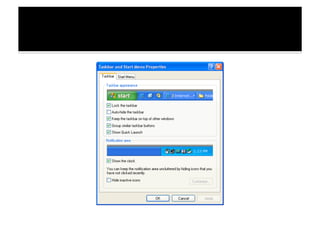
The document discusses accessing and customizing features in the Windows XP Control Panel. It provides instructions for opening the Control Panel through the Start menu or by typing "Control Panel" in the address bar. It describes how the Control Panel is organized into categories and tasks. The document then provides examples of using the Control Panel to change the date and time, select a new desktop wallpaper, choose a screen saver, and customize the taskbar.




![K-12 Module in TLE - ICT Grade 9 [All Gradings]](https://cdn.slidesharecdn.com/ss_thumbnails/k-12moduleintle-ictgrade9allgradings-150622124134-lva1-app6892-thumbnail.jpg?width=640&height=640&fit=bounds)


![K-12 Module in TLE - ICT Grade 10 [All Gradings]](https://cdn.slidesharecdn.com/ss_thumbnails/grade10-tle-ict-chs-lm-160617105039-thumbnail.jpg?width=640&height=640&fit=bounds)


