
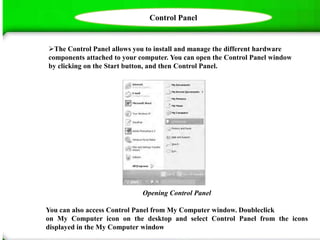
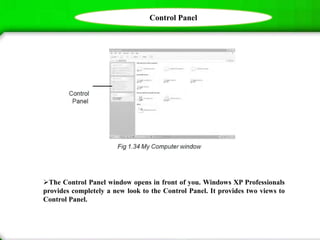
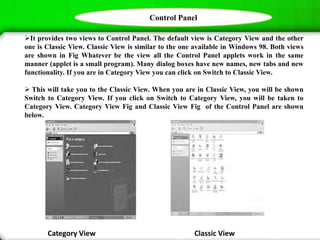


This document provides information about the Windows XP Control Panel. It explains that the Control Panel allows users to install and manage hardware components connected to their computer. It can be accessed through the Start menu or My Computer window. The Control Panel window opens and displays options in either a Category View or Classic View. It provides brief descriptions of some of the Control Panel applets, such as those for adjusting accessibility settings, changing the date/time, customizing the desktop appearance, managing fonts, and configuring keyboard, mouse, printer, language, and user account settings.


