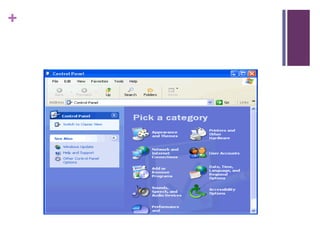
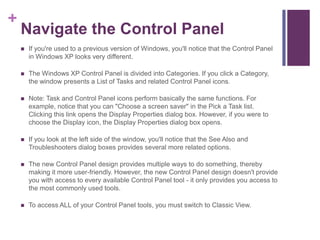
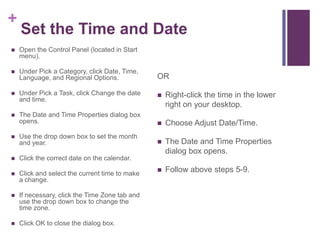
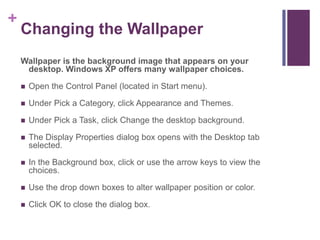
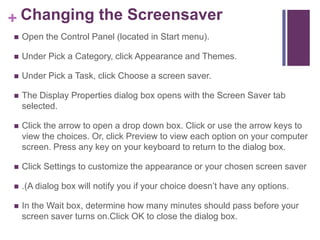
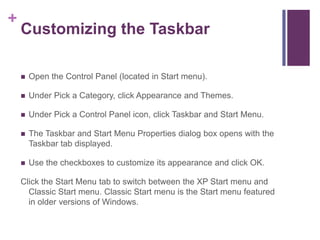
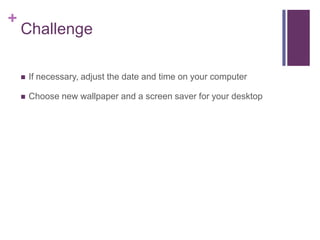
The document provides instructions for accessing and customizing features in the Windows XP Control Panel. It explains how to access the Control Panel through the Start menu or by typing "Control Panel" in the address bar. It then gives directions for changing the date and time, selecting a new desktop wallpaper, choosing a screensaver, and customizing the taskbar. The Control Panel allows users to control how Windows XP features look and function through a series of categories, tasks, and icons without needing extensive computer knowledge.