Download to read offline

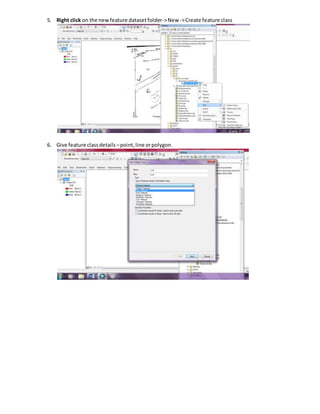
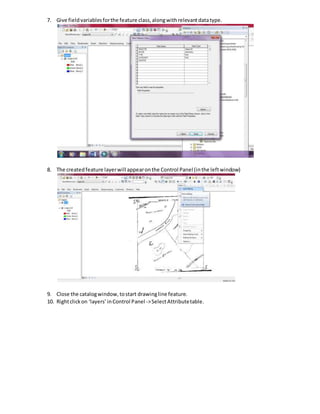
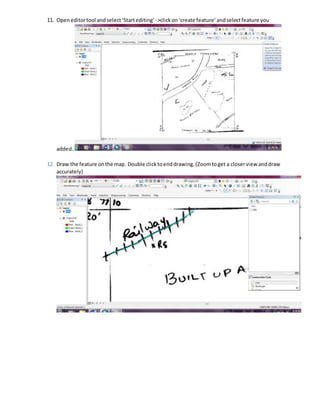
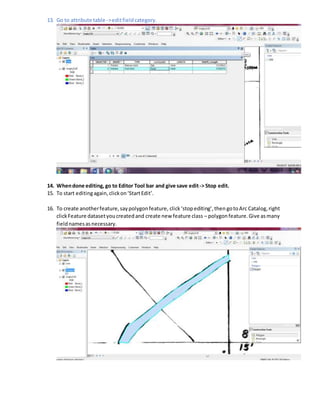
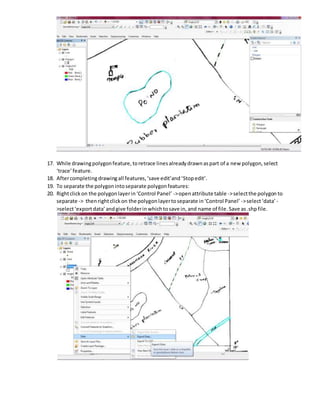
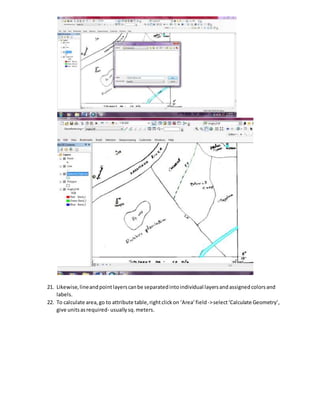
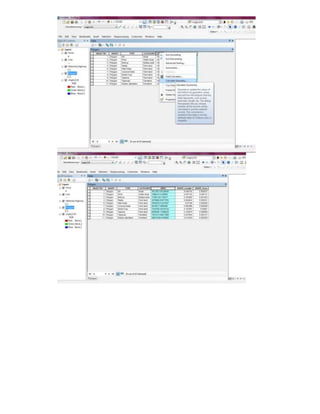
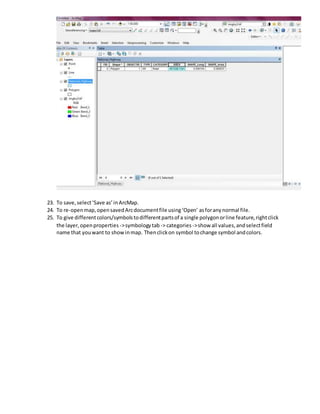

1. The document describes steps to create a geodatabase with feature datasets and feature classes in ArcGIS including setting a coordinate system, creating feature classes for points, lines, and polygons, adding attribute fields, and starting an editing session to draw features on a map. 2. Key steps include creating a personal geodatabase in an ArcCatalog folder, making feature datasets within it, adding feature classes designating geometry types, and populating attribute tables before and during editing. 3. Features can then be separated into individual layers, geometry calculated, and symbols customized for map display.


