Introduction to Computer Science (I) Inside the Computer
Computer System A computer system consists of Hardware: The set of electronic elements required to run programs Software: The set of instructions to be run on the hardware Data: Raw facts as input to the computer.  After processed, useful information as the output of the computer is produced User
Binary Digits: 1 and 0 Types of signals Analog: Continuous waveforms in which variations in frequency and amplitude can be used to represent information Digital: Discrete signals in two states.  Generally, the on state is expressed or represented by the number 1 and the off state by the number 0
Digitalized data in computers Letters Numbers Colors Sounds Images Odors Bit: An on or off electronic state On-bit: 1 Off-bit: 0
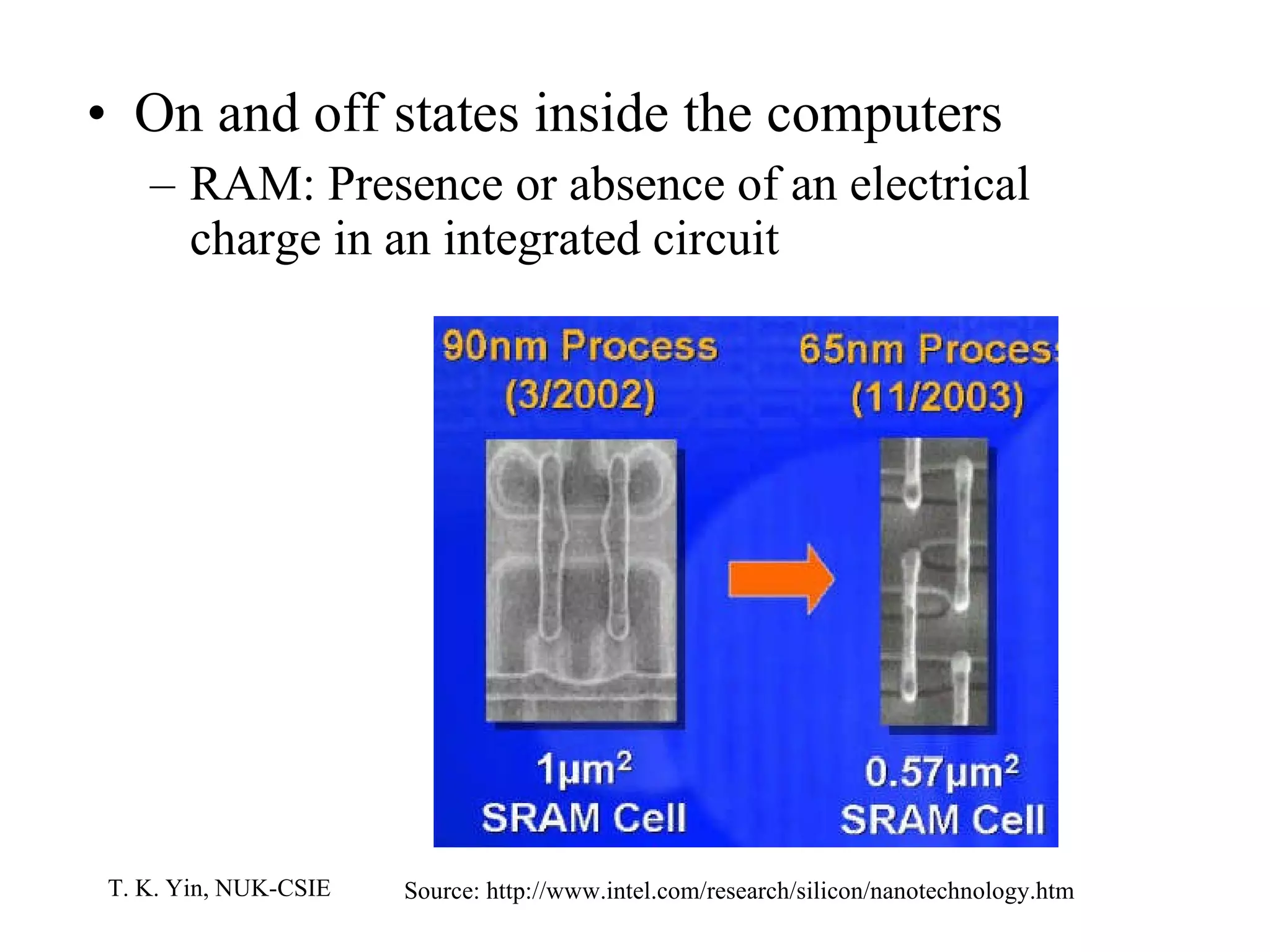
On and off states inside the computers RAM: Presence or absence of an electrical charge in an integrated circuit Source: http://www.intel.com/research/silicon/nanotechnology.htm
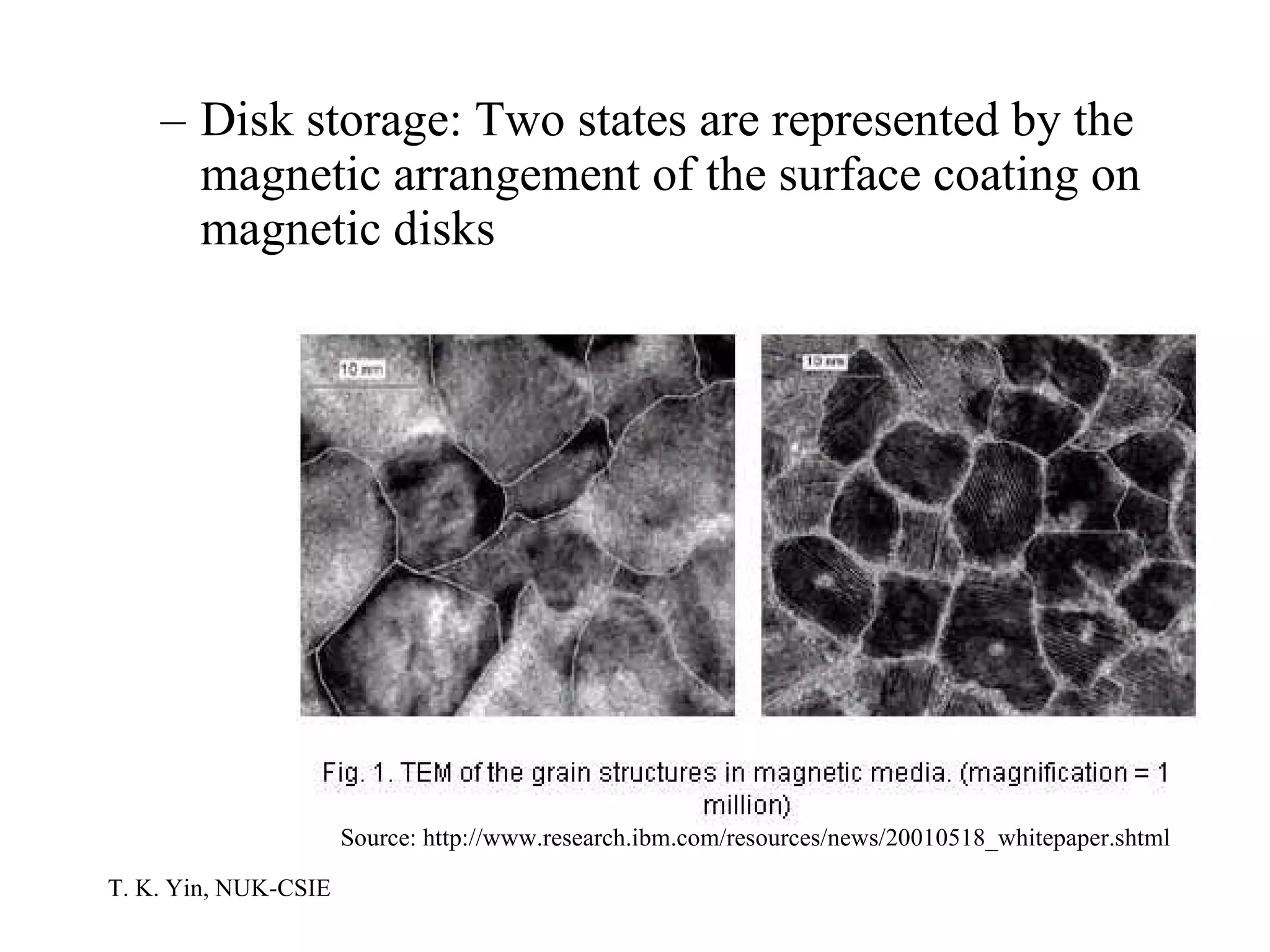
Disk storage: Two states are represented by the magnetic arrangement of the surface coating on magnetic disks Source: http://www.research.ibm.com/resources/news/20010518_whitepaper.shtml
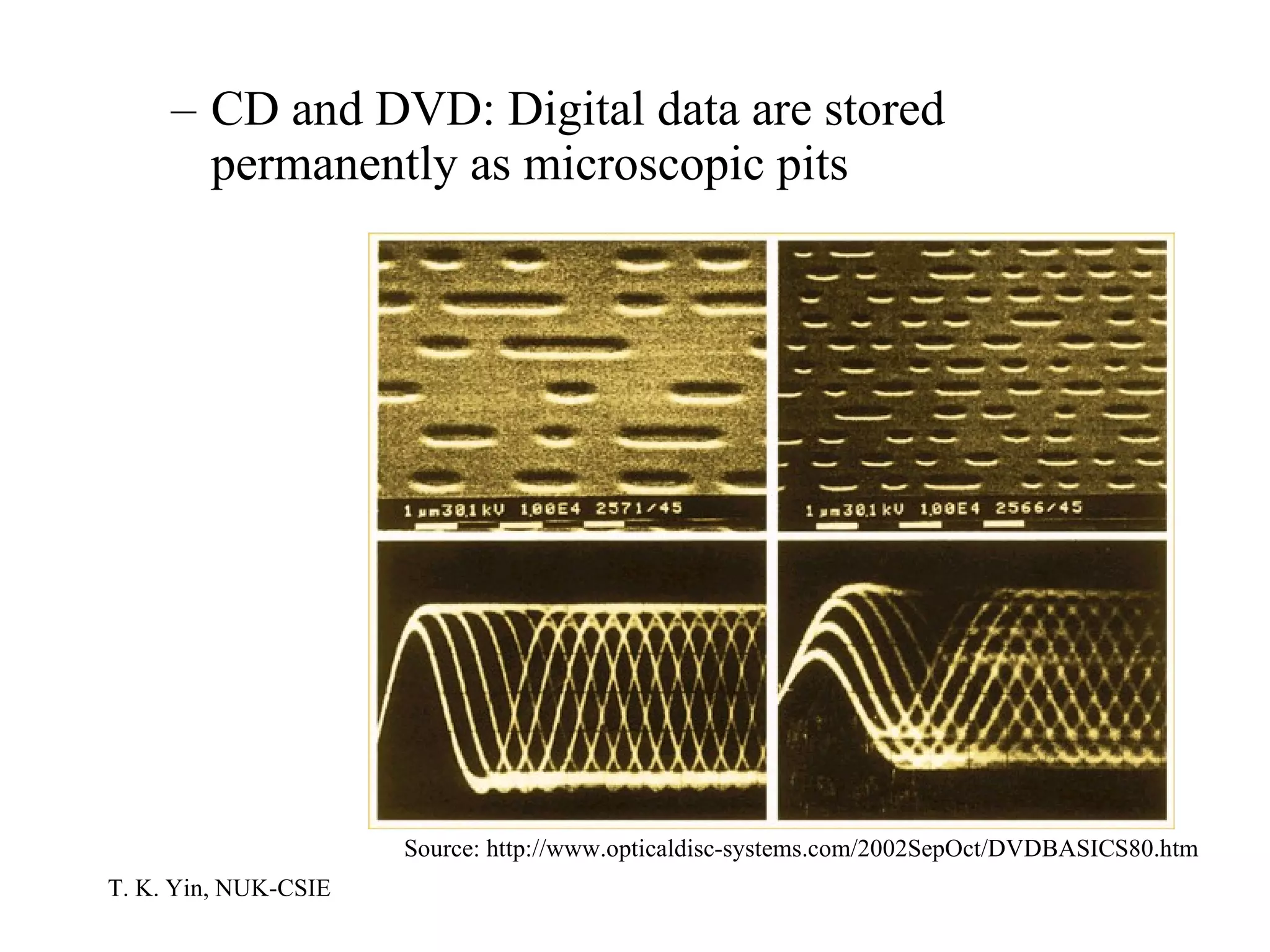
CD and DVD: Digital data are stored permanently as microscopic pits Source: http://www.opticaldisc-systems.com/2002SepOct/DVDBASICS80.htm
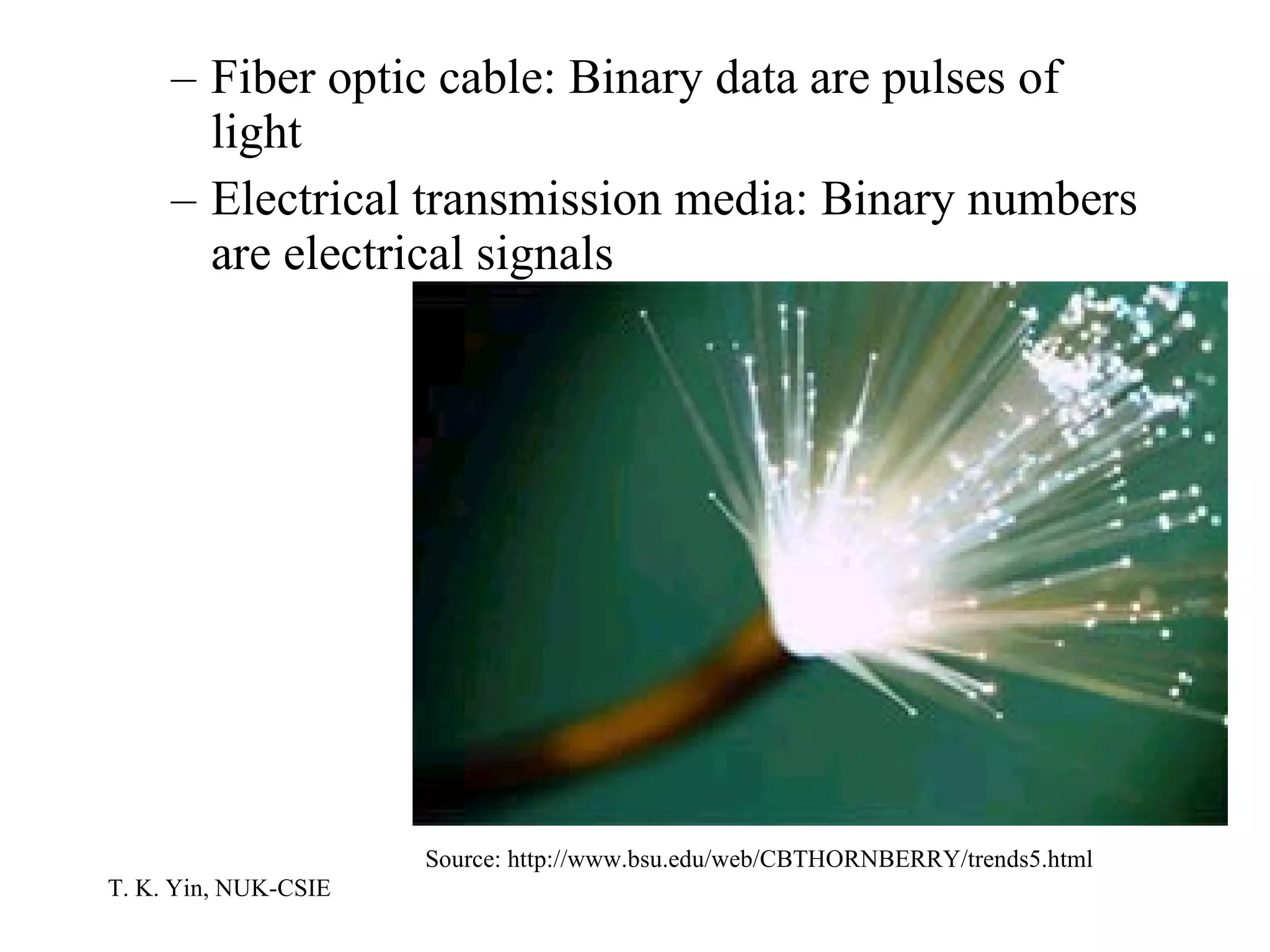
Fiber optic cable: Binary data are pulses of light Electrical transmission media: Binary numbers are electrical signals Source: http://www.bsu.edu/web/CBTHORNBERRY/trends5.html
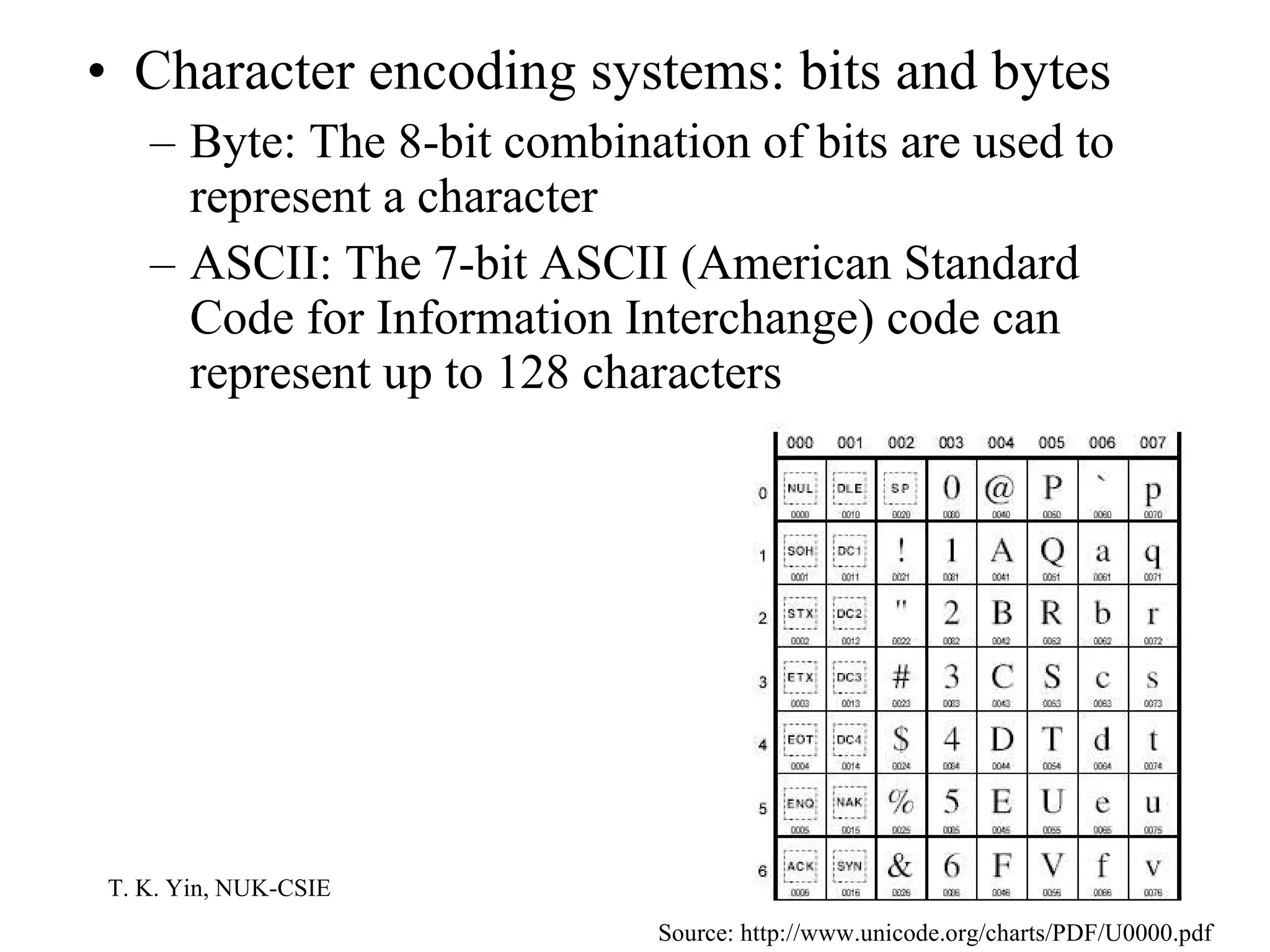
Character encoding systems: bits and bytes Byte: The 8-bit combination of bits are used to represent a character ASCII: The 7-bit ASCII (American Standard Code for Information Interchange) code can represent up to 128 characters Source: http://www.unicode.org/charts/PDF/U0000.pdf
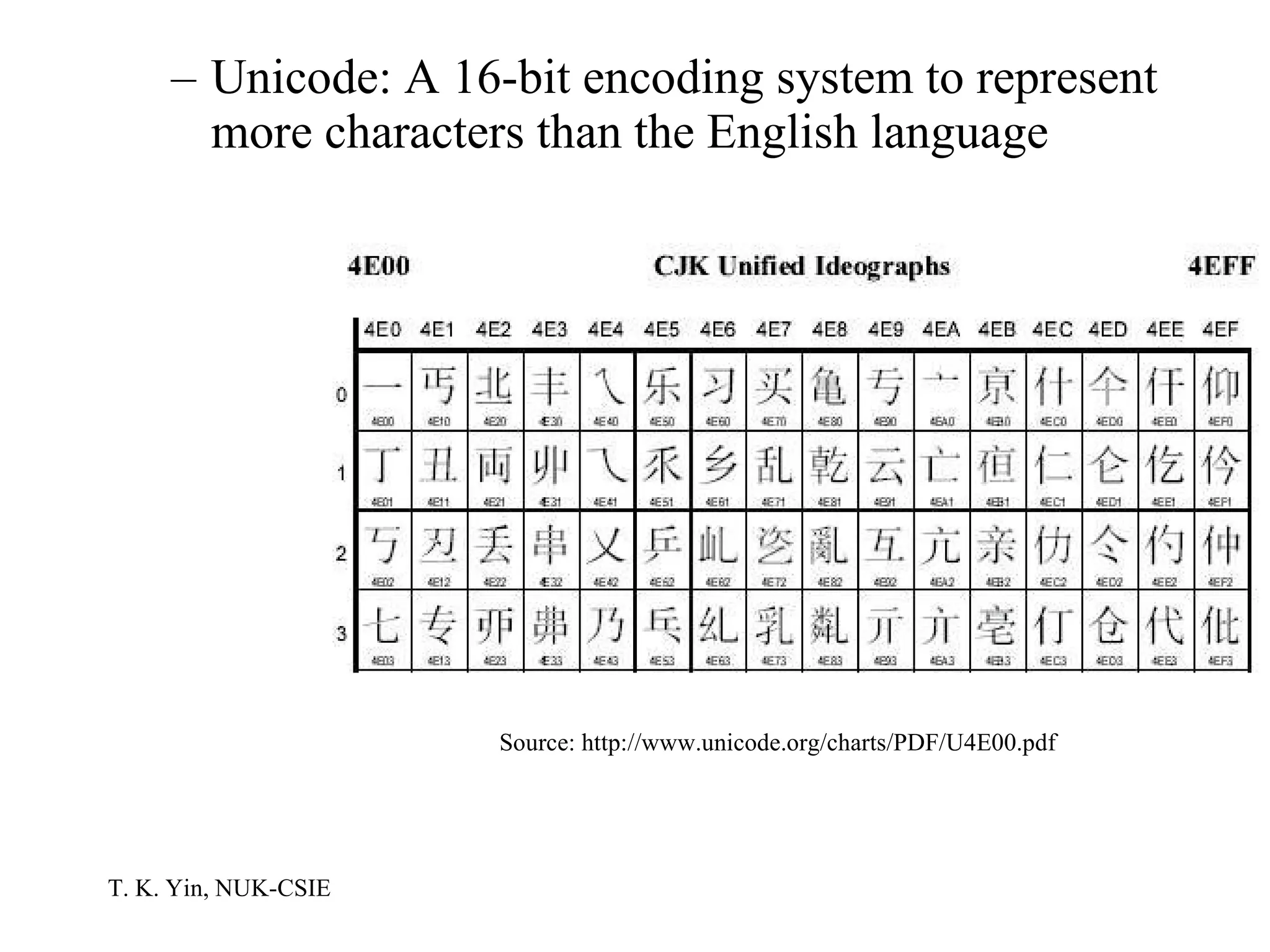
Unicode: A 16-bit encoding system to represent more characters than the English language Source: http://www.unicode.org/charts/PDF/U4E00.pdf
The Components of A Computer  Von Neumann architecture The model of computing proposed by John Von Neumann (1903-1957) in 1946 The stored program computer The instructions that control the operation of the computer be encoded as binary values and stored internally in the memory unit along with the data The basis of the structure and organization of virtually all modern computers
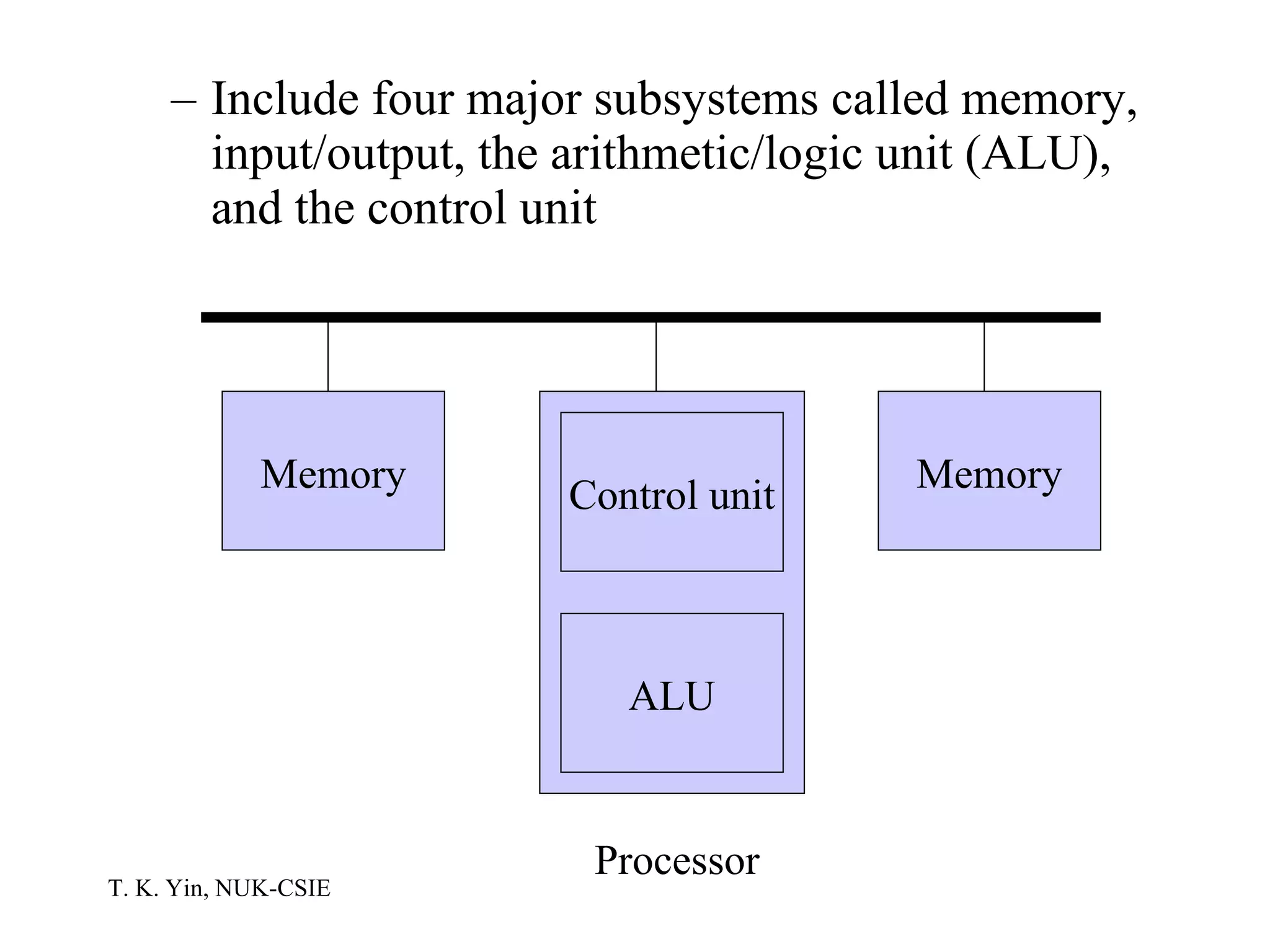
Include four major subsystems called memory, input/output, the arithmetic/logic unit (ALU), and the control unit Memory Memory Control unit ALU Processor
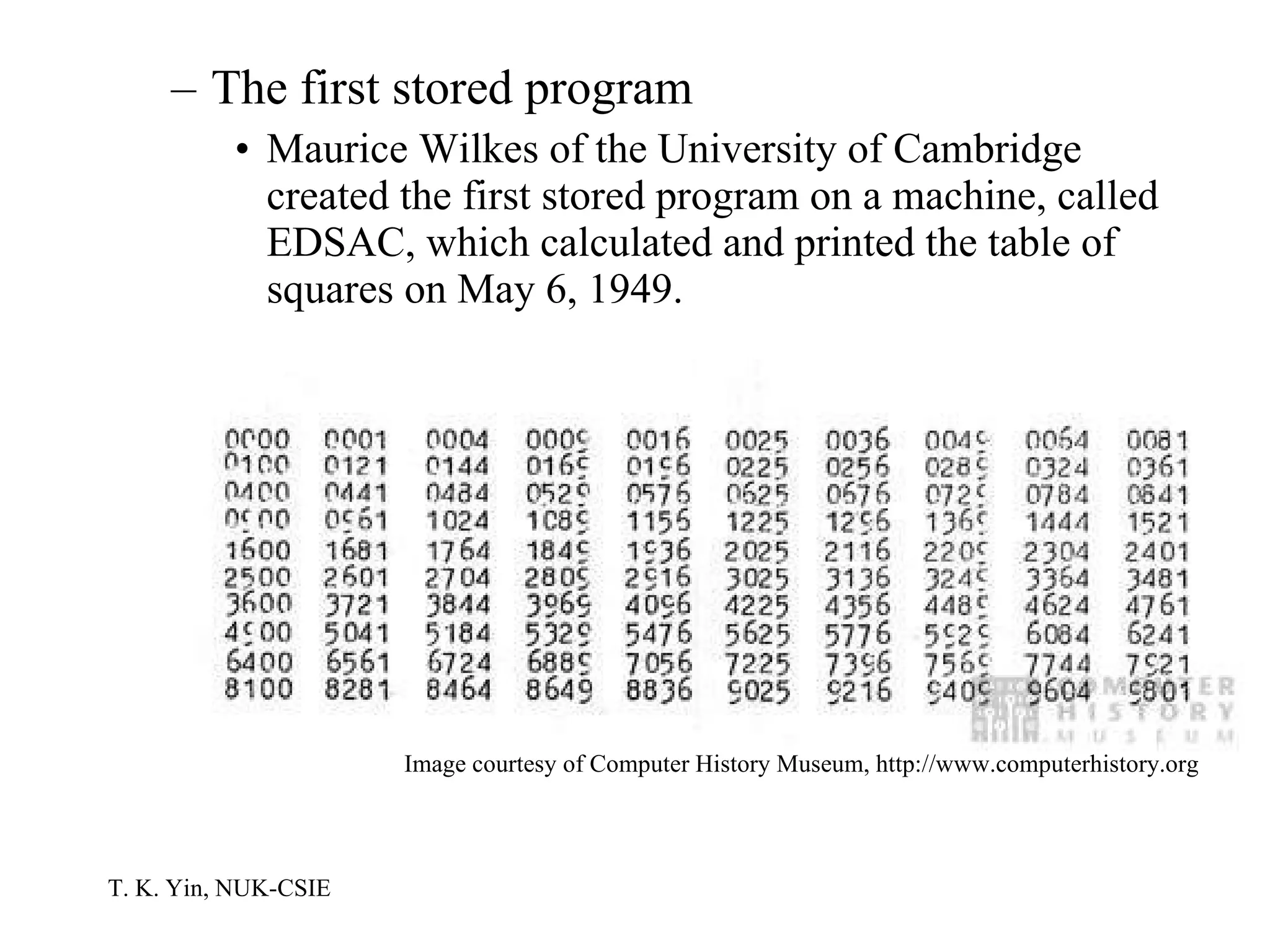
The first stored program Maurice Wilkes of the University of Cambridge created the first stored program on a machine, called EDSAC, which calculated and printed the table of squares on May 6, 1949.  Image courtesy of Computer History Museum, http://www.computerhistory.org
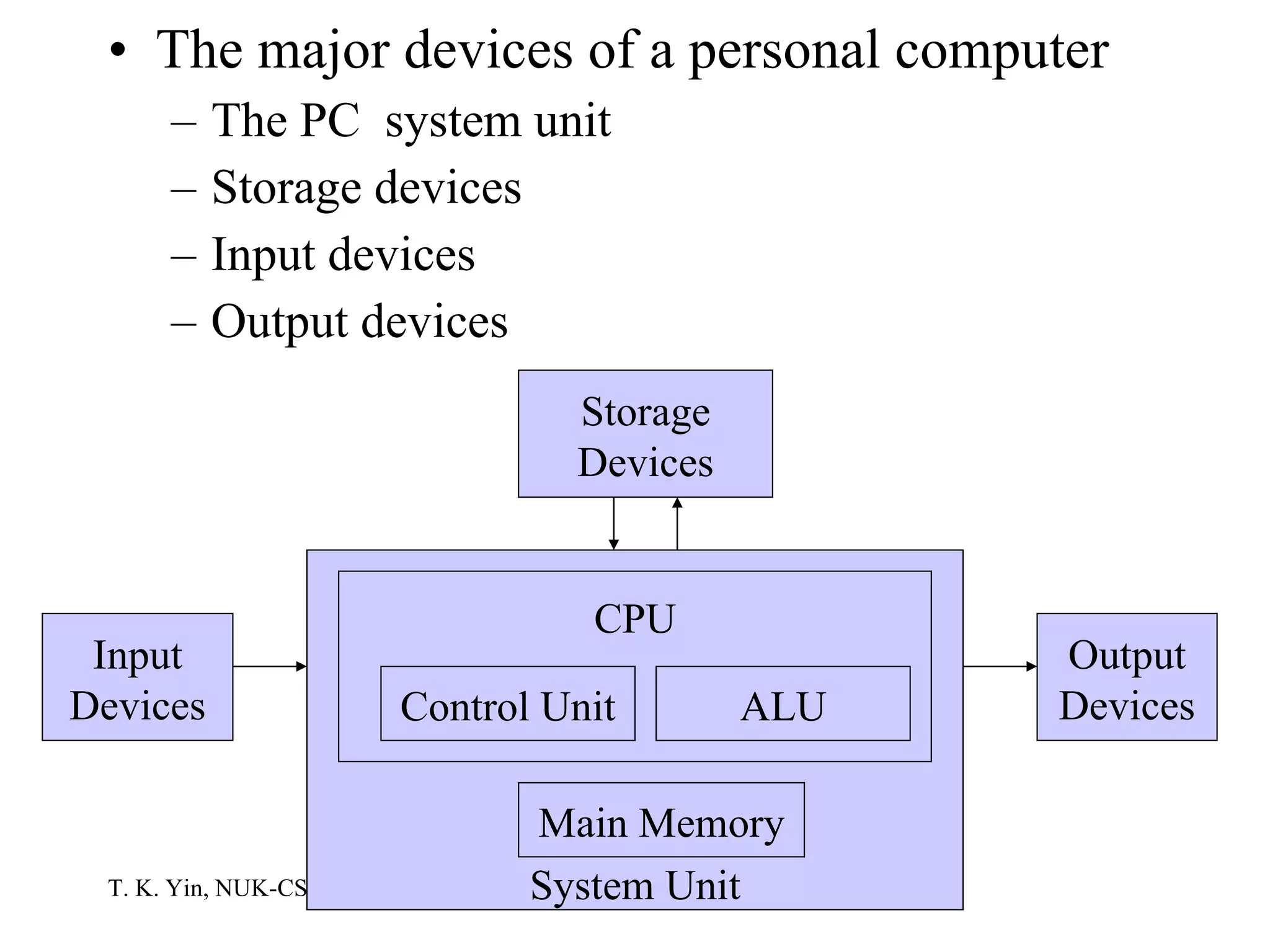
The major devices of a personal computer The PC  system unit Storage devices Input devices Output devices System Unit Storage Devices CPU Output Devices Control Unit Input Devices ALU Main Memory
The PC System Unit The motherboard A single circuit board provides the path through which the processor communicates with memory components and peripheral devices Attached devices Processor Support electronic circuitry, such as the chipset Memory chips Expansion boards
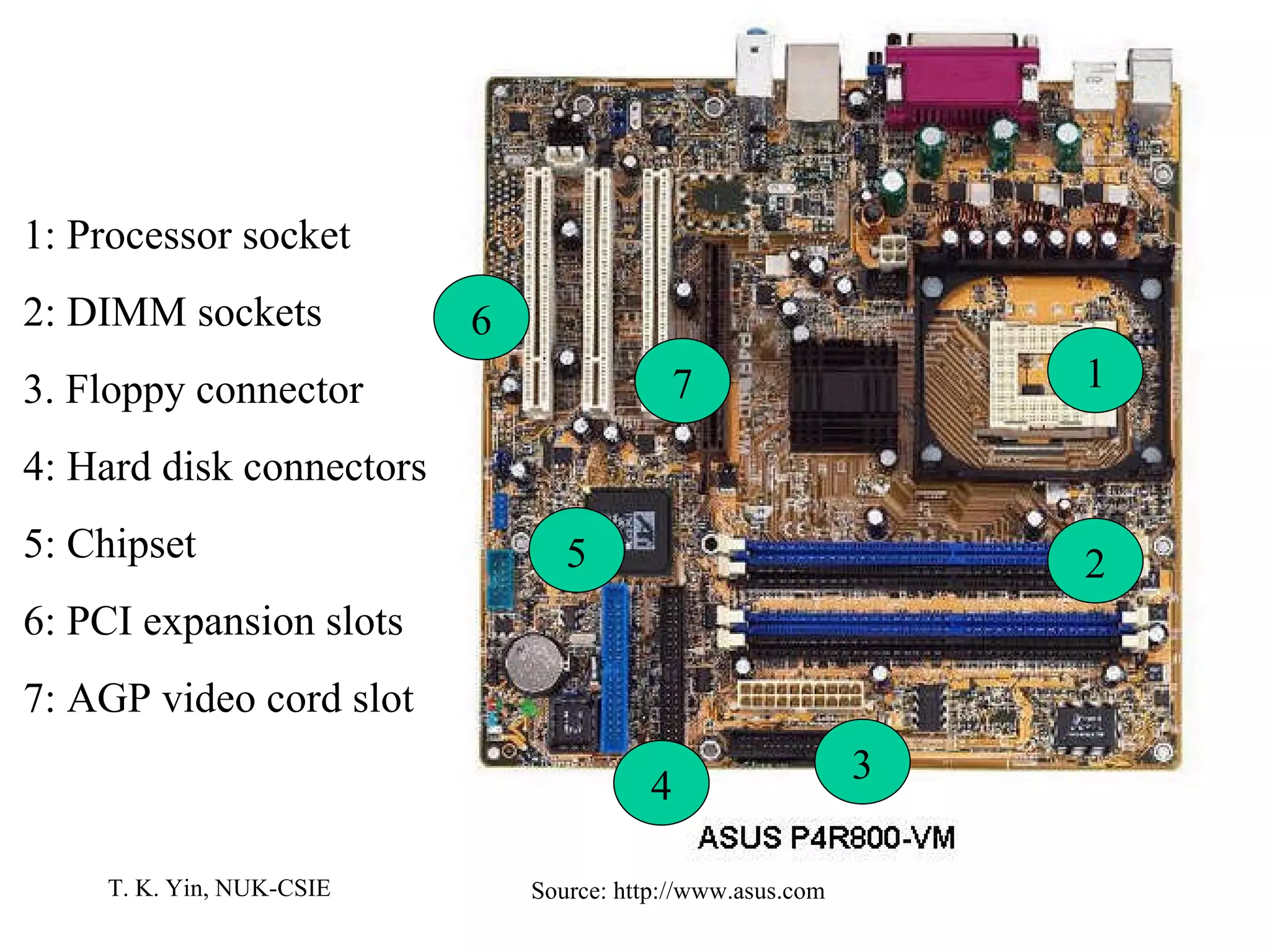
Source: http://www.asus.com 1 2 3 4 5 6 7 1: Processor socket 2: DIMM sockets 3. Floppy connector 4: Hard disk connectors 5: Chipset 6: PCI expansion slots 7: AGP video cord slot
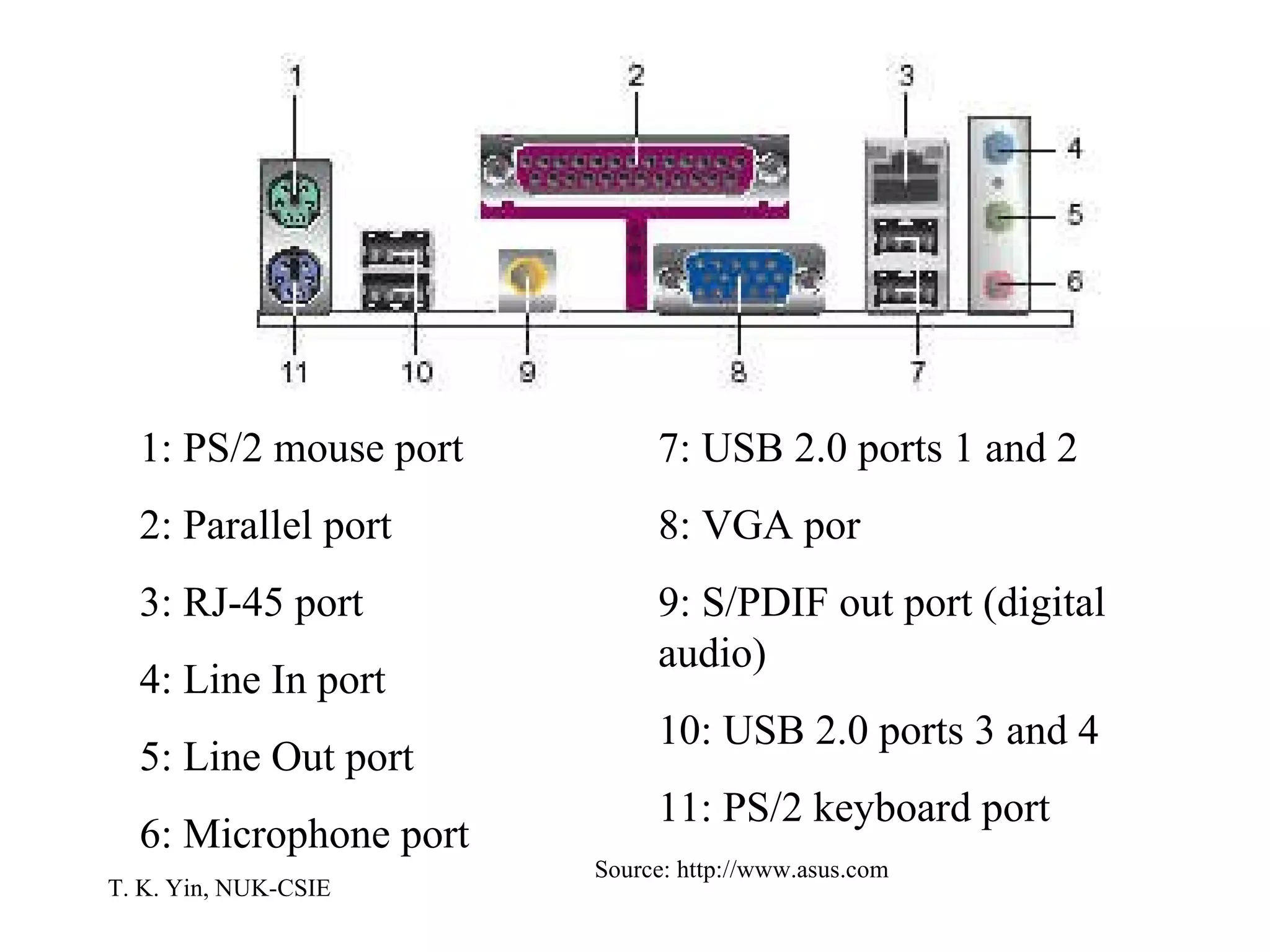
1: PS/2 mouse port 2: Parallel port 3: RJ-45 port 4: Line In port 5: Line Out port 6: Microphone port 7: USB 2.0 ports 1 and 2 8: VGA por 9: S/PDIF out port (digital audio) 10: USB 2.0 ports 3 and 4 11: PS/2 keyboard port Source: http://www.asus.com
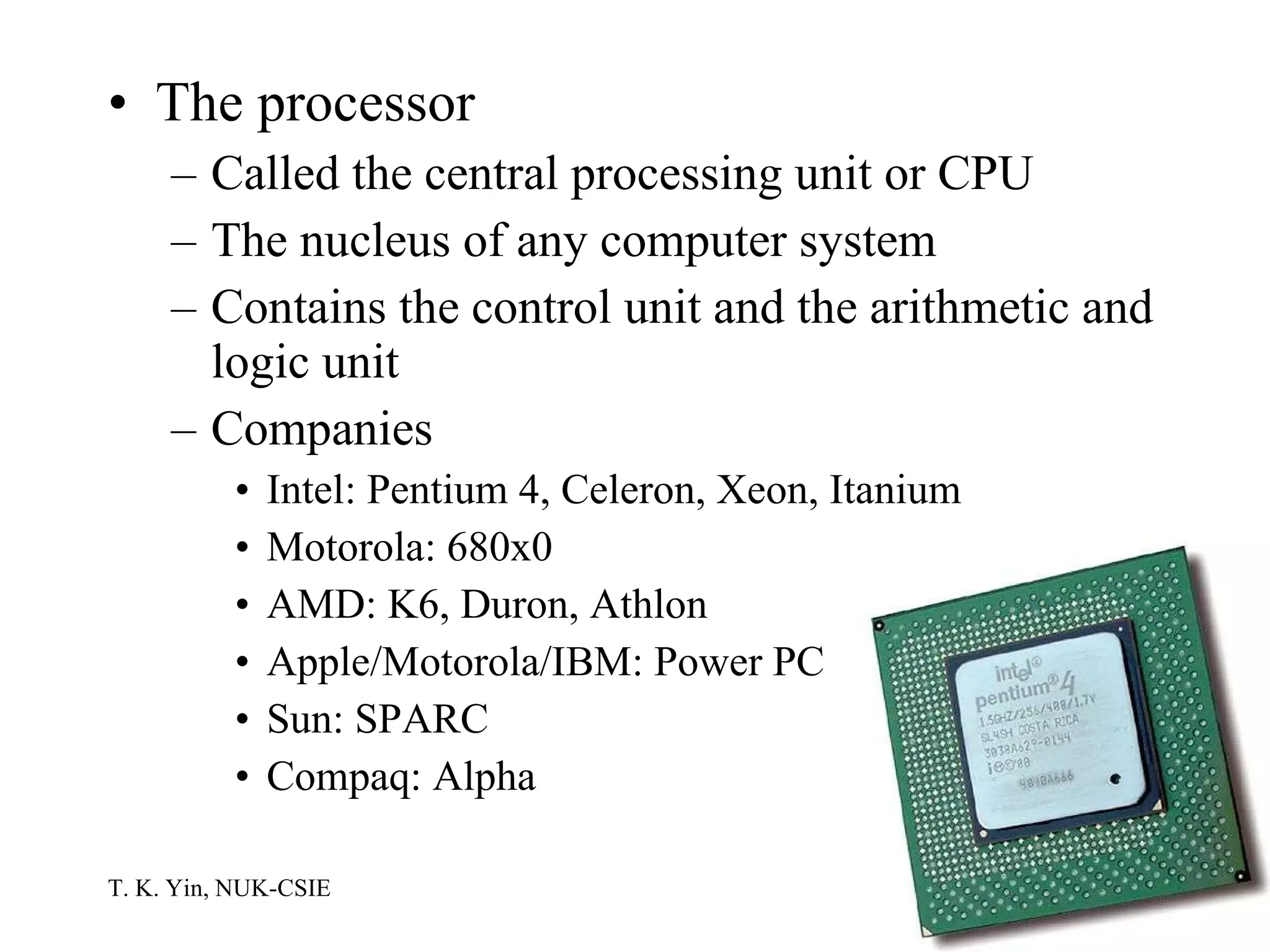
The processor Called the central processing unit or CPU The nucleus of any computer system Contains the control unit and the arithmetic and logic unit Companies Intel: Pentium 4, Celeron, Xeon, Itanium Motorola: 680x0 AMD: K6, Duron, Athlon Apple/Motorola/IBM: Power PC Sun: SPARC Compaq: Alpha
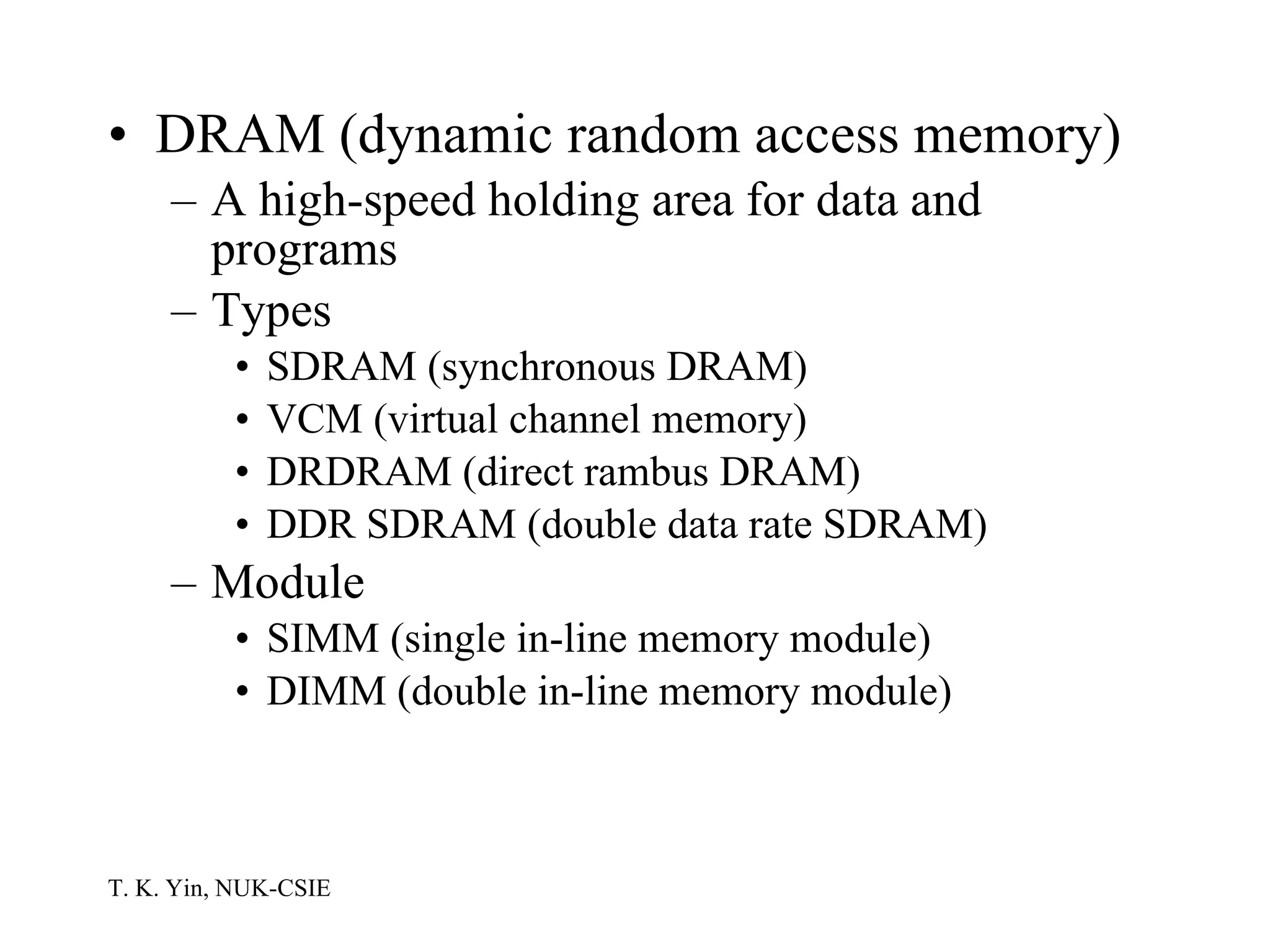
DRAM (dynamic random access memory) A high-speed holding area for data and programs Types SDRAM (synchronous DRAM) VCM (virtual channel memory) DRDRAM (direct rambus DRAM) DDR SDRAM (double data rate SDRAM) Module SIMM (single in-line memory module) DIMM (double in-line memory module)
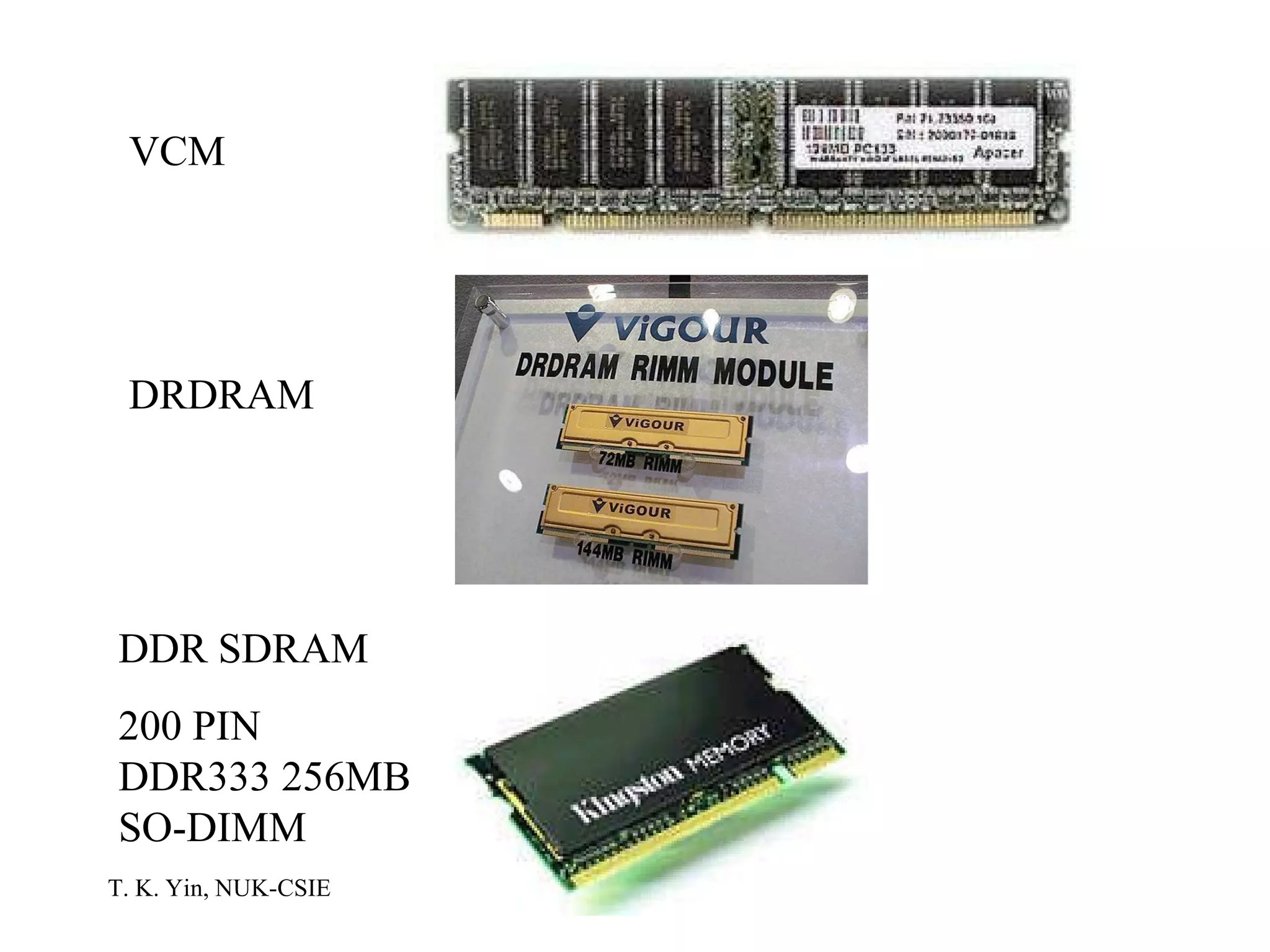
VCM DRDRAM DDR SDRAM 200 PIN DDR333 256MB SO-DIMM
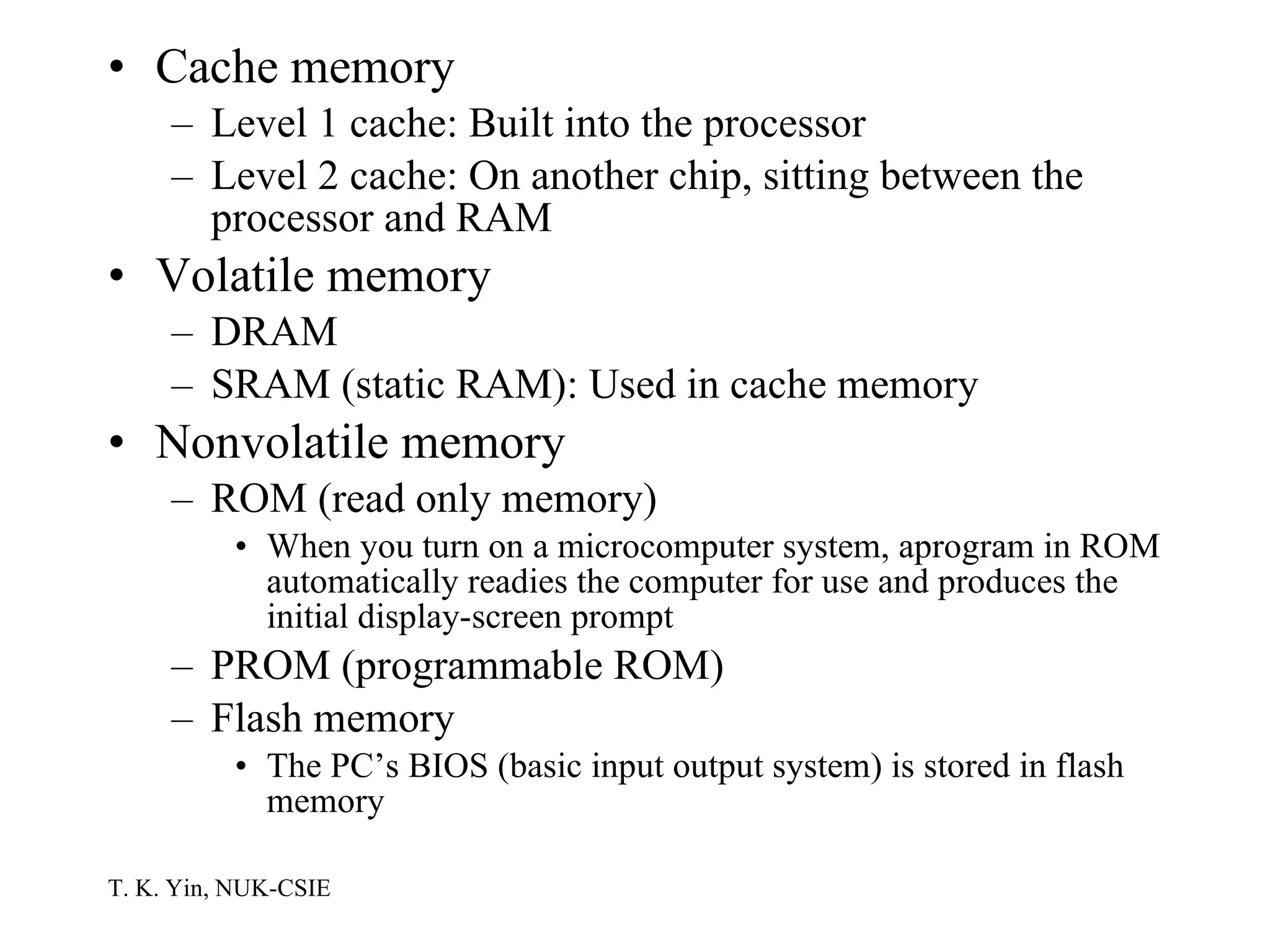
Cache memory Level 1 cache: Built into the processor Level 2 cache: On another chip, sitting between the processor and RAM Volatile memory DRAM SRAM (static RAM): Used in cache memory Nonvolatile memory ROM (read only memory) When you turn on a microcomputer system, aprogram in ROM automatically readies the computer for use and produces the initial display-screen prompt PROM (programmable ROM) Flash memory The PC’s BIOS (basic input output system) is stored in flash memory
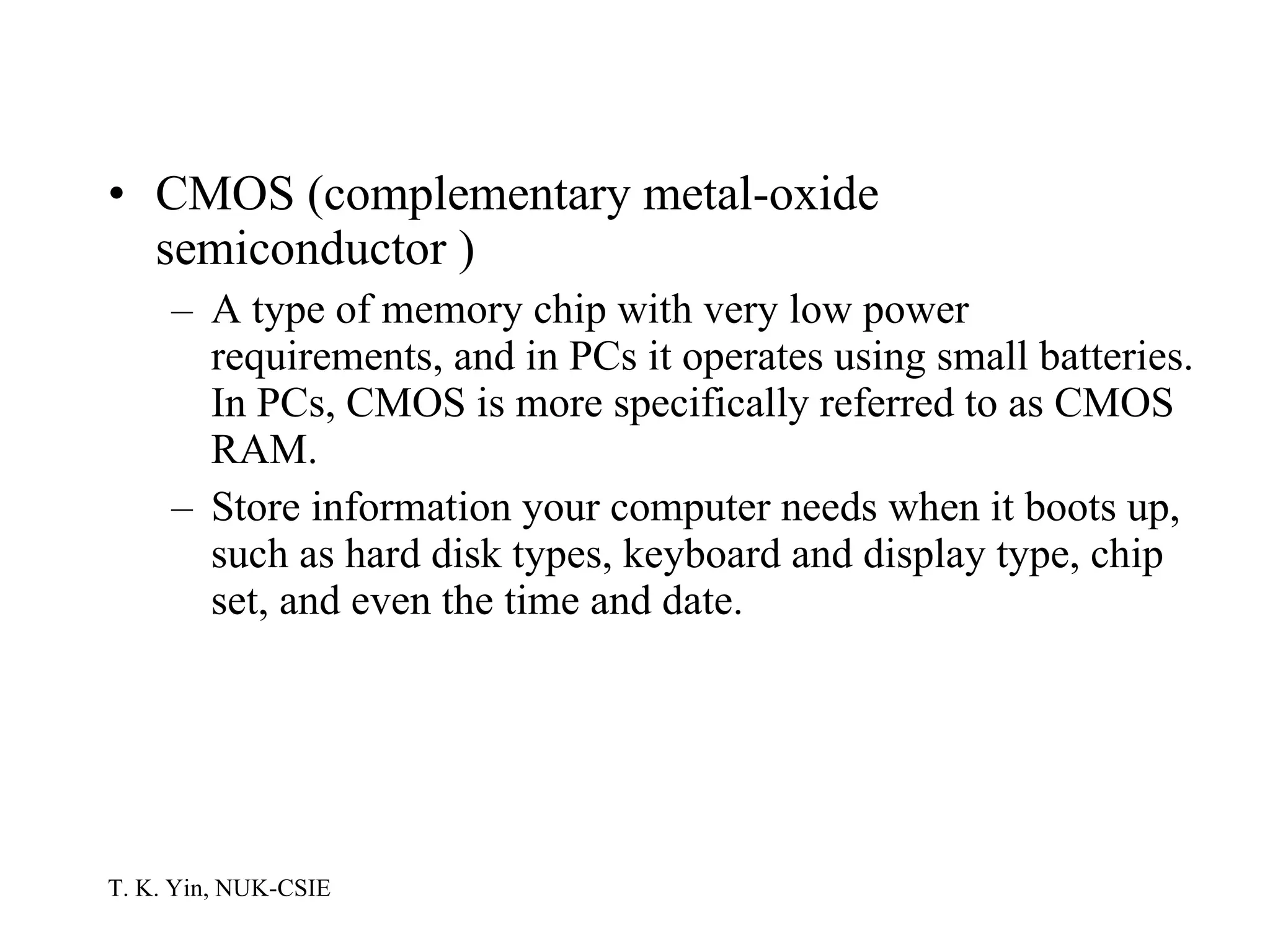
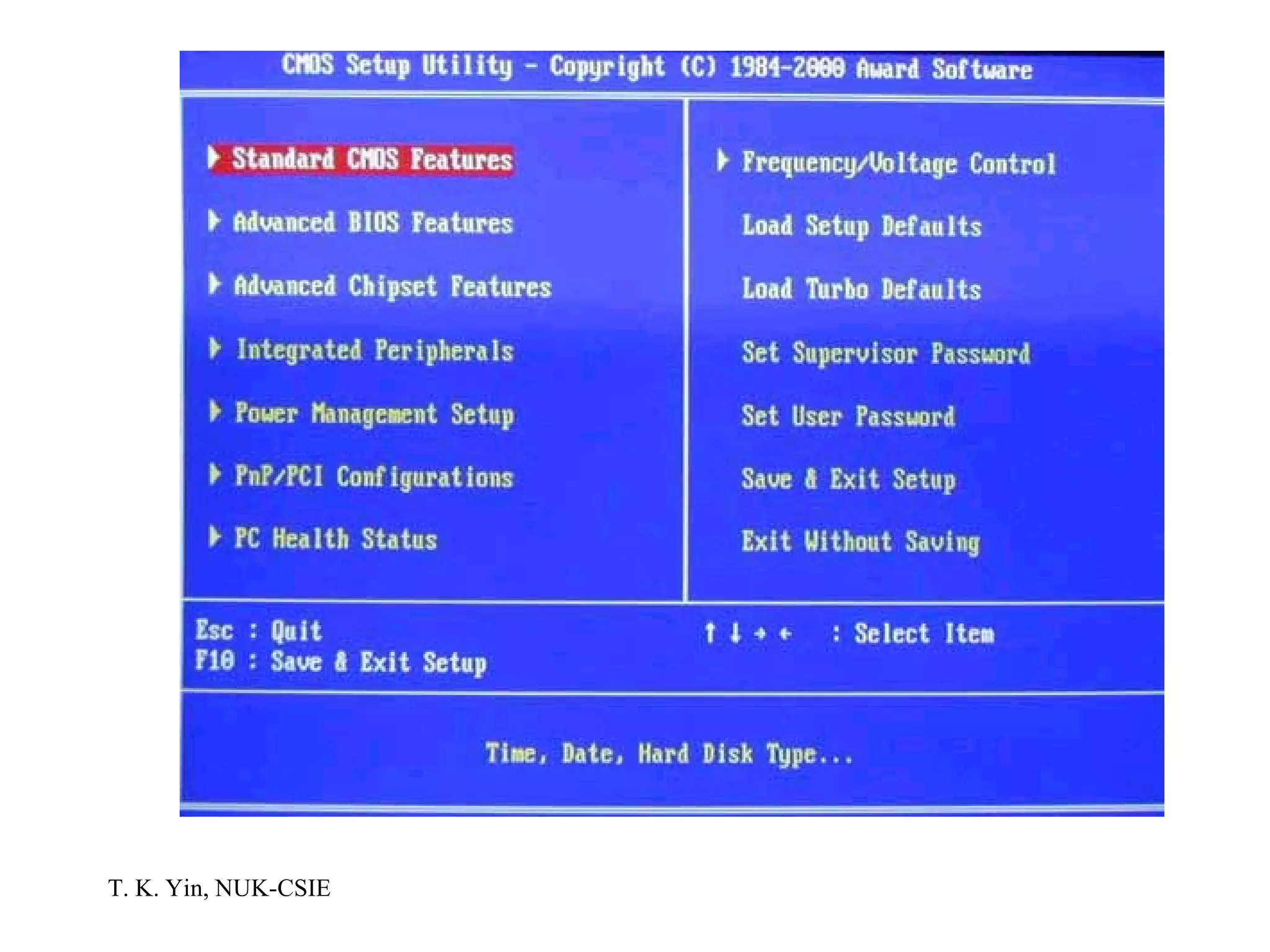
CMOS (complementary metal-oxide semiconductor )   A type of memory chip with very low power requirements, and in PCs it operates using small batteries. In PCs, CMOS is more specifically referred to as CMOS RAM.  Store information your computer needs when it boots up, such as hard disk types, keyboard and display type, chip set, and even the time and date.
 
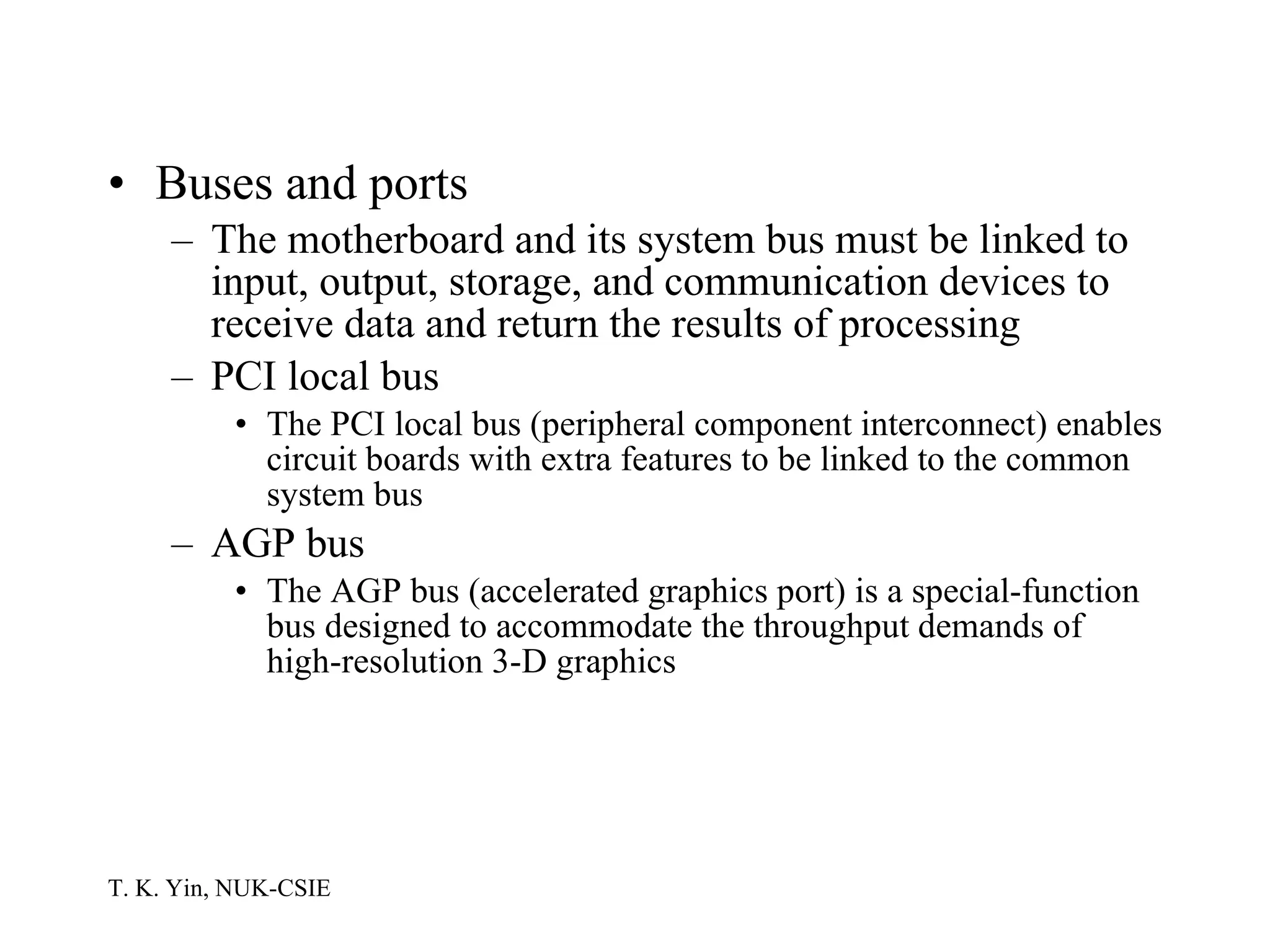
Buses and ports The motherboard and its system bus must be linked to input, output, storage, and communication devices to receive data and return the results of processing PCI local bus The PCI local bus (peripheral component interconnect) enables circuit boards with extra features to be linked to the common system bus AGP bus The AGP bus (accelerated graphics port) is a special-function bus designed to accommodate the throughput demands of high-resolution 3-D graphics
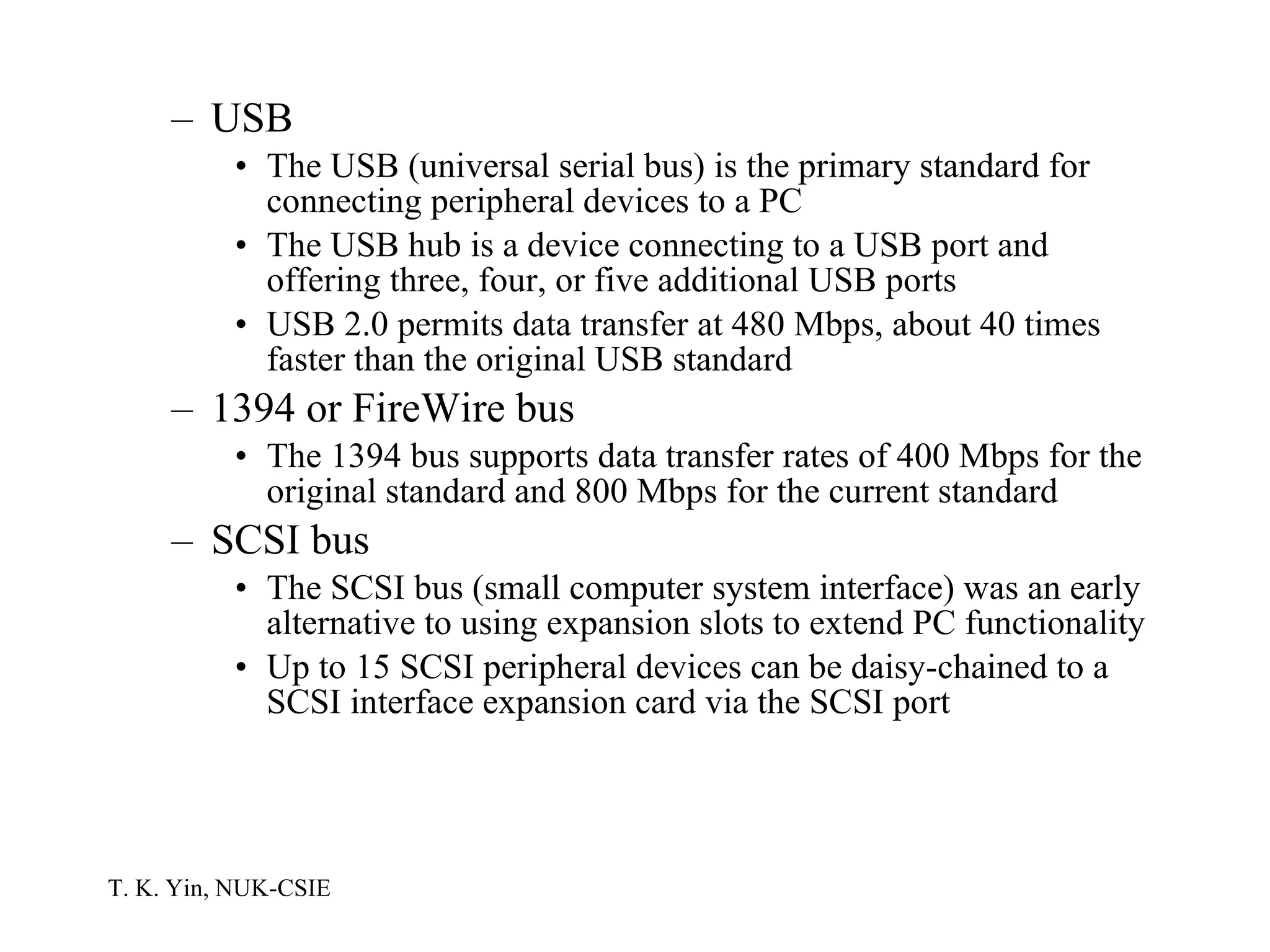
USB The USB (universal serial bus) is the primary standard for connecting peripheral devices to a PC The USB hub is a device connecting to a USB port and offering three, four, or five additional USB ports USB 2.0 permits data transfer at 480 Mbps, about 40 times faster than the original USB standard 1394 or FireWire bus The 1394 bus supports data transfer rates of 400 Mbps for the original standard and 800 Mbps for the current standard SCSI bus The SCSI bus (small computer system interface) was an early alternative to using expansion slots to extend PC functionality Up to 15 SCSI peripheral devices can be daisy-chained to a SCSI interface expansion card via the SCSI port
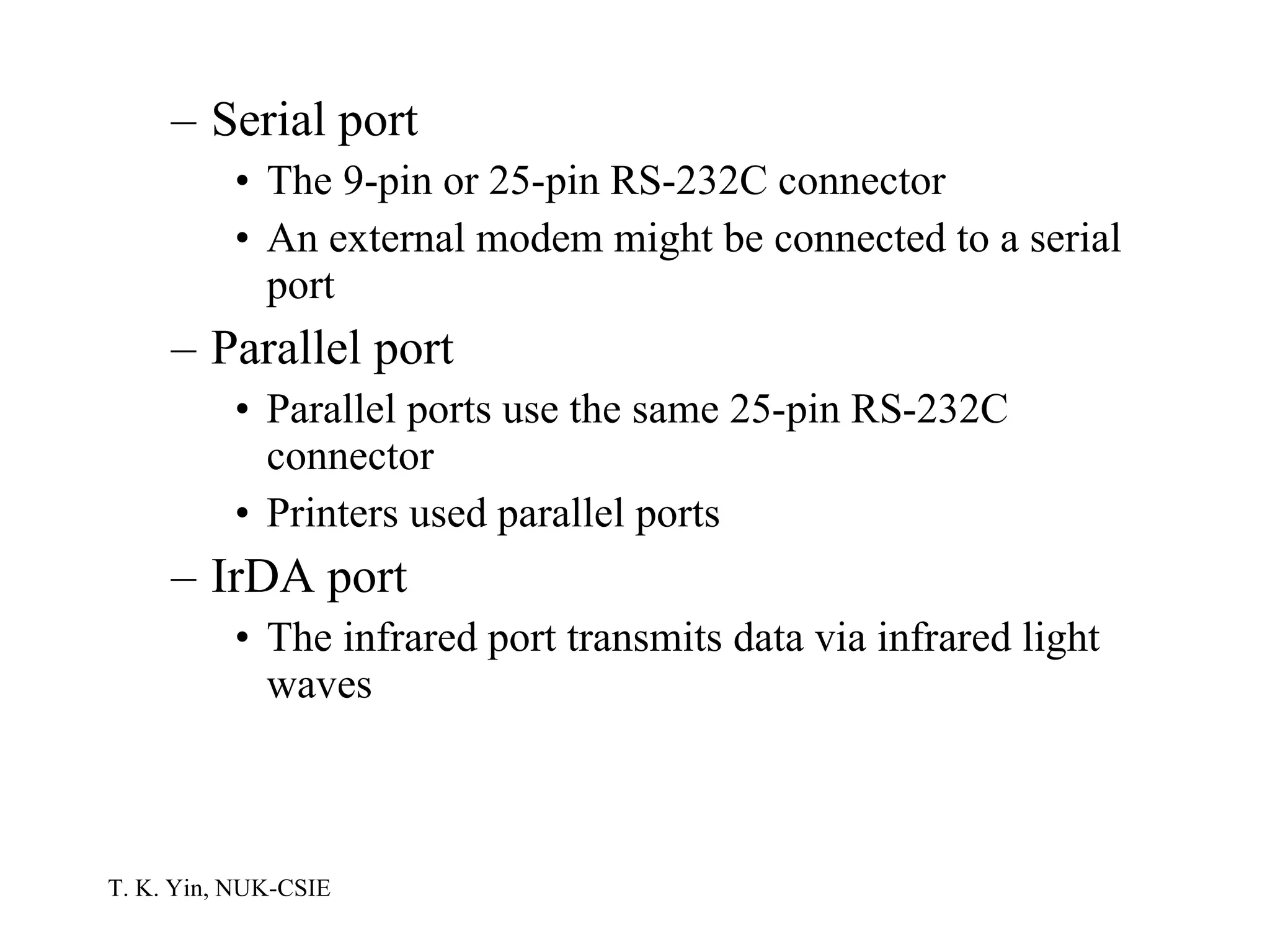
Serial port The 9-pin or 25-pin RS-232C connector An external modem might be connected to a serial port Parallel port Parallel ports use the same 25-pin RS-232C connector Printers used parallel ports IrDA port The infrared port transmits data via infrared light waves
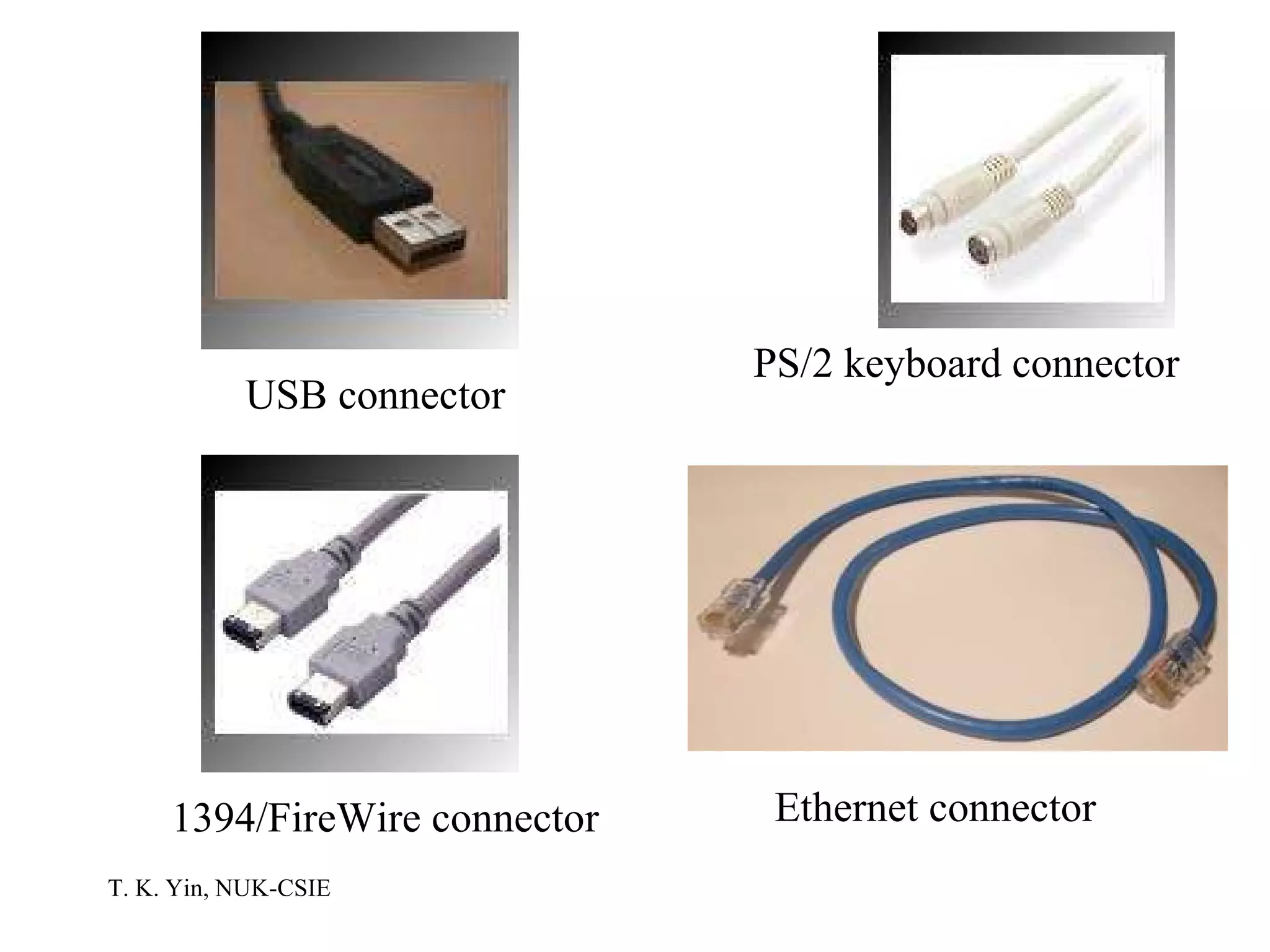
USB connector PS/2 keyboard connector 1394/FireWire connector Ethernet connector
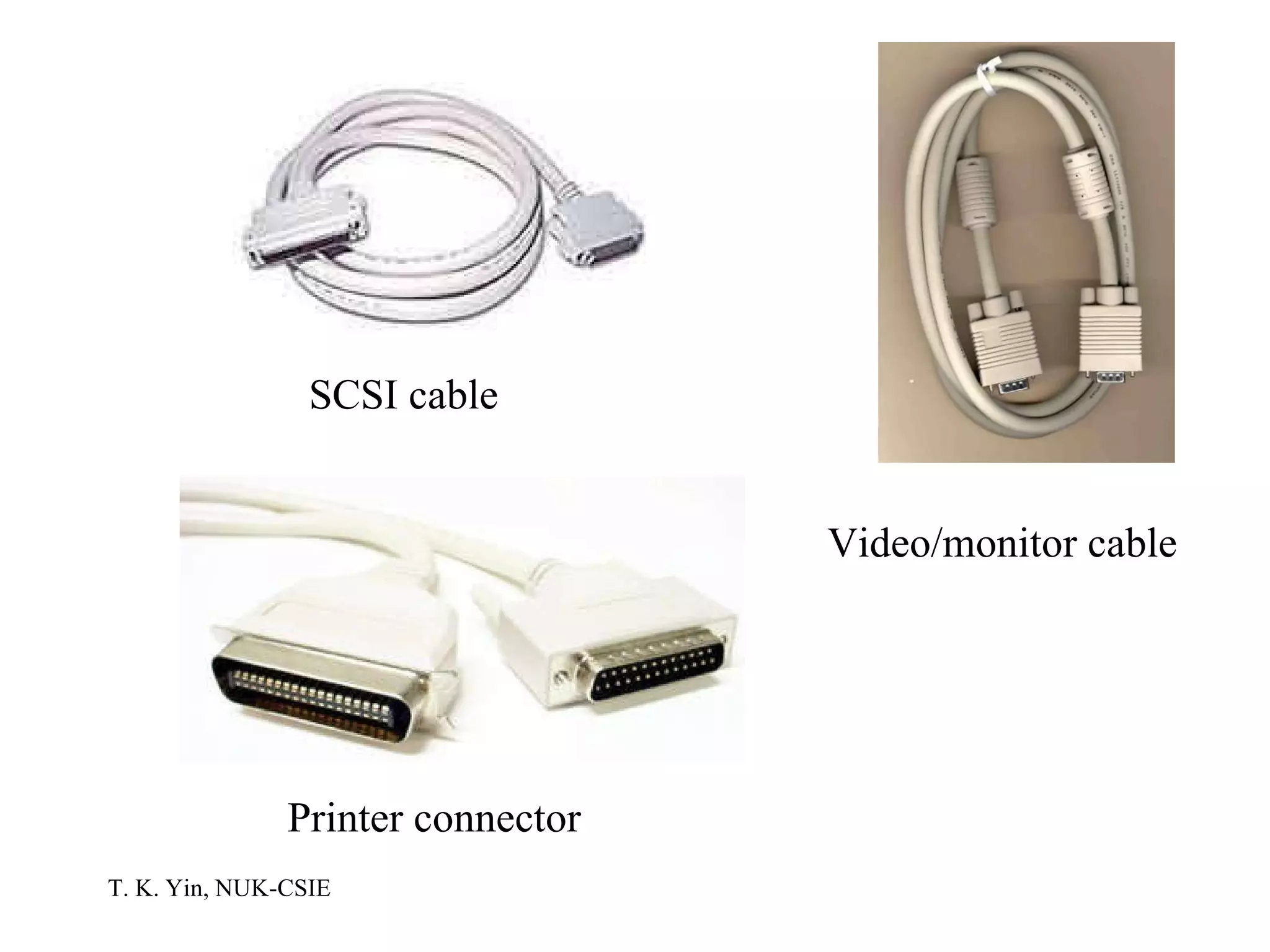
SCSI cable Printer connector Video/monitor cable
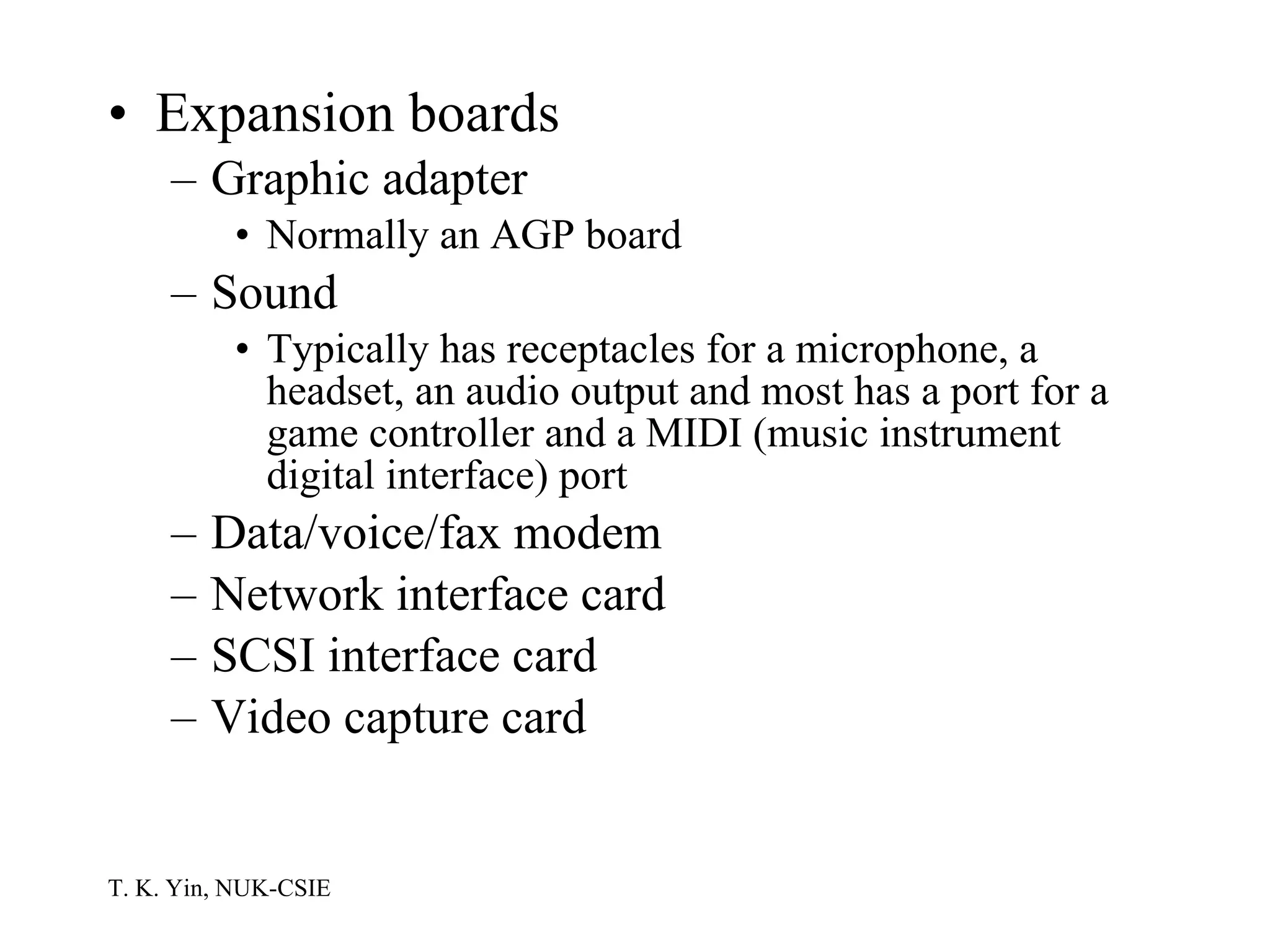
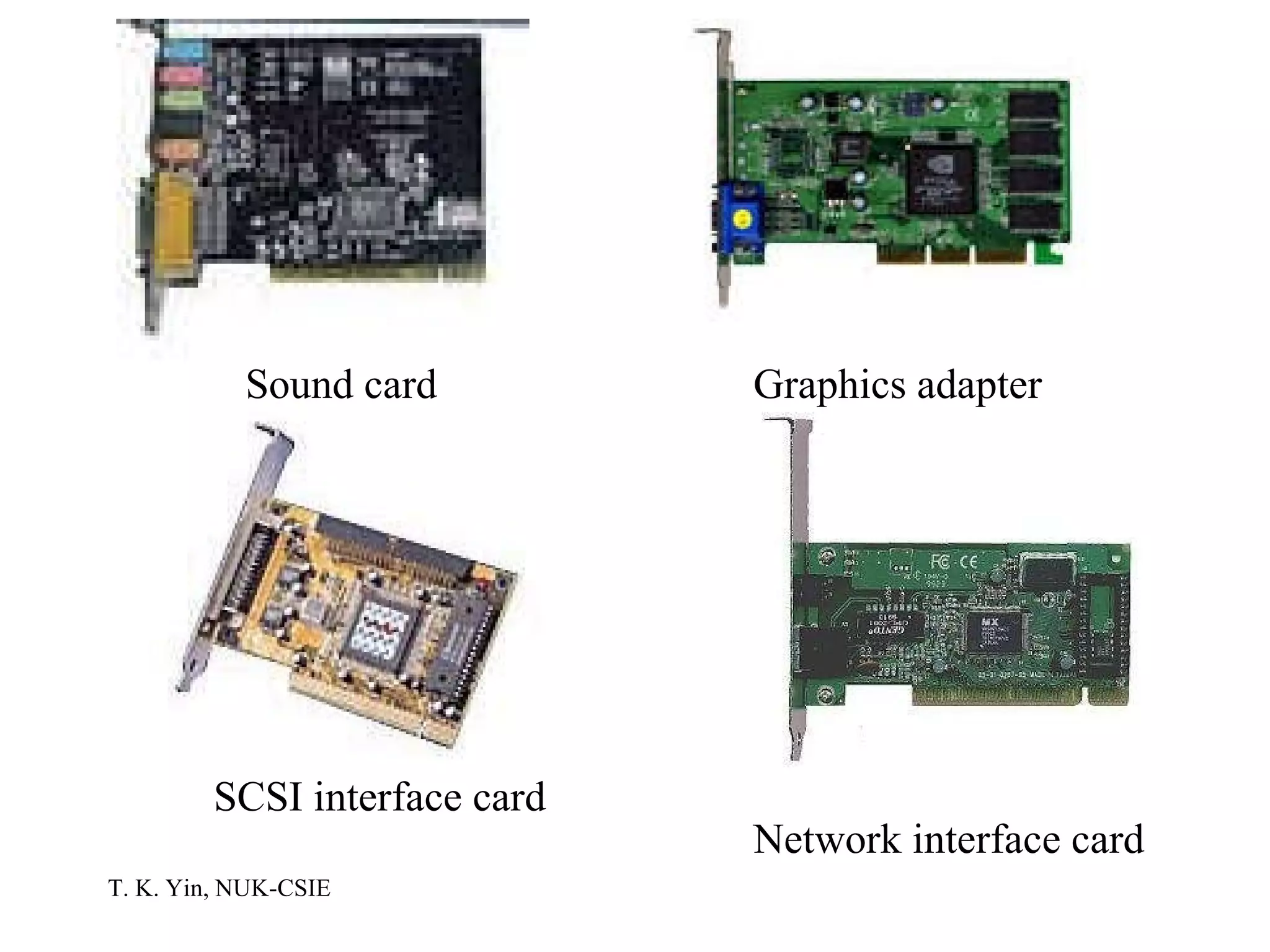
Expansion boards Graphic adapter Normally an AGP board Sound Typically has receptacles for a microphone, a headset, an audio output and most has a port for a game controller and a MIDI (music instrument digital interface) port Data/voice/fax modem Network interface card SCSI interface card Video capture card
Sound card Graphics adapter SCSI interface card Network interface card
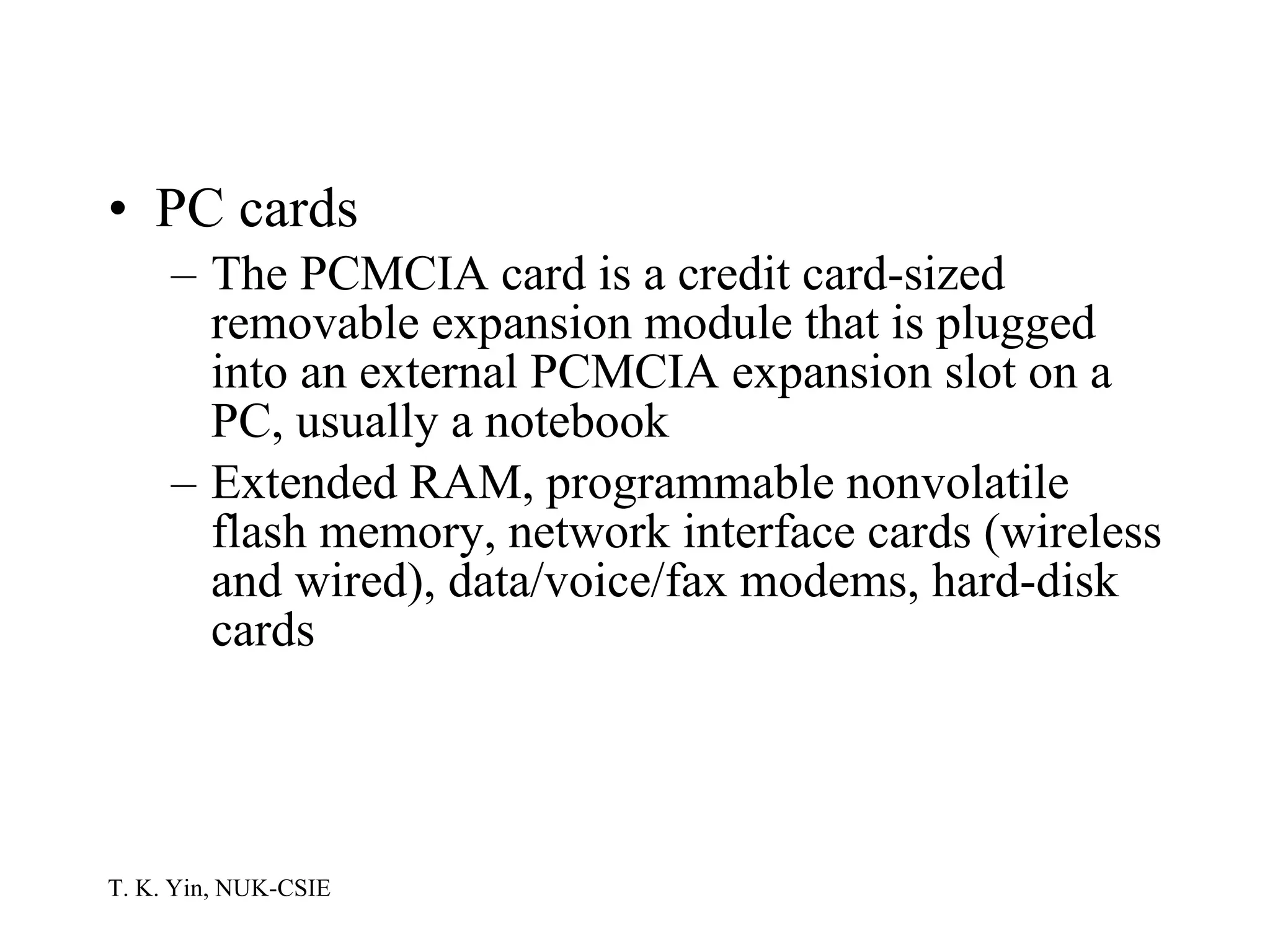
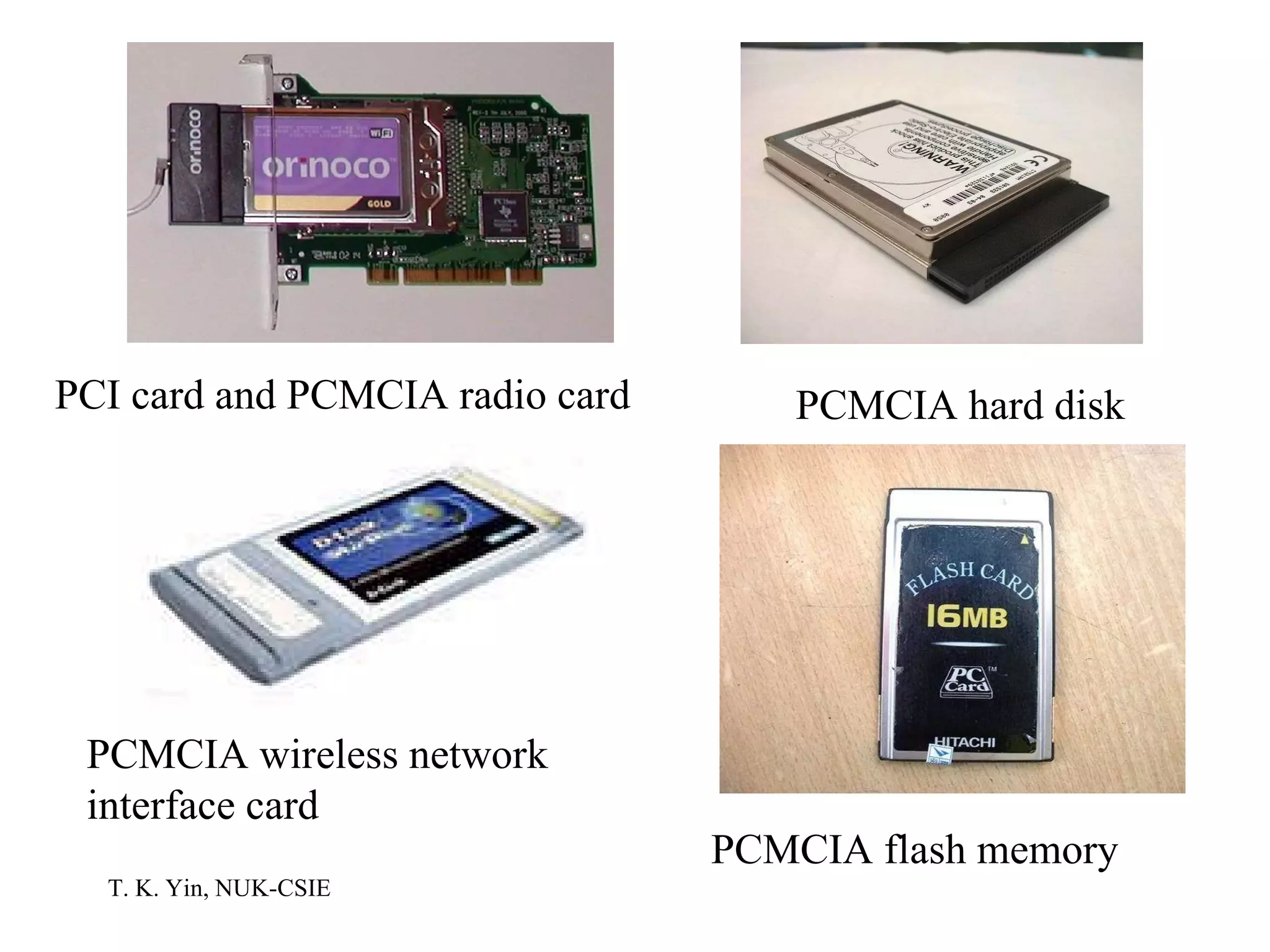
PC cards The PCMCIA card is a credit card-sized removable expansion module that is plugged into an external PCMCIA expansion slot on a PC, usually a notebook Extended RAM, programmable nonvolatile flash memory, network interface cards (wireless and wired), data/voice/fax modems, hard-disk cards
PCI card and PCMCIA radio card PCMCIA hard disk PCMCIA flash memory PCMCIA wireless network interface card
Processor description Word size: bits handled as a unit 32 bits 64 bits Core speed PCs MHz (millions of clock cycles per second) GHz (billions of clock cycles per second) PCs, workstations, server computers MIPS (millions of instructions per second) Supercomputers FLOPS (floating point operations per second)
Bus speed MHz GHz Memory capacity Kilobytes (KB): 1024 (  ) bytes Megabytes (MB): 1,048,576 (  ) bytes Gigabytes (GB):  bytes Terabytes (TB):  bytes
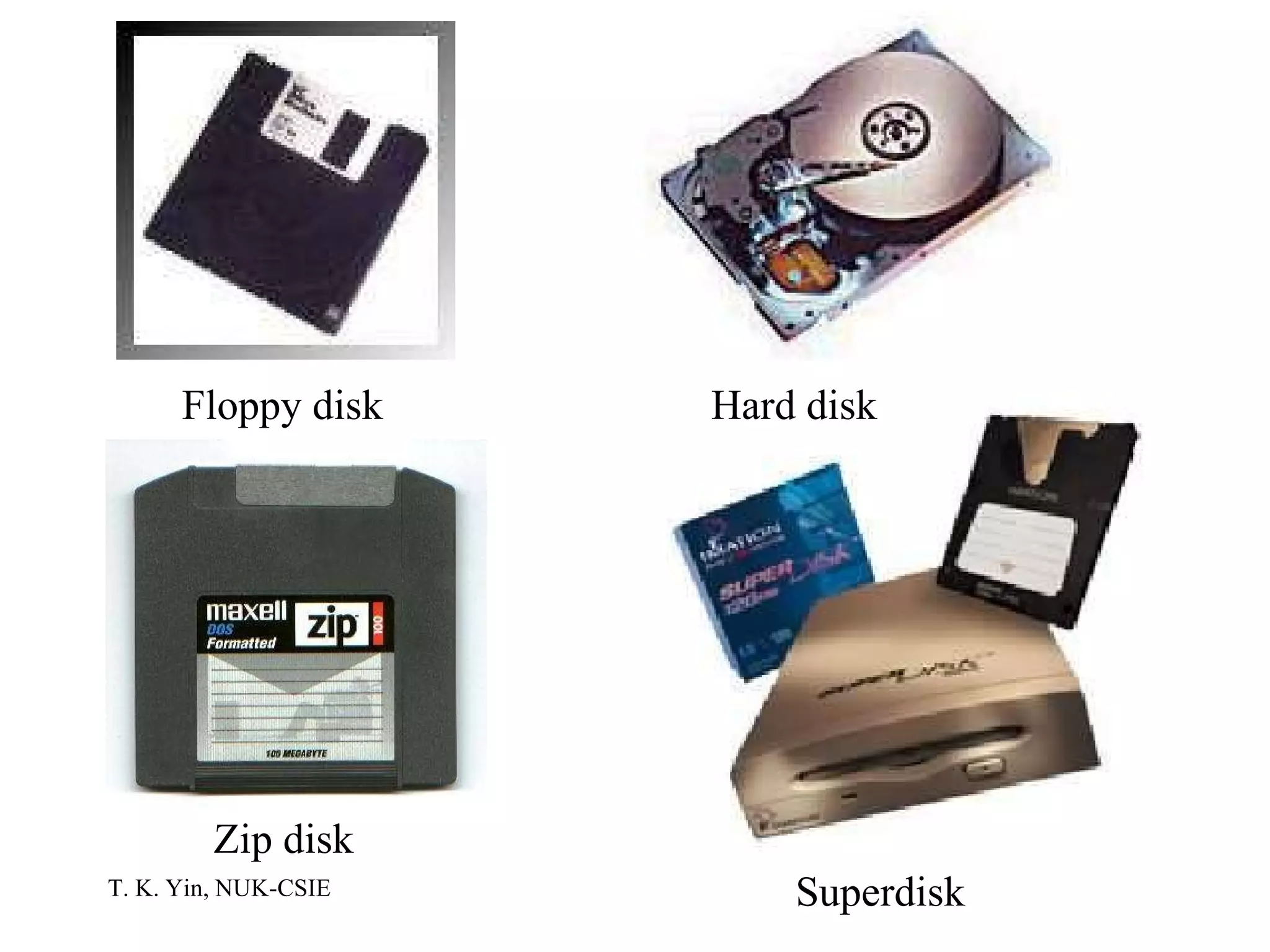
Storage Devices Magnetic disk storage Fixed disks Hard disks Interchangeable disks Floppy disks: 1.44 MB SuperDisk: 120 MB Zip disks: 100, 250, 750 MB
Floppy disk Hard disk Zip disk Superdisk
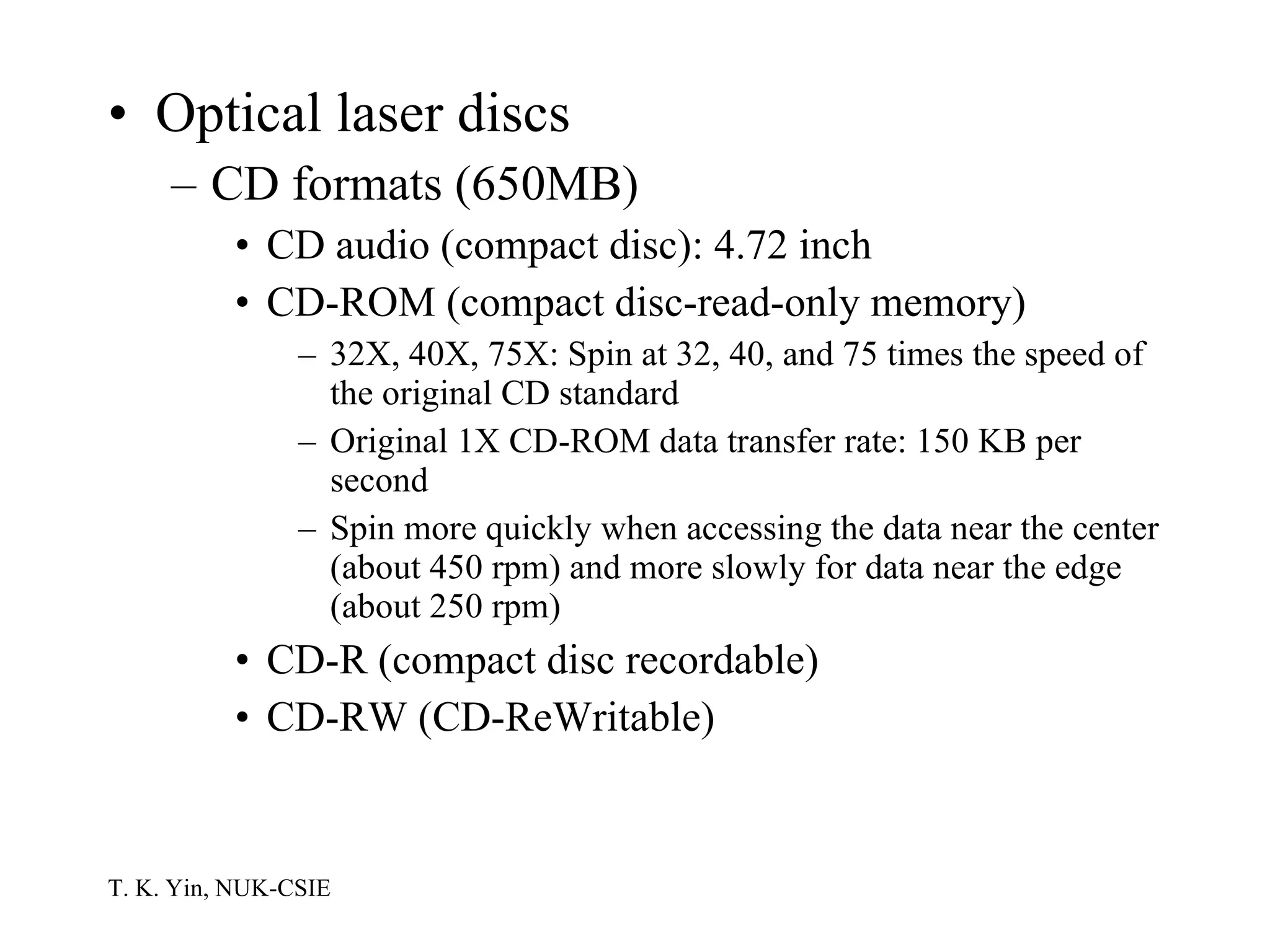
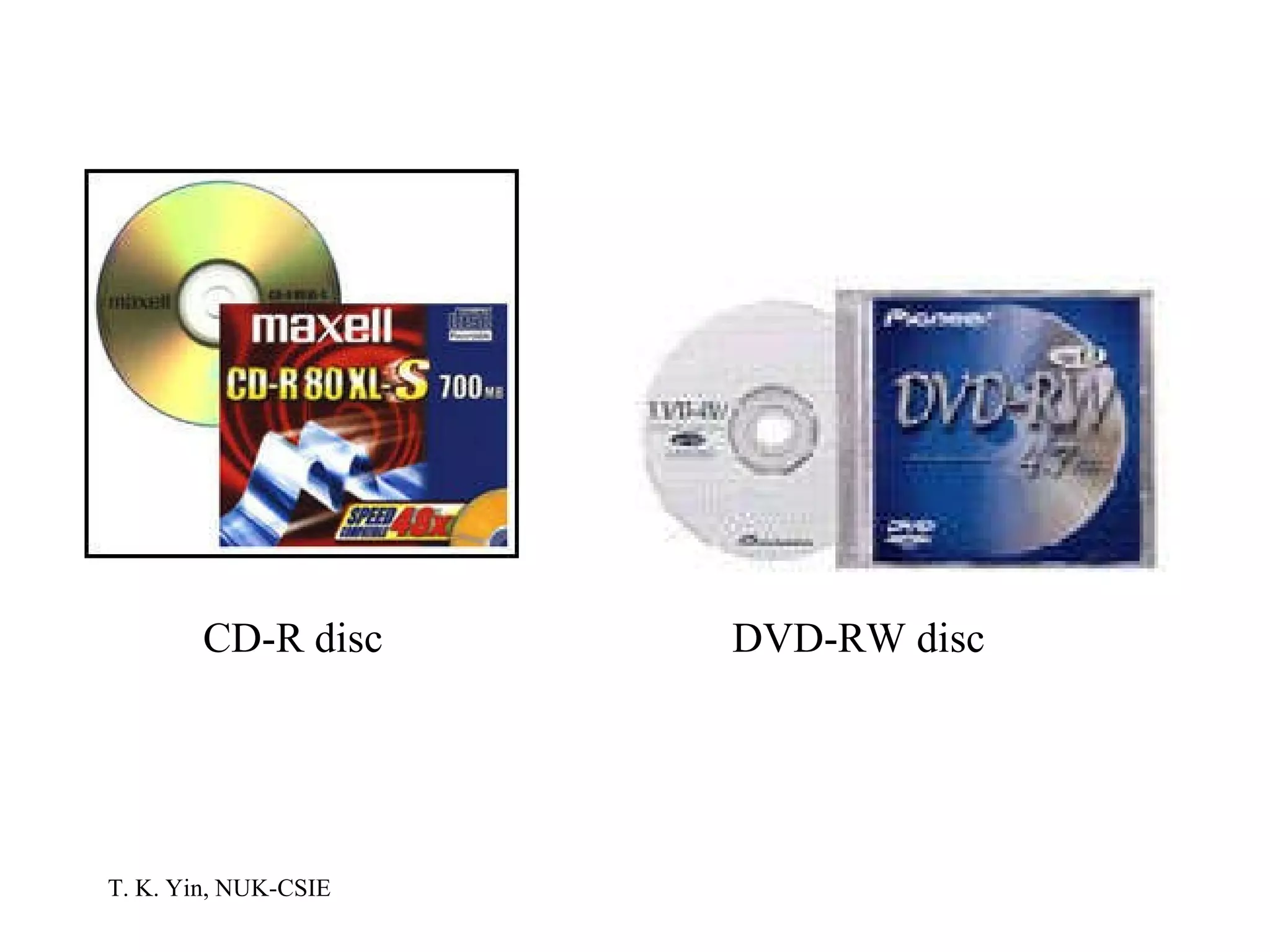
Optical laser discs CD formats (650MB) CD audio (compact disc): 4.72 inch CD-ROM (compact disc-read-only memory) 32X, 40X, 75X: Spin at 32, 40, and 75 times the speed of the original CD standard Original 1X CD-ROM data transfer rate: 150 KB per second Spin more quickly when accessing the data near the center (about 450 rpm) and more slowly for data near the edge (about 250 rpm) CD-R (compact disc recordable) CD-RW (CD-ReWritable)
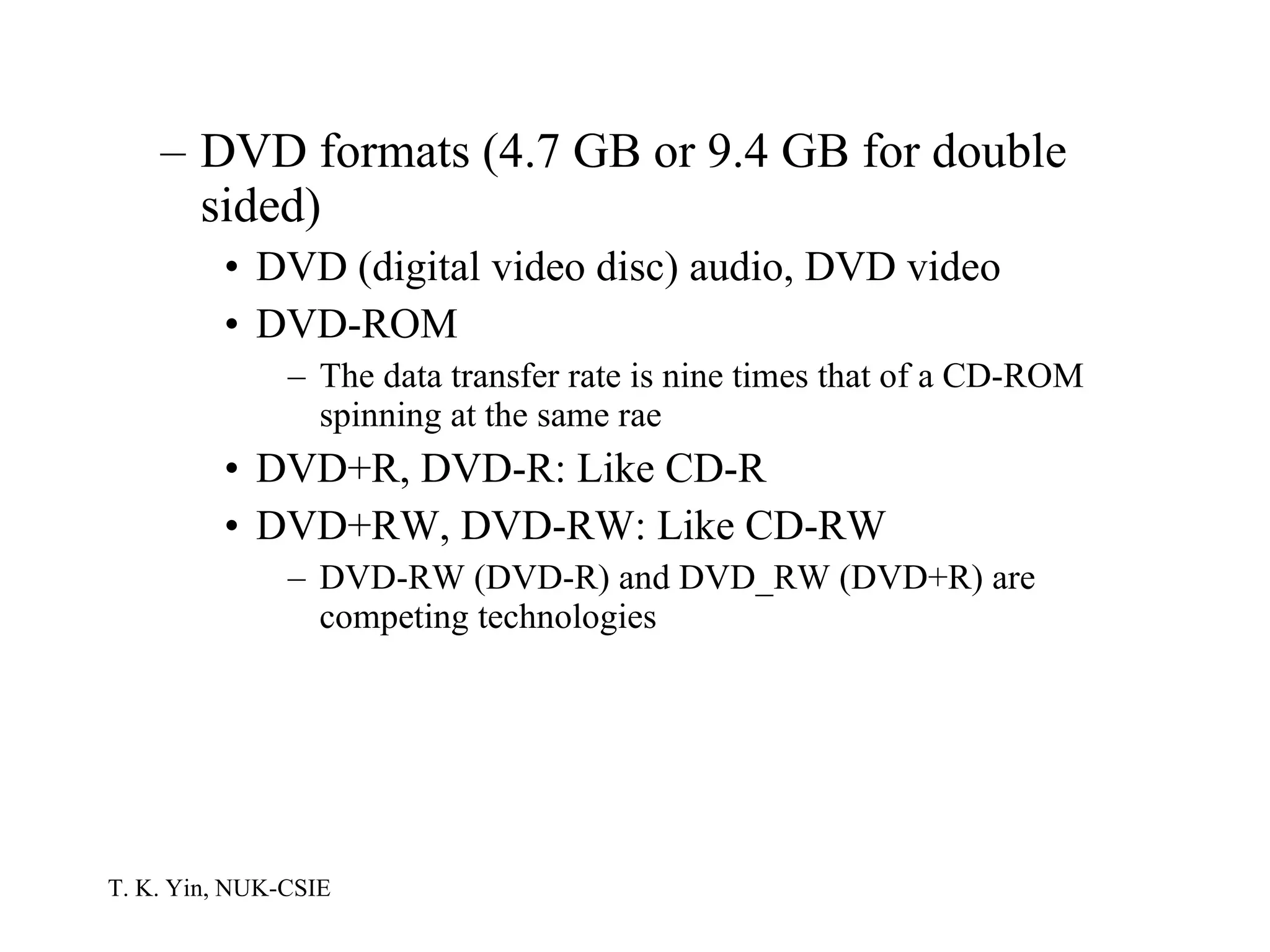
DVD formats (4.7 GB or 9.4 GB for double sided) DVD (digital video disc) audio, DVD video DVD-ROM The data transfer rate is nine times that of a CD-ROM spinning at the same rae DVD+R, DVD-R: Like CD-R DVD+RW, DVD-RW: Like CD-RW DVD-RW (DVD-R) and DVD_RW (DVD+R) are competing technologies
CD-R disc DVD-RW disc
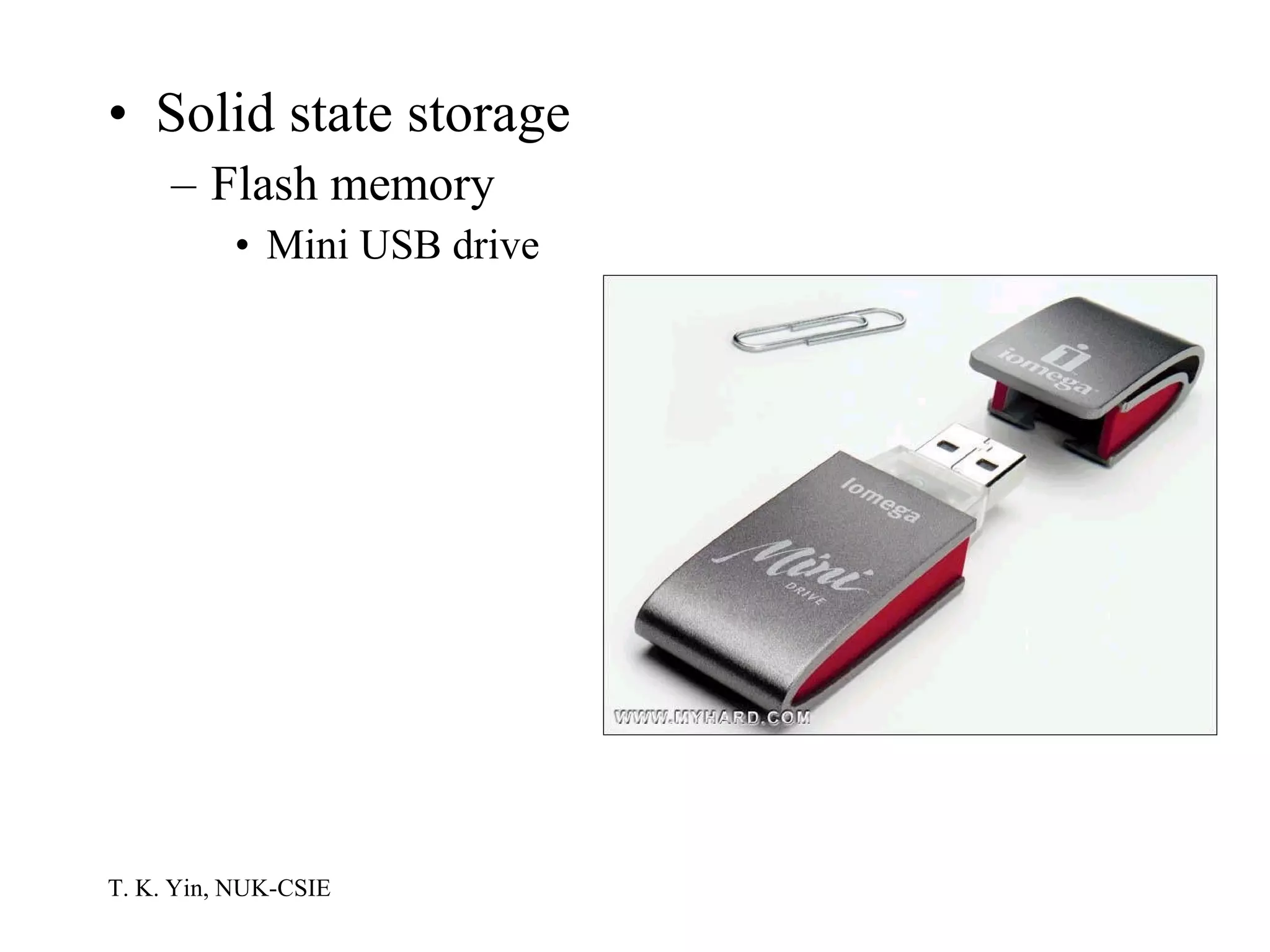
Solid state storage Flash memory Mini USB drive
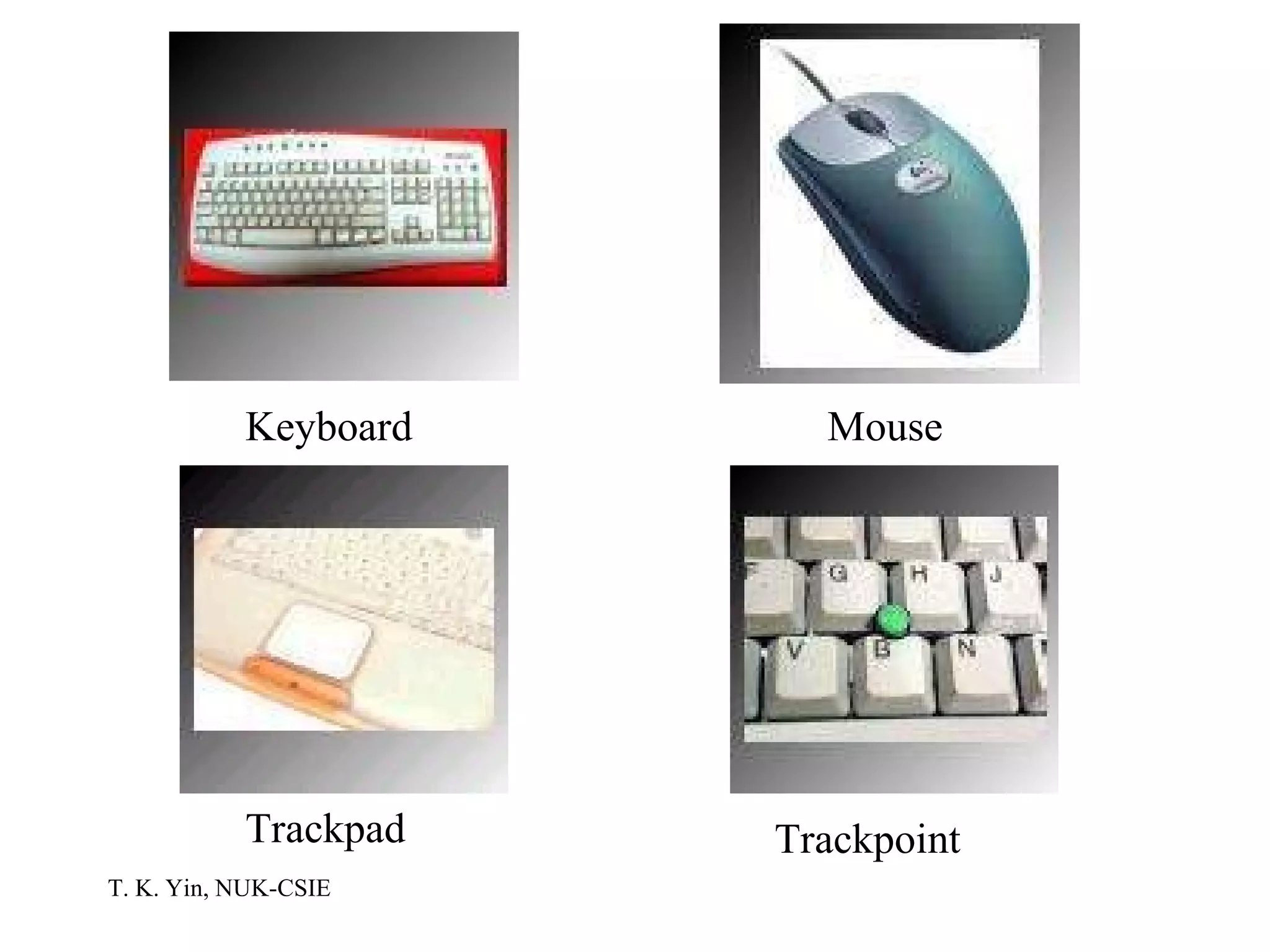
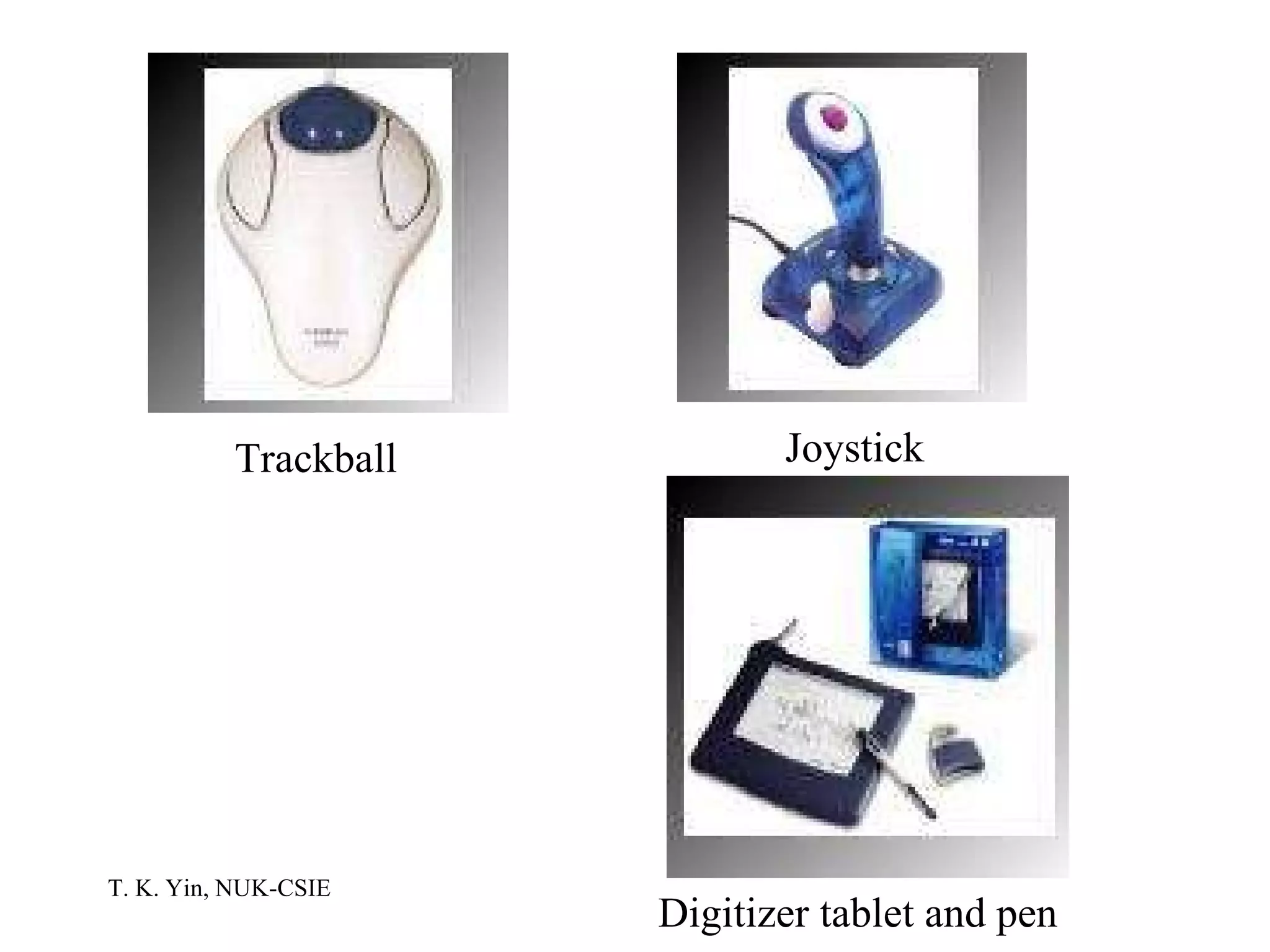
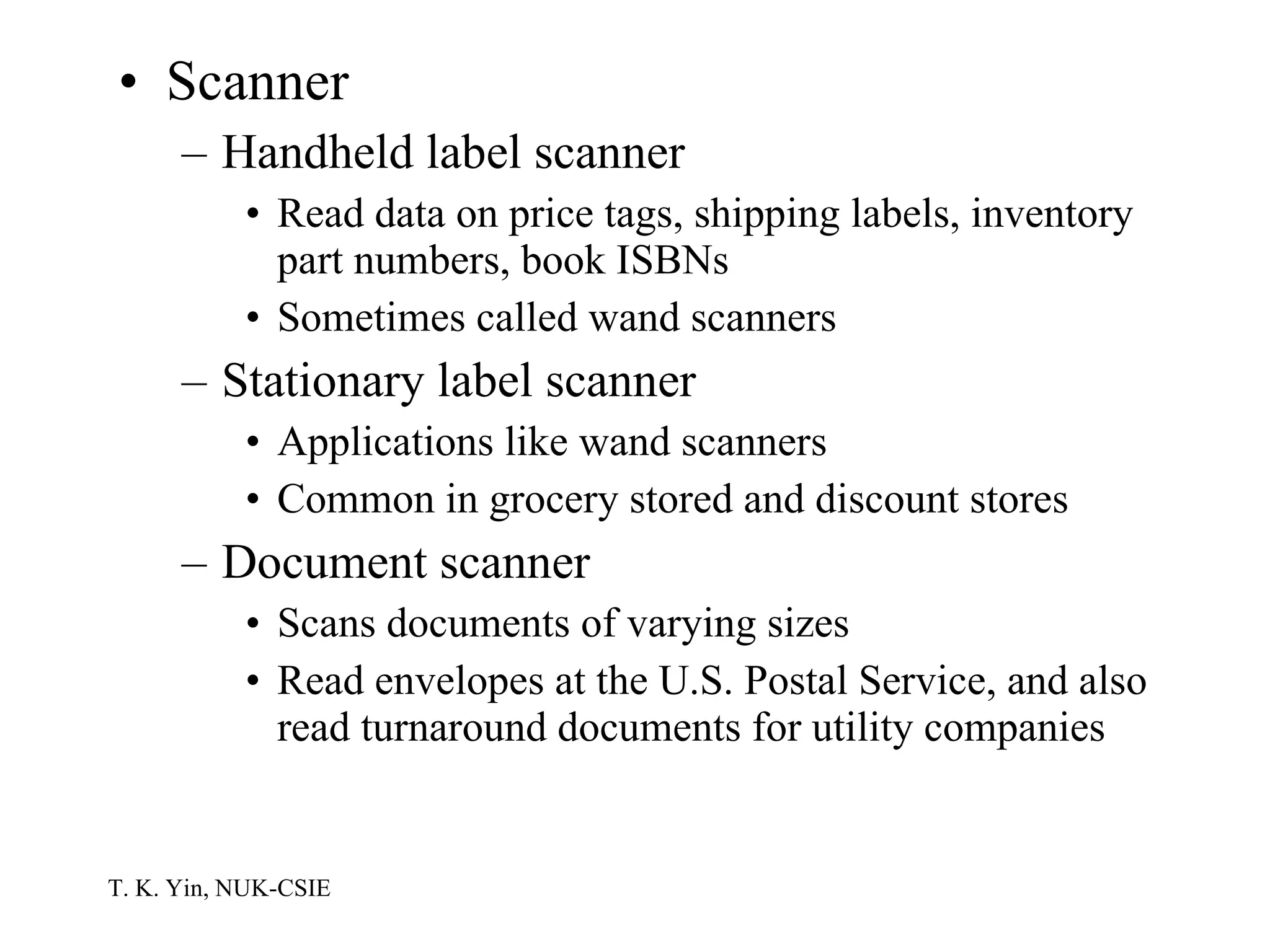
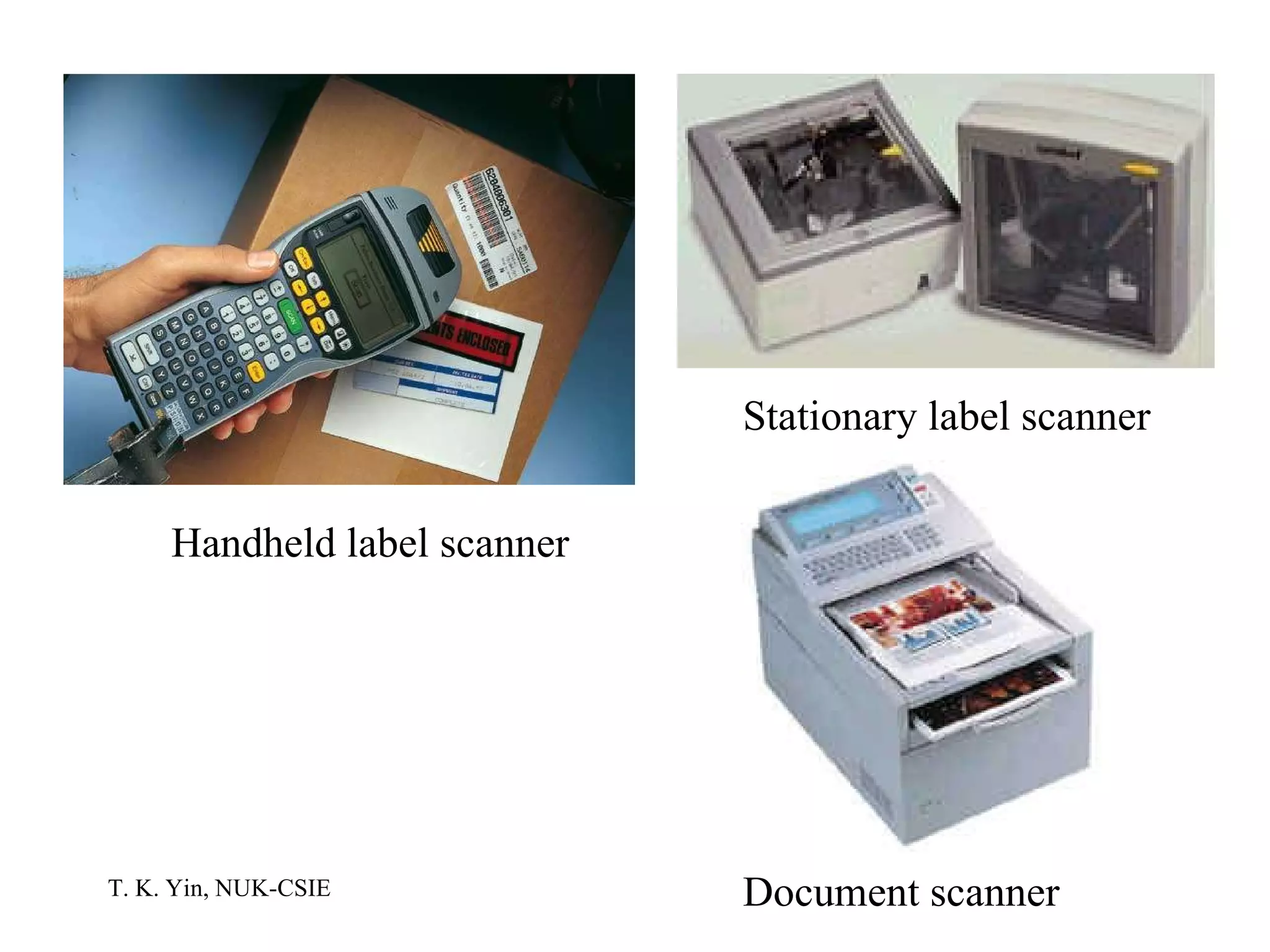
Input Devices Keyboard Mouse Point-and-draw devices Trackpad: Common on notebook PCs Trackpoint: Usually positioned in or near a notebook’s keyboard Trackball: A ball inset in a notebook PC or as a separate unit Joystick Digitizer tablet and pen
Keyboard Mouse Trackpad Trackpoint
Trackball Joystick Digitizer tablet and pen
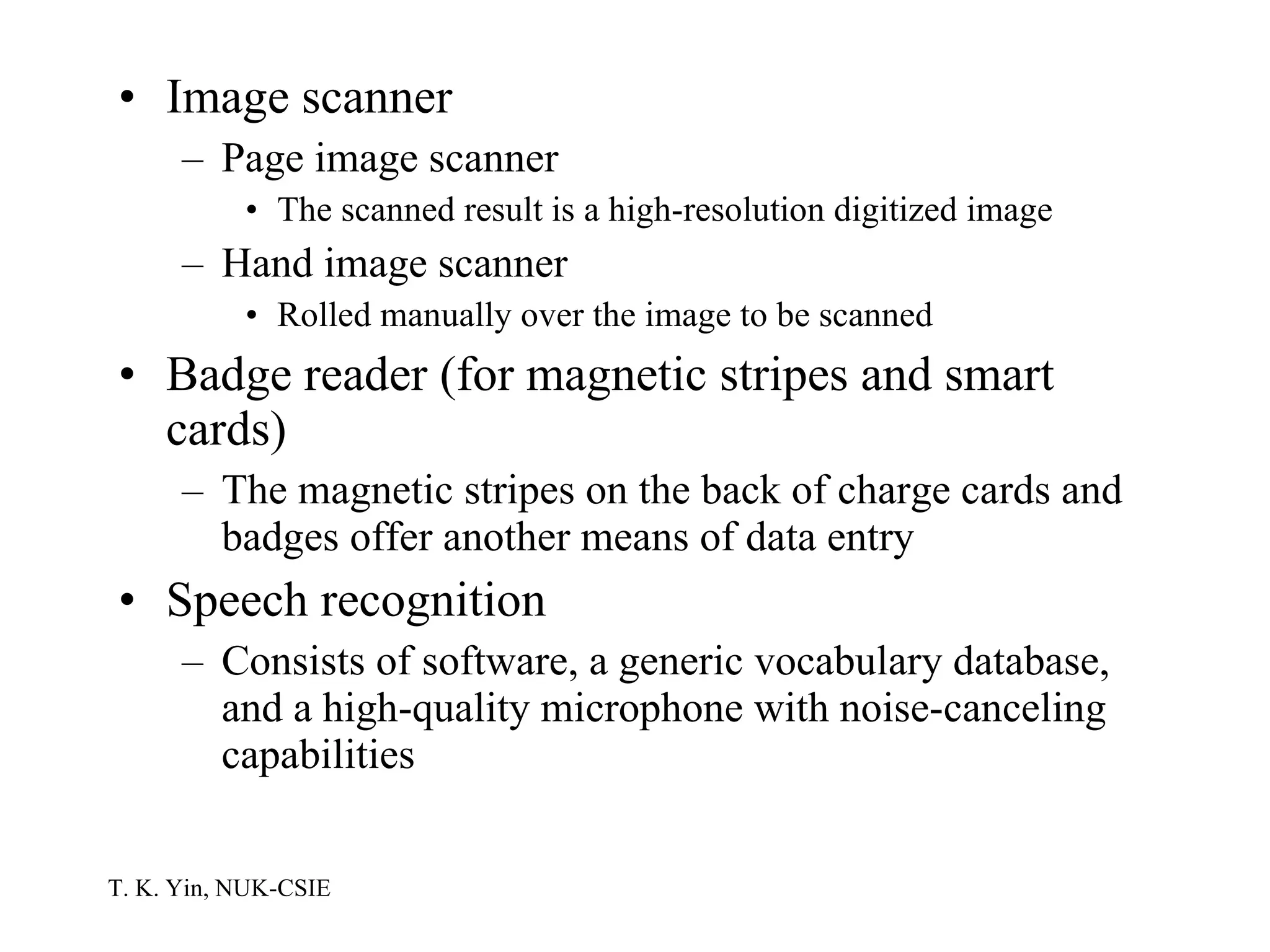
Scanner Handheld label scanner Read data on price tags, shipping labels, inventory part numbers, book ISBNs Sometimes called wand scanners Stationary label scanner Applications like wand scanners Common in grocery stored and discount stores Document scanner Scans documents of varying sizes Read envelopes at the U.S. Postal Service, and also read turnaround documents for utility companies
Handheld label scanner Stationary label scanner Document scanner
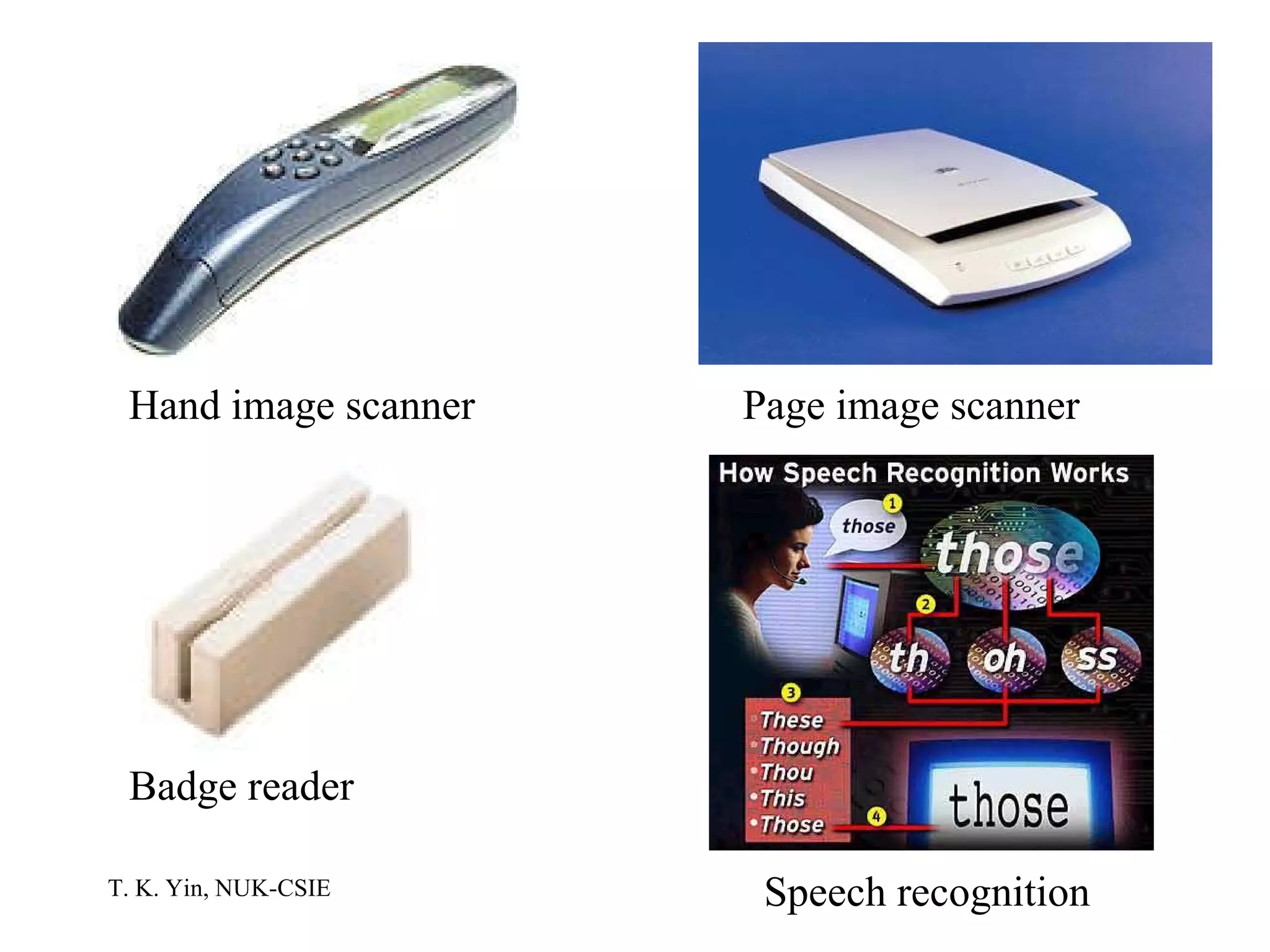
Image scanner Page image scanner The scanned result is a high-resolution digitized image Hand image scanner Rolled manually over the image to be scanned Badge reader (for magnetic stripes and smart cards) The magnetic stripes on the back of charge cards and badges offer another means of data entry Speech recognition Consists of software, a generic vocabulary database, and a high-quality microphone with noise-canceling capabilities
Hand image scanner Page image scanner Badge reader Speech recognition
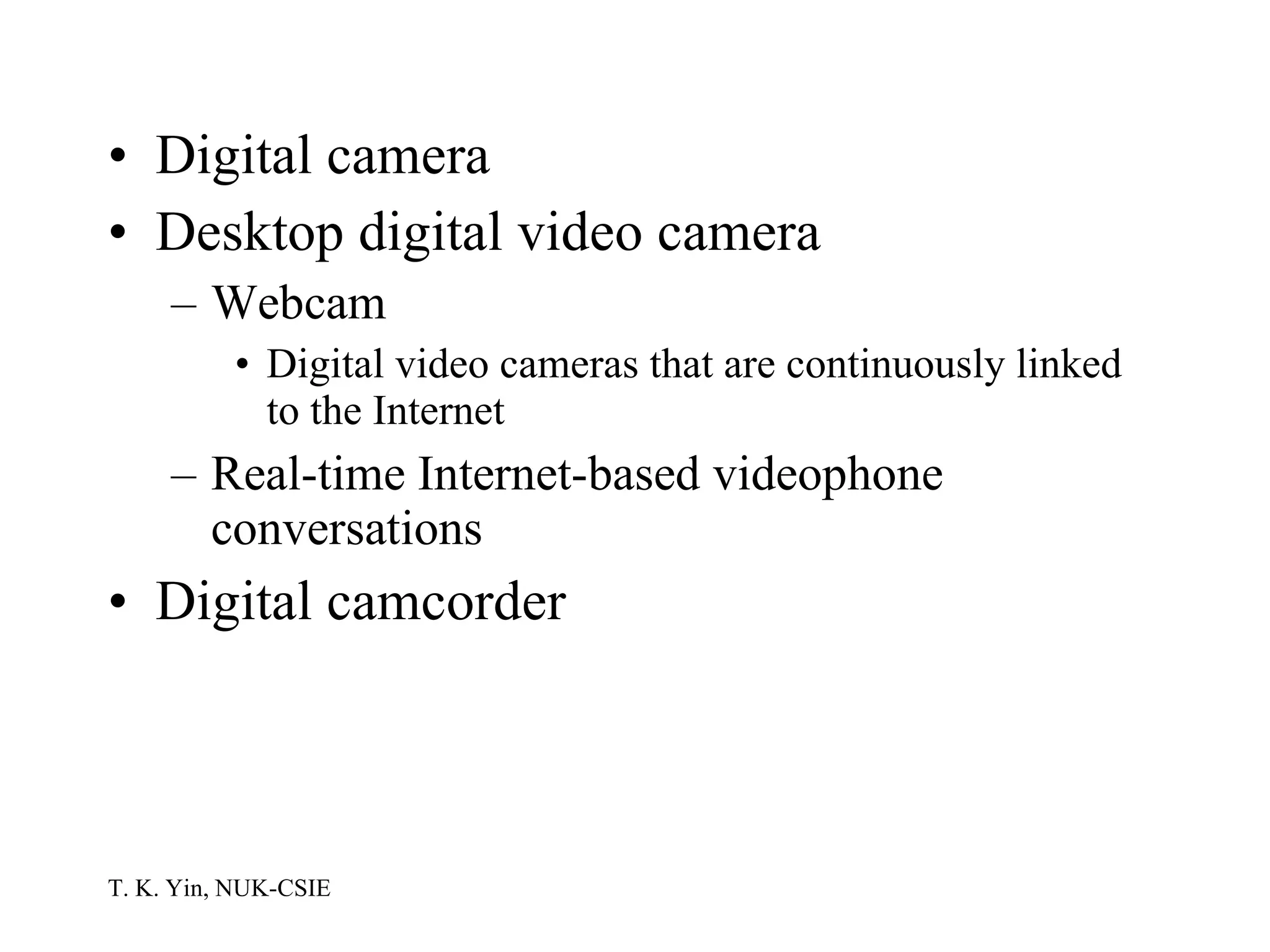
Digital camera Desktop digital video camera Webcam Digital video cameras that are continuously linked to the Internet Real-time Internet-based videophone conversations Digital camcorder
Digital camera Webcam Digital camcorder
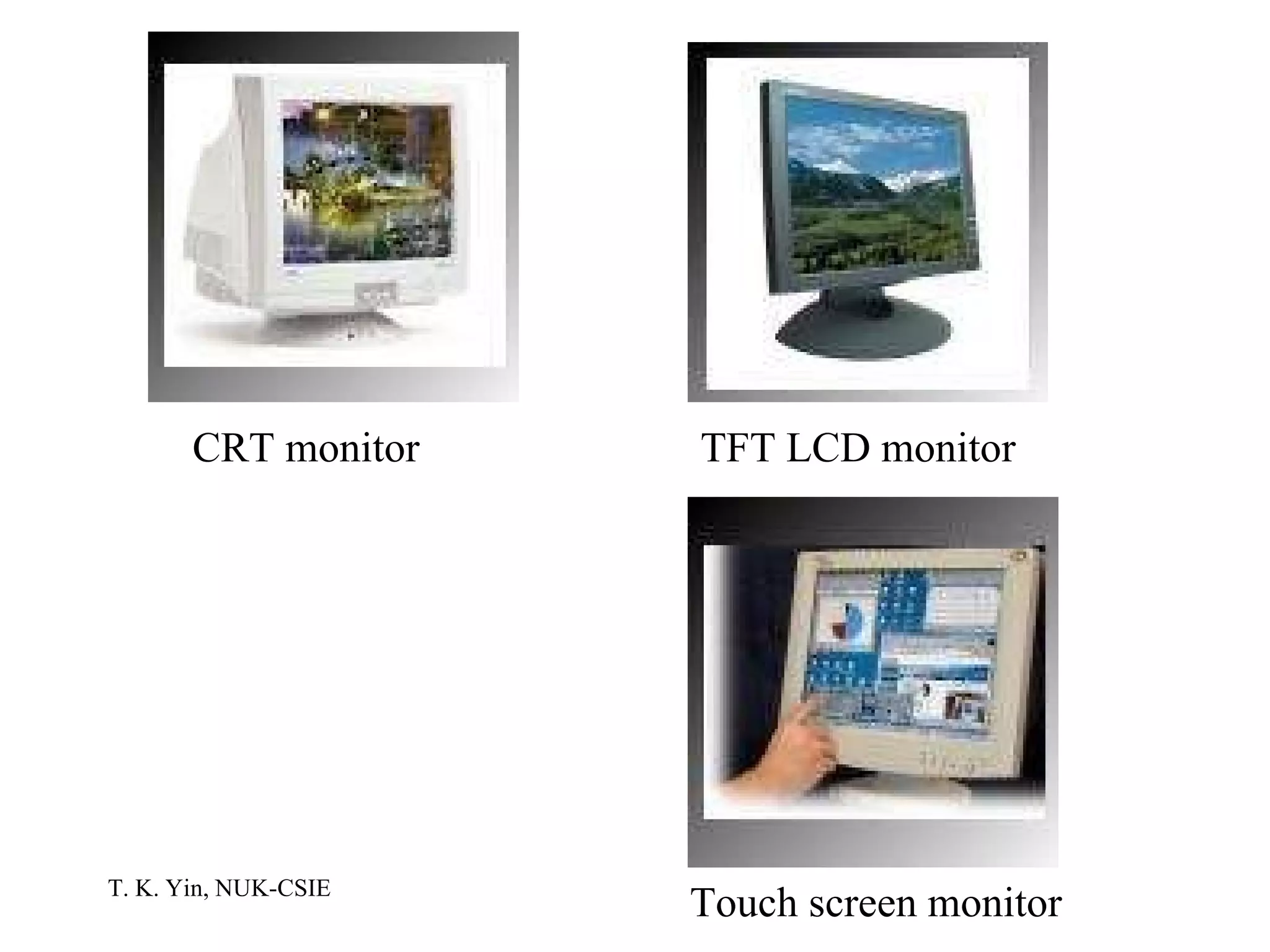
Output Devices Monitors CRT Flat-panel LCD (liquid crystal display): Active matrix or passive matrix TFT (thin film transistor) LCD: Active matrix Touch screen Has pressure-sensitive overlays that can detect pressure and the exact location of that pressure
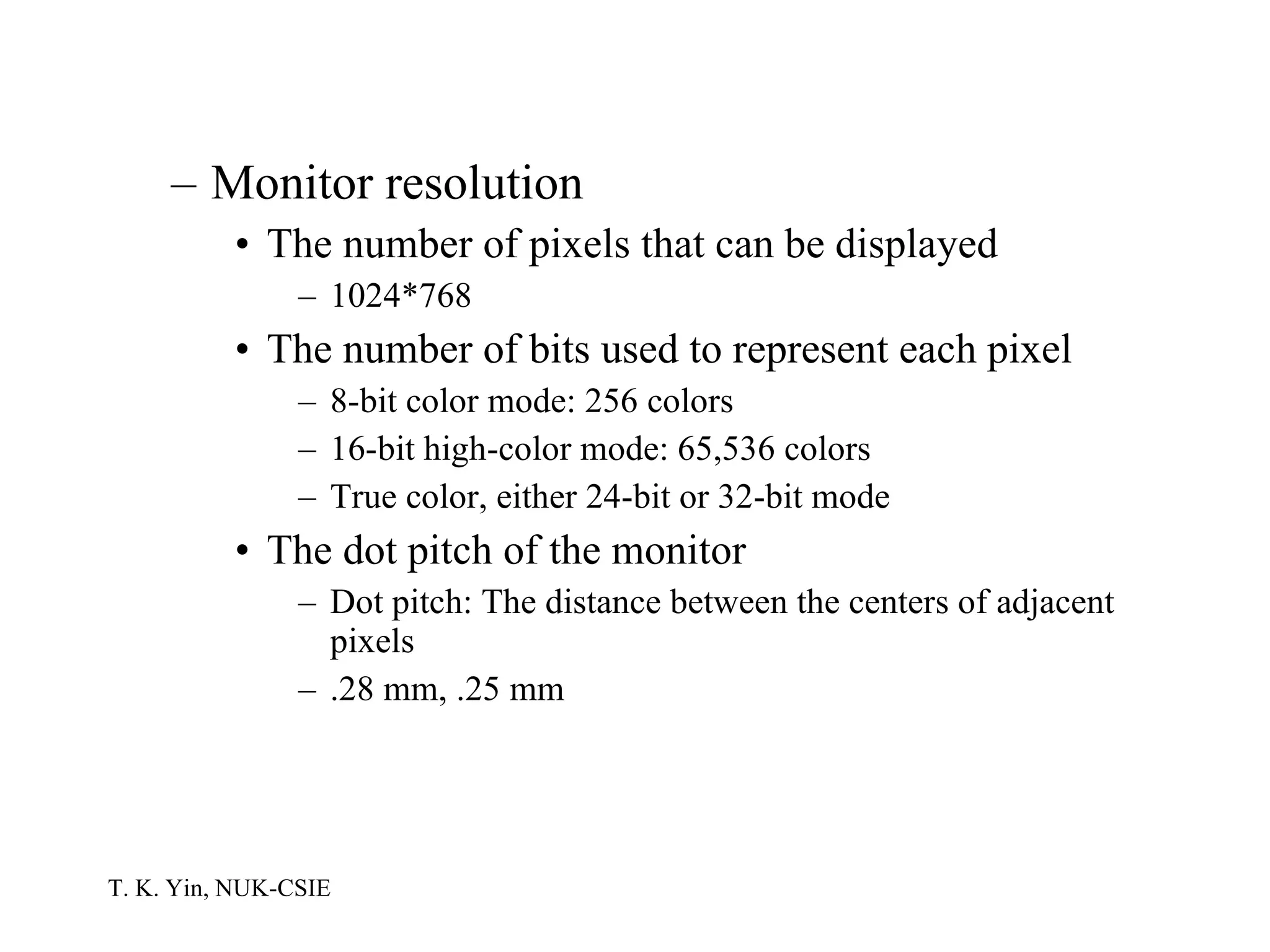
Monitor resolution The number of pixels that can be displayed 1024*768 The number of bits used to represent each pixel 8-bit color mode: 256 colors 16-bit high-color mode: 65,536 colors True color, either 24-bit or 32-bit mode The dot pitch of the monitor Dot pitch: The distance between the centers of adjacent pixels .28 mm, .25 mm
CRT monitor TFT LCD monitor Touch screen monitor
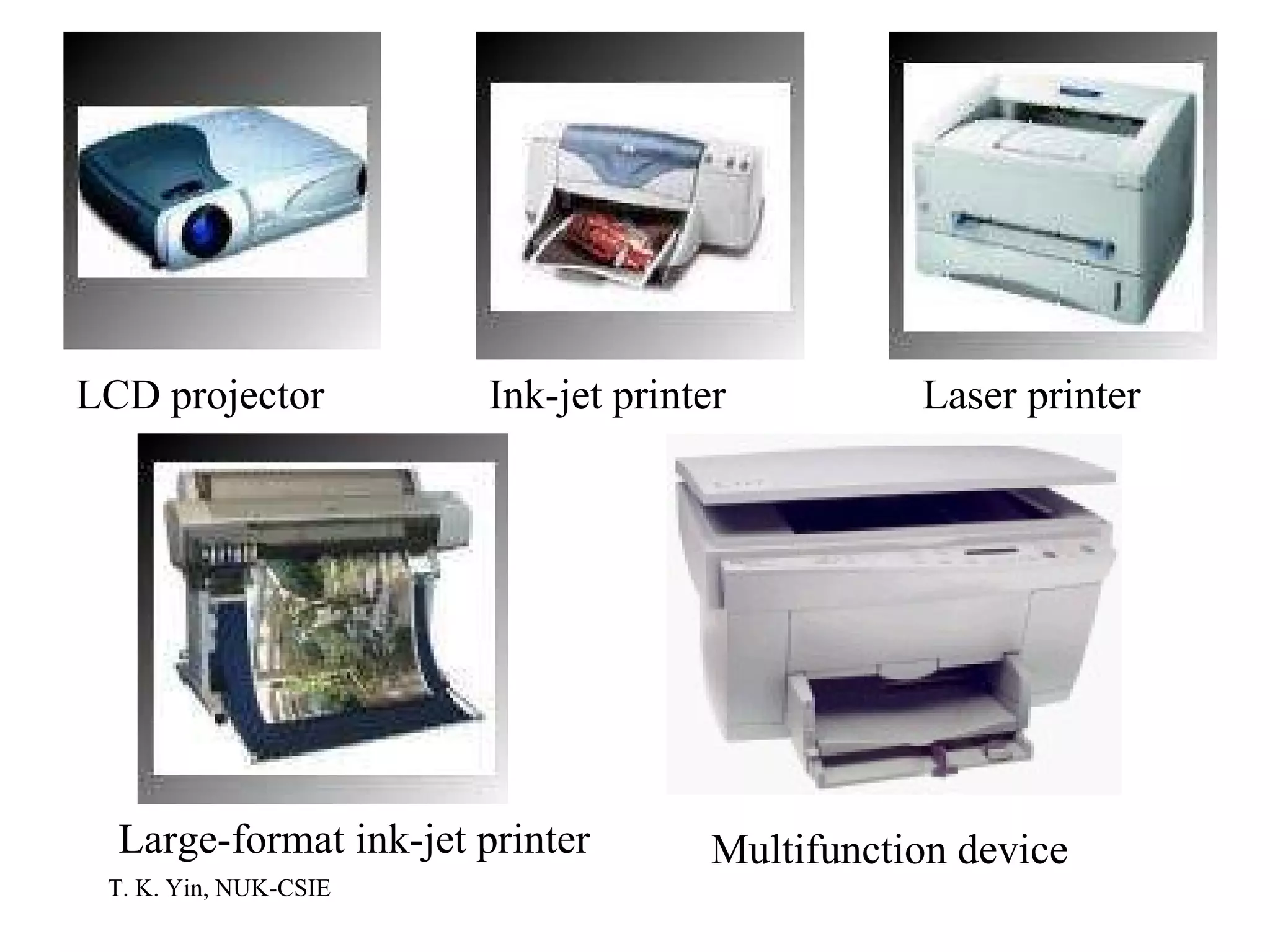
LCD projector Printer Laser Nonimpact 600 dpi (dots per inch), 1200 dpi Ink-jet  Nonimpact The droplets, ehich dry instantly as dots, form the letters and images Large-format ink-jet, or plotter All-in-one multifunction device: Print, fax, scan, and copy
LCD projector Ink-jet printer Laser printer Large-format ink-jet printer Multifunction device
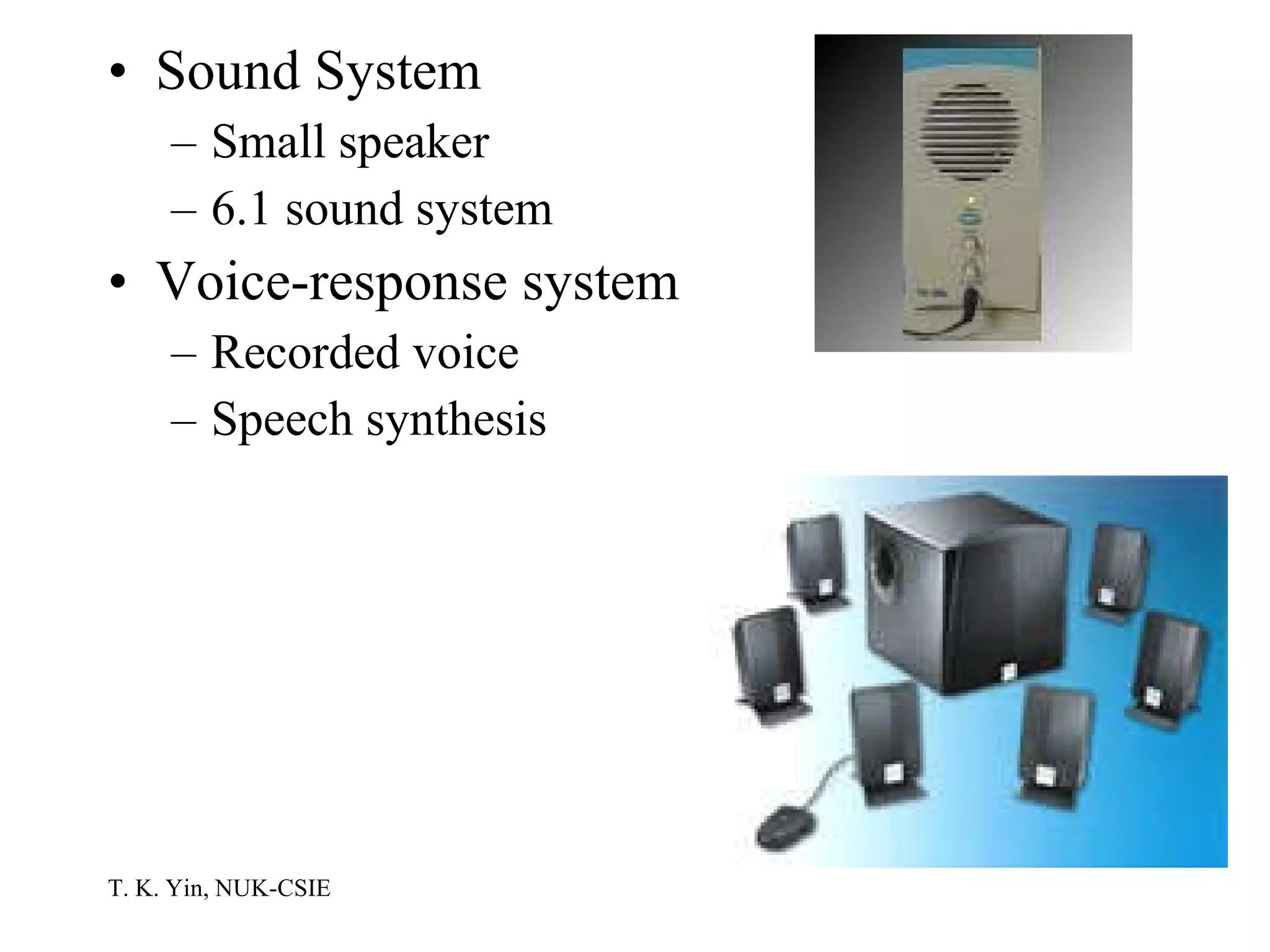
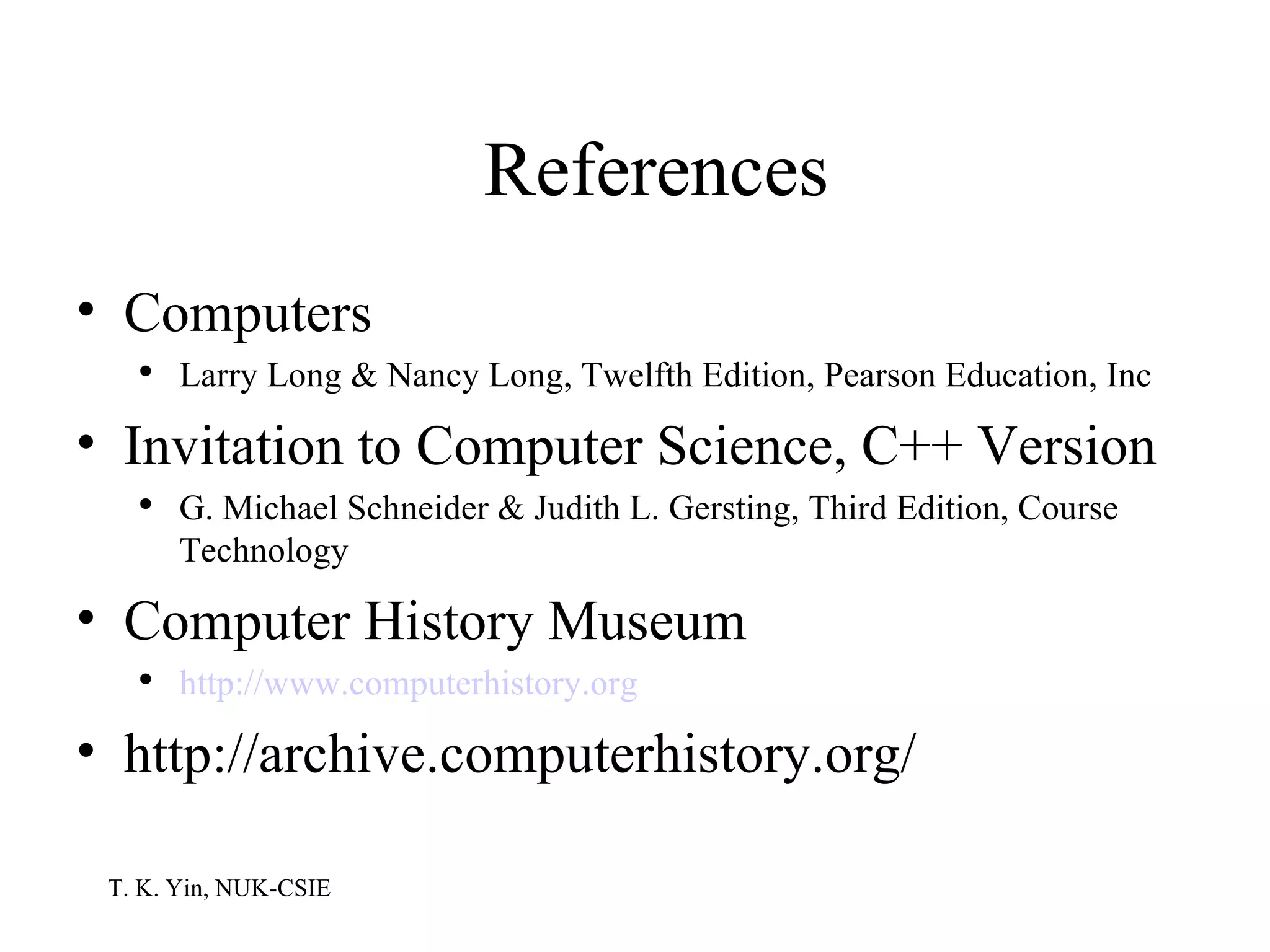
Sound System Small speaker 6.1 sound system Voice-response system Recorded voice Speech synthesis
References Computers Larry Long & Nancy Long, Twelfth Edition, Pearson Education, Inc Invitation to Computer Science, C++ Version G. Michael Schneider & Judith L. Gersting, Third Edition, Course Technology Computer History Museum http://www .computerhistory .org http://archive.computerhistory.org/

Inside The Computer

  • 1.
    Introduction to ComputerScience (I) Inside the Computer
  • 2.
    Computer System Acomputer system consists of Hardware: The set of electronic elements required to run programs Software: The set of instructions to be run on the hardware Data: Raw facts as input to the computer. After processed, useful information as the output of the computer is produced User
  • 3.
    Binary Digits: 1and 0 Types of signals Analog: Continuous waveforms in which variations in frequency and amplitude can be used to represent information Digital: Discrete signals in two states. Generally, the on state is expressed or represented by the number 1 and the off state by the number 0
  • 4.
    Digitalized data incomputers Letters Numbers Colors Sounds Images Odors Bit: An on or off electronic state On-bit: 1 Off-bit: 0
  • 5.
    On and offstates inside the computers RAM: Presence or absence of an electrical charge in an integrated circuit Source: http://www.intel.com/research/silicon/nanotechnology.htm
  • 6.
    Disk storage: Twostates are represented by the magnetic arrangement of the surface coating on magnetic disks Source: http://www.research.ibm.com/resources/news/20010518_whitepaper.shtml
  • 7.
    CD and DVD:Digital data are stored permanently as microscopic pits Source: http://www.opticaldisc-systems.com/2002SepOct/DVDBASICS80.htm
  • 8.
    Fiber optic cable:Binary data are pulses of light Electrical transmission media: Binary numbers are electrical signals Source: http://www.bsu.edu/web/CBTHORNBERRY/trends5.html
  • 9.
    Character encoding systems:bits and bytes Byte: The 8-bit combination of bits are used to represent a character ASCII: The 7-bit ASCII (American Standard Code for Information Interchange) code can represent up to 128 characters Source: http://www.unicode.org/charts/PDF/U0000.pdf
  • 10.
    Unicode: A 16-bitencoding system to represent more characters than the English language Source: http://www.unicode.org/charts/PDF/U4E00.pdf
  • 11.
    The Components ofA Computer Von Neumann architecture The model of computing proposed by John Von Neumann (1903-1957) in 1946 The stored program computer The instructions that control the operation of the computer be encoded as binary values and stored internally in the memory unit along with the data The basis of the structure and organization of virtually all modern computers
  • 12.
    Include four majorsubsystems called memory, input/output, the arithmetic/logic unit (ALU), and the control unit Memory Memory Control unit ALU Processor
  • 13.
    The first storedprogram Maurice Wilkes of the University of Cambridge created the first stored program on a machine, called EDSAC, which calculated and printed the table of squares on May 6, 1949. Image courtesy of Computer History Museum, http://www.computerhistory.org
  • 14.
    The major devicesof a personal computer The PC system unit Storage devices Input devices Output devices System Unit Storage Devices CPU Output Devices Control Unit Input Devices ALU Main Memory
  • 15.
    The PC SystemUnit The motherboard A single circuit board provides the path through which the processor communicates with memory components and peripheral devices Attached devices Processor Support electronic circuitry, such as the chipset Memory chips Expansion boards
  • 16.
    Source: http://www.asus.com 12 3 4 5 6 7 1: Processor socket 2: DIMM sockets 3. Floppy connector 4: Hard disk connectors 5: Chipset 6: PCI expansion slots 7: AGP video cord slot
  • 17.
    1: PS/2 mouseport 2: Parallel port 3: RJ-45 port 4: Line In port 5: Line Out port 6: Microphone port 7: USB 2.0 ports 1 and 2 8: VGA por 9: S/PDIF out port (digital audio) 10: USB 2.0 ports 3 and 4 11: PS/2 keyboard port Source: http://www.asus.com
  • 18.
    The processor Calledthe central processing unit or CPU The nucleus of any computer system Contains the control unit and the arithmetic and logic unit Companies Intel: Pentium 4, Celeron, Xeon, Itanium Motorola: 680x0 AMD: K6, Duron, Athlon Apple/Motorola/IBM: Power PC Sun: SPARC Compaq: Alpha
  • 19.
    DRAM (dynamic randomaccess memory) A high-speed holding area for data and programs Types SDRAM (synchronous DRAM) VCM (virtual channel memory) DRDRAM (direct rambus DRAM) DDR SDRAM (double data rate SDRAM) Module SIMM (single in-line memory module) DIMM (double in-line memory module)
  • 20.
    VCM DRDRAM DDRSDRAM 200 PIN DDR333 256MB SO-DIMM
  • 21.
    Cache memory Level1 cache: Built into the processor Level 2 cache: On another chip, sitting between the processor and RAM Volatile memory DRAM SRAM (static RAM): Used in cache memory Nonvolatile memory ROM (read only memory) When you turn on a microcomputer system, aprogram in ROM automatically readies the computer for use and produces the initial display-screen prompt PROM (programmable ROM) Flash memory The PC’s BIOS (basic input output system) is stored in flash memory
  • 22.
    CMOS (complementary metal-oxidesemiconductor ) A type of memory chip with very low power requirements, and in PCs it operates using small batteries. In PCs, CMOS is more specifically referred to as CMOS RAM. Store information your computer needs when it boots up, such as hard disk types, keyboard and display type, chip set, and even the time and date.
  • 23.
  • 24.
    Buses and portsThe motherboard and its system bus must be linked to input, output, storage, and communication devices to receive data and return the results of processing PCI local bus The PCI local bus (peripheral component interconnect) enables circuit boards with extra features to be linked to the common system bus AGP bus The AGP bus (accelerated graphics port) is a special-function bus designed to accommodate the throughput demands of high-resolution 3-D graphics
  • 25.
    USB The USB(universal serial bus) is the primary standard for connecting peripheral devices to a PC The USB hub is a device connecting to a USB port and offering three, four, or five additional USB ports USB 2.0 permits data transfer at 480 Mbps, about 40 times faster than the original USB standard 1394 or FireWire bus The 1394 bus supports data transfer rates of 400 Mbps for the original standard and 800 Mbps for the current standard SCSI bus The SCSI bus (small computer system interface) was an early alternative to using expansion slots to extend PC functionality Up to 15 SCSI peripheral devices can be daisy-chained to a SCSI interface expansion card via the SCSI port
  • 26.
    Serial port The9-pin or 25-pin RS-232C connector An external modem might be connected to a serial port Parallel port Parallel ports use the same 25-pin RS-232C connector Printers used parallel ports IrDA port The infrared port transmits data via infrared light waves
  • 27.
    USB connector PS/2keyboard connector 1394/FireWire connector Ethernet connector
  • 28.
    SCSI cable Printerconnector Video/monitor cable
  • 29.
    Expansion boards Graphicadapter Normally an AGP board Sound Typically has receptacles for a microphone, a headset, an audio output and most has a port for a game controller and a MIDI (music instrument digital interface) port Data/voice/fax modem Network interface card SCSI interface card Video capture card
  • 30.
    Sound card Graphicsadapter SCSI interface card Network interface card
  • 31.
    PC cards ThePCMCIA card is a credit card-sized removable expansion module that is plugged into an external PCMCIA expansion slot on a PC, usually a notebook Extended RAM, programmable nonvolatile flash memory, network interface cards (wireless and wired), data/voice/fax modems, hard-disk cards
  • 32.
    PCI card andPCMCIA radio card PCMCIA hard disk PCMCIA flash memory PCMCIA wireless network interface card
  • 33.
    Processor description Wordsize: bits handled as a unit 32 bits 64 bits Core speed PCs MHz (millions of clock cycles per second) GHz (billions of clock cycles per second) PCs, workstations, server computers MIPS (millions of instructions per second) Supercomputers FLOPS (floating point operations per second)
  • 34.
    Bus speed MHzGHz Memory capacity Kilobytes (KB): 1024 ( ) bytes Megabytes (MB): 1,048,576 ( ) bytes Gigabytes (GB): bytes Terabytes (TB): bytes
  • 35.
    Storage Devices Magneticdisk storage Fixed disks Hard disks Interchangeable disks Floppy disks: 1.44 MB SuperDisk: 120 MB Zip disks: 100, 250, 750 MB
  • 36.
    Floppy disk Harddisk Zip disk Superdisk
  • 37.
    Optical laser discsCD formats (650MB) CD audio (compact disc): 4.72 inch CD-ROM (compact disc-read-only memory) 32X, 40X, 75X: Spin at 32, 40, and 75 times the speed of the original CD standard Original 1X CD-ROM data transfer rate: 150 KB per second Spin more quickly when accessing the data near the center (about 450 rpm) and more slowly for data near the edge (about 250 rpm) CD-R (compact disc recordable) CD-RW (CD-ReWritable)
  • 38.
    DVD formats (4.7GB or 9.4 GB for double sided) DVD (digital video disc) audio, DVD video DVD-ROM The data transfer rate is nine times that of a CD-ROM spinning at the same rae DVD+R, DVD-R: Like CD-R DVD+RW, DVD-RW: Like CD-RW DVD-RW (DVD-R) and DVD_RW (DVD+R) are competing technologies
  • 39.
  • 40.
    Solid state storageFlash memory Mini USB drive
  • 41.
    Input Devices KeyboardMouse Point-and-draw devices Trackpad: Common on notebook PCs Trackpoint: Usually positioned in or near a notebook’s keyboard Trackball: A ball inset in a notebook PC or as a separate unit Joystick Digitizer tablet and pen
  • 42.
  • 43.
  • 44.
    Scanner Handheld labelscanner Read data on price tags, shipping labels, inventory part numbers, book ISBNs Sometimes called wand scanners Stationary label scanner Applications like wand scanners Common in grocery stored and discount stores Document scanner Scans documents of varying sizes Read envelopes at the U.S. Postal Service, and also read turnaround documents for utility companies
  • 45.
    Handheld label scannerStationary label scanner Document scanner
  • 46.
    Image scanner Pageimage scanner The scanned result is a high-resolution digitized image Hand image scanner Rolled manually over the image to be scanned Badge reader (for magnetic stripes and smart cards) The magnetic stripes on the back of charge cards and badges offer another means of data entry Speech recognition Consists of software, a generic vocabulary database, and a high-quality microphone with noise-canceling capabilities
  • 47.
    Hand image scannerPage image scanner Badge reader Speech recognition
  • 48.
    Digital camera Desktopdigital video camera Webcam Digital video cameras that are continuously linked to the Internet Real-time Internet-based videophone conversations Digital camcorder
  • 49.
    Digital camera WebcamDigital camcorder
  • 50.
    Output Devices MonitorsCRT Flat-panel LCD (liquid crystal display): Active matrix or passive matrix TFT (thin film transistor) LCD: Active matrix Touch screen Has pressure-sensitive overlays that can detect pressure and the exact location of that pressure
  • 51.
    Monitor resolution Thenumber of pixels that can be displayed 1024*768 The number of bits used to represent each pixel 8-bit color mode: 256 colors 16-bit high-color mode: 65,536 colors True color, either 24-bit or 32-bit mode The dot pitch of the monitor Dot pitch: The distance between the centers of adjacent pixels .28 mm, .25 mm
  • 52.
    CRT monitor TFTLCD monitor Touch screen monitor
  • 53.
    LCD projector PrinterLaser Nonimpact 600 dpi (dots per inch), 1200 dpi Ink-jet Nonimpact The droplets, ehich dry instantly as dots, form the letters and images Large-format ink-jet, or plotter All-in-one multifunction device: Print, fax, scan, and copy
  • 54.
    LCD projector Ink-jetprinter Laser printer Large-format ink-jet printer Multifunction device
  • 55.
    Sound System Smallspeaker 6.1 sound system Voice-response system Recorded voice Speech synthesis
  • 56.
    References Computers LarryLong & Nancy Long, Twelfth Edition, Pearson Education, Inc Invitation to Computer Science, C++ Version G. Michael Schneider & Judith L. Gersting, Third Edition, Course Technology Computer History Museum http://www .computerhistory .org http://archive.computerhistory.org/