Downloaded 46 times
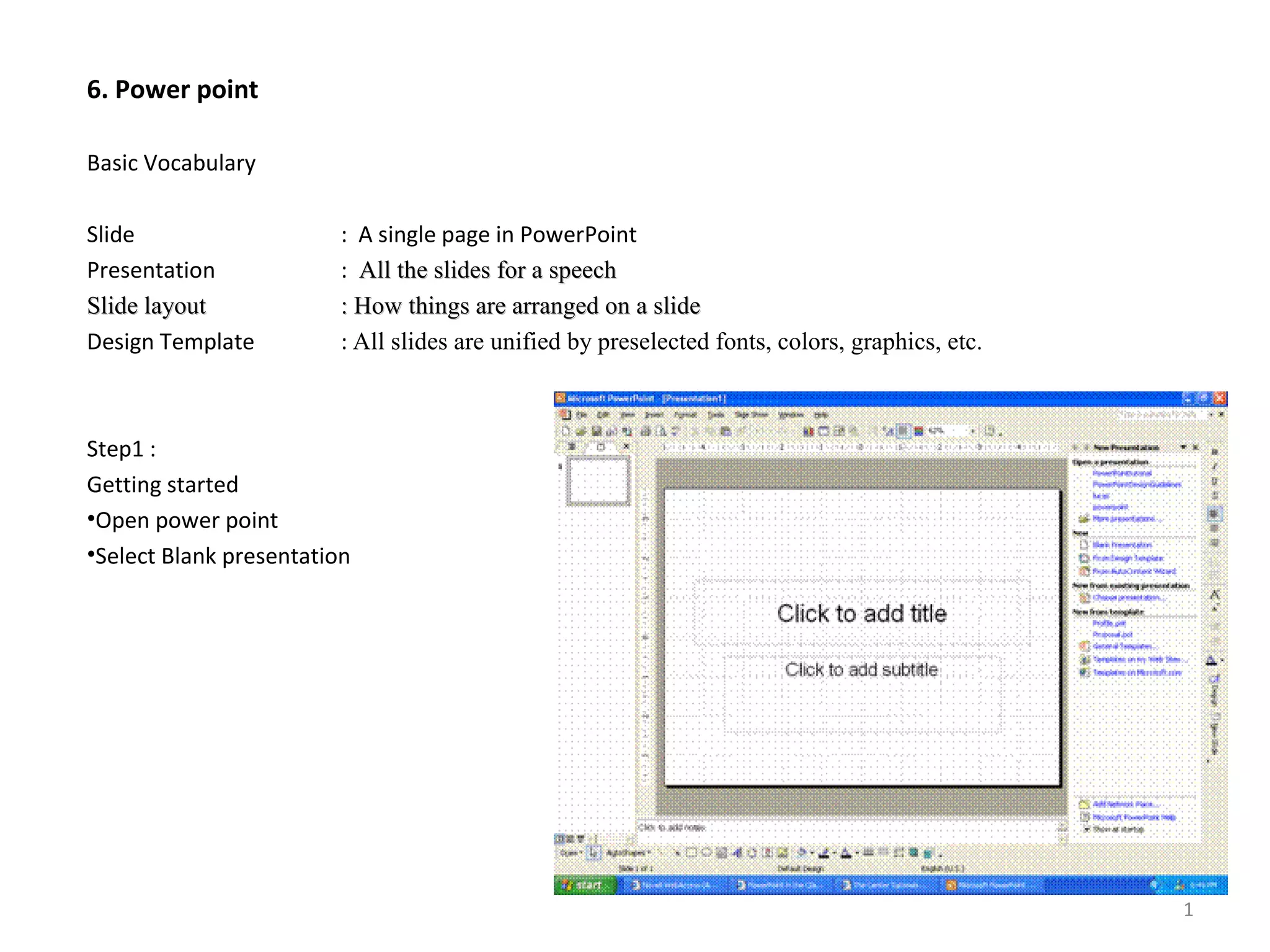
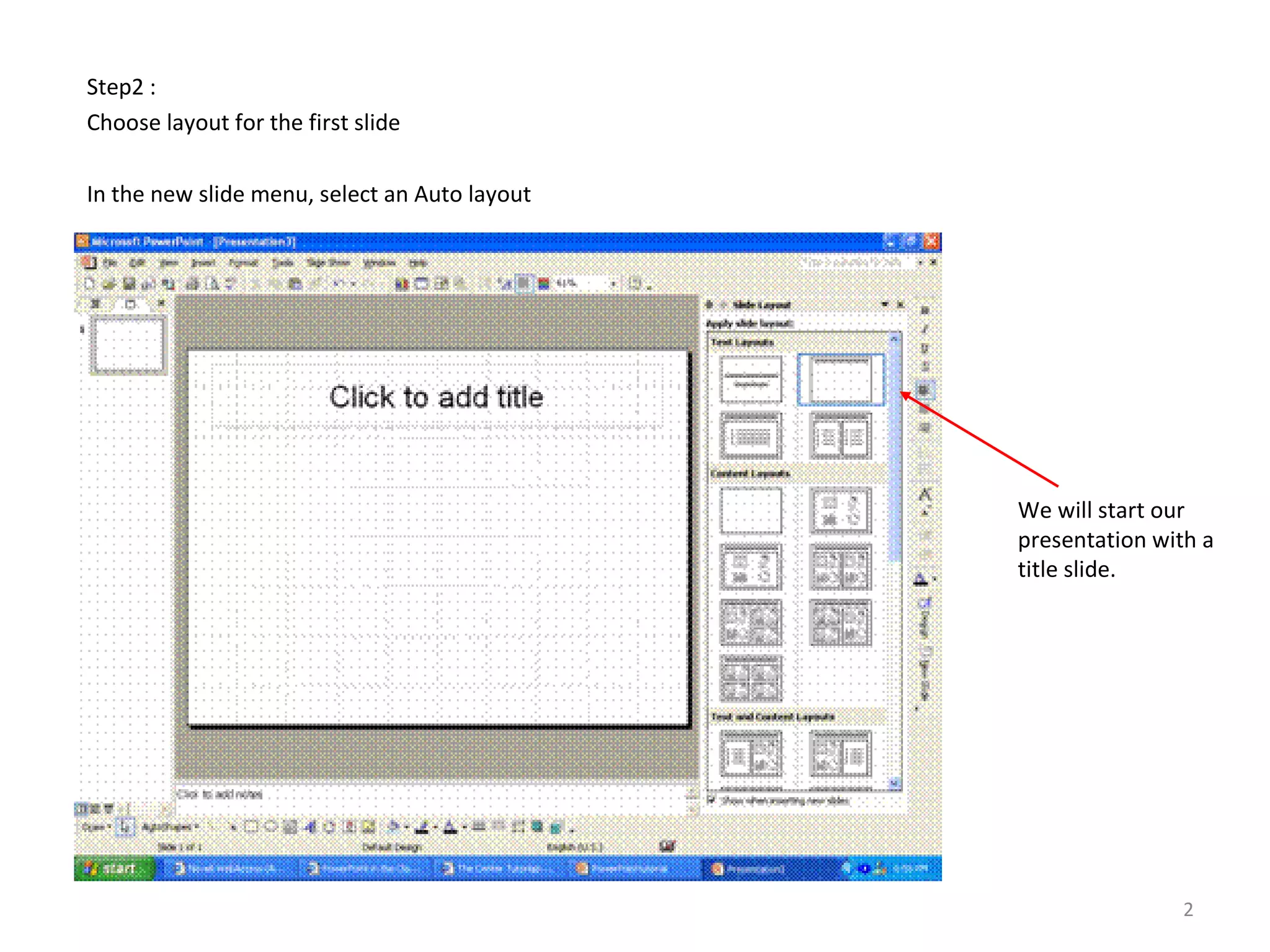
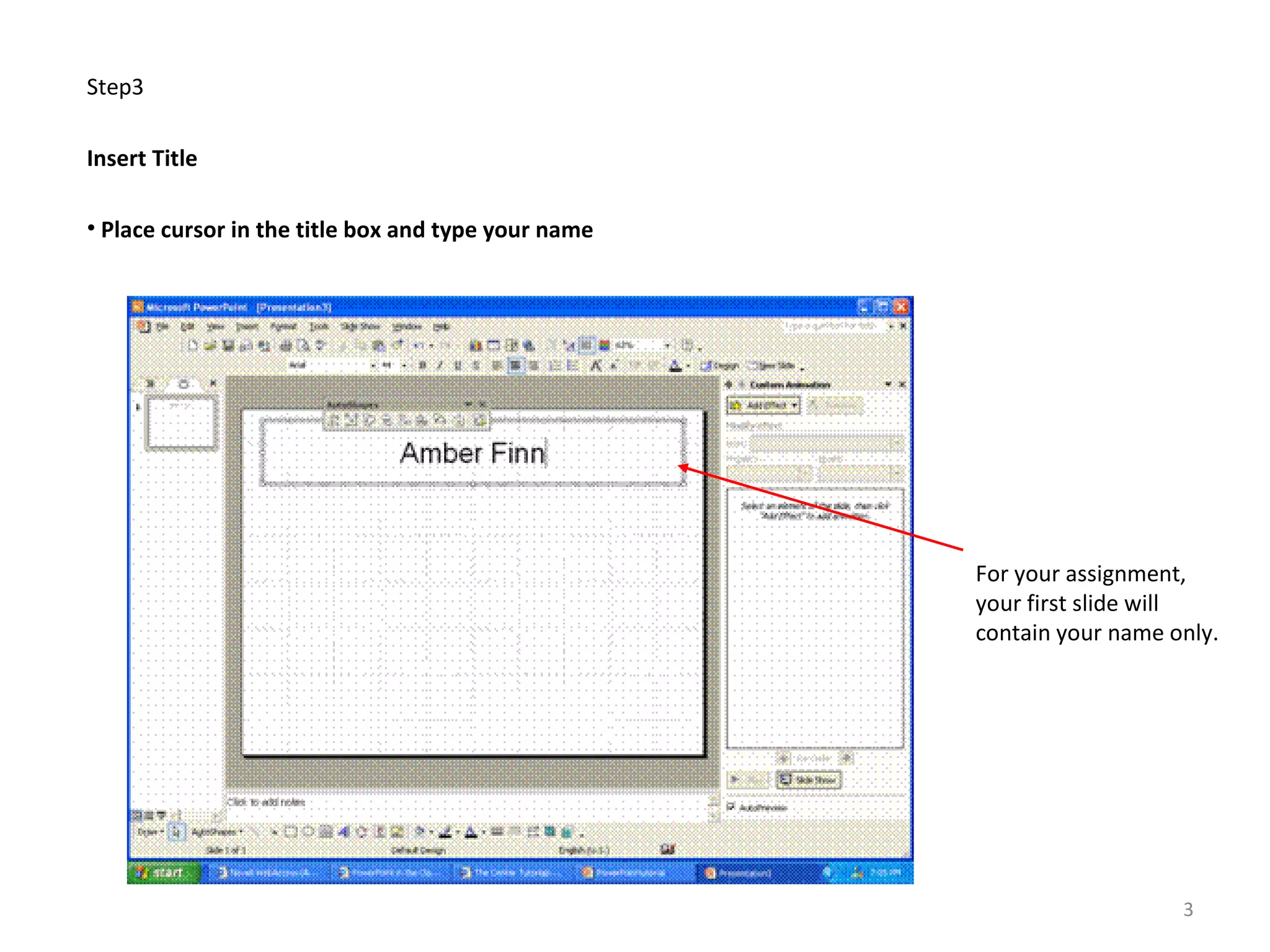
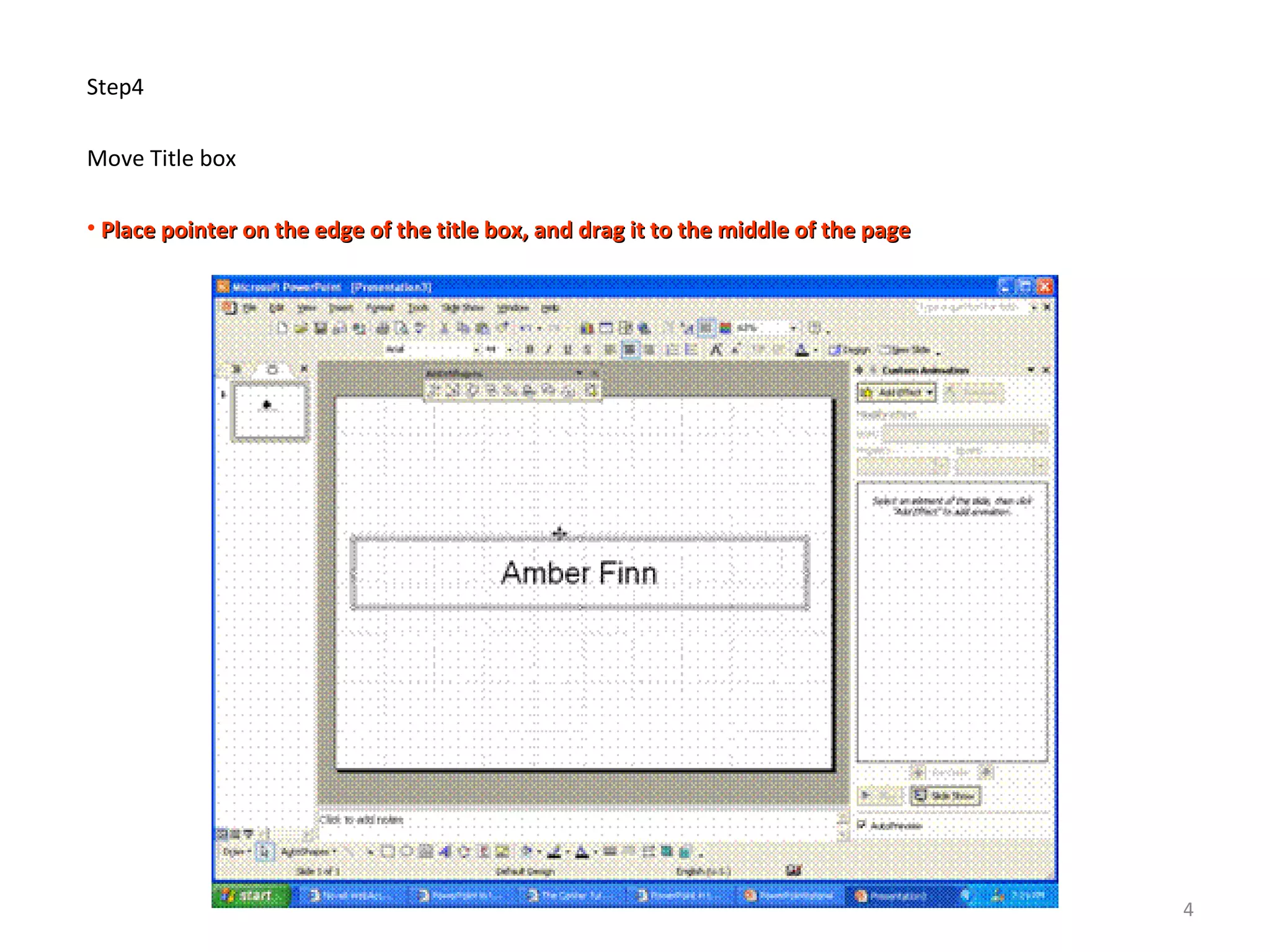
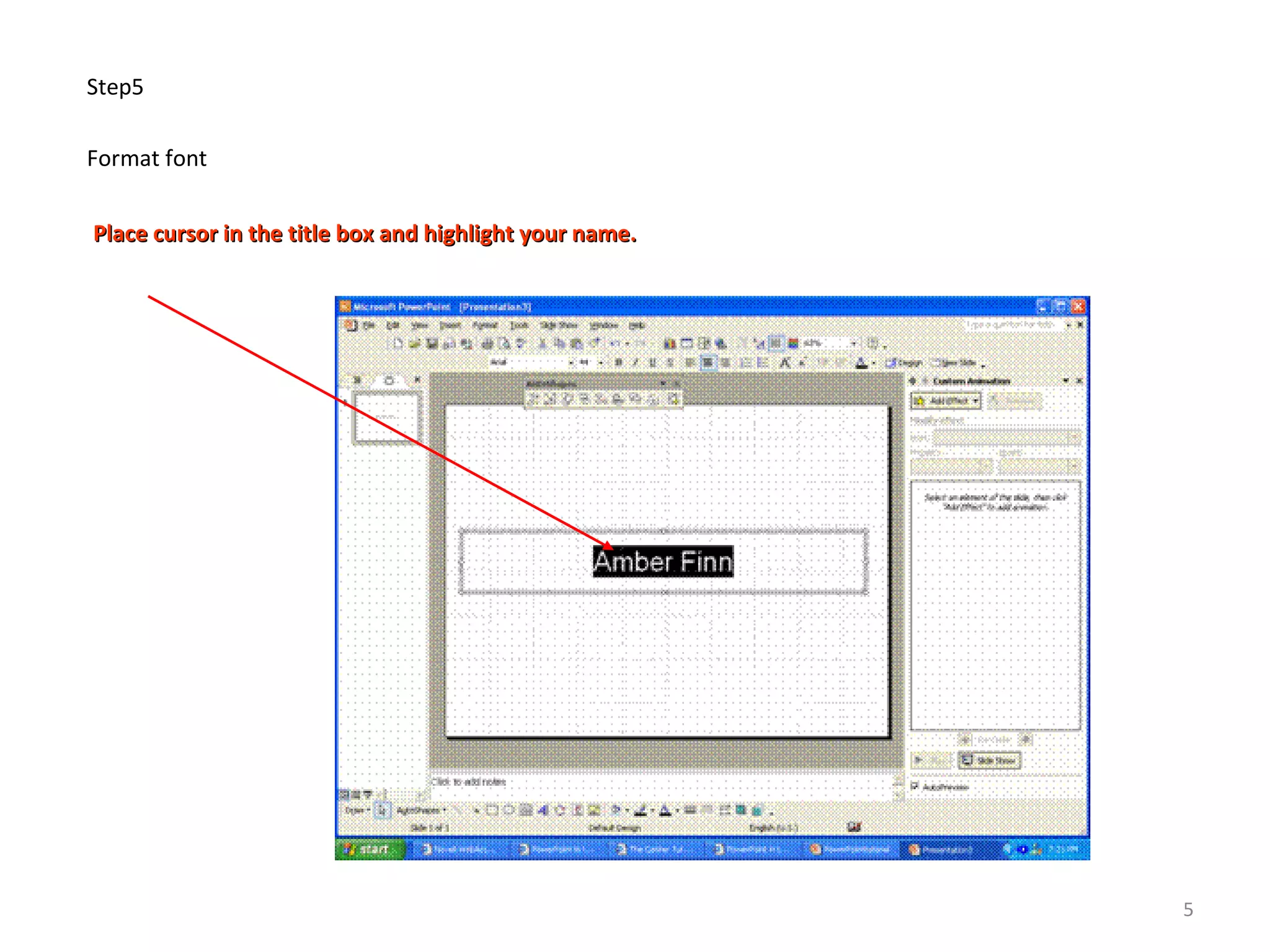
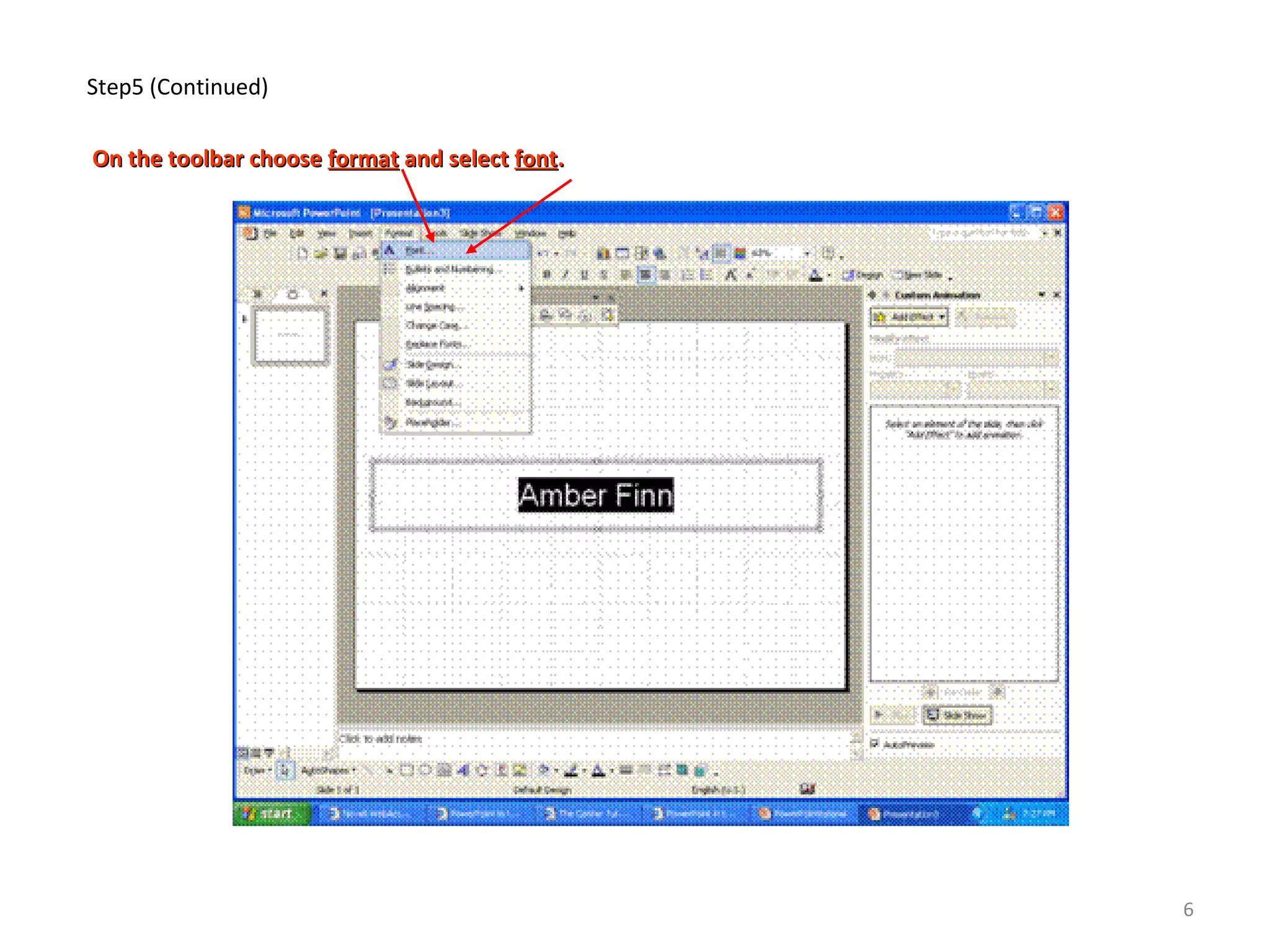
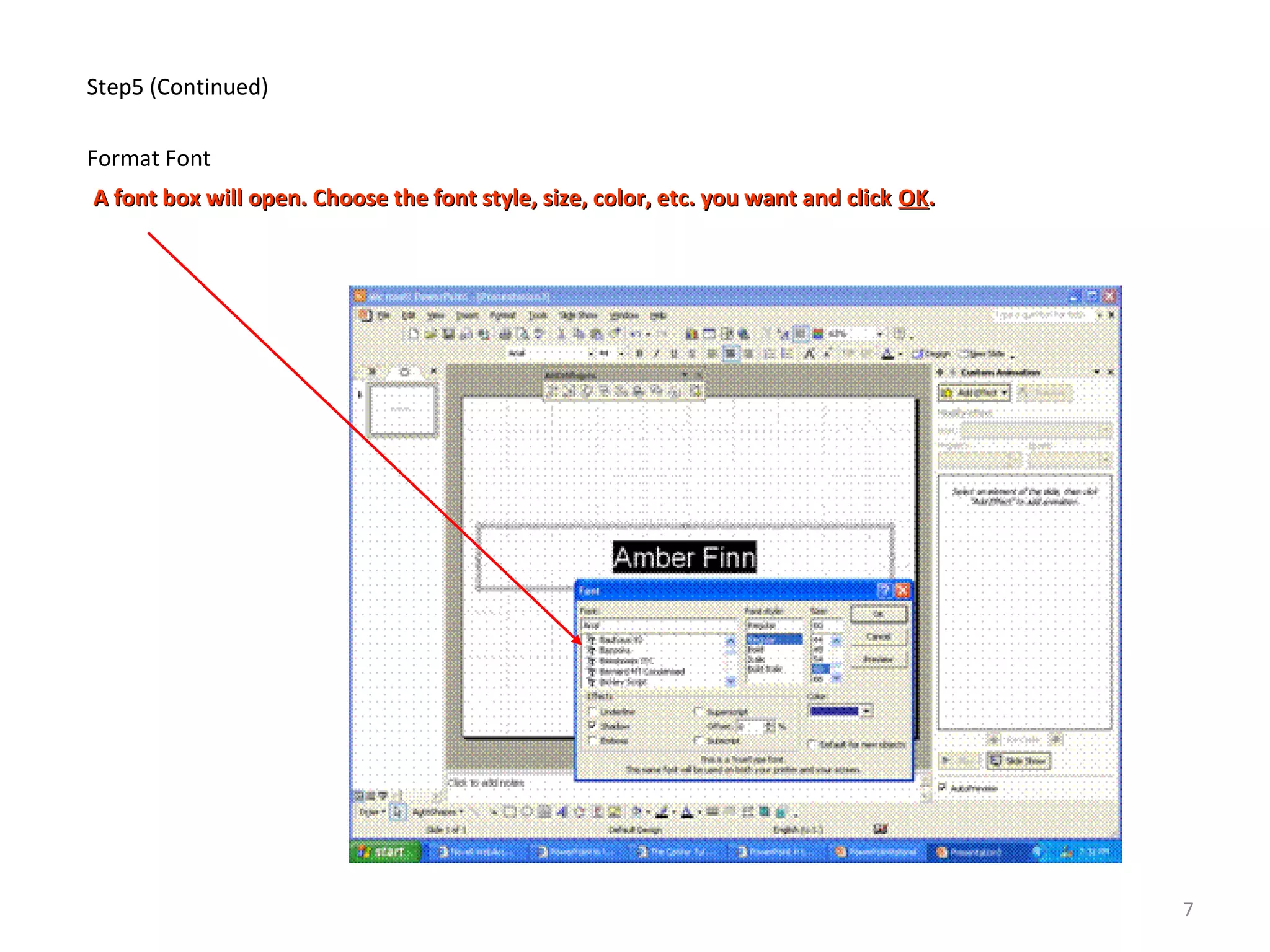
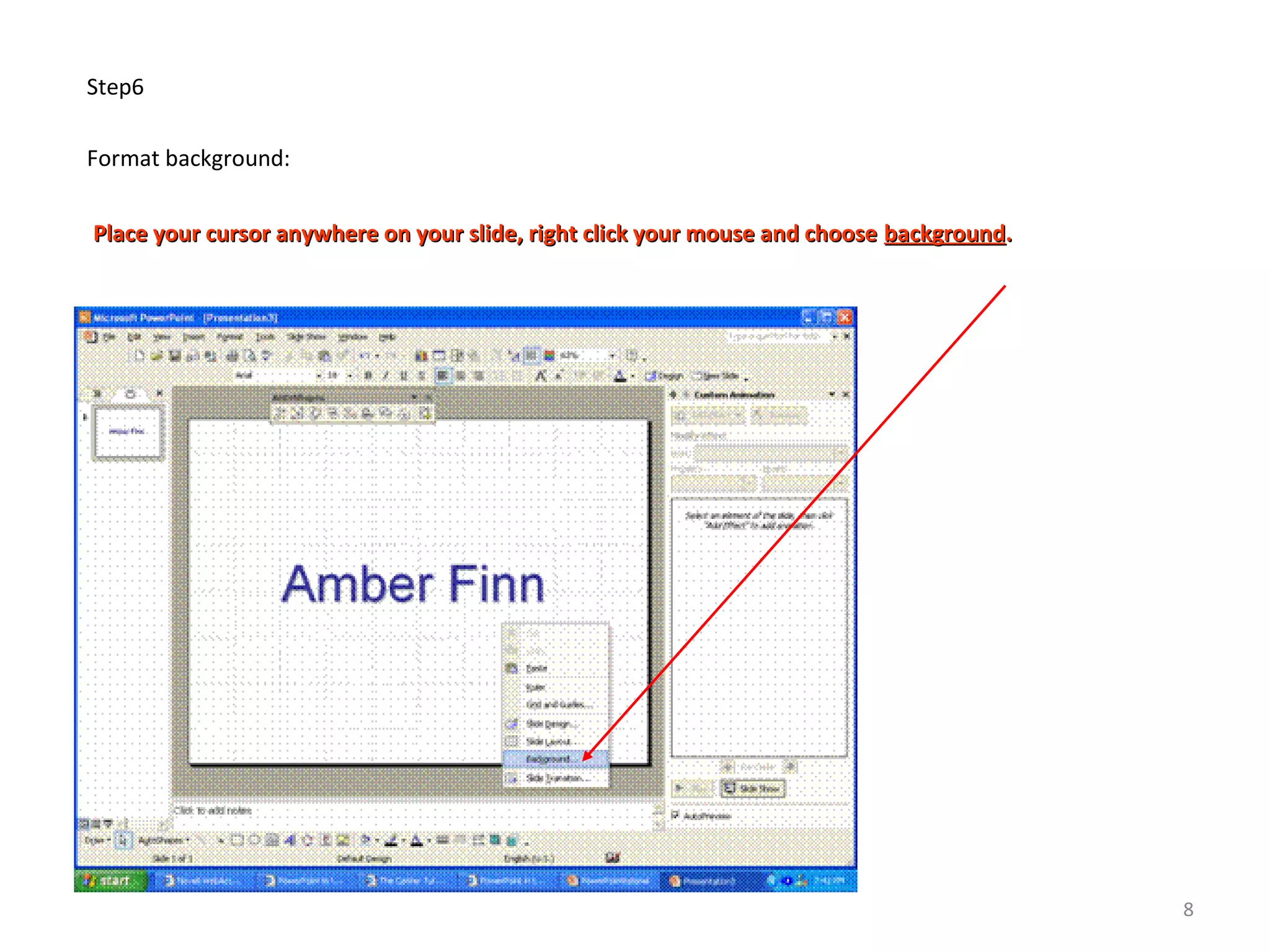
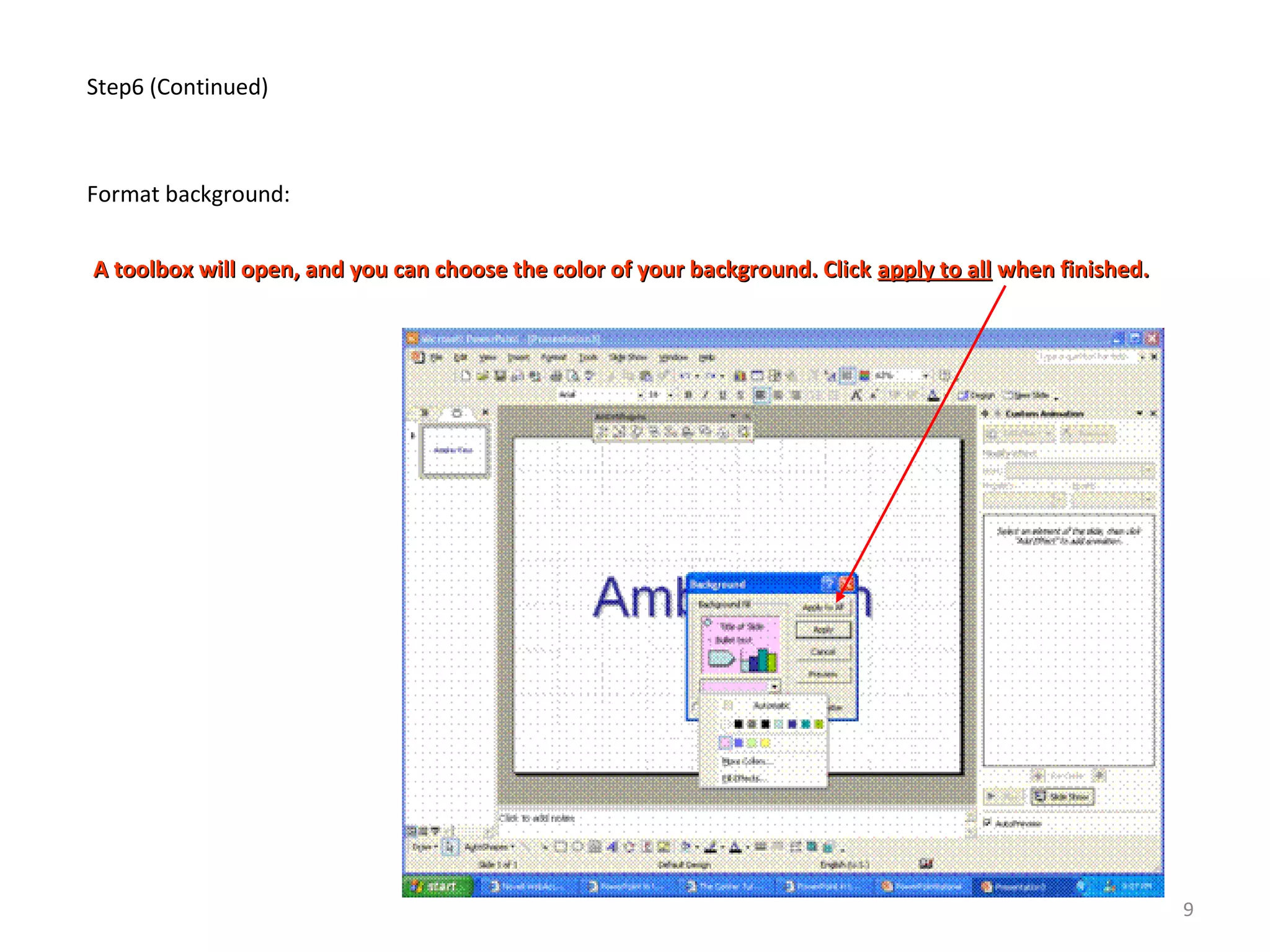
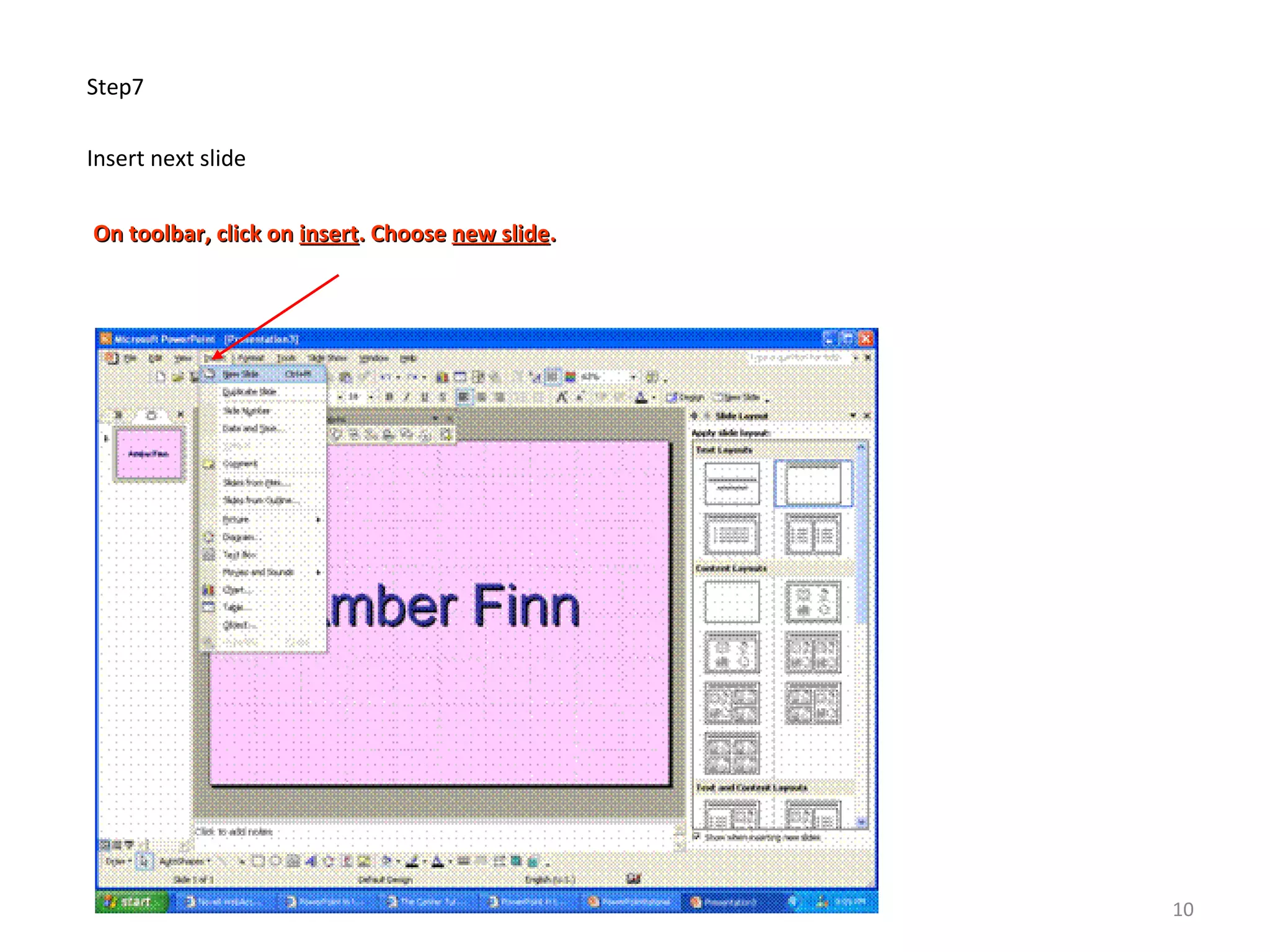
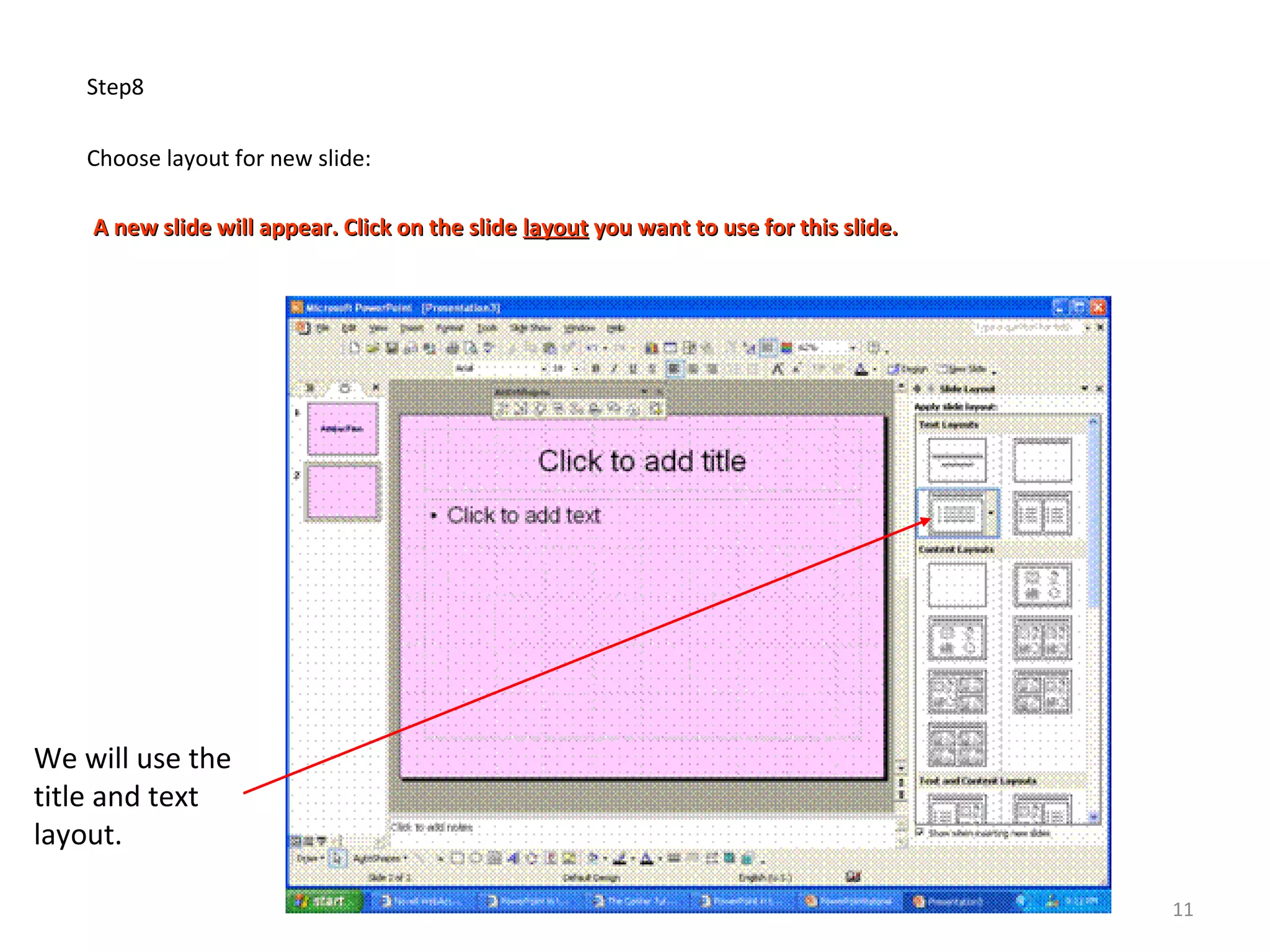
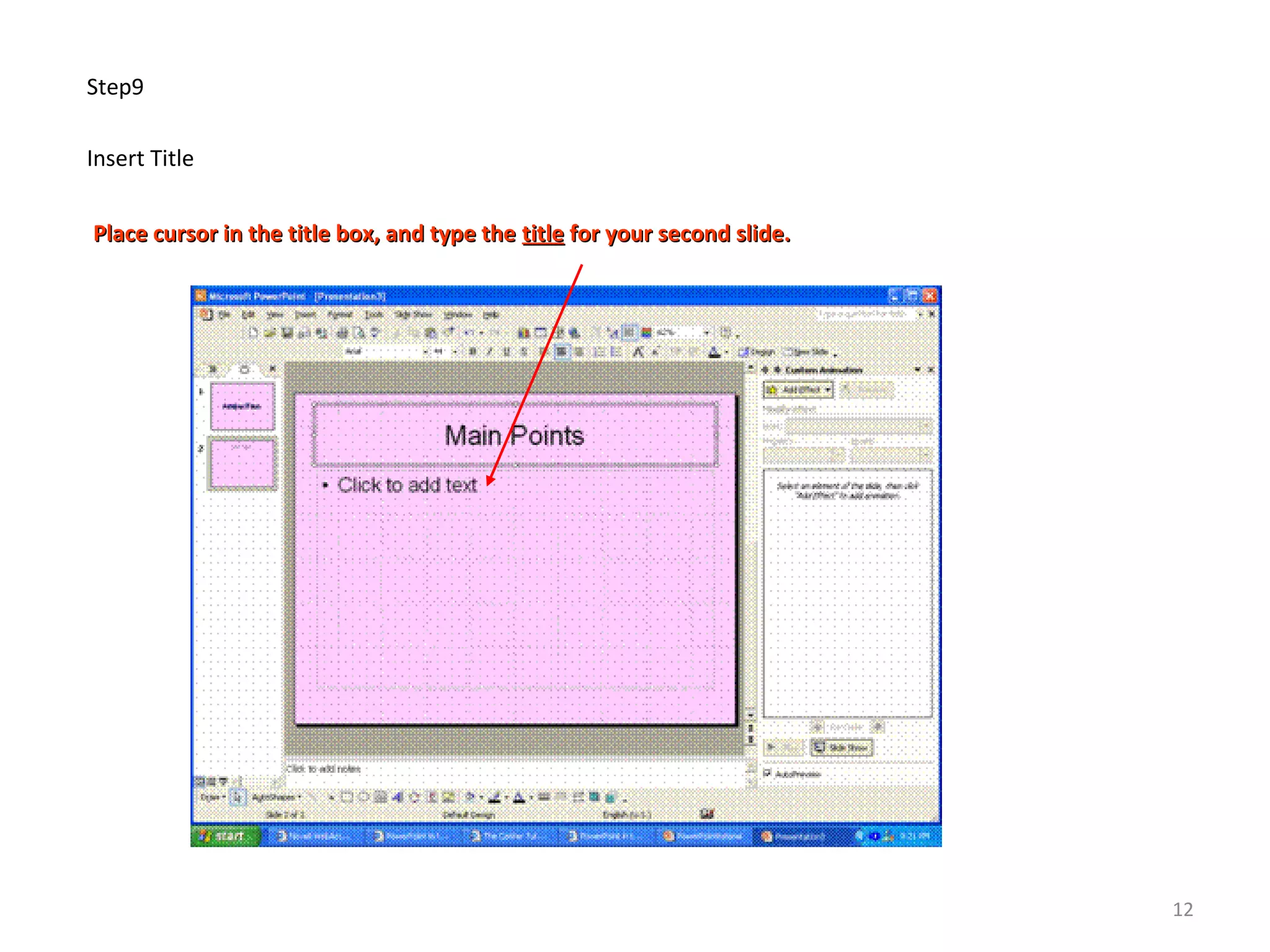
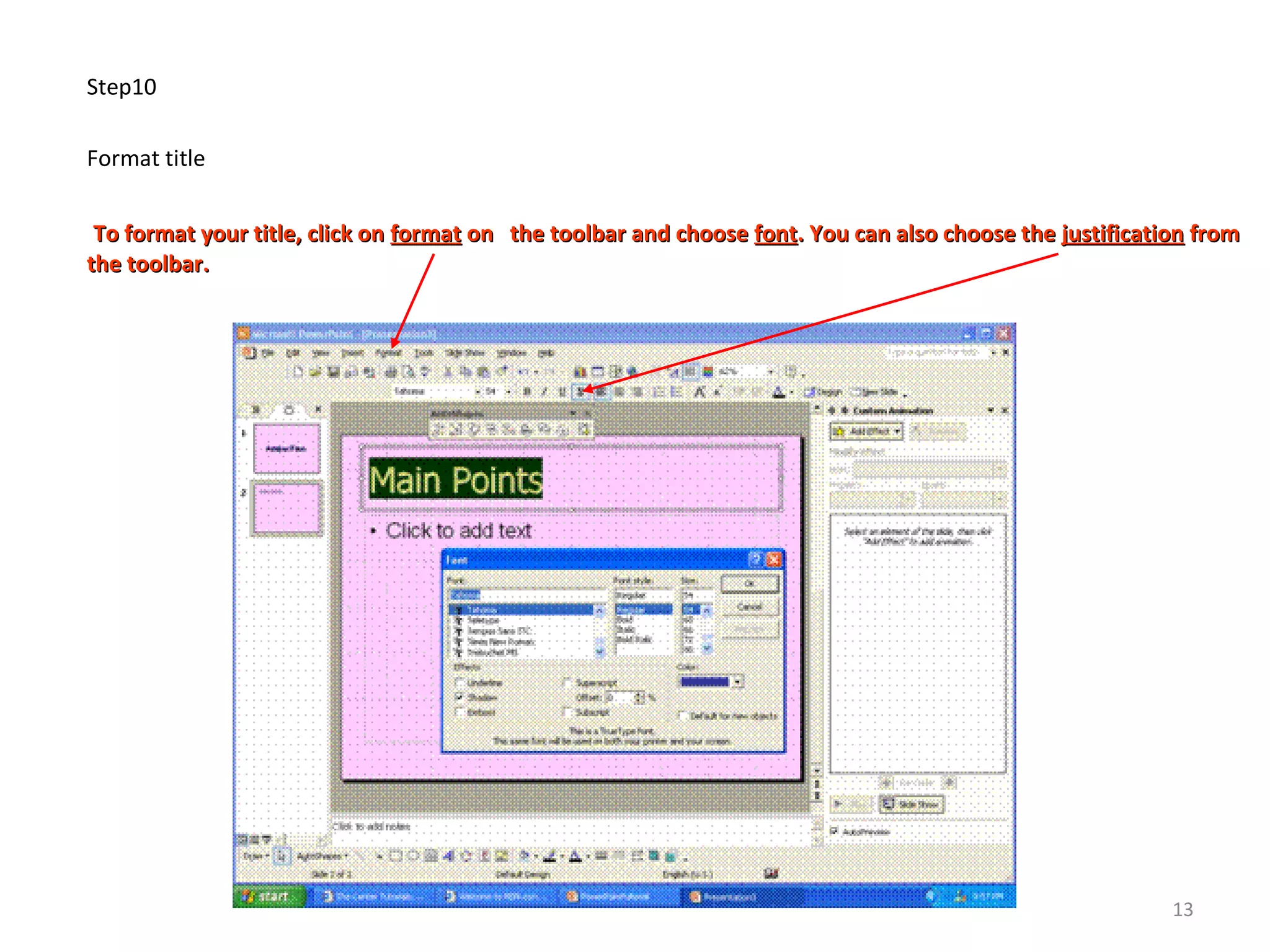
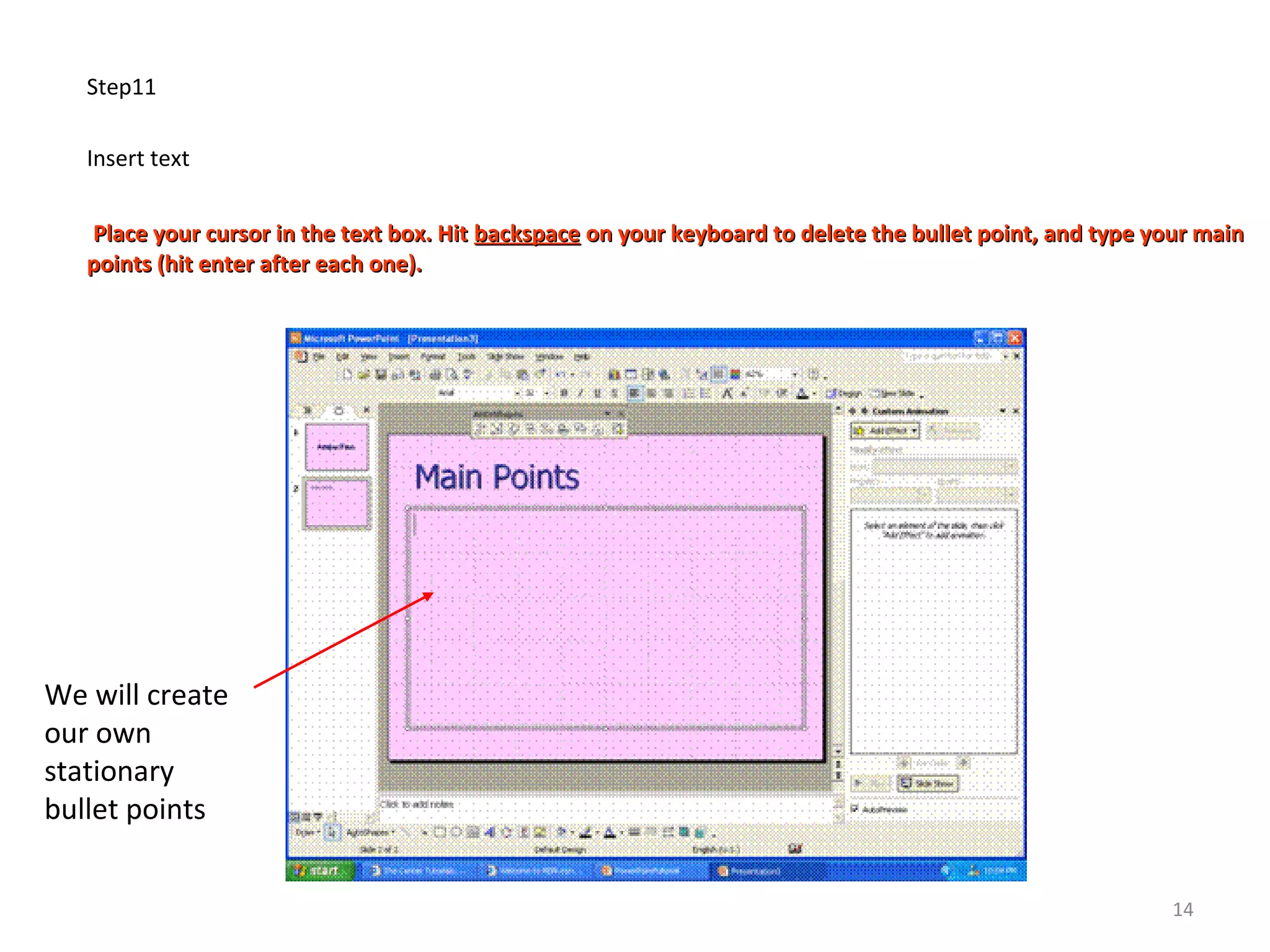
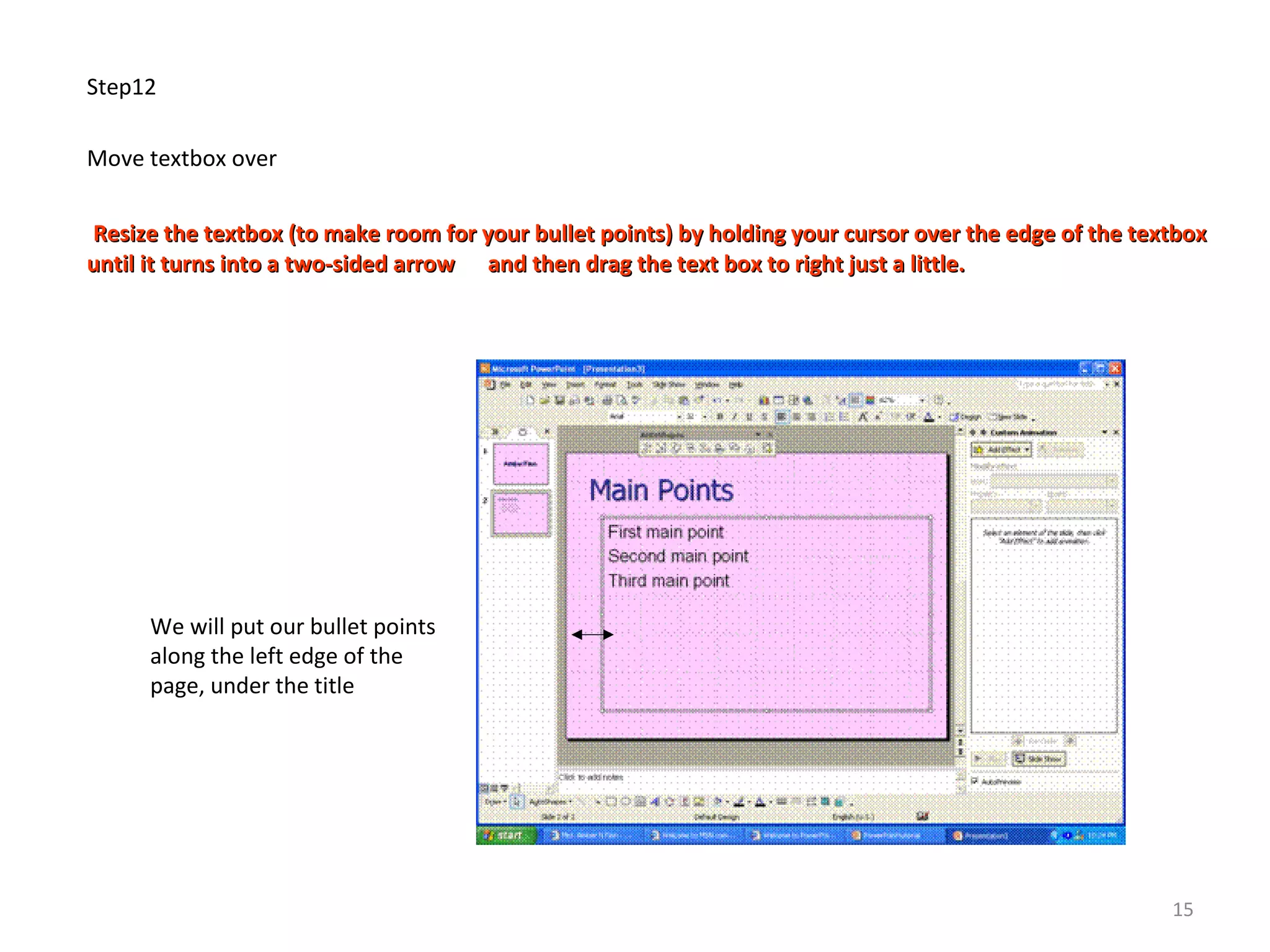
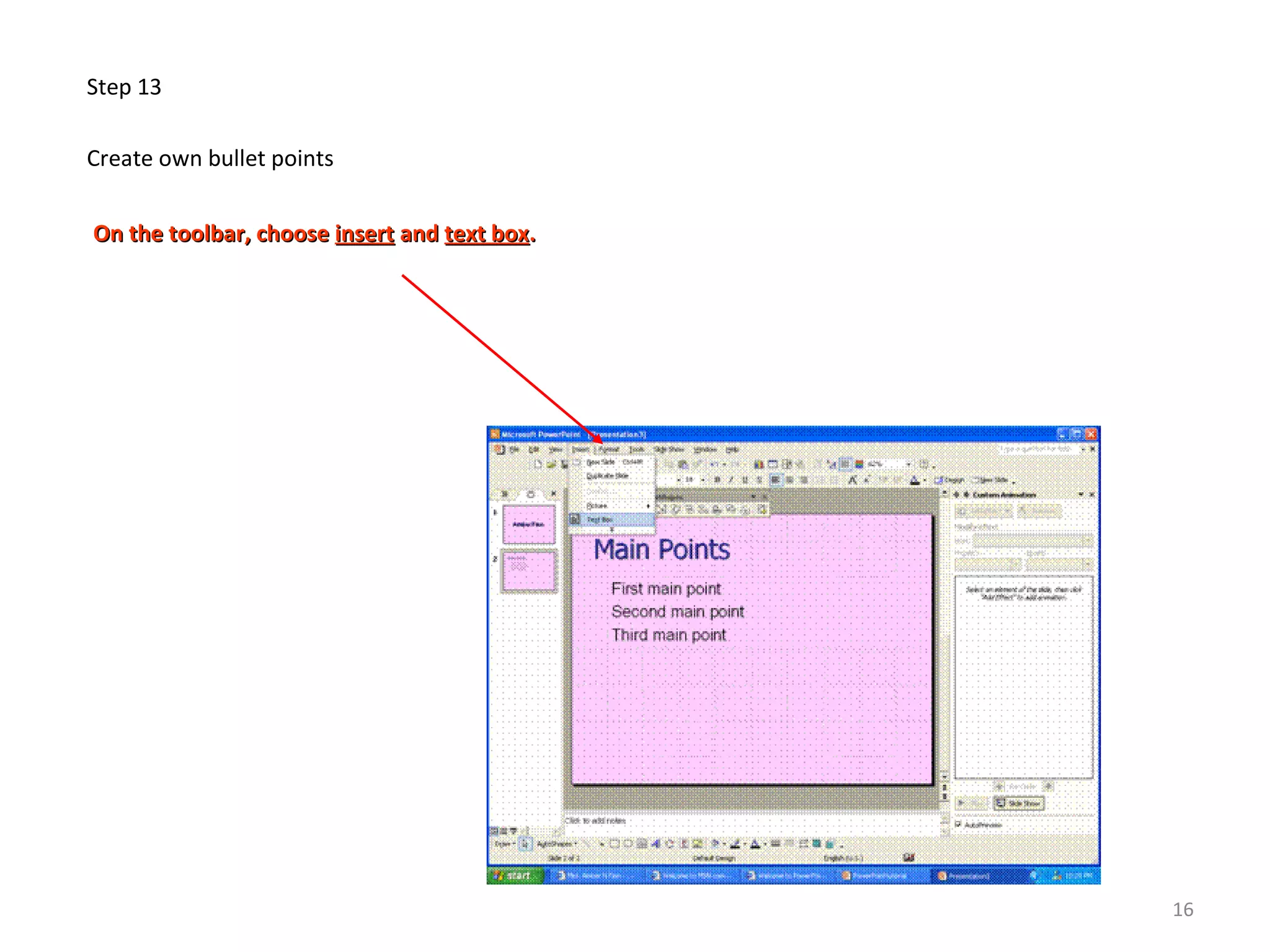
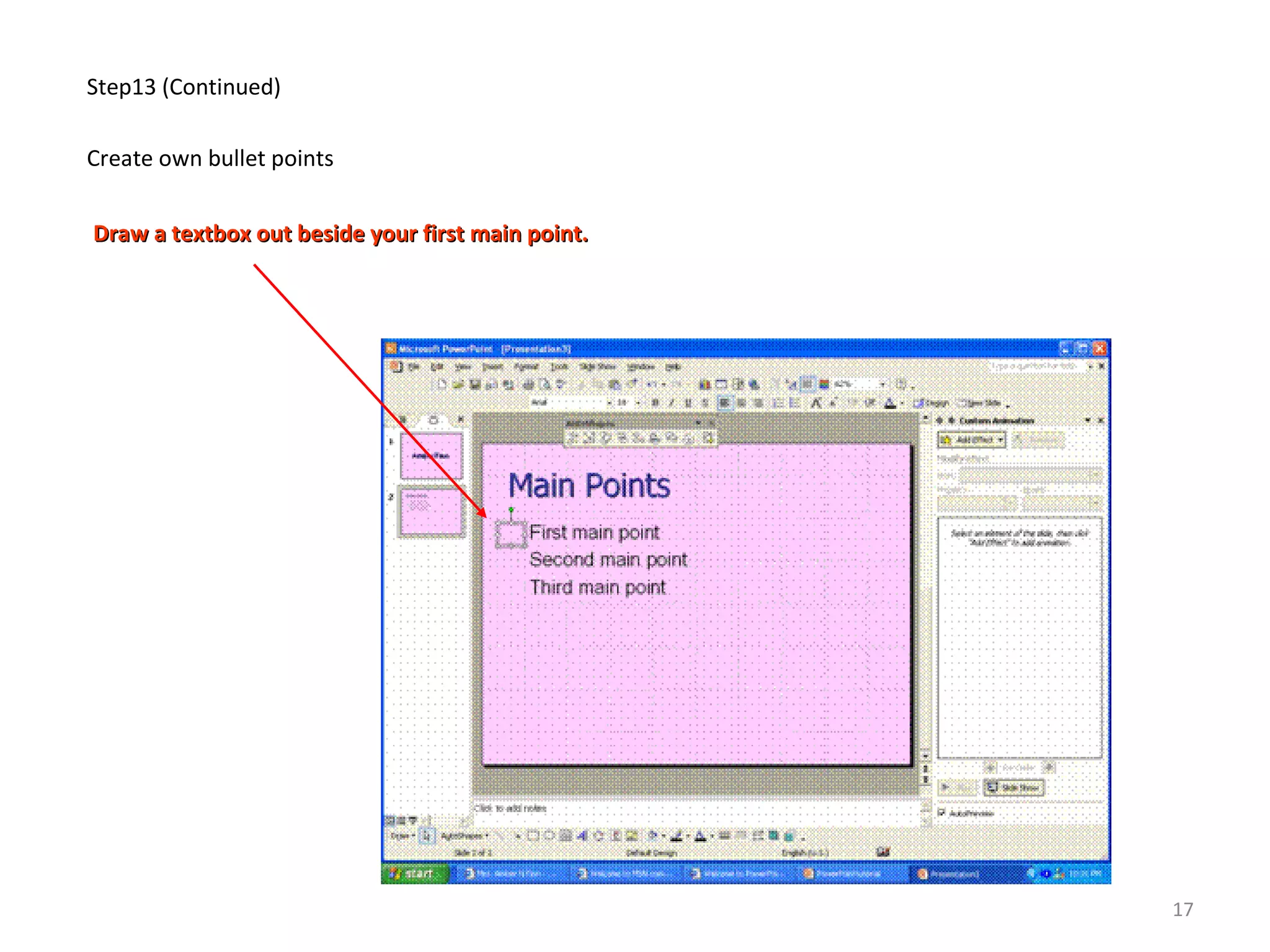
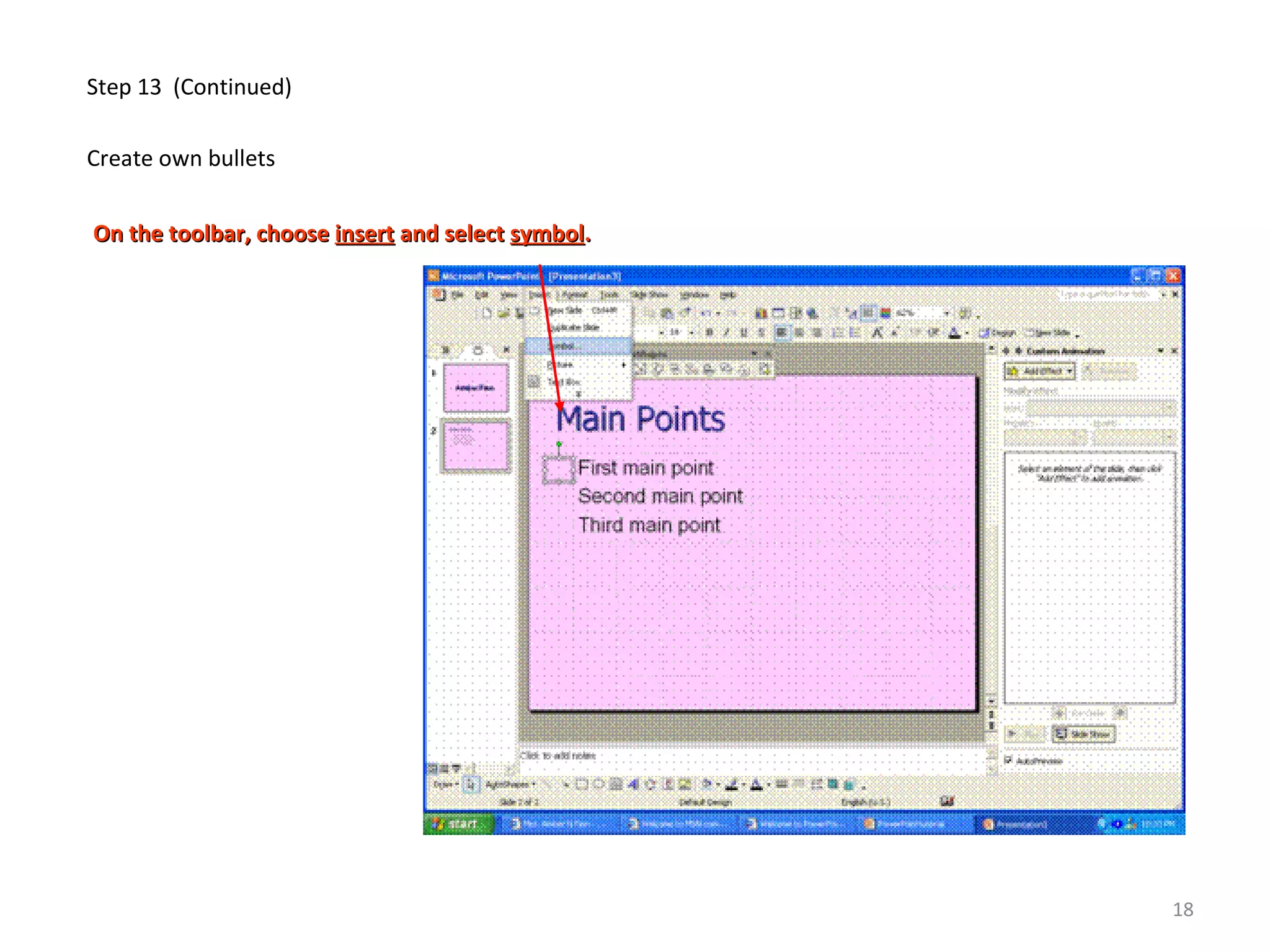
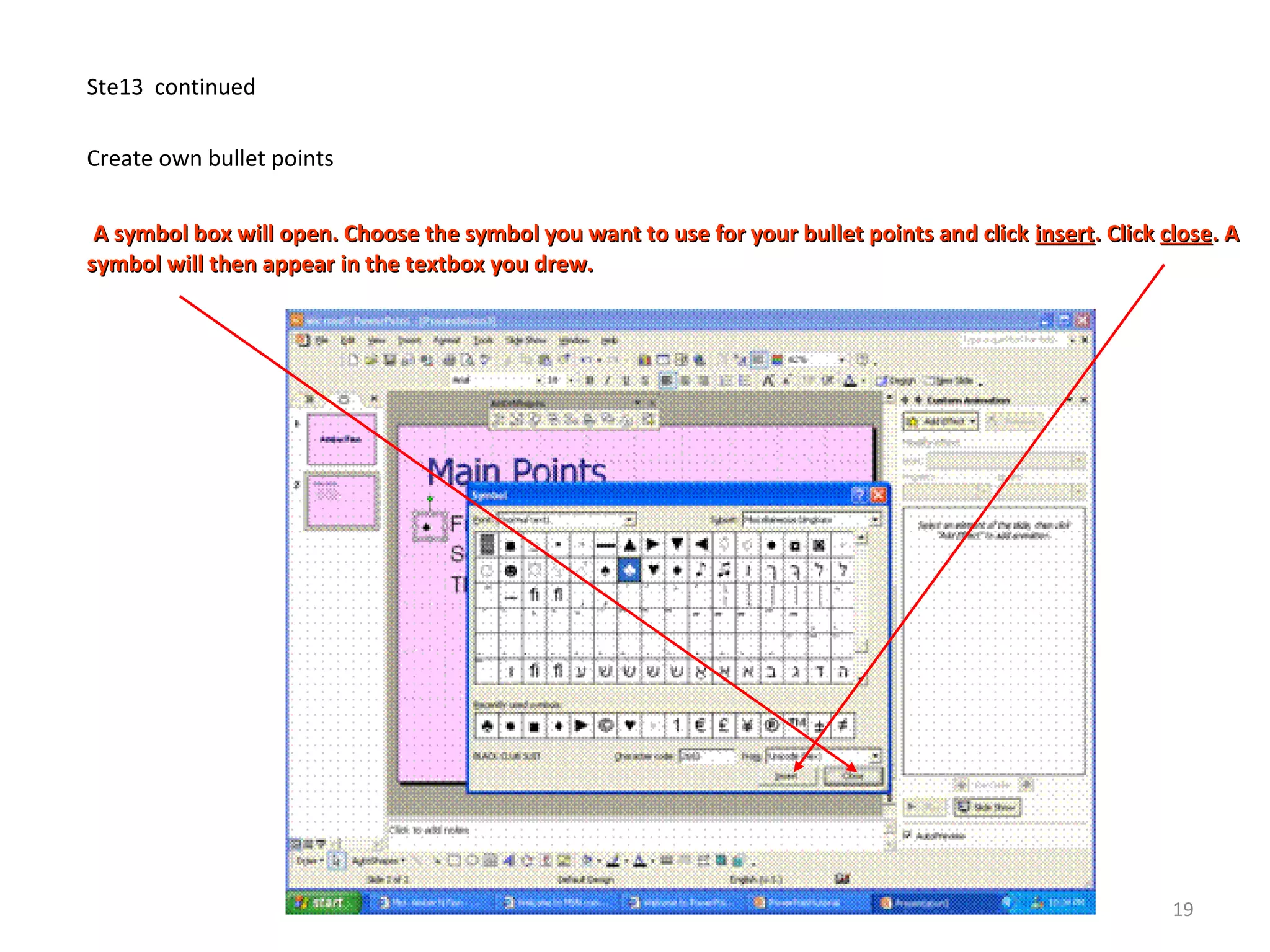
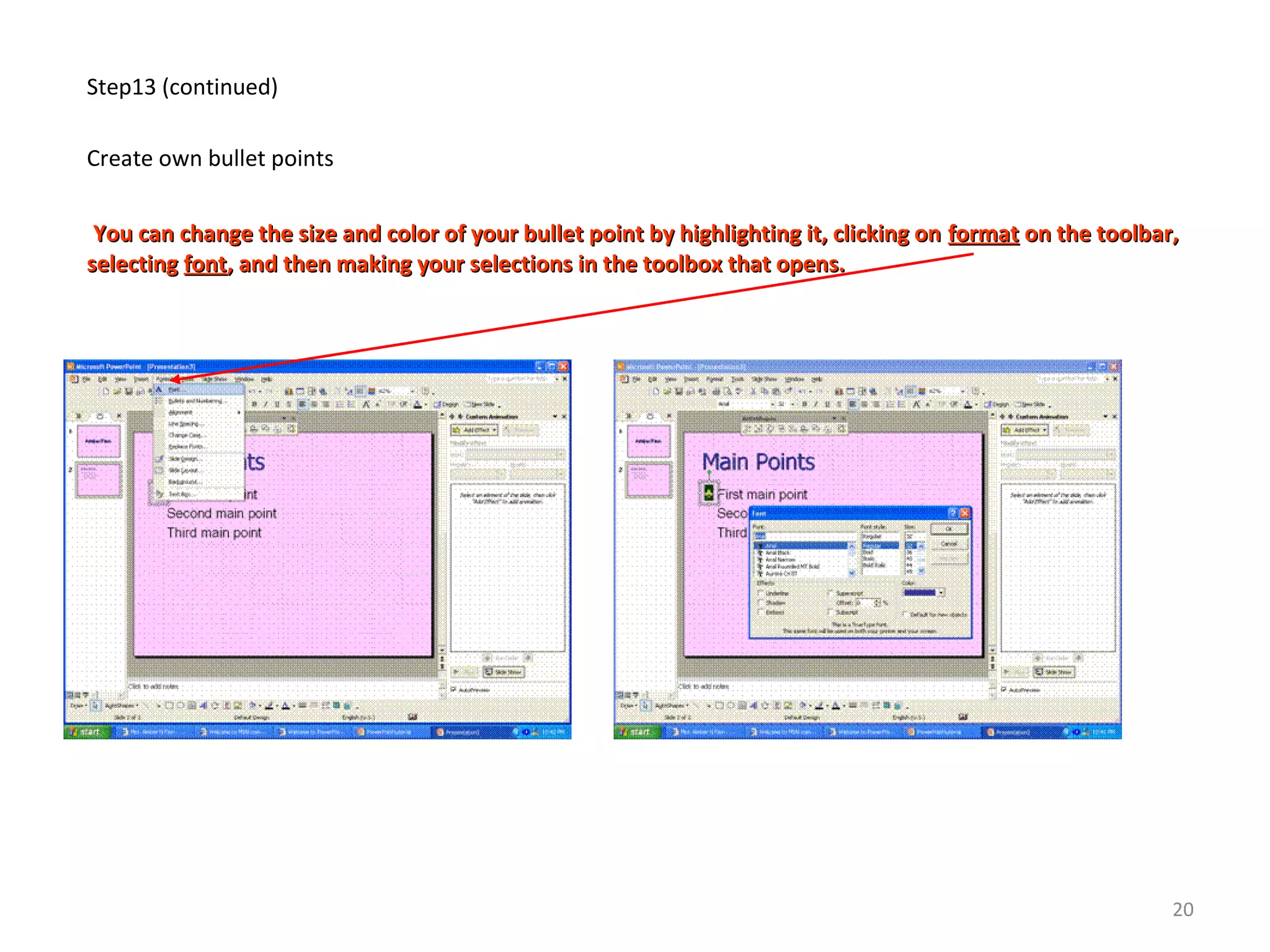
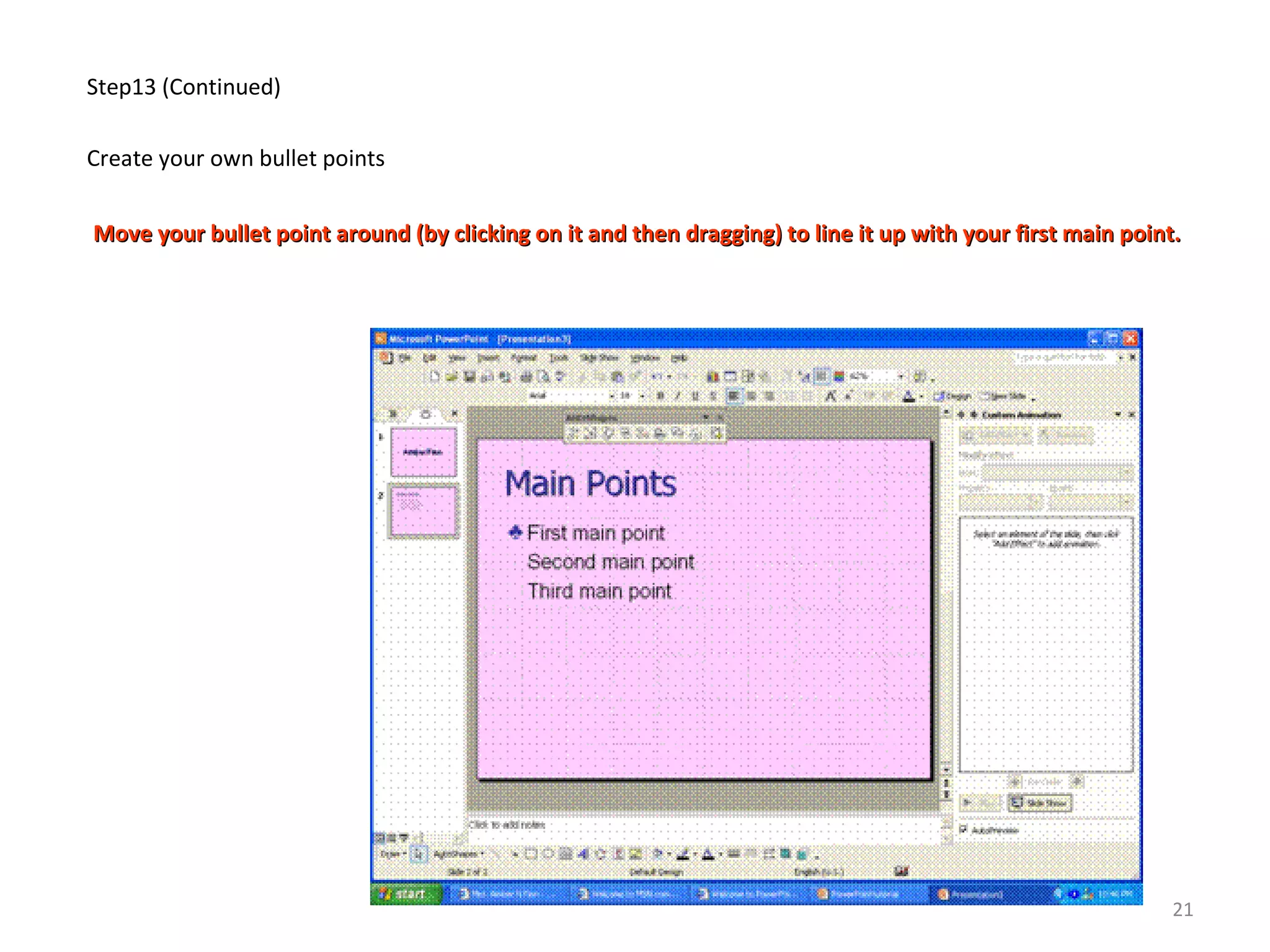
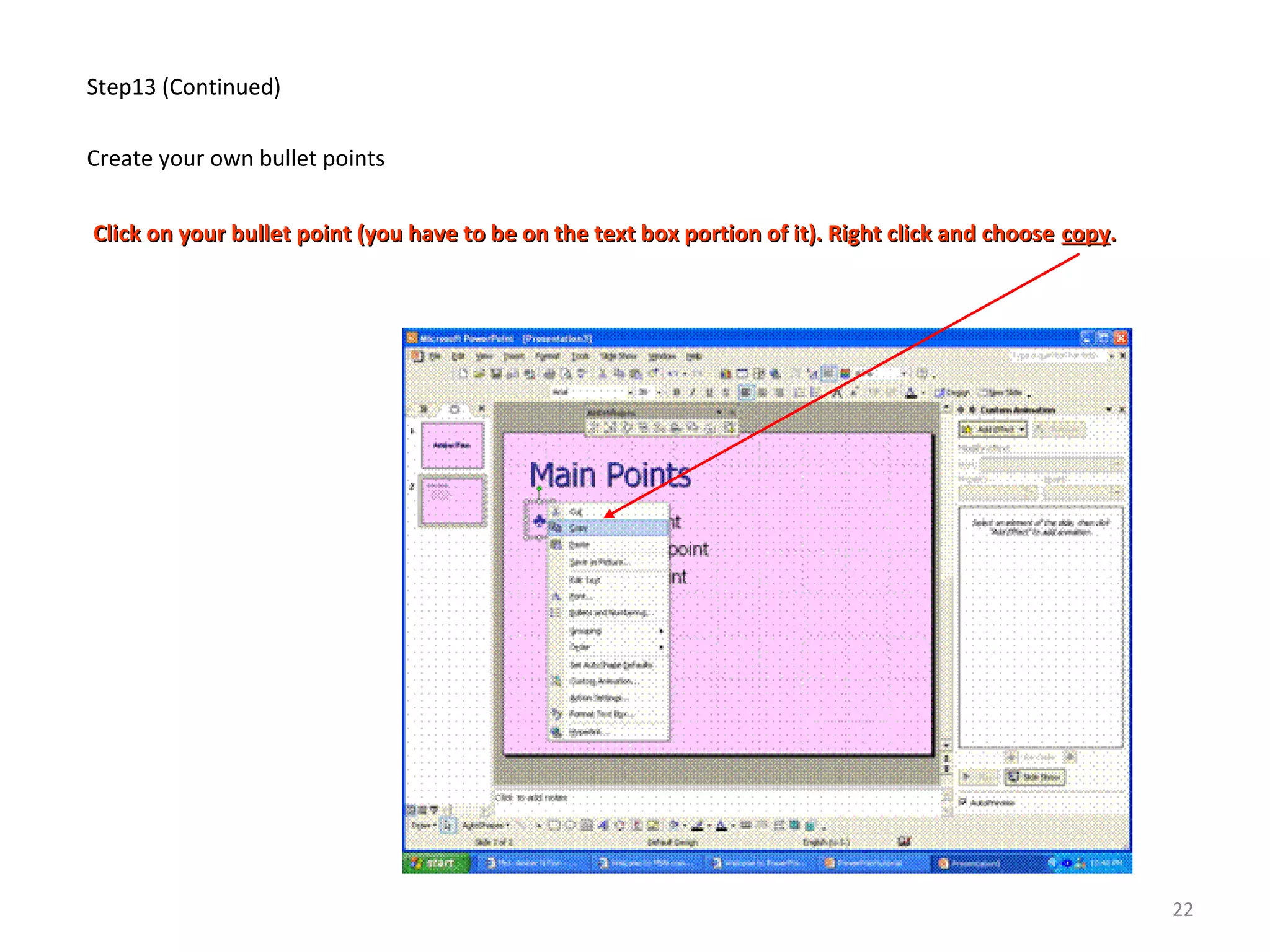
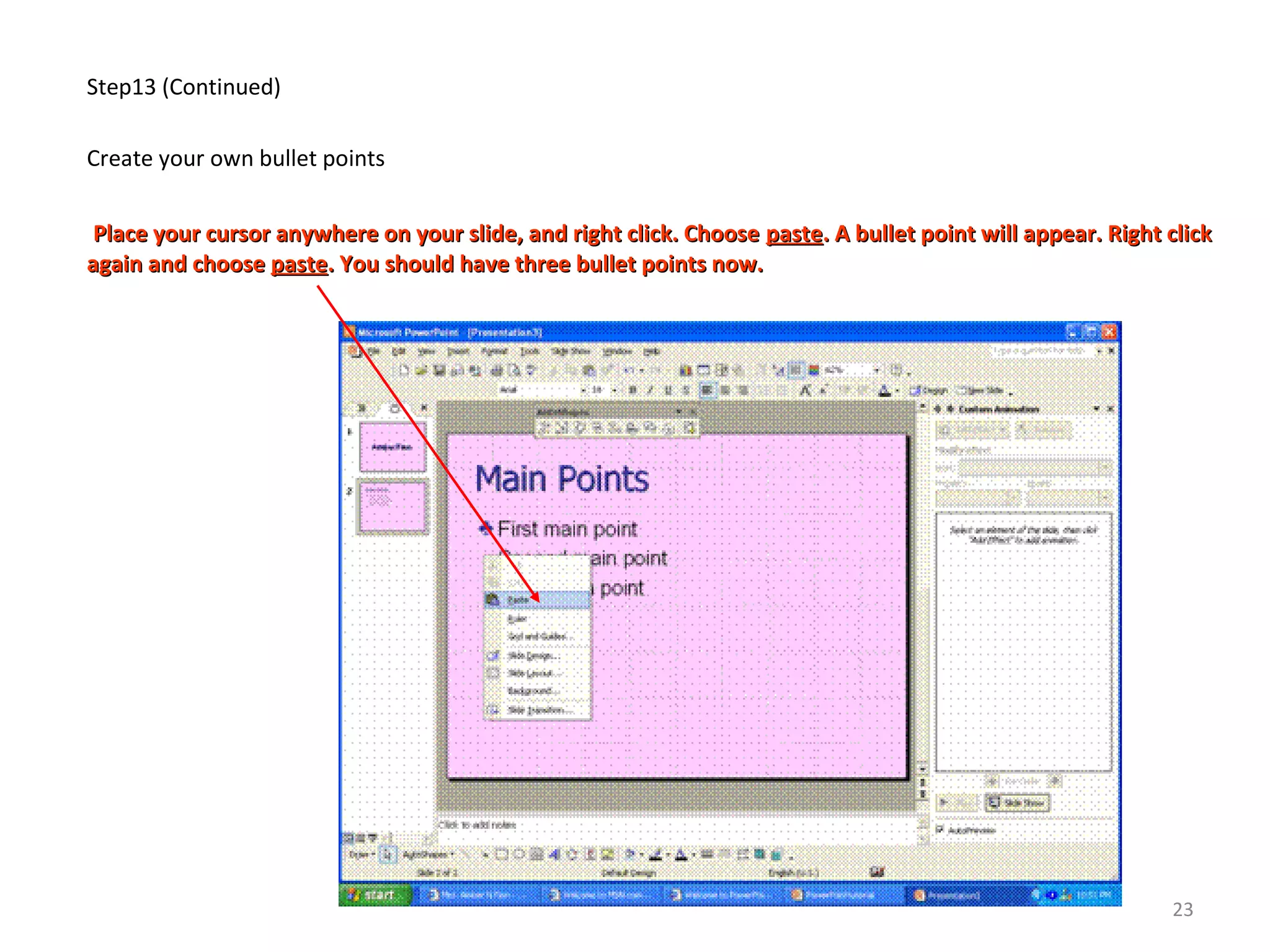
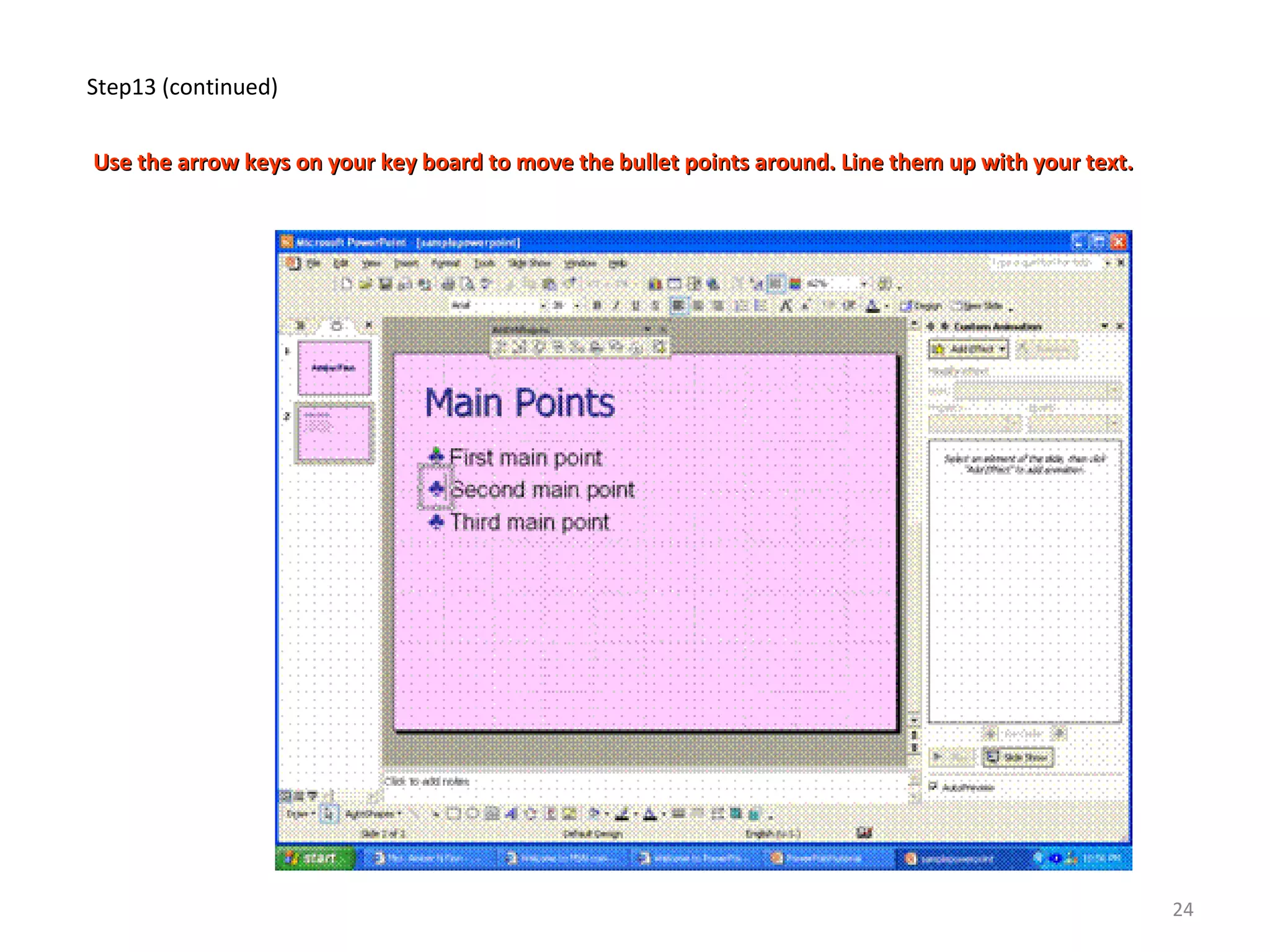
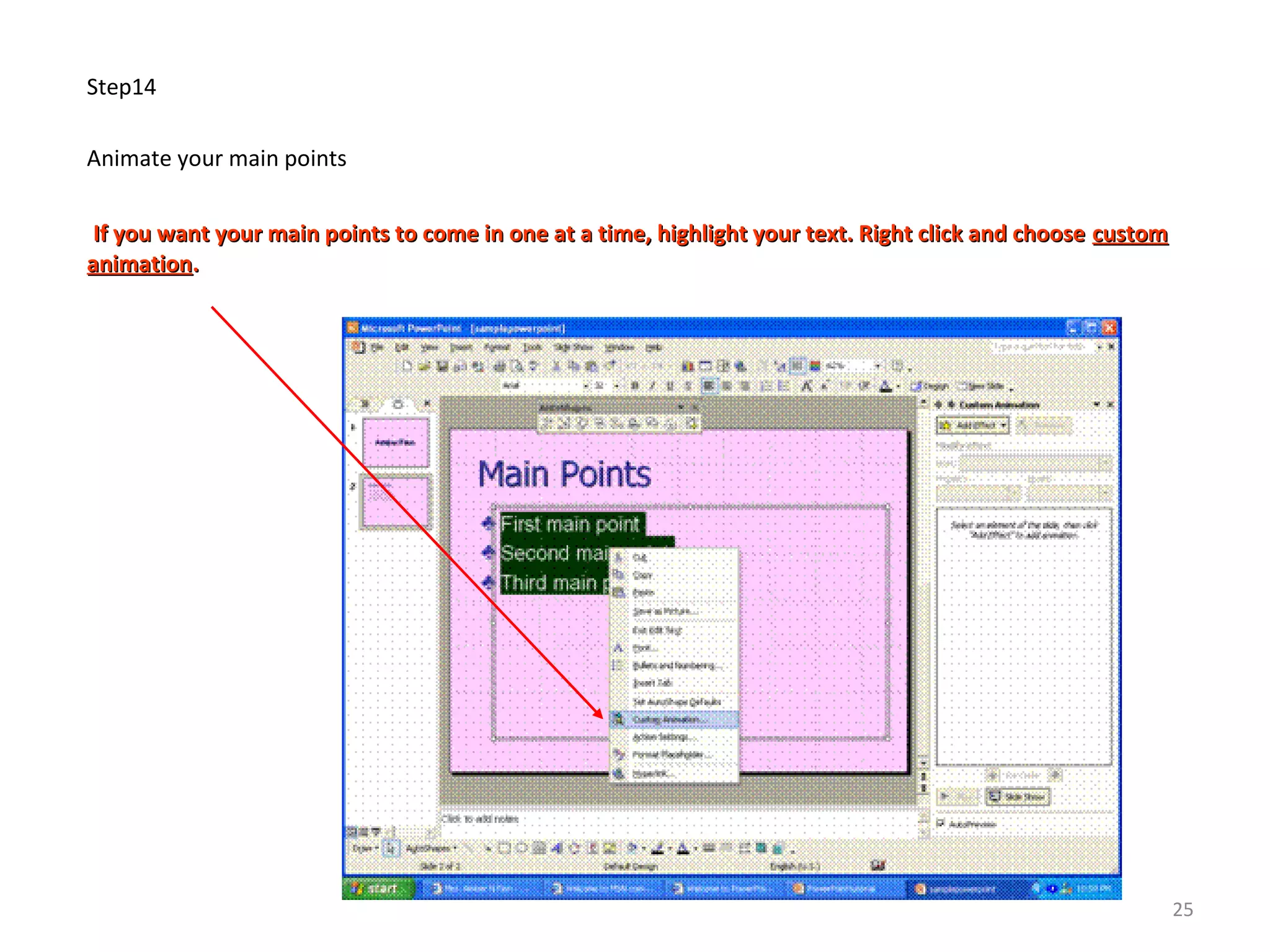
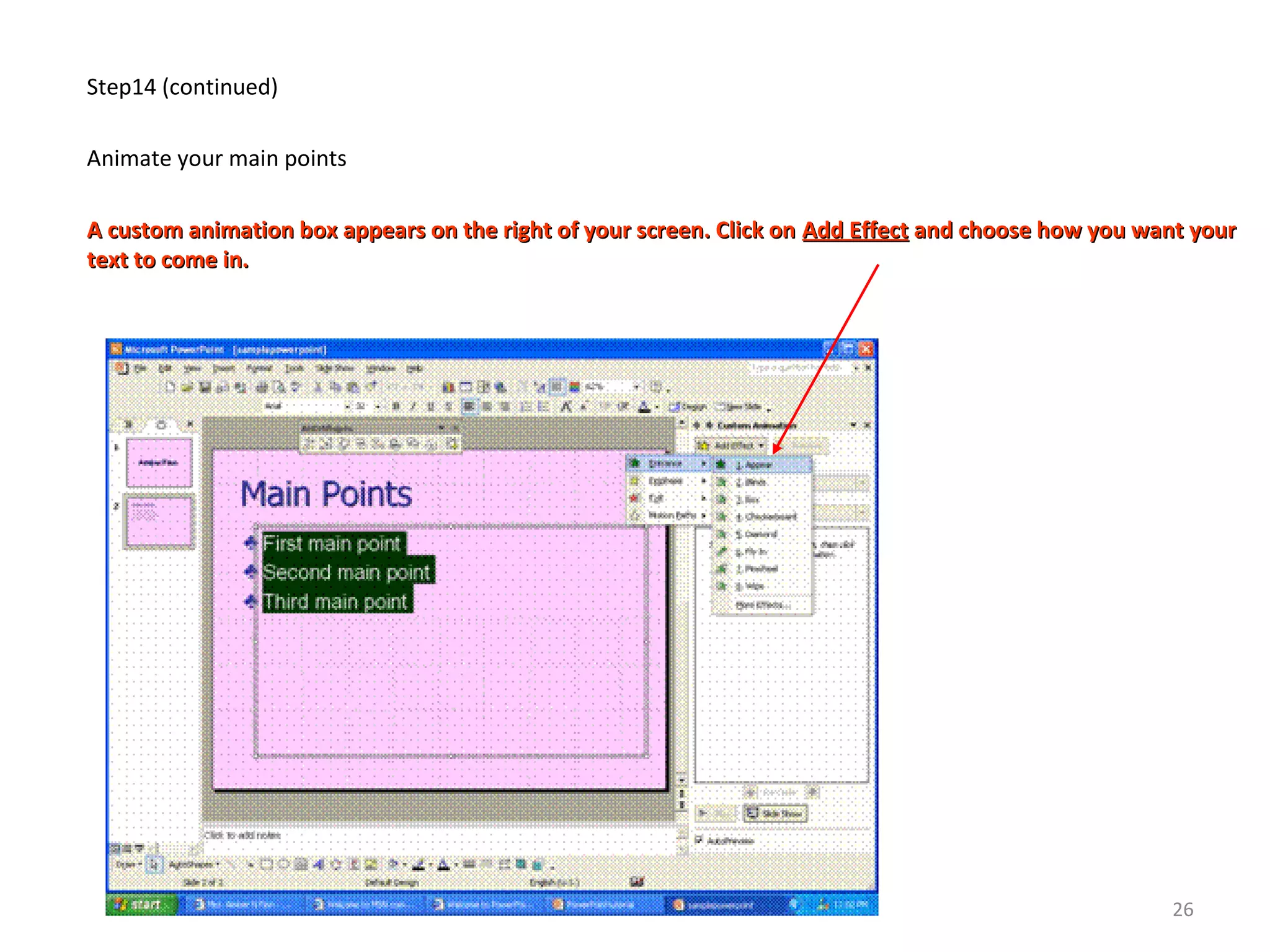
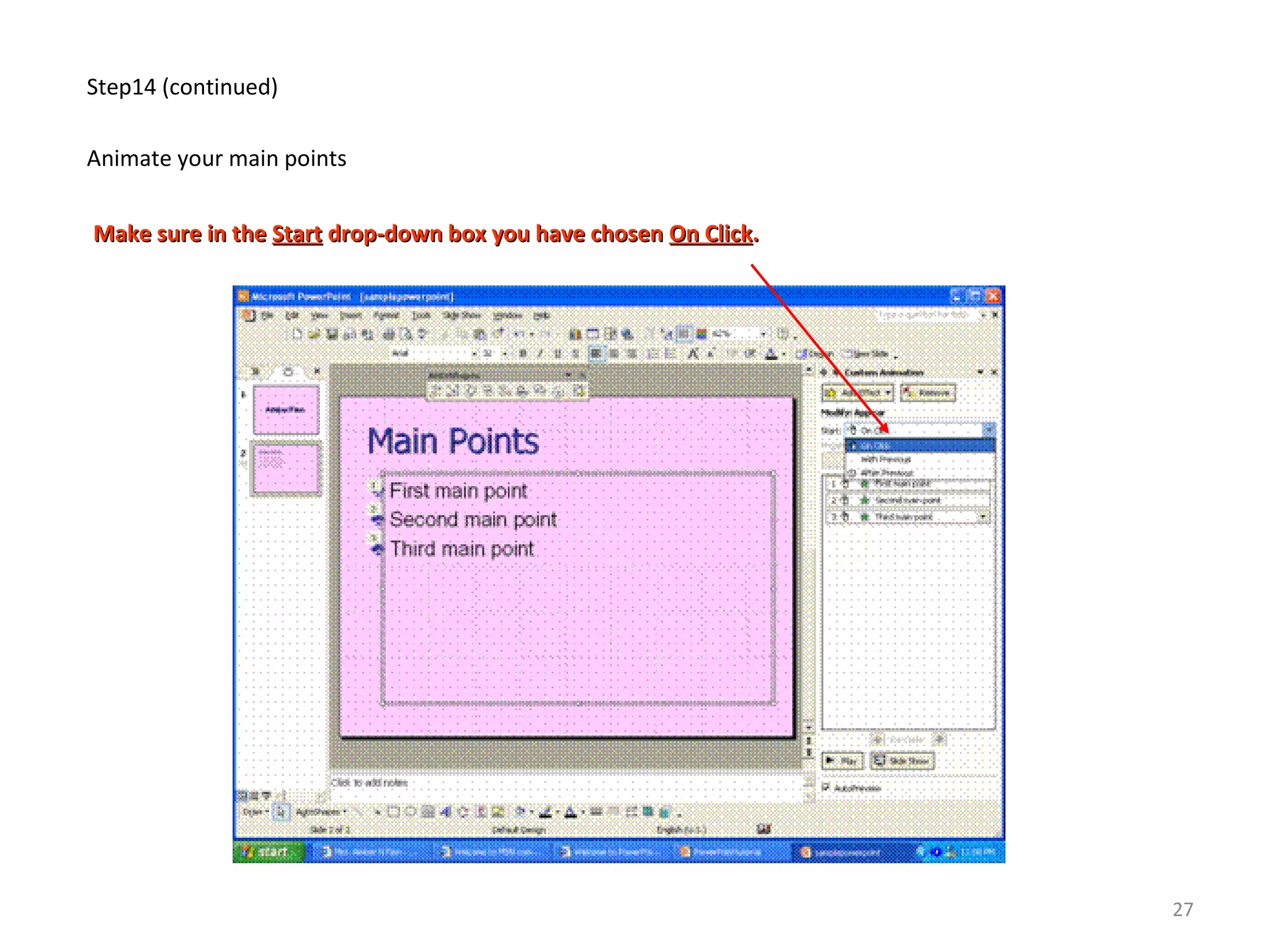
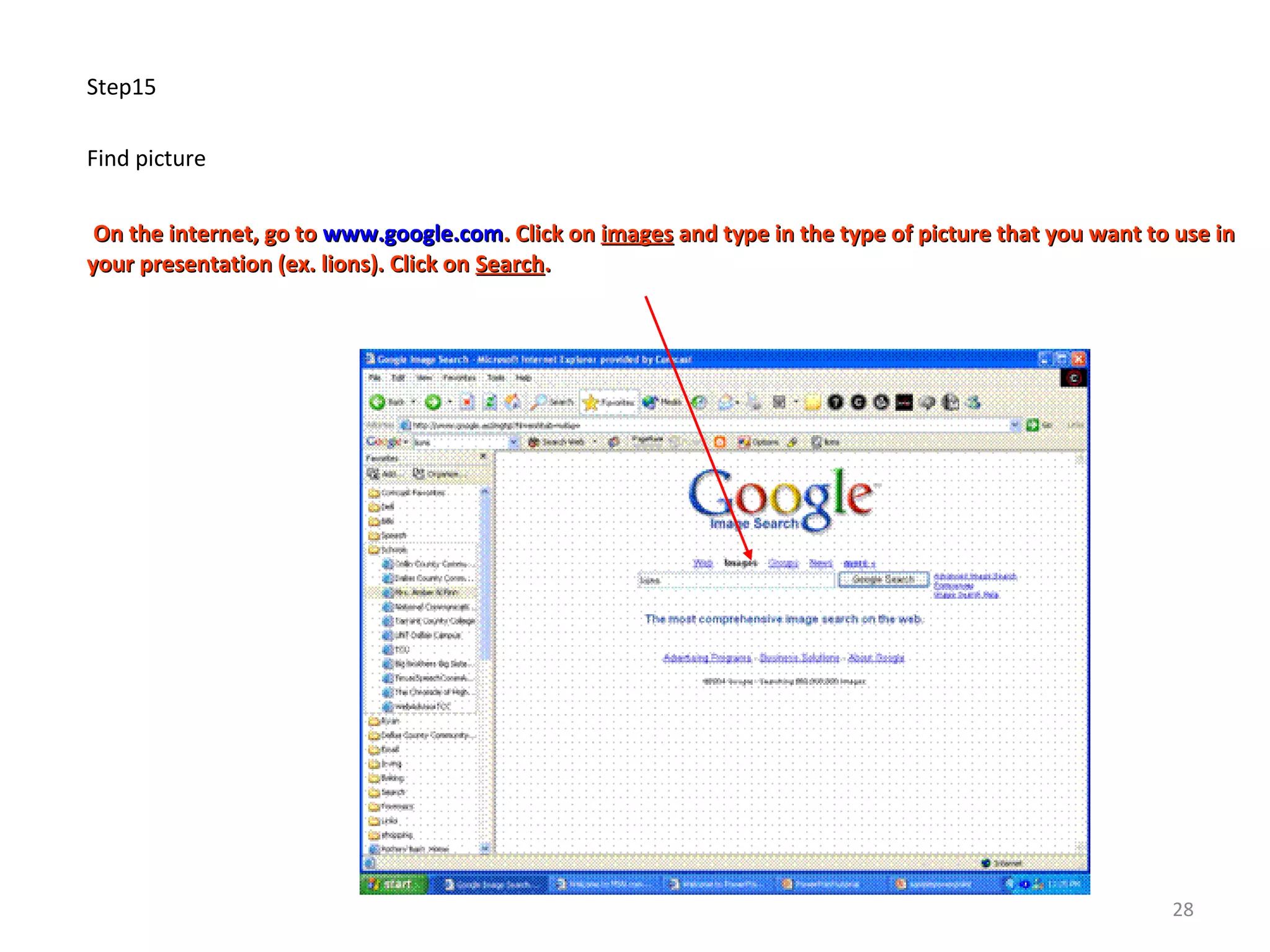
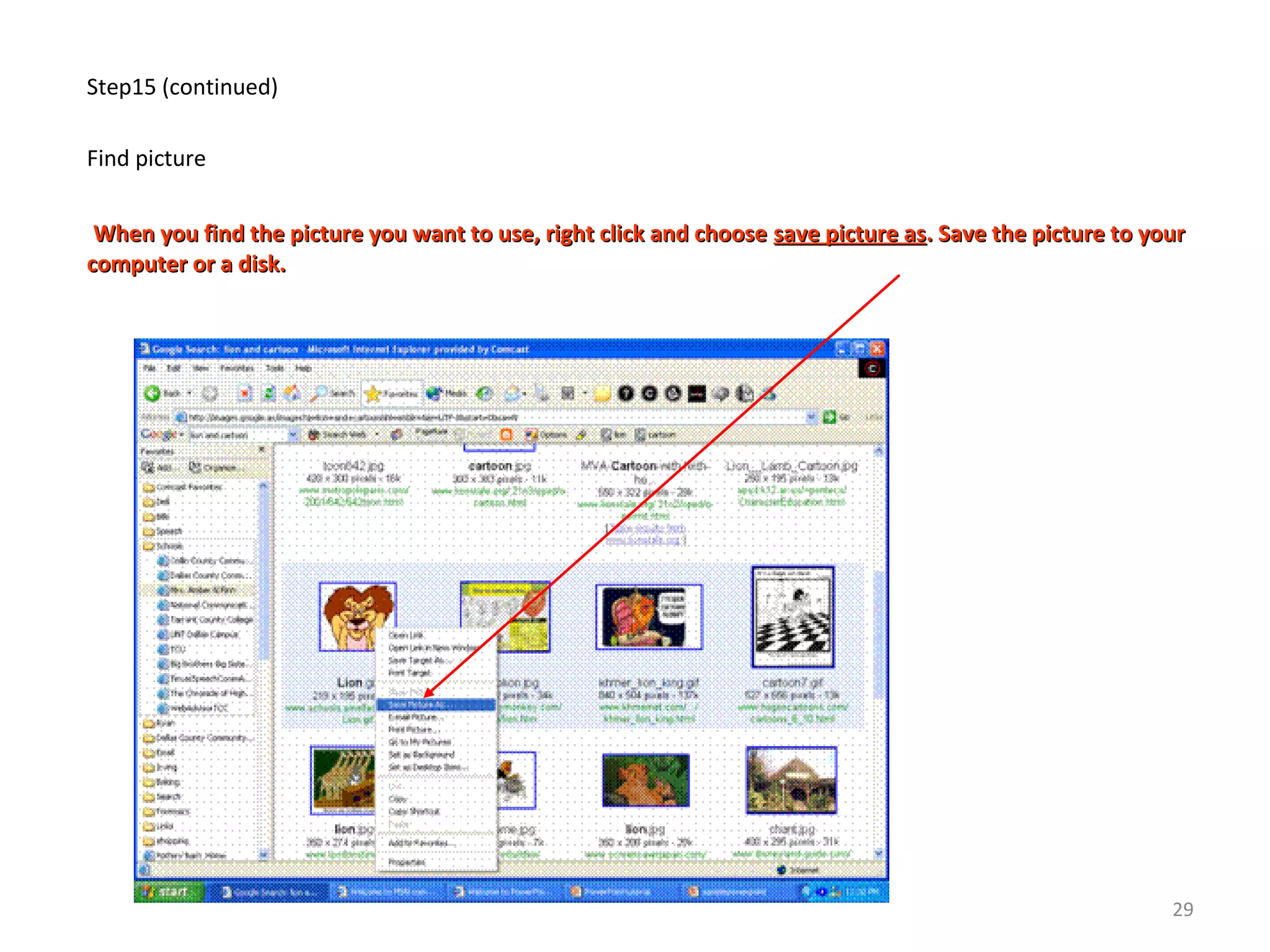
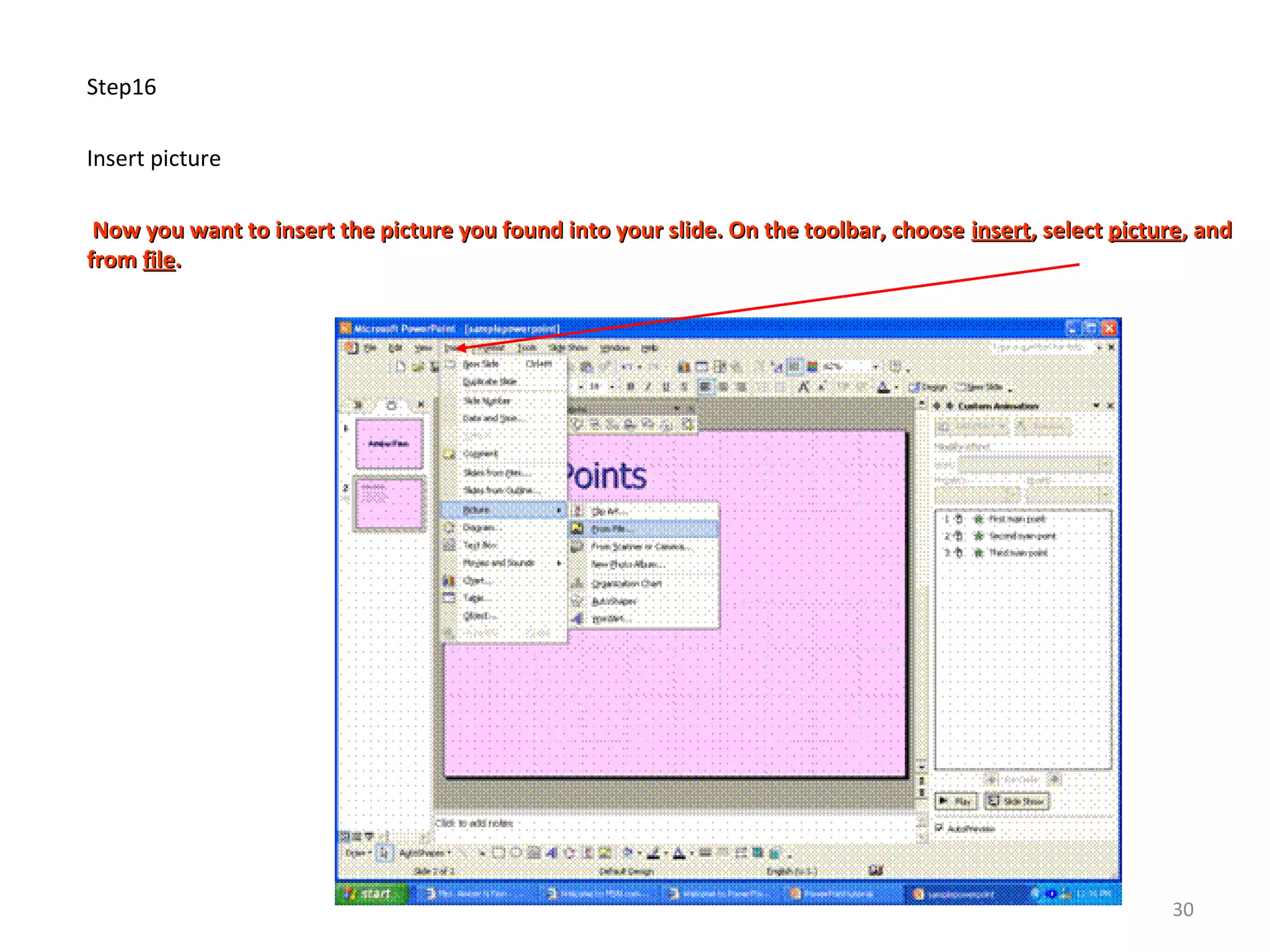
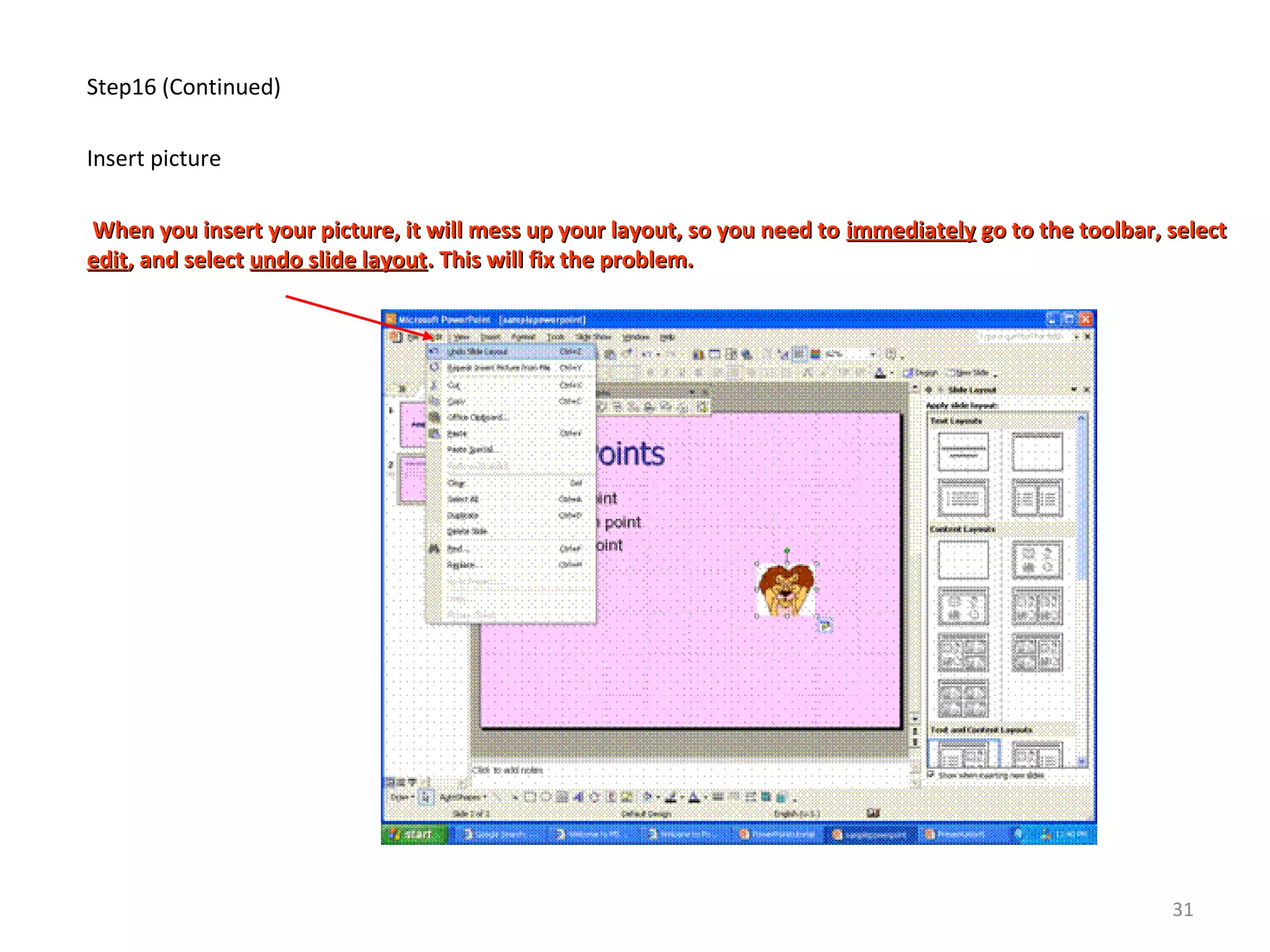
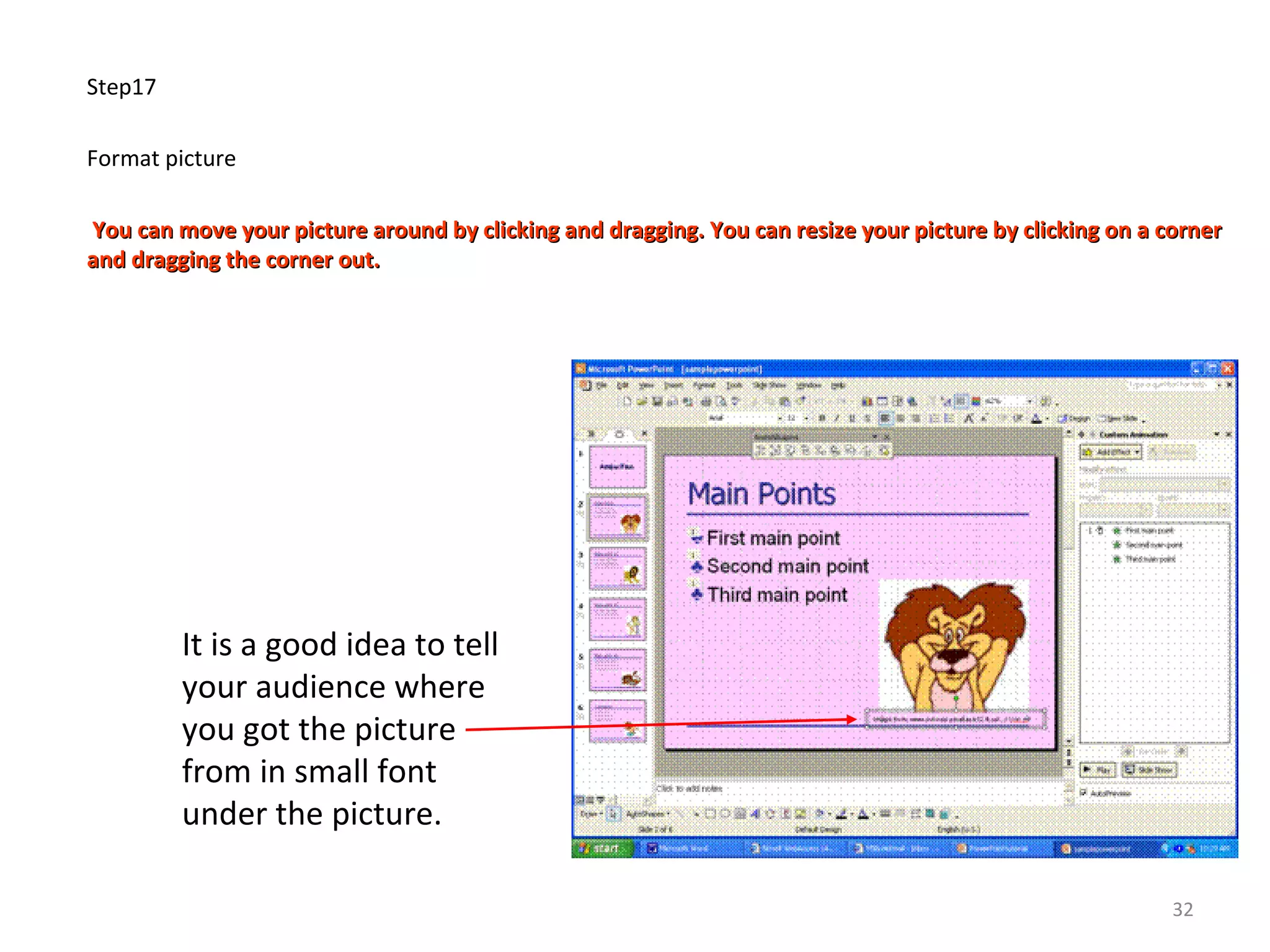
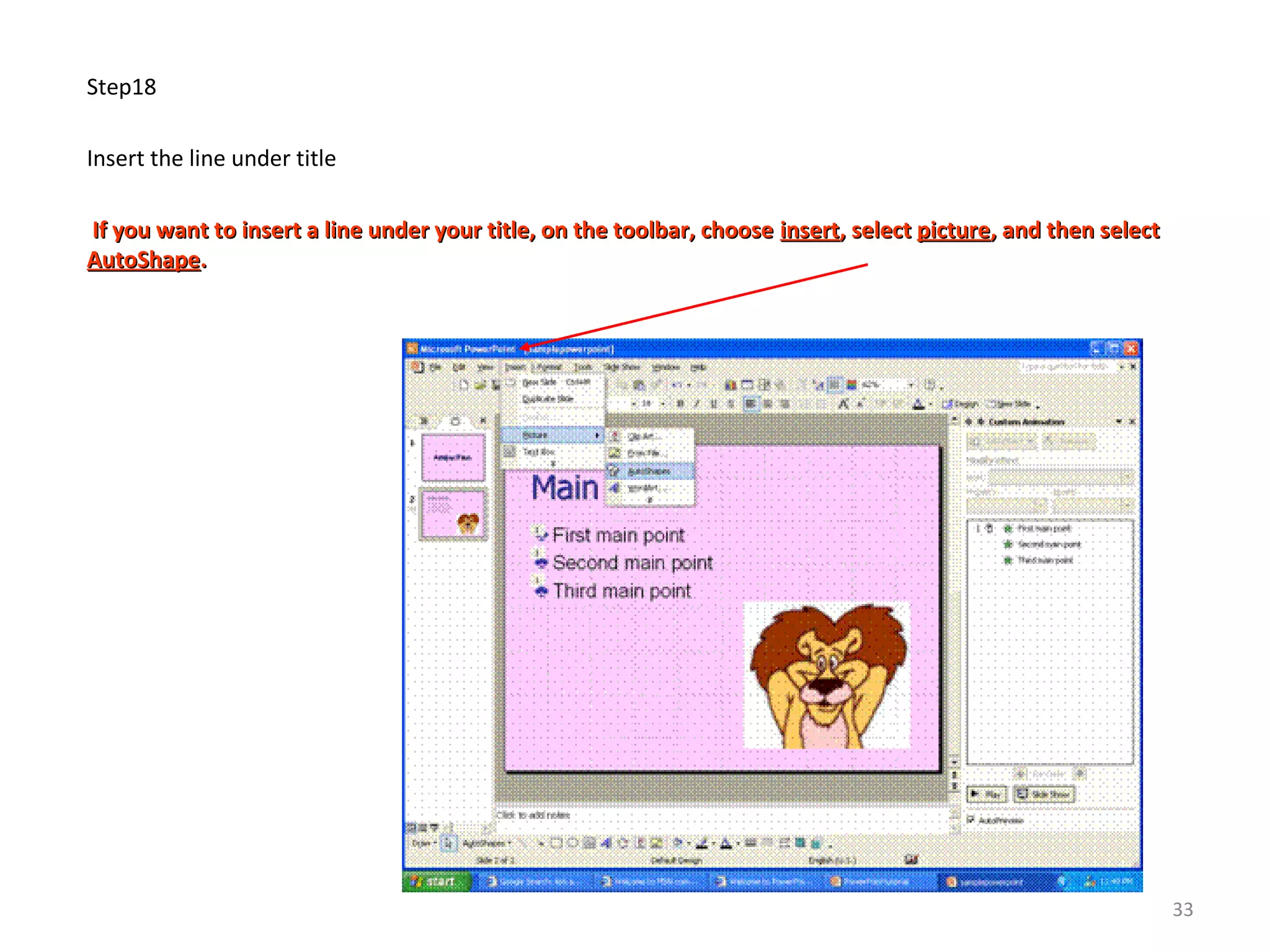
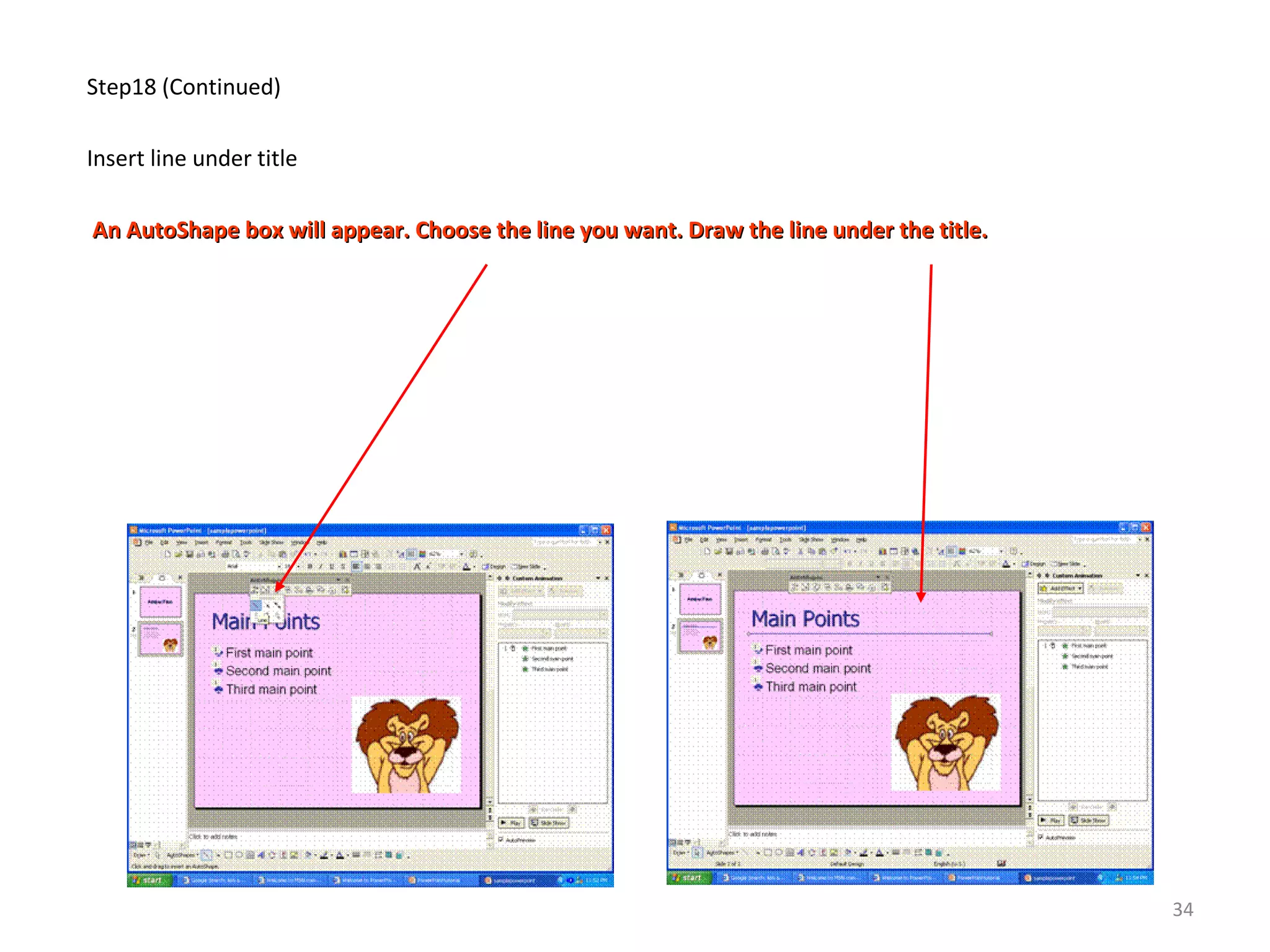
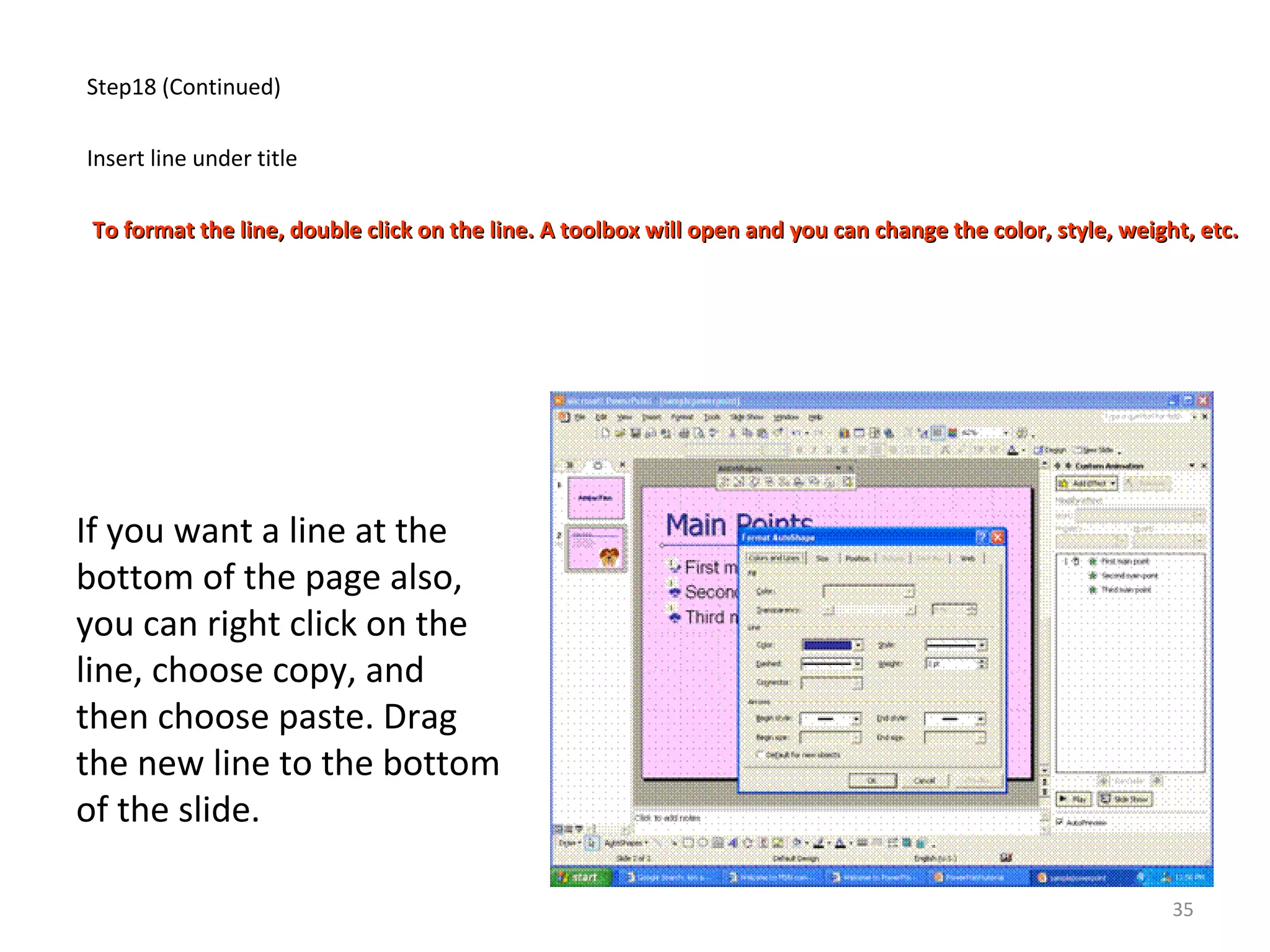
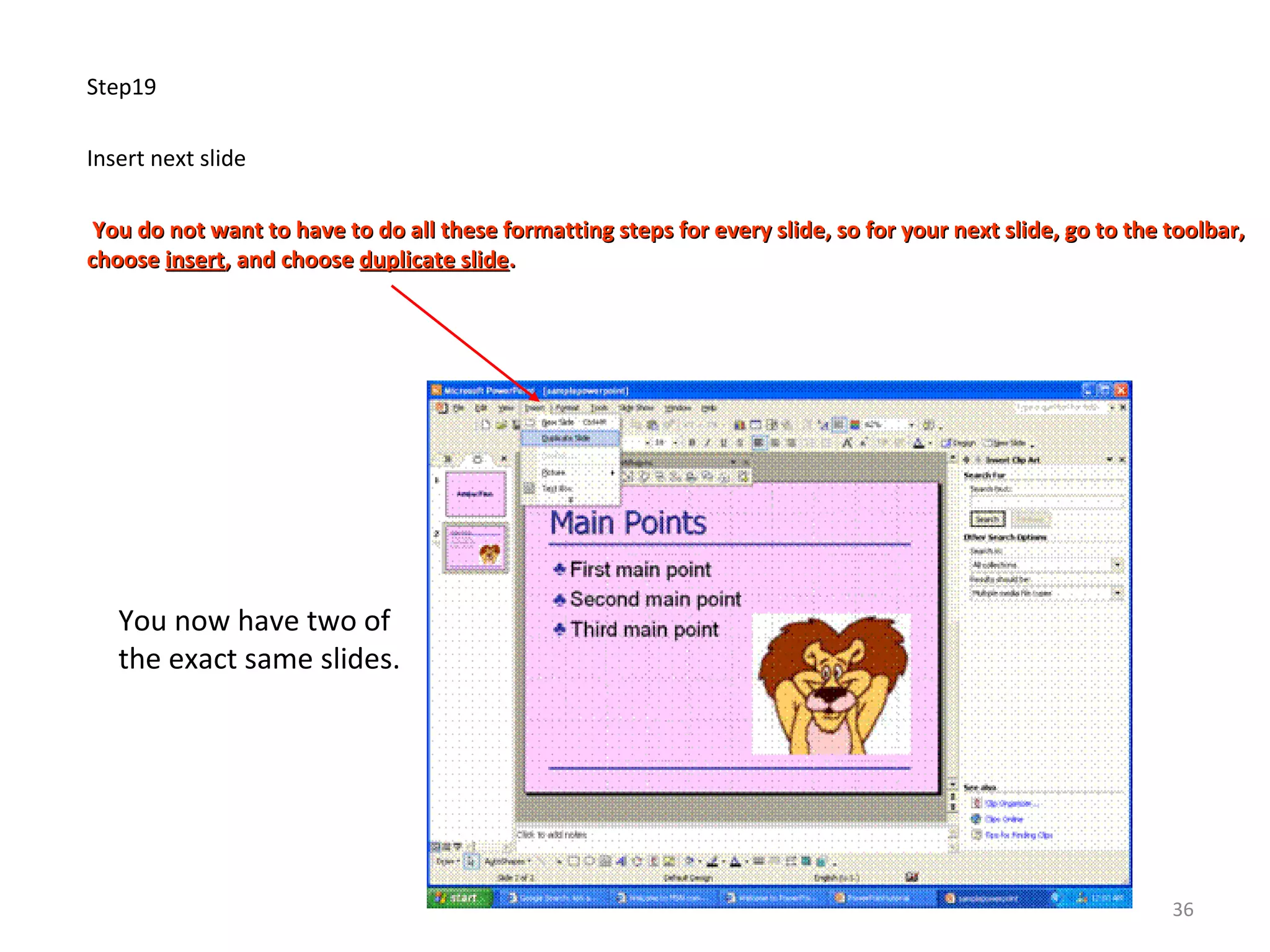
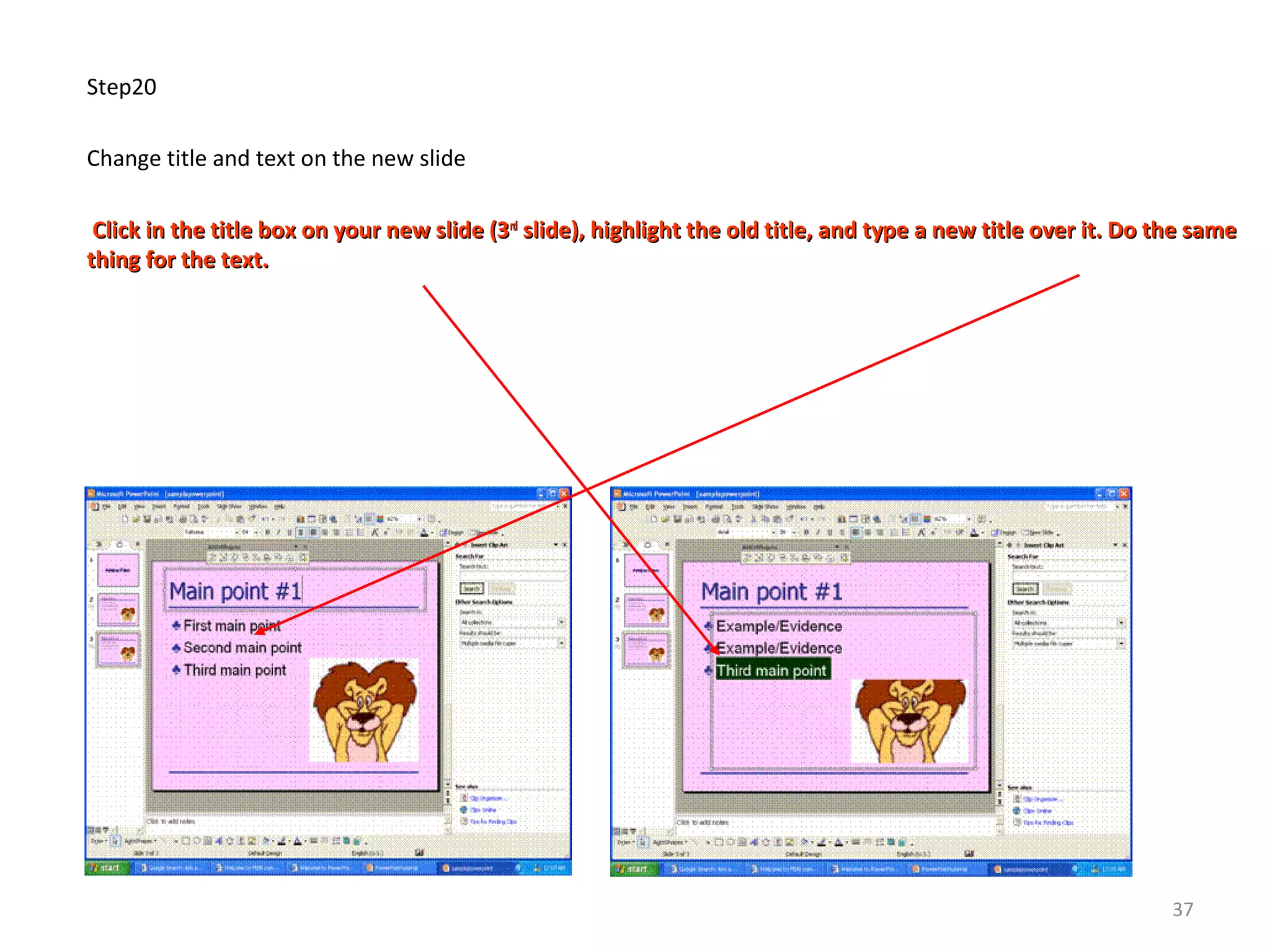
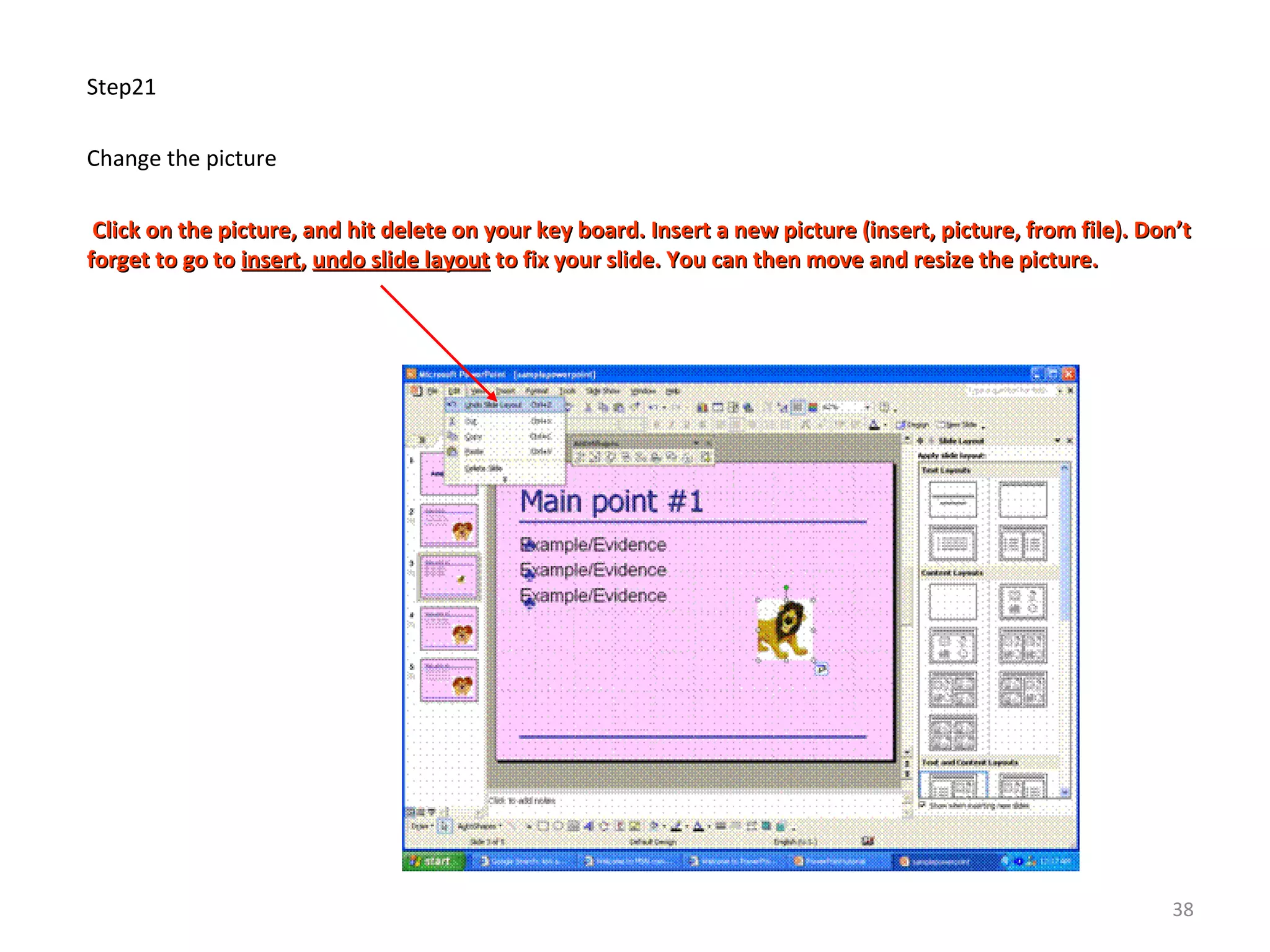
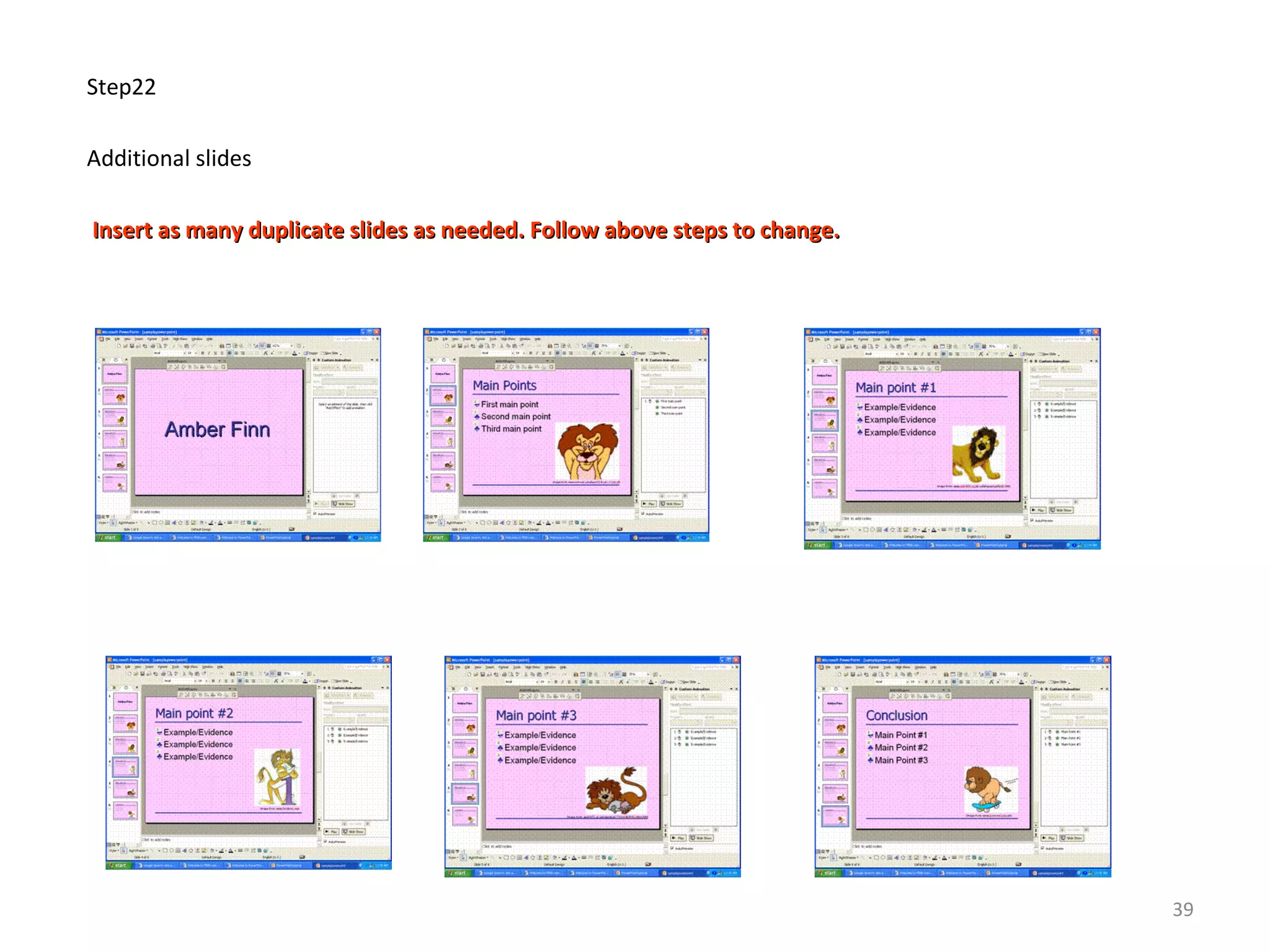
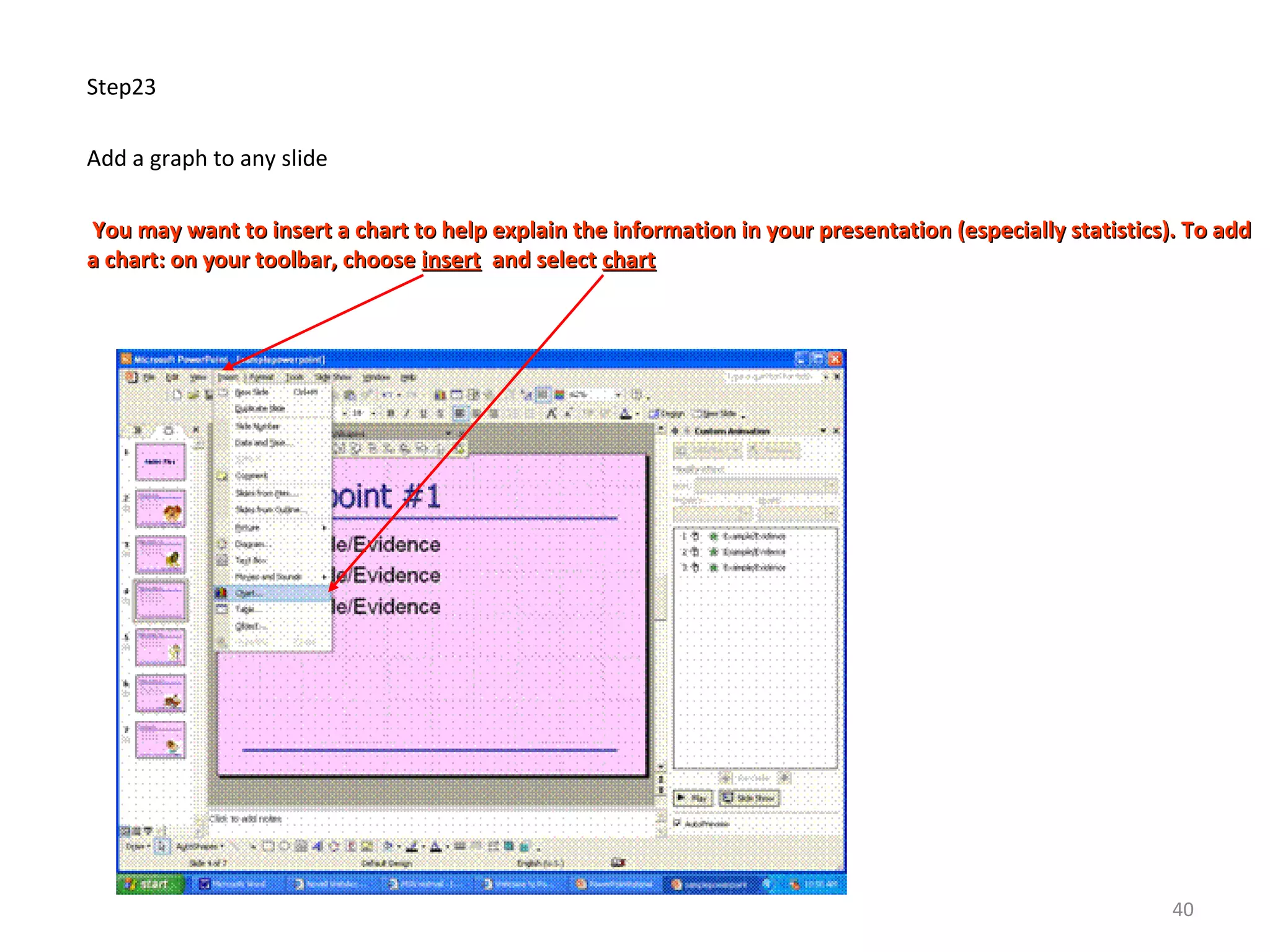
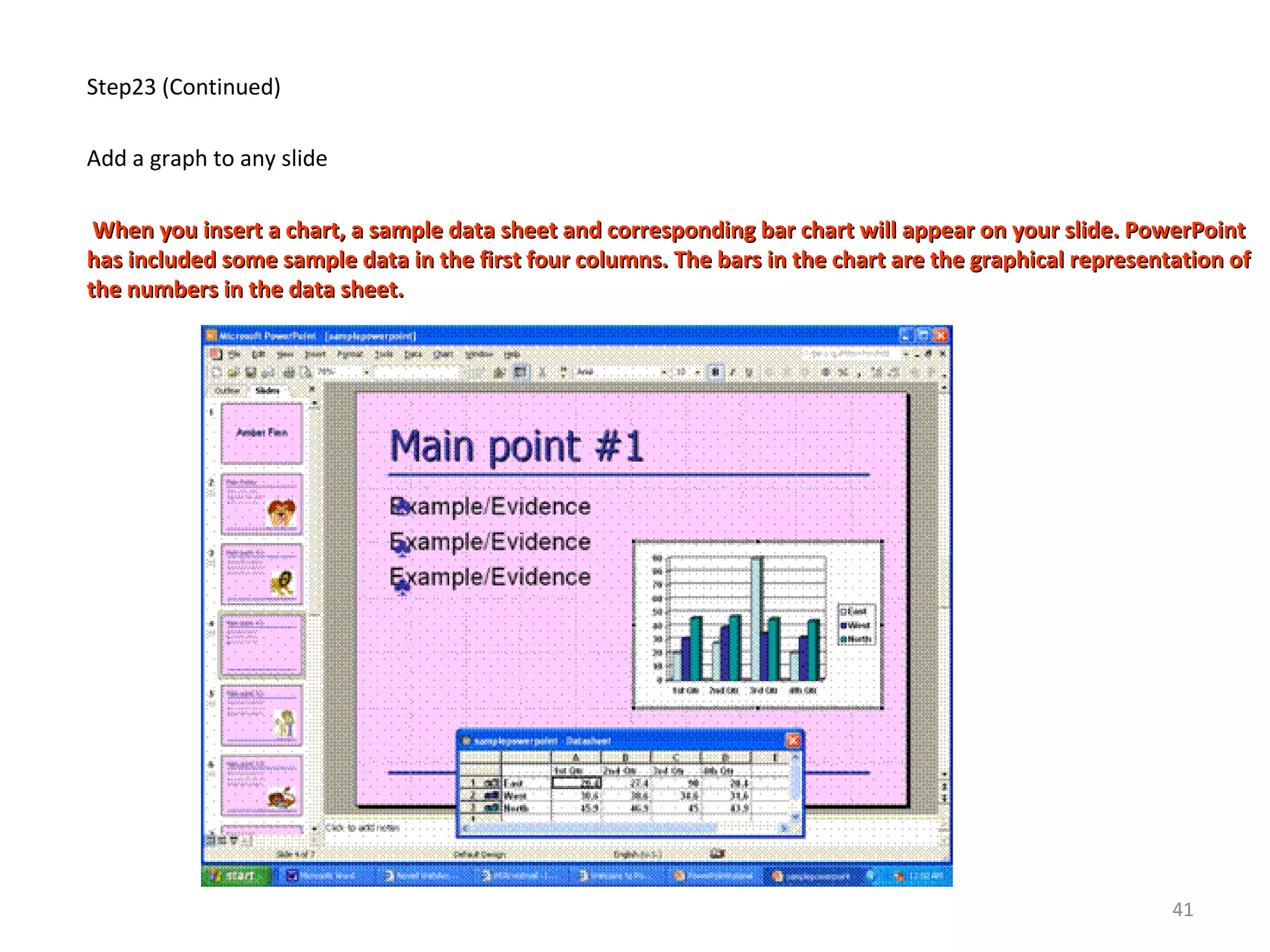
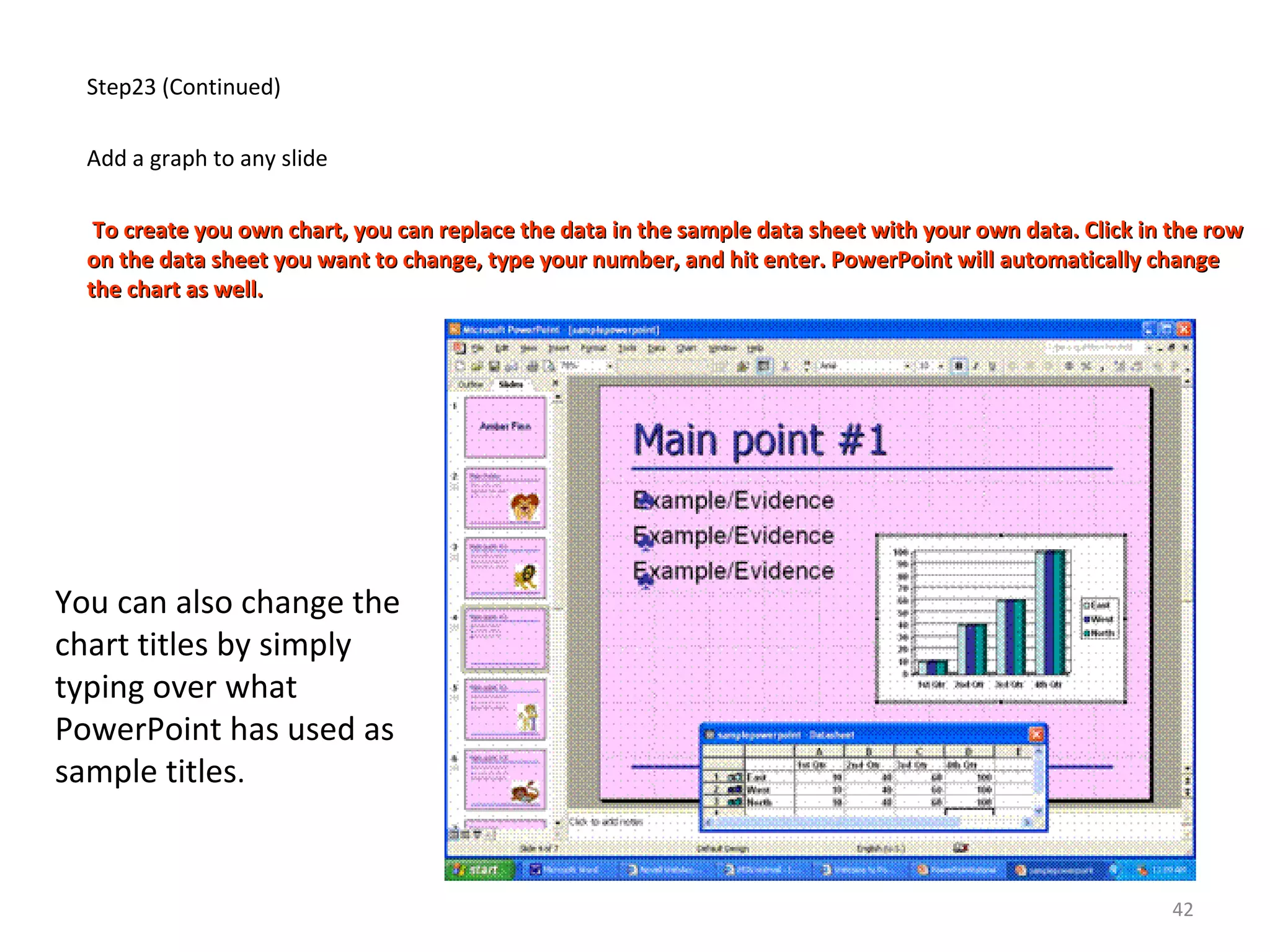
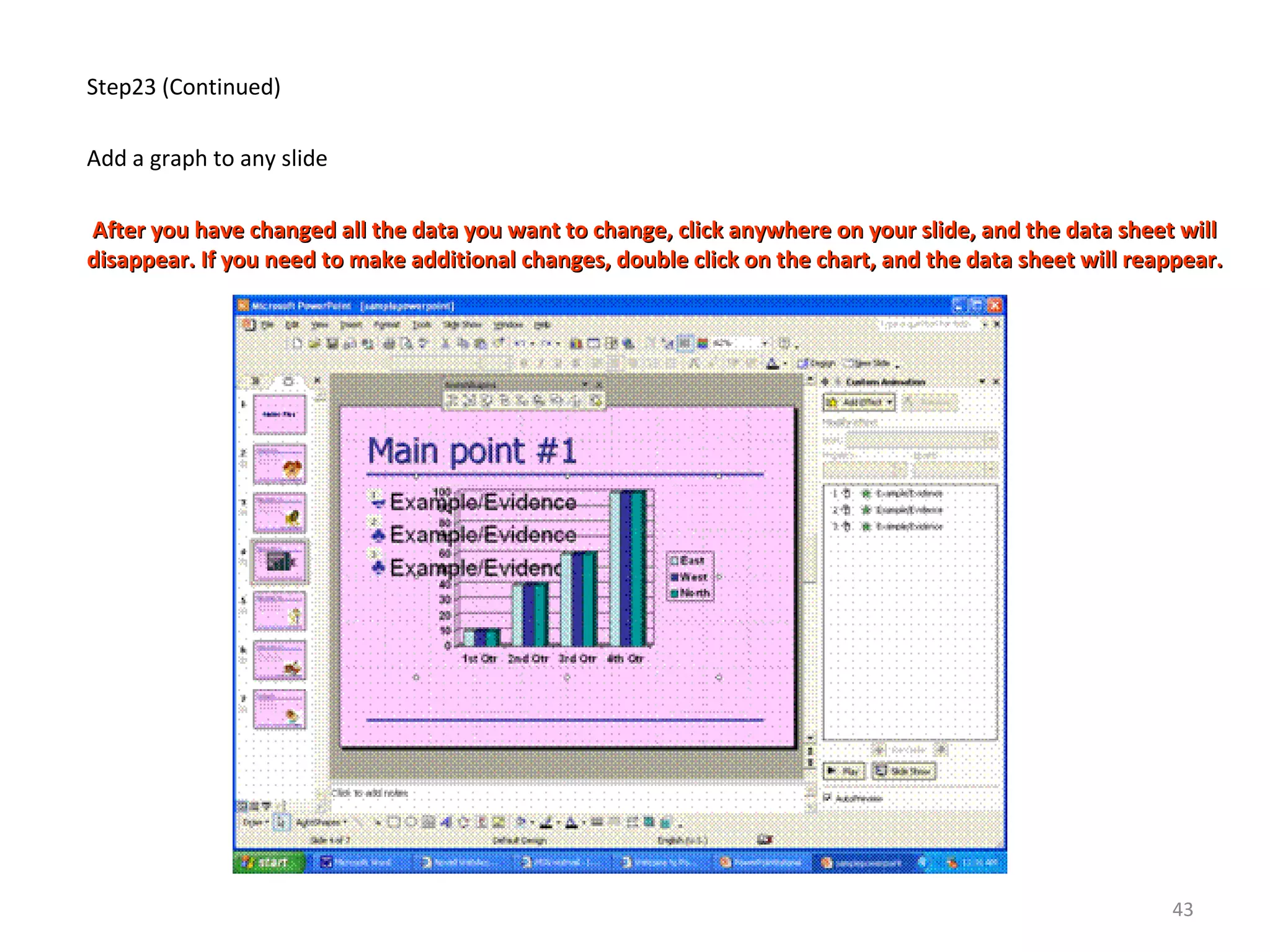
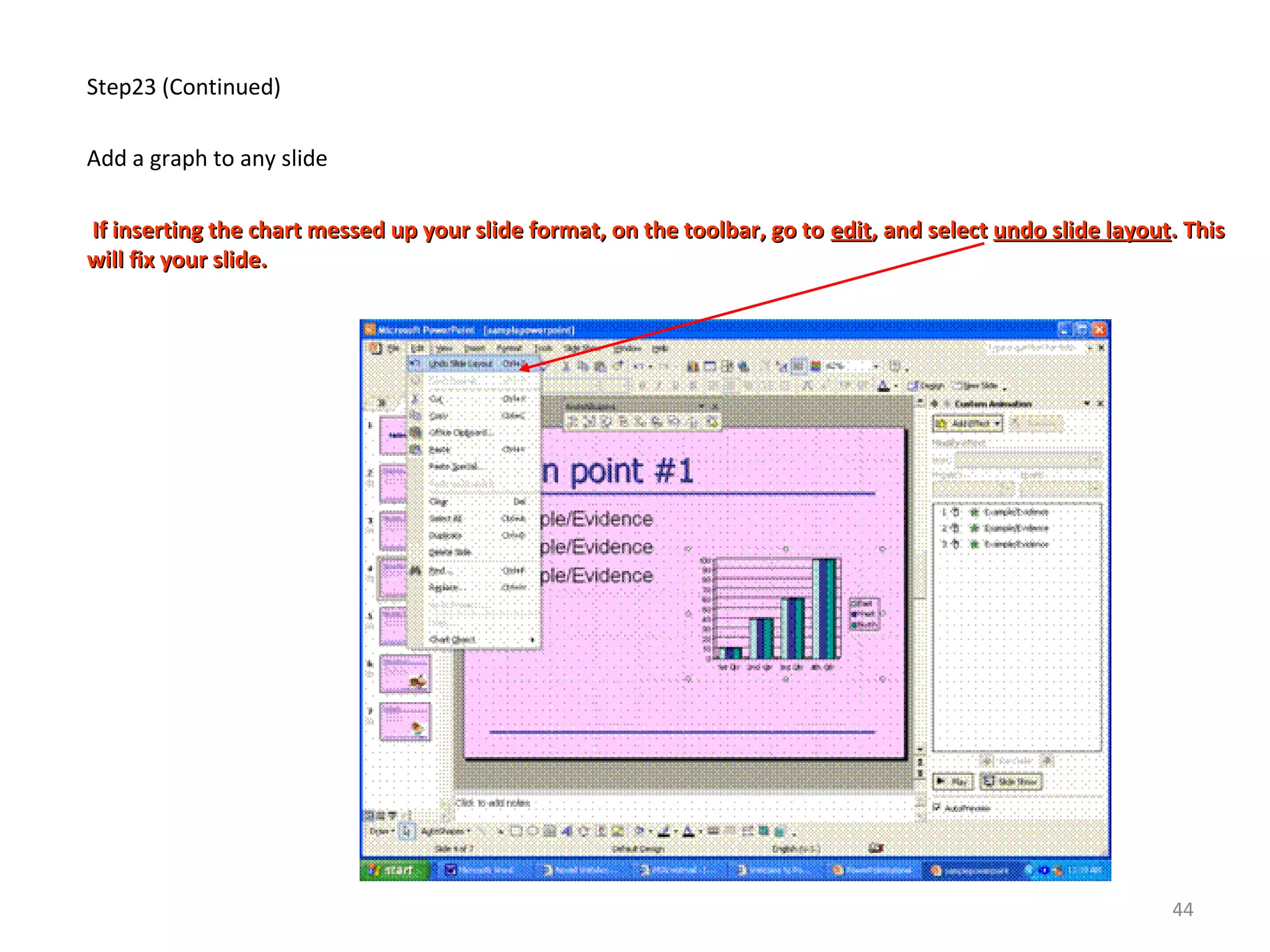
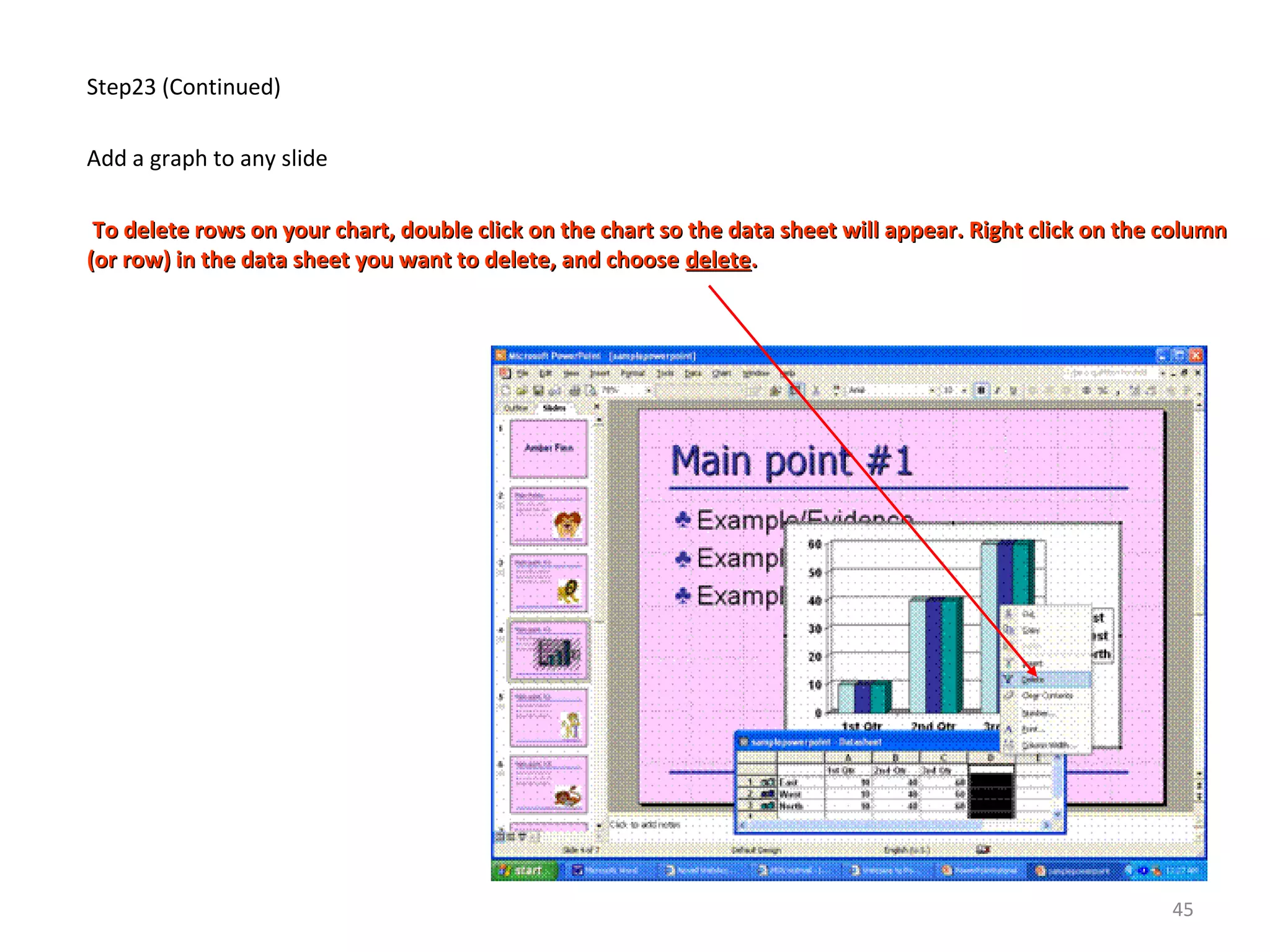
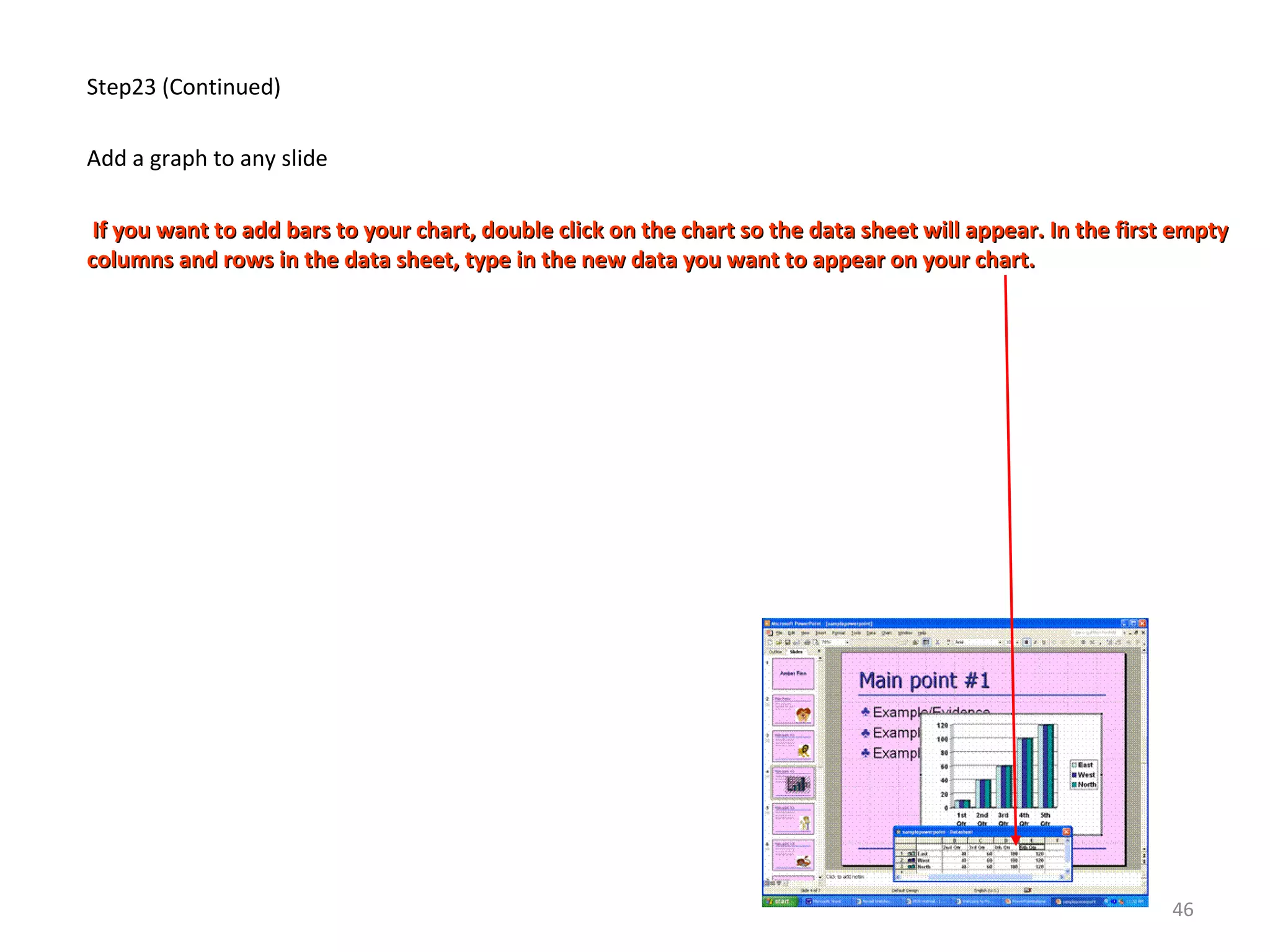
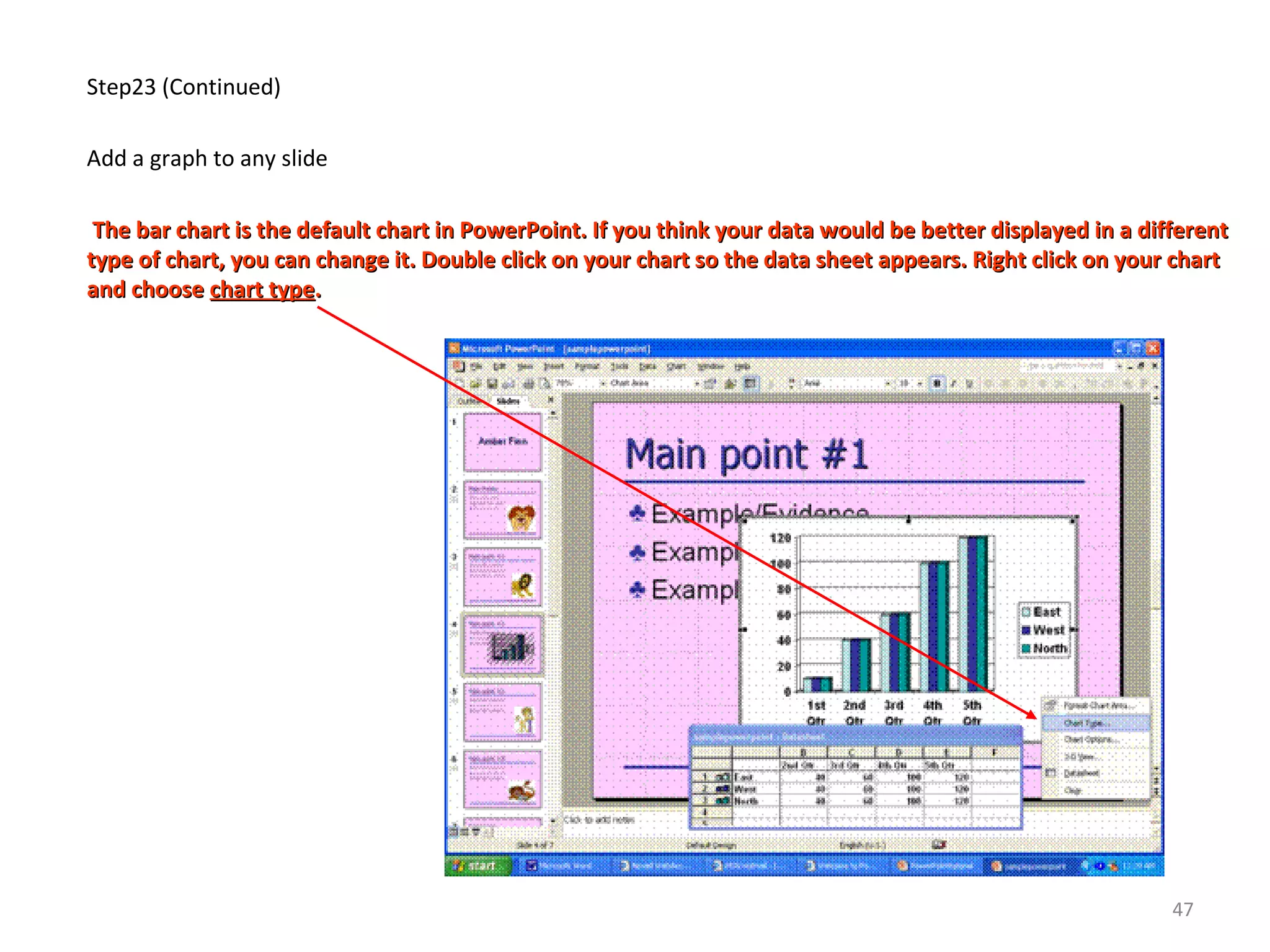
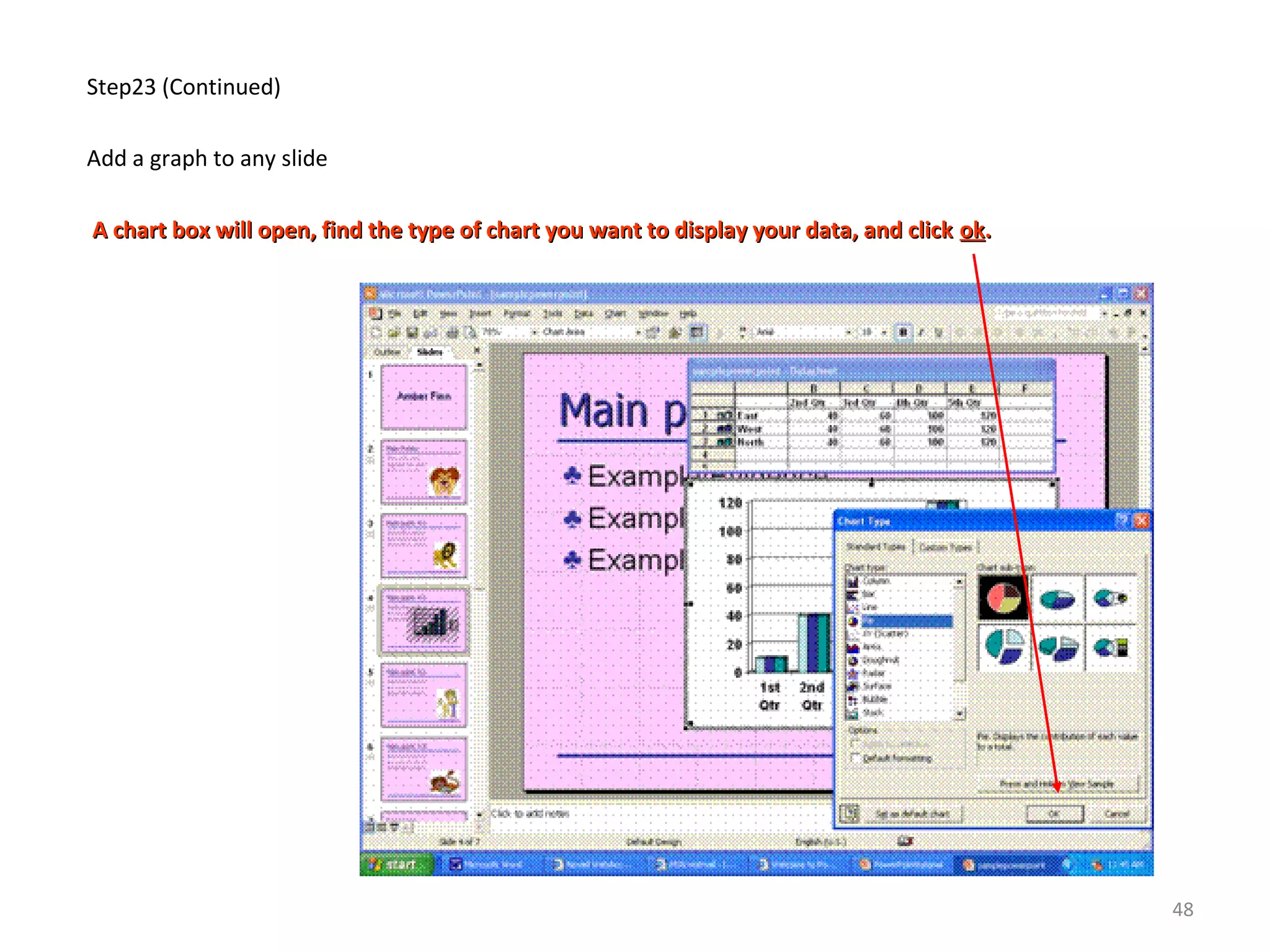
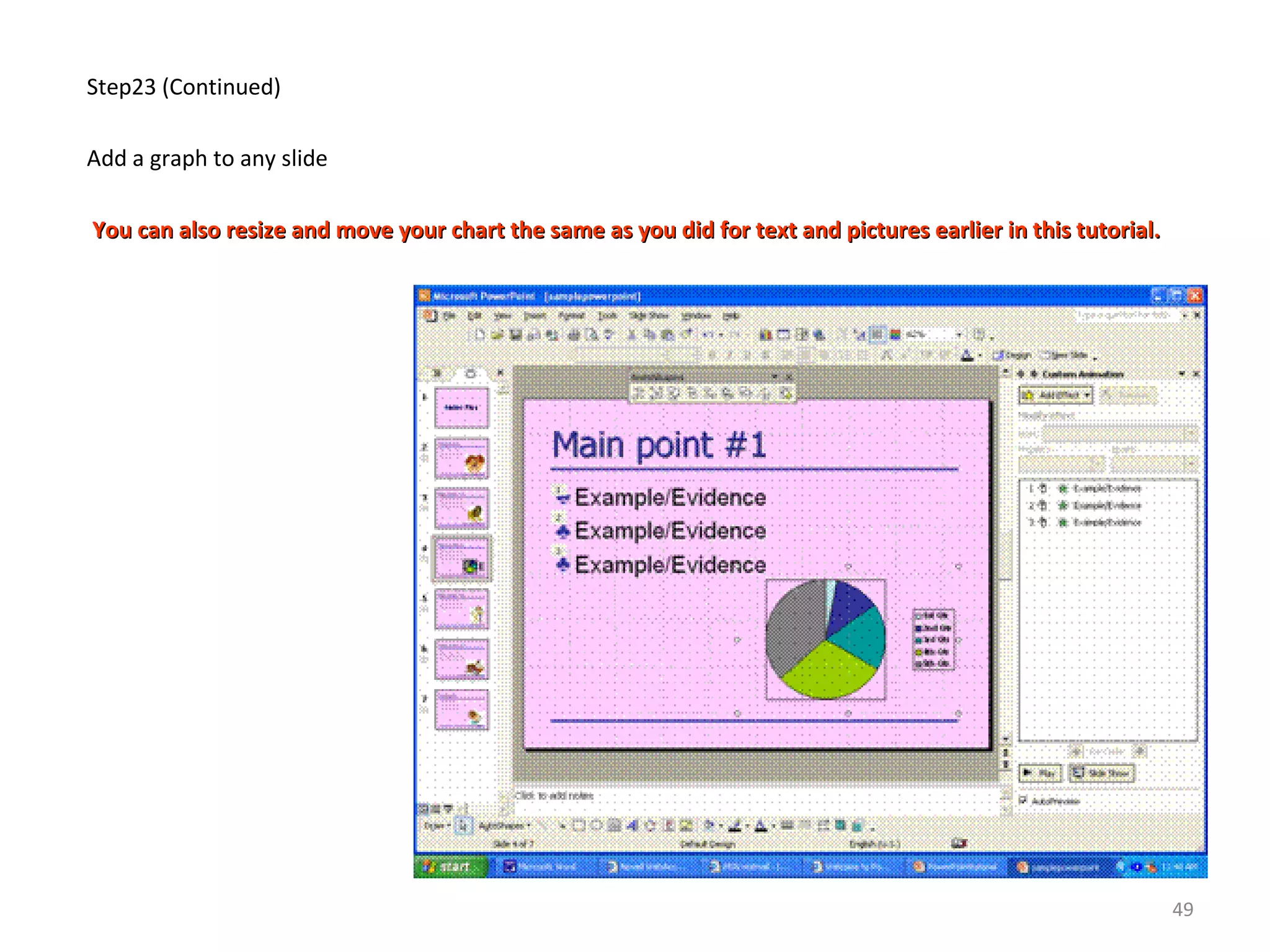
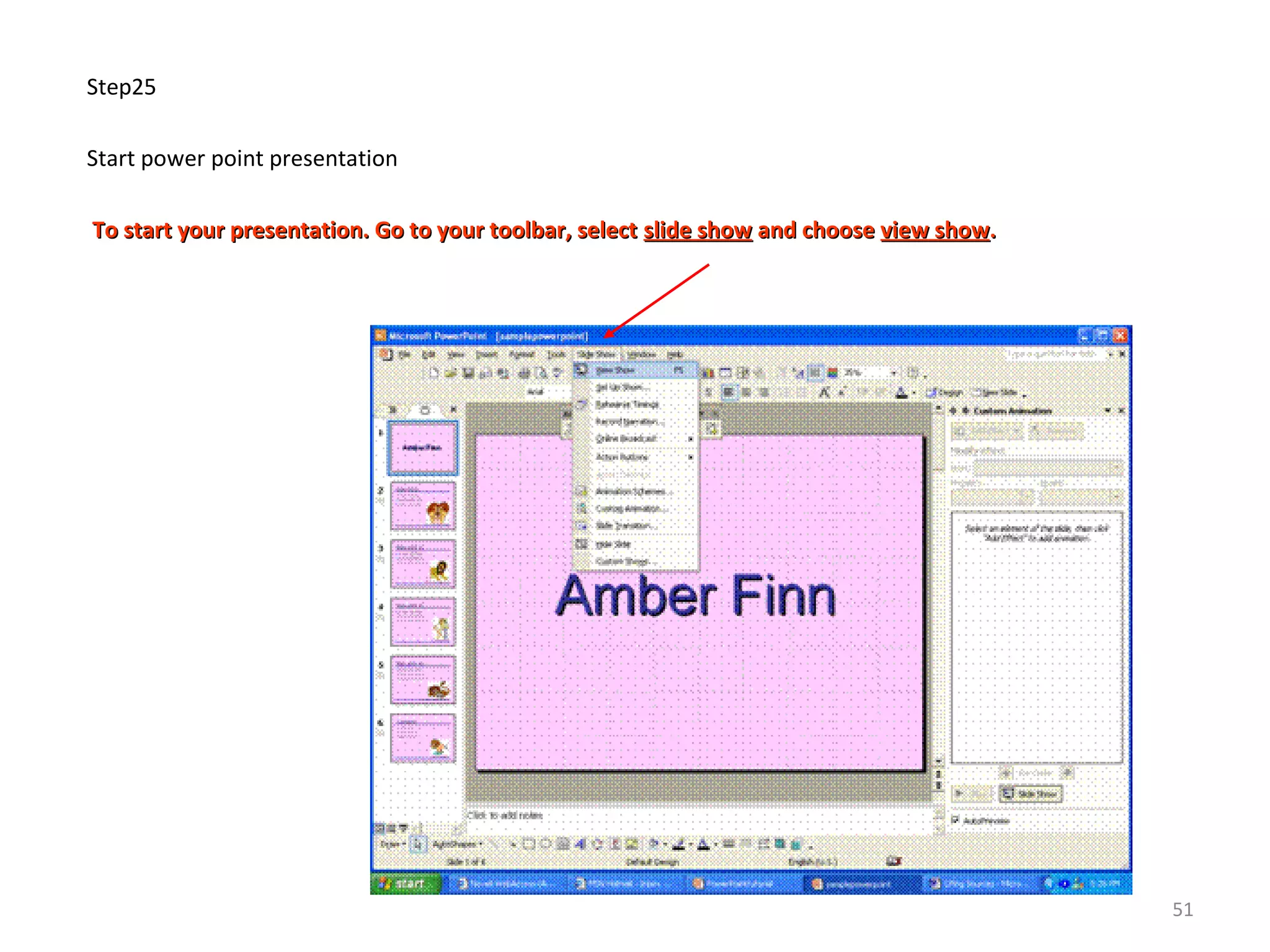

This document provides step-by-step instructions for creating a basic PowerPoint presentation with titles, text, images, and formatting. It begins with opening PowerPoint and selecting a blank presentation. The steps then guide adding a title slide with centered text, selecting layouts and formatting fonts for subsequent slides. Instructions are provided for inserting text boxes, custom bullets, animations, and downloading/inserting an image. The document teaches how to duplicate slides and modify titles, text, and images. The overall summary is a tutorial for building a simple PowerPoint presentation from scratch.


