a tour of new features


introducing

POWERPOINT 2010
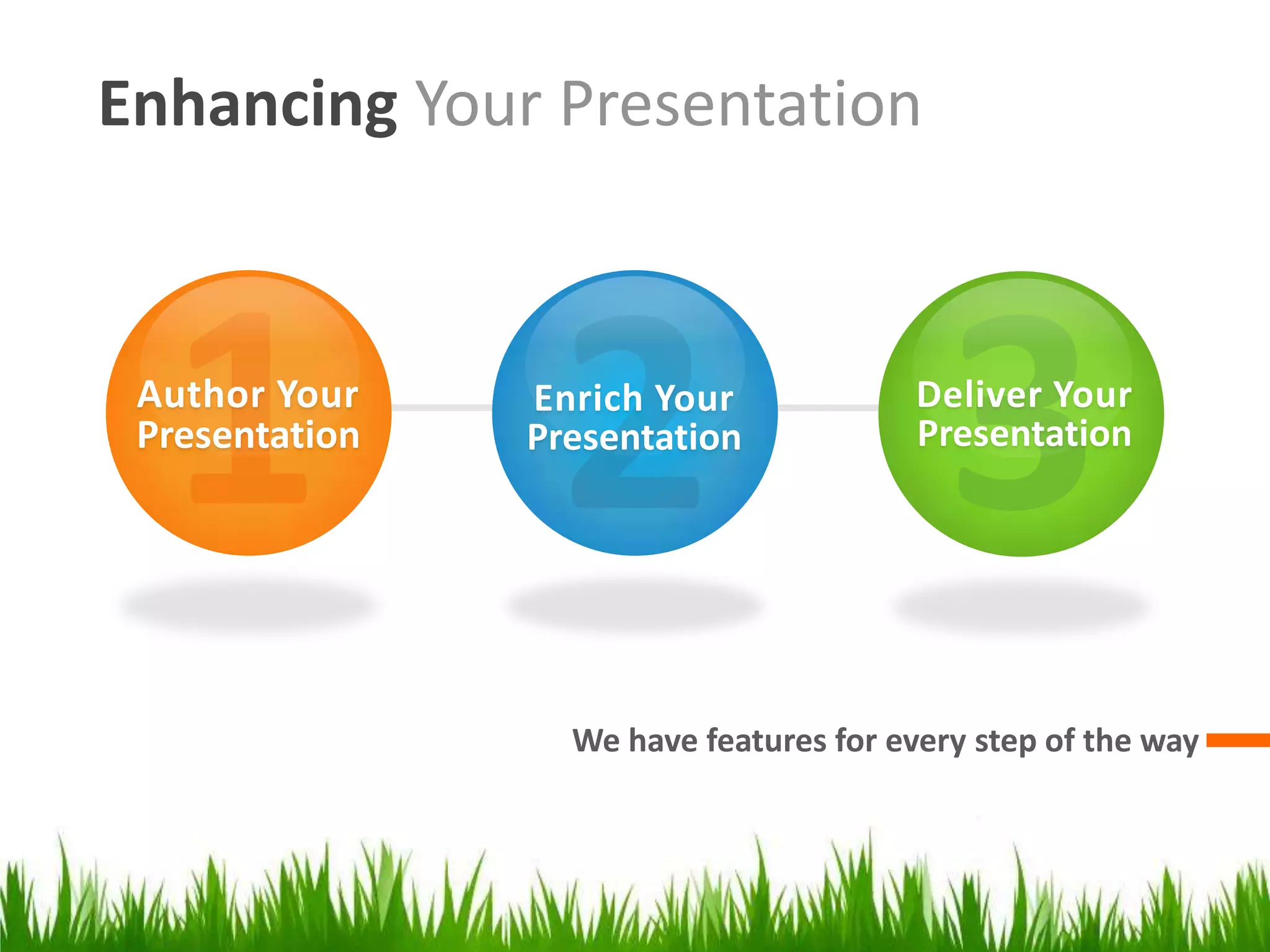
Enhancing Your Presentation


 Author Your    Enrich Your              Deliver Your
 Presentation   Presentation             Presentation


                  We have features for every step of the way
Author Your Presentation


           Design, organize, and collaborate
Getting Started with Templates

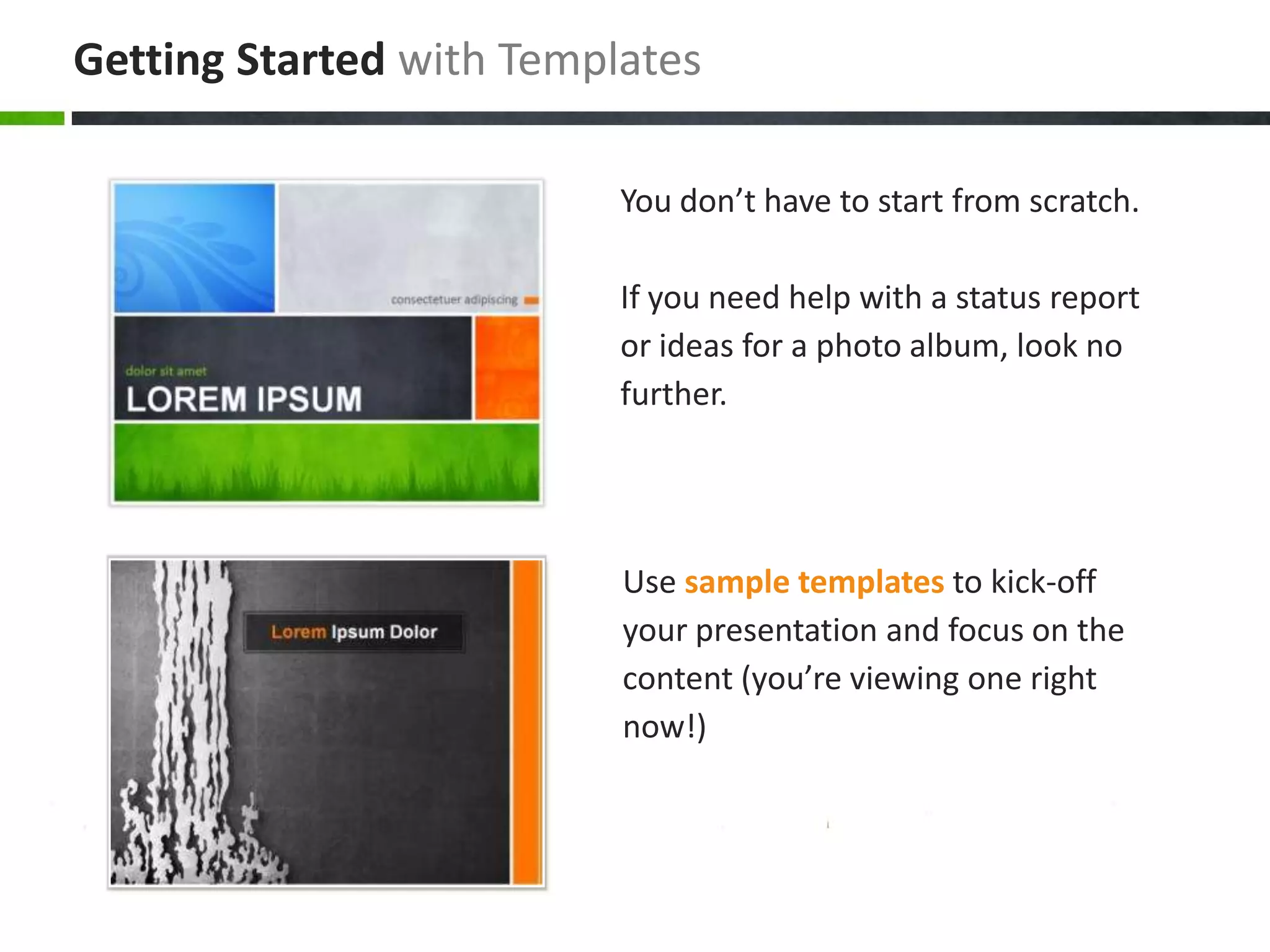
                          You don’t have to start from scratch.

                          If you need help with a status report
                          or ideas for a photo album, look no
                          further.


                          Use sample templates to kick-off
                          your presentation and focus on the
                          content (you’re viewing one right
                          now!)
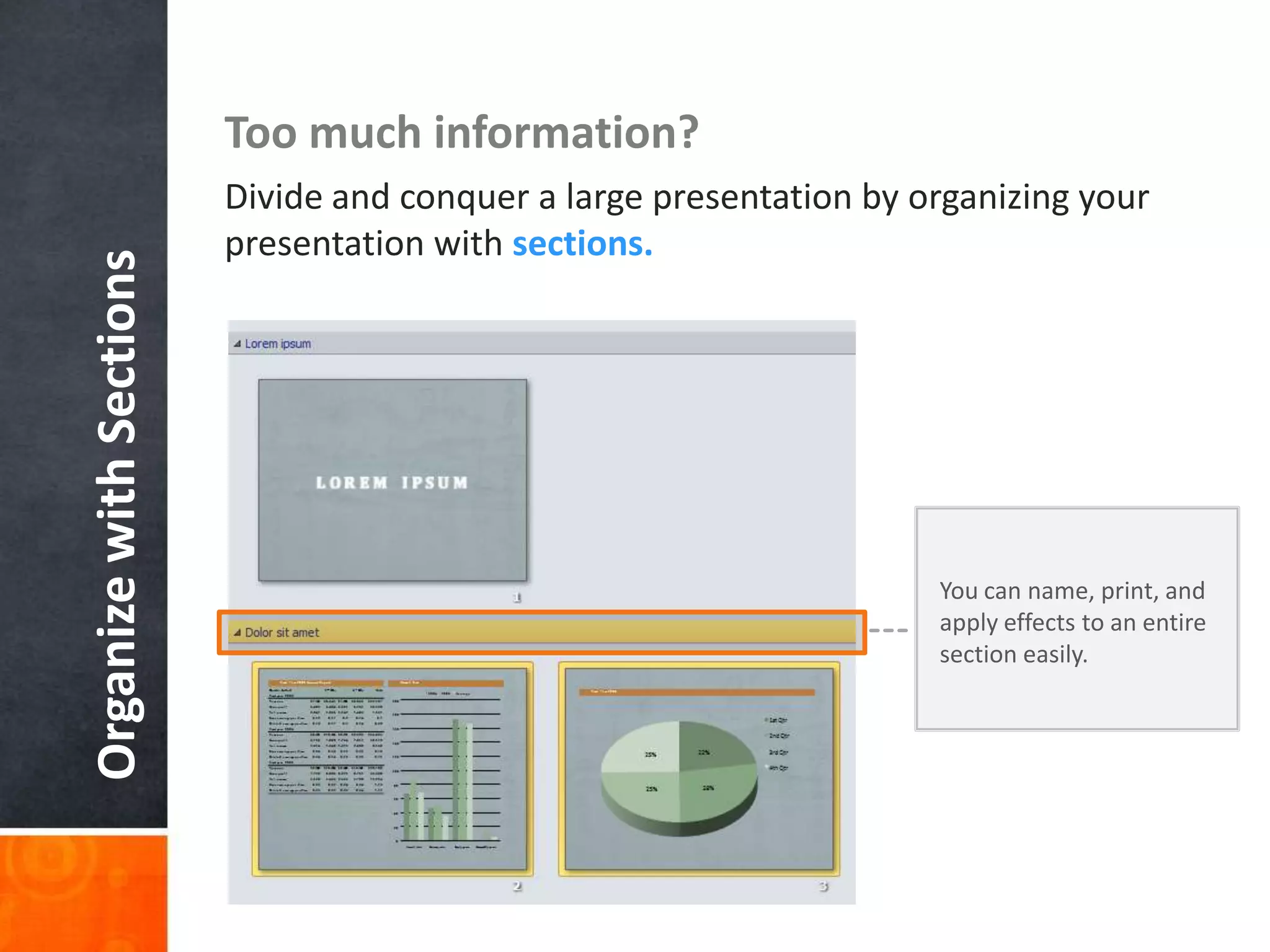
Too much information?
                         Divide and conquer a large presentation by organizing your
                         presentation with sections.
Organize with Sections


                                                                     You can name, print, and
                                                                     apply effects to an entire
                                                                     section easily.
Collaboration
Simultaneous edits on one single document.
No more waiting your turn or managing
multiple versions.

It’s about team work, and co-authoring will
get you there.
Enrich Your Presentation


          Stylize, edit, and animate your media
It’s not just about the visuals, but strengthening


YOUR MESSAGE.
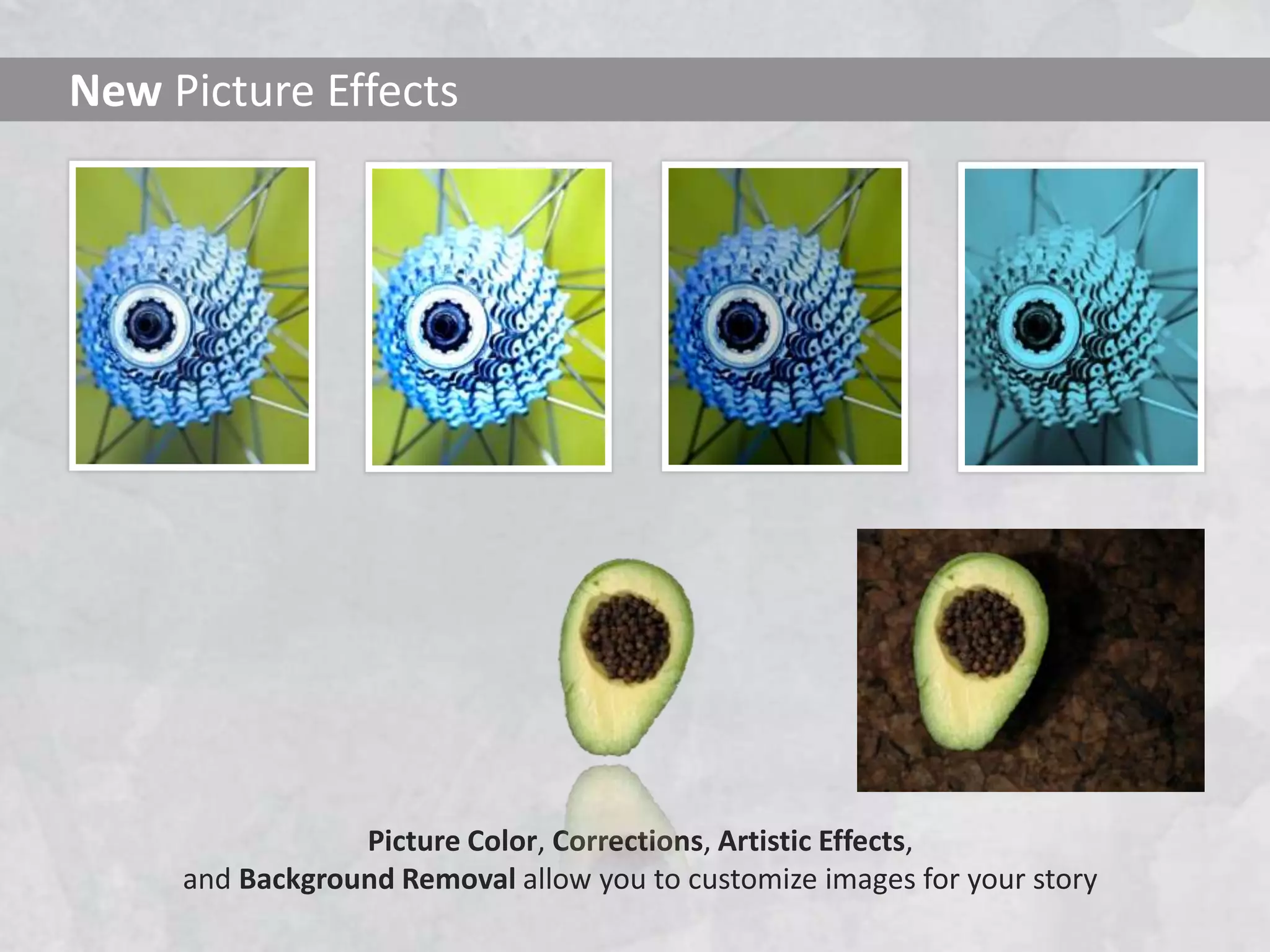
New Picture Effects


                 Picture Color, Corrections, Artistic Effects,
     and Background Removal allow you to customize images for your story
Animate This
Check out this animation:


With the Animation Painter
you can re-create the same animation with one click
Video Perfect


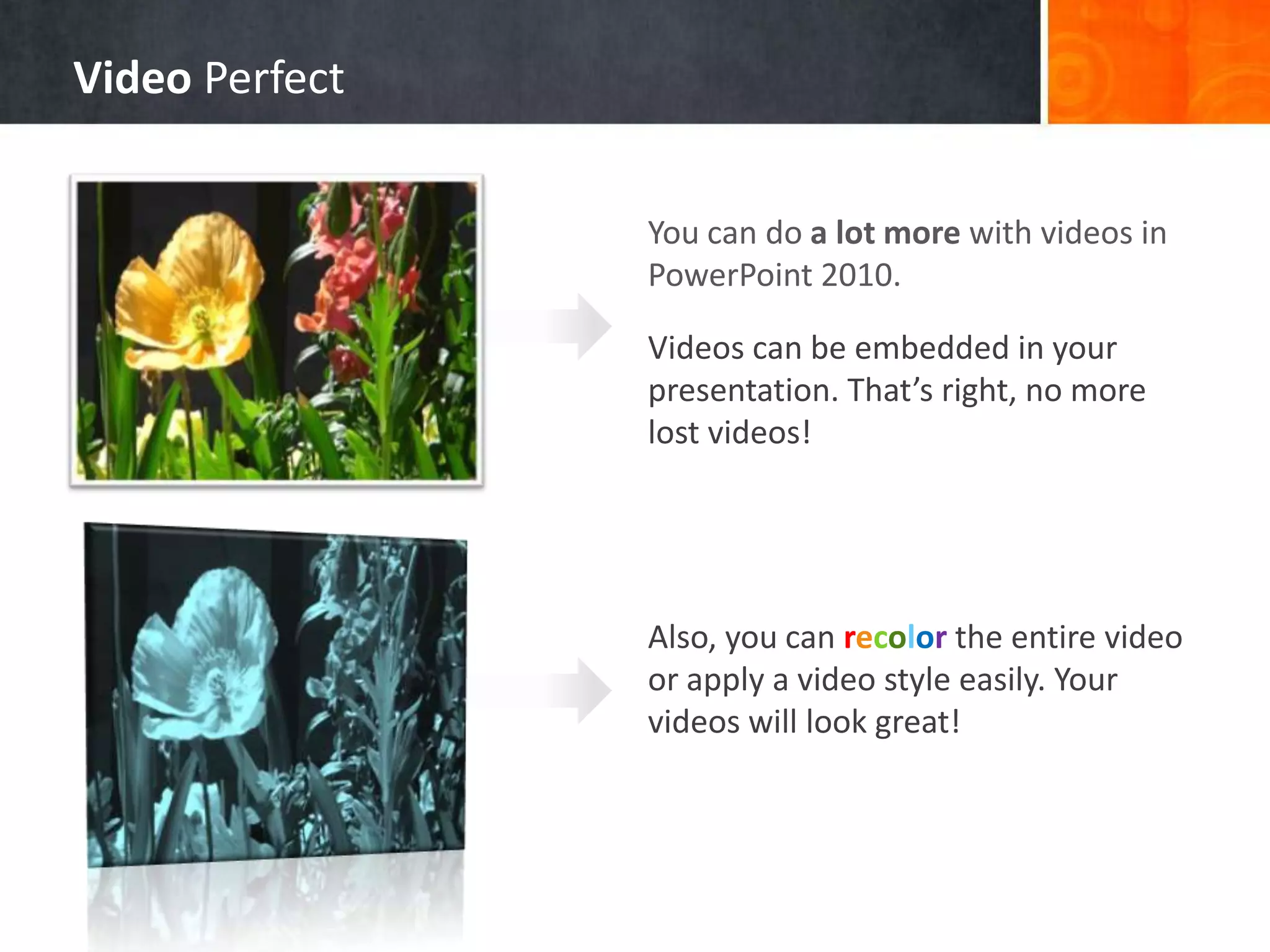
                You can do a lot more with videos in
                PowerPoint 2010.

                Videos can be embedded in your
                presentation. That’s right, no more
                lost videos!


                Also, you can recolor the entire video
                or apply a video style easily. Your
                videos will look great!
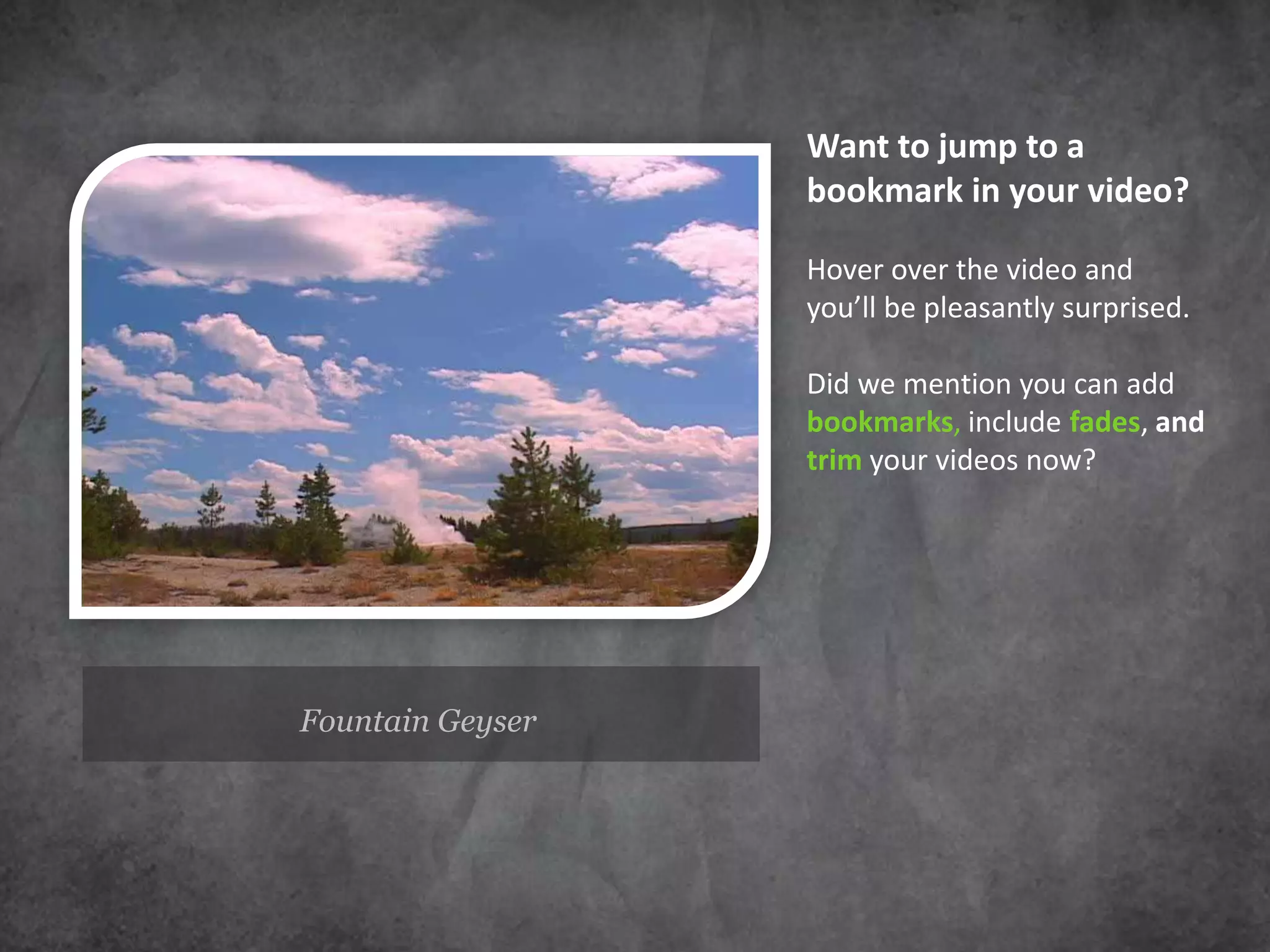
Want to jump to a
                  bookmark in your video?

                  Hover over the video and
                  you’ll be pleasantly surprised.

                  Did we mention you can add
                  bookmarks, include fades, and
                  trim your videos now?


Fountain Geyser
Exciting new transitions


What about the beautiful transitions
you’ve been seeing?


                              They are new too.
Deliver Your Presentation


      Broadcast and compress for seamless delivery
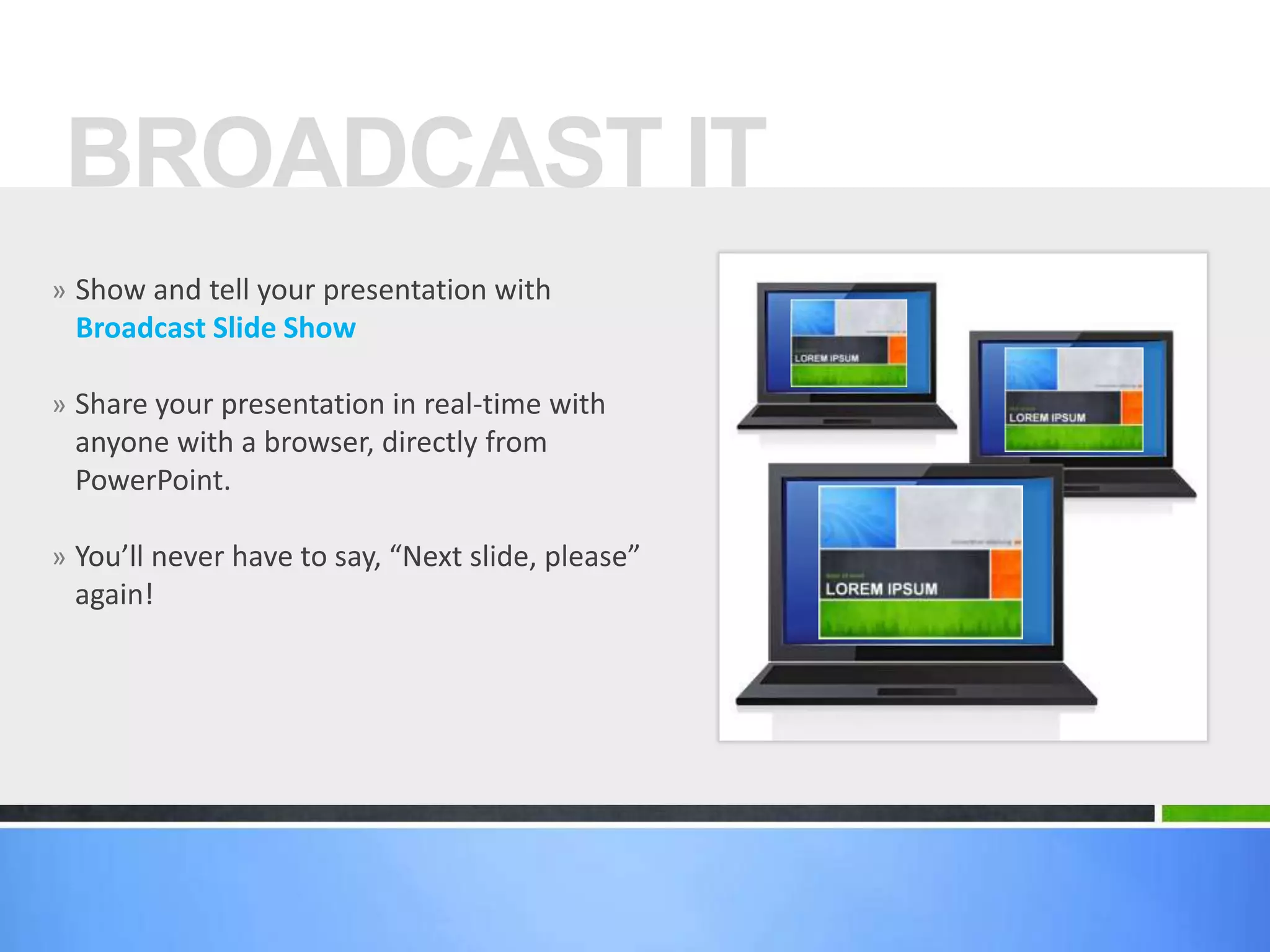
BROADCAST IT
» Show and tell your presentation with
 Broadcast Slide Show

» Share your presentation in real-time with
 anyone with a browser, directly from
 PowerPoint.

» You’ll never have to say, “Next slide, please”
 again!
Record your presentation with
 Create a Video and capture narrations,
   animations, media, and much more.


Upload, embed, and share away!
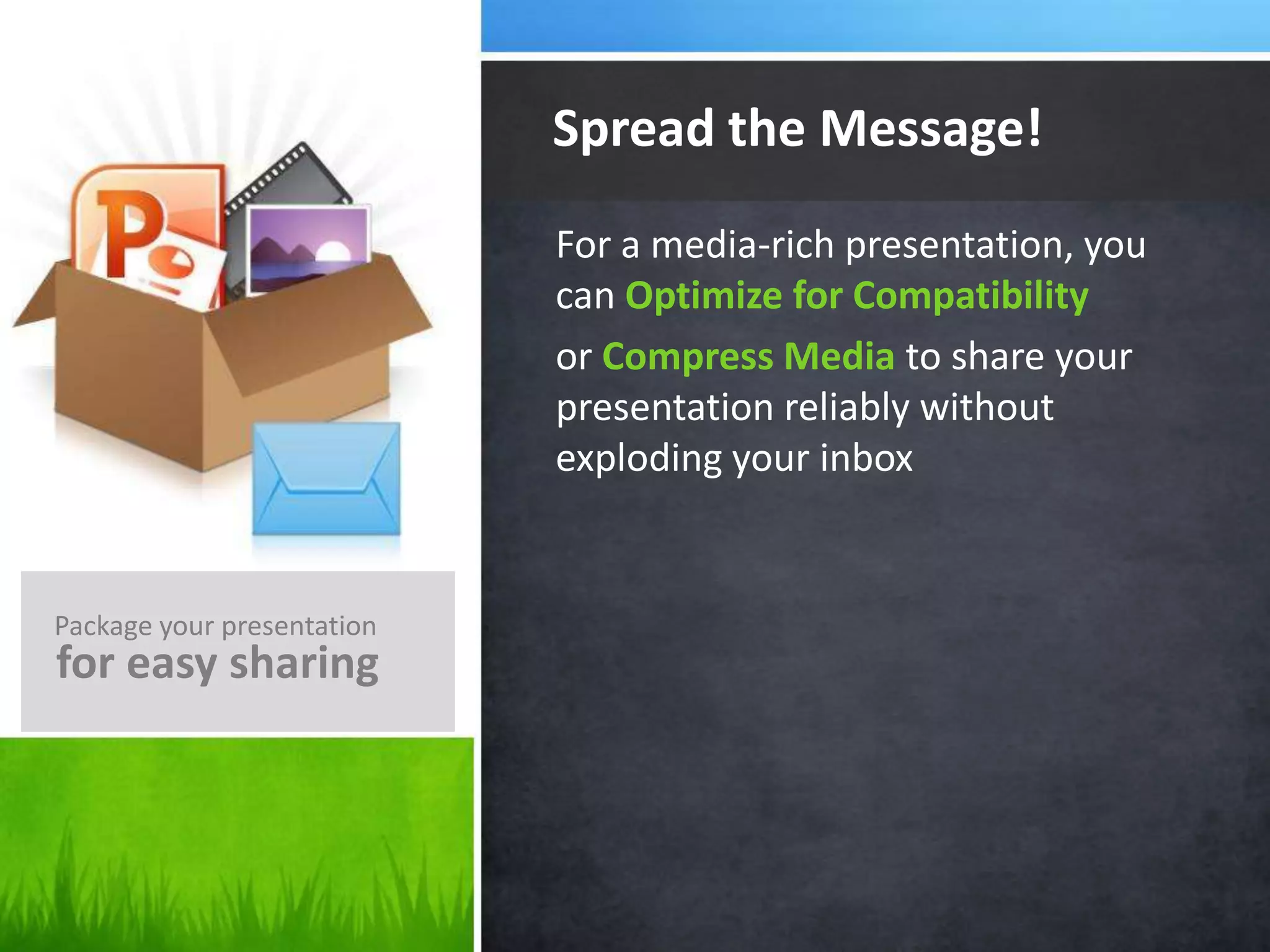
Spread the Message!
                            For a media-rich presentation, you
                            can Optimize for Compatibility
                            or Compress Media to share your
                            presentation reliably without
                            exploding your inbox


Package your presentation
for easy sharing
?
    But wait…
    There’s More!


               View your slides from anywhere!
Access Anywhere

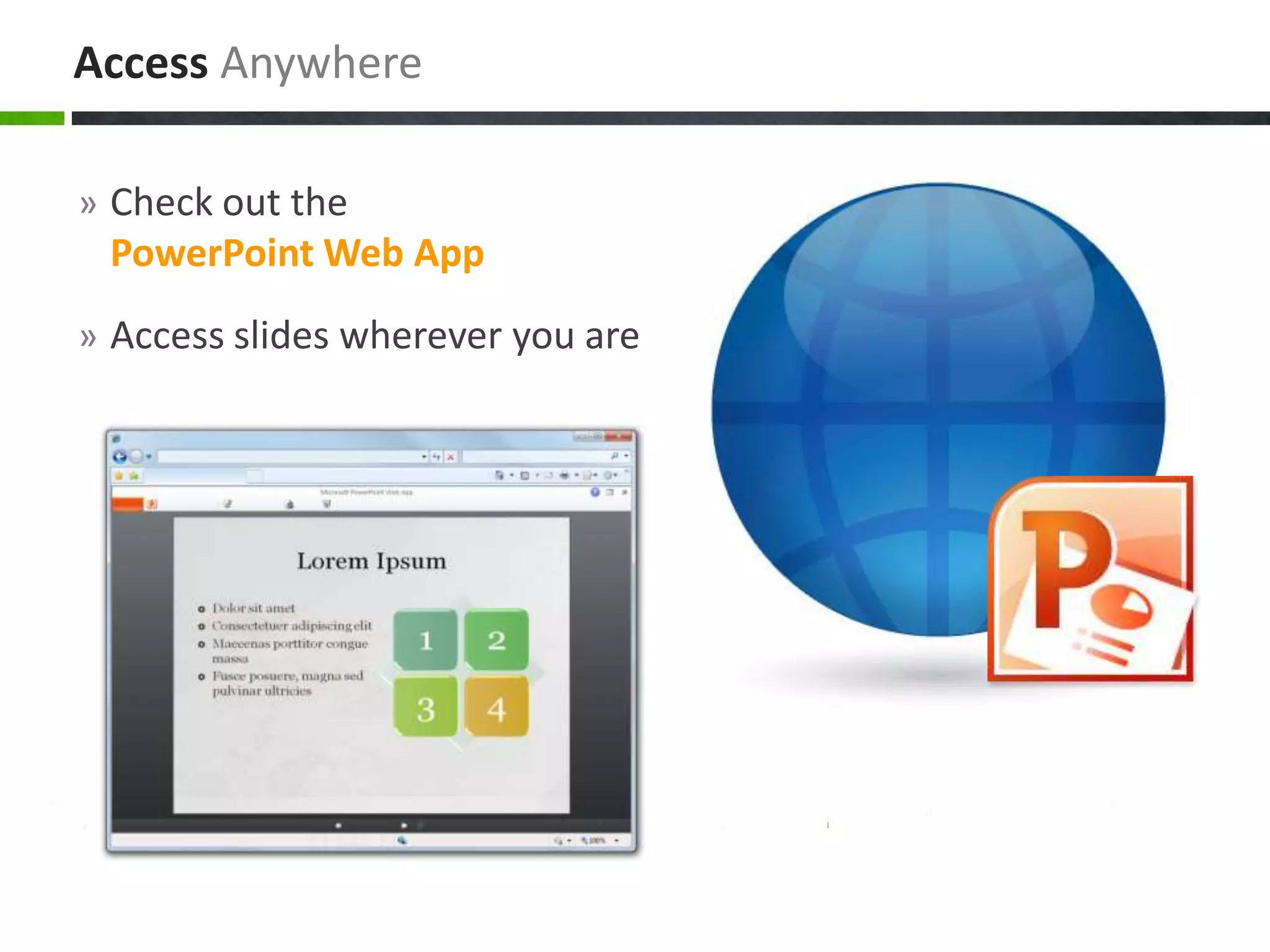
» Check out the
 PowerPoint Web App
» Access slides wherever you are
What’s Your Message?
POWERPOINT 2010

Microsoft office power point 2010

  • 1.
    a tour ofnew features introducing POWERPOINT 2010
  • 2.
    Enhancing Your Presentation Author Your Enrich Your Deliver Your Presentation Presentation Presentation We have features for every step of the way
  • 3.
    Author Your Presentation Design, organize, and collaborate
  • 4.
    Getting Started withTemplates You don’t have to start from scratch. If you need help with a status report or ideas for a photo album, look no further. Use sample templates to kick-off your presentation and focus on the content (you’re viewing one right now!)
  • 5.
    Too much information? Divide and conquer a large presentation by organizing your presentation with sections. Organize with Sections You can name, print, and apply effects to an entire section easily.
  • 6.
    Collaboration Simultaneous edits onone single document. No more waiting your turn or managing multiple versions. It’s about team work, and co-authoring will get you there.
  • 7.
    Enrich Your Presentation Stylize, edit, and animate your media
  • 8.
    It’s not justabout the visuals, but strengthening YOUR MESSAGE.
  • 9.
    New Picture Effects Picture Color, Corrections, Artistic Effects, and Background Removal allow you to customize images for your story
  • 10.
    Animate This Check outthis animation: With the Animation Painter you can re-create the same animation with one click
  • 11.
    Video Perfect You can do a lot more with videos in PowerPoint 2010. Videos can be embedded in your presentation. That’s right, no more lost videos! Also, you can recolor the entire video or apply a video style easily. Your videos will look great!
  • 12.
    Want to jumpto a bookmark in your video? Hover over the video and you’ll be pleasantly surprised. Did we mention you can add bookmarks, include fades, and trim your videos now? Fountain Geyser
  • 13.
    Exciting new transitions Whatabout the beautiful transitions you’ve been seeing? They are new too.
  • 14.
    Deliver Your Presentation Broadcast and compress for seamless delivery
  • 15.
    BROADCAST IT » Showand tell your presentation with Broadcast Slide Show » Share your presentation in real-time with anyone with a browser, directly from PowerPoint. » You’ll never have to say, “Next slide, please” again!
  • 16.
    Record your presentationwith Create a Video and capture narrations, animations, media, and much more. Upload, embed, and share away!
  • 17.
    Spread the Message! For a media-rich presentation, you can Optimize for Compatibility or Compress Media to share your presentation reliably without exploding your inbox Package your presentation for easy sharing
  • 18.
    ? But wait… There’s More! View your slides from anywhere!
  • 19.
    Access Anywhere » Checkout the PowerPoint Web App » Access slides wherever you are
  • 20.

Editor's Notes

  • #2 This presentation demonstrates the new capabilities of PowerPoint and it is best viewed in Slide Show. These slides are designed to give you great ideas for the presentations you’ll create in PowerPoint 2010!For more sample templates, click the File tab, and then on the New tab, click Sample Templates.