






Mr. A. B. Shinde
Why Presentation ?
 Teaching and learning: Developing a deeper understanding
 Informing: Making familiar with new ideas/technologies
 Research: For showing the results or progress
 Demonstration: Equipment or Software
 Dissertation/Assessment: Presentations and Viva
 Training:
 Marketing:
Points to Consider before
presenting
 Purpose of the presentation?
 Who is the audience?
 How can I deliver my talk confidently?
 What strategies can help me handle questions?
Presentation parts
3 T’s
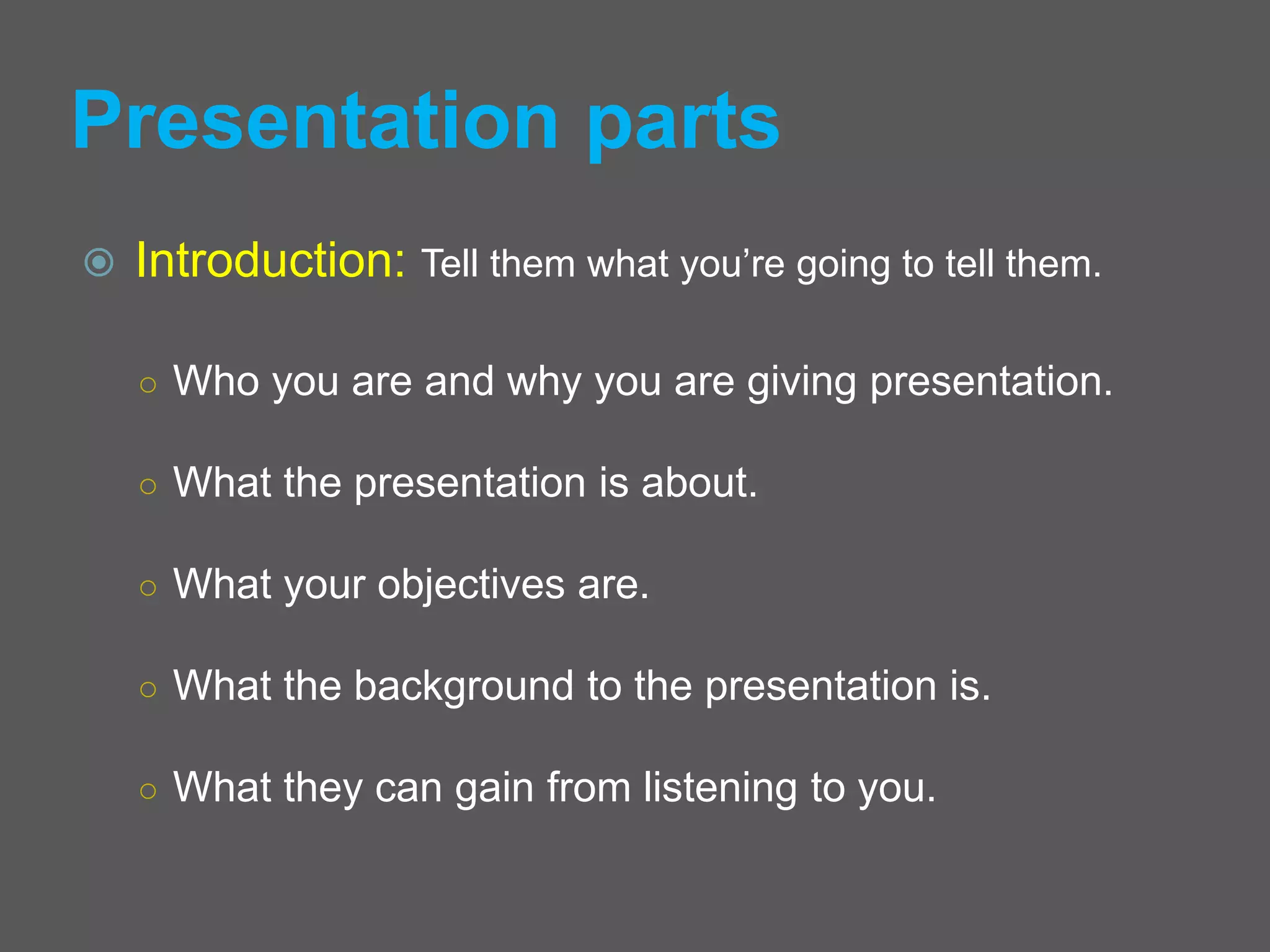
 Introduction: Tell them what you’re going to tell them.
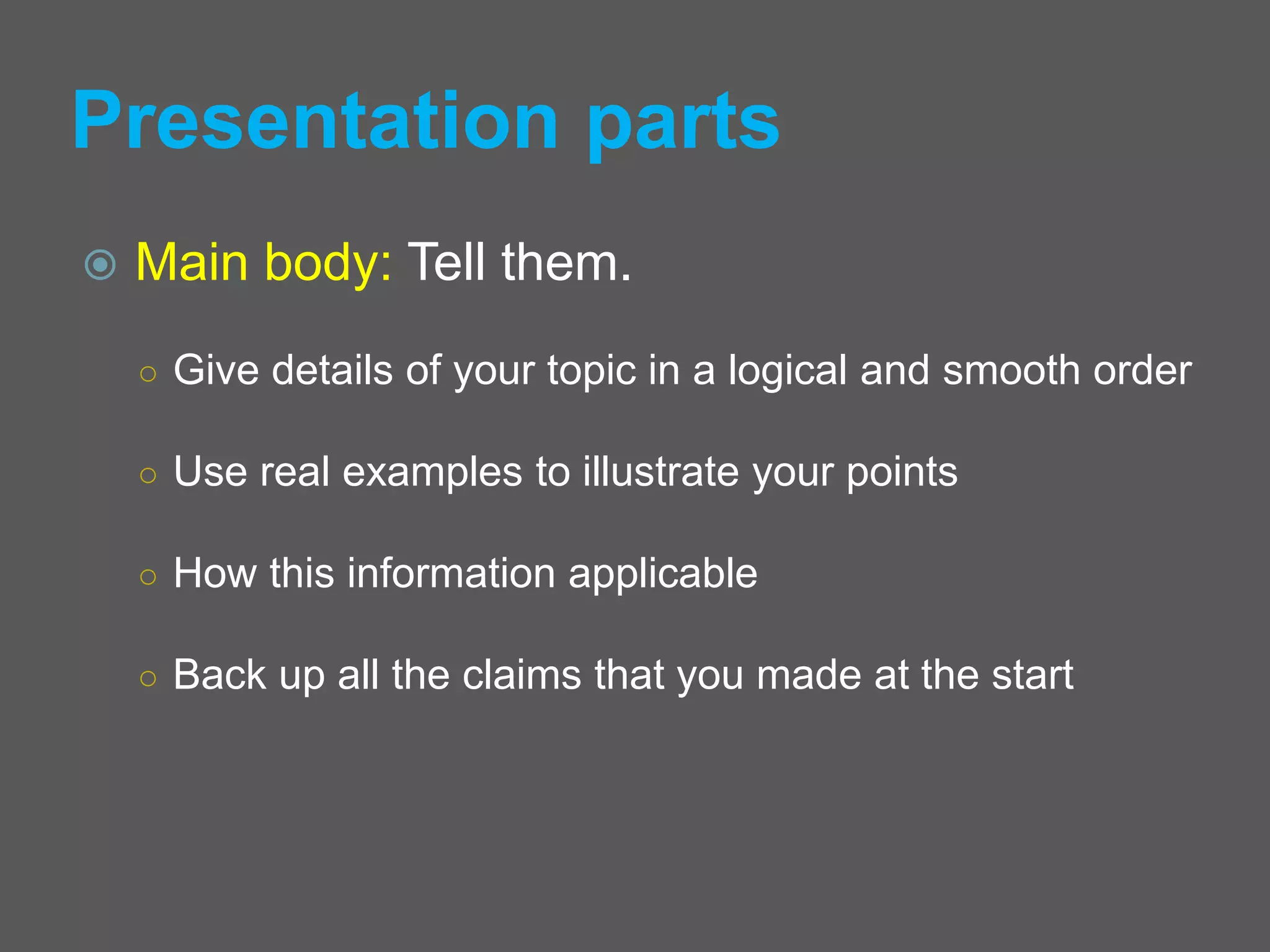
 Main body: Tell them.
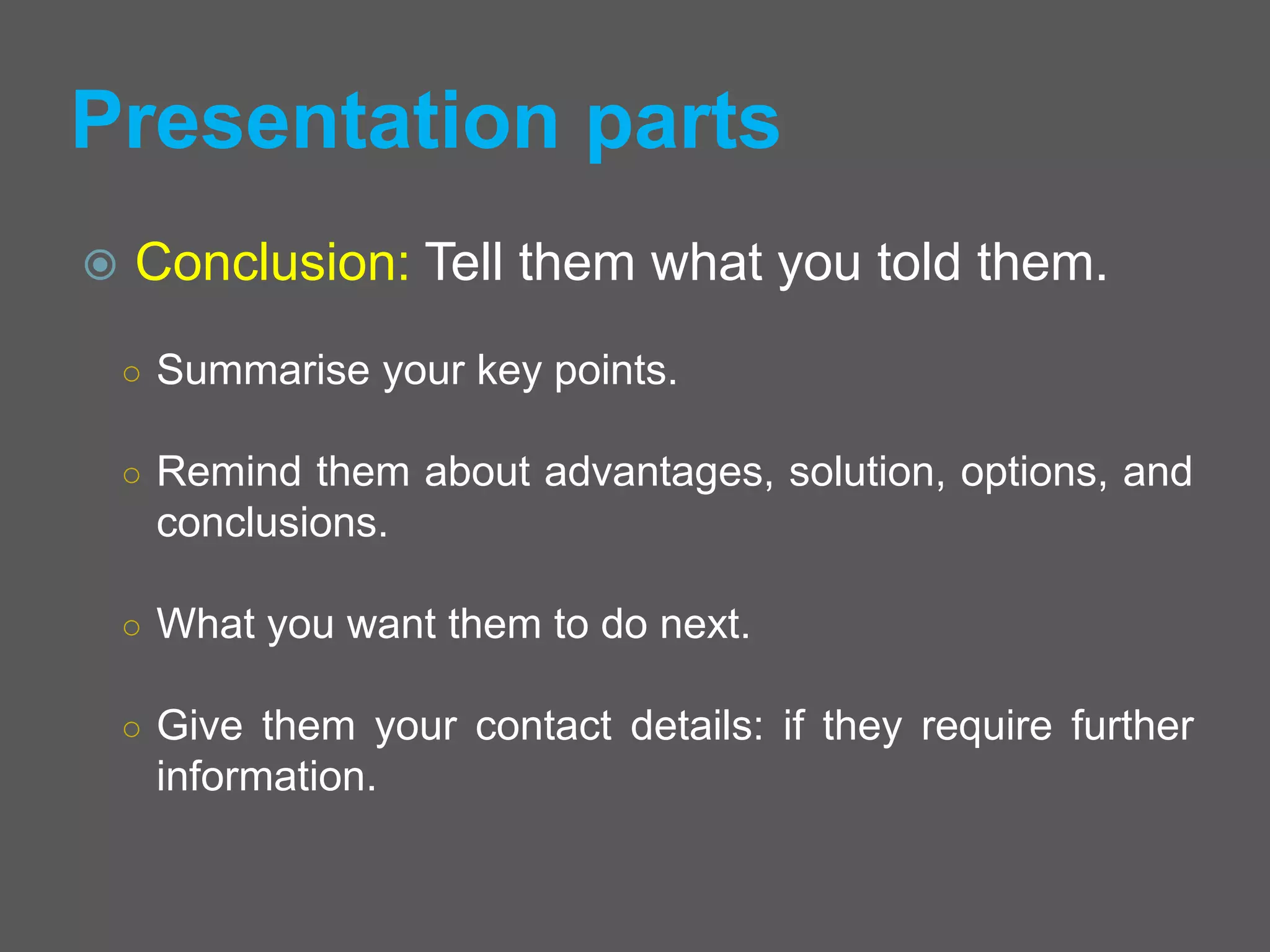
 Conclusion: Tell them what you told them.
Presentation parts
 Introduction: Tell them what you’re going to tell them.
○ Who you are and why you are giving presentation.
○ What the presentation is about.
○ What your objectives are.
○ What the background to the presentation is.
○ What they can gain from listening to you.
Presentation parts
 Main body: Tell them.
○ Give details of your topic in a logical and smooth order
○ Use real examples to illustrate your points
○ How this information applicable
○ Back up all the claims that you made at the start
Presentation parts
 Conclusion: Tell them what you told them.
○ Summarise your key points.
○ Remind them about advantages, solution, options, and
conclusions.
○ What you want them to do next.
○ Give them your contact details: if they require further
information.
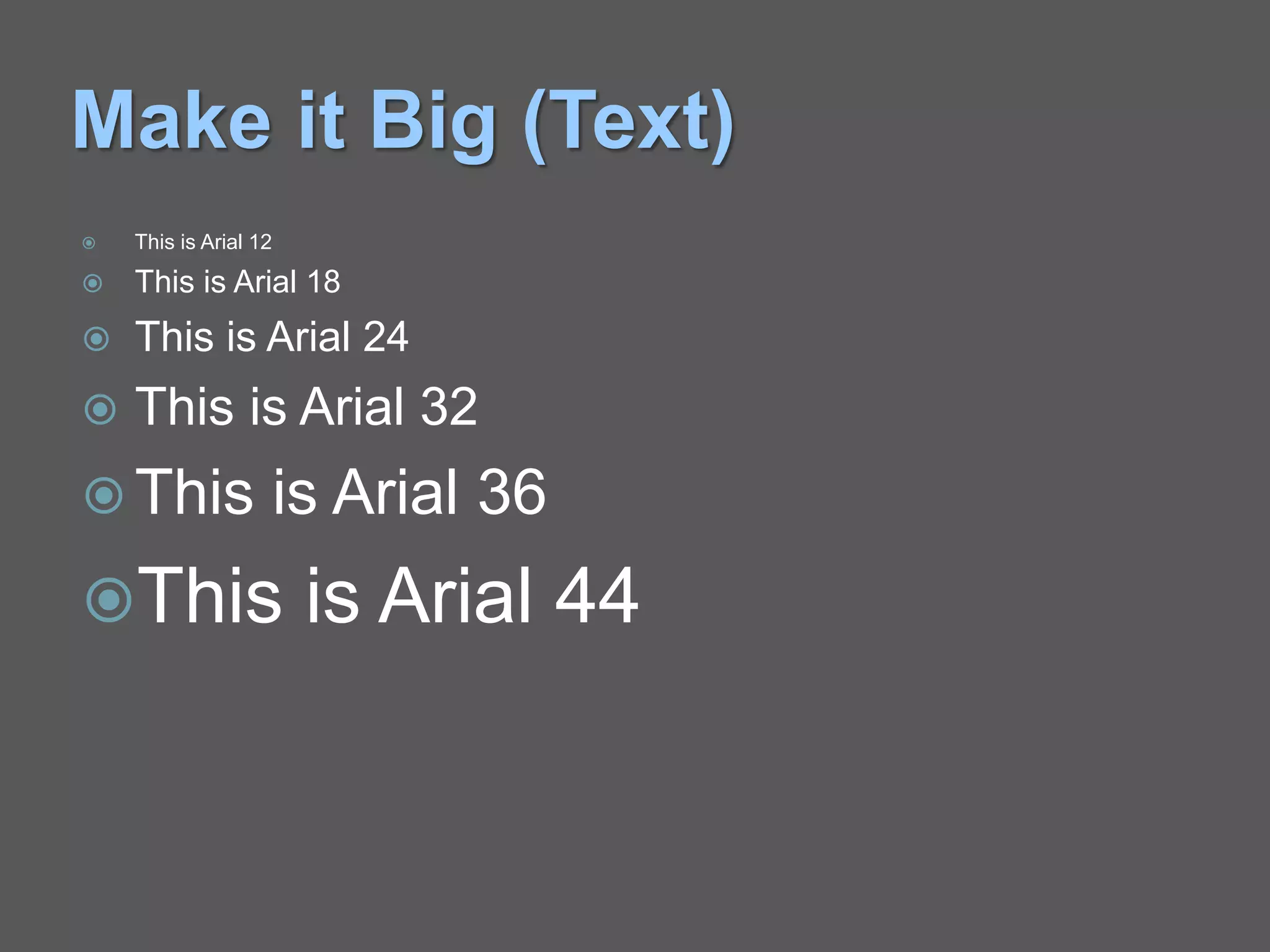
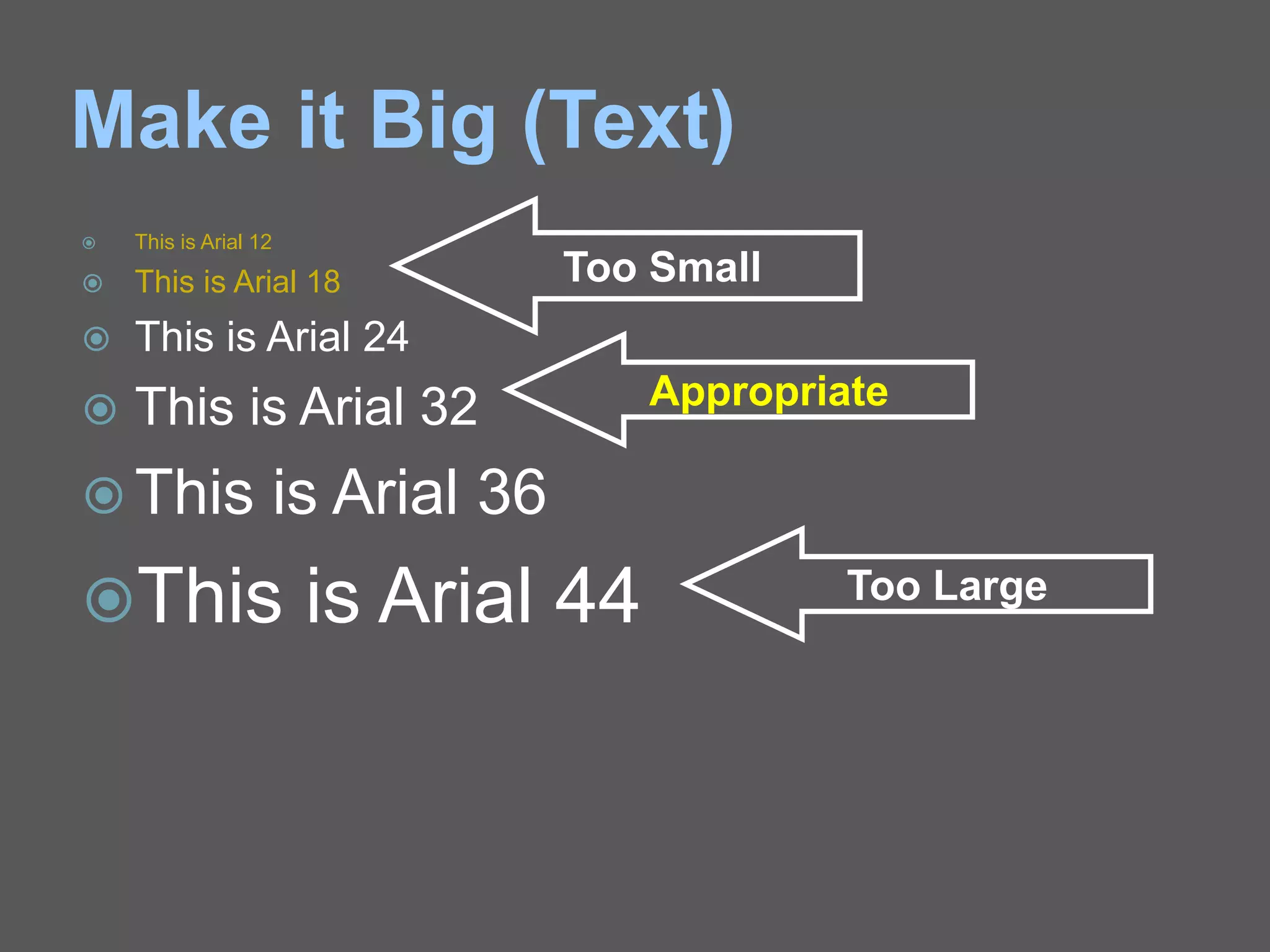
Make it Big (Text)
 This is Arial 12
 This is Arial 18
 This is Arial 24
 This is Arial 32
 This is Arial 36
This is Arial 44
Make it Big (Text)
 This is Arial 12
 This is Arial 18
 This is Arial 24
 This is Arial 32
 This is Arial 36
This is Arial 44
Too Small
Appropriate
Too Large
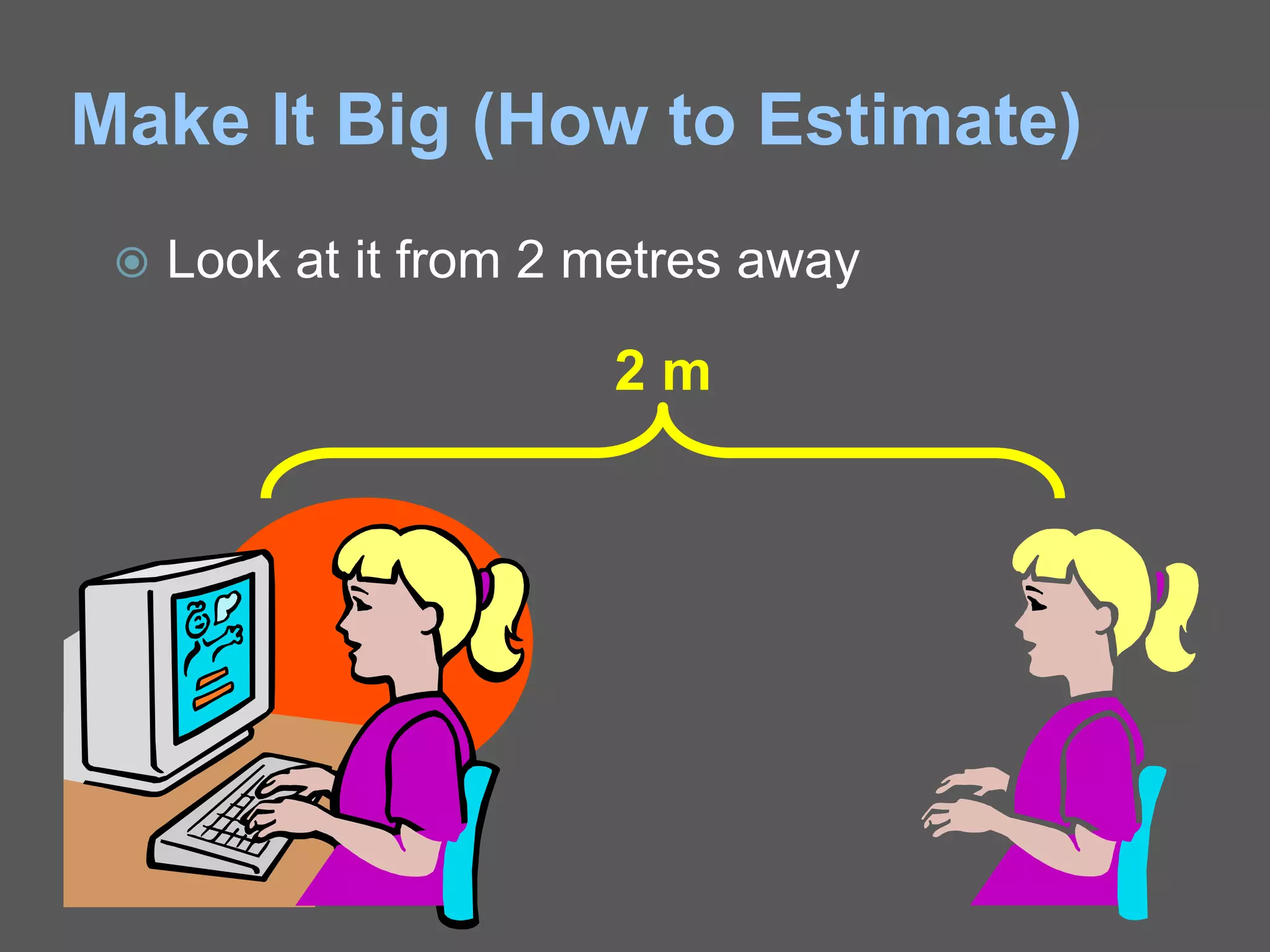
Make It Big (How to Estimate)
 Look at it from 2 metres away
2 m
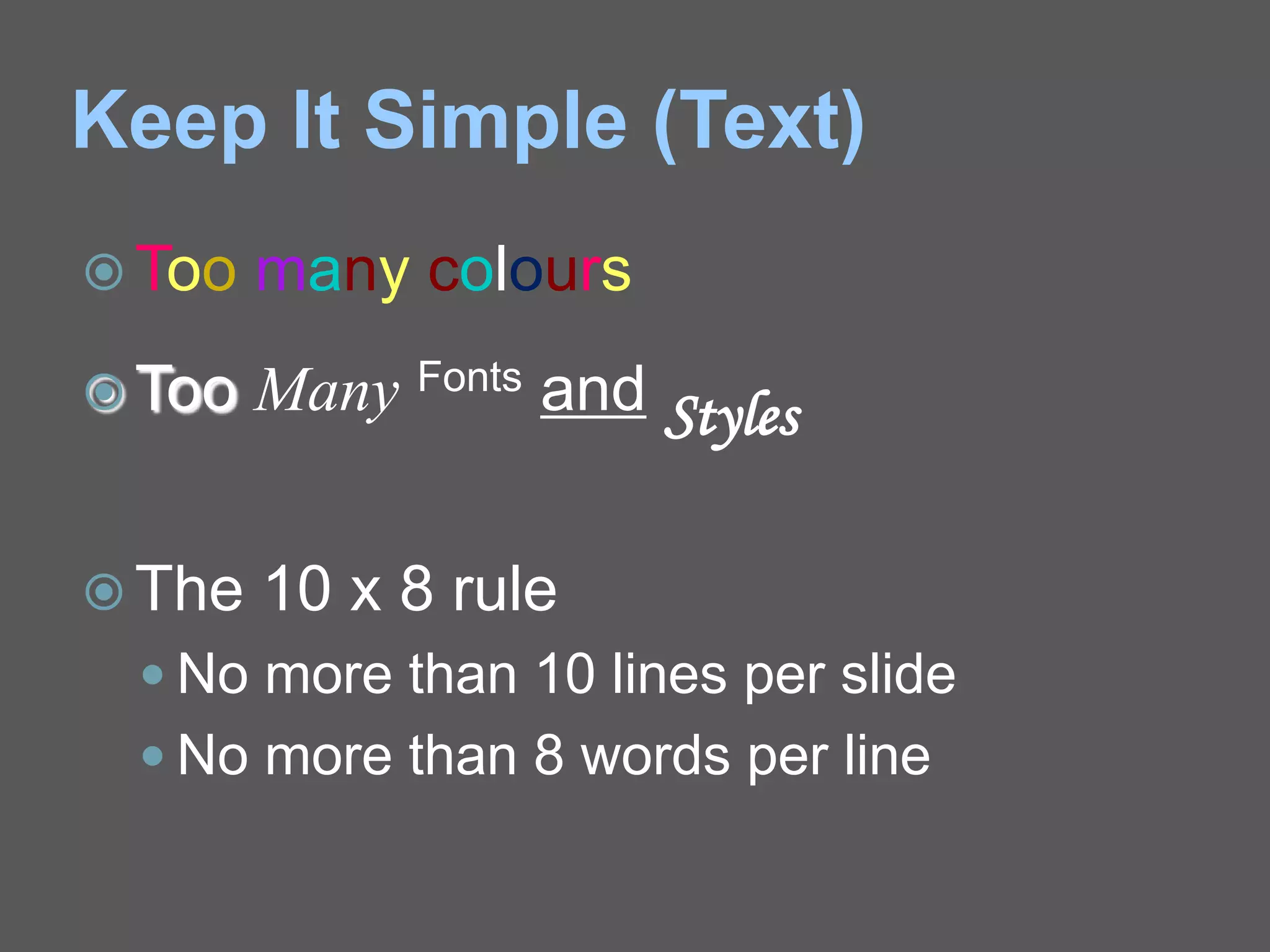
Keep It Simple (Text)
 Too many colours
 Too Many Fonts and Styles
 The 10 x 8 rule
 No more than 10 lines per slide
 No more than 8 words per line
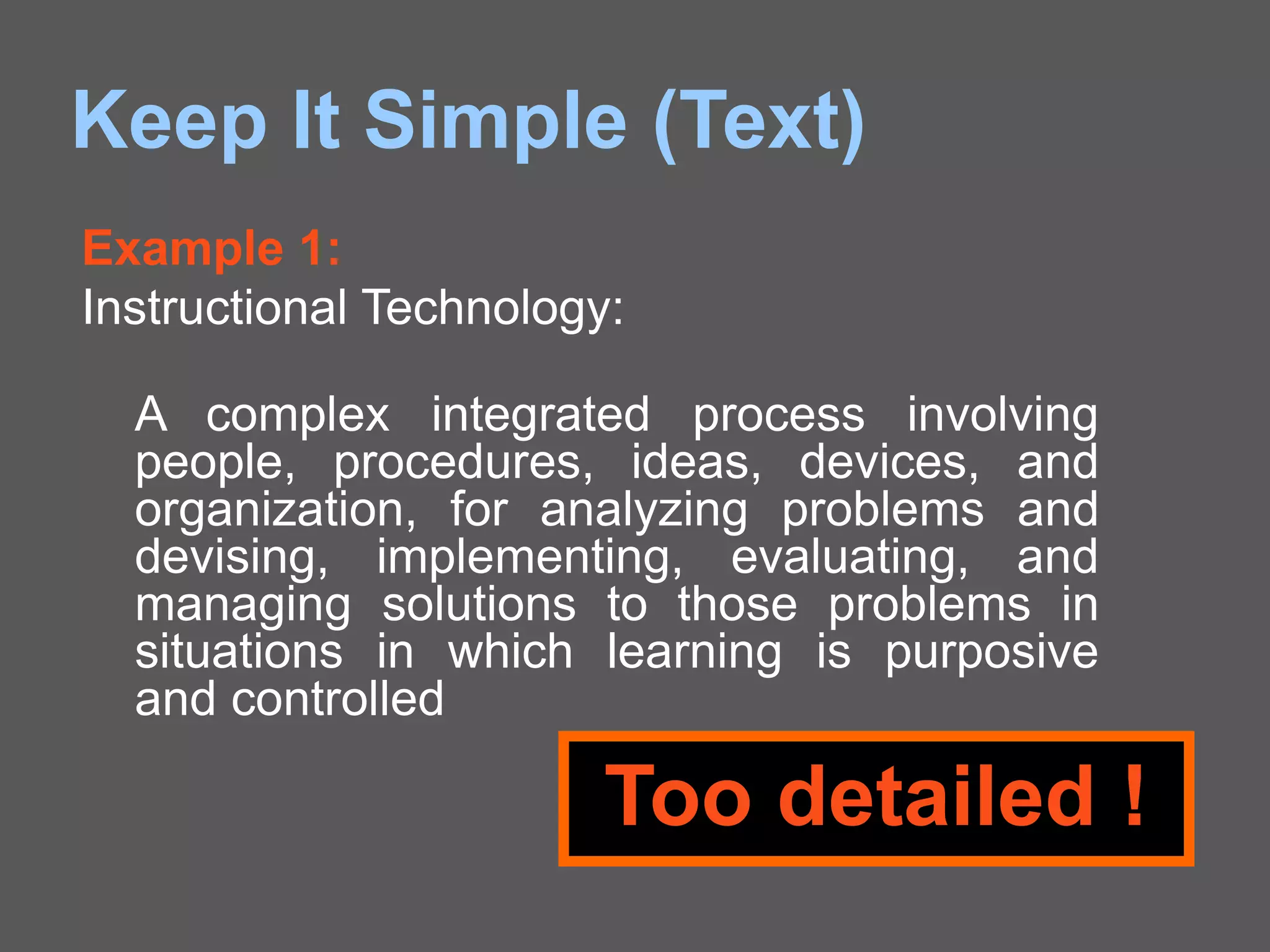
Keep It Simple (Text)
Example 1:
Instructional Technology:
A complex integrated process involving
people, procedures, ideas, devices, and
organization, for analyzing problems and
devising, implementing, evaluating, and
managing solutions to those problems in
situations in which learning is purposive
and controlled
Too detailed !
Keep It Simple (Text)
A process involving people, procedures &
tools for solutions to problems in learning
Example 1:
Instructional Technology:
Much Simpler
Keep It Simple (Text)
Example 2:
Ohm’s Law:
Ohm’s Law states, “Whenever the
physical conditions (states) of the
conductor remains same, the current
flowing through the conductor is directly
proportional to the potential difference
across two ends of conductor”.
Too detailed !
Keep It Simple (Text)
Current flowing through conductor is directly
proportional to voltage across it.
Example 2:
Ohm’s Law:
Much Simpler
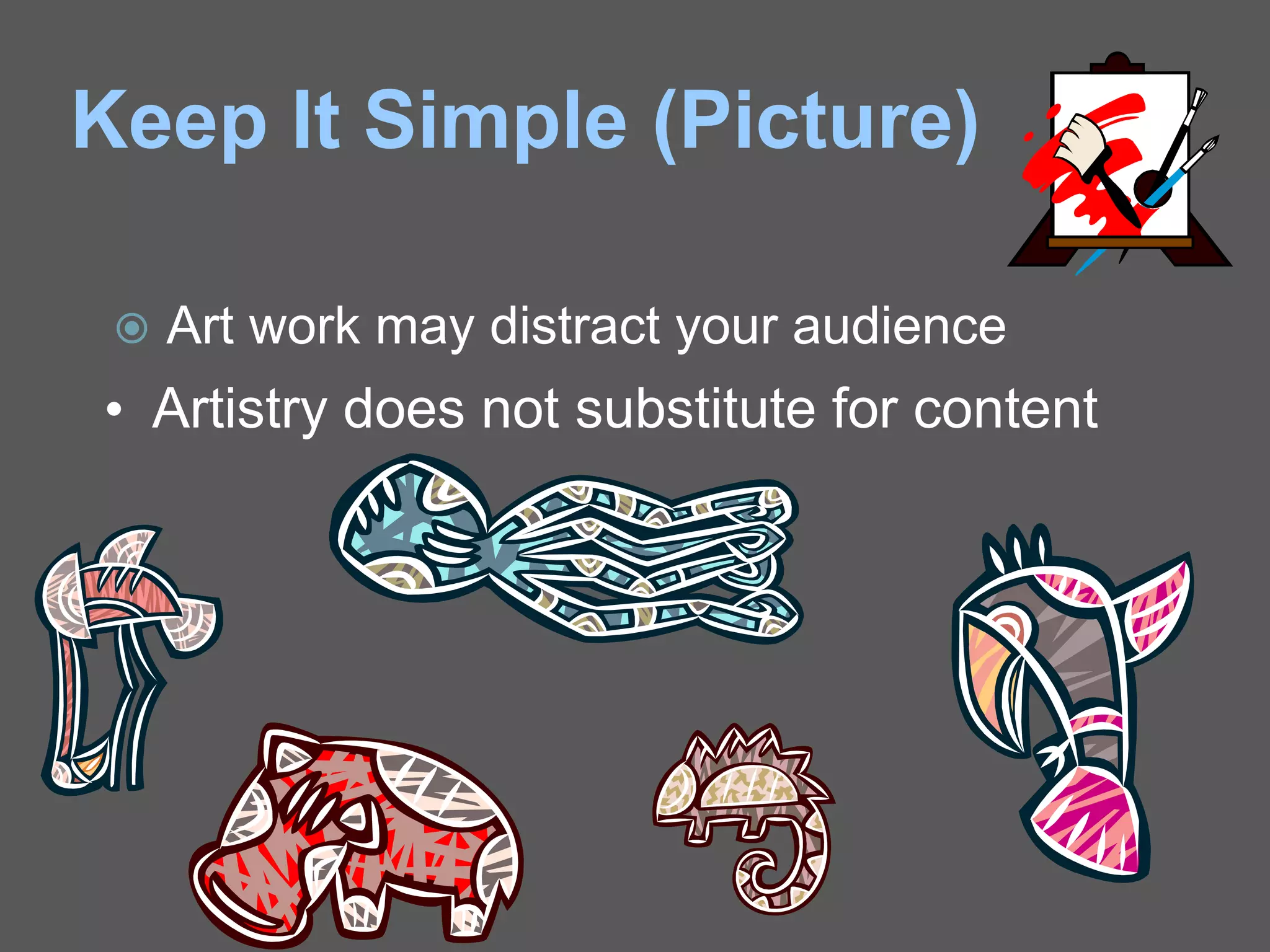
Keep It Simple (Picture)
 Art work may distract your audience
• Artistry does not substitute for content
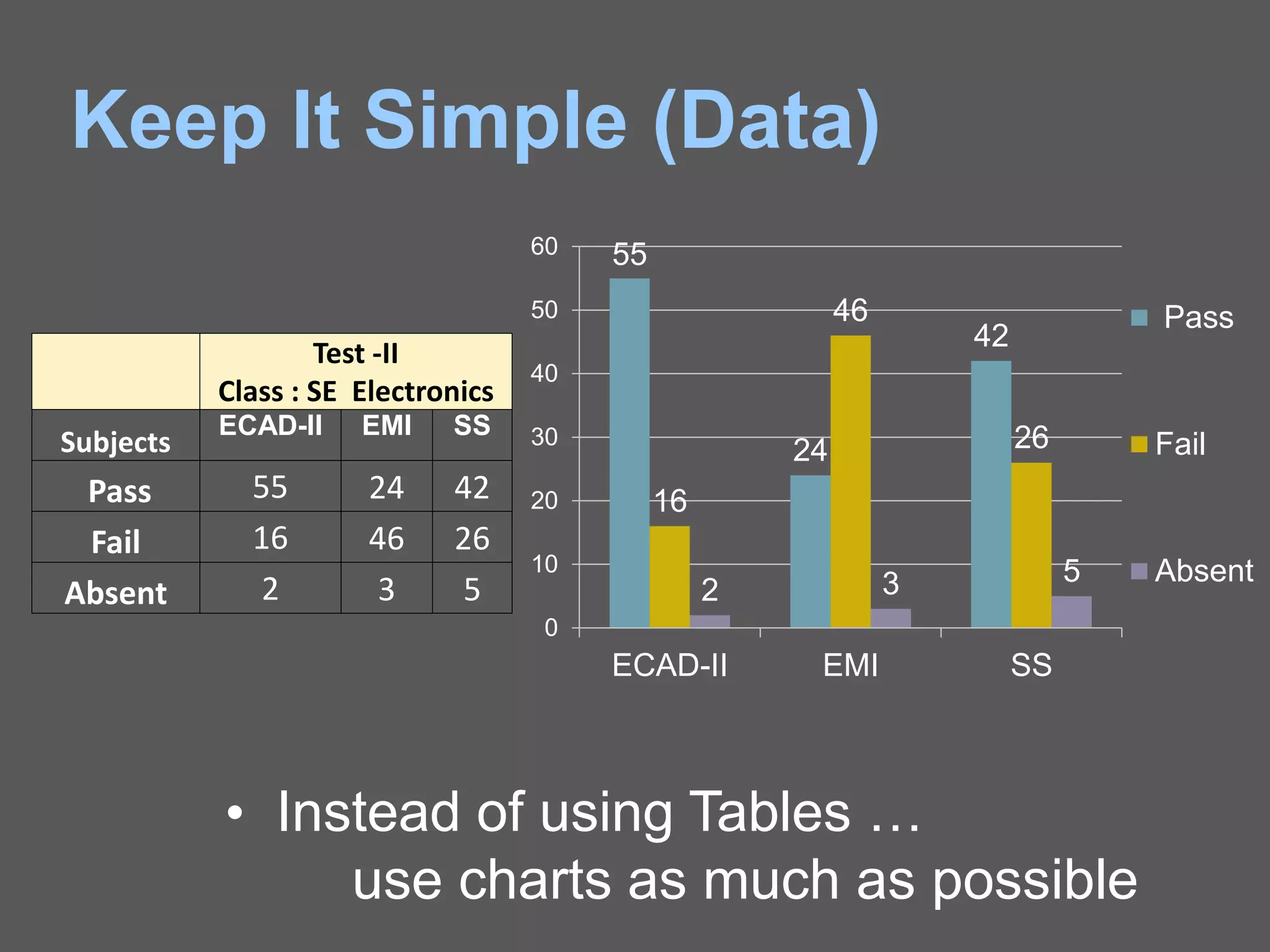
Keep It Simple (Data)
• Instead of using Tables …
use charts as much as possible
Test -II
Class : SE Electronics
Subjects
ECAD-II EMI SS
Pass 55 24 42
Fail 16 46 26
Absent 2 3 5
55
24
42
16
46
26
2 3 5
0
10
20
30
40
50
60
ECAD-II EMI SS
Pass
Fail
Absent
Make It Clear (Capitalisation)
 ALL CAPITAL LETTERS ARE
DIFFICULT TO READ
 Upper and lower case letters are easier
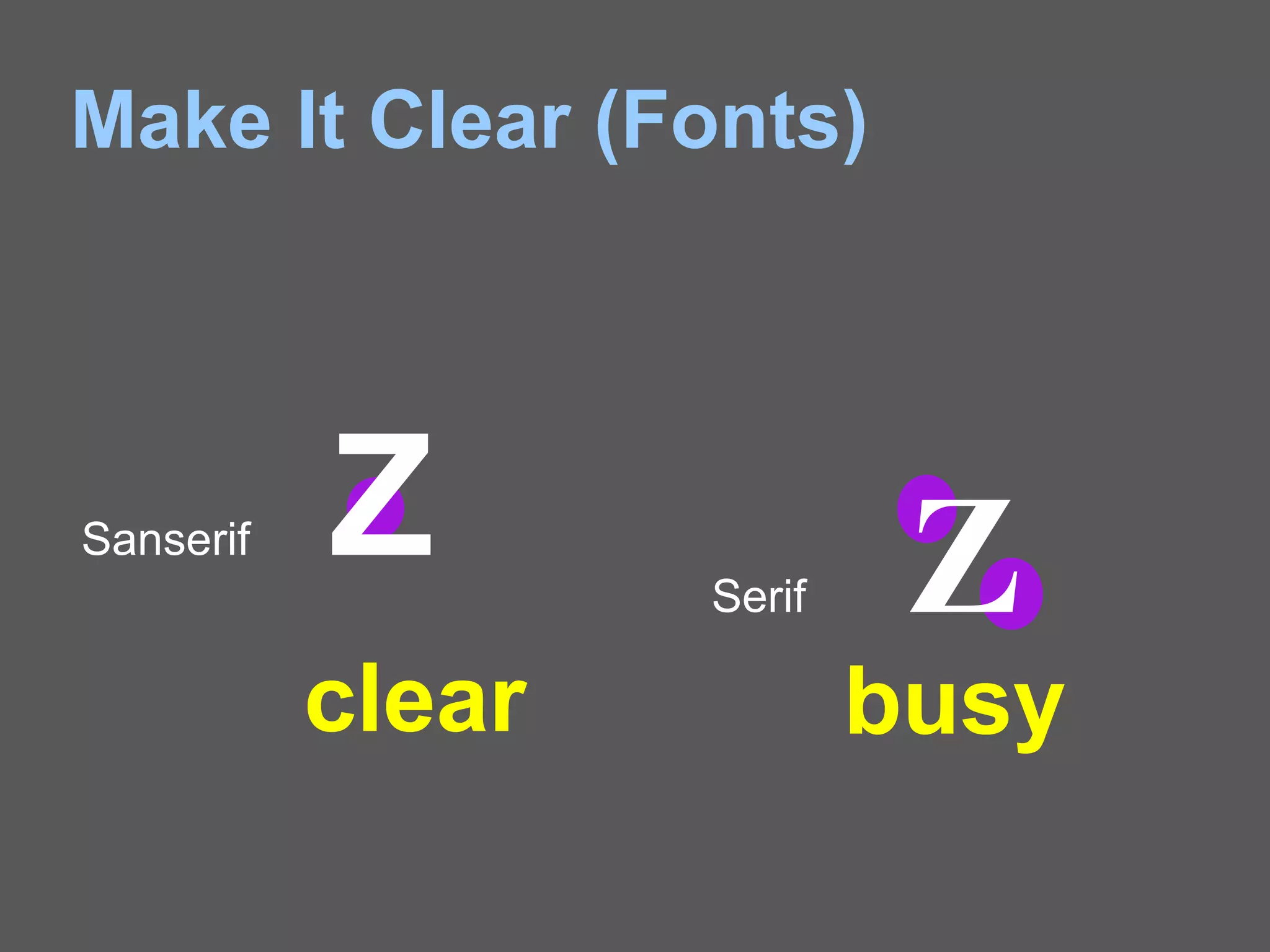
Make It Clear (Fonts)
Sanserif Z Serif Z
busyclear
Make It Clear (Fonts)
 Serif fonts are difficult to read on screen
 Sanserif fonts are clearer
 Italics are difficult to read on screen
 Normal or bold fonts are clearer
 Underlines may signify hyperlinks
 Instead, use colours to emphasise
Make It Clear (Numbers)
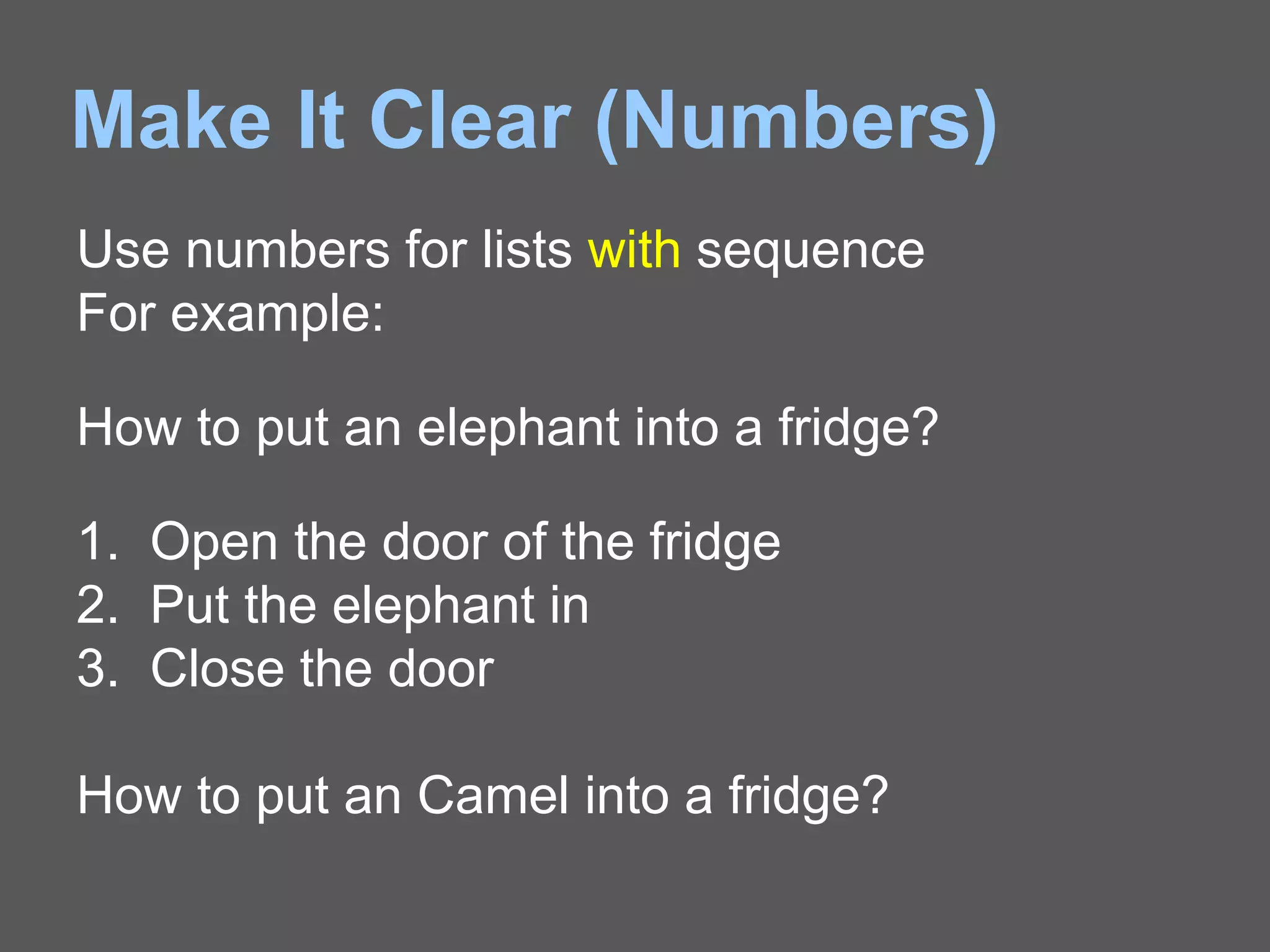
Use numbers for lists with sequence
For example:
How to put an elephant into a fridge?
1. Open the door of the fridge
2. Put the elephant in
3. Close the door
How to put an Camel into a fridge?
Make It Clear (Bullets)
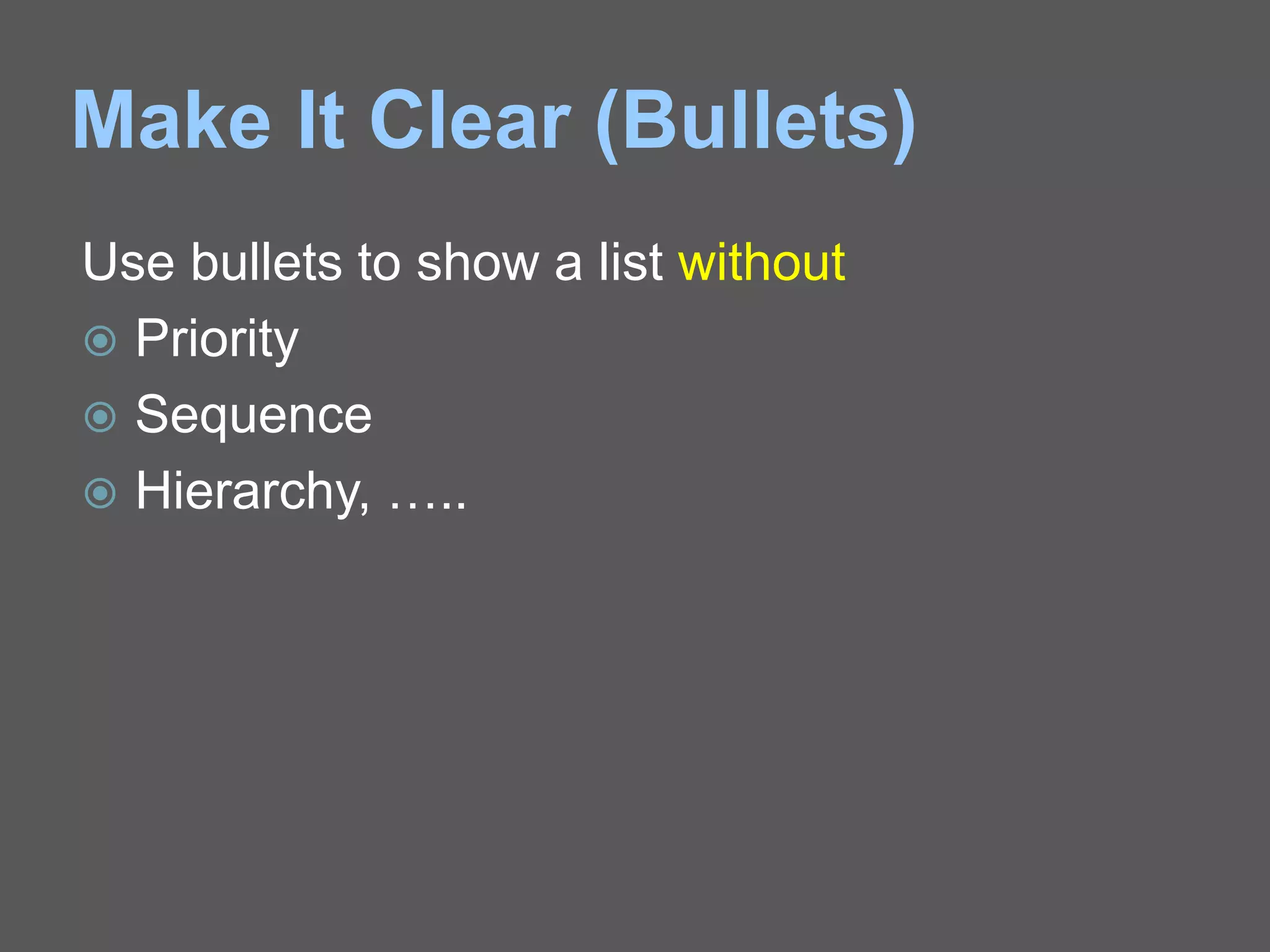
Use bullets to show a list without
 Priority
 Sequence
 Hierarchy, …..
Make It Clear (Colours)
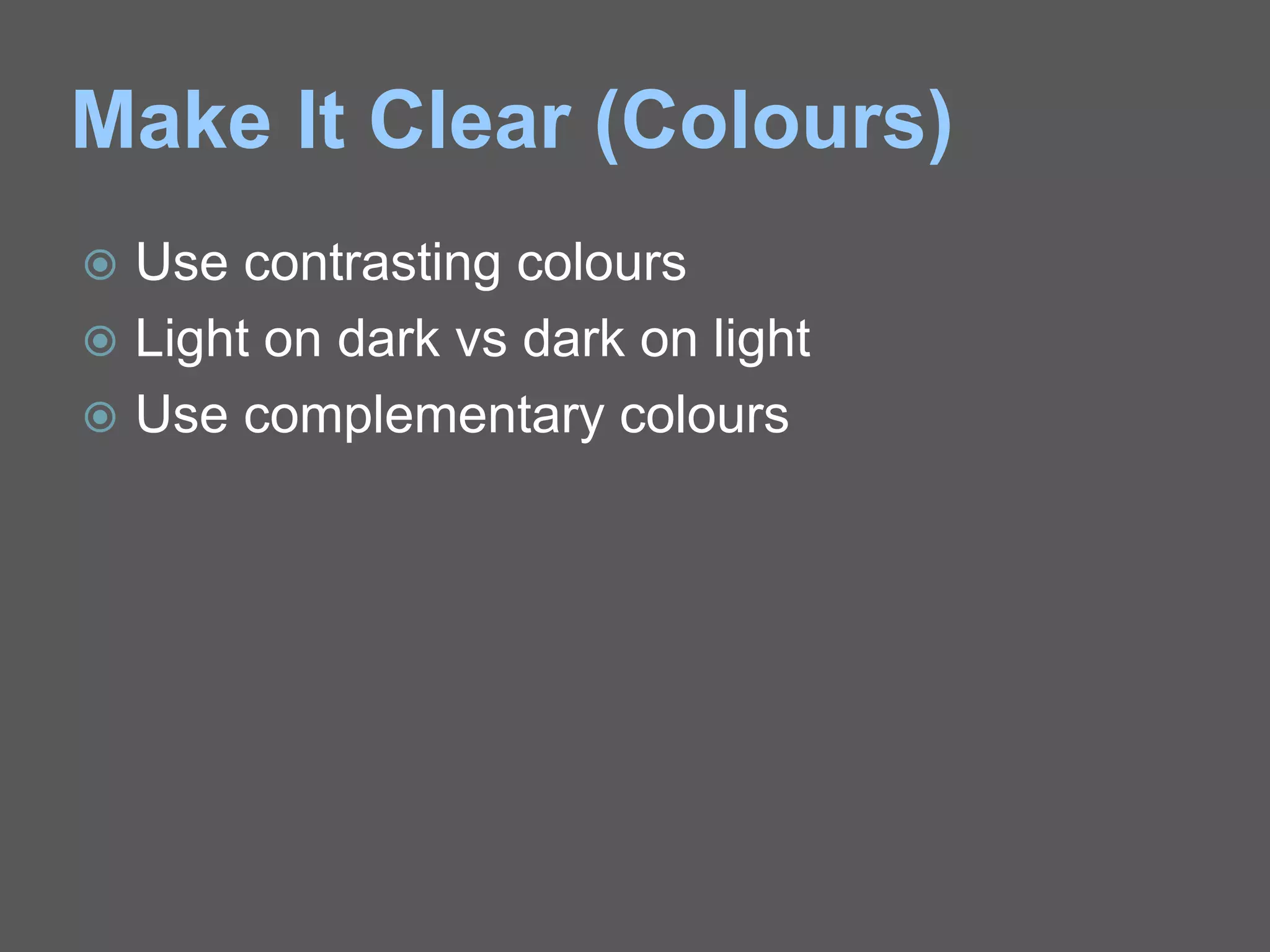
 Use contrasting colours
 Light on dark vs dark on light
 Use complementary colours
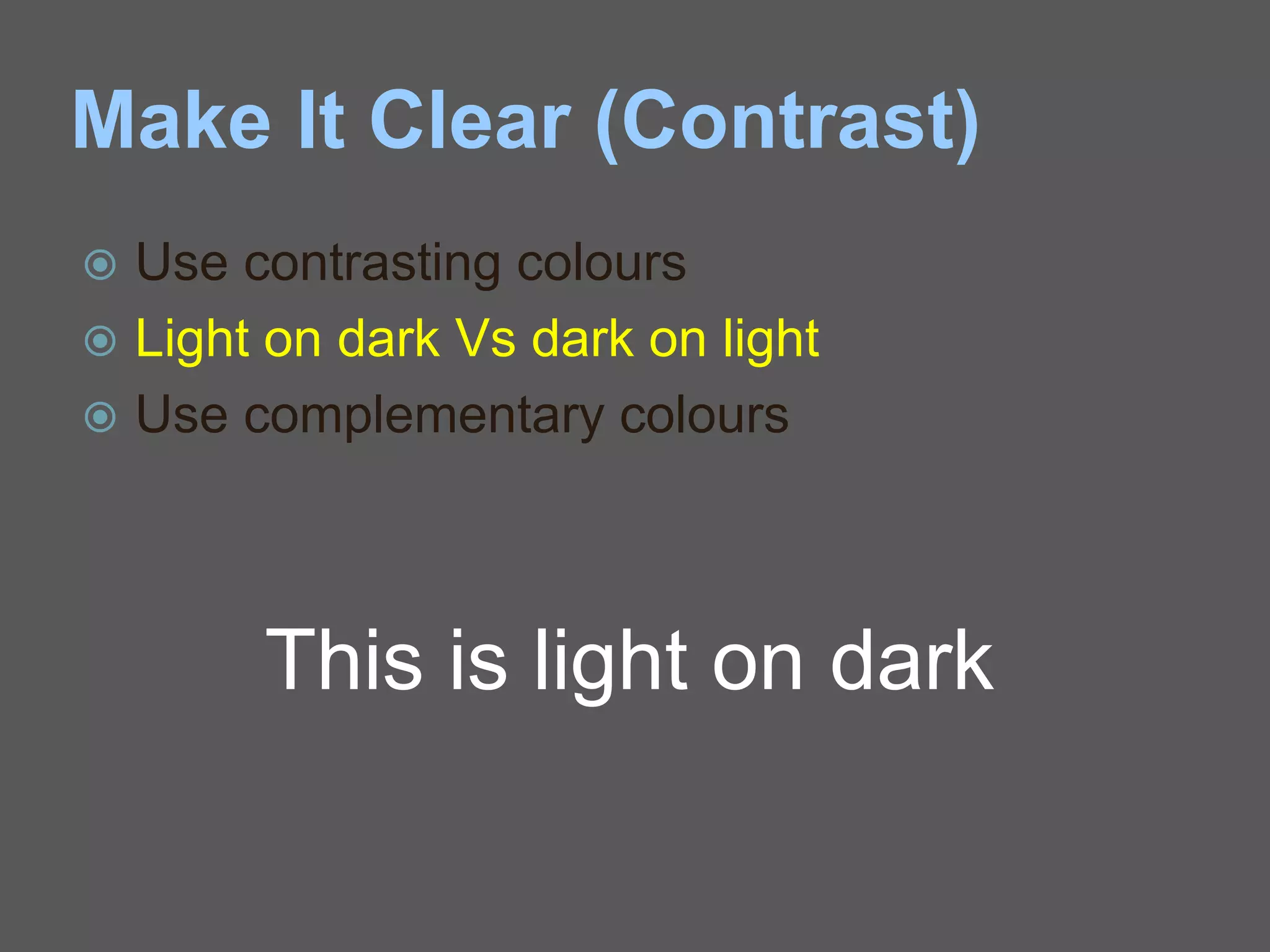
Make It Clear (Contrast)
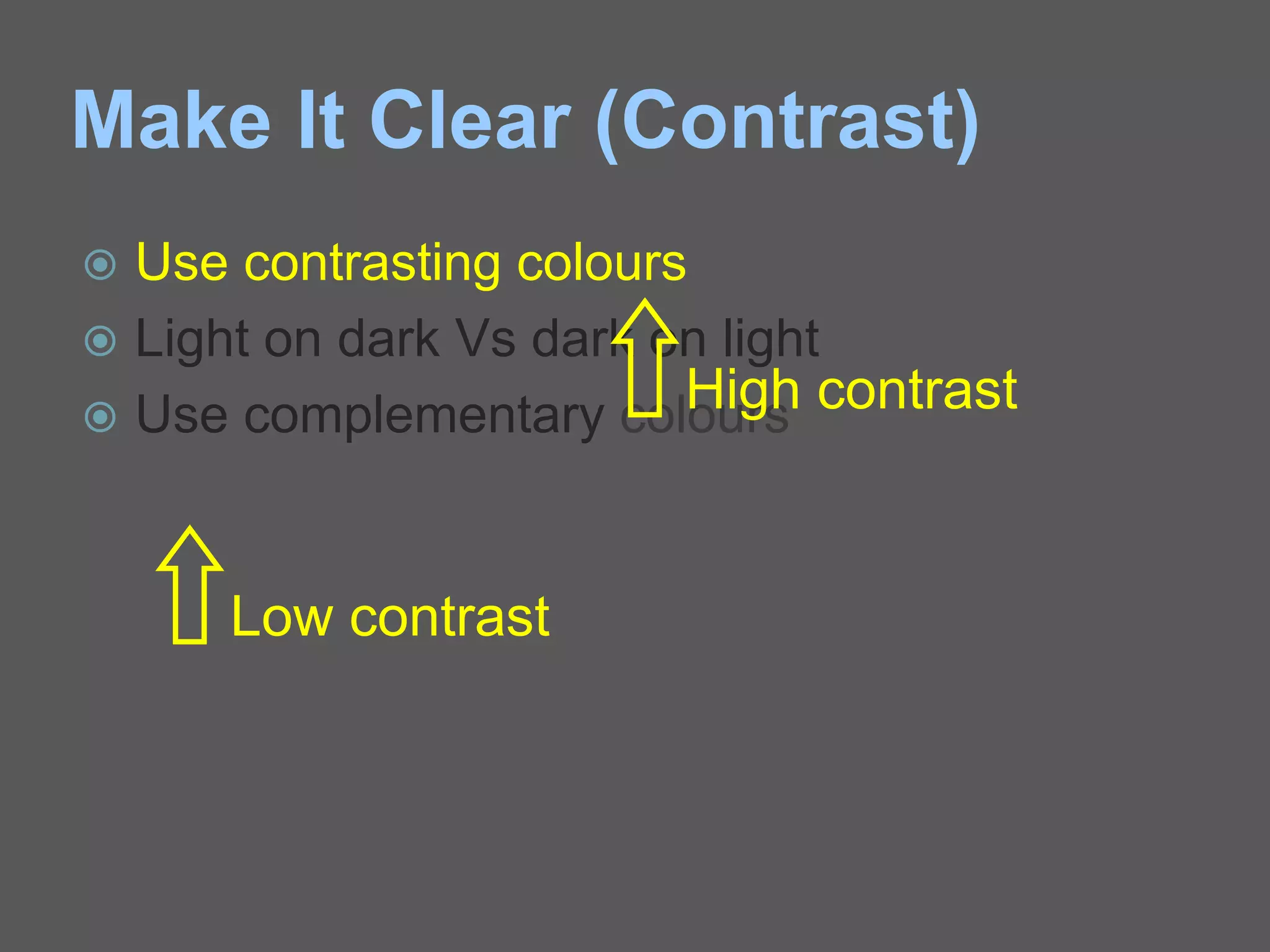
 Use contrasting colours
 Light on dark Vs dark on light
 Use complementary colours
Low contrast
High contrast
Make It Clear (Contrast)
 Use contrasting colours
 Light on dark Vs dark on light
 Use complementary colours
This is light on dark
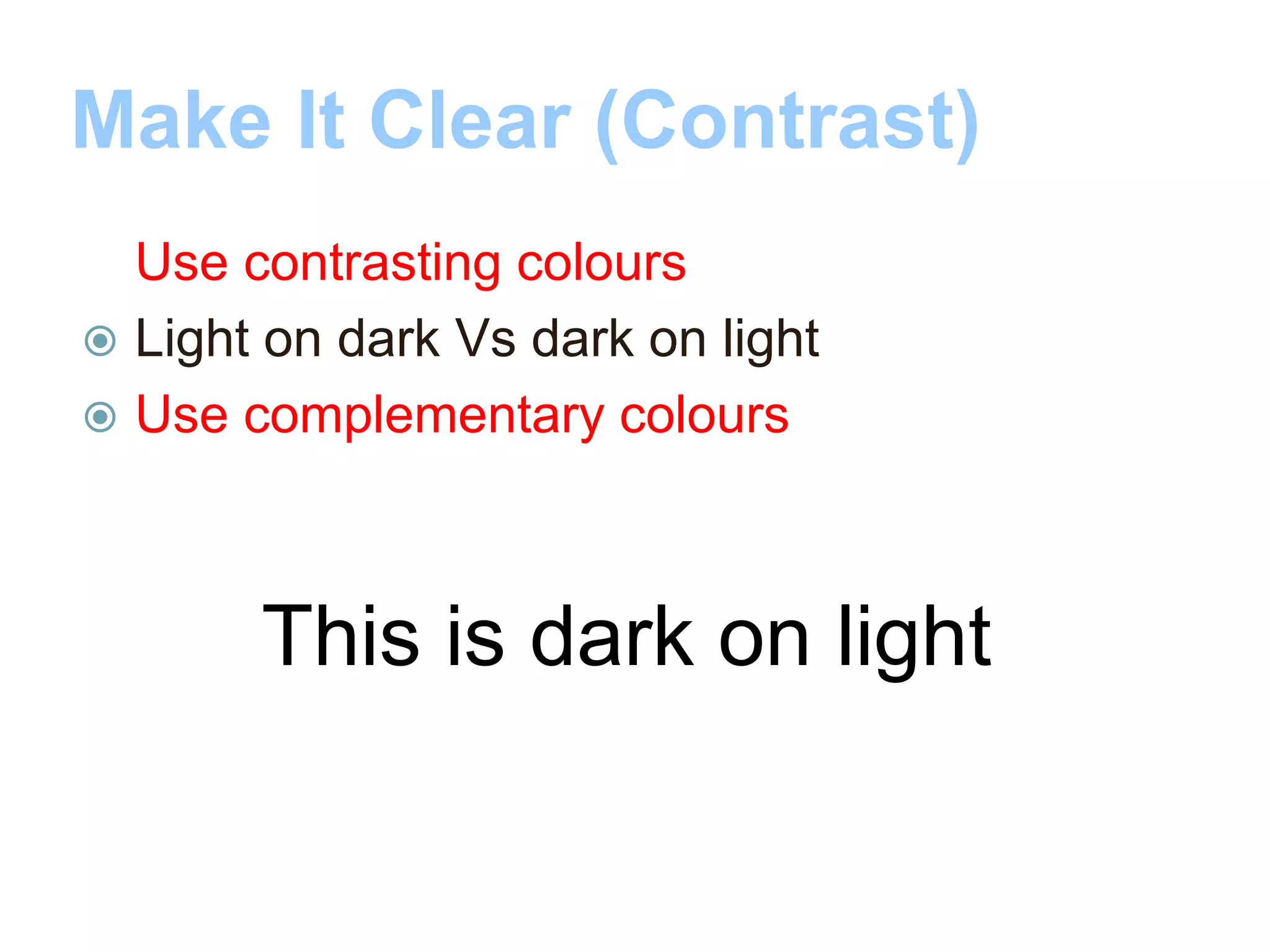
Make It Clear (Contrast)
 Use contrasting colours
 Light on dark Vs dark on light
 Use complementary colours
This is dark on light
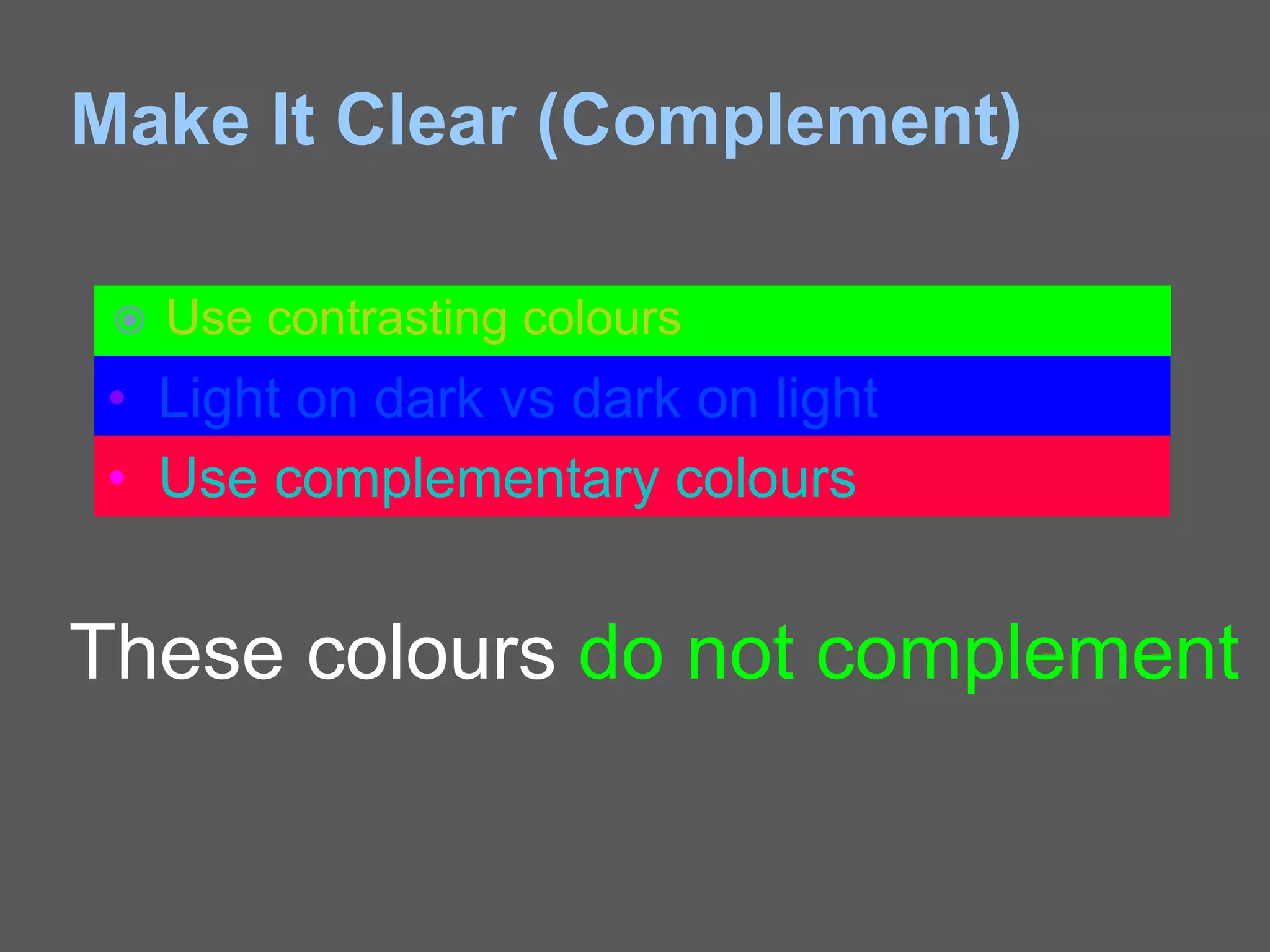
Make It Clear (Complement)
 Use contrasting colours
• Light on dark vs dark on light
• Use complementary colours
These colours do not complement
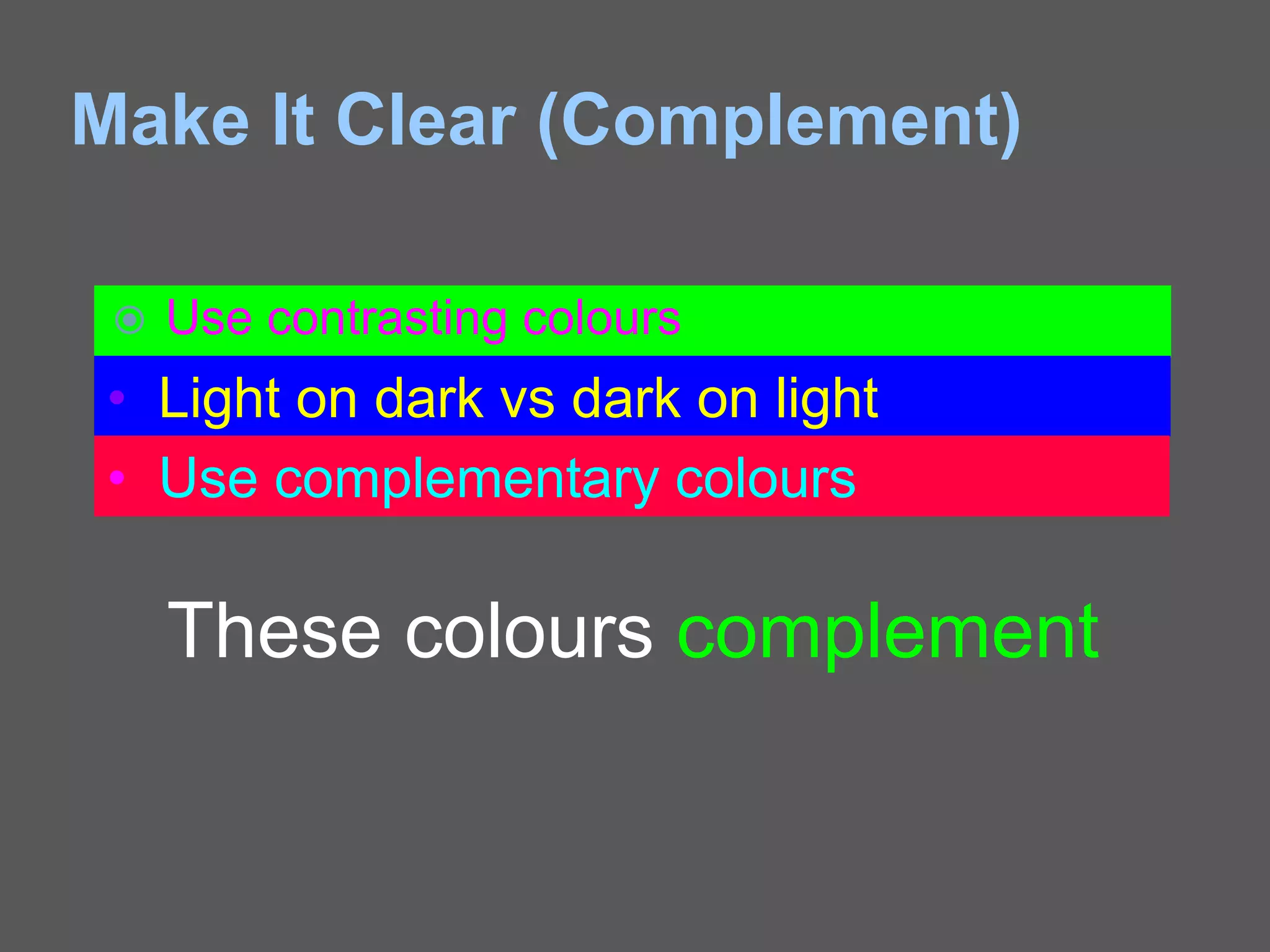
Make It Clear (Complement)
 Use contrasting colours
• Light on dark vs dark on light
• Use complementary colours
These colours complement
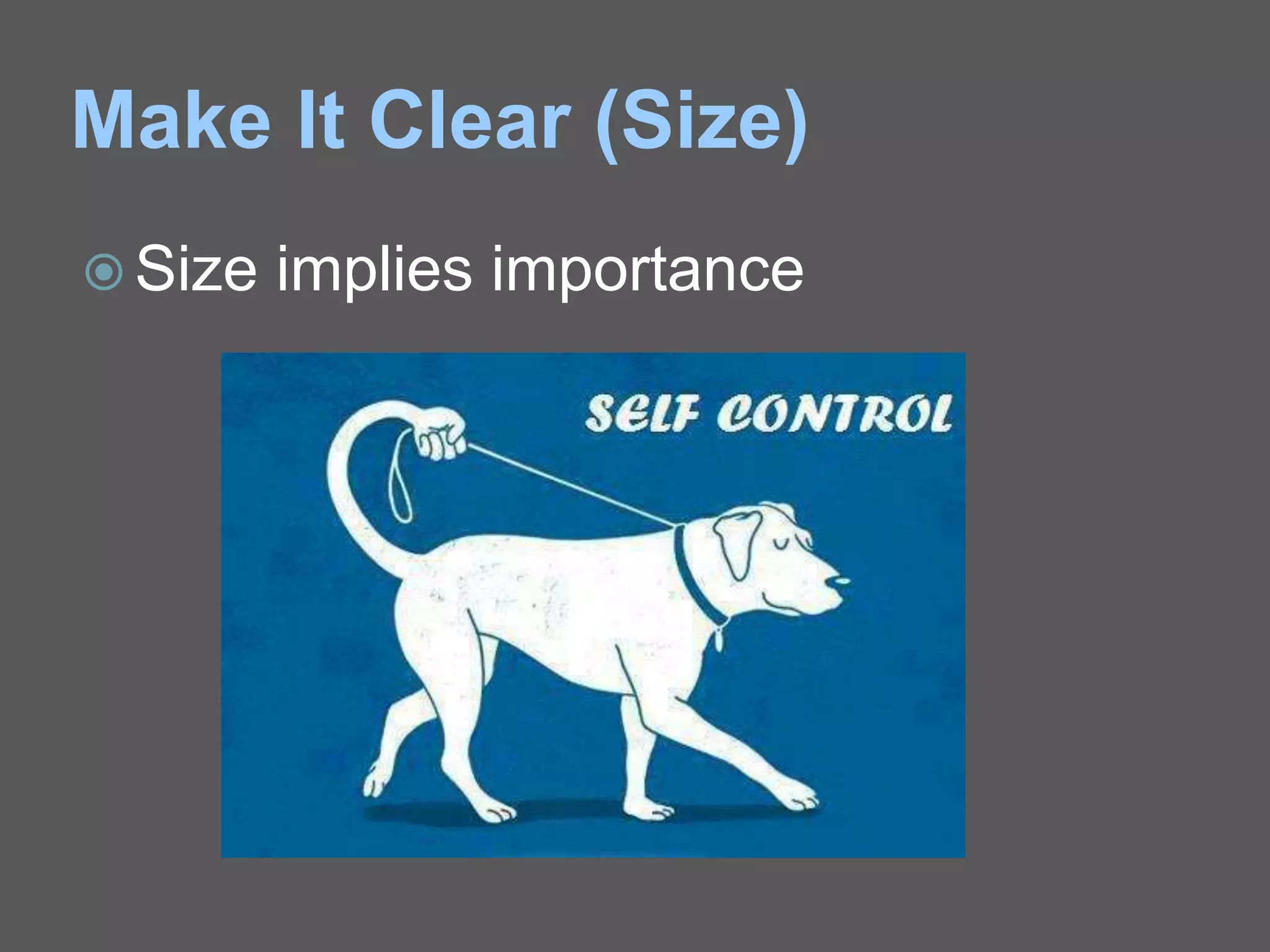
Make It Clear (Size)
 Size implies importance
Make It Clear (Size)
Size implies importance
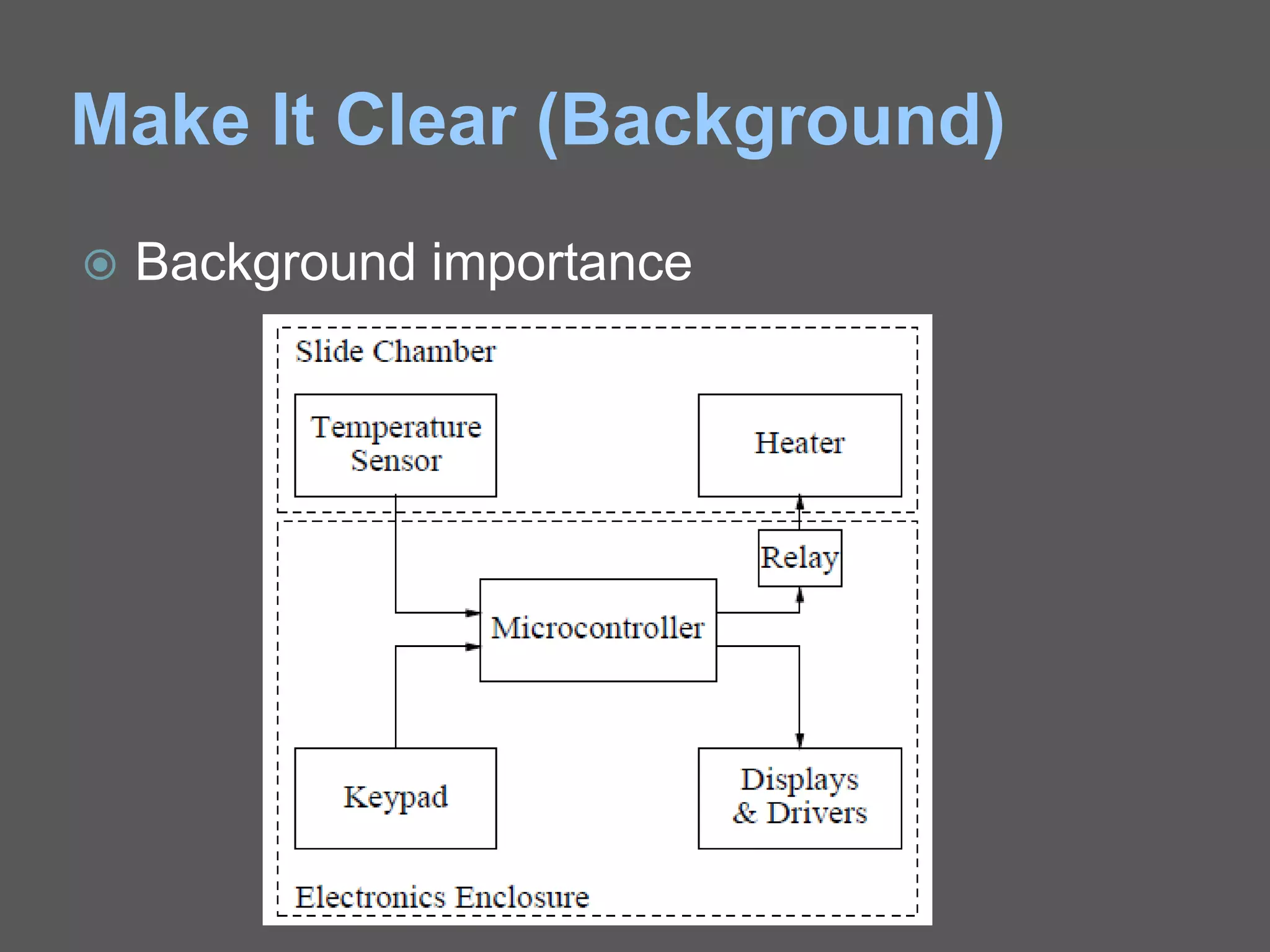
Make It Clear (Background)
 Background importance
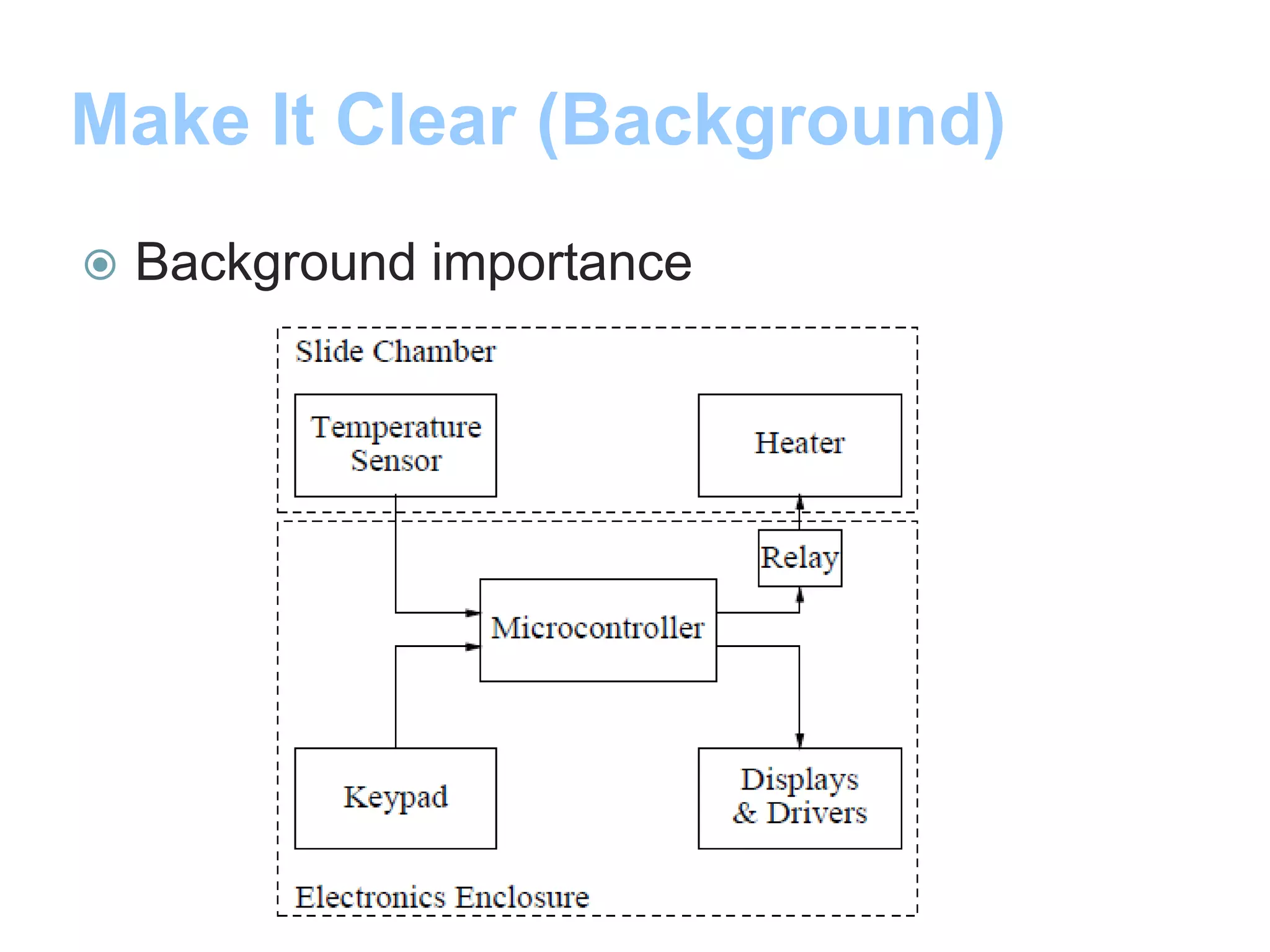
Make It Clear (Background)
 Background importance
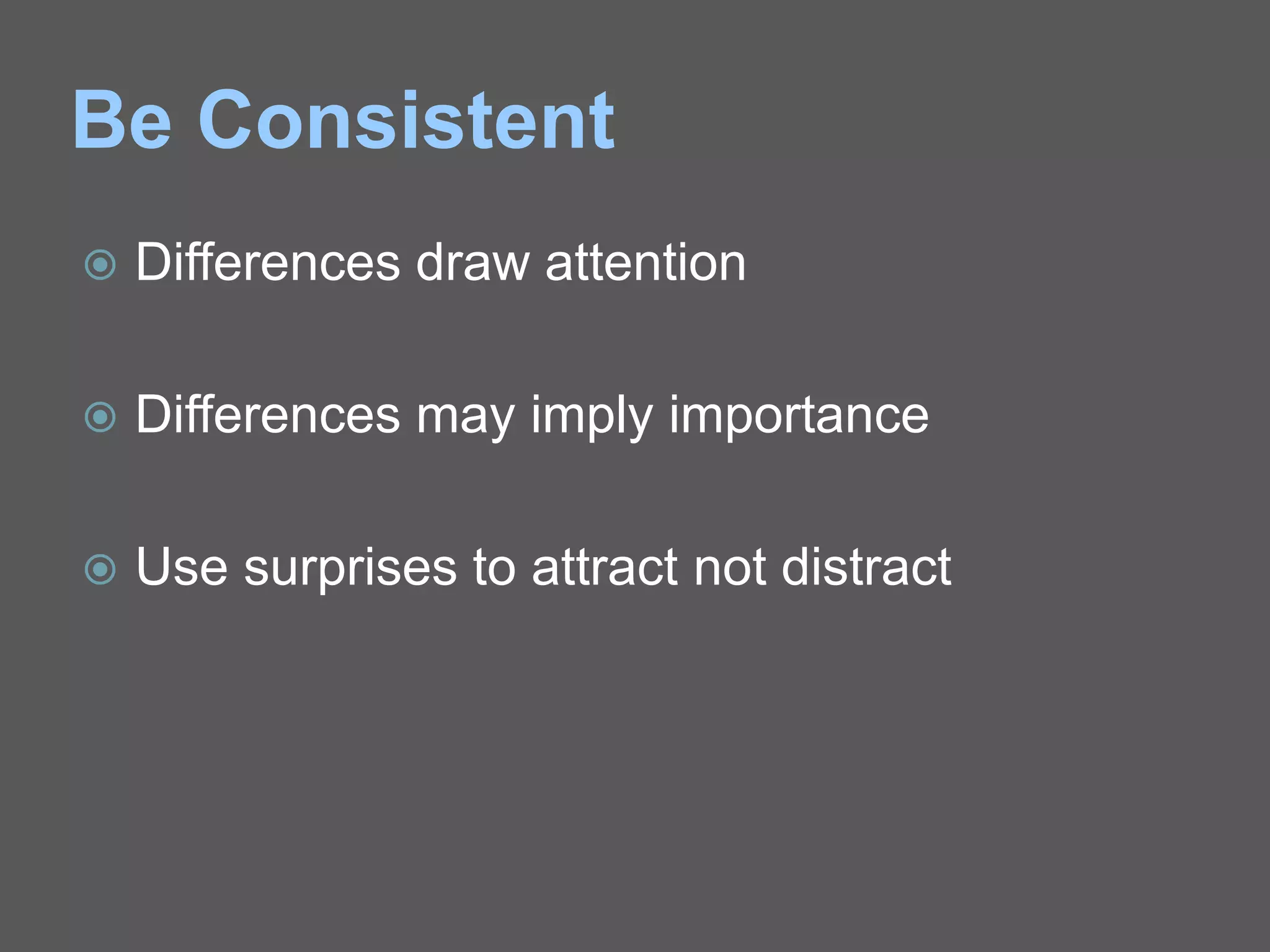
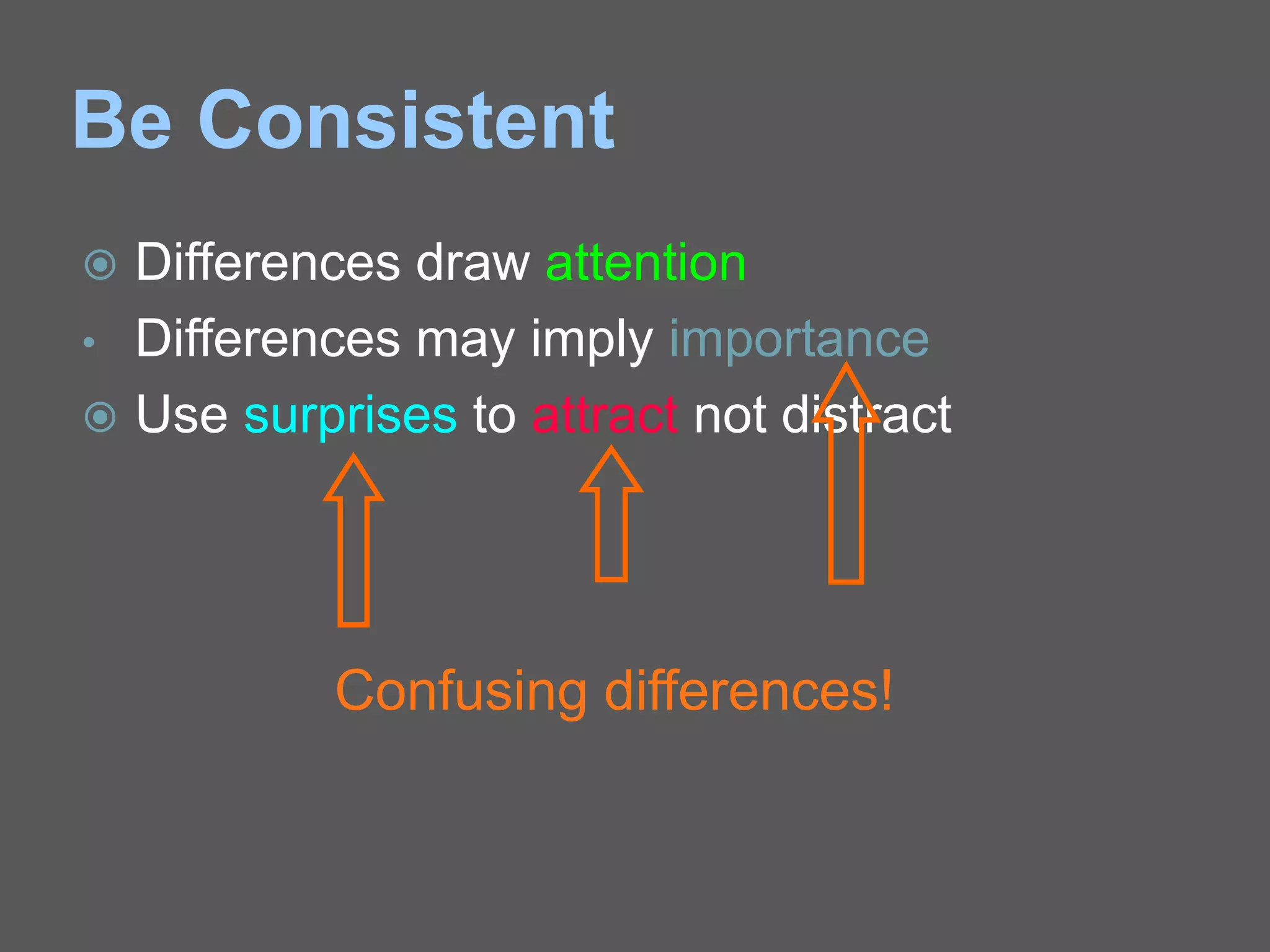
Be Consistent
 Differences draw attention
 Differences may imply importance
 Use surprises to attract not distract
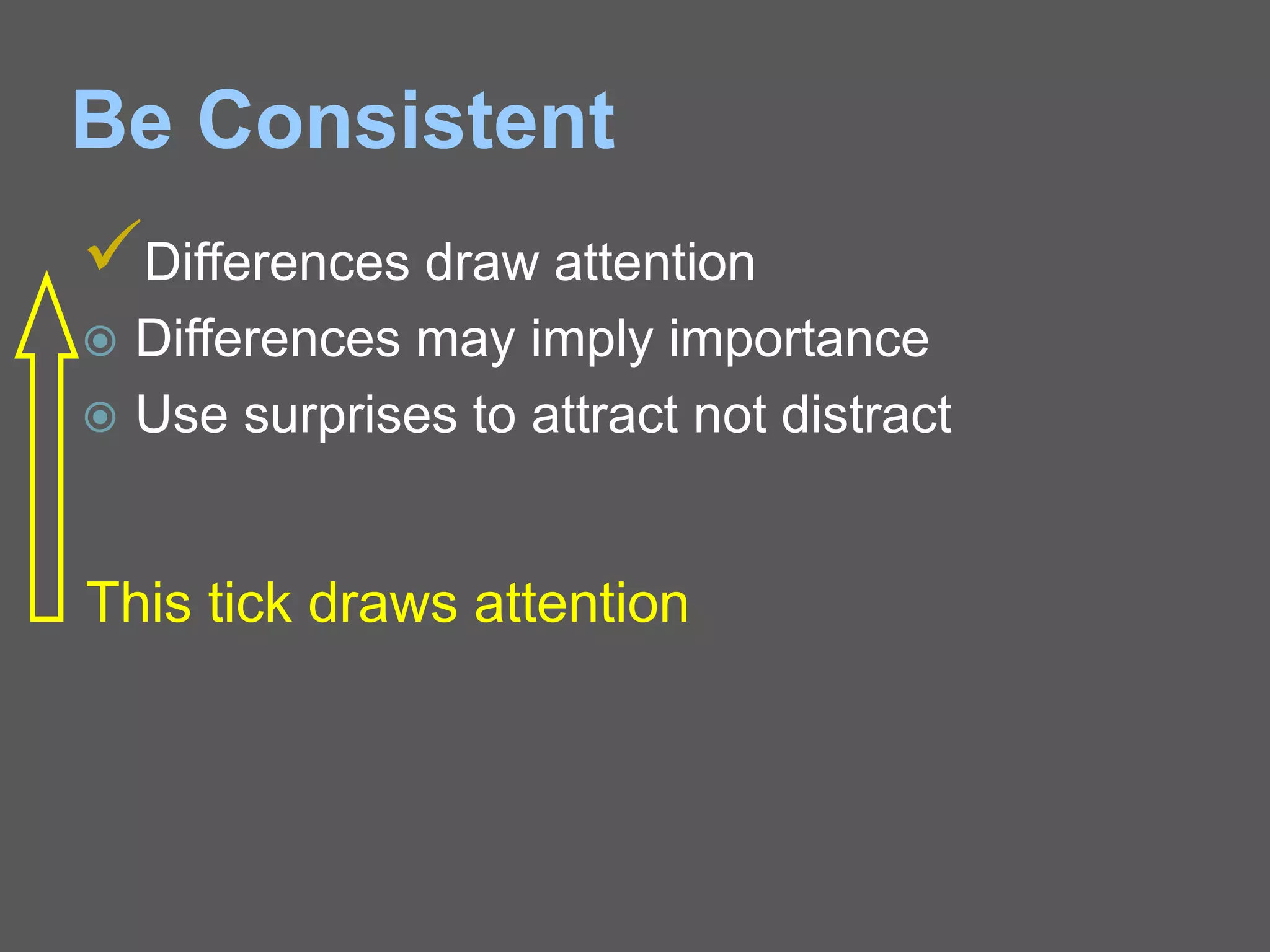
Be Consistent
Differences draw attention
 Differences may imply importance
 Use surprises to attract not distract
This tick draws attention
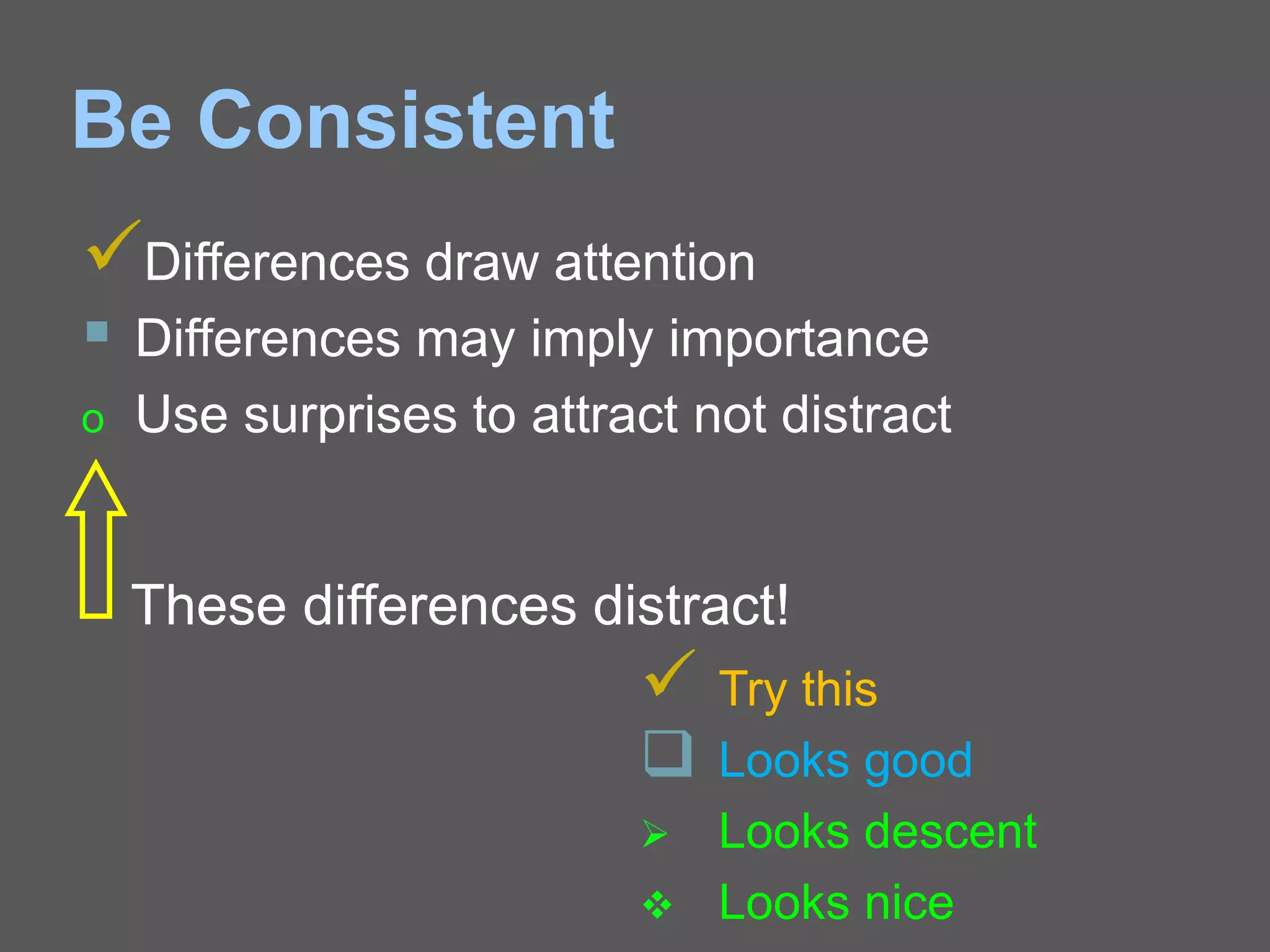
Be Consistent
Differences draw attention
 Differences may imply importance
o Use surprises to attract not distract
These differences distract!
 Try this
 Looks good
 Looks descent
 Looks nice
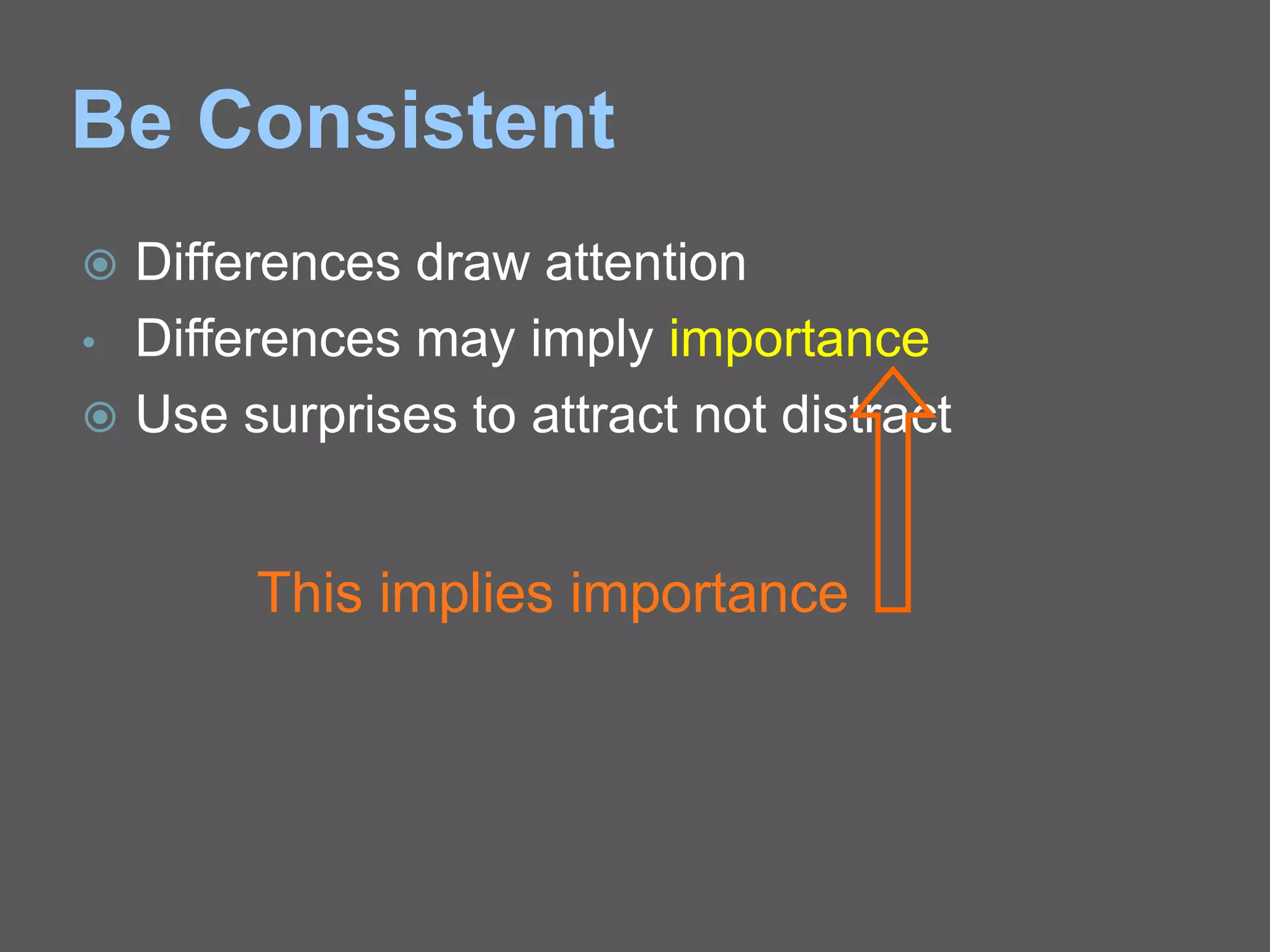
Be Consistent
 Differences draw attention
• Differences may imply importance
 Use surprises to attract not distract
This implies importance
Be Consistent
 Differences draw attention
• Differences may imply importance
 Use surprises to attract not distract
Confusing differences!
In Summary
 Big
 Simple
 Clear
 Progressive
 Consistent
Some Final Words
When Presenting
 Speak loudly and clearly with fluctuation
 Direct your words to all aspects of the room
 Maintain eye contact with your audience
 Ask questions of your audience
 (if applicable)
 Don’t read the slides word-for-word, use
them for reference
Closing Remarks
 Practice your presentation before a
neutral audience
 Ask for feedback
 Be particular about the time allotted for
presentation
 Leave time for questions
All d Best
All the Best…!!!
 Avoid spelling mistakes
All d Best
Thank you
Queries are most Welcome
shindesir.pvp@gmail.com
Queries are most Welcome

How to Make Effective Presentation

  • 1.
    Mr. A. B.Shinde
  • 2.
    Why Presentation ? Teaching and learning: Developing a deeper understanding  Informing: Making familiar with new ideas/technologies  Research: For showing the results or progress  Demonstration: Equipment or Software  Dissertation/Assessment: Presentations and Viva  Training:  Marketing:
  • 3.
    Points to Considerbefore presenting  Purpose of the presentation?  Who is the audience?  How can I deliver my talk confidently?  What strategies can help me handle questions?
  • 4.
    Presentation parts 3 T’s Introduction: Tell them what you’re going to tell them.  Main body: Tell them.  Conclusion: Tell them what you told them.
  • 5.
    Presentation parts  Introduction:Tell them what you’re going to tell them. ○ Who you are and why you are giving presentation. ○ What the presentation is about. ○ What your objectives are. ○ What the background to the presentation is. ○ What they can gain from listening to you.
  • 6.
    Presentation parts  Mainbody: Tell them. ○ Give details of your topic in a logical and smooth order ○ Use real examples to illustrate your points ○ How this information applicable ○ Back up all the claims that you made at the start
  • 7.
    Presentation parts  Conclusion:Tell them what you told them. ○ Summarise your key points. ○ Remind them about advantages, solution, options, and conclusions. ○ What you want them to do next. ○ Give them your contact details: if they require further information.
  • 9.
    Make it Big(Text)  This is Arial 12  This is Arial 18  This is Arial 24  This is Arial 32  This is Arial 36 This is Arial 44
  • 10.
    Make it Big(Text)  This is Arial 12  This is Arial 18  This is Arial 24  This is Arial 32  This is Arial 36 This is Arial 44 Too Small Appropriate Too Large
  • 11.
    Make It Big(How to Estimate)  Look at it from 2 metres away 2 m
  • 13.
    Keep It Simple(Text)  Too many colours  Too Many Fonts and Styles  The 10 x 8 rule  No more than 10 lines per slide  No more than 8 words per line
  • 14.
    Keep It Simple(Text) Example 1: Instructional Technology: A complex integrated process involving people, procedures, ideas, devices, and organization, for analyzing problems and devising, implementing, evaluating, and managing solutions to those problems in situations in which learning is purposive and controlled Too detailed !
  • 15.
    Keep It Simple(Text) A process involving people, procedures & tools for solutions to problems in learning Example 1: Instructional Technology: Much Simpler
  • 16.
    Keep It Simple(Text) Example 2: Ohm’s Law: Ohm’s Law states, “Whenever the physical conditions (states) of the conductor remains same, the current flowing through the conductor is directly proportional to the potential difference across two ends of conductor”. Too detailed !
  • 17.
    Keep It Simple(Text) Current flowing through conductor is directly proportional to voltage across it. Example 2: Ohm’s Law: Much Simpler
  • 18.
    Keep It Simple(Picture)  Art work may distract your audience • Artistry does not substitute for content
  • 19.
    Keep It Simple(Data) • Instead of using Tables … use charts as much as possible Test -II Class : SE Electronics Subjects ECAD-II EMI SS Pass 55 24 42 Fail 16 46 26 Absent 2 3 5 55 24 42 16 46 26 2 3 5 0 10 20 30 40 50 60 ECAD-II EMI SS Pass Fail Absent
  • 21.
    Make It Clear(Capitalisation)  ALL CAPITAL LETTERS ARE DIFFICULT TO READ  Upper and lower case letters are easier
  • 22.
    Make It Clear(Fonts) Sanserif Z Serif Z busyclear
  • 23.
    Make It Clear(Fonts)  Serif fonts are difficult to read on screen  Sanserif fonts are clearer  Italics are difficult to read on screen  Normal or bold fonts are clearer  Underlines may signify hyperlinks  Instead, use colours to emphasise
  • 24.
    Make It Clear(Numbers) Use numbers for lists with sequence For example: How to put an elephant into a fridge? 1. Open the door of the fridge 2. Put the elephant in 3. Close the door How to put an Camel into a fridge?
  • 25.
    Make It Clear(Bullets) Use bullets to show a list without  Priority  Sequence  Hierarchy, …..
  • 26.
    Make It Clear(Colours)  Use contrasting colours  Light on dark vs dark on light  Use complementary colours
  • 27.
    Make It Clear(Contrast)  Use contrasting colours  Light on dark Vs dark on light  Use complementary colours Low contrast High contrast
  • 28.
    Make It Clear(Contrast)  Use contrasting colours  Light on dark Vs dark on light  Use complementary colours This is light on dark
  • 29.
    Make It Clear(Contrast)  Use contrasting colours  Light on dark Vs dark on light  Use complementary colours This is dark on light
  • 30.
    Make It Clear(Complement)  Use contrasting colours • Light on dark vs dark on light • Use complementary colours These colours do not complement
  • 31.
    Make It Clear(Complement)  Use contrasting colours • Light on dark vs dark on light • Use complementary colours These colours complement
  • 32.
    Make It Clear(Size)  Size implies importance
  • 33.
    Make It Clear(Size) Size implies importance
  • 34.
    Make It Clear(Background)  Background importance
  • 35.
    Make It Clear(Background)  Background importance
  • 37.
    Be Consistent  Differencesdraw attention  Differences may imply importance  Use surprises to attract not distract
  • 38.
    Be Consistent Differences drawattention  Differences may imply importance  Use surprises to attract not distract This tick draws attention
  • 39.
    Be Consistent Differences drawattention  Differences may imply importance o Use surprises to attract not distract These differences distract!  Try this  Looks good  Looks descent  Looks nice
  • 40.
    Be Consistent  Differencesdraw attention • Differences may imply importance  Use surprises to attract not distract This implies importance
  • 41.
    Be Consistent  Differencesdraw attention • Differences may imply importance  Use surprises to attract not distract Confusing differences!
  • 42.
    In Summary  Big Simple  Clear  Progressive  Consistent
  • 43.
  • 44.
    When Presenting  Speakloudly and clearly with fluctuation  Direct your words to all aspects of the room  Maintain eye contact with your audience  Ask questions of your audience  (if applicable)  Don’t read the slides word-for-word, use them for reference
  • 45.
    Closing Remarks  Practiceyour presentation before a neutral audience  Ask for feedback  Be particular about the time allotted for presentation  Leave time for questions
  • 46.
    All d Best Allthe Best…!!!  Avoid spelling mistakes All d Best
  • 47.
    Thank you Queries aremost Welcome shindesir.pvp@gmail.com Queries are most Welcome