Greenstone Digital Library Software:
          An Overview


               Imran Mansuri
     Project Assistant (Library Science)
             INFLIBNET Centre
             7 March 2011 Prepared by Imran Mansuri   1
Agenda
•   Introduction : Digital Library Software (DL)
•   Greenstone Digital Library Software (GSDL)
•   Introduction
•   History
•   Versions
•   Features
•   Unique Features
•   Technology used
•   Example Sites
•   Example Collections

                    7 March 2011 Prepared by Imran Mansuri   2
Digital Library Software
• The term “Digital Library” refers to a library in
   which collections are stored in digital formats
  (as opposed to print, microform, or other
  media) and accessible by computers
• The digital content may be stored locally or
  accessed remotely via computer networks
• Access the books, images are in digital format
• Using Net access to information from
  anywhere
                 7 March 2011 Prepared by Imran Mansuri   3
Digital Libraries : Features
 Dynamic Electronic Information Systems

 Increase Portability

 Efficiency of Access

 Flexibility

 Availability

                 7 March 2011 Prepared by Imran Mansuri   4
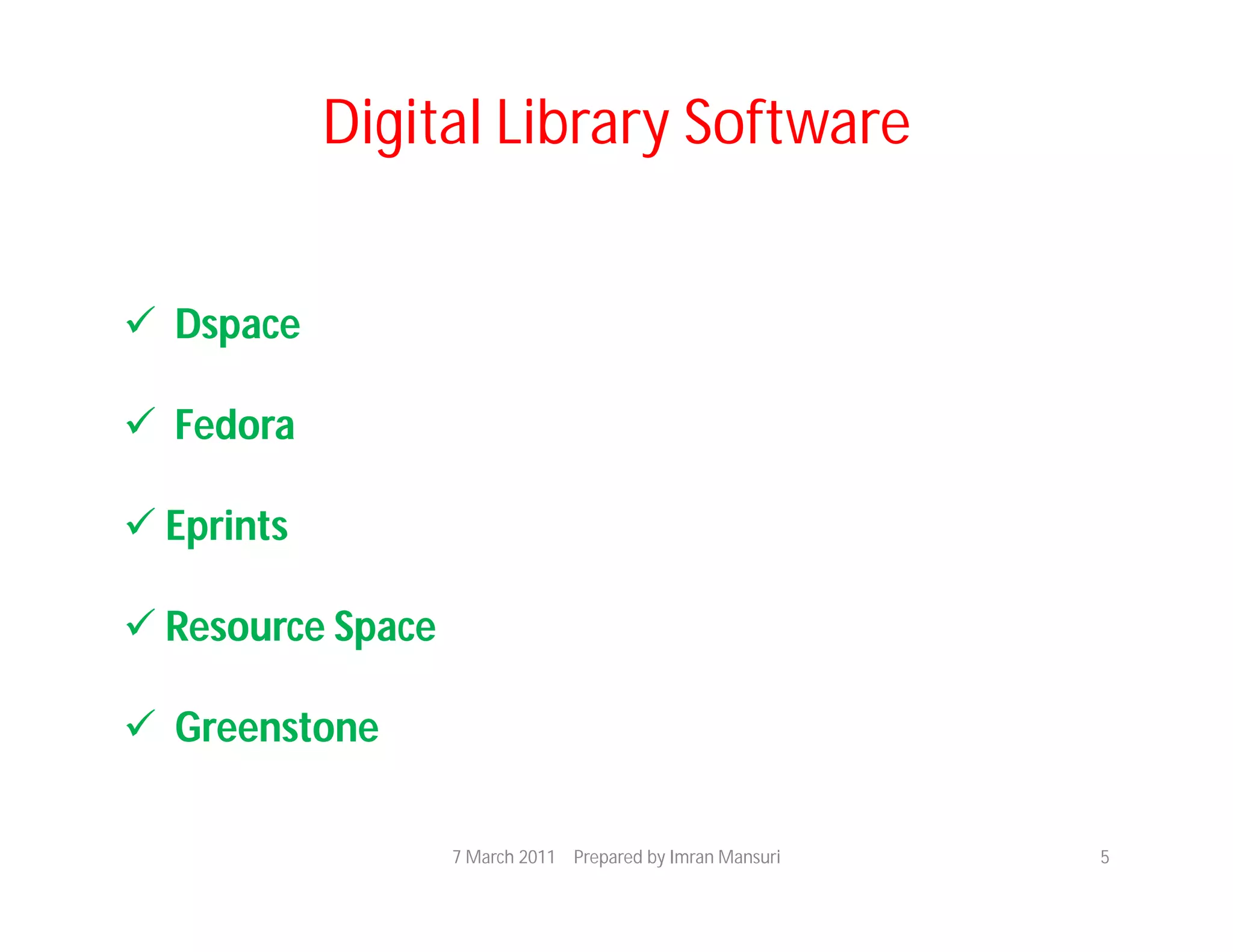
Digital Library Software


 Dspace

 Fedora

 Eprints

 Resource Space

 Greenstone

                   7 March 2011 Prepared by Imran Mansuri   5
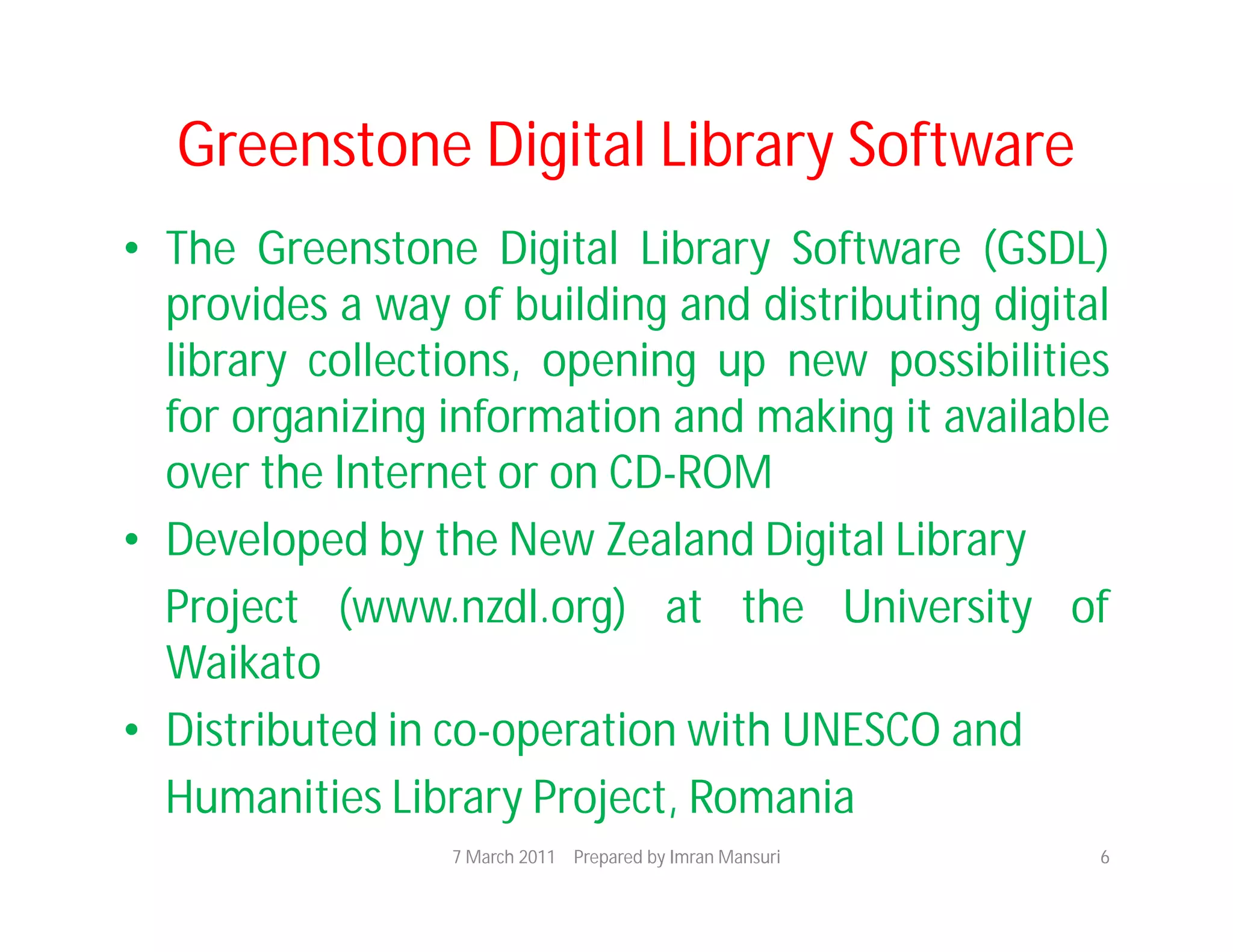
Greenstone Digital Library Software
• The Greenstone Digital Library Software (GSDL)
  provides a way of building and distributing digital
  library collections, opening up new possibilities
  for organizing information and making it available
  over the Internet or on CD-ROM
• Developed by the New Zealand Digital Library
  Project (www.nzdl.org) at the University of
  Waikato
• Distributed in co-operation with UNESCO and
  Humanities Library Project, Romania
                 7 March 2011 Prepared by Imran Mansuri   6
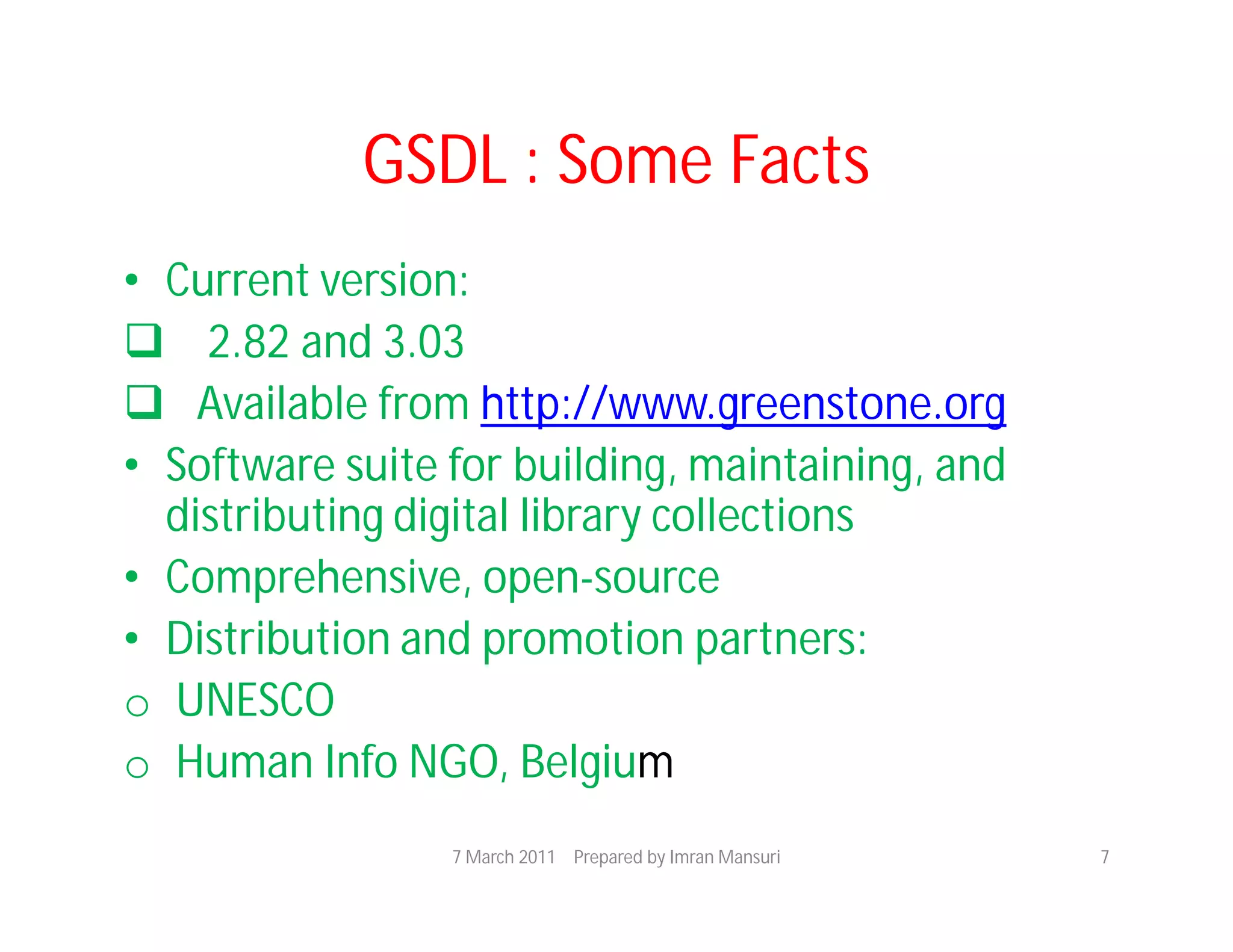
GSDL : Some Facts
• Current version:
 2.82 and 3.03
 Available from http://www.greenstone.org
• Software suite for building, maintaining, and
  distributing digital library collections
• Comprehensive, open-source
• Distribution and promotion partners:
o UNESCO
o Human Info NGO, Belgium
                 7 March 2011 Prepared by Imran Mansuri   7
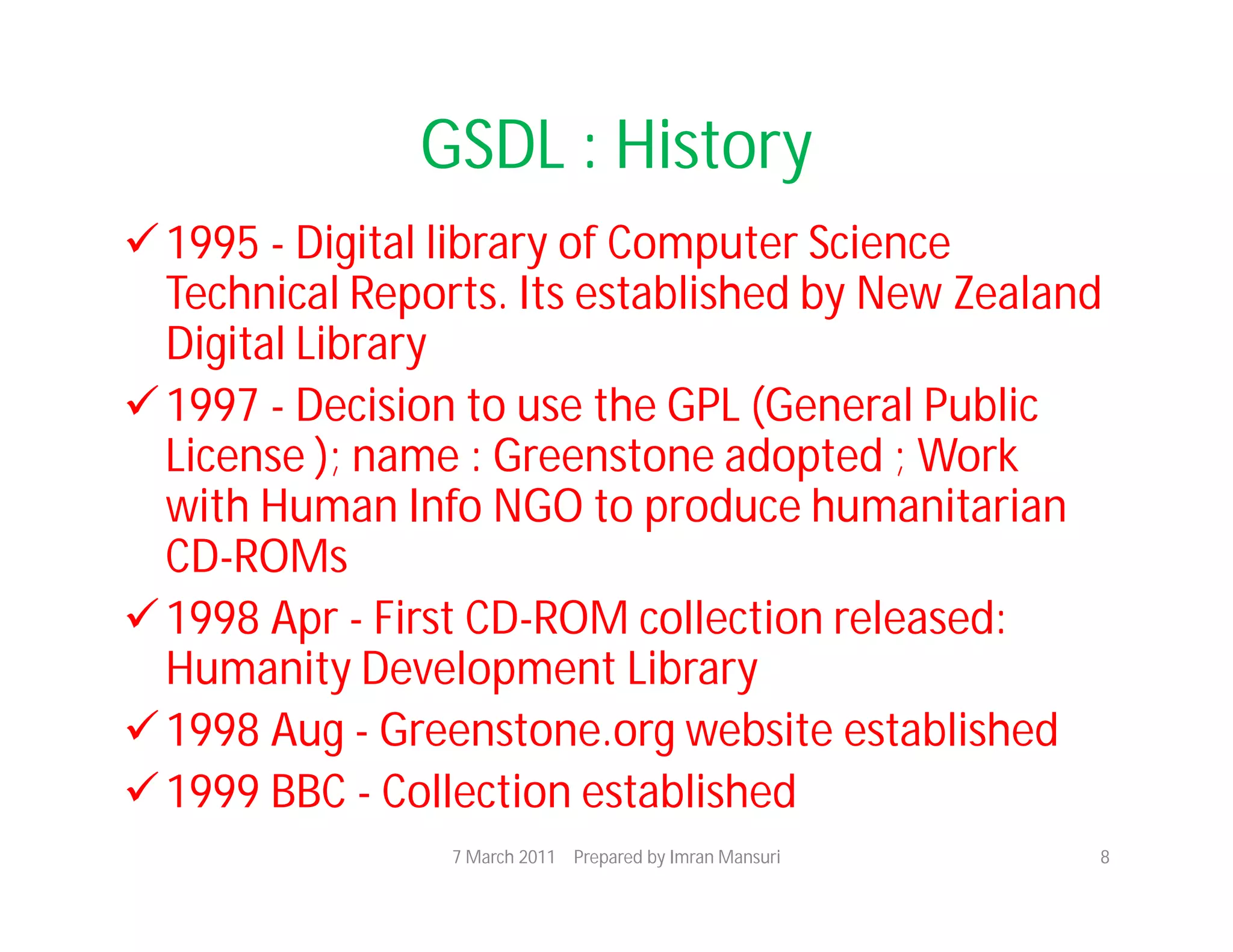
GSDL : History
 1995 - Digital library of Computer Science
  Technical Reports. Its established by New Zealand
  Digital Library
 1997 - Decision to use the GPL (General Public
  License ); name : Greenstone adopted ; Work
  with Human Info NGO to produce humanitarian
  CD-ROMs
 1998 Apr - First CD-ROM collection released:
  Humanity Development Library
 1998 Aug - Greenstone.org website established
 1999 BBC - Collection established
                 7 March 2011 Prepared by Imran Mansuri   8
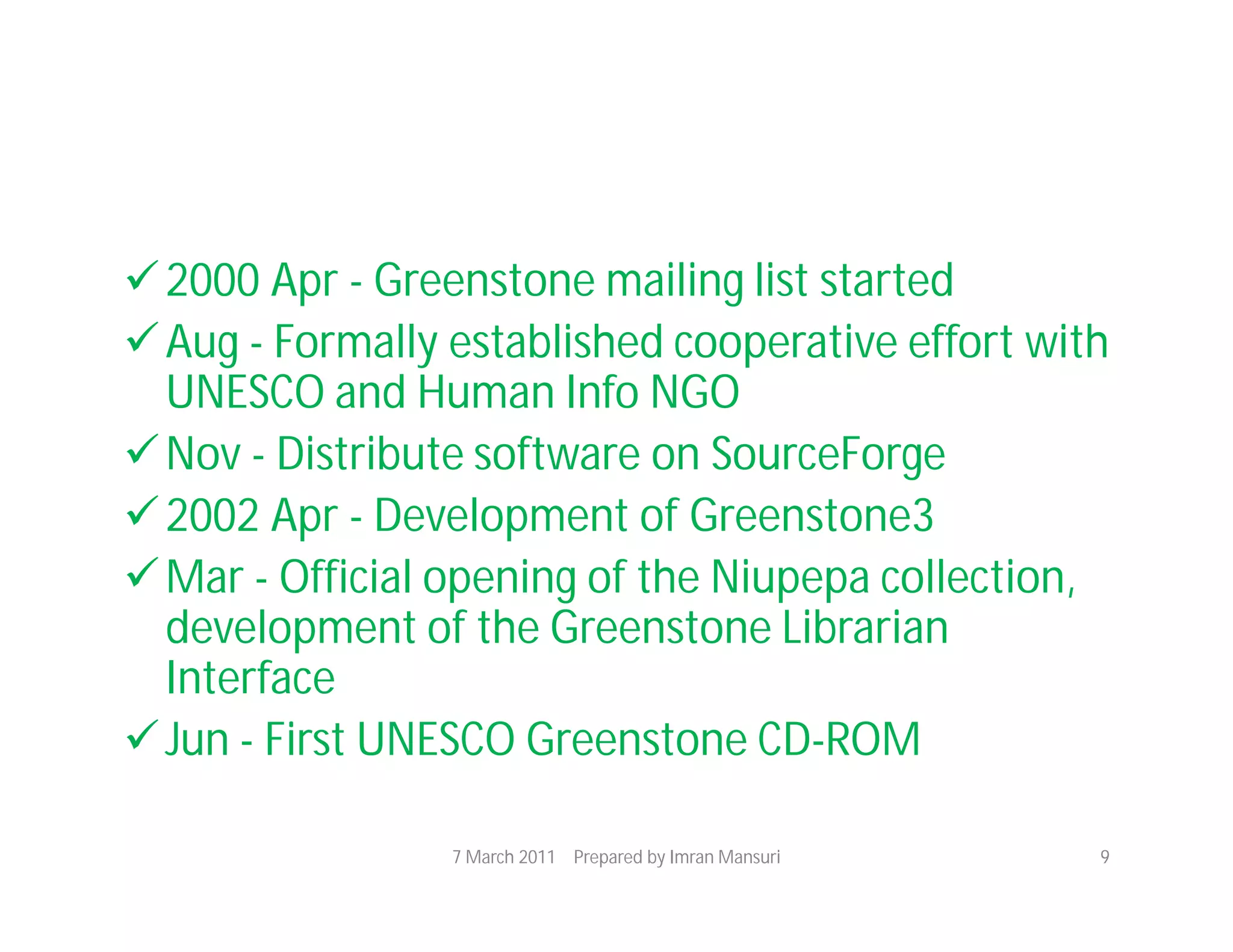
 2000 Apr - Greenstone mailing list started
 Aug - Formally established cooperative effort with
  UNESCO and Human Info NGO
 Nov - Distribute software on SourceForge
 2002 Apr - Development of Greenstone3
 Mar - Official opening of the Niupepa collection,
  development of the Greenstone Librarian
  Interface
 Jun - First UNESCO Greenstone CD-ROM

                 7 March 2011 Prepared by Imran Mansuri   9
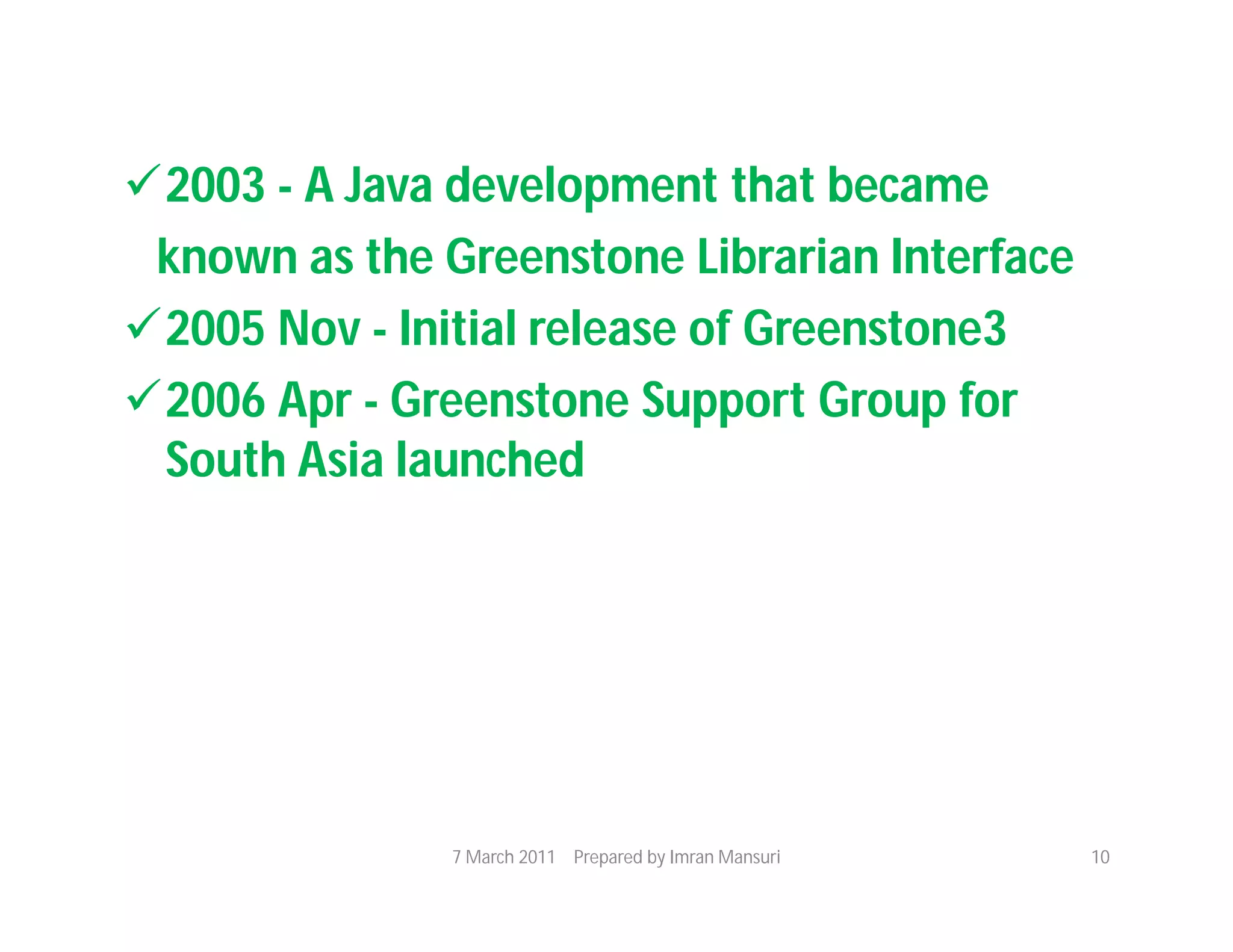
2003 - A Java development that became
 known as the Greenstone Librarian Interface
2005 Nov - Initial release of Greenstone3
2006 Apr - Greenstone Support Group for
 South Asia launched


               7 March 2011 Prepared by Imran Mansuri   10
GSDL : Version
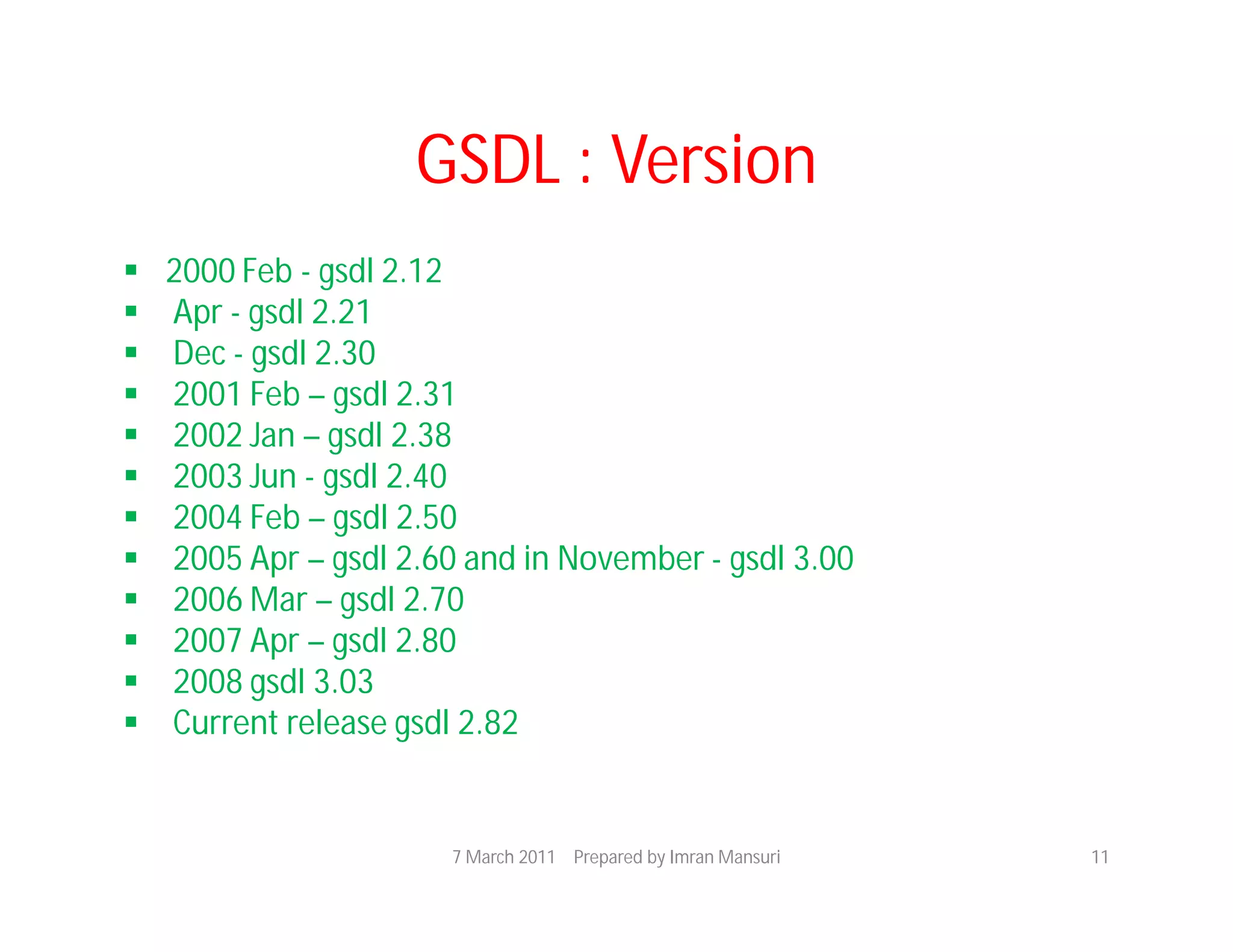
   2000 Feb - gsdl 2.12
   Apr - gsdl 2.21
   Dec - gsdl 2.30
   2001 Feb – gsdl 2.31
   2002 Jan – gsdl 2.38
   2003 Jun - gsdl 2.40
   2004 Feb – gsdl 2.50
   2005 Apr – gsdl 2.60 and in November - gsdl 3.00
   2006 Mar – gsdl 2.70
   2007 Apr – gsdl 2.80
   2008 gsdl 3.03
   Current release gsdl 2.82


                       7 March 2011 Prepared by Imran Mansuri   11
GSDL : Features
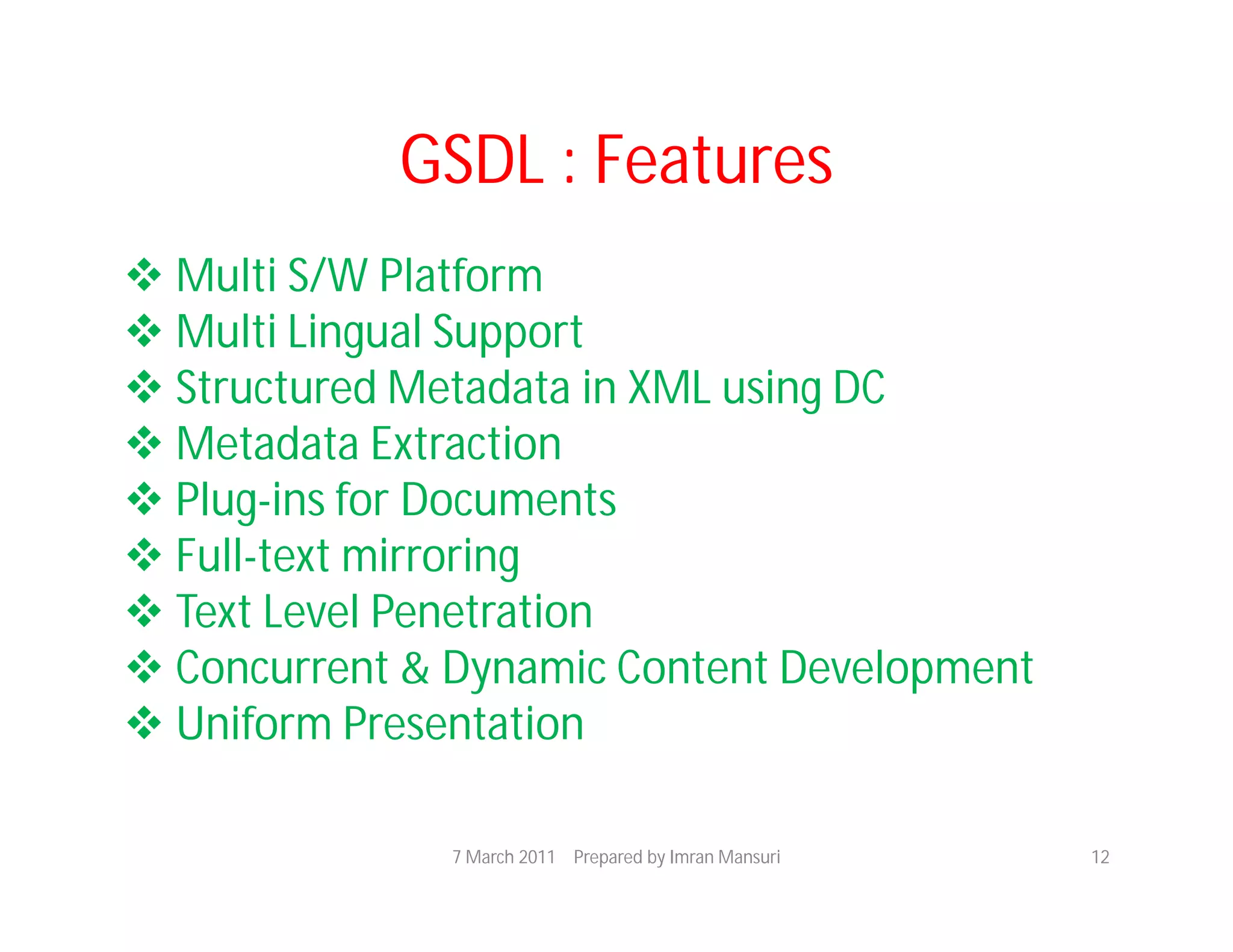
 Multi S/W Platform
 Multi Lingual Support
 Structured Metadata in XML using DC
 Metadata Extraction
 Plug-ins for Documents
 Full-text mirroring
 Text Level Penetration
 Concurrent & Dynamic Content Development
 Uniform Presentation

               7 March 2011 Prepared by Imran Mansuri   12
Collection Building
•   Web and command line mode
•    Input collections:
•    GSDL server (files)
•    Remote (FTP - files, HTTP – website pages)
•    Collection input: batch mode, NOT interactive
•    Document formats: HTML, PDF, Text, Word
•   (Doc, RTF), PS, e-mail, bibliographic

                  7 March 2011 Prepared by Imran Mansuri   13
• Support for full text tagging for hierarchical
  document browsing
• Automatic text extraction and indexing
   ‘Plugins’ for different document formats
   (HTMLPlug, PDFPlug, etc.) May fail for some
  documents!
  XML representation – conversion to HTML for
  Display
  Native document format – storage and display (via
  browser plugins, helper applications)
• Data compression support
                7 March 2011 Prepared by Imran Mansuri   14
• Metadata
Automatic extraction of simple metadata
     (e.g. Title, date)
Explicit metadata via ‘Classifiers’
  Hierarchical (e.g. Subject)
  List (e.g. Organization, Author)
Used for browsing and field-based searching
Multi-language support via Unicode

               7 March 2011 Prepared by Imran Mansuri   15
Collection Browse and Search
• Full text search
• Metadata (field) search and browse
• Boolean
• Ranked
• Multi-language support for browse/
   search interface
• Search history, search term
• highlighting…

               7 March 2011 Prepared by Imran Mansuri   16
Collection Presentation
• Search results formatting
  Format strings in the configuration file
• Home page customization
  Using macros


                7 March 2011 Prepared by Imran Mansuri   17
GSDL : Features
 Easy Installation
 Easy Maintenance
 Hierarchy Structure
 Interface Customization
  – Front Page Design, Header for the Digital
 Library, Collection Icon, Cover Images
 Collection Configuration (Collect.cfg) File
 Scalability, Flexibility

                7 March 2011 Prepared by Imran Mansuri   18
Collection Distribution
• Web
• CD-ROM
 Publish created collections to the CD-ROM
 Windows only
 Two possibilities:
o Install GSDL software to HDD and access
  content on CD
o Run GSDL search engine out of the CD!

               7 March 2011 Prepared by Imran Mansuri   19
GSDL : Unique Features
 Incremental Collection Building
 Content Development in 3 different ways
 Good Documentation and Active Mailing
 List
 Variety of Plug-ins for different document
  Types
 Publishing on CD-ROMs
 Data Compression

                7 March 2011 Prepared by Imran Mansuri   20
GSDL : Technology Used
• Technology used in the current version
– Java 1.6 (Higher)
– Image Magic
– Application Server : Apache 2.2
– GSDL_Linux 2.82 and Win


               7 March 2011 Prepared by Imran Mansuri   21
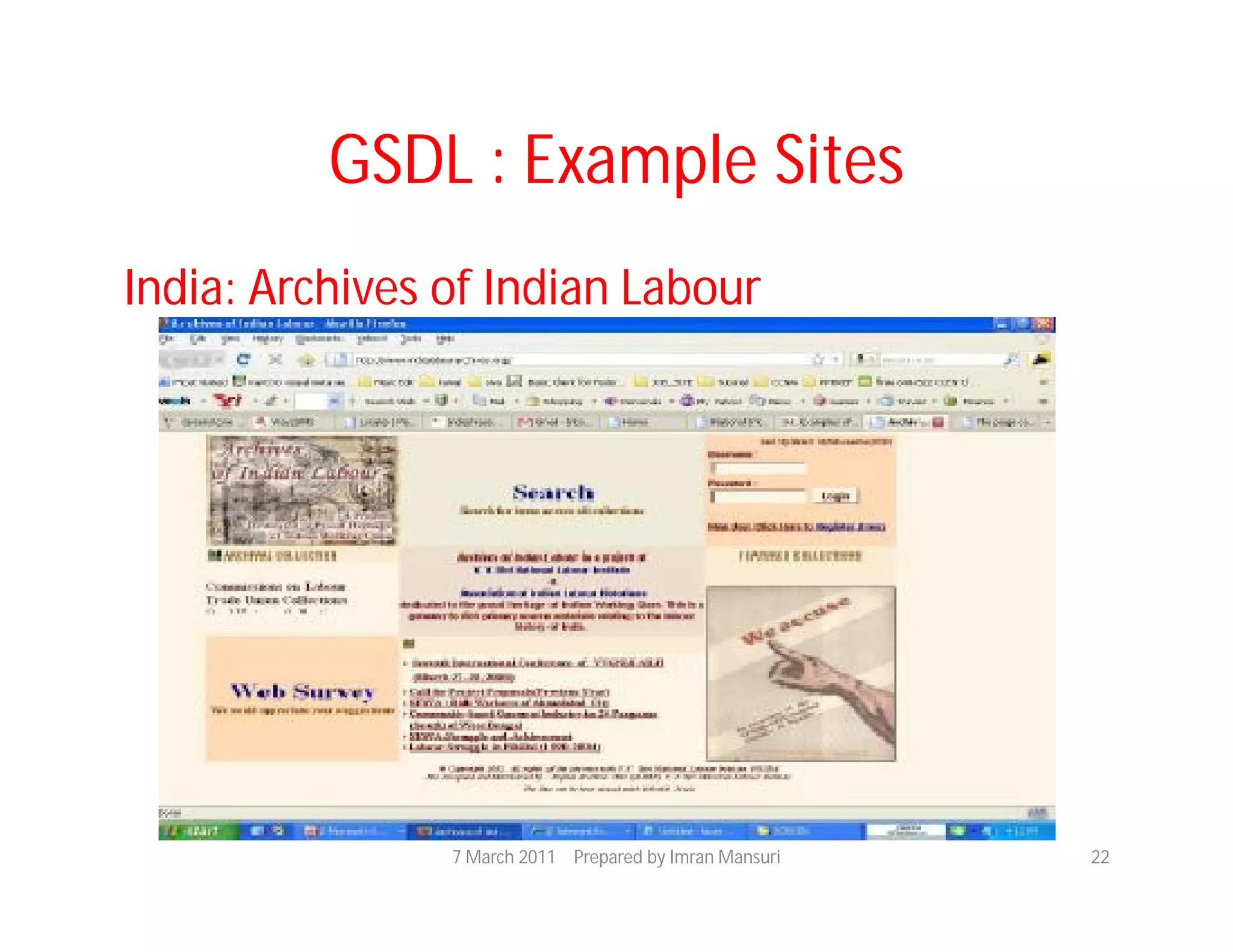
GSDL : Example Sites
India: Archives of Indian Labour


                7 March 2011 Prepared by Imran Mansuri   22
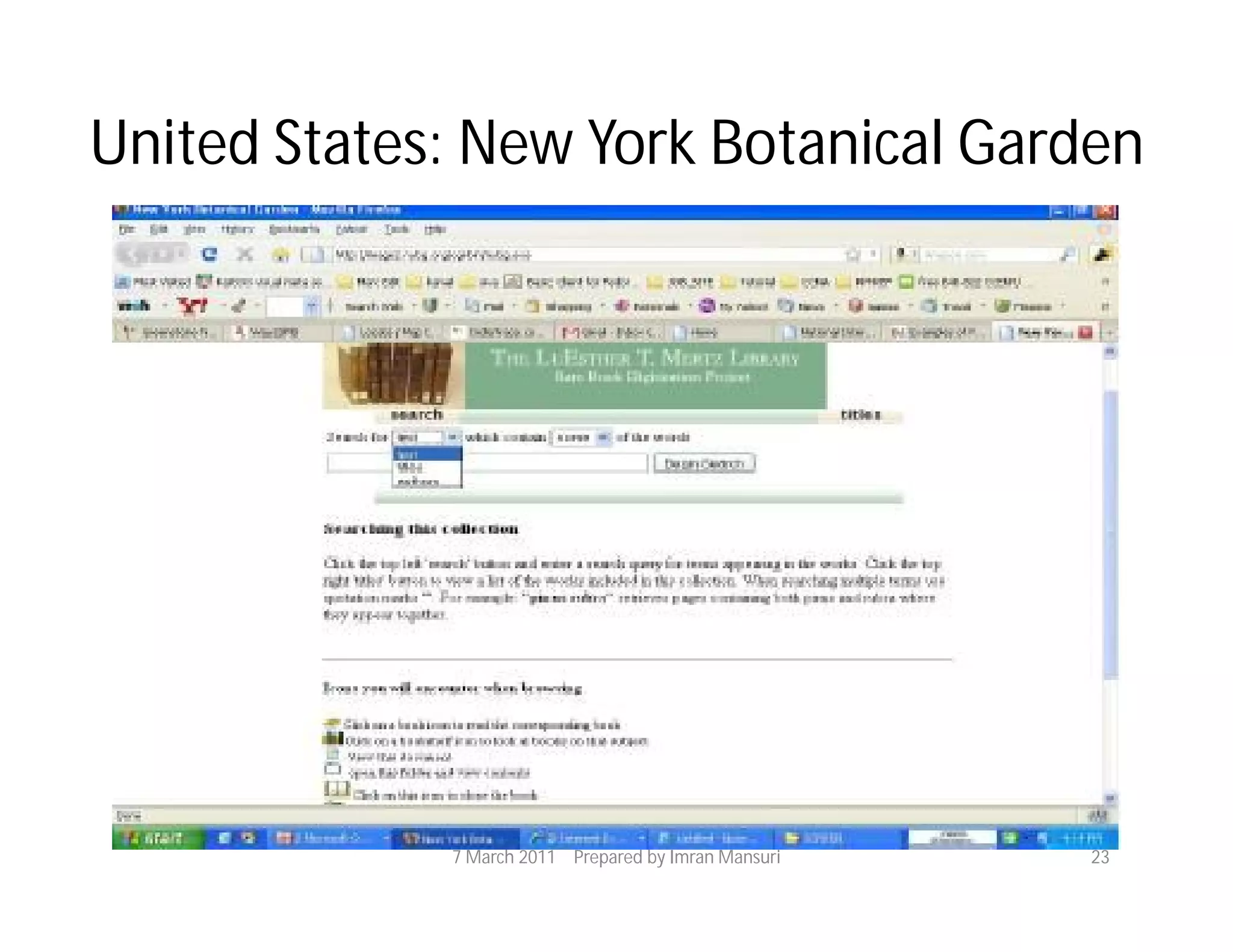
United States: New York Botanical Garden


             7 March 2011 Prepared by Imran Mansuri   23
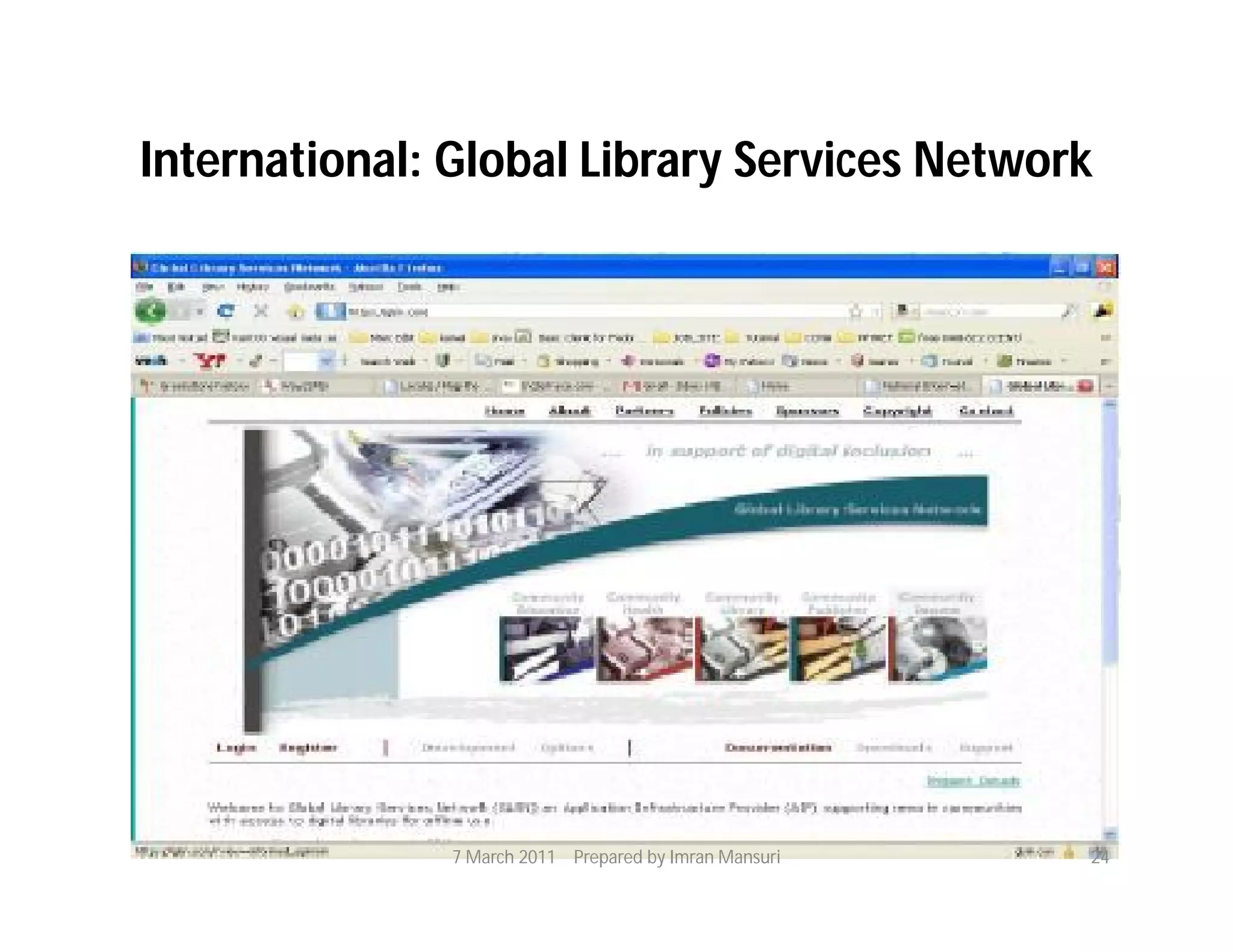
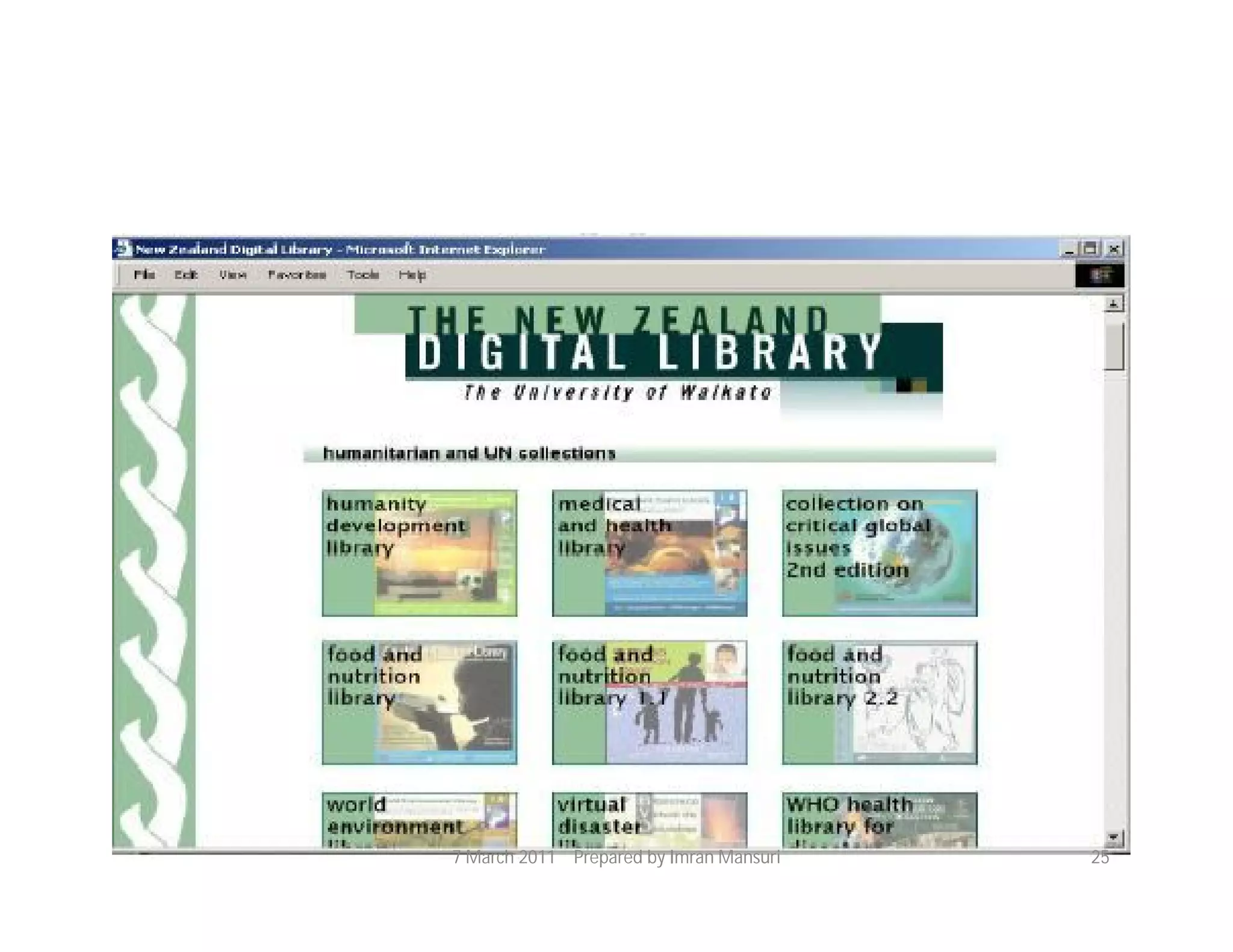
International: Global Library Services Network


               7 March 2011 Prepared by Imran Mansuri   24
7 March 2011 Prepared by Imran Mansuri   25
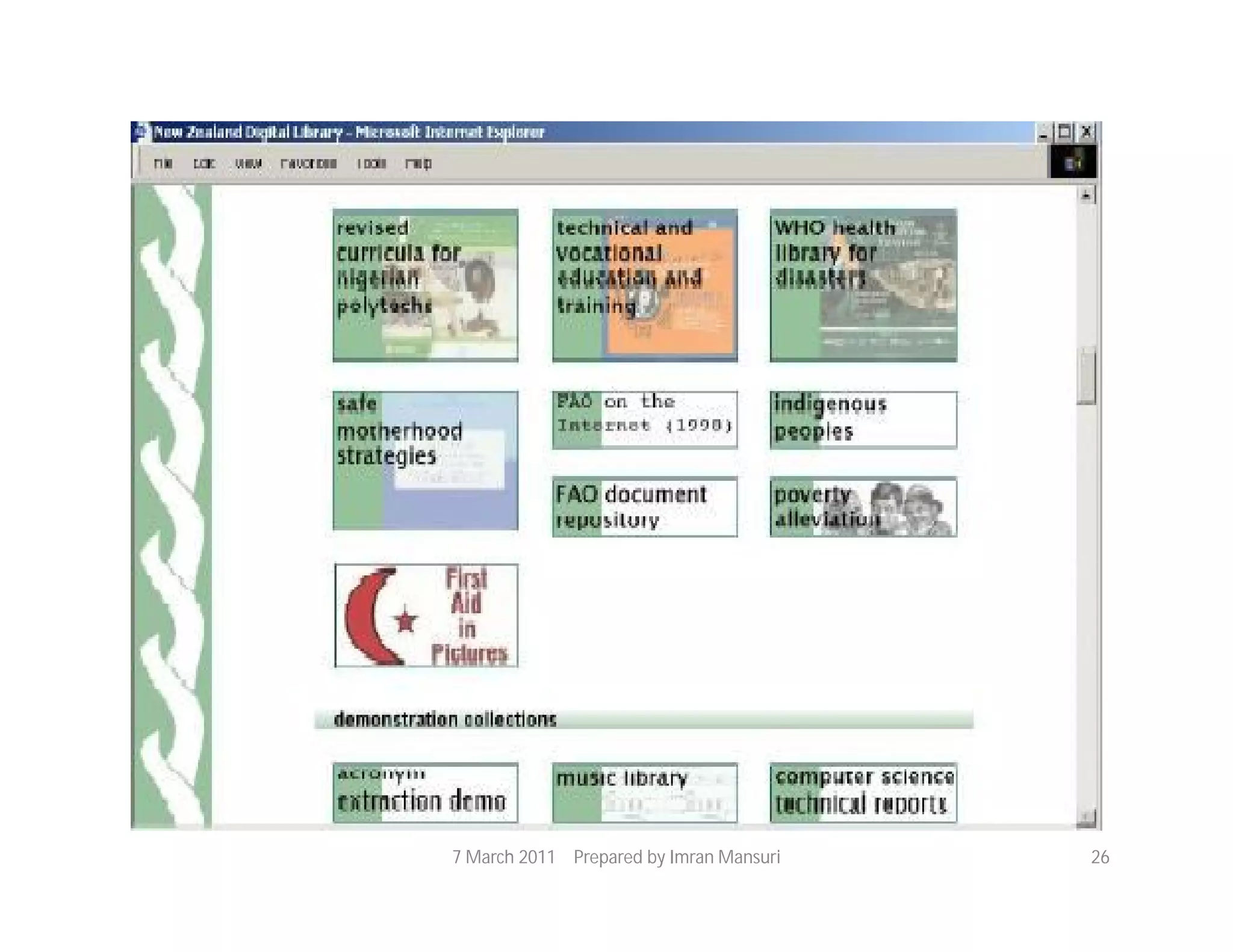
7 March 2011 Prepared by Imran Mansuri   26
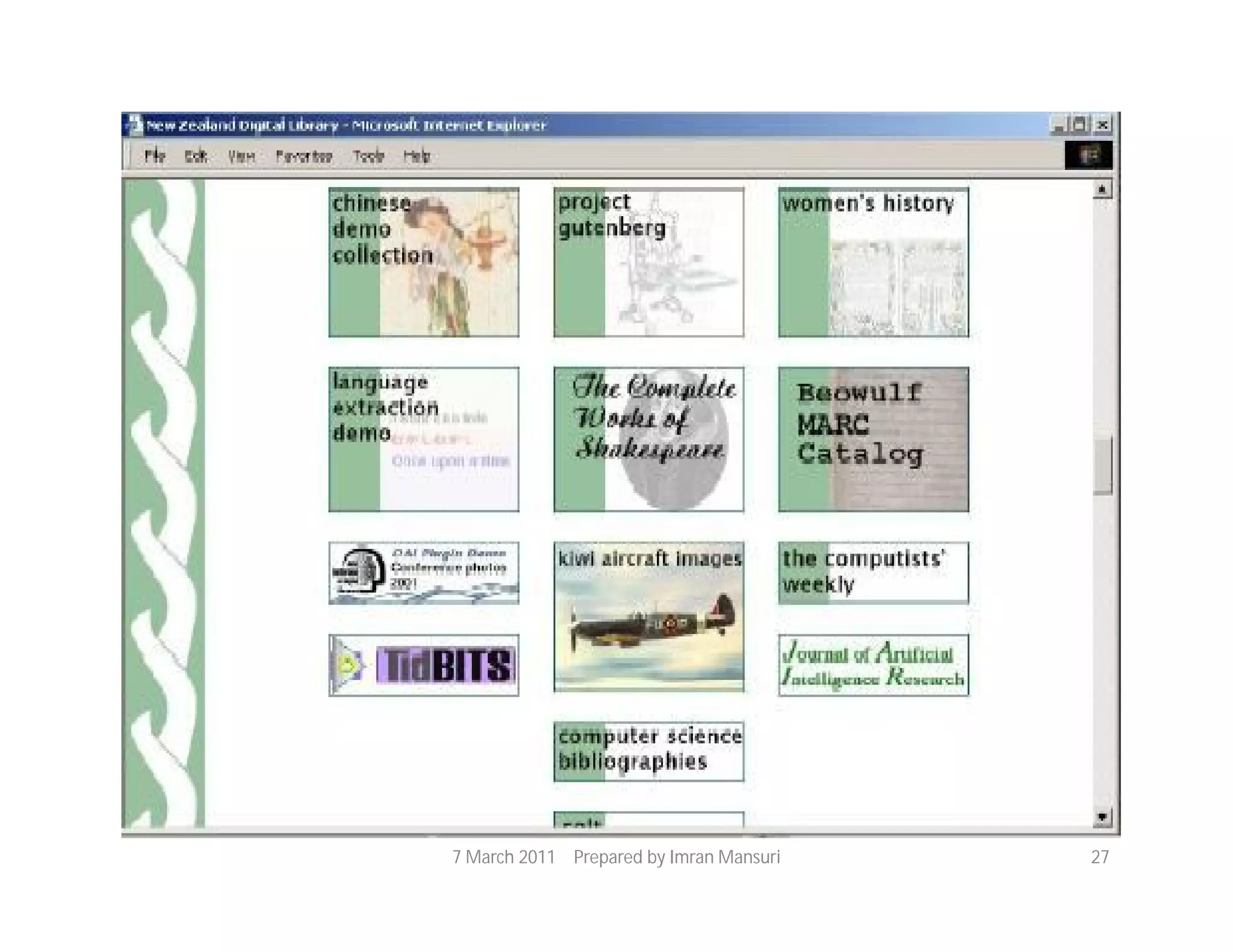
7 March 2011 Prepared by Imran Mansuri   27
Some Observations
Strengths:
 Configurability: content extraction for indexing,
  presentation layout, metadata for browsing and field-
  based searching (little difficult though!)
 Extensibility:
     Plugins for content extraction, Unicode for
  multilanguage support, source code availability
 Fulltext search on variety of document formats
 XML, Unicode, Dublin Core support
 Data compression
 CD-ROM publishing

                   7 March 2011 Prepared by Imran Mansuri   28
Limitations:

 Interactive content updating and management
  not possible
 No duplicate identification
 Metadata handling appears to be little complex
 Linux version seems to be more robust than
  Windows
 Hangs while processing some documents during
   collection building – no way to gracefully handle
  this

                 7 March 2011 Prepared by Imran Mansuri   29
Current Status
 Strong development work – CS department
 at University of Waikato, NZ
 Z39.50 experimental interface now available
 Promoted by UNESCO
 Beginning to be used worldwide Can be
 expected to reach CDS/ISIS like popularity
 (particularly in developing countries)


               7 March 2011 Prepared by Imran Mansuri   30
Documentation and Help
• Available at: http://www.greenstone.org
 – Software
 – Demo collections
 – FAQ
 – Tutorial materials
• Documentation:
 Installer’s Guide, User’s Guide, Developer’sGuide,
  and other reading materials

                 7 March 2011 Prepared by Imran Mansuri   31
• Mailing lists:
  – Greenstone Users List
  – Greenstone Developers List

• Greenstone Documentation Wiki

 http://wiki.greenstone.org/wiki/index.php/Gr
 eenstoneWiki
               7 March 2011 Prepared by Imran Mansuri   32
7 March 2011 Prepared by Imran Mansuri   33

Greenstone Digital Library

  • 1.
    Greenstone Digital LibrarySoftware: An Overview Imran Mansuri Project Assistant (Library Science) INFLIBNET Centre 7 March 2011 Prepared by Imran Mansuri 1
  • 2.
    Agenda • Introduction : Digital Library Software (DL) • Greenstone Digital Library Software (GSDL) • Introduction • History • Versions • Features • Unique Features • Technology used • Example Sites • Example Collections 7 March 2011 Prepared by Imran Mansuri 2
  • 3.
    Digital Library Software •The term “Digital Library” refers to a library in which collections are stored in digital formats (as opposed to print, microform, or other media) and accessible by computers • The digital content may be stored locally or accessed remotely via computer networks • Access the books, images are in digital format • Using Net access to information from anywhere 7 March 2011 Prepared by Imran Mansuri 3
  • 4.
    Digital Libraries :Features  Dynamic Electronic Information Systems  Increase Portability  Efficiency of Access  Flexibility  Availability 7 March 2011 Prepared by Imran Mansuri 4
  • 5.
    Digital Library Software Dspace  Fedora  Eprints  Resource Space  Greenstone 7 March 2011 Prepared by Imran Mansuri 5
  • 6.
    Greenstone Digital LibrarySoftware • The Greenstone Digital Library Software (GSDL) provides a way of building and distributing digital library collections, opening up new possibilities for organizing information and making it available over the Internet or on CD-ROM • Developed by the New Zealand Digital Library Project (www.nzdl.org) at the University of Waikato • Distributed in co-operation with UNESCO and Humanities Library Project, Romania 7 March 2011 Prepared by Imran Mansuri 6
  • 7.
    GSDL : SomeFacts • Current version:  2.82 and 3.03  Available from http://www.greenstone.org • Software suite for building, maintaining, and distributing digital library collections • Comprehensive, open-source • Distribution and promotion partners: o UNESCO o Human Info NGO, Belgium 7 March 2011 Prepared by Imran Mansuri 7
  • 8.
    GSDL : History 1995 - Digital library of Computer Science Technical Reports. Its established by New Zealand Digital Library  1997 - Decision to use the GPL (General Public License ); name : Greenstone adopted ; Work with Human Info NGO to produce humanitarian CD-ROMs  1998 Apr - First CD-ROM collection released: Humanity Development Library  1998 Aug - Greenstone.org website established  1999 BBC - Collection established 7 March 2011 Prepared by Imran Mansuri 8
  • 9.
     2000 Apr- Greenstone mailing list started  Aug - Formally established cooperative effort with UNESCO and Human Info NGO  Nov - Distribute software on SourceForge  2002 Apr - Development of Greenstone3  Mar - Official opening of the Niupepa collection, development of the Greenstone Librarian Interface  Jun - First UNESCO Greenstone CD-ROM 7 March 2011 Prepared by Imran Mansuri 9
  • 10.
    2003 - AJava development that became known as the Greenstone Librarian Interface 2005 Nov - Initial release of Greenstone3 2006 Apr - Greenstone Support Group for South Asia launched 7 March 2011 Prepared by Imran Mansuri 10
  • 11.
    GSDL : Version  2000 Feb - gsdl 2.12  Apr - gsdl 2.21  Dec - gsdl 2.30  2001 Feb – gsdl 2.31  2002 Jan – gsdl 2.38  2003 Jun - gsdl 2.40  2004 Feb – gsdl 2.50  2005 Apr – gsdl 2.60 and in November - gsdl 3.00  2006 Mar – gsdl 2.70  2007 Apr – gsdl 2.80  2008 gsdl 3.03  Current release gsdl 2.82 7 March 2011 Prepared by Imran Mansuri 11
  • 12.
    GSDL : Features Multi S/W Platform  Multi Lingual Support  Structured Metadata in XML using DC  Metadata Extraction  Plug-ins for Documents  Full-text mirroring  Text Level Penetration  Concurrent & Dynamic Content Development  Uniform Presentation 7 March 2011 Prepared by Imran Mansuri 12
  • 13.
    Collection Building • Web and command line mode • Input collections: • GSDL server (files) • Remote (FTP - files, HTTP – website pages) • Collection input: batch mode, NOT interactive • Document formats: HTML, PDF, Text, Word • (Doc, RTF), PS, e-mail, bibliographic 7 March 2011 Prepared by Imran Mansuri 13
  • 14.
    • Support forfull text tagging for hierarchical document browsing • Automatic text extraction and indexing ‘Plugins’ for different document formats (HTMLPlug, PDFPlug, etc.) May fail for some documents! XML representation – conversion to HTML for Display Native document format – storage and display (via browser plugins, helper applications) • Data compression support 7 March 2011 Prepared by Imran Mansuri 14
  • 15.
    • Metadata Automatic extractionof simple metadata (e.g. Title, date) Explicit metadata via ‘Classifiers’ Hierarchical (e.g. Subject) List (e.g. Organization, Author) Used for browsing and field-based searching Multi-language support via Unicode 7 March 2011 Prepared by Imran Mansuri 15
  • 16.
    Collection Browse andSearch • Full text search • Metadata (field) search and browse • Boolean • Ranked • Multi-language support for browse/ search interface • Search history, search term • highlighting… 7 March 2011 Prepared by Imran Mansuri 16
  • 17.
    Collection Presentation • Searchresults formatting Format strings in the configuration file • Home page customization Using macros 7 March 2011 Prepared by Imran Mansuri 17
  • 18.
    GSDL : Features Easy Installation  Easy Maintenance  Hierarchy Structure  Interface Customization – Front Page Design, Header for the Digital Library, Collection Icon, Cover Images  Collection Configuration (Collect.cfg) File  Scalability, Flexibility 7 March 2011 Prepared by Imran Mansuri 18
  • 19.
    Collection Distribution • Web •CD-ROM  Publish created collections to the CD-ROM  Windows only  Two possibilities: o Install GSDL software to HDD and access content on CD o Run GSDL search engine out of the CD! 7 March 2011 Prepared by Imran Mansuri 19
  • 20.
    GSDL : UniqueFeatures  Incremental Collection Building  Content Development in 3 different ways  Good Documentation and Active Mailing List  Variety of Plug-ins for different document Types  Publishing on CD-ROMs  Data Compression 7 March 2011 Prepared by Imran Mansuri 20
  • 21.
    GSDL : TechnologyUsed • Technology used in the current version – Java 1.6 (Higher) – Image Magic – Application Server : Apache 2.2 – GSDL_Linux 2.82 and Win 7 March 2011 Prepared by Imran Mansuri 21
  • 22.
    GSDL : ExampleSites India: Archives of Indian Labour 7 March 2011 Prepared by Imran Mansuri 22
  • 23.
    United States: NewYork Botanical Garden 7 March 2011 Prepared by Imran Mansuri 23
  • 24.
    International: Global LibraryServices Network 7 March 2011 Prepared by Imran Mansuri 24
  • 25.
    7 March 2011Prepared by Imran Mansuri 25
  • 26.
    7 March 2011Prepared by Imran Mansuri 26
  • 27.
    7 March 2011Prepared by Imran Mansuri 27
  • 28.
    Some Observations Strengths:  Configurability:content extraction for indexing, presentation layout, metadata for browsing and field- based searching (little difficult though!)  Extensibility: Plugins for content extraction, Unicode for multilanguage support, source code availability  Fulltext search on variety of document formats  XML, Unicode, Dublin Core support  Data compression  CD-ROM publishing 7 March 2011 Prepared by Imran Mansuri 28
  • 29.
    Limitations:  Interactive contentupdating and management not possible  No duplicate identification  Metadata handling appears to be little complex  Linux version seems to be more robust than Windows  Hangs while processing some documents during collection building – no way to gracefully handle this 7 March 2011 Prepared by Imran Mansuri 29
  • 30.
    Current Status  Strongdevelopment work – CS department at University of Waikato, NZ  Z39.50 experimental interface now available  Promoted by UNESCO  Beginning to be used worldwide Can be expected to reach CDS/ISIS like popularity (particularly in developing countries) 7 March 2011 Prepared by Imran Mansuri 30
  • 31.
    Documentation and Help •Available at: http://www.greenstone.org  – Software  – Demo collections  – FAQ  – Tutorial materials • Documentation:  Installer’s Guide, User’s Guide, Developer’sGuide, and other reading materials 7 March 2011 Prepared by Imran Mansuri 31
  • 32.
    • Mailing lists: – Greenstone Users List – Greenstone Developers List • Greenstone Documentation Wiki http://wiki.greenstone.org/wiki/index.php/Gr eenstoneWiki 7 March 2011 Prepared by Imran Mansuri 32
  • 33.
    7 March 2011Prepared by Imran Mansuri 33