Download as PDF, PPTX
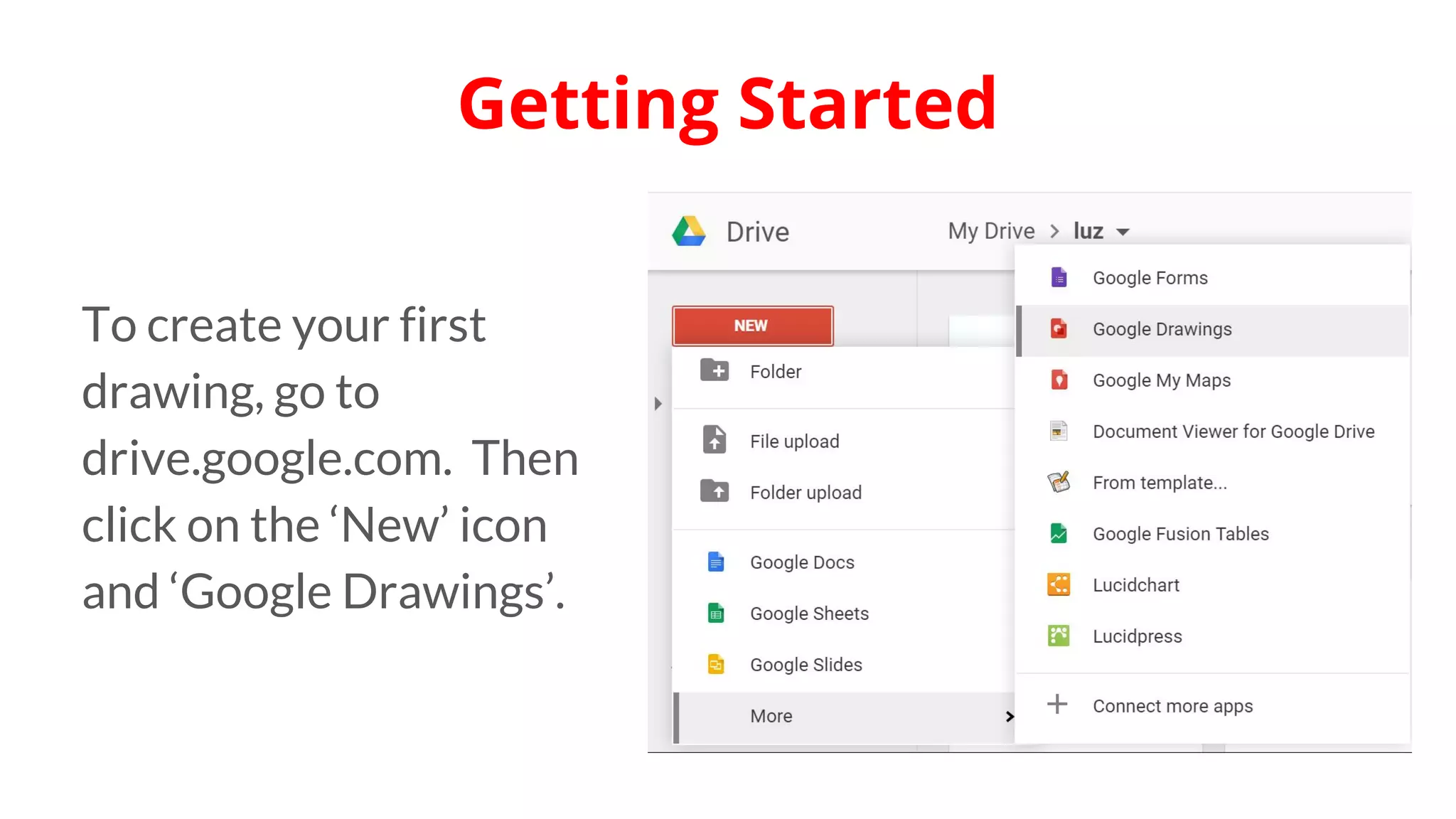
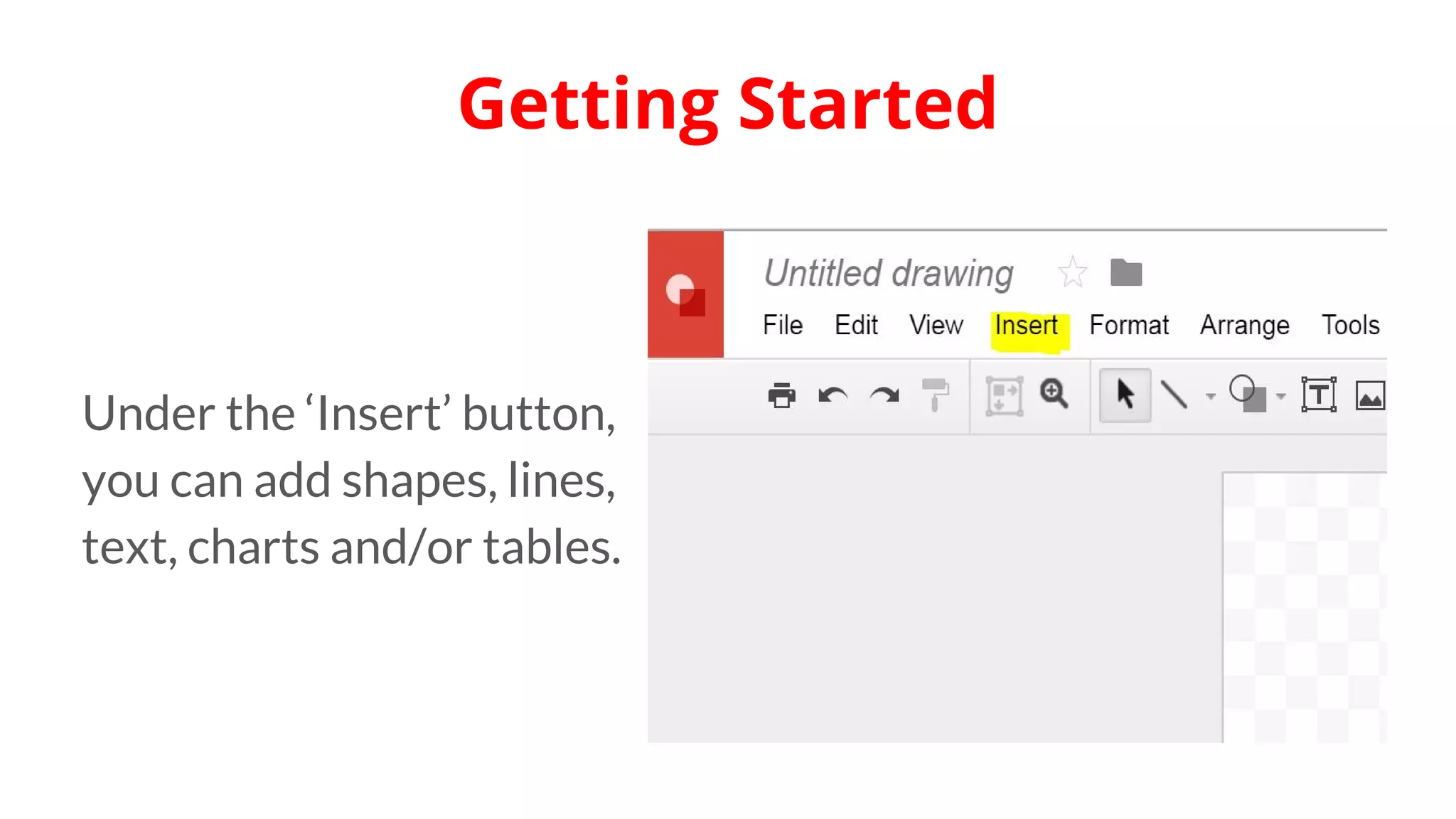
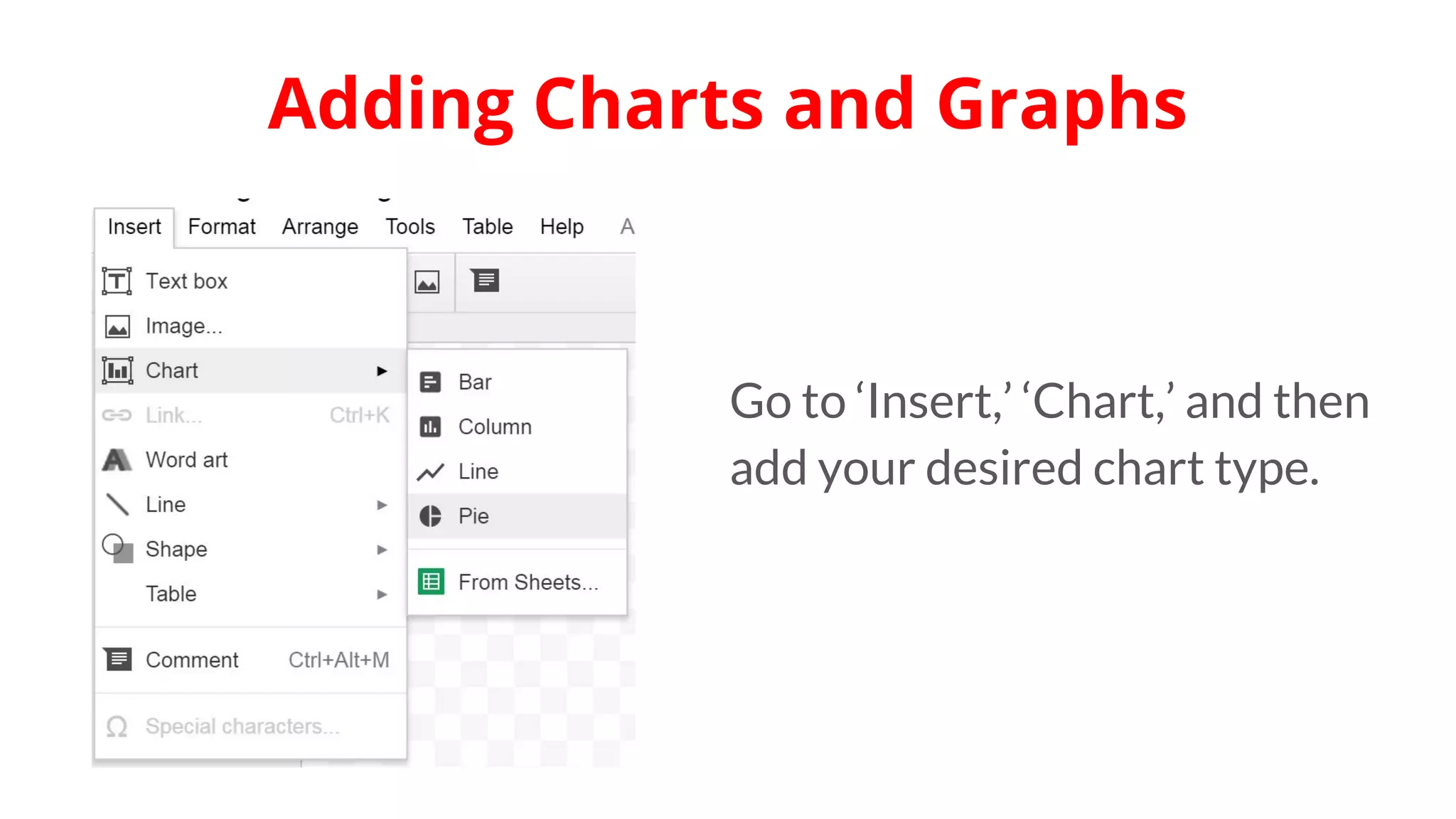
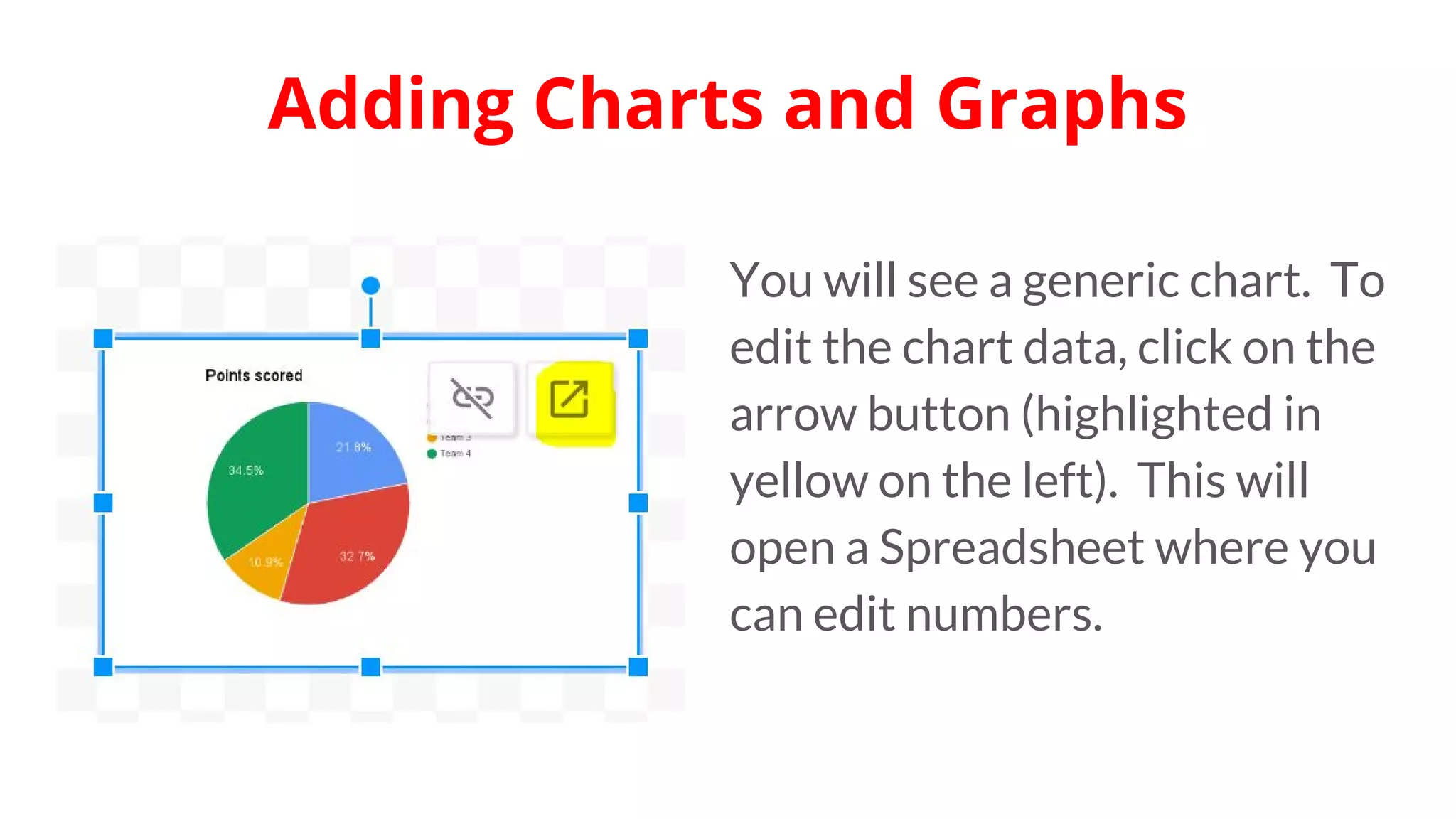
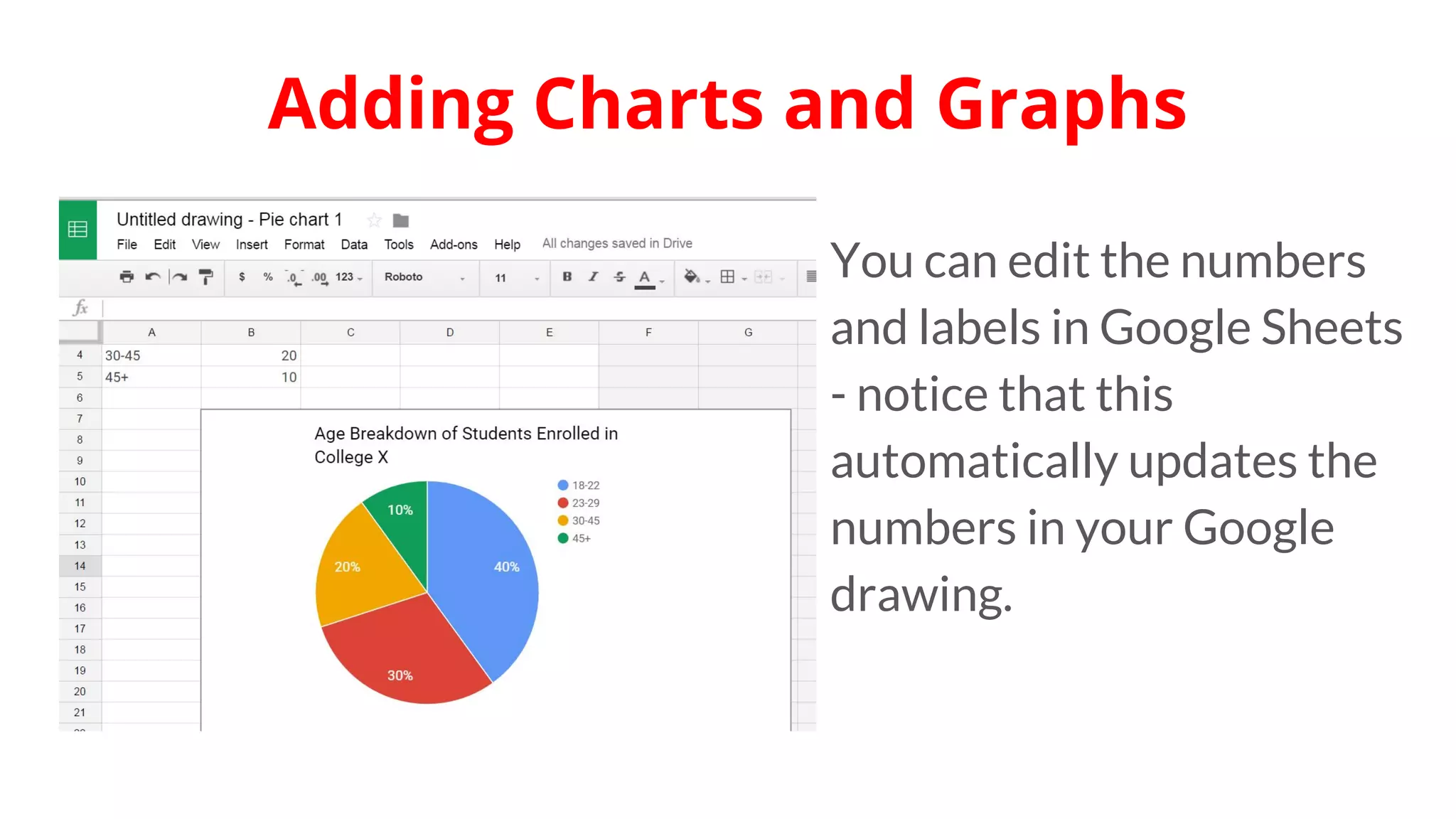
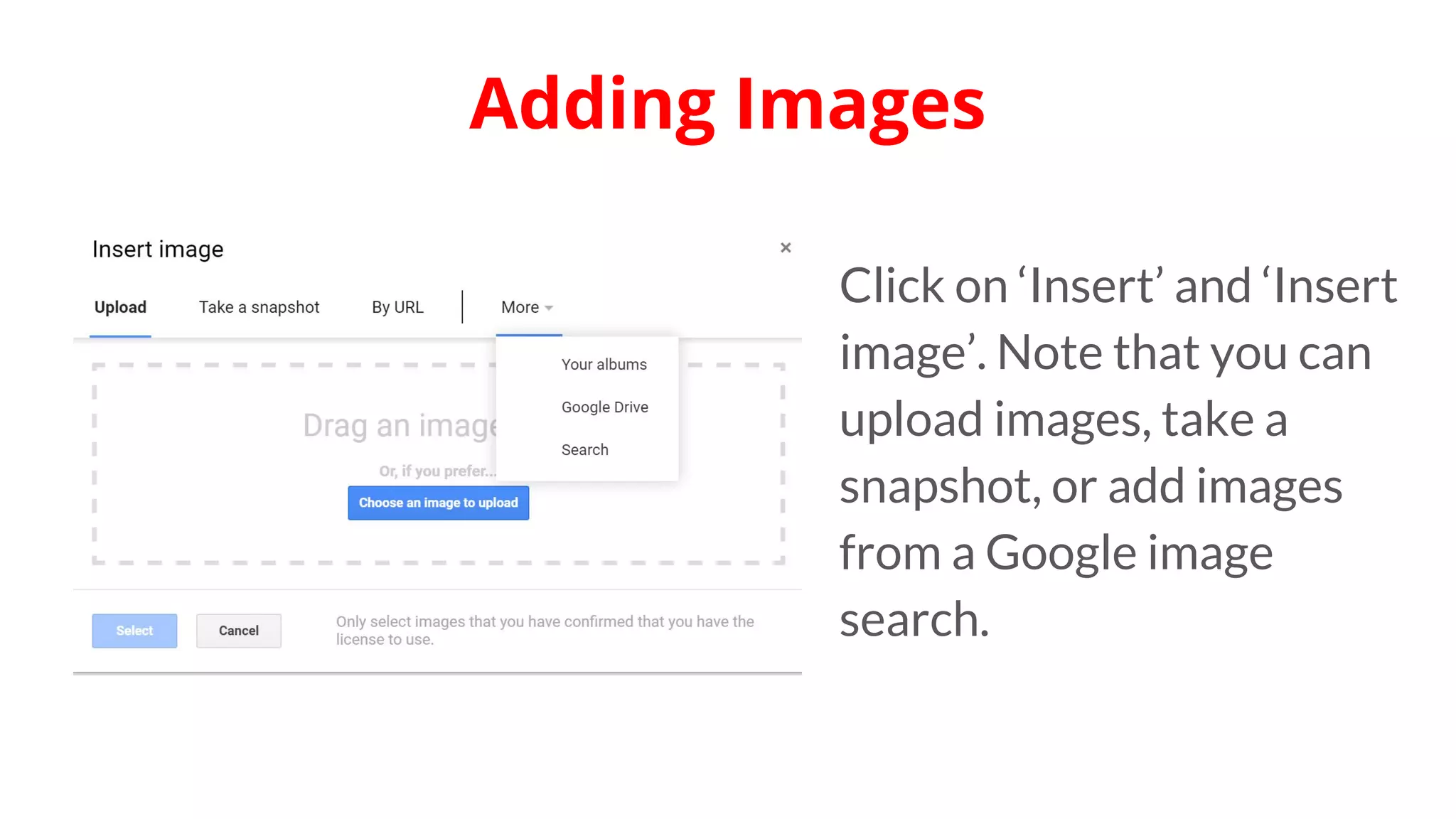
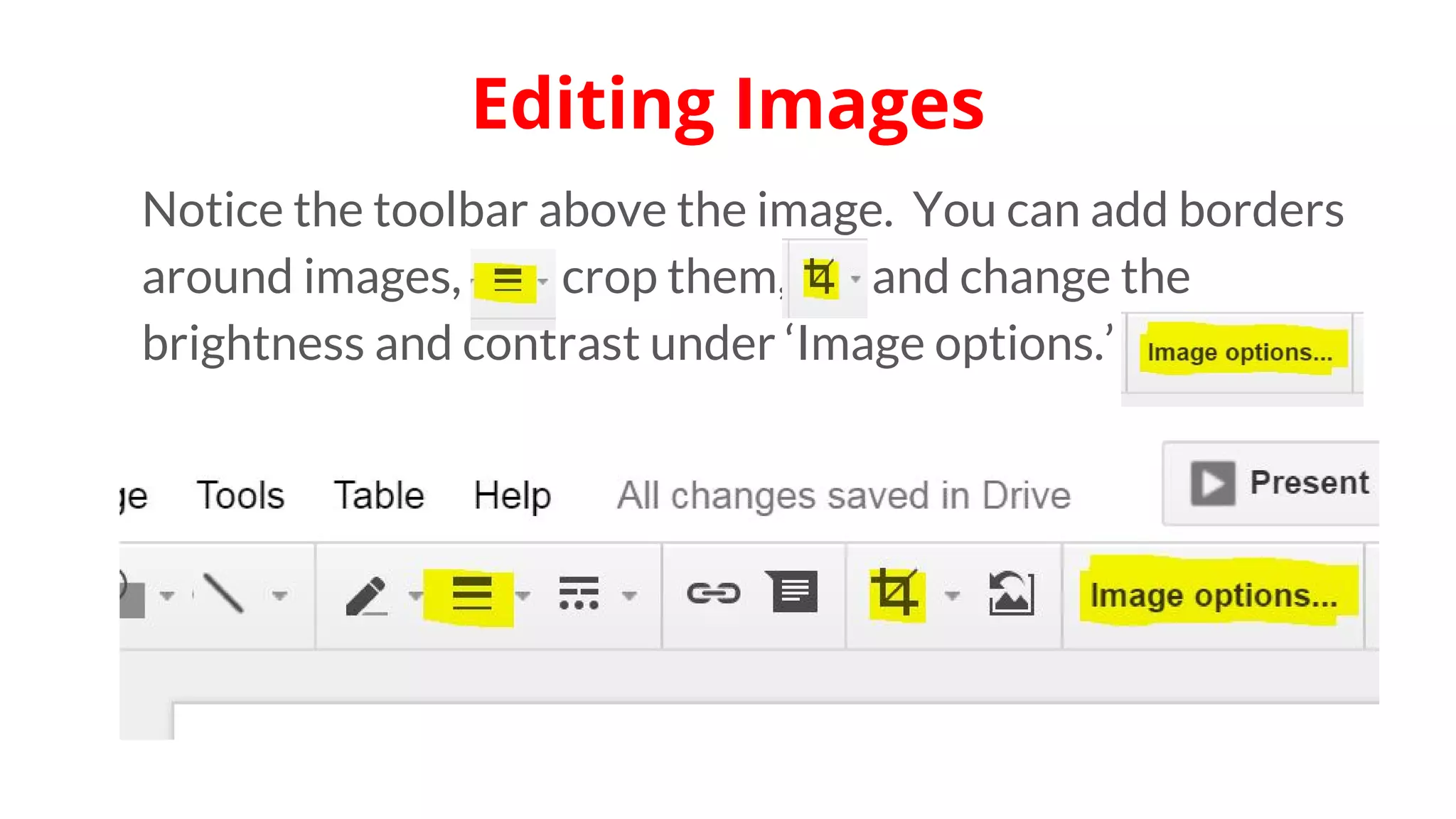
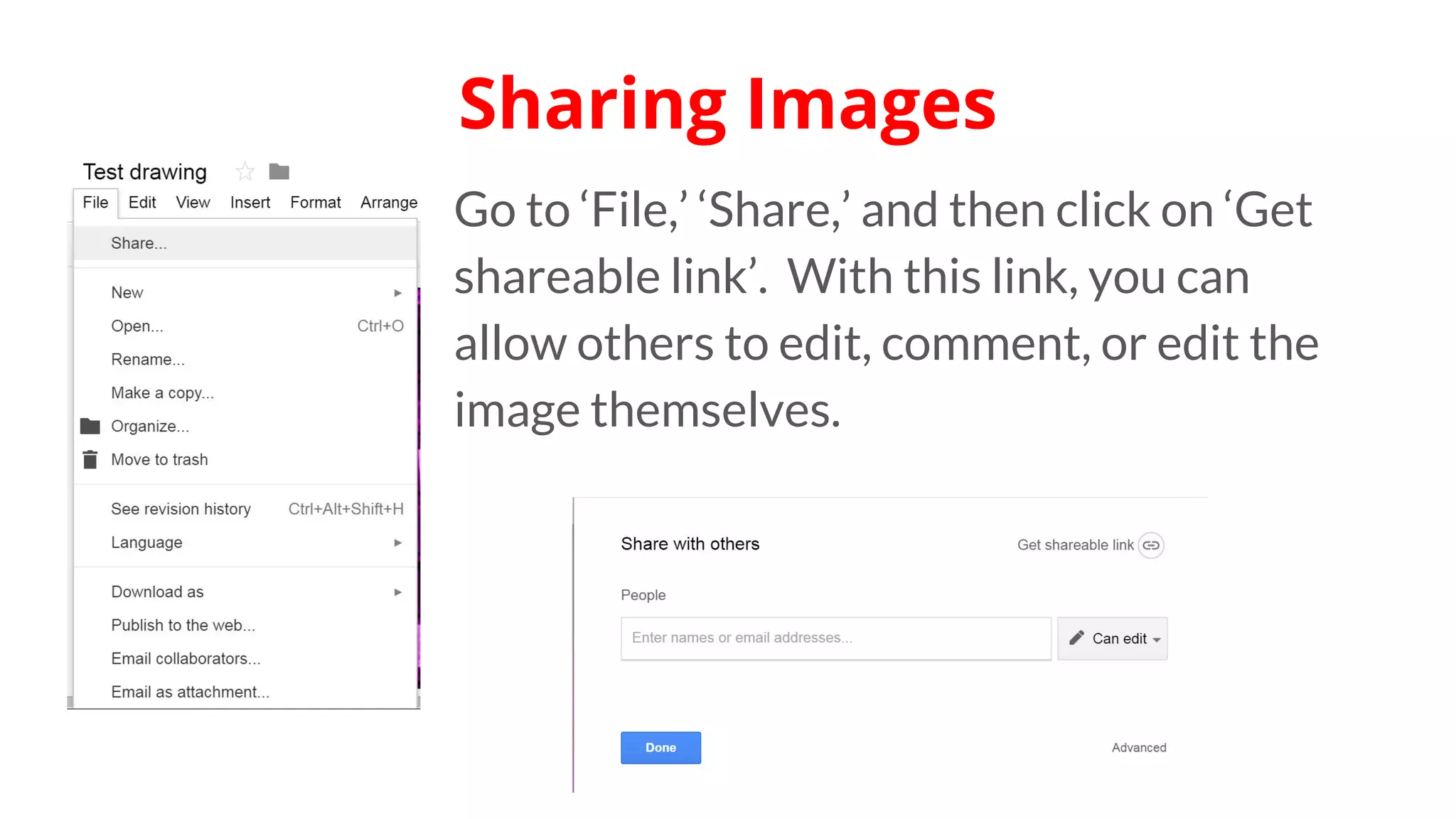
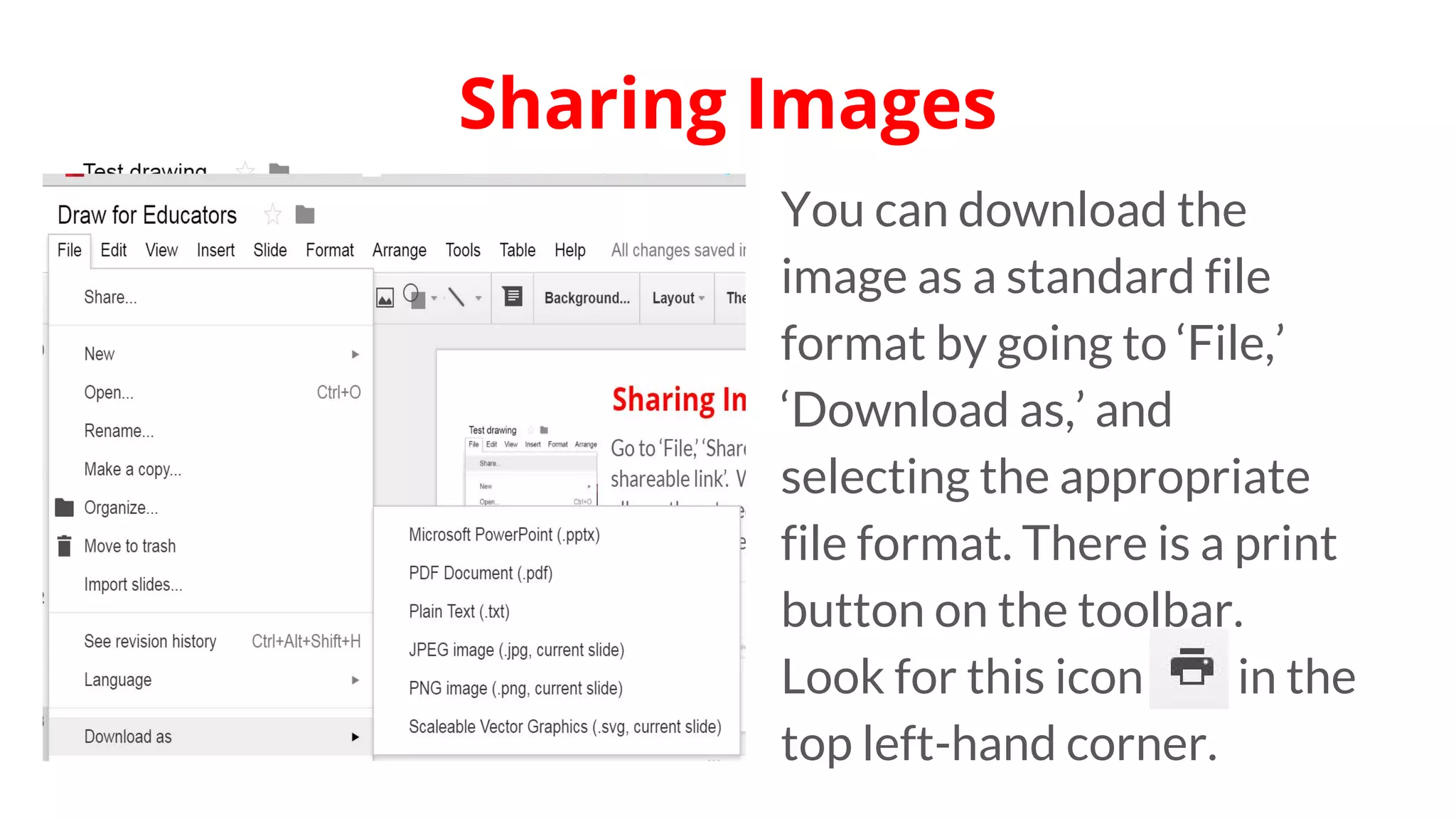
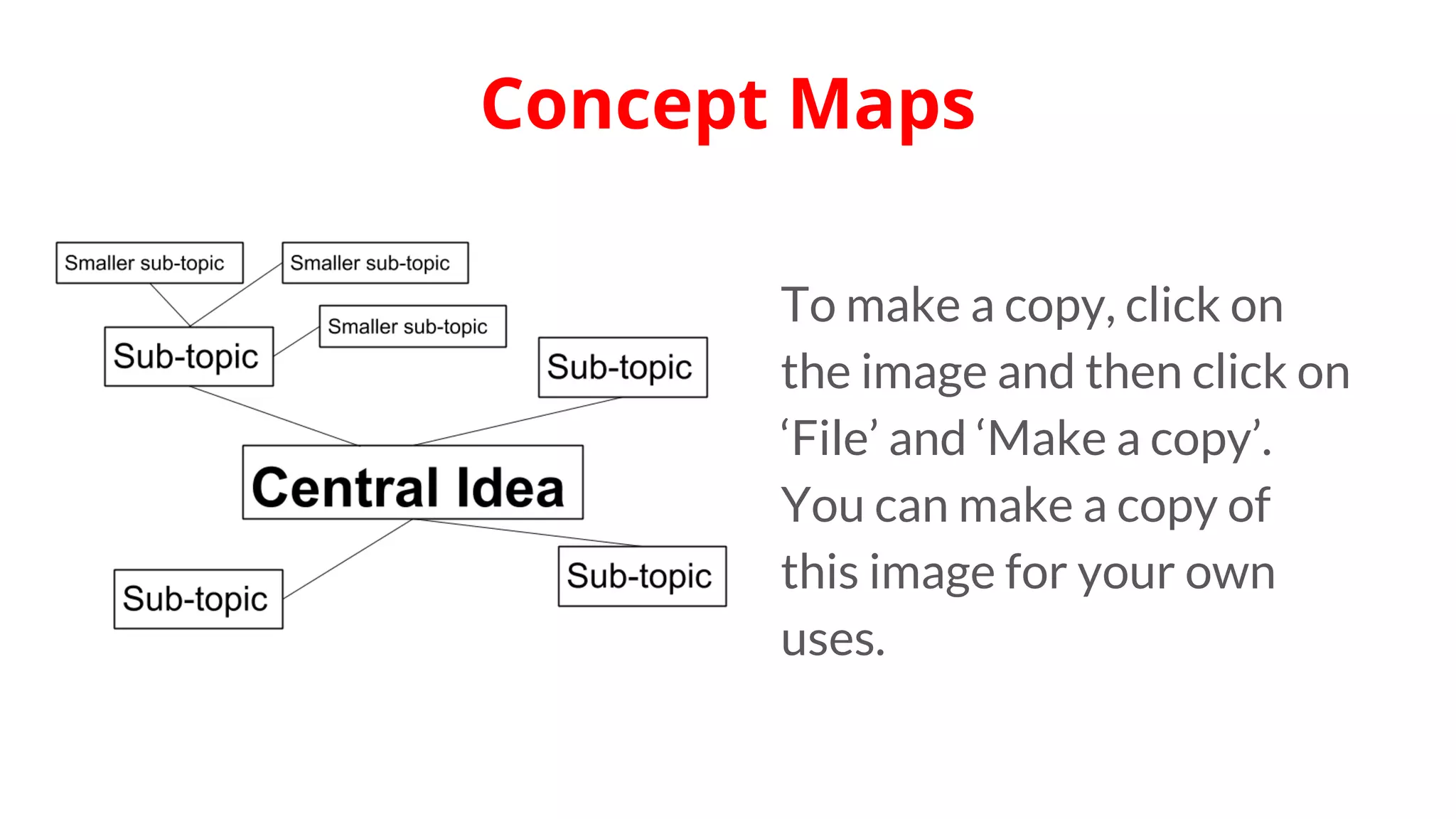
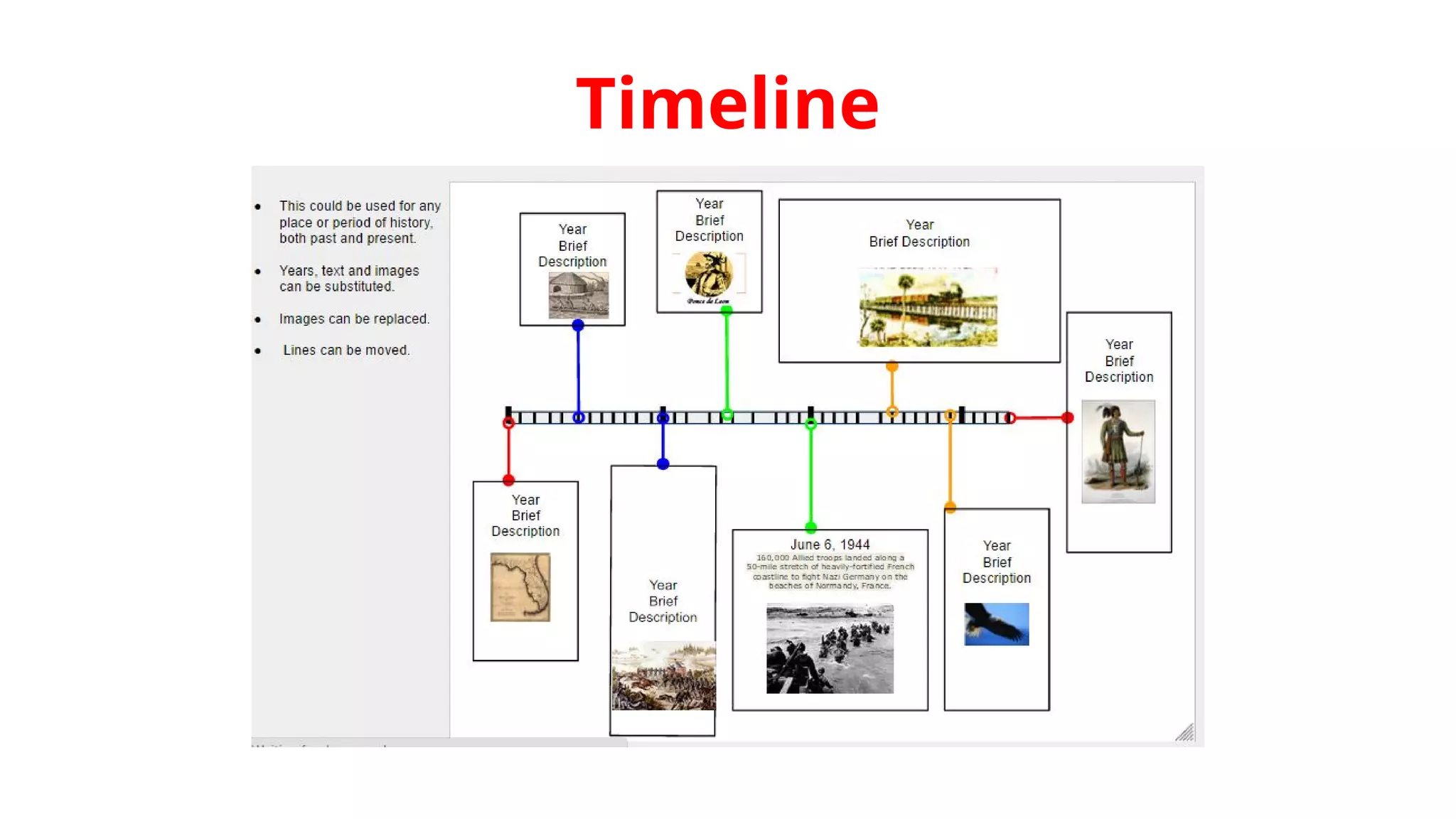
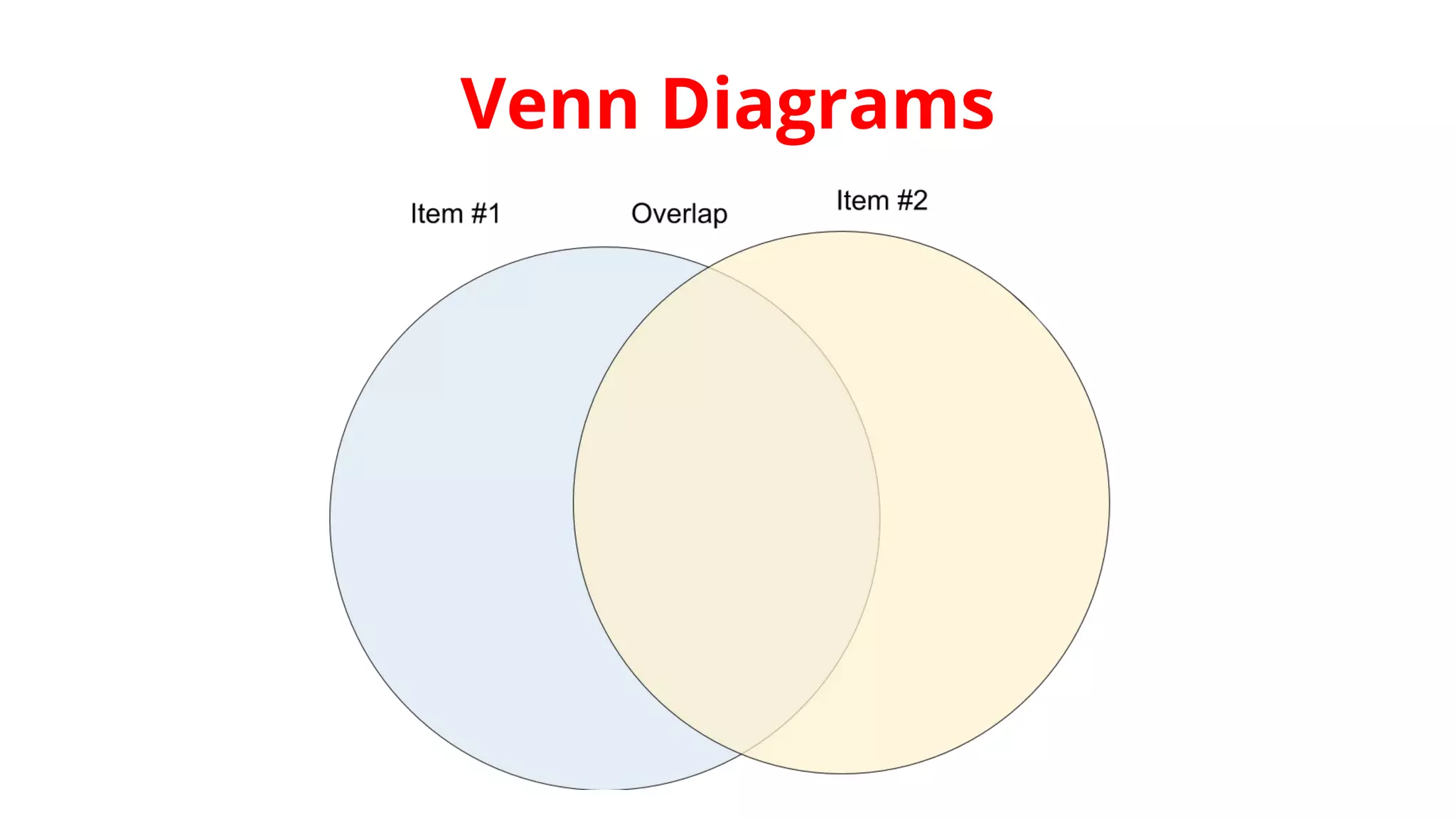
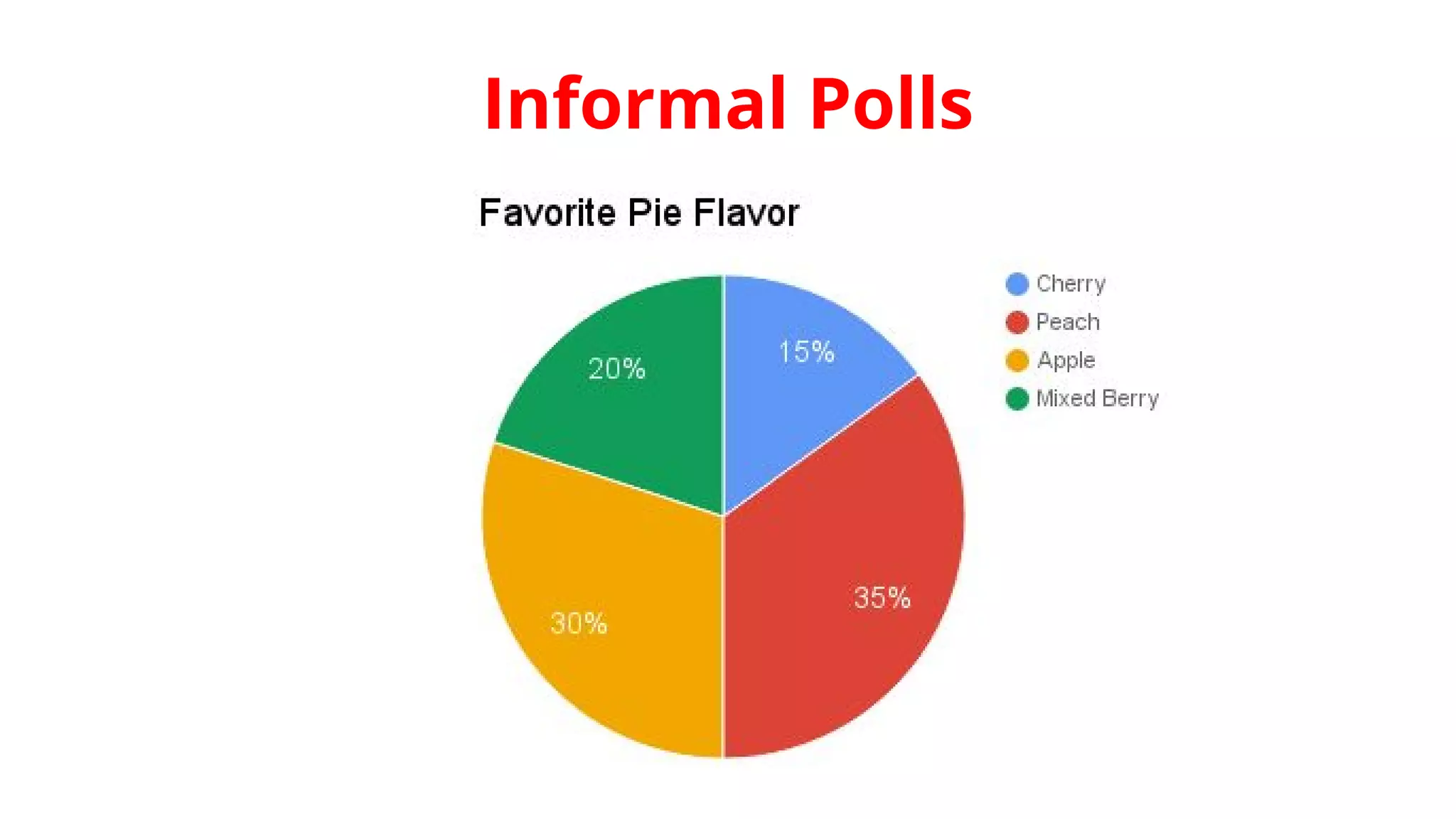
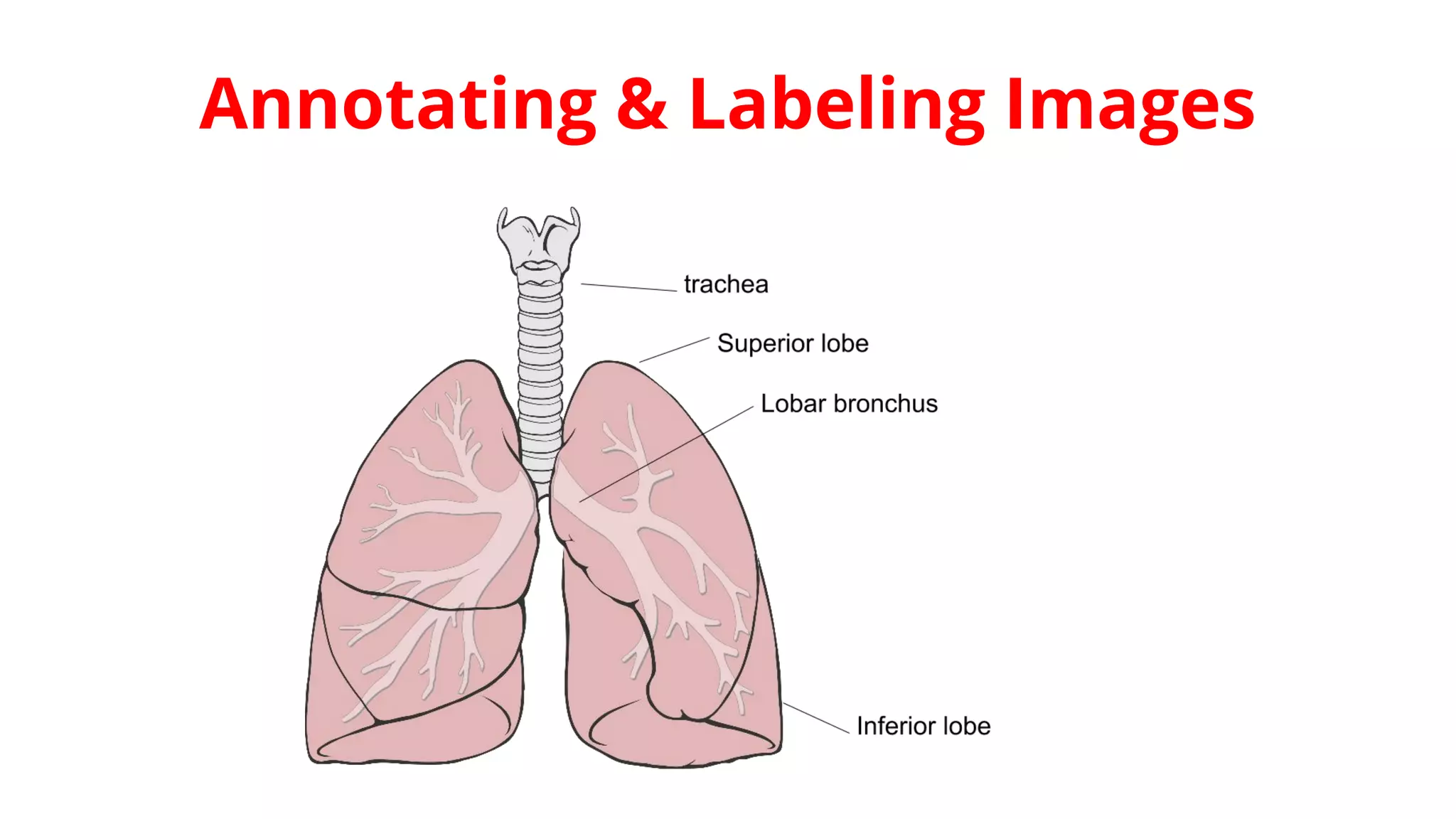

This document provides an overview of how educators can use Google Draw as a free online drawing tool. Google Draw allows users to draw and edit images online without downloads. It also allows storing and sharing creations online. The document outlines how to get started with Google Draw and insert various elements like shapes, text, charts and images. It also explains how educators can use Google Draw to create concept maps, timelines, Venn diagrams, polls and annotate/label images.


![Active learning methods in higher education [compatibility mode]](https://cdn.slidesharecdn.com/ss_thumbnails/activelearningmethodsinhighereducationcompatibilitymode-141110040033-conversion-gate02-thumbnail.jpg?width=640&height=640&fit=bounds)


