Downloaded 10 times
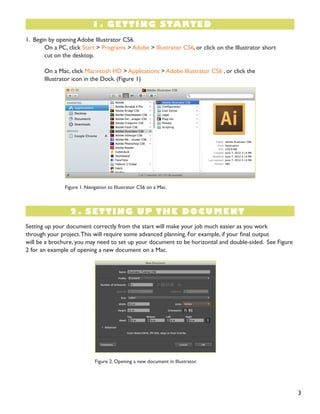


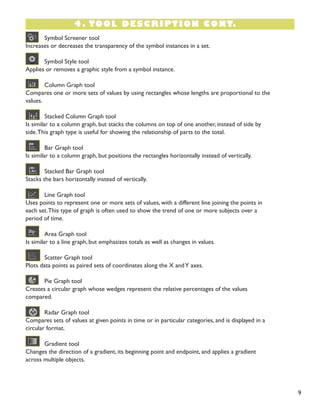


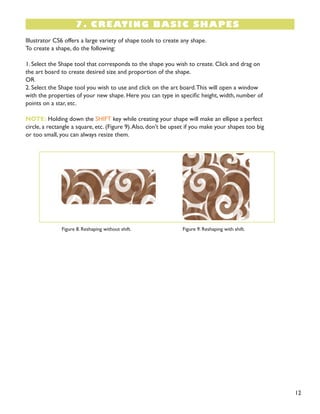

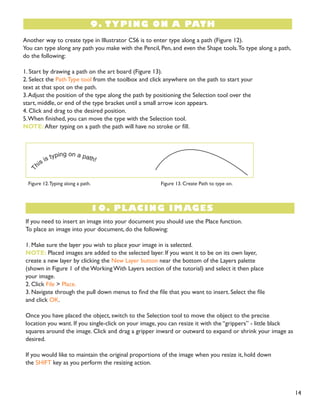



This document provides an overview of the basic functions and tools in Adobe Illustrator CS6. It begins with an introduction to getting started in Illustrator and setting up documents. It then describes each tool in the toolbox and its functions. The document also covers topics like working with layers, making selections, creating shapes, inserting and formatting text, placing images, and more basic Illustrator skills. The tutorial is intended to teach beginners the essentials of navigating the Illustrator interface and using its core tools and features.


