Downloaded 12 times

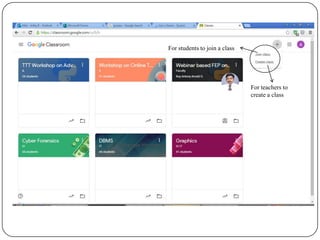
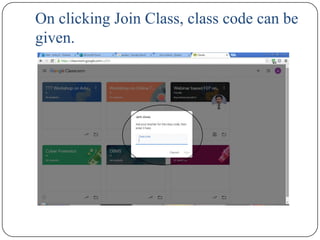


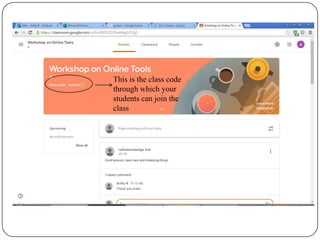


This document provides a tutorial on using Google Classroom. It explains how teachers can create classes and share codes to allow students to join. It also demonstrates how teachers can create and assign activities like assignments, quizzes, questions and materials. Teachers can set due dates, topics and use rubrics to evaluate assignments and view completion rates and overall grades of students. The tutorial concludes with thanks.


