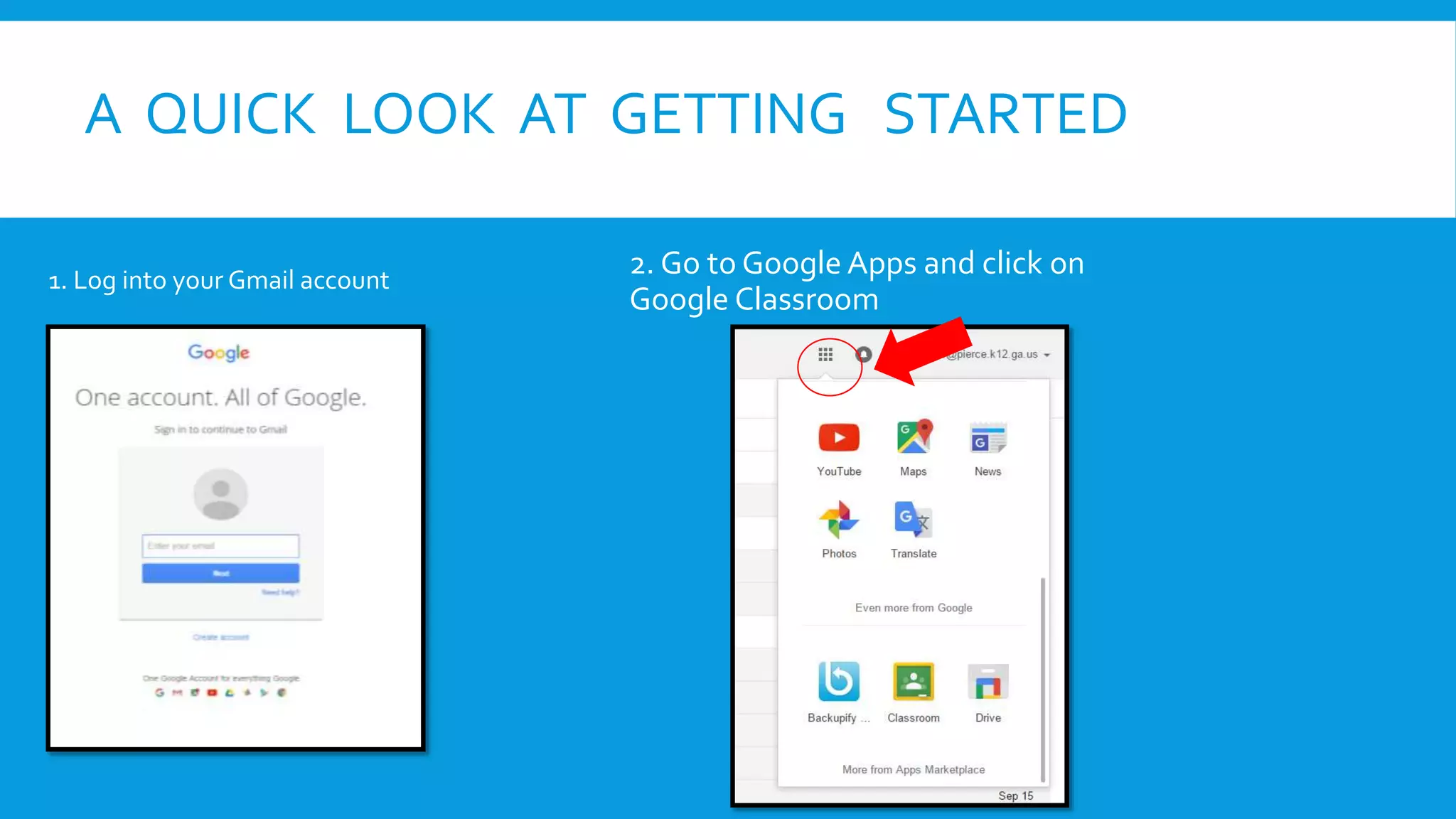
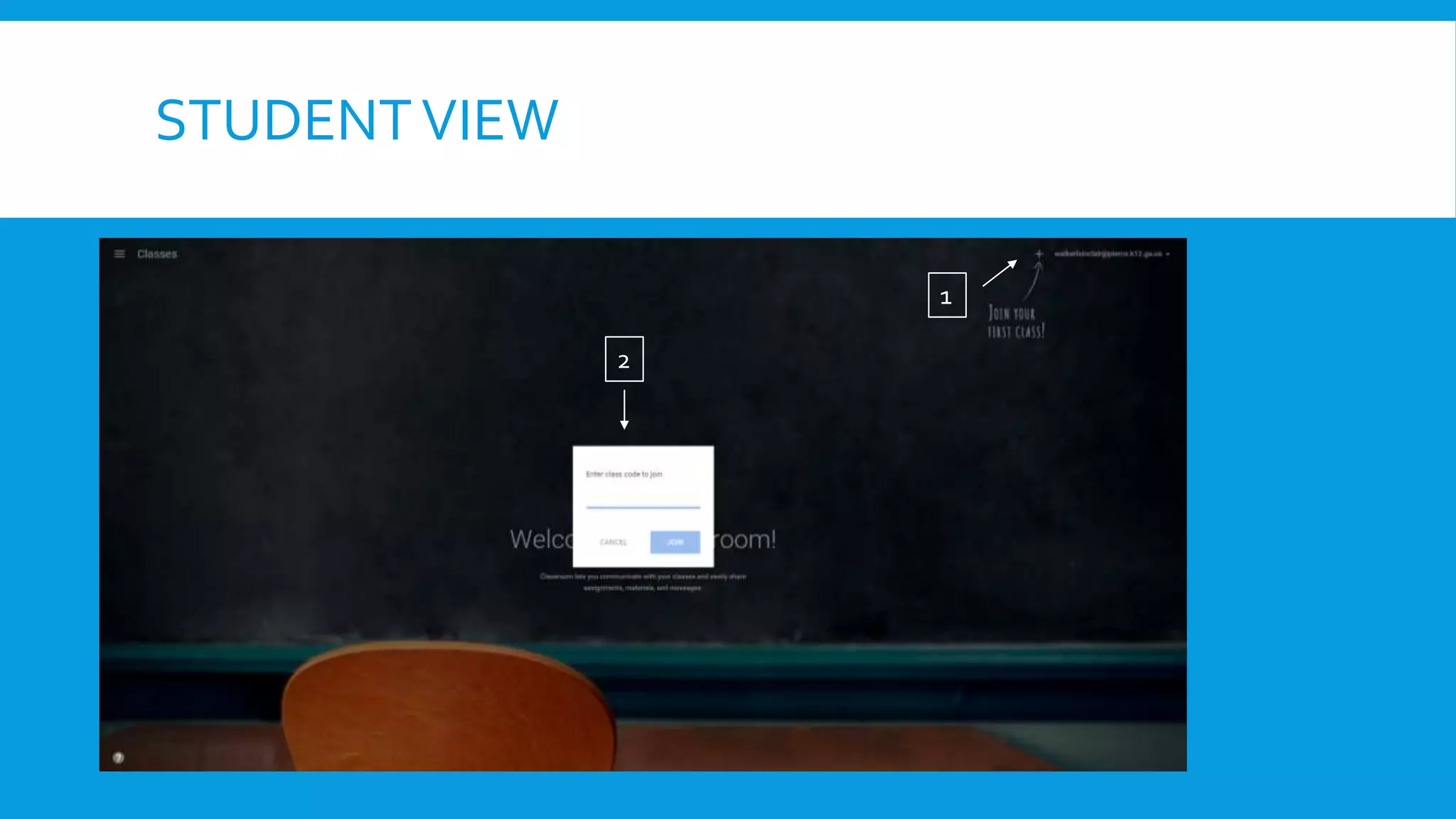
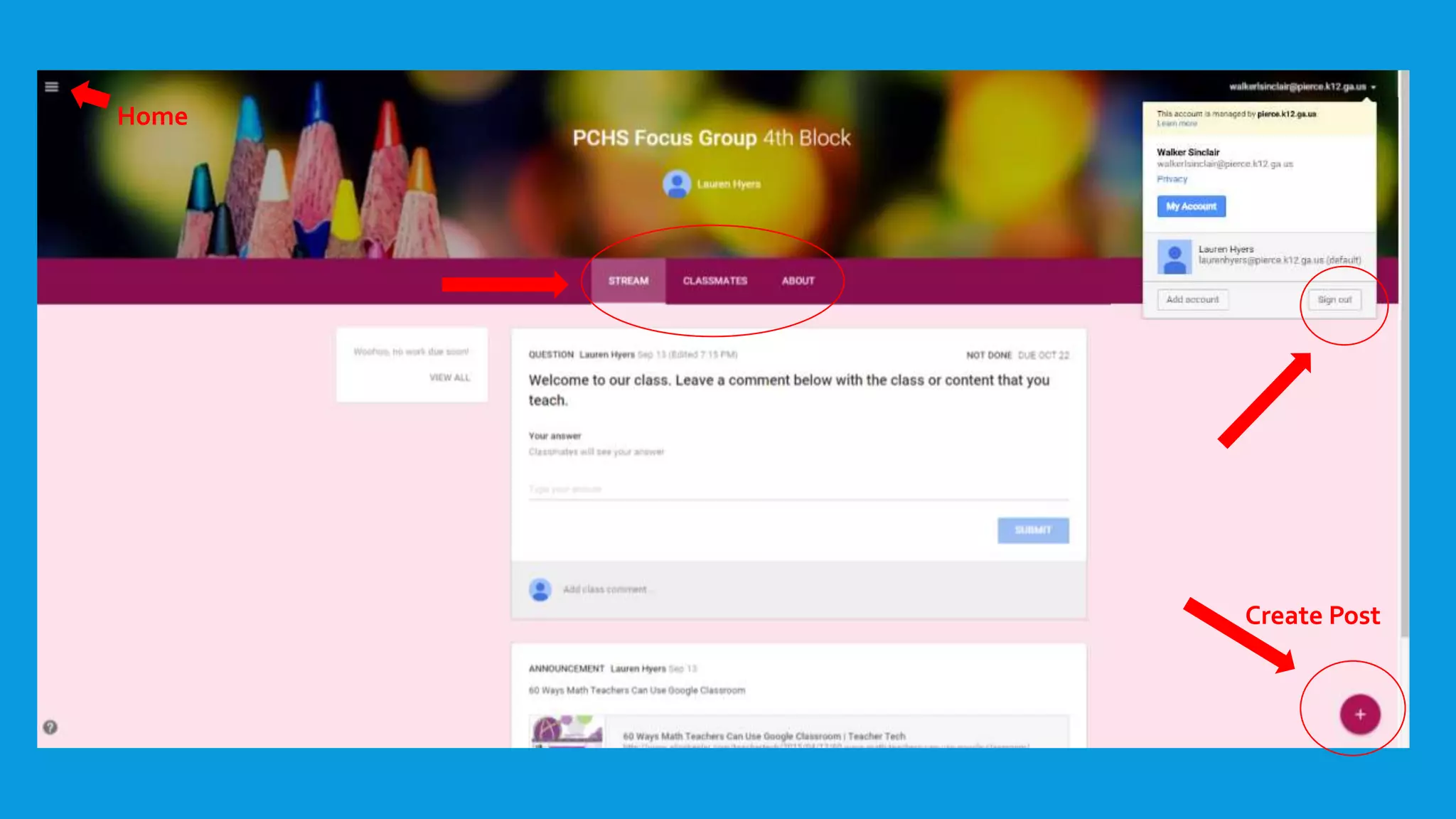
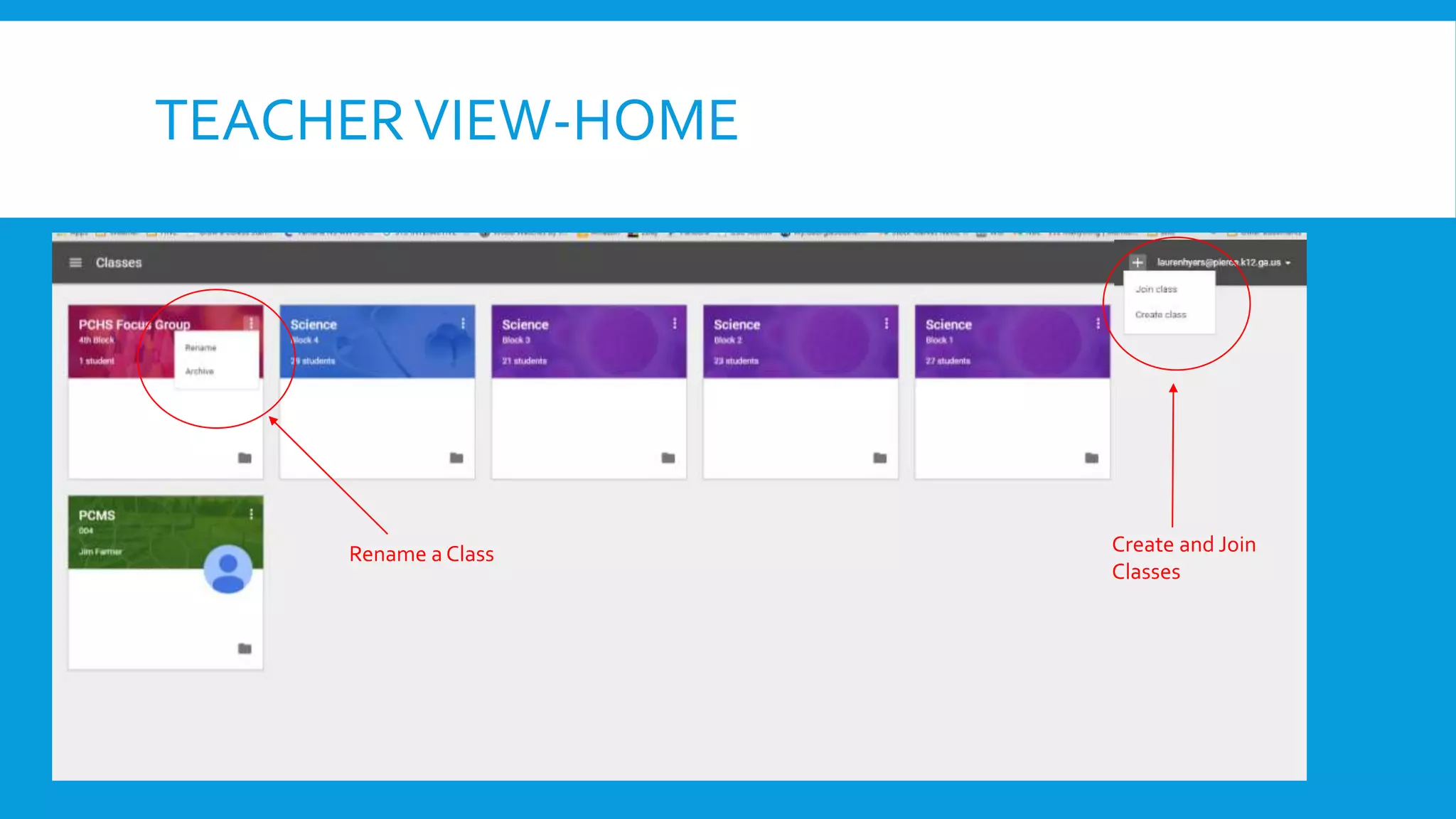
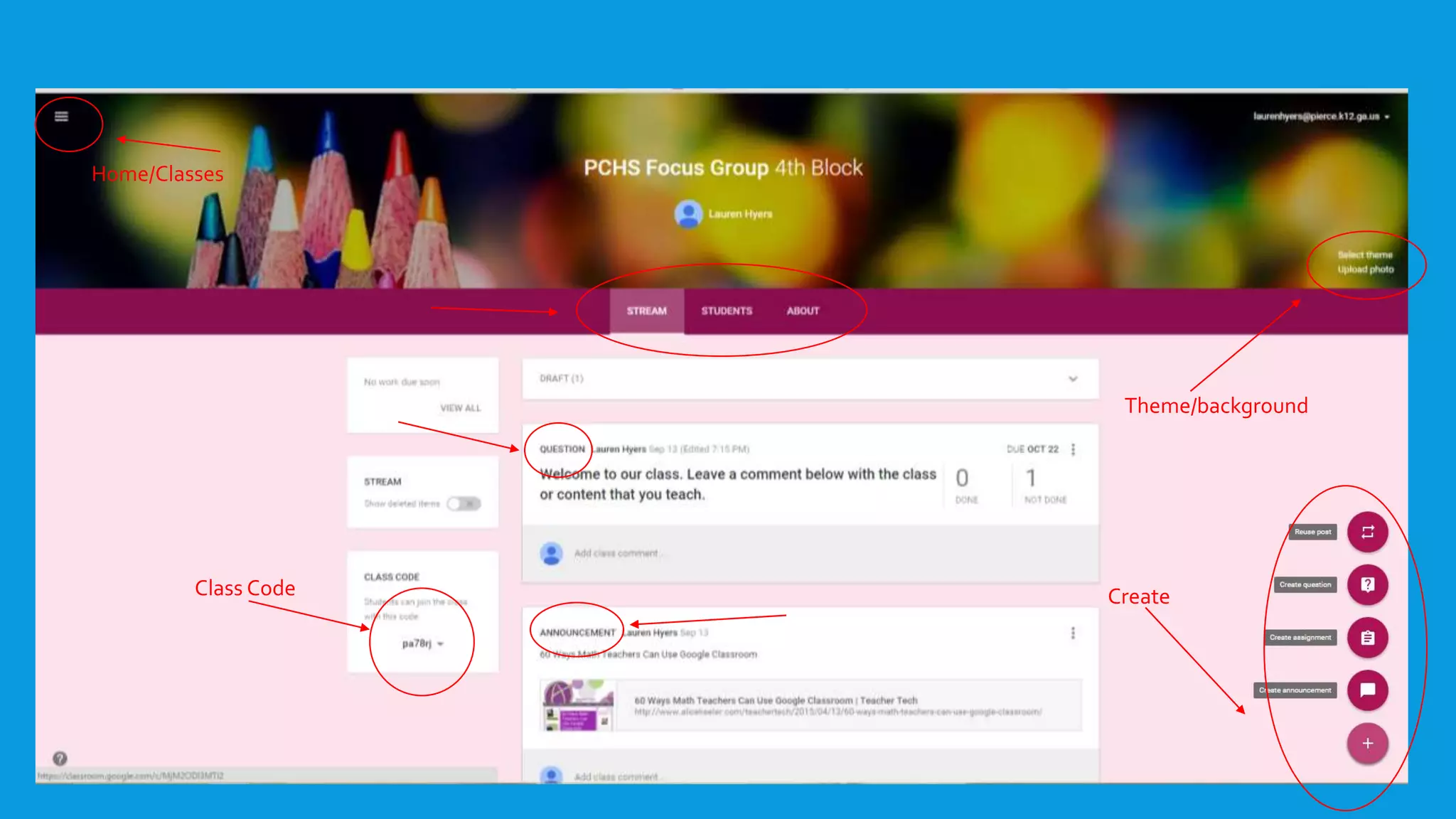
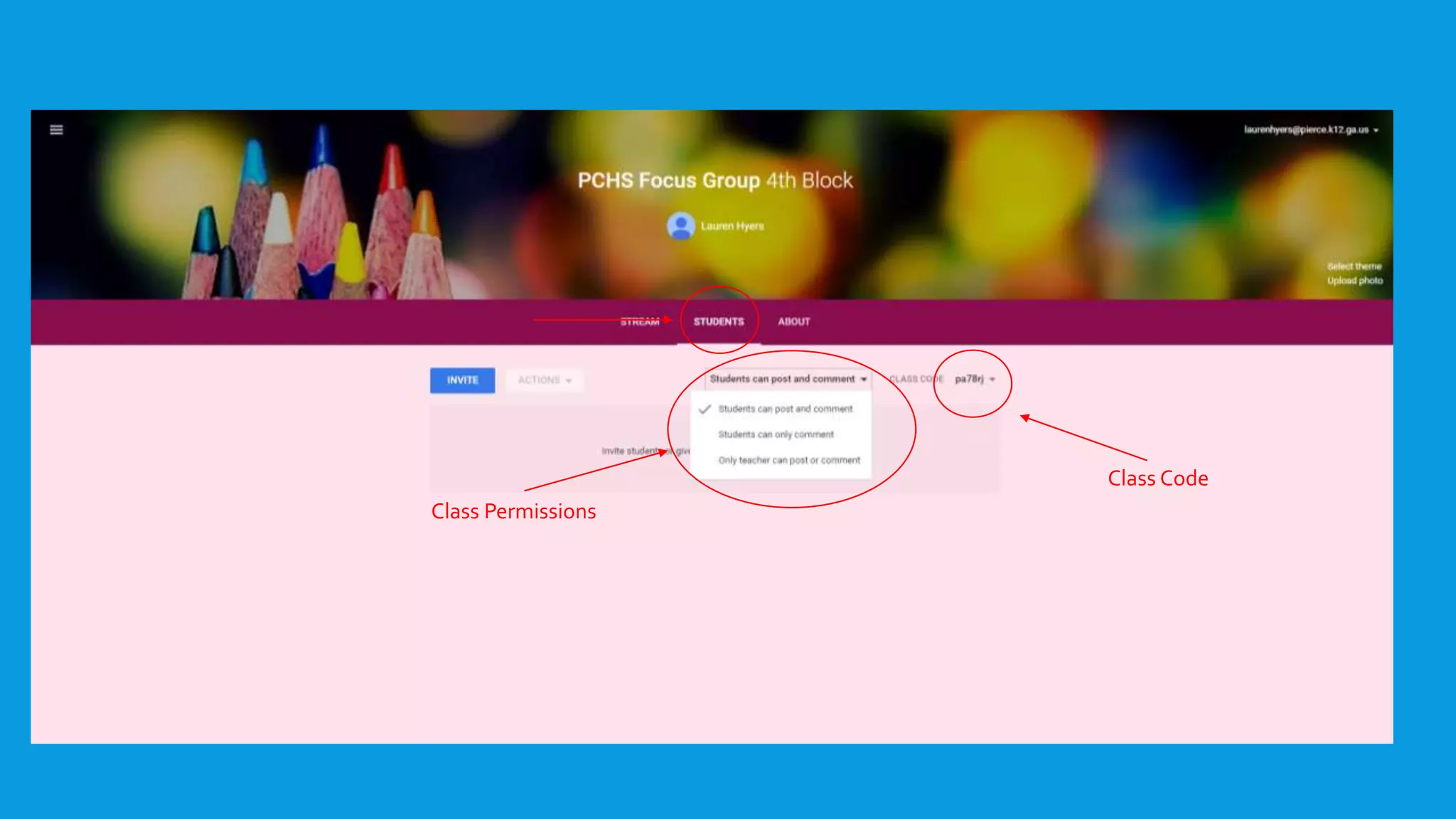
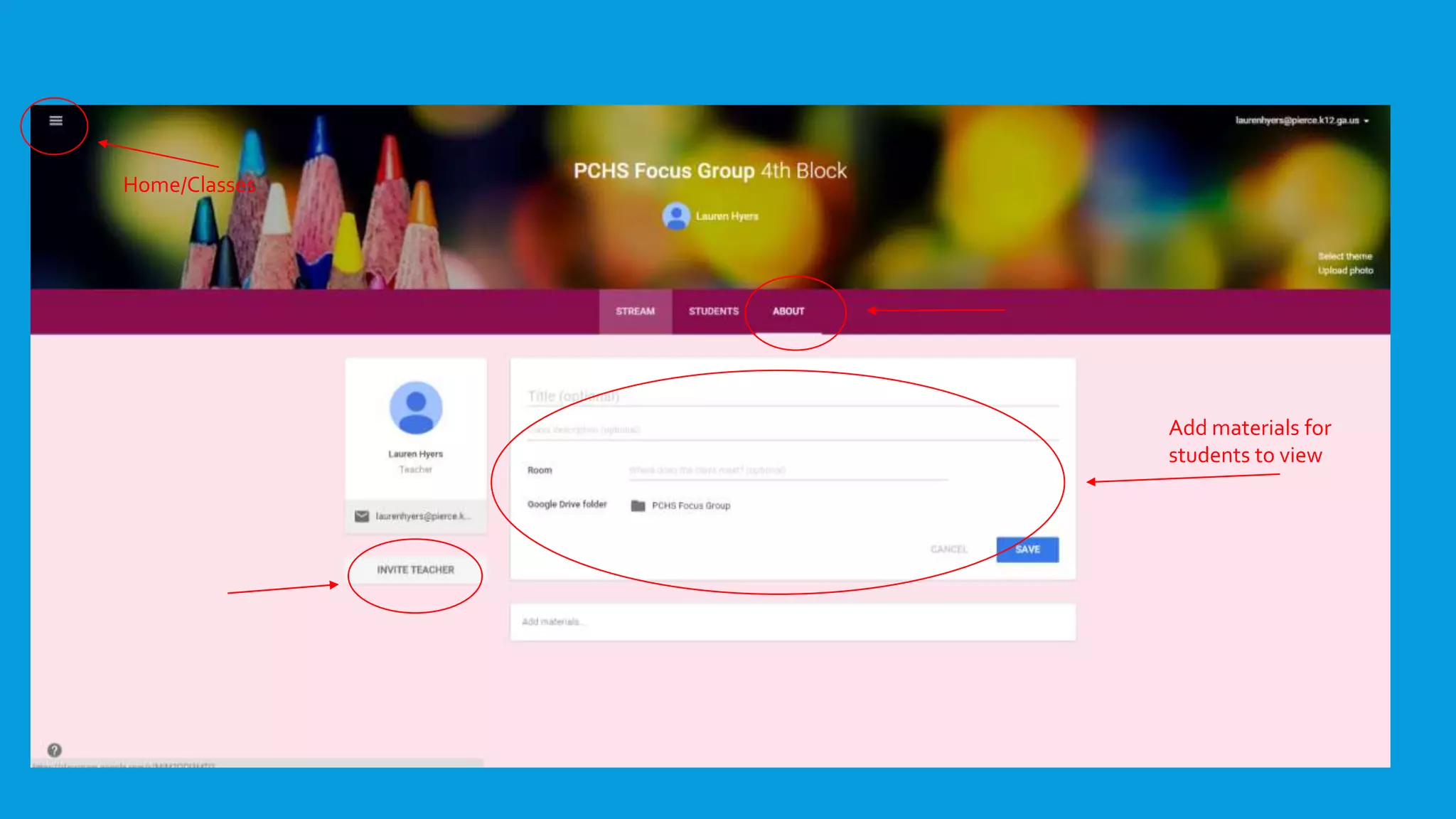
Google Classroom is a web-based service that allows teachers to easily create, share, and collect Google Documents, Presentations, and Spreadsheets for their classes. It integrates with Google Drive for file storage and automatically duplicates files for each student. For teachers, it provides a digital workflow and communication tools. For students, it allows joining classes, communicating digitally, and submitting assignments through their integration with Google Drive. Getting started involves logging into a Gmail account and accessing Google Classroom through Google Apps.