To submit assignments in Google Classroom:
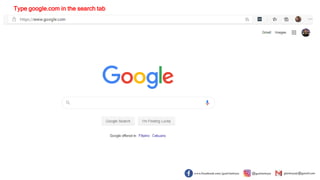
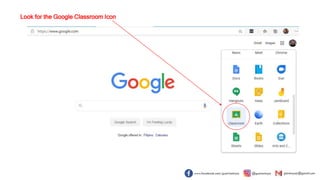
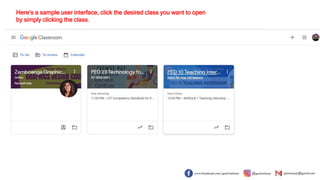
1. Go to google.com and find the Google Classroom icon to open the desired class.
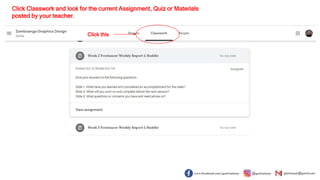
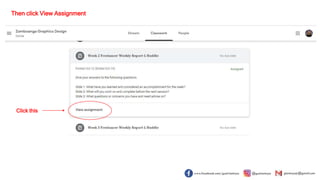
2. Click on "Classwork" to find the current assignment, then click "View Assignment" to be directed to the submission page.
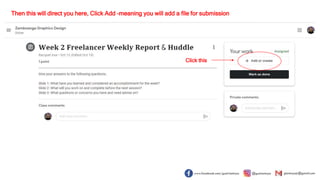
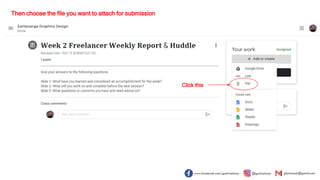
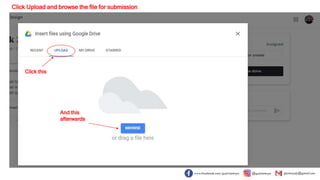
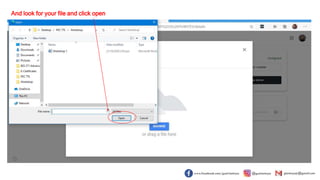
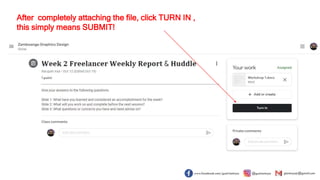
3. Click "Add" to choose a file from your computer to upload for submission, then click "Upload" and "Turn In" to submit your work.