Ready! Workflows
Question time
at the end
Submit your
questions
Nicola Paolucci
Developer Advocate / Git Evangelist
@durdndurdn.comI come out nice in pictures, I know :-).
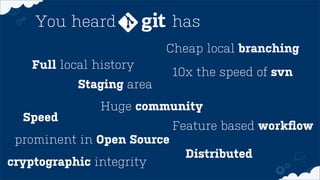
Cheap local branching
Full local history
Speed
Staging area
prominent in Open Source
Huge community
You heard has
Feature based workflow
10x the speed of svn
Distributed
cryptographic integrity
ground breaking paradigm
is ground breaking
Workflow building blocks
1
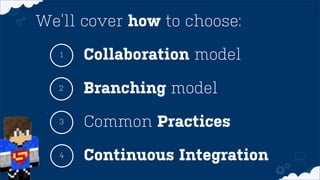
Common Practices
2
3
Collaboration model
We’ll cover how to choose:
Branching model
Continuous Integration4
Which collaboration model?1
Easy, right?
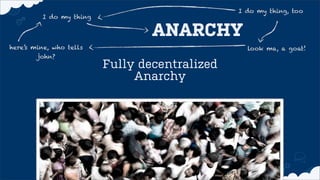
Fully decentralized
Anarchy
I do my thing
I do my thing, too
ANARCHY
here’s mine, who tells
john?
look ma, a goat!
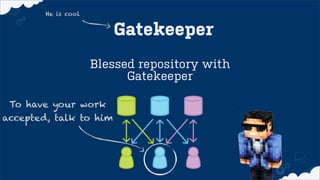
Blessed repository with
Gatekeeper
He is cool
Gatekeeper
To have your work
accepted, talk to him
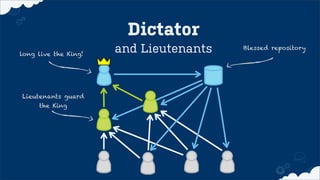
and Lieutenants
Dictator
long live the King!
Lieutenants guard
the King
Blessed repository
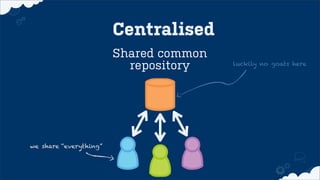
Shared common
repository
we share “everything”
luckily no goats here
Centralised
atlassian.com/git
More on Collaboration models
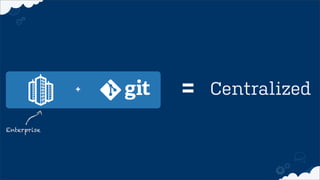
+ = Centralized
Enterprise
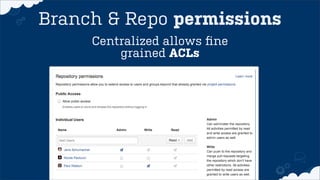
Centralized allows fine
grained ACLs
Branch & Repo permissions
Integration with your
Issue tracking and CI
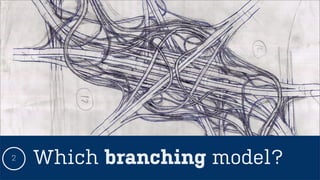
Which branching model?2
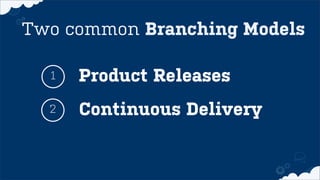
Product Releases1
Continuous Delivery2
Two common Branching Models
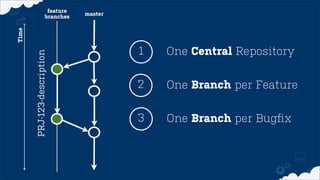
for Product Releases2.1
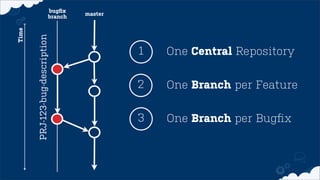
One Central Repository1
One Branch per Feature
One Branch per Bugfix
2
3
Time
master
feature
branches
PRJ-123-description
One Central Repository1
One Branch per Feature
One Branch per Bugfix
2
3
Time
master
bugfix
branch
PRJ-123-bug-description
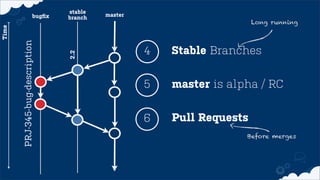
Stable Branches4
master is alpha / RC5
Pull Requests6
Before merges
Long running
Time
master
stable
branch
PRJ-345-bug-description
bugfix
2.2
2.2 for Continuous Delivery
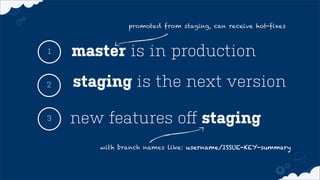
master is in production1
staging is the next version
new features off staging
2
3
with branch names like: username/ISSUE-KEY-summary
promoted from staging, can receive hot-fixes
Common Practices3
turbo boost!
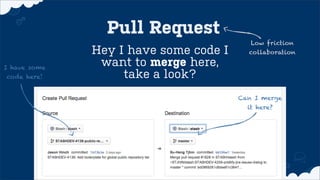
What is a Pull Request?
Hey I have some code I
want to merge here,
take a look?
Low friction
collaboration
Pull Request
I have some
code here!
Can I merge
it here?
Single Repository
vs
Remote Forks
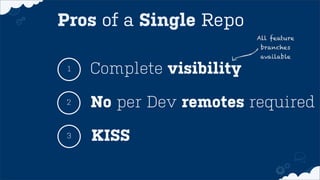
Complete visibility1
No per Dev remotes required
KISS
2
3
Pros of a Single Repo
All feature
branches
available
Forks
Are Great too BTW
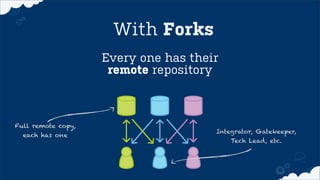
Every one has their
remote repository
With Forks
Full remote copy,
each has one
Integrator, Gatekeeper,
Tech Lead, etc.
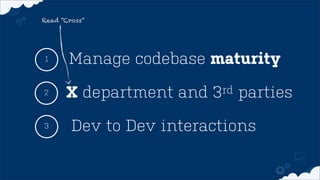
Manage codebase maturity1
X department and 3rd parties

Dev to Dev interactions
2
3
Read “Cross”
Continuous Integration4
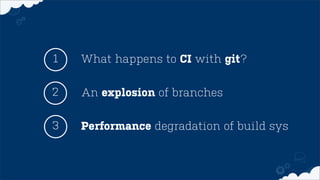
What happens to CI with git?1
An explosion of branches2
3 Performance degradation of build sys
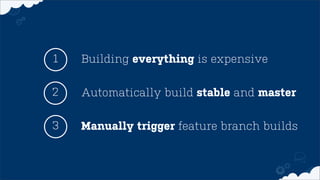
Building everything is expensive1
Automatically build stable and master2
3 Manually trigger feature branch builds
Less Friction and Automation5
Code Quality
via pre-commit hooks
Branch from green builds
Automatic merges for the win!
Time
master
stable
branch
PRJ-345-bug-description
bugfix
2.2
stable
branch
2.1
Automatic MERGES!
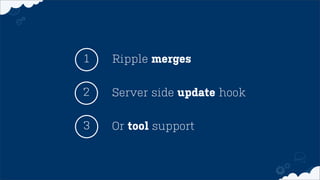
Ripple merges1
Server side update hook2
3 Or tool support
Read more at:
bitly.com/automatic-merges
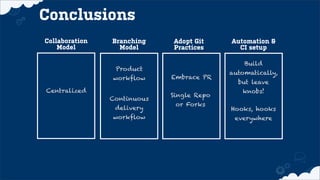
In Conclusion: the recipe
Branching
Model
Adopt Git
Practices
Automation &
CI setup
Conclusions
Product
workflow
Continuous
delivery
workflow
Embrace PR
Build
automatically,
but leave
knobs!
Single Repo
or Forks
Collaboration
Model
Centralized
Hooks, hooks
everywhere
Nicola Paolucci
THANKS YOU FOR YOUR ATTENTION
@durdndurdn.comShould I change the pic?
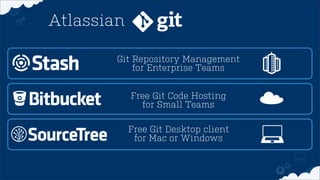
Git Repository Management
for Enterprise Teams
Free Git Code Hosting
for Small Teams
Free Git Desktop client
for Mac or Windows
Atlassian
Git Ready! Workflows

Git Ready! Workflows