



















GIT
MAYANK PATEL
APPLICATION ARCHITECT - OILDEX, A SERVICE OF TRANSZAP
/Linkedin @maxy_ermayank
What is Git?
Performance
Flexibility
Version control
Why Git?
Distributed Development
Faster Merge Cycle
Git for marketing
Git for product management
Git for designers
Git for customer support
Branching is Cheap
Git is the New Standard
Huge Community
Security
Encryption
Two factor authentication
Team permissions
Organization permissions
Fork permissions
LDAP/SAML/CAS
Audit - User actions
Audit - Git actions
Features
Code search
Pull requests
Inline editing
Markdown support
@mentions
Inline rendering of PDF les
Image diffs
Integration with plenty of tools
Tooling
Real Time Noti cation
History
Wiki
Social
Discussions
HipChat Integration
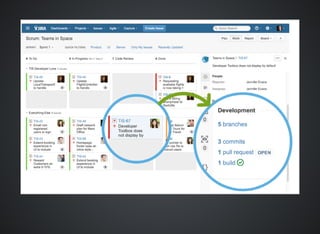
JIRA Integration
DEVELOPMENT INFO
Branch
Commit
Pull Request
Git & CI
Run builds from your feature branches
Git Work ows
Can we still x a bug for the Release?
How do we do Hot x for the current version?
Is the code for the Feature complete?
Has everyone reviewed the code for this feature?
Centralized
provides the closest match to common SVN
processes, so it's a good option to get started.
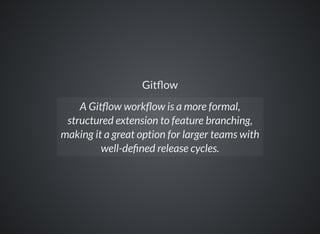
Git ow
A Git ow work ow is a more formal,
structured extension to feature branching,
making it a great option for larger teams with
well-de ned release cycles.
AdHoc
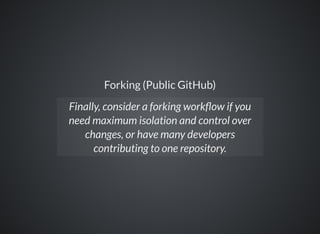
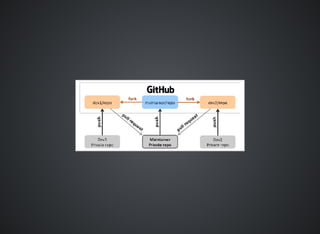
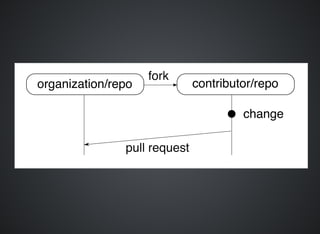
Forking (Public GitHub)
Finally, consider a forking work ow if you
need maximum isolation and control over
changes, or have many developers
contributing to one repository.
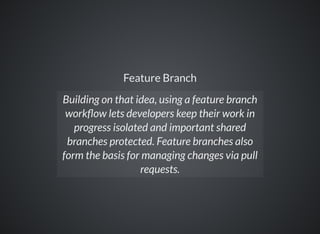
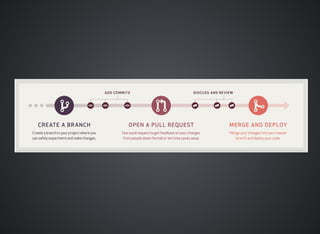
Feature Branch
Building on that idea, using a feature branch
work ow lets developers keep their work in
progress isolated and important shared
branches protected. Feature branches also
form the basis for managing changes via pull
requests.
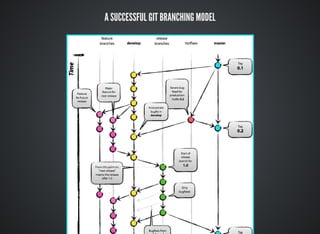
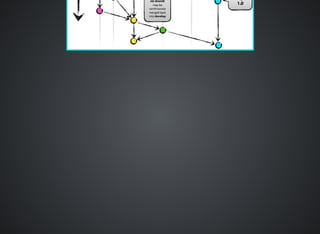
A SUCCESSFUL GIT BRANCHING MODEL
Generating and Add SSH Key
Let's get to Work now
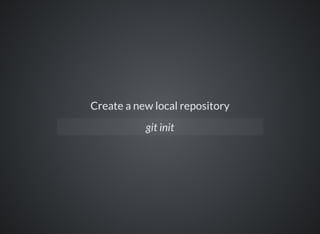
Create a new local repository
git init
Clone Repository
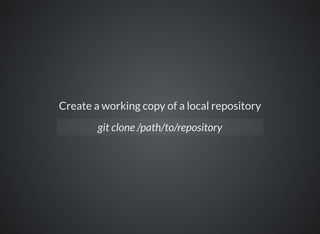
Create a working copy of a local repository
git clone /path/to/repository
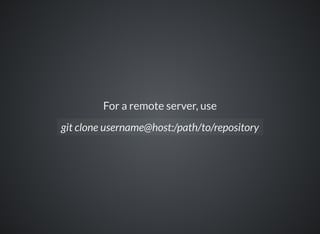
For a remote server, use
git clone username@host:/path/to/repository
Remote
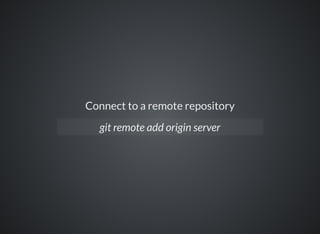
Connect to a remote repository
git remote add origin server
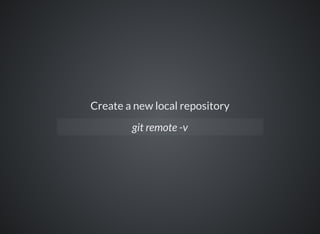
Create a new local repository
git remote -v
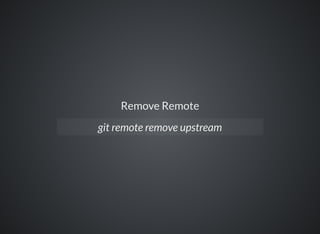
Remove Remote
git remote remove upstream
Staging Changes
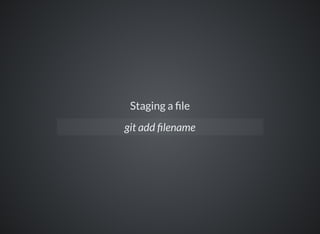
Staging a le
git add lename
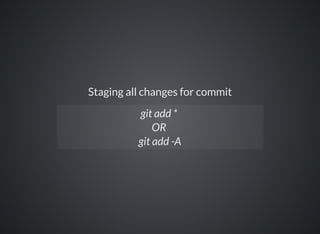
Staging all changes for commit
git add *
OR
git add -A
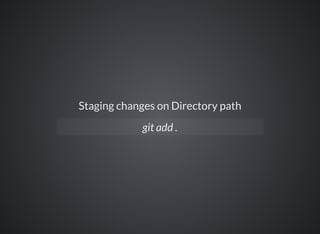
Staging changes on Directory path
git add .
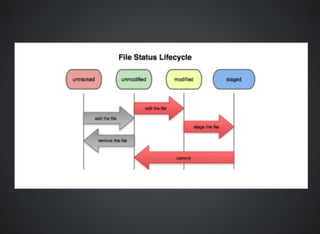
Commit
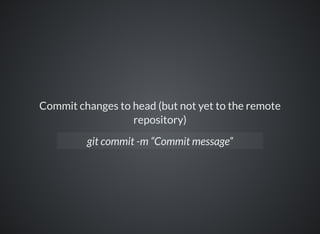
Commit changes to head (but not yet to the remote
repository)
git commit -m “Commit message”
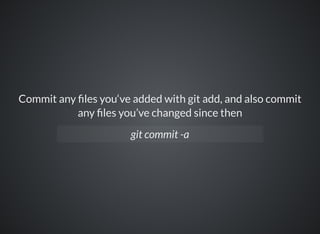
Commit any les you‘ve added with git add, and also commit
any les you’ve changed since then
git commit -a
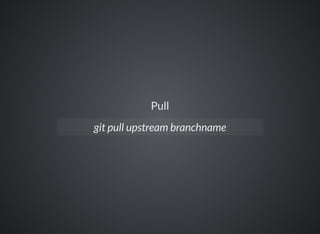
Pull
git pull upstream branchname
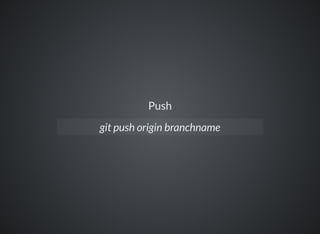
Push
git push origin branchname
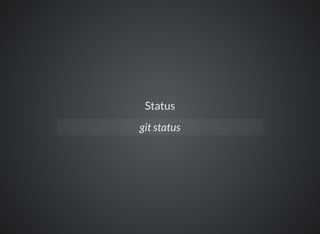
Status
git status
Branches
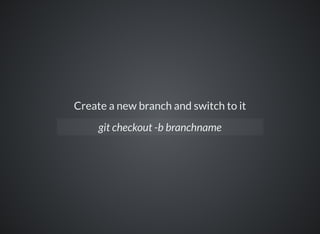
Create a new branch and switch to it
git checkout -b branchname
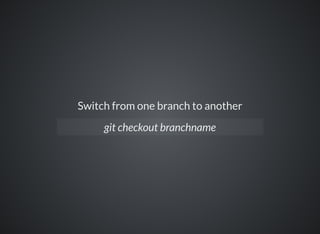
Switch from one branch to another
git checkout branchname
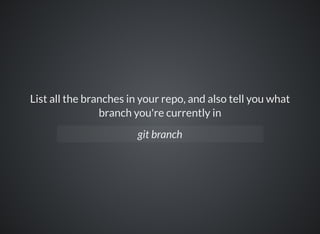
List all the branches in your repo, and also tell you what
branch you're currently in
git branch
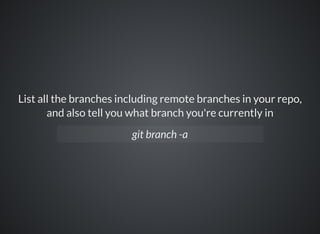
List all the branches including remote branches in your repo,
and also tell you what branch you're currently in
git branch -a
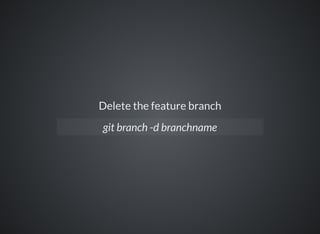
Delete the feature branch
git branch -d branchname
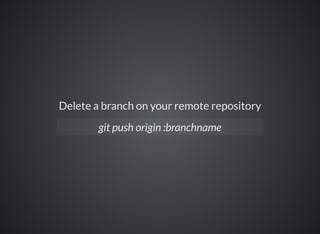
Delete a branch on your remote repository
git push origin :branchname
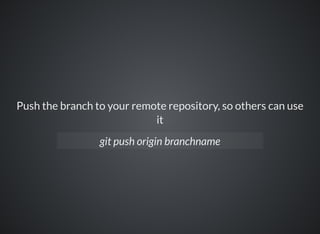
Push the branch to your remote repository, so others can use
it
git push origin branchname
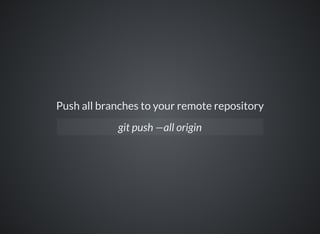
Push all branches to your remote repository
git push —all origin
Update from the remote repository
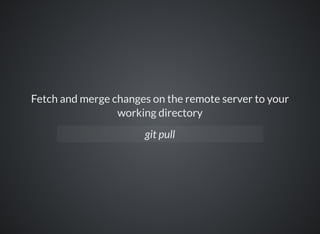
Fetch and merge changes on the remote server to your
working directory
git pull
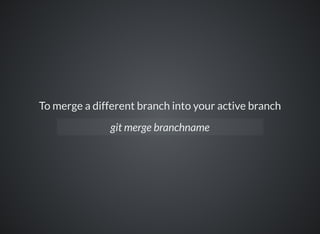
To merge a different branch into your active branch
git merge branchname
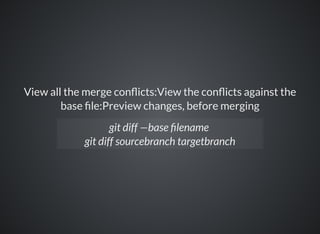
View all the merge con icts:View the con icts against the
base le:Preview changes, before merging
git diff —base lename
git diff sourcebranch targetbranch
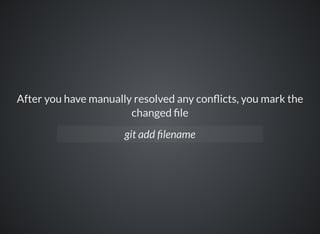
After you have manually resolved any con icts, you mark the
changed le
git add lename
Tags
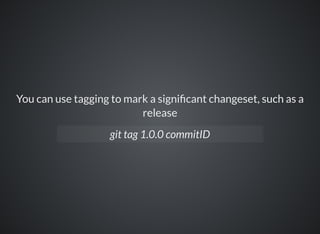
You can use tagging to mark a signi cant changeset, such as a
release
git tag 1.0.0 commitID
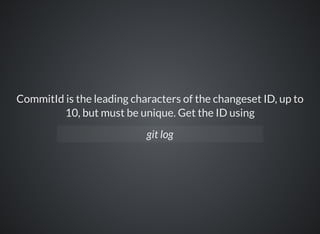
CommitId is the leading characters of the changeset ID, up to
10, but must be unique. Get the ID using
git log
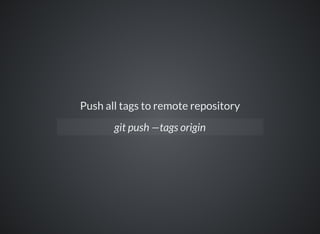
Push all tags to remote repository
git push —tags origin
Undo local changes
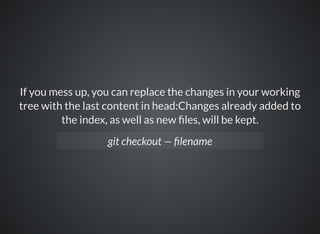
If you mess up, you can replace the changes in your working
tree with the last content in head:Changes already added to
the index, as well as new les, will be kept.
git checkout — lename
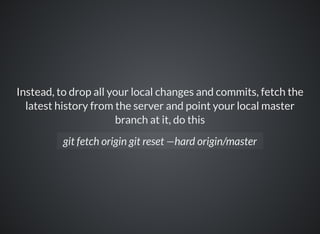
Instead, to drop all your local changes and commits, fetch the
latest history from the server and point your local master
branch at it, do this
git fetch origin git reset —hard origin/master
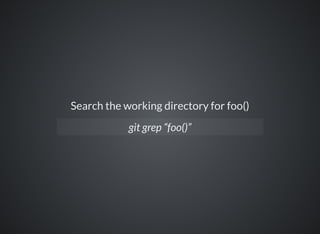
Search the working directory for foo()
git grep “foo()”
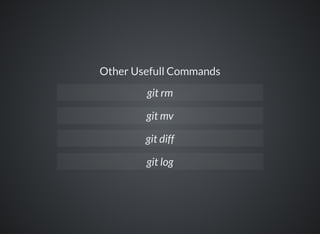
Other Usefull Commands
git rm
git mv
git diff
git log
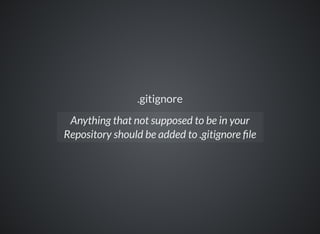
.gitignore
Anything that not supposed to be in your
Repository should be added to .gitignore le
Glossary
Version Control
Repository
Fork
Full copy of main repo under your user space
Clone
Copy of Repo
Branch
Master
Release Candidates / Production ready code
Develop
Continuos Integration Branch (Unit Test,
Integration tests)
Pull Requests (To contribute your changes)
Merge
Tag
Working Tree
HEAD
Hook
Code Review
Maintainer
Reviewer
Contribute
Collaborator
Upstream
Work ow for us
Create Repository
Create Develop branch
Set Develop as default branch
Add Collaborator
Fork
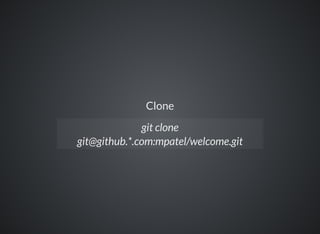
Clone
git clone
git@github.*.com:mpatel/welcome.git
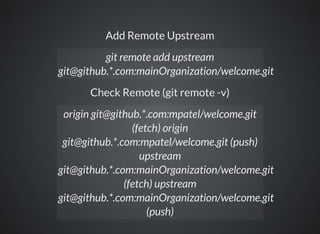
Add Remote Upstream
Check Remote (git remote -v)
git remote add upstream
git@github.*.com:mainOrganization/welcome.git
origin git@github.*.com:mpatel/welcome.git
(fetch) origin
git@github.*.com:mpatel/welcome.git (push)
upstream
git@github.*.com:mainOrganization/welcome.git
(fetch) upstream
git@github.*.com:mainOrganization/welcome.git
(push)
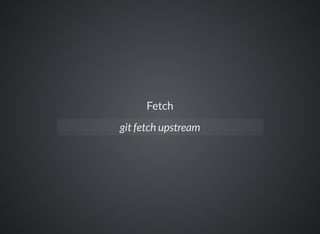
Fetch
git fetch upstream
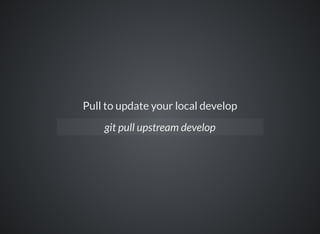
Pull to update your local develop
git pull upstream develop
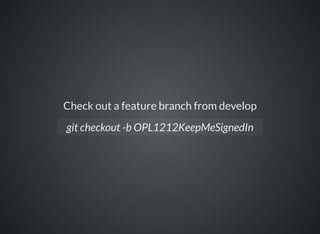
Check out a feature branch from develop
git checkout -b OPL1212KeepMeSignedIn
Do work in your feature branch, committing
early and more often
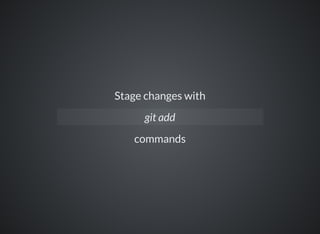
Stage changes with
commands
git add
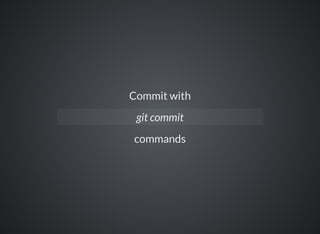
Commit with
commands
git commit
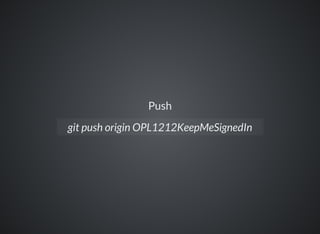
Push
git push origin OPL1212KeepMeSignedIn
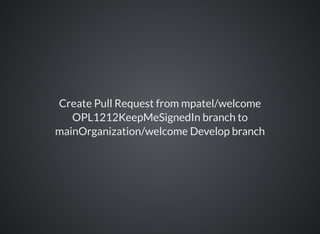
Create Pull Request from mpatel/welcome
OPL1212KeepMeSignedIn branch to
mainOrganization/welcome Develop branch
Review
Merge frequently to incorporate upstream
changes
Interactive merge
Merge your changes with Develop
Push your changes to the Upstream
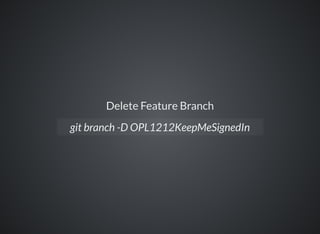
Delete Feature Branch
git branch -D OPL1212KeepMeSignedIn
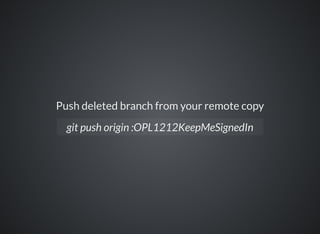
Push deleted branch from your remote copy
git push origin :OPL1212KeepMeSignedIn
Branching and Release Strategy
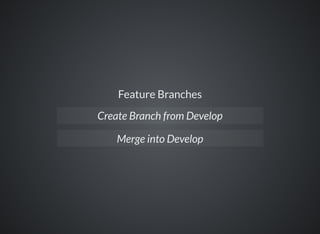
Feature Branches
Create Branch from Develop
Merge into Develop
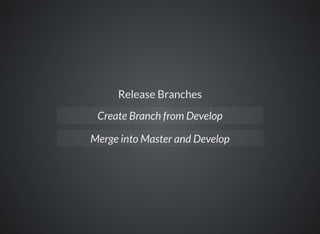
Release Branches
Create Branch from Develop
Merge into Master and Develop
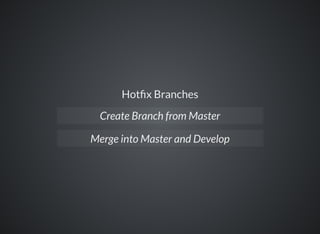
Hot x Branches
Create Branch from Master
Merge into Master and Develop
BEST PRACTICES
Use a descriptive commit message
Link Commits to Issues (Feature, Bug, Task)
Make each commit a logical unit
Incorporate others' changes frequently
Share your changes frequently
Don't commit generated les
RESOURCES
Pro Git
Try Git right in your web browser
Smart Commit commands
Online Training
Markdown Cheatsheet
GitHub Enterprise Resources
A successful Git branching model
GitHub Help
Git-SCM
Thank You!!!

Git