The Creative Blend

Megan Torrance
TorranceLearning
ASTD TechKnowledge 2013
Session FR201
Gary’s Challenges
 Upgrade expensive, one-
 shot live training events

 Strengthen transfer to
 on-the-job application

 Build manager engagement

 Reach global audience
Susan’s Challenges

 Inconvenient live events
 required a critical mass
 to hold

 Content not localized

 Little support for in-the-
 moment need
Kevin’s Challenges

 Reach an impatient
 audience

 … with extremely high
 expectations

 … but with inadequate
 budget for the task
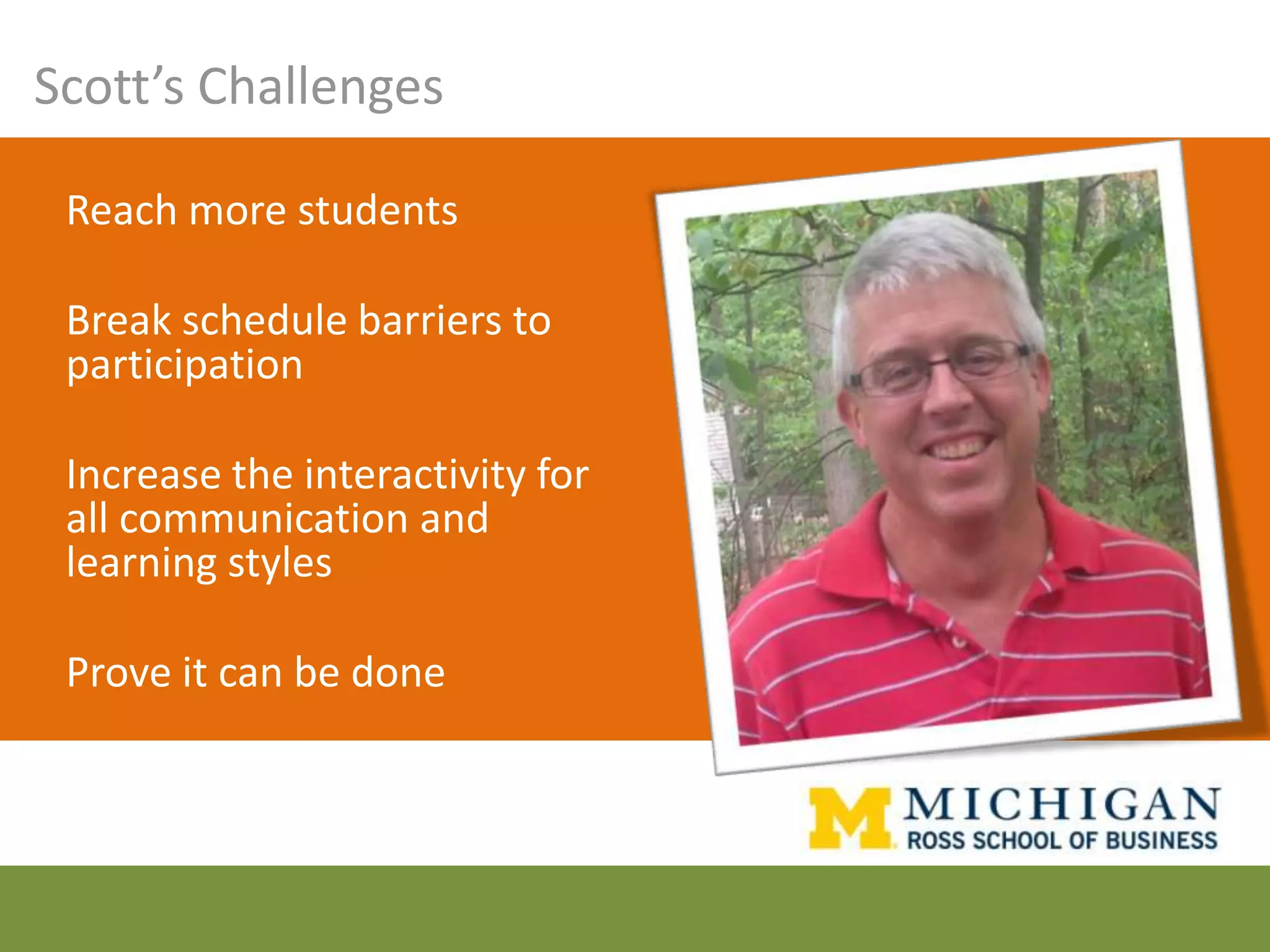
Scott’s Challenges

 Reach more students

 Break schedule barriers to
 participation

 Increase the interactivity for
 all communication and
 learning styles

 Prove it can be done
Your objective


 Select and blend
 appropriate learning media
 from a wide variety of
 options to enhance the
 engagement, retention, and
 application of learning
 to the job.
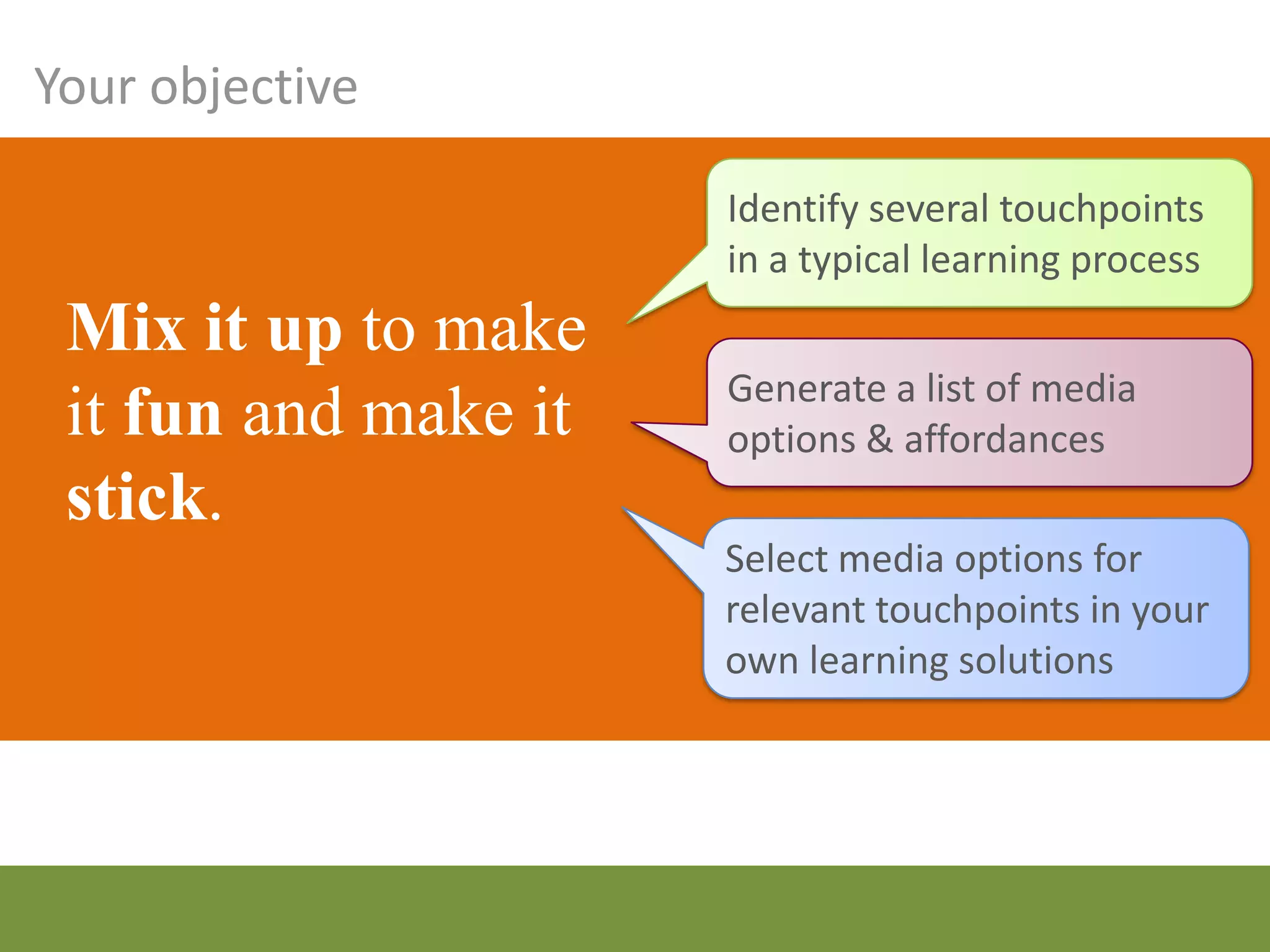
Your objective

                   Identify several touchpoints
                   in a typical learning process
 Mix it up to
 make it fun and   Generate a list of media
                   options & affordances
 make it stick.
                   Select media options for
                   relevant touchpoints in your
                   own learning solutions
What is blended learning anyway?


    “…using the best delivery
    methodology(ies) available for a specific
    objective, including online, classroom-
    based instruction, electronic performance
    support, paper-based, and formalized or
    informal on-the-job solutions.”
                         Jennifer Hofmann, 2011


                        “Top 10 Challenges of Blended Learning” by Jennifer Hofmann. Training
                                                                      Magazine, March 2011.
Why bother?

Arrive in class better prepared
             Write more effective and longer papers
 Earn higher scores on exams            Engage in deeper
                                        and more
    Create higher quality projects      meaningful
                                        discussions of
Demonstrate a better understanding
                                        course content
and deeper exploration of concepts

           Succeed at an equal or higher rate
            than students in traditional courses


                                               http://blended.online.ucf.edu/
Identify the
touchpoints
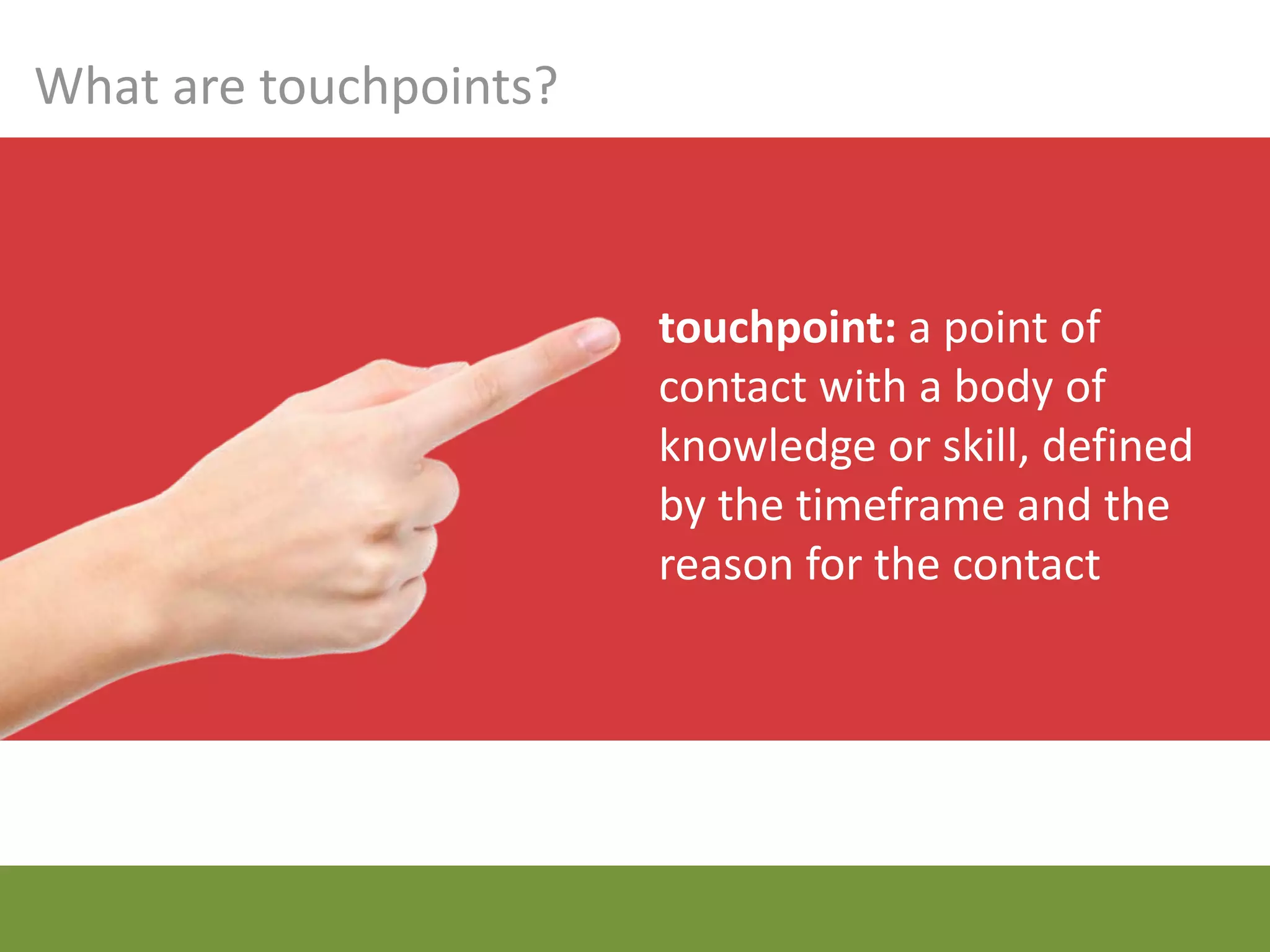
What are touchpoints?


                        touchpoint: a point of
                        contact with a body of
                        knowledge or skill, defined
                        by the timeframe and the
                        reason for the contact
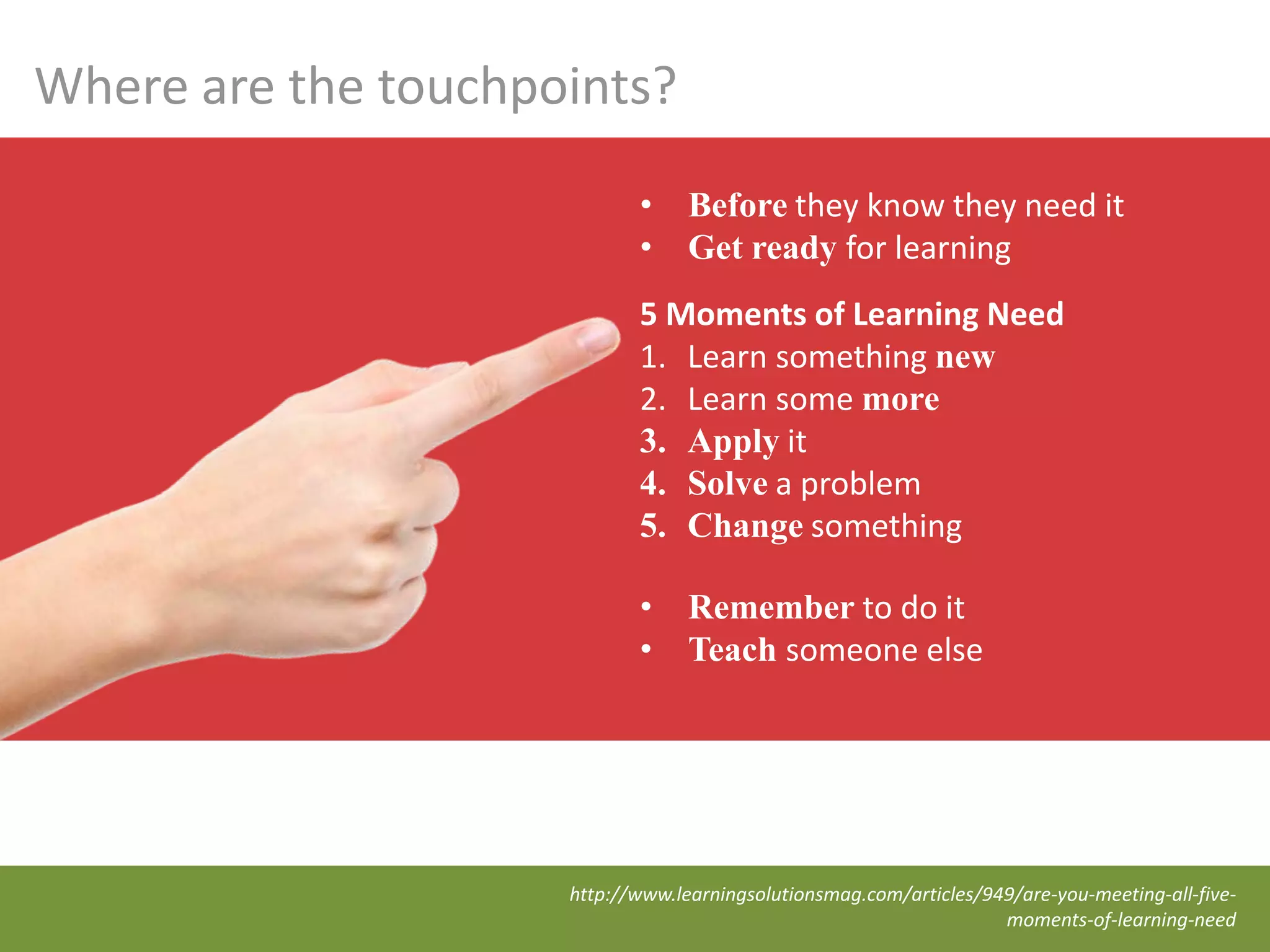
Where are the touchpoints?
                            •     Before they know they need it
                            •     Get ready for learning
                            5 Moments of Learning Need
                            1. Learn something new
                            2. Learn some more
                            3. Apply it
                            4. Solve a problem
                            5. Change something

                            •     Remember to do it
                            •     Teach someone else


                     http://www.learningsolutionsmag.com/articles/949/are-you-meeting-all-five-
                                                                    moments-of-learning-need
The media
   mix
Video
trailer
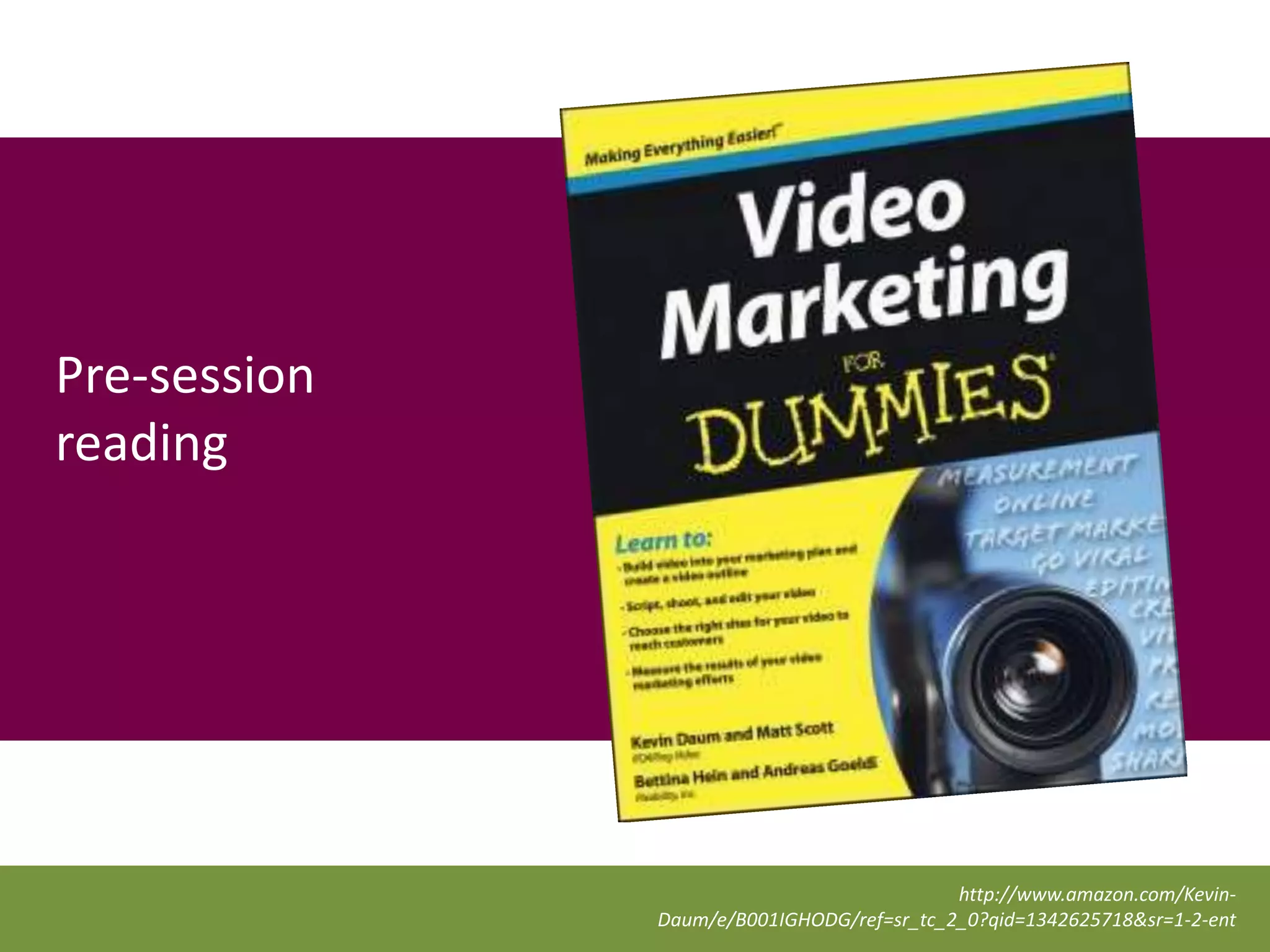
Pre-session
reading


                                           http://www.amazon.com/Kevin-
              Daum/e/B001IGHODG/ref=sr_tc_2_0?qid=1342625718&sr=1-2-ent
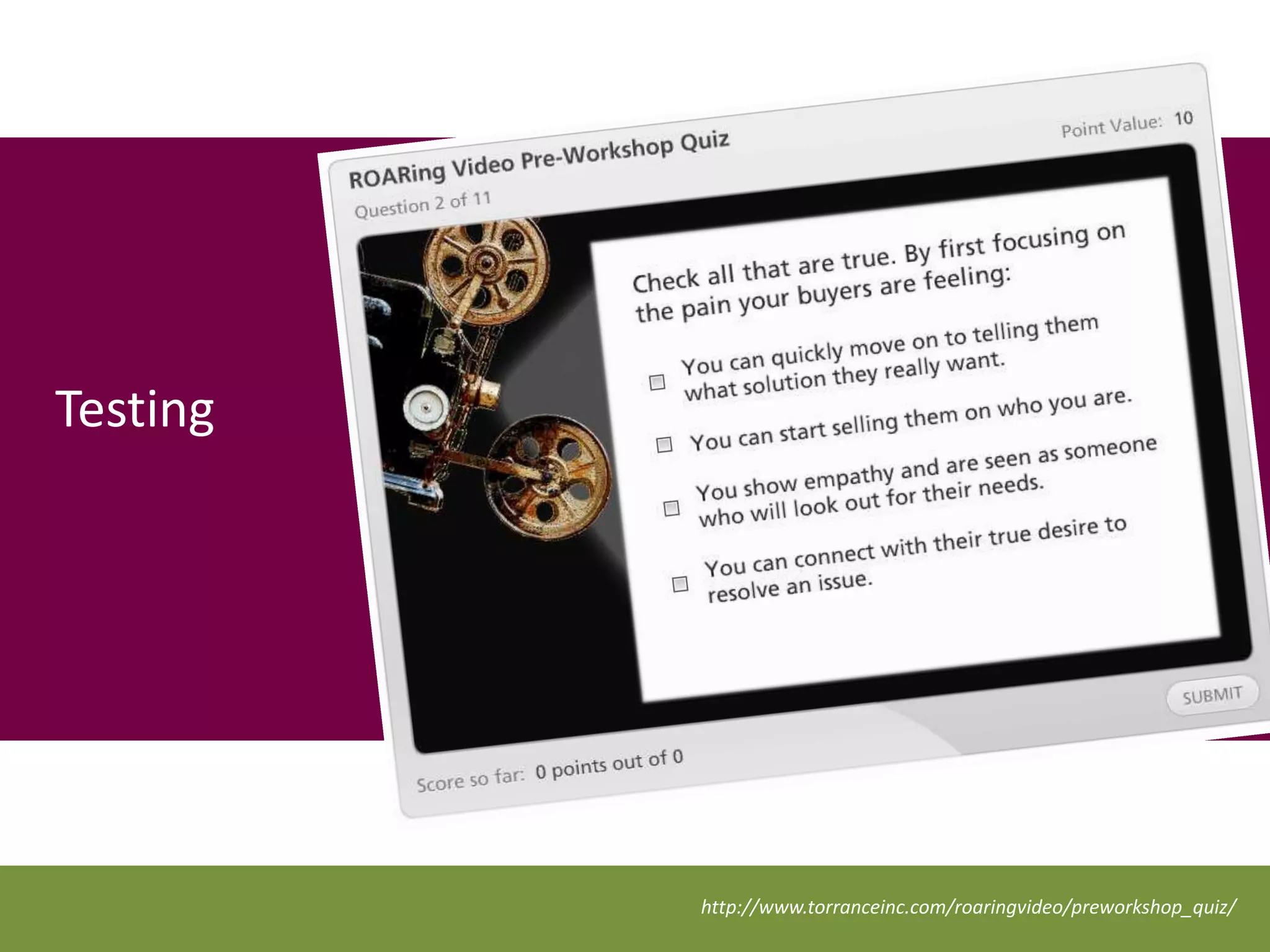
Testing


          http://www.torranceinc.com/roaringvideo/preworkshop_quiz/
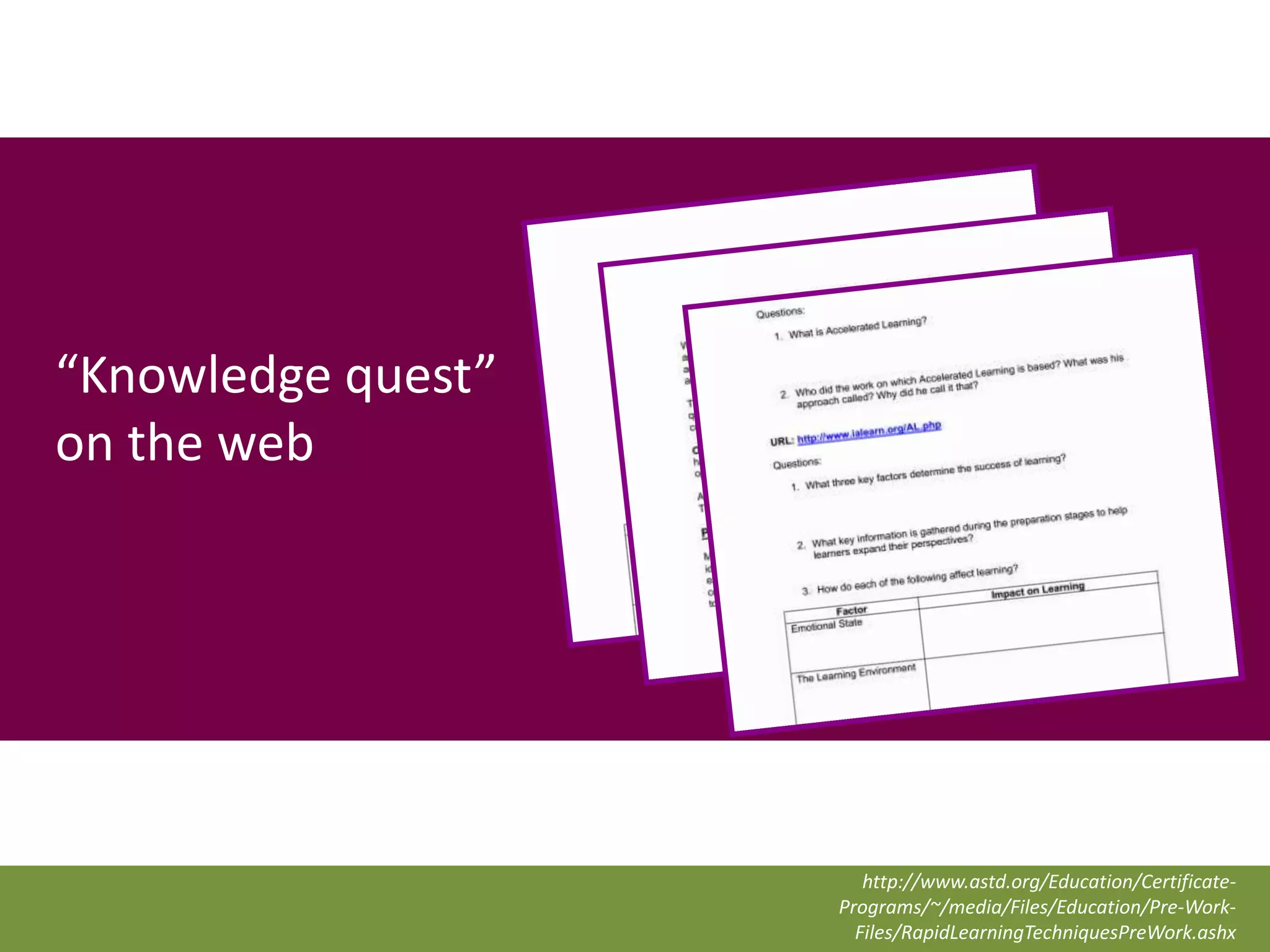
“Knowledge quest”
on the web


                       http://www.astd.org/Education/Certificate-
                    Programs/~/media/Files/Education/Pre-Work-
                      Files/RapidLearningTechniquesPreWork.ashx
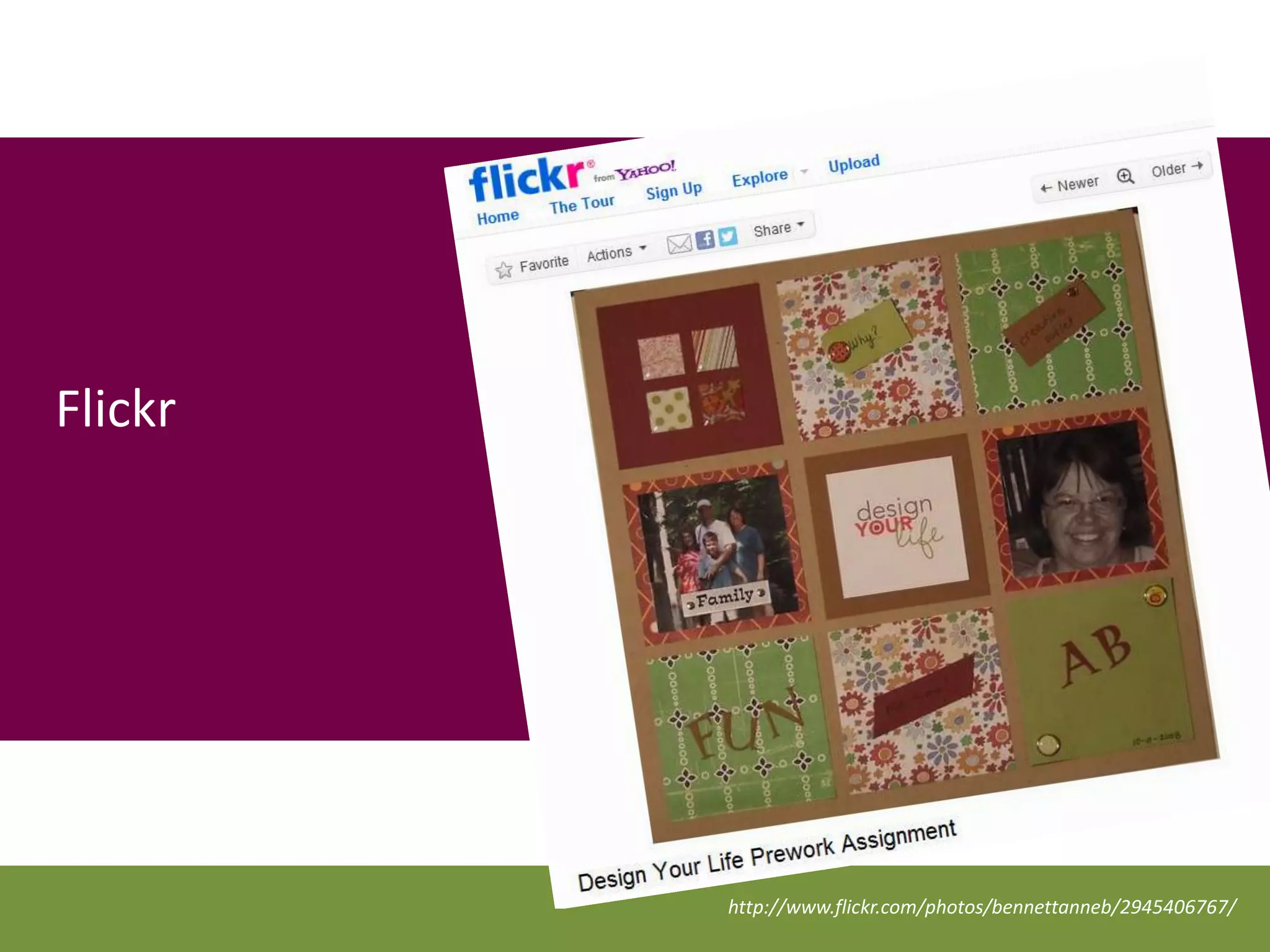
Flickr


         http://www.flickr.com/photos/bennettanneb/2945406767/
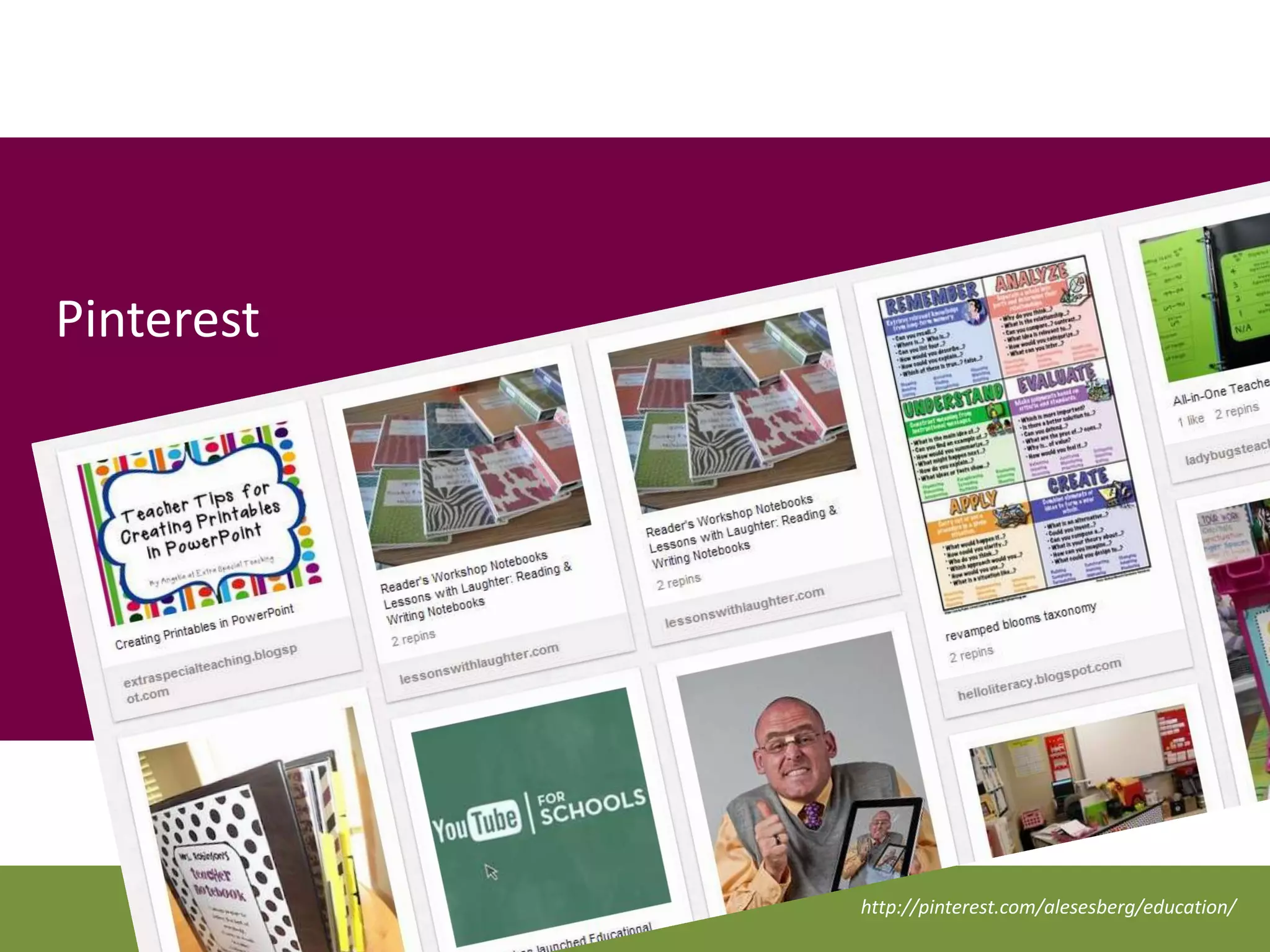
Pinterest


            http://pinterest.com/alesesberg/education/
Postwire
Podcasts


           ThinkStock99820785
Text &
Tweet


         ThinkStock122578699
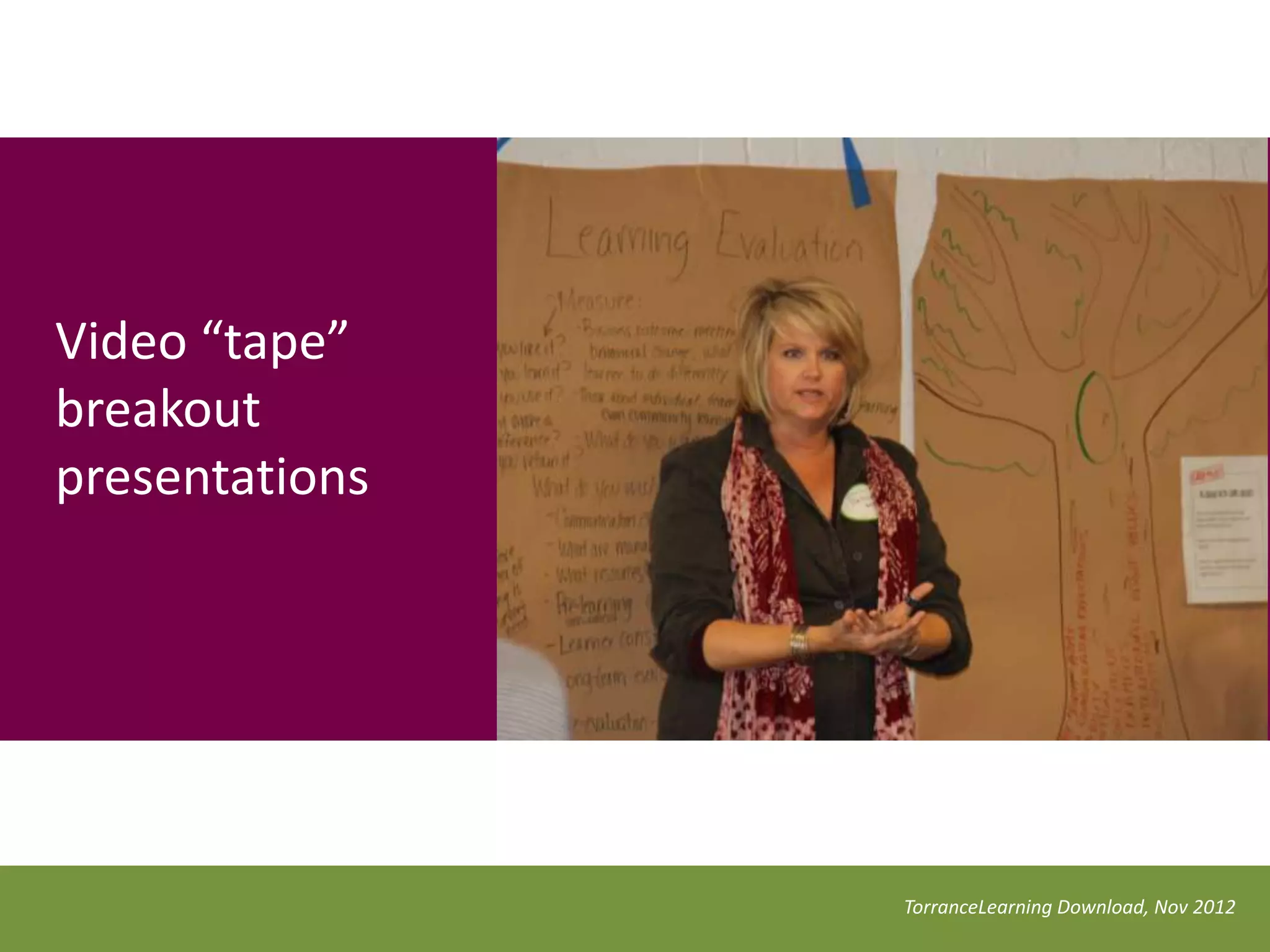
Video breakout
presentations


                 TorranceLearning Download, Nov 2012
Search
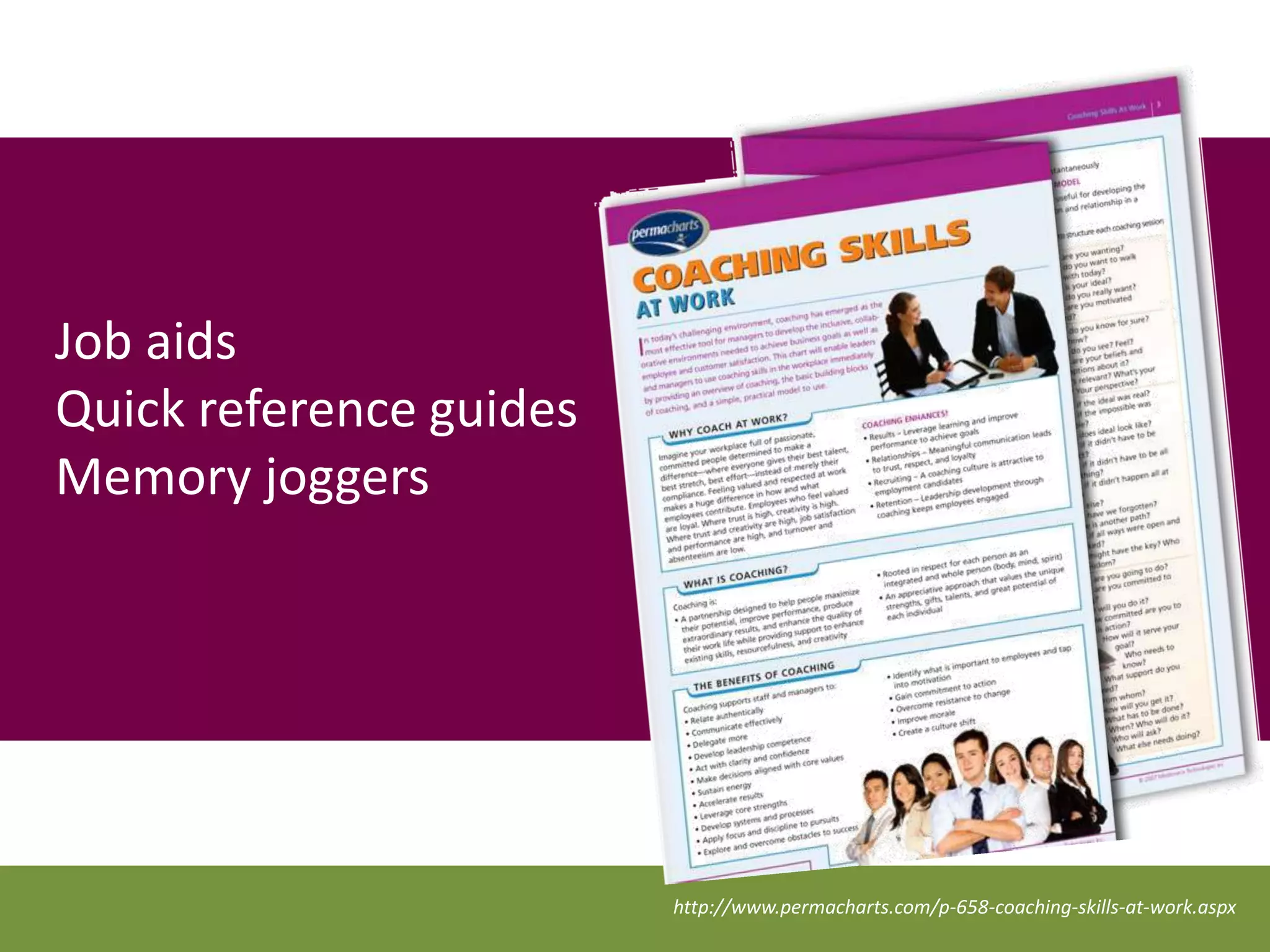
Job aids
Quick reference guides
Memory joggers


                         http://www.permacharts.com/p-658-coaching-skills-at-work.aspx
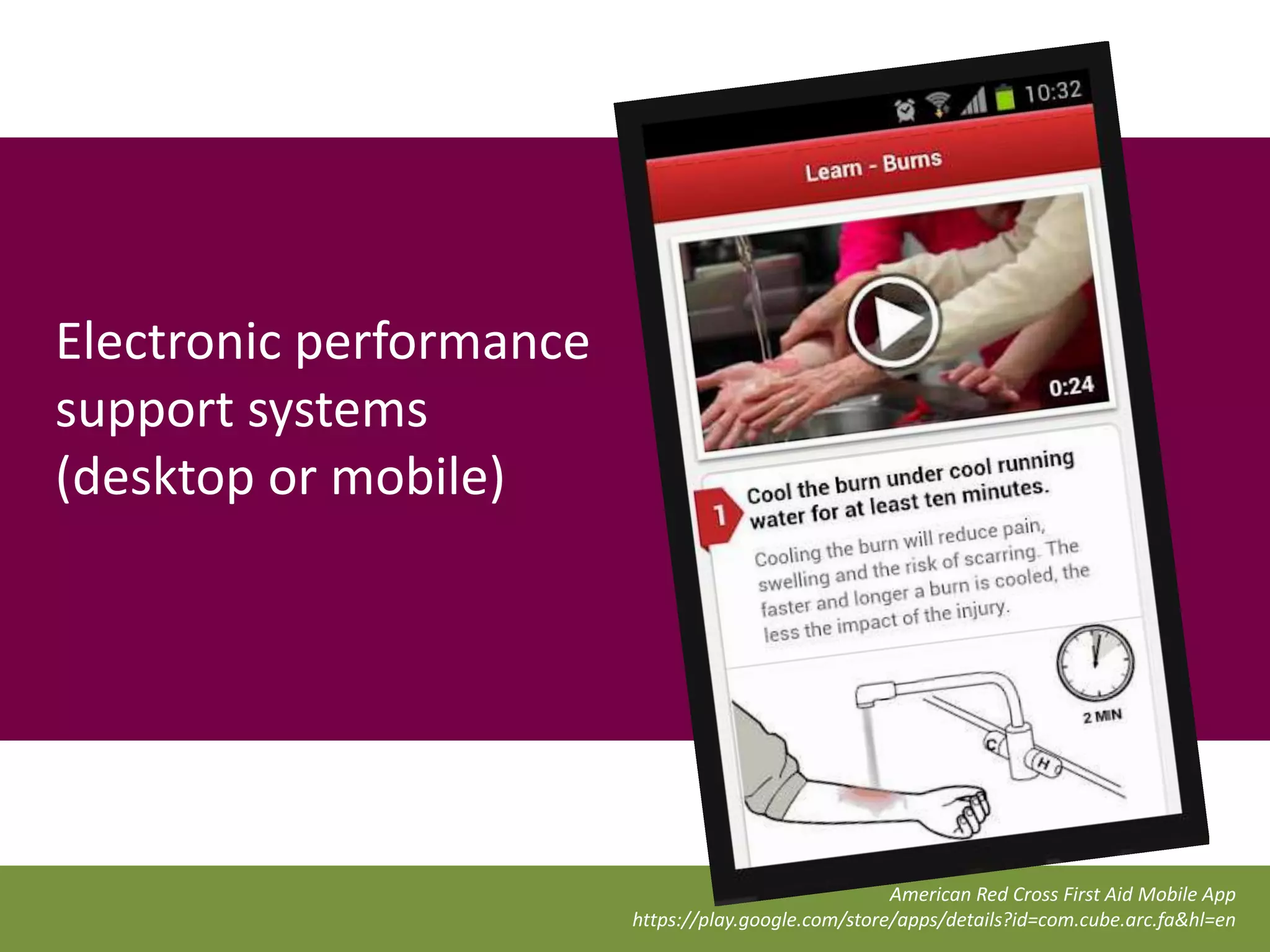
Electronic performance
support systems
(desktop or mobile)


                                                      American Red Cross First Aid Mobile App
                         https://play.google.com/store/apps/details?id=com.cube.arc.fa&hl=en
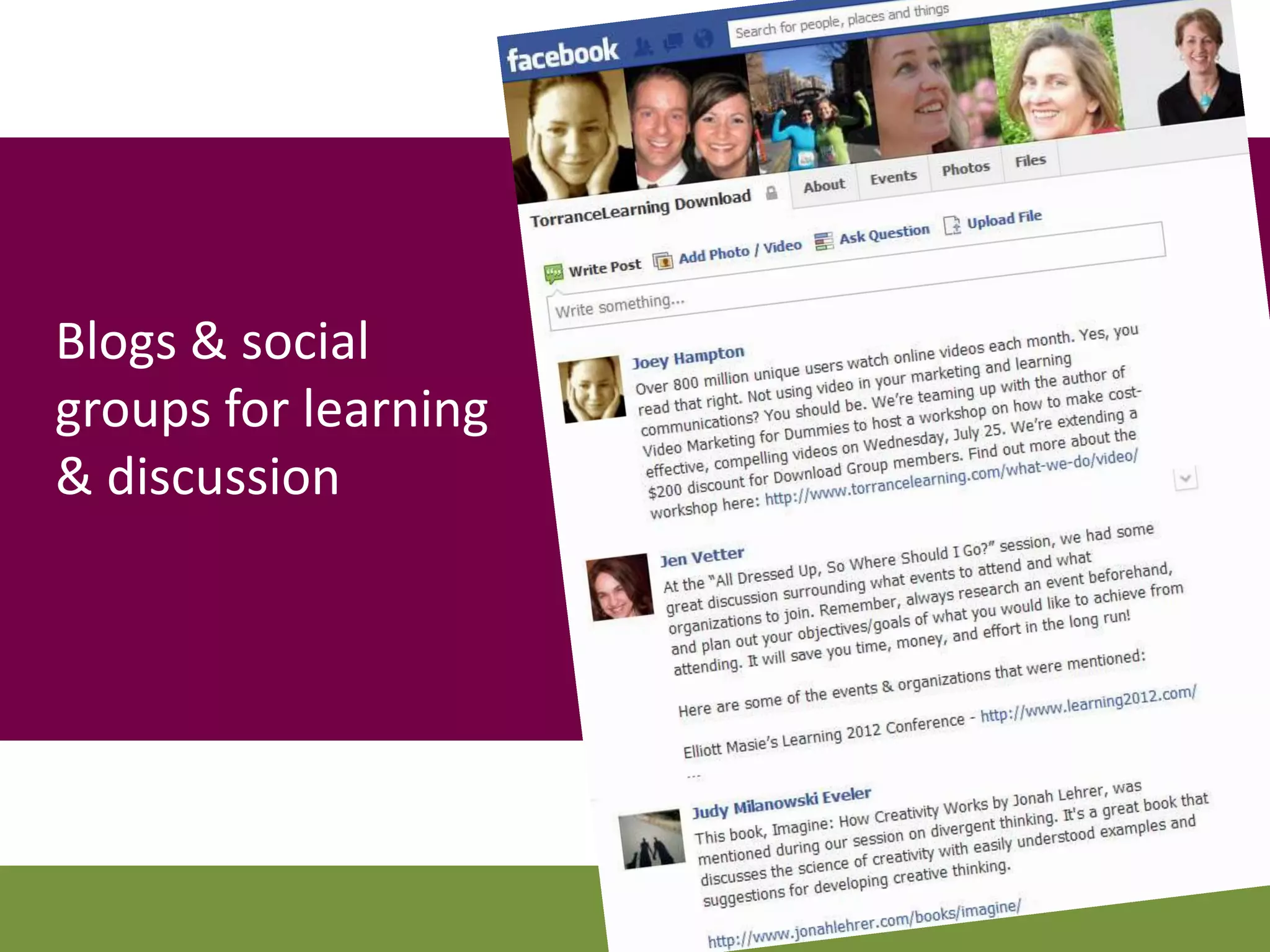
Blogs & social
groups for learning
& discussion
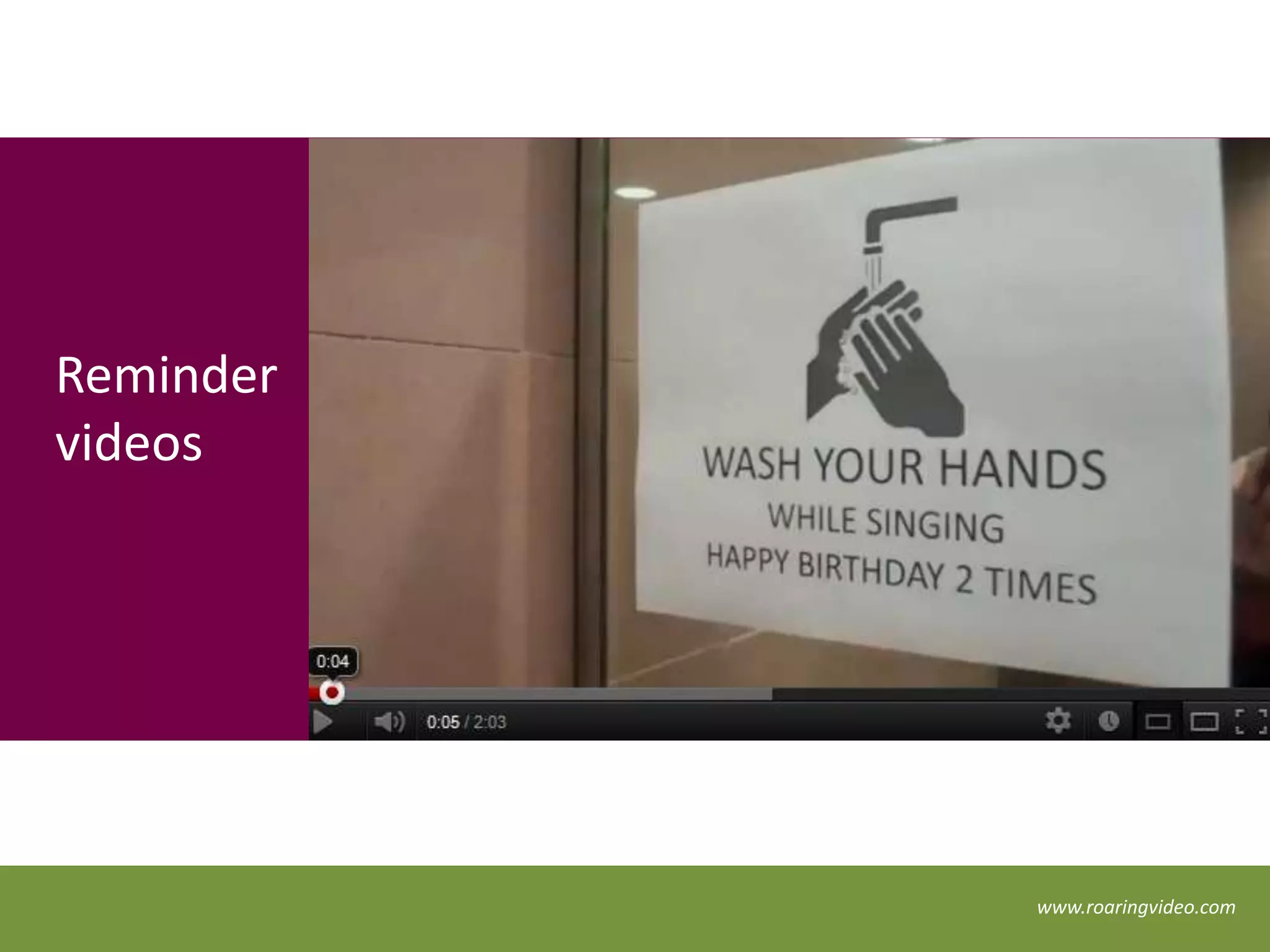
Reminder
videos


           www.roaringvideo.com
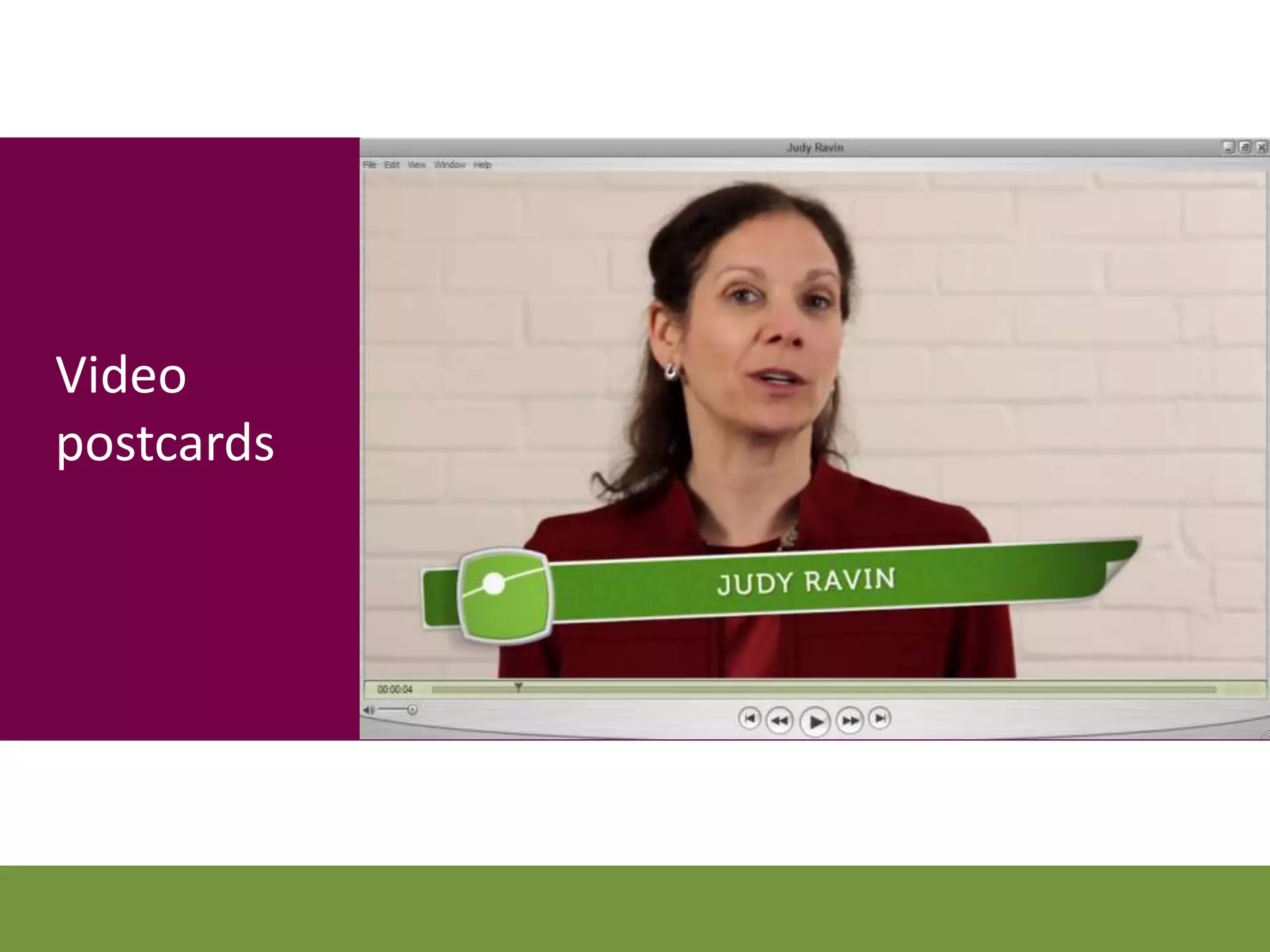
Video
postcards
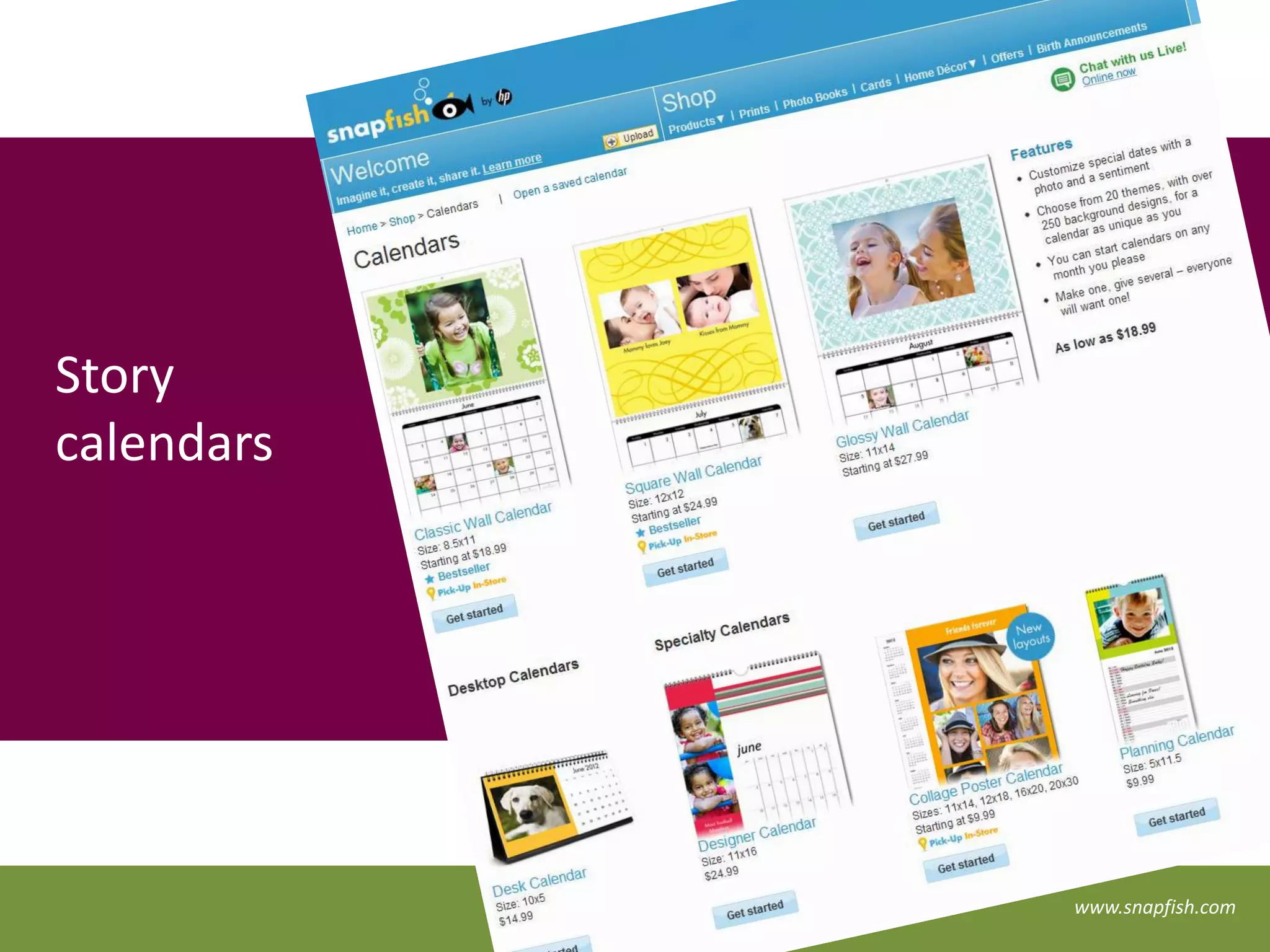
Story
calendars


            www.snapfish.com
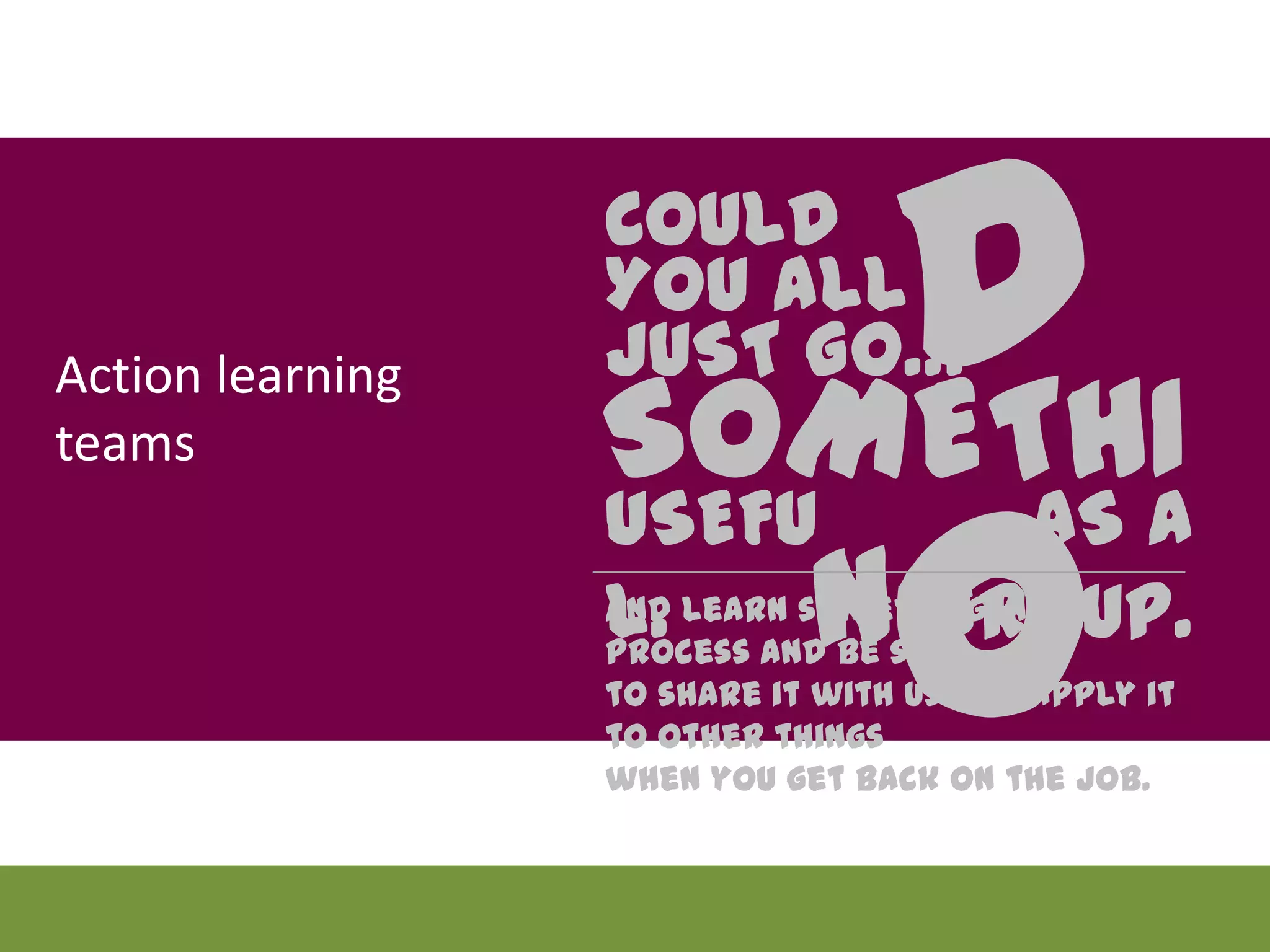
Action learning
teams
                      DO
                  COULD
                  YOU ALL
                  JUST GO…
                  SOMETHING
                  USEFUL. AS A GROUP.
                  And learn something in the process and be sure
                  to share it with us and apply it to other things
                  when you get back on the job.
Get the boss
involved
What have
you used?
Connect the
   dots
Your mission …


                 … choose an approach
                 that’s appropriate to each
                 learning touchpoint
Because the media mix is fun …
                               •   Is it a big or a small message?
                               •   Do they already know it?
                               •   How often does it change?
                               •   Is it unique each time its delivered?
 … but, of course, it has to   •   Do you have to track usage?
                               •
 support the learning.             Does it require other people?
                               •   Does it require a tool?
                               •   Is it visual? Verbal? Auditory?
                               •   Will it be pushed out or pulled in?
                               •   Do they want it?
Putting it all together


  1 2 3 4 n
                             b
                          a 1 c
                           e   d

                          Josh Bersin, Blended Learning Handbook (2004)
But how do we track it in the LMS?!?!!?
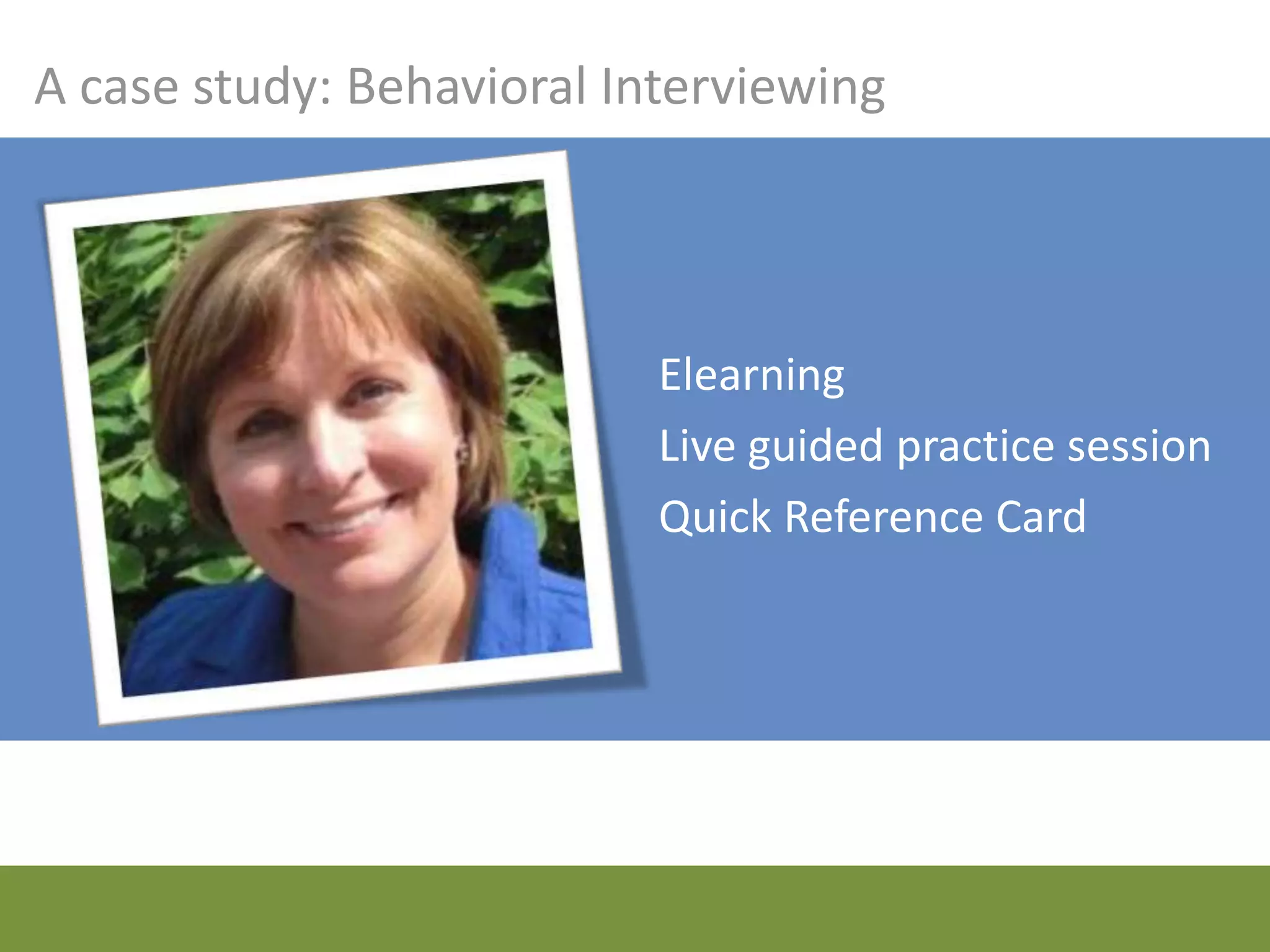
A case study: Behavioral Interviewing


                           Elearning
                           Live guided practice session
                           Quick Reference Card
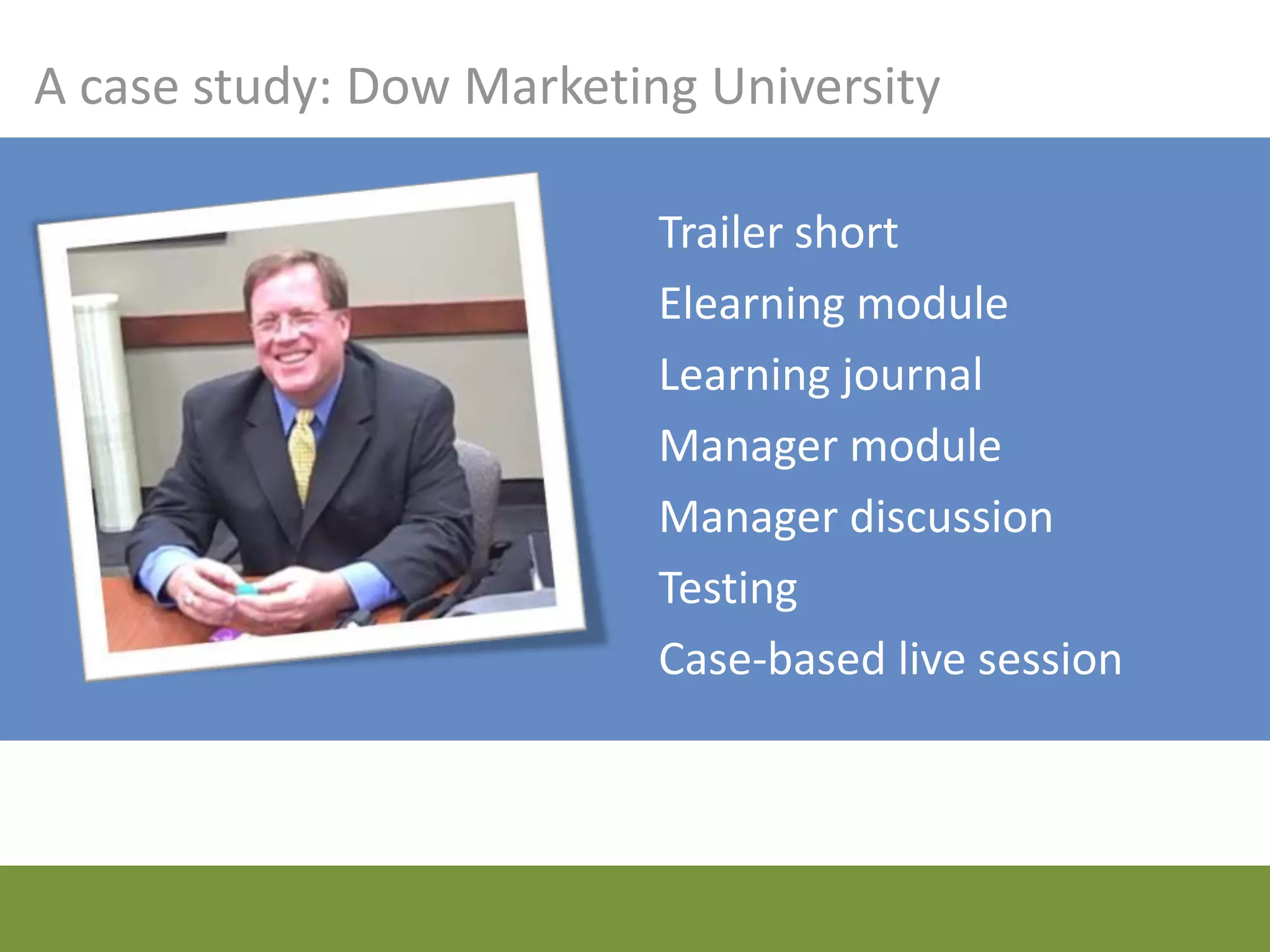
A case study: Dow Marketing University

                          Trailer short
                          Elearning module
                          Learning journal
                          Manager module
                          Manager discussion
                          Testing
                          Case-based live session
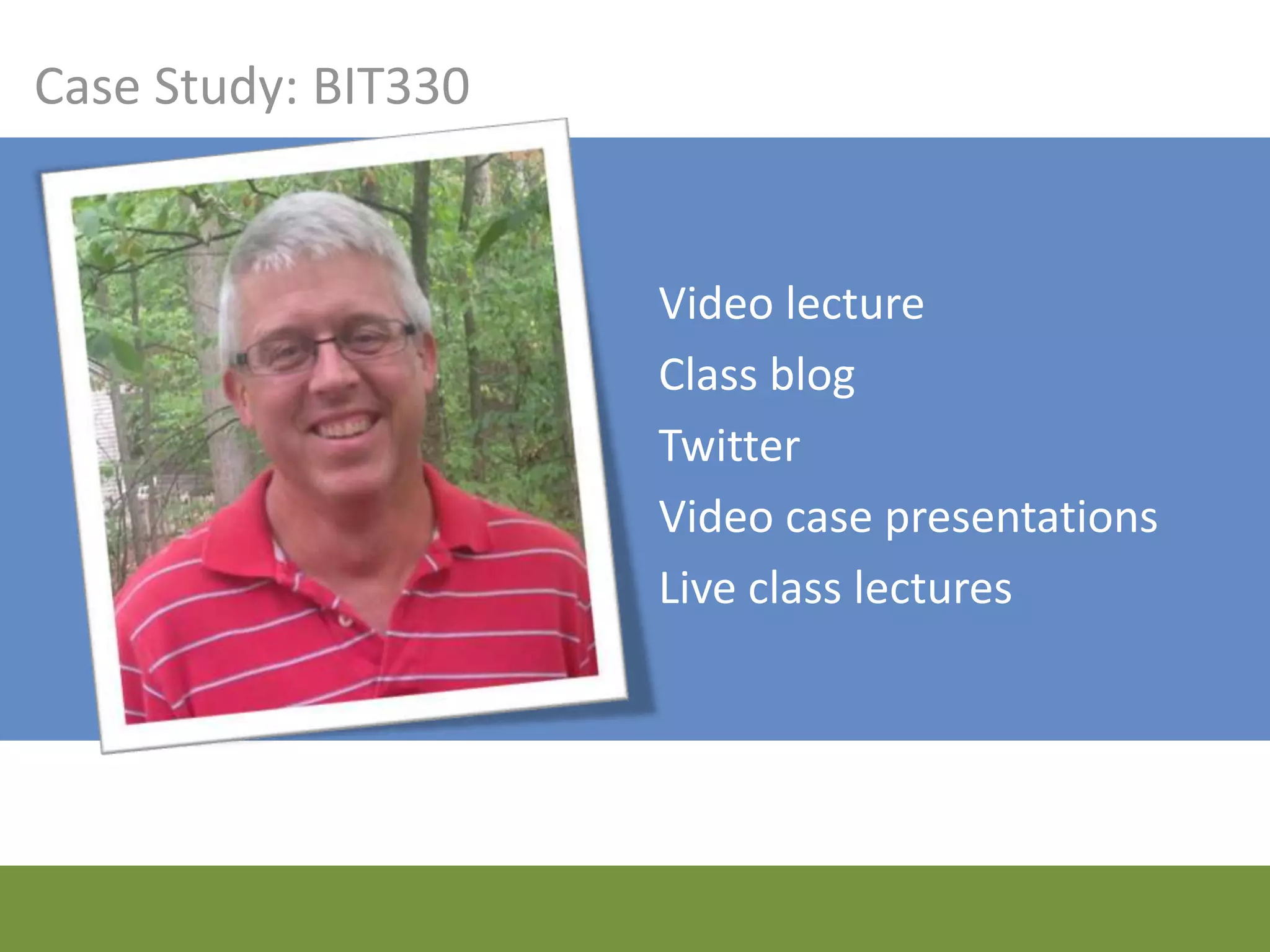
Case Study: BIT330


                     Video lectures
                     Class blog
                     Twitter
                     Video case presentations
                     Live class lectures
Case Study: Create, Shoot, Score!


                           Books
                           Webinar
                           Test
                           Workshop
                           Webinar
touchpoint +
  media =
Lessons we’ve learned
Don’t hard code it
Be ready to hand-hold
Prepare the learners
Prepare your managers
Prepare your facilitators
Address the firewall
Choose your redundancy wisely
Focus on the objective
Use your brain

“Media selection must be
based on the learning
context, the skills to be
taught, the practicality of
the situation and what
theory indicates would be
appropriate.”
Dick and Carey, 1996
With great power
  comes great
 responsibility,
   spiderman
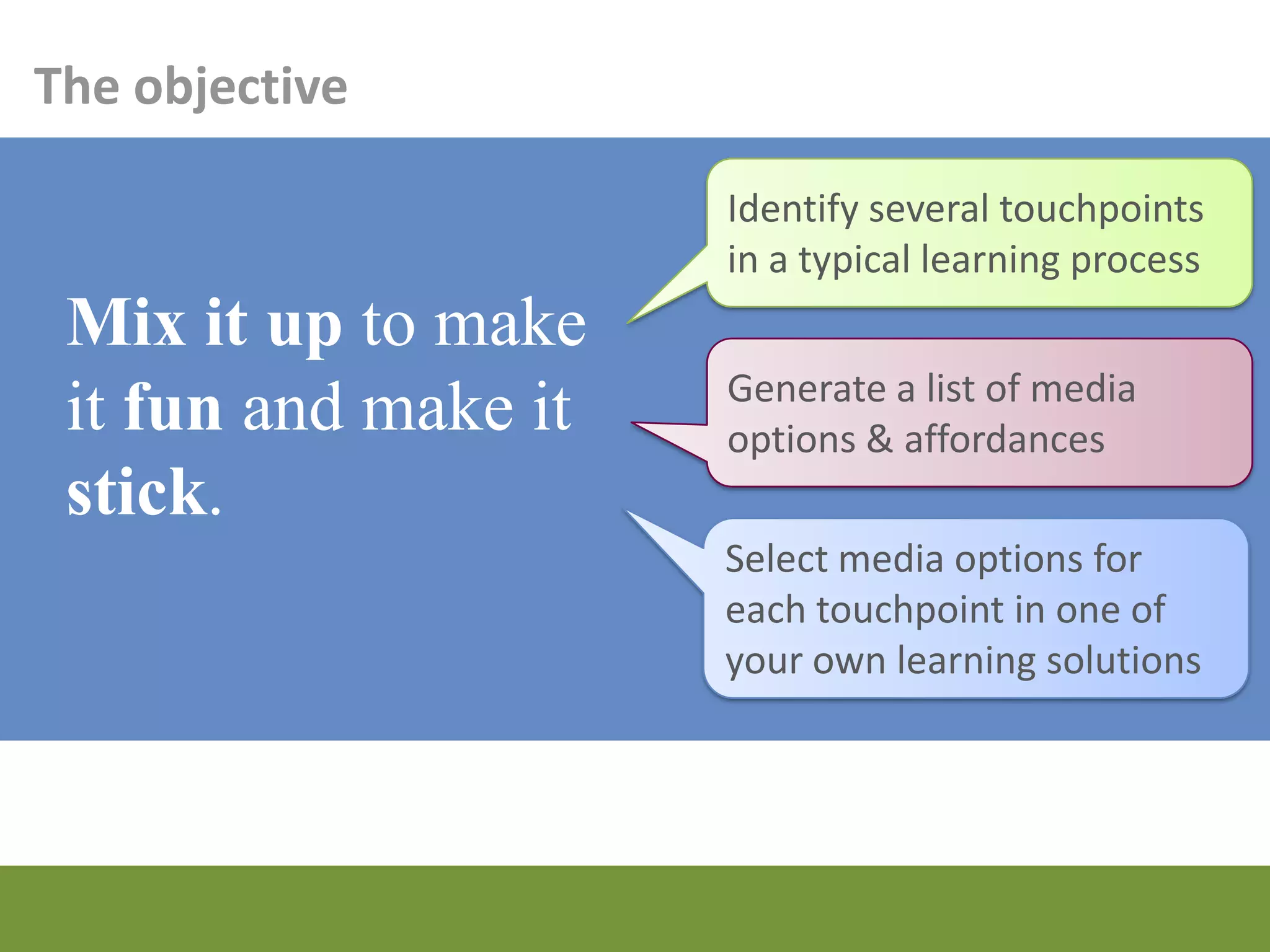
The objective

                   Identify several touchpoints
                   in a typical learning process
 Mix it up to
 make it fun and   Generate a list of media
                   options & affordances
 make it stick.
                   Select media options for
                   each touchpoint in one of
                   your own learning solutions
More resources


torrancelearning.com/blend
Connect with Megan Torrance

FR201 - The Creative Blend: New Tools to Engage Learners

  • 1.
    The Creative Blend MeganTorrance TorranceLearning ASTD TechKnowledge 2013 Session FR201
  • 2.
    Gary’s Challenges Upgradeexpensive, one- shot live training events Strengthen transfer to on-the-job application Build manager engagement Reach global audience
  • 3.
    Susan’s Challenges Inconvenientlive events required a critical mass to hold Content not localized Little support for in-the- moment need
  • 4.
    Kevin’s Challenges Reachan impatient audience … with extremely high expectations … but with inadequate budget for the task
  • 5.
    Scott’s Challenges Reachmore students Break schedule barriers to participation Increase the interactivity for all communication and learning styles Prove it can be done
  • 6.
    Your objective Selectand blend appropriate learning media from a wide variety of options to enhance the engagement, retention, and application of learning to the job.
  • 7.
    Your objective Identify several touchpoints in a typical learning process Mix it up to make it fun and Generate a list of media options & affordances make it stick. Select media options for relevant touchpoints in your own learning solutions
  • 8.
    What is blendedlearning anyway? “…using the best delivery methodology(ies) available for a specific objective, including online, classroom- based instruction, electronic performance support, paper-based, and formalized or informal on-the-job solutions.” Jennifer Hofmann, 2011 “Top 10 Challenges of Blended Learning” by Jennifer Hofmann. Training Magazine, March 2011.
  • 9.
    Why bother? Arrive inclass better prepared Write more effective and longer papers Earn higher scores on exams Engage in deeper and more Create higher quality projects meaningful discussions of Demonstrate a better understanding course content and deeper exploration of concepts Succeed at an equal or higher rate than students in traditional courses http://blended.online.ucf.edu/
  • 10.
  • 11.
    What are touchpoints? touchpoint: a point of contact with a body of knowledge or skill, defined by the timeframe and the reason for the contact
  • 12.
    Where are thetouchpoints? • Before they know they need it • Get ready for learning 5 Moments of Learning Need 1. Learn something new 2. Learn some more 3. Apply it 4. Solve a problem 5. Change something • Remember to do it • Teach someone else http://www.learningsolutionsmag.com/articles/949/are-you-meeting-all-five- moments-of-learning-need
  • 13.
  • 14.
  • 15.
    Pre-session reading http://www.amazon.com/Kevin- Daum/e/B001IGHODG/ref=sr_tc_2_0?qid=1342625718&sr=1-2-ent
  • 16.
    Testing http://www.torranceinc.com/roaringvideo/preworkshop_quiz/
  • 17.
    “Knowledge quest” on theweb http://www.astd.org/Education/Certificate- Programs/~/media/Files/Education/Pre-Work- Files/RapidLearningTechniquesPreWork.ashx
  • 18.
    Flickr http://www.flickr.com/photos/bennettanneb/2945406767/
  • 19.
    Pinterest http://pinterest.com/alesesberg/education/
  • 20.
  • 21.
    Podcasts ThinkStock99820785
  • 22.
    Text & Tweet ThinkStock122578699
  • 23.
    Video breakout presentations TorranceLearning Download, Nov 2012
  • 24.
  • 25.
    Job aids Quick referenceguides Memory joggers http://www.permacharts.com/p-658-coaching-skills-at-work.aspx
  • 26.
    Electronic performance support systems (desktopor mobile) American Red Cross First Aid Mobile App https://play.google.com/store/apps/details?id=com.cube.arc.fa&hl=en
  • 27.
    Blogs & social groupsfor learning & discussion
  • 28.
    Reminder videos www.roaringvideo.com
  • 29.
  • 30.
    Story calendars www.snapfish.com
  • 31.
    Action learning teams DO COULD YOU ALL JUST GO… SOMETHING USEFUL. AS A GROUP. And learn something in the process and be sure to share it with us and apply it to other things when you get back on the job.
  • 32.
  • 33.
  • 34.
  • 35.
    Your mission … … choose an approach that’s appropriate to each learning touchpoint
  • 36.
    Because the mediamix is fun … • Is it a big or a small message? • Do they already know it? • How often does it change? • Is it unique each time its delivered? … but, of course, it has to • Do you have to track usage? • support the learning. Does it require other people? • Does it require a tool? • Is it visual? Verbal? Auditory? • Will it be pushed out or pulled in? • Do they want it?
  • 37.
    Putting it alltogether 1 2 3 4 n b a 1 c e d Josh Bersin, Blended Learning Handbook (2004)
  • 38.
    But how dowe track it in the LMS?!?!!?
  • 39.
    A case study:Behavioral Interviewing Elearning Live guided practice session Quick Reference Card
  • 40.
    A case study:Dow Marketing University Trailer short Elearning module Learning journal Manager module Manager discussion Testing Case-based live session
  • 41.
    Case Study: BIT330 Video lectures Class blog Twitter Video case presentations Live class lectures
  • 42.
    Case Study: Create,Shoot, Score! Books Webinar Test Workshop Webinar
  • 43.
  • 44.
    Lessons we’ve learned Don’thard code it Be ready to hand-hold Prepare the learners Prepare your managers Prepare your facilitators Address the firewall Choose your redundancy wisely Focus on the objective
  • 45.
    Use your brain “Mediaselection must be based on the learning context, the skills to be taught, the practicality of the situation and what theory indicates would be appropriate.” Dick and Carey, 1996
  • 46.
    With great power comes great responsibility, spiderman
  • 47.
    The objective Identify several touchpoints in a typical learning process Mix it up to make it fun and Generate a list of media options & affordances make it stick. Select media options for each touchpoint in one of your own learning solutions
  • 48.
  • 49.

Editor's Notes

  • #2 Have available: Will It Blend?
  • #3 Live class with facultyFlown all around the worldSpending a lot of $$ and valuable expert time on the 101 level for everyone.Opportunity to teach managers at the same timeHad to make sure they were ready to apply – and that content could be applied in the business when they get back
  • #5 Entrepreneurs don’t have time to spend away from officeIn order to shrink a 3 day workshop to 1 day, need to come in and hit the ground runningPrice point can’t change though – because people buying the class won’t see it priced as a 3 day class it’s only 1 day.
  • #6 Wanted to increase the class sizeStudents wanted to take the class but couldn’t fit live session into their schedule Class is case-based so I do believe that students benefit in several ways from a case class:Being put on the spot to discuss a situation with a professor,Have a give-and-take with the professor (and other students),Hearing the opinions (often contradictory) of other students,Defending his/her position against challengeshttp://www.samoore.com/2012/07/18/using-video-as-proxy-for-a-class-discussion/Scott Moore www.samoore.com Flipping helped busy studentsAs far as I can tell, no one is busier than the students in my classes. They have group projects in 4-5 classes, they have homework in those classes, they have clubs & sports teams & fraternities & sororities… Oh yeah, and class to go to. Having much of the material for the class online (lectures, exercises, assignments) provides an added bit of flexibility for the students (and for me, if I’m going to be truthful about it).Flipping helps students of all abilities to excelStudents coming into any technology-related class that I teach always seem to have a huge variety of backgrounds and related skill. Some students barely need my lecture, some think they don’t need my lecture but realize later that they do (this is the group that I’m most excited about potentially reaching), and a final group knows that they need my lecture but need to listen to different parts of it at different speeds.Flipping increases student-teacher interactionI always enjoy working with students who want to learn. It’s easily the best part of my job. Anything that potentially increases the amount and/or quality of this part of my life is a good thing. I’m not looking to get out of having class, but I am looking to stop students from feeling like they have to come to class if they don’t want to. I have always thought of class time as the limiting resource when designing a class. I know that I only have X amount of hours for a class; the major question is “how should I spend this highly valuable time?” Well, if I can allocate more of it to working directly with students who have chosen to come to class so that they can work with me on a problem personally important to them — I can’t ask for more than that.Flipping changes classroom managementAs I have written about before, I have quite a history working with flipped-like classes so I have seen this in action. Classes run this way are so exciting, so energetic. Students get engaged with the material, with each other, and periodically with me. It is exhausting and invigorating to be a part of. I definitely did have to roam the class to periodically remind students to get back on task — they are kids, after all — but it’s nothing like having to wake the kids up who are sleeping during a lecture because of boredom. Flipping makes your class transparentI am very much looking forward to letting the public (parents, other professors, other students, legislators, executives) in on the exciting things we are doing in class. Just like when we published the blog for a class I taught last semester, it got the student’s attention and gave them a sense that what we were doing was “real.” It would also be great if the videos ended up getting comments and feedback from beyond our classroom walls. We’ll just have to see how it goes.
  • #9 “Dziuban, Hartman, and Moskal (2004, p.3) describe blended learning as a “pedagogical approach that combines the effectiveness and socialization opportunities of the classroom with the technologically enhanced active learning possibilities of the online environment.” The opportunity to tap into a larger range of strategies and solve pedagogical problems attracts faculty to blended courses.”http://blended.online.ucf.eduCORPORATE ASTD’s definition"It is the use of two or more distinct methods of training. This may include combinations such as: blending classroom instruction with on-line instruction blending on-line instruction with access to a coach or faculty member blending simulations with structured courses blending on-the-job training with brown bag informal sessions blending managerial coaching with e-learning activities" ASTD Elearning Handbookhttp://books.mcgraw-hill.com/authors/rossett/bl.htmWhat blended learning should mean is: using the best delivery methodology(ies) available for a specific objective, including online, classroom-based instruction, electronic performance support, paper-based, and formalized or informal on-the-job solutions.1“Top 10 Challenges of Blended Learning” by Jennifer Hofmann. Training Magazine, March 2011.
  • #10 Faculty members teaching blended courses report improved outcomes such as students:Arrive in class better prepared (Bauer, 2001; Cameron, 2003),Write more effective and longer papers (Benbunan-Fich & Hiltz, 1999; Garnham & Kaleta, 2002; Murphy, 2002-2003; Spilka, 2002),Earn higher scores on exams (Garnham & Kaleta, 2002; O’Toole & Absalom, 2003),Create higher quality projects (Benbunan-Fich & Hiltz, 1999; Cameron, 2003; Garnham & Kaleta, 2002; McCray, 2000),Engage in deeper and more meaningful discussions of course content (Garnham & Kaleta, 2002; King, 2002; McCray, 2000; Murphy, 2002-2003), andDemonstrate a better understanding and deeper exploration of concepts (Bauer, 2001; Cameron, 2003)Succeed at an equal or higher rate than students in traditional courses (Dziuban, Hartman, Moskal, Sorg, & Truman, 2004; Dzuiban, Hartman, Juge, Moskal, & Sorg, 2005; Dziuban, Hartman, & Moskal, 2004).Why I botherMore & deeper engagementLonger period of connection with material … less time in classroomHarder to hide & slide byCheaper – they come prepare and ready to learnMore connection with the real worldEasy way to get in your spaced learningBuild marketing to new learners into the delivery/performance of the courseDiffering resources availableAccess to some content even between ILT sessionsLearn how to learn vs. get spoon fedTap into the exploring What’s more: If you’re a fan of connectivism as a learning construct, then blending in informal, personalized learning approaches allow that space to create connections and extra more useful information
  • #45 Make the rapidly changing material the least “hard” codedBe prepared to support / curate / facilitate / babysit Teach learners how to use the tools Release your grip on SCORMBe ready to address firewall issuesChoose your redundancy across media carefullyKeep the learning front and center, regardless of the toolPrepare your managers for this!Prepare your trainers for this!
  • #46 Media selection must be based on the learning context, the skills to be taught, the practicality of the situation and what theory indicates would be appropriate.Dick and Carey, 1996