

© 2015 NetSpeed Learning Solutions. All rights reserved. 1
Engaging Learners
in the
Virtual Classroom
March 5, 2015
© 2015 NetSpeed Learning Solutions. All rights reserved. 2
Webinar Objectives
• Apply five techniques to create a
compelling virtual classroom
• Use all the interaction tools in your
web conference platform to build
engagement
• Minimize multi-tasking in your
webinars
© 2015 NetSpeed Learning Solutions. All rights reserved. 3
About Cynthia Clay
• 25+ years of experience
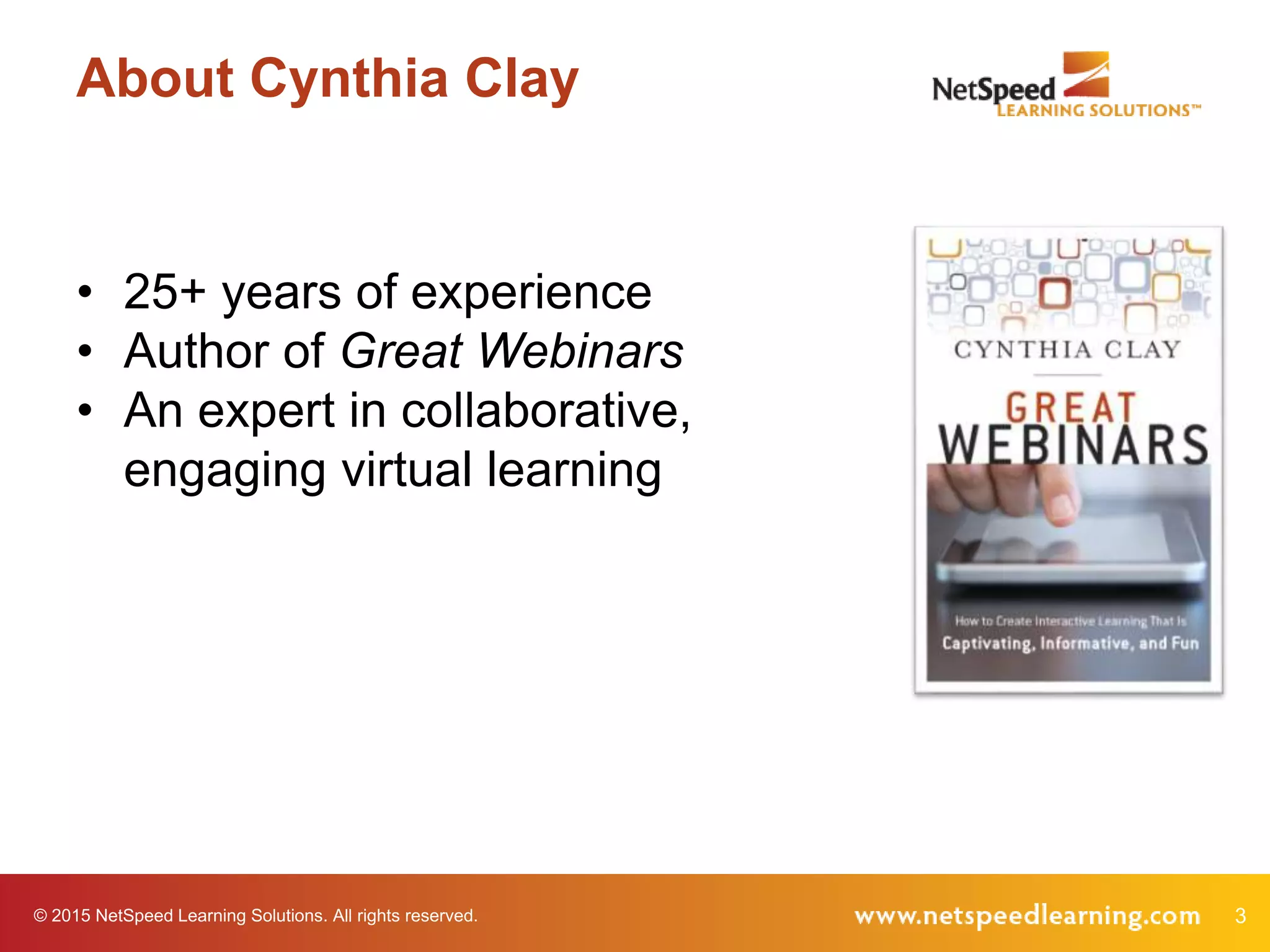
• Author of Great Webinars
• An expert in collaborative,
engaging virtual learning
© 2015 NetSpeed Learning Solutions. All rights reserved. 4
Questions!
What is your top-of-mind question today?
5© 2015 NetSpeed Learning Solutions. All rights reserved.
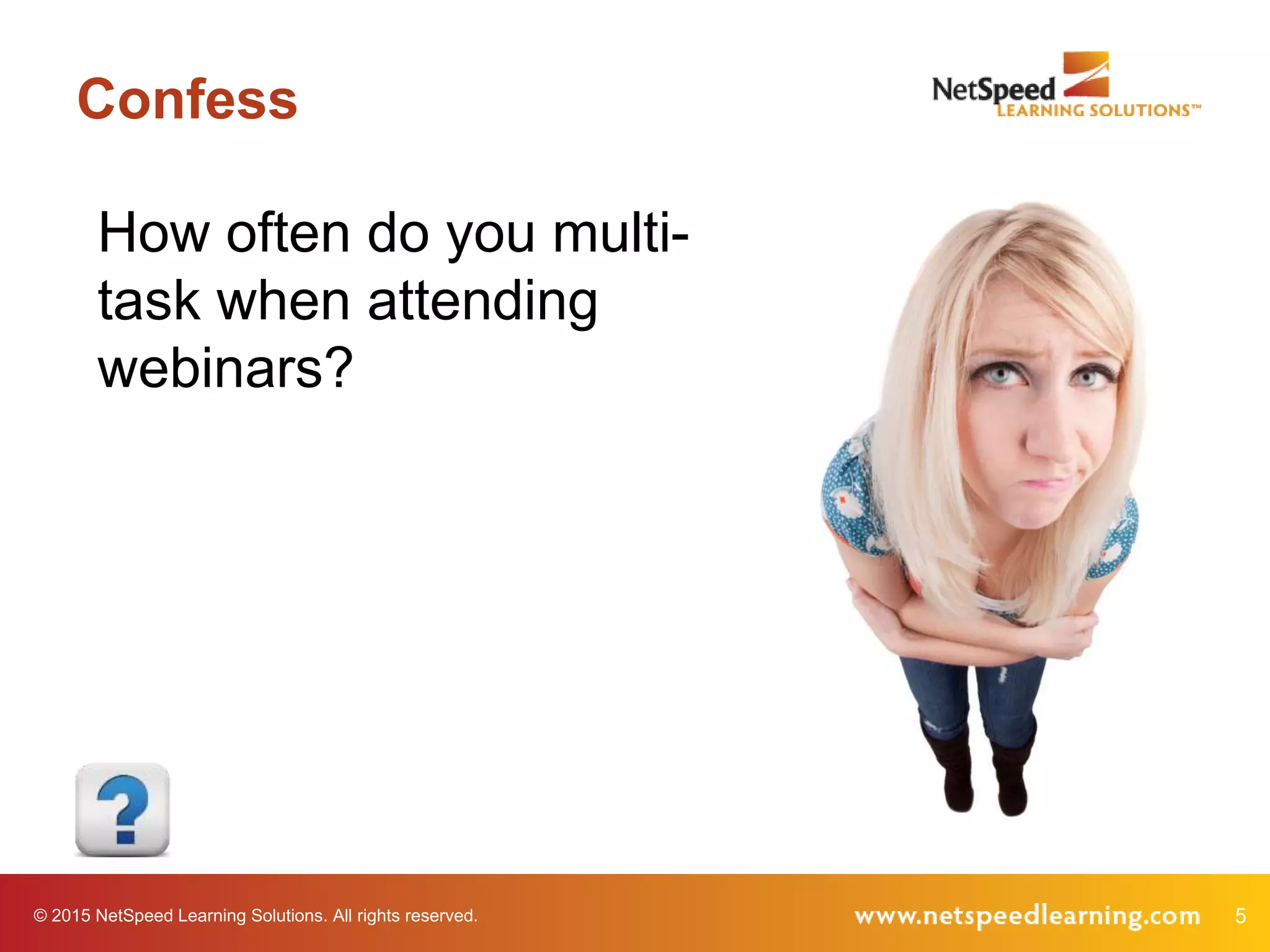
Confess
How often do you multi-
task when attending
webinars?
6© 2015 NetSpeed Learning Solutions. All rights reserved.
Confess
Why do you choose to
multi-task?
© 2015 NetSpeed Learning Solutions. All rights reserved. 7
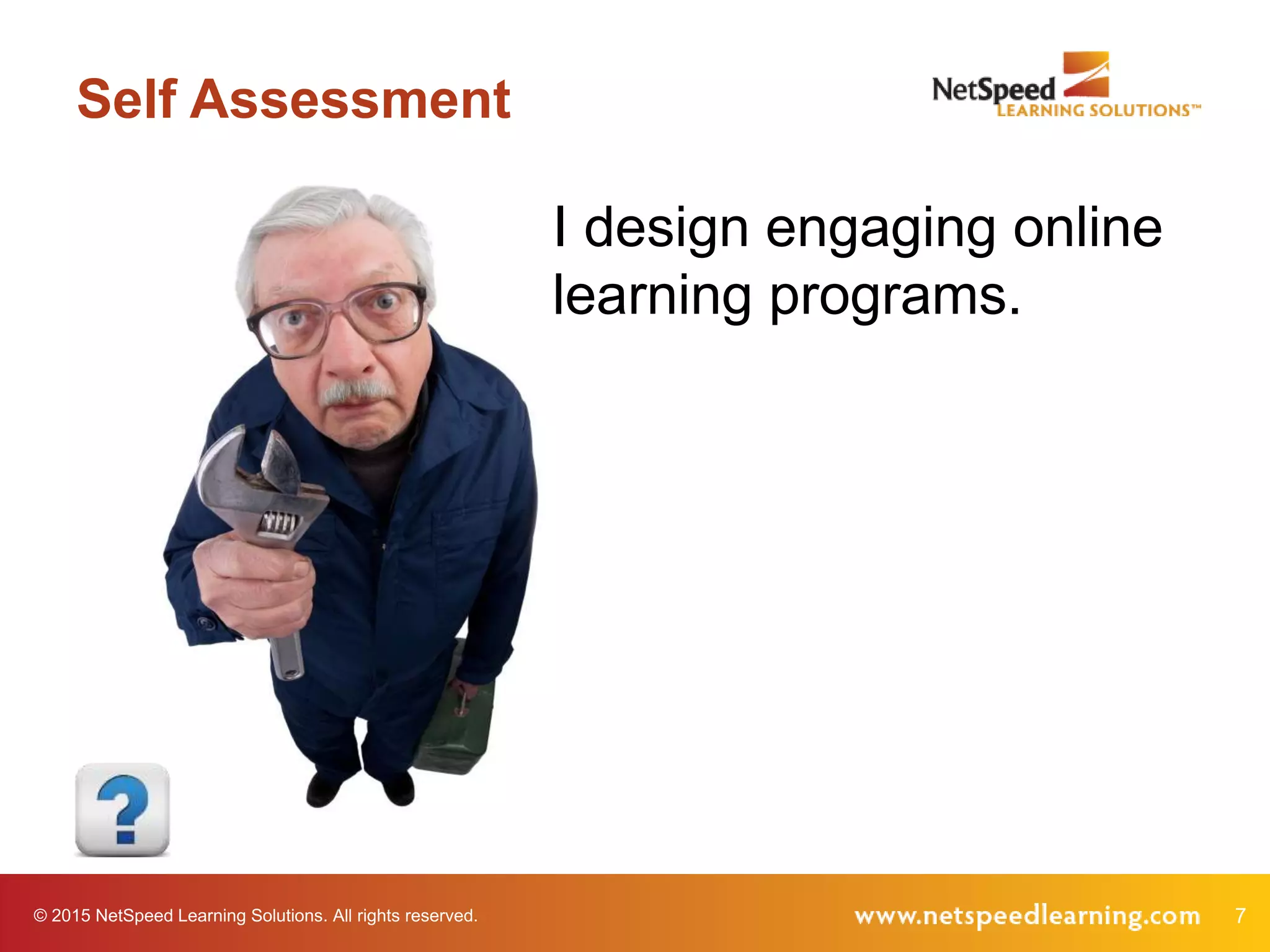
Self Assessment
I design engaging online
learning programs.
© 2015 NetSpeed Learning Solutions. All rights reserved. 8
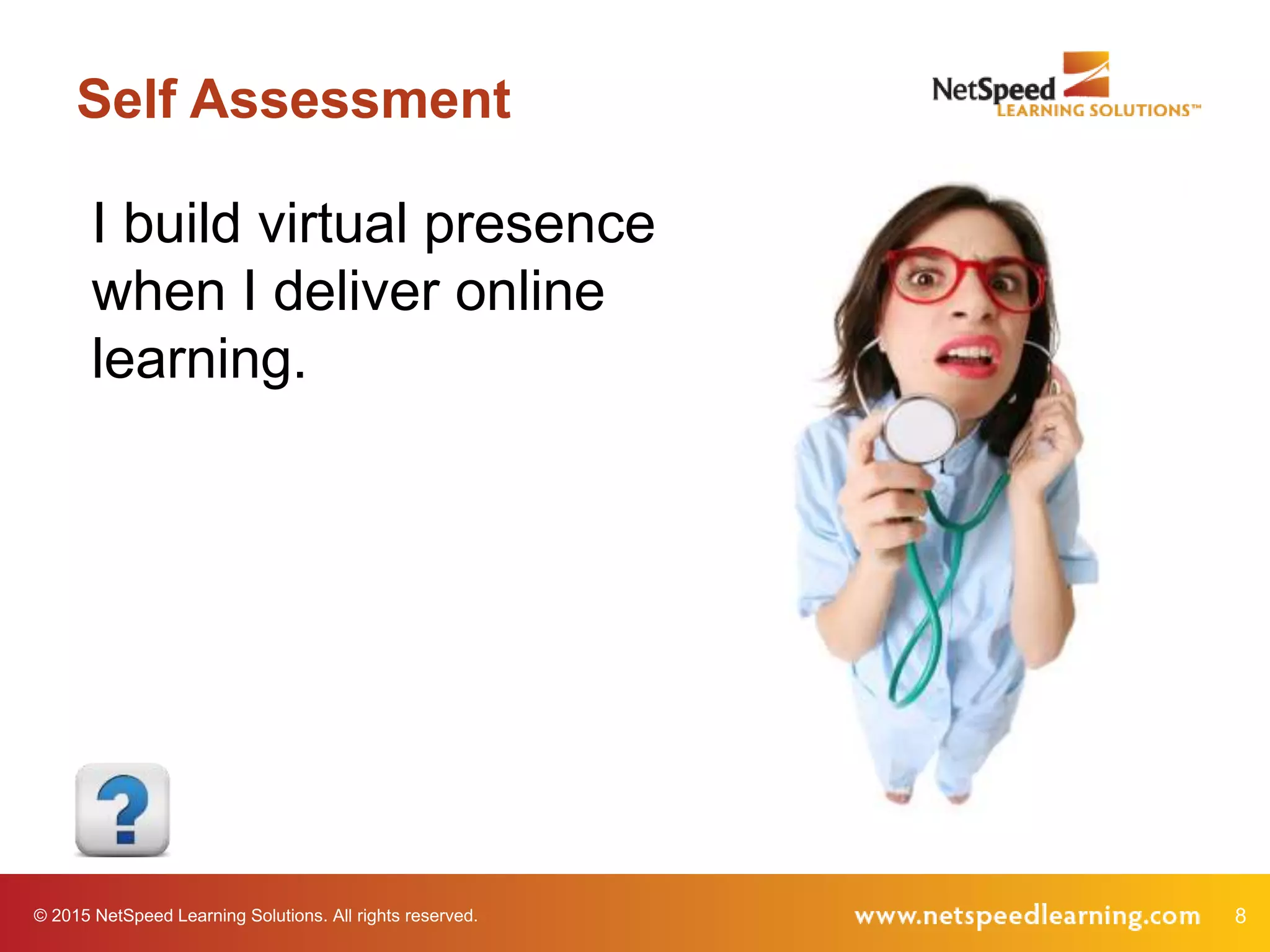
Self Assessment
I build virtual presence
when I deliver online
learning.
© 2015 NetSpeed Learning Solutions. All rights reserved. 9
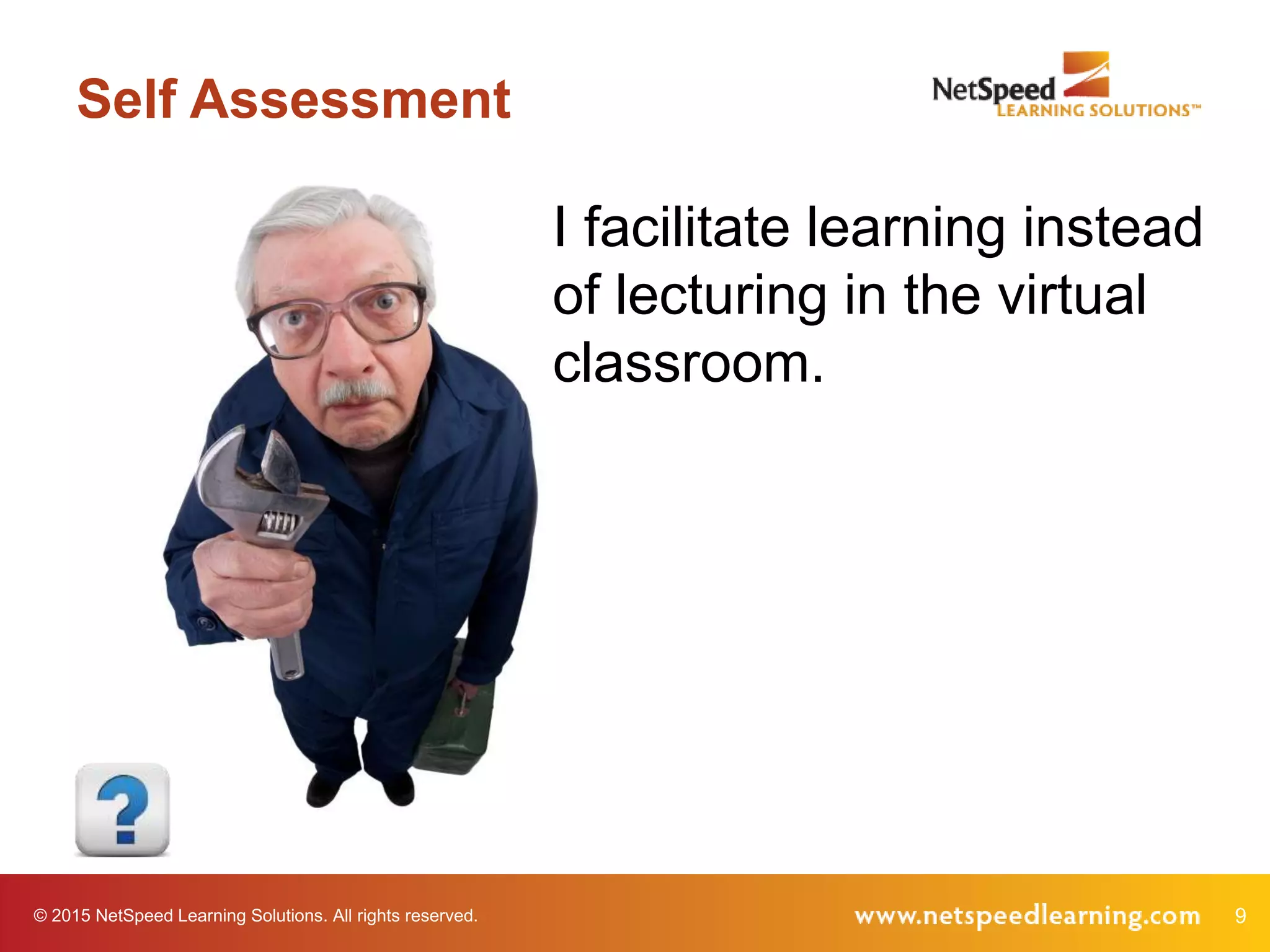
Self Assessment
I facilitate learning instead
of lecturing in the virtual
classroom.
© 2015 NetSpeed Learning Solutions. All rights reserved. 10
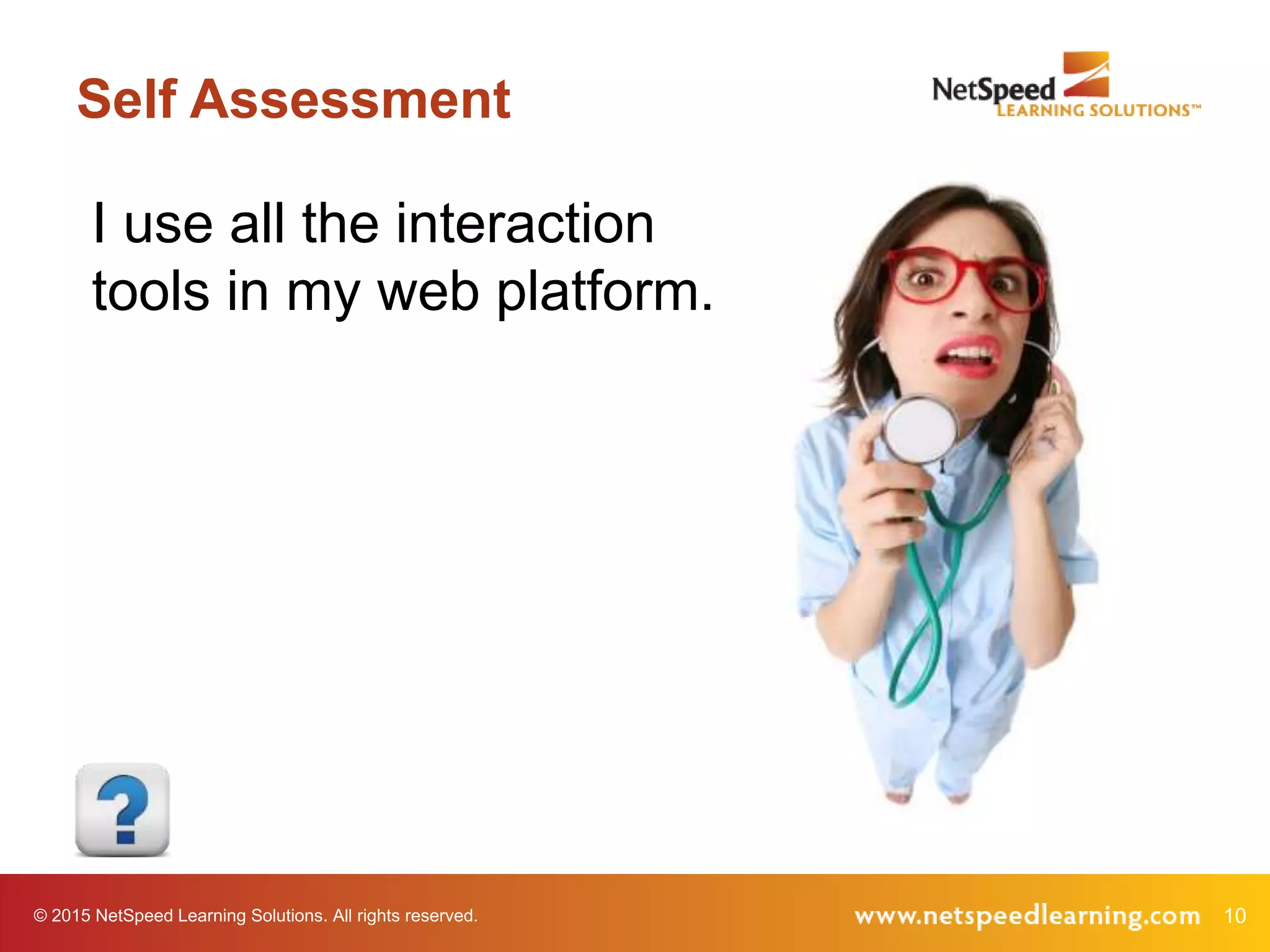
Self Assessment
I use all the interaction
tools in my web platform.
© 2015 NetSpeed Learning Solutions. All rights reserved. 11
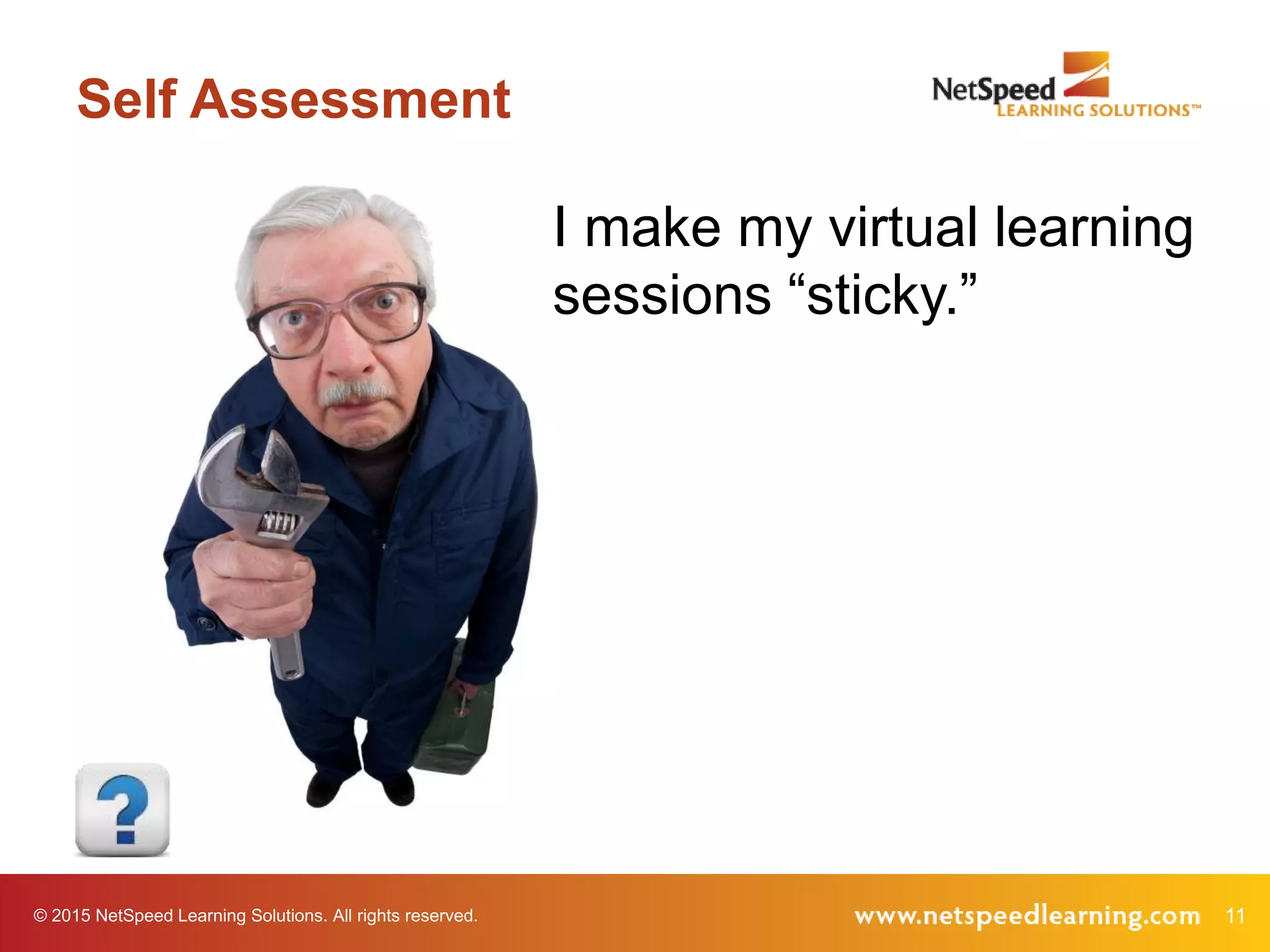
Self Assessment
I make my virtual learning
sessions “sticky.”
© 2015 NetSpeed Learning Solutions. All rights reserved. 12
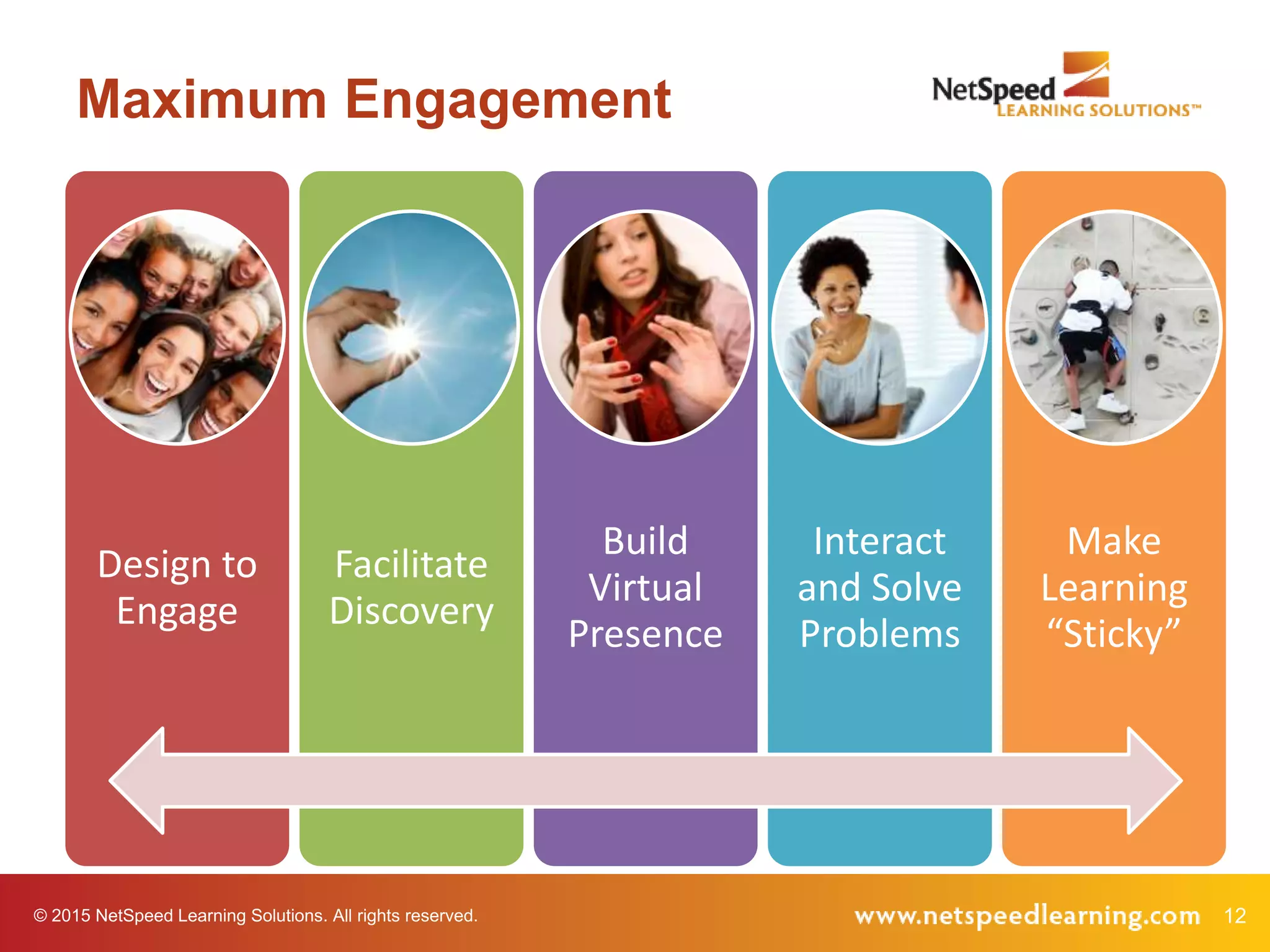
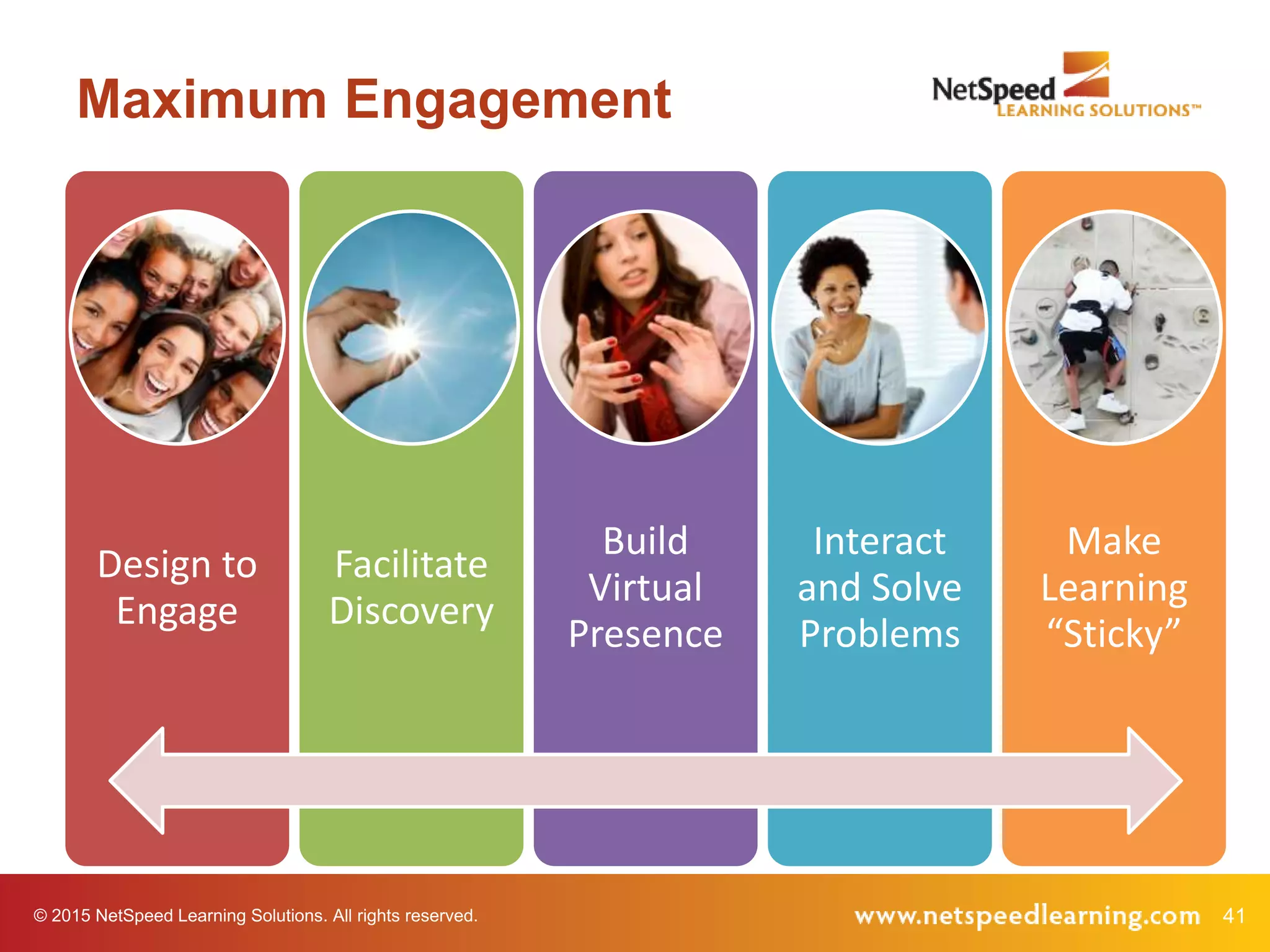
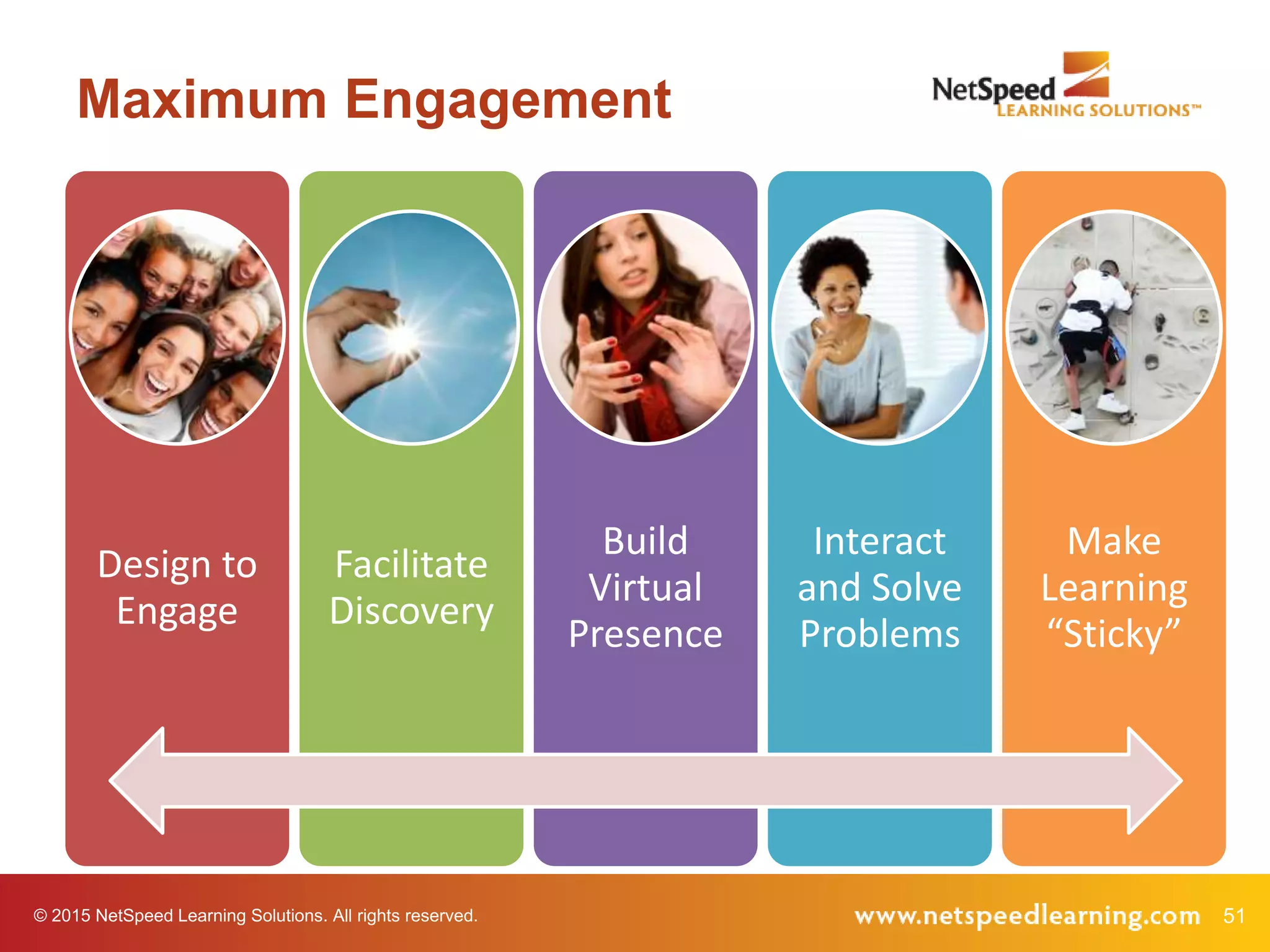
Maximum Engagement
Design to
Engage
Facilitate
Discovery
Build
Virtual
Presence
Interact
and Solve
Problems
Make
Learning
“Sticky”
© 2015 NetSpeed Learning Solutions. All rights reserved. 13
Design to Engage
© 2015 NetSpeed Learning Solutions. All rights reserved. 14
This is a Visual Medium
15© 2015 NetSpeed Learning Solutions. All rights reserved.
Spend no more
than one minute
per slide.
Technique 1
16© 2015 NetSpeed Learning Solutions. All rights reserved.
Use less text and
more compelling
images.
Technique 2
17© 2015 NetSpeed Learning Solutions. All rights reserved.
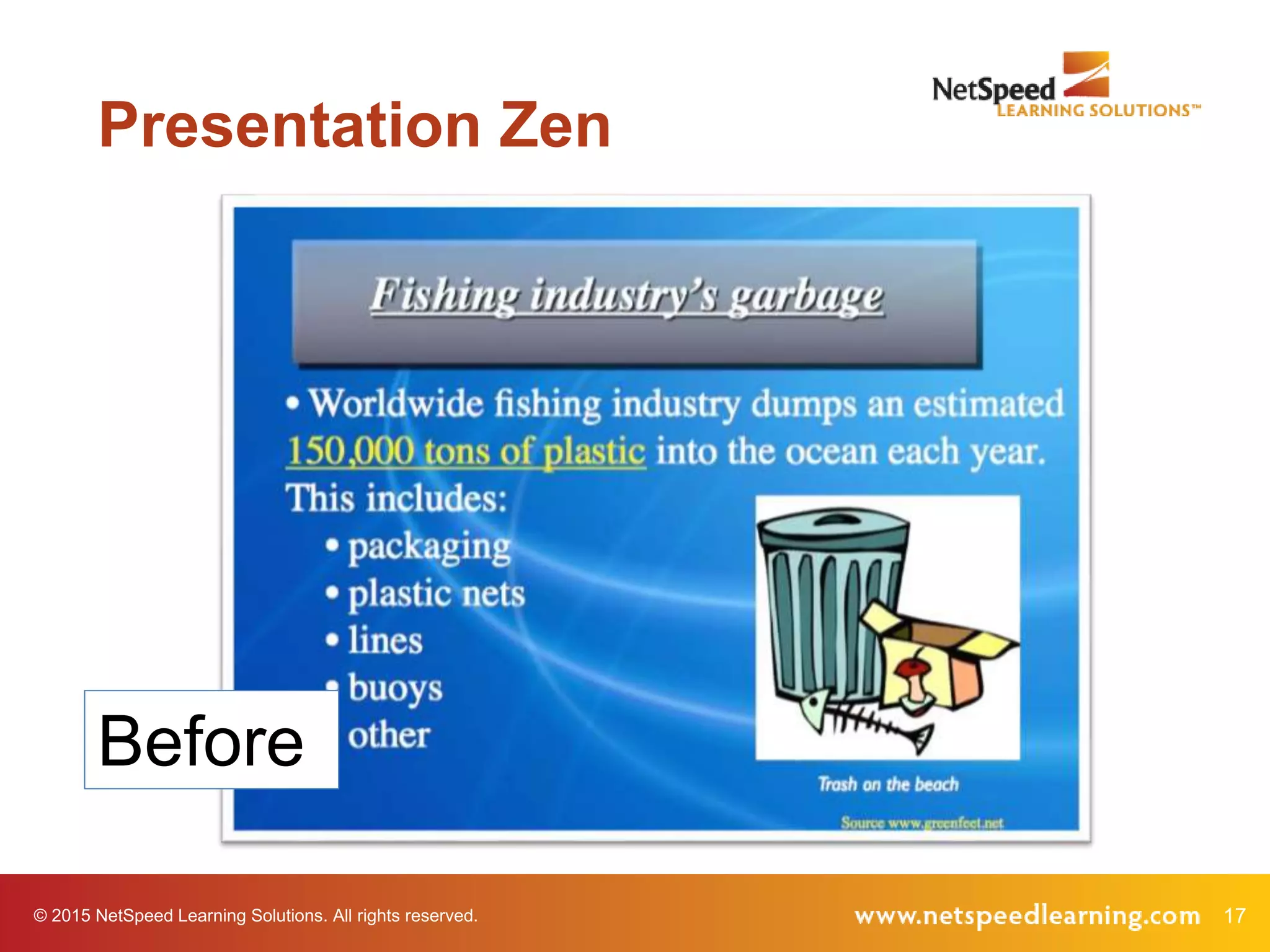
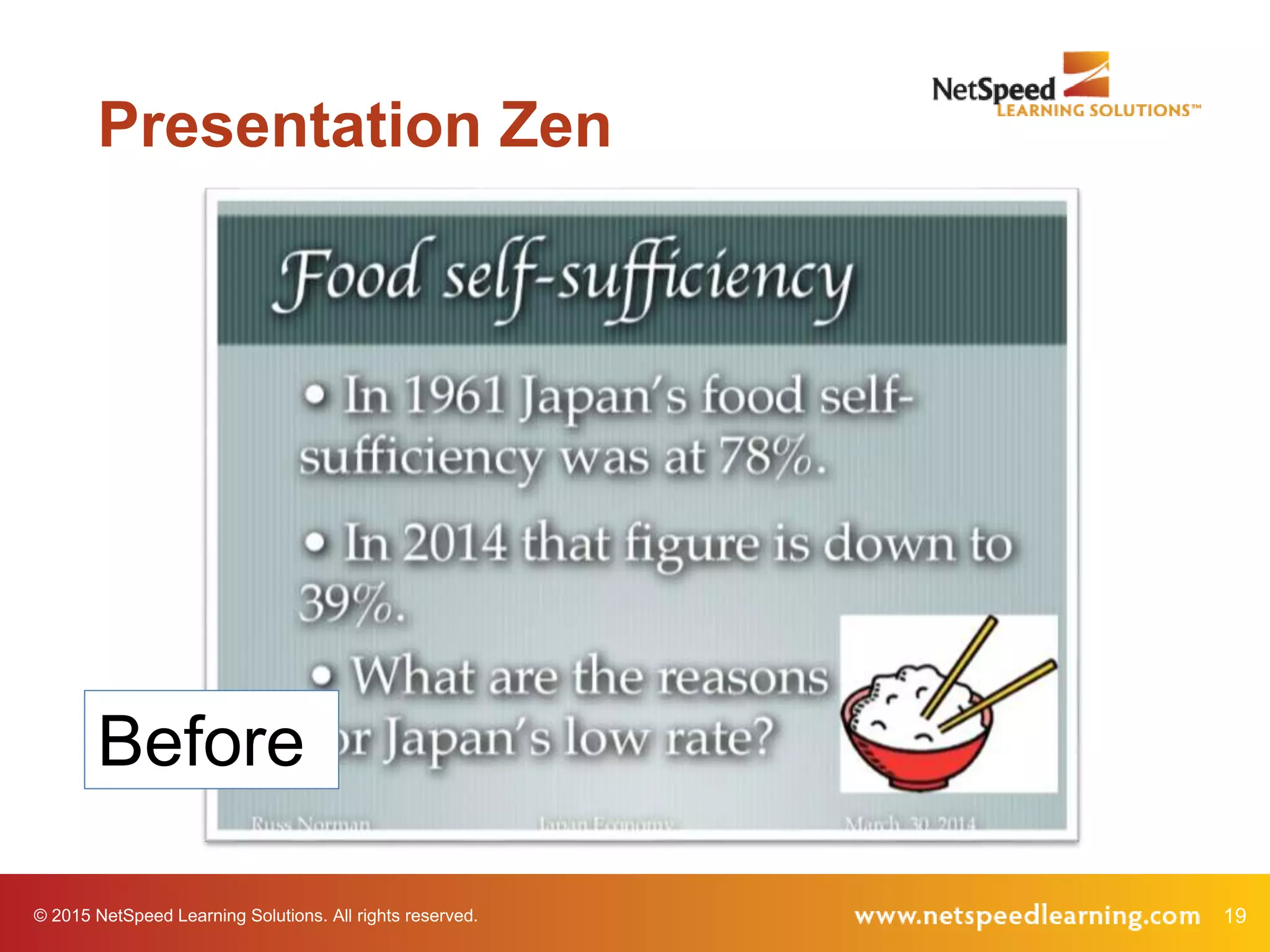
Presentation Zen
Before
18© 2015 NetSpeed Learning Solutions. All rights reserved.
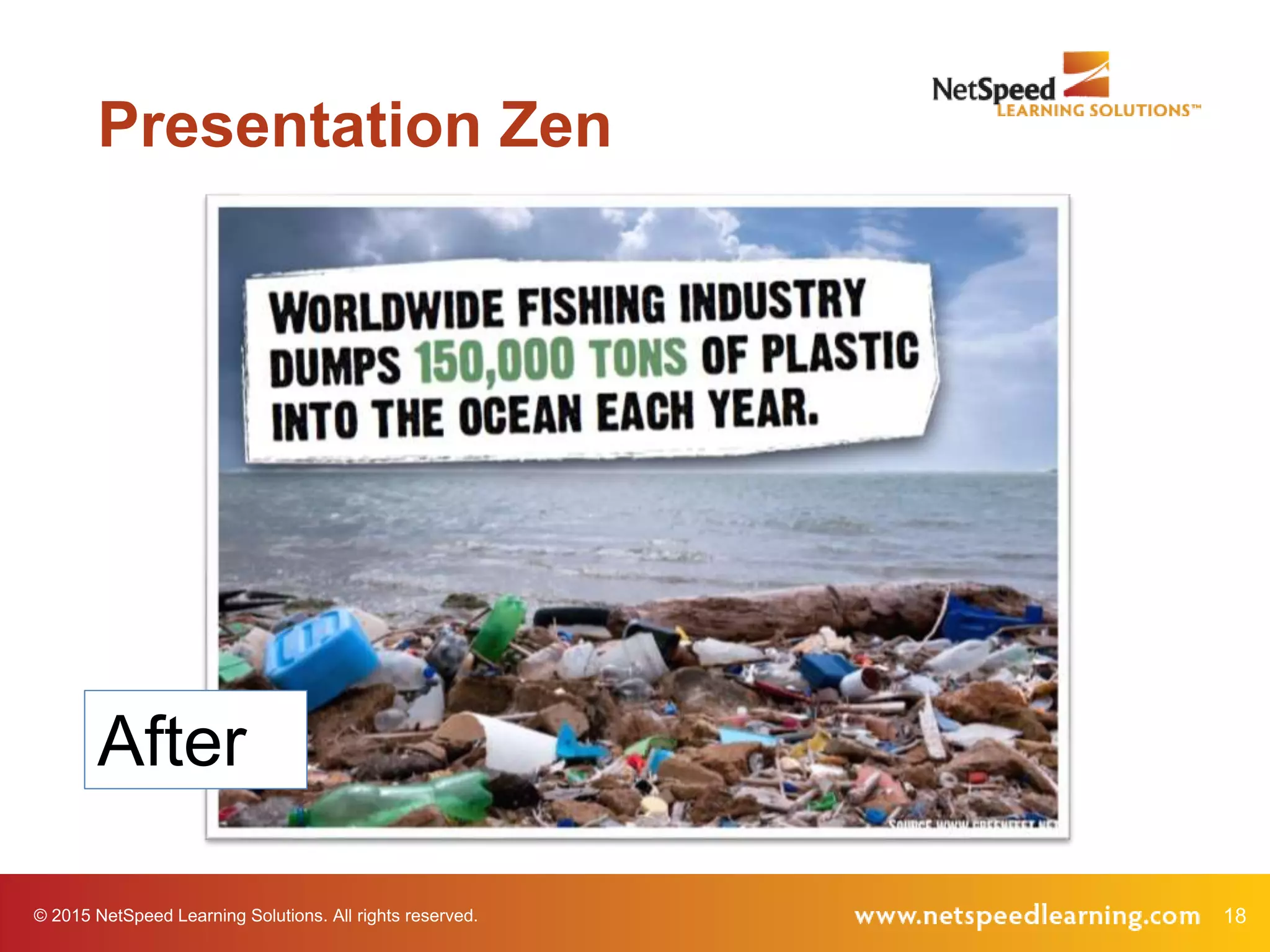
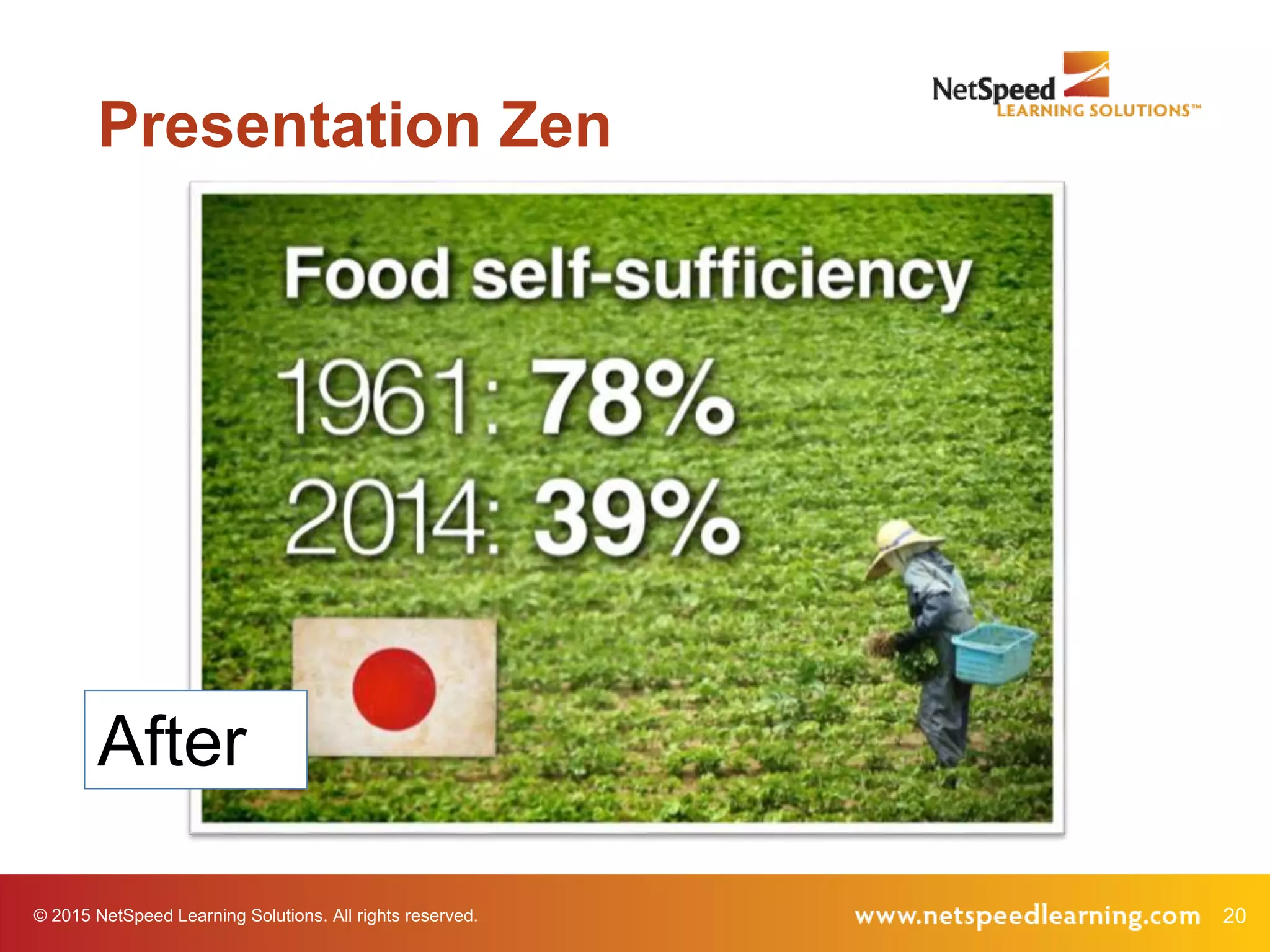
Presentation Zen
After
19© 2015 NetSpeed Learning Solutions. All rights reserved.
Presentation Zen
Before
20© 2015 NetSpeed Learning Solutions. All rights reserved.
Presentation Zen
After
© 2015 NetSpeed Learning Solutions. All rights reserved. 21
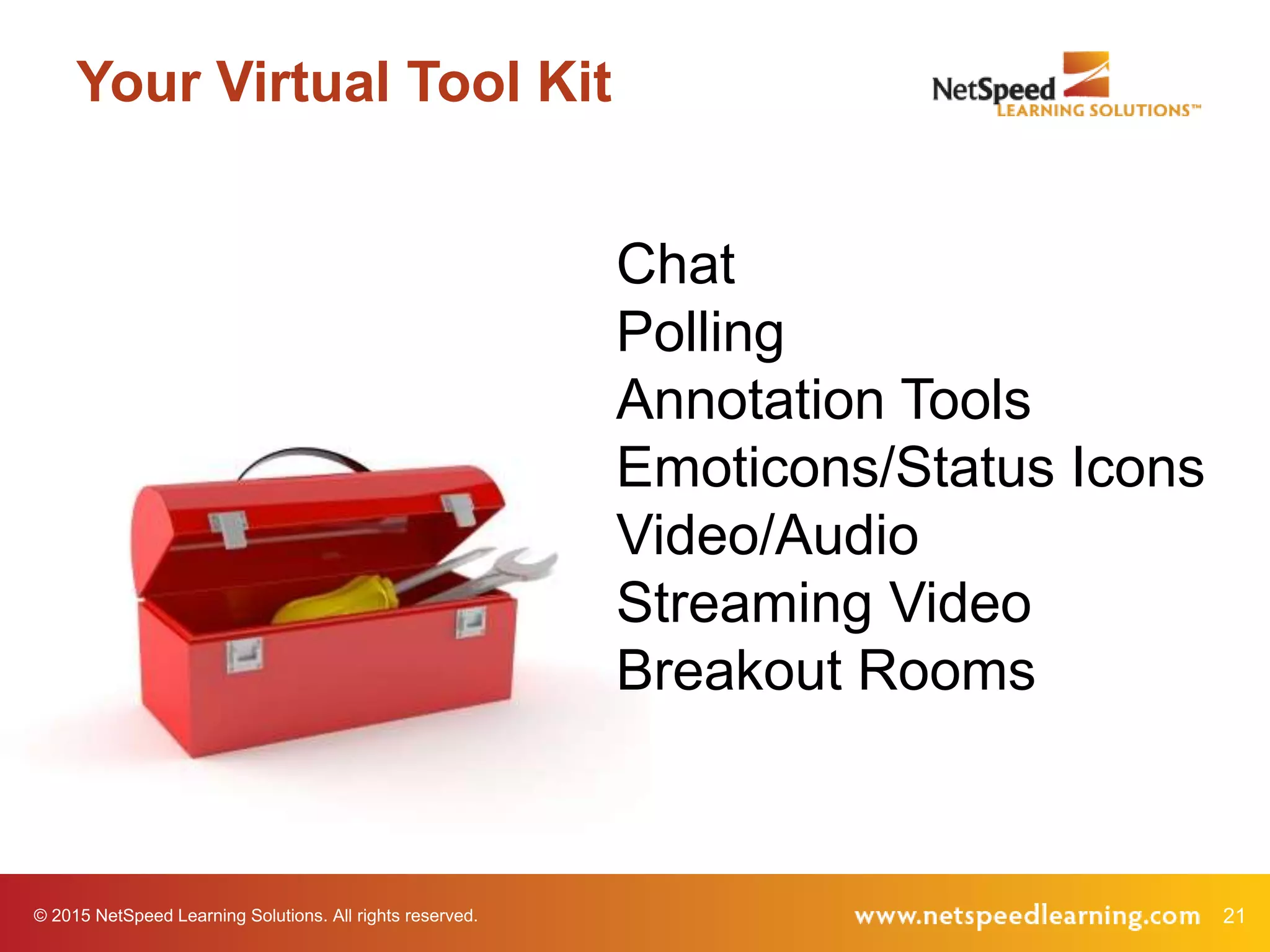
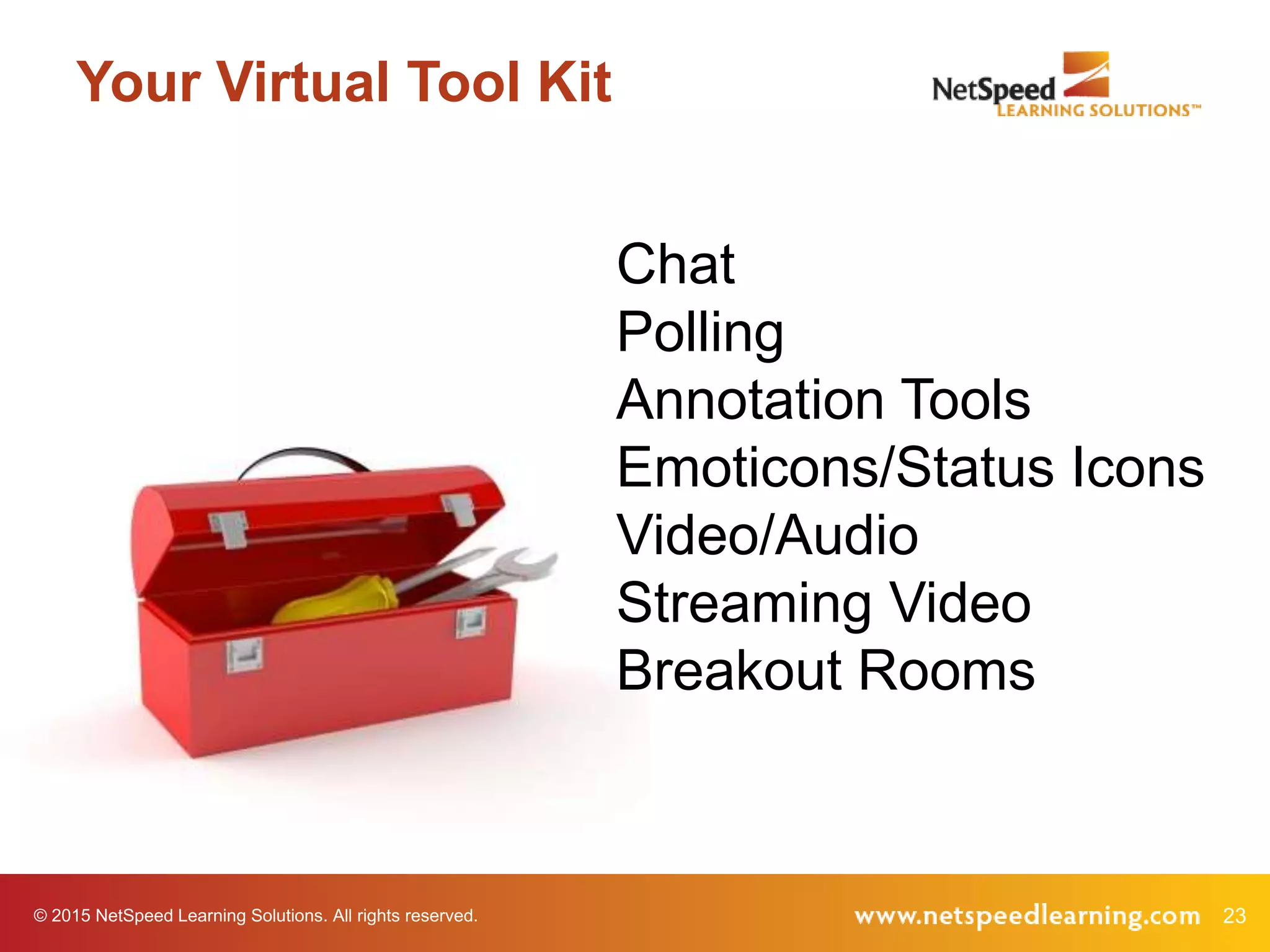
Your Virtual Tool Kit
Chat
Polling
Annotation Tools
Emoticons/Status Icons
Video/Audio
Streaming Video
Breakout Rooms
© 2015 NetSpeed Learning Solutions. All rights reserved. 22
Your Virtual Tool Kit
What interaction tools do you use
most often?
© 2015 NetSpeed Learning Solutions. All rights reserved. 23
Your Virtual Tool Kit
Chat
Polling
Annotation Tools
Emoticons/Status Icons
Video/Audio
Streaming Video
Breakout Rooms
© 2015 NetSpeed Learning Solutions. All rights reserved. 24
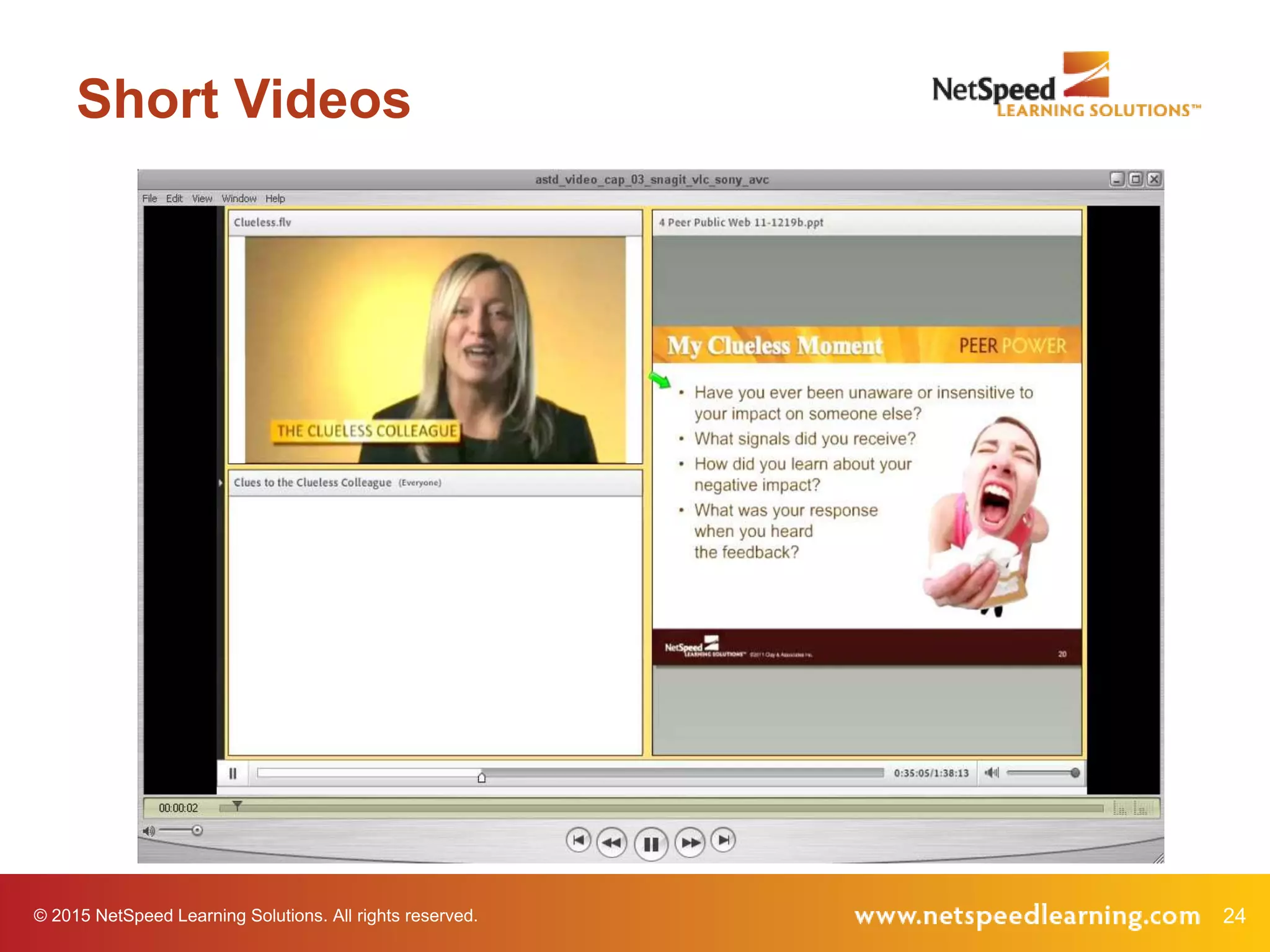
Short Videos
© 2015 NetSpeed Learning Solutions. All rights reserved. 25
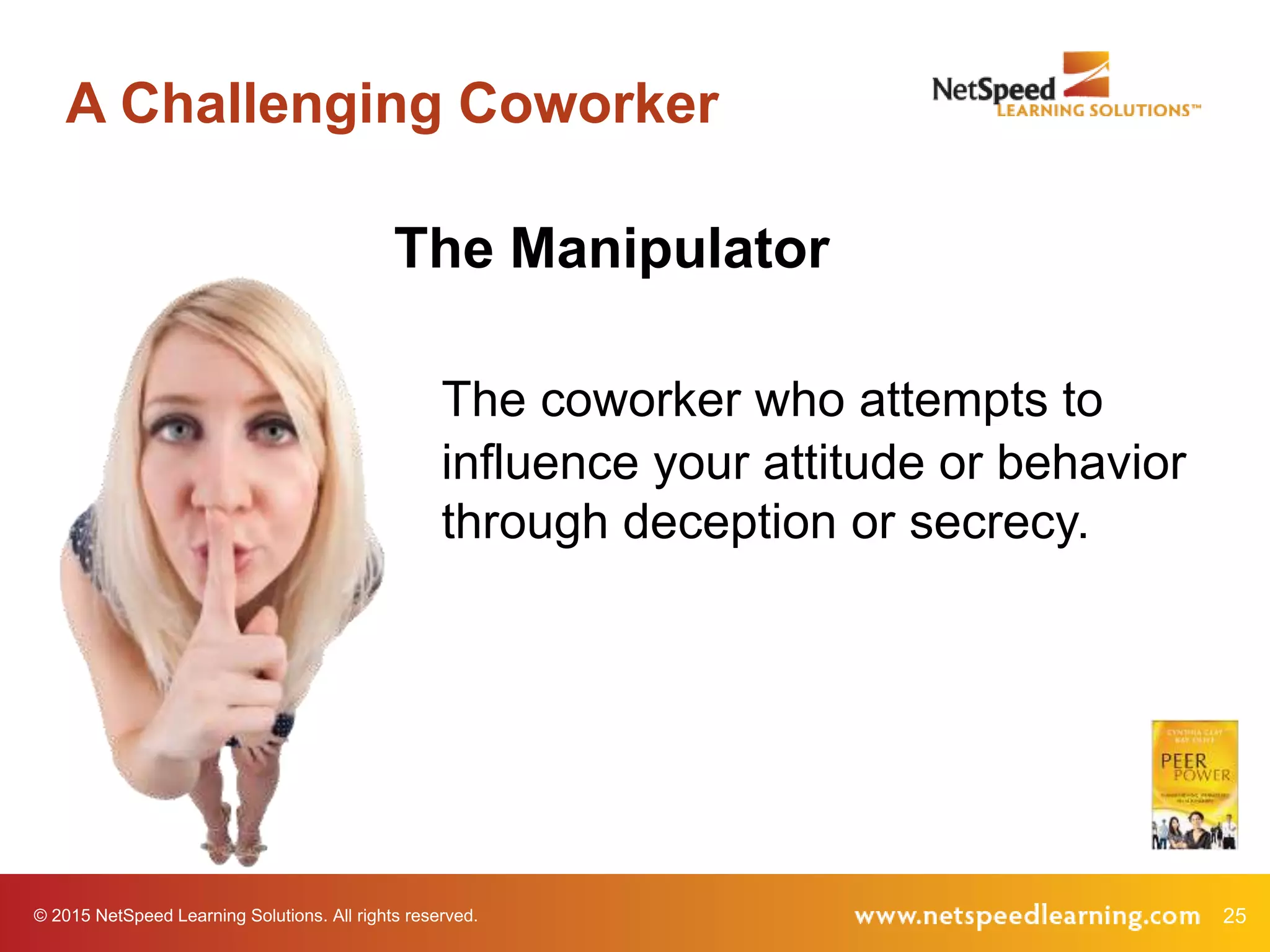
A Challenging Coworker
The Manipulator
The coworker who attempts to
influence your attitude or behavior
through deception or secrecy.
© 2015 NetSpeed Learning Solutions. All rights reserved. 26
Short Video
© 2015 NetSpeed Learning Solutions. All rights reserved. 27
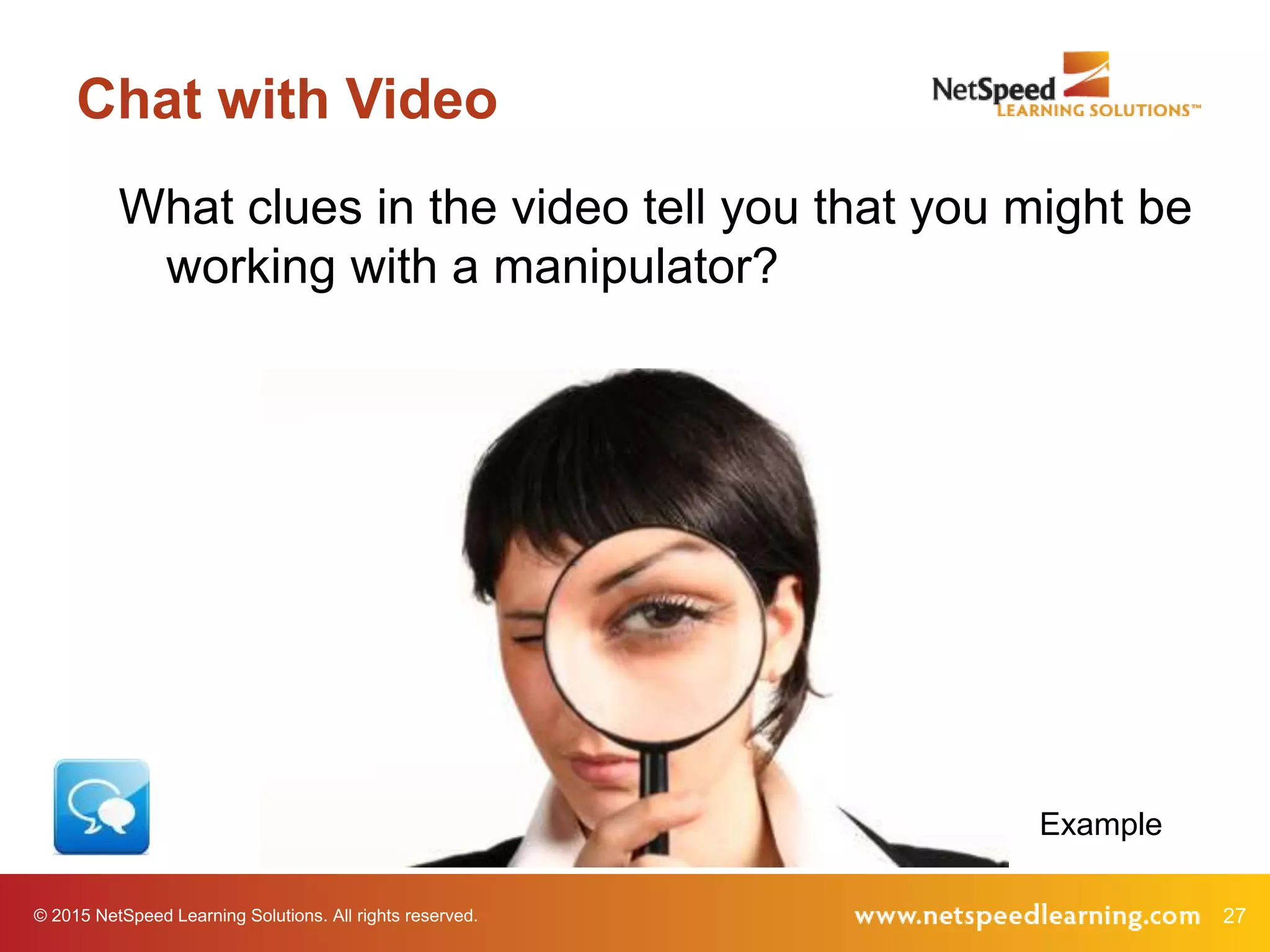
Chat with Video
What clues in the video tell you that you might be
working with a manipulator?
Example
© 2015 NetSpeed Learning Solutions. All rights reserved. 28
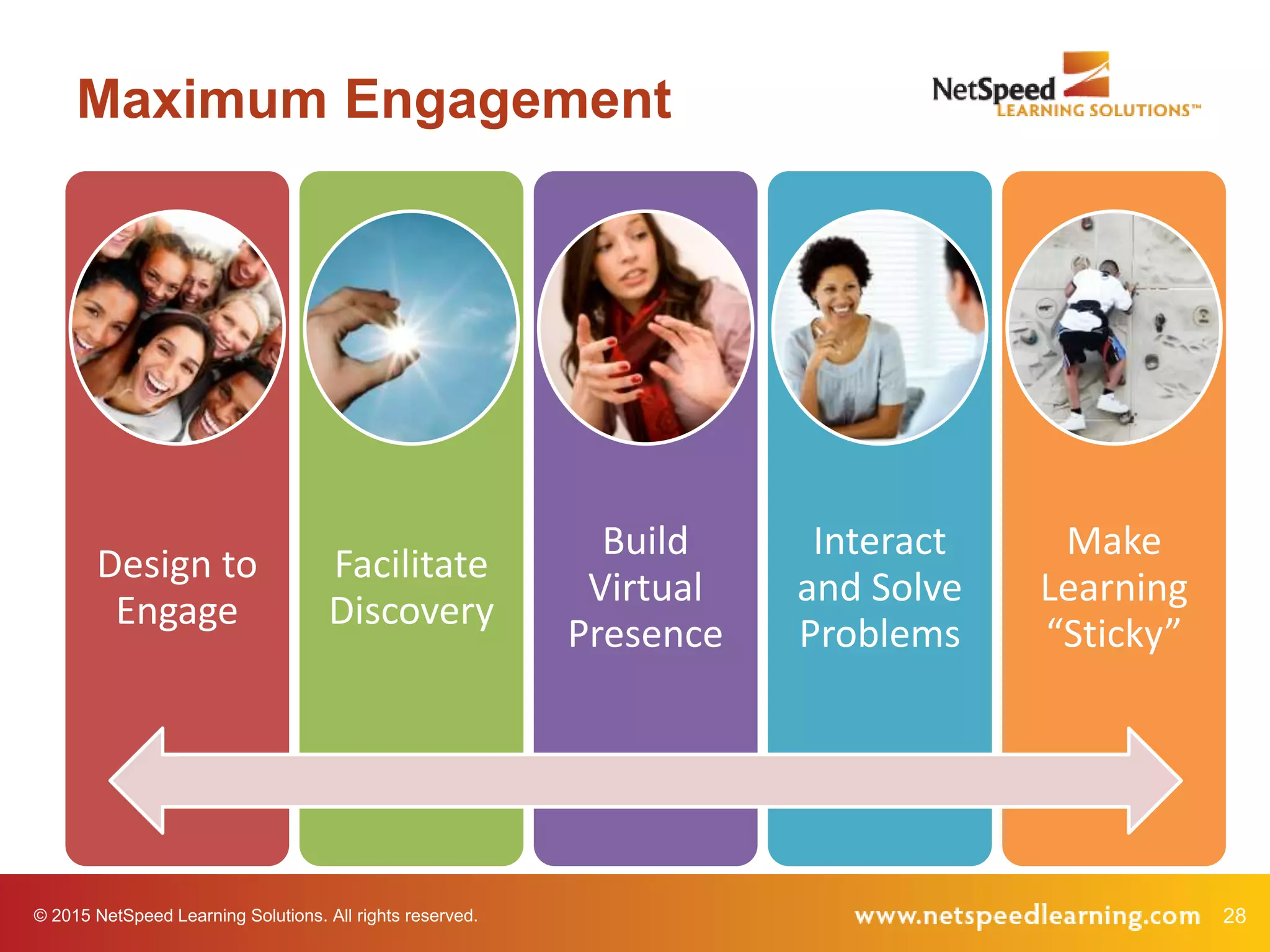
Maximum Engagement
Design to
Engage
Facilitate
Discovery
Build
Virtual
Presence
Interact
and Solve
Problems
Make
Learning
“Sticky”
© 2015 NetSpeed Learning Solutions. All rights reserved. 29
Facilitate Discovery
© 2015 NetSpeed Learning Solutions. All rights reserved. 30
New Mindset
What is Discovery Learning?
31© 2015 NetSpeed Learning Solutions. All rights reserved.
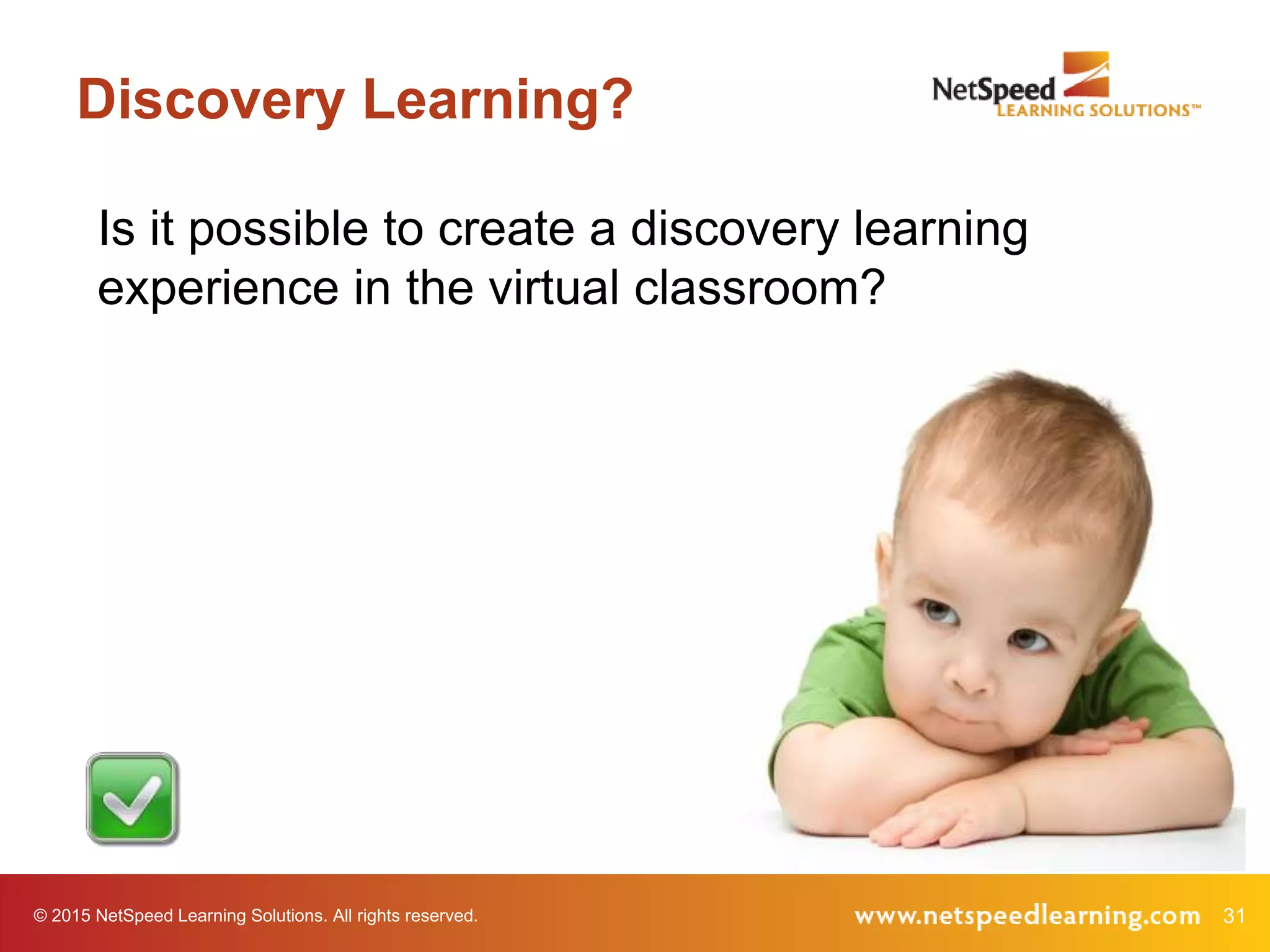
Discovery Learning?
Is it possible to create a discovery learning
experience in the virtual classroom?
32© 2015 NetSpeed Learning Solutions. All rights reserved.
Ask good
questions to
facilitate learning
Technique 3
33© 2015 NetSpeed Learning Solutions. All rights reserved.
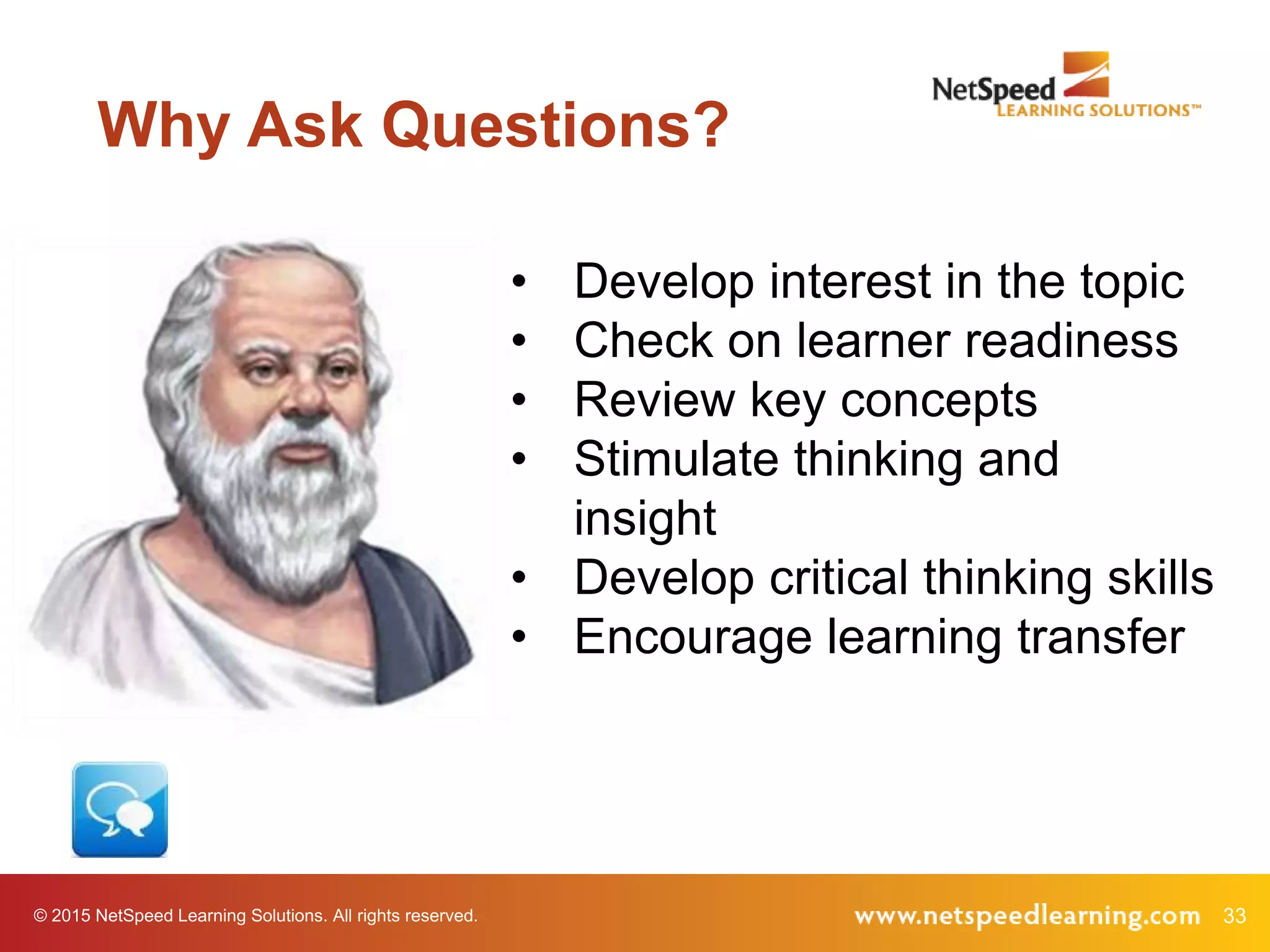
Why Ask Questions?
• Develop interest in the topic
• Check on learner readiness
• Review key concepts
• Stimulate thinking and
insight
• Develop critical thinking skills
• Encourage learning transfer
34© 2015 NetSpeed Learning Solutions. All rights reserved.
Research
• More effective in producing
achievement gains
• Foster learning (particularly oral
questions)
• Result in greater comprehension
35© 2015 NetSpeed Learning Solutions. All rights reserved.
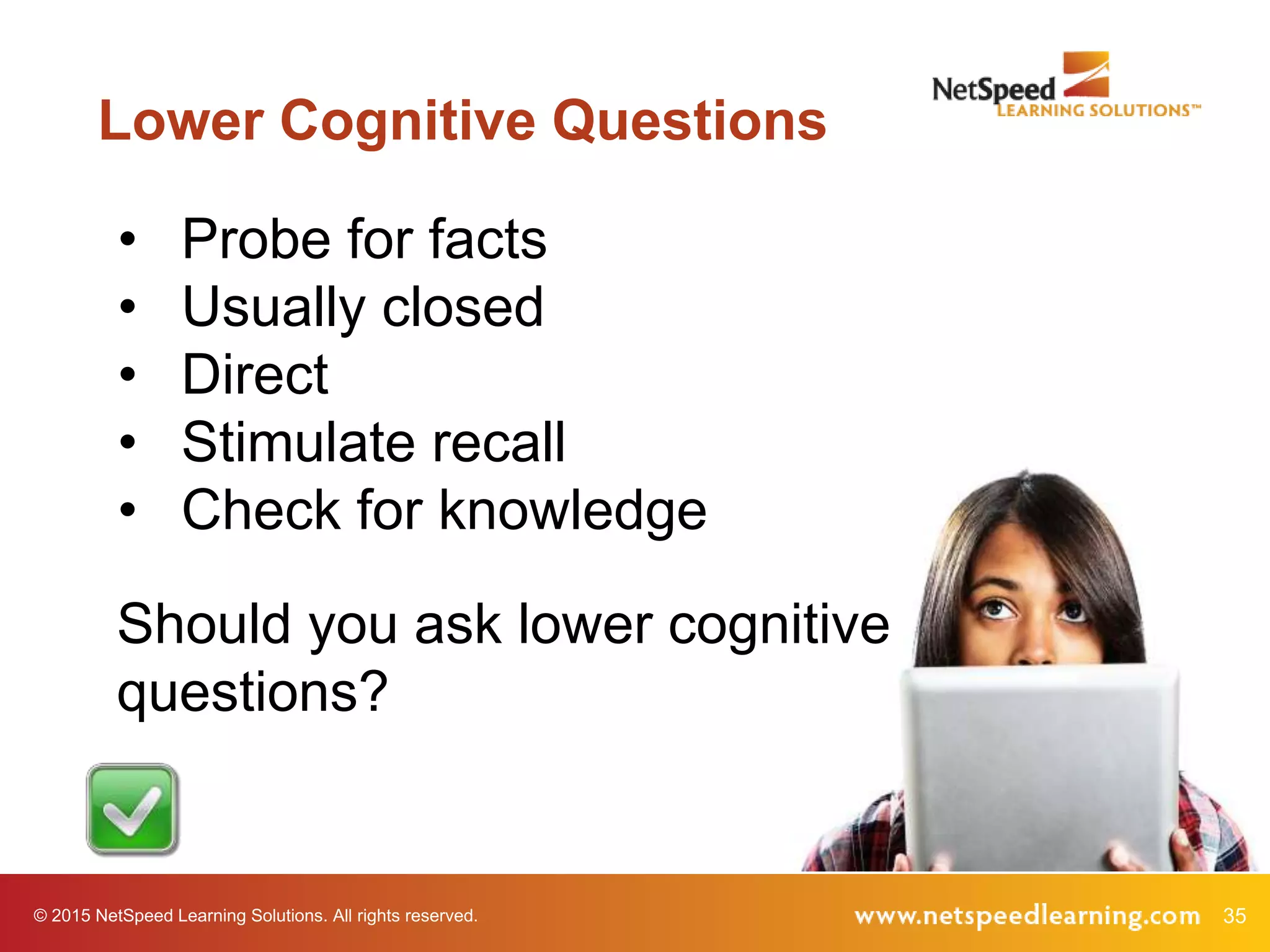
Lower Cognitive Questions
• Probe for facts
• Usually closed
• Direct
• Stimulate recall
• Check for knowledge
Should you ask lower cognitive
questions?
36© 2015 NetSpeed Learning Solutions. All rights reserved.
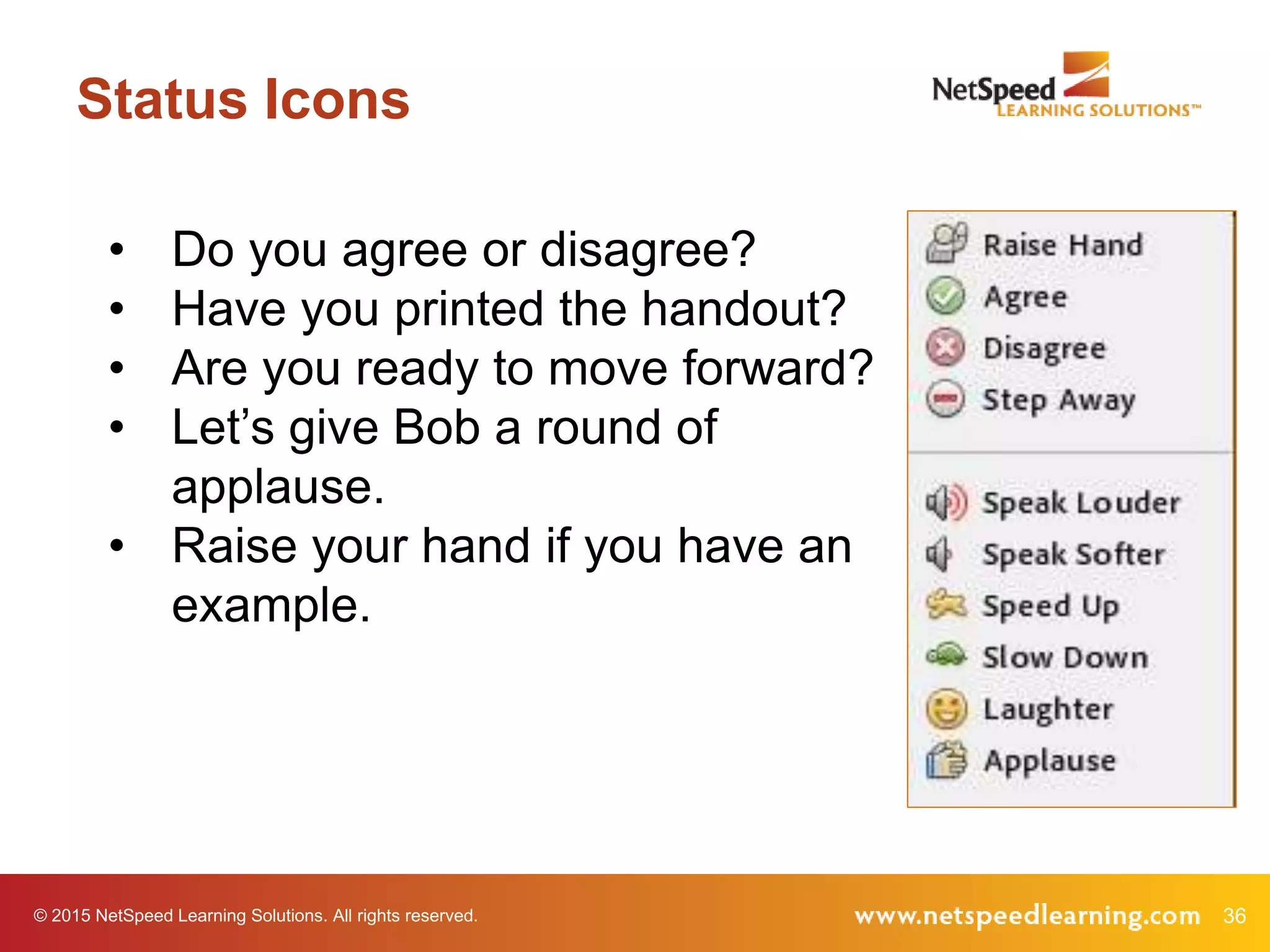
Status Icons
• Do you agree or disagree?
• Have you printed the handout?
• Are you ready to move forward?
• Let’s give Bob a round of
applause.
• Raise your hand if you have an
example.
37© 2015 NetSpeed Learning Solutions. All rights reserved.
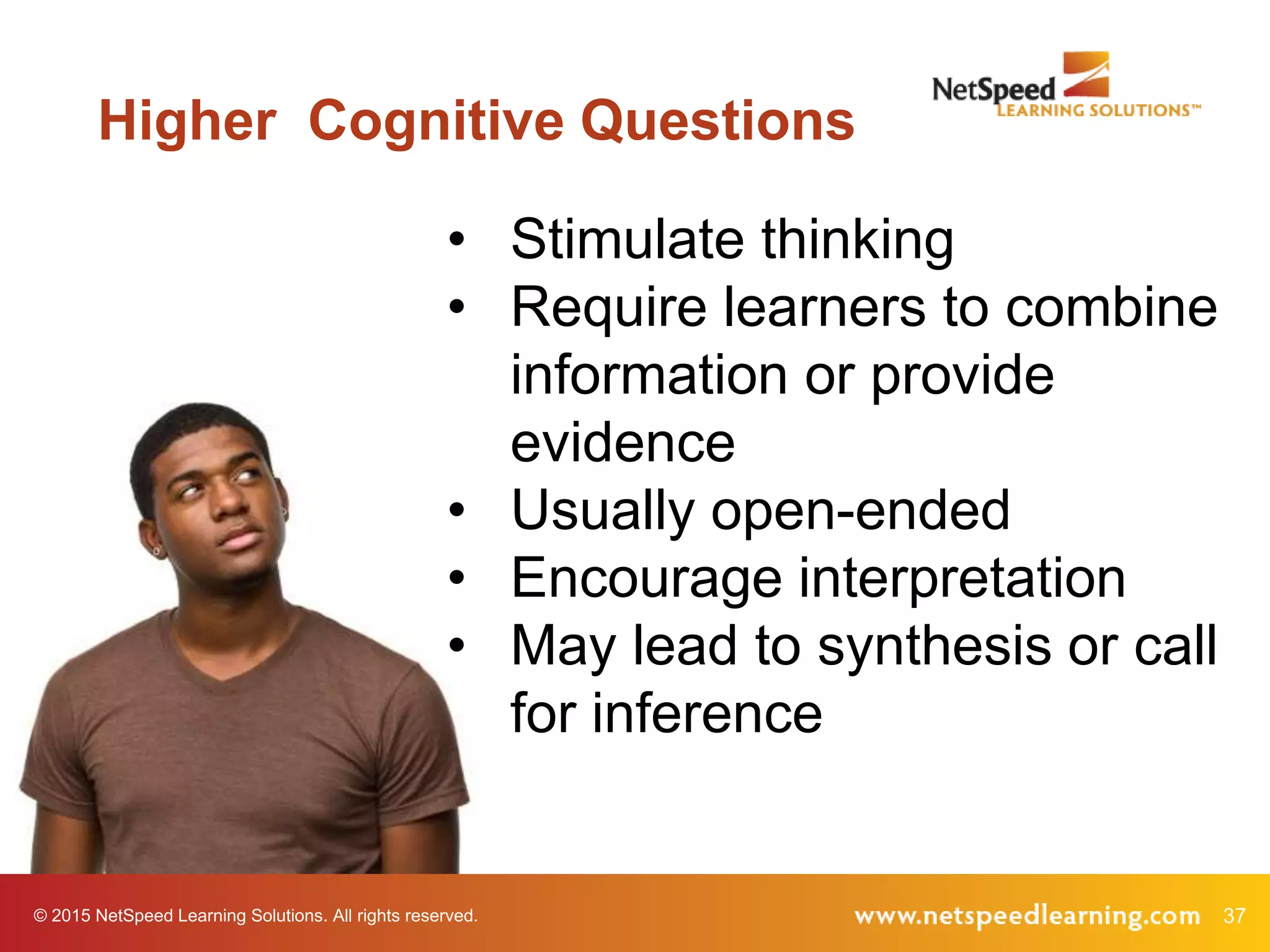
Higher Cognitive Questions
• Stimulate thinking
• Require learners to combine
information or provide
evidence
• Usually open-ended
• Encourage interpretation
• May lead to synthesis or call
for inference
38© 2015 NetSpeed Learning Solutions. All rights reserved.
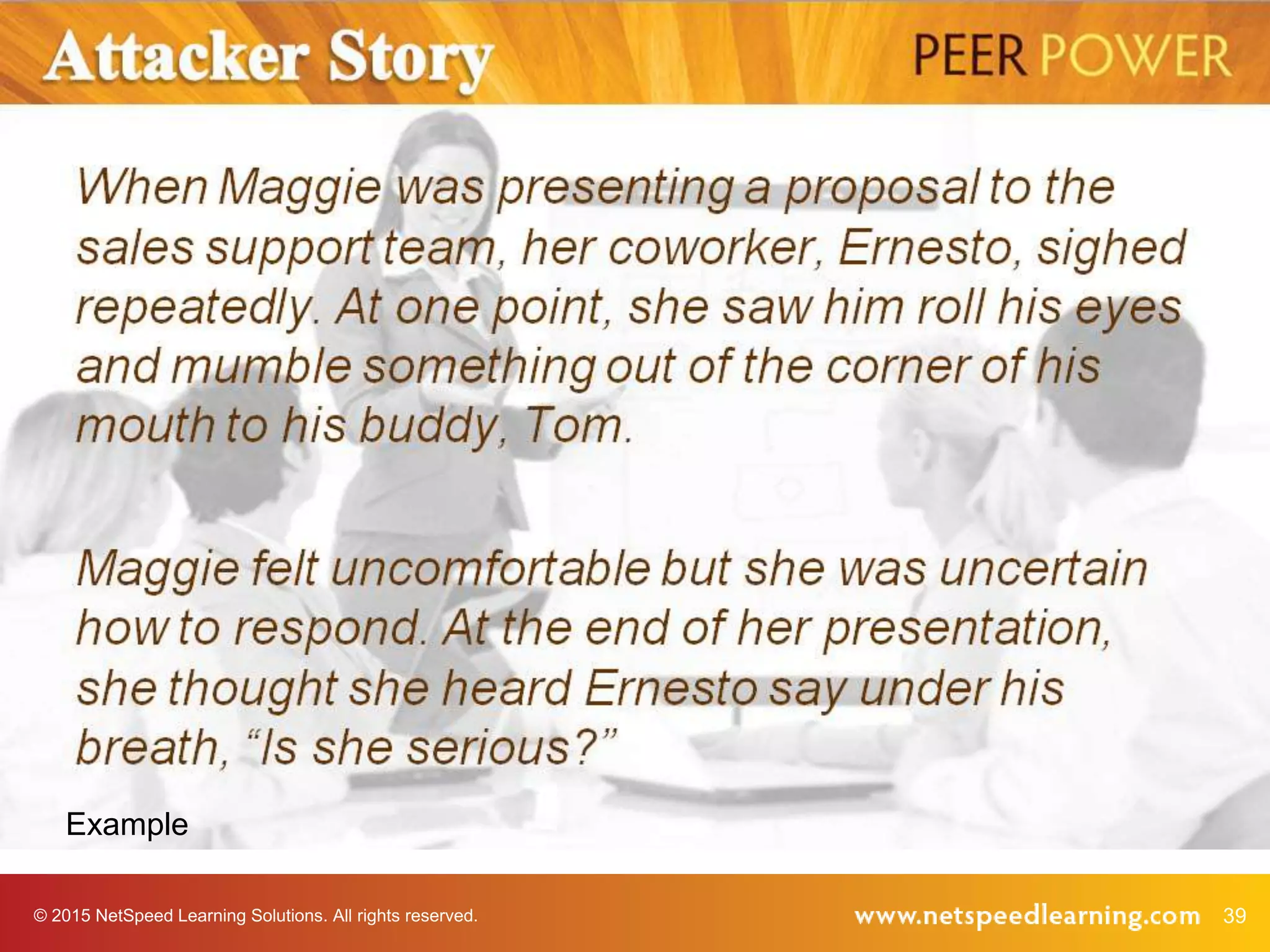
Example
What is an example of a
higher cognitive question?
© 2015 NetSpeed Learning Solutions. All rights reserved. 39
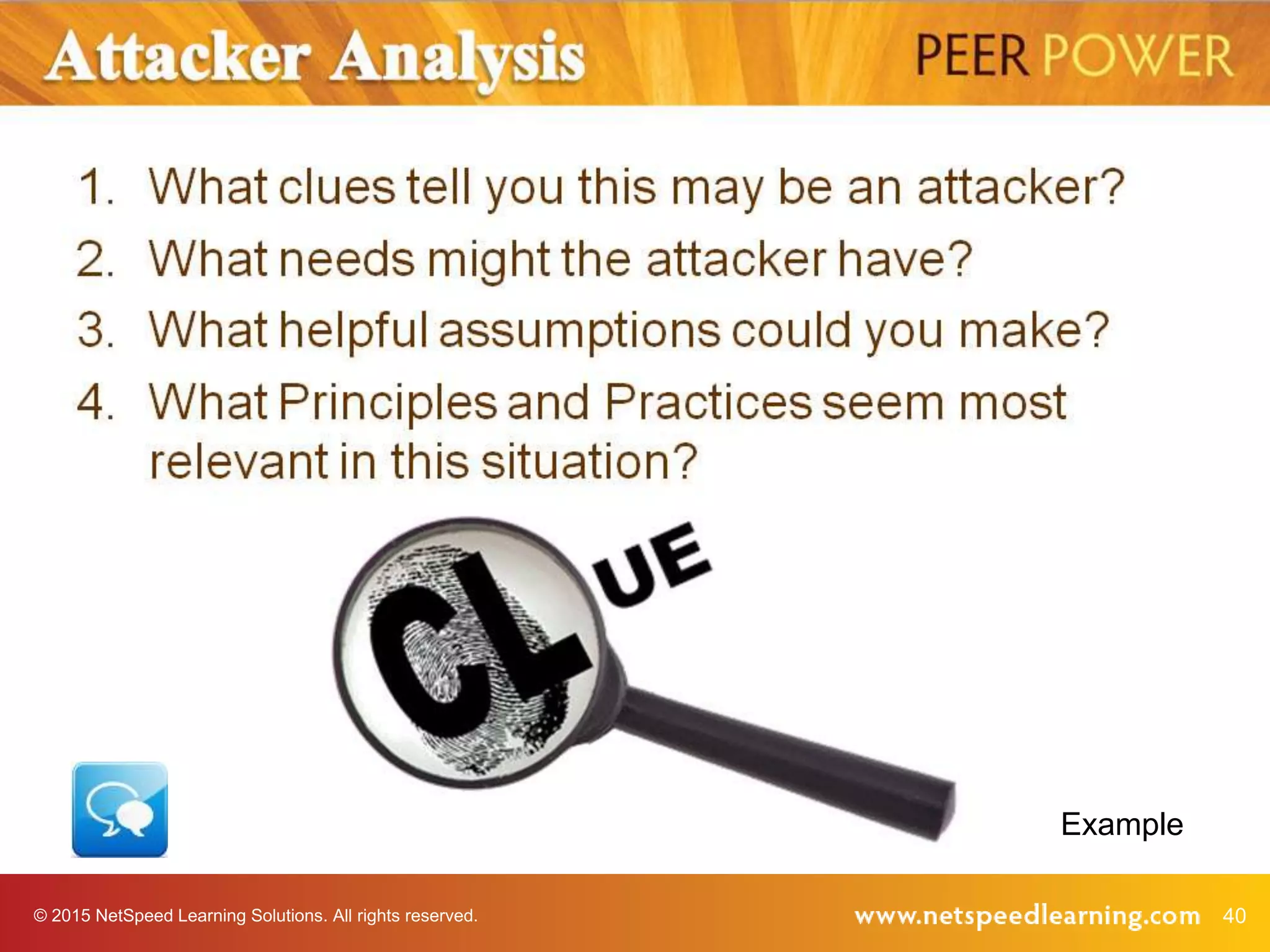
Example
© 2015 NetSpeed Learning Solutions. All rights reserved. 40
Example
© 2015 NetSpeed Learning Solutions. All rights reserved. 41
Maximum Engagement
Design to
Engage
Facilitate
Discovery
Build
Virtual
Presence
Interact
and Solve
Problems
Make
Learning
“Sticky”
© 2015 NetSpeed Learning Solutions. All rights reserved. 42
Build Virtual Presence
© 2015 NetSpeed Learning Solutions. All rights reserved. 43
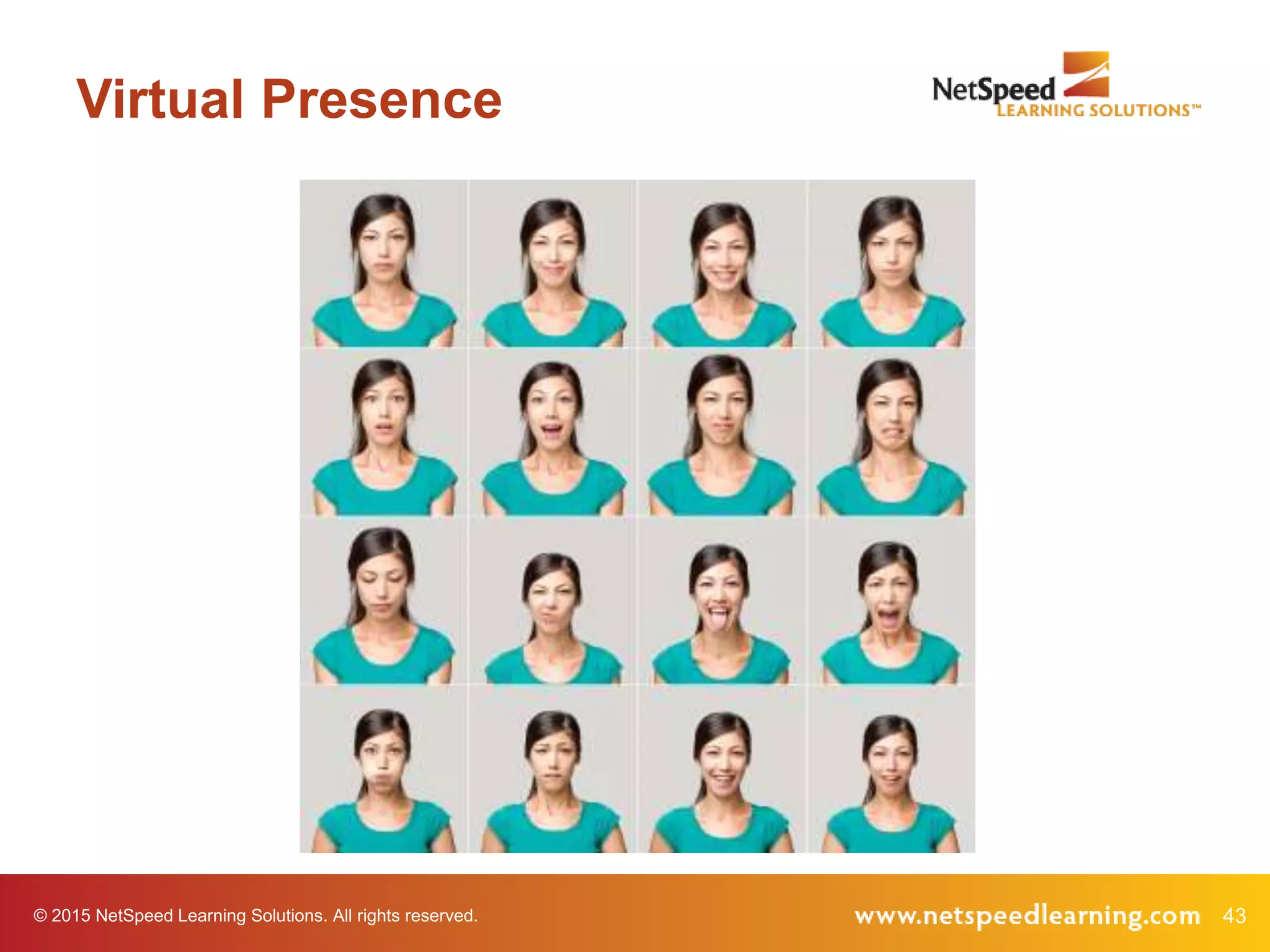
Virtual Presence
© 2015 NetSpeed Learning Solutions. All rights reserved. 44
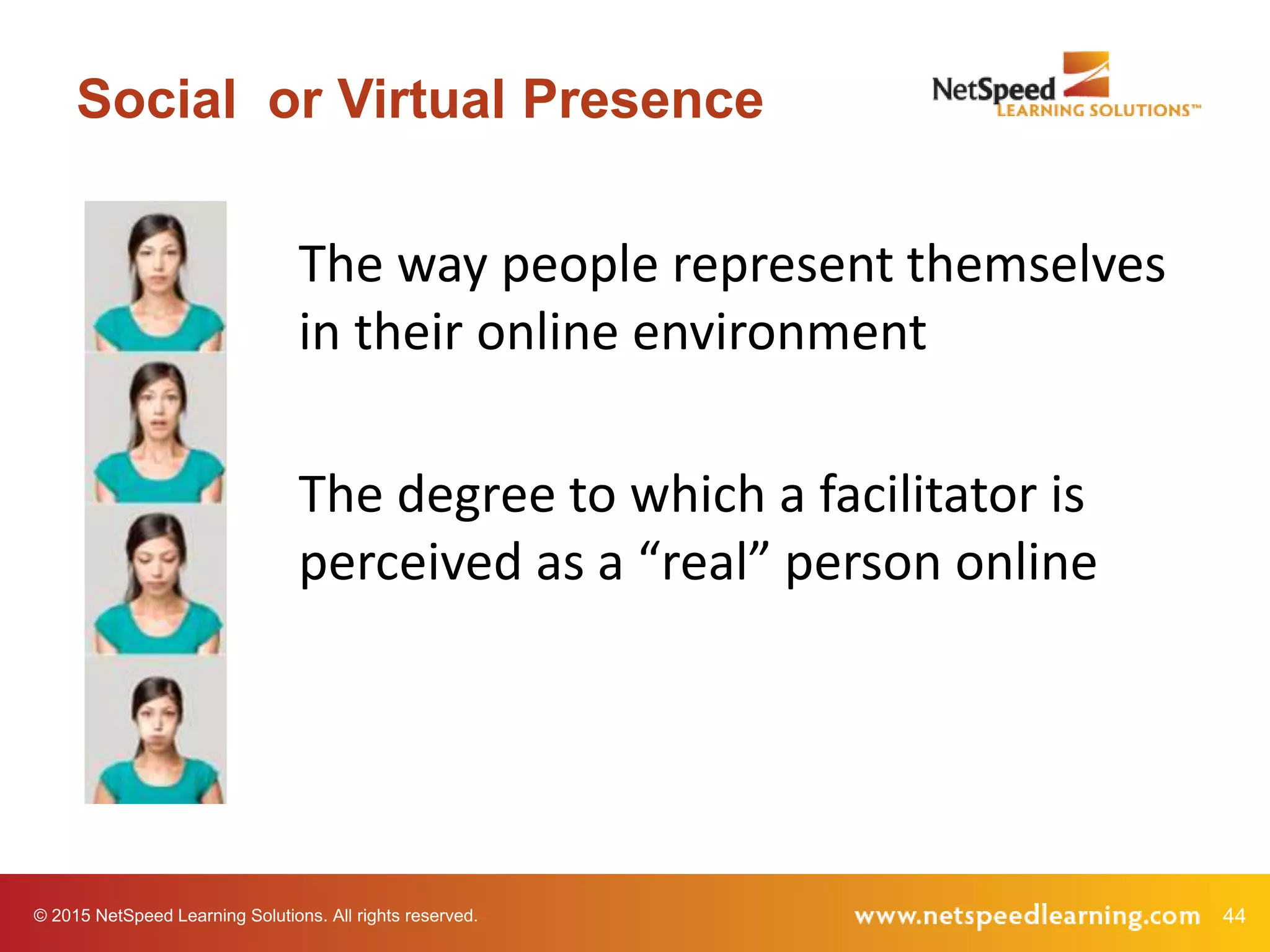
Social or Virtual Presence
The way people represent themselves
in their online environment
The degree to which a facilitator is
perceived as a “real” person online
© 2015 NetSpeed Learning Solutions. All rights reserved. 45
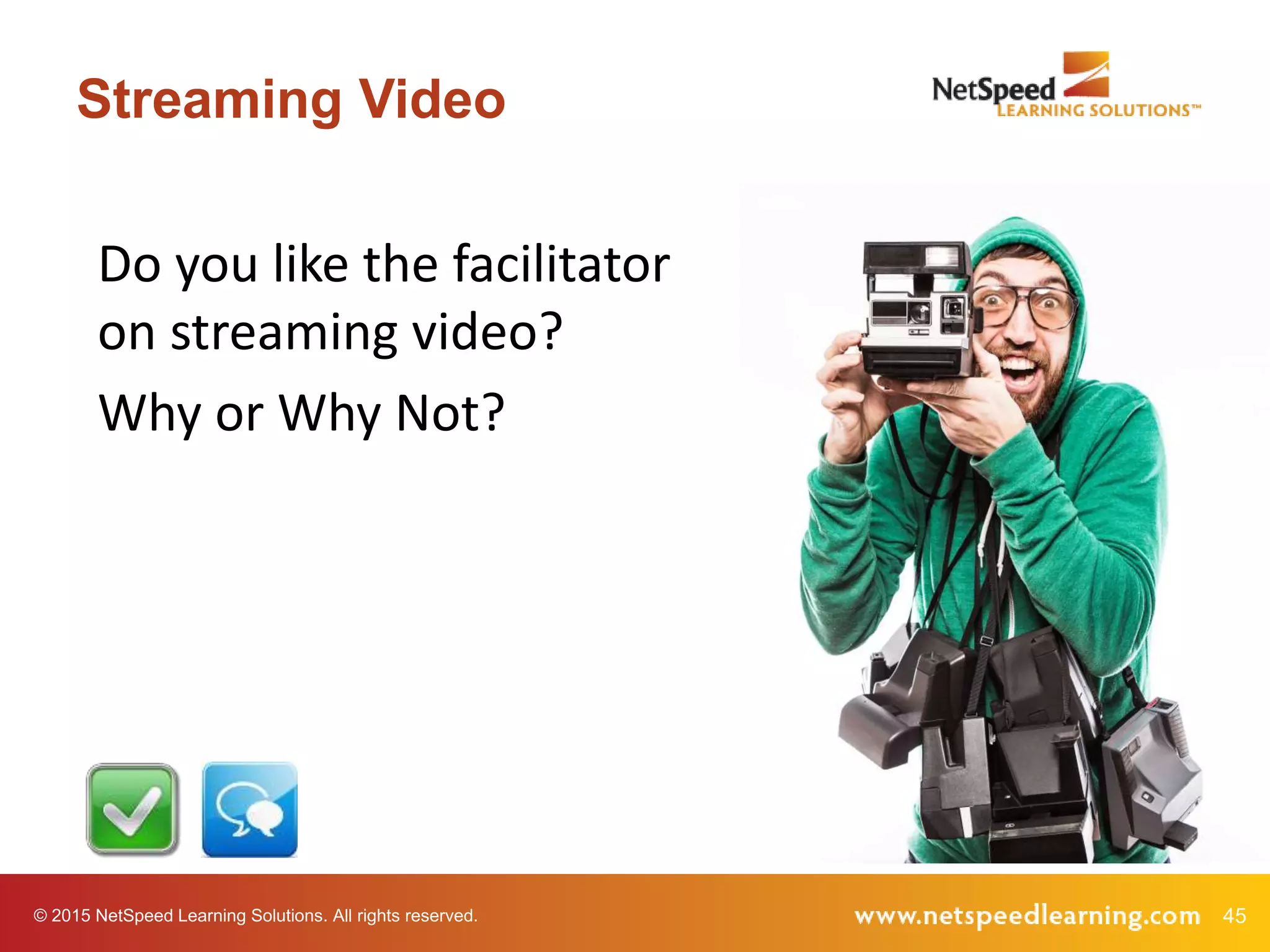
Streaming Video
Do you like the facilitator
on streaming video?
Why or Why Not?
© 2015 NetSpeed Learning Solutions. All rights reserved. 46
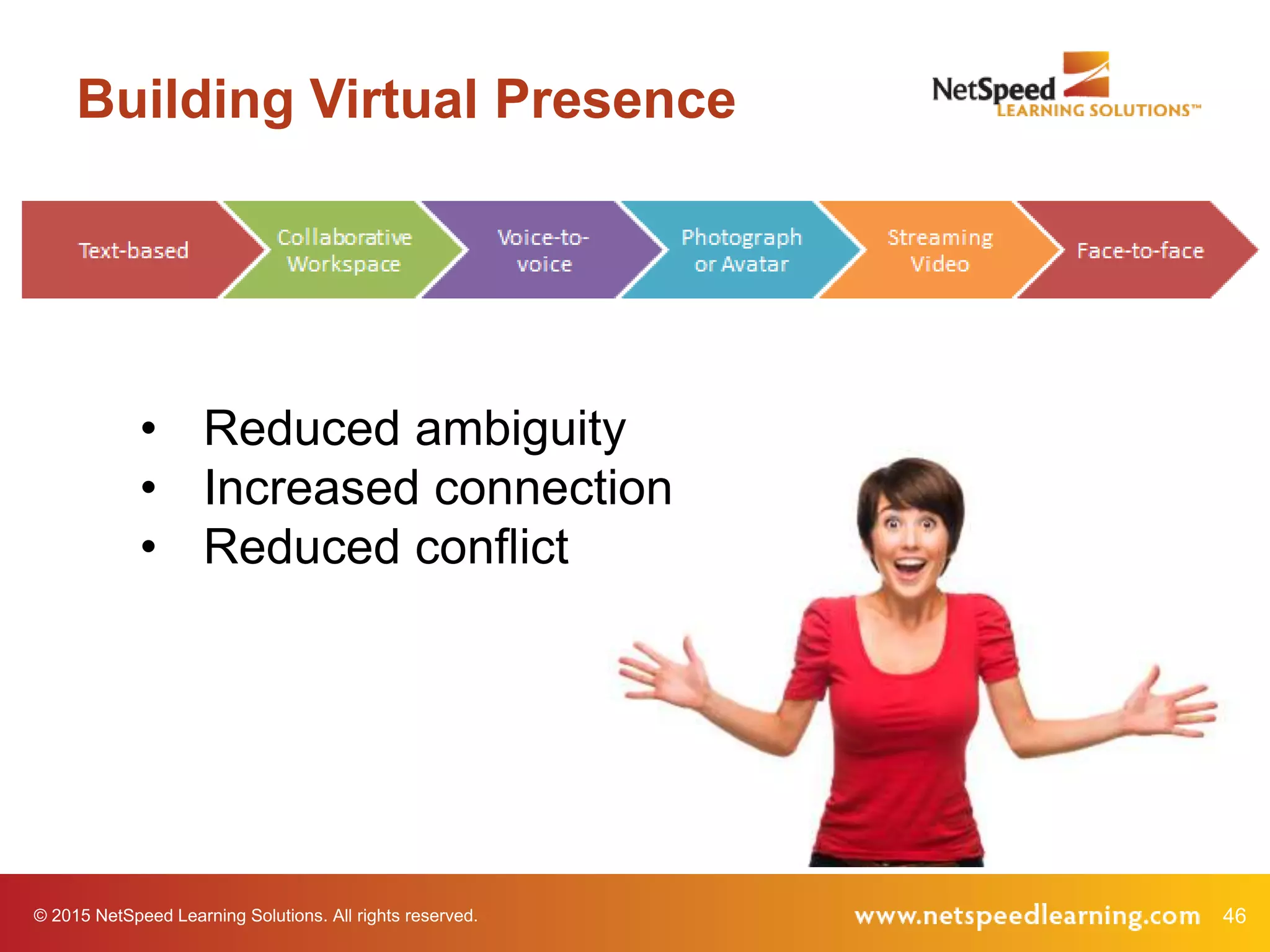
Building Virtual Presence
• Reduced ambiguity
• Increased connection
• Reduced conflict
© 2015 NetSpeed Learning Solutions. All rights reserved. 47
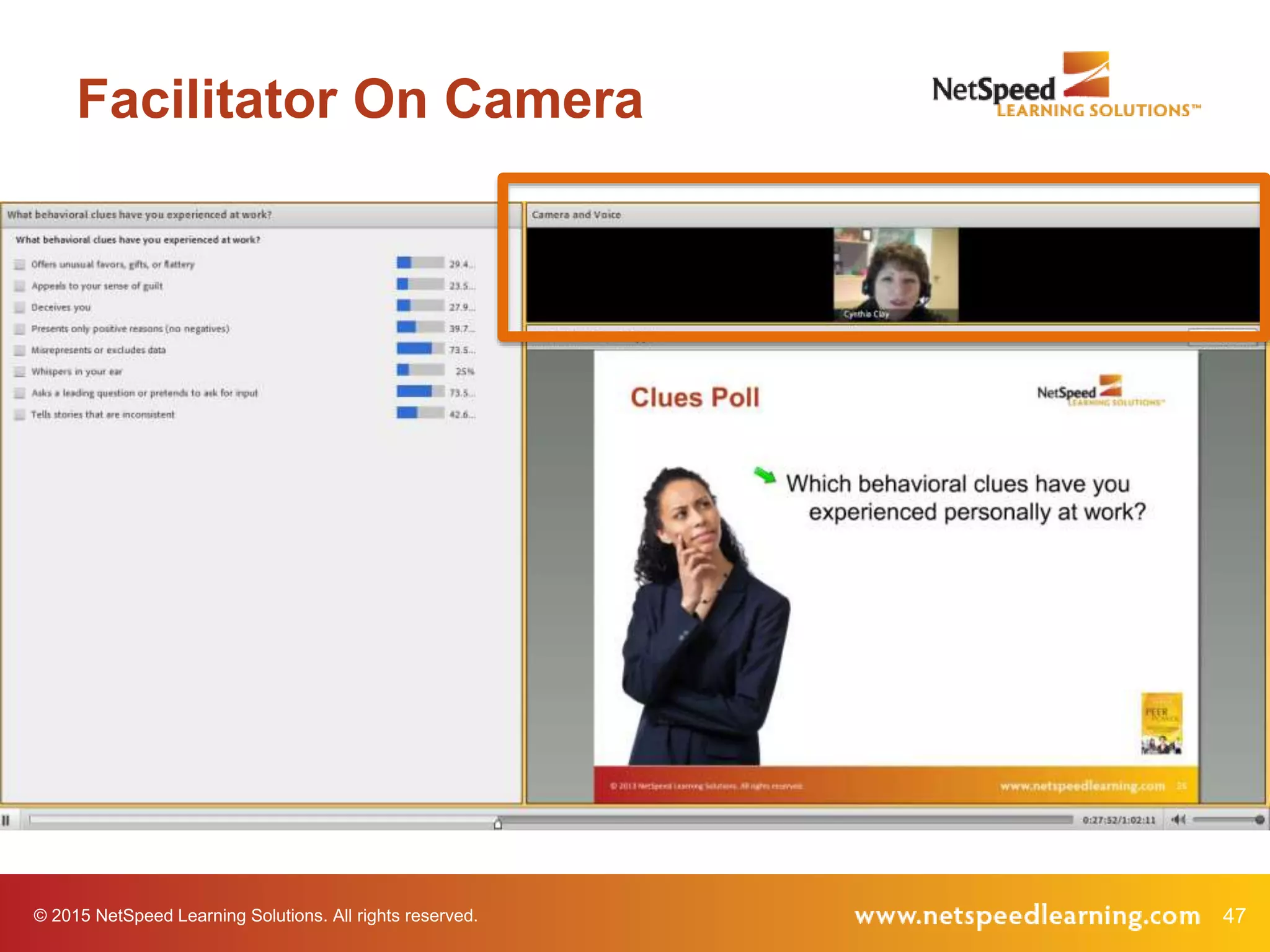
Facilitator On Camera
48© 2015 NetSpeed Learning Solutions. All rights reserved.
Look into the
camera when you
are speaking
Technique 4
49© 2015 NetSpeed Learning Solutions. All rights reserved.
Look into the
camera when
they are speaking
Technique 5
50© 2015 NetSpeed Learning Solutions. All rights reserved.
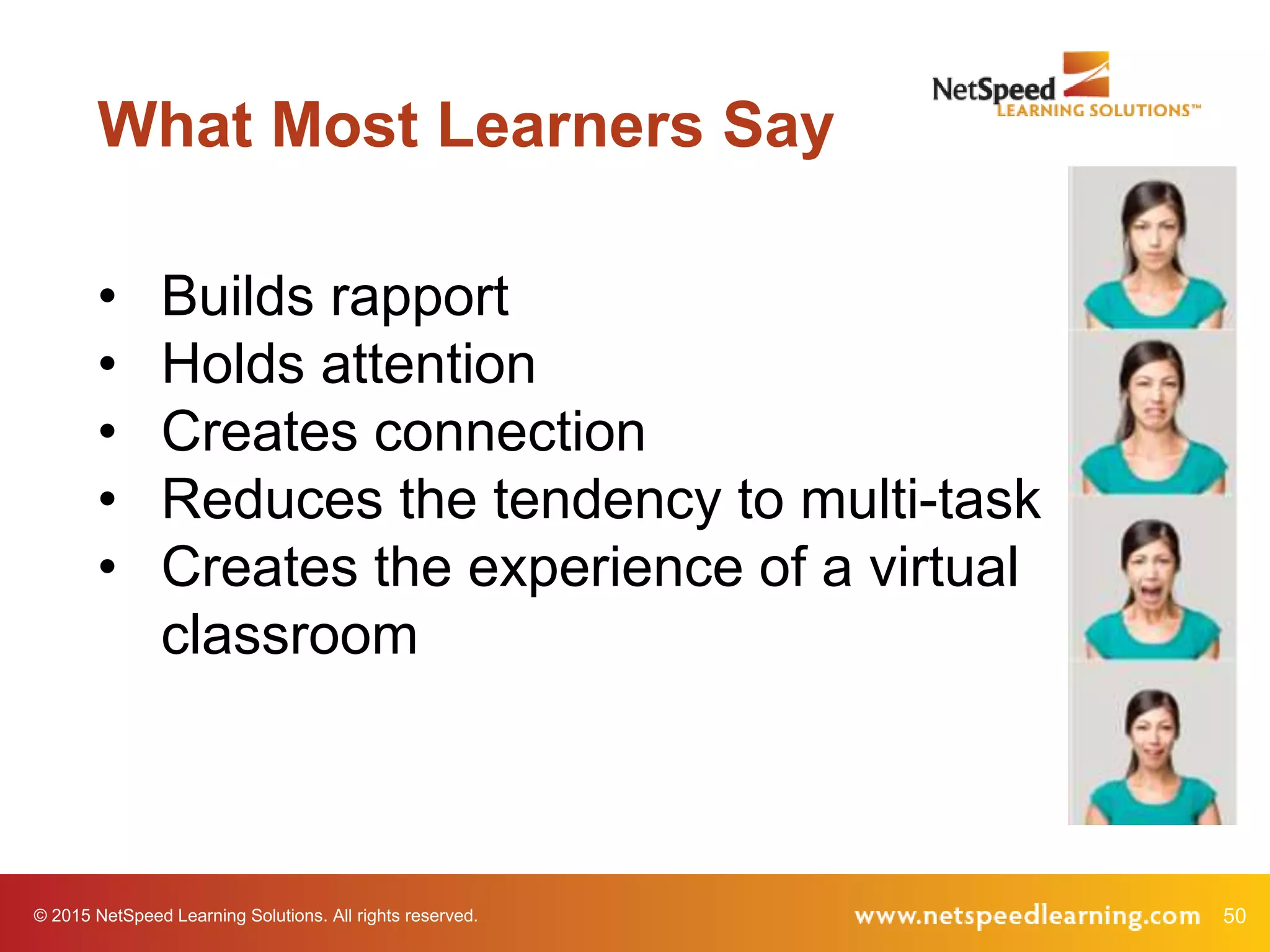
What Most Learners Say
• Builds rapport
• Holds attention
• Creates connection
• Reduces the tendency to multi-task
• Creates the experience of a virtual
classroom
© 2015 NetSpeed Learning Solutions. All rights reserved. 51
Maximum Engagement
Design to
Engage
Facilitate
Discovery
Build
Virtual
Presence
Interact
and Solve
Problems
Make
Learning
“Sticky”
© 2015 NetSpeed Learning Solutions. All rights reserved. 52
Interact & Solve Problems
53© 2015 NetSpeed Learning Solutions. All rights reserved.
Interact every two
to three minutes
Technique 6
© 2015 NetSpeed Learning Solutions. All rights reserved. 54
Think of a time when you have
manipulated a person or a
situation by withholding
information, flattering, or sharing
information in secret.
What motivated you?
Reflection Chat
Example
© 2015 NetSpeed Learning Solutions. All rights reserved. 55
Debriefing Chat Comments
• Use their names
• Comment on their points
• Link comments
• Get to know them
• Encourage peer-to-peer
chatting
56© 2015 NetSpeed Learning Solutions. All rights reserved.
Collaborate on
shared problems
Technique 7
© 2015 NetSpeed Learning Solutions. All rights reserved. 57
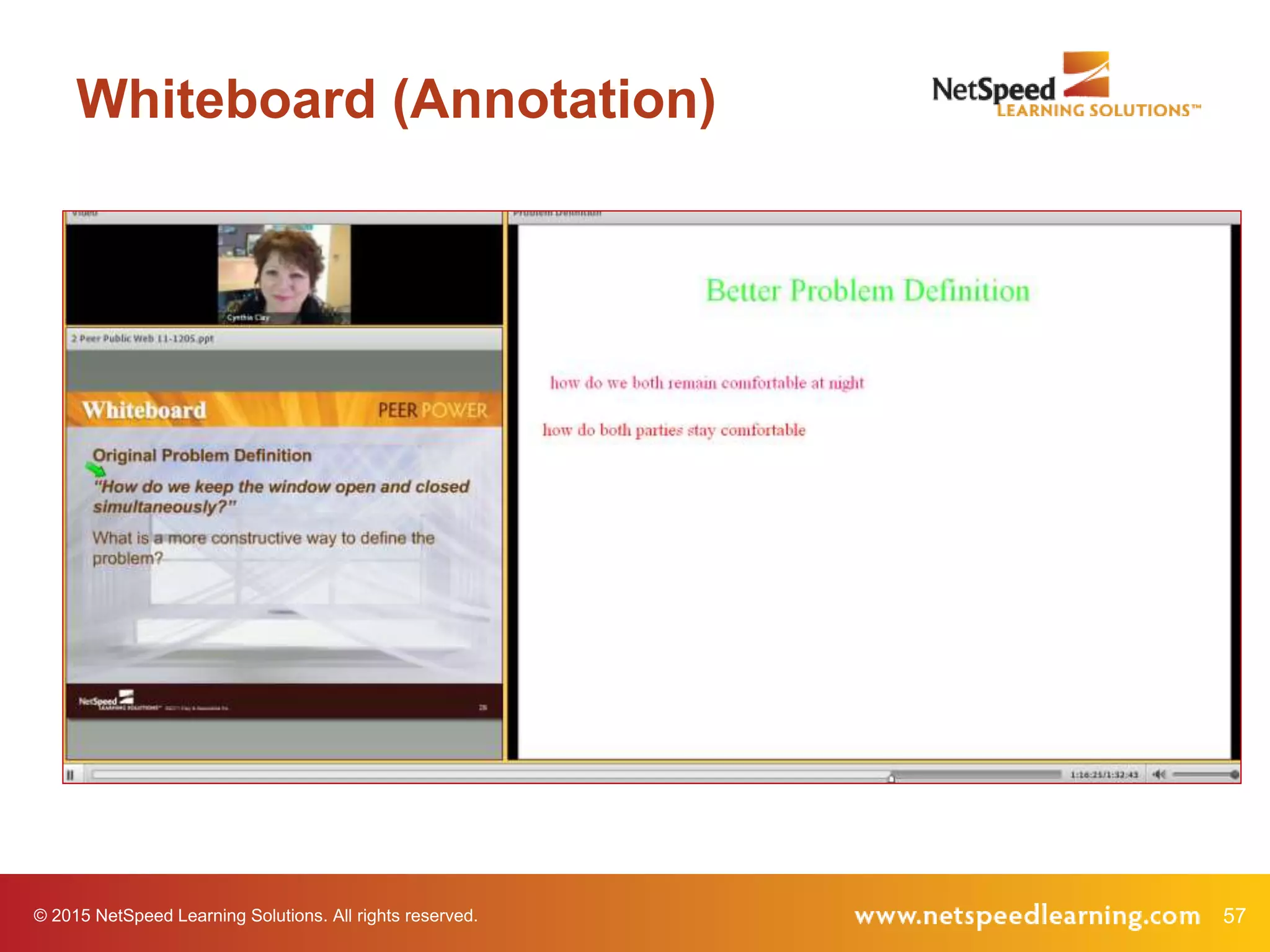
Whiteboard (Annotation)
© 2015 NetSpeed Learning Solutions. All rights reserved. 58
Breakout Rooms
© 2015 NetSpeed Learning Solutions. All rights reserved. 59
Interact!
• Pose juicy questions to stimulate
thinking.
• Use chat to solicit open responses.
• Use polls to capture and compare
opinions.
• Generate ideas on a whiteboard.
• Use breakout rooms to problem
solve.
© 2015 NetSpeed Learning Solutions. All rights reserved. 60
Can You Lecture?
Yes.
Keep it short.
© 2015 NetSpeed Learning Solutions. All rights reserved. 61
Extend Respect
• Use good listening and questioning skills to
encourage openness.
• Pay attention to your gut/intuition.
Example
© 2015 NetSpeed Learning Solutions. All rights reserved. 62
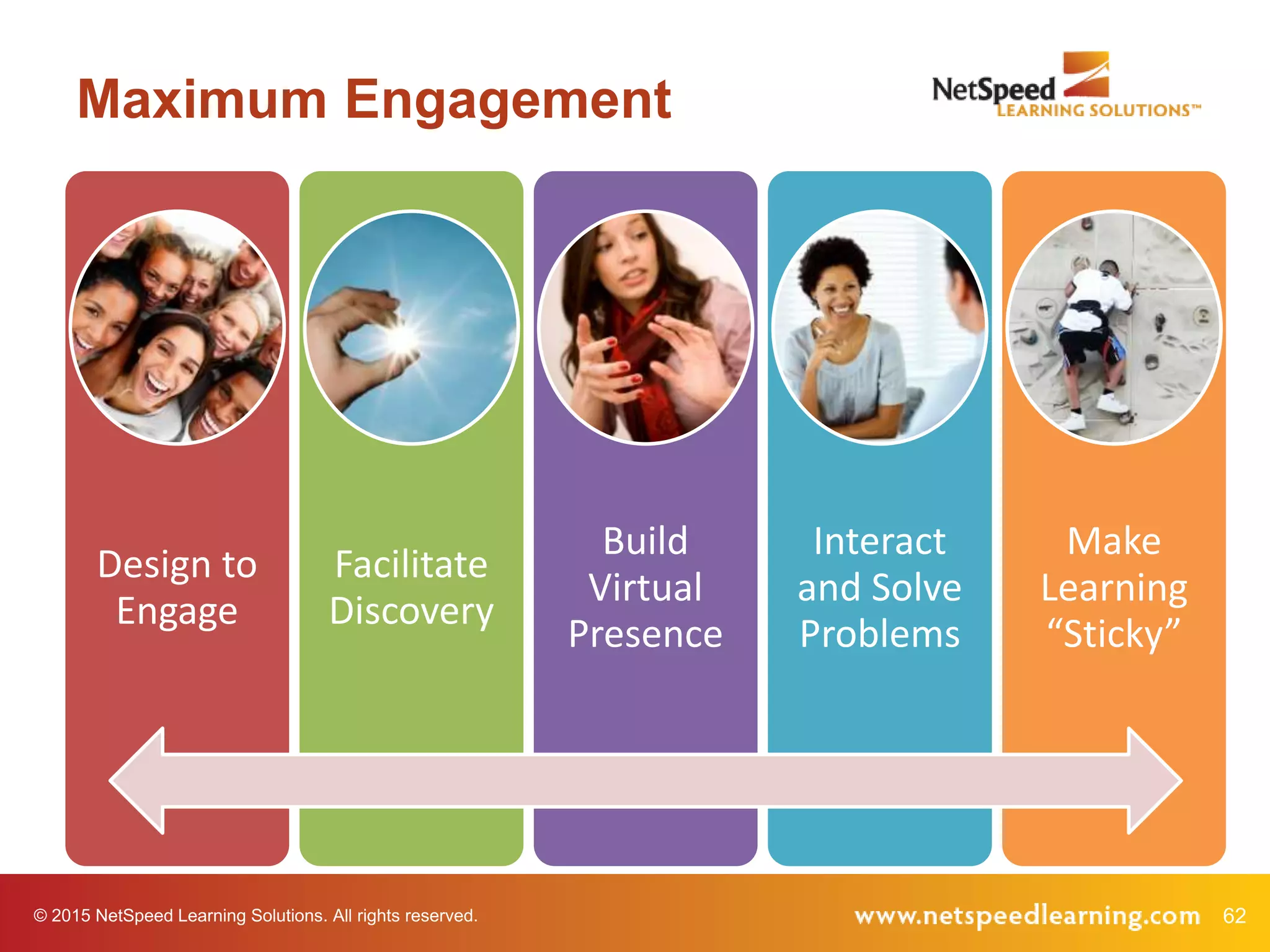
Maximum Engagement
Design to
Engage
Facilitate
Discovery
Build
Virtual
Presence
Interact
and Solve
Problems
Make
Learning
“Sticky”
© 2015 NetSpeed Learning Solutions. All rights reserved. 63
Make Learning “Sticky”
64© 2015 NetSpeed Learning Solutions. All rights reserved.
Use stories to
frame key points
Technique 8
© 2015 NetSpeed Learning Solutions. All rights reserved. 65
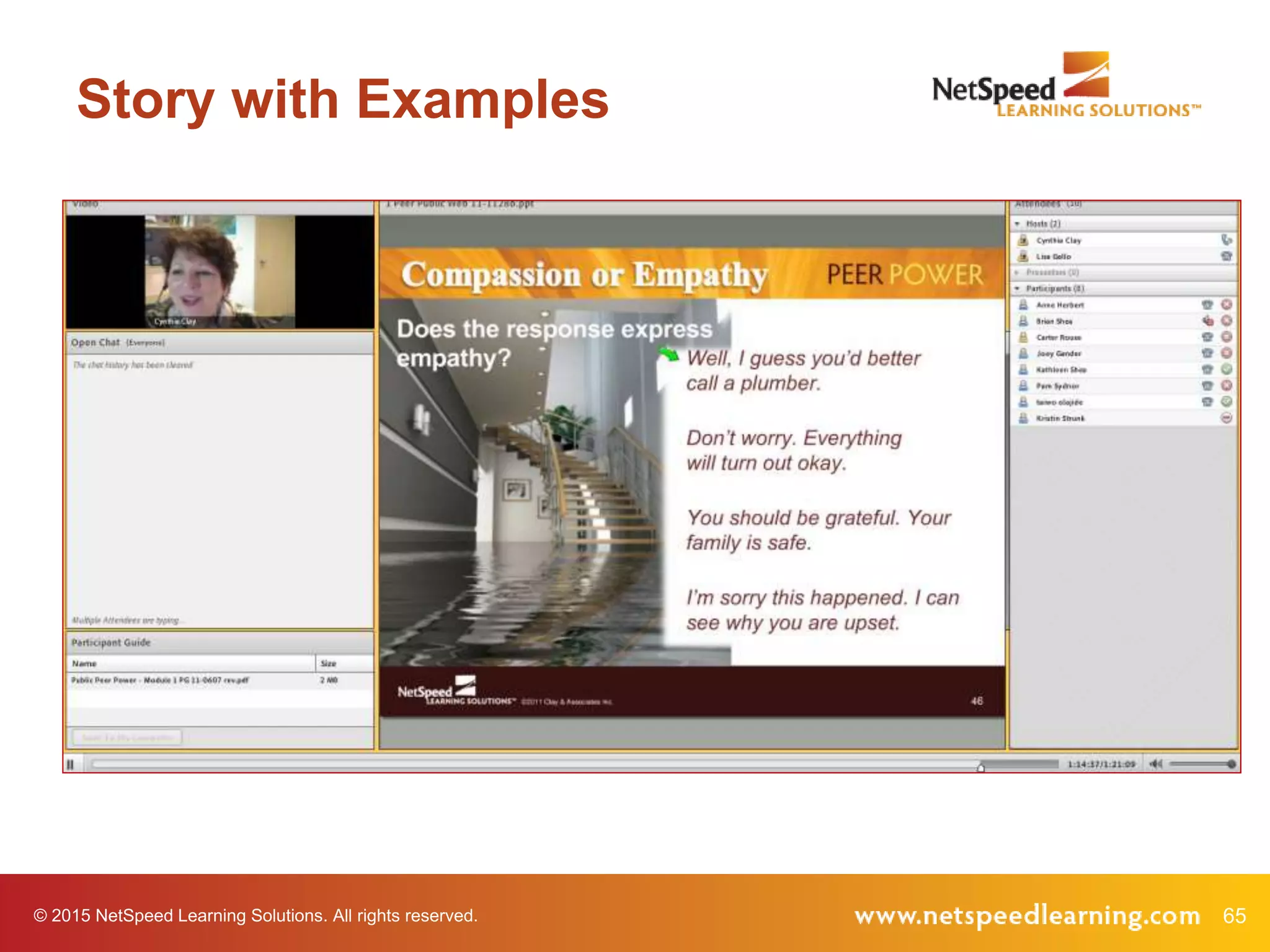
Story with Examples
© 2015 NetSpeed Learning Solutions. All rights reserved. 66
Story with Poll
Which behavioral clues have you
experienced personally at work?
• Offers unusual favors, gifts or flattery
• Appeals to your sense of guilt
• Deceives you
• Presents only positive reasons (no
negatives)
• Misrepresents or excludes data
• Whispers in your ear
• Asks a leading question or pretends to
ask for input
• Tells stories that are inconsistent
Example
67© 2015 NetSpeed Learning Solutions. All rights reserved.
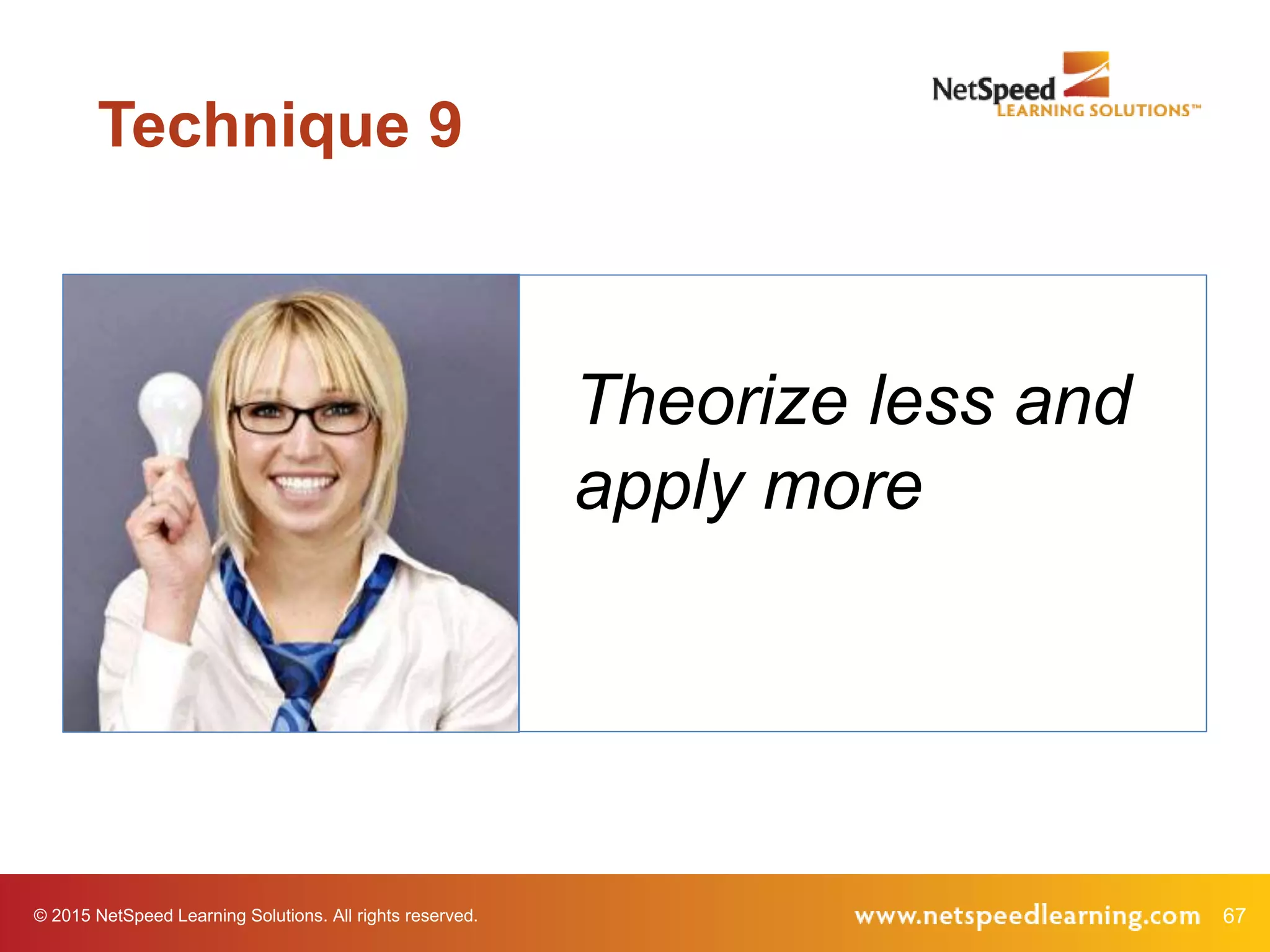
Theorize less and
apply more
Technique 9
© 2015 NetSpeed Learning Solutions. All rights reserved. 68
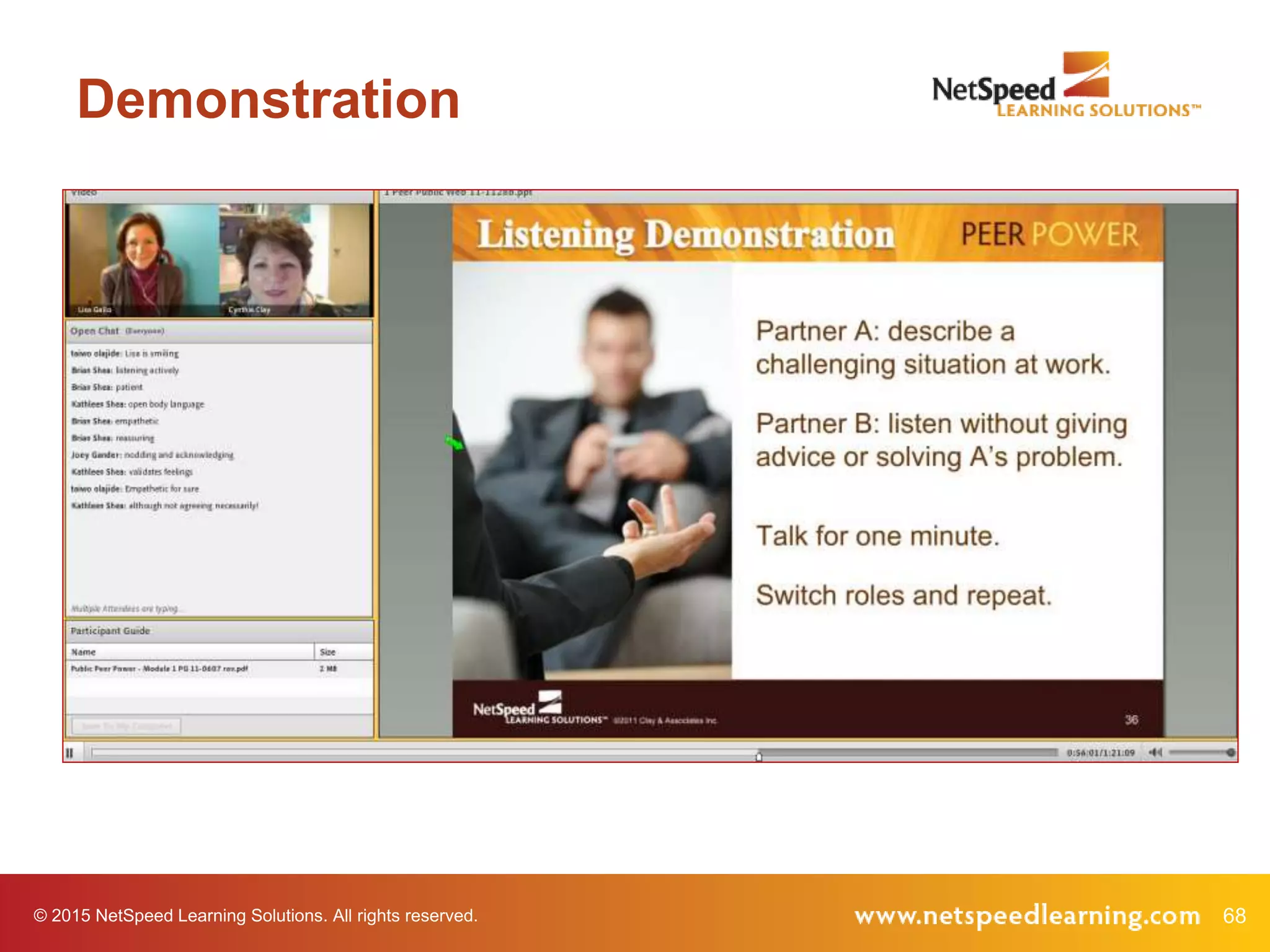
Demonstration
© 2015 NetSpeed Learning Solutions. All rights reserved. 69
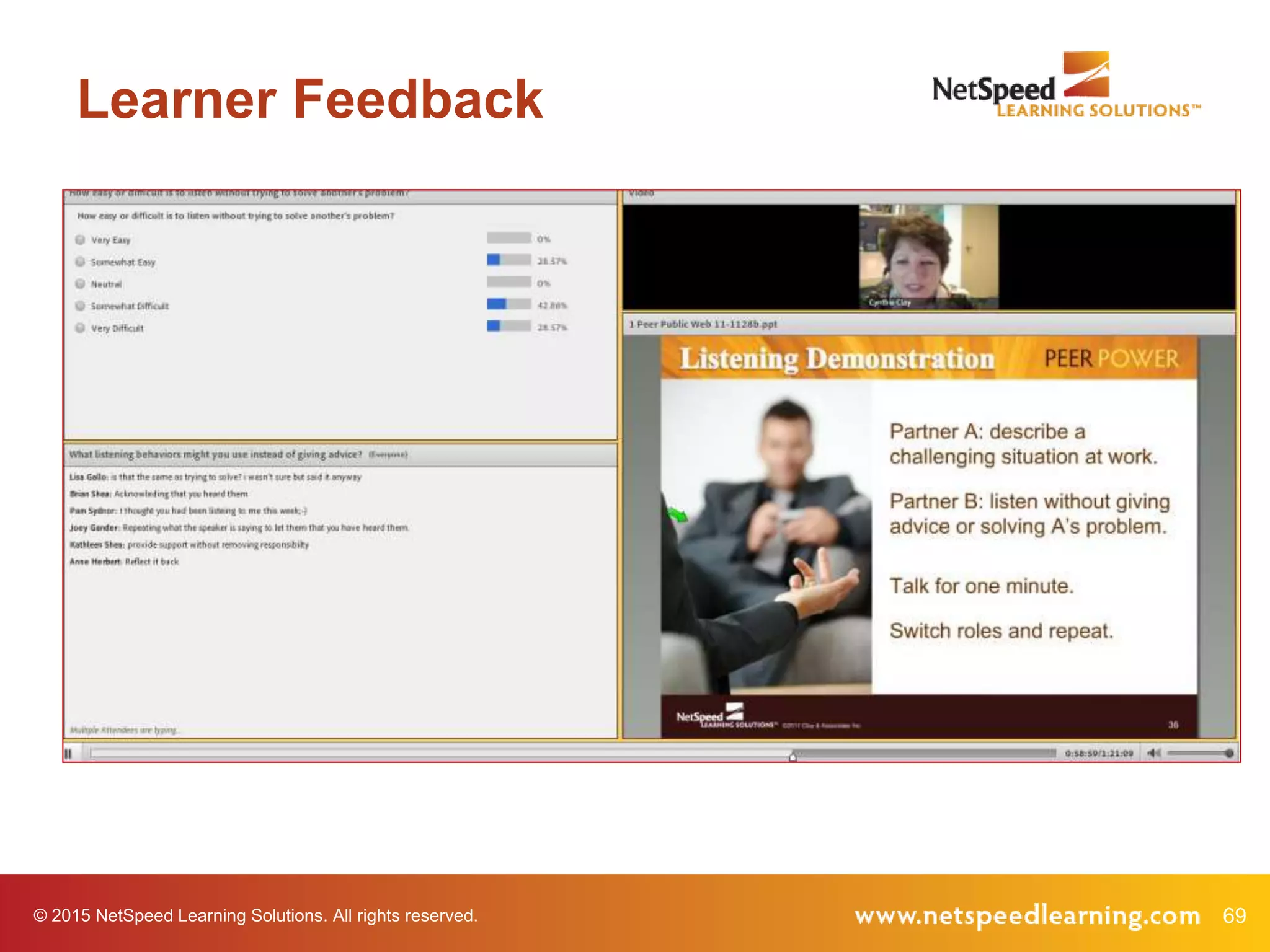
Learner Feedback
© 2015 NetSpeed Learning Solutions. All rights reserved. 70
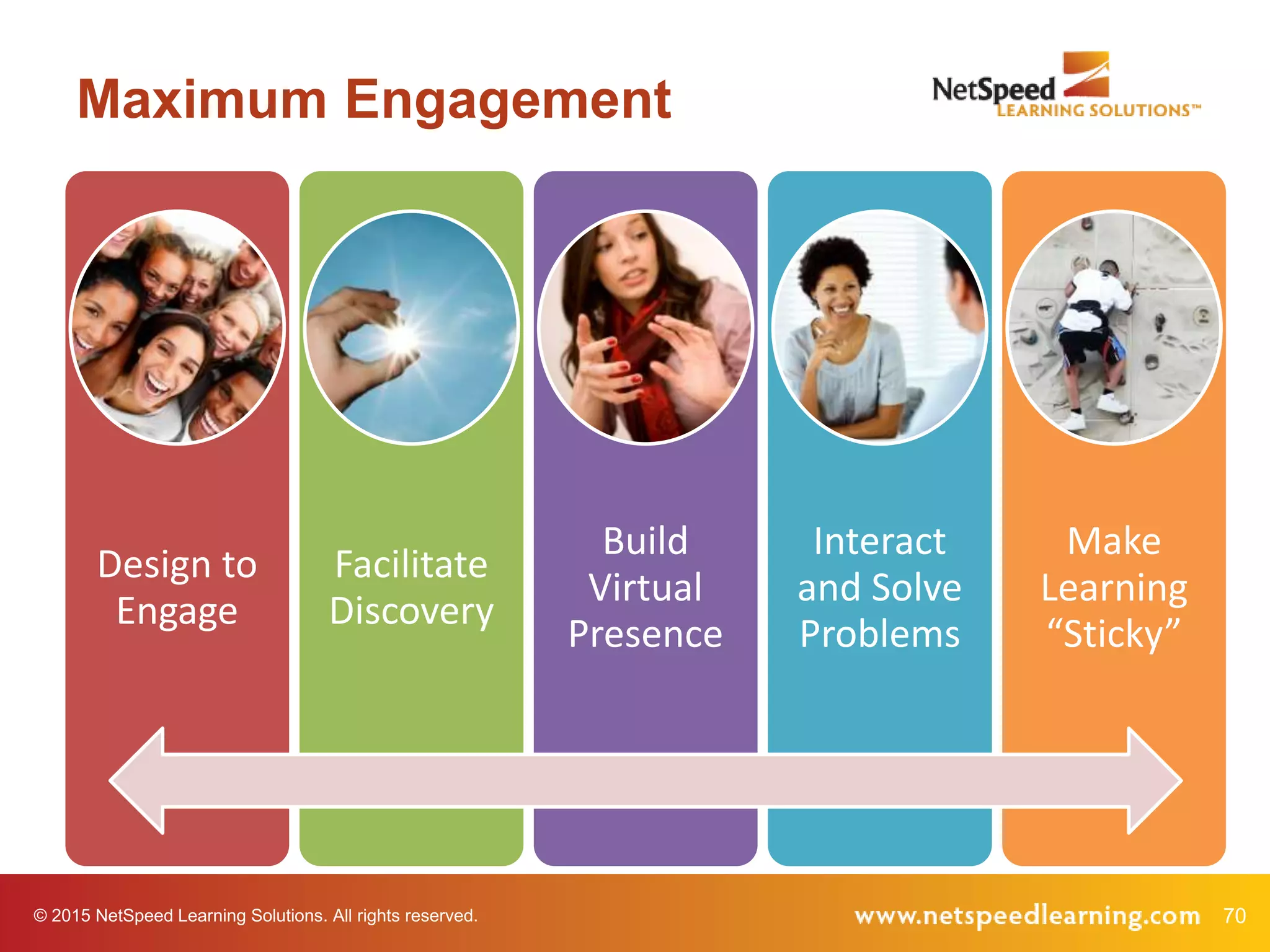
Maximum Engagement
Design to
Engage
Facilitate
Discovery
Build
Virtual
Presence
Interact
and Solve
Problems
Make
Learning
“Sticky”
© 2015 NetSpeed Learning Solutions. All rights reserved. 71
What’s Next?
What is one action you intend to take as
a result of participating in this webinar?
© 2015 NetSpeed Learning Solutions. All rights reserved. 72
Virtual Facilitator Training
• Deep dive, comprehensive course
• Focused on virtual design and delivery
• Public courses offered six times/year
• Customized for private delivery in your web
conference platform
73© 2015 NetSpeed Learning Solutions. All rights reserved.
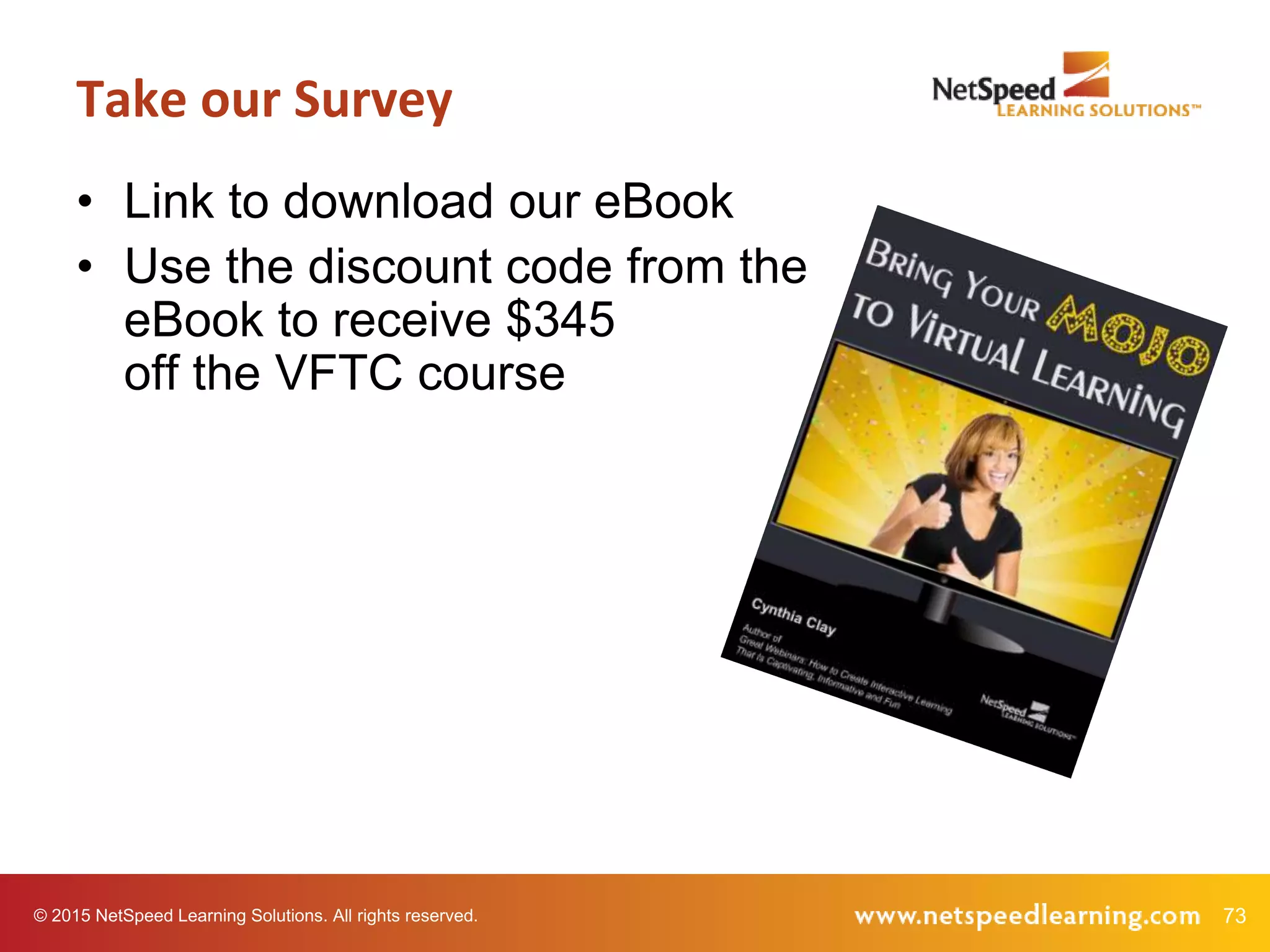
• Link to download our eBook
• Use the discount code from the
eBook to receive $345
off the VFTC course
Take our Survey
© 2015 NetSpeed Learning Solutions. All rights reserved. 74
Q & A
75
Thank You!

Engaging Learners in the Virtual Classroom

  • 1.
    © 2015 NetSpeedLearning Solutions. All rights reserved. 1 Engaging Learners in the Virtual Classroom March 5, 2015
  • 2.
    © 2015 NetSpeedLearning Solutions. All rights reserved. 2 Webinar Objectives • Apply five techniques to create a compelling virtual classroom • Use all the interaction tools in your web conference platform to build engagement • Minimize multi-tasking in your webinars
  • 3.
    © 2015 NetSpeedLearning Solutions. All rights reserved. 3 About Cynthia Clay • 25+ years of experience • Author of Great Webinars • An expert in collaborative, engaging virtual learning
  • 4.
    © 2015 NetSpeedLearning Solutions. All rights reserved. 4 Questions! What is your top-of-mind question today?
  • 5.
    5© 2015 NetSpeedLearning Solutions. All rights reserved. Confess How often do you multi- task when attending webinars?
  • 6.
    6© 2015 NetSpeedLearning Solutions. All rights reserved. Confess Why do you choose to multi-task?
  • 7.
    © 2015 NetSpeedLearning Solutions. All rights reserved. 7 Self Assessment I design engaging online learning programs.
  • 8.
    © 2015 NetSpeedLearning Solutions. All rights reserved. 8 Self Assessment I build virtual presence when I deliver online learning.
  • 9.
    © 2015 NetSpeedLearning Solutions. All rights reserved. 9 Self Assessment I facilitate learning instead of lecturing in the virtual classroom.
  • 10.
    © 2015 NetSpeedLearning Solutions. All rights reserved. 10 Self Assessment I use all the interaction tools in my web platform.
  • 11.
    © 2015 NetSpeedLearning Solutions. All rights reserved. 11 Self Assessment I make my virtual learning sessions “sticky.”
  • 12.
    © 2015 NetSpeedLearning Solutions. All rights reserved. 12 Maximum Engagement Design to Engage Facilitate Discovery Build Virtual Presence Interact and Solve Problems Make Learning “Sticky”
  • 13.
    © 2015 NetSpeedLearning Solutions. All rights reserved. 13 Design to Engage
  • 14.
    © 2015 NetSpeedLearning Solutions. All rights reserved. 14 This is a Visual Medium
  • 15.
    15© 2015 NetSpeedLearning Solutions. All rights reserved. Spend no more than one minute per slide. Technique 1
  • 16.
    16© 2015 NetSpeedLearning Solutions. All rights reserved. Use less text and more compelling images. Technique 2
  • 17.
    17© 2015 NetSpeedLearning Solutions. All rights reserved. Presentation Zen Before
  • 18.
    18© 2015 NetSpeedLearning Solutions. All rights reserved. Presentation Zen After
  • 19.
    19© 2015 NetSpeedLearning Solutions. All rights reserved. Presentation Zen Before
  • 20.
    20© 2015 NetSpeedLearning Solutions. All rights reserved. Presentation Zen After
  • 21.
    © 2015 NetSpeedLearning Solutions. All rights reserved. 21 Your Virtual Tool Kit Chat Polling Annotation Tools Emoticons/Status Icons Video/Audio Streaming Video Breakout Rooms
  • 22.
    © 2015 NetSpeedLearning Solutions. All rights reserved. 22 Your Virtual Tool Kit What interaction tools do you use most often?
  • 23.
    © 2015 NetSpeedLearning Solutions. All rights reserved. 23 Your Virtual Tool Kit Chat Polling Annotation Tools Emoticons/Status Icons Video/Audio Streaming Video Breakout Rooms
  • 24.
    © 2015 NetSpeedLearning Solutions. All rights reserved. 24 Short Videos
  • 25.
    © 2015 NetSpeedLearning Solutions. All rights reserved. 25 A Challenging Coworker The Manipulator The coworker who attempts to influence your attitude or behavior through deception or secrecy.
  • 26.
    © 2015 NetSpeedLearning Solutions. All rights reserved. 26 Short Video
  • 27.
    © 2015 NetSpeedLearning Solutions. All rights reserved. 27 Chat with Video What clues in the video tell you that you might be working with a manipulator? Example
  • 28.
    © 2015 NetSpeedLearning Solutions. All rights reserved. 28 Maximum Engagement Design to Engage Facilitate Discovery Build Virtual Presence Interact and Solve Problems Make Learning “Sticky”
  • 29.
    © 2015 NetSpeedLearning Solutions. All rights reserved. 29 Facilitate Discovery
  • 30.
    © 2015 NetSpeedLearning Solutions. All rights reserved. 30 New Mindset What is Discovery Learning?
  • 31.
    31© 2015 NetSpeedLearning Solutions. All rights reserved. Discovery Learning? Is it possible to create a discovery learning experience in the virtual classroom?
  • 32.
    32© 2015 NetSpeedLearning Solutions. All rights reserved. Ask good questions to facilitate learning Technique 3
  • 33.
    33© 2015 NetSpeedLearning Solutions. All rights reserved. Why Ask Questions? • Develop interest in the topic • Check on learner readiness • Review key concepts • Stimulate thinking and insight • Develop critical thinking skills • Encourage learning transfer
  • 34.
    34© 2015 NetSpeedLearning Solutions. All rights reserved. Research • More effective in producing achievement gains • Foster learning (particularly oral questions) • Result in greater comprehension
  • 35.
    35© 2015 NetSpeedLearning Solutions. All rights reserved. Lower Cognitive Questions • Probe for facts • Usually closed • Direct • Stimulate recall • Check for knowledge Should you ask lower cognitive questions?
  • 36.
    36© 2015 NetSpeedLearning Solutions. All rights reserved. Status Icons • Do you agree or disagree? • Have you printed the handout? • Are you ready to move forward? • Let’s give Bob a round of applause. • Raise your hand if you have an example.
  • 37.
    37© 2015 NetSpeedLearning Solutions. All rights reserved. Higher Cognitive Questions • Stimulate thinking • Require learners to combine information or provide evidence • Usually open-ended • Encourage interpretation • May lead to synthesis or call for inference
  • 38.
    38© 2015 NetSpeedLearning Solutions. All rights reserved. Example What is an example of a higher cognitive question?
  • 39.
    © 2015 NetSpeedLearning Solutions. All rights reserved. 39 Example
  • 40.
    © 2015 NetSpeedLearning Solutions. All rights reserved. 40 Example
  • 41.
    © 2015 NetSpeedLearning Solutions. All rights reserved. 41 Maximum Engagement Design to Engage Facilitate Discovery Build Virtual Presence Interact and Solve Problems Make Learning “Sticky”
  • 42.
    © 2015 NetSpeedLearning Solutions. All rights reserved. 42 Build Virtual Presence
  • 43.
    © 2015 NetSpeedLearning Solutions. All rights reserved. 43 Virtual Presence
  • 44.
    © 2015 NetSpeedLearning Solutions. All rights reserved. 44 Social or Virtual Presence The way people represent themselves in their online environment The degree to which a facilitator is perceived as a “real” person online
  • 45.
    © 2015 NetSpeedLearning Solutions. All rights reserved. 45 Streaming Video Do you like the facilitator on streaming video? Why or Why Not?
  • 46.
    © 2015 NetSpeedLearning Solutions. All rights reserved. 46 Building Virtual Presence • Reduced ambiguity • Increased connection • Reduced conflict
  • 47.
    © 2015 NetSpeedLearning Solutions. All rights reserved. 47 Facilitator On Camera
  • 48.
    48© 2015 NetSpeedLearning Solutions. All rights reserved. Look into the camera when you are speaking Technique 4
  • 49.
    49© 2015 NetSpeedLearning Solutions. All rights reserved. Look into the camera when they are speaking Technique 5
  • 50.
    50© 2015 NetSpeedLearning Solutions. All rights reserved. What Most Learners Say • Builds rapport • Holds attention • Creates connection • Reduces the tendency to multi-task • Creates the experience of a virtual classroom
  • 51.
    © 2015 NetSpeedLearning Solutions. All rights reserved. 51 Maximum Engagement Design to Engage Facilitate Discovery Build Virtual Presence Interact and Solve Problems Make Learning “Sticky”
  • 52.
    © 2015 NetSpeedLearning Solutions. All rights reserved. 52 Interact & Solve Problems
  • 53.
    53© 2015 NetSpeedLearning Solutions. All rights reserved. Interact every two to three minutes Technique 6
  • 54.
    © 2015 NetSpeedLearning Solutions. All rights reserved. 54 Think of a time when you have manipulated a person or a situation by withholding information, flattering, or sharing information in secret. What motivated you? Reflection Chat Example
  • 55.
    © 2015 NetSpeedLearning Solutions. All rights reserved. 55 Debriefing Chat Comments • Use their names • Comment on their points • Link comments • Get to know them • Encourage peer-to-peer chatting
  • 56.
    56© 2015 NetSpeedLearning Solutions. All rights reserved. Collaborate on shared problems Technique 7
  • 57.
    © 2015 NetSpeedLearning Solutions. All rights reserved. 57 Whiteboard (Annotation)
  • 58.
    © 2015 NetSpeedLearning Solutions. All rights reserved. 58 Breakout Rooms
  • 59.
    © 2015 NetSpeedLearning Solutions. All rights reserved. 59 Interact! • Pose juicy questions to stimulate thinking. • Use chat to solicit open responses. • Use polls to capture and compare opinions. • Generate ideas on a whiteboard. • Use breakout rooms to problem solve.
  • 60.
    © 2015 NetSpeedLearning Solutions. All rights reserved. 60 Can You Lecture? Yes. Keep it short.
  • 61.
    © 2015 NetSpeedLearning Solutions. All rights reserved. 61 Extend Respect • Use good listening and questioning skills to encourage openness. • Pay attention to your gut/intuition. Example
  • 62.
    © 2015 NetSpeedLearning Solutions. All rights reserved. 62 Maximum Engagement Design to Engage Facilitate Discovery Build Virtual Presence Interact and Solve Problems Make Learning “Sticky”
  • 63.
    © 2015 NetSpeedLearning Solutions. All rights reserved. 63 Make Learning “Sticky”
  • 64.
    64© 2015 NetSpeedLearning Solutions. All rights reserved. Use stories to frame key points Technique 8
  • 65.
    © 2015 NetSpeedLearning Solutions. All rights reserved. 65 Story with Examples
  • 66.
    © 2015 NetSpeedLearning Solutions. All rights reserved. 66 Story with Poll Which behavioral clues have you experienced personally at work? • Offers unusual favors, gifts or flattery • Appeals to your sense of guilt • Deceives you • Presents only positive reasons (no negatives) • Misrepresents or excludes data • Whispers in your ear • Asks a leading question or pretends to ask for input • Tells stories that are inconsistent Example
  • 67.
    67© 2015 NetSpeedLearning Solutions. All rights reserved. Theorize less and apply more Technique 9
  • 68.
    © 2015 NetSpeedLearning Solutions. All rights reserved. 68 Demonstration
  • 69.
    © 2015 NetSpeedLearning Solutions. All rights reserved. 69 Learner Feedback
  • 70.
    © 2015 NetSpeedLearning Solutions. All rights reserved. 70 Maximum Engagement Design to Engage Facilitate Discovery Build Virtual Presence Interact and Solve Problems Make Learning “Sticky”
  • 71.
    © 2015 NetSpeedLearning Solutions. All rights reserved. 71 What’s Next? What is one action you intend to take as a result of participating in this webinar?
  • 72.
    © 2015 NetSpeedLearning Solutions. All rights reserved. 72 Virtual Facilitator Training • Deep dive, comprehensive course • Focused on virtual design and delivery • Public courses offered six times/year • Customized for private delivery in your web conference platform
  • 73.
    73© 2015 NetSpeedLearning Solutions. All rights reserved. • Link to download our eBook • Use the discount code from the eBook to receive $345 off the VFTC course Take our Survey
  • 74.
    © 2015 NetSpeedLearning Solutions. All rights reserved. 74 Q & A
  • 75.