

From Blah to Aha!
Engaging Learners in the
Virtual Classroom
March 4, 2014

© 2014 NetSpeed Learning Solutions. All rights reserved.

1
Webinar Objectives
• Avoid 3 deadly mistakes that result in
“blah” learning experiences
• Embrace 5 discovery learning practices
that enliven the virtual classroom
• Create “aha” moments as you captivate
your learners

© 2014 NetSpeed Learning Solutions. All rights reserved.

2
About Cynthia Clay

• 25+ years of experience
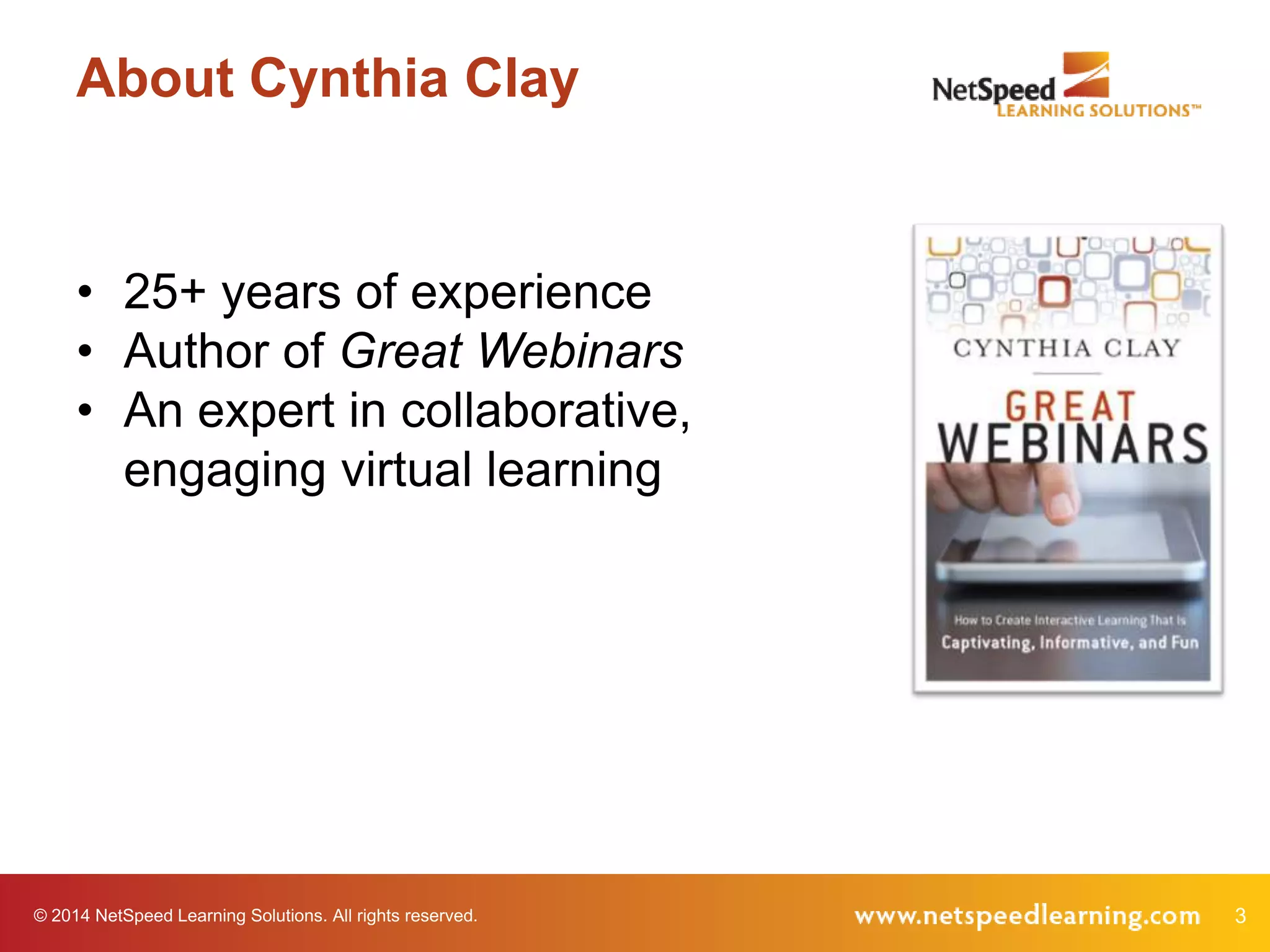
• Author of Great Webinars
• An expert in collaborative,
engaging virtual learning

© 2014 NetSpeed Learning Solutions. All rights reserved.

3
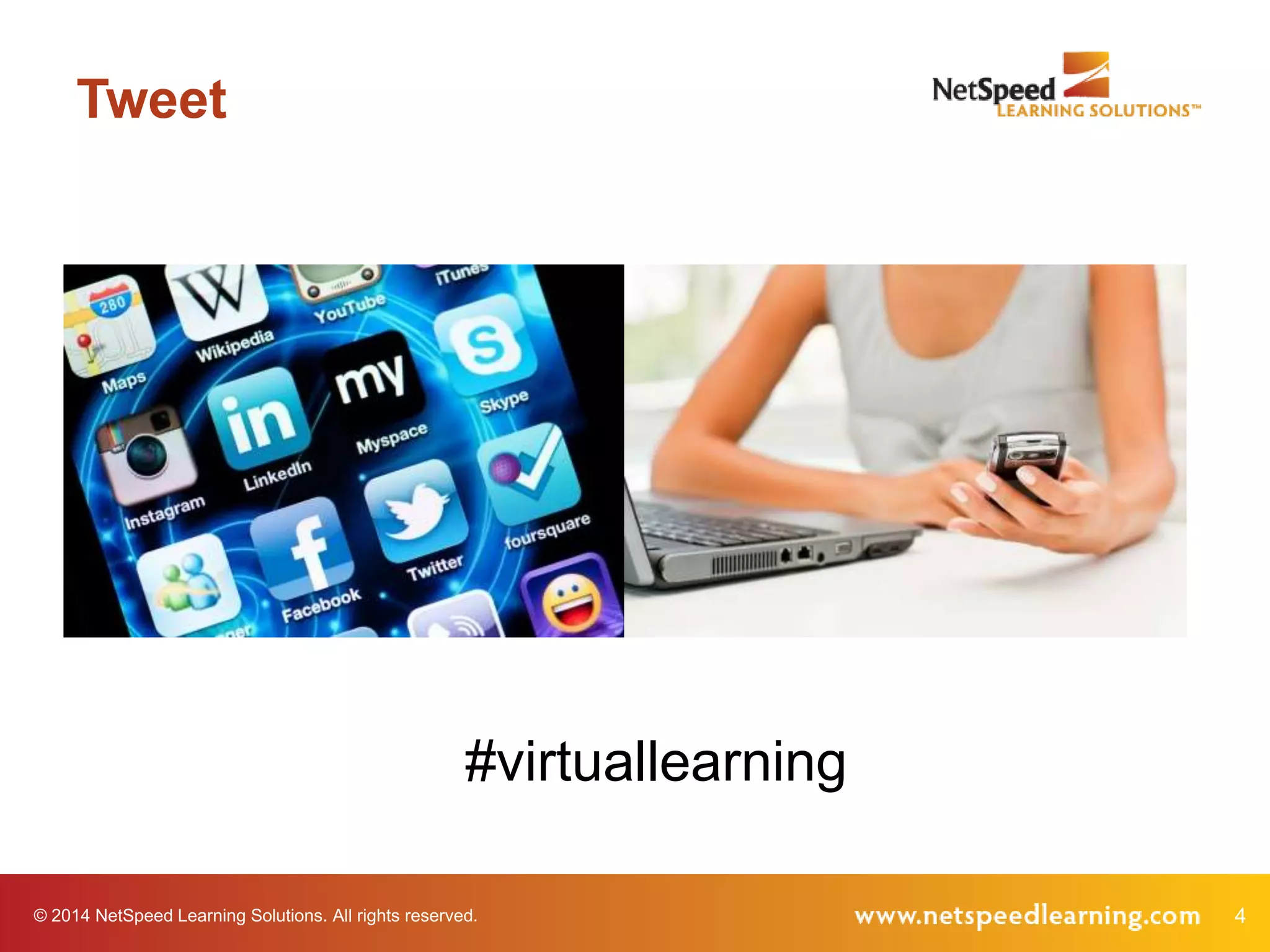
Tweet

#virtuallearning
© 2014 NetSpeed Learning Solutions. All rights reserved.

4
Purpose Poll

What do you hope to gain from this
webinar?

© 2014 NetSpeed Learning Solutions. All rights reserved.

5
“Blah”

© 2014 NetSpeed Learning Solutions. All rights reserved.

6
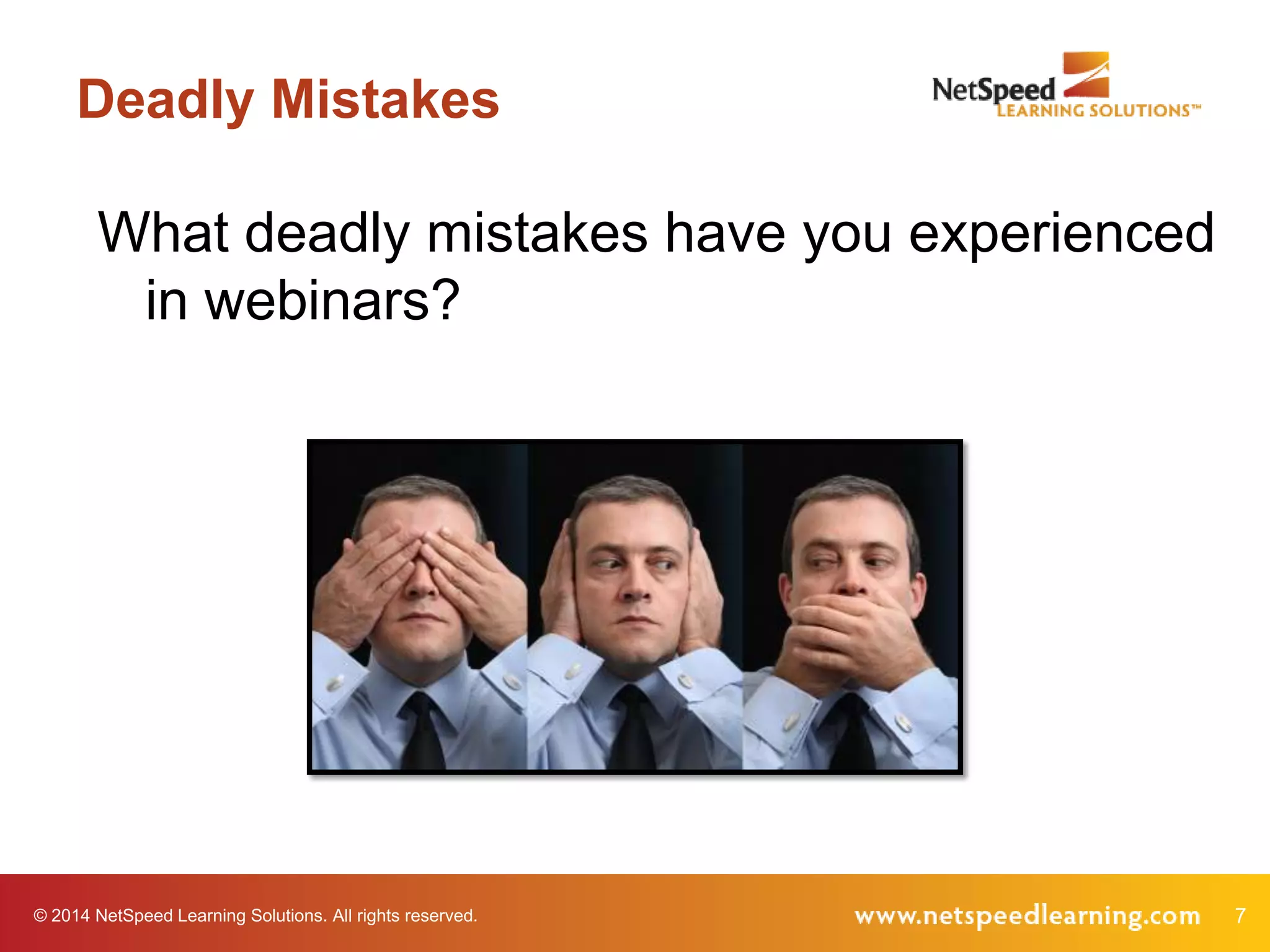
Deadly Mistakes

What deadly mistakes have you experienced
in webinars?

© 2014 NetSpeed Learning Solutions. All rights reserved.

7
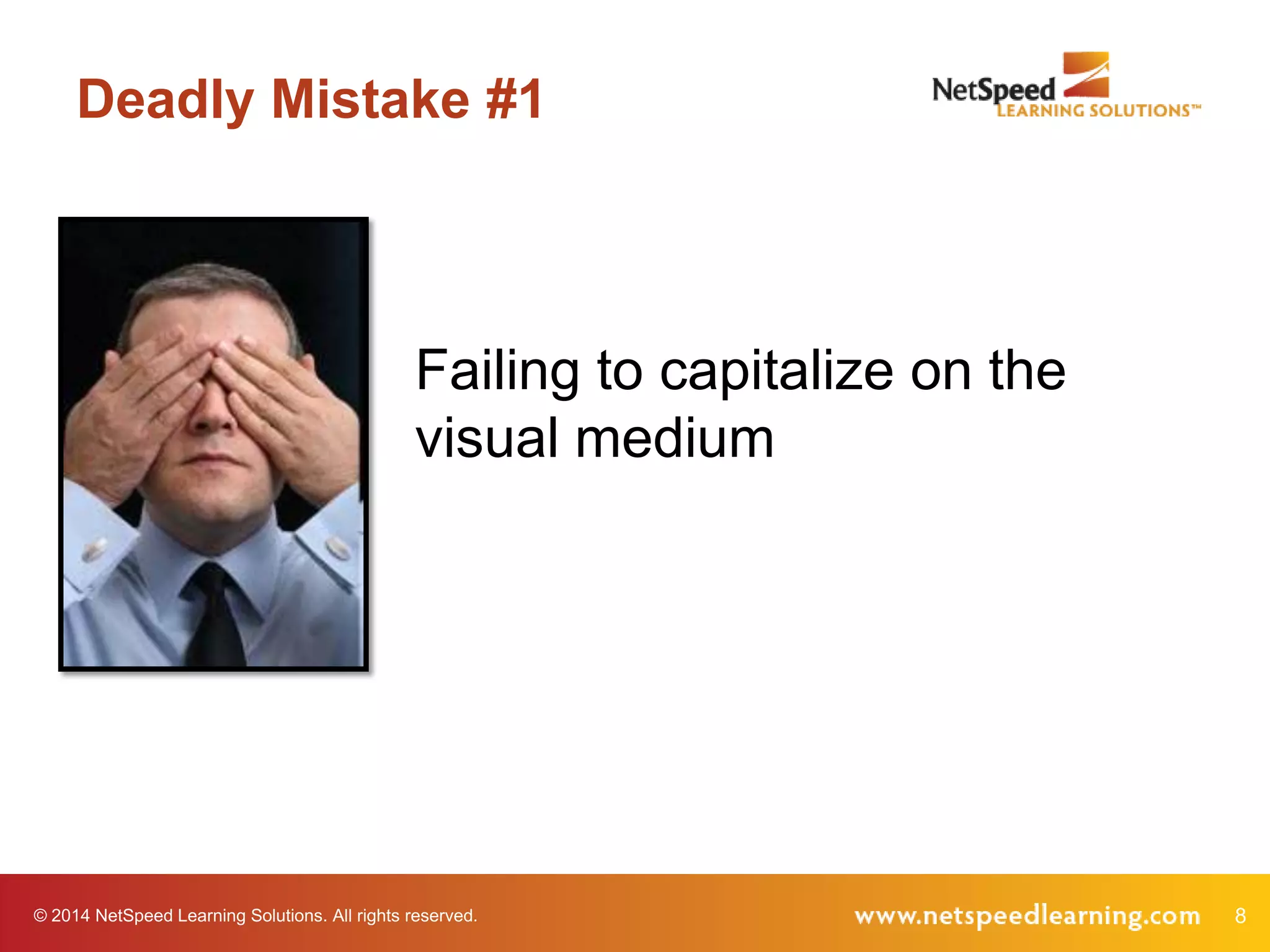
Deadly Mistake #1

Failing to capitalize on the
visual medium

© 2014 NetSpeed Learning Solutions. All rights reserved.

8
Mistake #1: Visual
“The facilitator would display a slide with
about 4 - 5 points. Then she would talk
about the points for what seemed like
several minutes without necessarily
referring to them specifically or using a
pointer.”

Lynn, quoted in Great Webinars (2012)

© 2014 NetSpeed Learning Solutions. All rights reserved.

9
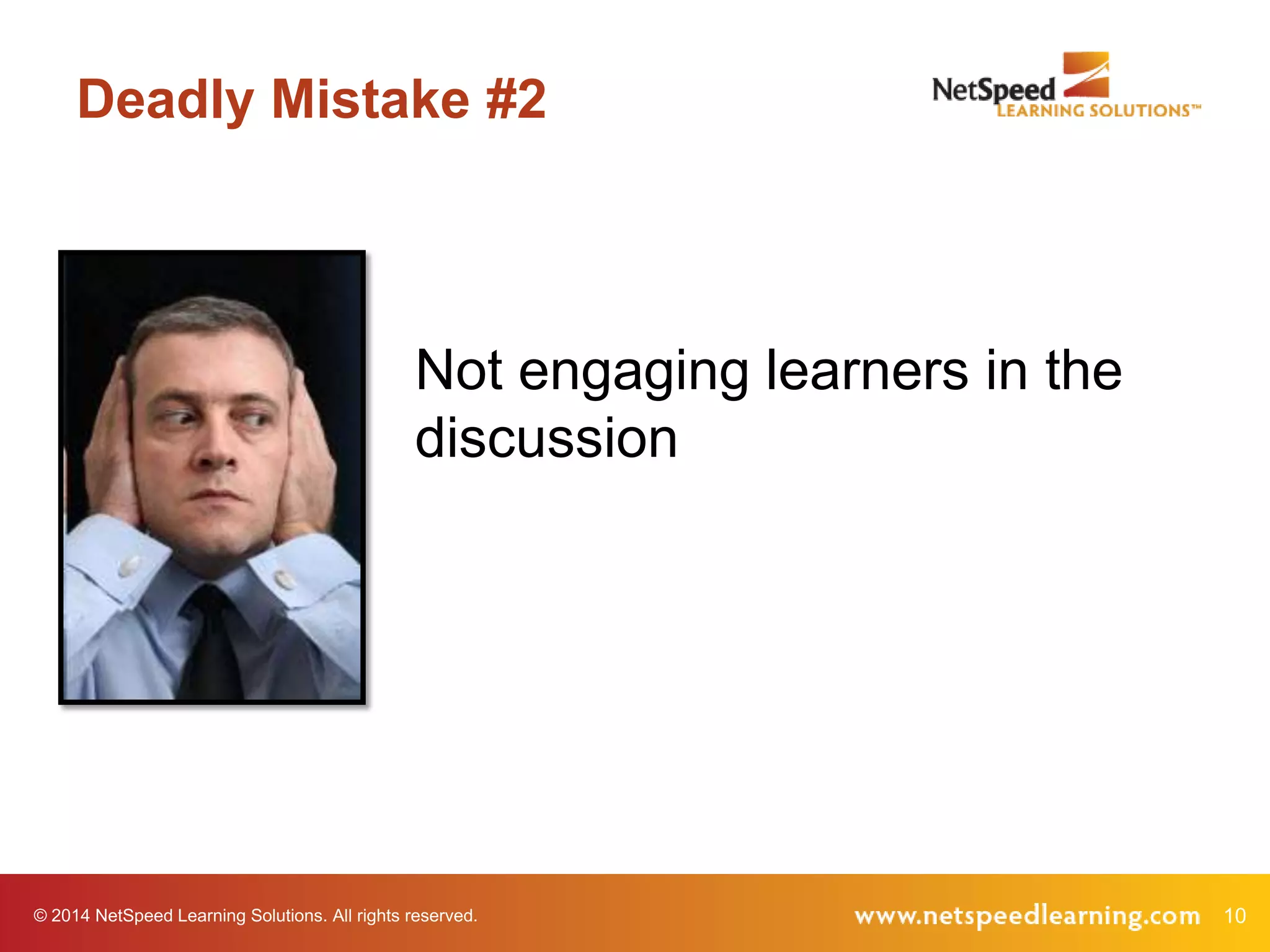
Deadly Mistake #2

Not engaging learners in the
discussion

© 2014 NetSpeed Learning Solutions. All rights reserved.

10
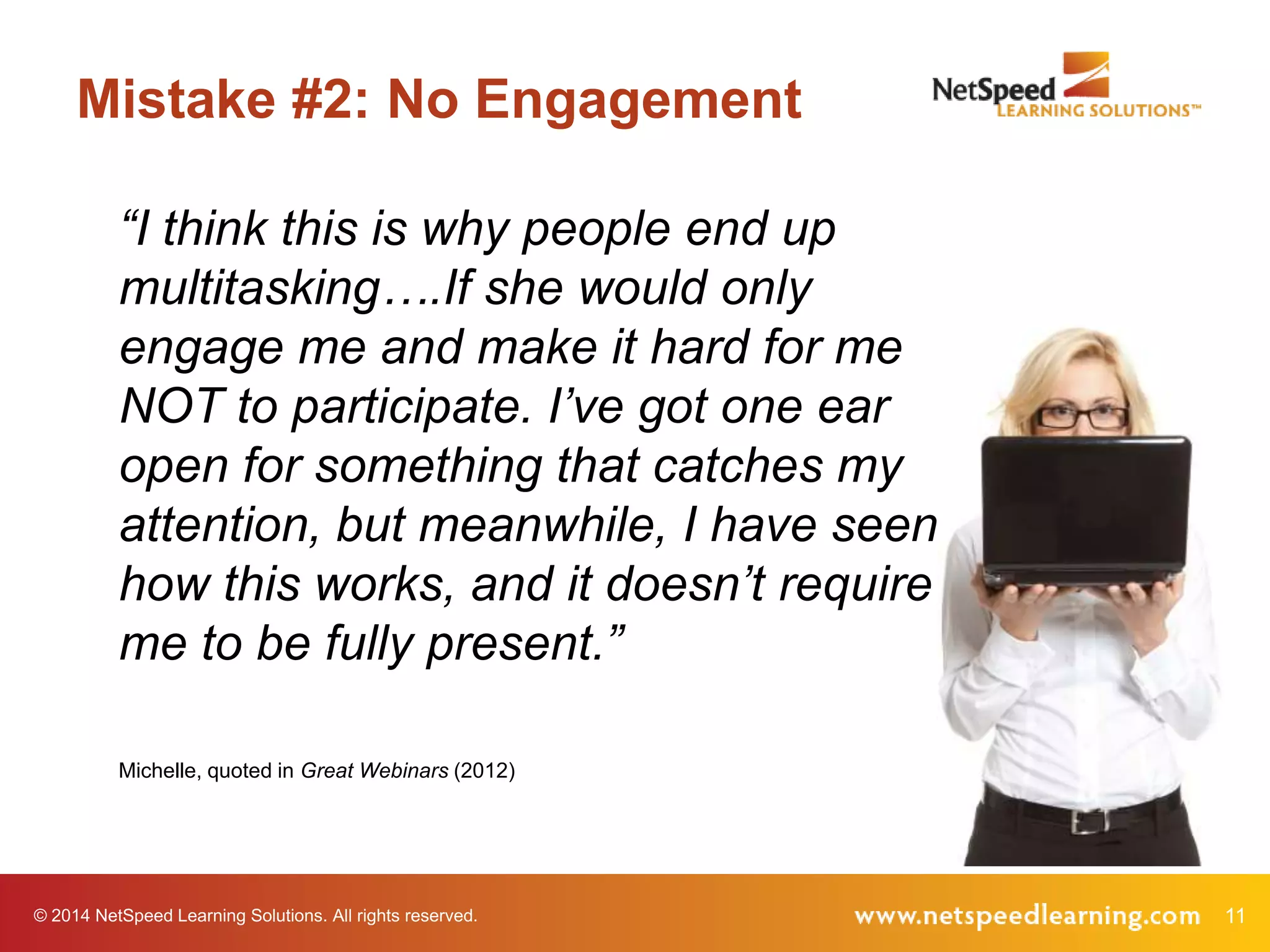
Mistake #2: No Engagement
“I think this is why people end up
multitasking….If she would only
engage me and make it hard for me
NOT to participate. I’ve got one ear
open for something that catches my
attention, but meanwhile, I have seen
how this works, and it doesn’t require
me to be fully present.”
Michelle, quoted in Great Webinars (2012)

© 2014 NetSpeed Learning Solutions. All rights reserved.

11
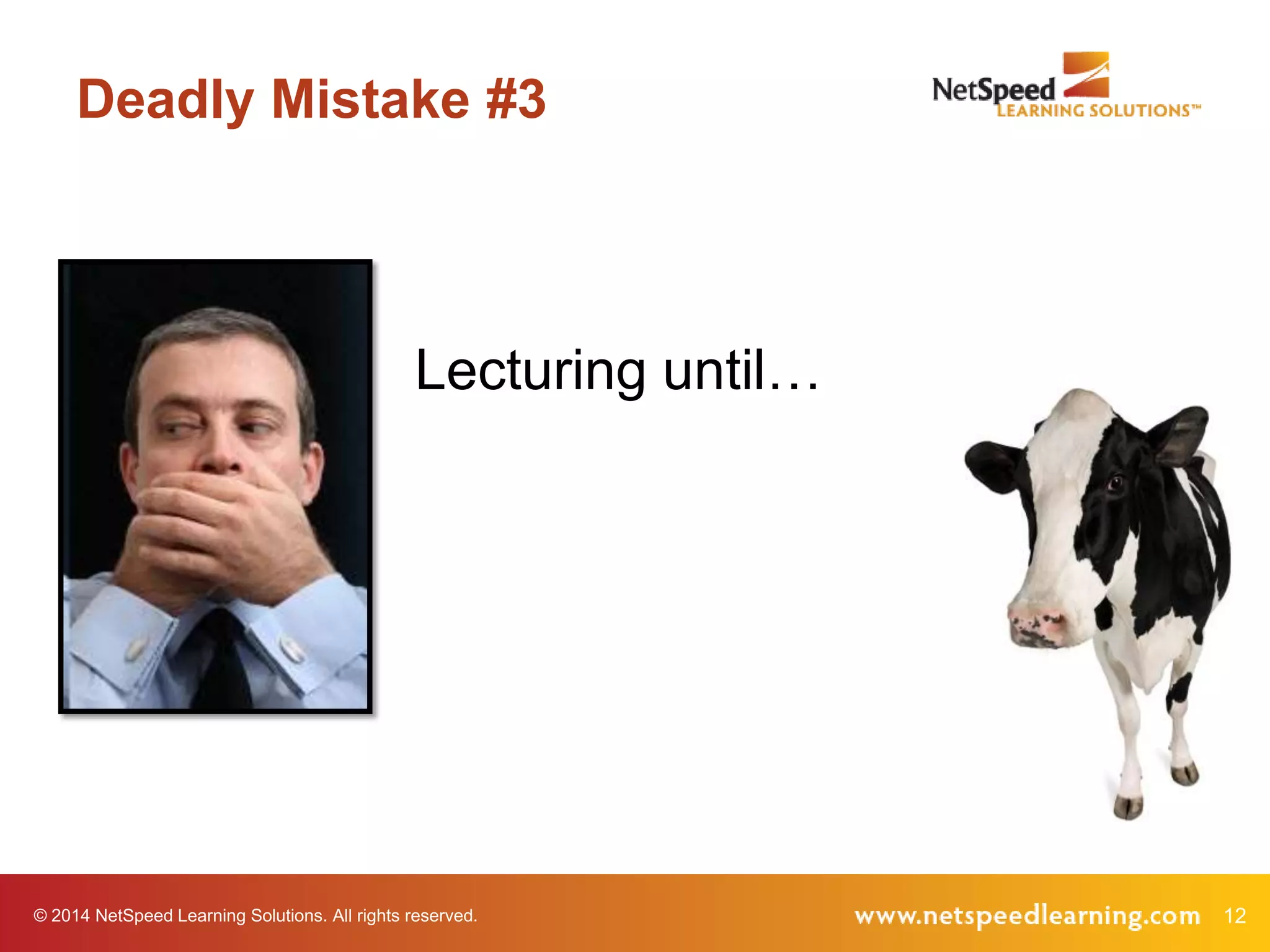
Deadly Mistake #3

Lecturing until…

© 2014 NetSpeed Learning Solutions. All rights reserved.

12
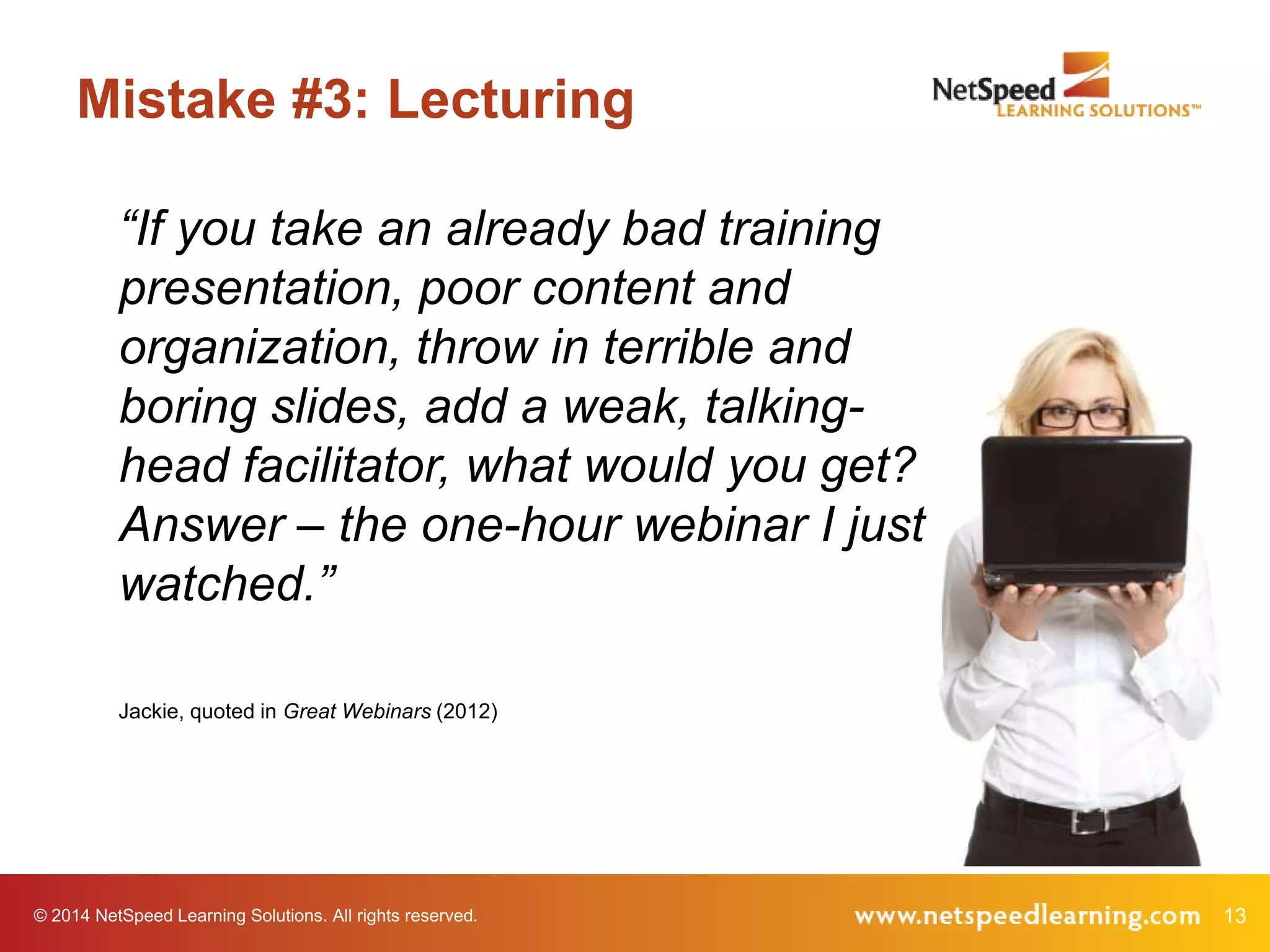
Mistake #3: Lecturing
“If you take an already bad training
presentation, poor content and
organization, throw in terrible and
boring slides, add a weak, talkinghead facilitator, what would you get?
Answer – the one-hour webinar I just
watched.”
Jackie, quoted in Great Webinars (2012)

© 2014 NetSpeed Learning Solutions. All rights reserved.

13
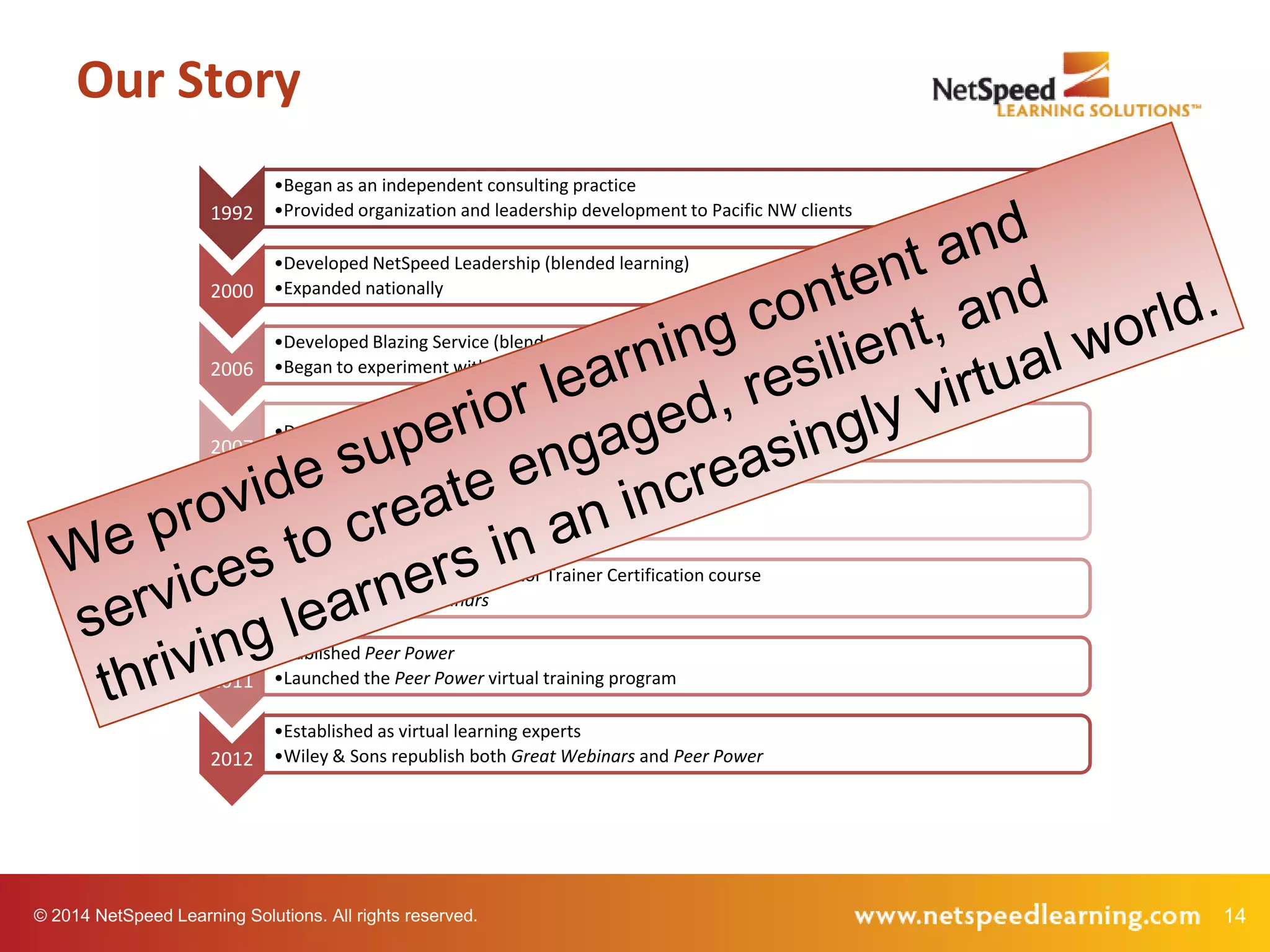
Our Story
1992

•Began as an independent consulting practice
•Provided organization and leadership development to Pacific NW clients

2000

•Developed NetSpeed Leadership (blended learning)
•Expanded nationally

2006

•Developed Blazing Service (blended learning)
•Began to experiment with interactive, VILT using web conferencing

2007

•Developed NetSpeed Fast Tracks™ (integrated learning system)

2008

•Rebranded the company as NetSpeed Learning Solutions
•Repurposed all programs for VILT

2009

•Introduced the Virtual Facilitator Trainer Certification course
•Published Great Webinars

2011

•Published Peer Power
•Launched the Peer Power virtual training program

2012

•Established as virtual learning experts
•Wiley & Sons republish both Great Webinars and Peer Power

© 2014 NetSpeed Learning Solutions. All rights reserved.

14
Discovery Learning
What is discovery learning?

© 2014 NetSpeed Learning Solutions. All rights reserved.

15
Discovery Learning
A method of inquiry-based instruction in which
learners discover facts, relationships and
solutions.

© 2014 NetSpeed Learning Solutions. All rights reserved.

16
Discovery Learning
Is it possible to create a discovery learning
experience in the virtual classroom?

© 2014 NetSpeed Learning Solutions. All rights reserved.

17
Types of Discovery Learning
Guided discovery (inquiry-based)
Observation and reflection
Problem solving
Simulation-based
Case studies

© 2014 NetSpeed Learning Solutions. All rights reserved.

18
A Challenging Coworker
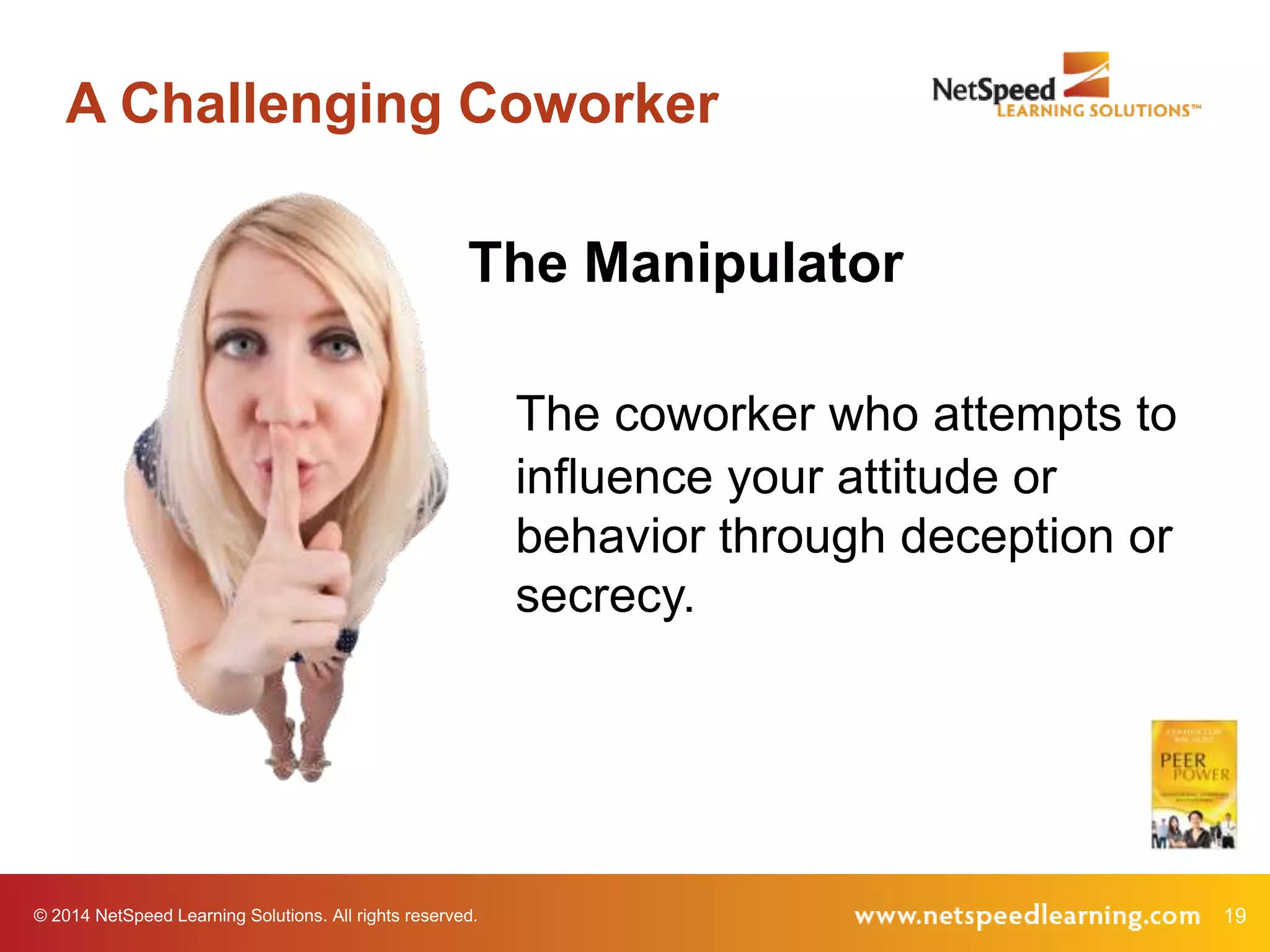
The Manipulator
The coworker who attempts to
influence your attitude or
behavior through deception or
secrecy.

© 2014 NetSpeed Learning Solutions. All rights reserved.

19
Your Experience

Have you ever worked with a manipulator?

© 2014 NetSpeed Learning Solutions. All rights reserved.

20
Reflection Poll
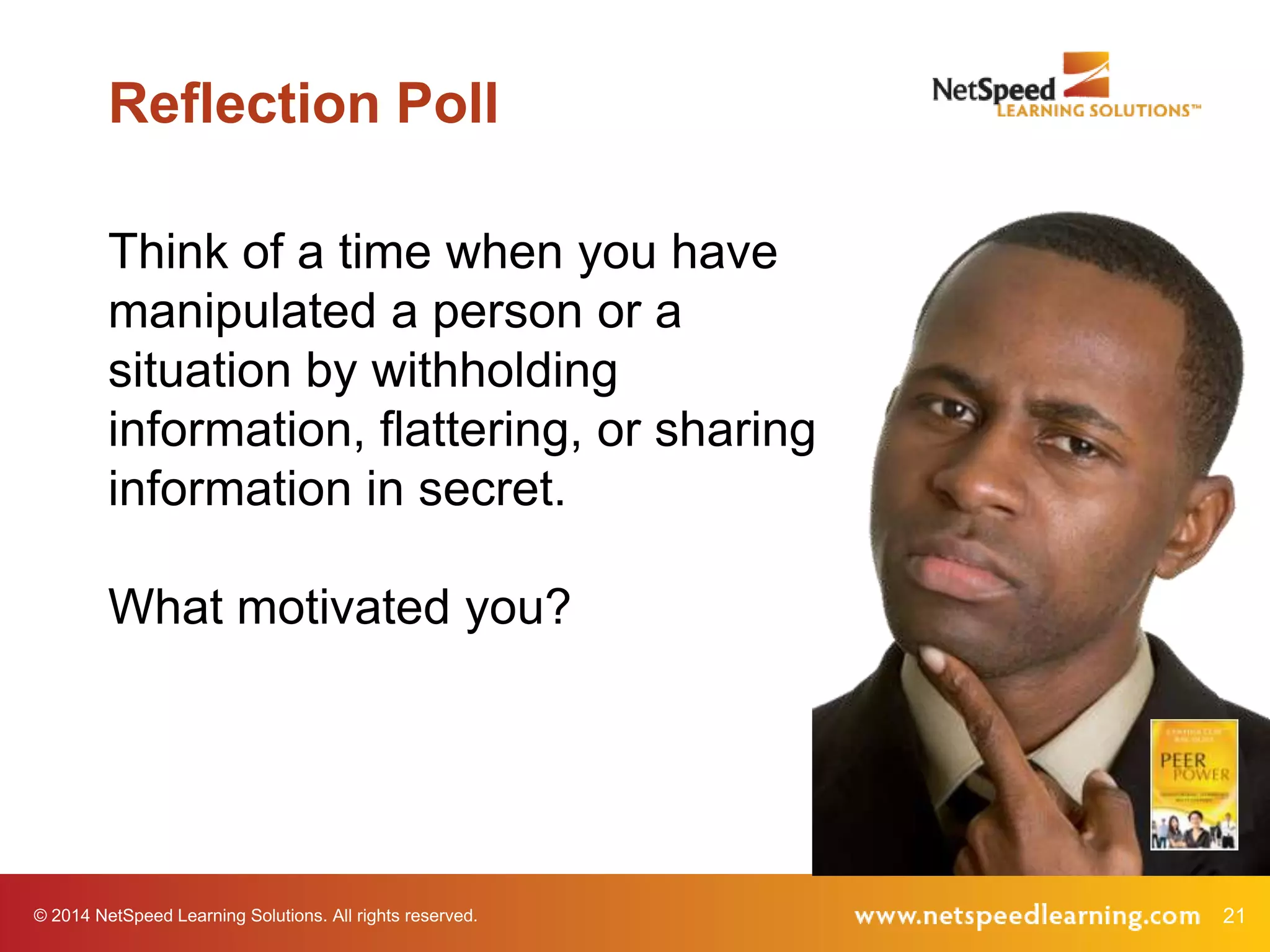
Think of a time when you have
manipulated a person or a
situation by withholding
information, flattering, or sharing
information in secret.
What motivated you?

© 2014 NetSpeed Learning Solutions. All rights reserved.

21
Video Example

© 2014 NetSpeed Learning Solutions. All rights reserved.

22
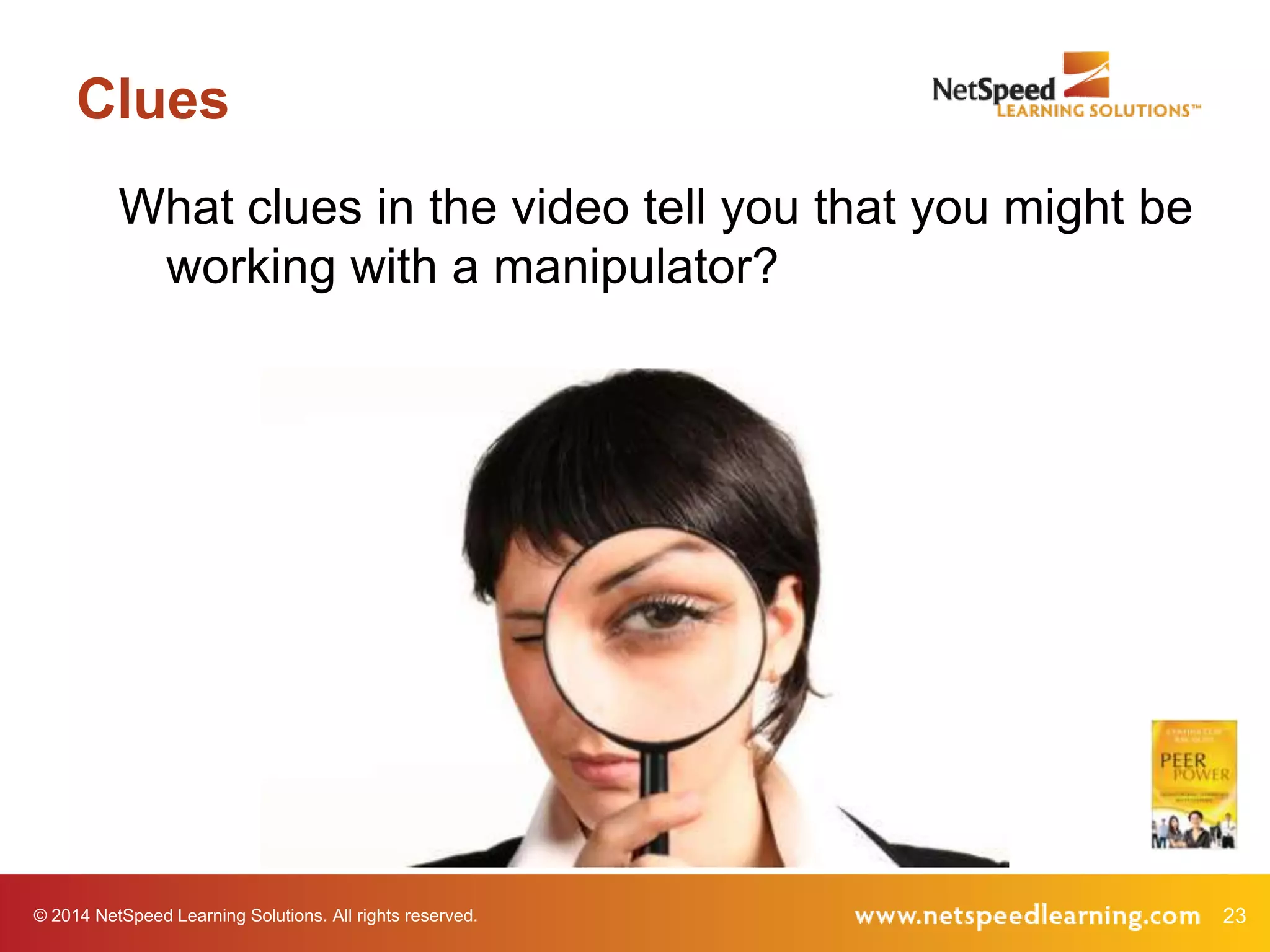
Clues
What clues in the video tell you that you might be
working with a manipulator?

© 2014 NetSpeed Learning Solutions. All rights reserved.

23
Clues
•
•
•
•

Offers unusual favors, gifts or flattery
Appeals to your sense of guilt
Deceives you
Presents only positive reasons (no
negatives)

© 2014 NetSpeed Learning Solutions. All rights reserved.

24
Clues
• Misrepresents or excludes data
• Whispers in your ear
• Asks a leading question or pretends to
ask for input
• Tells stories that are inconsistent

© 2014 NetSpeed Learning Solutions. All rights reserved.

25
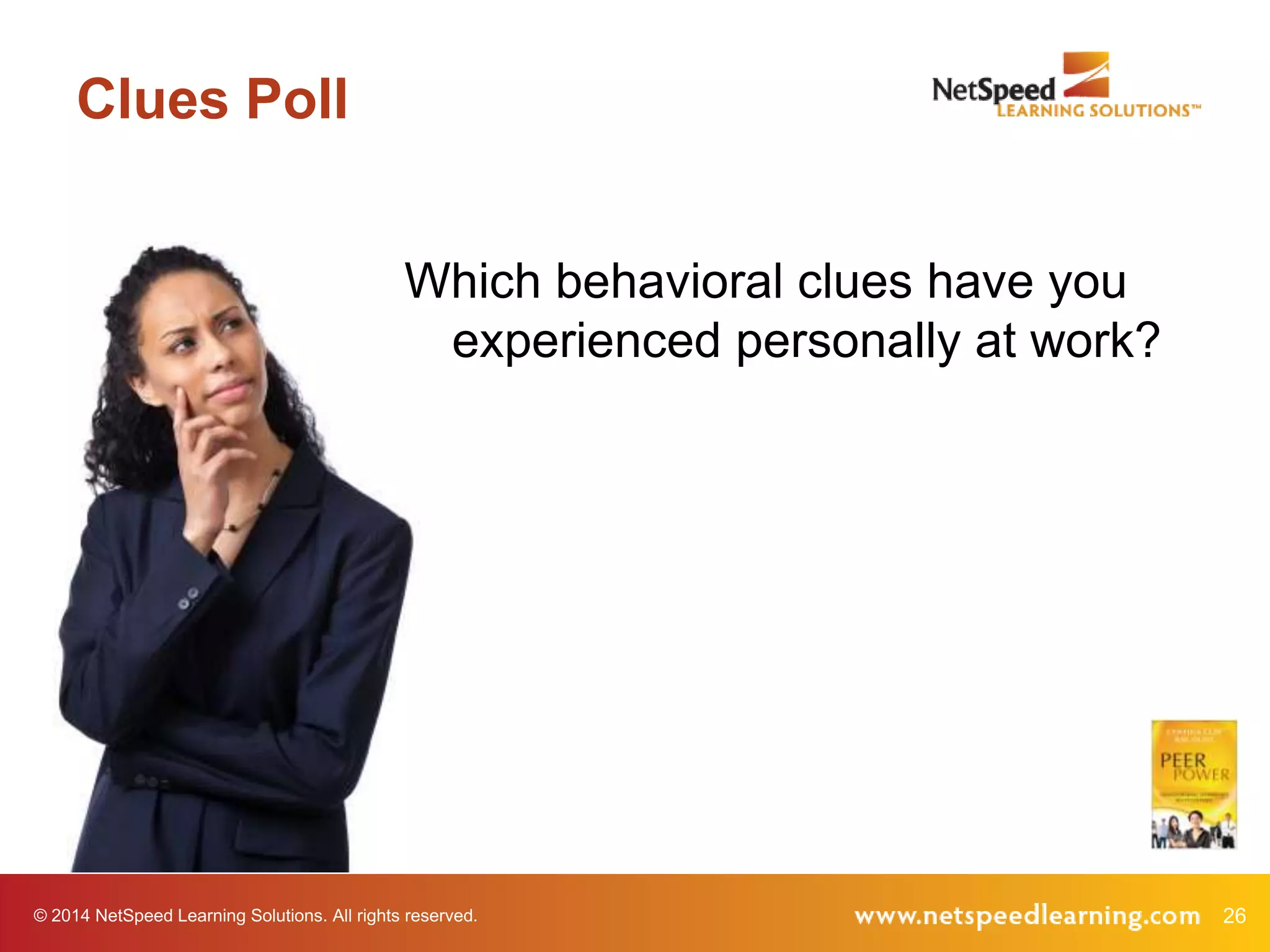
Clues Poll
Which behavioral clues have you
experienced personally at work?

© 2014 NetSpeed Learning Solutions. All rights reserved.

26
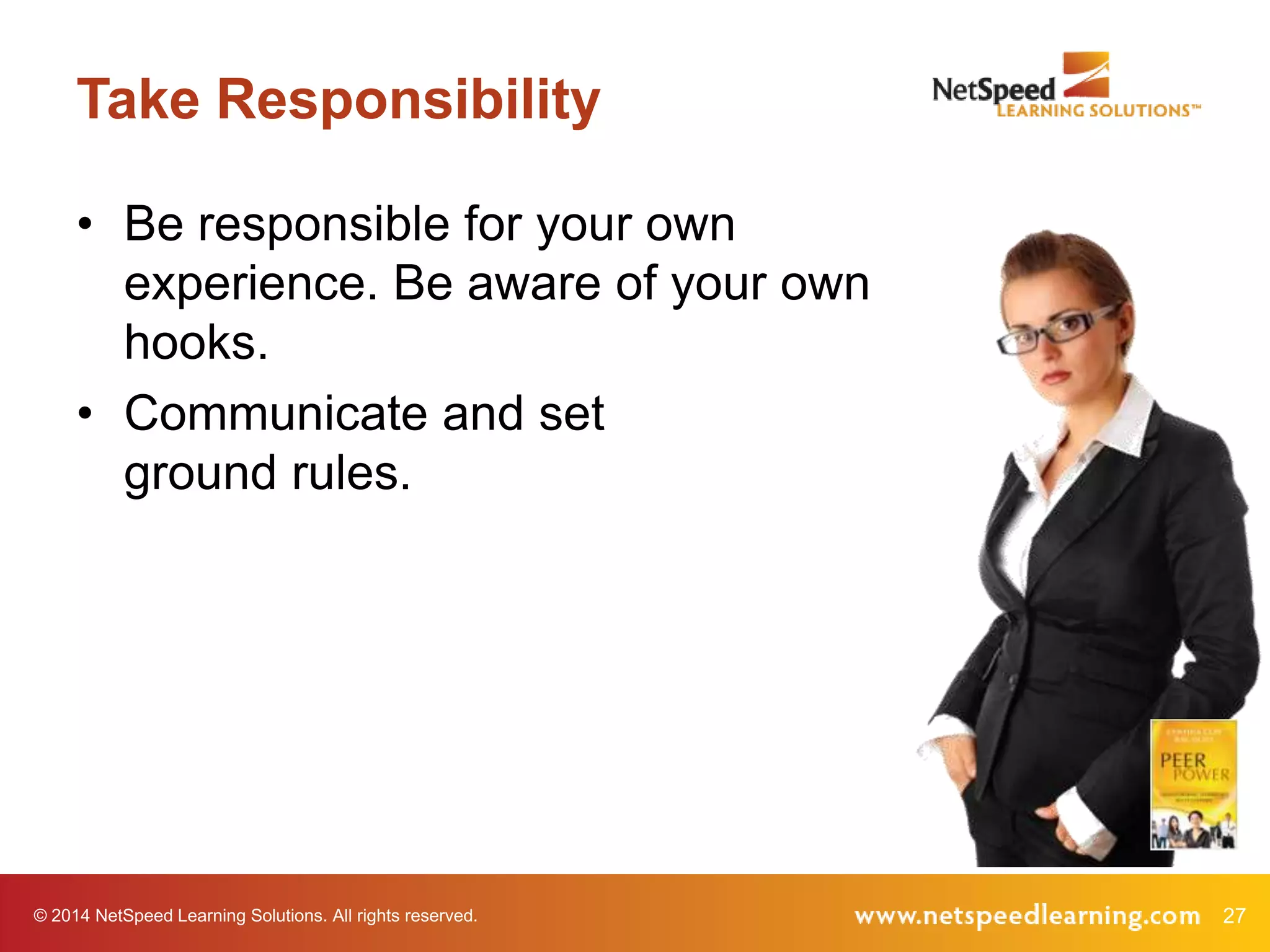
Take Responsibility
• Be responsible for your own
experience. Be aware of your own
hooks.
• Communicate and set
ground rules.

© 2014 NetSpeed Learning Solutions. All rights reserved.

27
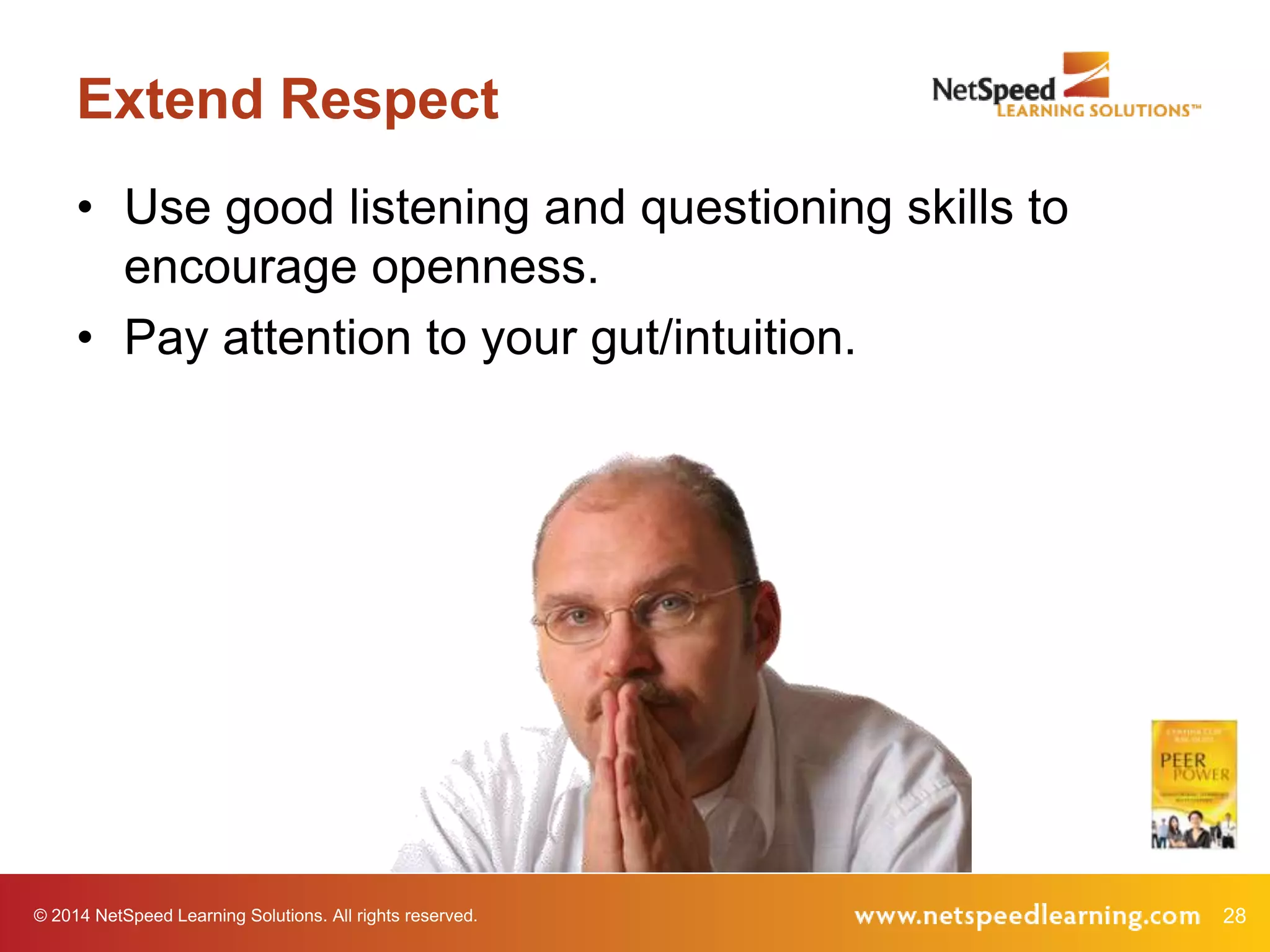
Extend Respect
• Use good listening and questioning skills to
encourage openness.
• Pay attention to your gut/intuition.

© 2014 NetSpeed Learning Solutions. All rights reserved.

28
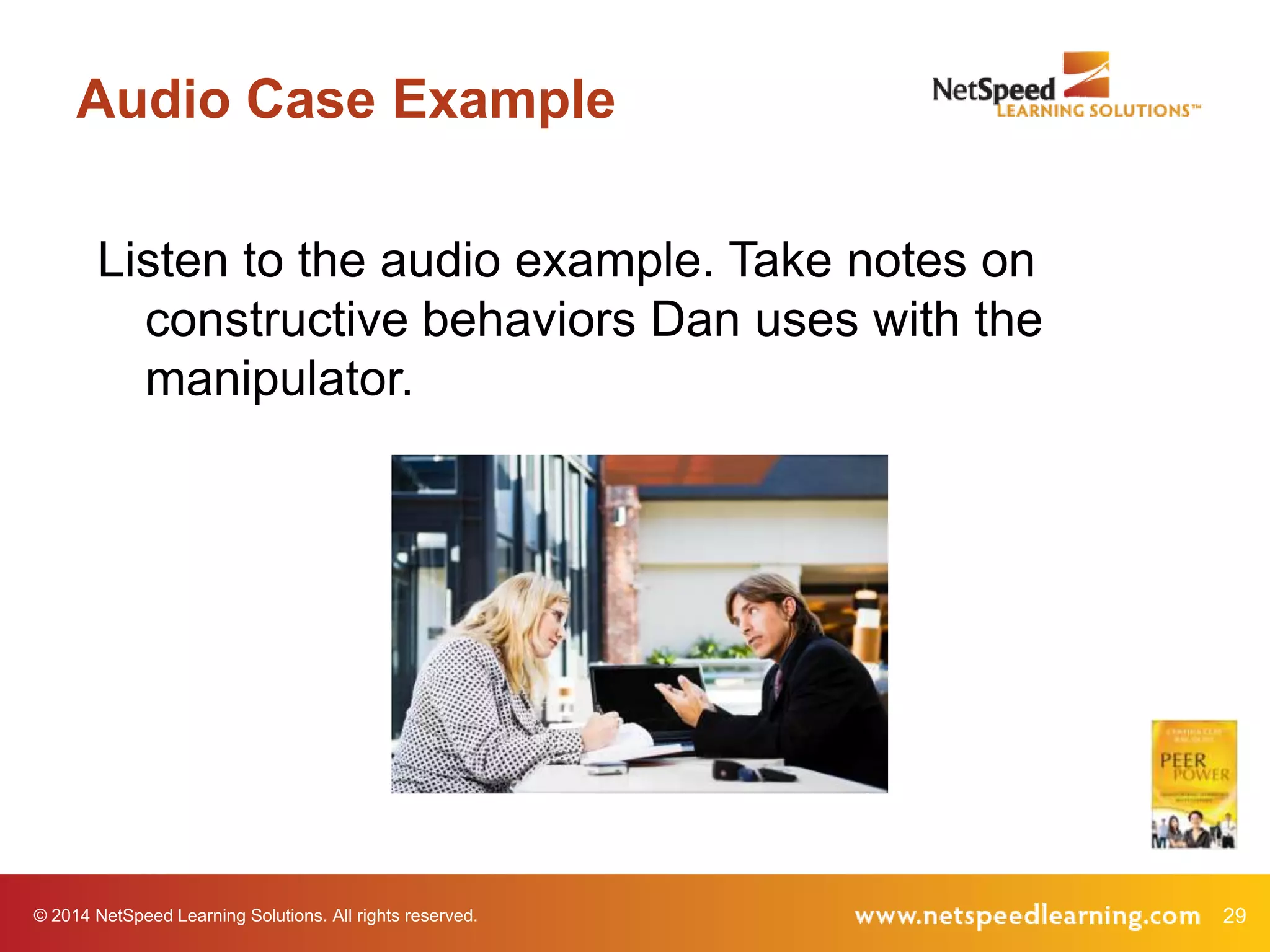
Audio Case Example
Listen to the audio example. Take notes on
constructive behaviors Dan uses with the
manipulator.

© 2014 NetSpeed Learning Solutions. All rights reserved.

29
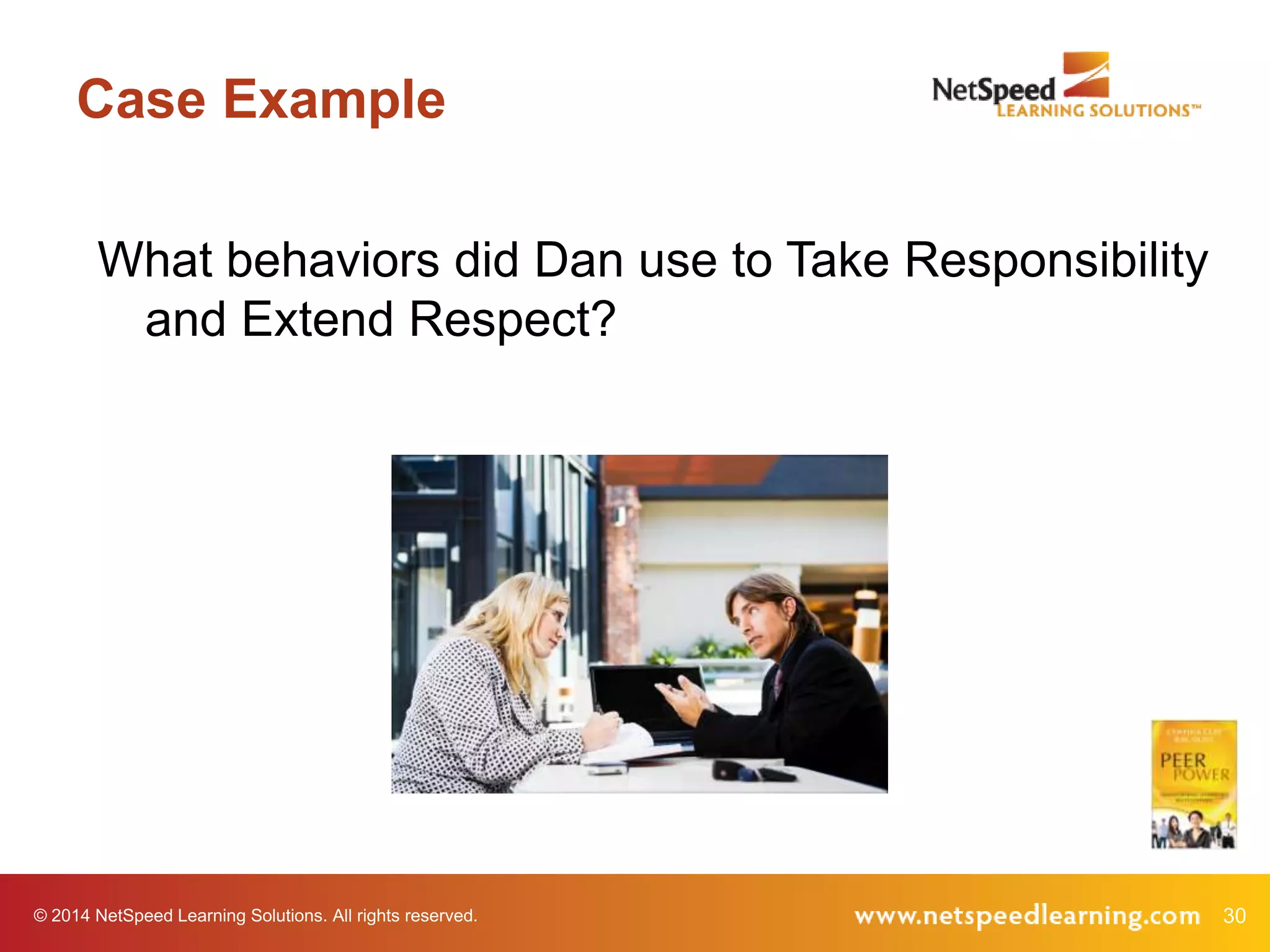
Case Example
What behaviors did Dan use to Take Responsibility
and Extend Respect?

© 2014 NetSpeed Learning Solutions. All rights reserved.

30
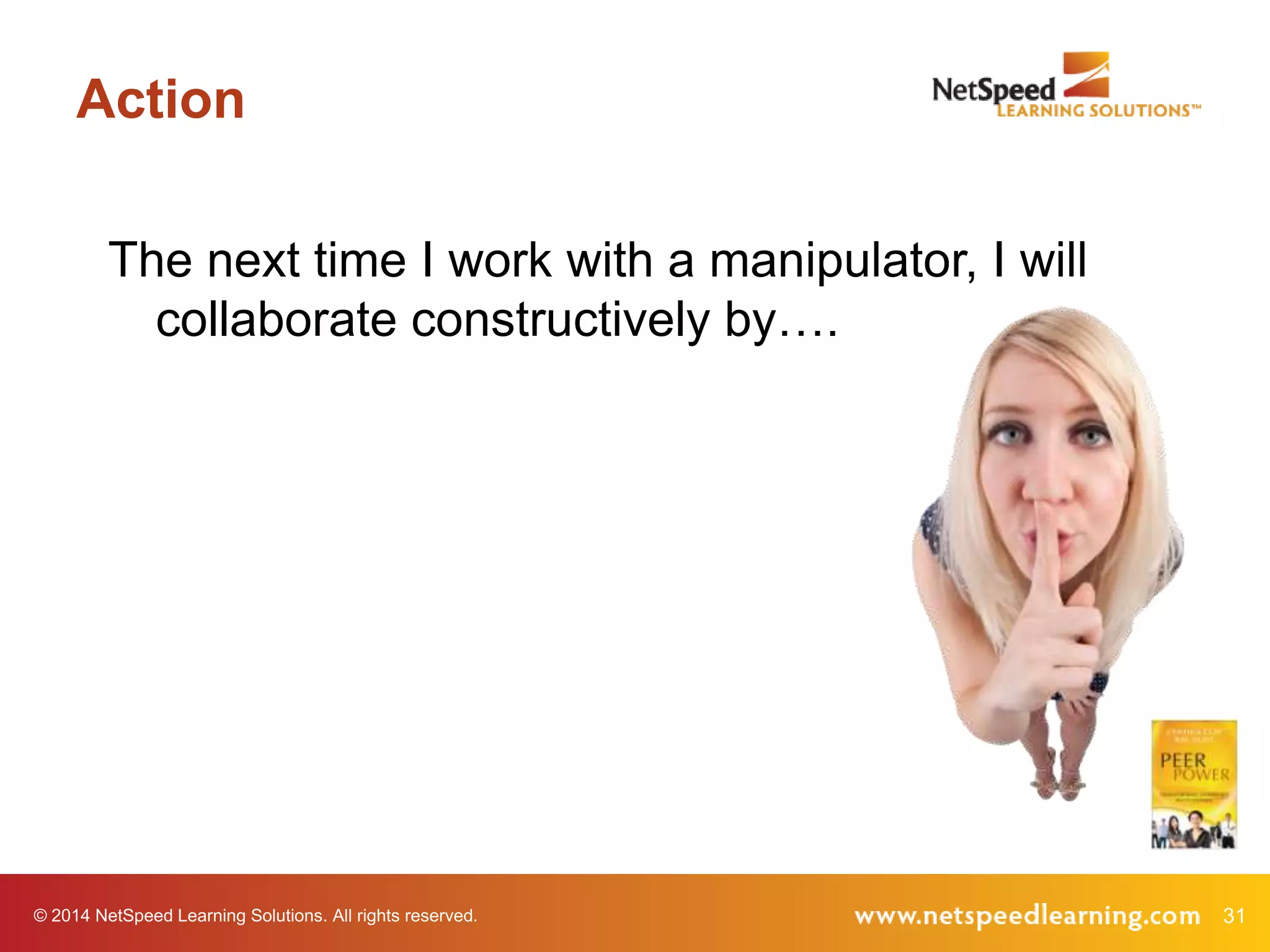
Action
The next time I work with a manipulator, I will
collaborate constructively by….

© 2014 NetSpeed Learning Solutions. All rights reserved.

31
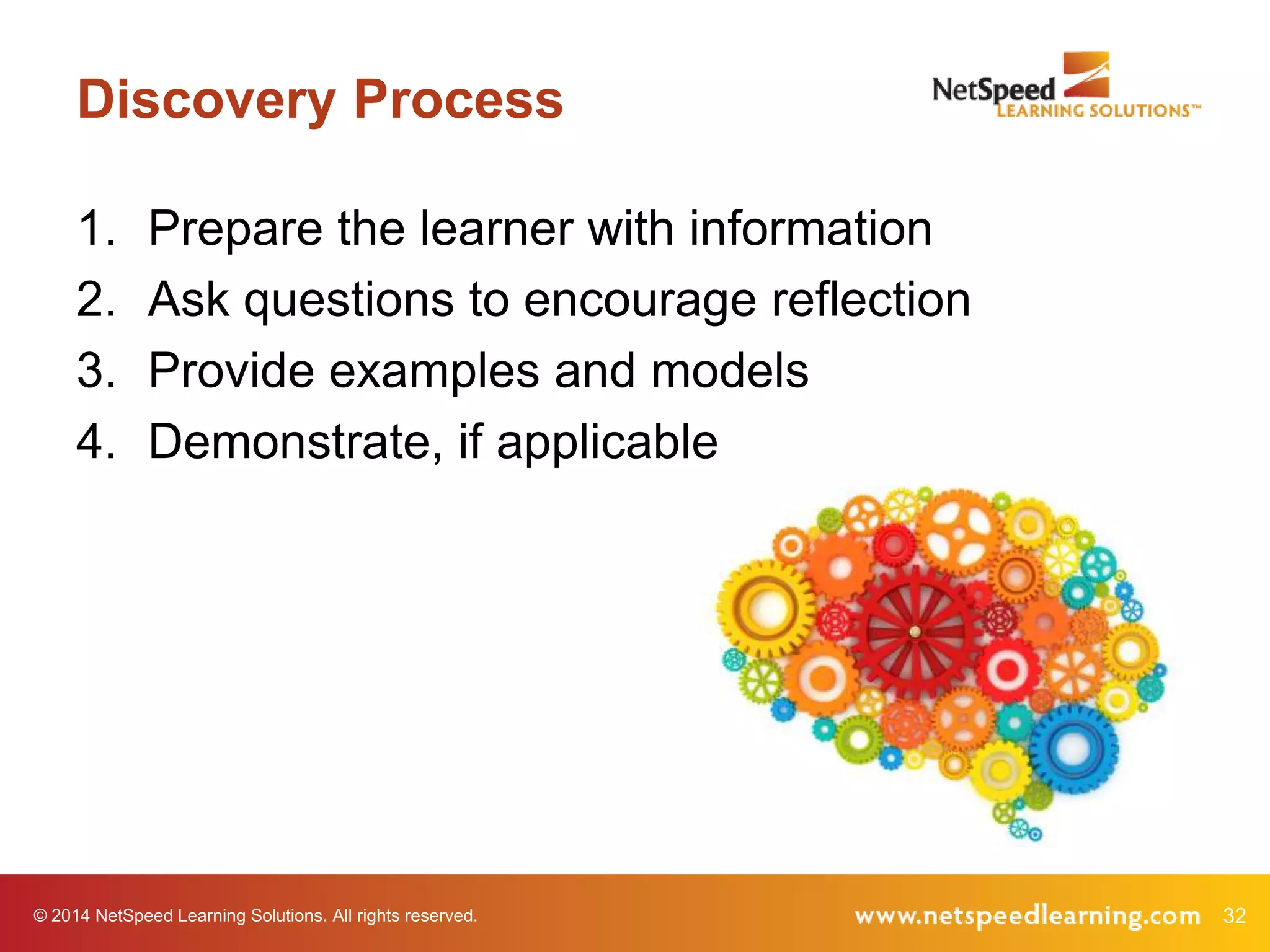
Discovery Process
1.
2.
3.
4.

Prepare the learner with information
Ask questions to encourage reflection
Provide examples and models
Demonstrate, if applicable

© 2014 NetSpeed Learning Solutions. All rights reserved.

32
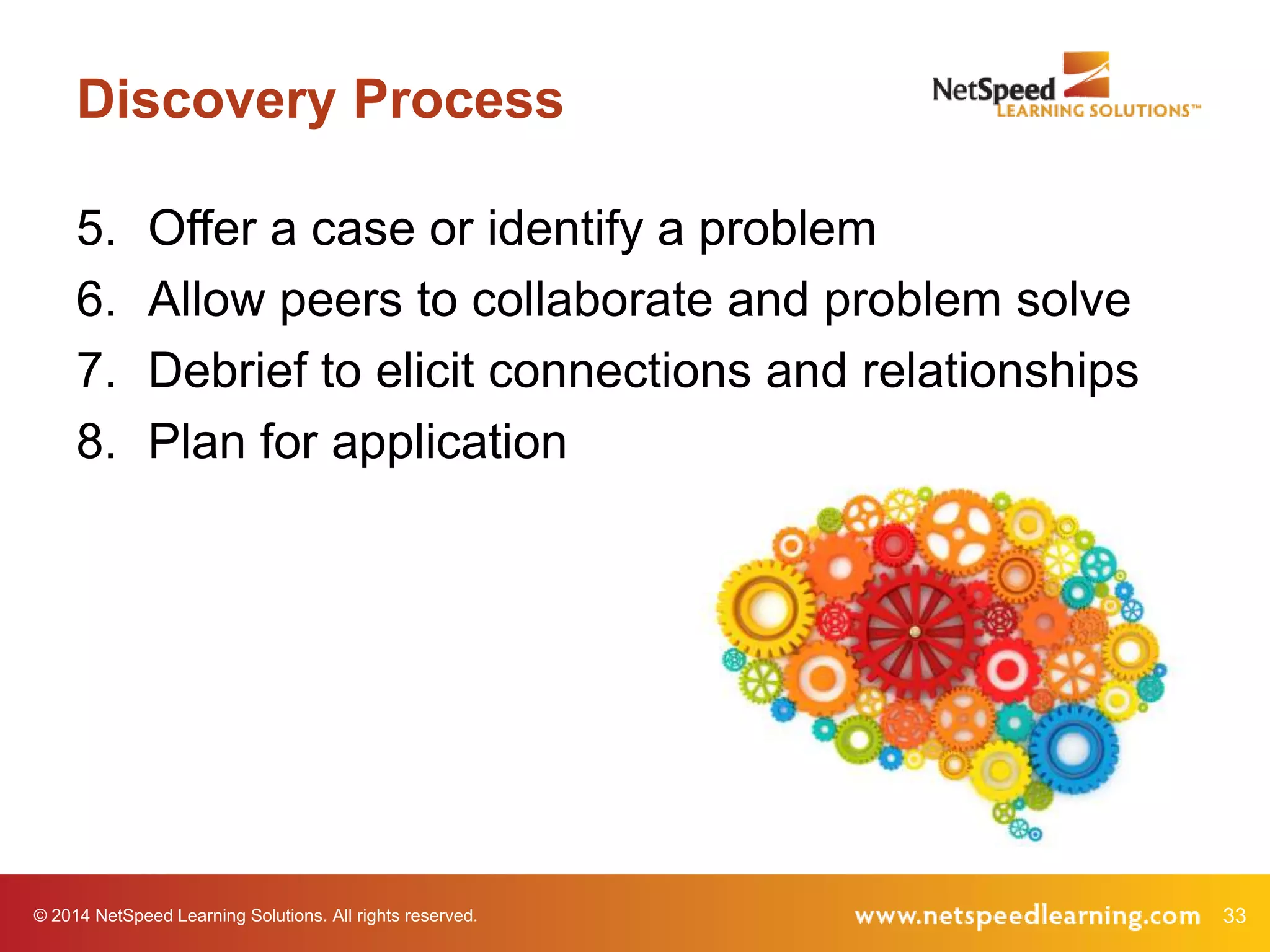
Discovery Process
5.
6.
7.
8.

Offer a case or identify a problem
Allow peers to collaborate and problem solve
Debrief to elicit connections and relationships
Plan for application

© 2014 NetSpeed Learning Solutions. All rights reserved.

33
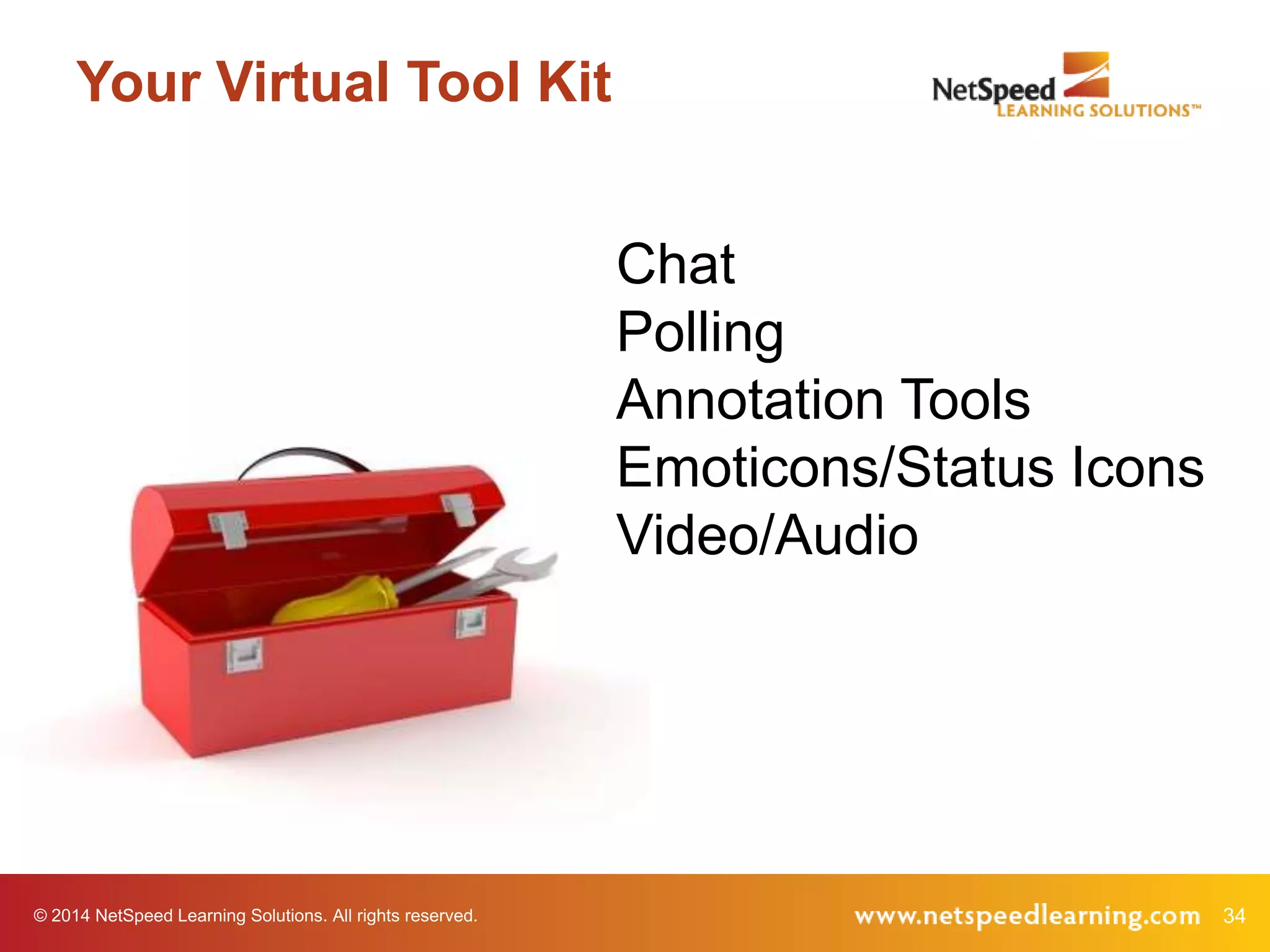
Your Virtual Tool Kit
Chat
Polling
Annotation Tools
Emoticons/Status Icons
Video/Audio

© 2014 NetSpeed Learning Solutions. All rights reserved.

34
Virtual Tools Chat

What ideas do you have for
using one of these tools to
increase discovery learning
in the virtual classroom?
Choose one chat pod and
share an idea.

© 2014 NetSpeed Learning Solutions. All rights reserved.

35
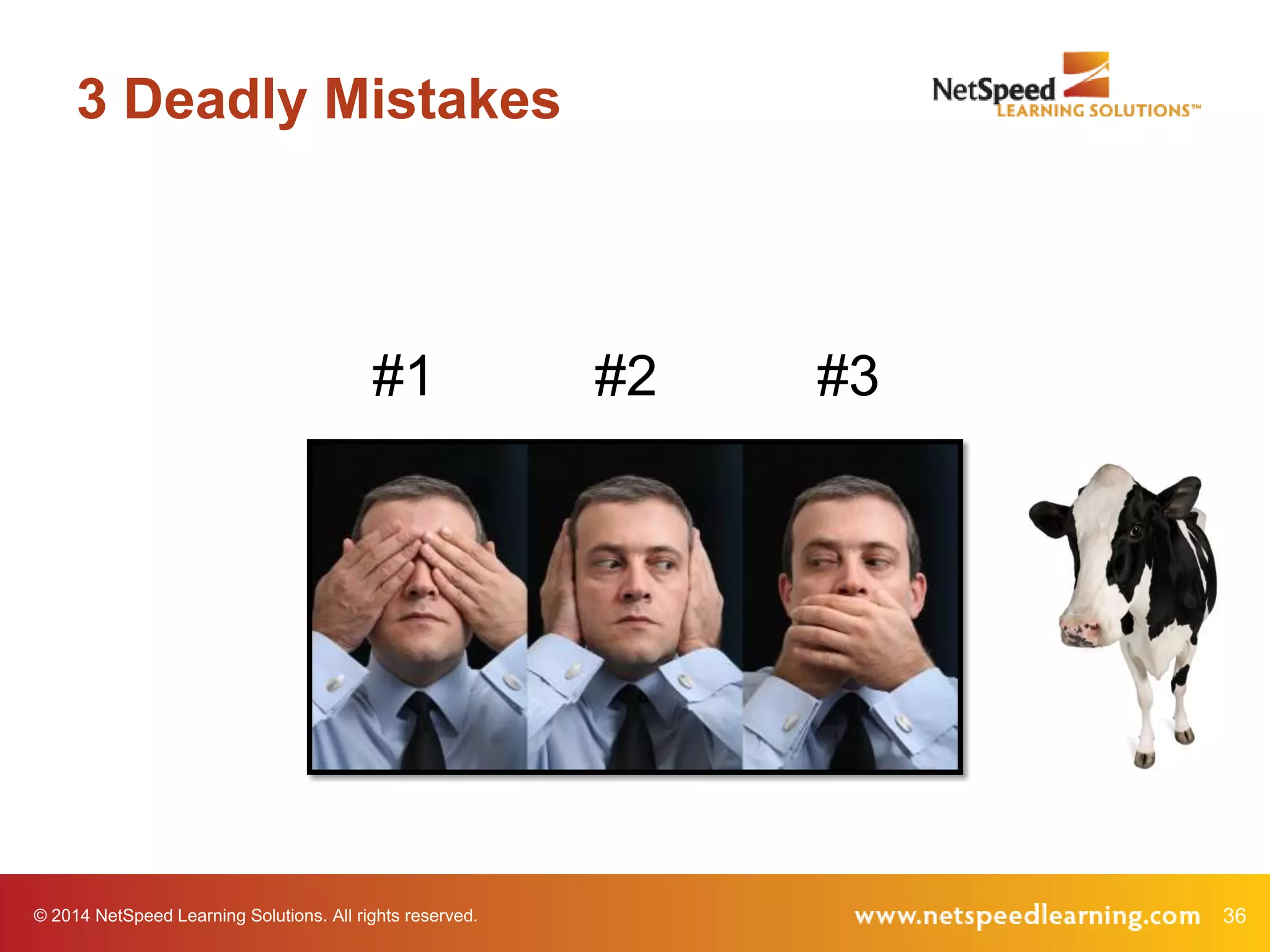
3 Deadly Mistakes

#1

© 2014 NetSpeed Learning Solutions. All rights reserved.

#2

#3

36
5 Discovery Practices
Guided discovery (inquiry-based)
Observation and reflection
Problem solving
Simulation-based
Case studies

© 2014 NetSpeed Learning Solutions. All rights reserved.

37
5 Tools in Your Kit
Chat
Polling
Annotation Tools
Emoticons/Status Icons
Video/Audio

© 2014 NetSpeed Learning Solutions. All rights reserved.

38
“Aha” Moments
What have you learned today that will increase
your effectiveness in the virtual classroom?

© 2014 NetSpeed Learning Solutions. All rights reserved.

39
Virtual Facilitator Training
•
•
•
•

Deep dive, comprehensive course
Focused on virtual design and delivery
Public courses offered six times/year
Customized for private delivery in your web
conference platform

© 2014 NetSpeed Learning Solutions. All rights reserved.

40
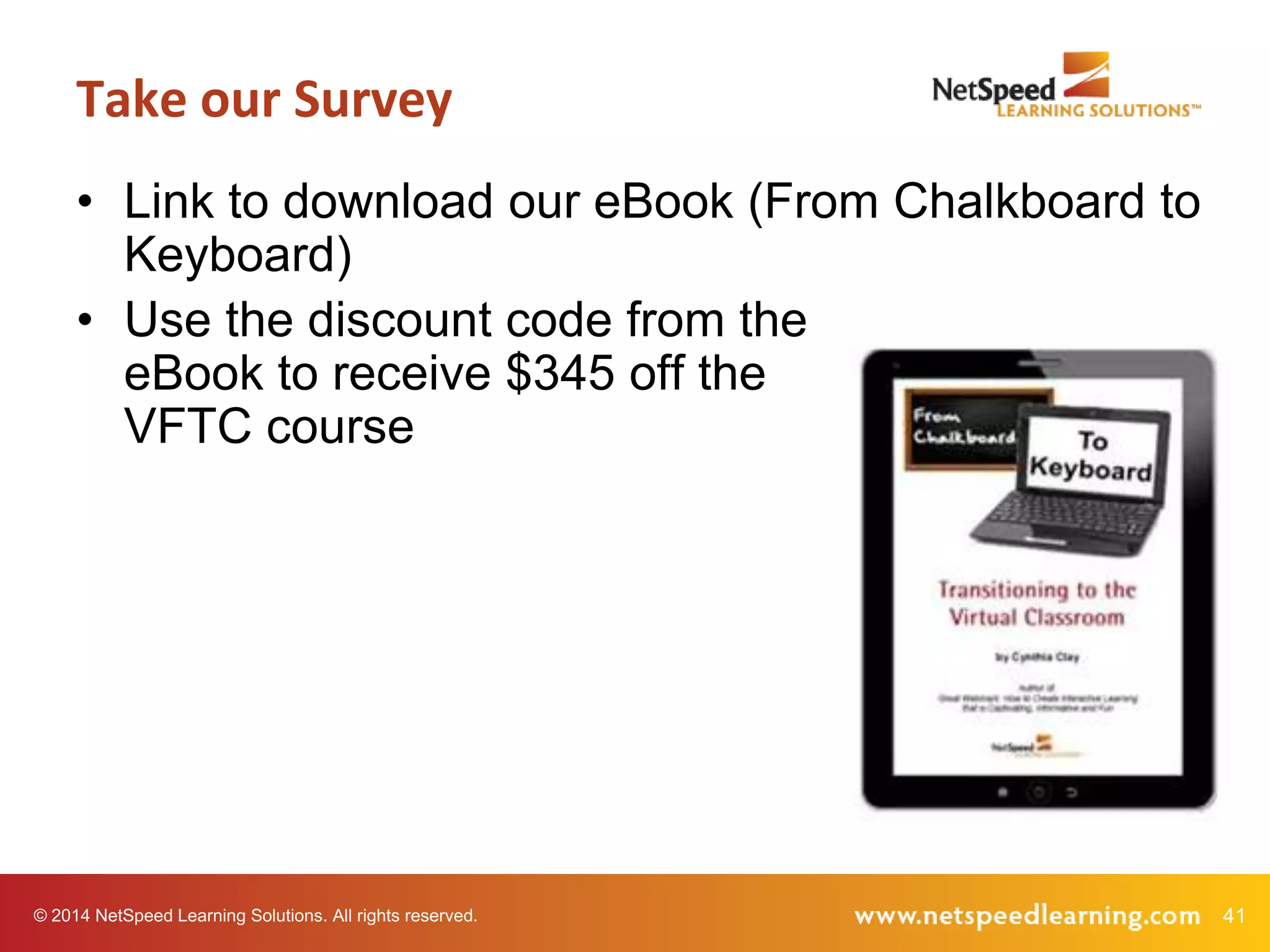
Take our Survey
• Link to download our eBook (From Chalkboard to
Keyboard)
• Use the discount code from the
eBook to receive $345 off the
VFTC course

© 2014 NetSpeed Learning Solutions. All rights reserved.

41
Q&A

© 2014 NetSpeed Learning Solutions. All rights reserved.

42
Thank You!

43

From Blah to Aha: Engaging Learners in the Virtual Classroom

  • 1.
    From Blah toAha! Engaging Learners in the Virtual Classroom March 4, 2014 © 2014 NetSpeed Learning Solutions. All rights reserved. 1
  • 2.
    Webinar Objectives • Avoid3 deadly mistakes that result in “blah” learning experiences • Embrace 5 discovery learning practices that enliven the virtual classroom • Create “aha” moments as you captivate your learners © 2014 NetSpeed Learning Solutions. All rights reserved. 2
  • 3.
    About Cynthia Clay •25+ years of experience • Author of Great Webinars • An expert in collaborative, engaging virtual learning © 2014 NetSpeed Learning Solutions. All rights reserved. 3
  • 4.
    Tweet #virtuallearning © 2014 NetSpeedLearning Solutions. All rights reserved. 4
  • 5.
    Purpose Poll What doyou hope to gain from this webinar? © 2014 NetSpeed Learning Solutions. All rights reserved. 5
  • 6.
    “Blah” © 2014 NetSpeedLearning Solutions. All rights reserved. 6
  • 7.
    Deadly Mistakes What deadlymistakes have you experienced in webinars? © 2014 NetSpeed Learning Solutions. All rights reserved. 7
  • 8.
    Deadly Mistake #1 Failingto capitalize on the visual medium © 2014 NetSpeed Learning Solutions. All rights reserved. 8
  • 9.
    Mistake #1: Visual “Thefacilitator would display a slide with about 4 - 5 points. Then she would talk about the points for what seemed like several minutes without necessarily referring to them specifically or using a pointer.” Lynn, quoted in Great Webinars (2012) © 2014 NetSpeed Learning Solutions. All rights reserved. 9
  • 10.
    Deadly Mistake #2 Notengaging learners in the discussion © 2014 NetSpeed Learning Solutions. All rights reserved. 10
  • 11.
    Mistake #2: NoEngagement “I think this is why people end up multitasking….If she would only engage me and make it hard for me NOT to participate. I’ve got one ear open for something that catches my attention, but meanwhile, I have seen how this works, and it doesn’t require me to be fully present.” Michelle, quoted in Great Webinars (2012) © 2014 NetSpeed Learning Solutions. All rights reserved. 11
  • 12.
    Deadly Mistake #3 Lecturinguntil… © 2014 NetSpeed Learning Solutions. All rights reserved. 12
  • 13.
    Mistake #3: Lecturing “Ifyou take an already bad training presentation, poor content and organization, throw in terrible and boring slides, add a weak, talkinghead facilitator, what would you get? Answer – the one-hour webinar I just watched.” Jackie, quoted in Great Webinars (2012) © 2014 NetSpeed Learning Solutions. All rights reserved. 13
  • 14.
    Our Story 1992 •Began asan independent consulting practice •Provided organization and leadership development to Pacific NW clients 2000 •Developed NetSpeed Leadership (blended learning) •Expanded nationally 2006 •Developed Blazing Service (blended learning) •Began to experiment with interactive, VILT using web conferencing 2007 •Developed NetSpeed Fast Tracks™ (integrated learning system) 2008 •Rebranded the company as NetSpeed Learning Solutions •Repurposed all programs for VILT 2009 •Introduced the Virtual Facilitator Trainer Certification course •Published Great Webinars 2011 •Published Peer Power •Launched the Peer Power virtual training program 2012 •Established as virtual learning experts •Wiley & Sons republish both Great Webinars and Peer Power © 2014 NetSpeed Learning Solutions. All rights reserved. 14
  • 15.
    Discovery Learning What isdiscovery learning? © 2014 NetSpeed Learning Solutions. All rights reserved. 15
  • 16.
    Discovery Learning A methodof inquiry-based instruction in which learners discover facts, relationships and solutions. © 2014 NetSpeed Learning Solutions. All rights reserved. 16
  • 17.
    Discovery Learning Is itpossible to create a discovery learning experience in the virtual classroom? © 2014 NetSpeed Learning Solutions. All rights reserved. 17
  • 18.
    Types of DiscoveryLearning Guided discovery (inquiry-based) Observation and reflection Problem solving Simulation-based Case studies © 2014 NetSpeed Learning Solutions. All rights reserved. 18
  • 19.
    A Challenging Coworker TheManipulator The coworker who attempts to influence your attitude or behavior through deception or secrecy. © 2014 NetSpeed Learning Solutions. All rights reserved. 19
  • 20.
    Your Experience Have youever worked with a manipulator? © 2014 NetSpeed Learning Solutions. All rights reserved. 20
  • 21.
    Reflection Poll Think ofa time when you have manipulated a person or a situation by withholding information, flattering, or sharing information in secret. What motivated you? © 2014 NetSpeed Learning Solutions. All rights reserved. 21
  • 22.
    Video Example © 2014NetSpeed Learning Solutions. All rights reserved. 22
  • 23.
    Clues What clues inthe video tell you that you might be working with a manipulator? © 2014 NetSpeed Learning Solutions. All rights reserved. 23
  • 24.
    Clues • • • • Offers unusual favors,gifts or flattery Appeals to your sense of guilt Deceives you Presents only positive reasons (no negatives) © 2014 NetSpeed Learning Solutions. All rights reserved. 24
  • 25.
    Clues • Misrepresents orexcludes data • Whispers in your ear • Asks a leading question or pretends to ask for input • Tells stories that are inconsistent © 2014 NetSpeed Learning Solutions. All rights reserved. 25
  • 26.
    Clues Poll Which behavioralclues have you experienced personally at work? © 2014 NetSpeed Learning Solutions. All rights reserved. 26
  • 27.
    Take Responsibility • Beresponsible for your own experience. Be aware of your own hooks. • Communicate and set ground rules. © 2014 NetSpeed Learning Solutions. All rights reserved. 27
  • 28.
    Extend Respect • Usegood listening and questioning skills to encourage openness. • Pay attention to your gut/intuition. © 2014 NetSpeed Learning Solutions. All rights reserved. 28
  • 29.
    Audio Case Example Listento the audio example. Take notes on constructive behaviors Dan uses with the manipulator. © 2014 NetSpeed Learning Solutions. All rights reserved. 29
  • 30.
    Case Example What behaviorsdid Dan use to Take Responsibility and Extend Respect? © 2014 NetSpeed Learning Solutions. All rights reserved. 30
  • 31.
    Action The next timeI work with a manipulator, I will collaborate constructively by…. © 2014 NetSpeed Learning Solutions. All rights reserved. 31
  • 32.
    Discovery Process 1. 2. 3. 4. Prepare thelearner with information Ask questions to encourage reflection Provide examples and models Demonstrate, if applicable © 2014 NetSpeed Learning Solutions. All rights reserved. 32
  • 33.
    Discovery Process 5. 6. 7. 8. Offer acase or identify a problem Allow peers to collaborate and problem solve Debrief to elicit connections and relationships Plan for application © 2014 NetSpeed Learning Solutions. All rights reserved. 33
  • 34.
    Your Virtual ToolKit Chat Polling Annotation Tools Emoticons/Status Icons Video/Audio © 2014 NetSpeed Learning Solutions. All rights reserved. 34
  • 35.
    Virtual Tools Chat Whatideas do you have for using one of these tools to increase discovery learning in the virtual classroom? Choose one chat pod and share an idea. © 2014 NetSpeed Learning Solutions. All rights reserved. 35
  • 36.
    3 Deadly Mistakes #1 ©2014 NetSpeed Learning Solutions. All rights reserved. #2 #3 36
  • 37.
    5 Discovery Practices Guideddiscovery (inquiry-based) Observation and reflection Problem solving Simulation-based Case studies © 2014 NetSpeed Learning Solutions. All rights reserved. 37
  • 38.
    5 Tools inYour Kit Chat Polling Annotation Tools Emoticons/Status Icons Video/Audio © 2014 NetSpeed Learning Solutions. All rights reserved. 38
  • 39.
    “Aha” Moments What haveyou learned today that will increase your effectiveness in the virtual classroom? © 2014 NetSpeed Learning Solutions. All rights reserved. 39
  • 40.
    Virtual Facilitator Training • • • • Deepdive, comprehensive course Focused on virtual design and delivery Public courses offered six times/year Customized for private delivery in your web conference platform © 2014 NetSpeed Learning Solutions. All rights reserved. 40
  • 41.
    Take our Survey •Link to download our eBook (From Chalkboard to Keyboard) • Use the discount code from the eBook to receive $345 off the VFTC course © 2014 NetSpeed Learning Solutions. All rights reserved. 41
  • 42.
    Q&A © 2014 NetSpeedLearning Solutions. All rights reserved. 42
  • 43.