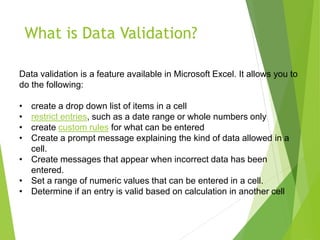
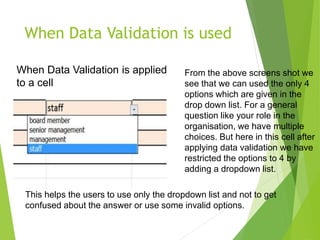
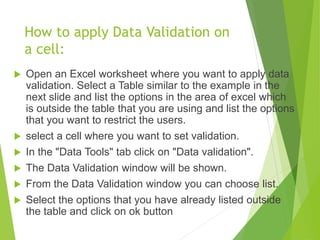
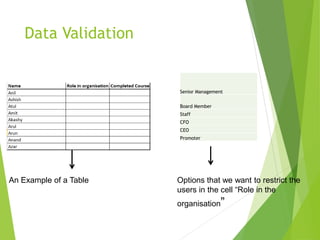
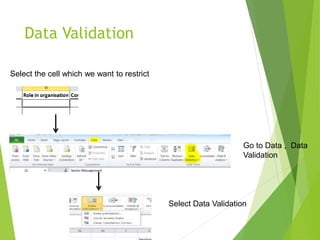
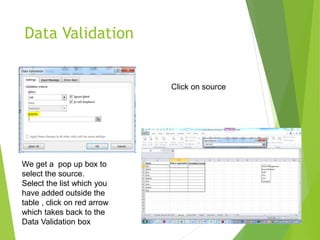
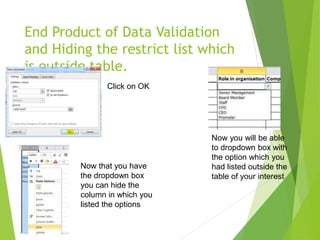
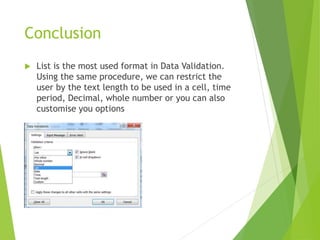
Data validation in Excel allows users to restrict the type of data entered into cells. This includes creating drop-down lists, restricting dates or numbers, and custom validation rules. The document provides steps to apply data validation to a cell by selecting the cell, going to the data validation menu, choosing the type of validation such as a list, selecting the source of the list options, and setting input and error messages. Data validation helps ensure accurate data entry by limiting users to valid options.