DATAVALIDATION
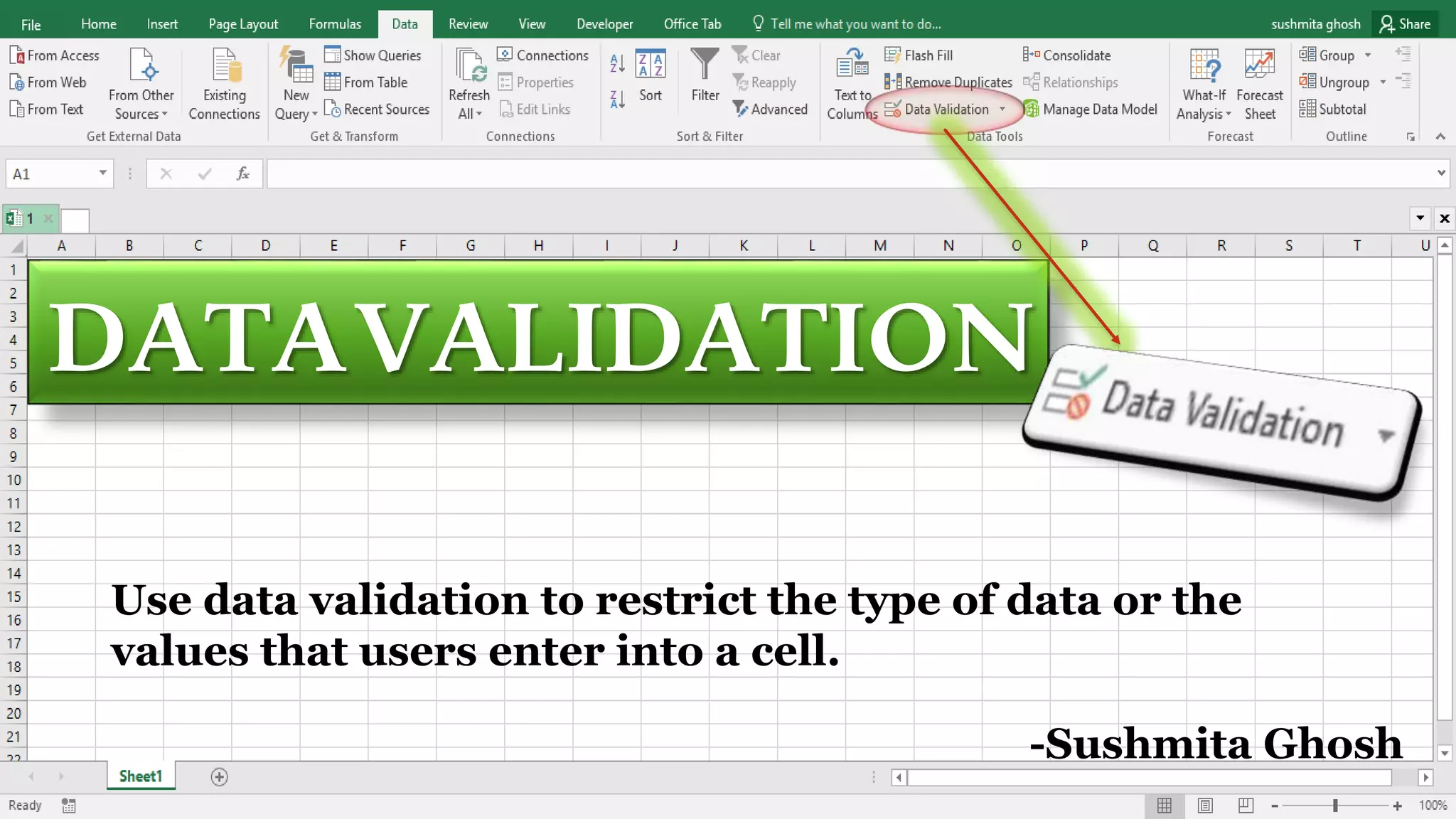
Use data validation to restrict the type of data or the
values that users enter into a cell.
-Sushmita Ghosh
WHAT IS DATA VALIDATION?
Data validation is a feature available in
Microsoft Excel. It allows you to do the following:
Make a list of the entries that restricts the values
allowed in a cell and also can set custom rules. Create a
prompt message explaining the kind of data allowed in
a cell. Create messages that appear when
incorrect data has been entered.
ADDDATAVALIDATIONTOACELLORARANGE
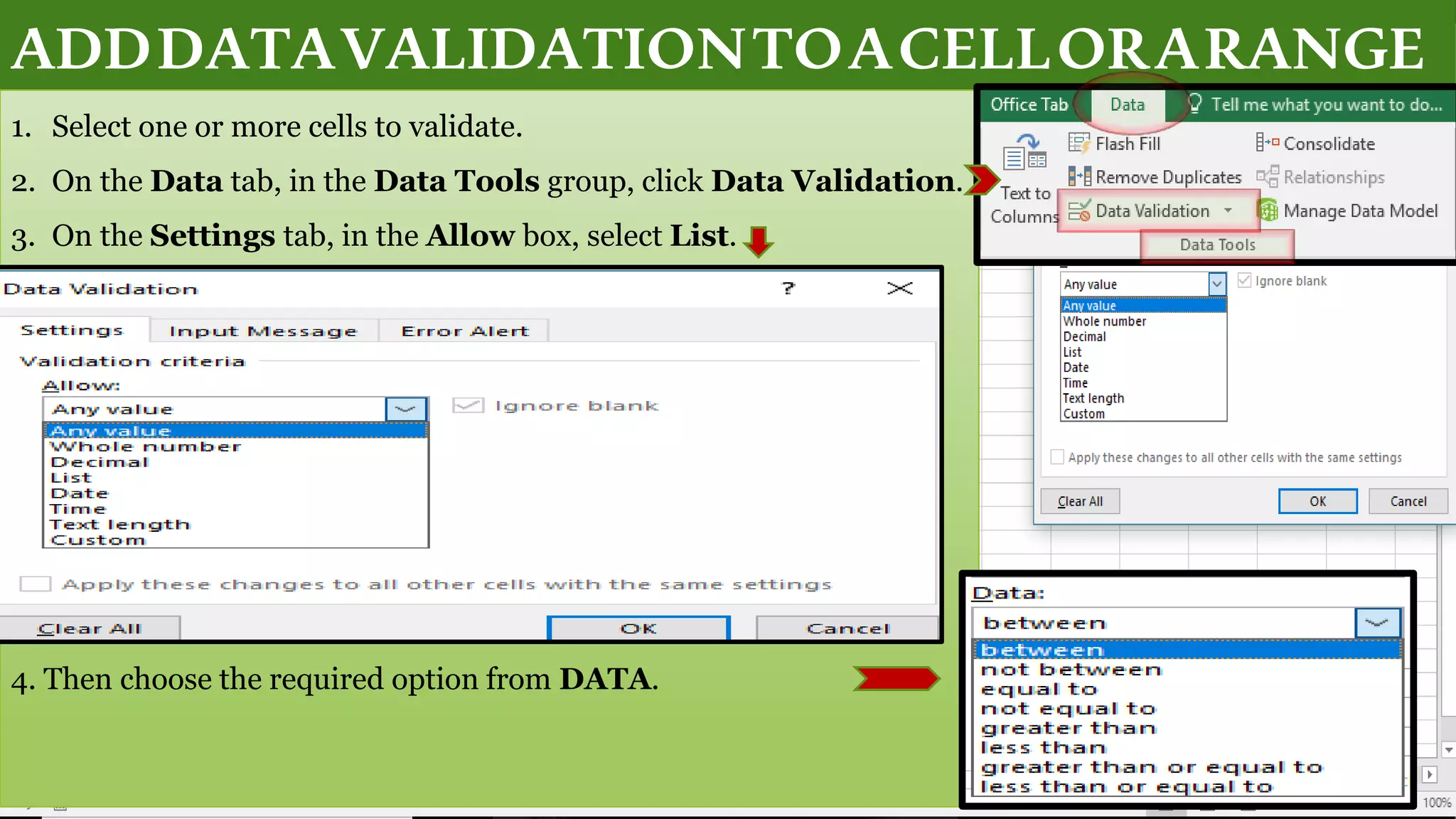
1. Select one or more cells to validate.
2. On the Data tab, in the Data Tools group, click Data Validation.
3. On the Settings tab, in the Allow box, select List.
4. Then choose the required option from DATA.
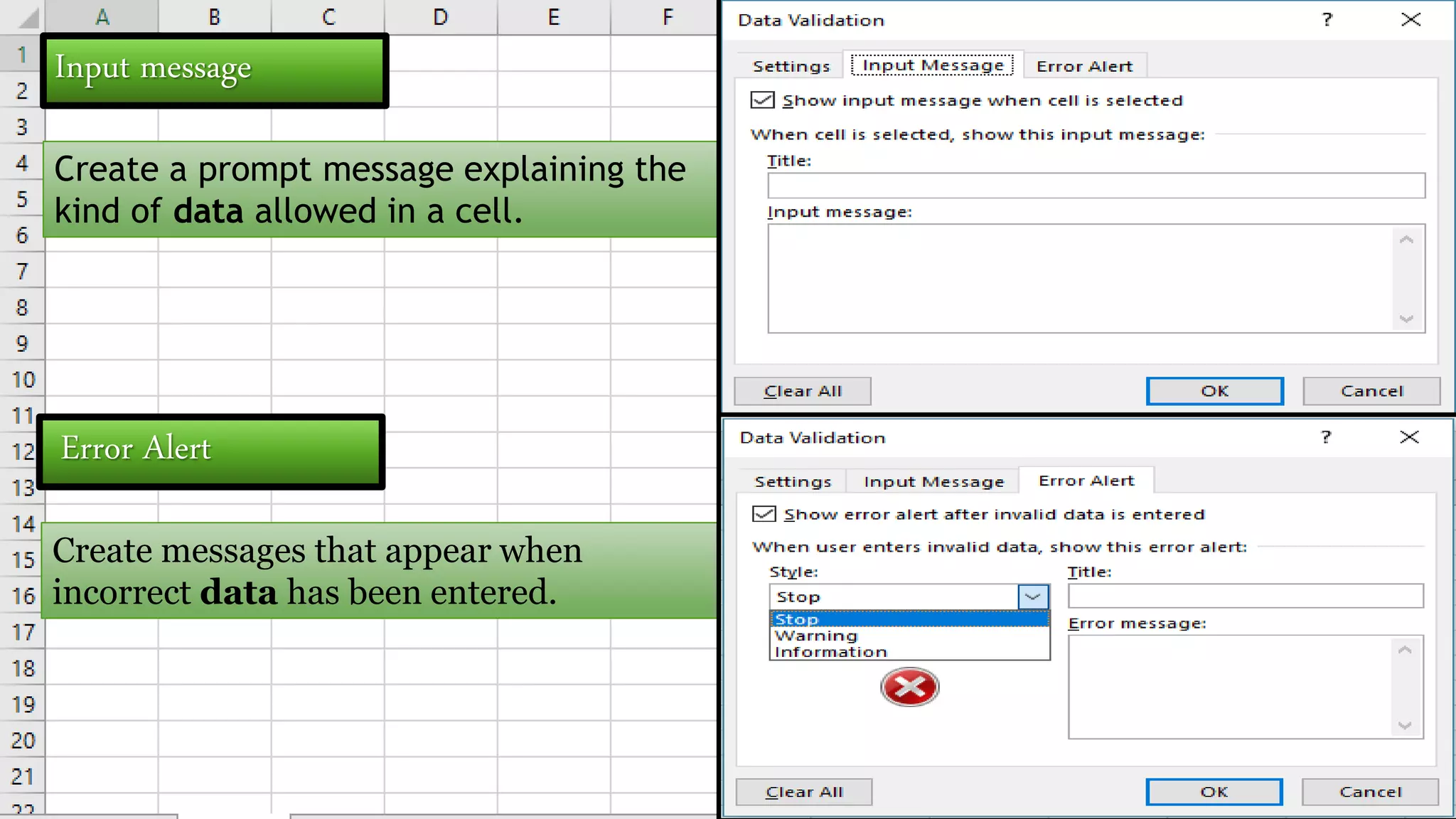
Input message
Create a prompt message explaining the
kind of data allowed in a cell.
Error Alert
Create messages that appear when
incorrect data has been entered.
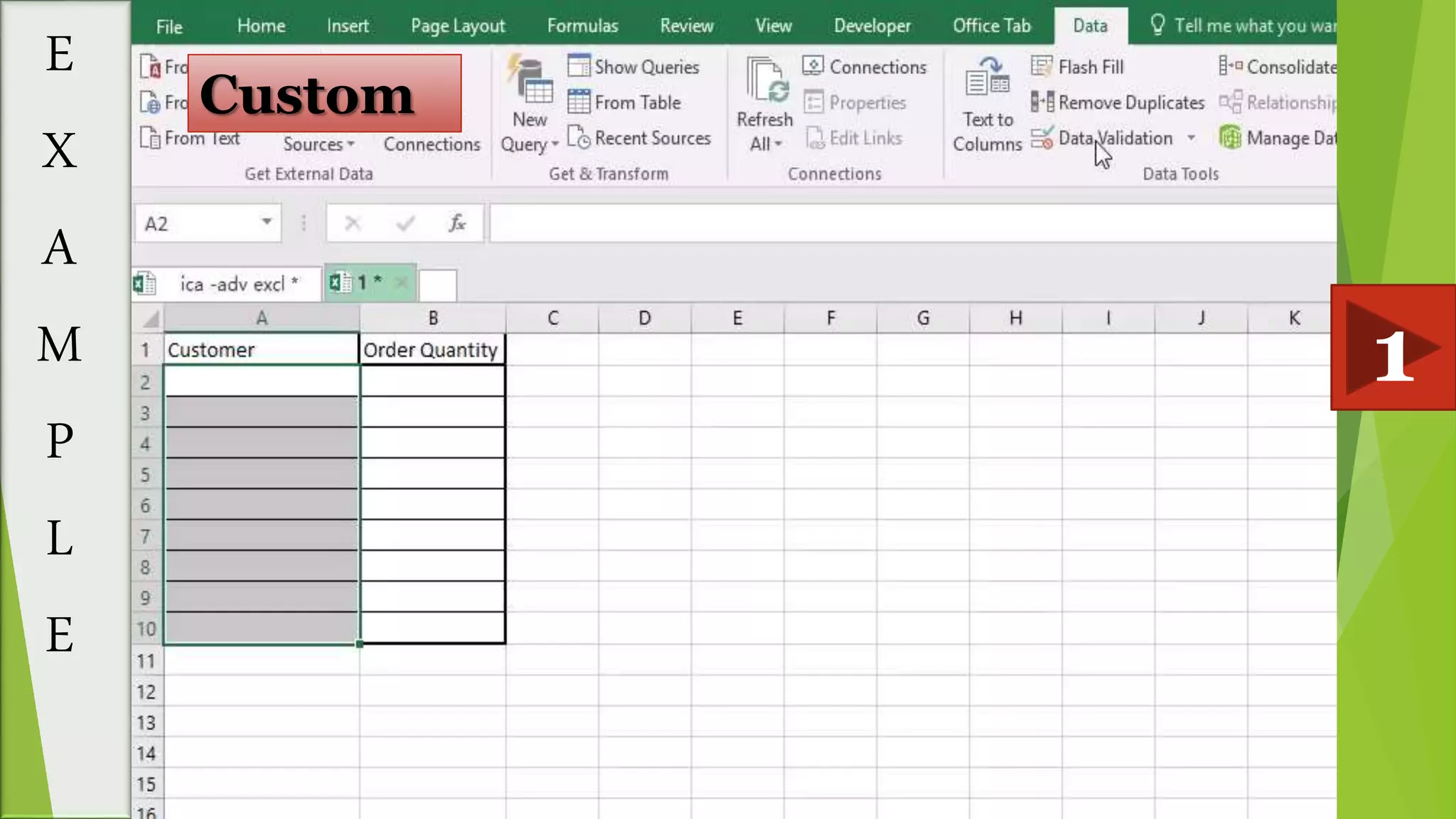
E
X
A
M
P
L
E
1
Custom
2
E
X
A
M
P
L
E
Whole number
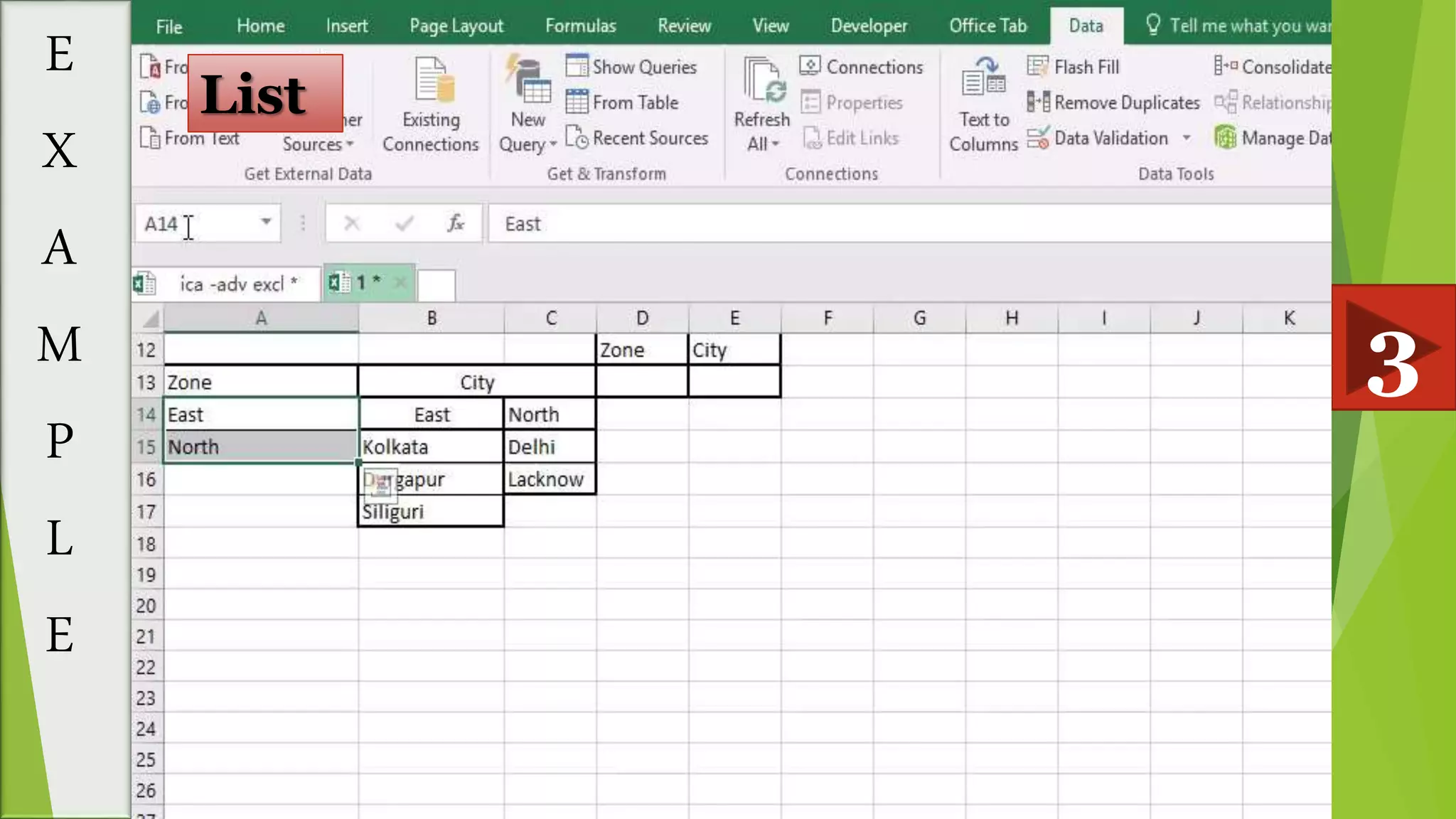
3
E
X
A
M
P
L
E
List
THANK YOU

Data Validation

  • 1.
    DATAVALIDATION Use data validationto restrict the type of data or the values that users enter into a cell. -Sushmita Ghosh
  • 2.
    WHAT IS DATAVALIDATION? Data validation is a feature available in Microsoft Excel. It allows you to do the following: Make a list of the entries that restricts the values allowed in a cell and also can set custom rules. Create a prompt message explaining the kind of data allowed in a cell. Create messages that appear when incorrect data has been entered.
  • 3.
    ADDDATAVALIDATIONTOACELLORARANGE 1. Select oneor more cells to validate. 2. On the Data tab, in the Data Tools group, click Data Validation. 3. On the Settings tab, in the Allow box, select List. 4. Then choose the required option from DATA.
  • 4.
    Input message Create aprompt message explaining the kind of data allowed in a cell. Error Alert Create messages that appear when incorrect data has been entered.
  • 5.
  • 6.
  • 7.
  • 8.