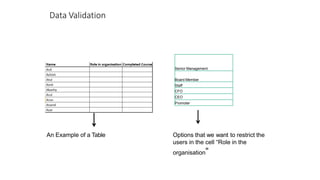
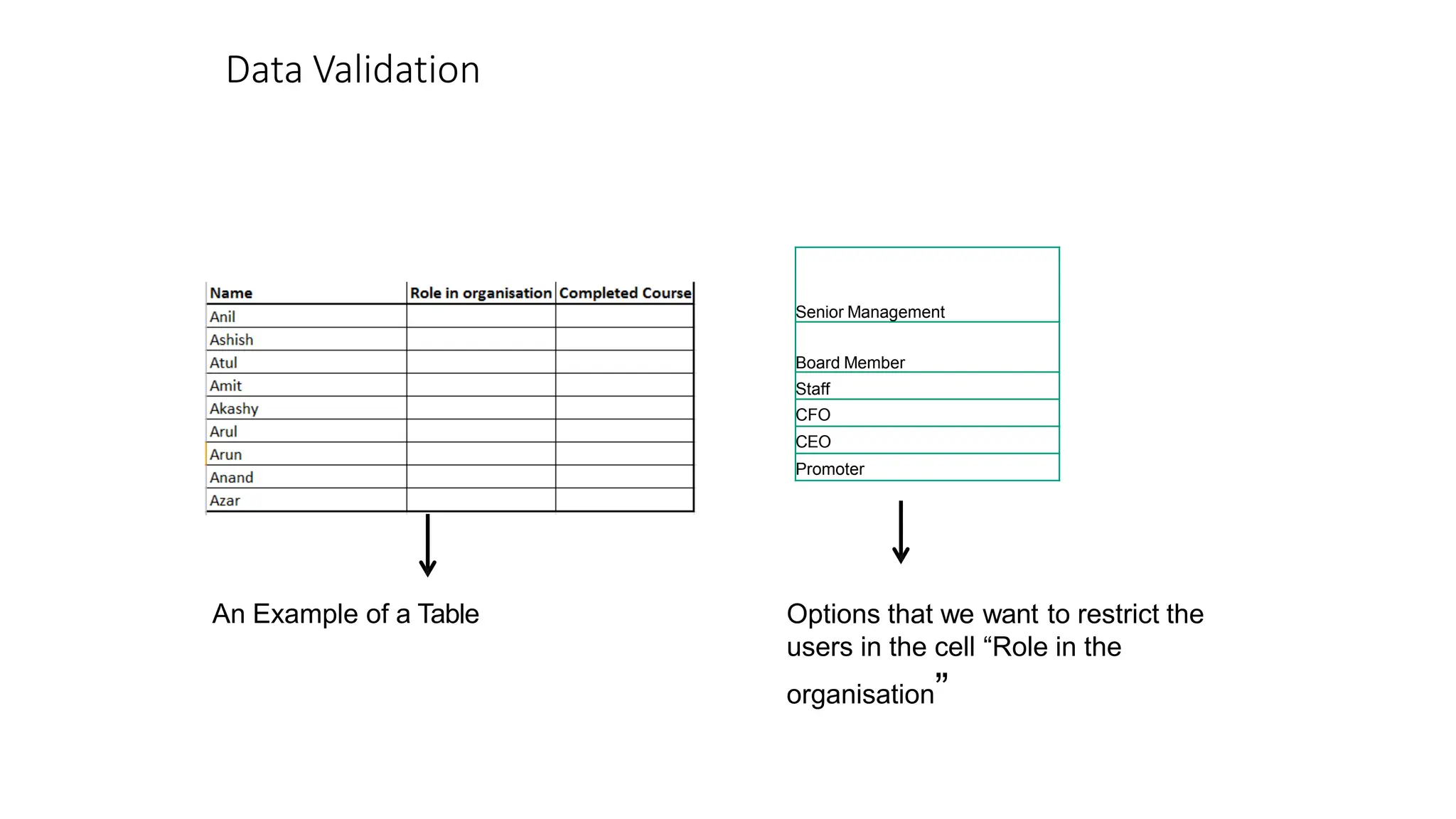
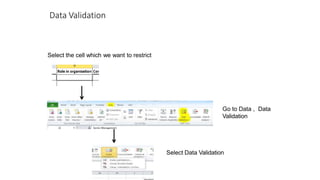
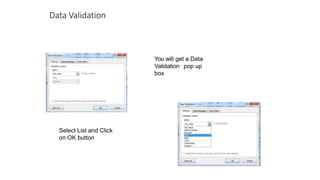
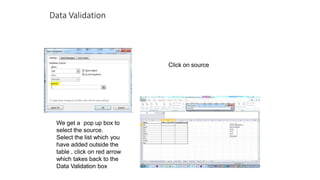
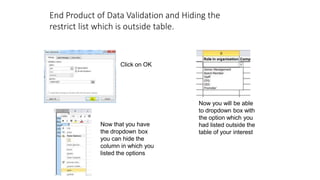
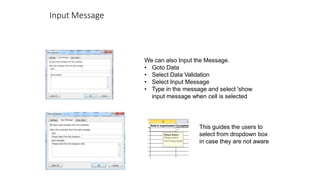
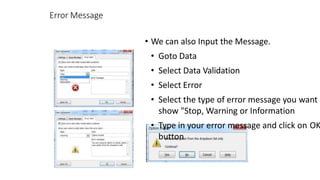
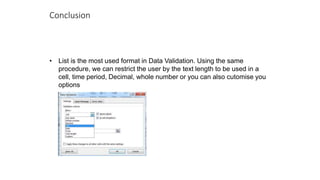
Data validation allows restricting the options users can select in a cell. It involves selecting the cell, going to Data > Data Validation, choosing List in the pop up, and selecting the list of restricted options from outside the table. An input or error message can provide guidance to users on the restricted options. Data validation is useful for standardizing data entry and ensuring data quality.