



Dr. Saeed Yafei
Alexandria
2015
Topics
 • EndNote – what ? Why?
• Other citation utility/reference management software
• Important terms
• EndNote Basic (Web)- Getting started
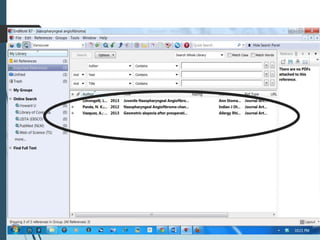
• Collect- online search, new reference, import
reference
• Organize - manage groups
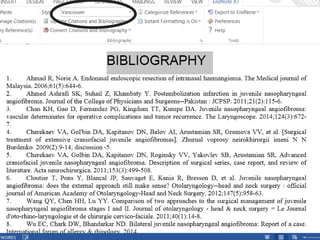
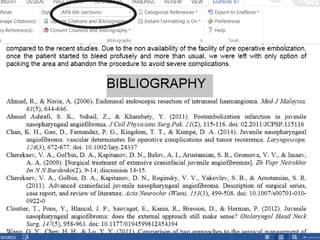
• Format – bibliography, Plug-ins, CWYW, formatting
• Rules for manual entry
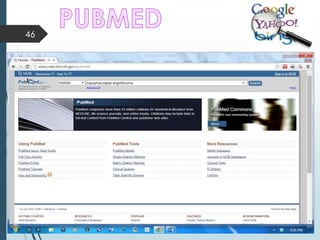
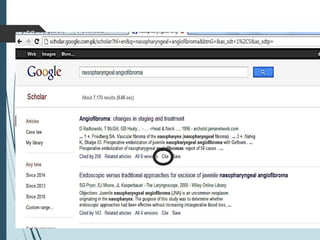
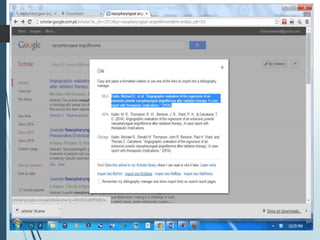
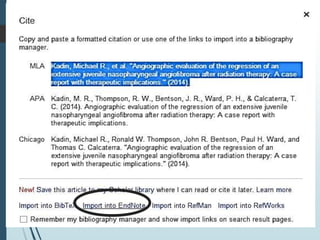
• PUBMed, Google Scholar, ProQuest, EBSCO
database search
and export/import citation
2
What?
 About EndNote
• What is EndNote?
– It is a software from Thomson Reuters and help
you to write your scholarly articles.
– EndNote is an online search tool
– EndNote is a reference and figure database
– EndNote is a bibliography and manuscript maker
3
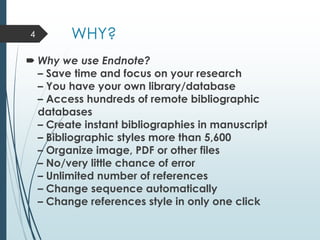
WHY?
 Why we use Endnote?
– Save time and focus on your research
– You have your own library/database
– Access hundreds of remote bibliographic
databases
– Create instant bibliographies in manuscript
– Bibliographic styles more than 5,600
– Organize image, PDF or other files
– No/very little chance of error
– Unlimited number of references
– Change sequence automatically
– Change references style in only one click
4
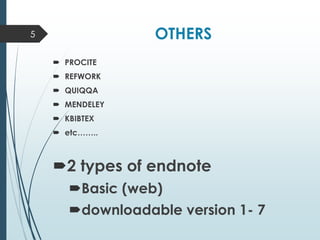
OTHERS
 PROCITE
 REFWORK
 QUIQQA
 MENDELEY
 KBIBTEX
 etc……..
2 types of endnote
Basic (web)
downloadable version 1- 7
5
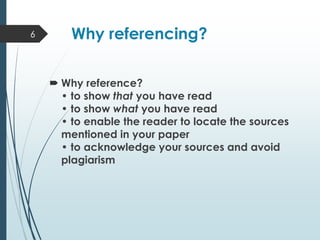
Why referencing?
 Why reference?
• to show that you have read
• to show what you have read
• to enable the reader to locate the sources
mentioned in your paper
• to acknowledge your sources and avoid
plagiarism
6
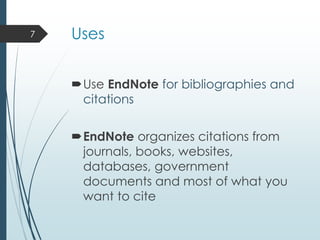
Uses
Use EndNote for bibliographies and
citations
EndNote organizes citations from
journals, books, websites,
databases, government
documents and most of what you
want to cite
7
8
9
10
11
12
13
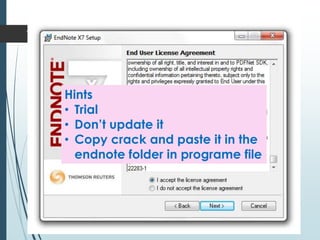
Hints
• Trial
• Don’t update it
• Copy crack and paste it in the
endnote folder in programe file
14
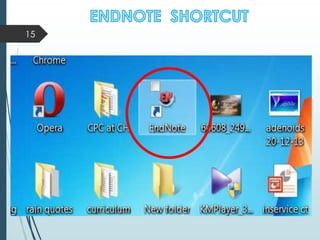
15
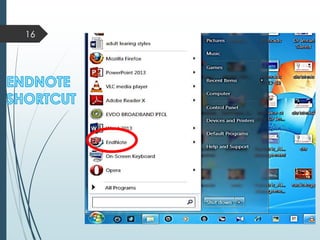
16
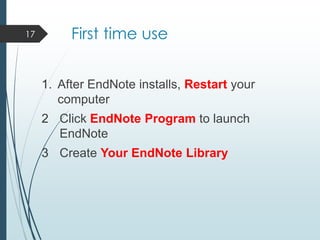
First time use
1. After EndNote installs, Restart your
computer
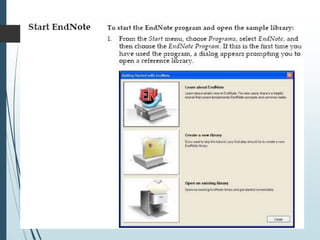
2 Click EndNote Program to launch
EndNote
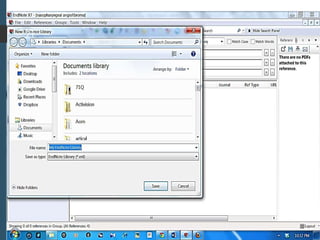
3 Create Your EndNote Library
17
18
19
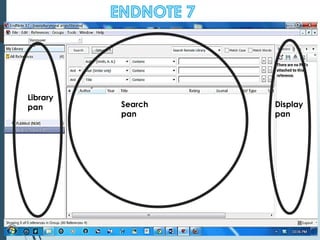
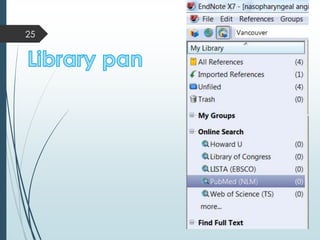
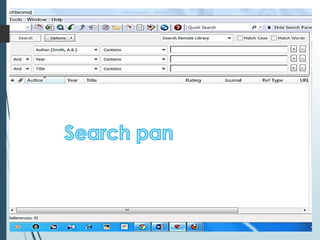
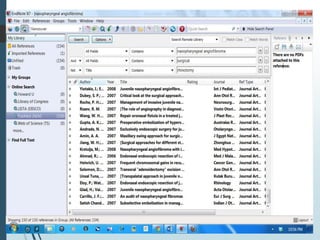
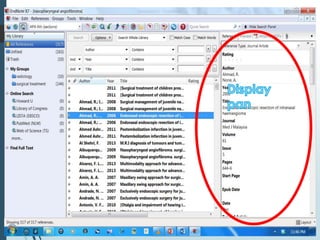
Library
pan Search
pan
Display
pan
20
21
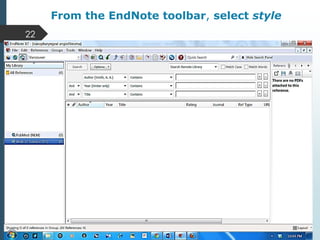
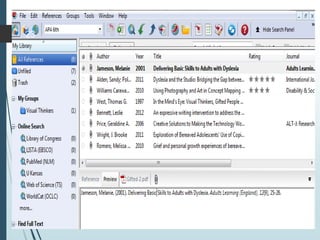
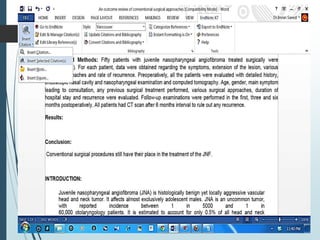
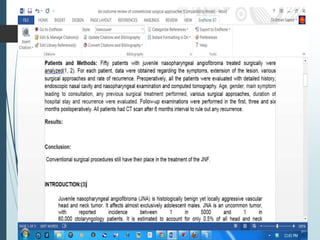
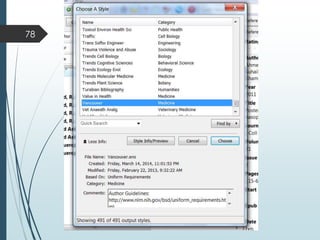
From the EndNote toolbar, select style
22
23
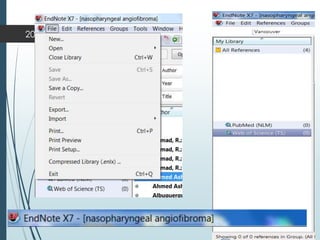
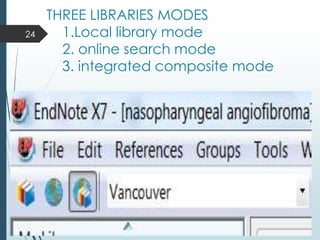
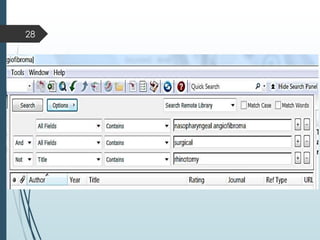
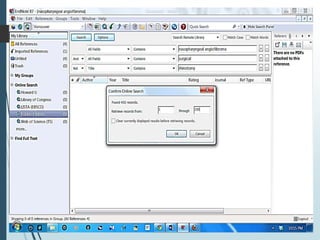
THREE LIBRARIES MODES
1.Local library mode
2. online search mode
3. integrated composite mode
24
25
26
27
28
29
30
31
32
33
34
35
36
37
38
39
40
41
42
43
44
45
46
47
48
49
50
51
52
53
54
55
56
57
58
59
60
61
62
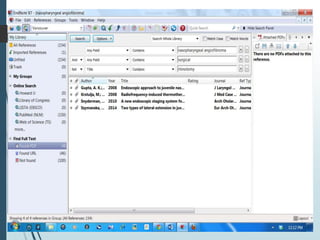
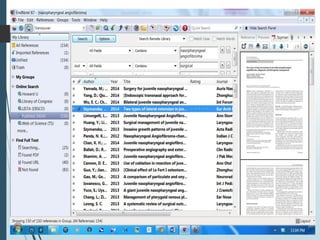
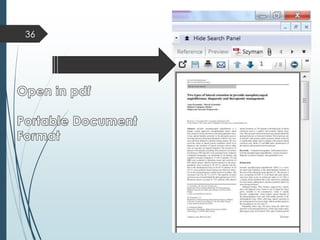
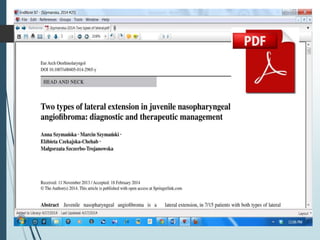
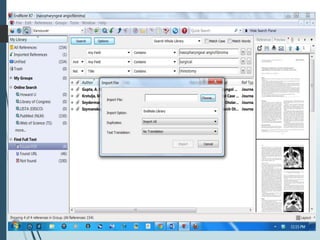
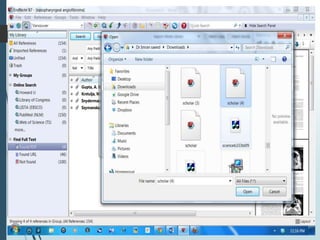
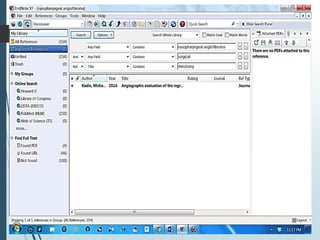
If you already have full text
articles saved to your
computer, you can import
and attach them to
references in your EndNote
Library.
63
64
65
66
67
68
69
70
71
72
73
74
75
76
77
78
79
80
81
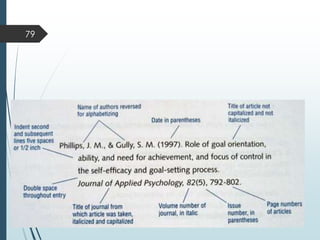
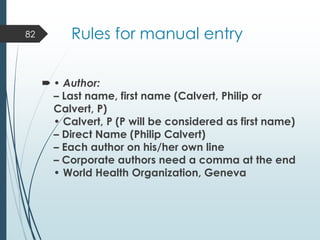
Rules for manual entry
 • Author:
– Last name, first name (Calvert, Philip or
Calvert, P)
• Calvert, P (P will be considered as first name)
– Direct Name (Philip Calvert)
– Each author on his/her own line
– Corporate authors need a comma at the end
• World Health Organization, Geneva
82
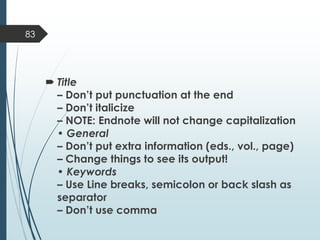
 Title
– Don’t put punctuation at the end
– Don’t italicize
– NOTE: Endnote will not change capitalization
• General
– Don’t put extra information (eds., vol., page)
– Change things to see its output!
• Keywords
– Use Line breaks, semicolon or back slash as
separator
– Don’t use comma
83
84
‫شكرا‬

EndNote 7 new

  • 1.
  • 2.
    Topics  • EndNote– what ? Why? • Other citation utility/reference management software • Important terms • EndNote Basic (Web)- Getting started • Collect- online search, new reference, import reference • Organize - manage groups • Format – bibliography, Plug-ins, CWYW, formatting • Rules for manual entry • PUBMed, Google Scholar, ProQuest, EBSCO database search and export/import citation 2
  • 3.
    What?  About EndNote •What is EndNote? – It is a software from Thomson Reuters and help you to write your scholarly articles. – EndNote is an online search tool – EndNote is a reference and figure database – EndNote is a bibliography and manuscript maker 3
  • 4.
    WHY?  Why weuse Endnote? – Save time and focus on your research – You have your own library/database – Access hundreds of remote bibliographic databases – Create instant bibliographies in manuscript – Bibliographic styles more than 5,600 – Organize image, PDF or other files – No/very little chance of error – Unlimited number of references – Change sequence automatically – Change references style in only one click 4
  • 5.
    OTHERS  PROCITE  REFWORK QUIQQA  MENDELEY  KBIBTEX  etc…….. 2 types of endnote Basic (web) downloadable version 1- 7 5
  • 6.
    Why referencing?  Whyreference? • to show that you have read • to show what you have read • to enable the reader to locate the sources mentioned in your paper • to acknowledge your sources and avoid plagiarism 6
  • 7.
    Uses Use EndNote forbibliographies and citations EndNote organizes citations from journals, books, websites, databases, government documents and most of what you want to cite 7
  • 8.
  • 9.
  • 10.
  • 11.
  • 12.
  • 13.
    13 Hints • Trial • Don’tupdate it • Copy crack and paste it in the endnote folder in programe file
  • 14.
  • 15.
  • 16.
  • 17.
    First time use 1.After EndNote installs, Restart your computer 2 Click EndNote Program to launch EndNote 3 Create Your EndNote Library 17
  • 18.
  • 19.
  • 20.
  • 21.
  • 22.
    From the EndNotetoolbar, select style 22
  • 23.
  • 24.
    THREE LIBRARIES MODES 1.Locallibrary mode 2. online search mode 3. integrated composite mode 24
  • 25.
  • 26.
  • 27.
  • 28.
  • 29.
  • 30.
  • 31.
  • 32.
  • 33.
  • 34.
  • 35.
  • 36.
  • 37.
  • 38.
  • 39.
  • 40.
  • 41.
  • 42.
  • 43.
  • 44.
  • 45.
  • 46.
  • 47.
  • 48.
  • 49.
  • 50.
  • 51.
  • 52.
  • 53.
  • 54.
  • 55.
  • 56.
  • 57.
  • 58.
  • 59.
  • 60.
  • 61.
  • 62.
  • 63.
    If you alreadyhave full text articles saved to your computer, you can import and attach them to references in your EndNote Library. 63
  • 64.
  • 65.
  • 66.
  • 67.
  • 68.
  • 69.
  • 70.
  • 71.
  • 72.
  • 73.
  • 74.
  • 75.
  • 76.
  • 77.
  • 78.
  • 79.
  • 80.
  • 81.
  • 82.
    Rules for manualentry  • Author: – Last name, first name (Calvert, Philip or Calvert, P) • Calvert, P (P will be considered as first name) – Direct Name (Philip Calvert) – Each author on his/her own line – Corporate authors need a comma at the end • World Health Organization, Geneva 82
  • 83.
     Title – Don’tput punctuation at the end – Don’t italicize – NOTE: Endnote will not change capitalization • General – Don’t put extra information (eds., vol., page) – Change things to see its output! • Keywords – Use Line breaks, semicolon or back slash as separator – Don’t use comma 83
  • 84.