EndNote – an Introduction 
Anne Costigan 
University of Bradford Library
2 
Journal databases 
• Examples 
– Web of Science 
– Medline 
– ASSIA 
– Proquest 
– Engineering Village 
• All supply references – print, save etc
3 
What do you do with a reference? 
• Find full text 
– Is there anything to quote or discuss in your 
piece of work? If there is: 
• Cite the references in your thesis/journal 
article/book and list them with full details, 
usually at the end 
• The list of references is sometimes called 
a bibliography
4 
When do you add a citation and 
reference? 
• When you have quoted someone 
• When you refer to someone’s work 
• When you use a table, image, data etc 
from someone else’s work 
• If in doubt, cite!
5 
What is EndNote? 
• Reference management system 
– Collects references 
– Allows you to store full text or access it where 
available 
– Adds references to your document with 
citations 
– Controls format or style of references
6 
Advantages of EndNote 
• Don’t lose references 
• Add references easily to your documents 
• References should always be correct! 
• Change format easily
7 
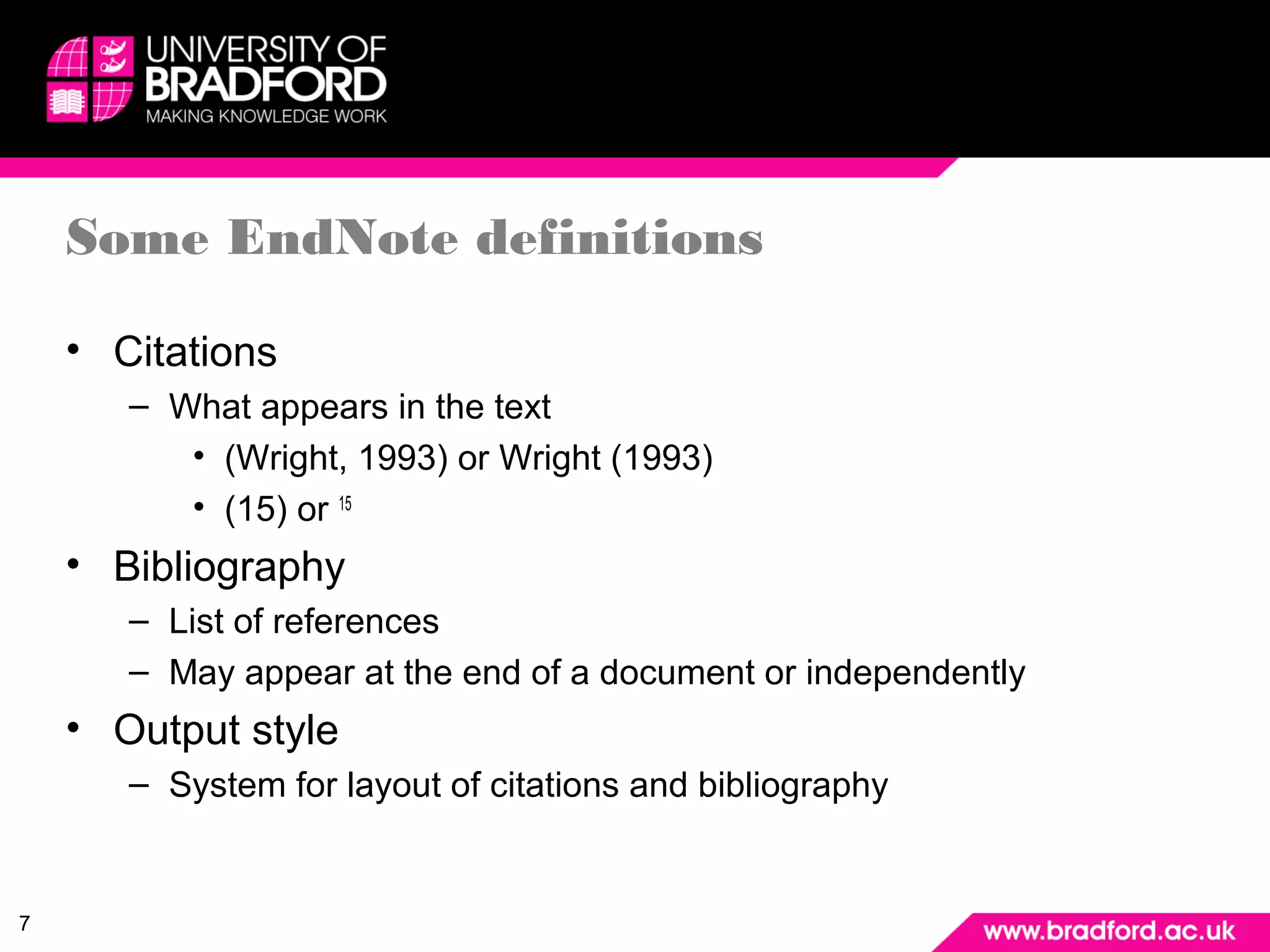
Some EndNote definitions 
• Citations 
– What appears in the text 
• (Wright, 1993) or Wright (1993) 
• (15) or 15 
• Bibliography 
– List of references 
– May appear at the end of a document or independently 
• Output style 
– System for layout of citations and bibliography
8 
EndNote and EndNote Web 
• EndNote X7 on the desktop 
– Installed on all campus PCs 
– Can buy and install on your own PC (£72!) 
– All features of EndNote present 
• EndNote on the Web 
– Can access from anywhere 
– Doesn’t have all the features of EndNote 
– Sometimes known as EndNote Online
9 
EndNote X7 or EndNote Online? 
• Which is most suitable for you? 
• EndNote X7 has most features 
– Must pay to install on your own machine 
• EndNote Online is free 
– Access from anywhere 
– Can synchronise with EndNote X7 
– Library is in the Cloud
10 
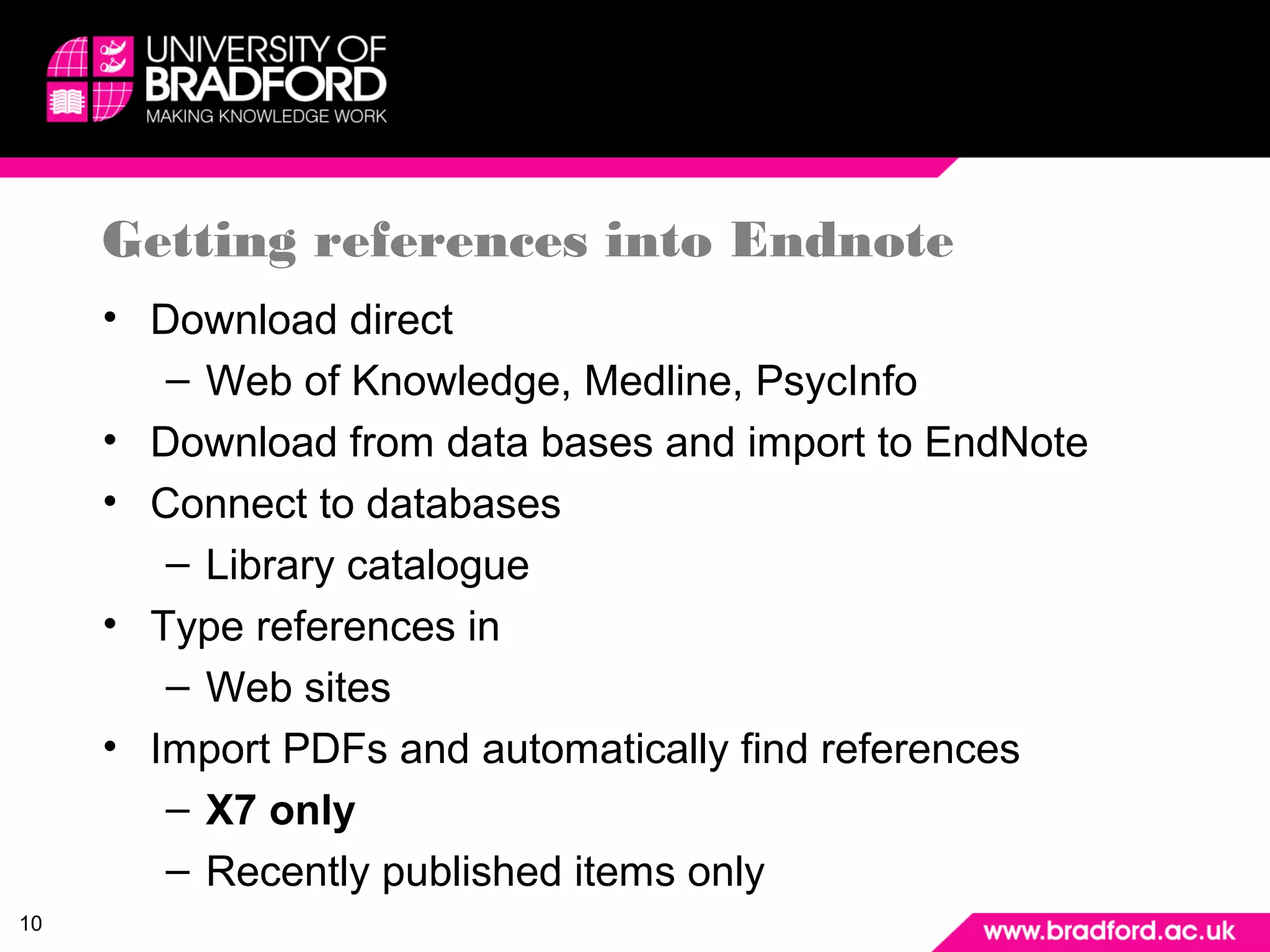
Getting references into Endnote 
• Download direct 
– Web of Knowledge, Medline, PsycInfo 
• Download from data bases and import to EndNote 
• Connect to databases 
– Library catalogue 
• Type references in 
– Web sites 
• Import PDFs and automatically find references 
– X7 only 
– Recently published items only
11 
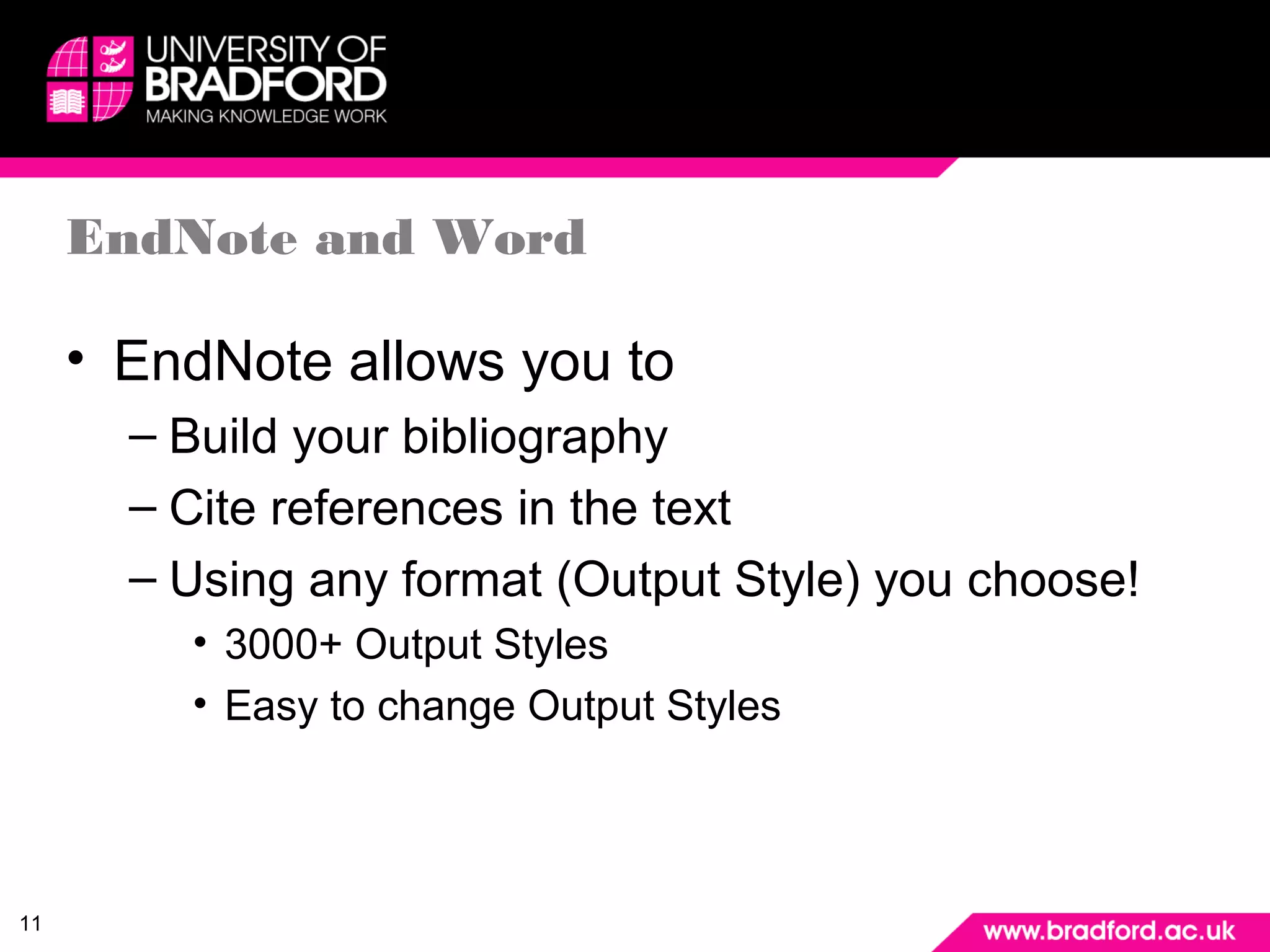
EndNote and Word 
• EndNote allows you to 
– Build your bibliography 
– Cite references in the text 
– Using any format (Output Style) you choose! 
• 3000+ Output Styles 
• Easy to change Output Styles
12 
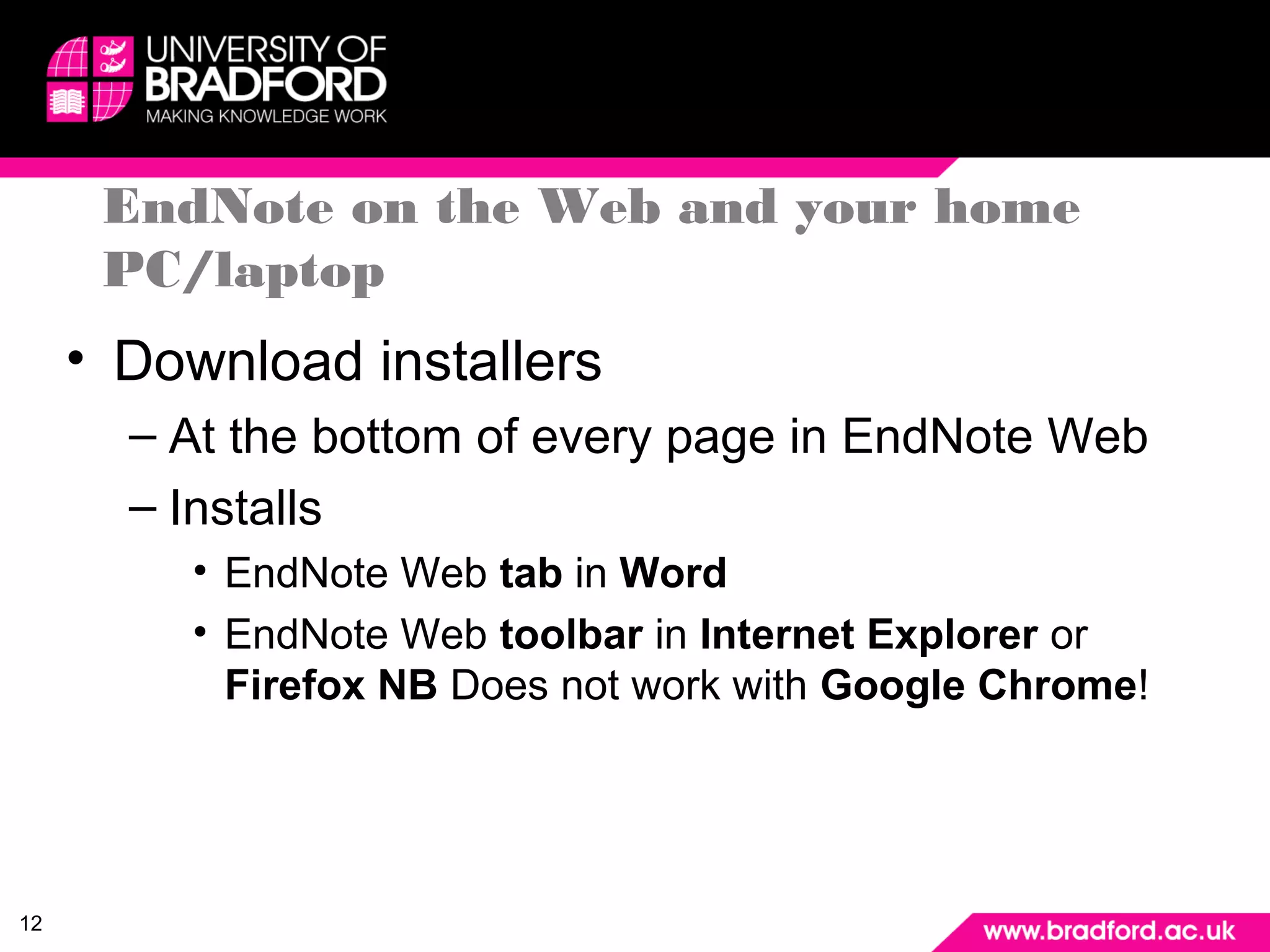
EndNote on the Web and your home 
PC/laptop 
• Download installers 
– At the bottom of every page in EndNote Web 
– Installs 
• EndNote Web tab in Word 
• EndNote Web toolbar in Internet Explorer or 
Firefox NB Does not work with Google Chrome!
13 
Help 
• Ask for assistance 
– Your subject librarian 
– Enquiry desks
14 
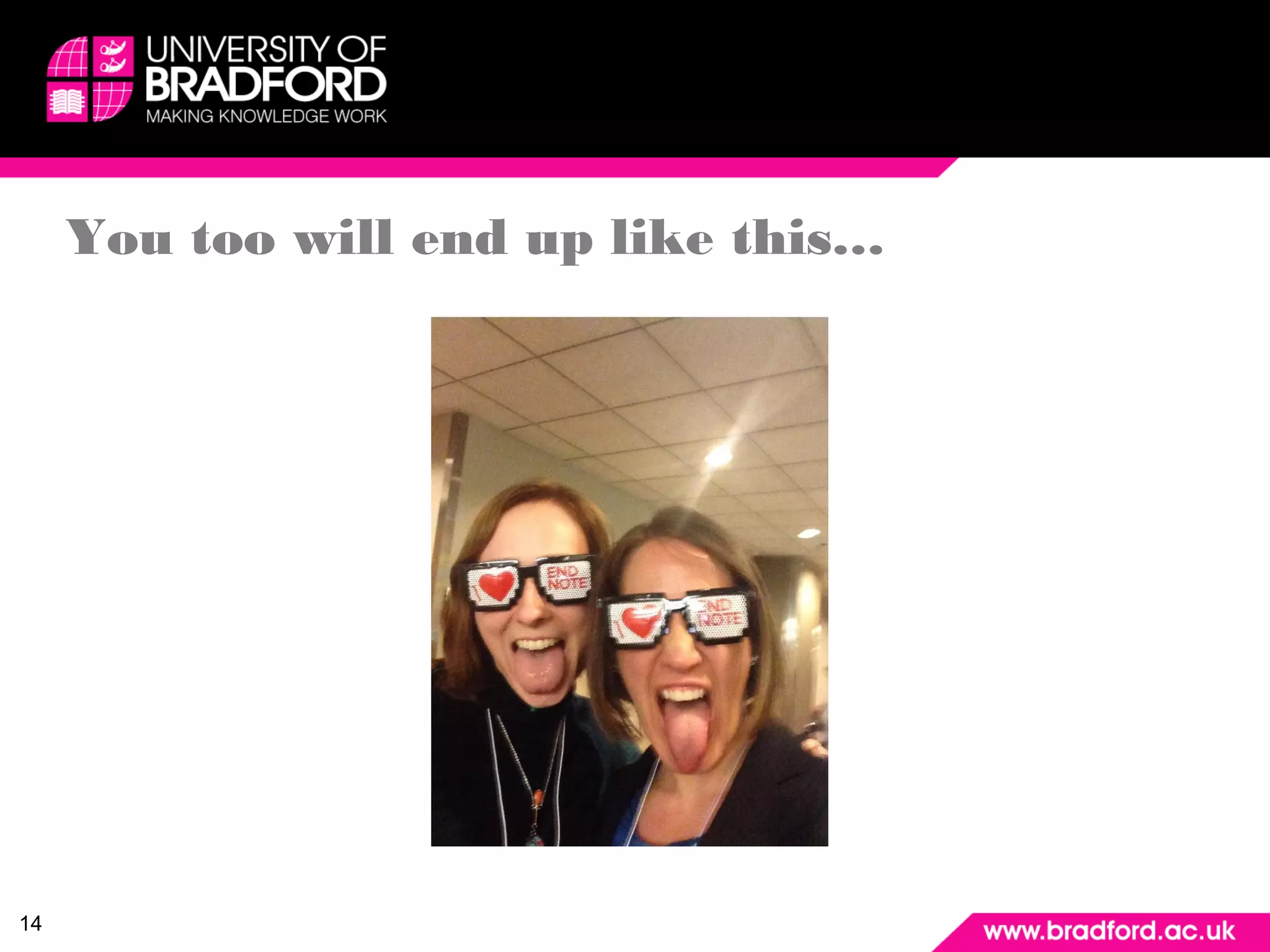
You too will end up like this…
15 
Further assistance 
• Program help 
• Library Web page at: 
– http://www.bradford.ac.uk/library/library-resources/endnote/ 
• EndNote support page at: 
– http://endnote.com/training
16 
Exporting references from databases to 
EndNote 
• ScienceDirect to Endnote 
– http://screencast.com/t/J5mVCfZGQC 
• ASSIA to Endnote 
• http://screencast.com/t/YE0Wk99O 
• Cochrane to Endnote 
• http://screencast.com/t/voZGZCNm 
• Library catalogue 
• http://screencast.com/t/lTejfbmeF

End note for researchers

  • 1.
    EndNote – anIntroduction Anne Costigan University of Bradford Library
  • 2.
    2 Journal databases • Examples – Web of Science – Medline – ASSIA – Proquest – Engineering Village • All supply references – print, save etc
  • 3.
    3 What doyou do with a reference? • Find full text – Is there anything to quote or discuss in your piece of work? If there is: • Cite the references in your thesis/journal article/book and list them with full details, usually at the end • The list of references is sometimes called a bibliography
  • 4.
    4 When doyou add a citation and reference? • When you have quoted someone • When you refer to someone’s work • When you use a table, image, data etc from someone else’s work • If in doubt, cite!
  • 5.
    5 What isEndNote? • Reference management system – Collects references – Allows you to store full text or access it where available – Adds references to your document with citations – Controls format or style of references
  • 6.
    6 Advantages ofEndNote • Don’t lose references • Add references easily to your documents • References should always be correct! • Change format easily
  • 7.
    7 Some EndNotedefinitions • Citations – What appears in the text • (Wright, 1993) or Wright (1993) • (15) or 15 • Bibliography – List of references – May appear at the end of a document or independently • Output style – System for layout of citations and bibliography
  • 8.
    8 EndNote andEndNote Web • EndNote X7 on the desktop – Installed on all campus PCs – Can buy and install on your own PC (£72!) – All features of EndNote present • EndNote on the Web – Can access from anywhere – Doesn’t have all the features of EndNote – Sometimes known as EndNote Online
  • 9.
    9 EndNote X7or EndNote Online? • Which is most suitable for you? • EndNote X7 has most features – Must pay to install on your own machine • EndNote Online is free – Access from anywhere – Can synchronise with EndNote X7 – Library is in the Cloud
  • 10.
    10 Getting referencesinto Endnote • Download direct – Web of Knowledge, Medline, PsycInfo • Download from data bases and import to EndNote • Connect to databases – Library catalogue • Type references in – Web sites • Import PDFs and automatically find references – X7 only – Recently published items only
  • 11.
    11 EndNote andWord • EndNote allows you to – Build your bibliography – Cite references in the text – Using any format (Output Style) you choose! • 3000+ Output Styles • Easy to change Output Styles
  • 12.
    12 EndNote onthe Web and your home PC/laptop • Download installers – At the bottom of every page in EndNote Web – Installs • EndNote Web tab in Word • EndNote Web toolbar in Internet Explorer or Firefox NB Does not work with Google Chrome!
  • 13.
    13 Help •Ask for assistance – Your subject librarian – Enquiry desks
  • 14.
    14 You toowill end up like this…
  • 15.
    15 Further assistance • Program help • Library Web page at: – http://www.bradford.ac.uk/library/library-resources/endnote/ • EndNote support page at: – http://endnote.com/training
  • 16.
    16 Exporting referencesfrom databases to EndNote • ScienceDirect to Endnote – http://screencast.com/t/J5mVCfZGQC • ASSIA to Endnote • http://screencast.com/t/YE0Wk99O • Cochrane to Endnote • http://screencast.com/t/voZGZCNm • Library catalogue • http://screencast.com/t/lTejfbmeF