ENDNOTE® basic
Independent University, Bangladesh
Autumn 2017
How to use ENDNOTE for
managing your references
Lost the references you need for your research
paper?
Research paper, thesis and dissertation
citations becoming unmanageable?
Md. Zahid Hossain Shoeb, PhD
Topics to be covered
• EndNote – prologue
• EndNote Basic (Web)- Getting started
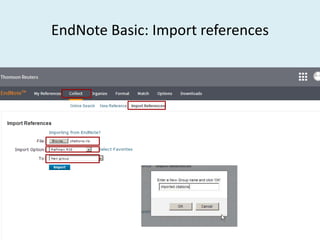
• Collect-online search, new reference, import reference
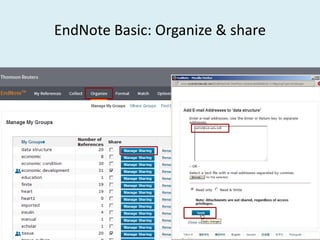
• Organize -manage groups
• Format –bibliography, Plug-ins, CWYW, formatting
• JSTOR, SpringerLink, Wiley, Google Scholar, EBSCO
database search and export/import citation
• Cite While You Write (CWYW) practice
About EndNote
• What is EndNote?
– It is a software package from Clarivate Analysis
(previously Thomson Reuters) and help you to
write your scholarly articles
– EndNote is a reference and figure database
– EndNote is a bibliography and manuscript maker
– EndNote is an online search tool
About EndNote
• Why we use Endnote?
– Create an online account to search, save and use your research
sources
– Save time and focus on your research
– You have your own library/database
– Access built-in connections to search 5 popular databases
– Create instant bibliographies in manuscript
– 21 most popular bibliography formats
– Integrate with Microsoft® Word to properly cite and format your
paper
– Change sequence automatically
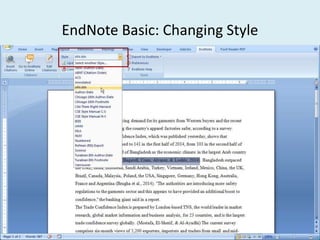
– Change references style in only one click
– Comparatively fast as functional, and customizable
– No/very little chance of error
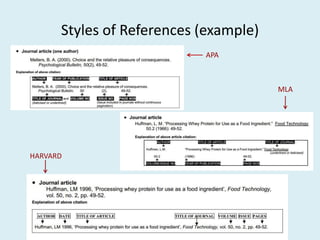
Styles of References (example)
APA
MLA
HARVARD
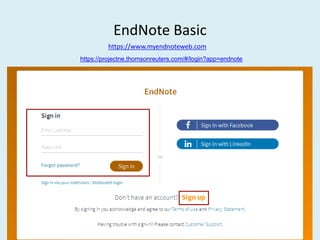
EndNote Basic
https://www.myendnoteweb.com
https://projectne.thomsonreuters.com/#/login?app=endnote
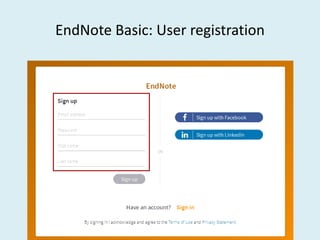
EndNote Basic: User registration
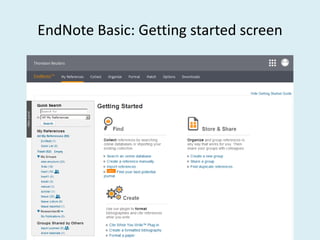
EndNote Basic: Getting started screen
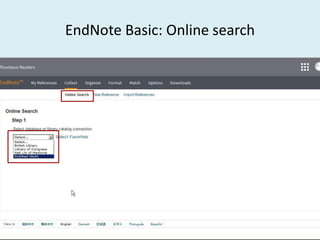
EndNote Basic: Online search
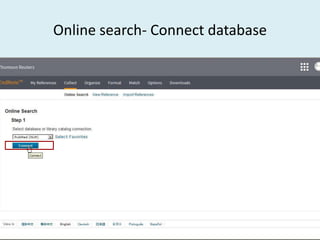
Online search- Connect database
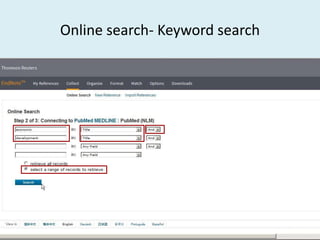
Online search- Keyword search
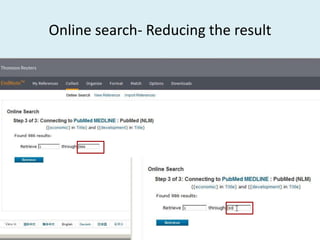
Online search- Reducing the result
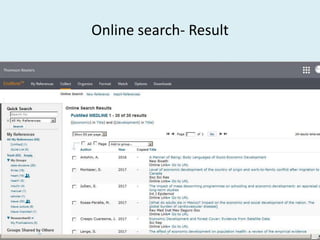
Online search- Result
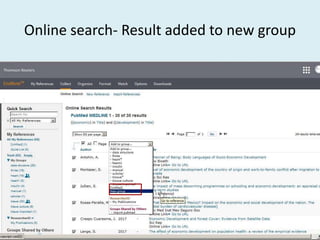
Online search- Result added to new group
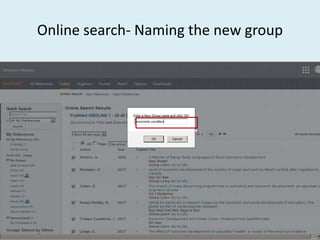
Online search- Naming the new group
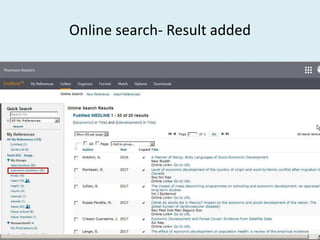
Online search- Result added
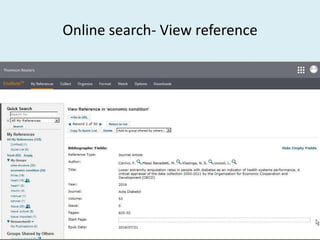
Online search- View reference
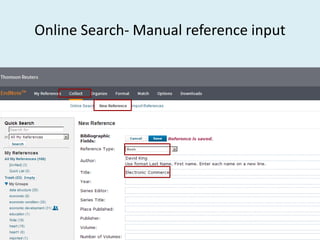
Rules for manual entry
• Author:
– Last name, first name (Calvert, Philip or Calvert, P)
• Calvert, P (P will be considered as first name)
– Direct Name (Philip Calvert)
– Each author on his/her own line
– Corporate authors need a comma at the end
• World Health Organization, Geneva
Rules for manual entry
• Title
– Don’t put punctuation at the end
– Don’t italicize
– NOTE: Endnote will not change capitalization
• General
– Don’t put extra information (eds., vol., page)
– Change things to see its output!
• Keywords
– Use Line breaks, semicolon or back slash as separator
– Don’t use comma
Online Search- Manual reference input
EndNote Basic: Organize & share
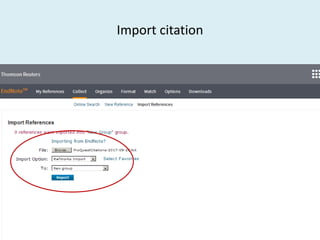
EndNote Basic: Import references
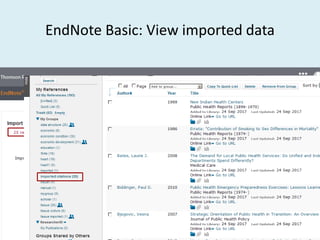
EndNote Basic: View imported data
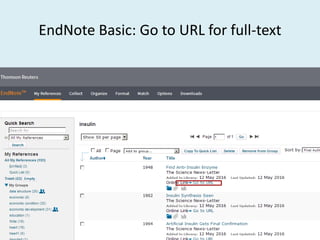
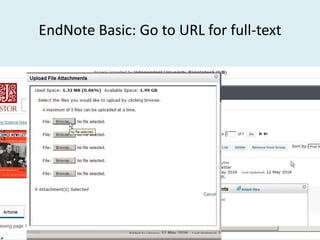
EndNote Basic: Go to URL for full-text
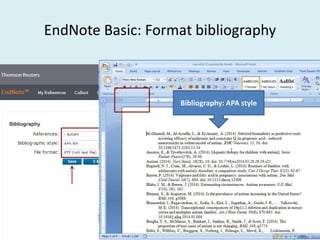
EndNote Basic: Format bibliography
Bibliography: APA style
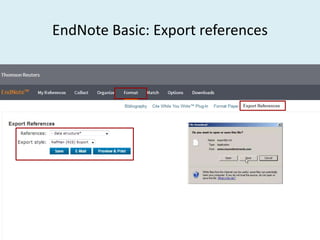
EndNote Basic: Export references
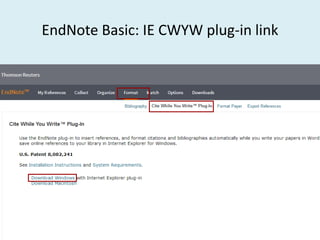
EndNote Basic: IE CWYW plug-in link
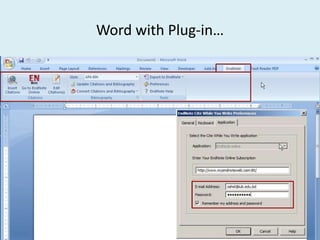
Word with Plug-in…
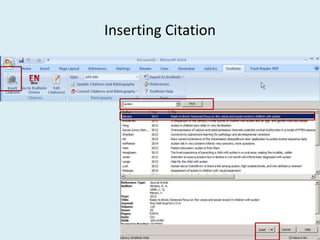
Inserting Citation
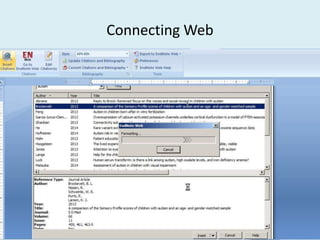
Connecting Web
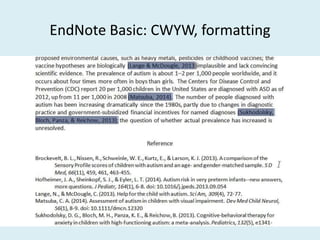
EndNote Basic: CWYW, formatting
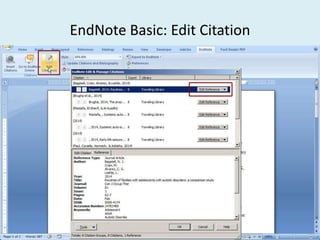
EndNote Basic: Edit Citation
EndNote Basic: Changing Style
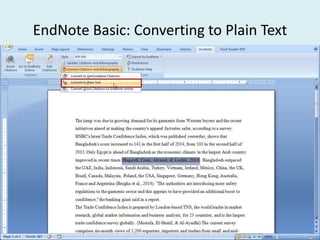
EndNote Basic: Converting to Plain Text
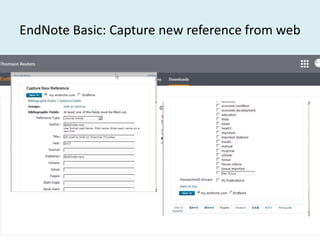
EndNote Basic: Capture new reference from web
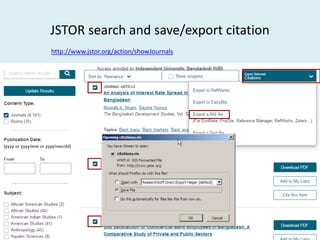
JSTOR search and save/export citation
http://www.jstor.org/action/showJournals
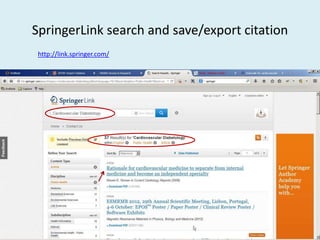
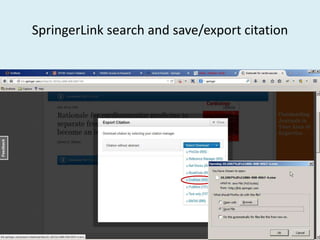
SpringerLink search and save/export citation
http://link.springer.com/
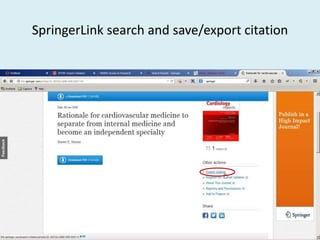
SpringerLink search and save/export citation
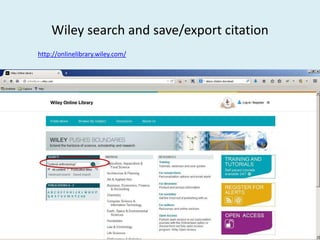
Wiley search and save/export citation
http://onlinelibrary.wiley.com/
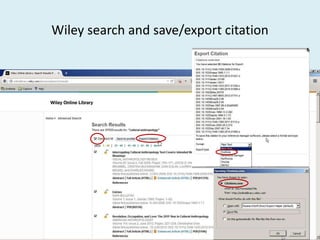
Wiley search and save/export citation
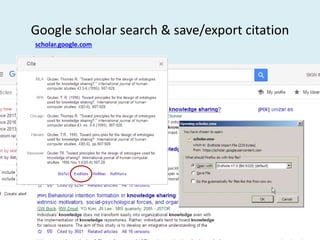
Google scholar search & save/export citation
scholar.google.com
Import citation
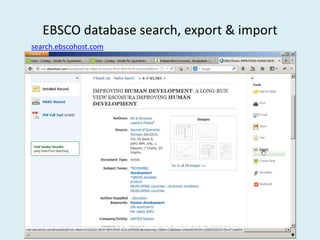
EBSCO database search, export & import
search.ebscohost.com
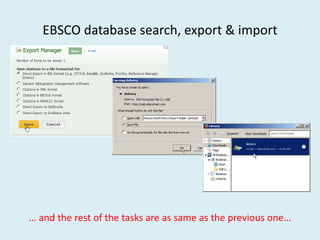
EBSCO database search, export & import
… and the rest of the tasks are as same as the previous one…
How to use EndNote for managing your references

How to use EndNote for managing your references