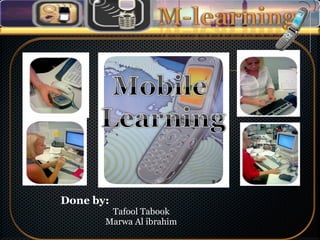
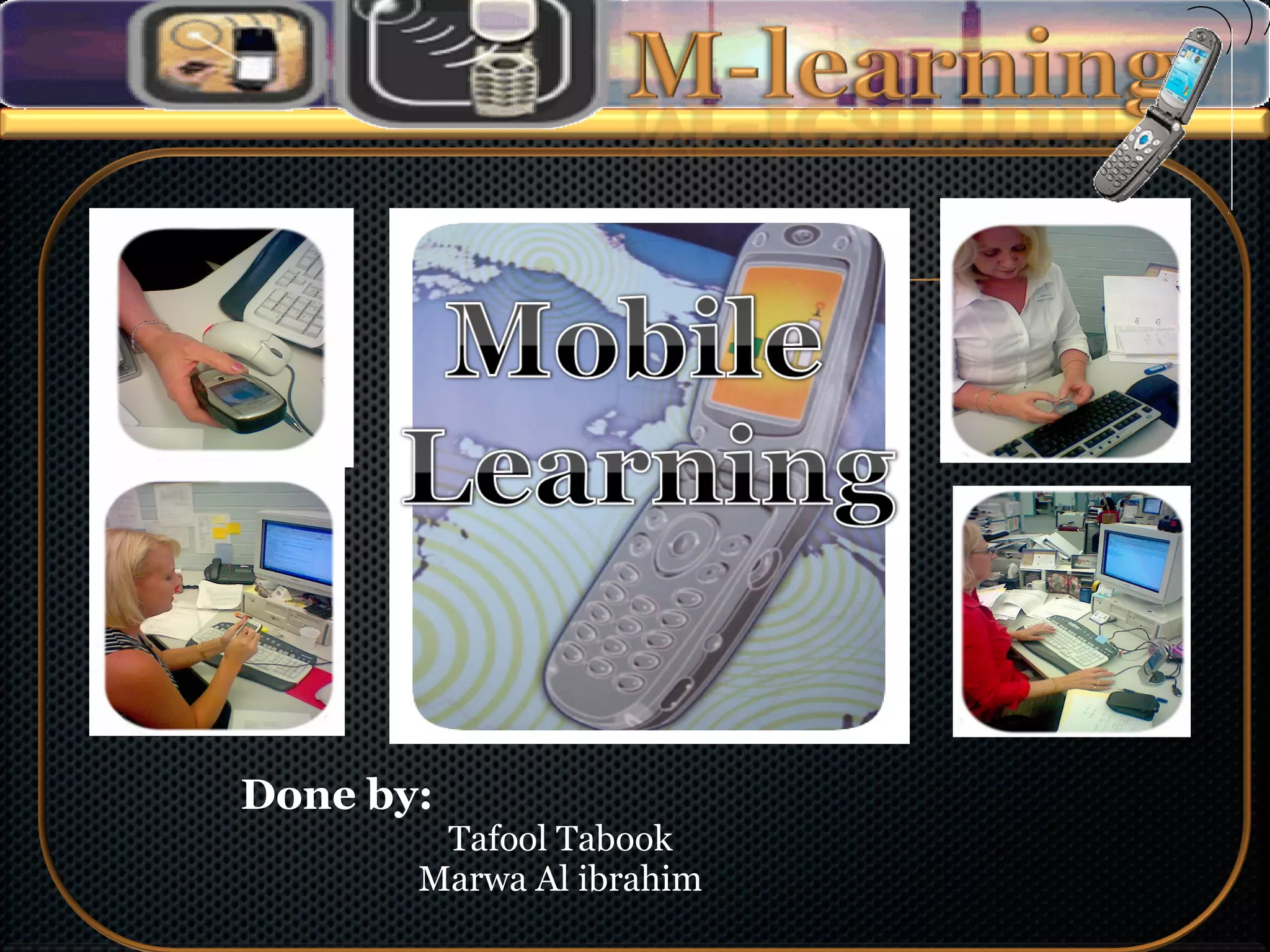
Done by: Tafool Tabook Marwa Al ibrahim
M-learning definition Why using M-Learning The devices that use Type of connection Technical and delivery support for mobile  Learning The feature of M-Learning The advantages and disadvantages
“…  M-learning is the exciting art of using mobile technologies to enhance the learning experience. Mobile phones, PDAs, Pocket PCs and the Internet can be blended to engage and motivate learners, any time and anywhere.  …”
Here are some of the main benefits : Learners can interact with each other. It's much easier to accommodate several mobile devices in a classroom than several desktop computers.  Handwriting with the stylus pen is more intuitive than using keyboard and mouse.
It's possible to share assignments and work collaboratively. Mobile devices can be used anywhere, anytime. These devices engage learners - young people who may have lost interest in education.
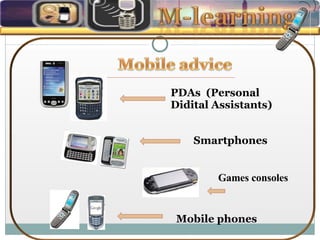
PDAs  (Personal Didital Assistants) Smartphones Mobile phones Games consoles
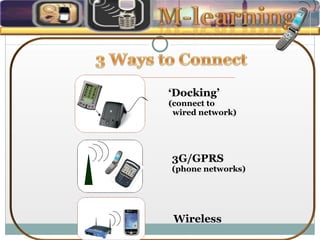
‘ Docking’ (connect to  wired network) 3G/GPRS (phone networks) Wireless
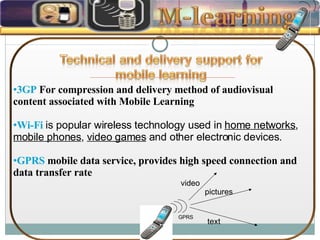
3GP  For compression and delivery method of audiovisual content associated with Mobile Learning  Wi-Fi   is popular wireless technology used in  home networks ,  mobile phones ,  video games  and other electronic devices. GPRS  mobile data service, provides high speed connection and data transfer rate  GPRS text pictures video
•  Allows users to have access to course resources. •  Allows users to have access to the system  •  Allows users to have access to the resources in different formats (voice, text, picture and video)  •  Allows the reuse of material  •  Allows users to carry out the functions.
Students have access to test and assignment results, and may obtain lecture notes and sample spreadsheets electronically, allowing for more focused in-class learning. Students use e-mail, Web sites, online discussion groups and other chat forums to collaborate with peers, faculty and experts in their area of study . Reduce cost
Accommodate learner needs Increase learner access Increase learner productivity Increase speed of delivery of content Improve learner performance Accommodate learner styles Improve learner achievement
Learning can be done anytime and anywhere.  An instructor can get immediate feedback on the lesson Student’s can be assessed on multiple choices, true/false questions in the classroom. Real-time experiments can take place in classrooms. Instructors can provide examples such as simulations and web based documents
Limited interactivity Limited memory of devices Some mobile phone users do not have any internet connection. It's difficult to use moving graphics. Bandwidth may degrade with a larger number of users when using wireless networks
Screen size of devices is too small Learner ability to use devices Speed of network, download and/or upload speeds Workplace location access constraints Batteries have to be charged regularly, and data can be lost if this is not done correctly.  They can be much less robust than desktops
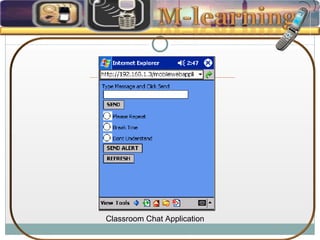
Classroom Chat Application
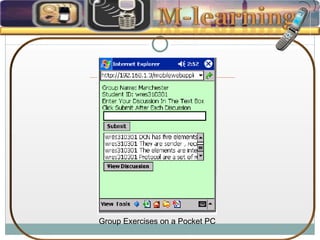
Group Exercises on a Pocket PC
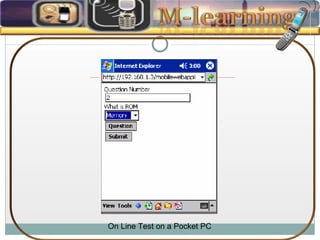
On Line Test on a Pocket PC

M-Learning

  • 1.
    Done by: TafoolTabook Marwa Al ibrahim
  • 2.
    M-learning definition Whyusing M-Learning The devices that use Type of connection Technical and delivery support for mobile Learning The feature of M-Learning The advantages and disadvantages
  • 3.
    “… M-learningis the exciting art of using mobile technologies to enhance the learning experience. Mobile phones, PDAs, Pocket PCs and the Internet can be blended to engage and motivate learners, any time and anywhere. …”
  • 4.
    Here are someof the main benefits : Learners can interact with each other. It's much easier to accommodate several mobile devices in a classroom than several desktop computers. Handwriting with the stylus pen is more intuitive than using keyboard and mouse.
  • 5.
    It's possible toshare assignments and work collaboratively. Mobile devices can be used anywhere, anytime. These devices engage learners - young people who may have lost interest in education.
  • 6.
    PDAs (PersonalDidital Assistants) Smartphones Mobile phones Games consoles
  • 7.
    ‘ Docking’ (connectto wired network) 3G/GPRS (phone networks) Wireless
  • 8.
    3GP Forcompression and delivery method of audiovisual content associated with Mobile Learning Wi-Fi is popular wireless technology used in home networks , mobile phones , video games and other electronic devices. GPRS mobile data service, provides high speed connection and data transfer rate GPRS text pictures video
  • 9.
    • Allowsusers to have access to course resources. • Allows users to have access to the system • Allows users to have access to the resources in different formats (voice, text, picture and video) • Allows the reuse of material • Allows users to carry out the functions.
  • 10.
    Students have accessto test and assignment results, and may obtain lecture notes and sample spreadsheets electronically, allowing for more focused in-class learning. Students use e-mail, Web sites, online discussion groups and other chat forums to collaborate with peers, faculty and experts in their area of study . Reduce cost
  • 11.
    Accommodate learner needsIncrease learner access Increase learner productivity Increase speed of delivery of content Improve learner performance Accommodate learner styles Improve learner achievement
  • 12.
    Learning can bedone anytime and anywhere. An instructor can get immediate feedback on the lesson Student’s can be assessed on multiple choices, true/false questions in the classroom. Real-time experiments can take place in classrooms. Instructors can provide examples such as simulations and web based documents
  • 13.
    Limited interactivity Limitedmemory of devices Some mobile phone users do not have any internet connection. It's difficult to use moving graphics. Bandwidth may degrade with a larger number of users when using wireless networks
  • 14.
    Screen size ofdevices is too small Learner ability to use devices Speed of network, download and/or upload speeds Workplace location access constraints Batteries have to be charged regularly, and data can be lost if this is not done correctly. They can be much less robust than desktops
  • 15.
  • 16.
    Group Exercises ona Pocket PC
  • 17.
    On Line Teston a Pocket PC