Search Strategies
Every search system offers a variety of
features and special search techniques. Rarely
are any two systems searched exactly the
same way.
Many systems offer help screens that provide
valuable assistance with frequently used
search strategies, as well as very specialized
techniques, such as case sensitivity.
Often the only way to use the search systems
efficiently is to access the help provided.
There are, however, some common search
strategies that can be utilized for databases
and other systems. These include:
• Boolean Operators
• Nesting
• Truncation
• Controlled Vocabulary
Search Strategy #1 - Boolean Operators
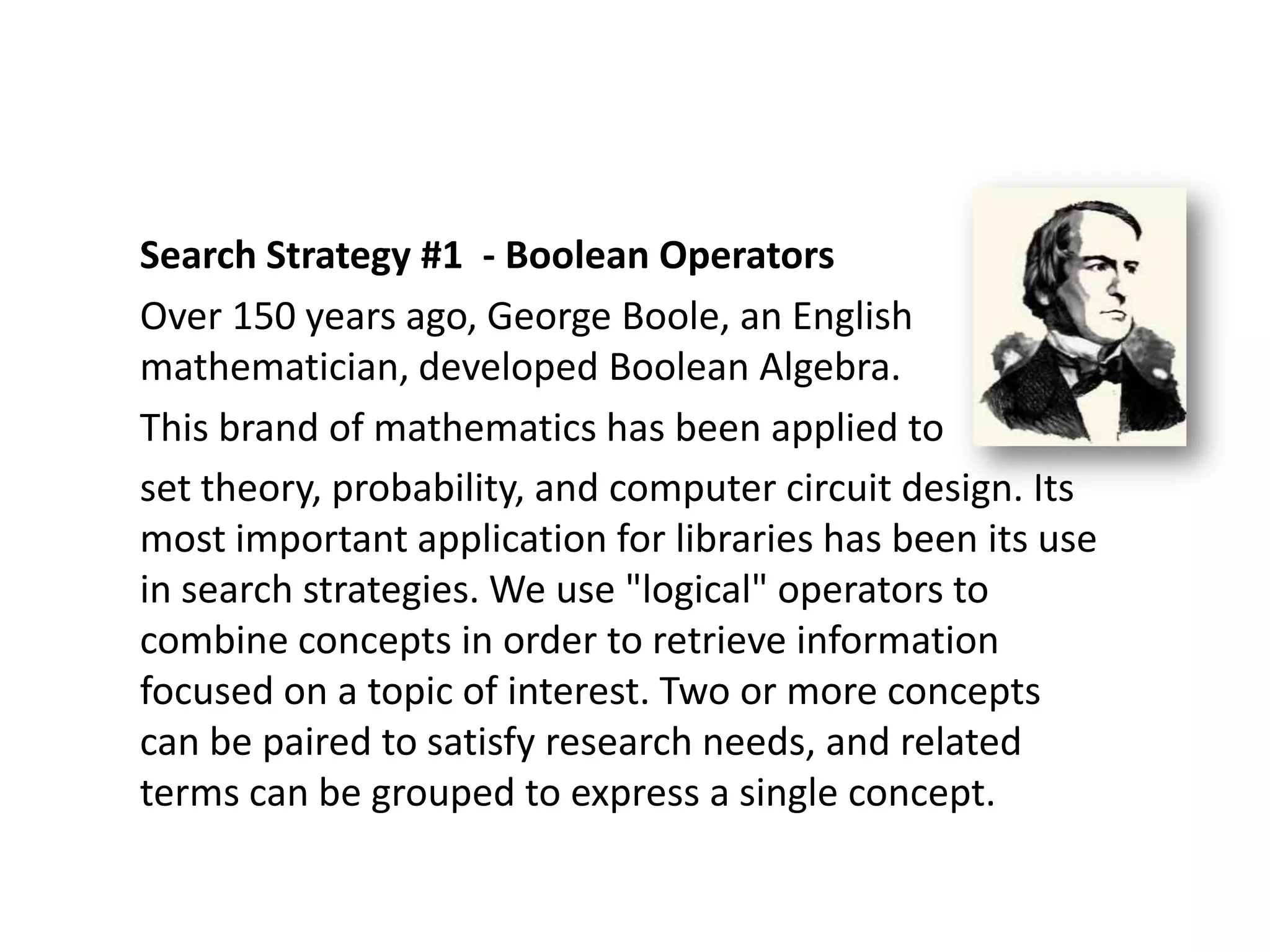
Over 150 years ago, George Boole, an English
mathematician, developed Boolean Algebra.
This brand of mathematics has been applied to
set theory, probability, and computer circuit design. Its
most important application for libraries has been its use
in search strategies. We use "logical" operators to
combine concepts in order to retrieve information
focused on a topic of interest. Two or more concepts
can be paired to satisfy research needs, and related
terms can be grouped to express a single concept.
Boolean Operators - use of AND, OR, XOR,
NOT or other logical operators for expanding
or narrowing a search statement.
An example would be using "global warming
OR greenhouse effect" to retrieve items that
pertain to either of those concepts.
Another example would be to search "career
AND engineering" to retrieve items that
pertain to something about job opportunities
for engineers.
What Boolean is NOT:
• Proximity Operators - such as same,
  with, near, adj
• Relational Operators - such as >, <, or +
  values
• Like most Internet searching - relevancy
  ranking
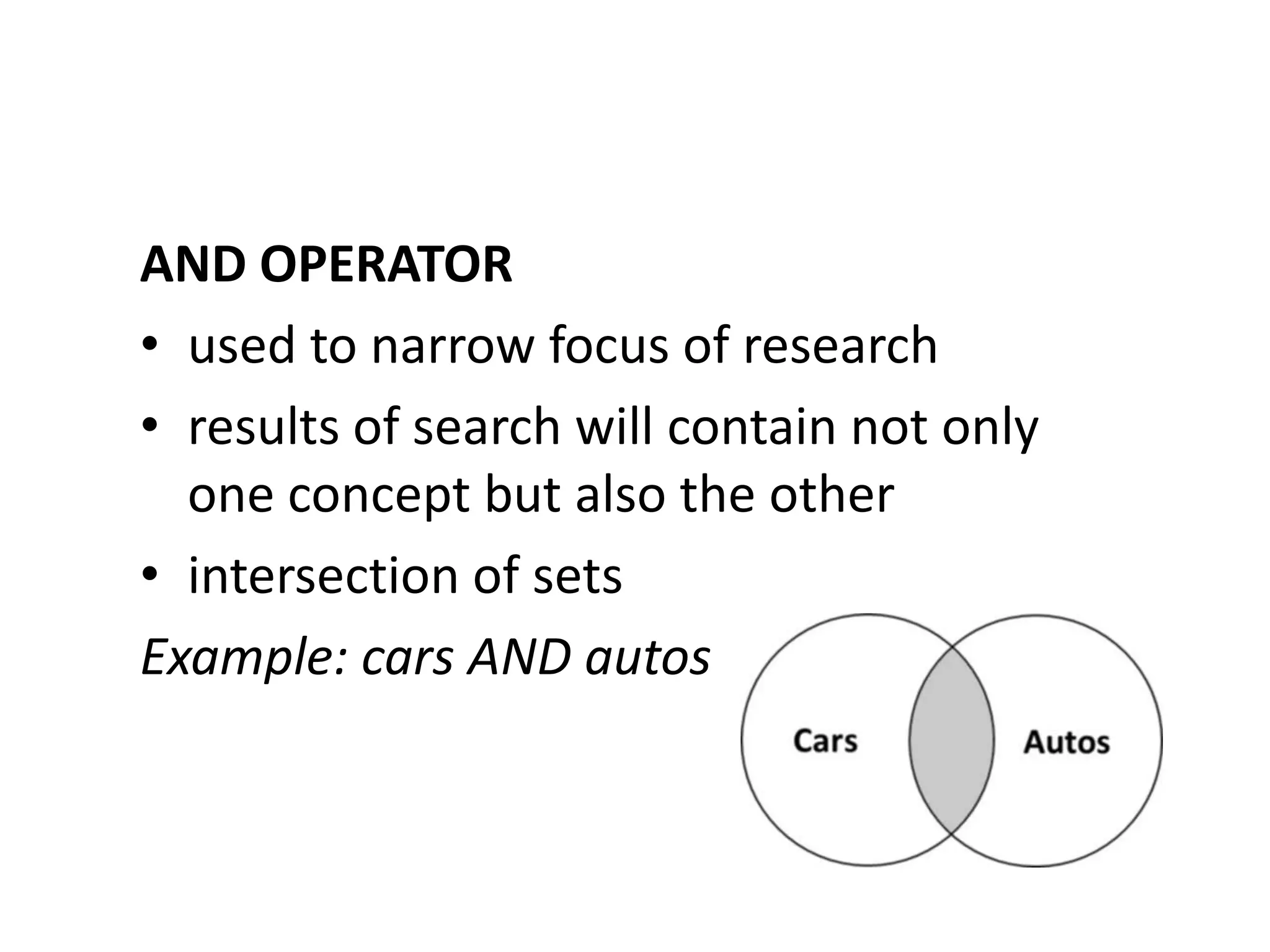
AND OPERATOR
• used to narrow focus of research
• results of search will contain not only
  one concept but also the other
• intersection of sets
Example: cars AND autos
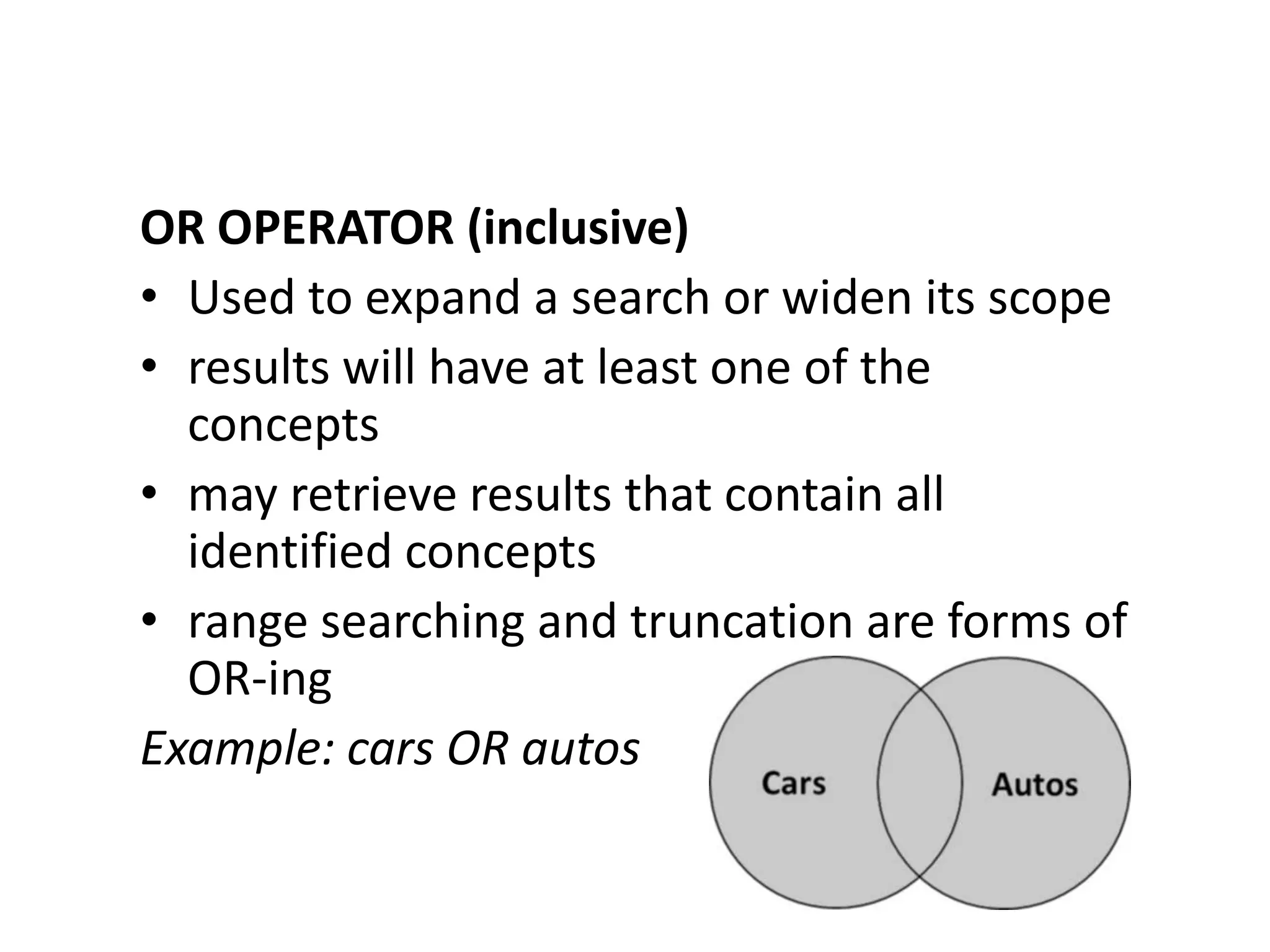
OR OPERATOR (inclusive)
• Used to expand a search or widen its scope
• results will have at least one of the
  concepts
• may retrieve results that contain all
  identified concepts
• range searching and truncation are forms of
  OR-ing
Example: cars OR autos
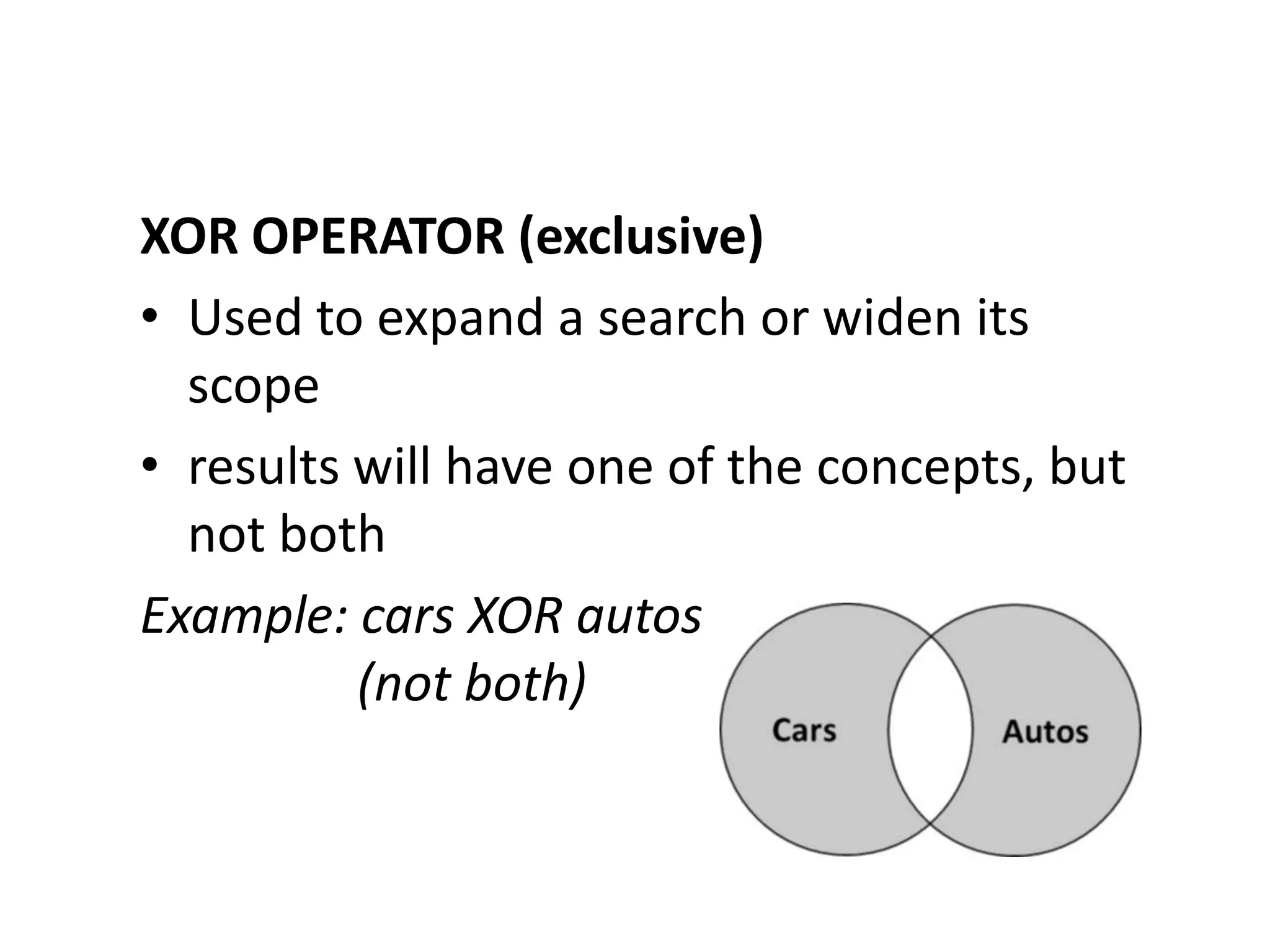
XOR OPERATOR (exclusive)
• Used to expand a search or widen its
  scope
• results will have one of the concepts, but
  not both
Example: cars XOR autos
          (not both)
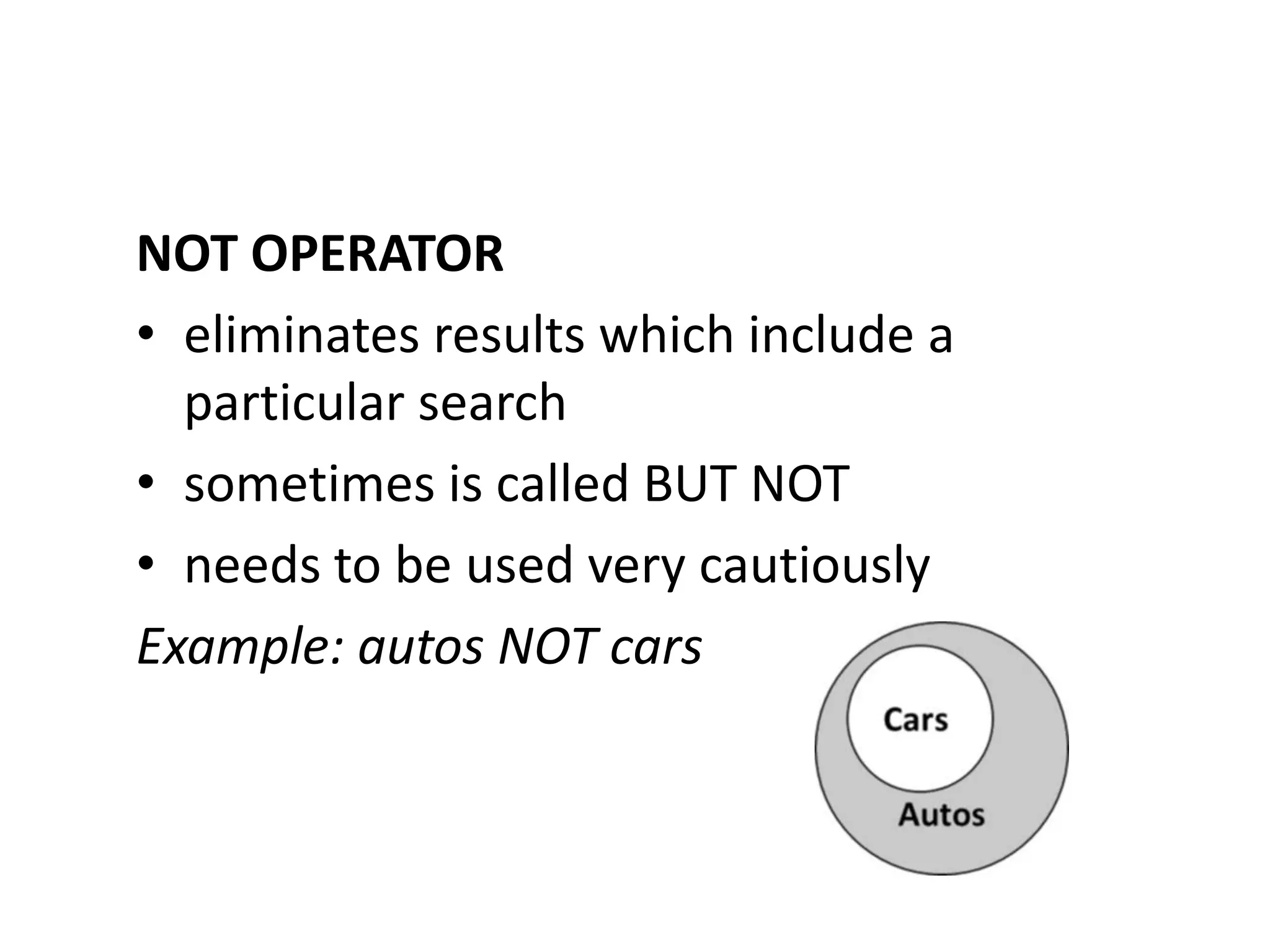
NOT OPERATOR
• eliminates results which include a
  particular search
• sometimes is called BUT NOT
• needs to be used very cautiously
Example: autos NOT cars
Search Strategy #2 - Nesting
• Nesting - the use of parentheses or other
  punctuation to group related concepts
  together to clarify the order in which a
  search is executed.
• The grouped concepts will be searched
  first, as a mathematical question.
Example:


(cats OR feline) AND (veterinary OR medicine)
Search Strategy #3 - Truncation
Truncation - the use of a symbol to indicate
a search for a term containing a certain
number of specific characters, after which
any character or characters are acceptable.

A truncation symbol tells the computer to
look for any character(s) in a spot. It
functionally "OR"s terms together.
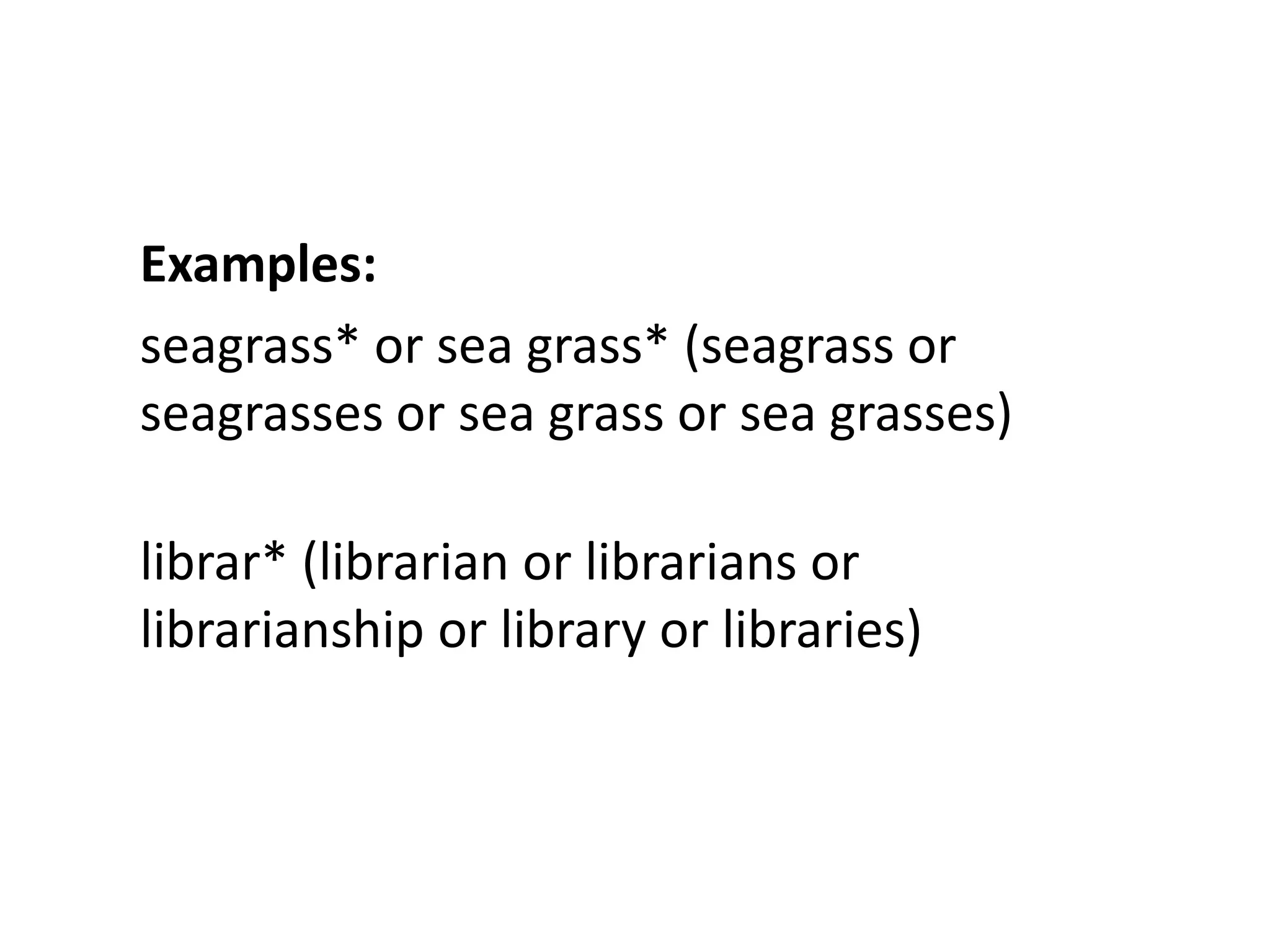
Examples:
seagrass* or sea grass* (seagrass or
seagrasses or sea grass or sea grasses)

librar* (librarian or librarians or
librarianship or library or libraries)
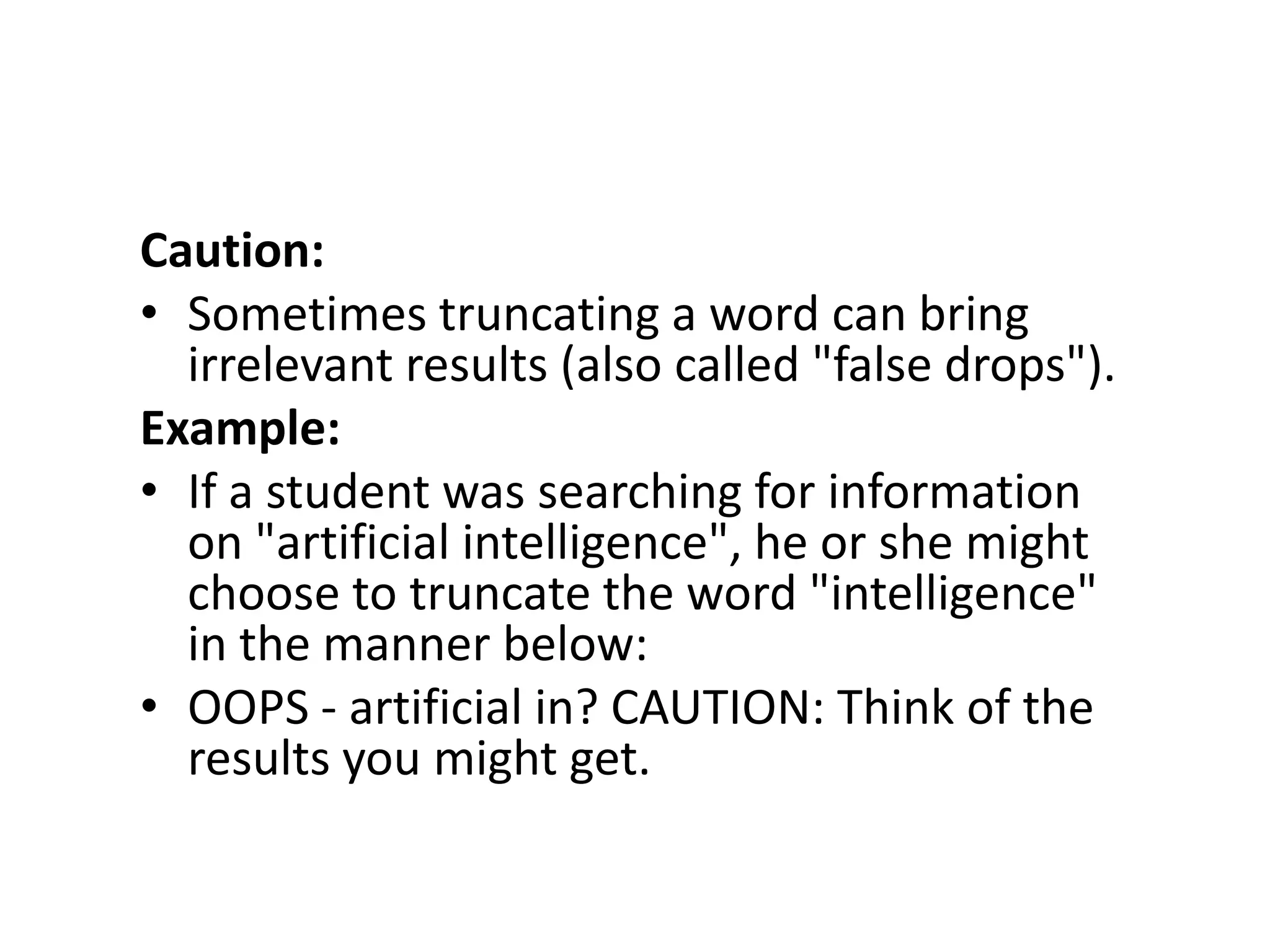
Caution:
• Sometimes truncating a word can bring
  irrelevant results (also called "false drops").
Example:
• If a student was searching for information
  on "artificial intelligence", he or she might
  choose to truncate the word "intelligence"
  in the manner below:
• OOPS - artificial in? CAUTION: Think of the
  results you might get.
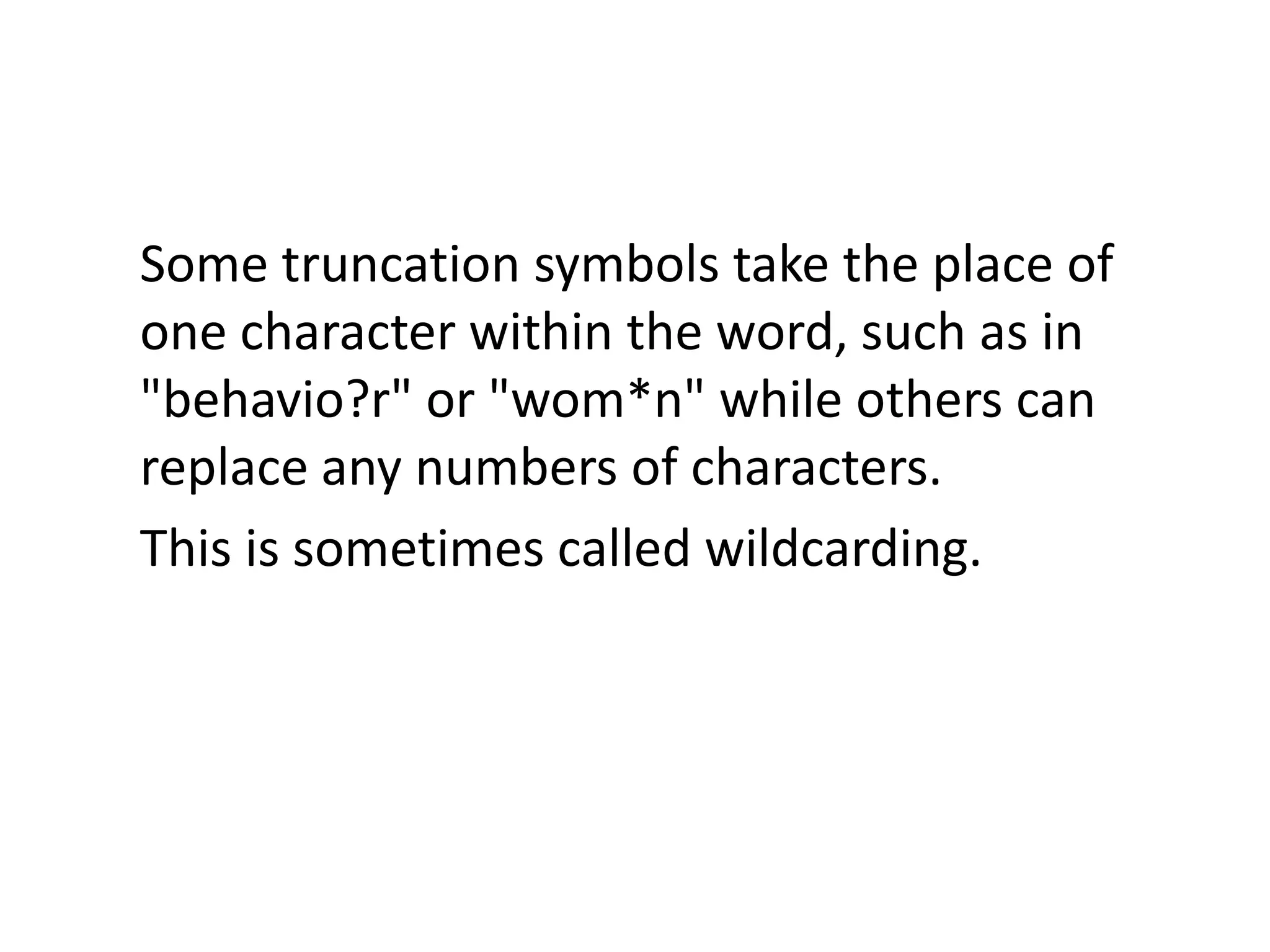
Some truncation symbols take the place of
one character within the word, such as in
"behavio?r" or "wom*n" while others can
replace any numbers of characters.
This is sometimes called wildcarding.
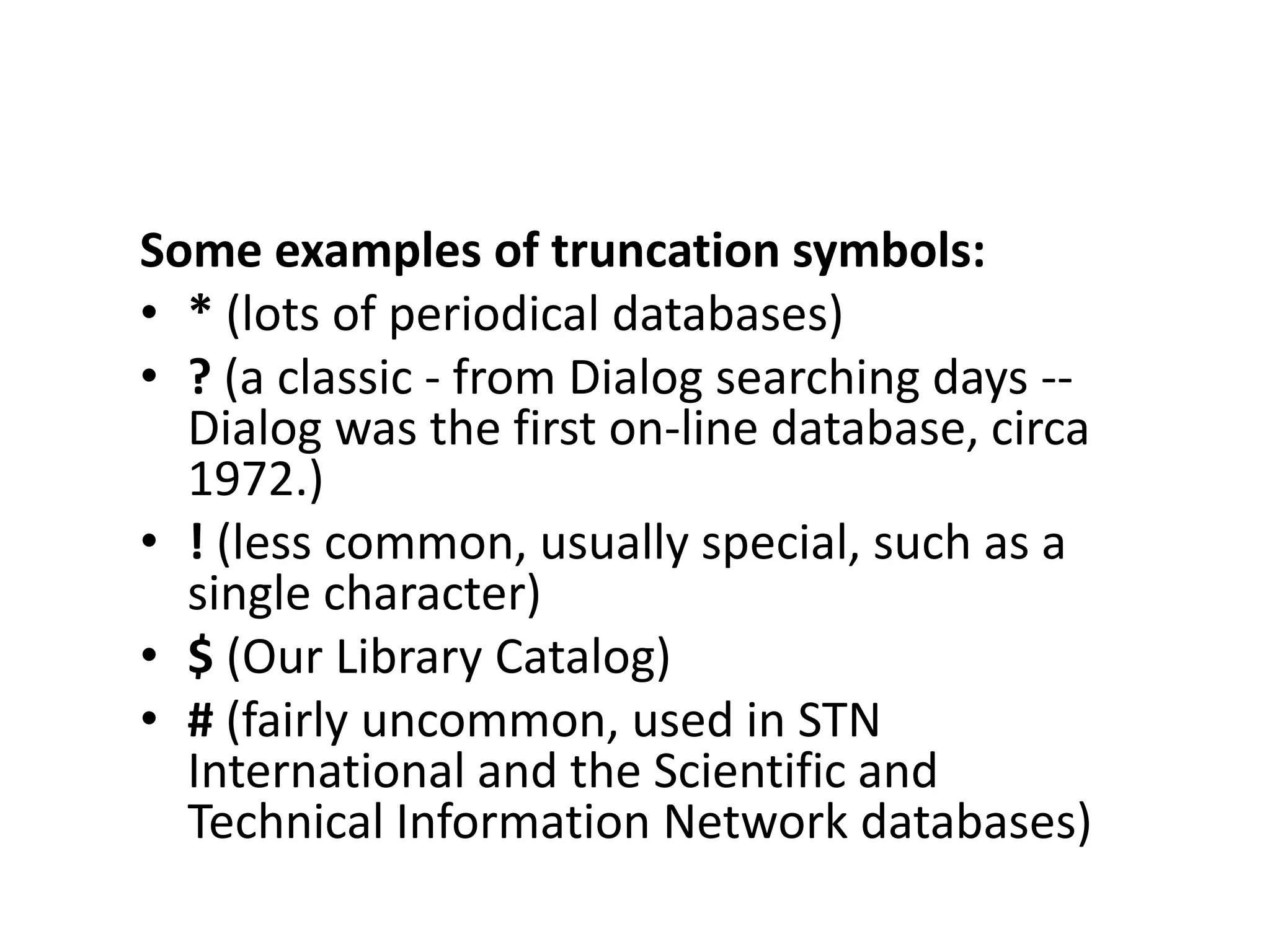
Some examples of truncation symbols:
• * (lots of periodical databases)
• ? (a classic - from Dialog searching days --
  Dialog was the first on-line database, circa
  1972.)
• ! (less common, usually special, such as a
  single character)
• $ (Our Library Catalog)
• # (fairly uncommon, used in STN
  International and the Scientific and
  Technical Information Network databases)
• Truncation saves keyboarding, therefore
  time, errors(!), thinking, and sometimes
  money when used in "for-fee"
  databases, which charge users by the
  minute.
• Some databases "assume" truncation.
  This is called autostemming.
Search Strategy # 4 - Controlled
Vocabulary
Controlled Vocabulary - use of terms or
subject headings that have been previously
identified as common or standard within a
certain field
Some concepts are common across
disciplines; however, certain specialized
terms may be required to retrieve desired
results within a specific database
(controlled vocabulary).
Many search systems offer this kind of
specialized searching, as well as less
specialized keyword searching.
Some examples include the terms
frequently used to index psychology
resources, which are found in the
Thesaurus of Psychological Index Terms,
and the vocabulary often used in
engineering literature, which can be found
in Ei Thesaurus.
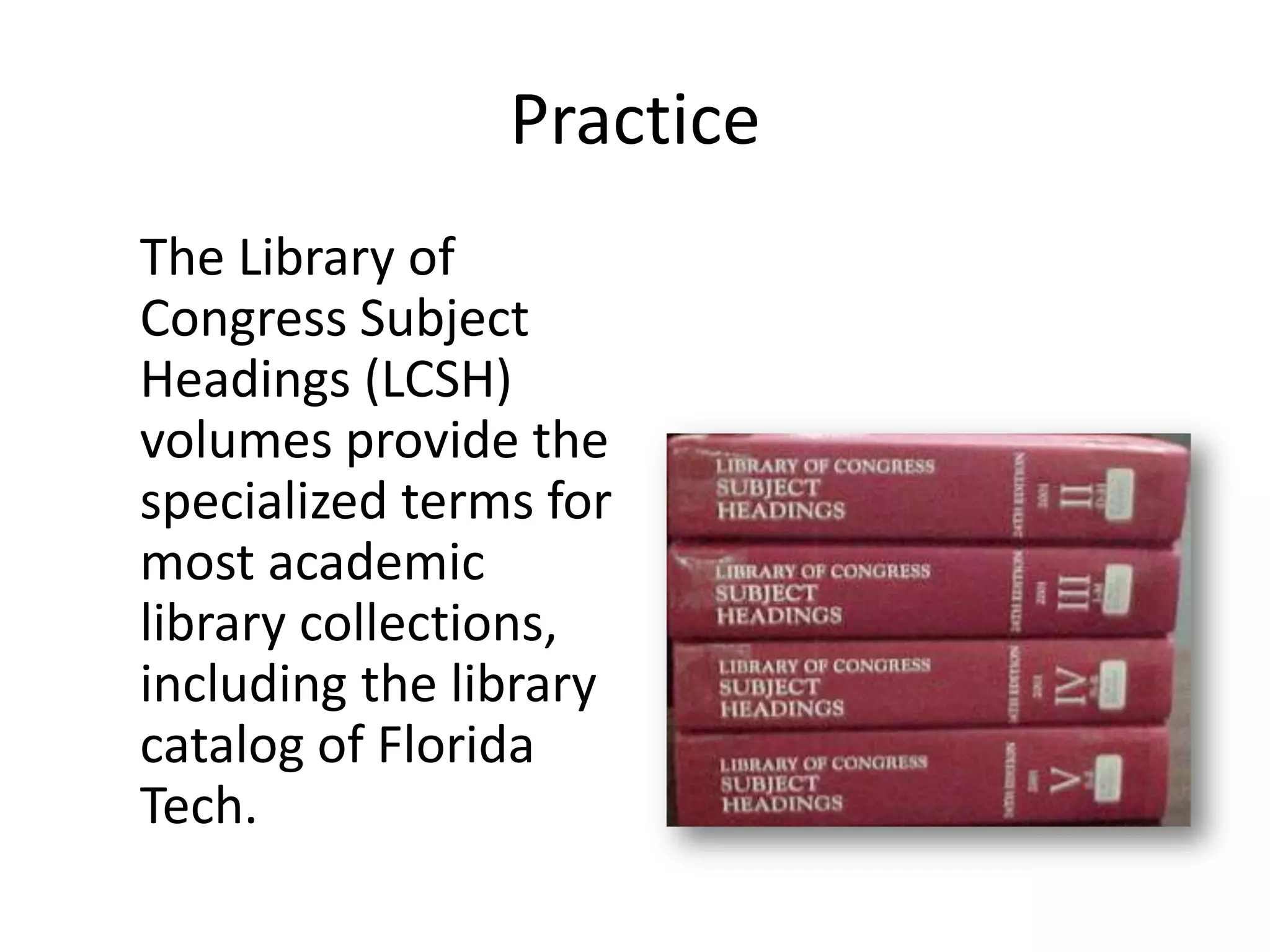
The Library of Congress Subject Headings
volumes provide the specialized terms of
most academic library collections,
including the library catalog of Florida
Tech.
Help!
When you first access
any type of database, it
will be to your
advantage to scroll
through the Help!
topics.

Doing so familiarizes
you with the search
strategies specific to
that particular
database.
Boolean operators: NOT


NOT can narrow your
search, taking out the
bad – and sometimes
the good.
Boolean operators: AND
AND is another
Boolean operator you
might choose to use.
You would use AND if
you wish to narrow
your search to
records that contain
two or more specified
key terms.
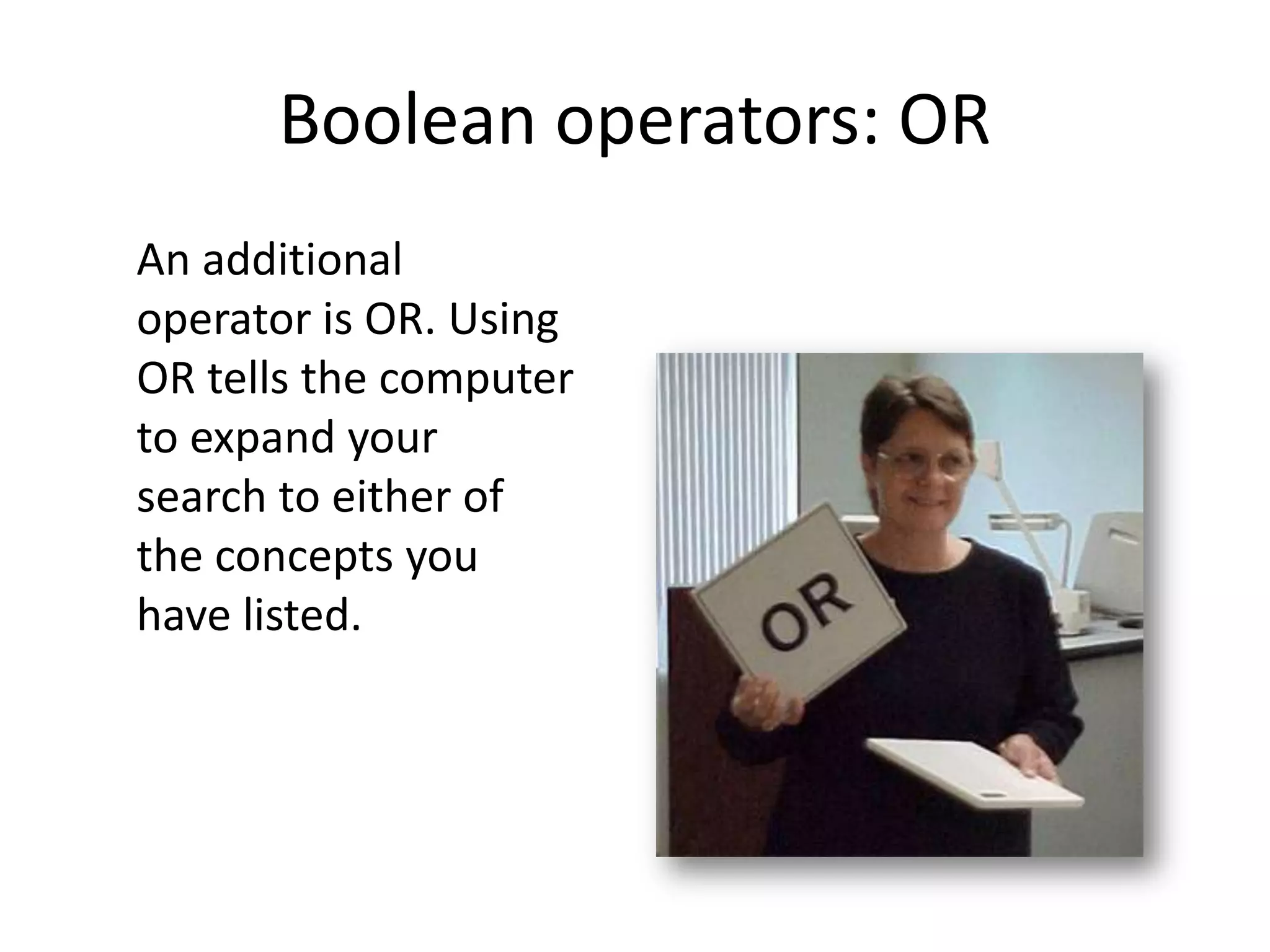
Boolean operators: OR
An additional
operator is OR. Using
OR tells the computer
to expand your
search to either of
the concepts you
have listed.
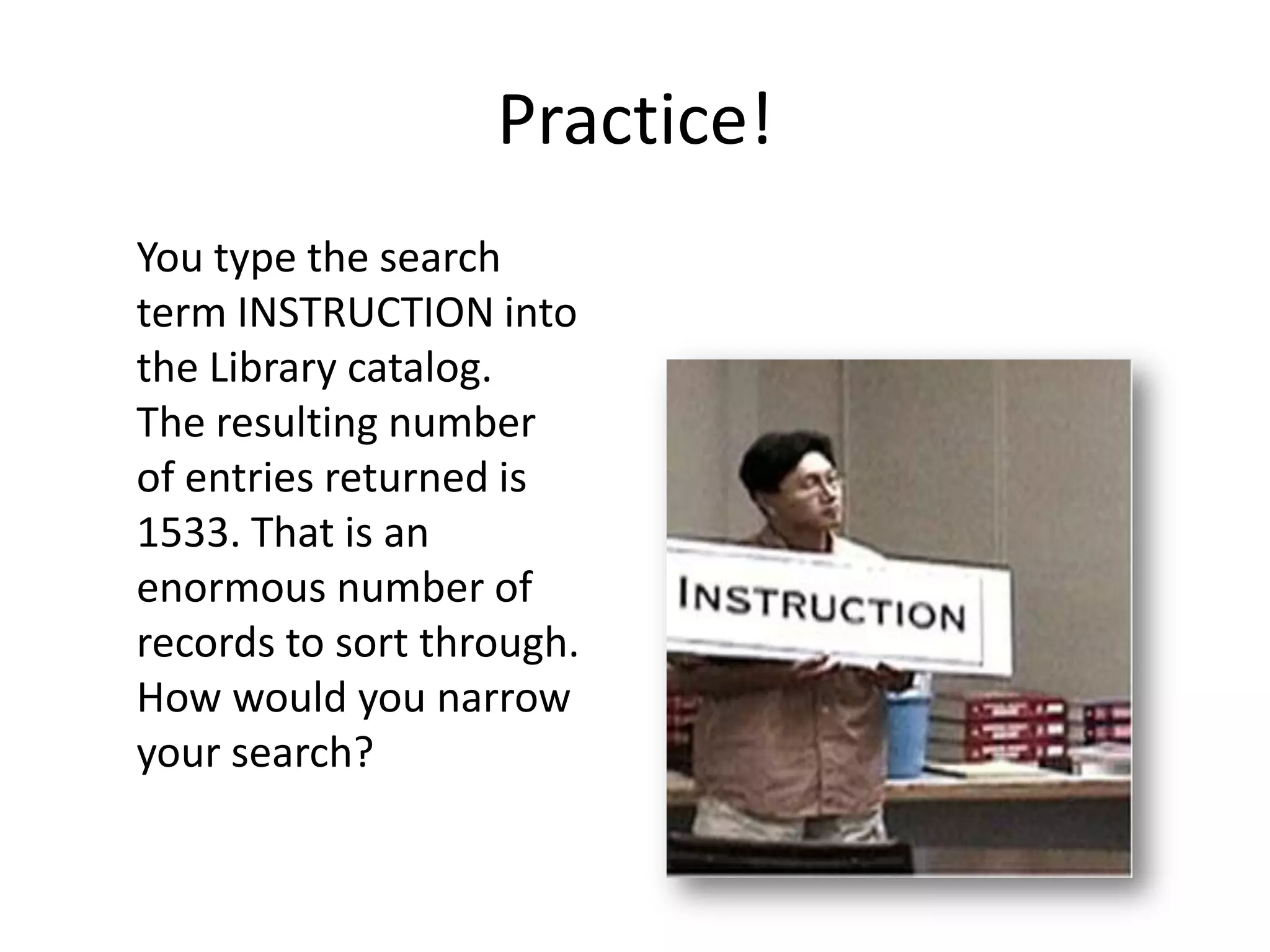
Practice!
You type the search
term INSTRUCTION into
the Library catalog.
The resulting number
of entries returned is
1533. That is an
enormous number of
records to sort through.
How would you narrow
your search?
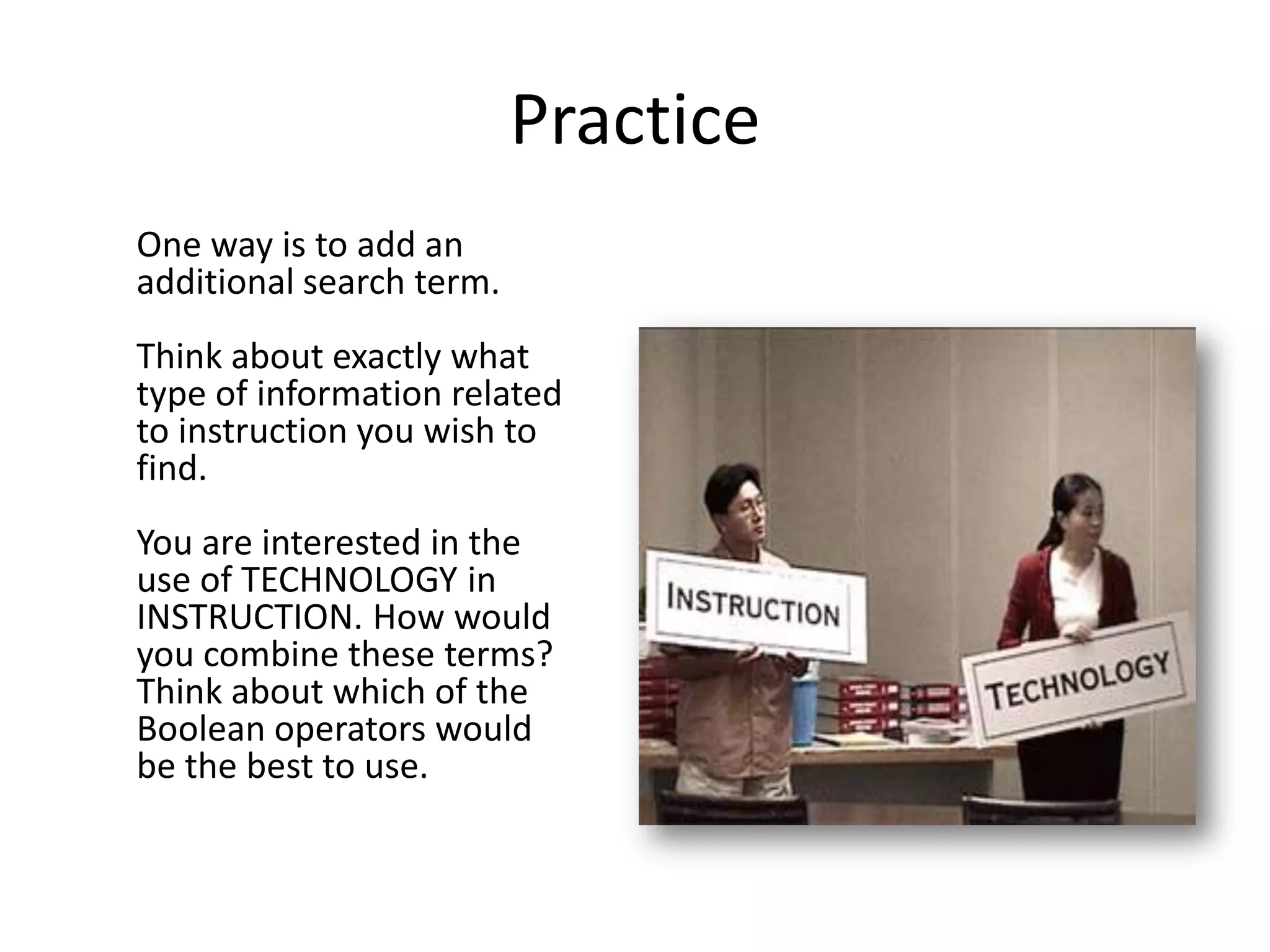
Practice
One way is to add an
additional search term.
Think about exactly what
type of information related
to instruction you wish to
find.
You are interested in the
use of TECHNOLOGY in
INSTRUCTION. How would
you combine these terms?
Think about which of the
Boolean operators would
be the best to use.
Practice
Using AND tells the computer to search for the
term INSTRUCTION and the term TECHNOLOGY.

Now, you've narrowed your search results down;
only 245 records were returned. However, you
may be missing a number of relevant records.
Practice
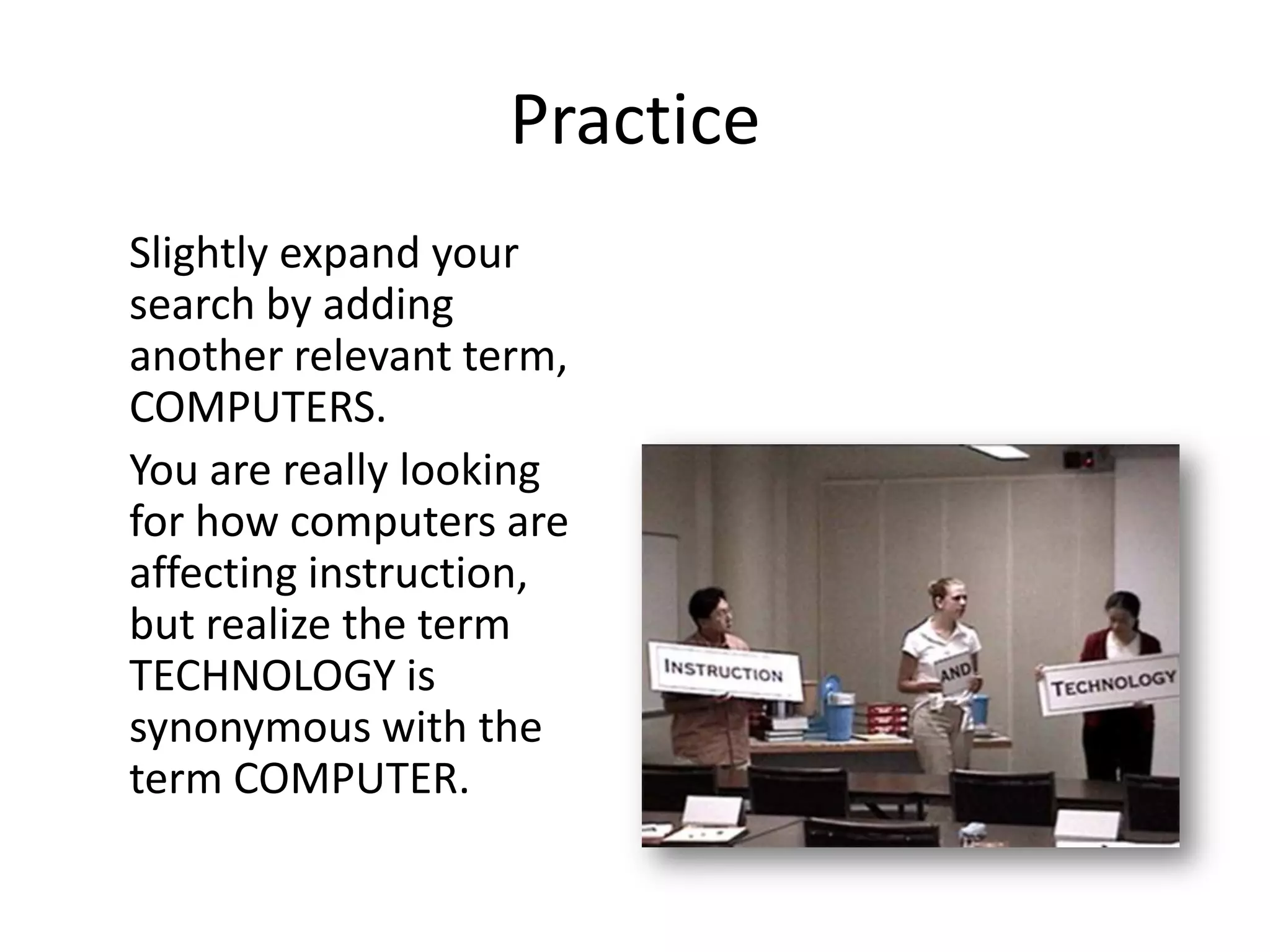
Slightly expand your
search by adding
another relevant term,
COMPUTERS.
You are really looking
for how computers are
affecting instruction,
but realize the term
TECHNOLOGY is
synonymous with the
term COMPUTER.
Practice


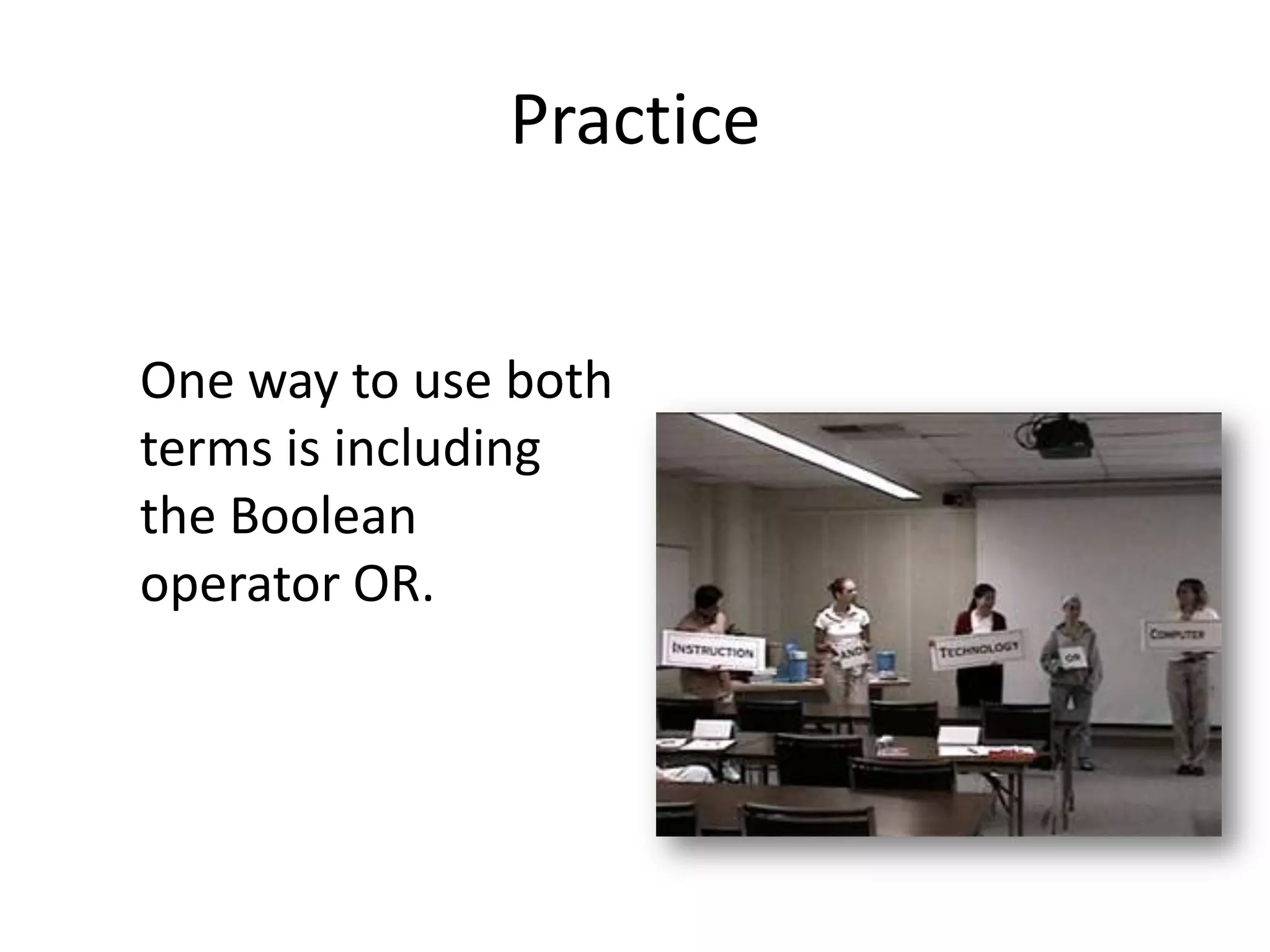
One way to use both
terms is including
the Boolean
operator OR.
Practice
When you run this search strategy, you
received 15,952. That's even more than what
you retrieved with your original result. Why
were so many records returned?
The computer searched for the terms
INFORMATION AND TECHNOLOGY together
OR anything on the term COMPUTER. The
computer did not combine the terms
appropriately. To correct this mistake, you
would want to use NESTING ( ).
Practice
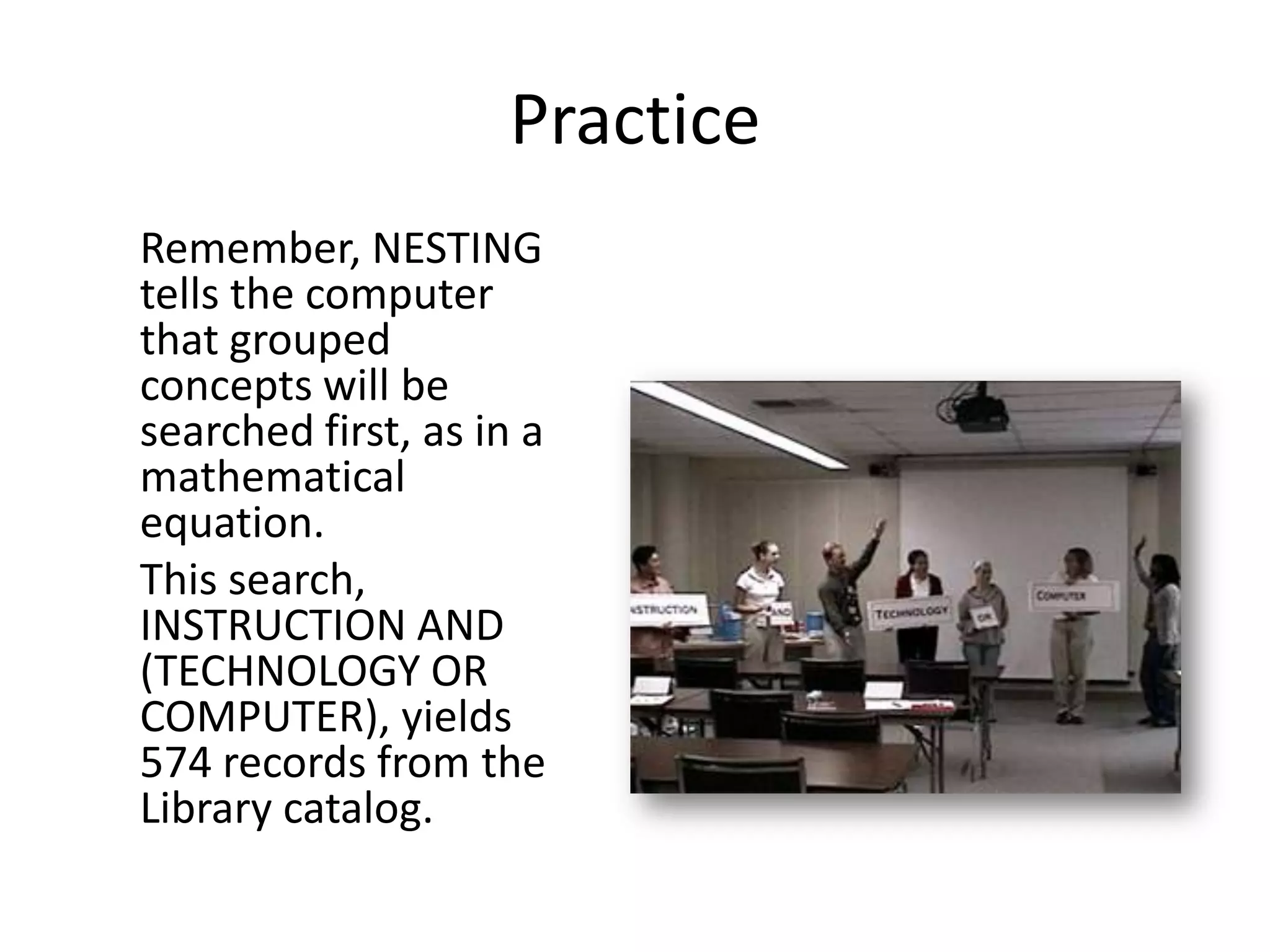
Remember, NESTING
tells the computer
that grouped
concepts will be
searched first, as in a
mathematical
equation.
This search,
INSTRUCTION AND
(TECHNOLOGY OR
COMPUTER), yields
574 records from the
Library catalog.
Practice
These are good search terms and use of
search strategies, but you could have
missed a few additional records that have
other forms of the word COMPUTER.
For example, you may have missed records
containing the terms "computerized" or
"computers." What would you use to
include such records?
Practice
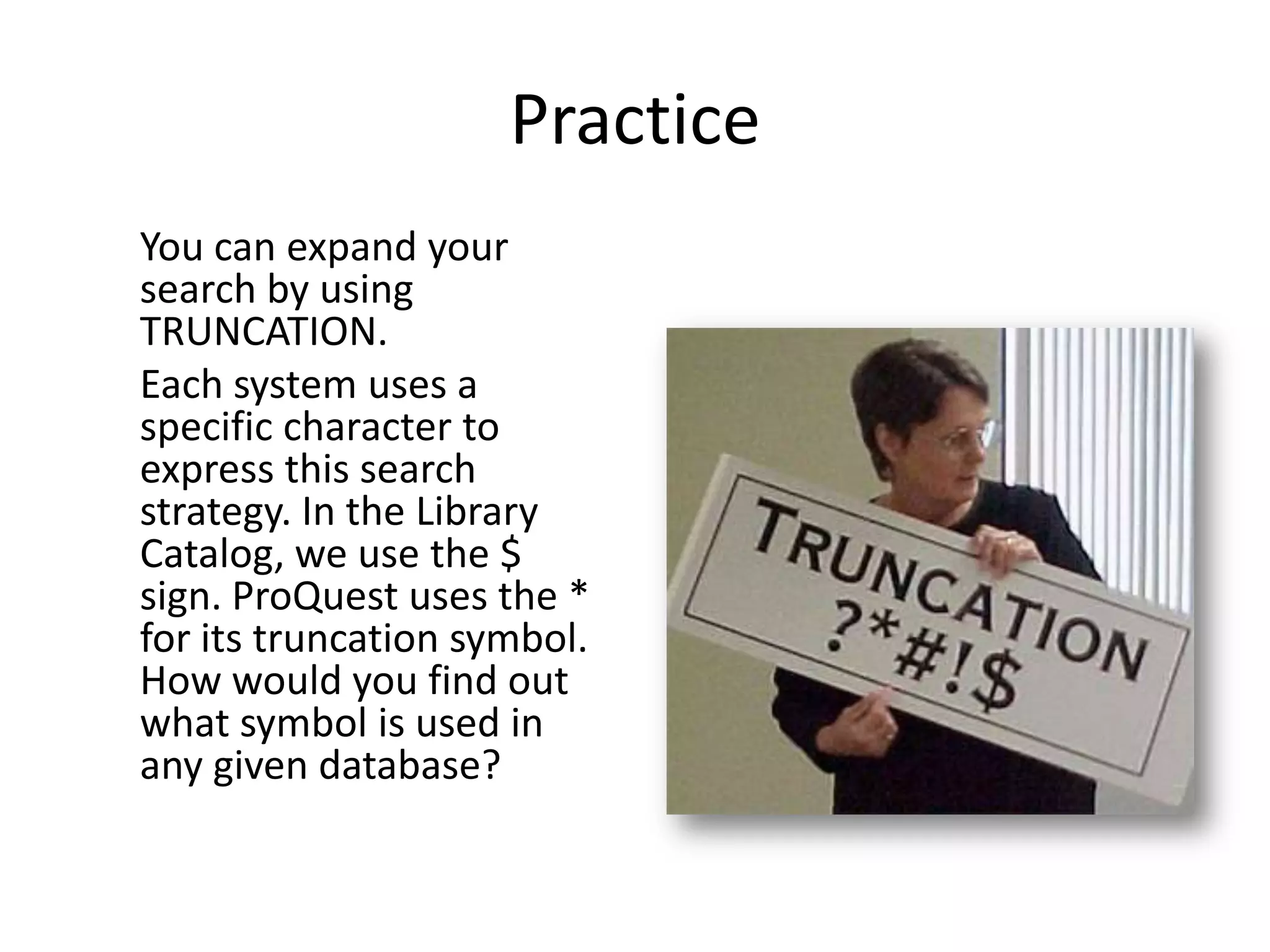
You can expand your
search by using
TRUNCATION.
Each system uses a
specific character to
express this search
strategy. In the Library
Catalog, we use the $
sign. ProQuest uses the *
for its truncation symbol.
How would you find out
what symbol is used in
any given database?
Practice
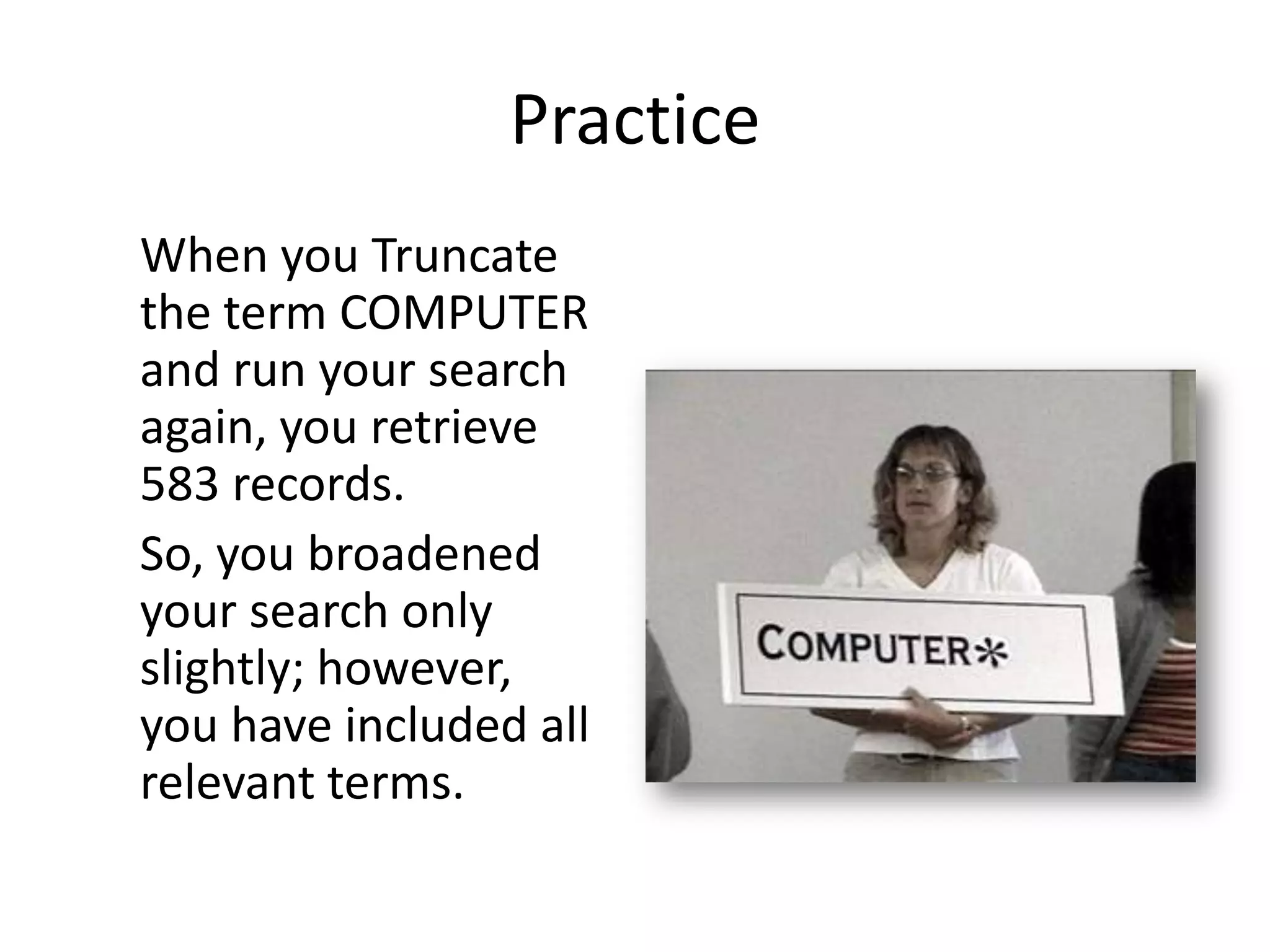
When you Truncate
the term COMPUTER
and run your search
again, you retrieve
583 records.
So, you broadened
your search only
slightly; however,
you have included all
relevant terms.
Practice
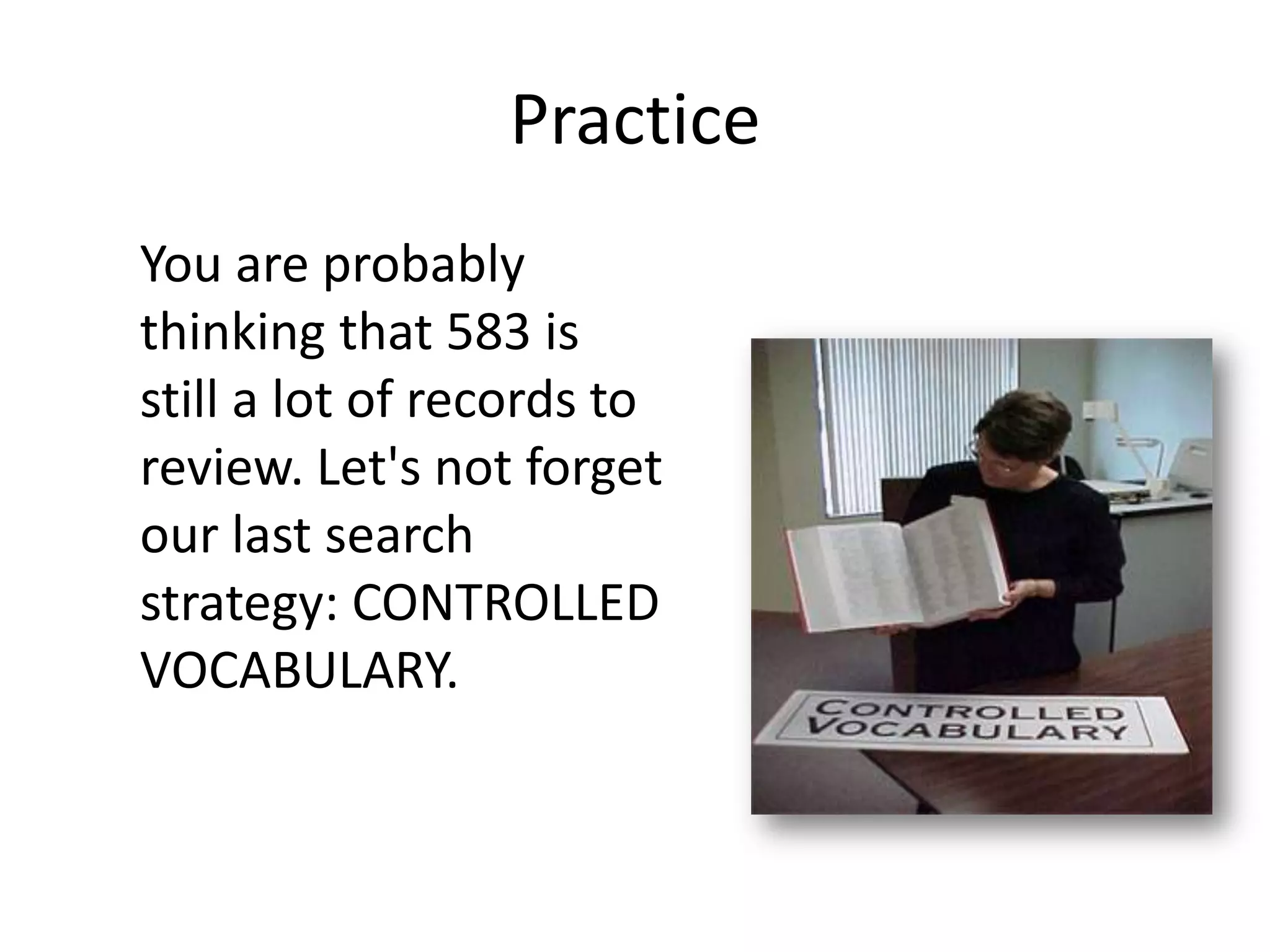
You are probably
thinking that 583 is
still a lot of records to
review. Let's not forget
our last search
strategy: CONTROLLED
VOCABULARY.
Practice
The Library of
Congress Subject
Headings (LCSH)
volumes provide the
specialized terms for
most academic
library collections,
including the library
catalog of Florida
Tech.
Practice
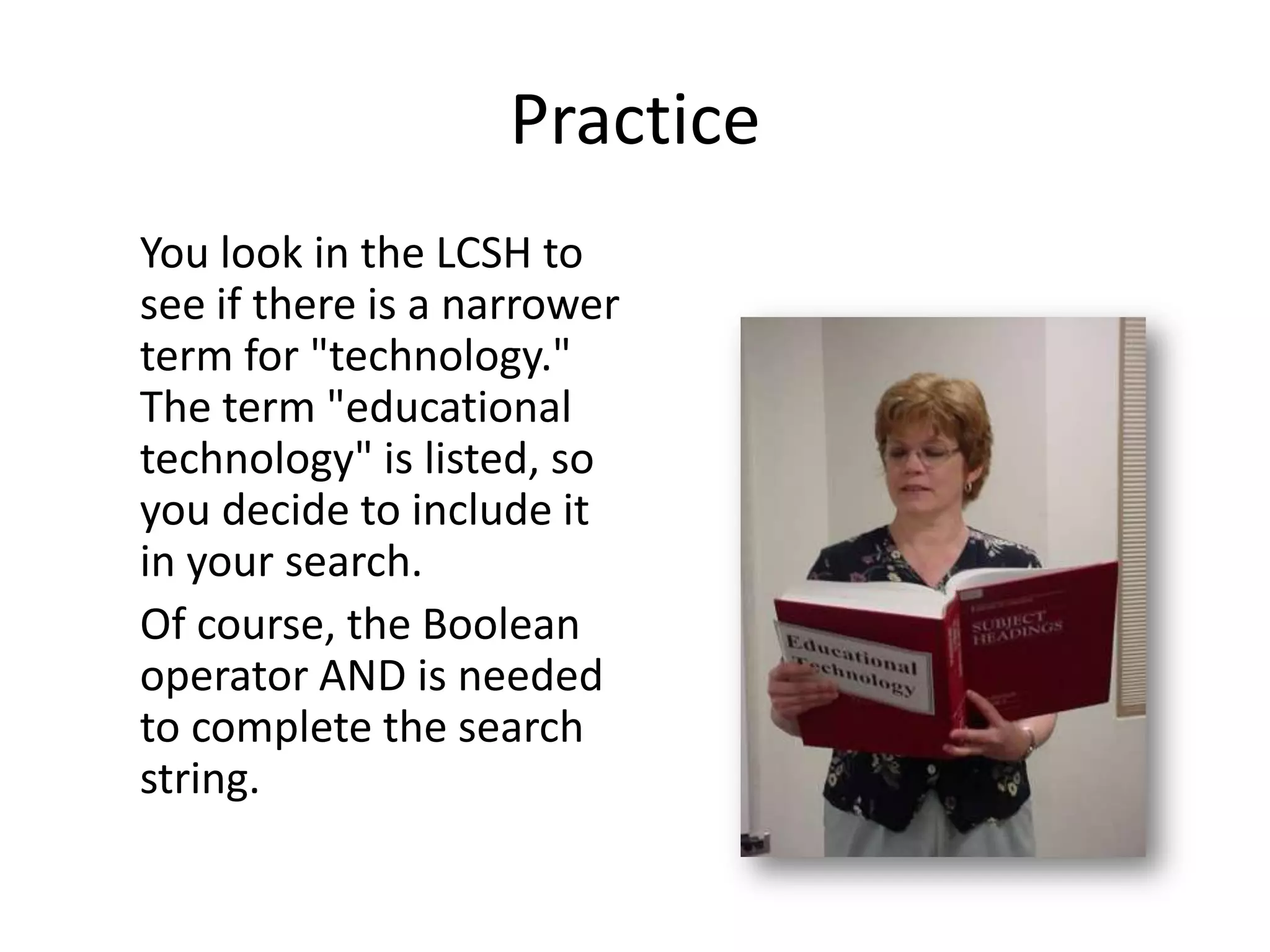
You look in the LCSH to
see if there is a narrower
term for "technology."
The term "educational
technology" is listed, so
you decide to include it
in your search.
Of course, the Boolean
operator AND is needed
to complete the search
string.
Practice
This search string,
INFORMATION AND
(TECHNOLOGY OR
COMPUTER*) AND
EDUCATIONAL
TECHNOLOGY,
retrieves 112
records, which is a
reasonable number.
Practice
To limit your search to more recent
publications, you may choose to narrow
the search by year in the Library catalog.
Limiting the search to items dated 1997 to
2008 will retrieve 31 records.
Practice
Use what you learned about HELP,
BOOLEAN, TRUNCATION, NESTING, and
CONTROLLED VOCABULARY from this
human search string example to help
locate information resources for your next
research topic.

E-LEARN: Search Strategies

  • 1.
    Search Strategies Every searchsystem offers a variety of features and special search techniques. Rarely are any two systems searched exactly the same way. Many systems offer help screens that provide valuable assistance with frequently used search strategies, as well as very specialized techniques, such as case sensitivity. Often the only way to use the search systems efficiently is to access the help provided.
  • 2.
    There are, however,some common search strategies that can be utilized for databases and other systems. These include: • Boolean Operators • Nesting • Truncation • Controlled Vocabulary
  • 3.
    Search Strategy #1- Boolean Operators Over 150 years ago, George Boole, an English mathematician, developed Boolean Algebra. This brand of mathematics has been applied to set theory, probability, and computer circuit design. Its most important application for libraries has been its use in search strategies. We use "logical" operators to combine concepts in order to retrieve information focused on a topic of interest. Two or more concepts can be paired to satisfy research needs, and related terms can be grouped to express a single concept.
  • 4.
    Boolean Operators -use of AND, OR, XOR, NOT or other logical operators for expanding or narrowing a search statement. An example would be using "global warming OR greenhouse effect" to retrieve items that pertain to either of those concepts. Another example would be to search "career AND engineering" to retrieve items that pertain to something about job opportunities for engineers.
  • 5.
    What Boolean isNOT: • Proximity Operators - such as same, with, near, adj • Relational Operators - such as >, <, or + values • Like most Internet searching - relevancy ranking
  • 6.
    AND OPERATOR • usedto narrow focus of research • results of search will contain not only one concept but also the other • intersection of sets Example: cars AND autos
  • 7.
    OR OPERATOR (inclusive) •Used to expand a search or widen its scope • results will have at least one of the concepts • may retrieve results that contain all identified concepts • range searching and truncation are forms of OR-ing Example: cars OR autos
  • 8.
    XOR OPERATOR (exclusive) •Used to expand a search or widen its scope • results will have one of the concepts, but not both Example: cars XOR autos (not both)
  • 9.
    NOT OPERATOR • eliminatesresults which include a particular search • sometimes is called BUT NOT • needs to be used very cautiously Example: autos NOT cars
  • 10.
    Search Strategy #2- Nesting • Nesting - the use of parentheses or other punctuation to group related concepts together to clarify the order in which a search is executed. • The grouped concepts will be searched first, as a mathematical question.
  • 11.
    Example: (cats OR feline)AND (veterinary OR medicine)
  • 12.
    Search Strategy #3- Truncation Truncation - the use of a symbol to indicate a search for a term containing a certain number of specific characters, after which any character or characters are acceptable. A truncation symbol tells the computer to look for any character(s) in a spot. It functionally "OR"s terms together.
  • 13.
    Examples: seagrass* or seagrass* (seagrass or seagrasses or sea grass or sea grasses) librar* (librarian or librarians or librarianship or library or libraries)
  • 14.
    Caution: • Sometimes truncatinga word can bring irrelevant results (also called "false drops"). Example: • If a student was searching for information on "artificial intelligence", he or she might choose to truncate the word "intelligence" in the manner below: • OOPS - artificial in? CAUTION: Think of the results you might get.
  • 15.
    Some truncation symbolstake the place of one character within the word, such as in "behavio?r" or "wom*n" while others can replace any numbers of characters. This is sometimes called wildcarding.
  • 16.
    Some examples oftruncation symbols: • * (lots of periodical databases) • ? (a classic - from Dialog searching days -- Dialog was the first on-line database, circa 1972.) • ! (less common, usually special, such as a single character) • $ (Our Library Catalog) • # (fairly uncommon, used in STN International and the Scientific and Technical Information Network databases)
  • 17.
    • Truncation saveskeyboarding, therefore time, errors(!), thinking, and sometimes money when used in "for-fee" databases, which charge users by the minute. • Some databases "assume" truncation. This is called autostemming.
  • 18.
    Search Strategy #4 - Controlled Vocabulary Controlled Vocabulary - use of terms or subject headings that have been previously identified as common or standard within a certain field
  • 19.
    Some concepts arecommon across disciplines; however, certain specialized terms may be required to retrieve desired results within a specific database (controlled vocabulary). Many search systems offer this kind of specialized searching, as well as less specialized keyword searching.
  • 20.
    Some examples includethe terms frequently used to index psychology resources, which are found in the Thesaurus of Psychological Index Terms, and the vocabulary often used in engineering literature, which can be found in Ei Thesaurus.
  • 21.
    The Library ofCongress Subject Headings volumes provide the specialized terms of most academic library collections, including the library catalog of Florida Tech.
  • 22.
    Help! When you firstaccess any type of database, it will be to your advantage to scroll through the Help! topics. Doing so familiarizes you with the search strategies specific to that particular database.
  • 23.
    Boolean operators: NOT NOTcan narrow your search, taking out the bad – and sometimes the good.
  • 24.
    Boolean operators: AND ANDis another Boolean operator you might choose to use. You would use AND if you wish to narrow your search to records that contain two or more specified key terms.
  • 25.
    Boolean operators: OR Anadditional operator is OR. Using OR tells the computer to expand your search to either of the concepts you have listed.
  • 26.
    Practice! You type thesearch term INSTRUCTION into the Library catalog. The resulting number of entries returned is 1533. That is an enormous number of records to sort through. How would you narrow your search?
  • 27.
    Practice One way isto add an additional search term. Think about exactly what type of information related to instruction you wish to find. You are interested in the use of TECHNOLOGY in INSTRUCTION. How would you combine these terms? Think about which of the Boolean operators would be the best to use.
  • 28.
    Practice Using AND tellsthe computer to search for the term INSTRUCTION and the term TECHNOLOGY. Now, you've narrowed your search results down; only 245 records were returned. However, you may be missing a number of relevant records.
  • 29.
    Practice Slightly expand your searchby adding another relevant term, COMPUTERS. You are really looking for how computers are affecting instruction, but realize the term TECHNOLOGY is synonymous with the term COMPUTER.
  • 30.
    Practice One way touse both terms is including the Boolean operator OR.
  • 31.
    Practice When you runthis search strategy, you received 15,952. That's even more than what you retrieved with your original result. Why were so many records returned? The computer searched for the terms INFORMATION AND TECHNOLOGY together OR anything on the term COMPUTER. The computer did not combine the terms appropriately. To correct this mistake, you would want to use NESTING ( ).
  • 32.
    Practice Remember, NESTING tells thecomputer that grouped concepts will be searched first, as in a mathematical equation. This search, INSTRUCTION AND (TECHNOLOGY OR COMPUTER), yields 574 records from the Library catalog.
  • 33.
    Practice These are goodsearch terms and use of search strategies, but you could have missed a few additional records that have other forms of the word COMPUTER. For example, you may have missed records containing the terms "computerized" or "computers." What would you use to include such records?
  • 34.
    Practice You can expandyour search by using TRUNCATION. Each system uses a specific character to express this search strategy. In the Library Catalog, we use the $ sign. ProQuest uses the * for its truncation symbol. How would you find out what symbol is used in any given database?
  • 35.
    Practice When you Truncate theterm COMPUTER and run your search again, you retrieve 583 records. So, you broadened your search only slightly; however, you have included all relevant terms.
  • 36.
    Practice You are probably thinkingthat 583 is still a lot of records to review. Let's not forget our last search strategy: CONTROLLED VOCABULARY.
  • 37.
    Practice The Library of CongressSubject Headings (LCSH) volumes provide the specialized terms for most academic library collections, including the library catalog of Florida Tech.
  • 38.
    Practice You look inthe LCSH to see if there is a narrower term for "technology." The term "educational technology" is listed, so you decide to include it in your search. Of course, the Boolean operator AND is needed to complete the search string.
  • 39.
    Practice This search string, INFORMATIONAND (TECHNOLOGY OR COMPUTER*) AND EDUCATIONAL TECHNOLOGY, retrieves 112 records, which is a reasonable number.
  • 40.
    Practice To limit yoursearch to more recent publications, you may choose to narrow the search by year in the Library catalog. Limiting the search to items dated 1997 to 2008 will retrieve 31 records.
  • 41.
    Practice Use what youlearned about HELP, BOOLEAN, TRUNCATION, NESTING, and CONTROLLED VOCABULARY from this human search string example to help locate information resources for your next research topic.