G.Rammiya
MLIS,
Pondicherry University.
Introduction
 Increasingly people are turning to the Internet to find

information.
 People often assume that they need no training to
search the Internet and that technology does all the
work.
 In fact, a little time spent in formulating a search
strategy will both save you
 time and provide you with greatly improved results.
Search Strategies
o Determine your topic
o Formulate a working thesis
o Check for background information
o Develop a list of keywords and phrases
o Search in databases, on the Internet, in library

catalogs
o Evaluate resources
o Keep publication/origination information organized.
Determine Your Topic
o The course and assignment will guide your choice of a

topic
o A topic that is interesting to you often works best
o A very broad topic may need narrowing
o A very specific topic may need expansion
Developing Keywords
o To develop a list of keywords, write down as many

different terms related to your topic as you can think of
o Make the list as varied as possible
o You can combine keywords in your searches
o Use a thesaurus, your textbook, and encyclopedias for
ideas
o Generate a list of 12 to 20 words
Search Techniques
Several techniques for database, catalog and
Internet searches include:
o Boolean techniques
o Truncation
o Phrase Searching
Boolean Searches
 Developed by George Boole.
 The power of Boolean searching is based on

combinations of keywords with connecting terms
called operators.
 Allow you to broaden a search
 Allow you to narrow a search
 Designated differently in each search engine.
Boolean Search
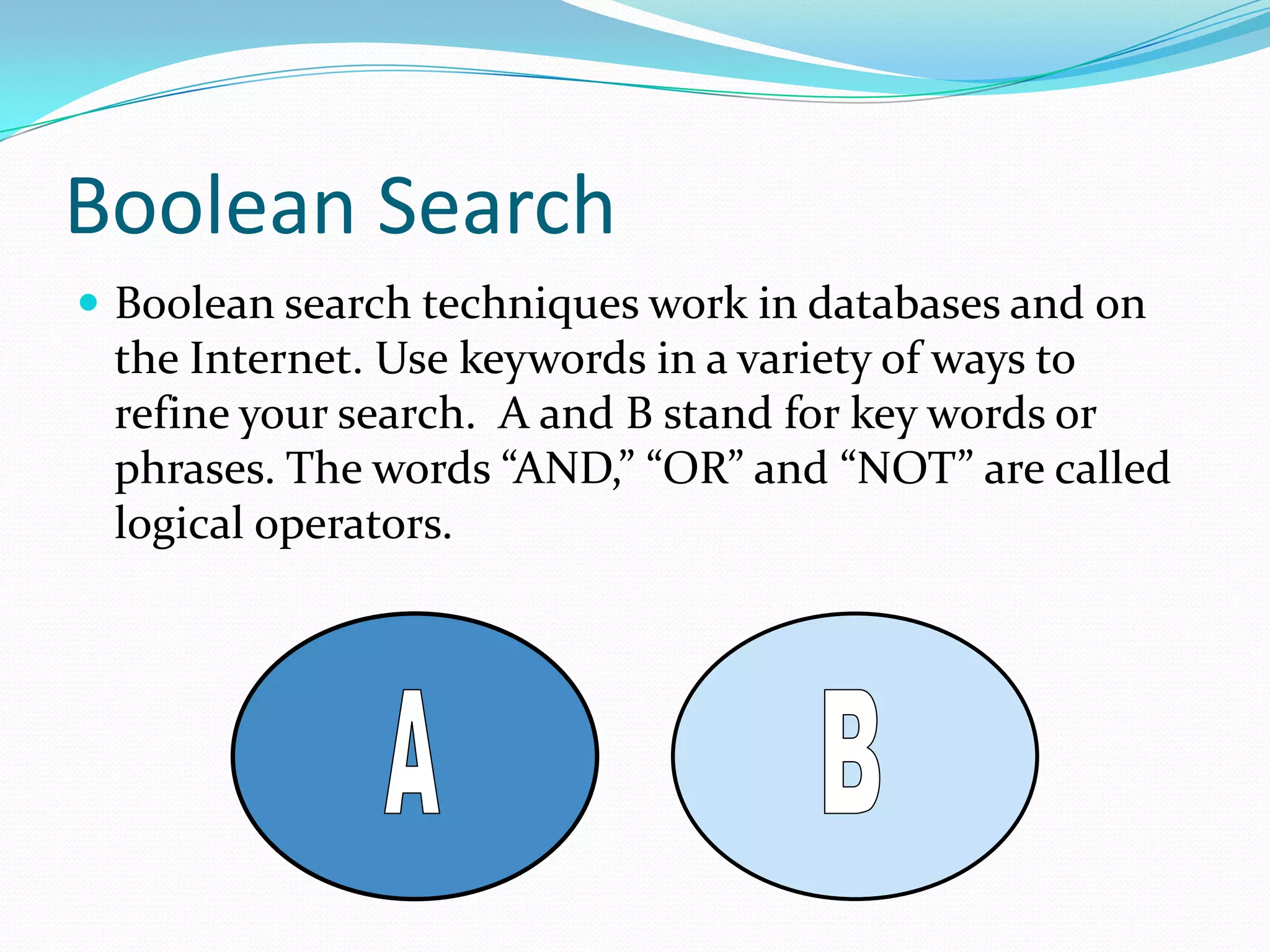
 Boolean search techniques work in databases and on

the Internet. Use keywords in a variety of ways to
refine your search. A and B stand for key words or
phrases. The words “AND,” “OR” and “NOT” are called
logical operators.
Boolean Search
 AND: When you use “AND” between two terms, your

results will include sources that show the two terms
together in a source.
Boolean Search
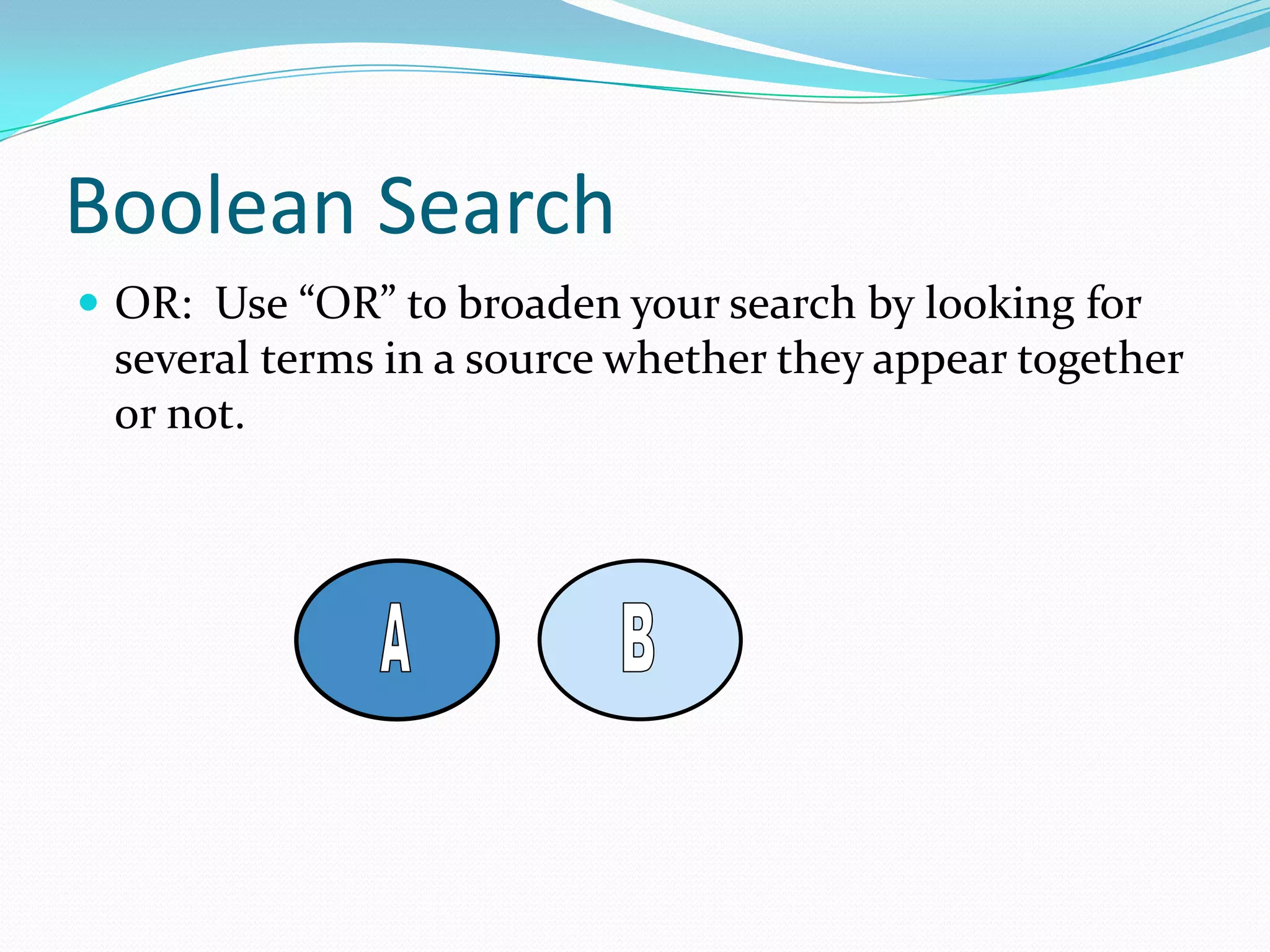
 OR: Use “OR” to broaden your search by looking for

several terms in a source whether they appear together
or not.
Boolean Search
 NOT: Allows you to reduce the number of results you

get from a search. This can be helpful if you want to
exclude results related to your topic but not relevant to
your thesis.
Truncation
o Use the root of a word to broaden your search
responses.
o Using the root Psych* will result in the following:
o
o
o
o

o

Psychology
Psychological
Psychologist
Psychiatry
Psychiatrist
Wildcard Searches
 A special symbol which allows you to
 search simultaneously for several words
 with the same stem, Educate*

Educator,
2. Educators
3. Education
4. Educational.
1.
Phrase Searching
o Using quotation marks (“”) makes it possible to
search for important phrases instead of individual
keywords

o Phrase: “San Francisco Earthquake”
o As Keywords: San Francisco and Earthquake

o Phrase: “Welfare Reform”
o As Keywords: Welfare and Reform

o Phrase: “Community College”
o As Keywords: Community and College
Examples
o Using AND, OR, NOT, with * and “”
o “Coll*” AND “Welfare Reform” OR poverty NOT welfare
o Some databases or search engines may use symbols in

place of the Boolean terms:
o “Distance learning” + (and) technology - (not)

computers
Conclusion
o In general, it is better to have more information than

too little
o Look for a variety of materials
o Use a variety of keywords
o Use general and specific databases
o Plan for enough time to return to research in case your
approach changes or you need more information

Search strategy

  • 1.
  • 2.
    Introduction  Increasingly peopleare turning to the Internet to find information.  People often assume that they need no training to search the Internet and that technology does all the work.  In fact, a little time spent in formulating a search strategy will both save you  time and provide you with greatly improved results.
  • 3.
    Search Strategies o Determineyour topic o Formulate a working thesis o Check for background information o Develop a list of keywords and phrases o Search in databases, on the Internet, in library catalogs o Evaluate resources o Keep publication/origination information organized.
  • 4.
    Determine Your Topic oThe course and assignment will guide your choice of a topic o A topic that is interesting to you often works best o A very broad topic may need narrowing o A very specific topic may need expansion
  • 5.
    Developing Keywords o Todevelop a list of keywords, write down as many different terms related to your topic as you can think of o Make the list as varied as possible o You can combine keywords in your searches o Use a thesaurus, your textbook, and encyclopedias for ideas o Generate a list of 12 to 20 words
  • 6.
    Search Techniques Several techniquesfor database, catalog and Internet searches include: o Boolean techniques o Truncation o Phrase Searching
  • 7.
    Boolean Searches  Developedby George Boole.  The power of Boolean searching is based on combinations of keywords with connecting terms called operators.  Allow you to broaden a search  Allow you to narrow a search  Designated differently in each search engine.
  • 8.
    Boolean Search  Booleansearch techniques work in databases and on the Internet. Use keywords in a variety of ways to refine your search. A and B stand for key words or phrases. The words “AND,” “OR” and “NOT” are called logical operators.
  • 9.
    Boolean Search  AND:When you use “AND” between two terms, your results will include sources that show the two terms together in a source.
  • 10.
    Boolean Search  OR:Use “OR” to broaden your search by looking for several terms in a source whether they appear together or not.
  • 11.
    Boolean Search  NOT:Allows you to reduce the number of results you get from a search. This can be helpful if you want to exclude results related to your topic but not relevant to your thesis.
  • 12.
    Truncation o Use theroot of a word to broaden your search responses. o Using the root Psych* will result in the following: o o o o o Psychology Psychological Psychologist Psychiatry Psychiatrist
  • 13.
    Wildcard Searches  Aspecial symbol which allows you to  search simultaneously for several words  with the same stem, Educate* Educator, 2. Educators 3. Education 4. Educational. 1.
  • 14.
    Phrase Searching o Usingquotation marks (“”) makes it possible to search for important phrases instead of individual keywords o Phrase: “San Francisco Earthquake” o As Keywords: San Francisco and Earthquake o Phrase: “Welfare Reform” o As Keywords: Welfare and Reform o Phrase: “Community College” o As Keywords: Community and College
  • 15.
    Examples o Using AND,OR, NOT, with * and “” o “Coll*” AND “Welfare Reform” OR poverty NOT welfare o Some databases or search engines may use symbols in place of the Boolean terms: o “Distance learning” + (and) technology - (not) computers
  • 16.
    Conclusion o In general,it is better to have more information than too little o Look for a variety of materials o Use a variety of keywords o Use general and specific databases o Plan for enough time to return to research in case your approach changes or you need more information