Digital Immunity The Myths and Reality Cornell University 27 June 2002 Christine M. Orshesky, CISSP, CQA
Topics for Discussion Malware Threats and Techniques Impact and Effects Incident Management Preparation Detection and Containment Eradication and Recovery Reporting and Analysis Demonstration Summary
What is Malware? Any piece of hardware, software or firmware that is intentionally included or introduced into a computer system for unauthorized purposes usually without the knowledge or consent of the use Includes Viruses Trojan horse programs Worms Hoaxes Logic bombs Joke programs
Virus – Defined “… a program which makes a copy of itself in such a way as to ‘infect’ parts of the operating system and/or application programs.” - Survivor’s Guide to Computer Viruses, Virus Bulletin, 1993. Replicates file to file system to system disk to disk Typically requires a “host” Must be executed May cause a symptom or damage (payload)
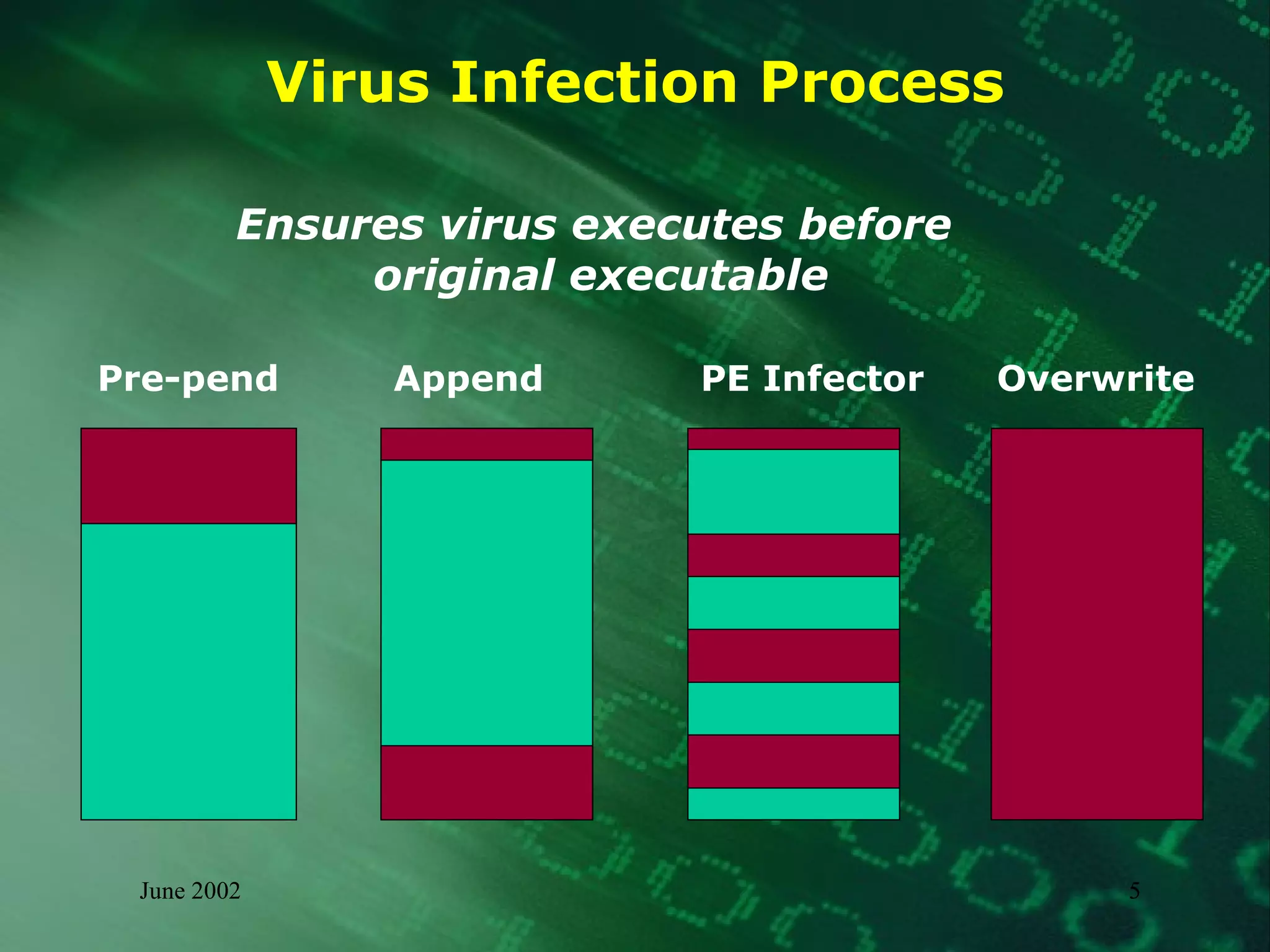
Virus Infection Process Ensures virus executes before  original executable Pre-pend Append PE Infector Overwrite
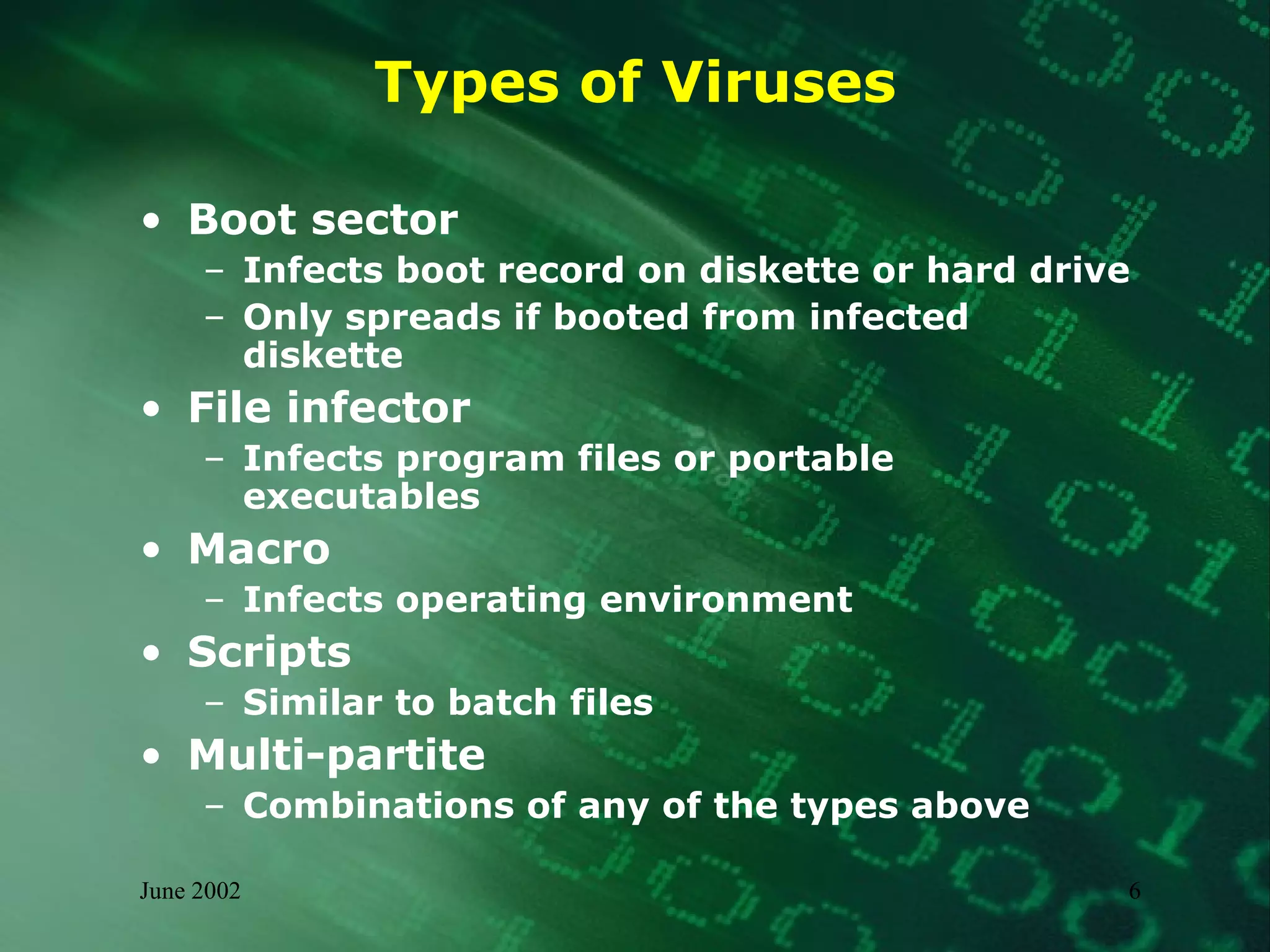
Types of Viruses Boot sector Infects boot record on diskette or hard drive Only spreads if booted from infected diskette File infector Infects program files or portable executables Macro  Infects operating environment Scripts Similar to batch files Multi-partite Combinations of any of the types above
Virus - Example W97M.Marker Infects Word documents Records a log of the infection including user name, mailing address, and date/time of the  infection Attempts to send the log file to an outside organization via the Internet
Worm - Defined Self-contained Does not require a host Replicates from system to system Infects systems not files Typically “network-aware”
Worm - Example ExploreZip Sends email with infected attachment Infects local system –  set file size to 0 Attempts to infect mapped systems Attempts to set file size to 0  on mapped systems Attempts to infect remote systems  with shared resources
Trojan horse – Defined Deliberately do something unexpected Steal passwords Delete files Open backdoors Connect to external sites Do not replicate
Trojan horse - Examples NetBus and BackOrifice Remote Administration Tools (RAT) Usually sent inside a game, such as  “checkers” or “whack a mole” Allows a remote user to have control Subseven Arrives as masqueraded file  (with double extension) Uses IRC to notify others of infection Grants access to system and can be  used to launch DDoS
Joke Program – Defined A type of Trojan horse Does not replicate Not intended to be malicious
Joke Program – Example Wobbler Causes victim’s screen display to “shake” as if experiencing an earthquake Only stopped by hitting <ESC> key No data loss as direct result
Hoax – Defined Does not self-replicate  Messages only – false warnings Spread rapidly  Cause no direct damage
Hoax - Example VIRUS WARNING !!!!!! If you receive an email titled &quot;WIN A HOLIDAY&quot; DO NOT open it. It will erase everything on your hard drive.  Forward this letter out to as many people as you can. This is a new, very malicious virus and not many people know about it. This information was announced yesterday morning from Microsoft; please share it with everyone that might access the Internet. Once again, pass this along to EVERYONE in our address book so that this may be stopped. And so it goes on...
Logic Bomb – Defined Does not replicate Portion of code that only activates based upon a pre-determined or programmed trigger Typically cause some form of damage
Logic Bomb – Example Software programmer creates module to only execute when she is no longer displayed in payroll Module is set to modify pay rates for management employees
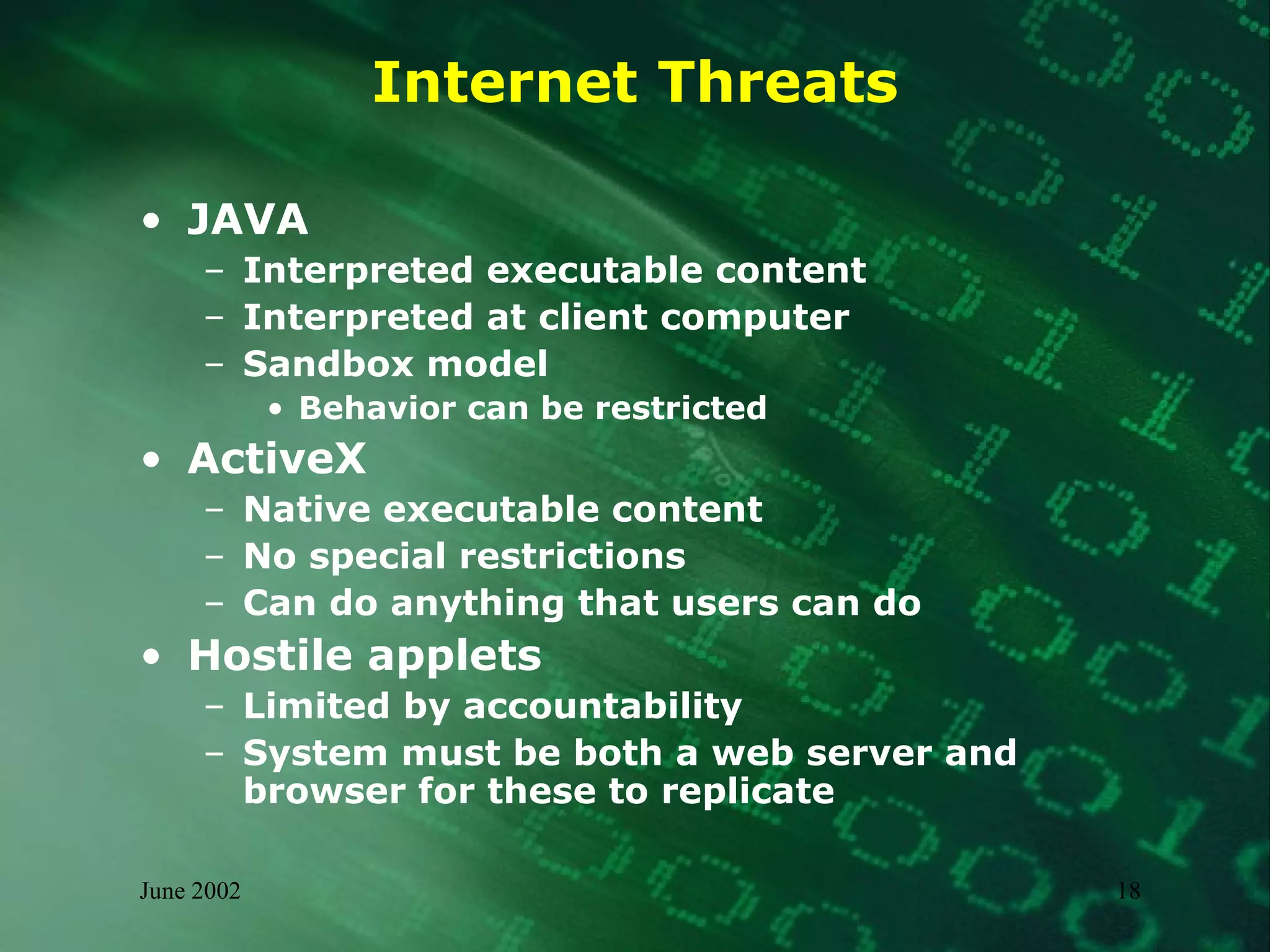
Internet Threats JAVA Interpreted executable content Interpreted at client computer Sandbox model Behavior can be restricted ActiveX Native executable content No special restrictions Can do anything that users can do Hostile applets Limited by accountability System must be both a web server and browser for these to replicate
Exposures Diskettes and other storage media Shared files on servers Web sites Bulletin boards and downloaded files Electronic mail messages and attachments Newsgroups Internet/network connections
Propagation Requirements “ Three basic things allow viruses to spread: sharing, programming, and changes. All we have to do is eliminate those three things and we will be perfectly free of viruses.”  - Fred Cohen  Short Course on Computer Viruses,  2 nd  Edition
Propagation Requirements Ability to receive information or programs  Ability to store and process at minimal levels  Ability to communicate with other  computers Ability to accept information communicated from others as programming commands with access to a minimum level of resources
Propagation Malware can infect Program files Files that contain executable portions, such as macros Diskettes and other storage media Email message attachments HTML based email messages Malware cannot infect Hardware (though it can be malicious) Text based files or messages Write-protected storage media
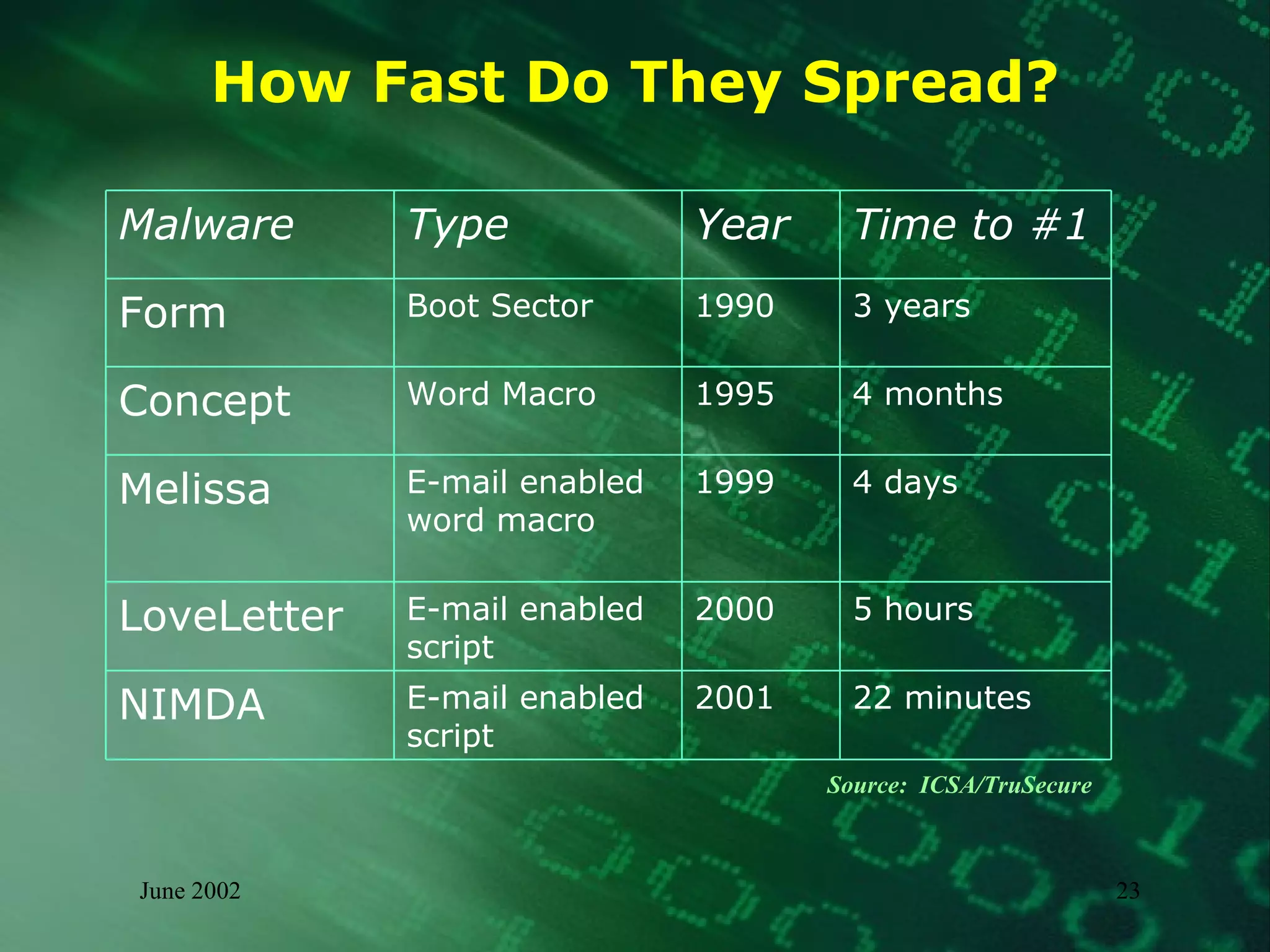
How Fast Do They Spread? Source:  ICSA/TruSecure 22 minutes 2001 E-mail enabled script  NIMDA 5 hours 2000 E-mail enabled script LoveLetter 4 days 1999 E-mail enabled word macro Melissa 4 months 1995 Word Macro Concept 3 years 1990 Boot Sector Form Time to #1 Year Type  Malware
Concealment Techniques Spoofing/Stealth Trapping calls to system and providing false replies Encryption Using some key to encrypt code Polymorphism Cause virus to have a new look each time it is executed Encryption is one form of polymorphism if encryption key is different each time Mutation engine  Social Engineering
Impact and Effects Nuisance Spoofing Denial of Service Overwriting and Data diddling Destruction Psychological “ Netspionage” Siphoning data Exposing vulnerabilities
Impact and Effects (concluded) Compromise or Loss of Data Loss of Productivity Denial of Service Data Manipulation Loss of Credibility Loss of Revenue Embarrassment
Incident Management Model Preparation Know threats, vulnerabilities, risks Implement controls Document written incident response procedures Identify Response Team Test procedures
Response Team Members System and Network Admins Email Network Firewalls IDS Security Staff Management Legal Counsel Public Relations
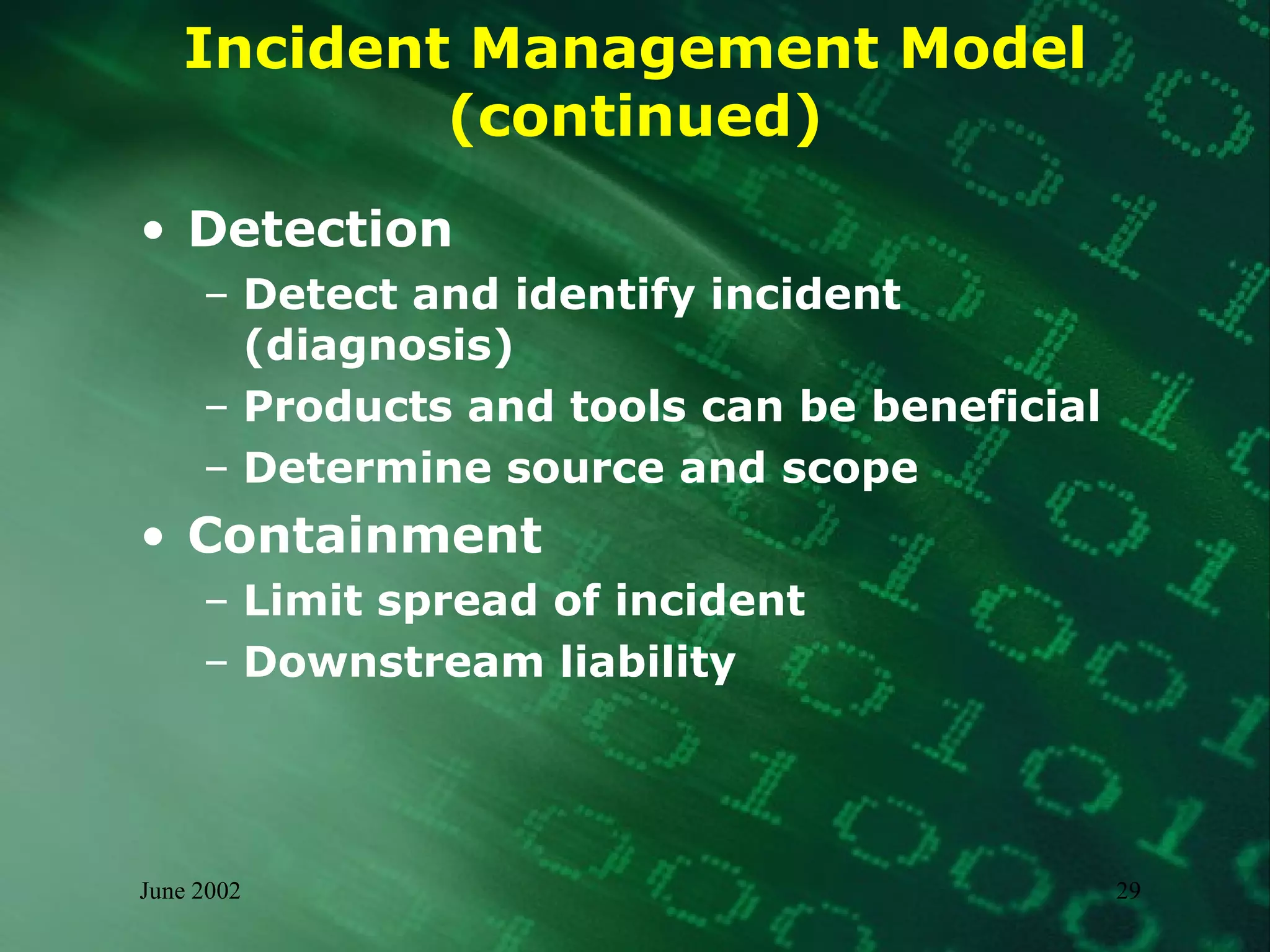
Incident Management Model (continued) Detection Detect and identify incident (diagnosis) Products and tools can be beneficial Determine source and scope  Containment Limit spread of incident  Downstream liability
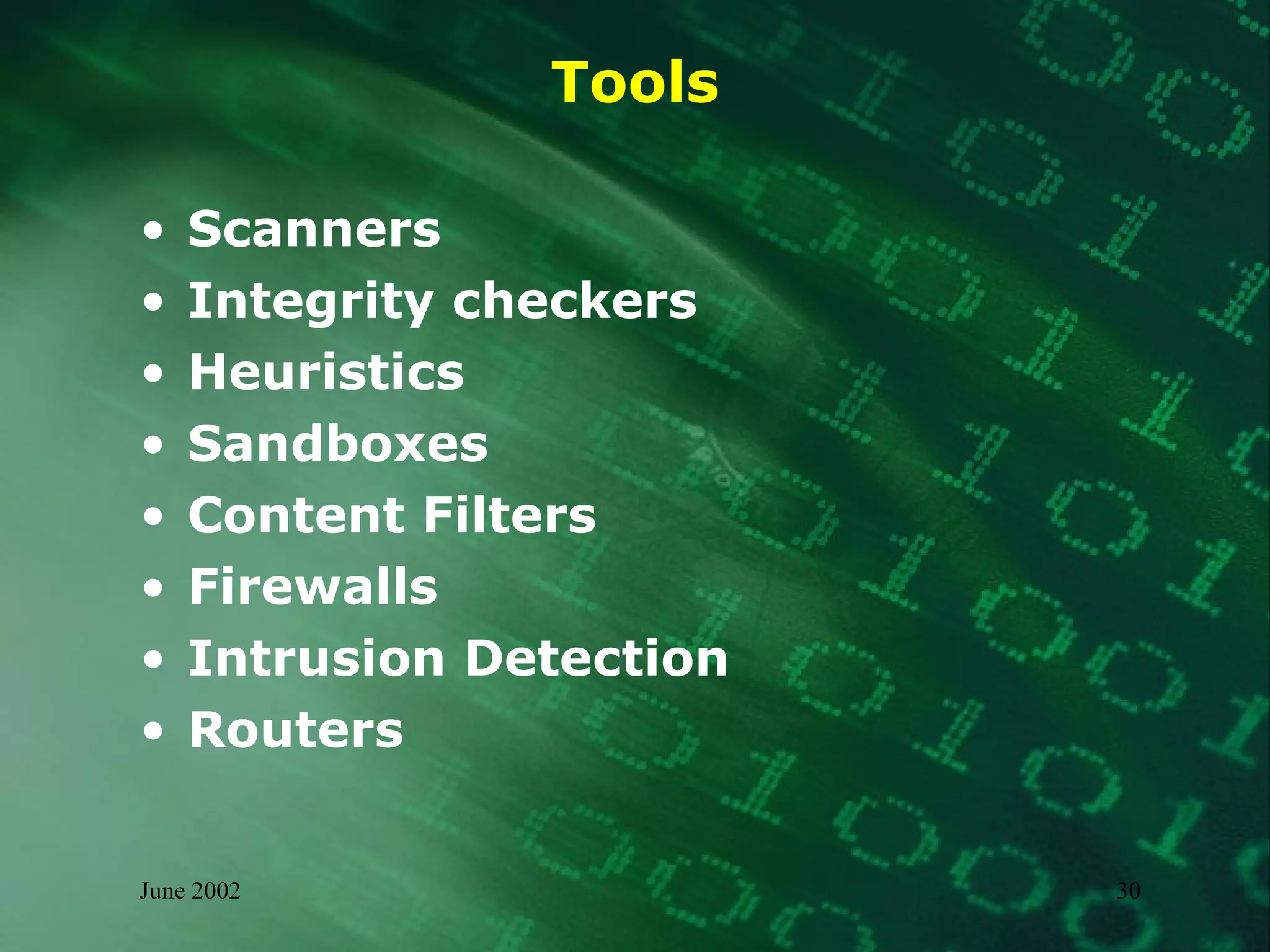
Tools Scanners Integrity checkers Heuristics Sandboxes Content Filters Firewalls Intrusion Detection Routers
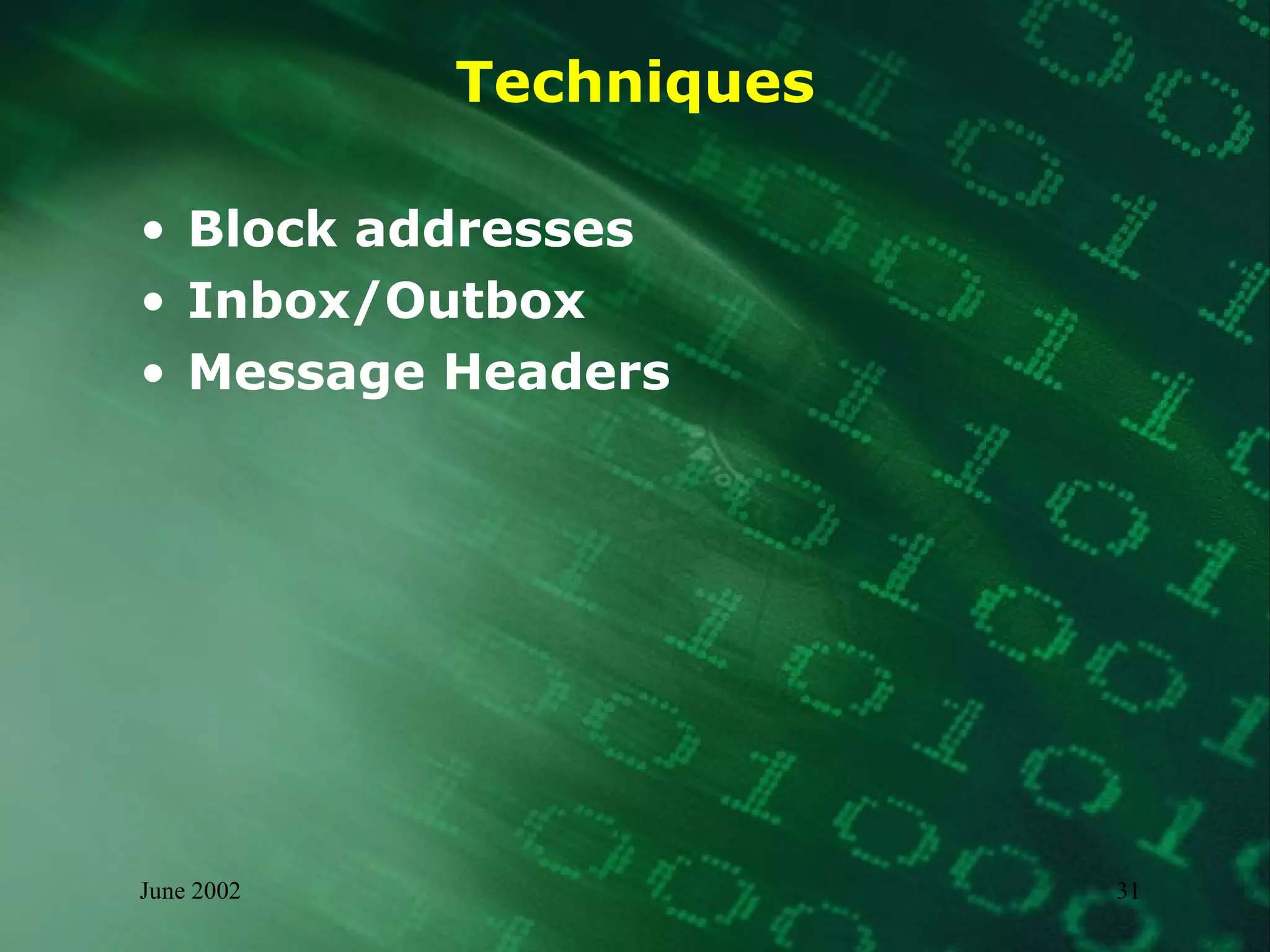
Techniques Block addresses Inbox/Outbox  Message Headers
Sample Message Header From: stranger  <stranger@yahoo.com>   To:  bluminx @hotmail.com   Subject: Worm Klez.E immunity  Date: Thu, 13 Jun 2002 09:39:56 -0400  MIME-Version: 1.0  Received: from [63.117.44.150] by hotmail.com (3.2) with ESMTP id MHotMailBED1EBAB002B400431923F752C9606970; Thu, 13 Jun 2002 06:39:59 -0700  Received: from Zkprhj [216.54.110.216] by mail.atel.net  (SMTPD32-6.06) id A08E53F007E; Thu, 13 Jun 2002 09:39:26 -0400  From  [email_address]  Thu, 13 Jun 2002 06:41:03 -0700  Message-Id: <200206130939556.SM02700@Zkprhj>
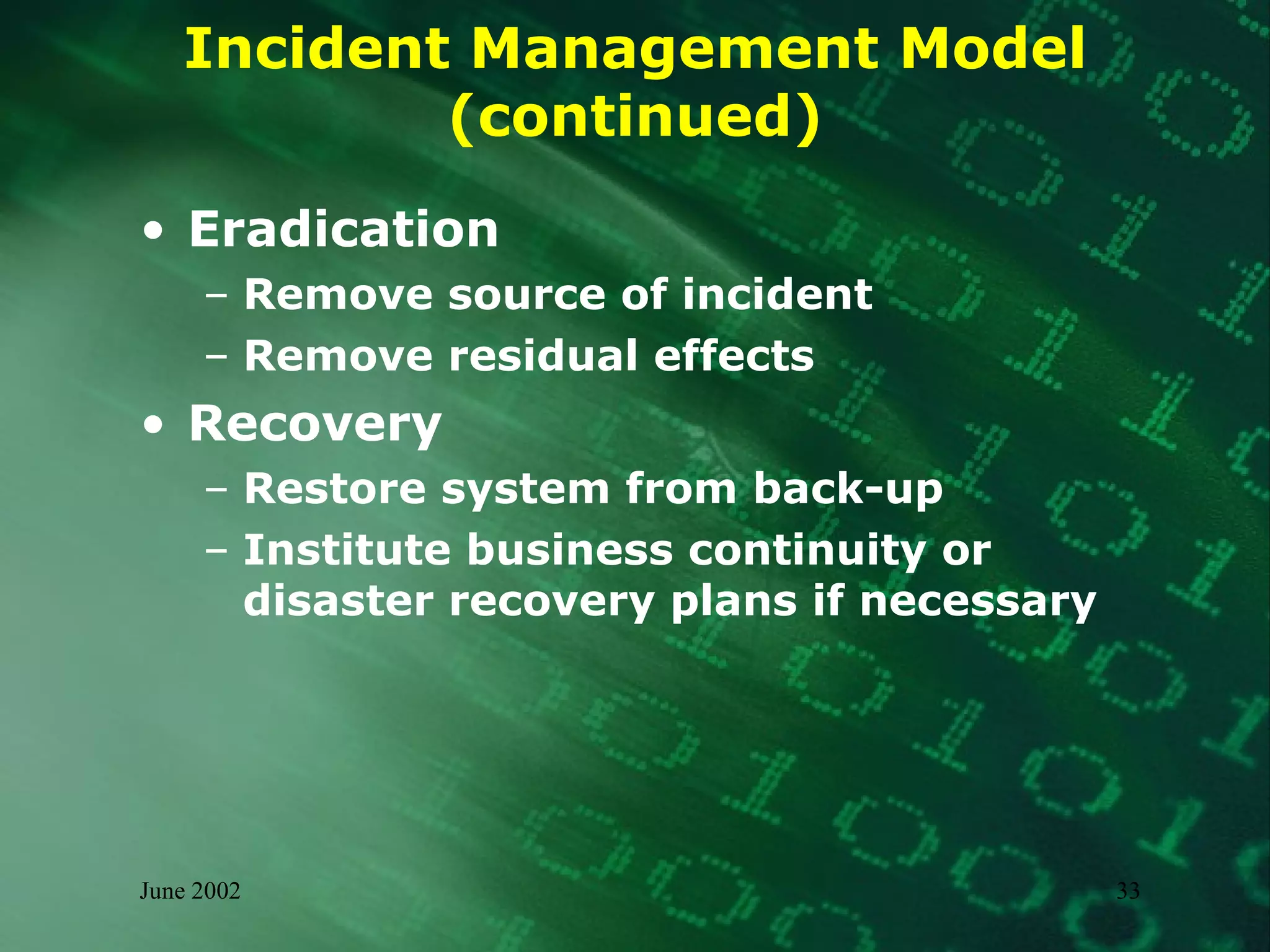
Incident Management Model (continued) Eradication Remove source of incident Remove residual effects Recovery Restore system from back-up Institute business continuity or disaster recovery plans if necessary
Incident Management Model (concluded) Reporting and Analysis Record metrics and lessons learned Post-mortem analysis Trend analysis Process improvement
Demonstration Virus Creation Source Code Review Mitigation
Summary Malware comes from people you do know Malware will continue to evolve There is no 100% solution or panacea Mitigation and Management requires more than technology
Some Information Resources Anti-virus vendors NIPC and other CERTS http://www.nipc.gov  http://www.cert.org  http://www.fedcirc.gov http://www.sans.org Virus Bulletin http://www.virusbtn.com The Wildlist Organization http://www.wildlist.org Virus Hoax Web Site http://www.vmyths.com European Institute for Computer Anti-Virus Research (EICAR) http://www.eicar.org Anti-Virus Information Exchange Network (AVIEN) http://www.avien.net
Additional Resources “ The Generic Virus Writer” and other papers by Sarah Gordon http://www.badguys.org/   Short Course on Computer Viruses,  2 nd  Edition  by Fred Cohen  “ Free Macro Protection Techniques” by  Chengi Jimmy Kuo, Network Associates http://download.nai.com/products/media/vil/pdf/free_AV_tips_techniques.pdf Computer Viruses Demystified http://www.sophos.com/sophos/docs/eng/refguide/viru_ben.pdf Viruses Revealed  by Robert Slade, David Harley, et al.
End of Presentation Questions?

Digital Immunity -The Myths and Reality

  • 1.
    Digital Immunity TheMyths and Reality Cornell University 27 June 2002 Christine M. Orshesky, CISSP, CQA
  • 2.
    Topics for DiscussionMalware Threats and Techniques Impact and Effects Incident Management Preparation Detection and Containment Eradication and Recovery Reporting and Analysis Demonstration Summary
  • 3.
    What is Malware?Any piece of hardware, software or firmware that is intentionally included or introduced into a computer system for unauthorized purposes usually without the knowledge or consent of the use Includes Viruses Trojan horse programs Worms Hoaxes Logic bombs Joke programs
  • 4.
    Virus – Defined“… a program which makes a copy of itself in such a way as to ‘infect’ parts of the operating system and/or application programs.” - Survivor’s Guide to Computer Viruses, Virus Bulletin, 1993. Replicates file to file system to system disk to disk Typically requires a “host” Must be executed May cause a symptom or damage (payload)
  • 5.
    Virus Infection ProcessEnsures virus executes before original executable Pre-pend Append PE Infector Overwrite
  • 6.
    Types of VirusesBoot sector Infects boot record on diskette or hard drive Only spreads if booted from infected diskette File infector Infects program files or portable executables Macro Infects operating environment Scripts Similar to batch files Multi-partite Combinations of any of the types above
  • 7.
    Virus - ExampleW97M.Marker Infects Word documents Records a log of the infection including user name, mailing address, and date/time of the infection Attempts to send the log file to an outside organization via the Internet
  • 8.
    Worm - DefinedSelf-contained Does not require a host Replicates from system to system Infects systems not files Typically “network-aware”
  • 9.
    Worm - ExampleExploreZip Sends email with infected attachment Infects local system – set file size to 0 Attempts to infect mapped systems Attempts to set file size to 0 on mapped systems Attempts to infect remote systems with shared resources
  • 10.
    Trojan horse –Defined Deliberately do something unexpected Steal passwords Delete files Open backdoors Connect to external sites Do not replicate
  • 11.
    Trojan horse -Examples NetBus and BackOrifice Remote Administration Tools (RAT) Usually sent inside a game, such as “checkers” or “whack a mole” Allows a remote user to have control Subseven Arrives as masqueraded file (with double extension) Uses IRC to notify others of infection Grants access to system and can be used to launch DDoS
  • 12.
    Joke Program –Defined A type of Trojan horse Does not replicate Not intended to be malicious
  • 13.
    Joke Program –Example Wobbler Causes victim’s screen display to “shake” as if experiencing an earthquake Only stopped by hitting <ESC> key No data loss as direct result
  • 14.
    Hoax – DefinedDoes not self-replicate Messages only – false warnings Spread rapidly Cause no direct damage
  • 15.
    Hoax - ExampleVIRUS WARNING !!!!!! If you receive an email titled &quot;WIN A HOLIDAY&quot; DO NOT open it. It will erase everything on your hard drive. Forward this letter out to as many people as you can. This is a new, very malicious virus and not many people know about it. This information was announced yesterday morning from Microsoft; please share it with everyone that might access the Internet. Once again, pass this along to EVERYONE in our address book so that this may be stopped. And so it goes on...
  • 16.
    Logic Bomb –Defined Does not replicate Portion of code that only activates based upon a pre-determined or programmed trigger Typically cause some form of damage
  • 17.
    Logic Bomb –Example Software programmer creates module to only execute when she is no longer displayed in payroll Module is set to modify pay rates for management employees
  • 18.
    Internet Threats JAVAInterpreted executable content Interpreted at client computer Sandbox model Behavior can be restricted ActiveX Native executable content No special restrictions Can do anything that users can do Hostile applets Limited by accountability System must be both a web server and browser for these to replicate
  • 19.
    Exposures Diskettes andother storage media Shared files on servers Web sites Bulletin boards and downloaded files Electronic mail messages and attachments Newsgroups Internet/network connections
  • 20.
    Propagation Requirements “Three basic things allow viruses to spread: sharing, programming, and changes. All we have to do is eliminate those three things and we will be perfectly free of viruses.” - Fred Cohen Short Course on Computer Viruses, 2 nd Edition
  • 21.
    Propagation Requirements Abilityto receive information or programs Ability to store and process at minimal levels Ability to communicate with other computers Ability to accept information communicated from others as programming commands with access to a minimum level of resources
  • 22.
    Propagation Malware caninfect Program files Files that contain executable portions, such as macros Diskettes and other storage media Email message attachments HTML based email messages Malware cannot infect Hardware (though it can be malicious) Text based files or messages Write-protected storage media
  • 23.
    How Fast DoThey Spread? Source: ICSA/TruSecure 22 minutes 2001 E-mail enabled script NIMDA 5 hours 2000 E-mail enabled script LoveLetter 4 days 1999 E-mail enabled word macro Melissa 4 months 1995 Word Macro Concept 3 years 1990 Boot Sector Form Time to #1 Year Type Malware
  • 24.
    Concealment Techniques Spoofing/StealthTrapping calls to system and providing false replies Encryption Using some key to encrypt code Polymorphism Cause virus to have a new look each time it is executed Encryption is one form of polymorphism if encryption key is different each time Mutation engine Social Engineering
  • 25.
    Impact and EffectsNuisance Spoofing Denial of Service Overwriting and Data diddling Destruction Psychological “ Netspionage” Siphoning data Exposing vulnerabilities
  • 26.
    Impact and Effects(concluded) Compromise or Loss of Data Loss of Productivity Denial of Service Data Manipulation Loss of Credibility Loss of Revenue Embarrassment
  • 27.
    Incident Management ModelPreparation Know threats, vulnerabilities, risks Implement controls Document written incident response procedures Identify Response Team Test procedures
  • 28.
    Response Team MembersSystem and Network Admins Email Network Firewalls IDS Security Staff Management Legal Counsel Public Relations
  • 29.
    Incident Management Model(continued) Detection Detect and identify incident (diagnosis) Products and tools can be beneficial Determine source and scope Containment Limit spread of incident Downstream liability
  • 30.
    Tools Scanners Integritycheckers Heuristics Sandboxes Content Filters Firewalls Intrusion Detection Routers
  • 31.
    Techniques Block addressesInbox/Outbox Message Headers
  • 32.
    Sample Message HeaderFrom: stranger <stranger@yahoo.com> To: bluminx @hotmail.com Subject: Worm Klez.E immunity Date: Thu, 13 Jun 2002 09:39:56 -0400 MIME-Version: 1.0 Received: from [63.117.44.150] by hotmail.com (3.2) with ESMTP id MHotMailBED1EBAB002B400431923F752C9606970; Thu, 13 Jun 2002 06:39:59 -0700 Received: from Zkprhj [216.54.110.216] by mail.atel.net  (SMTPD32-6.06) id A08E53F007E; Thu, 13 Jun 2002 09:39:26 -0400 From [email_address] Thu, 13 Jun 2002 06:41:03 -0700 Message-Id: <200206130939556.SM02700@Zkprhj>
  • 33.
    Incident Management Model(continued) Eradication Remove source of incident Remove residual effects Recovery Restore system from back-up Institute business continuity or disaster recovery plans if necessary
  • 34.
    Incident Management Model(concluded) Reporting and Analysis Record metrics and lessons learned Post-mortem analysis Trend analysis Process improvement
  • 35.
    Demonstration Virus CreationSource Code Review Mitigation
  • 36.
    Summary Malware comesfrom people you do know Malware will continue to evolve There is no 100% solution or panacea Mitigation and Management requires more than technology
  • 37.
    Some Information ResourcesAnti-virus vendors NIPC and other CERTS http://www.nipc.gov http://www.cert.org http://www.fedcirc.gov http://www.sans.org Virus Bulletin http://www.virusbtn.com The Wildlist Organization http://www.wildlist.org Virus Hoax Web Site http://www.vmyths.com European Institute for Computer Anti-Virus Research (EICAR) http://www.eicar.org Anti-Virus Information Exchange Network (AVIEN) http://www.avien.net
  • 38.
    Additional Resources “The Generic Virus Writer” and other papers by Sarah Gordon http://www.badguys.org/ Short Course on Computer Viruses, 2 nd Edition by Fred Cohen “ Free Macro Protection Techniques” by Chengi Jimmy Kuo, Network Associates http://download.nai.com/products/media/vil/pdf/free_AV_tips_techniques.pdf Computer Viruses Demystified http://www.sophos.com/sophos/docs/eng/refguide/viru_ben.pdf Viruses Revealed by Robert Slade, David Harley, et al.
  • 39.