





Design Thinking for
Workplace Change
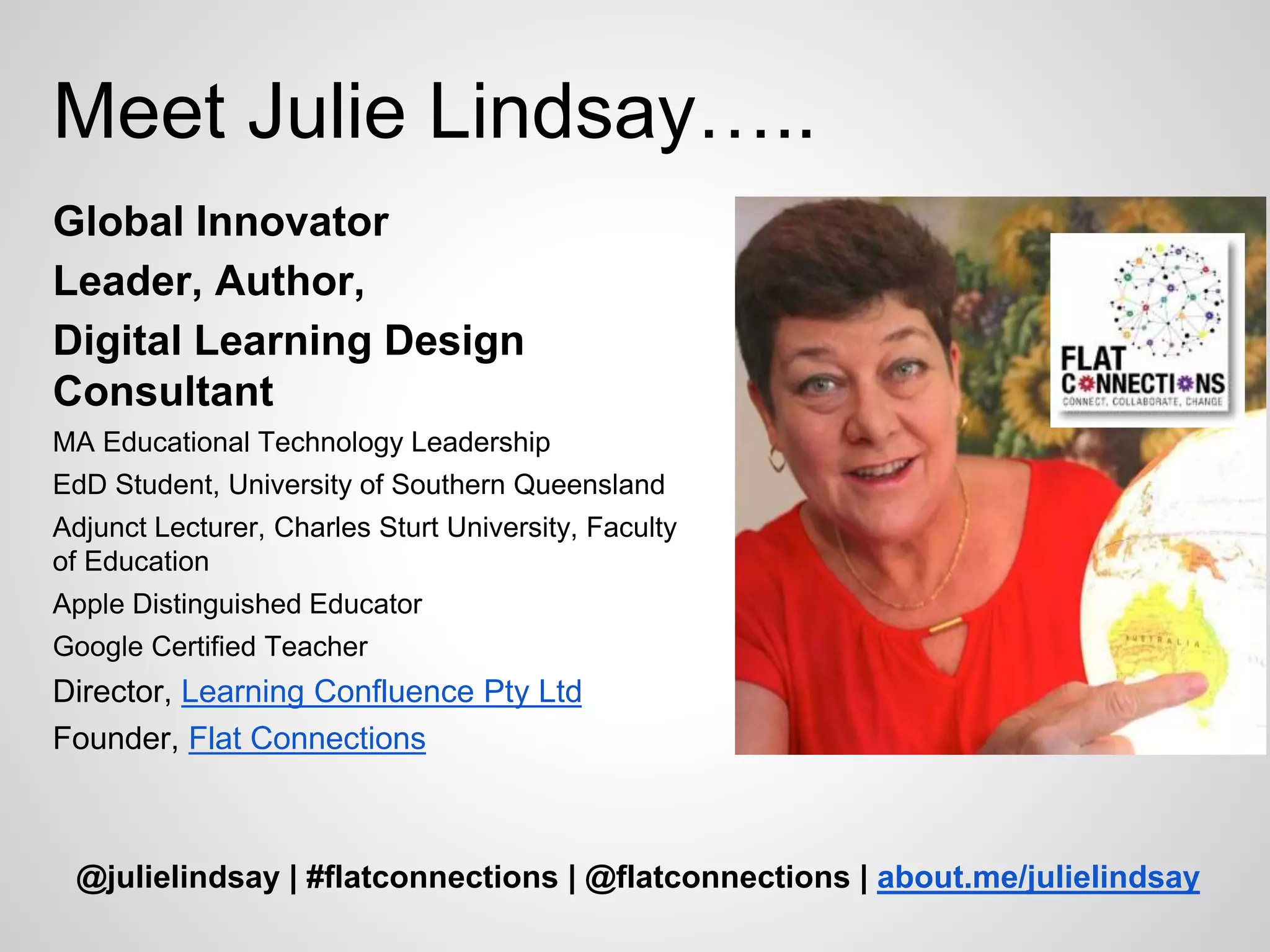
Julie Lindsay
julie@flatconnections.com
Meet Julie Lindsay…..
Global Innovator
Leader, Author,
Digital Learning Design
Consultant
MA Educational Technology Leadership
EdD Student, University of Southern Queensland
Adjunct Lecturer, Charles Sturt University, Faculty
of Education
Apple Distinguished Educator
Google Certified Teacher
Director, Learning Confluence Pty Ltd
Founder, Flat Connections
@julielindsay | #flatconnections | @flatconnections | about.me/julielindsay
Today’s Discussion…..
Part 1
Workplace
change
Part 2
Digital
technologie
s
Part 3
Design
thinking
Workplace change
Culture of change
Stakeholders:
Identification and empowerment
Communication
Idea exchange – Knowledge building
When we change the way we
communicate, we change society
Clay Shirky, Here comes everybody
Digital Technologies
Beyond email……
Sharing ideas online
Cloud Computing
New Collaborations…..
ā€œ[C]ollaborative production is simple:
no one person can take credit for
what gets created, and the project
could not come into being without
the participation of many.ā€
Clay Shirky, Here comes everybody
Visible Thinking
Knowledge repositories
How to implement new technologies?
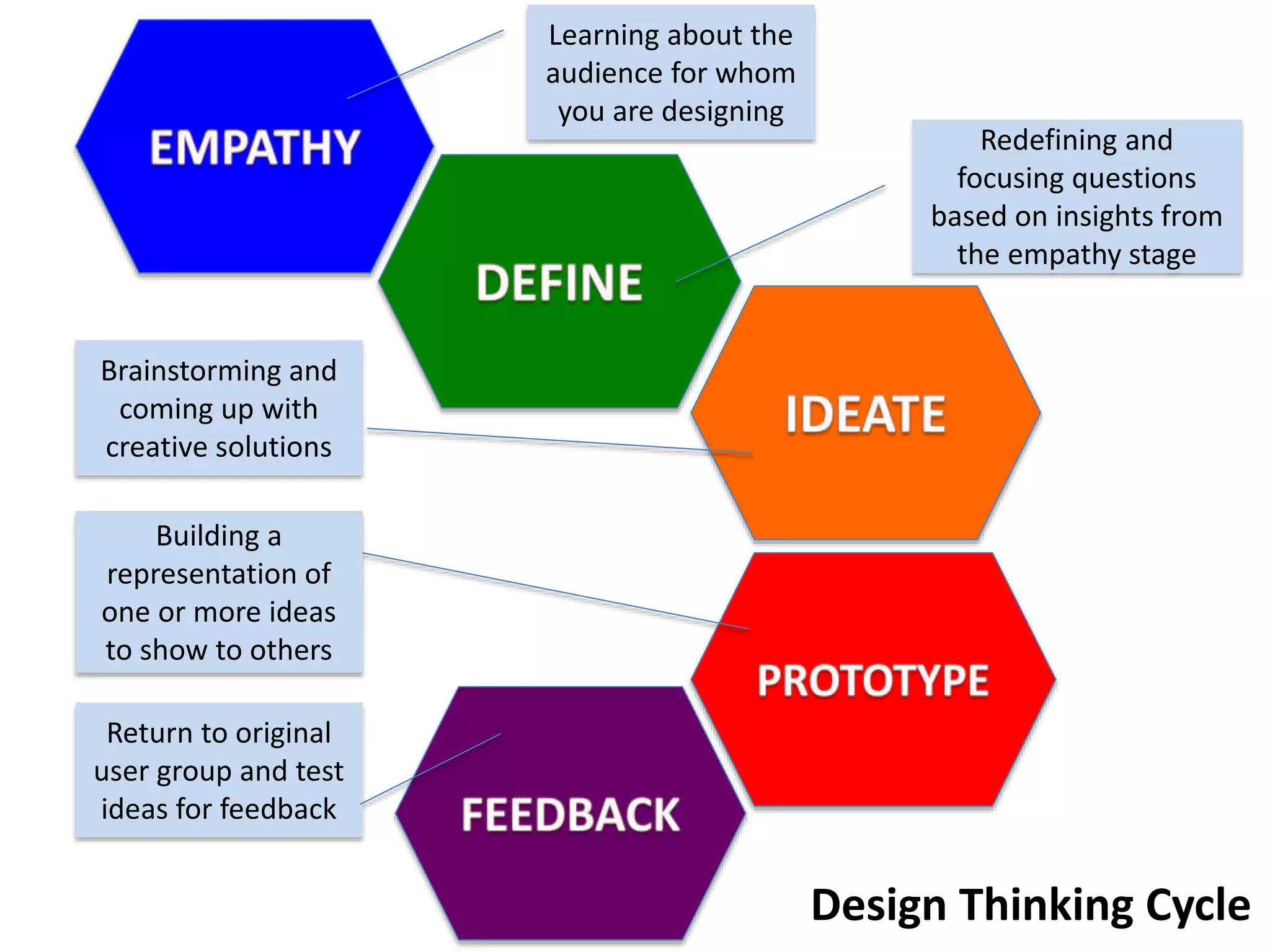
Design Thinking
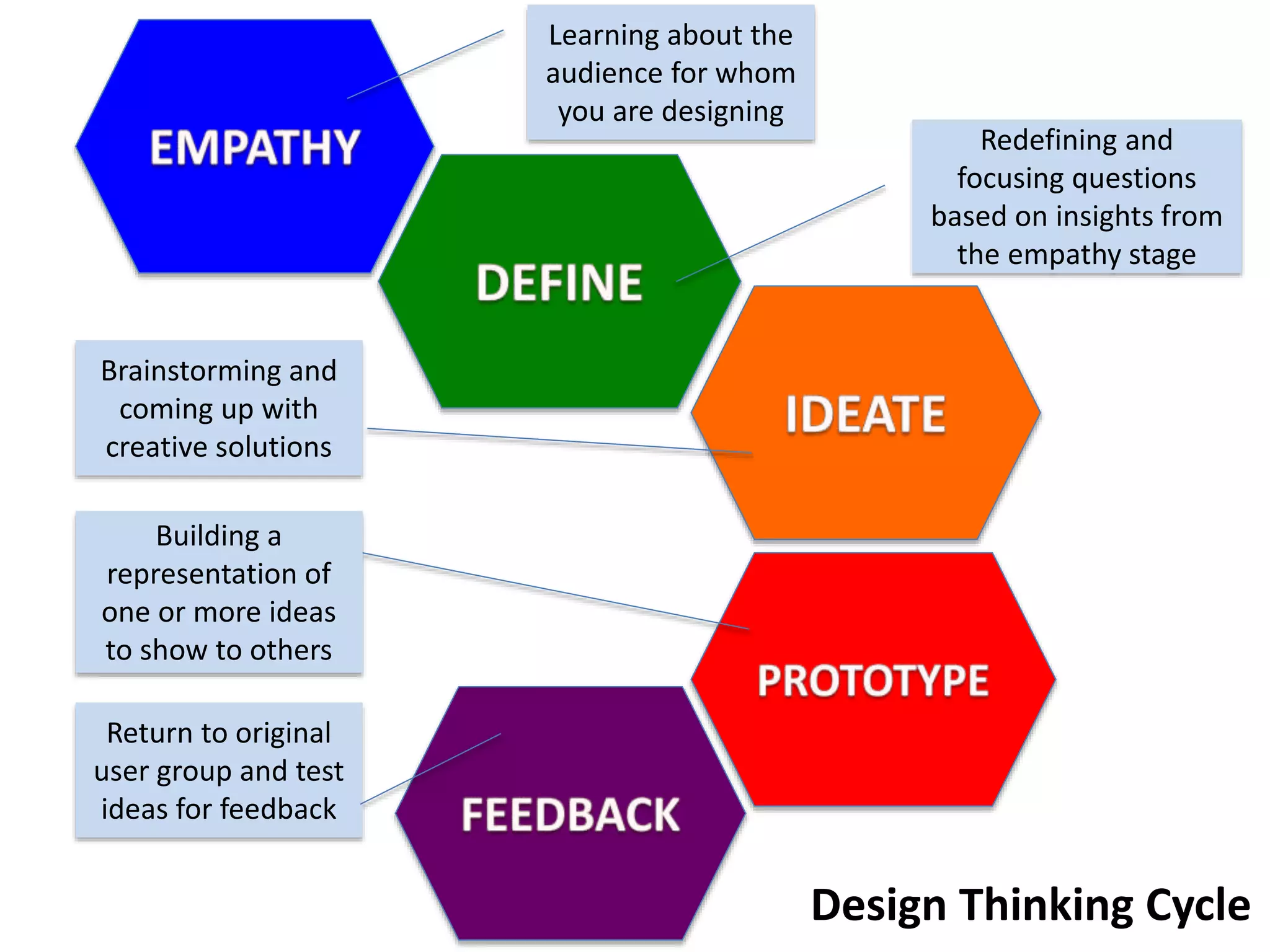
Learning about the
audience for whom
you are designing
Redefining and
focusing questions
based on insights from
the empathy stage
Brainstorming and
coming up with
creative solutions
Building a
representation of
one or more ideas
to show to others
Return to original
user group and test
ideas for feedback
Design Thinking Cycle
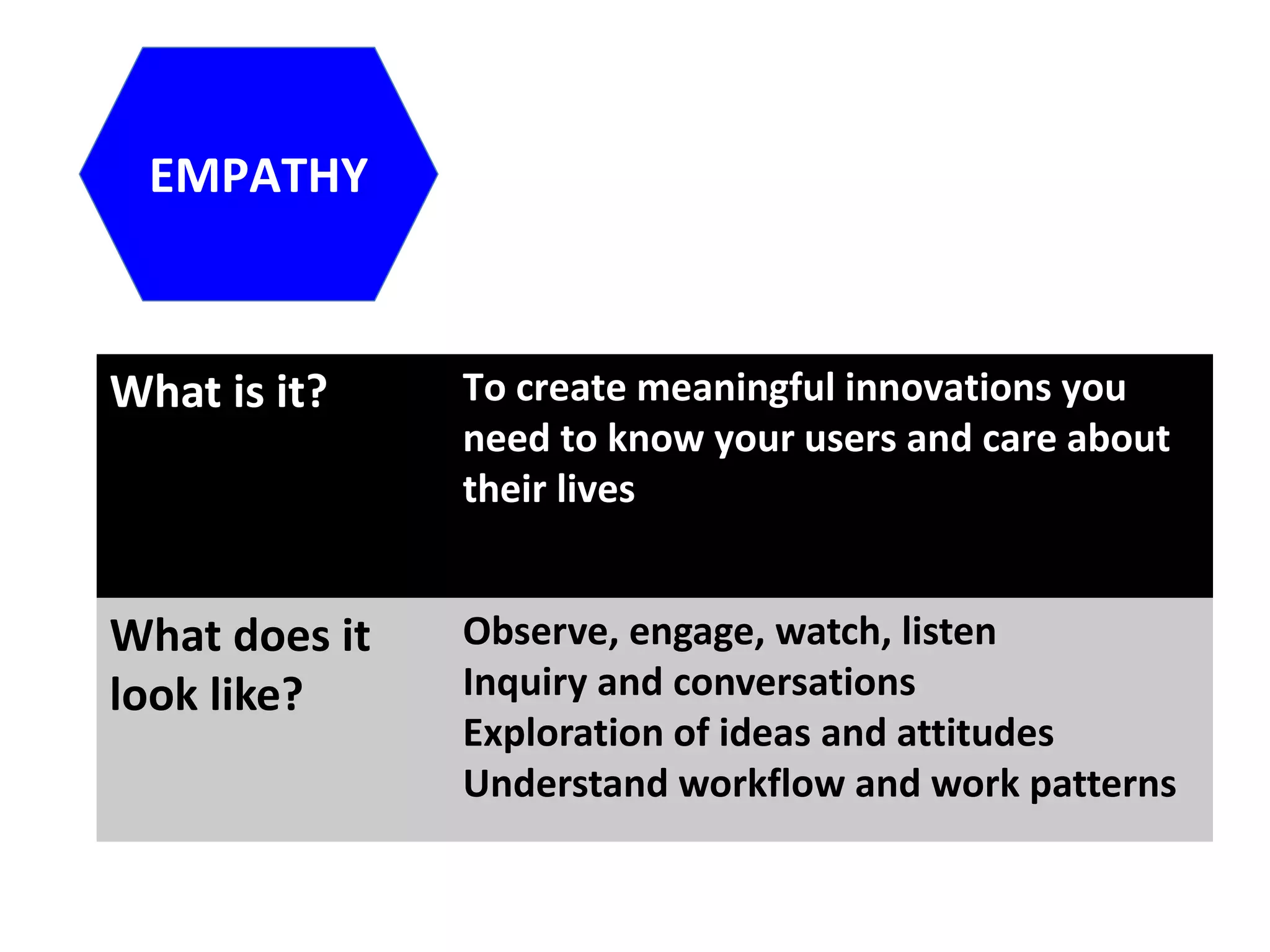
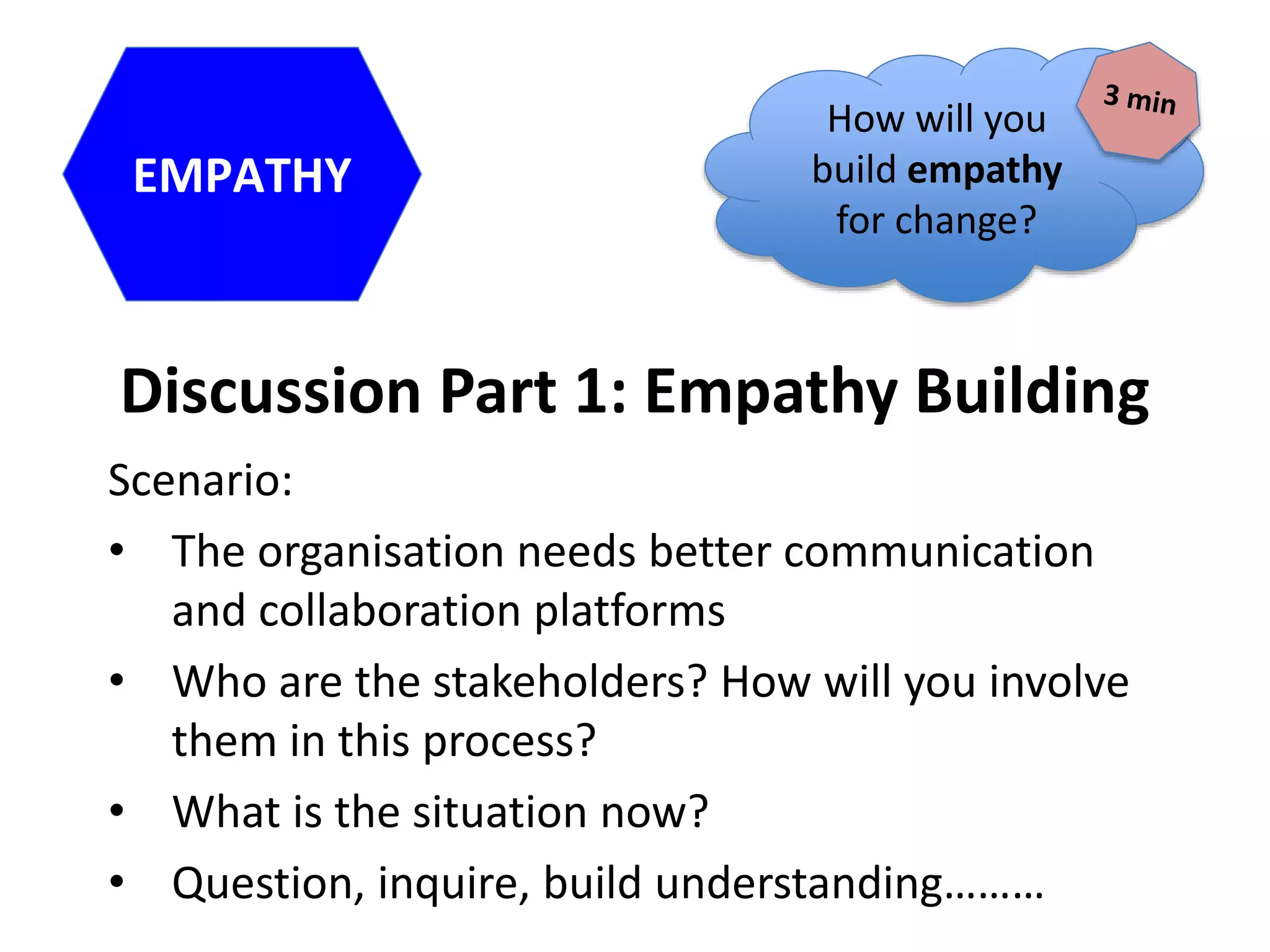
EMPATHY
What is it? To create meaningful innovations you
need to know your users and care about
their lives
What does it
look like?
Observe, engage, watch, listen
Inquiry and conversations
Exploration of ideas and attitudes
Understand workflow and work patterns
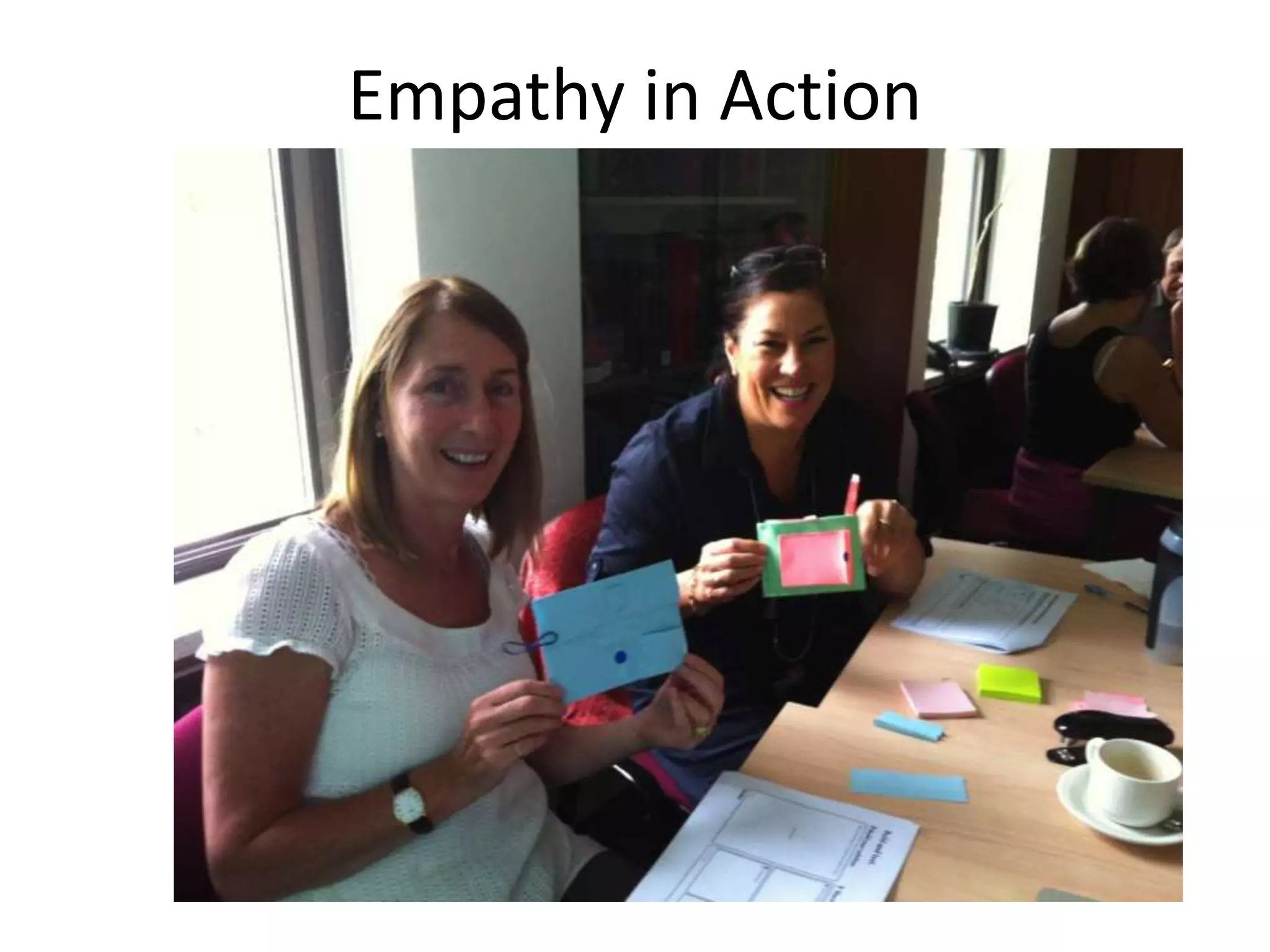
Empathy in Action
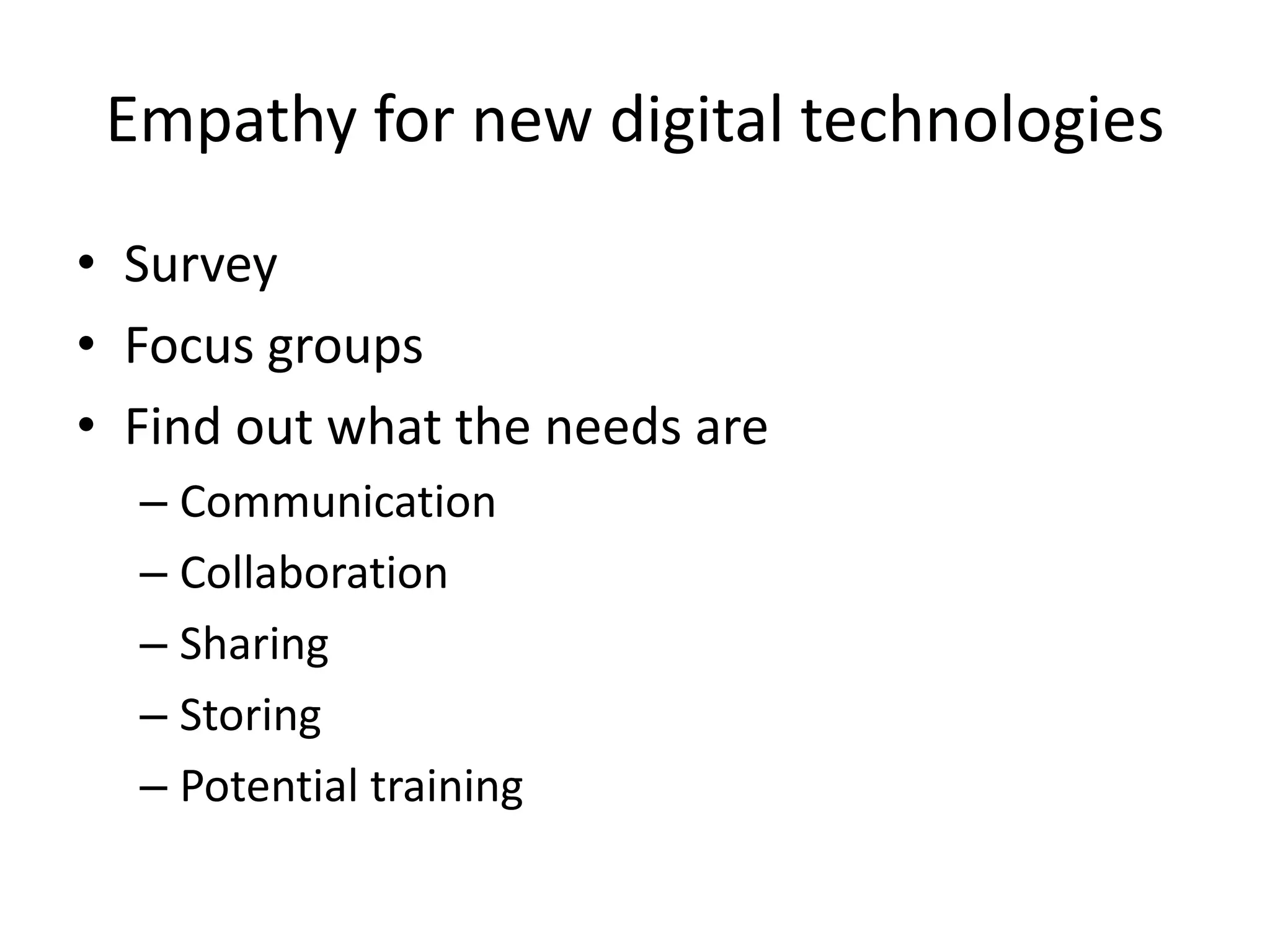
Empathy for new digital technologies
• Survey
• Focus groups
• Find out what the needs are
– Communication
– Collaboration
– Sharing
– Storing
– Potential training
Discussion Part 1: Empathy Building
Scenario:
• The organisation needs better communication
and collaboration platforms
• Who are the stakeholders? How will you involve
them in this process?
• What is the situation now?
• Question, inquire, build understanding………
EMPATHY
How will you
build empathy
for change?
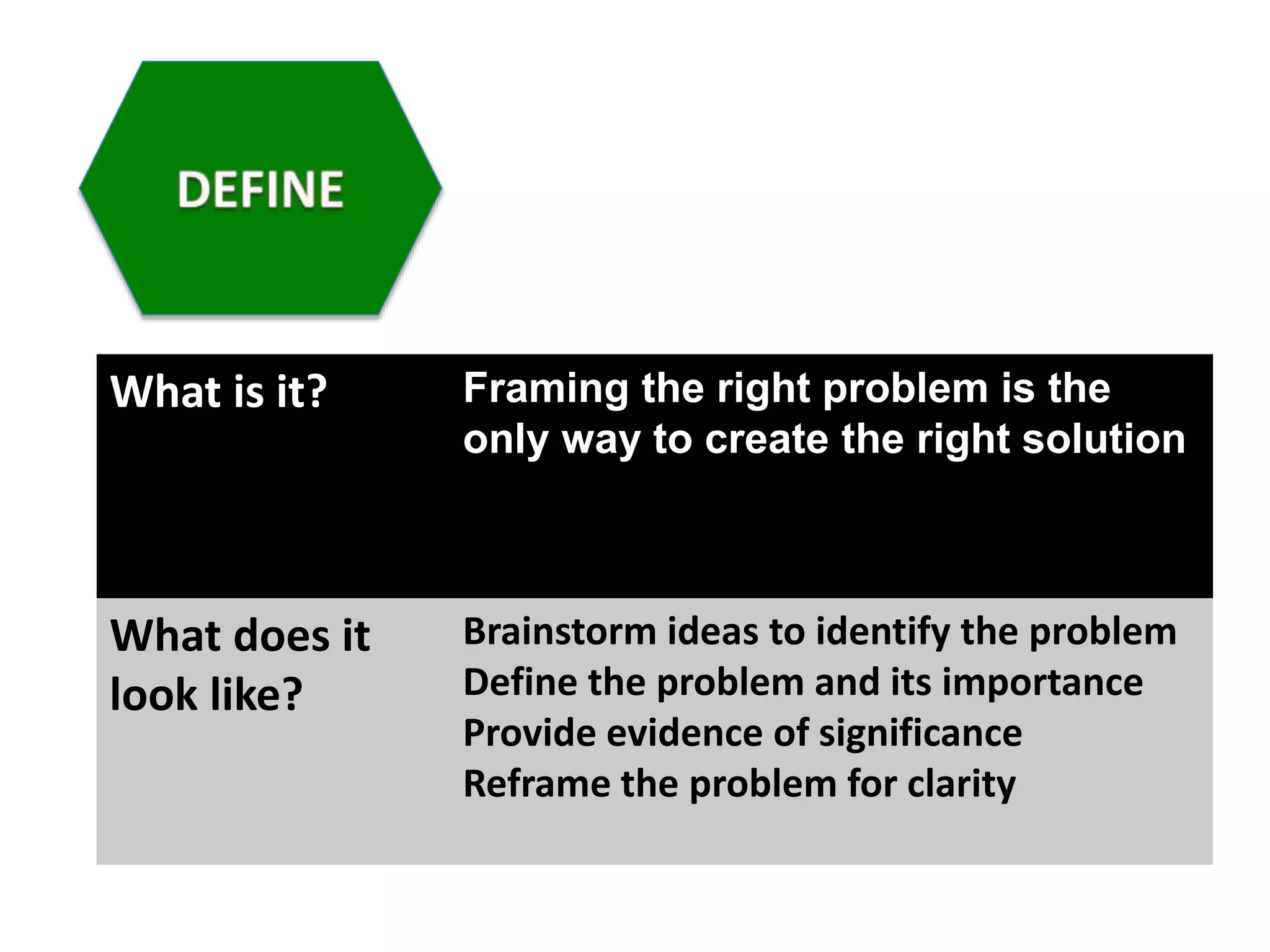
What is it? Framing the right problem is the
only way to create the right solution
What does it
look like?
Brainstorm ideas to identify the problem
Define the problem and its importance
Provide evidence of significance
Reframe the problem for clarity
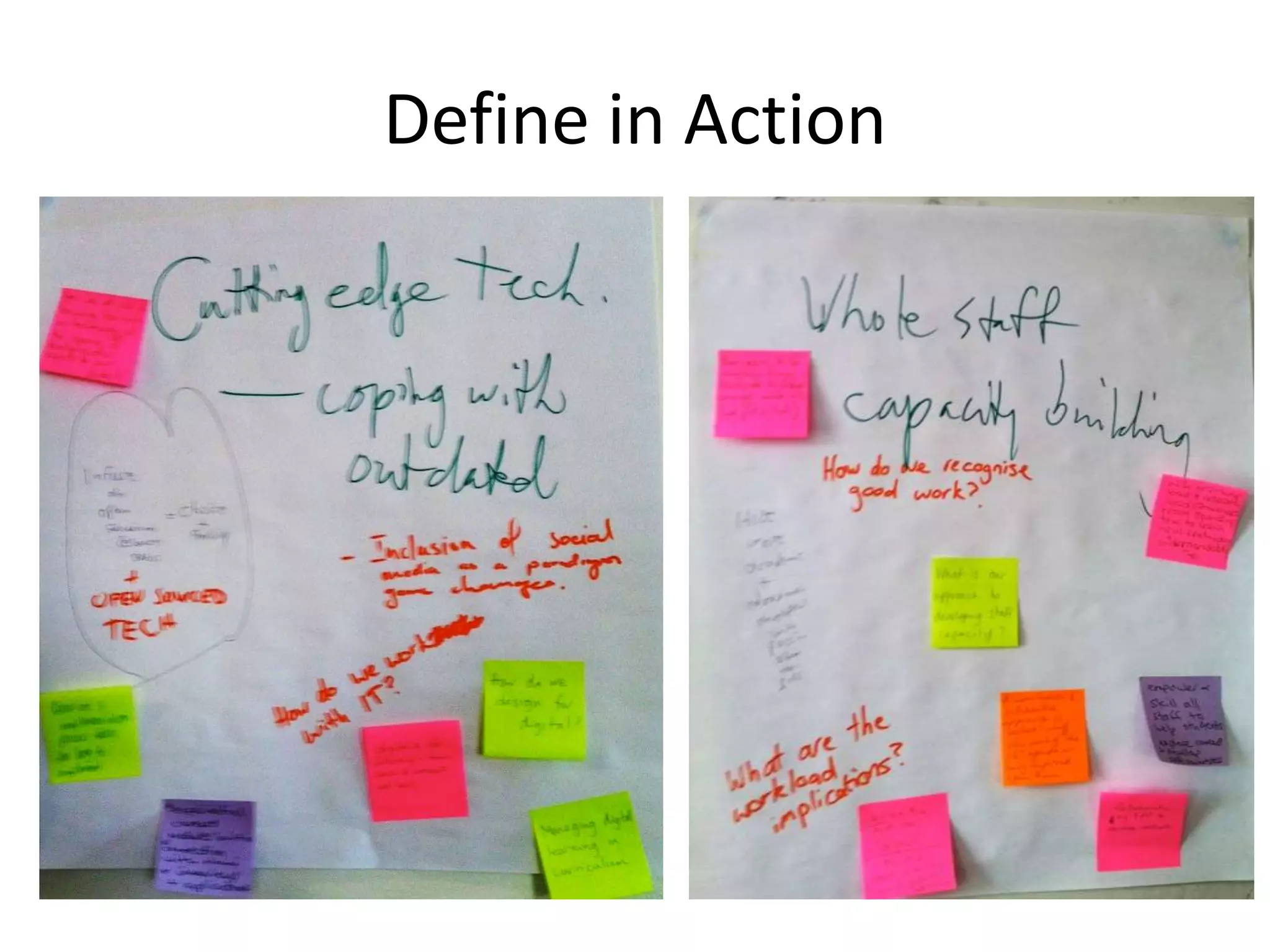
Define in Action
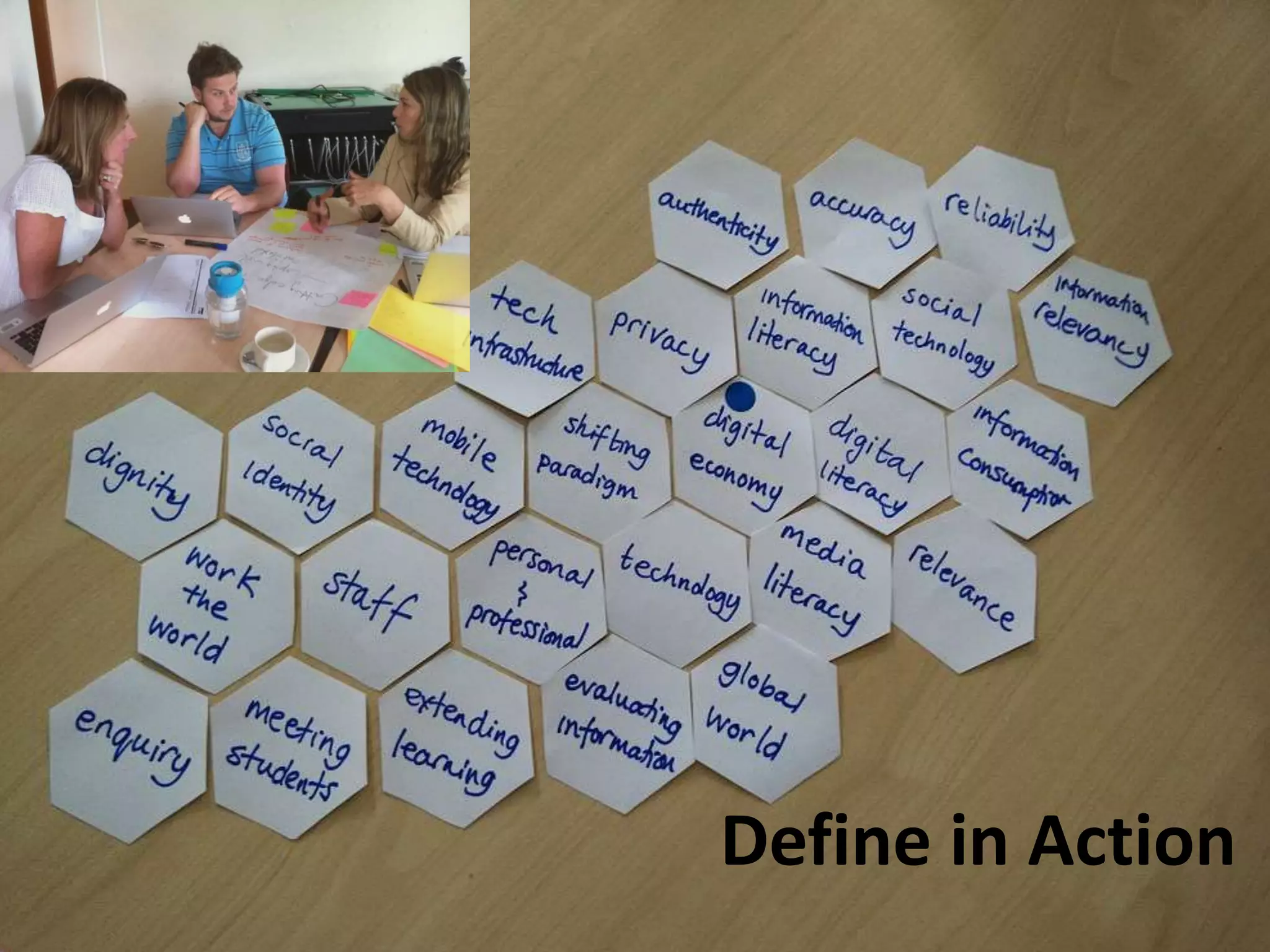
Define in Action
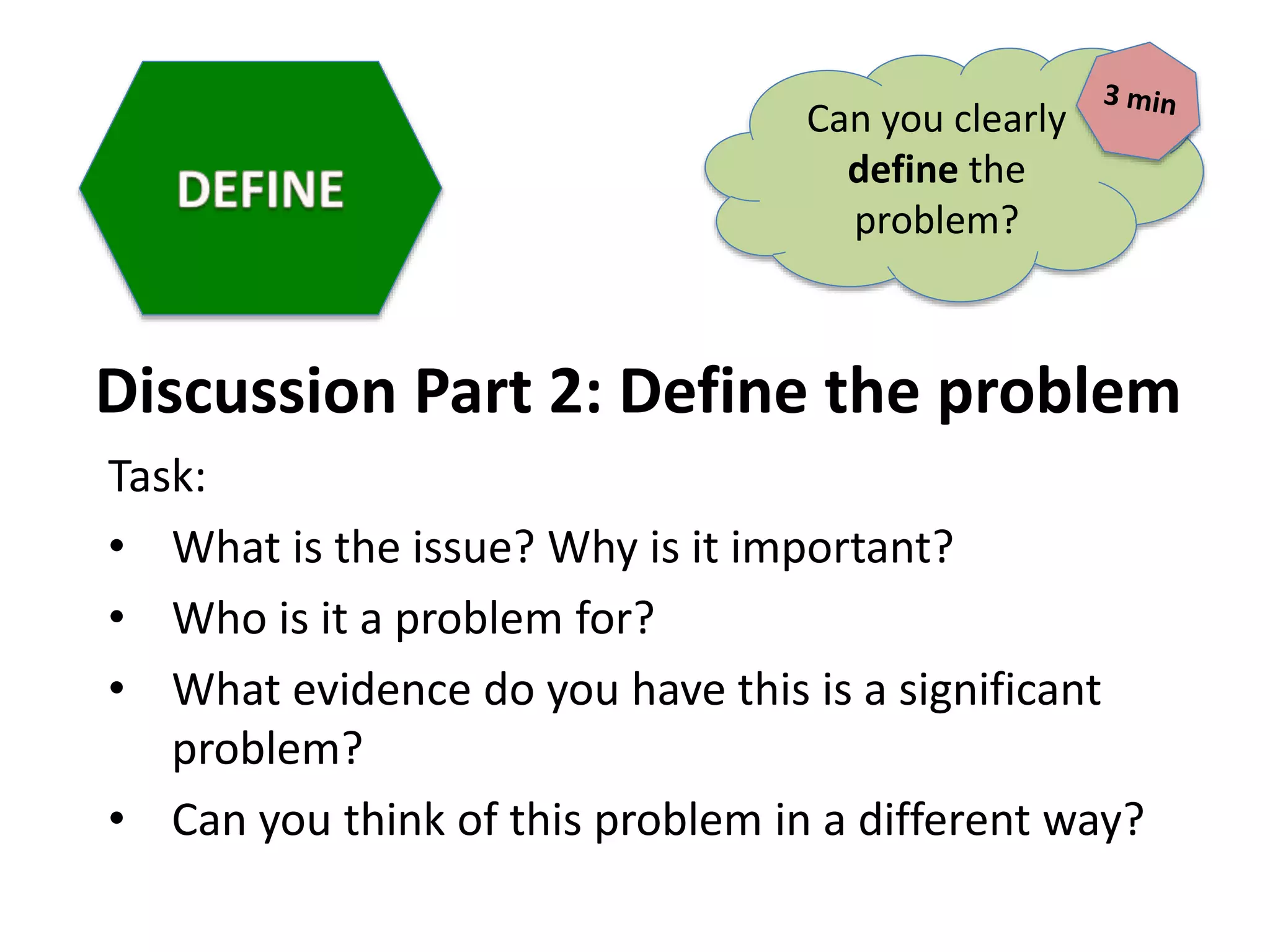
Discussion Part 2: Define the problem
Task:
• What is the issue? Why is it important?
• Who is it a problem for?
• What evidence do you have this is a significant
problem?
• Can you think of this problem in a different way?
Can you clearly
define the
problem?
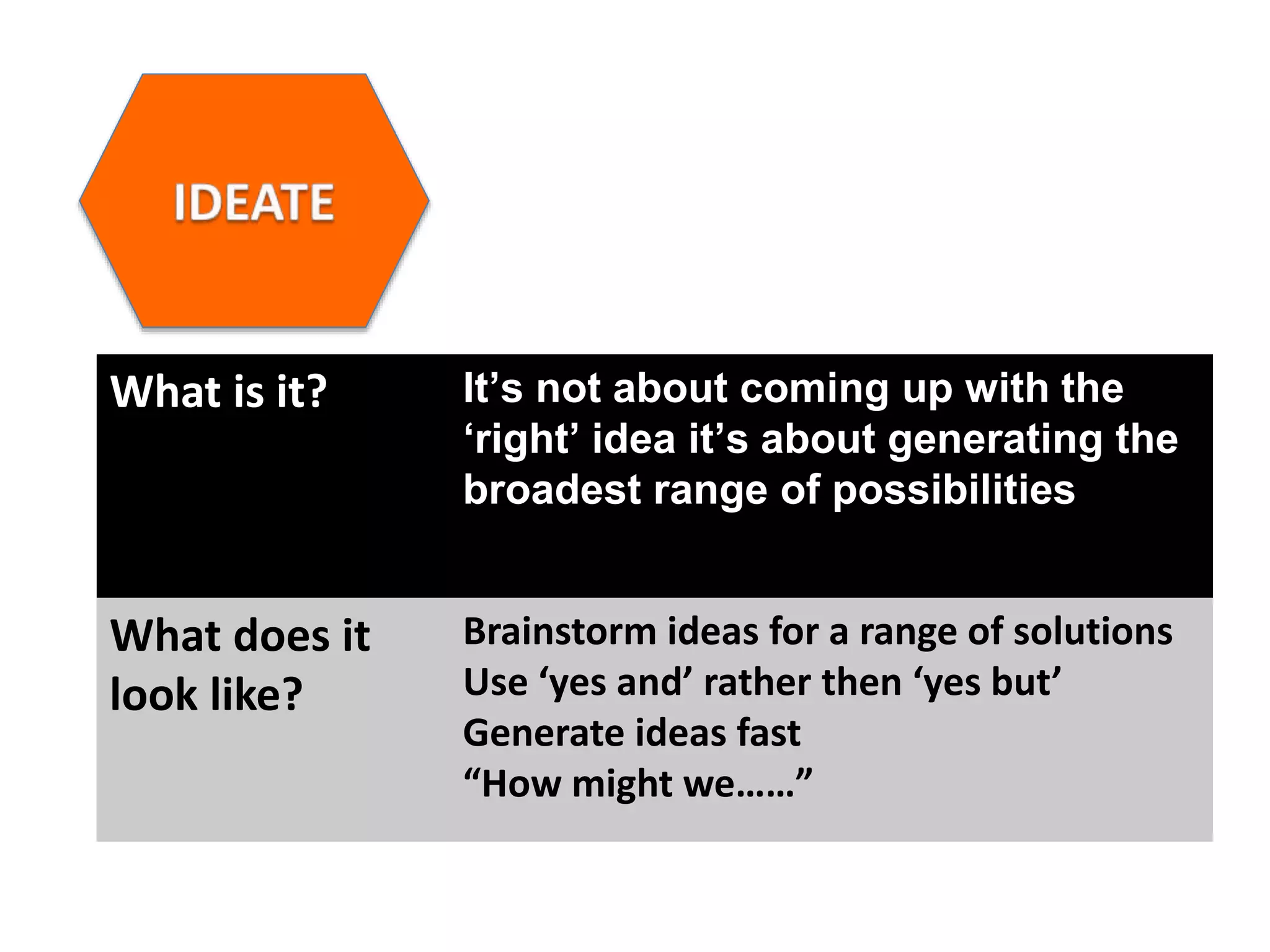
What is it? It’s not about coming up with the
ā€˜right’ idea it’s about generating the
broadest range of possibilities
What does it
look like?
Brainstorm ideas for a range of solutions
Use ā€˜yes and’ rather then ā€˜yes but’
Generate ideas fast
ā€œHow might weā€¦ā€¦ā€
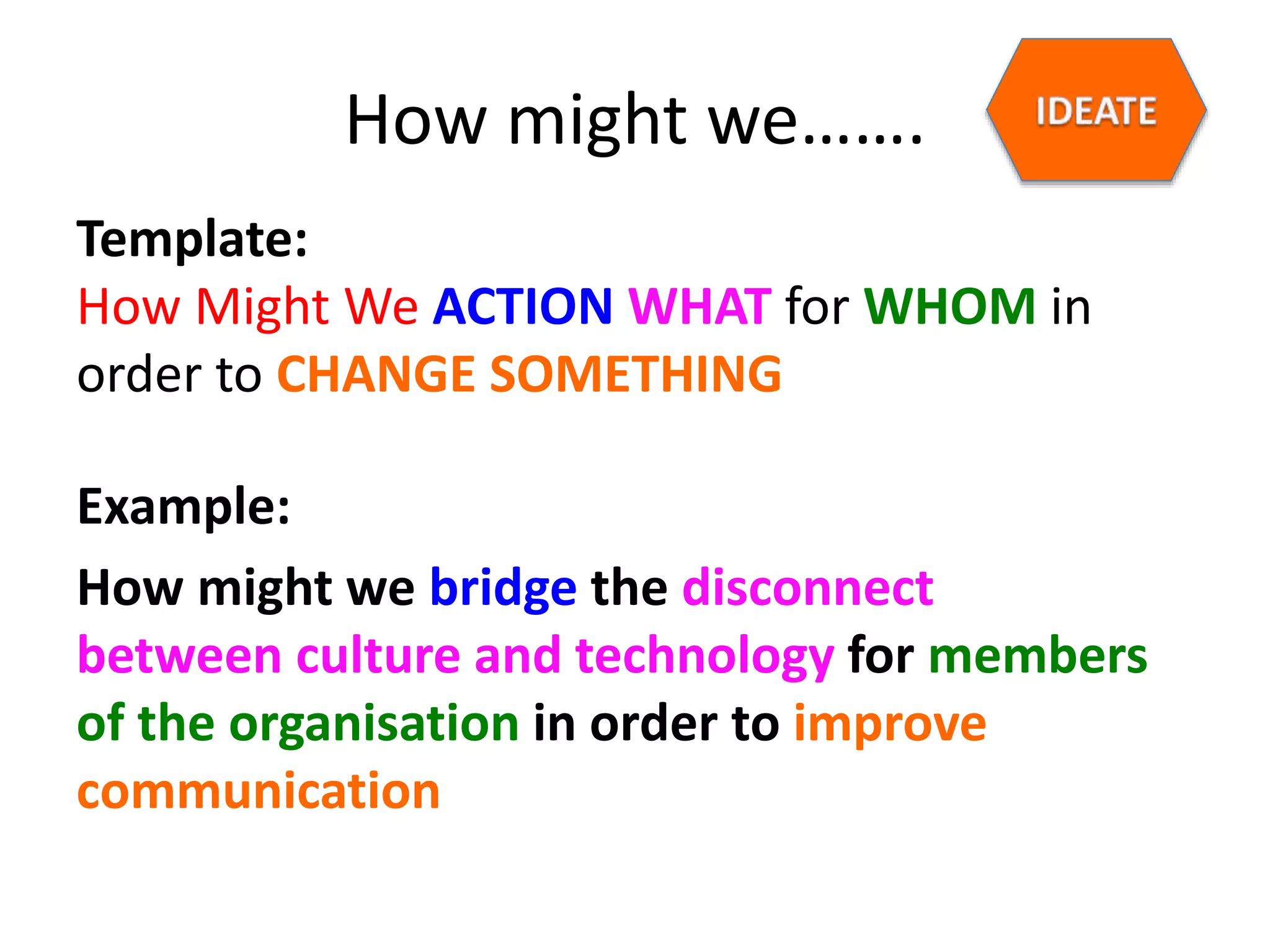
How might we…….
Template:
How Might We ACTION WHAT for WHOM in
order to CHANGE SOMETHING
Example:
How might we bridge the disconnect
between culture and technology for members
of the organisation in order to improve
communication
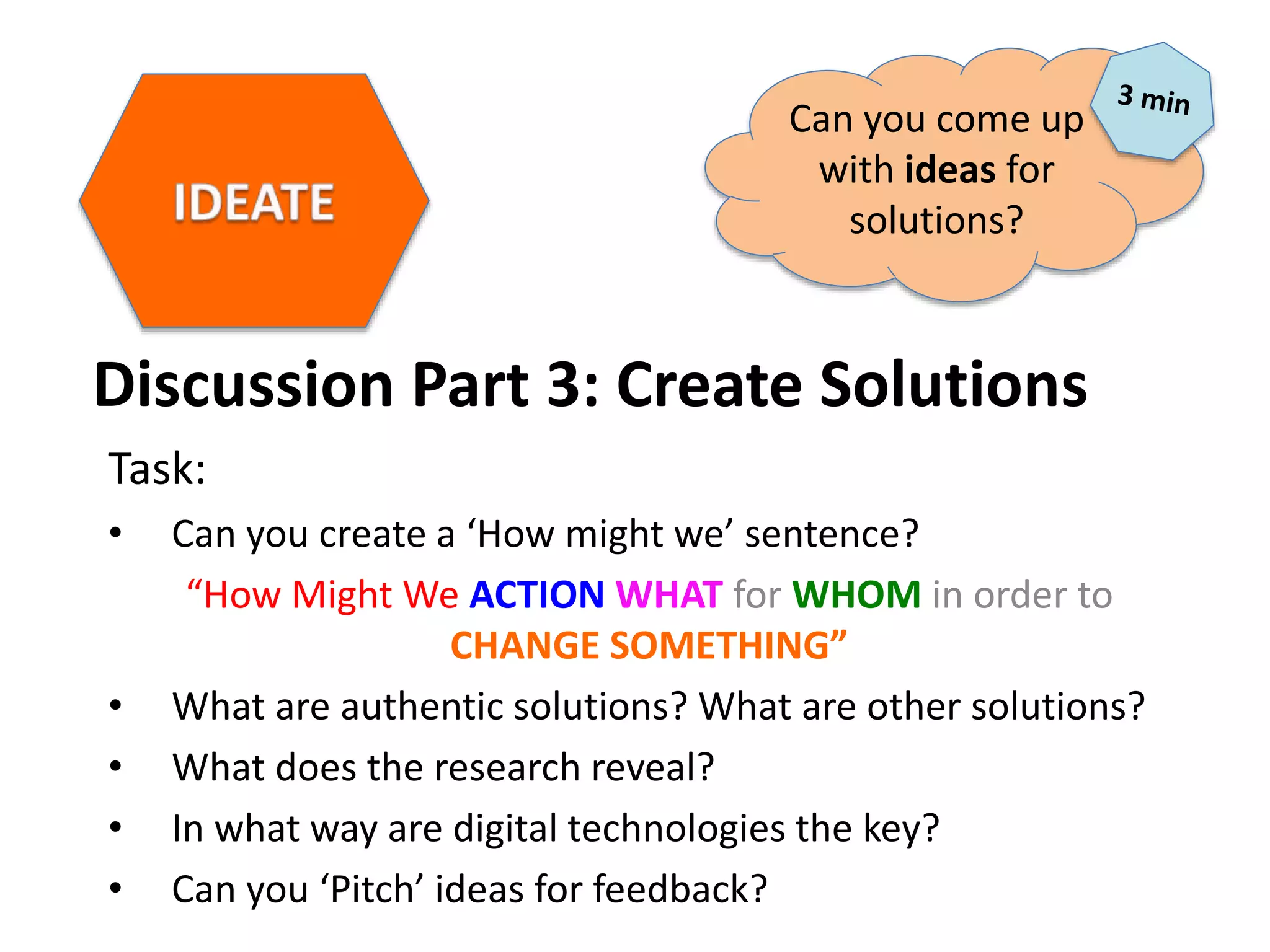
Discussion Part 3: Create Solutions
Task:
• Can you create a ā€˜How might we’ sentence?
ā€œHow Might We ACTION WHAT for WHOM in order to
CHANGE SOMETHINGā€
• What are authentic solutions? What are other solutions?
• What does the research reveal?
• In what way are digital technologies the key?
• Can you ā€˜Pitch’ ideas for feedback?
Can you come up
with ideas for
solutions?
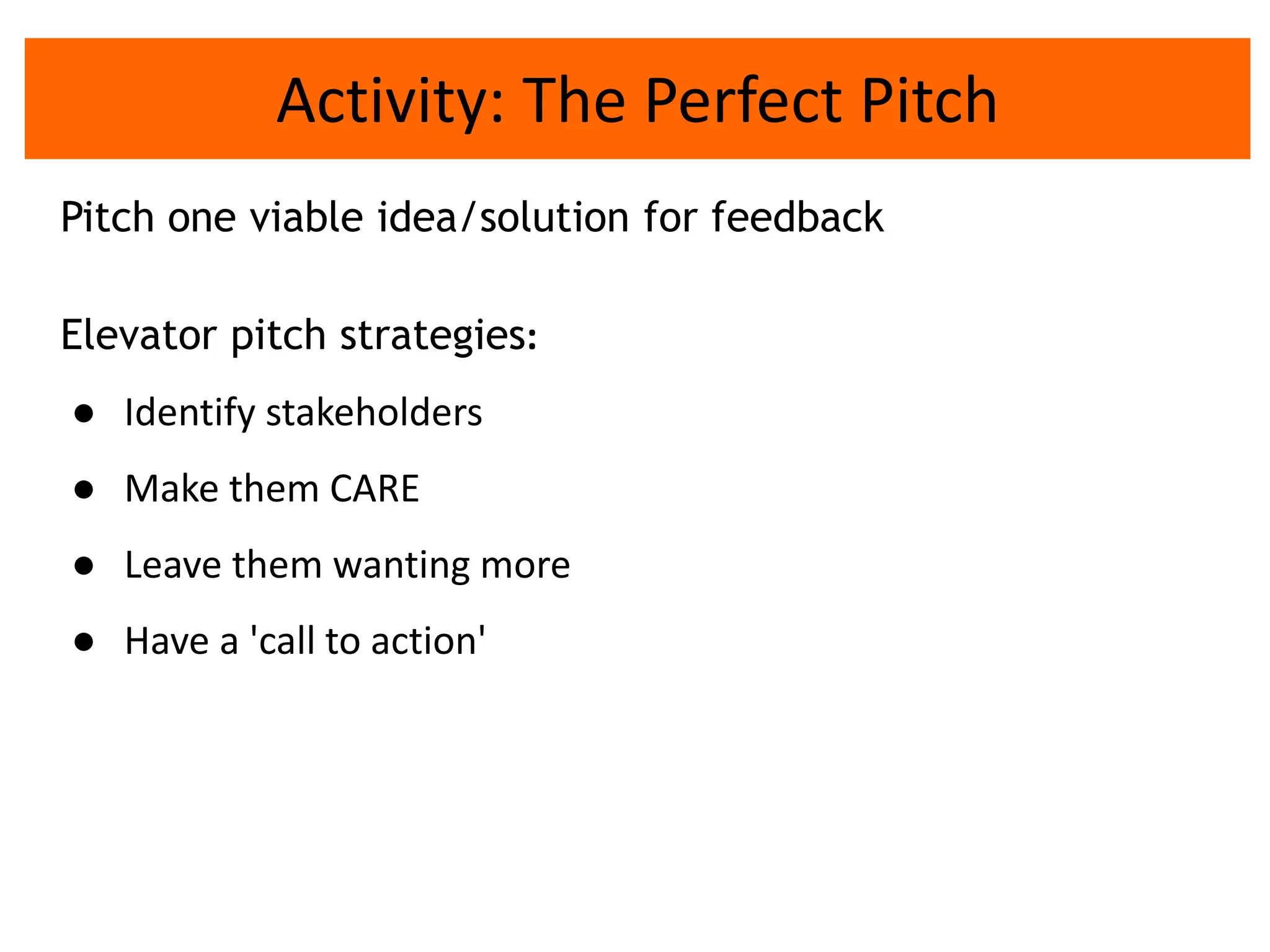
Activity: The Perfect Pitch
Pitch one viable idea/solution for feedback
Elevator pitch strategies:
ā— Identify stakeholders
ā— Make them CARE
ā— Leave them wanting more
ā— Have a 'call to action'
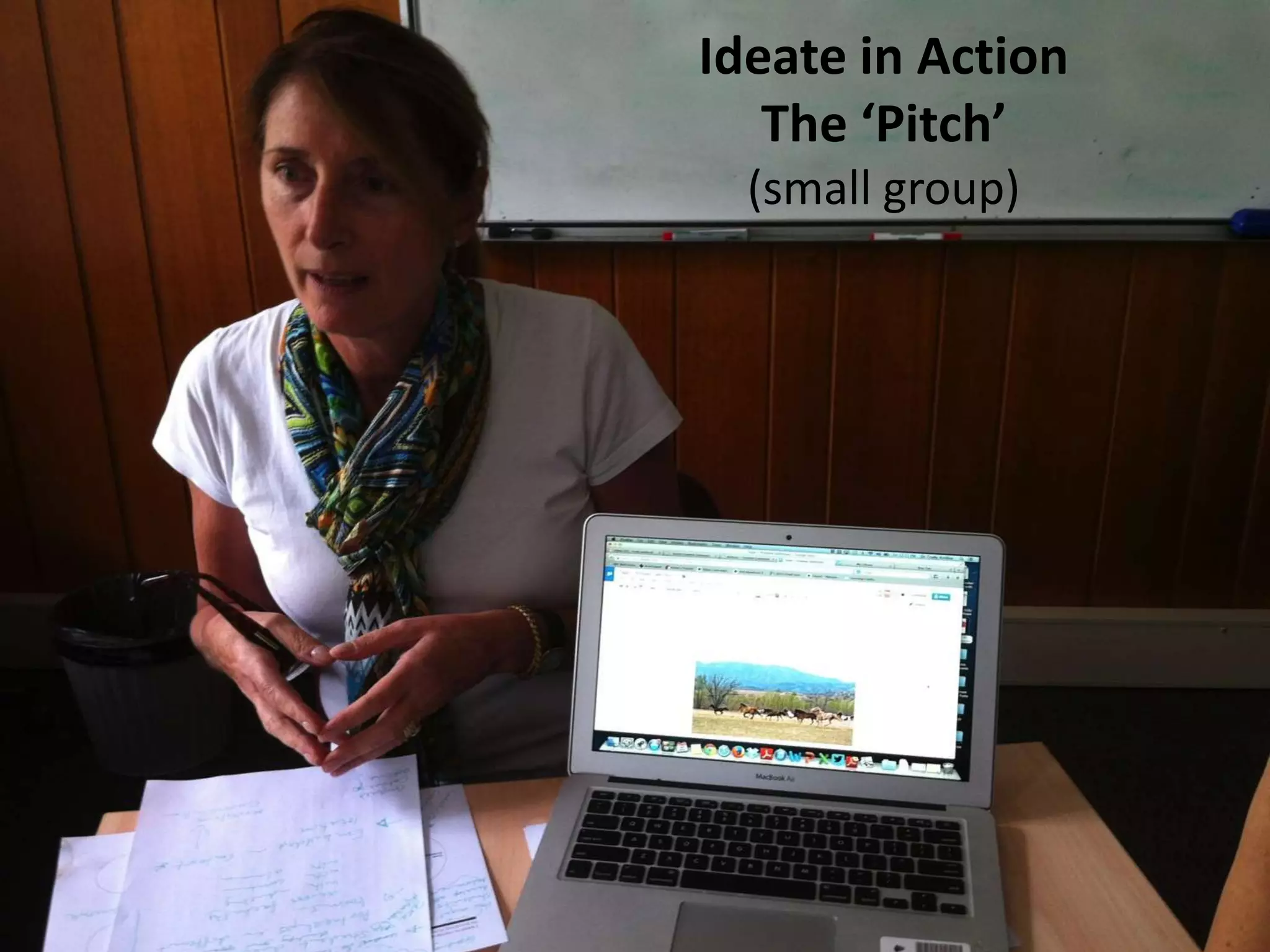
Ideate in Action
The ā€˜Pitch’
(small group)
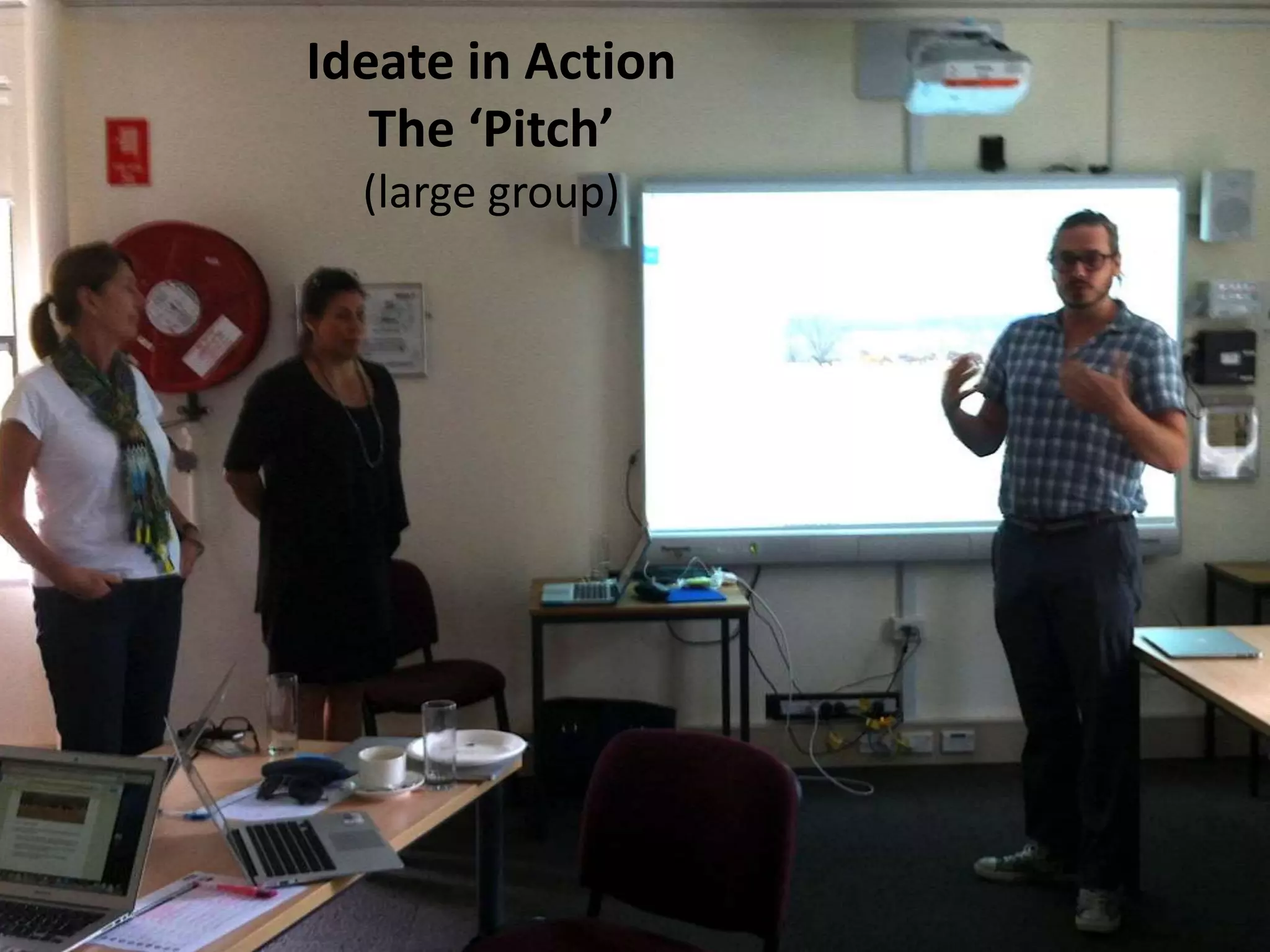
Ideate in Action
The ā€˜Pitch’
(large group)
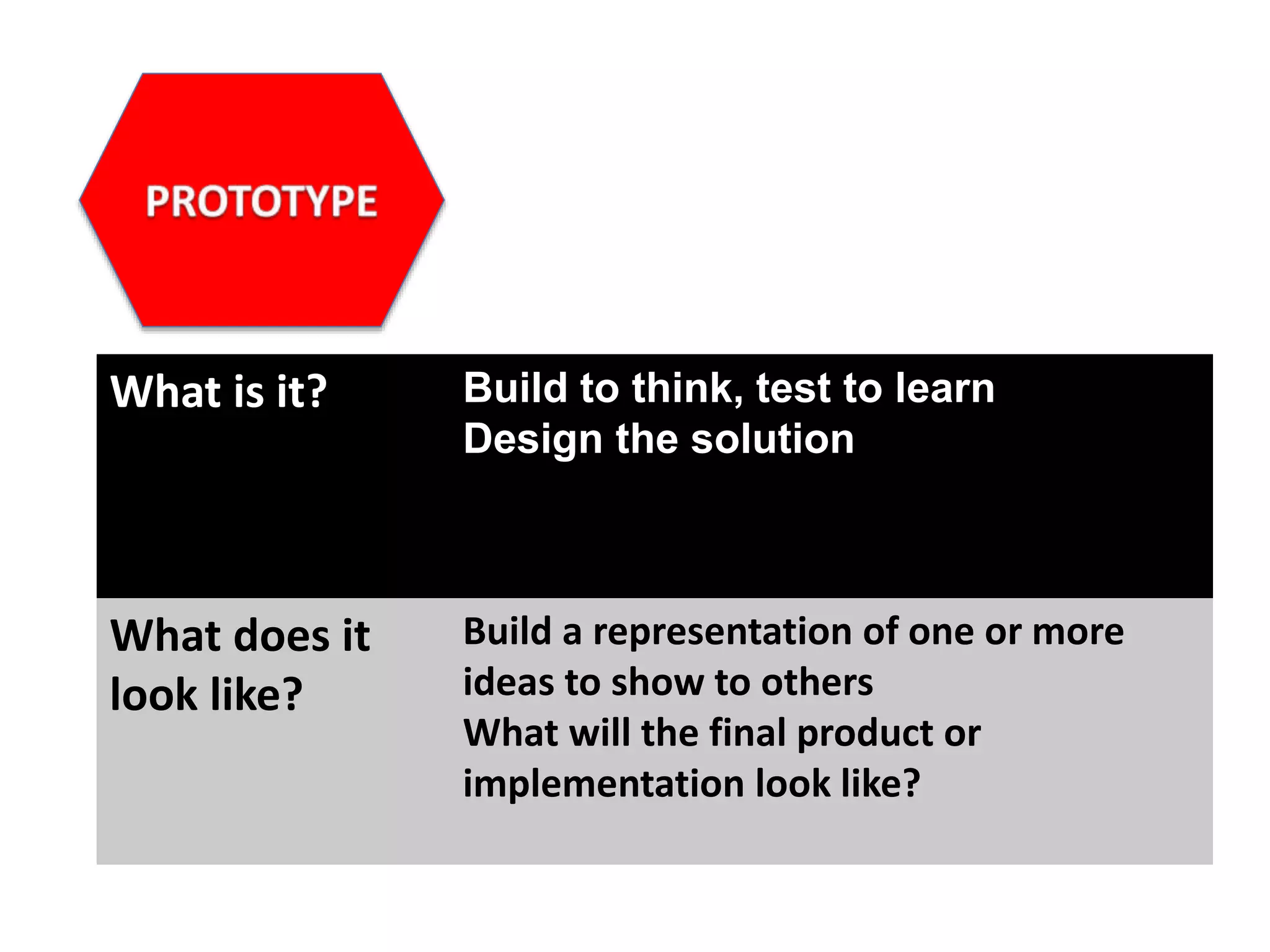
What is it? Build to think, test to learn
Design the solution
What does it
look like?
Build a representation of one or more
ideas to show to others
What will the final product or
implementation look like?
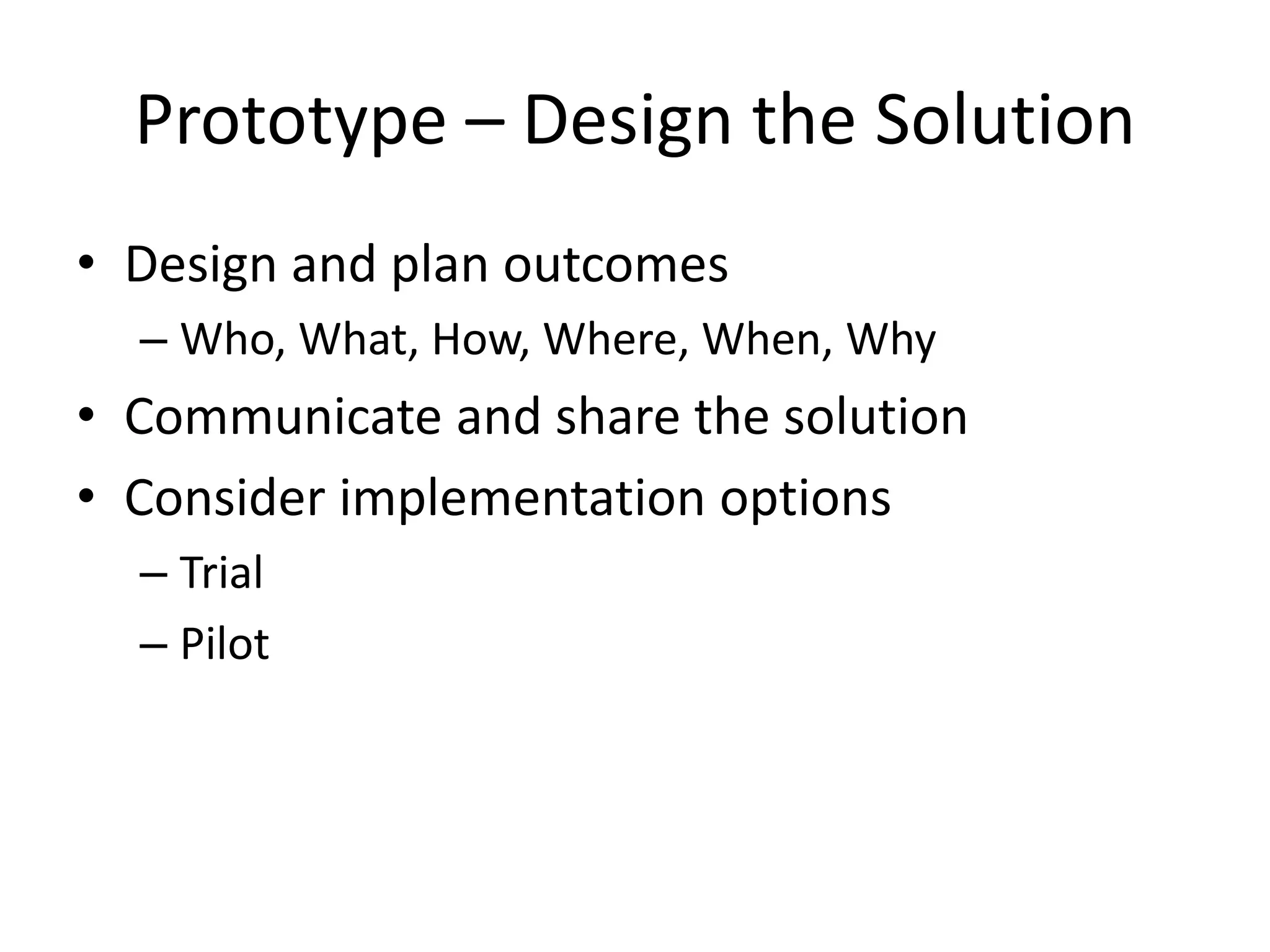
Prototype – Design the Solution
• Design and plan outcomes
– Who, What, How, Where, When, Why
• Communicate and share the solution
• Consider implementation options
– Trial
– Pilot
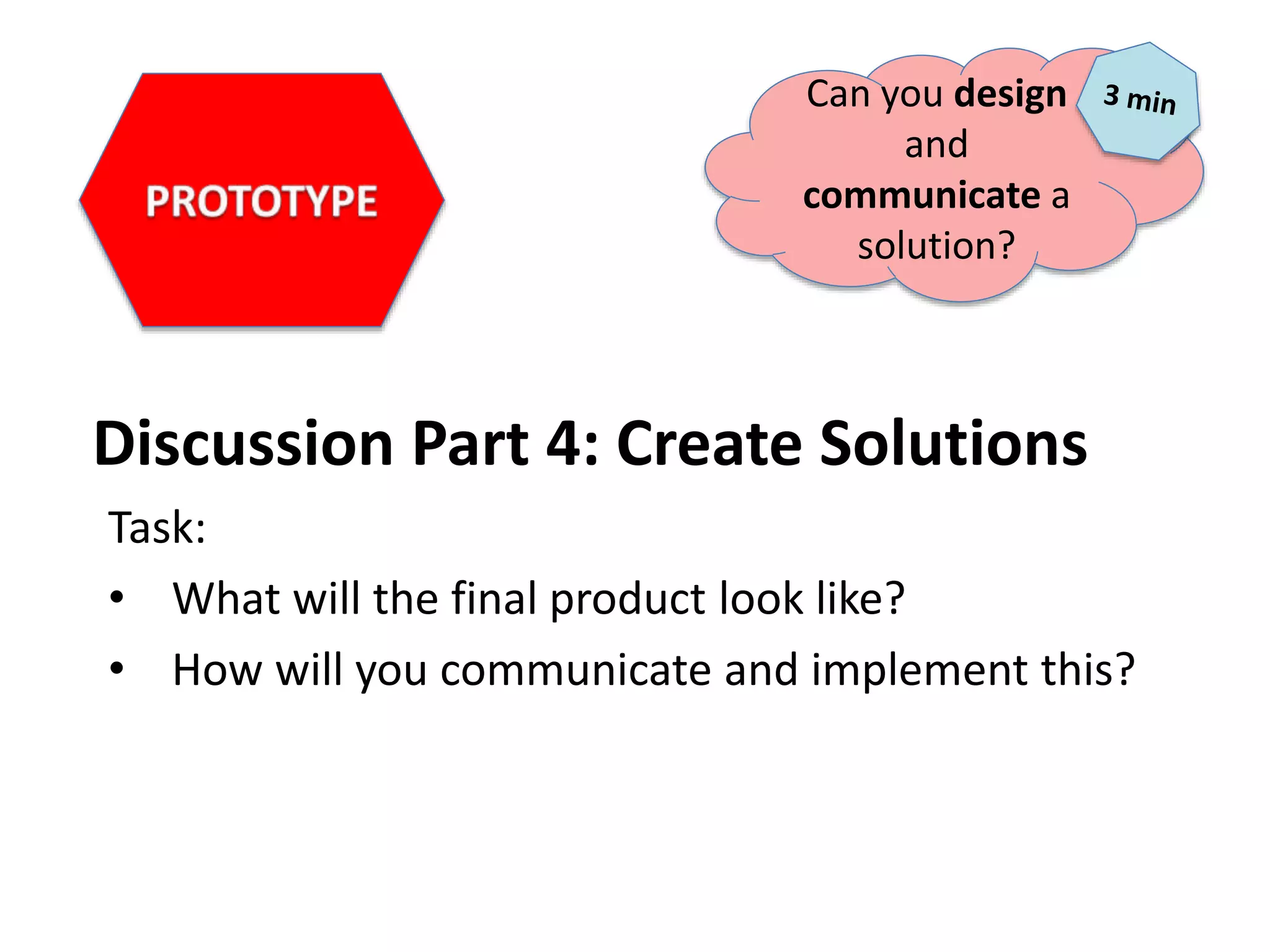
Discussion Part 4: Create Solutions
Task:
• What will the final product look like?
• How will you communicate and implement this?
Can you design
and
communicate a
solution?
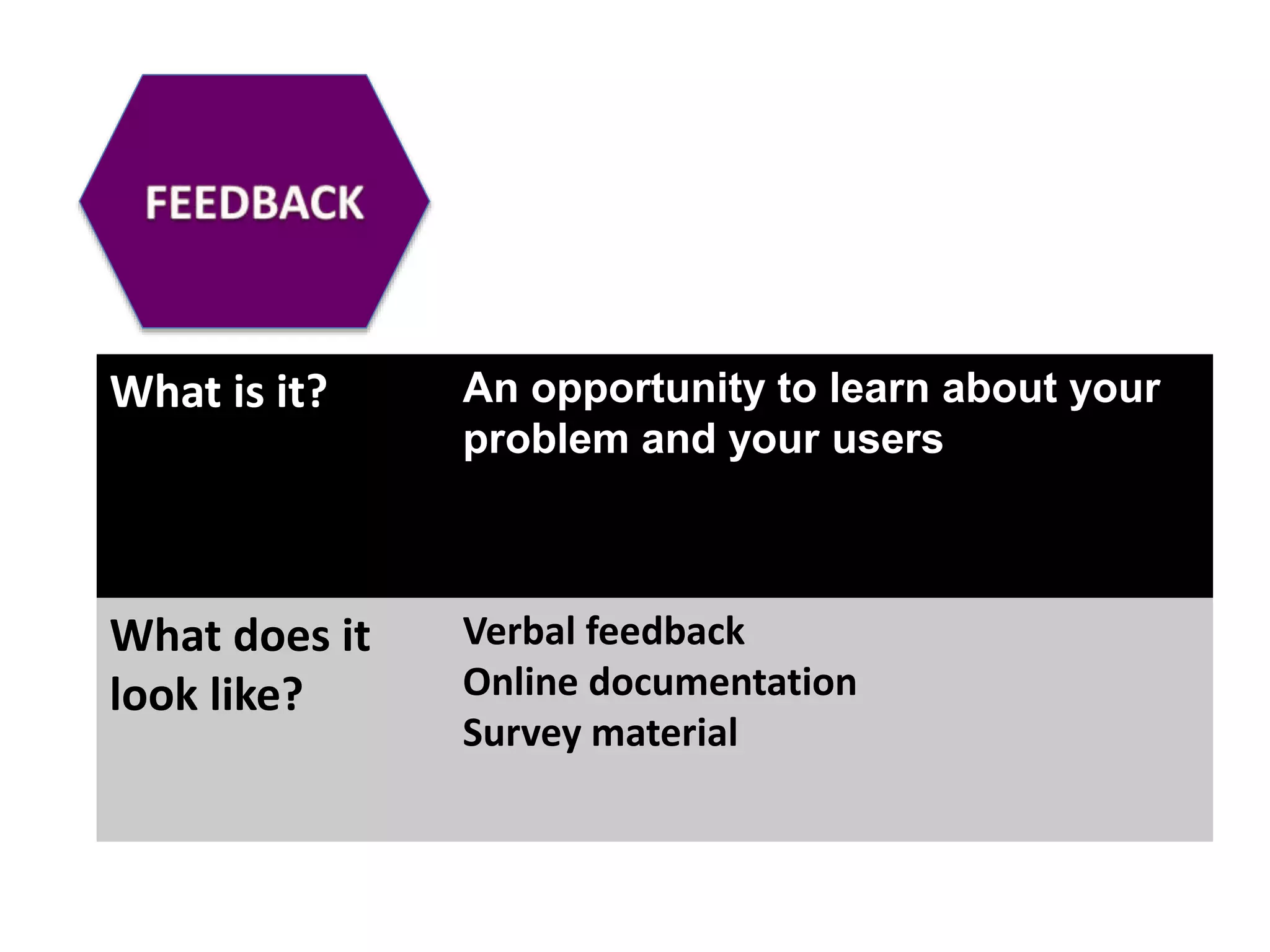
What is it? An opportunity to learn about your
problem and your users
What does it
look like?
Verbal feedback
Online documentation
Survey material
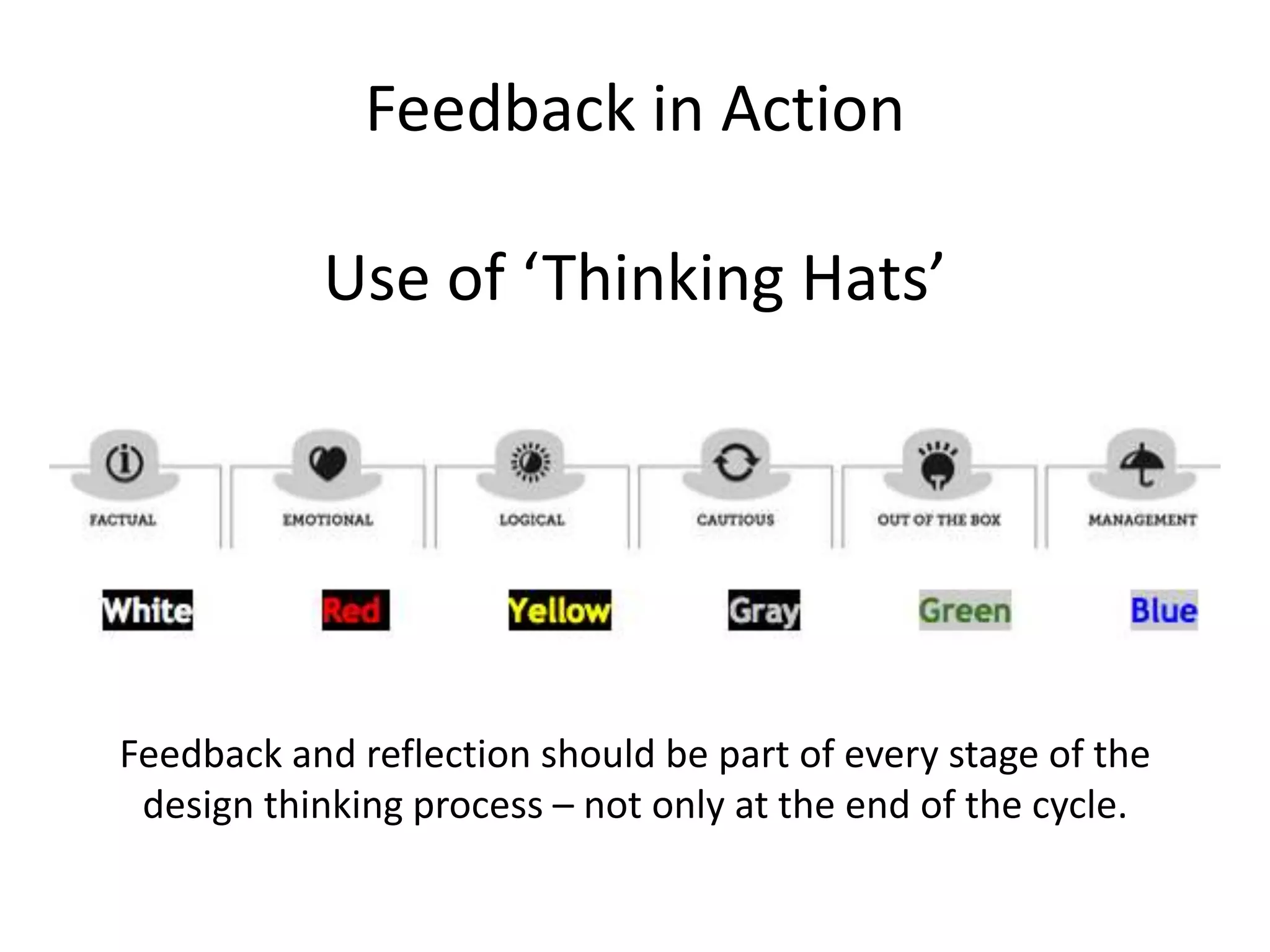
Feedback in Action
Use of ā€˜Thinking Hats’
Feedback and reflection should be part of every stage of the
design thinking process – not only at the end of the cycle.
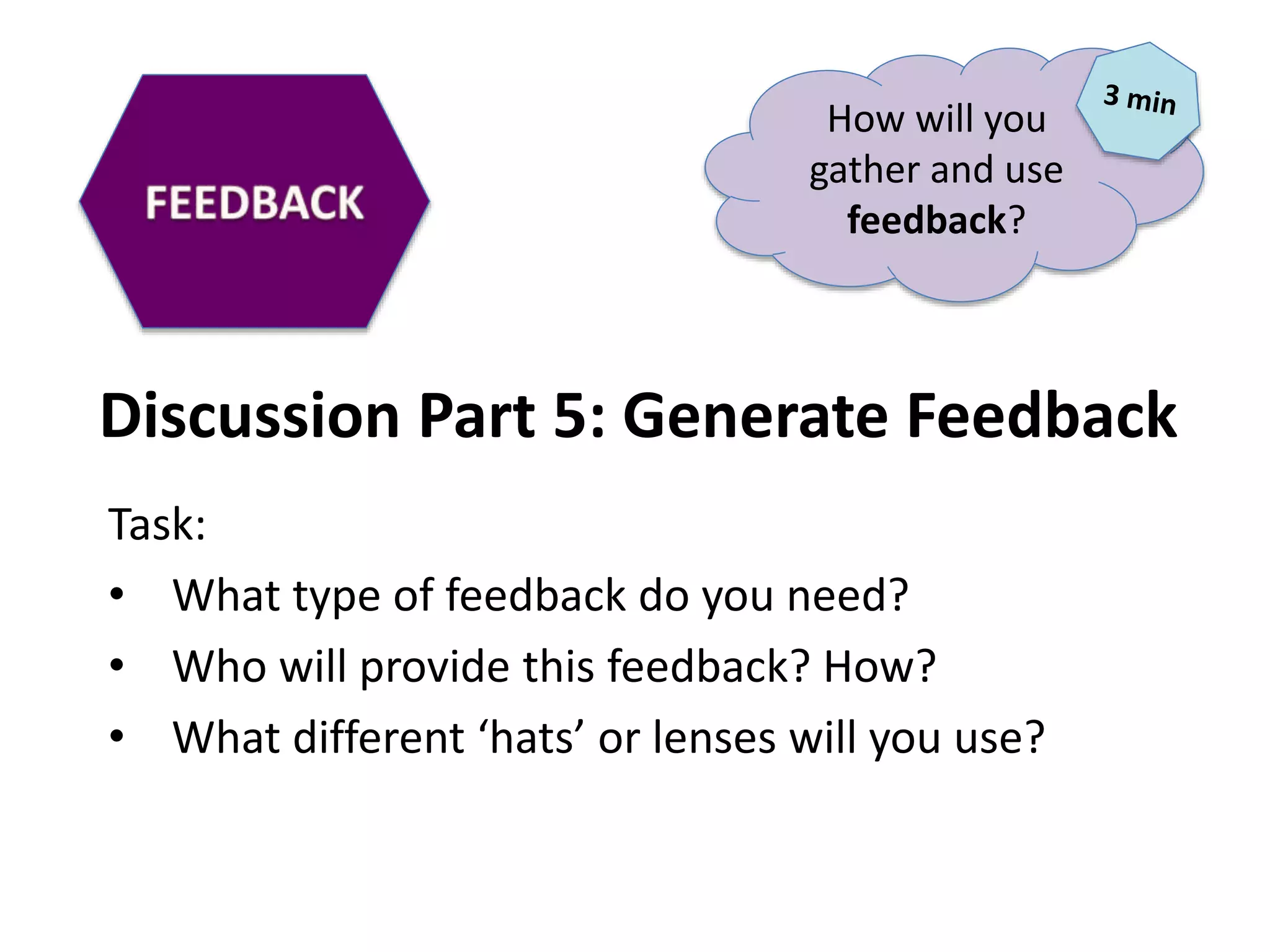
Discussion Part 5: Generate Feedback
Task:
• What type of feedback do you need?
• Who will provide this feedback? How?
• What different ā€˜hats’ or lenses will you use?
How will you
gather and use
feedback?
Learning about the
audience for whom
you are designing
Redefining and
focusing questions
based on insights from
the empathy stage
Brainstorming and
coming up with
creative solutions
Building a
representation of
one or more ideas
to show to others
Return to original
user group and test
ideas for feedback
Design Thinking Cycle
THREE
things to
consider…….
http://www.flickr.com/photos/hfiguiere/4802869688
Design thinking is a
mindset and a skillset
Design thinking is an
inclusive process that can
be used in many different
situations
Implement design thinking
for organisational change
and strategic planning
objectives
http://flatconnections.com
Julie Lindsay: julie@flatconnections.com
Design thinking, Knowledge management,
Digital technologies

Design thinking for workplace change

  • 1.
    Design Thinking for WorkplaceChange Julie Lindsay julie@flatconnections.com
  • 2.
    Meet Julie Lindsay….. GlobalInnovator Leader, Author, Digital Learning Design Consultant MA Educational Technology Leadership EdD Student, University of Southern Queensland Adjunct Lecturer, Charles Sturt University, Faculty of Education Apple Distinguished Educator Google Certified Teacher Director, Learning Confluence Pty Ltd Founder, Flat Connections @julielindsay | #flatconnections | @flatconnections | about.me/julielindsay
  • 3.
    Today’s Discussion….. Part 1 Workplace change Part2 Digital technologie s Part 3 Design thinking
  • 4.
  • 5.
  • 6.
  • 7.
  • 8.
    Idea exchange –Knowledge building
  • 9.
    When we changethe way we communicate, we change society Clay Shirky, Here comes everybody
  • 10.
  • 11.
  • 12.
  • 13.
  • 14.
  • 15.
    ā€œ[C]ollaborative production issimple: no one person can take credit for what gets created, and the project could not come into being without the participation of many.ā€ Clay Shirky, Here comes everybody
  • 16.
  • 17.
  • 18.
    How to implementnew technologies?
  • 19.
  • 20.
    Learning about the audiencefor whom you are designing Redefining and focusing questions based on insights from the empathy stage Brainstorming and coming up with creative solutions Building a representation of one or more ideas to show to others Return to original user group and test ideas for feedback Design Thinking Cycle
  • 21.
    EMPATHY What is it?To create meaningful innovations you need to know your users and care about their lives What does it look like? Observe, engage, watch, listen Inquiry and conversations Exploration of ideas and attitudes Understand workflow and work patterns
  • 22.
  • 23.
    Empathy for newdigital technologies • Survey • Focus groups • Find out what the needs are – Communication – Collaboration – Sharing – Storing – Potential training
  • 24.
    Discussion Part 1:Empathy Building Scenario: • The organisation needs better communication and collaboration platforms • Who are the stakeholders? How will you involve them in this process? • What is the situation now? • Question, inquire, build understanding……… EMPATHY How will you build empathy for change?
  • 25.
    What is it?Framing the right problem is the only way to create the right solution What does it look like? Brainstorm ideas to identify the problem Define the problem and its importance Provide evidence of significance Reframe the problem for clarity
  • 26.
  • 27.
  • 28.
    Discussion Part 2:Define the problem Task: • What is the issue? Why is it important? • Who is it a problem for? • What evidence do you have this is a significant problem? • Can you think of this problem in a different way? Can you clearly define the problem?
  • 29.
    What is it?It’s not about coming up with the ā€˜right’ idea it’s about generating the broadest range of possibilities What does it look like? Brainstorm ideas for a range of solutions Use ā€˜yes and’ rather then ā€˜yes but’ Generate ideas fast ā€œHow might weā€¦ā€¦ā€
  • 30.
    How might we……. Template: HowMight We ACTION WHAT for WHOM in order to CHANGE SOMETHING Example: How might we bridge the disconnect between culture and technology for members of the organisation in order to improve communication
  • 31.
    Discussion Part 3:Create Solutions Task: • Can you create a ā€˜How might we’ sentence? ā€œHow Might We ACTION WHAT for WHOM in order to CHANGE SOMETHINGā€ • What are authentic solutions? What are other solutions? • What does the research reveal? • In what way are digital technologies the key? • Can you ā€˜Pitch’ ideas for feedback? Can you come up with ideas for solutions?
  • 32.
    Activity: The PerfectPitch Pitch one viable idea/solution for feedback Elevator pitch strategies: ā— Identify stakeholders ā— Make them CARE ā— Leave them wanting more ā— Have a 'call to action'
  • 33.
    Ideate in Action Theā€˜Pitch’ (small group)
  • 34.
    Ideate in Action Theā€˜Pitch’ (large group)
  • 35.
    What is it?Build to think, test to learn Design the solution What does it look like? Build a representation of one or more ideas to show to others What will the final product or implementation look like?
  • 36.
    Prototype – Designthe Solution • Design and plan outcomes – Who, What, How, Where, When, Why • Communicate and share the solution • Consider implementation options – Trial – Pilot
  • 37.
    Discussion Part 4:Create Solutions Task: • What will the final product look like? • How will you communicate and implement this? Can you design and communicate a solution?
  • 38.
    What is it?An opportunity to learn about your problem and your users What does it look like? Verbal feedback Online documentation Survey material
  • 39.
    Feedback in Action Useof ā€˜Thinking Hats’ Feedback and reflection should be part of every stage of the design thinking process – not only at the end of the cycle.
  • 40.
    Discussion Part 5:Generate Feedback Task: • What type of feedback do you need? • Who will provide this feedback? How? • What different ā€˜hats’ or lenses will you use? How will you gather and use feedback?
  • 41.
    Learning about the audiencefor whom you are designing Redefining and focusing questions based on insights from the empathy stage Brainstorming and coming up with creative solutions Building a representation of one or more ideas to show to others Return to original user group and test ideas for feedback Design Thinking Cycle
  • 42.
  • 43.
    Design thinking isa mindset and a skillset
  • 44.
    Design thinking isan inclusive process that can be used in many different situations
  • 45.
    Implement design thinking fororganisational change and strategic planning objectives
  • 47.
    http://flatconnections.com Julie Lindsay: julie@flatconnections.com Designthinking, Knowledge management, Digital technologies