Adapting Tools – Exploring Virtual Collaboration
@krimaitis
@innovation_nwc
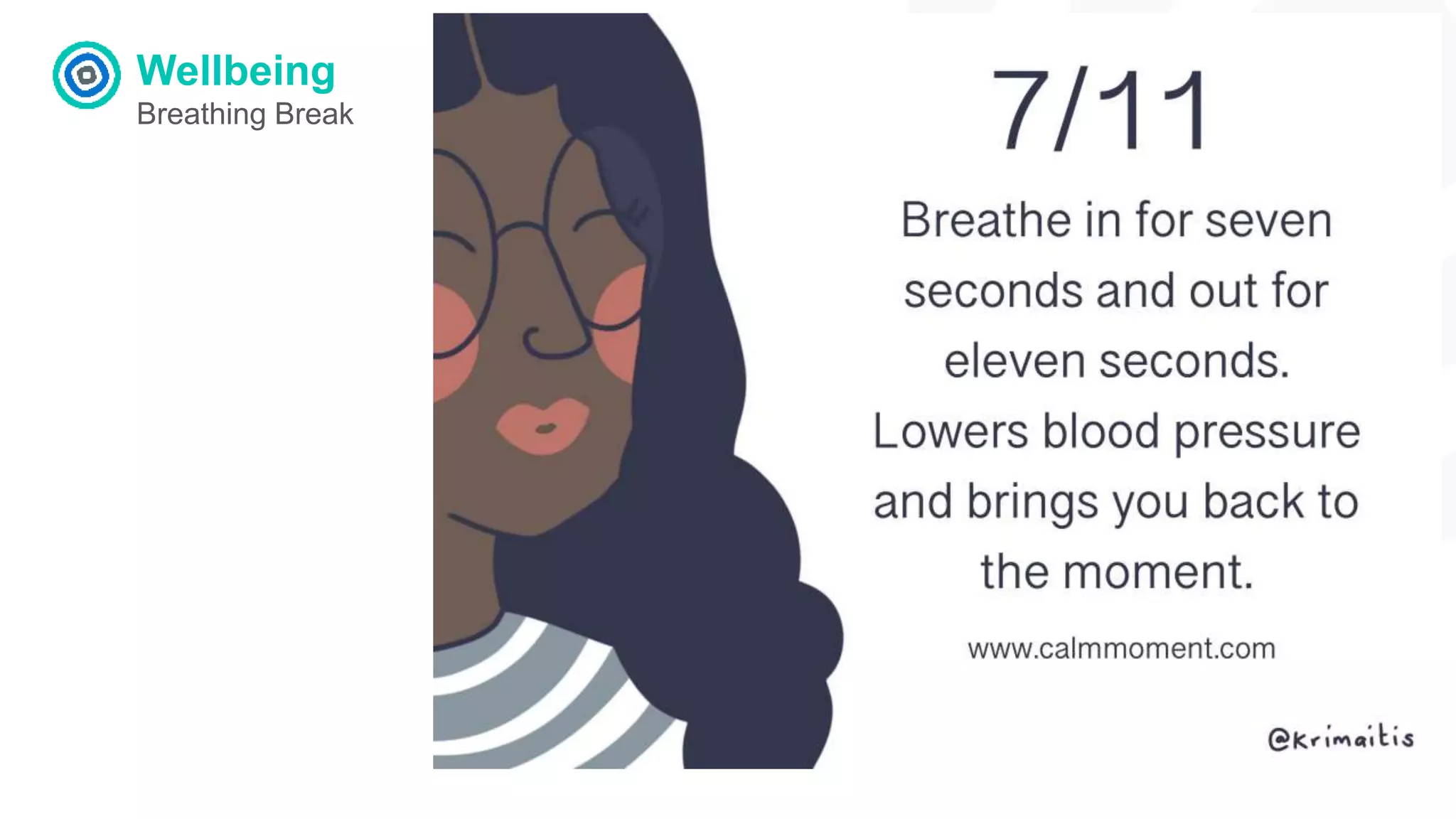
Wellbeing
Breathing Break
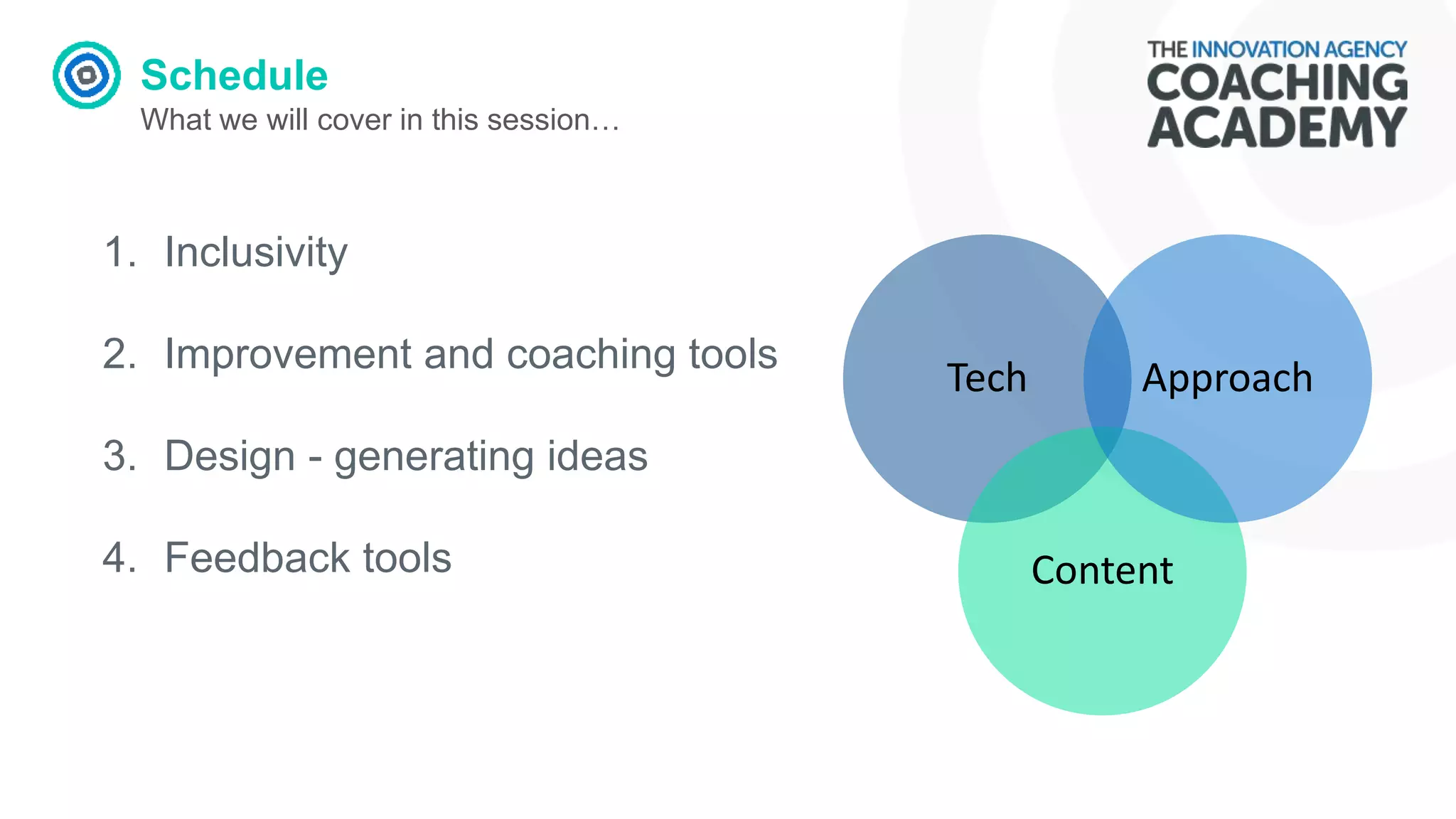
Schedule
What we will cover in this session…
Tech
Content
Approach
1. Inclusivity
2. Improvement and coaching tools
3. Design - generating ideas
4. Feedback tools
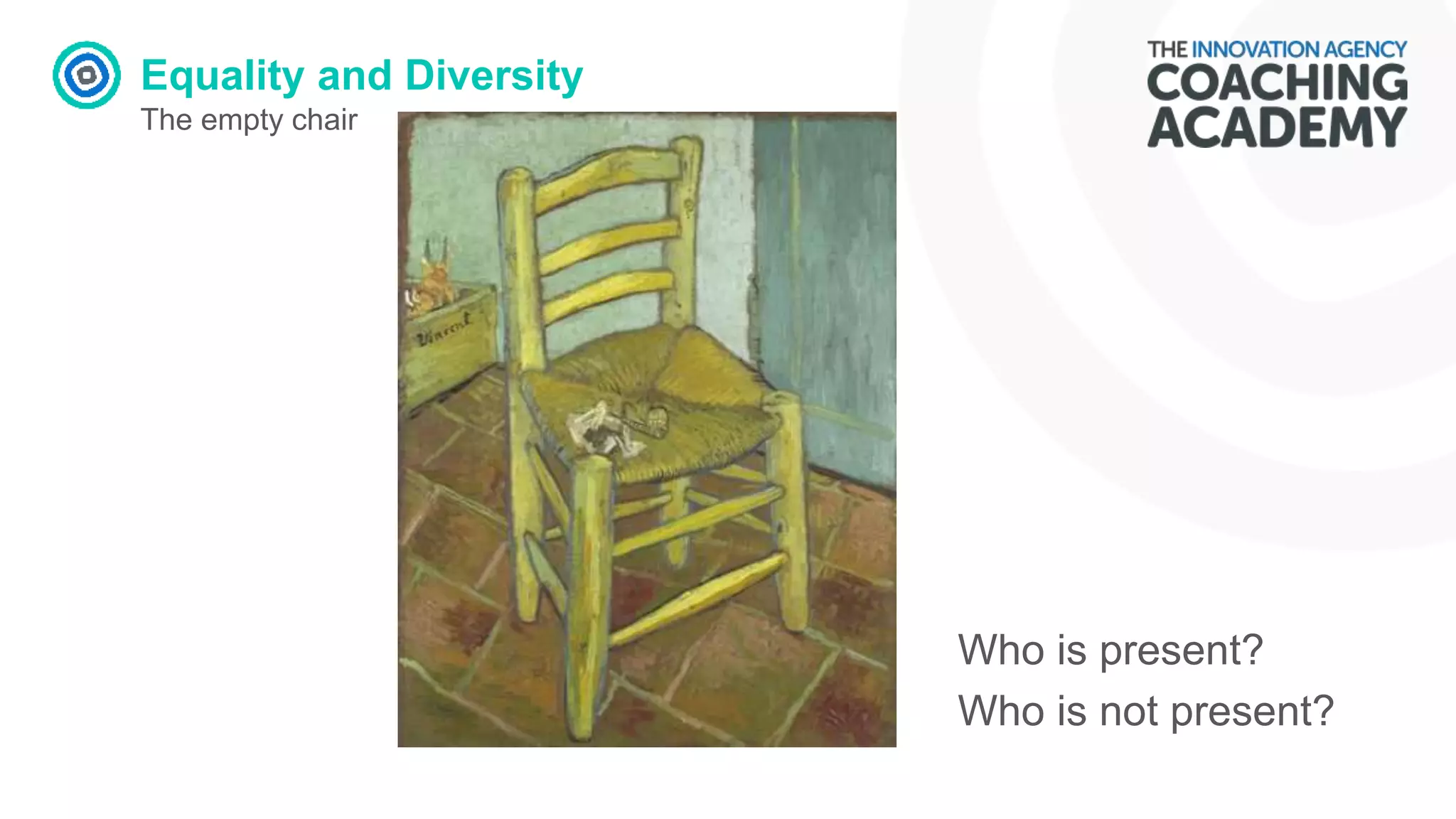
Equality and Diversity
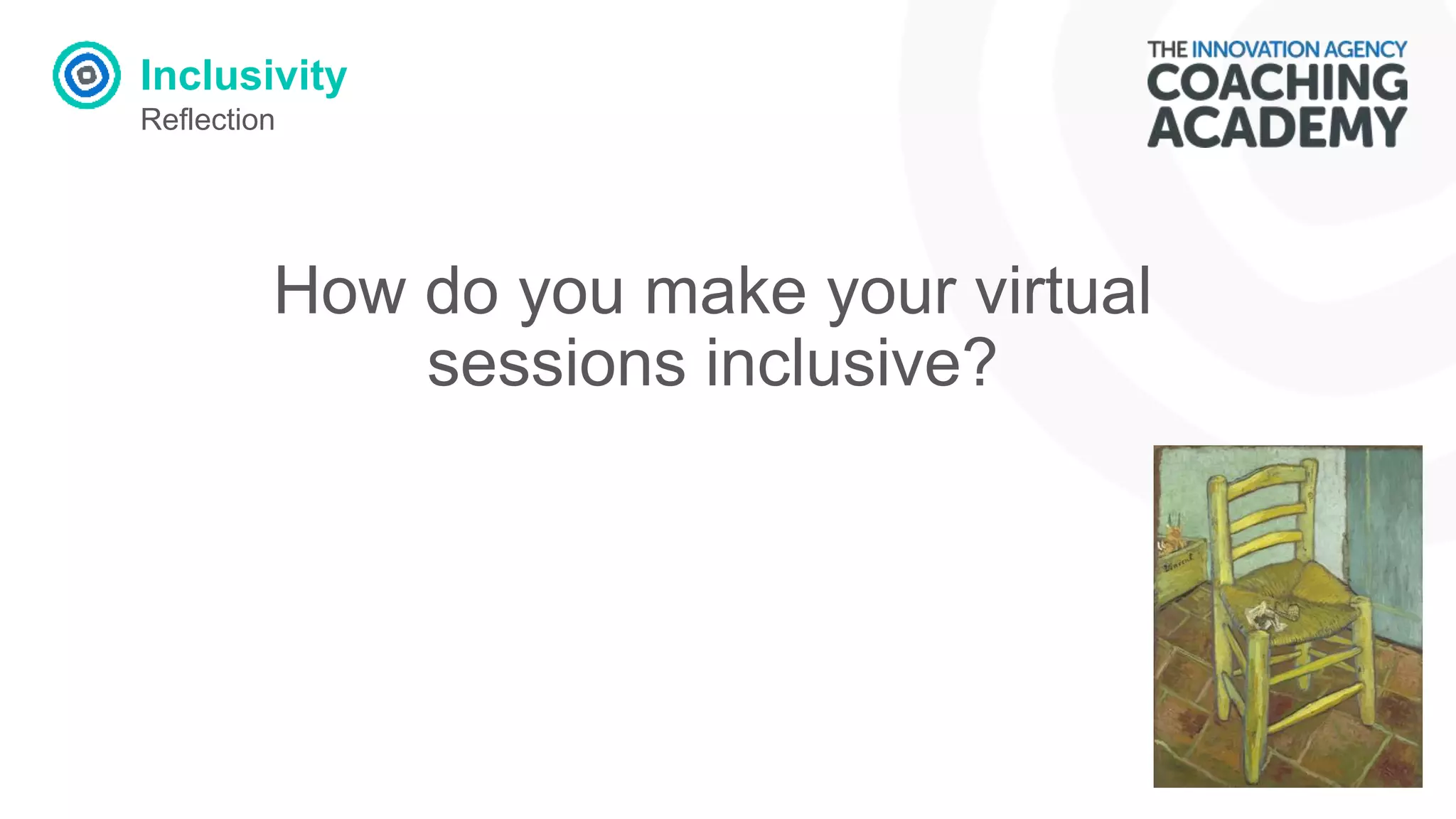
The empty chair
Who is present?
Who is not present?
Inclusivity
Reflection
How do you make your virtual
sessions inclusive?
Inclusivity
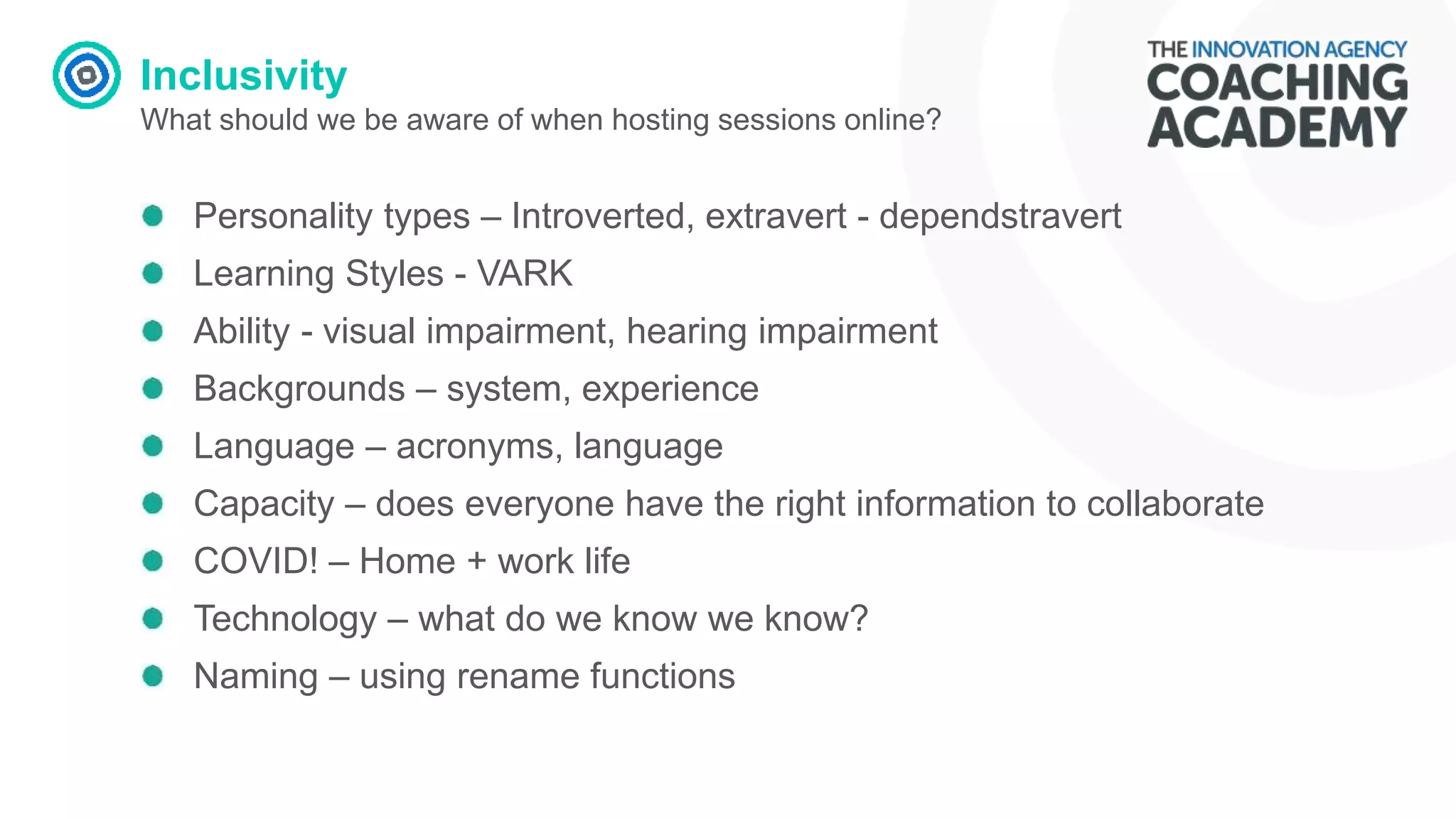
What should we be aware of when hosting sessions online?
Personality types – Introverted, extravert - dependstravert
Learning Styles - VARK
Ability - visual impairment, hearing impairment
Backgrounds – system, experience
Language – acronyms, language
Capacity – does everyone have the right information to collaborate
COVID! – Home + work life
Technology – what do we know we know?
Naming – using rename functions
Inclusivity
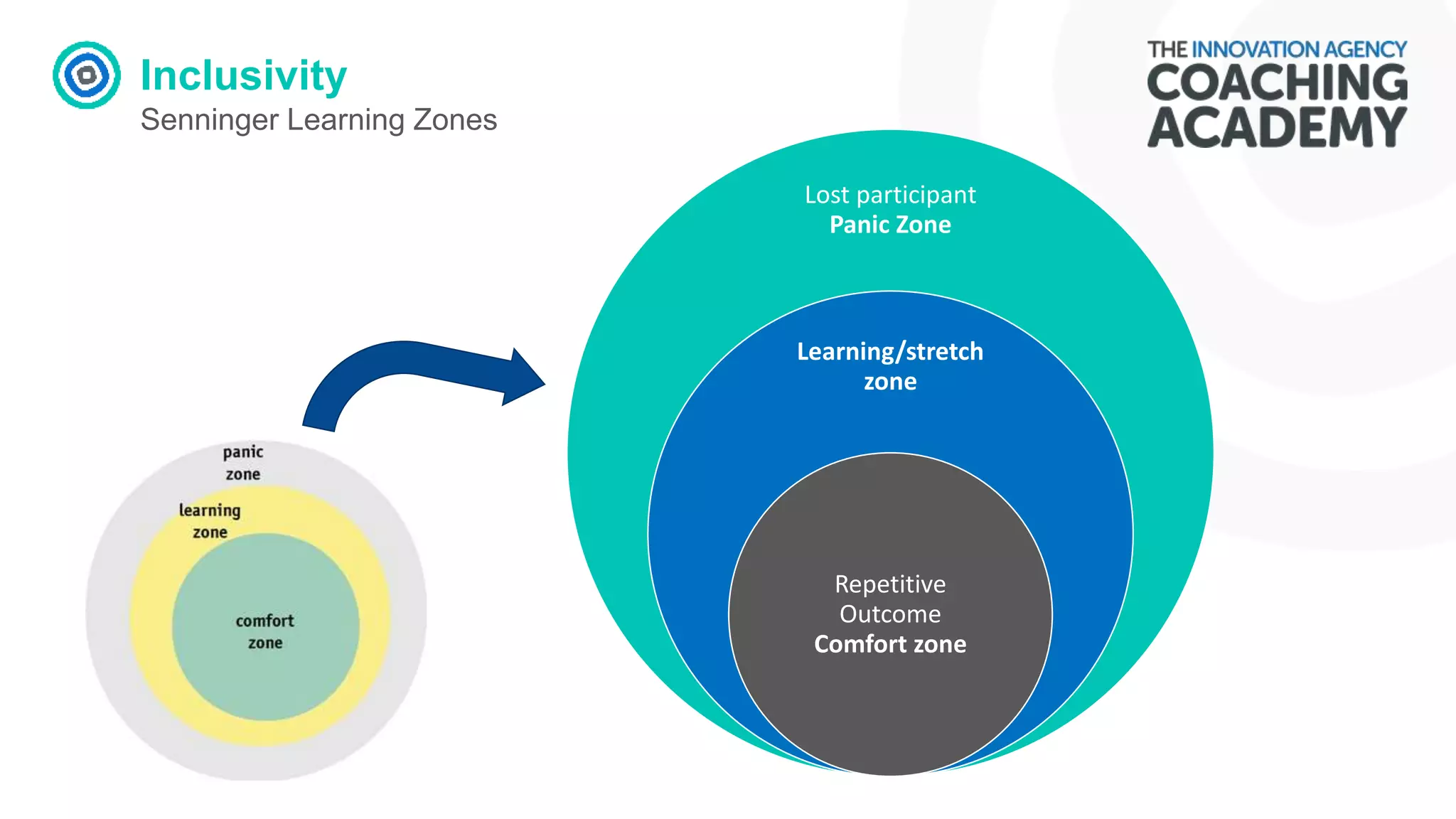
Senninger Learning Zones
Lost participant
Panic Zone
Learning/stretch
zone
Repetitive
Outcome
Comfort zone
Inclusivity
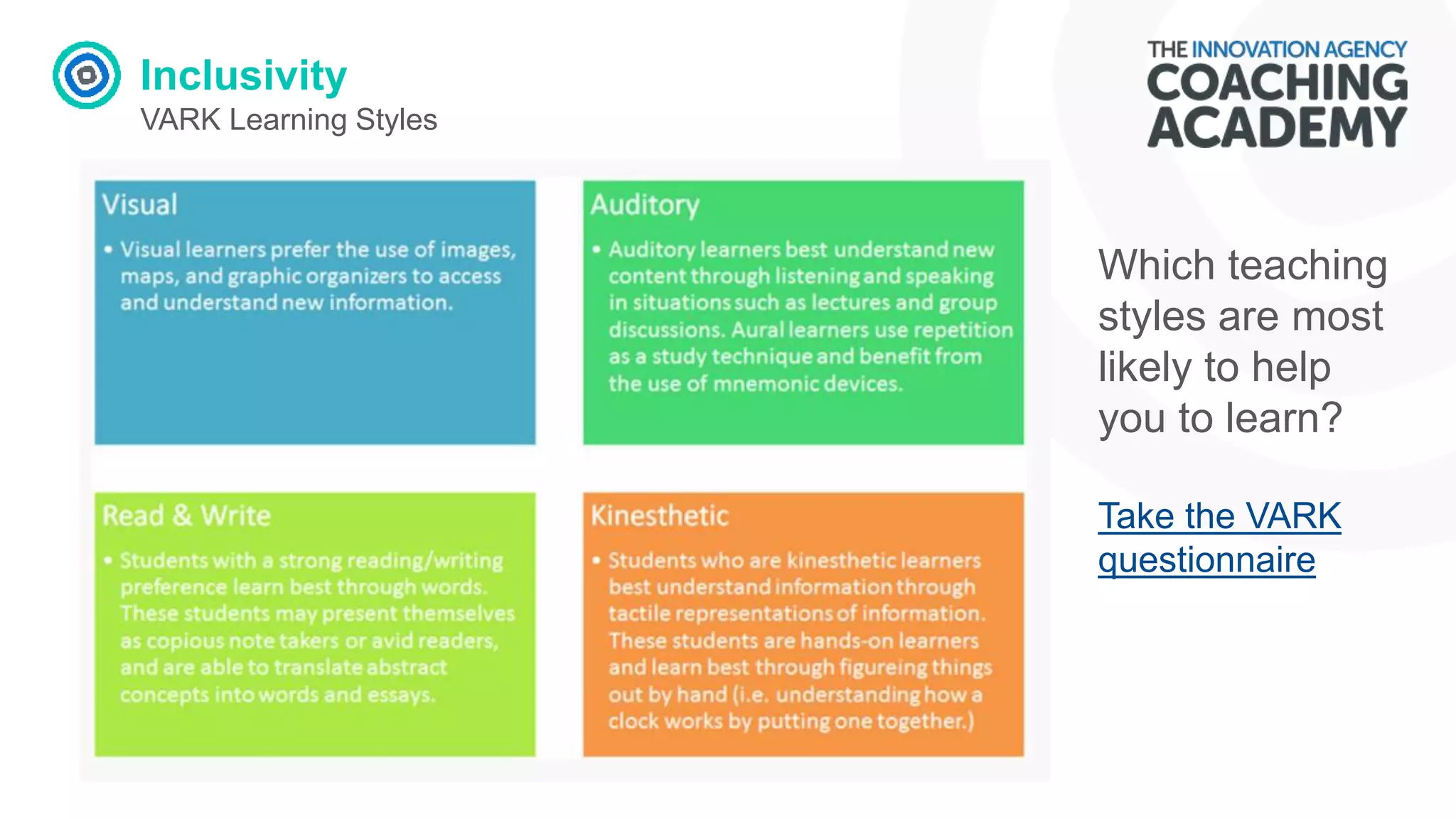
VARK Learning Styles
Which teaching
styles are most
likely to help
you to learn?
Take the VARK
questionnaire
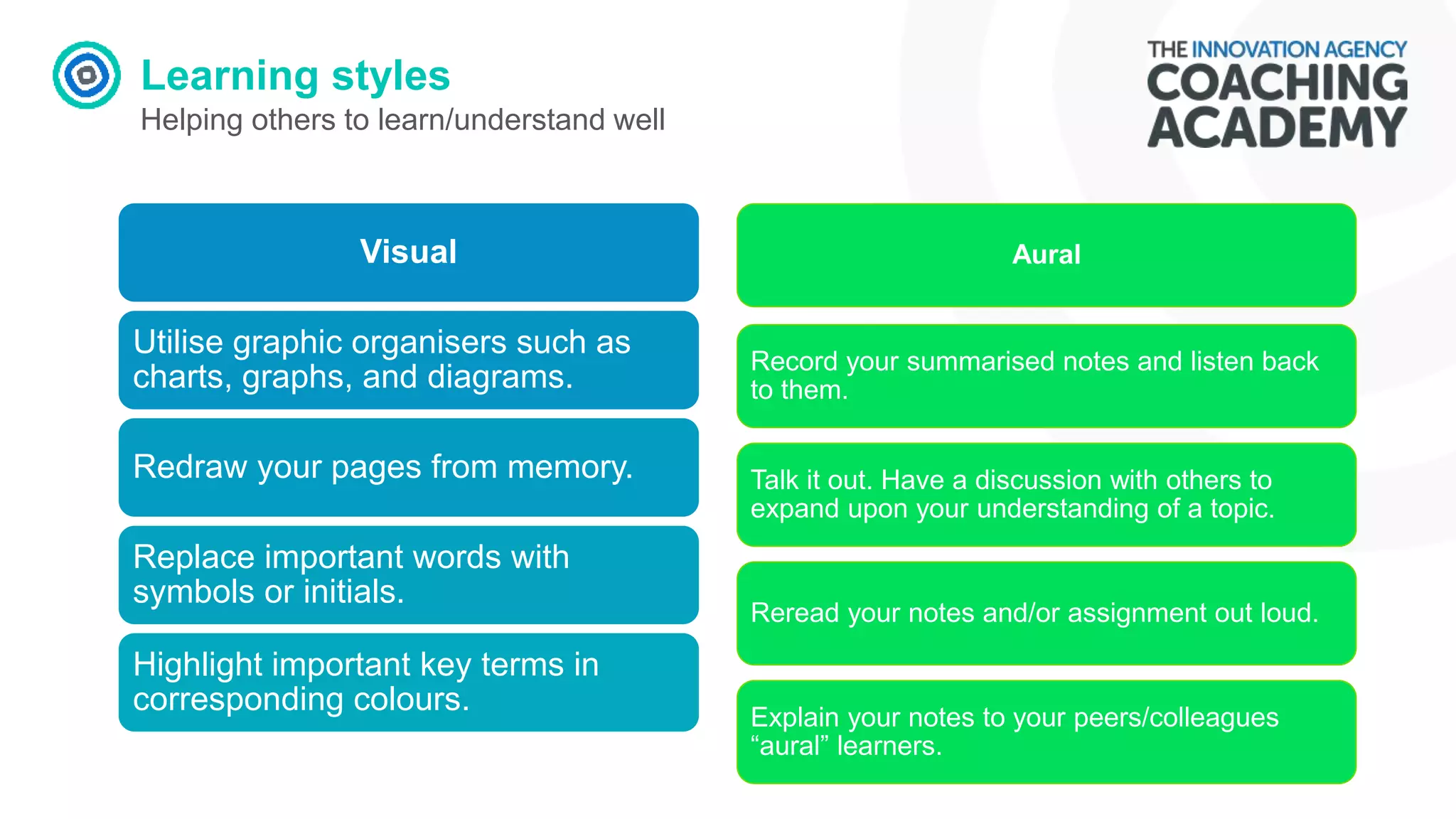
Learning styles
Helping others to learn/understand well
Visual
Utilise graphic organisers such as
charts, graphs, and diagrams.
Redraw your pages from memory.
Replace important words with
symbols or initials.
Highlight important key terms in
corresponding colours.
Aural
Record your summarised notes and listen back
to them.
Talk it out. Have a discussion with others to
expand upon your understanding of a topic.
Reread your notes and/or assignment out loud.
Explain your notes to your peers/colleagues
“aural” learners.
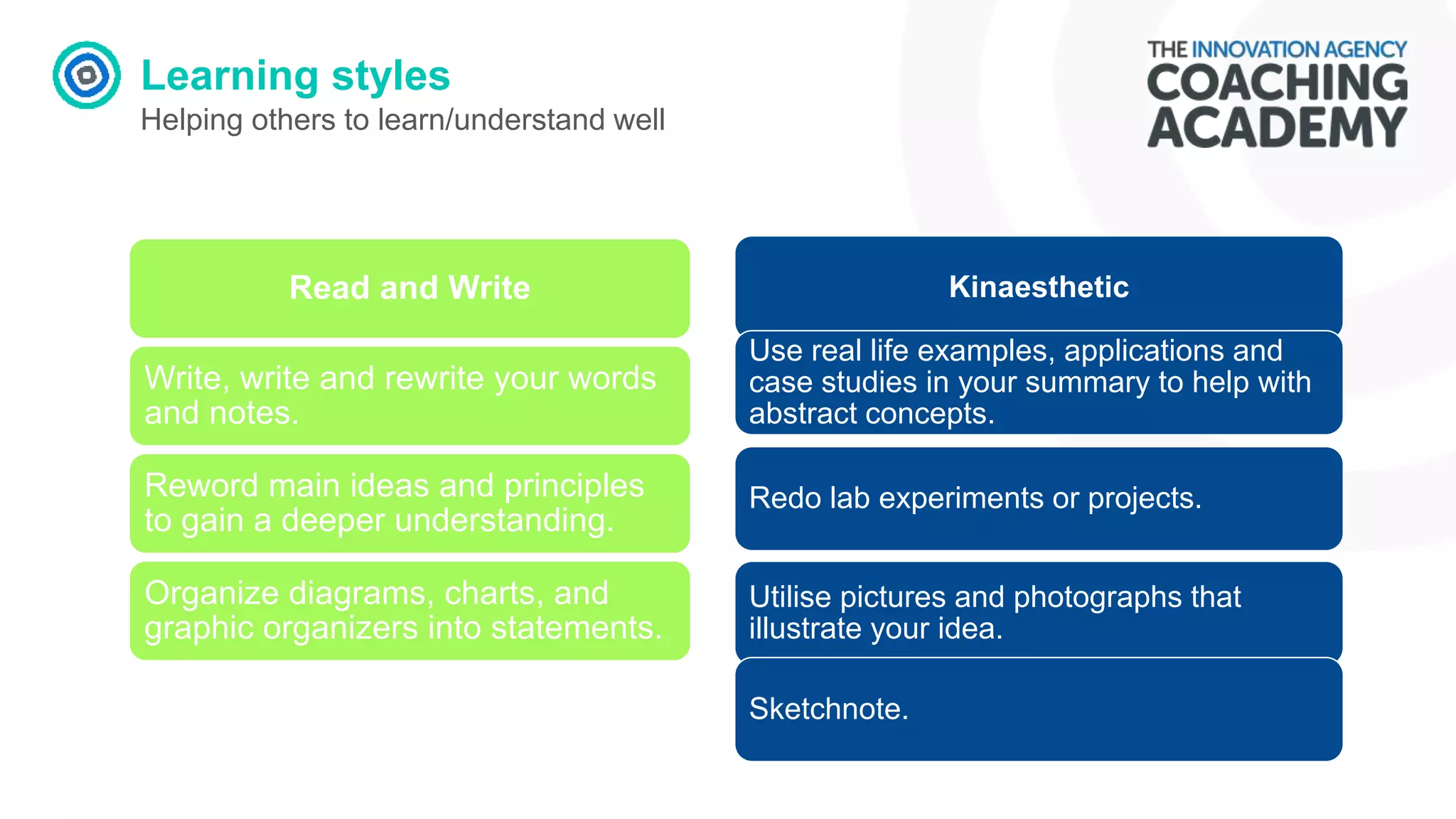
Learning styles
Helping others to learn/understand well
Read and Write
Write, write and rewrite your words
and notes.
Reword main ideas and principles
to gain a deeper understanding.
Organize diagrams, charts, and
graphic organizers into statements.
Kinaesthetic
Use real life examples, applications and
case studies in your summary to help with
abstract concepts.
Redo lab experiments or projects.
Utilise pictures and photographs that
illustrate your idea.
Sketchnote.
Inclusivity
COVID Reflection
Are we home working or trying
to get our work done from
home?
Improvement and Coaching Tools
Reflection
Which improvement and
coaching tools do you
currently use?
Improvement and Coaching Tools
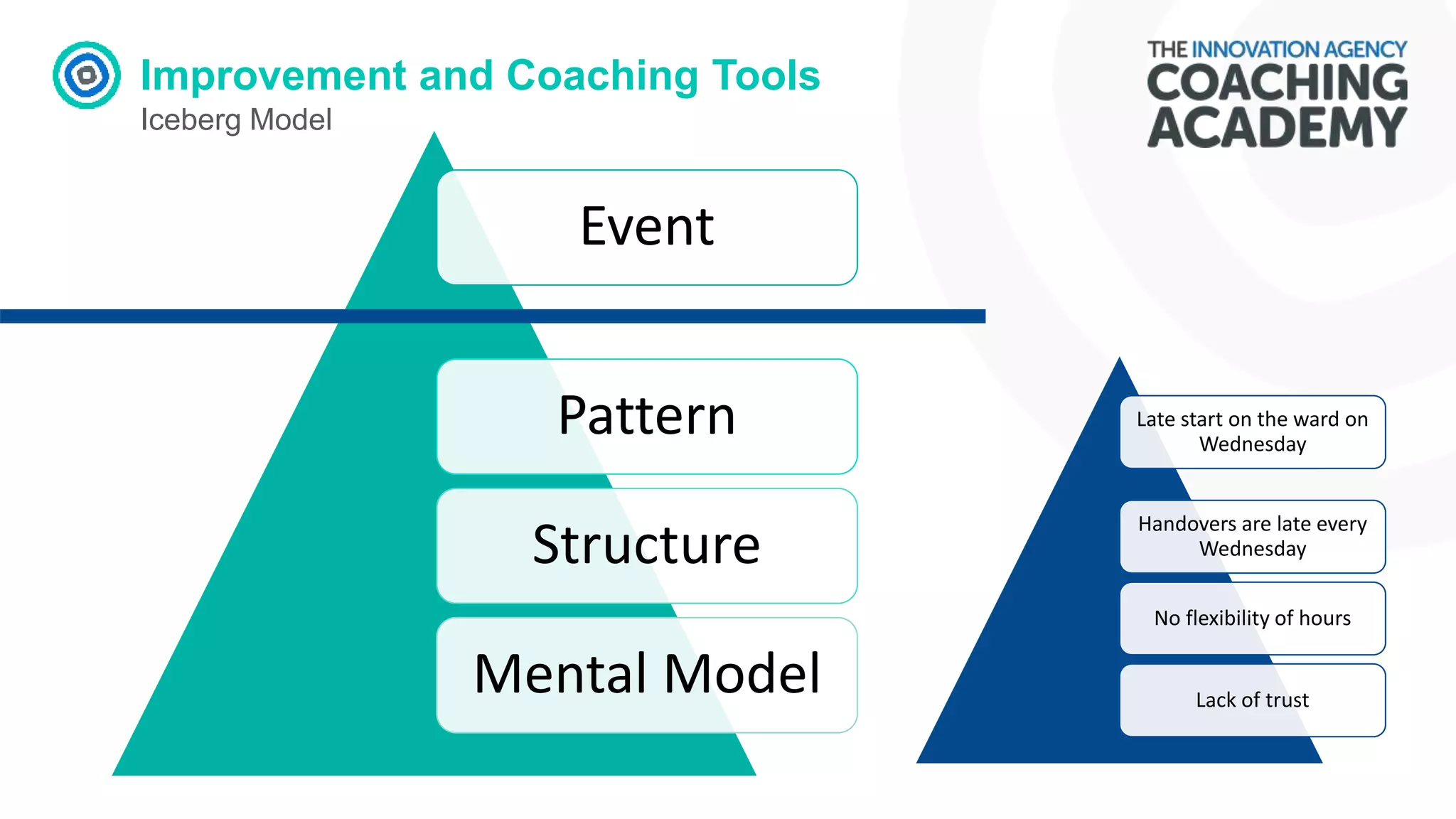
Iceberg Model
Event
Pattern
Structure
Mental Model
Late start on the ward on
Wednesday
Handovers are late every
Wednesday
No flexibility of hours
Lack of trust
Improvement and Coaching Tools
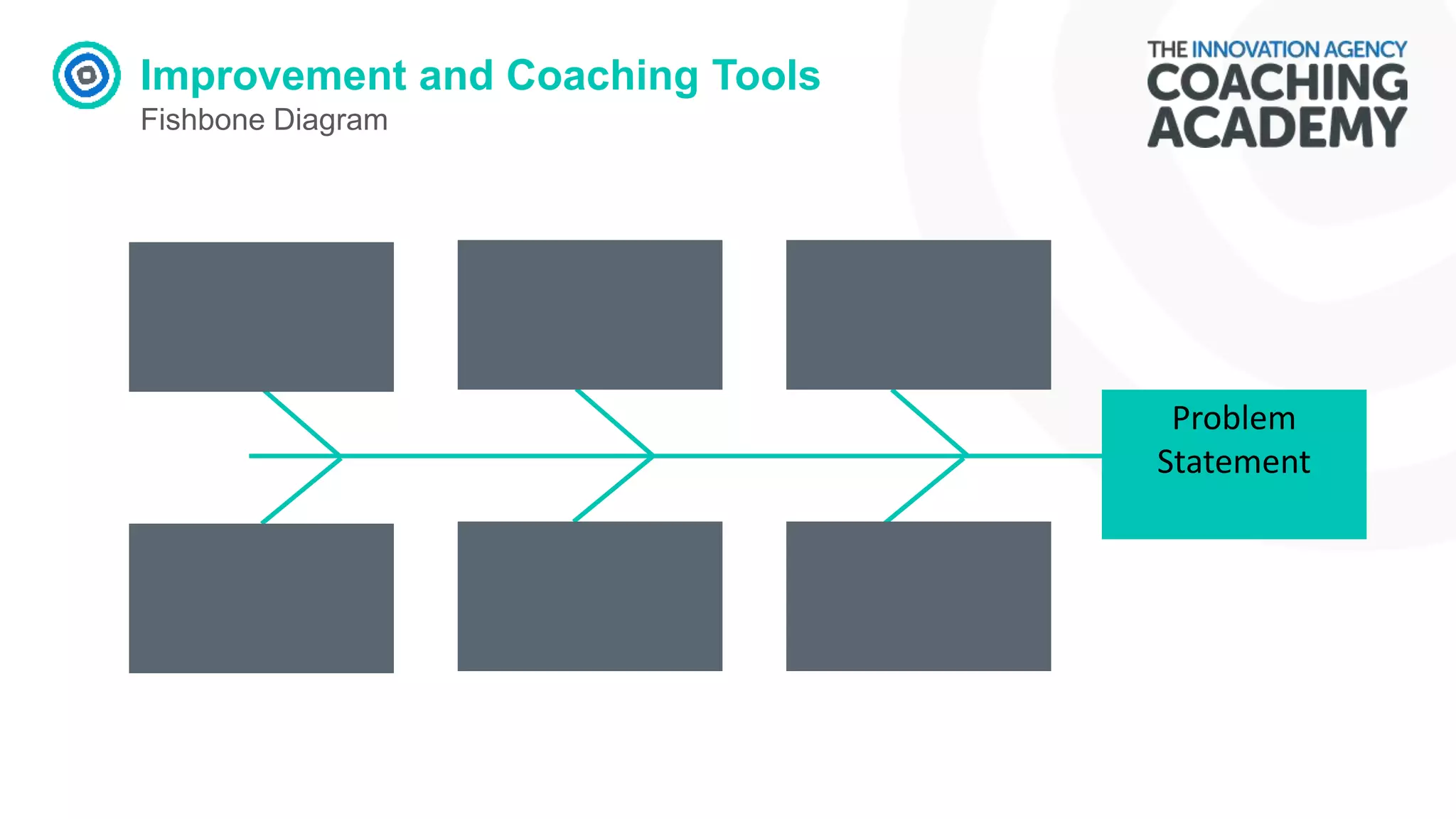
Fishbone Diagram
Problem
Statement
Improvement Tools
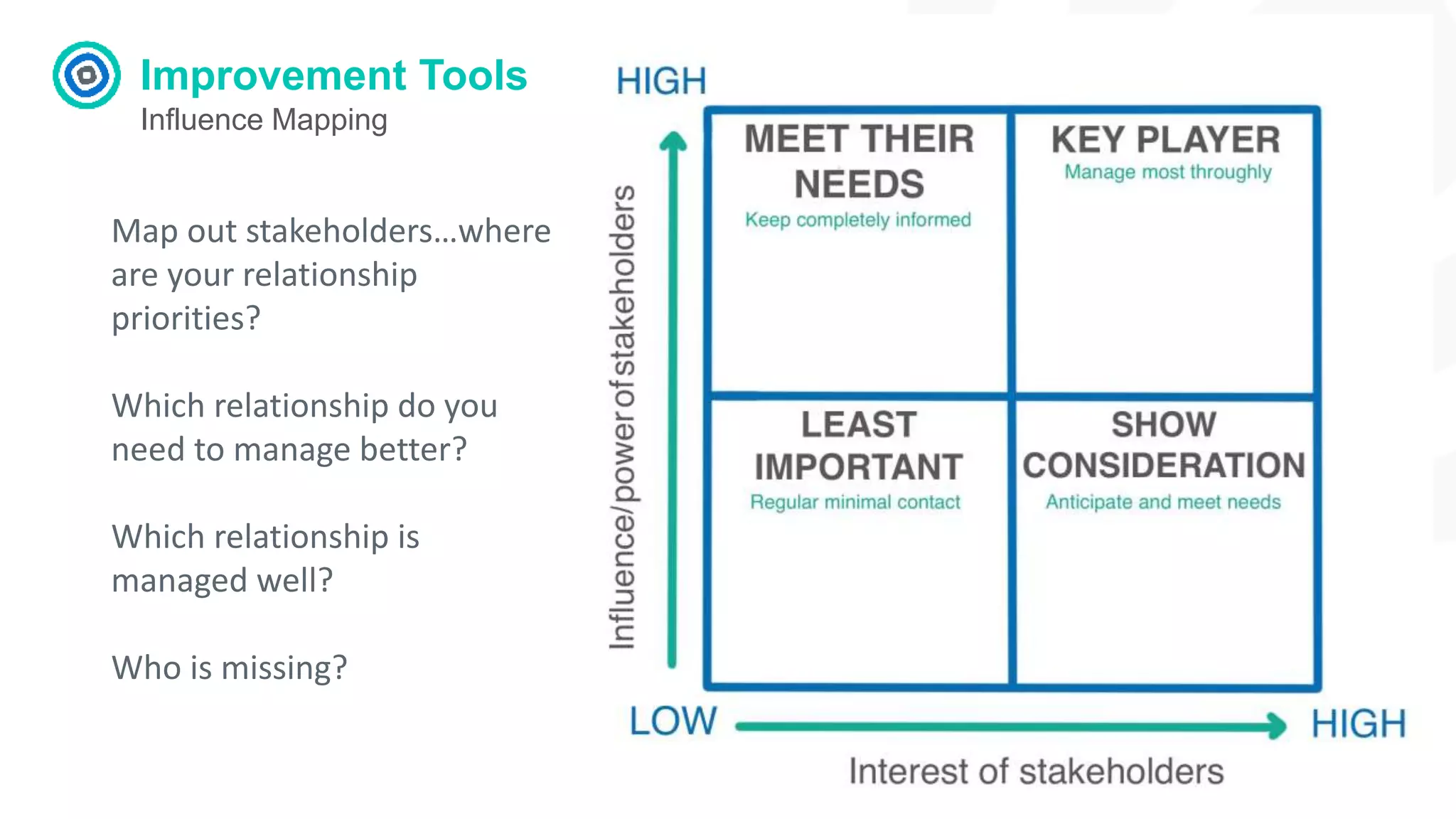
Influence Mapping
Map out stakeholders…where
are your relationship
priorities?
Which relationship do you
need to manage better?
Which relationship is
managed well?
Who is missing?
Improvement Tools
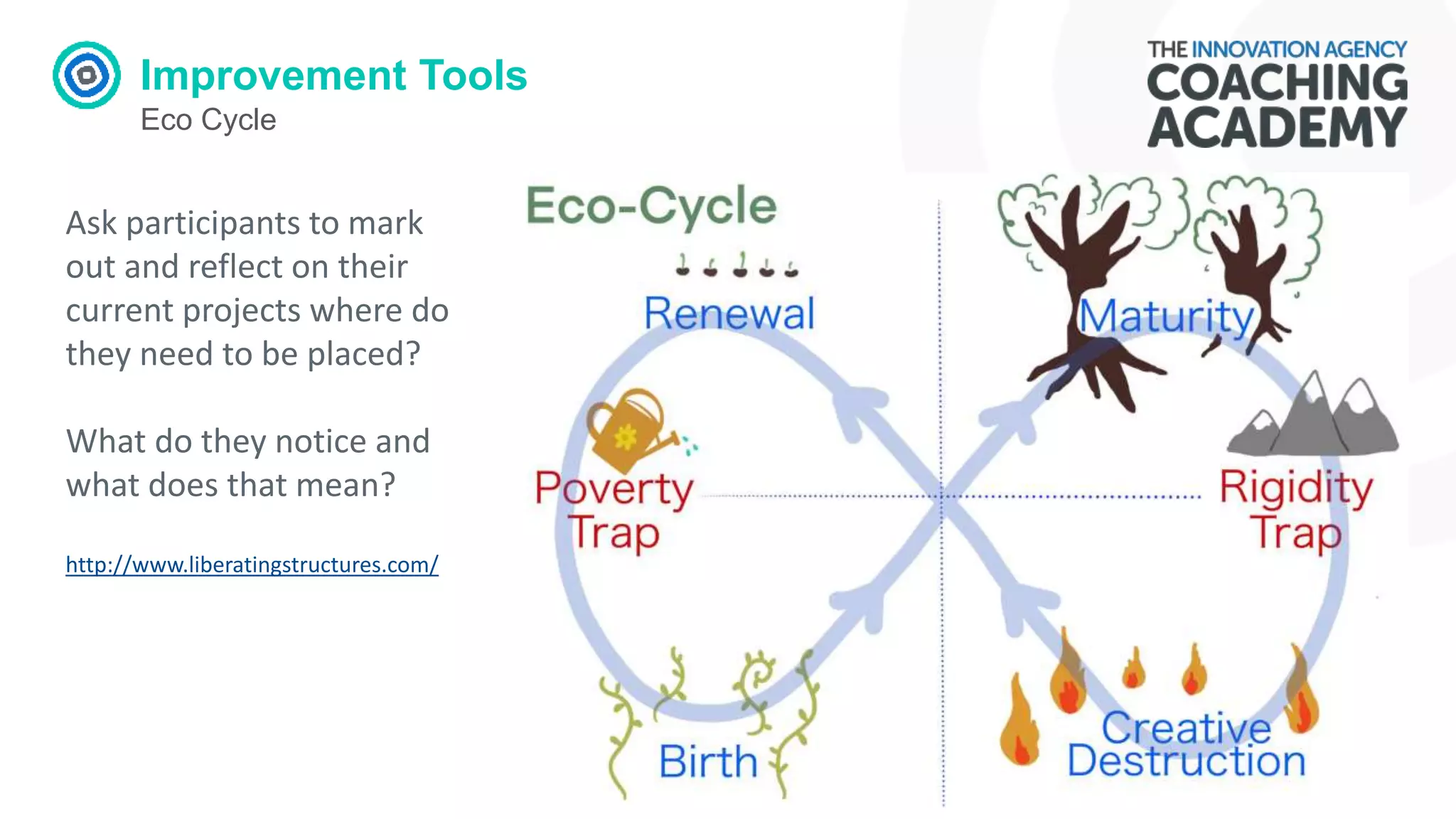
Eco Cycle
Ask participants to mark
out and reflect on their
current projects where do
they need to be placed?
What do they notice and
what does that mean?
http://www.liberatingstructures.com/
Coaching Tools
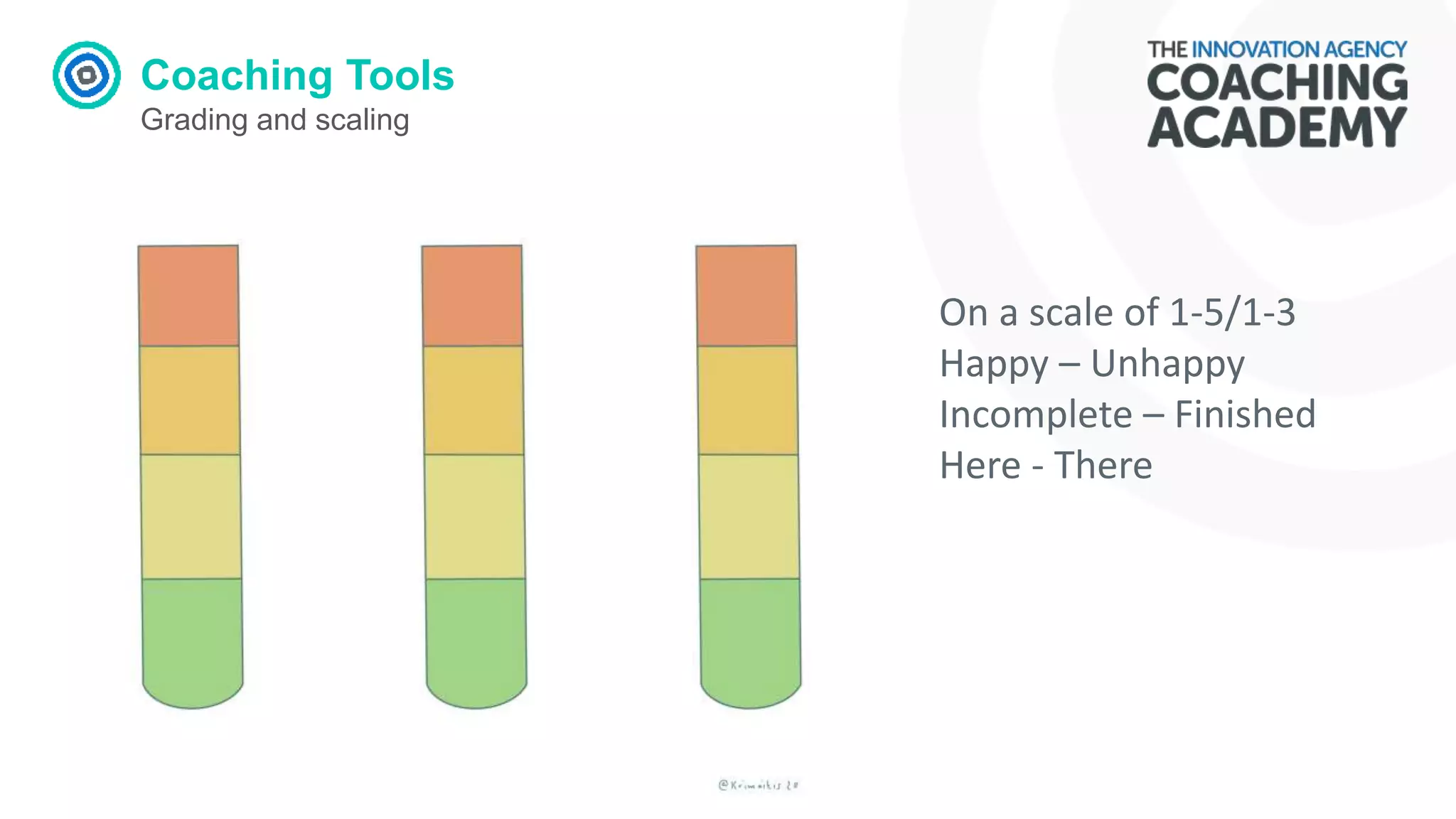
Grading and scaling
On a scale of 1-5/1-3
Happy – Unhappy
Incomplete – Finished
Here - There
Coaching Tools
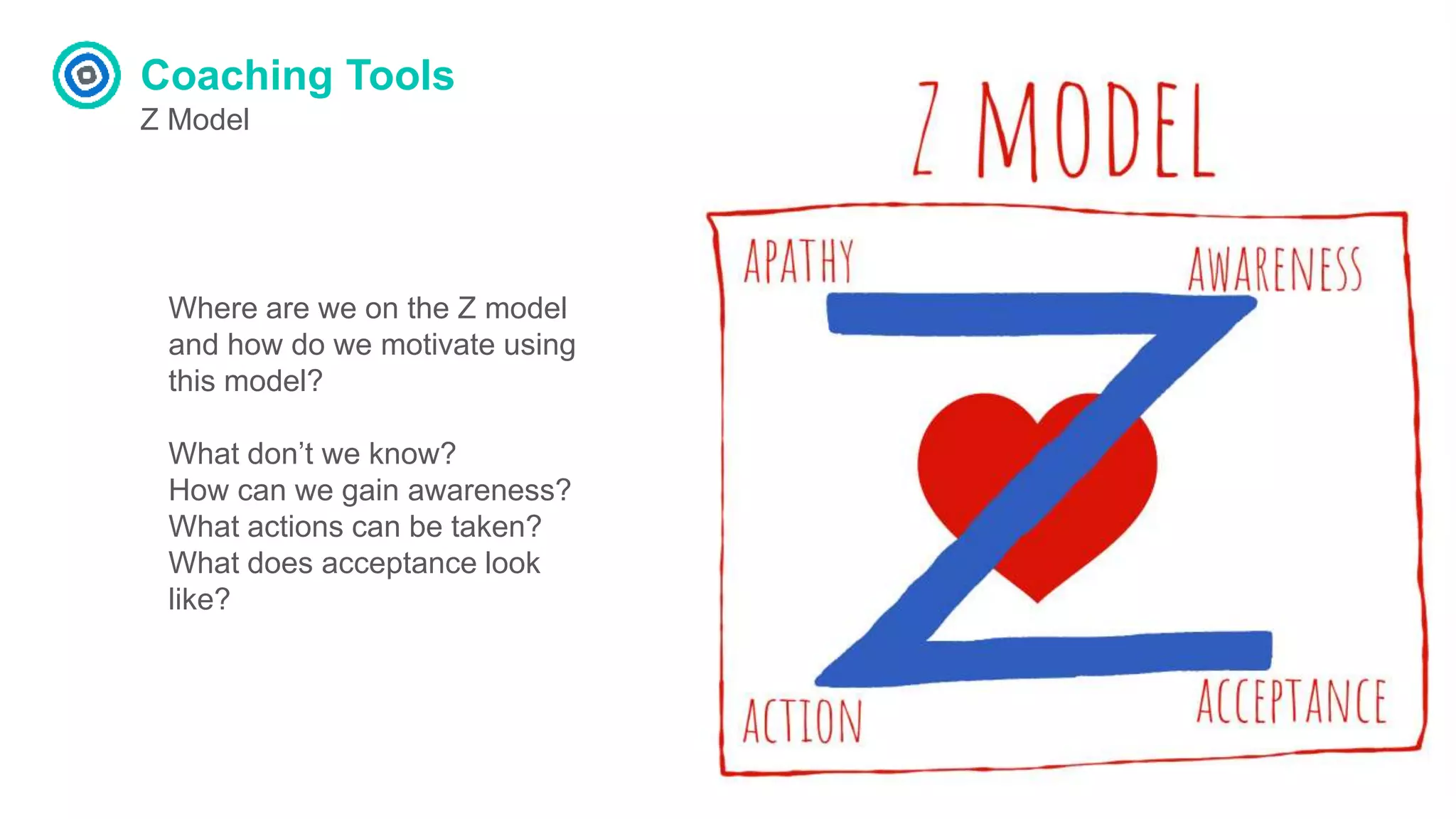
Z Model
Where are we on the Z model
and how do we motivate using
this model?
What don’t we know?
How can we gain awareness?
What actions can be taken?
What does acceptance look
like?
Coaching Tools
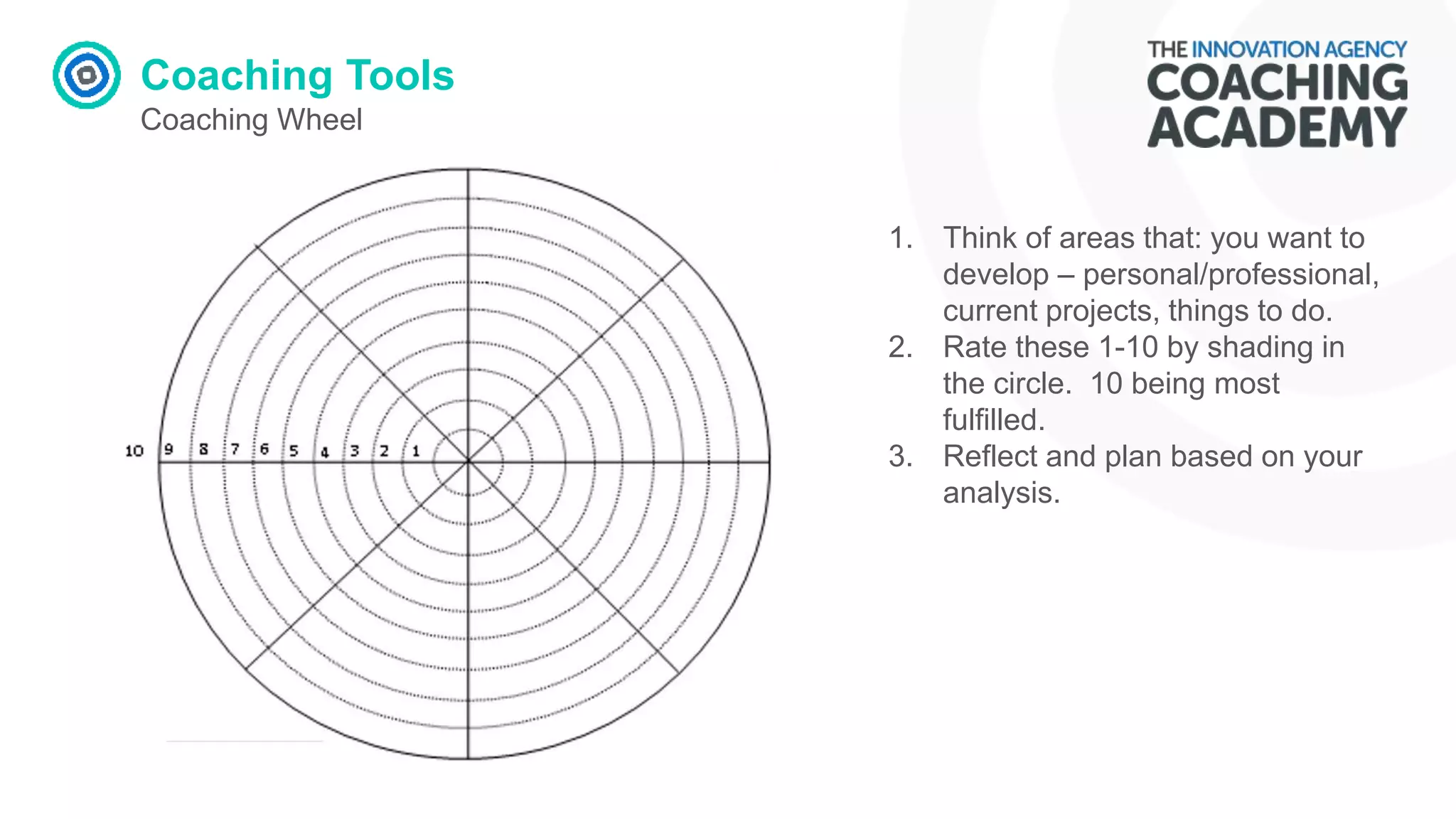
Coaching Wheel
1. Think of areas that: you want to
develop – personal/professional,
current projects, things to do.
2. Rate these 1-10 by shading in
the circle. 10 being most
fulfilled.
3. Reflect and plan based on your
analysis.
Coaching Tools
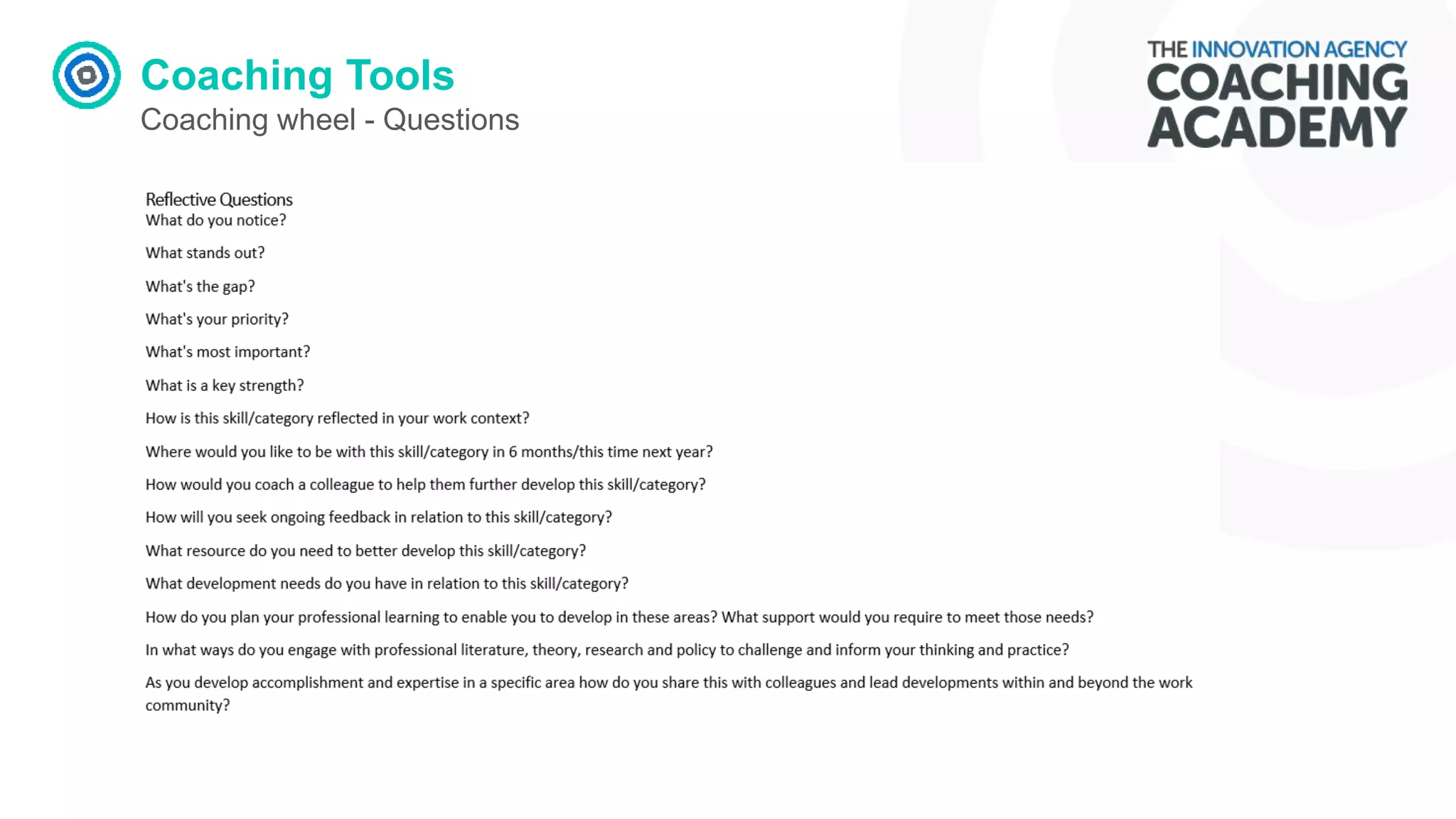
Coaching wheel - Questions
Coaching Questions
Keep the focus on solution
What are you ready to change?
What is currently happening?
What would you like to achieve?
What has helped you achieve this in the
past?
What are possible ways forward?
What else could you do?
What might work right now?
How could you make your goal more
specific?
What would help you achieve that goal?
What would you need to do to make that
happen?
What else would you need to do?
What are you planning to do?
What do you need to do to remember
this?
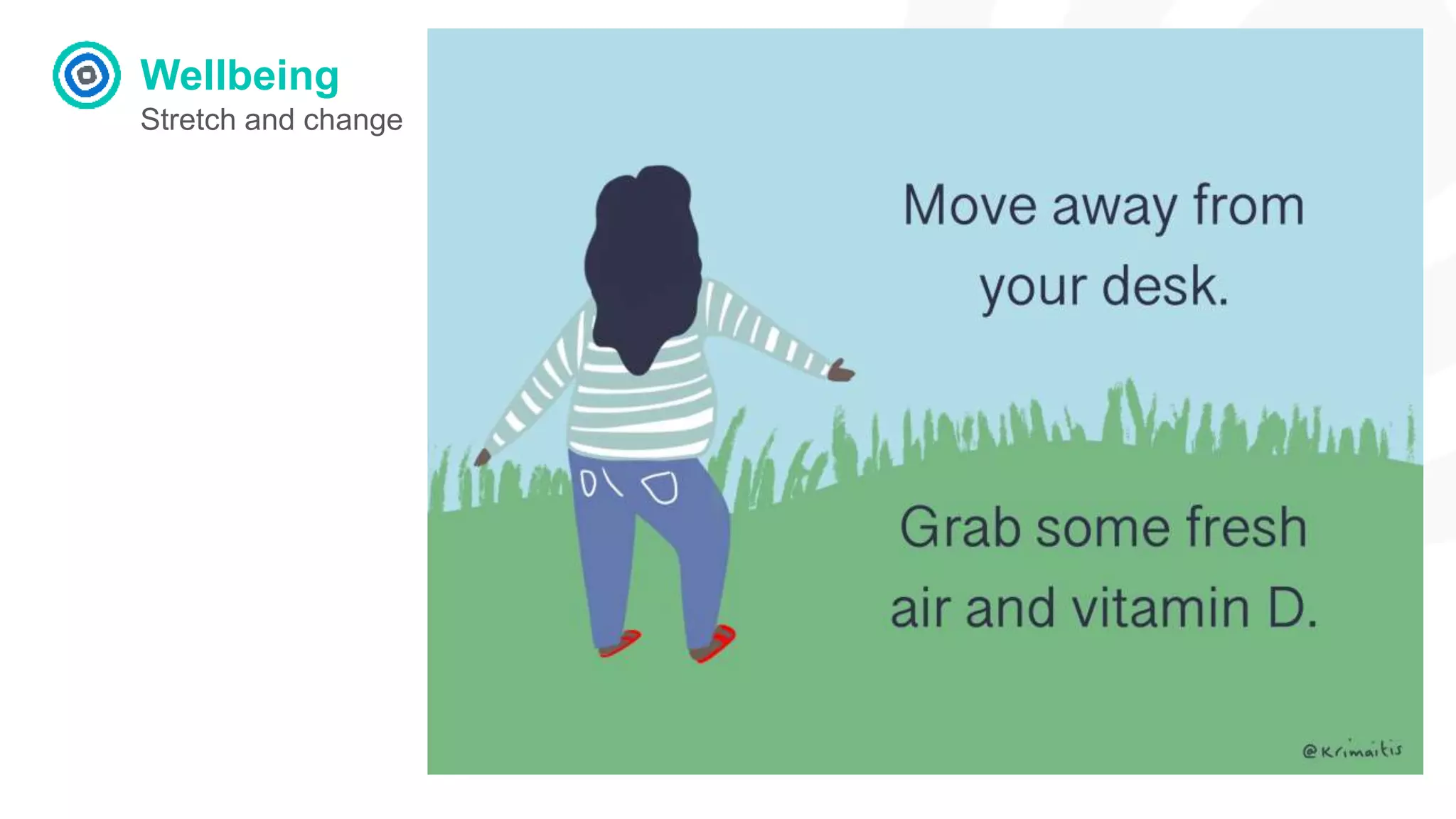
Wellbeing
Stretch and change
Design - generating ideas
Reflection
How do you know when your
design/collaboration session
has gone well?
Design Tool
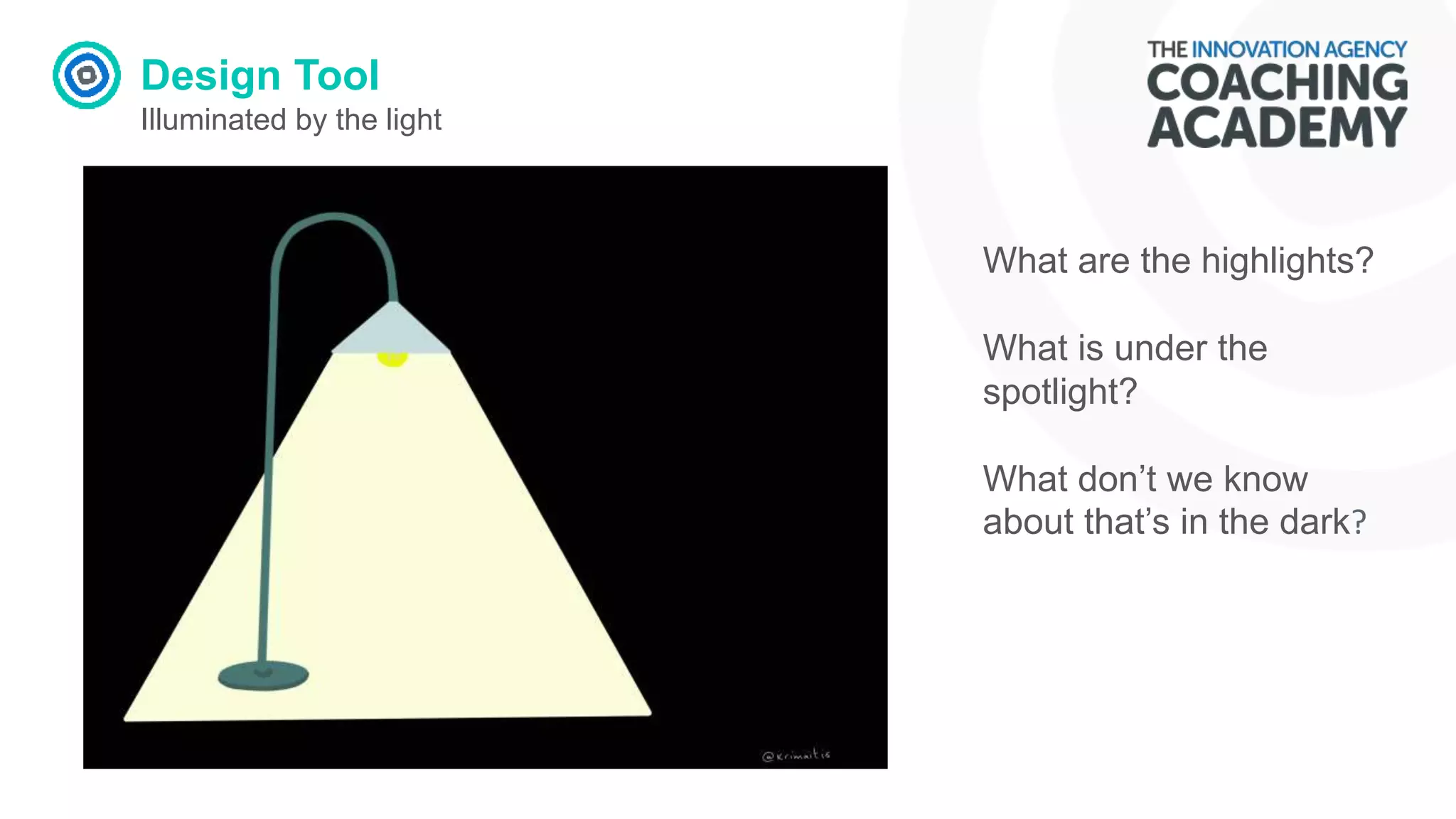
Illuminated by the light
What are the highlights?
What is under the
spotlight?
What don’t we know
about that’s in the dark?
Design Tool
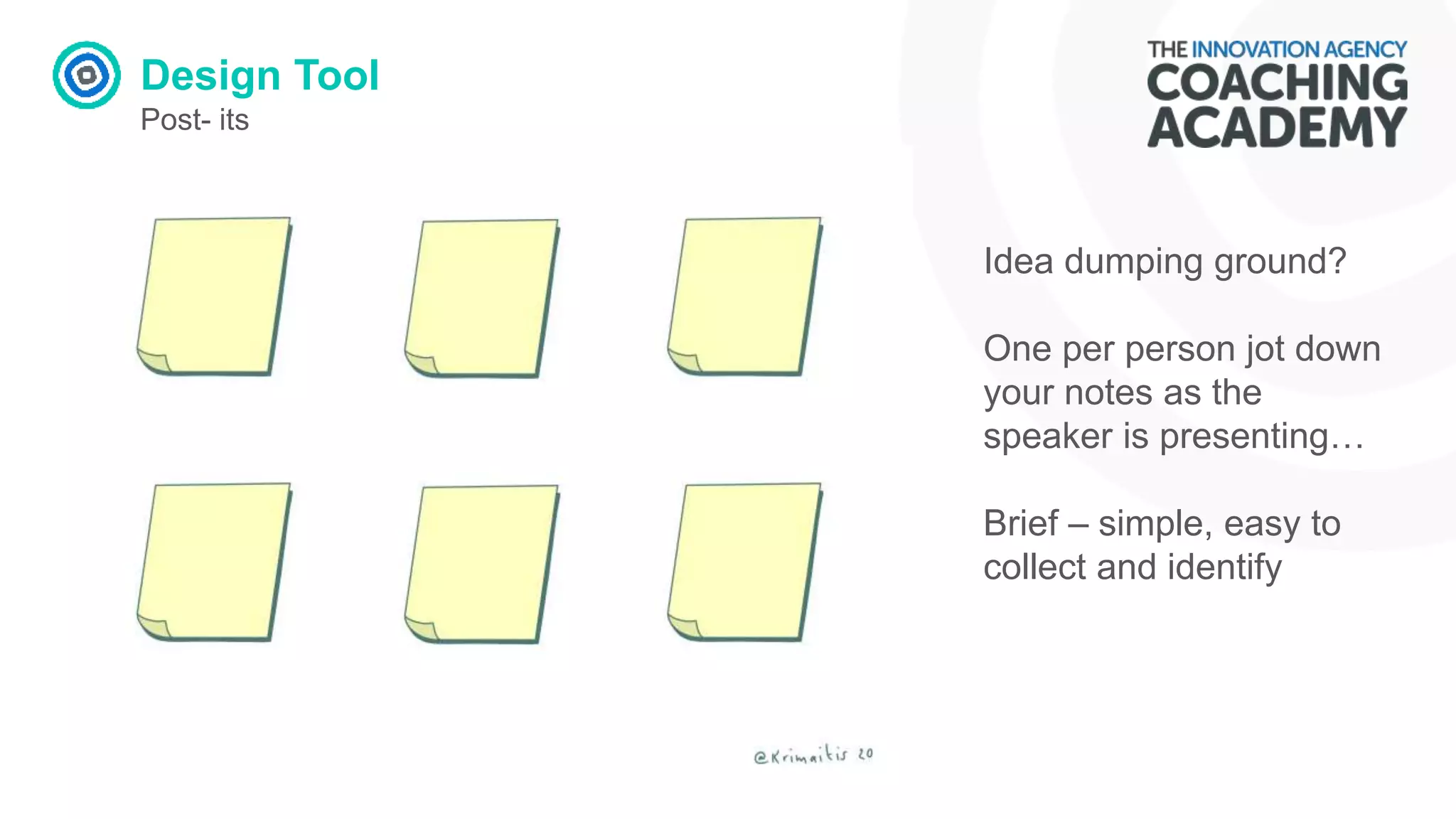
Post- its
Idea dumping ground?
One per person jot down
your notes as the
speaker is presenting…
Brief – simple, easy to
collect and identify
Design Tool
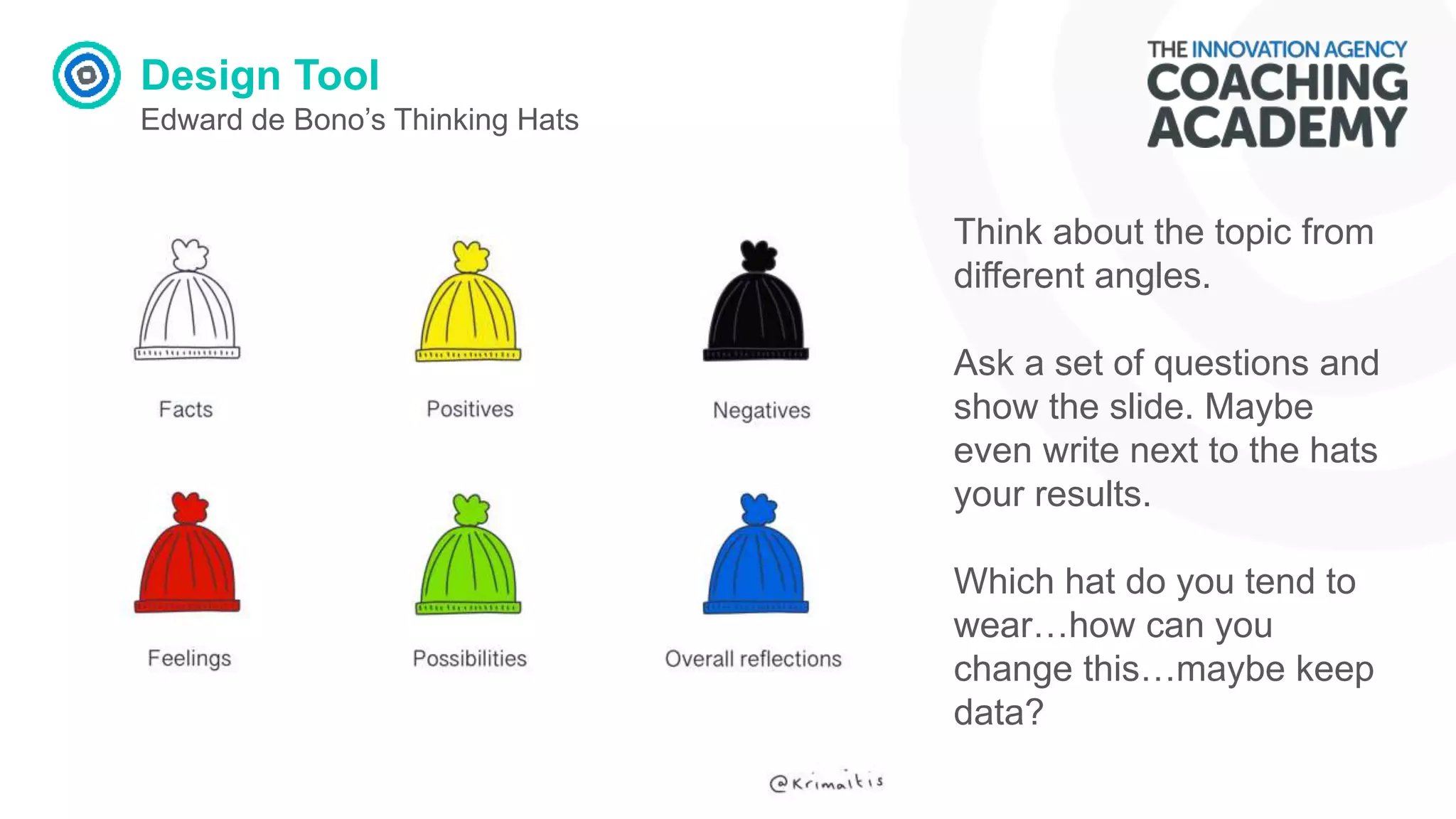
Edward de Bono’s Thinking Hats
Think about the topic from
different angles.
Ask a set of questions and
show the slide. Maybe
even write next to the hats
your results.
Which hat do you tend to
wear…how can you
change this…maybe keep
data?
Design Tool
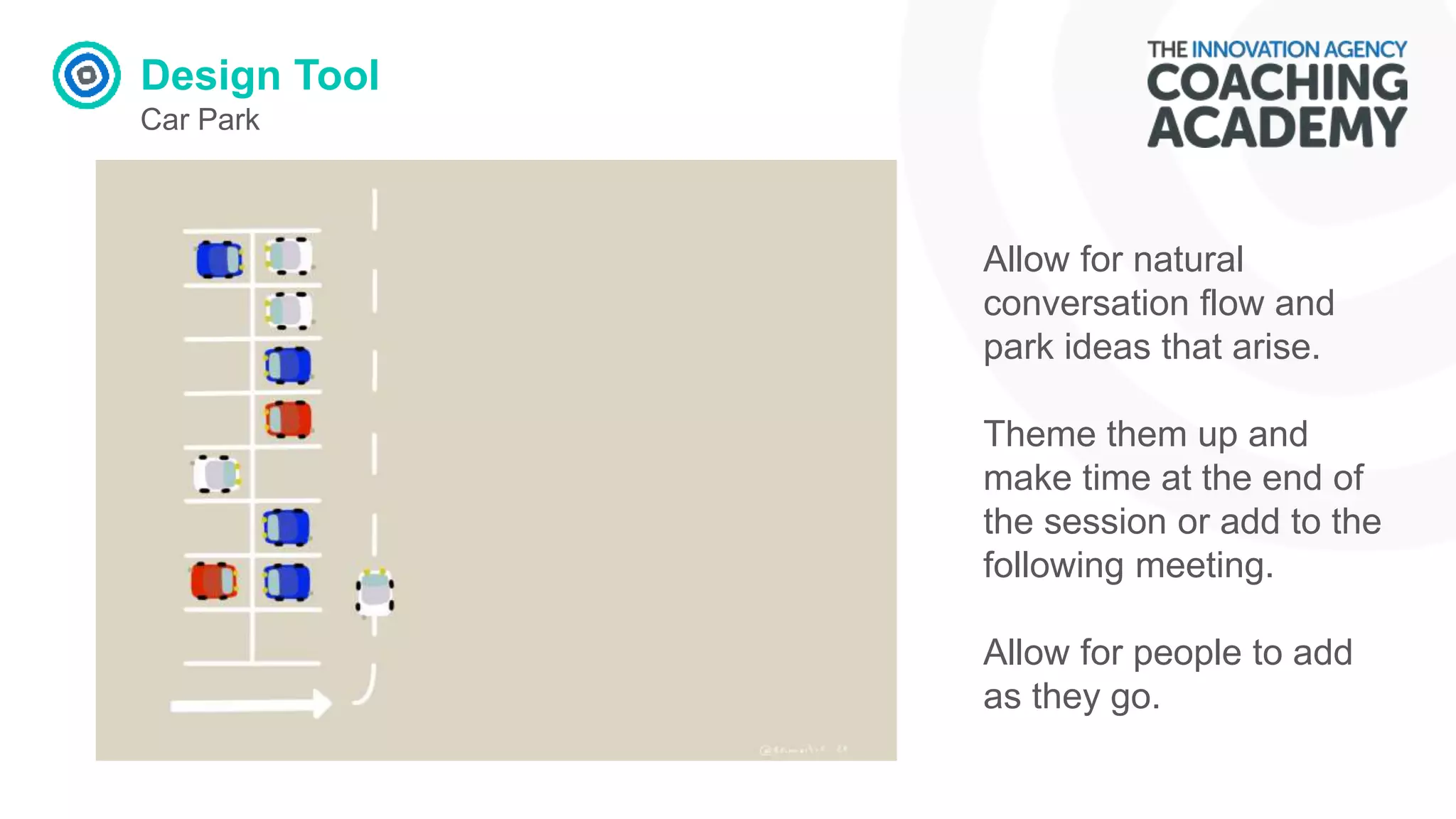
Car Park
Allow for natural
conversation flow and
park ideas that arise.
Theme them up and
make time at the end of
the session or add to the
following meeting.
Allow for people to add
as they go.
Design Tool
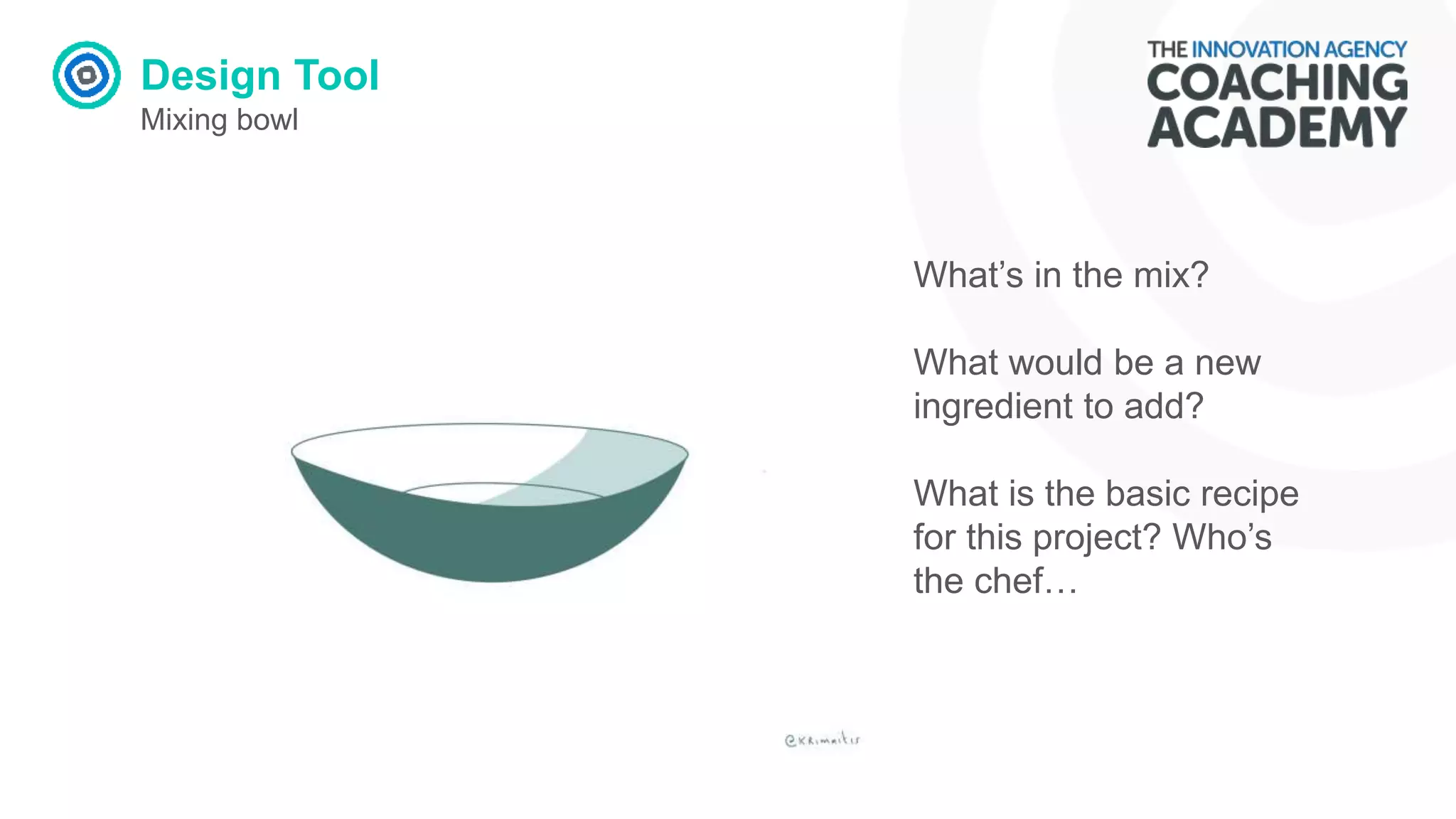
Mixing bowl
What’s in the mix?
What would be a new
ingredient to add?
What is the basic recipe
for this project? Who’s
the chef…
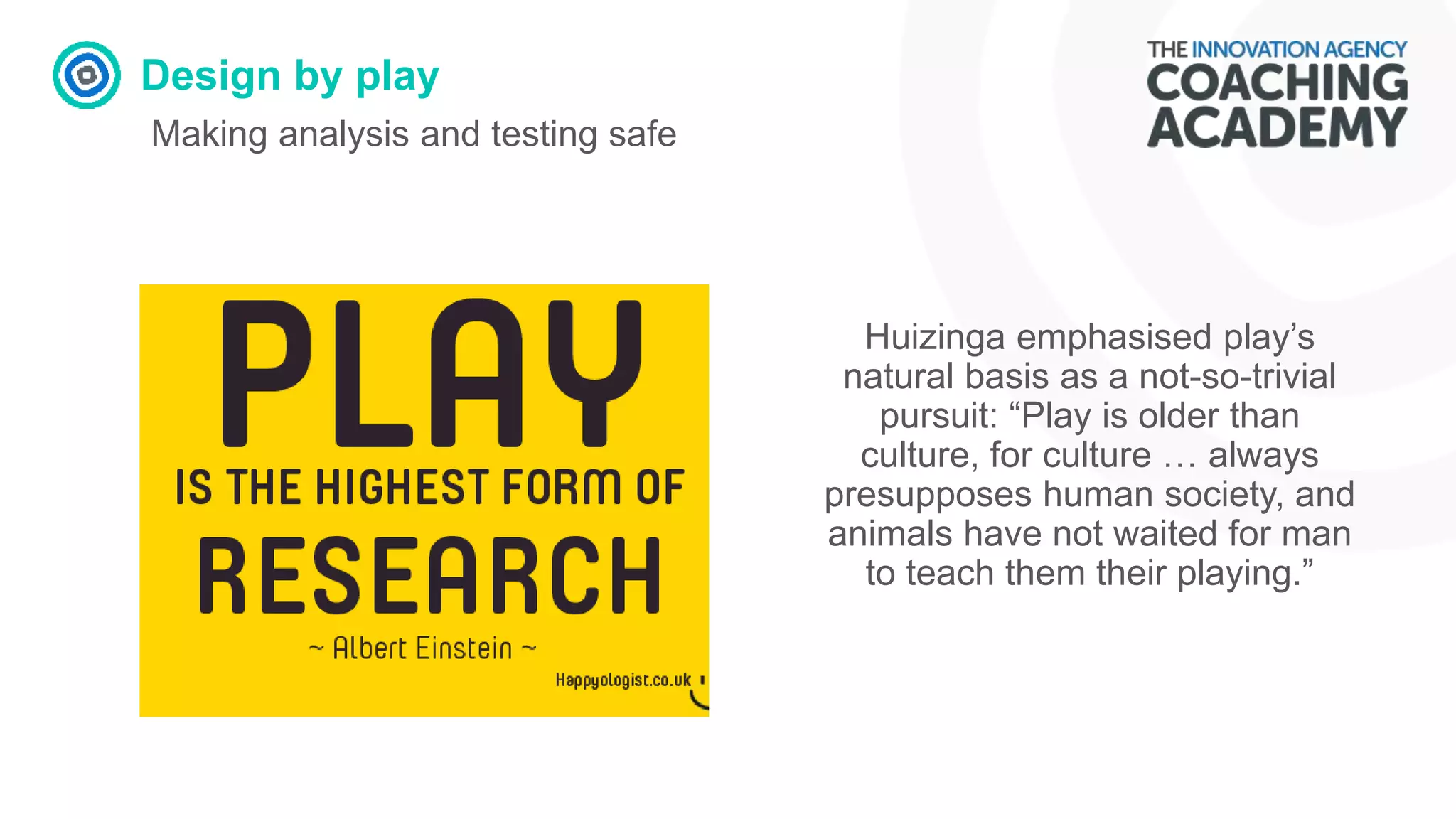
Design by play
Making analysis and testing safe
Huizinga emphasised play’s
natural basis as a not-so-trivial
pursuit: “Play is older than
culture, for culture … always
presupposes human society, and
animals have not waited for man
to teach them their playing.”
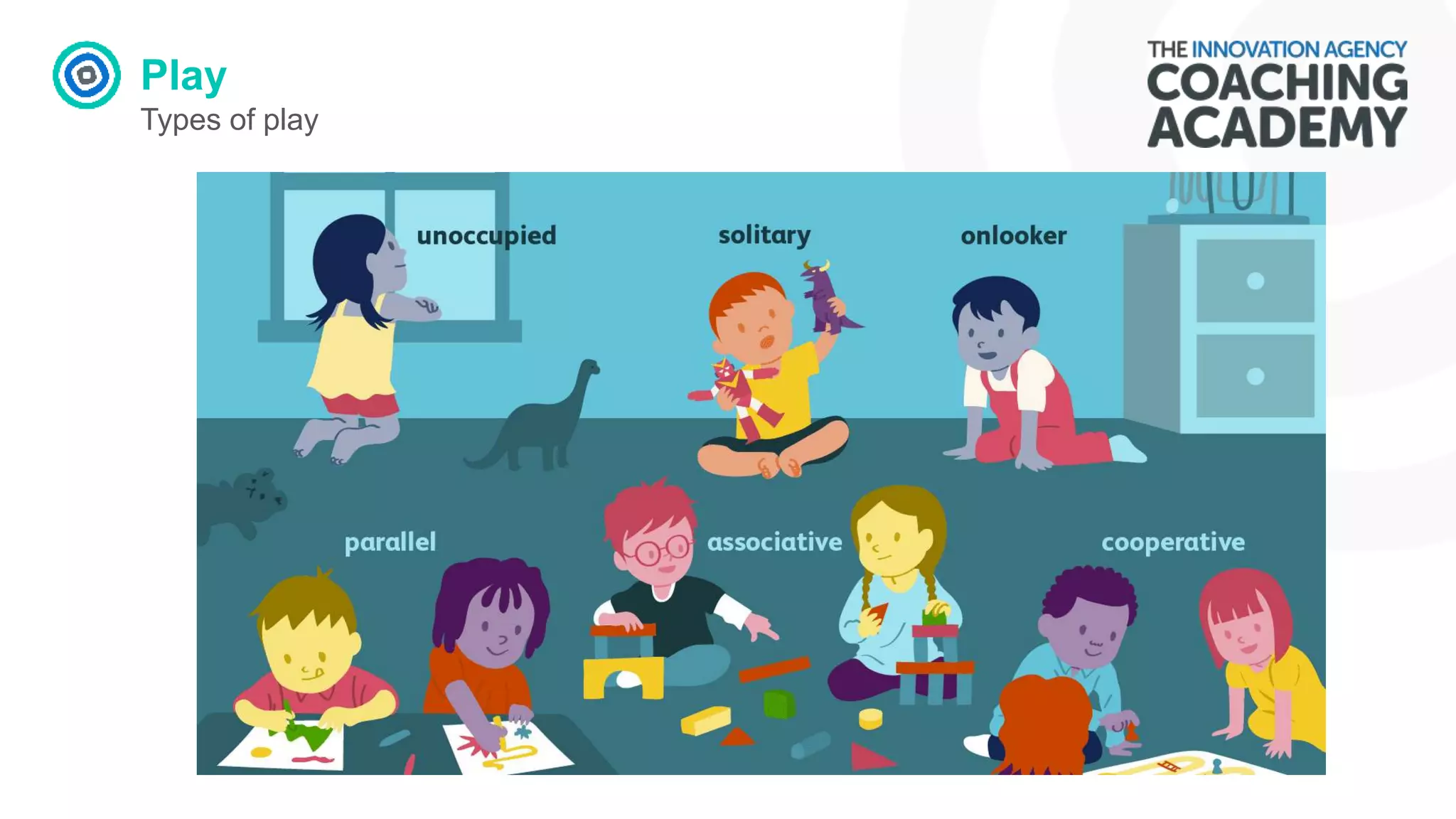
Play
Types of play
Play
Reflection
How can we create PLAY
space?
Play
Building play into work…
Set challenges
Use funny and interesting stories
Share passions and personality.
Pick the right place and time - only go where its
appropriate to go.
Look for innovation – Yes, and…Improv.
Explore and research other examples that work.
Feedback
Reflection
What does great feedback
look like?
Feedback
Have you used any of these feedback methods? Put a mark next to the
ones you have already explored.
FORMAL
1. Zoom Poll
2. Menti
3. Sli.do
4. Kahoot
5. Survey Monkey
6. Doodle Poll
7. Google forms
INFORMAL
8. Zoom Chat
9. Hands Up
10.Reactions
11.Annotate
12.Sketchnotes
13.Social Media
Sleek data collection
Feed back….do you need it?…
• What do you want to determine? (feeling, experience,
knowledge)
• Are you also prepared/planned to show its value?
• How can you use feedback to motivate participants?
• Does it need to be formal?
• How does the data/feedback need to be presented
for its purpose?
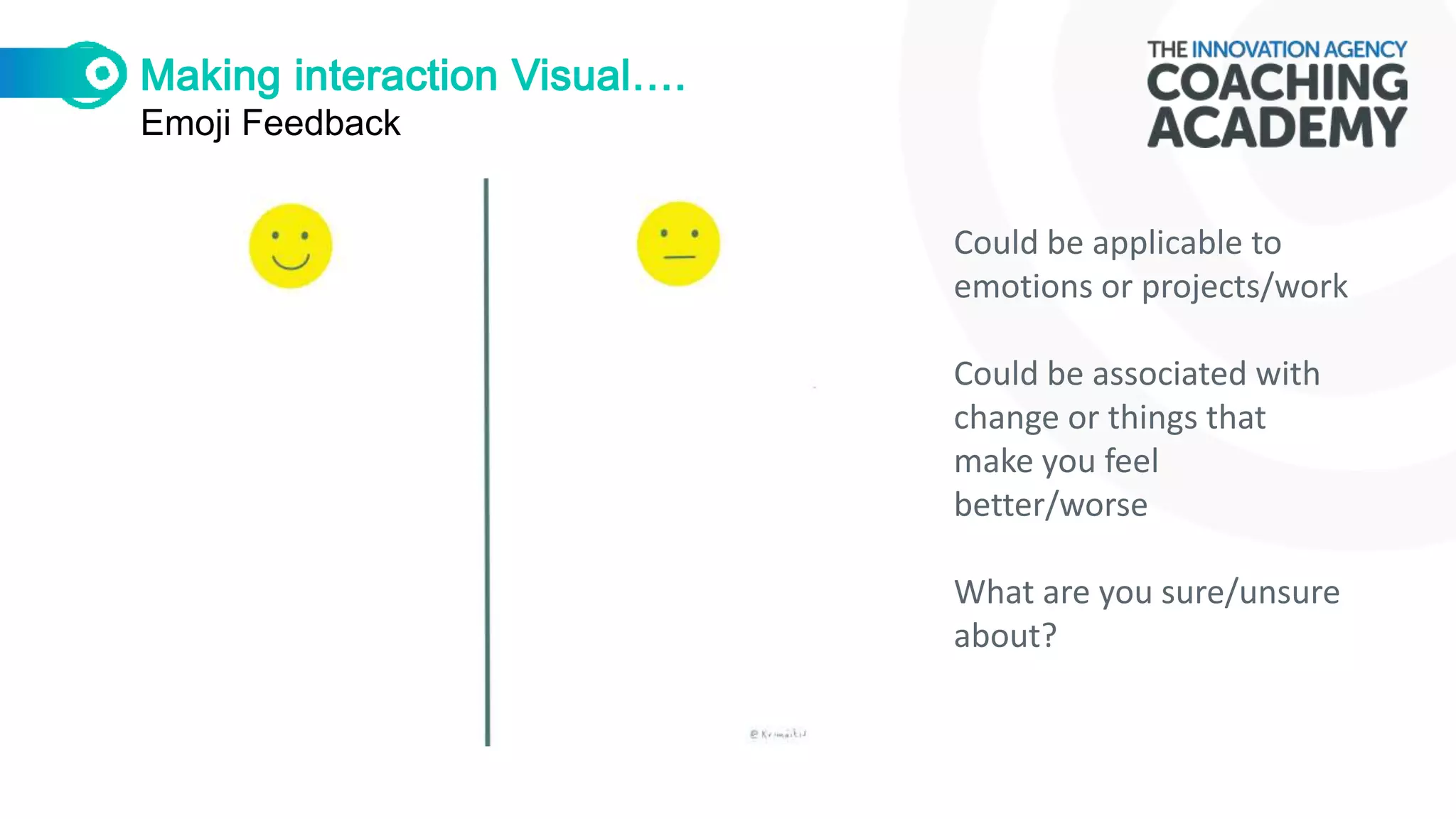
Emoji Feedback
Could be applicable to
emotions or projects/work
Could be associated with
change or things that
make you feel
better/worse
What are you sure/unsure
about?
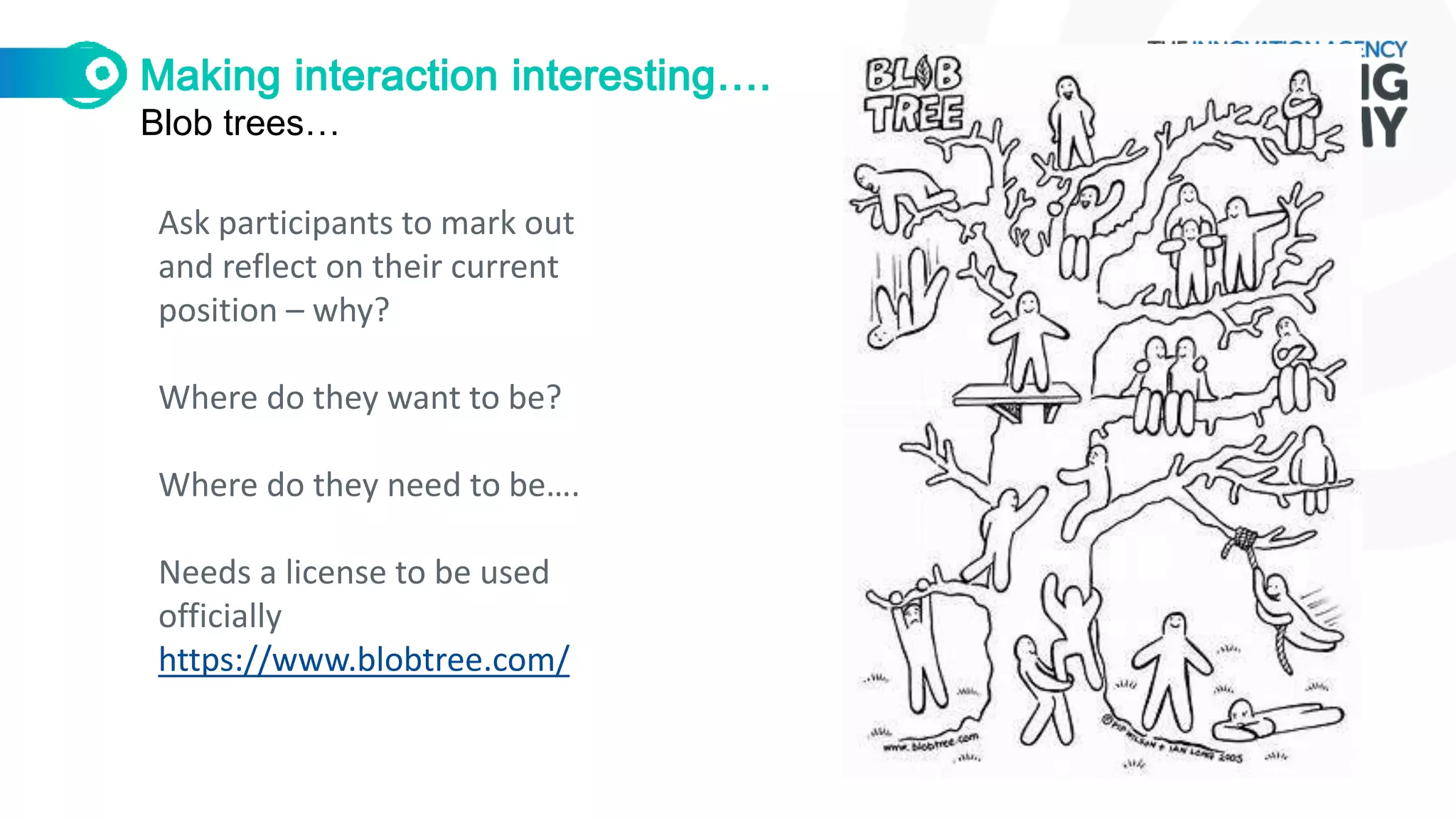
Blob trees…
Ask participants to mark out
and reflect on their current
position – why?
Where do they want to be?
Where do they need to be….
Needs a license to be used
officially
https://www.blobtree.com/
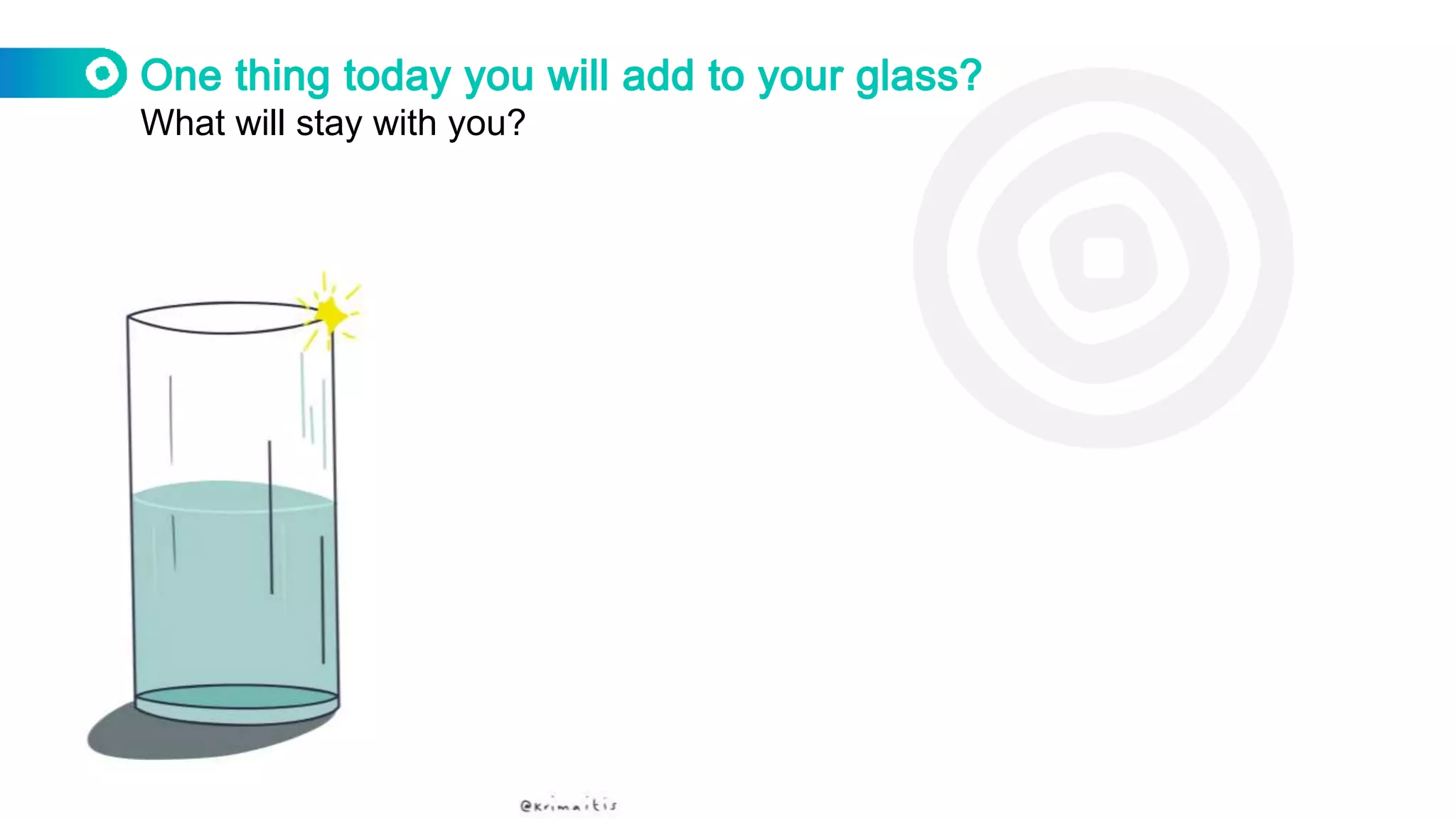
What will stay with you?

Exploring Virtual Collaboration: Adapting Tools

  • 1.
    Adapting Tools –Exploring Virtual Collaboration @krimaitis @innovation_nwc
  • 2.
  • 3.
    Schedule What we willcover in this session… Tech Content Approach 1. Inclusivity 2. Improvement and coaching tools 3. Design - generating ideas 4. Feedback tools
  • 4.
    Equality and Diversity Theempty chair Who is present? Who is not present?
  • 5.
    Inclusivity Reflection How do youmake your virtual sessions inclusive?
  • 6.
    Inclusivity What should webe aware of when hosting sessions online? Personality types – Introverted, extravert - dependstravert Learning Styles - VARK Ability - visual impairment, hearing impairment Backgrounds – system, experience Language – acronyms, language Capacity – does everyone have the right information to collaborate COVID! – Home + work life Technology – what do we know we know? Naming – using rename functions
  • 7.
    Inclusivity Senninger Learning Zones Lostparticipant Panic Zone Learning/stretch zone Repetitive Outcome Comfort zone
  • 8.
    Inclusivity VARK Learning Styles Whichteaching styles are most likely to help you to learn? Take the VARK questionnaire
  • 9.
    Learning styles Helping othersto learn/understand well Visual Utilise graphic organisers such as charts, graphs, and diagrams. Redraw your pages from memory. Replace important words with symbols or initials. Highlight important key terms in corresponding colours. Aural Record your summarised notes and listen back to them. Talk it out. Have a discussion with others to expand upon your understanding of a topic. Reread your notes and/or assignment out loud. Explain your notes to your peers/colleagues “aural” learners.
  • 10.
    Learning styles Helping othersto learn/understand well Read and Write Write, write and rewrite your words and notes. Reword main ideas and principles to gain a deeper understanding. Organize diagrams, charts, and graphic organizers into statements. Kinaesthetic Use real life examples, applications and case studies in your summary to help with abstract concepts. Redo lab experiments or projects. Utilise pictures and photographs that illustrate your idea. Sketchnote.
  • 11.
    Inclusivity COVID Reflection Are wehome working or trying to get our work done from home?
  • 13.
    Improvement and CoachingTools Reflection Which improvement and coaching tools do you currently use?
  • 14.
    Improvement and CoachingTools Iceberg Model Event Pattern Structure Mental Model Late start on the ward on Wednesday Handovers are late every Wednesday No flexibility of hours Lack of trust
  • 15.
    Improvement and CoachingTools Fishbone Diagram Problem Statement
  • 16.
    Improvement Tools Influence Mapping Mapout stakeholders…where are your relationship priorities? Which relationship do you need to manage better? Which relationship is managed well? Who is missing?
  • 17.
    Improvement Tools Eco Cycle Askparticipants to mark out and reflect on their current projects where do they need to be placed? What do they notice and what does that mean? http://www.liberatingstructures.com/
  • 18.
    Coaching Tools Grading andscaling On a scale of 1-5/1-3 Happy – Unhappy Incomplete – Finished Here - There
  • 19.
    Coaching Tools Z Model Whereare we on the Z model and how do we motivate using this model? What don’t we know? How can we gain awareness? What actions can be taken? What does acceptance look like?
  • 20.
    Coaching Tools Coaching Wheel 1.Think of areas that: you want to develop – personal/professional, current projects, things to do. 2. Rate these 1-10 by shading in the circle. 10 being most fulfilled. 3. Reflect and plan based on your analysis.
  • 21.
  • 22.
    Coaching Questions Keep thefocus on solution What are you ready to change? What is currently happening? What would you like to achieve? What has helped you achieve this in the past? What are possible ways forward? What else could you do? What might work right now? How could you make your goal more specific? What would help you achieve that goal? What would you need to do to make that happen? What else would you need to do? What else would you need to do? What are you planning to do? What do you need to do to remember this?
  • 23.
  • 24.
    Design - generatingideas Reflection How do you know when your design/collaboration session has gone well?
  • 25.
    Design Tool Illuminated bythe light What are the highlights? What is under the spotlight? What don’t we know about that’s in the dark?
  • 26.
    Design Tool Post- its Ideadumping ground? One per person jot down your notes as the speaker is presenting… Brief – simple, easy to collect and identify
  • 27.
    Design Tool Edward deBono’s Thinking Hats Think about the topic from different angles. Ask a set of questions and show the slide. Maybe even write next to the hats your results. Which hat do you tend to wear…how can you change this…maybe keep data?
  • 28.
    Design Tool Car Park Allowfor natural conversation flow and park ideas that arise. Theme them up and make time at the end of the session or add to the following meeting. Allow for people to add as they go.
  • 29.
    Design Tool Mixing bowl What’sin the mix? What would be a new ingredient to add? What is the basic recipe for this project? Who’s the chef…
  • 30.
    Design by play Makinganalysis and testing safe Huizinga emphasised play’s natural basis as a not-so-trivial pursuit: “Play is older than culture, for culture … always presupposes human society, and animals have not waited for man to teach them their playing.”
  • 31.
  • 32.
    Play Reflection How can wecreate PLAY space?
  • 33.
    Play Building play intowork… Set challenges Use funny and interesting stories Share passions and personality. Pick the right place and time - only go where its appropriate to go. Look for innovation – Yes, and…Improv. Explore and research other examples that work.
  • 34.
  • 35.
    Feedback Have you usedany of these feedback methods? Put a mark next to the ones you have already explored. FORMAL 1. Zoom Poll 2. Menti 3. Sli.do 4. Kahoot 5. Survey Monkey 6. Doodle Poll 7. Google forms INFORMAL 8. Zoom Chat 9. Hands Up 10.Reactions 11.Annotate 12.Sketchnotes 13.Social Media
  • 36.
    Sleek data collection Feedback….do you need it?… • What do you want to determine? (feeling, experience, knowledge) • Are you also prepared/planned to show its value? • How can you use feedback to motivate participants? • Does it need to be formal? • How does the data/feedback need to be presented for its purpose?
  • 37.
    Emoji Feedback Could beapplicable to emotions or projects/work Could be associated with change or things that make you feel better/worse What are you sure/unsure about?
  • 38.
    Blob trees… Ask participantsto mark out and reflect on their current position – why? Where do they want to be? Where do they need to be…. Needs a license to be used officially https://www.blobtree.com/
  • 39.
    What will staywith you?