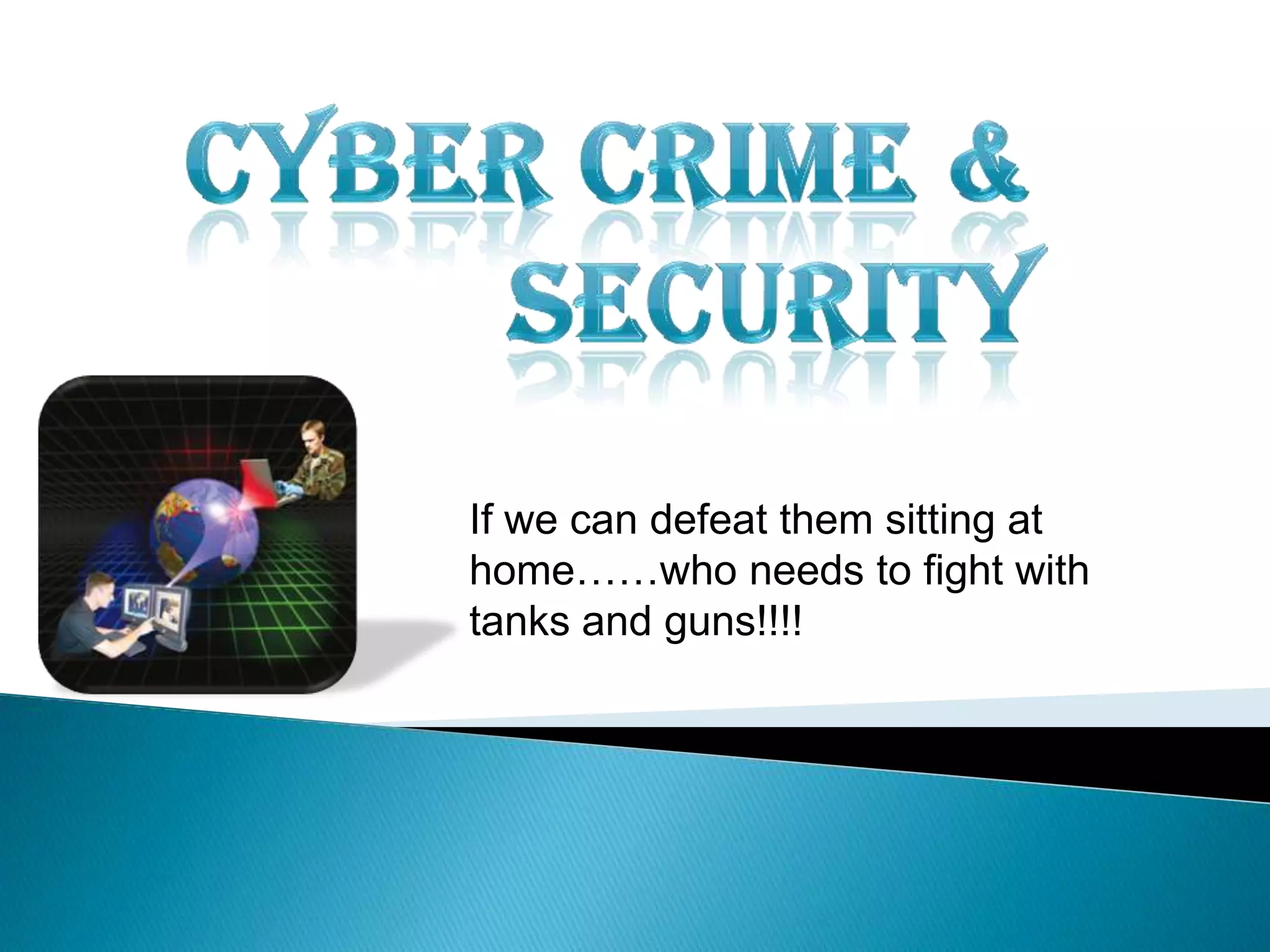
If we can defeat them sitting at
home……who needs to fight with
tanks and guns!!!!
1. Komal Ramole (2nd year)
2. Kiran Patil (2nd year)
Government
Polytechnic, Dhule
 Introduction
 Cyber Crime
- What Is Cyber Crime?
- Types Of Cyber Crime
 Cyber Security
- What Is Cyber Security?
- Top Seven Cyber Safety Actions
- Cyber Safety At Work & Home
Coclusion
This tutorial provides some basic information about
“Cyber Crime” and practical suggestions for
protecting your personal information and computer
from cyber-attacks i.e. “Cyber Security”!!!
Cybercrime is nothing but where the
computer used as an object or subject of
crime!
Crime committed using a computer and
the internet to steal a person’s identity!!
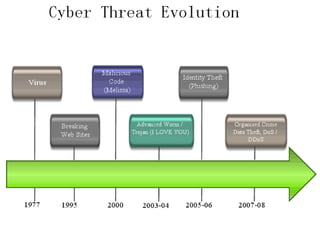
In 1920 a "worm program" written by a
college student shut down about 10 percent of
computers connected to the Internet. This
was the beginning of the era of cyber attacks.
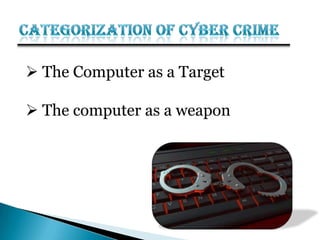
 The Computer as a Target
 The computer as a weapon
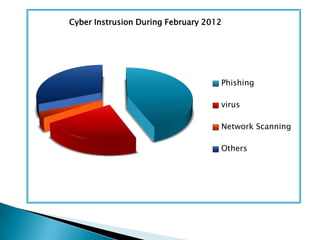
Cyber Instrusion During February 2012
Phishing
virus
Network Scanning
Others
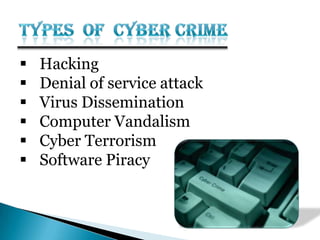
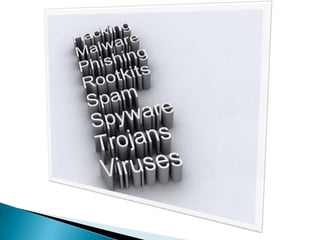
 Hacking
 Denial of service attack
 Virus Dissemination
 Computer Vandalism
 Cyber Terrorism
 Software Piracy
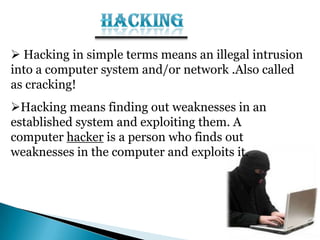
 Hacking in simple terms means an illegal intrusion
into a computer system and/or network .Also called
as cracking!
Hacking means finding out weaknesses in an
established system and exploiting them. A
computer hacker is a person who finds out
weaknesses in the computer and exploits it.
 For profit, protest, or challenge.
 A large fraction of hacker attacks have been
pranks
 Financial Gain
 Revenge
 Venting anger at a company or organization
 Terrorism
 Attack through which a person can render a system
unusable or significantly slow down the system for
legitimate users by overloading the system so that no
one else can use it.
 Act by the criminal, who floods the bandwidth of
the victims network.
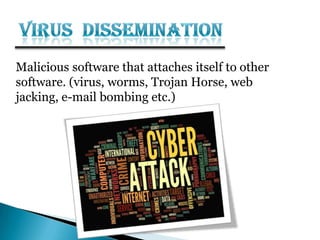
Malicious software that attaches itself to other
software. (virus, worms, Trojan Horse, web
jacking, e-mail bombing etc.)
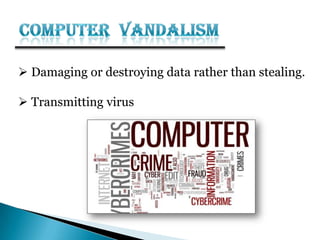
 Damaging or destroying data rather than stealing.
 Transmitting virus
Use of Internet based attacks in terrorist activities.
Technology savvy terrorists are using 512-bit
encryption, which is impossible to decrypt.
Theft of software through the illegal copying of
genuine programs.
Distribution of products intended to pass for
the original.
 Cyber security is a branch of computer security
specifically related to the Internet.
 It's objective is to establish rules and measure to
use against attacks over the Internet.
 Defend us from critical attacks.
 Browse the safe website.
 Internet security process all the incoming and
outgoing data on our computer.
1.Install OS/Software Updates
2.Run Anti-virus Software
3. Prevent Identity Theft
5. Avoid Spyware/Adware
7. Back up Important Files
6. Turn on Personal Firewalls
4. Protect Passwords
24
Updates-sometimes called patches-fix problems with your
operating system (OS) (e.g., Windows XP, Windows
Vista, Mac OS X) and software programs (e.g., Microsoft
Office applications).
Most new operating systems are set to download updates
by default.
Be sure to restart your computer after updates are installed
so that the patches can be applied immediately.
25
To avoid computer problems caused by viruses, install and
run an anti-virus program like Norton,Quick Heal,etc.
Periodically, check to see if your anti-virus is up to date by
opening your anti-virus program and checking the Last
updated date.
Anti-virus software removes viruses, quarantines and
repairs infected files, and can help prevent future viruses.
26
 Don't give out financial account numbers, Social Security
numbers, driver’s license numbers or other personal identity information
unless you know exactly who's receiving it. Protect others people’s
information as you would your own.
 Never send personal or confidential information via email or instant
messages as these can be easily intercepted.
 Beware of phishing scams - a form of fraud that uses email messages that
appear to be from a reputable business (often a financial institution) in an
attempt to gain personal or account information. Legitimate businesses
will not ask for personal information online.
27
 Do not share your passwords, and always make new passwords difficult to guess
by avoiding dictionary words, and mixing letters, numbers and punctuation.
 Do not use one of these common passwords or any variation of them:
qwerty1, letmein,etc.
 Change your passwords periodically.
 When choosing a password:
 Mix upper and lower case letters
 Use a minimum of 8 characters
 Use mnemonics to help you remember a difficult password
 Store passwords in a safe place. Consider using KeePass Password Safe , an
encrypted USB drive to store passwords.
28
 Spyware and adware take up memory and can slow down your
computer or cause other problems.
 Use Spybot and Ad-Aware to remove spyware/adware from your
computer
 Watch for allusions to spyware and adware in user agreements before
installing free software programs.
 Be wary of invitations to download software from unknown internet
sources.
29
 Firewalls act as protective barriers between computers and the internet.
 Check your computer's security settings for a built-in personal firewall. If
you have one, turn it on. Microsoft Vista and Mac OSX have built-in
firewalls.
 Once your firewall is turned on, test your firewall for open ports that
could allow in viruses and hackers.
 Hackers search the Internet by sending out pings (calls) to random
computers and wait for responses. Firewalls prevent your computer from
responding to these calls.
30
 Reduce your risk of losing important files to a virus, computer
crash, theft or disaster by creating back-up copies.
 Keep your critical files in one place on your computer’s hard
drive so you can easily create a back up copy.
 Save copies of your important documents and files to a
CD, online back up service, flash or USB drive, or a server.
 Store your back-up media in a secure place away from your
computer, in case of fire or theft.
 Physically secure your computer by using security cables
and locking doors and windows in the dorms and off-
campus housing.
 Avoid leaving your laptop unsupervised and in plain view
in the library or coffee house, or in your car, dorm room
or home.
 Set up a user account and password to prevent
unauthorized access to your computer files.
31
 Be sure to work with your technical support coordinator before
implementing new cyber-safety measures.
 Report to your supervisor any cyber-safety policy
violations, security flaws/weaknesses you discover or any
suspicious activity by unauthorized individuals in your work
area.
 Physically secure your computer by using security cables and
locking building/office doors and windows.
 Do not install unnecessary programs on your work computer.
32
 Computer Security is a continuous battle
◦ As computer security gets tighter hackers are
getting smarter!!!
◦ Computer and information security continue to
grow in importance
◦ Nobody ever said this was going to be easy!
◦ Neglecting security is the worst thing you can
do!!
Cyber crime & security

Cyber crime & security

  • 1.
    If we candefeat them sitting at home……who needs to fight with tanks and guns!!!!
  • 2.
    1. Komal Ramole(2nd year) 2. Kiran Patil (2nd year) Government Polytechnic, Dhule
  • 3.
     Introduction  CyberCrime - What Is Cyber Crime? - Types Of Cyber Crime  Cyber Security - What Is Cyber Security? - Top Seven Cyber Safety Actions - Cyber Safety At Work & Home Coclusion
  • 4.
    This tutorial providessome basic information about “Cyber Crime” and practical suggestions for protecting your personal information and computer from cyber-attacks i.e. “Cyber Security”!!!
  • 6.
    Cybercrime is nothingbut where the computer used as an object or subject of crime! Crime committed using a computer and the internet to steal a person’s identity!!
  • 7.
    In 1920 a"worm program" written by a college student shut down about 10 percent of computers connected to the Internet. This was the beginning of the era of cyber attacks.
  • 9.
     The Computeras a Target  The computer as a weapon
  • 10.
    Cyber Instrusion DuringFebruary 2012 Phishing virus Network Scanning Others
  • 11.
     Hacking  Denialof service attack  Virus Dissemination  Computer Vandalism  Cyber Terrorism  Software Piracy
  • 13.
     Hacking insimple terms means an illegal intrusion into a computer system and/or network .Also called as cracking! Hacking means finding out weaknesses in an established system and exploiting them. A computer hacker is a person who finds out weaknesses in the computer and exploits it.
  • 14.
     For profit,protest, or challenge.  A large fraction of hacker attacks have been pranks  Financial Gain  Revenge  Venting anger at a company or organization  Terrorism
  • 15.
     Attack throughwhich a person can render a system unusable or significantly slow down the system for legitimate users by overloading the system so that no one else can use it.  Act by the criminal, who floods the bandwidth of the victims network.
  • 16.
    Malicious software thatattaches itself to other software. (virus, worms, Trojan Horse, web jacking, e-mail bombing etc.)
  • 17.
     Damaging ordestroying data rather than stealing.  Transmitting virus
  • 18.
    Use of Internetbased attacks in terrorist activities. Technology savvy terrorists are using 512-bit encryption, which is impossible to decrypt.
  • 19.
    Theft of softwarethrough the illegal copying of genuine programs. Distribution of products intended to pass for the original.
  • 21.
     Cyber securityis a branch of computer security specifically related to the Internet.  It's objective is to establish rules and measure to use against attacks over the Internet.
  • 22.
     Defend usfrom critical attacks.  Browse the safe website.  Internet security process all the incoming and outgoing data on our computer.
  • 23.
    1.Install OS/Software Updates 2.RunAnti-virus Software 3. Prevent Identity Theft 5. Avoid Spyware/Adware 7. Back up Important Files 6. Turn on Personal Firewalls 4. Protect Passwords
  • 24.
    24 Updates-sometimes called patches-fixproblems with your operating system (OS) (e.g., Windows XP, Windows Vista, Mac OS X) and software programs (e.g., Microsoft Office applications). Most new operating systems are set to download updates by default. Be sure to restart your computer after updates are installed so that the patches can be applied immediately.
  • 25.
    25 To avoid computerproblems caused by viruses, install and run an anti-virus program like Norton,Quick Heal,etc. Periodically, check to see if your anti-virus is up to date by opening your anti-virus program and checking the Last updated date. Anti-virus software removes viruses, quarantines and repairs infected files, and can help prevent future viruses.
  • 26.
    26  Don't giveout financial account numbers, Social Security numbers, driver’s license numbers or other personal identity information unless you know exactly who's receiving it. Protect others people’s information as you would your own.  Never send personal or confidential information via email or instant messages as these can be easily intercepted.  Beware of phishing scams - a form of fraud that uses email messages that appear to be from a reputable business (often a financial institution) in an attempt to gain personal or account information. Legitimate businesses will not ask for personal information online.
  • 27.
    27  Do notshare your passwords, and always make new passwords difficult to guess by avoiding dictionary words, and mixing letters, numbers and punctuation.  Do not use one of these common passwords or any variation of them: qwerty1, letmein,etc.  Change your passwords periodically.  When choosing a password:  Mix upper and lower case letters  Use a minimum of 8 characters  Use mnemonics to help you remember a difficult password  Store passwords in a safe place. Consider using KeePass Password Safe , an encrypted USB drive to store passwords.
  • 28.
    28  Spyware andadware take up memory and can slow down your computer or cause other problems.  Use Spybot and Ad-Aware to remove spyware/adware from your computer  Watch for allusions to spyware and adware in user agreements before installing free software programs.  Be wary of invitations to download software from unknown internet sources.
  • 29.
    29  Firewalls actas protective barriers between computers and the internet.  Check your computer's security settings for a built-in personal firewall. If you have one, turn it on. Microsoft Vista and Mac OSX have built-in firewalls.  Once your firewall is turned on, test your firewall for open ports that could allow in viruses and hackers.  Hackers search the Internet by sending out pings (calls) to random computers and wait for responses. Firewalls prevent your computer from responding to these calls.
  • 30.
    30  Reduce yourrisk of losing important files to a virus, computer crash, theft or disaster by creating back-up copies.  Keep your critical files in one place on your computer’s hard drive so you can easily create a back up copy.  Save copies of your important documents and files to a CD, online back up service, flash or USB drive, or a server.  Store your back-up media in a secure place away from your computer, in case of fire or theft.
  • 31.
     Physically secureyour computer by using security cables and locking doors and windows in the dorms and off- campus housing.  Avoid leaving your laptop unsupervised and in plain view in the library or coffee house, or in your car, dorm room or home.  Set up a user account and password to prevent unauthorized access to your computer files. 31
  • 32.
     Be sureto work with your technical support coordinator before implementing new cyber-safety measures.  Report to your supervisor any cyber-safety policy violations, security flaws/weaknesses you discover or any suspicious activity by unauthorized individuals in your work area.  Physically secure your computer by using security cables and locking building/office doors and windows.  Do not install unnecessary programs on your work computer. 32
  • 33.
     Computer Securityis a continuous battle ◦ As computer security gets tighter hackers are getting smarter!!! ◦ Computer and information security continue to grow in importance ◦ Nobody ever said this was going to be easy! ◦ Neglecting security is the worst thing you can do!!