CYBER-SECURITY
CONTENT
 Introduction
Understand :
What is the meaning of the word CYBER ?
 What is the need of Cyber Security ?
What are the security problems in Cyber
field ?
 How to implement and maintain Security of
a Cyber field around us ?
INTRODUCTION
The term cyber security is used to refer to the security
offered through on-line services to protect your online
information.
 Cyber security or information technology security is
the protection of computer systems from theft or damage
to their hardware, software or electronic data, as well as
from disruption or misdirection of the services they
provide.
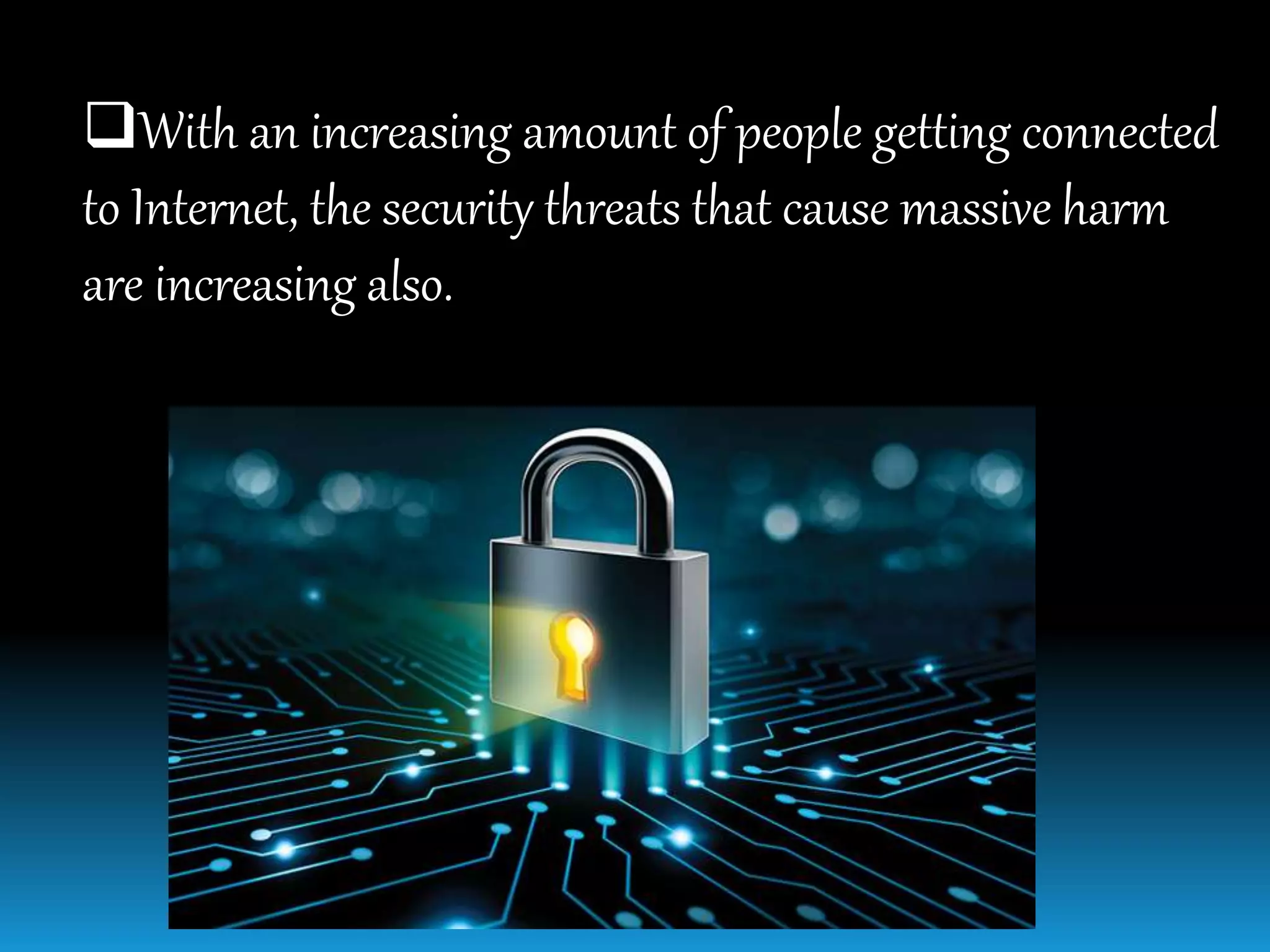
With an increasing amount of people getting connected
to Internet, the security threats that cause massive harm
are increasing also.
MEANING-CYBER
It is a combining form relating to information
technology, the Internet, and virtual reality.
Needofcybersecurity
Cyber security is necessary since it helps in securing
data from threats such as data theft or misuse, also
safeguards your system from viruses.
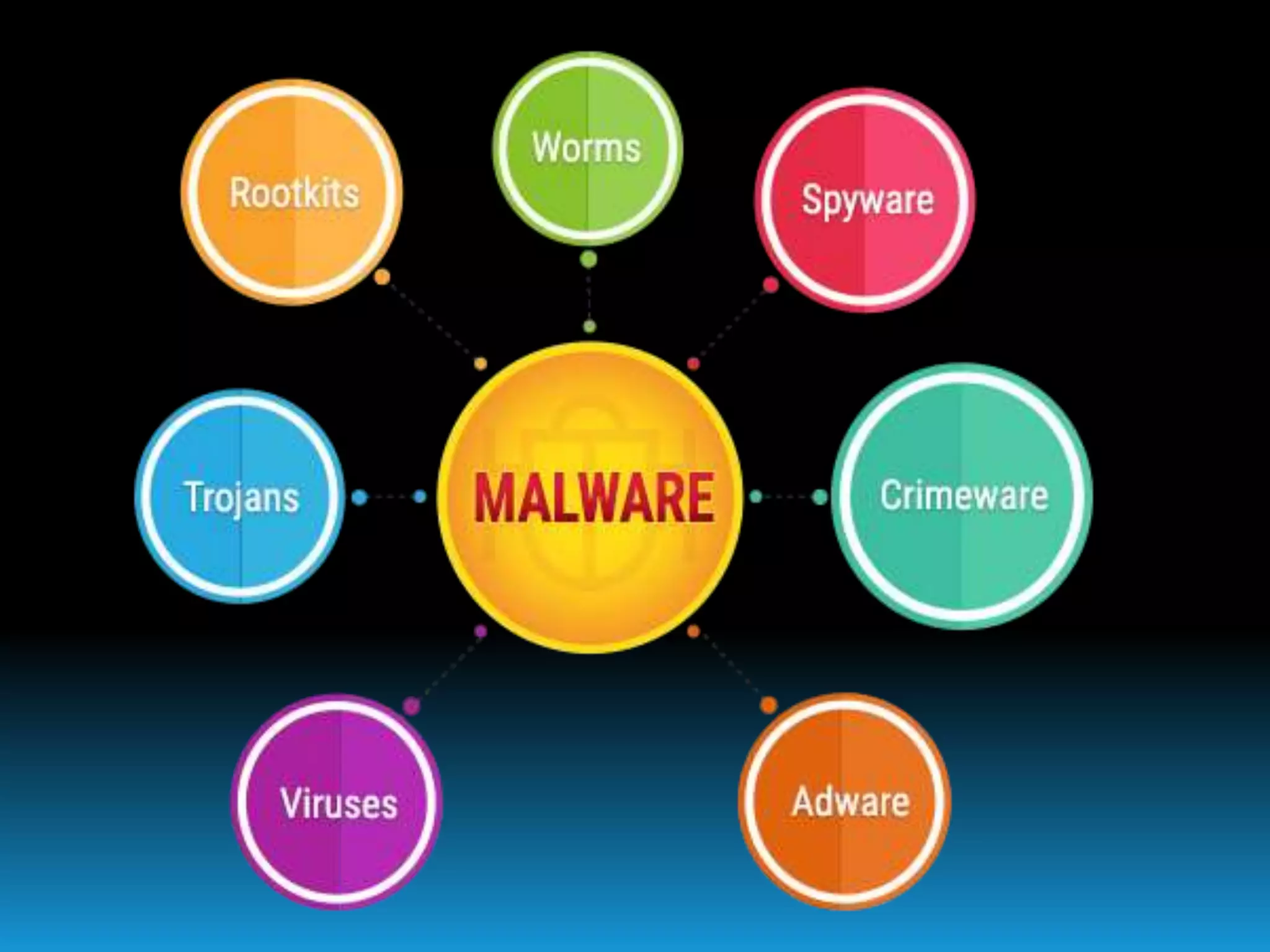
Majorsecurityproblems
Virus
Hacker
Malware
Trojan horses
Password cracking
Viruses
A Virus is a “program that is loaded onto your
computer without your knowledge and runs against
your wishes.
Solution
Install a security suite that protects the computer
against threats such as viruses .
Hackers
In common a hacker is a person who breaks into
computers, usually by gaining access to administrative
controls.
TypesofHackers
White Hat Hacker
 Grey Hat Hacker
 Black Hat Hacker
WhiteHatHacker
A white hat hacker is a computer security specialist
who breaks into protected systems and networks to test
and asses their security.
White hat hackers use their skills to improve security
by exposing vulnerabilities(weaknesses) before
malicious hackers (known as black hat hackers) can
detect and exploit them.
GreyHatHacker
The term "grey hat", alternatively spelled as greyhat or
"gray hat", refers to a computer hacker or computer
security expert who may sometimes violate laws(illegal)
or typical ethical standards, but does not have the
malicious intent typical of a black hat hacker.
BlackHatHacker
Black hat refers to a hacker who breaks into a
computer system or network with malicious intent.
A black hat hacker may exploit security vulnerabilities
for monetary gain; to steal or destroy private data , or to
alter, disrupt or shut down websites and networks.
Howtopreventhacking
It may be impossible to prevent(stop) computer
hacking, however effective security controls including
strong passwords, and the use of firewalls can helps.
Malware
The word "malware" comes from the term "MALicious
softWARE."
Malware is any software that infects and damages a
computer system without the owner's knowledge or
permission.
ToStopMalware
Download an anti-malware program that also helps
prevent infections.
Activate Network Threat Protection, Firewall,
Antivirus.
Maintain backup.
Keep you private information private
TrojanHorses
Trojan horses are email viruses that can duplicate
themselves, steal information, or harm the computer
system. These viruses are the most serious threats to
computers
HowtoAvoidTrojans
Security suites, such as Avast Internet Security, will
prevent you from downloading Trojan Horses.
PasswordCracking
Password attacks are attacks by hackers that are
able to determine passwords or find passwords to
different protected electronic areas and social network
sites.
SecuringPassword
Use always Strong password.
 Never use same password for two different sites.
Cyber security
Cyber security
Cyber security

Cyber security

  • 1.
  • 2.
    CONTENT  Introduction Understand : Whatis the meaning of the word CYBER ?  What is the need of Cyber Security ? What are the security problems in Cyber field ?  How to implement and maintain Security of a Cyber field around us ?
  • 3.
    INTRODUCTION The term cybersecurity is used to refer to the security offered through on-line services to protect your online information.  Cyber security or information technology security is the protection of computer systems from theft or damage to their hardware, software or electronic data, as well as from disruption or misdirection of the services they provide.
  • 4.
    With an increasingamount of people getting connected to Internet, the security threats that cause massive harm are increasing also.
  • 5.
    MEANING-CYBER It is acombining form relating to information technology, the Internet, and virtual reality.
  • 6.
    Needofcybersecurity Cyber security isnecessary since it helps in securing data from threats such as data theft or misuse, also safeguards your system from viruses.
  • 7.
  • 8.
    Viruses A Virus isa “program that is loaded onto your computer without your knowledge and runs against your wishes. Solution Install a security suite that protects the computer against threats such as viruses .
  • 10.
    Hackers In common ahacker is a person who breaks into computers, usually by gaining access to administrative controls.
  • 11.
    TypesofHackers White Hat Hacker Grey Hat Hacker  Black Hat Hacker
  • 12.
    WhiteHatHacker A white hathacker is a computer security specialist who breaks into protected systems and networks to test and asses their security. White hat hackers use their skills to improve security by exposing vulnerabilities(weaknesses) before malicious hackers (known as black hat hackers) can detect and exploit them.
  • 13.
    GreyHatHacker The term "greyhat", alternatively spelled as greyhat or "gray hat", refers to a computer hacker or computer security expert who may sometimes violate laws(illegal) or typical ethical standards, but does not have the malicious intent typical of a black hat hacker.
  • 14.
    BlackHatHacker Black hat refersto a hacker who breaks into a computer system or network with malicious intent. A black hat hacker may exploit security vulnerabilities for monetary gain; to steal or destroy private data , or to alter, disrupt or shut down websites and networks.
  • 15.
    Howtopreventhacking It may beimpossible to prevent(stop) computer hacking, however effective security controls including strong passwords, and the use of firewalls can helps.
  • 16.
    Malware The word "malware"comes from the term "MALicious softWARE." Malware is any software that infects and damages a computer system without the owner's knowledge or permission.
  • 17.
    ToStopMalware Download an anti-malwareprogram that also helps prevent infections. Activate Network Threat Protection, Firewall, Antivirus. Maintain backup. Keep you private information private
  • 19.
    TrojanHorses Trojan horses areemail viruses that can duplicate themselves, steal information, or harm the computer system. These viruses are the most serious threats to computers
  • 20.
    HowtoAvoidTrojans Security suites, suchas Avast Internet Security, will prevent you from downloading Trojan Horses.
  • 21.
    PasswordCracking Password attacks areattacks by hackers that are able to determine passwords or find passwords to different protected electronic areas and social network sites.
  • 22.
    SecuringPassword Use always Strongpassword.  Never use same password for two different sites.